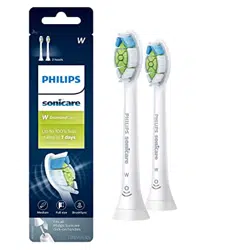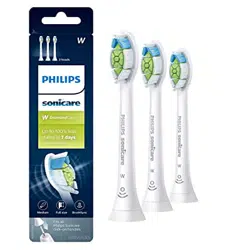

My Philips Sonicare toothbrush makes loud noise
Philips Sonicare Toothbrushes use powerful vibrations which produce up to 62,000 brush strokes
per minute, which could cause a loud noise. Use this video to try and solve this issue yourself.
Electric brushing
The sound and vibration of the Philips Sonicare may seem unusual to you if you are used to a
manual toothbrush. If this is your first electric toothbrush, it can take a while to get used to
electric brushing.
Identify where the noise is coming from
Remove the brush head. Do you still hear the same loud noise after removing the brush head?
If yes, the issue might be at the handle. Please contact us for further assistance.
If no, the issue might be at the brush head. Read along to try and solve this issue yourself
Brush head not well placed
Reattach the brush head. Make sure that the brush head is well placed and not loose or wobbly. A
small gap between the handle and the brush head is normal.
Counterfeit brush heads
Counterfeit brush heads may make more noise than genuine Philips Sonicare brush heads. We
recommend you to use genuine Philips Sonicare brush heads.
Brush head is worn
If you used the same brush head for more than three months, you might need to replace your
brush head. As brush heads wear out, they may start to produce more noise. We recommend
replacing the brush head every three months.
If replacing your brush head did not solve the issue, please contact us.
My Philips Sonicare brush head falls off from my
toothbrush handle
If your Philips Sonicare brush head falls off from your toothbrush handle, follow our solutions
below.
Brush head is not attached properly
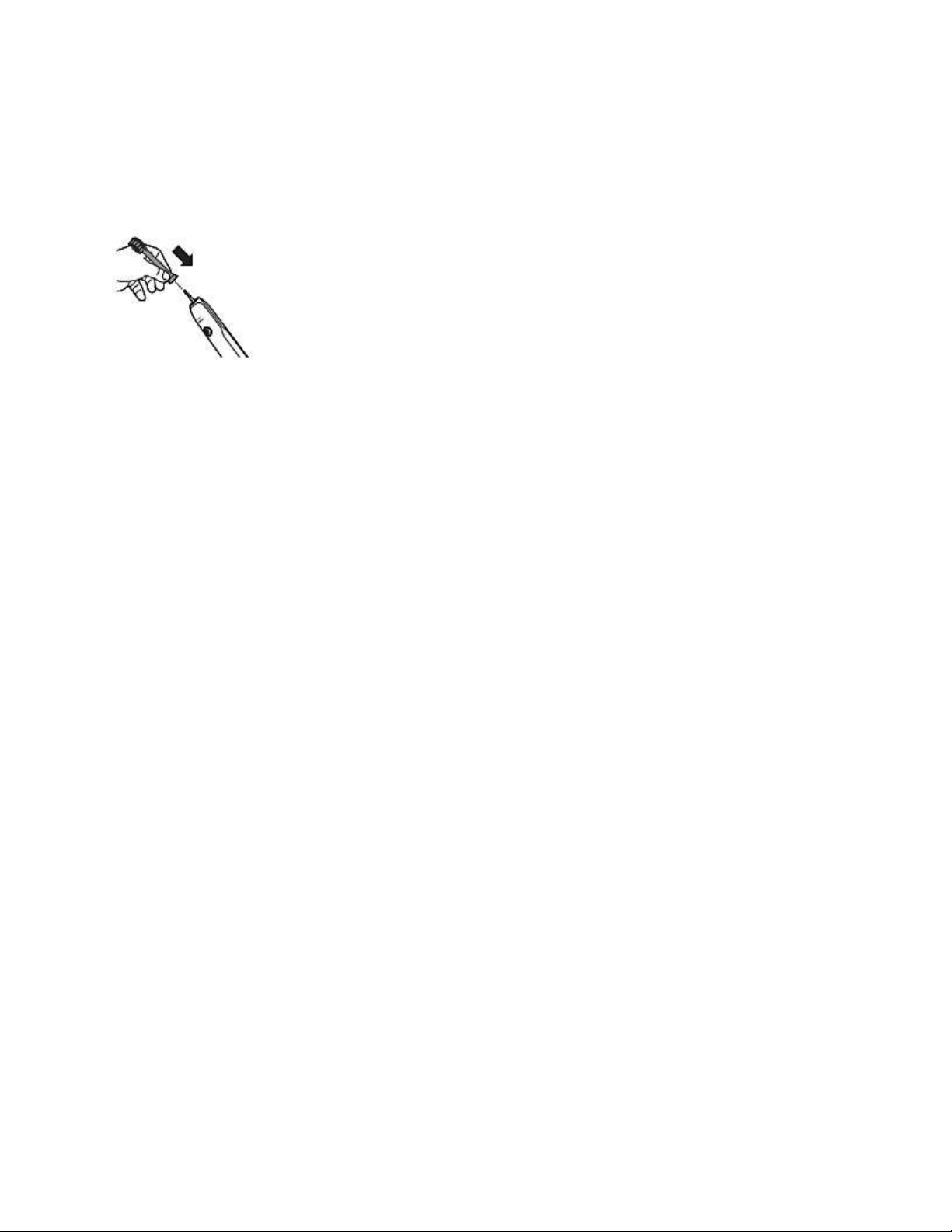
Ensure that the brush head is inserted properly and aligned in the same direction as the front
handle.
Note: There will be a small gap between the brush head and handle. This is normal.
Brush head or handle is dirty
Ensure that the bottom of the brush head and the area around the metal shaft is free of debris.
You can clean your brush head and metal shaft with lukewarm water or soft cloth.
Type of brush heads
Are you using brush head that is compatible with your Philips Sonicare tooth brush? Our
toothbrushes are only compatible with Philips Sonicare brush heads.
My Philips Sonicare Toothbrush is not turning on
Is your Philips Sonicare Toothbrush not turning on anymore? If there are no vibrations when
pressing the power button, you might want to use these possible causes and solutions to try and
solve this issue yourself.
The handle is empty or not fully charged
Do you see the battery indicator blinking or do you hear a beep when you put the handle on the
charger? If yes, this means that the handle is working properly but needs to be fully charged first.
Fully charge your Philips Sonicare Toothbrush. This can take up to 24 hours.
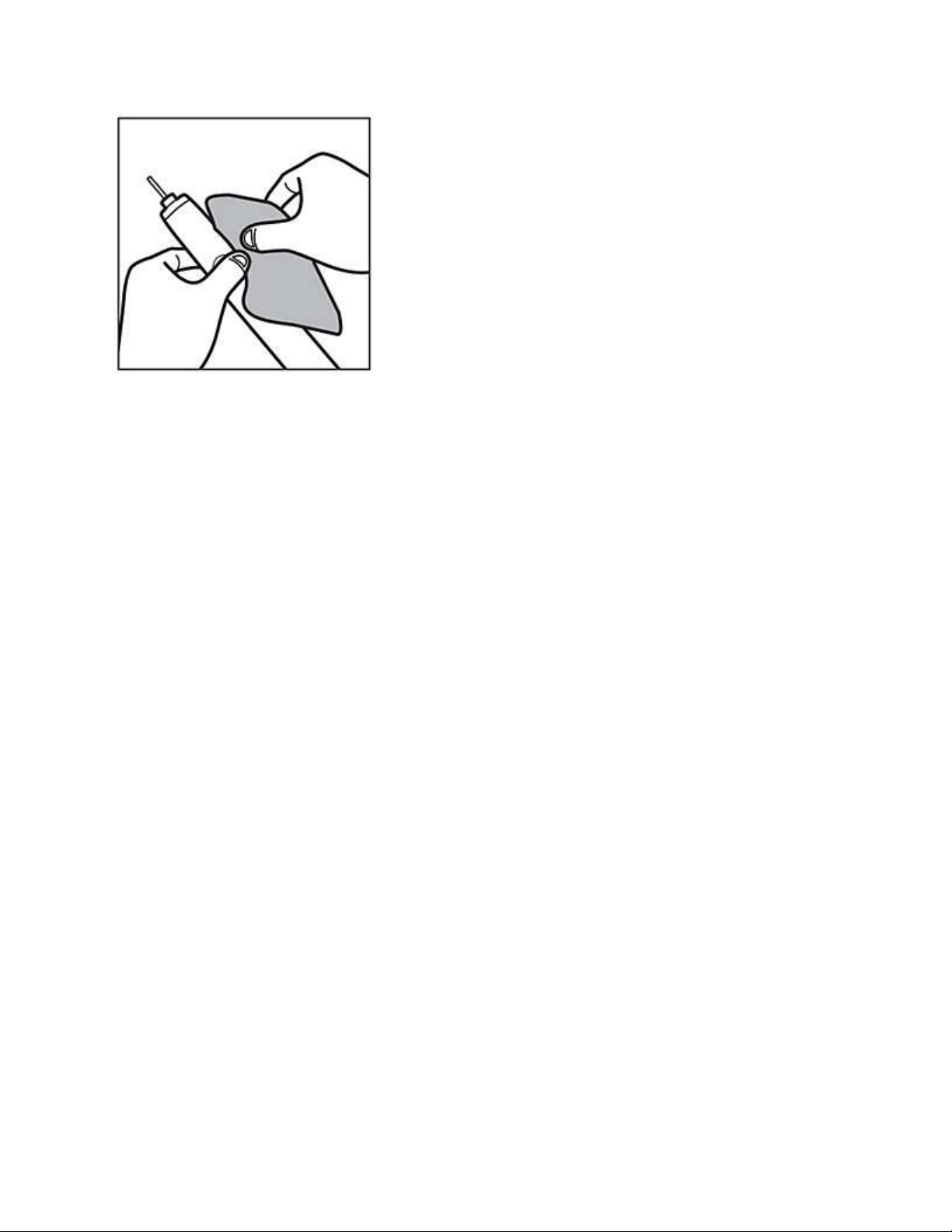
The power button is stuck
Toothpaste or debris could get inside the small gap around the power button. This might cause
the power button to get stuck and not properly functioning anymore. Clean the power button and
the area around it with a damp cloth to make sure it is free of debris.
Outlet is not working
Try another appliance in the same outlet. If that appliance is also not working, the issue might be
at the outlet. Try a different outlet to fully charge your Philips Sonicare Toothbrush. You might
need to reset a GFCI outlet.
Not using the original charger
Make sure that you use the original charger that came with your Philips Sonicare Toothbrush.
Charging components are not interchangeable.
If none of these possible solutions solved the issue, please contact us for further assistance.
My Philips Sonicare Toothbrush does not charge
Is your Philips Sonicare Toothbrush not charging? Use these possible causes and solutions to try
and solve this charging issue yourself.
Handle is not fully charged
Place your handle on the charger. If you see the battery indicator light (below the modes)
blinking, or if you hear a beep, it means that your toothbrush is charging. Fully charge your
Philips Sonicare Toothbrush for 24 hours.
If the flashing light turns off at some point during charging, this is normal.
Not using the original charger
Make sure that you use the original charger that came with your Philips Sonicare Toothbrush.
The charger that came with your toothbrush may not be compatible with another Philips Sonicare
Toothbrush. The DiamondClean series requires different glass chargers. Although the
chargers may look the same, they are not compatible.
Outlet is not working

Try another appliance on the same outlet. If that appliance is also not working, the issue might be
at the outlet. Try a different outlet to fully charge your Philips Sonicare Toothbrush. You might
need to reset a GFCI outlet. If none of these solutions solved the issue, please contact us for
further assistance.
Interferences
Metal surfaces or other chargers may interfere with your charger. Make sure that the
charger is not placed on a metal surface or near other chargers. Place the charger in a
different position and try again.
For glass chargers or wireless pad chargers:
Make sure that bottom of your toothbrush is touching the center of the charging glass or on the
charging pad.
For Toothbrush handles compatible with the Sonicare App
Your toothbrush gets software updates when connected to the app. This happens through
firmware updates. Some of these updates improve charging capability.
Follow these steps to check if you have the latest firmware installed on your toothbrush handle:
Update (or download) the latest version of the Philips Sonicare app from the App Store or
Google Play.
Open the Philips Sonicare app
Tap on the menu icon in the top left corner
Go to 'My Products'
Select your toothbrush
Select 'Handle update' to see if any updates are available
If you have updates available, please update the firmware of your handle by following the
instructions from the Philips Sonicare app.
My Philips Sonicare Toothbrush vibration is less powerfull than
before
Is your Philips Sonicare Toothbrush vibrating weakly or less powerful than before? You can use
these possible causes and solutions to try and solve this issue yourself.
Easy-start feature is activated
Some models come with the Easy-start feature activated. The Easy-start feature enables you to
increase the vibrations over time to get used to electric brushing. Disable the Easy-start feature to
increase the vibrations. You can find detailed instructions in the user manual that came with your
Philips Sonicare Toothbrush to deactivate the Easy-start feature.
Battery is almost empty

The vibrations of your Philips Sonicare Toothbrush weaken as the battery runs out. Fully charge
your toothbrush to increase vibrations. It can take up to 24 hours to fully charge your Philips
Sonicare Toothbrush. Be sure to use the original charger that came with your toothbrush. Some
Philips Sonicare Toothbrushes come with different types of chargers. They are not
interchangeable.
Worn out brush head
Older brush heads can seem less effective or powerful while brushing. We recommend you to
replace your brush head after 3 months of use.
My Philips Sonicare toothbrush vibration is too powerful
If you find that your Philips Sonicare toothbrush vibration is too powerful, you can adjust the
intensity settings. Below you will find a tip and more information on how you can adjust it.
First time usage
If you are using your Sonicare toothbrush for the first time, it is normal to feel more vibration
than when using a non-electric toothbrush.
We advise you to activate the EasyStart setting, which is a feature that gently increases the
power over the first 14 brushings to help you get used to the brushing with the Philips Sonicare
toothbrushes.
To activate the EasyStart feature, see the user manual for step-by-step instructions.
Adjust the intensity setting
Your Philips Sonicare toothbrush gives you the option to choose between 3 different intensity
levels: low, medium and high. To adjust the settings, simply press the mode/intensity button
while brushing.
If any of these solutions did not solve the issue, please contact us for further assistance.