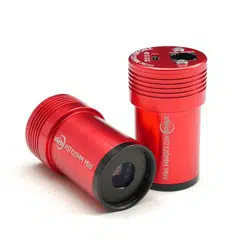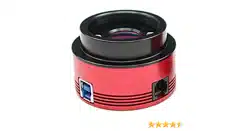

ASI174 Manual
Revision 1.4
Aug, 2021
All materials related to this publication are subject to change without notice and its
copyright totally belongs to Suzhou ZWO CO.,LTD.

ASI174 Manual
2
ASI174 Manual ............................................................................................................................... 1
1. Instruction ................................................................................................................................. 3
2. Camera Models and Sensor Type ............................................................................................. 4
3. What's in the box? ..................................................................................................................... 5
4. Camera technical specifications ................................................................................................ 6
5. QE Graph & Read Noise ............................................................................................................... 7
6. Getting to know your camera ........................................................................................................ 9
6.1 External View ...................................................................................................................... 9
6.2 Power consumption: ............................................................................................................ 9
6.3 Protect Window ................................................................................................................... 9
6.4 Analog to Digital Converter (ADC) .................................................................................. 10
6.5 Binning .............................................................................................................................. 10
7. How to use your camera ............................................................................................................. 11
8. Clean the camera and redry desiccant ......................................................................................... 13
9. Mechanical drawing .................................................................................................................... 14
10. Servicing ................................................................................................................................... 15
11. Warranty ................................................................................................................................... 15

ASI174 Manual
3
1. Instruction
Congratulations and thank you for buying one of our ASI Cameras!This manual will give you a
brief introduction to your ASI camera. Please read it thoroughly. If you have any other questions,
please feel free to contact us. info@zwoptical.com
ASI174 Cameras are designed for astronomical photography.
Its excellent performance and multifunctional usage will impress you a lot!
For software installation instructions and other technical information please refer to “Support” on
our official website.
https://astronomy-imaging-camera.com/
ASI174 Manual
4
2. Camera Models and Sensor Type
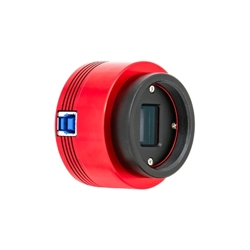
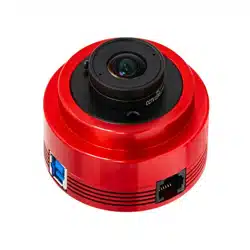
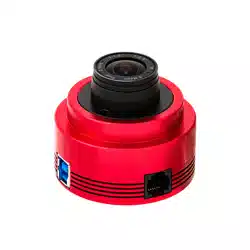
There are 4 types of ASI174 models:
Models
Mono or Color
Interface
Sensor
ASI174MM
Mono
USB2.0
IMX174LLJ
ASI174MC
Color
USB2.0
IMX174LQJ
ASI174MM-C
Mono
USB3.0
IMX174LLJ
ASI174MC-C
Color
USB3.0
IMX174LQJ
Why do I choose ASI174?
Our ASI174 comes with a large sensor, large pixel size, high frame rate and comparatively high
resolution. Most importantly, with SONY IMX174 CMOS sensor, this image sensor makes SONY
Pregius Global Shutter CMOS technology available for amateurs who wants to focus on high
quality Lunar , Solar and deep sky imaging.
Monochrome VS Color
Monochrome camera sensors are capable of higher details and sensitivity than color sensors, but
you need additional accessories such as filter wheel and filters. The post-processing is more
complicated too. So color camera is often recommended for beginner of astrophotographer.
TEC cooling will help to reduce dark current noise for long exposures. For short exposures, such
as under one second, the dark current noise is very low. However, cooling is recommended for
DSO imaging when long exposures are required.
ASI174 Manual
5
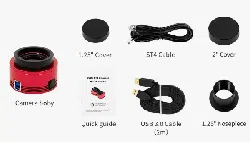
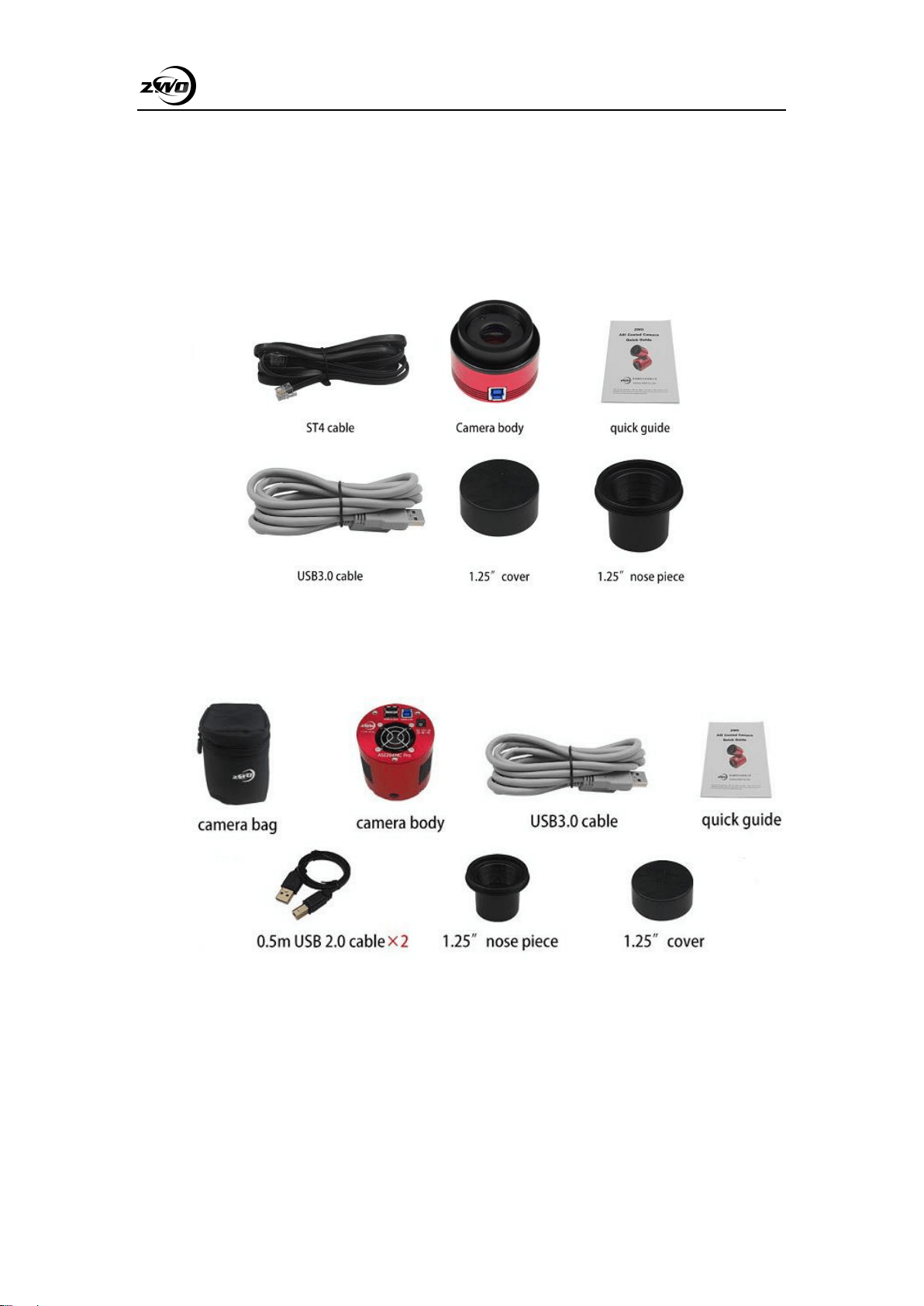
3. What's in the box?
ASI174MM and ASI174MC
ASI174MM-COOL or ASI174MC-COOL
ASI174 Manual
6
4. Camera technical specifications
Sensor
IMX174LLJ / IMX174LQJ
Resolution
2.3Mega Pixels 1936×1216
Pixel Size
5.86μm
Max FPS at full resolution
164FPS(10bitADC)
Shutter
Global shutter
Exposure Range
32μs-1000s
Read Noise
3.5e @ 30db gain
QE peak
78%
ADC
12 bit/10 bit
Interface
USB3.0
Adapters
2″ / 1.25″ / M42X0.75
Back focus distance
Uncooled 6.5mm/Cooled 6.5mm
Dimensions
Uncooled 62mm/Cooled 78mm
Weight
Uncooled 140g/Cooled 410g
Cooling(cooled cameras):
Regulated Two Stage TEC
Delta T
35°C -40°C below ambient
Cooling Power consumption
12V at 2A Max
Supported OS
Windows, Linux & Mac OSX
Working Temperature
-5°C—45°C
Storage Temperature
-20°C—60°C
Working Relative Humidity
20%—80%
Storage Relative Humidity
20%—95%
ASI174 Manual
7
5. QE Graph & Read Noise
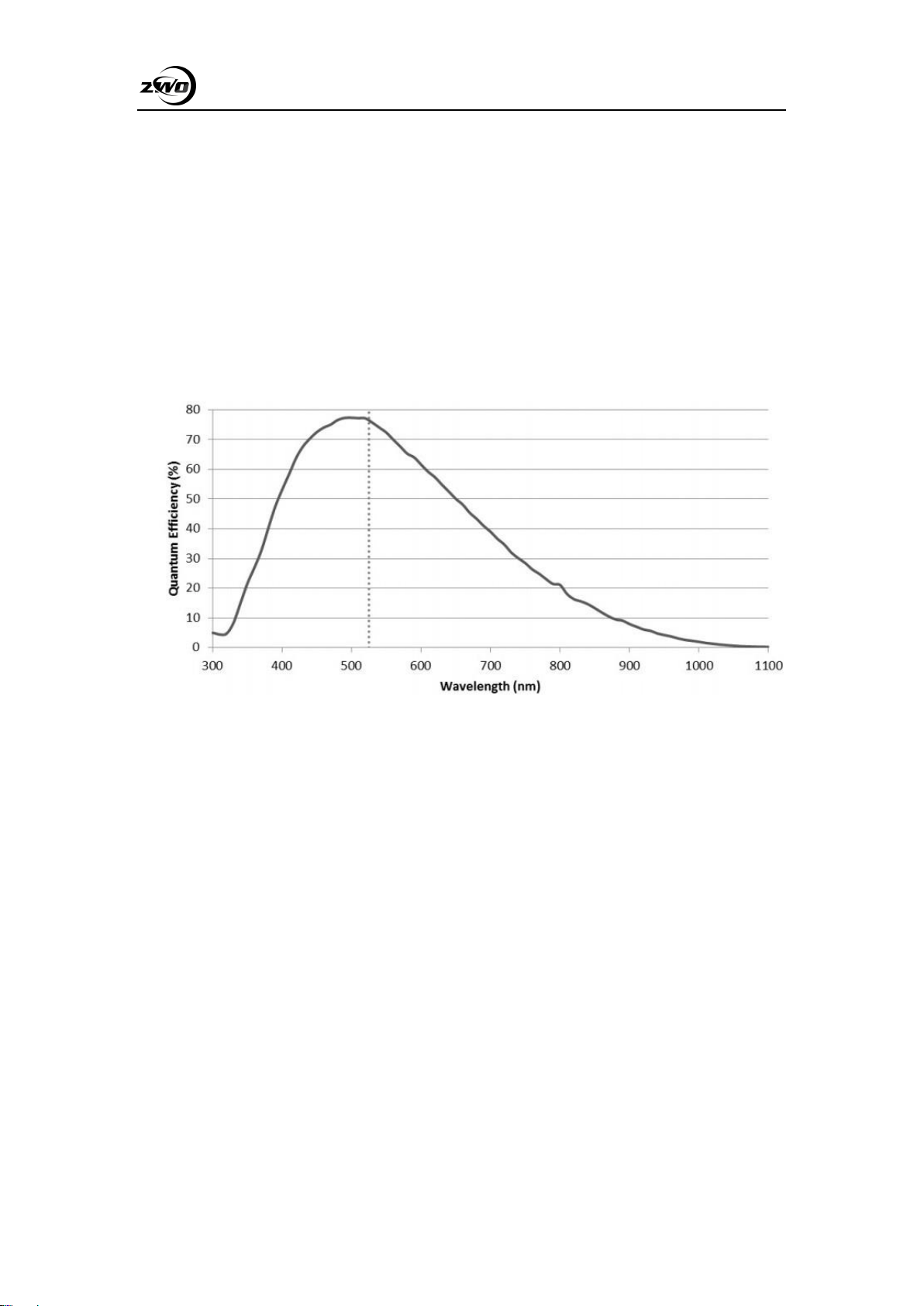
QE and Read noise are the most important parts to measure the performance of a camera.
Higher QE and Lower read noise are needed to improve the SNR of an image.
Relative QE : the peak value of QE is around 78%
ASI174 Mono Sensor
ASI174 Manual
8
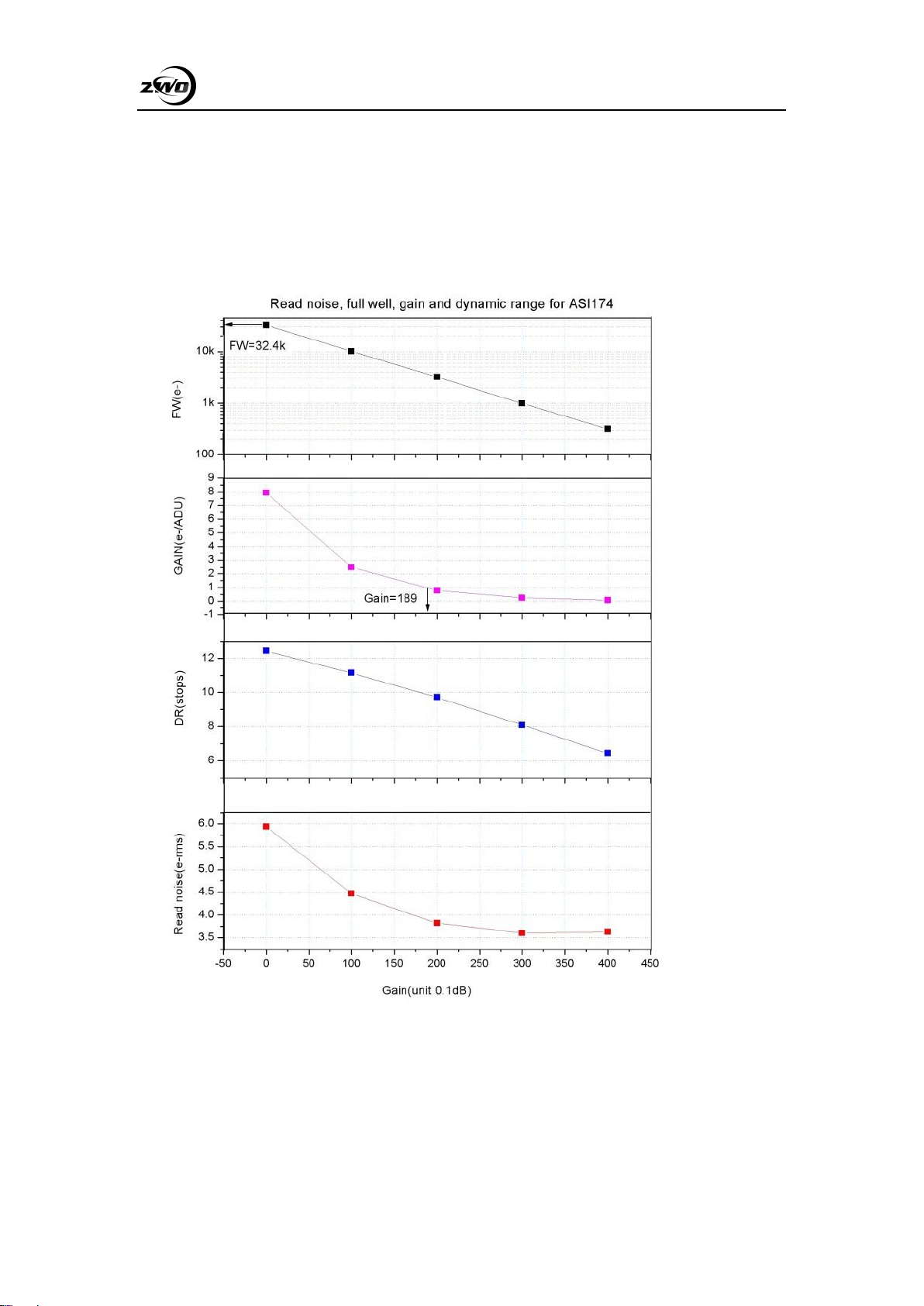
Read Noise includes pixel diode noise, circuit noise and ADC quantization error noise, and the
lower the better.
The Read Noise of the ASI174 cameras is extremely lower when compared with traditional CCD
cameras. It is even lower when the camera is set at a higher gain.
Depending on your target, you can set the Gain lower for higher Dynamic Range (longer exposure)
or set the Gain higher for lower noise (such as short exposure or lucky imaging).
ASI174 Manual
9
6. Getting to know your camera
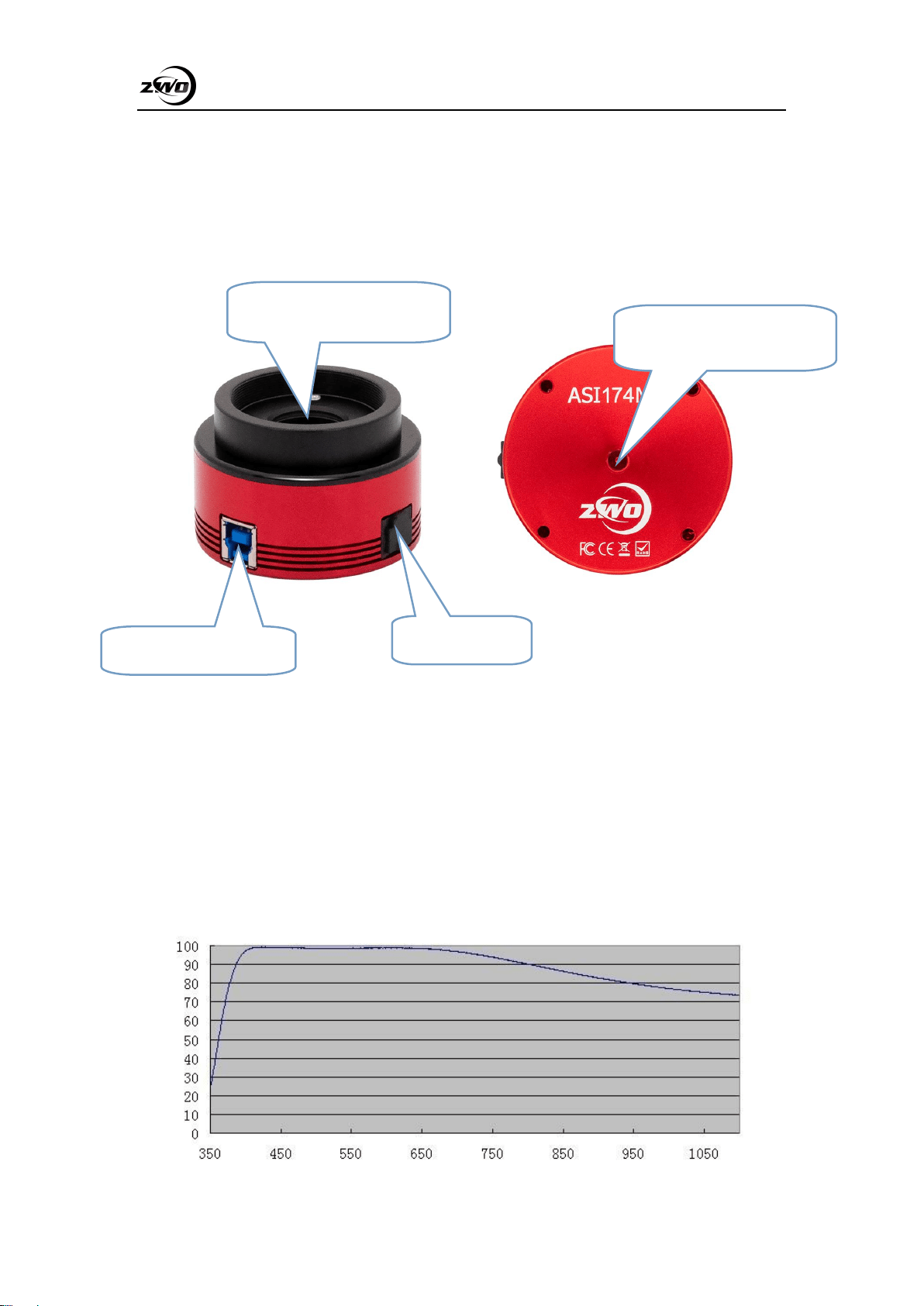
6.1 External View
6.2 Power consumption:
ASI174 cameras are designed to have very low power consumption which is around 300ma@5V.
You only need the USB cable to power up the camera.
6.3 Protect Window
There is an AR protect window in the ZWO ASI174MM. Diameter is 25mm, thickness is 1.1mm.
USB3.0 & USB2.0 IN
ST4 guide port
1/4” screw
You can mount to tripod
AR Portective Window
D25*1.1mm

ASI174 Manual
10
6.4 Analog to Digital Converter (ADC)
The ASI174 camera records in 12bit ADC and 10bit ADC. You can image at a faster fps rate if you
choose to use 10bit ADC (high speed mode). This camera also supports ROI (region of interest)
shooting, and this smaller ROI has faster fps.
Resolution
12bit ADC
10bit ADC
1936x1216
128fps
164fps
640x480
309fps
397fps
320x240
577fps
740fps
6.5 Binning
The ASI174 camera supports software bin2 mode. You should use 10bit ADC. We recommend
customer to use software binning if you don’t care speed.
ASI174 Manual
11
7. How to use your camera
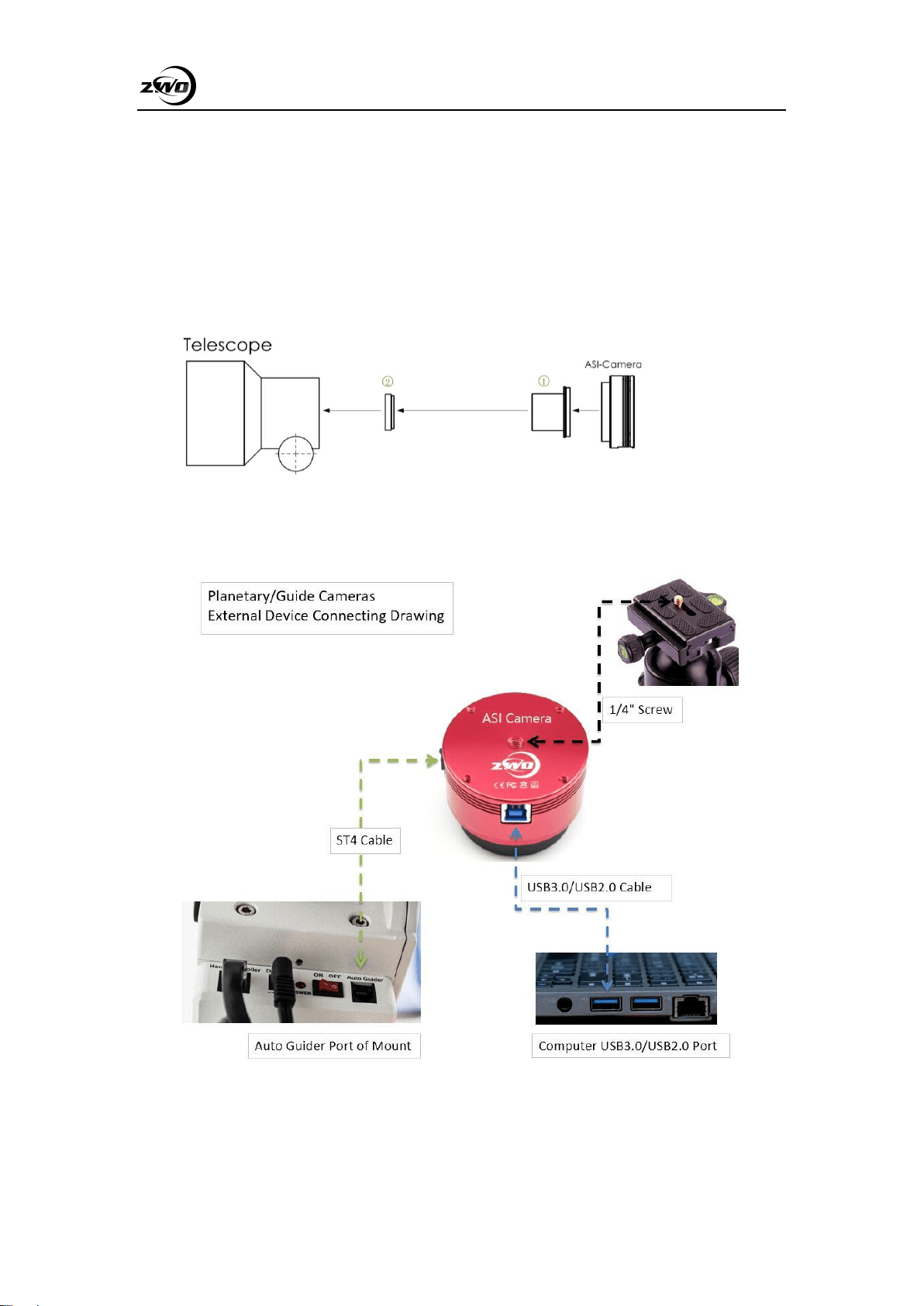
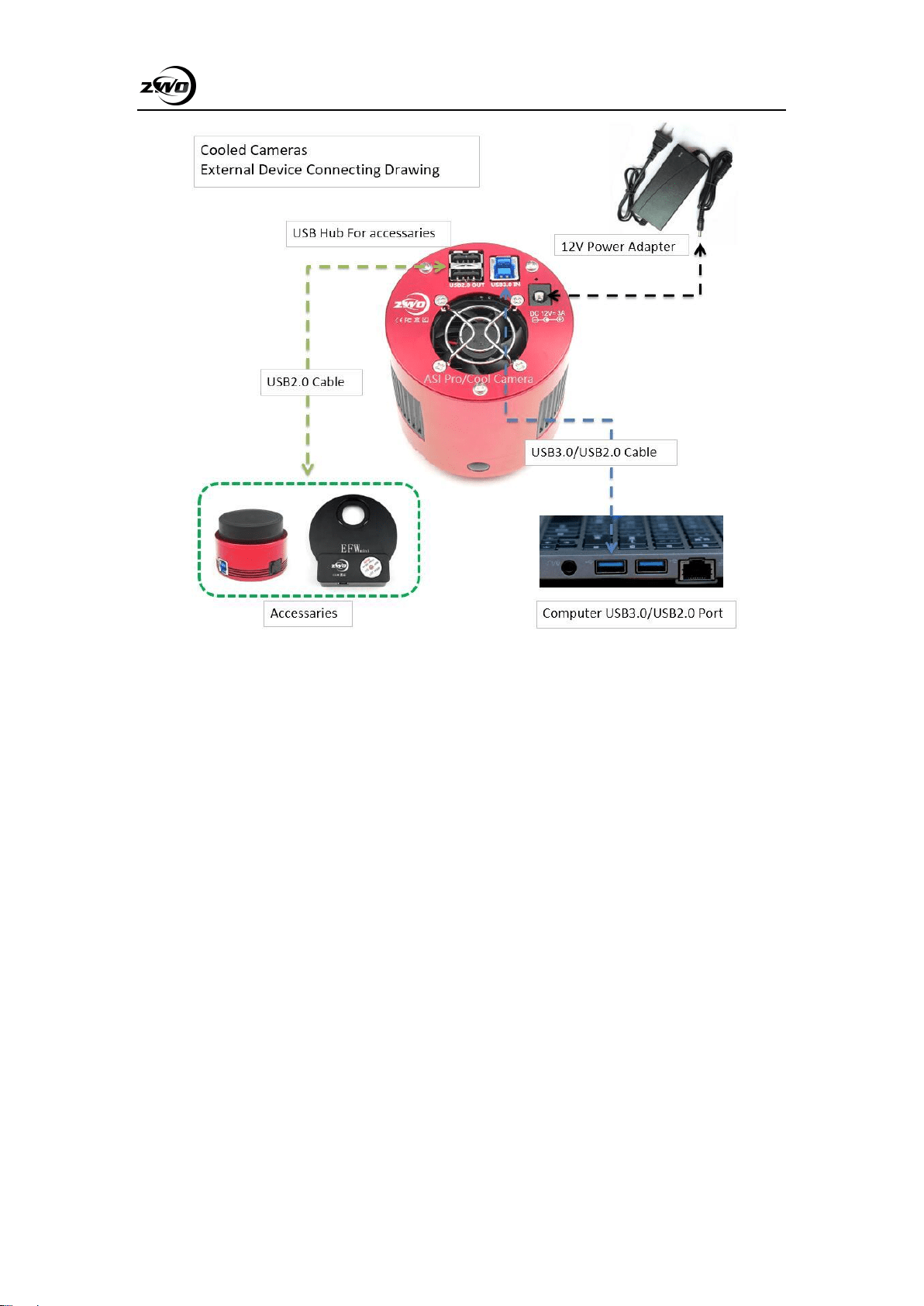
There are many adapters available for this camera for connecting to your scope or lens. Some are
included with the camera and others you can order from our site:
1. 1.25” T-Mount
2. 1.25”filter(optional)
ASI174 Manual
12
ASI174 Manual
13
8. Clean the camera and redry desiccant
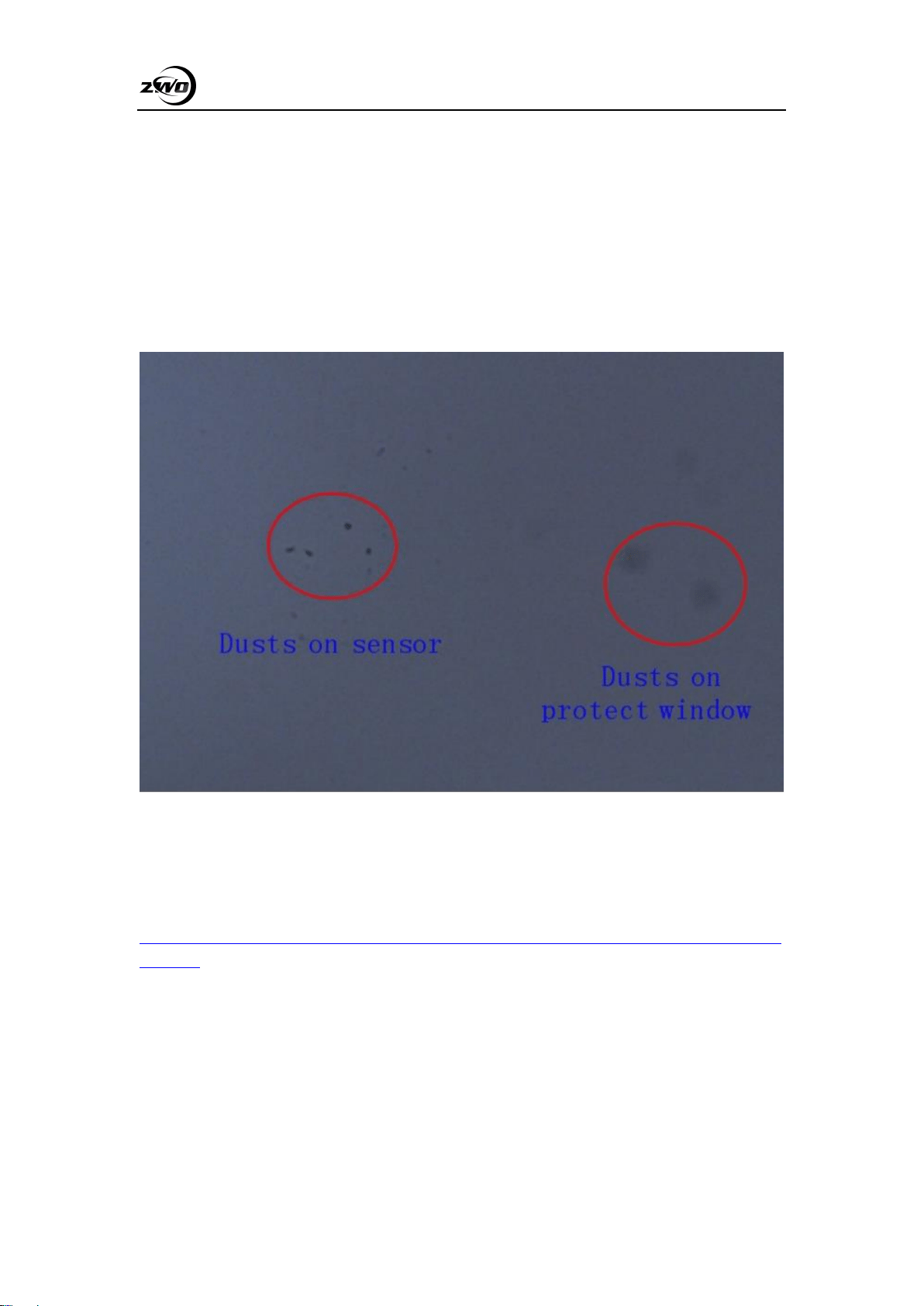
The camera comes with an AR protect window, which can protect the sensor from dust and
humidity. Should you need to clean the sensor, it’s better to do so during the daytime. To see the
dust, you just need to setup your telescope and point it to a bright place. A Barlow is required to
see these dusts clear. Then attach the camera and adjust the exposure to make sure not over
exposed. You can see an image like below if it’s dirty.
The big dim spot on the image (at right ) are the shadows of dust on the protect window.
The very small but very dark spot in the image (at left) are the shadows of the dusts on the sensor.
The suggested way to clean them is try to blow them away with a manual air pump. To clean the
dust on the sensor you will need to open the camera chamber.
We have a very detailed instruction on our website:
https://astronomy-imaging-camera.com/manuals/How_to_clean_ASI_camera_and_redry_the_desi
ccant.pdf
ASI174 Manual
14
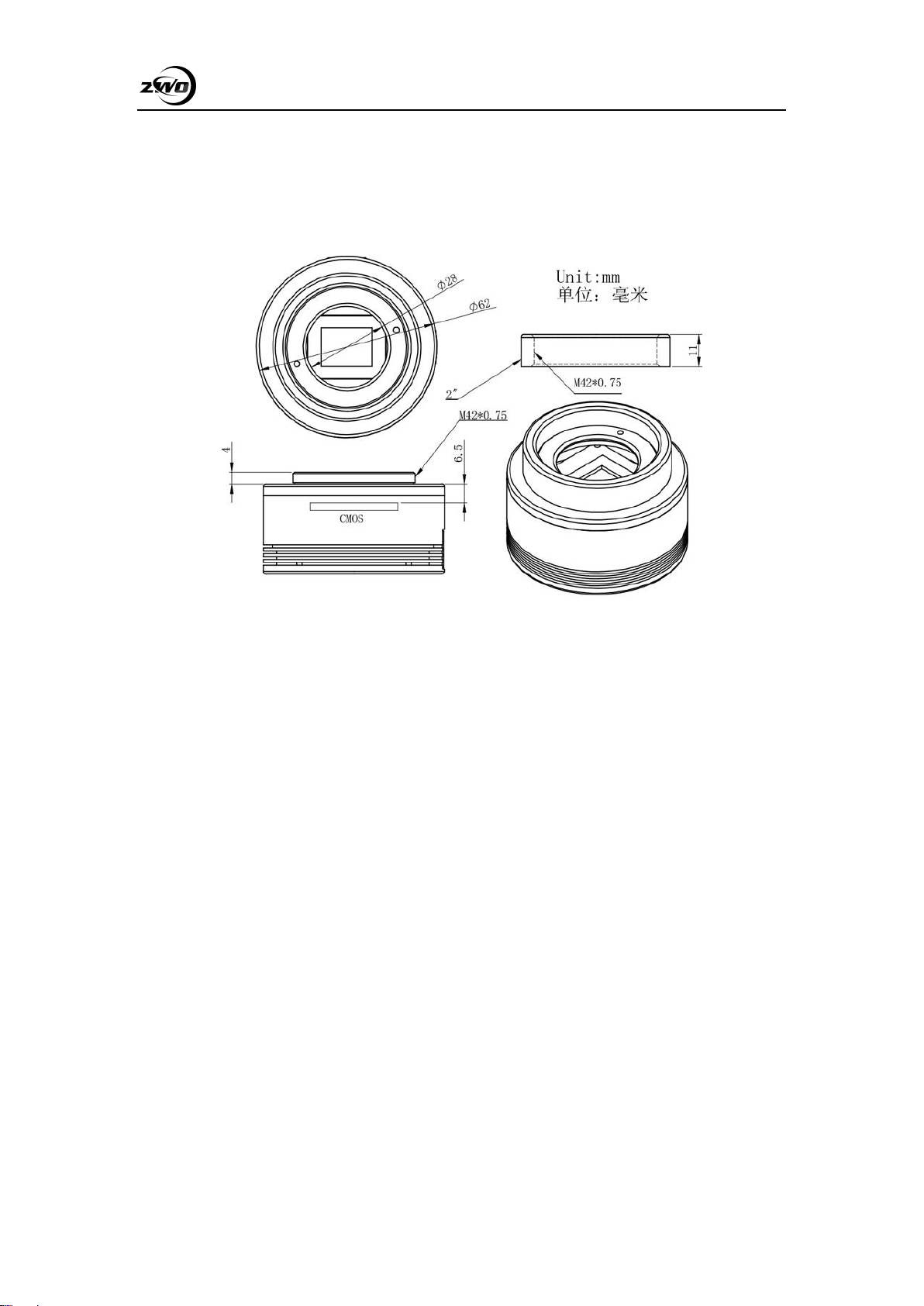
9. Mechanical drawing
ASI174MM

ASI174 Manual
15
10. Servicing
For software upgrades please refer to “Support-manual and software” on our official website.
https://astronomy-imaging-camera.com/
For repairs and consultation: https://support.astronomy-imaging-camera.com/
For customers who bought the camera from your local dealer, dealer is responsible for the
customer service.
11. Warranty
We provide 2-year warranty for our products, we will offer repair service for free or replace for
free if the camera doesn’t work within warranty period.
After the warranty period, we will continue to provide repair support and service on a charged
basis.
This warranty does not apply to damage that occurred as a result of abuse or misuse, or
caused by a fall or any other transportation failures after purchase.
Customer must pay for shipping when shipping the camera back for repair or replacement.