Home » Google » Google GA01998-US Nest Security Cam Instruction Guide
Contents [ hide
1 Google GA01998-US Nest Security
Cam
2 SPECIFICATION
3 PRODUCT DESCRIPTION
4 WHAT’S INCLUDED
5 FEATURES
6 FAQs
7 Video
8 Related Posts
Google GA01998-US Nest Security Cam
Google GA01998-US Nest Security Cam Instruction Guide
Manuals+ — User Manuals Simplified.
SPECIFICATION
RECOMMENDED USES FOR PRODUCT Surveillance
BRAND Google
MODEL NAME GA01998-US
INDOOR CONNECTIVITY TECHNOLOGY Wireless
SPECIAL FEATURE Motion Sensor
PLACEMENT Indoor
POWER SOURCE Wired only
3-HOUR EVENT VIDEO HISTORY [3] Yes – included
1 HOUR LOCAL BACKUP STORAGE [5 ] Wi-Fi outage only
REQUIRED APP (FREE) Google Home app
PRODUCT DIMENSIONS 24 x 2.52 x 3.88 inches
ITEM WEIGHT 1 ounces
PRODUCT DESCRIPTION
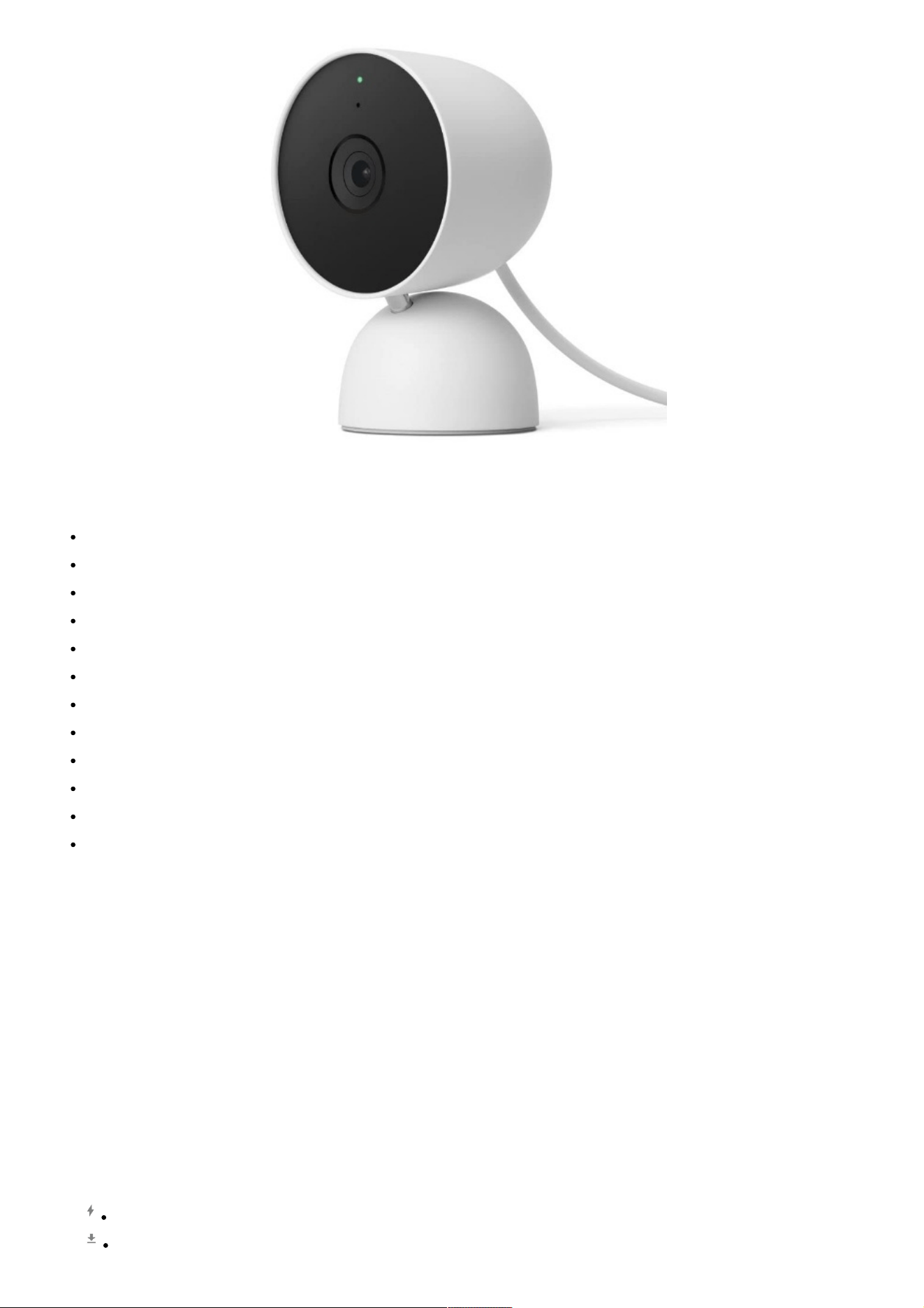
The indoor Nest Cam security camera knows the difference between a person and a pet, and alerts you about the
things that matter to you. The camera’s 24/7 live view shows you what’s happening from anywhere in the Google
Home app.[1] And with up to 3 hours of free event video history, you can go back and see what you missed.[2]
This home security camera lets you view live HD video, replay video recordings, talk to visitors, and more – all
from the Google Home app. Nest Cam requires a free Google Account and is not compatible with the Nest app.
[1]Some features, including mobile notifications, remote control, video streaming, and video recording, require
working internet and Wi-Fi. [2]Up to 3 hours recording. Learn more at g.co/nest/3hours. [3]Nest Aware
subscription sold separately. Continuous video recording requires that you wire Nest Cam. [4]Learn more at
g.co/nest/cam-mem.
SET UP YOUR GOOGLE NEST CAM
Plug your Nest Cam into an outlet
Get the Google Home app
Tap + to add your camera
NEST PRO INSTALLER CAN HELP
Connect with an independent installer who’s trained to install Google Nest products at g.co/nest/install
WHAT’S INCLUDED
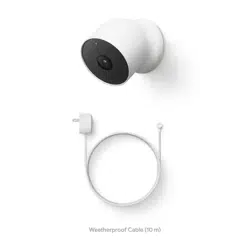
You may need a screwdriver, drill, and step ladder To purchase and install with a weatherproof cable or indoor
stand, visit g.co/nestcam/accessories charge cable and power adapter per box
FEATURES
Nest Cam has built-in intelligence and can tell the difference between a person, animal, and vehicle and send
alerts directly through the Google Home app[1], no subscription required. Controller Type: Google Assistant.
Connectivity protocol: Bluetooth; Wi-Fi. Power source type: Corded Electric
Easily check in from anywhere 24/7 with 1080p HDR video[1] with night vision, and see what you missed with 3
hours of free event video history[2]; add a Nest Aware subscription (sold separately) for up to 60 days of video
history[3]
If your Wi-Fi goes down, Nest Cam will store up to 1 hour of recorded events so you can see what you missed
[4]
Take action in an instant if something happens; talk and listen with the built in speaker and mic on your security
camera or call your local emergency service directly from the Google Home app (Nest Aware subscription
required)[5]
Set up Activity Zones to receive phone notifications about specific areas of your home and know when familiar
faces arrive (Nest Aware subscription required for familiar face alerts)[1,6]
Stream your live video feed hands-free on compatible smart displays with Google Assistant, and compatible
smart displays, smart TVs, and tablets with Amazon Alexa
Nest Cam requires the Google Home app and a free Google Account – it’s not compatible with the Nest app or
the Nest site
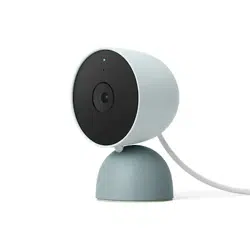
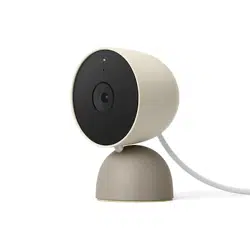
Nest Cam is designed to fit any home’s style; it comes in a range of colors and the built-in stand lets you place
it on a wall or table
Set up Home & Away Routines to automatically turn your Nest Cam off when you’re home, so no video is
streamed or recorded until you leave[7]
Please refer to the product description section below for all applicable legal disclaimers denoted by the
bracketed numbers in the preceding bullet points (e.g., [1], [2], etc.)
Note: Products with electrical plugs are designed for use in the US. Outlets and voltage differ internationally and
this product may require an adapter or converter for use in your destination. Please check compatibility before
purchasing.
FAQs
Can the Google GA01998-US Nest cameras continuously record?
You might be able to acquire a continuous, uninterrupted recording with Nest Aware Plus, allowing you to see

everything that happens before, during, and after an event. Don’t forget anything. You can monitor everything that
happens by upgrading to Nest Aware Plus. In addition to 10 days of 24/7 video history, you will also receive 60
days of event video history.
Can you determine whether a Google GA01998-US Nest camera is being watched?
On is the Nest Cam. the Wi-Fi connection. Someone is looking when the colour green blinks. The speaker’s blue
blinking indicates someone is speaking over them.
How long is the footage kept on the Nest Camera from Google, model number GA01998-US, without a
subscription?
You can view up to 3 hours of event video history without a membership if you have a more recent camera, like a
Nest Cam or Nest Doorbell (both require batteries). You must sign up for Nest Aware in order to get event video
history or 24/7 video history for the majority of older Nest camera and doorbell devices.
Is it simple to steal the Google GA01998-US Nest camera?
The video from your doorbell or camera is safely stored in the cloud. If a thief does not know your password, they
cannot access it in any way. The thief won’t be able to see or hear anything even if they steal your doorbell.
What does the Google GA01998-US Nest camera’s blue light signify?
The status light will start to pulse blue when your camera is ready to connect. I want to communicate. The status
light will pulse a bit faster while your camera is attempting to connect to the app and Wi-Fi network. A status light
in white blinks. efficiently linked.
Can a different person access my Google GA01998-US Nest camera?
You may give other Nest app users access to your home and your Nest products by creating family accounts.
Depending on the shared access level you choose, the people you invite can add, remove, and control Nest
products via the Nest app. The maximum number of residents in a Nest residence is 20. owner only
How long does a Google GA01998-US Nest camera last?
Wireless cameras’ short battery lives are a downside, but the Nest Cam Battery lasts for a very long period before
needing to be recharged. You may anticipate your battery to last somewhere between 1.5 and 7 months,
depending on how much activity you engage in.
How can I view the history of my Google GA01998-US Nest camera?
Recorded events can be found in the Feed and home history areas of the Home app for each Nest camera type
you possess.
Are Google GA01998-US Nest cameras capable of local recording?
The Nest Cam (wired) saves video to local storage in a somewhat different manner. It may still record video and
store it locally when Wi-Fi or the Internet are unavailable before uploading it to the cloud when service is restored.
What deters theft of the Nest Cam model GA01998 from Google?
To easily prevent camera theft, use the Wasserstein Anti-Theft Mount. Anti-drop. You can stop damage to your
camera with its anti-drop feature. For safety, it is recommended to use the Anti-Theft Mount when mounting the
Google Nest Cam higher than 2M (6.5 ft) from the ground.
What happens if Google GA01998-US Nest camera loses Wi-Fi?
Restart your doorbell or camera to reestablish a connection. Go to the video stream for your offline camera a short
while after restarting. The live video stream will be visible if your camera reconnects.
What does the red dot on the Google Nest camera GA01998-US mean?
“When the status light is solid red, the LED isn’t functioning properly. You can contact Nest Support if you need
help.”
Can you disable the Google GA01998-US Nest camera’s green light?
There is no longer a way to turn off the status light. In order to prevent trespassers or sleeping babies from seeing
the cameras, we have created an easy-to-install vinyl sticker that blocks the light. The NEST STATUS LIGHT
COVER will restore the privacy of your cameras.
What does the orange light on the Nest camera model Google GA01998-US mean?
Your Nest Cam is not connected to the internet if the status indication is orange. Check for any interference and
confirm that your network can connect to the camera. Try again setting up and connecting to Wi-Fi if the problem
still exists.
Is it possible for me to have two Google GA01998-US Nest cameras?
If you have many homes listed in the Google Home or Nest app, you can relocate a camera or doorbell from one
place to another. Just remove it from your app account, select the new location, and follow the setup instructions
for your device after that.
Video
Manuals+, home privacy
https://manuals.plus/wp-content/uploads/2022/12/google-ga01998-
00:00
00:00