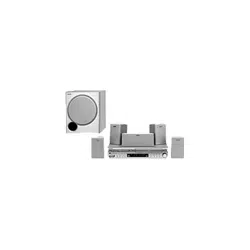
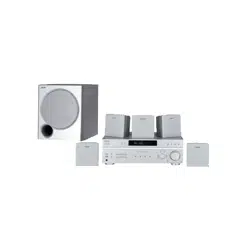
#1 How do I connect the Sony SAVA-27 speaker system to my audio components?
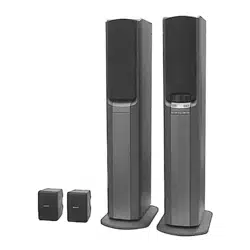
To connect the Sony SAVA-27 speaker system to your audio components, follow these steps:
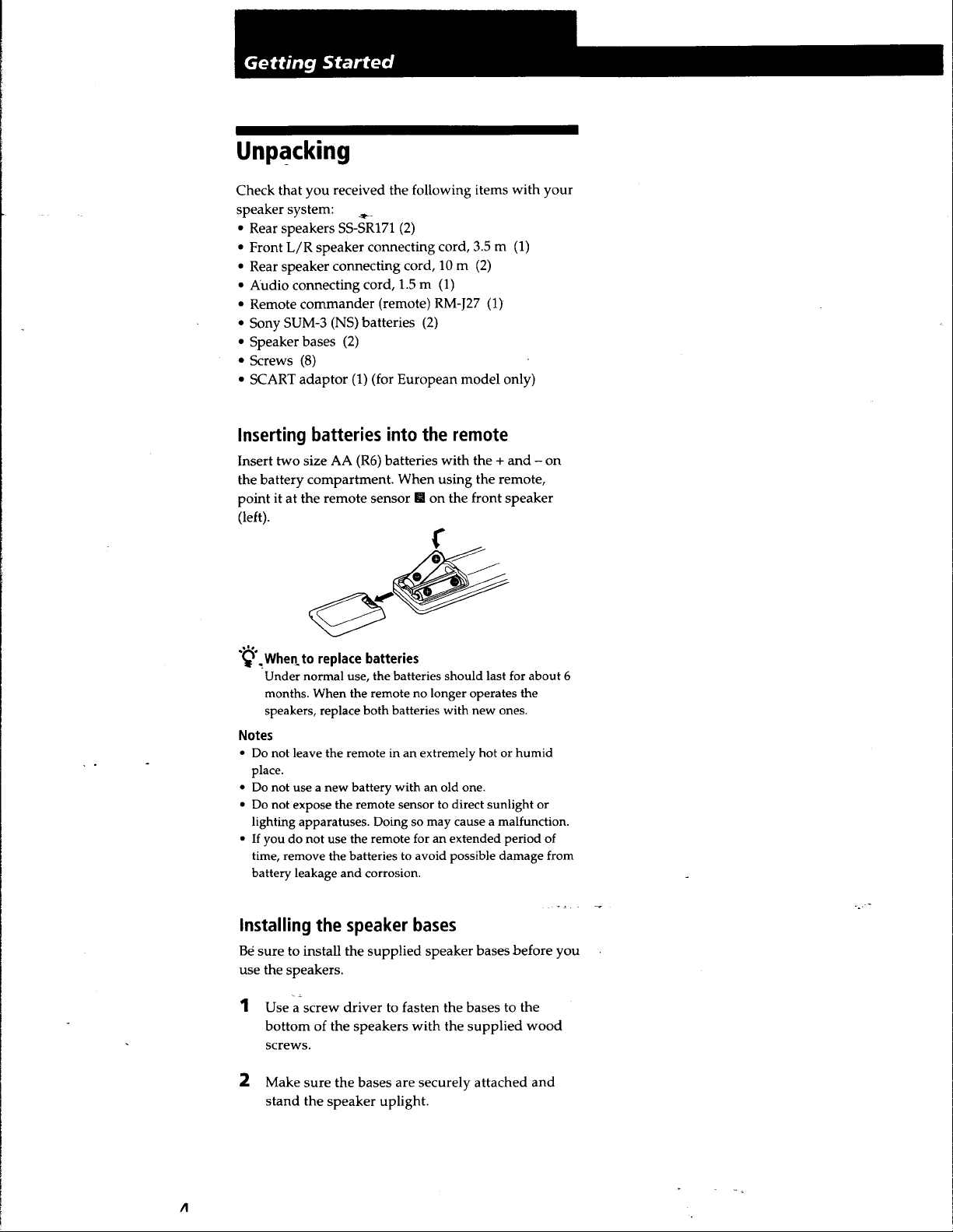
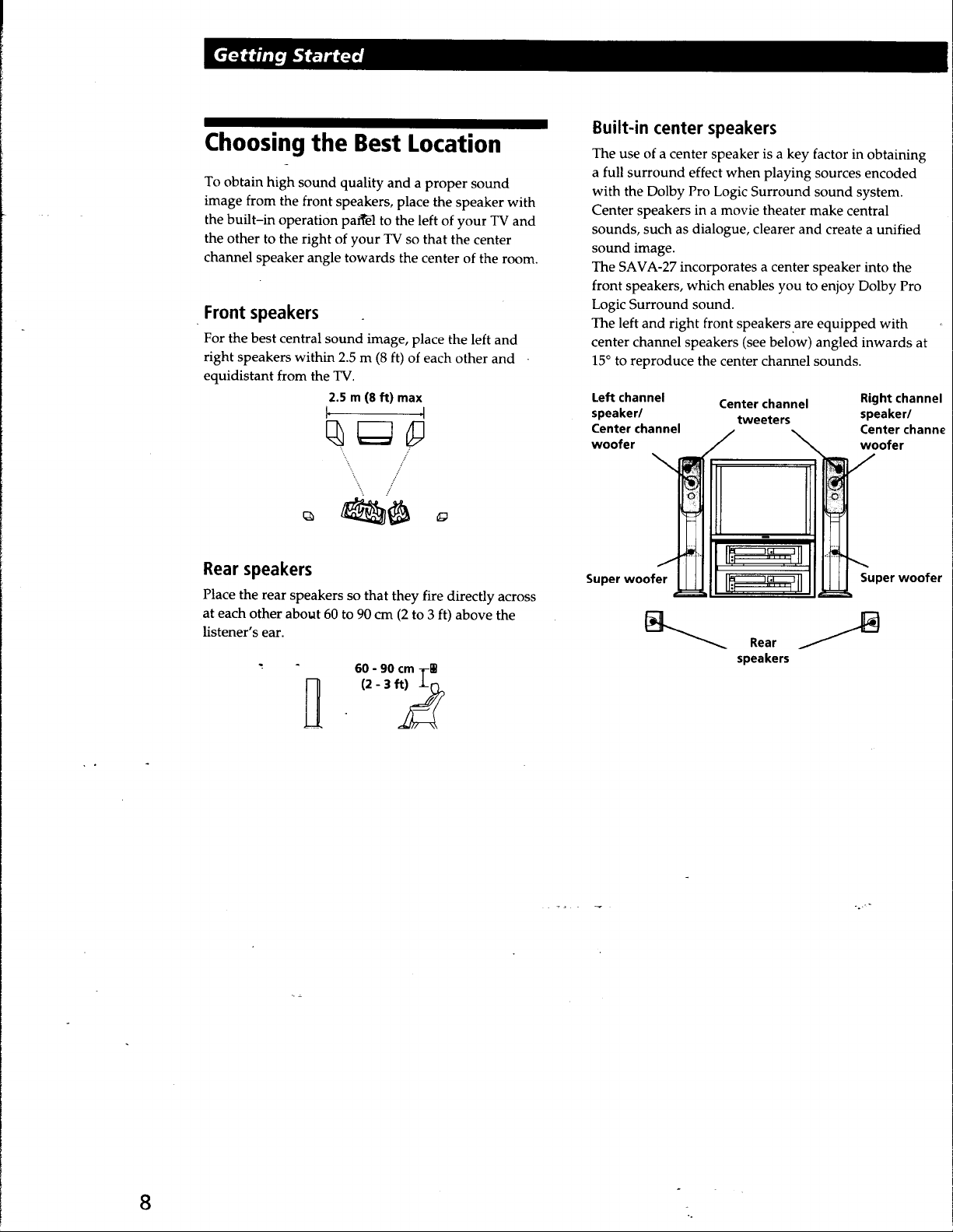
1. Unpack the speaker system and place it in the desired location.
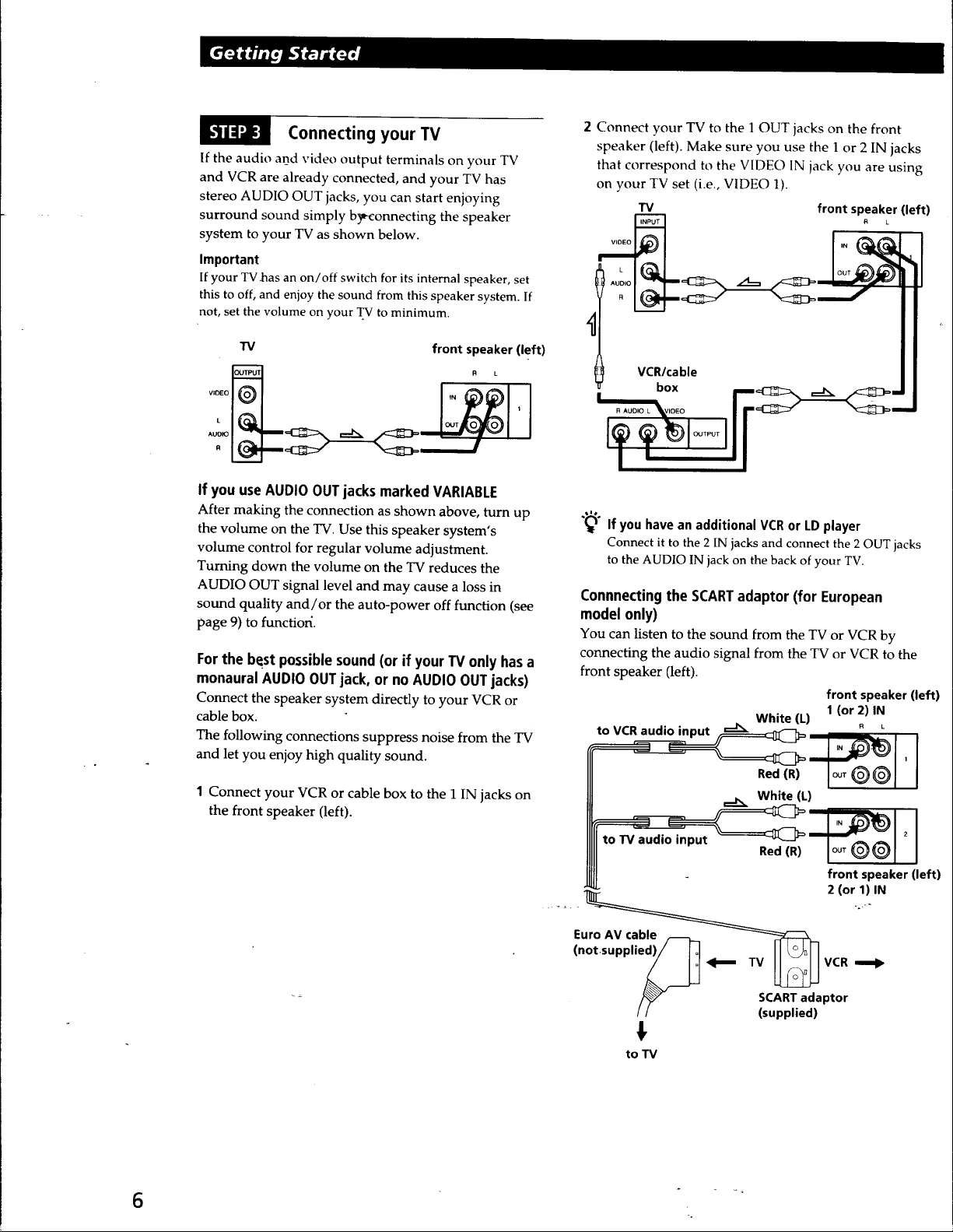
2. Identify the audio output jacks on your audio component, such as a CD player or TV.
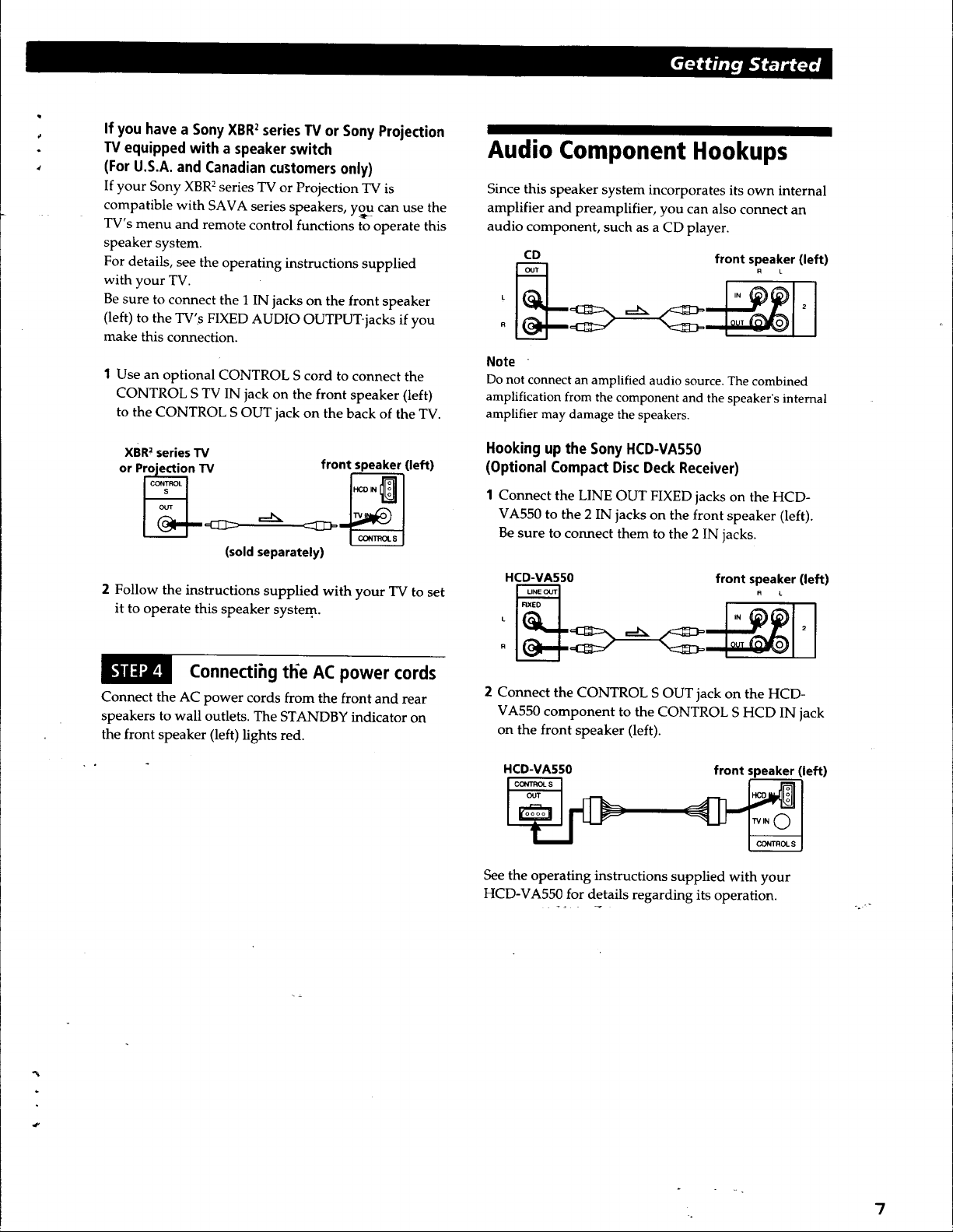
3. Use audio cables to connect the LINE OUT or FIXED audio output jacks on your audio component to the 2 IN jacks on the front speaker (left) of the Sony SAVA-27 system. Make sure to connect them securely.
4. If your audio component supports it, you can also use a CONTROL S cord to connect the CONTROL S OUT jack on the audio component to the CONTROL S HCD IN jack on the front speaker (left) of the Sony SAVA-27 system. This allows you to control the speaker system using the remote supplied with the audio component.
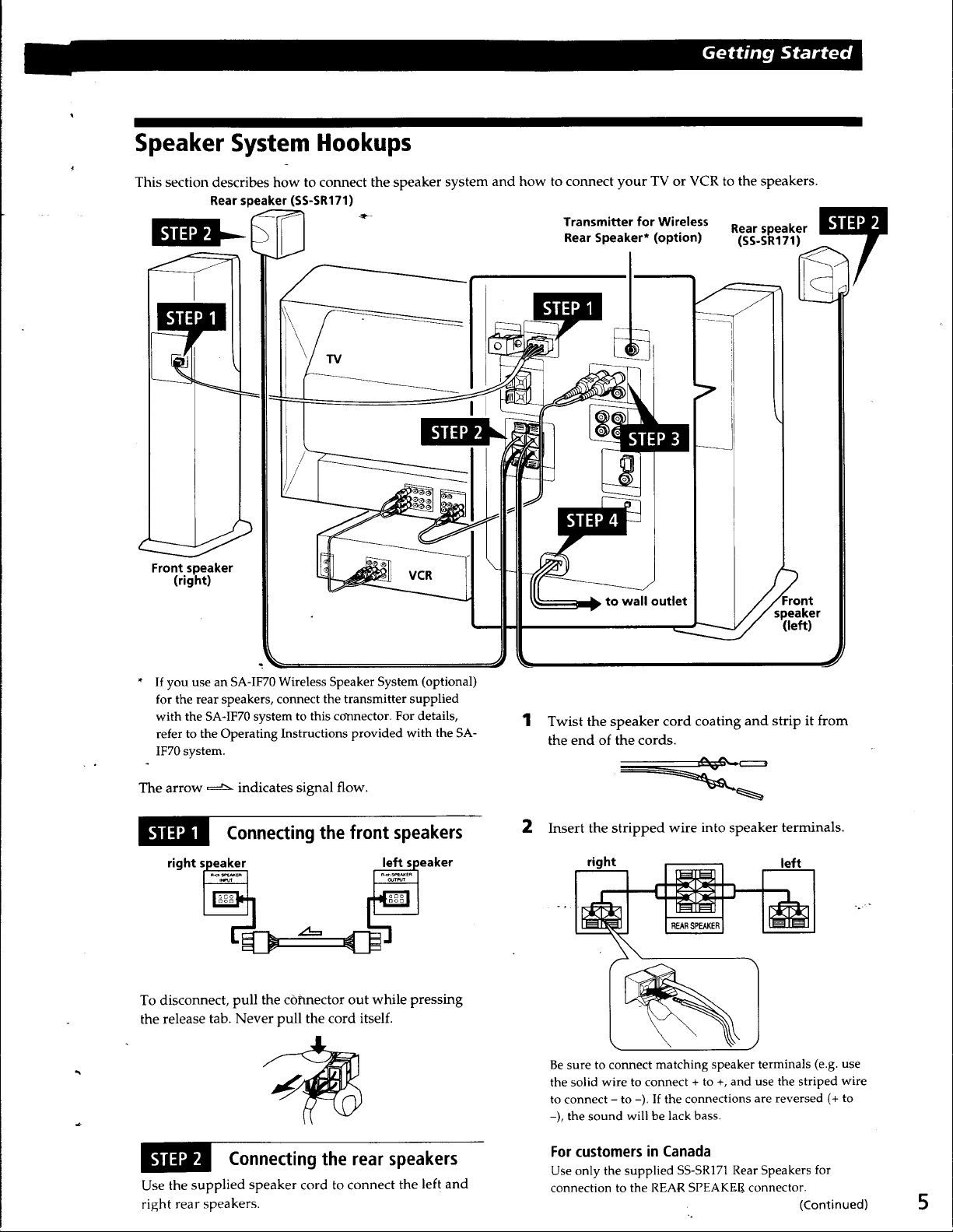
5. Connect the AC power cords of the front and rear speakers to wall outlets.
6. Ensure that all connections are secure and properly plugged in.
7. Power on your audio component and the Sony SAVA-27 speaker system.
Now, your Sony SAVA-27 speaker system is connected to your audio components, and you can enjoy high-quality sound.