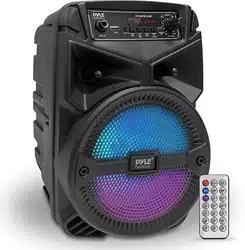

PBMWP185
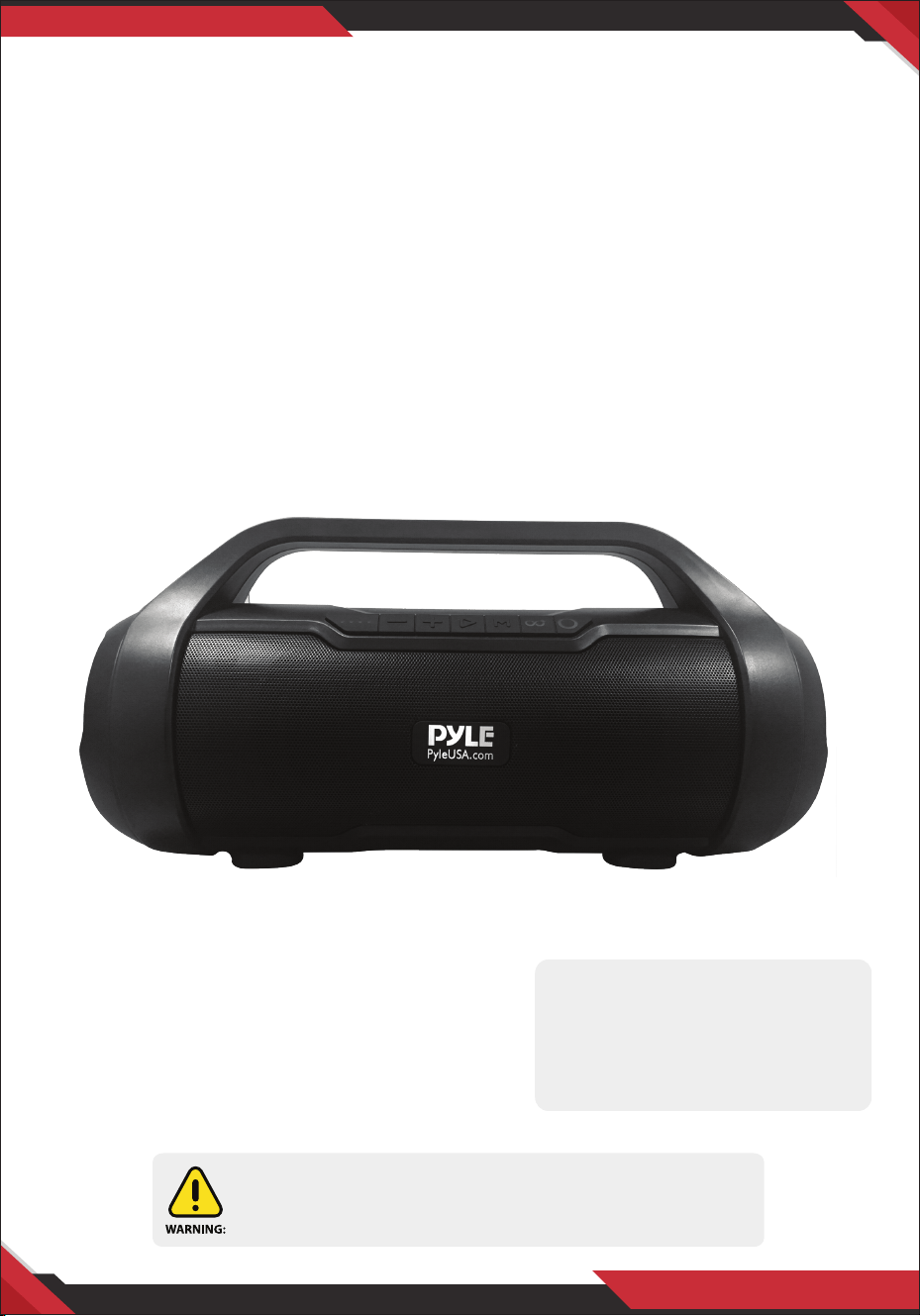
Wireless BT Portable Speaker Radio System
www.PyleUSA.com
2
Please take the time to read this manual carefully before you begin using
your new device. Any content revision of the manual won't declare again,
and we are not responsible for consequence caused by fault or oversight of
this manual.
FEATURES:
• Compact Boom Box Stereo Style
• Portable Travel-Friendly Speaker Design
• Digital Streaming FM Radio
• Built-in Rechargeable Battery
• MP3 Digital Audio File Playback
• Ported Enclosure for Extended Bass
• Full Range Stereo Sound Reproduction
• Rugged & Durable 'Super Tube' Speaker Housing
INSTRUNCTION:
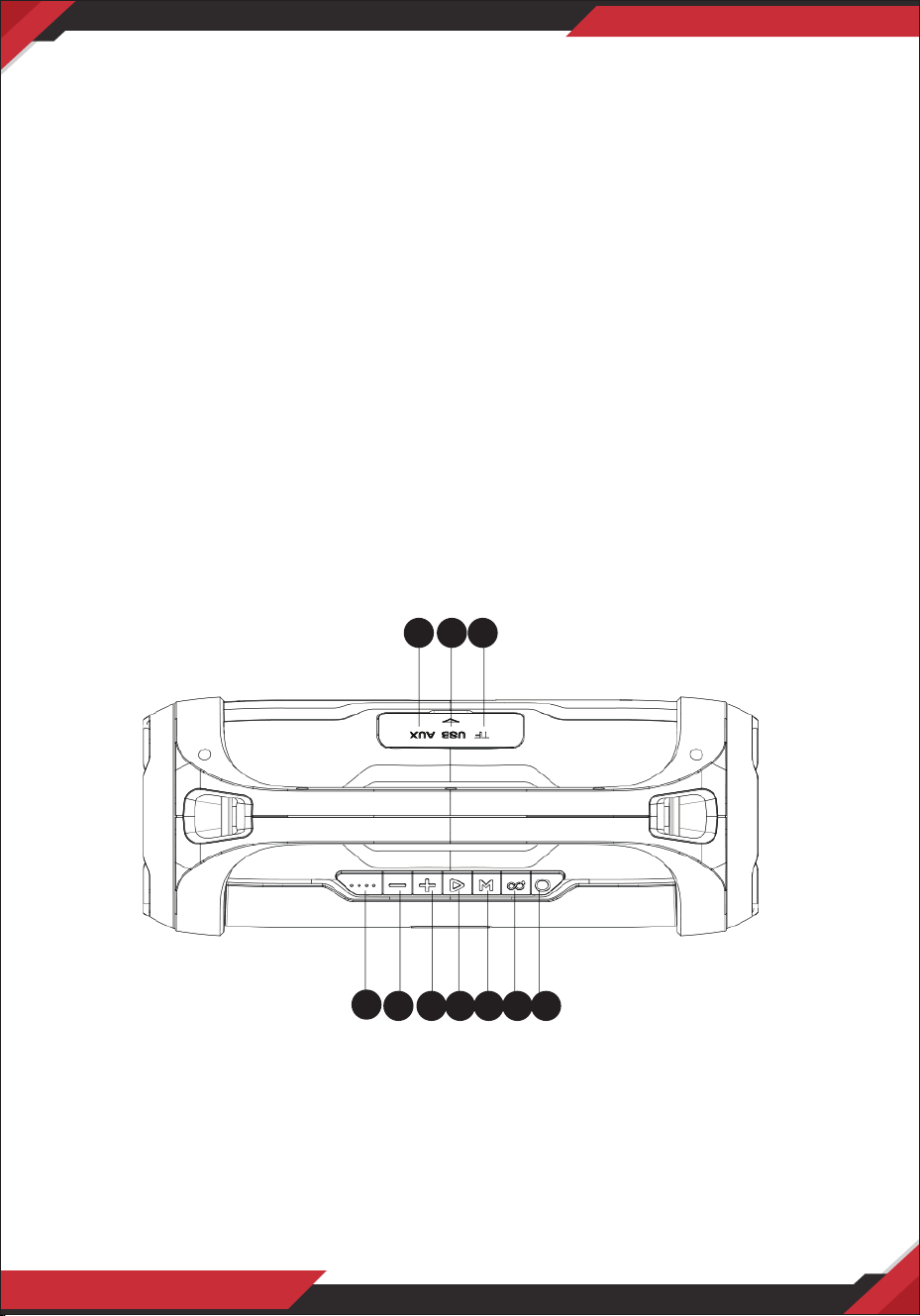
1. AUX Input
2. USB Port
3. Micro SD slot
4. Battery Indicator
5. Backward/Volume down
6. Forward/Volume Up
7. Play/Pause
8. MODE (Wireless BT Switch,
USB disk, FM and AUX-IN state)
9. TWS Button
10. Power On/O
1 2 3
4
5 6 7 8 9 10

www.PyleUSA.com
3
Wireless BT Streaming:
1. Turn the power button to “ON”. The LED light turns blue and blinks quickly, then
enter Wireless BT mode and you will hear a “Bluetooth Device Ready To Pair” tone.
2. Activate Wireless BT of your mobile phone and search for the device name
“PyleUSA” then connect it. The power button will stop blinking and will make a
tone “Bluetooth Device Connected Successfully” once connected.
3. Play the music from your mobile phone and enjoy.
4. Press Forward or Backward button on the device or on Mobile phones to select
songs you like.
5. Press Play/Pause button on the device or on Mobile phones to play/pause the
music.
6. Press and hold Forward or Backward button to adjust volume up and down or
adjust the mobile phones’ volume.
7. Press and hold Play/Pause button to activate Mobile phone voice control
function SIRI/GOOGLE ASSISTANT
Playing music from USB disk & Micro SD card:
1. Turn the Power button to “ON”.
2. Insert Micro SD card or USB ash disk into slot, the speaker will make a tone
“Music Play Mode”, and play the stored music automatically.
3. Under playing mode, short press Forward or Backward button to select songs
you like, press and hold to adjust the volume up and down.
4. Press Play/Pause to play or pause.
Remark: Under Wireless BT playing mode, insert Micro SD or USB will disconnect
the Bluetooth and switch to play the USB or Micro SD card. You can press the
MODE button to switch to Wireless BT mode again.
FM Radio:
1. Under FM radio state, the audio cable provided is the antenna. Please insert the
audio cable to get the best FM signal before using.
2. Turn the power button to “ON”, press the “MODE” button, the speaker will
prompt “The Radio Mode” when entering FM state.
3. Under playing mode, short press “Play/Pause” button to auto search the FM
Channel and store it automatically.
4. Press Forward or Backward button to change the stored FM channel.

www.PyleUSA.com
4
TWS Function:
1. Turn ON two identical speakers you want to pair, please be noted that they
must have the same BT paring name, both under BT mode. You only need to set
up one of the two units;
2. Press “TWS” button for around 4 seconds, speaker will make a tone “di” to start
pairing, and will make “di” voice for 3 times once successfully paired;
3. Connect Wireless BT with your mobile phone to play music by the two paired
Speakers to create more powerful surround sound eect.
4. If you want to exit the TWS mode, press and hold “TWS” button (of the unit that
you set at beginning) again to exit the TWS function.
AUX-IN:
For other compatible music devices or your MP3/MP4 players, use the supplied
audio line cable to connect from the device’s “Line Out” to the “Aux In” of this
device. Then press the “MODE” button, the speaker will prompt “Aux Input Mode”,
then Enjoy.. When using an external device, all functions can be controlled by the
external device.
Remarks:
1. When using Wireless BT connection with iPhone mobile, there will be a battery
icon indicating the speaker battery volume on your iPhone.
2. Press the MODE button to switch for dierent modes, the order is Wireless BT,
USB disk, Micro SD, FM radio and AUX-IN.
3. When the speaker’s Wireless BT is connected with one mobile device, user can
press and hold the TWS button to disconnect the previous device, then make
Wireless BT connection with another mobile device;
4. Default volume is at 50% status of max volume;
5. Press and hold Mode button to turn the RGB on/o;
6. When battery voltage is low, the speaker will prompt “Battery Is Low, Please
Recharge In Time”;
7. Turn the power button to “o” while not in use.
www.PyleUSA.com
5
How to charge:
1. The charger is not included in the accessories. Please use the Universal 5V/1A
charger to charge this device, and we are not responsible for any damage
caused by using other charger.
2. Power o the unit, put the provided charge cable into the charge slot of unit,
connect the other end to your PC or other charger with 5V output.
3. Charging time should be 4-6 hours. The light is red while charging, and the
indicator light will switch o when fully charged. (When playing music during
charging, please put the volume to middle, because for some music with heavy
bass, the charger may not be able to aord the high current temporarily under
the maximum volume.)
4. In order to prolong the life of battery, please do not charge more than 8 hours.
Questions? Issues?
We are here to help!
Phone: (1) 718-535-1800
Email: suppor[email protected]
This product can expose you to a chemical or group of checmicals, which
may include ”Cadmium (Cd)” which is known in the state of California to
cause cancer, birth defects, or other reproductive harm. For more info, go
to https://www.p65warnings.ca.gov/.