Thank you for choosing a Mazda. We at Mazda design and build vehicles with complete
customer satisfaction in mind.
To help ensure enjoyable and trouble-free operation of your Mazda, read this manual
carefully and follow its recommendations.
Regular servicing of your vehicle by an expert repairer helps maintain both its
roadworthiness and its resale value. A world-wide network of Authorized Mazda Repairers
can help you with their professional servicing expertise.
Their specially trained personnel are best qualified to service your Mazda vehicle properly
and exactly. Also, they are supported by a wide range of highly specialized tools and
equipment specially developed for servicing Mazda vehicles. When maintenance or service
is necessary we recommend an Authorized Mazda Repairer.
We assure you that all of us at Mazda have an ongoing interest in your motoring pleasure
and in your full satisfaction with your Mazda product.
Mazda Motor Corporation
HIROSHIMA, JAPAN
Important Notes About This Manual
Keep this manual in the glove compartment as a handy reference for the safe and enjoyable use of your Mazda.
Should you resell the vehicle, leave this manual with it for the next owner.
All specifications and descriptions are accurate at the time of printing. Because improvement is a constant goal
at Mazda, we reserve the right to make changes in specifications at any time without notice and without obliga-
tion.
Please be aware that this manual applies to all models, equipment and options. As a result, you may find
some explanations for equipment not installed on your vehicle.
©2017 Mazda Motor Corporation
July 2017 (Print1)
A Word to Mazda Owners
CX-9_8GC7-EE-17G_Edition1 2017-5-16 8:22:04
We want to help you get the most driving
pleasure from your vehicle. Your owner's
manual, when read from cover to cover,
can do that in many ways.
Illustrations complement the words of the
manual to best explain how to enjoy your
Mazda. By reading your manual, you can
find out about the features, important
safety information, and driving under
various road conditions.
The symbol below in this manual means
“Do not do this” or “Do not let this
happen”.
References to left hand and right hand are
made as if facing in the same direction the
vehicle faces. Although this manual
explains a left-hand-drive model, it also
applies to right-hand-drive models.
Index: A good place to start is the Index,
an alphabetical listing of all information in
your manual.
You'll find several WARNINGs,
CAUTIONs, and NOTEs in the manual.
WARNING
A WARNING indicates a situation in which
serious injury or death could result if the
warning is ignored.
CAUTION
A CAUTION indicates a situation in which
bodily injury or damage to your vehicle, or
both, could result if the caution is ignored.
NOTE
A NOTE provides information and
sometimes suggests how to make better
use of your vehicle.
The following symbol, located on some
parts of the vehicle, indicates that this
manual contains information related to the
part.
Please refer to the manual for a detailed
explanation.
How to Use This Manual
CX-9_8GC7-EE-17G_Edition1 2017-5-16 8:22:04
Table of Contents
Pictorial Index
Interior, exterior views and part identification of your Mazda.
1
Essential Safety Equipment
Important information about safety equipment, including seats, seat belt
system, child-restraint systems and SRS air bags.
2
Before Driving
Use of various features, including keys, doors, mirrors and windows.
3
When Driving
Information concerning safe driving and stopping.
4
Interior Features
Use of various features for ride comfort, including air-conditioning and
audio system.
5
Maintenance and Care
How to keep your Mazda in top condition.
6
If Trouble Arises
Helpful information on what to do if a problem arises with the vehicle.
7
Customer Information
Important consumer information including warranties and add-on
equipment.
8
Specifications
Technical information about your Mazda.
9
Index
10
CX-9_8GC7-EE-17G_Edition1 2017-5-16 8:22:04

CX-9_8GC7-EE-17G_Edition1 2017-5-16 8:22:04
1
Pictorial Index
Interior, exterior views and part identification of your Mazda.
Interior Overview (Left-Hand Drive
Model).................................................1-2
Interior Equipment (View A)........1-2
Interior Equipment (View B)........1-3
Interior Equipment (View C)........1-4
Interior Equipment (View D)........1-5
Interior Overview (Right-Hand Drive
Model).................................................1-6
Interior Equipment (View A)........1-6
Interior Equipment (View B)........1-7
Interior Equipment (View C)........1-8
Interior Equipment (View D)........1-9
Exterior Overview...........................1-10
1-1
CX-9_8GC7-EE-17G_Edition1 2017-5-16 8:22:04
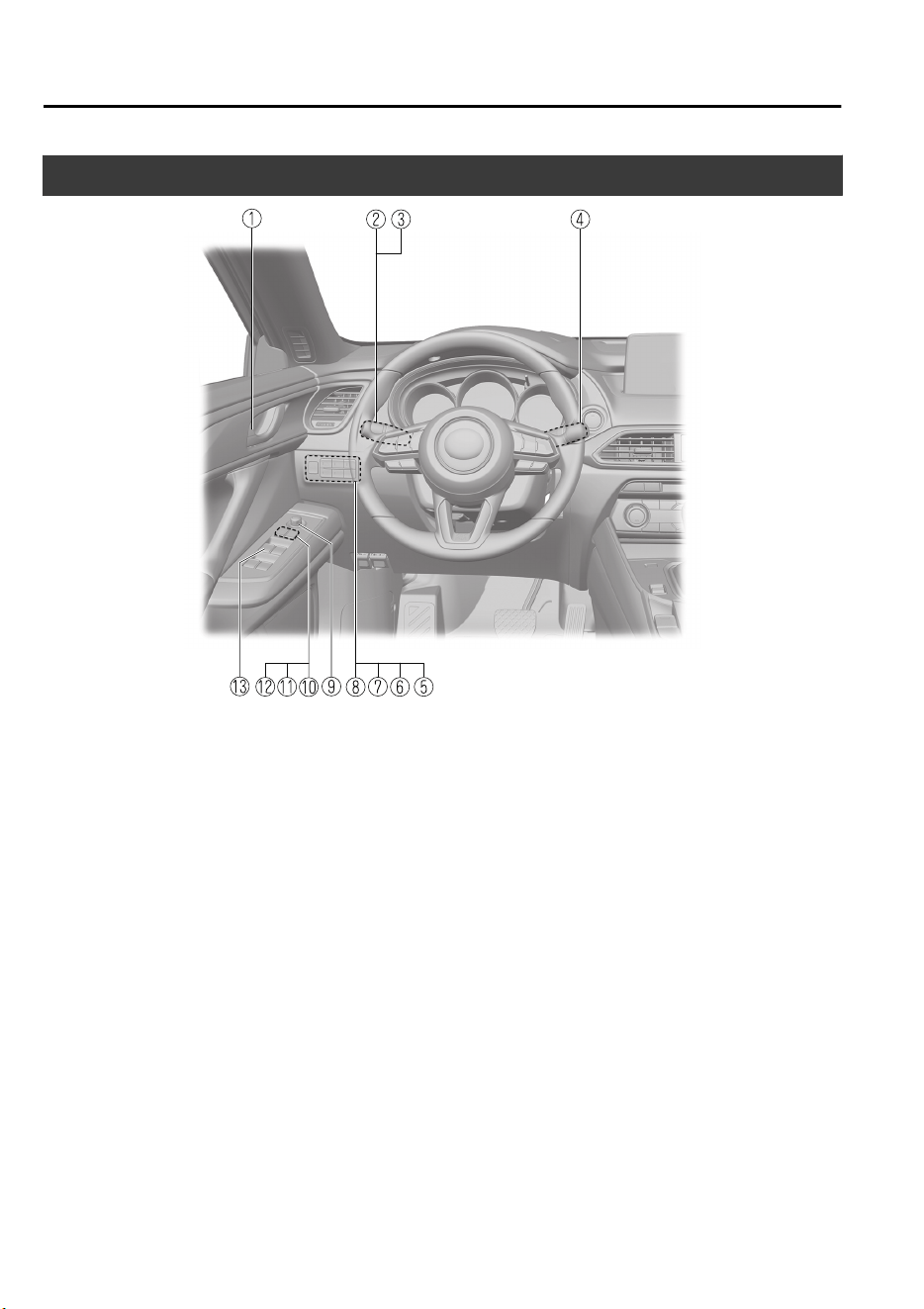
Interior Equipment (View A)
① Door-lock knob..................................................................................................... page 3-17
② Turn and lane-change signal..................................................................................page 4-57
③ Lighting control.....................................................................................................page 4-50
④ Wiper and washer lever.........................................................................................page 4-58
⑤ TCS OFF switch....................................................................................................page 4-74
⑥ Lane-keep Assist System (LAS) & Lane Departure Warning System (LDWS) OFF
switch..................................................................................................................page 4-137
⑦ Parking sensor switch.........................................................................................page 4-193
⑧ Power liftgate switch.............................................................................................page 3-20
⑨ Outside mirror switch............................................................................................page 3-32
⑩ Door-lock switch................................................................................................... page 3-14
⑪ Power window lock switch................................................................................... page 3-37
⑫ Outside mirror folding switch............................................................................... page 3-32
⑬ Power window switches........................................................................................page 3-37
Pictorial Index
Interior Overview (Left-Hand Drive Model)
1-2
The equipment and installation position varies by vehicle
CX-9_8GC7-EE-17G_Edition1 2017-5-16 8:22:04
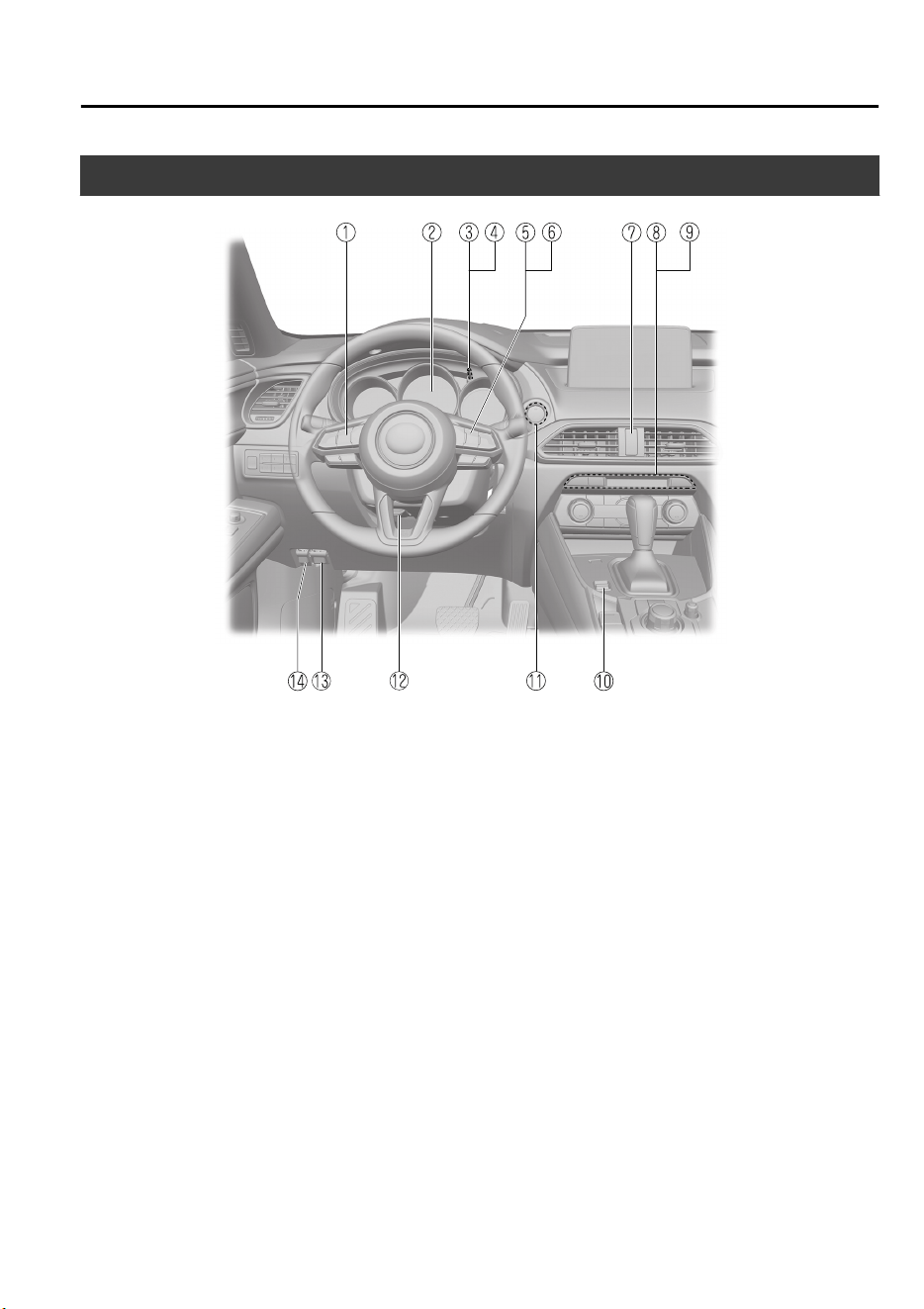
Interior Equipment (View B)
① Audio control switches..........................................................................................page 5-14
② Instrument cluster..................................................................................................page 4-12
③ Dashboard illumination knob................................................................................page 4-16
④ Trip meter selector.................................................................................................page 4-13
⑤ Mazda Radar Cruise Control (MRCC) switches......................................page 4-114, 4-124
⑥ Cruise control switches...................................................................................... page 4-170
⑦ Hazard warning flasher switch..............................................................................page 4-65
⑧ Seat warmer switches..............................................................................................page 2-6
⑨ Heated steering wheel switch................................................................................page 3-31
⑩ Drive selection switch........................................................................................... page 4-79
⑪ Push button start......................................................................................................page 4-4
⑫ Lock release lever................................................................................................. page 3-31
⑬ Hood release handle.............................................................................................. page 6-16
⑭ Remote fuel-filler lid release.................................................................................page 3-29
Pictorial Index
Interior Overview (Left-Hand Drive Model)
The equipment and installation position varies by vehicle
1-3
CX-9_8GC7-EE-17G_Edition1 2017-5-16 8:22:04
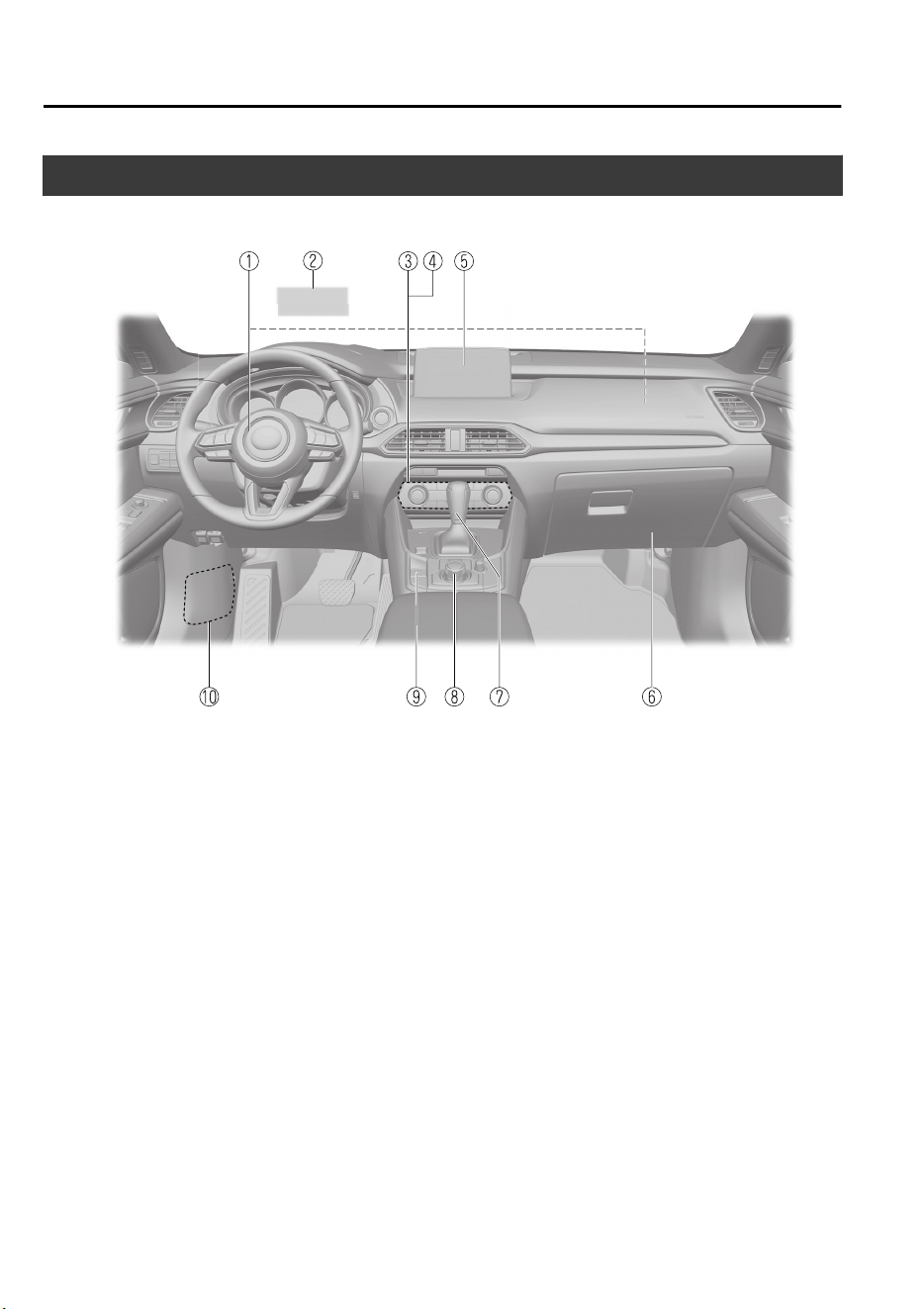
Interior Equipment (View C)
① SRS air bags.......................................................................................................... page 2-44
② Active driving display........................................................................................... page 4-29
③ Climate control system............................................................................................page 5-2
④ Rear window defogger switch...............................................................................page 4-63
⑤ Audio.....................................................................................................................page 5-18
⑥ Glove compartment...............................................................................................page 5-82
⑦ Selector lever.........................................................................................................page 4-41
⑧ Commander switch................................................................................................page 5-18
⑨ Electric parking brake (EPB) switch.....................................................................page 4-67
⑩ Fuse block (Left side)............................................................................................page 6-48
Pictorial Index
Interior Overview (Left-Hand Drive Model)
1-4
The equipment and installation position varies by vehicle
CX-9_8GC7-EE-17G_Edition1 2017-5-16 8:22:04
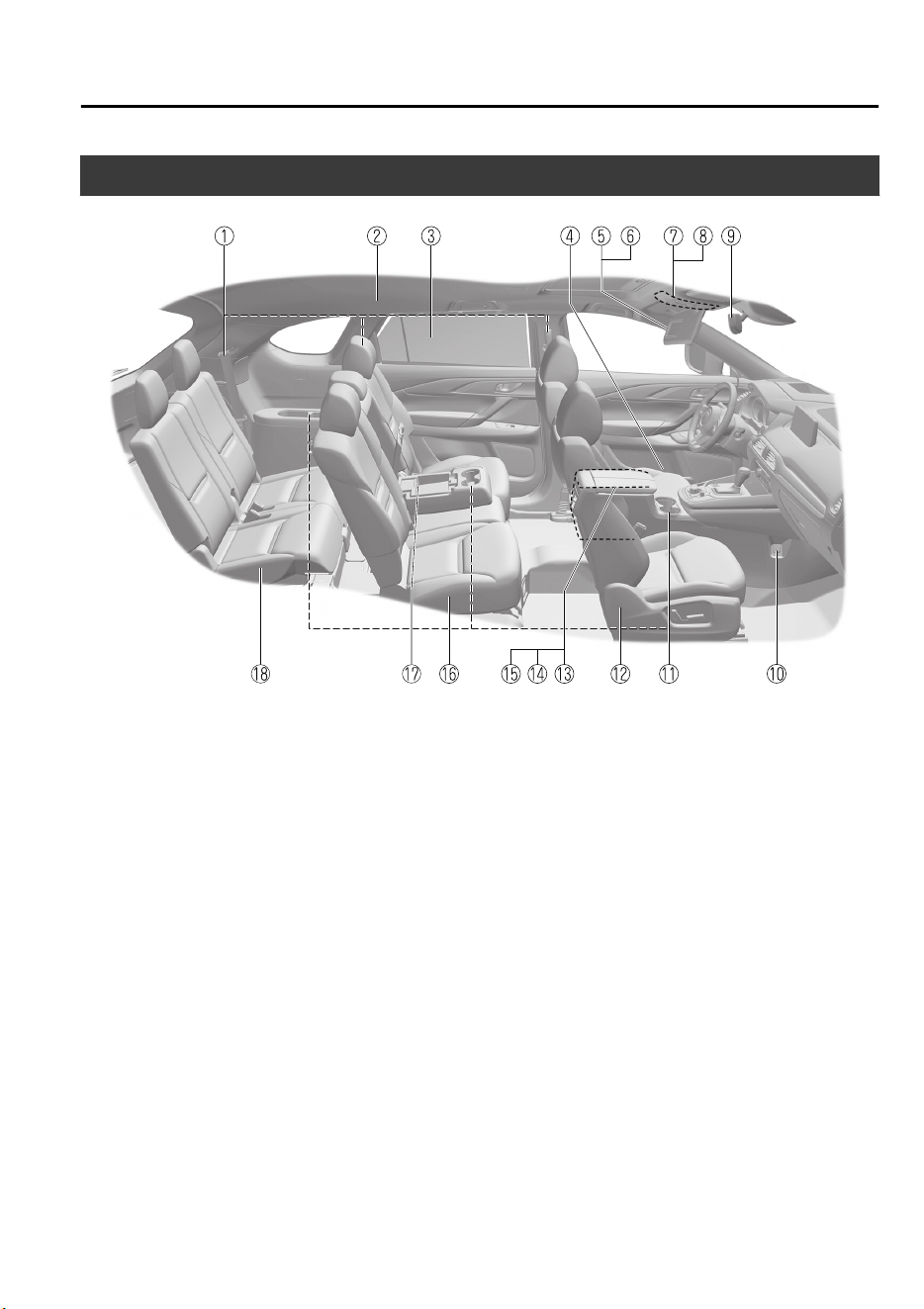
Interior Equipment (View D)
① Seat belts............................................................................................................... page 2-20
② SRS air bag............................................................................................................page 2-44
③ Rear door sunshade............................................................................................... page 5-86
④ Bottle holder..........................................................................................................page 5-81
⑤ Sunvisor.................................................................................................................page 5-74
⑥ Vanity mirror......................................................................................................... page 5-74
⑦ Overhead lights..................................................................................................... page 5-74
⑧ Sunroof switch...................................................................................................... page 3-39
⑨ Rearview mirror.................................................................................................... page 3-34
⑩ Accessory socket...................................................................................................page 5-77
⑪ Cup holders........................................................................................................... page 5-79
⑫ Front seat.................................................................................................................page 2-5
⑬ Center console.......................................................................................................page 5-82
⑭ External input terminal..........................................................................................page 5-15
⑮ Seat warmer switches............................................................................................ page 2-11
⑯ Second-row seat.................................................................................................... page 2-10
⑰ USB power outlet..................................................................................................page 5-78
⑱ Third-row seat....................................................................................................... page 2-16
Pictorial Index
Interior Overview (Left-Hand Drive Model)
The equipment and installation position varies by vehicle
1-5
CX-9_8GC7-EE-17G_Edition1 2017-5-16 8:22:04
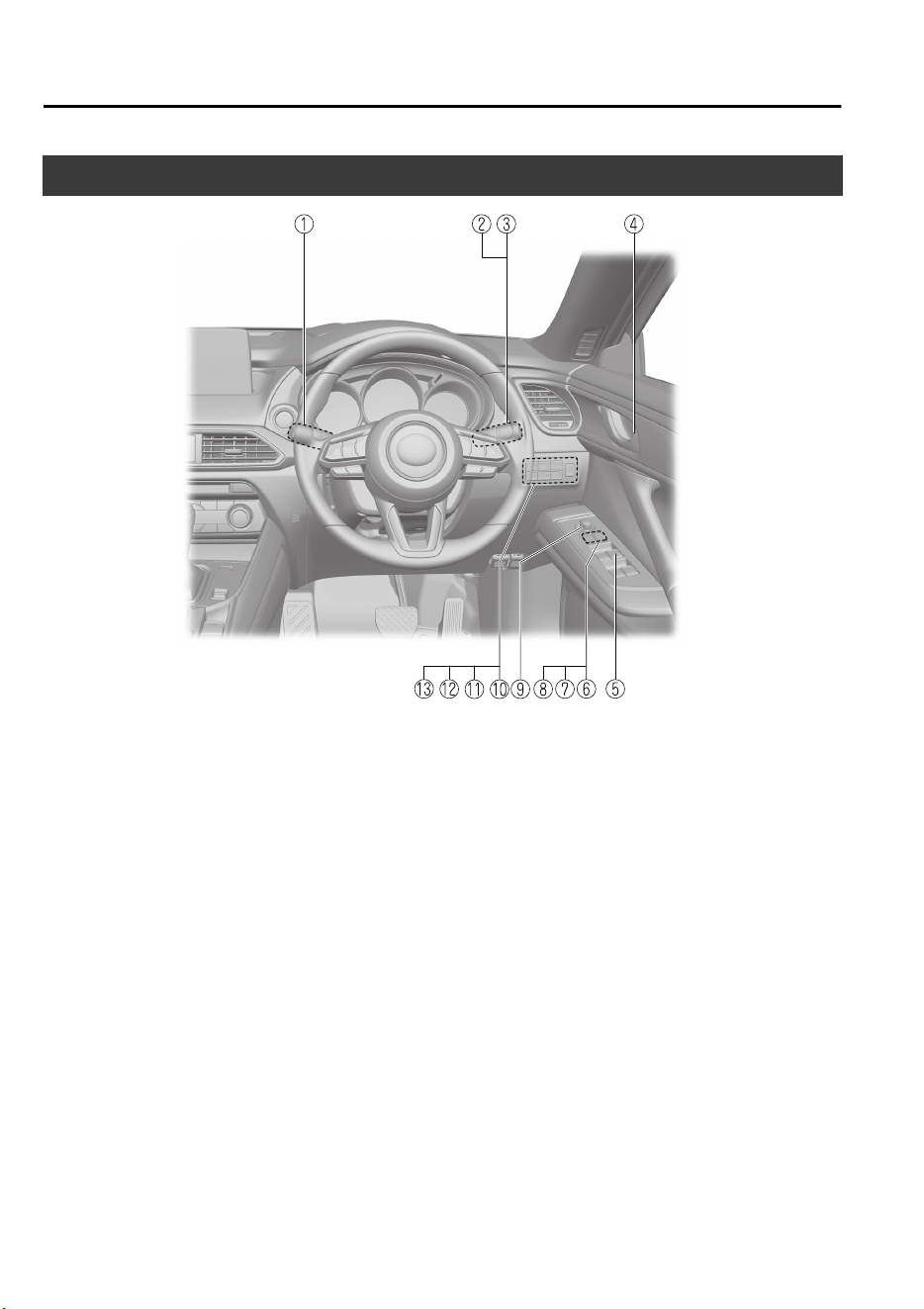
Interior Equipment (View A)
① Wiper and washer lever.........................................................................................page 4-58
② Lighting control.....................................................................................................page 4-50
③ Turn and lane-change signal..................................................................................page 4-57
④ Door-lock knob..................................................................................................... page 3-17
⑤ Power window switches........................................................................................page 3-37
⑥ Power window lock switch................................................................................... page 3-37
⑦ Door-lock switch................................................................................................... page 3-14
⑧ Outside mirror folding switch............................................................................... page 3-32
⑨ Outside mirror switch............................................................................................page 3-32
⑩ TCS OFF switch....................................................................................................page 4-74
⑪ Lane-keep Assist System (LAS) & Lane Departure Warning System (LDWS) OFF
switch..................................................................................................................page 4-137
⑫ Parking sensor switch.........................................................................................page 4-193
⑬ Power liftgate switch.............................................................................................page 3-20
Pictorial Index
Interior Overview (Right-Hand Drive Model)
1-6
The equipment and installation position varies by vehicle
CX-9_8GC7-EE-17G_Edition1 2017-5-16 8:22:04
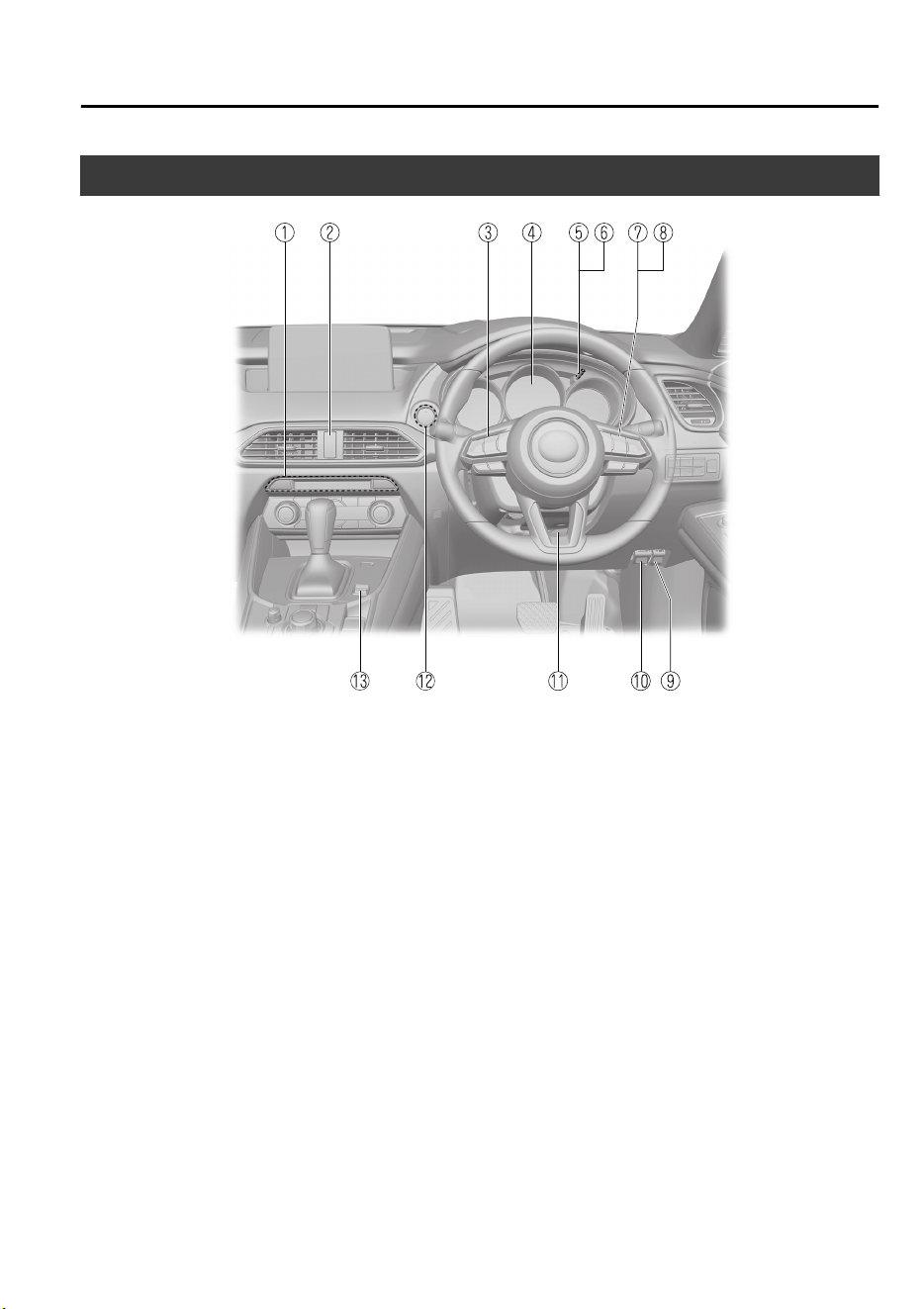
Interior Equipment (View B)
① Seat warmer switches..............................................................................................page 2-6
② Hazard warning flasher switch..............................................................................page 4-65
③ Audio control switches..........................................................................................page 5-14
④ Instrument cluster..................................................................................................page 4-12
⑤ Dashboard illumination knob................................................................................page 4-16
⑥ Trip meter selector.................................................................................................page 4-13
⑦ Mazda Radar Cruise Control (MRCC) switches.................................................page 4-114
⑧ Cruise control switches...................................................................................... page 4-170
⑨ Remote fuel-filler lid release.................................................................................page 3-29
⑩ Hood release handle.............................................................................................. page 6-16
⑪ Lock release lever................................................................................................. page 3-31
⑫ Push button start......................................................................................................page 4-4
⑬ Drive selection switch........................................................................................... page 4-79
Pictorial Index
Interior Overview (Right-Hand Drive Model)
The equipment and installation position varies by vehicle
1-7
CX-9_8GC7-EE-17G_Edition1 2017-5-16 8:22:04
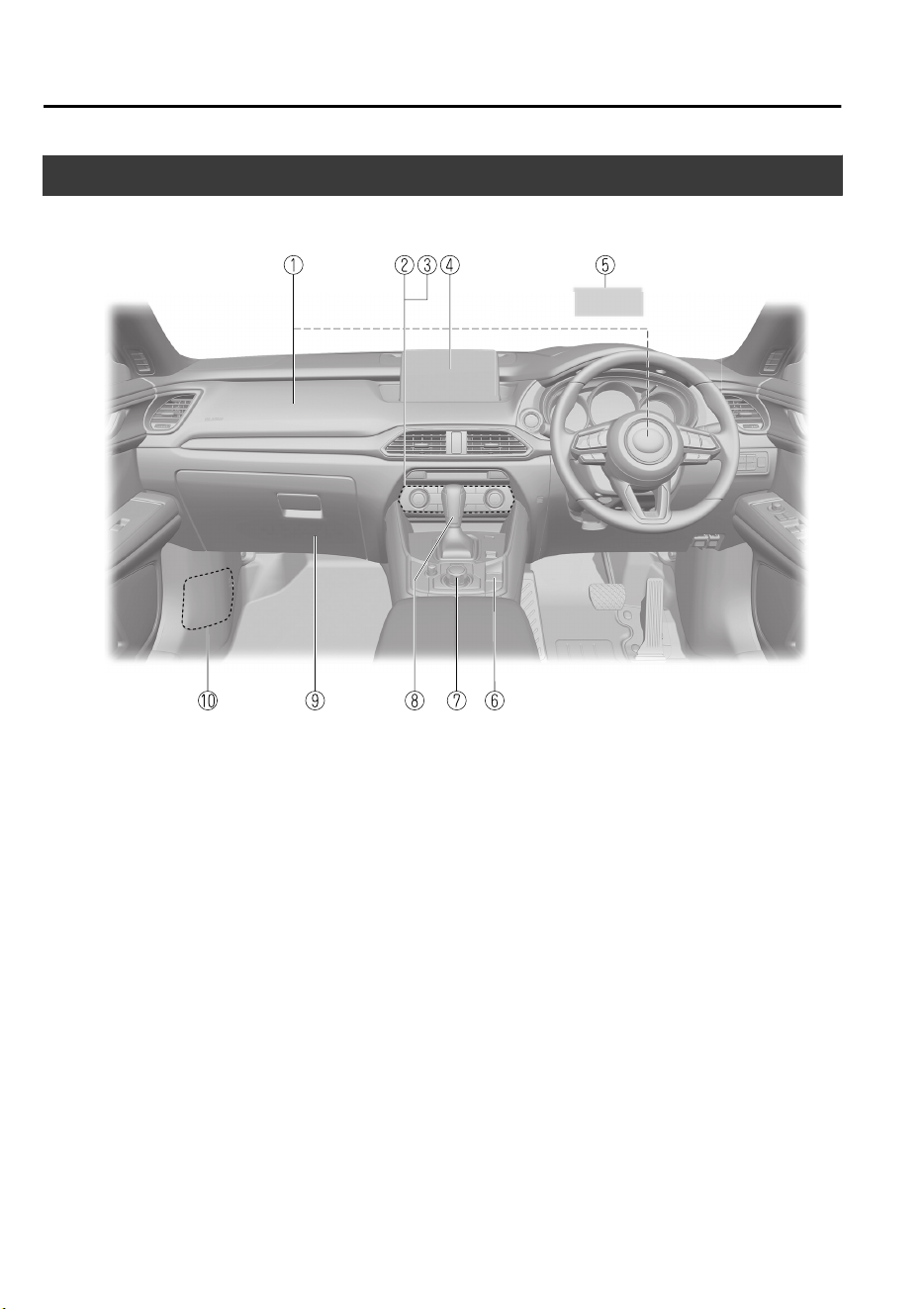
Interior Equipment (View C)
① SRS air bags.......................................................................................................... page 2-44
② Climate control system............................................................................................page 5-2
③ Rear window defogger switch...............................................................................page 4-63
④ Audio.....................................................................................................................page 5-18
⑤ Active driving display........................................................................................... page 4-29
⑥ Electric parking brake (EPB) switch.....................................................................page 4-67
⑦ Commander switch................................................................................................page 5-18
⑧ Selector lever.........................................................................................................page 4-41
⑨ Glove compartment...............................................................................................page 5-82
⑩ Fuse block (Left side)............................................................................................page 6-48
Pictorial Index
Interior Overview (Right-Hand Drive Model)
1-8
The equipment and installation position varies by vehicle
CX-9_8GC7-EE-17G_Edition1 2017-5-16 8:22:04
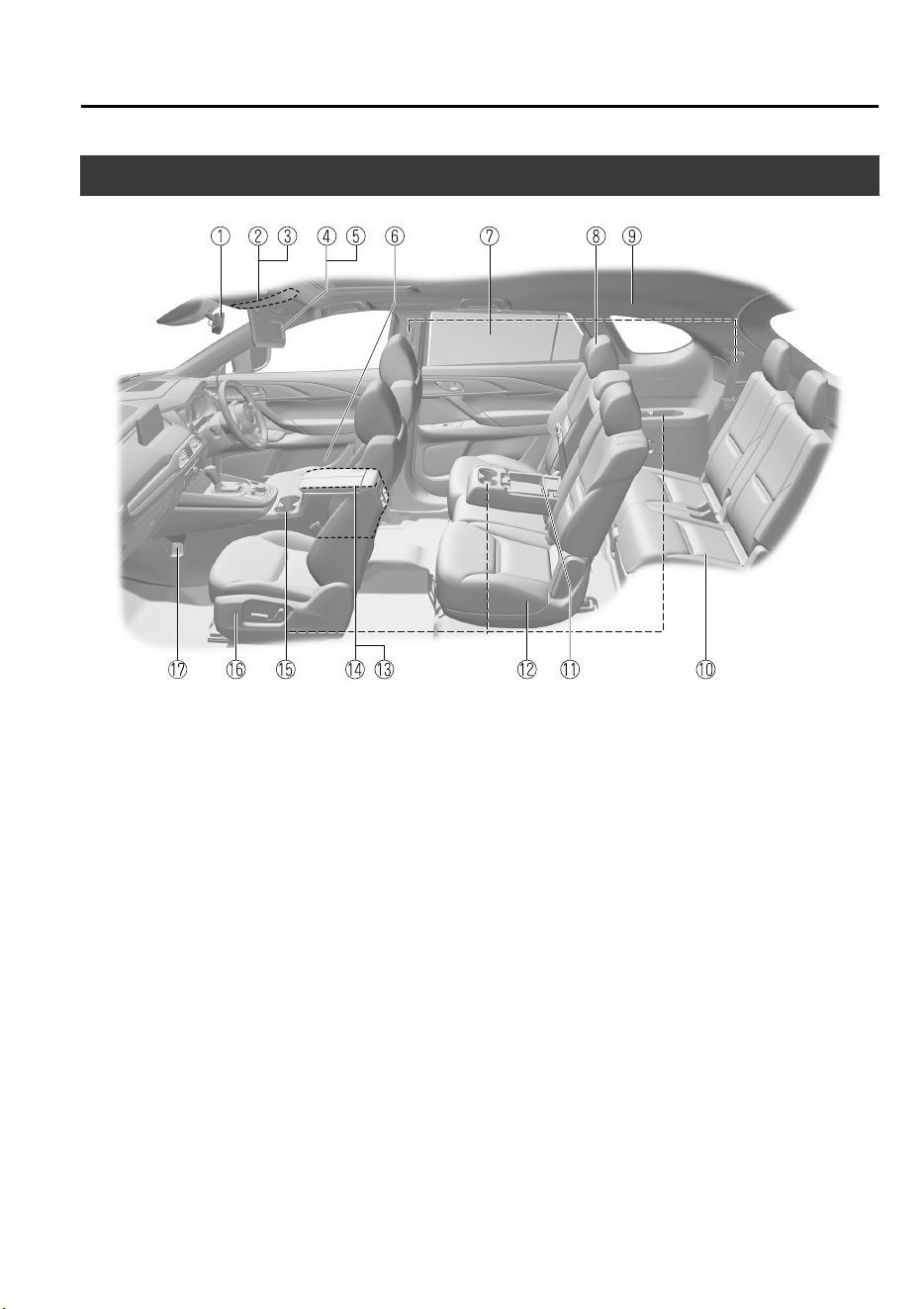
Interior Equipment (View D)
① Rearview mirror.................................................................................................... page 3-34
② Overhead lights..................................................................................................... page 5-74
③ Sunroof switch...................................................................................................... page 3-39
④ Sunvisor.................................................................................................................page 5-74
⑤ Vanity mirror......................................................................................................... page 5-74
⑥ Bottle holder..........................................................................................................page 5-81
⑦ Rear door sunshade............................................................................................... page 5-86
⑧ Seat belts............................................................................................................... page 2-20
⑨ SRS air bag............................................................................................................page 2-44
⑩ Third-row seat....................................................................................................... page 2-16
⑪ USB power outlet..................................................................................................page 5-78
⑫ Second-row seat.................................................................................................... page 2-10
⑬ Center console.......................................................................................................page 5-82
⑭ External input terminal..........................................................................................page 5-15
⑮ Cup holders........................................................................................................... page 5-79
⑯ Front seat.................................................................................................................page 2-5
⑰ Accessory sockets................................................................................................. page 5-77
Pictorial Index
Interior Overview (Right-Hand Drive Model)
The equipment and installation position varies by vehicle
1-9
CX-9_8GC7-EE-17G_Edition1 2017-5-16 8:22:04
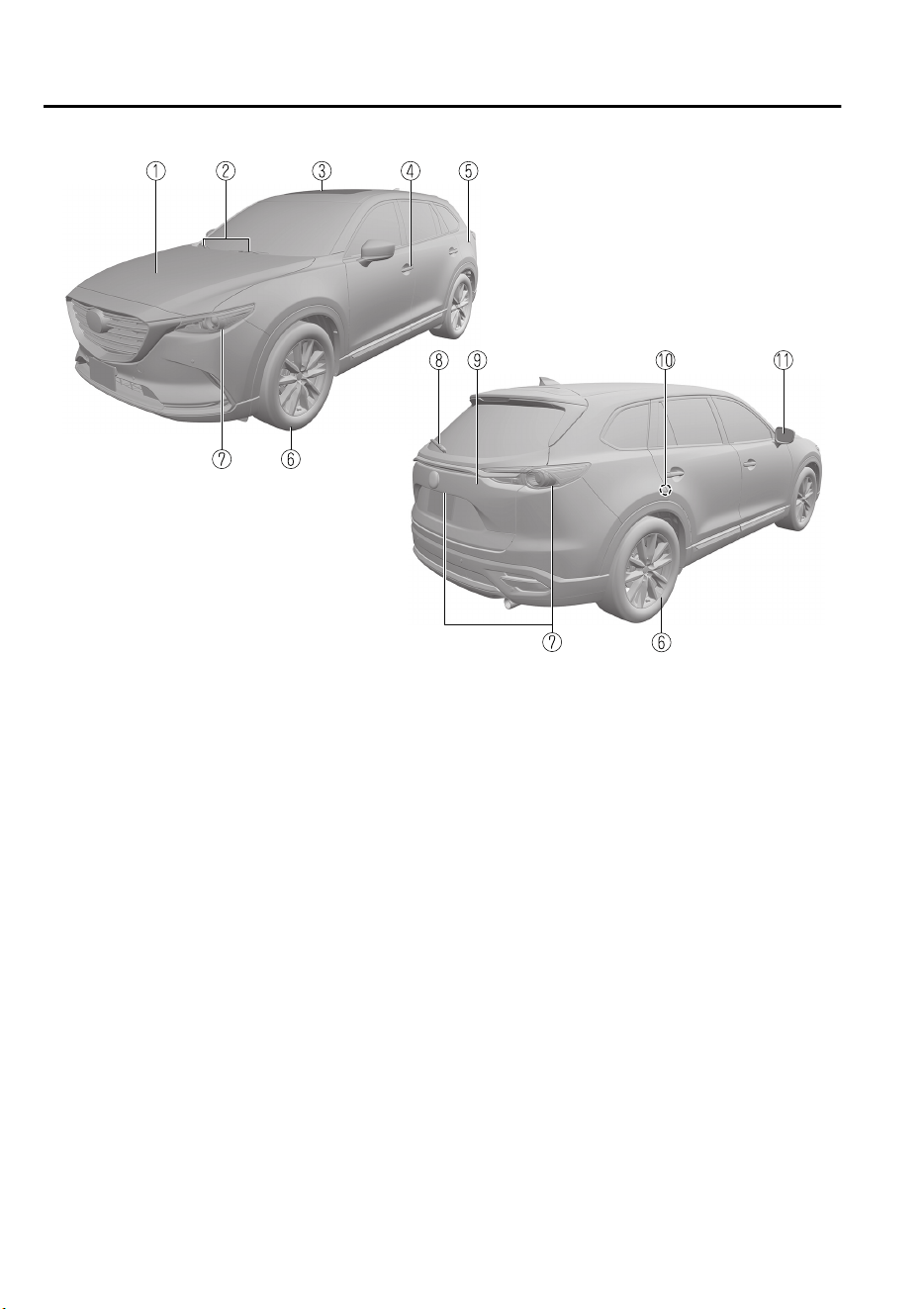
① Hood......................................................................................................................page 6-16
② Windshield wiper blades....................................................................................... page 6-26
③ Sunroof..................................................................................................................page 3-39
④ Doors and keys......................................................................................................page 3-10
⑤ Fuel-filler lid......................................................................................................... page 3-29
⑥ Wheels and Tires...................................................................................................page 6-36
⑦ Exterior lights........................................................................................................page 6-39
⑧ Rear window wiper blade......................................................................................page 6-29
⑨ Liftgate.................................................................................................................. page 3-19
⑩ Child safety locks..................................................................................................page 3-18
⑪ Outside mirror....................................................................................................... page 3-32
Pictorial Index
Exterior Overview
1-10
The equipment and installation position varies by vehicle
CX-9_8GC7-EE-17G_Edition1 2017-5-16 8:22:04
2
Essential Safety Equipment
Important information about safety equipment, including seats, seat
belt system, child-restraint systems and SRS air bags.
Seats.................................................... 2-2
Seat Precautions............................2-2
Front Seat......................................2-5
Second-Row Seat........................2-10
Third-Row Seat.......................... 2-16
Head Restraints...........................2-17
Seat Belt Systems.............................2-20
Seat Belt Precautions..................2-20
Seat Belt......................................2-23
Seat Belt Warning Systems.........2-24
Front Seat Belt Pretensioner and
Load Limiting Systems...............2-25
Child Restraint................................ 2-27
Child-Restraint Precautions........2-27
Child-Restraint System
Installation.................................. 2-31
Child-Restraint System Suitability
for Various Seat Positions
Table........................................... 2-36
Installing Child-Restraint
Systems.......................................2-40
SRS Air Bags....................................2-44
Supplemental Restraint System
(SRS) Precautions.......................2-44
Supplemental Restraint System
Components................................2-50
How the SRS Air Bags Work..... 2-51
SRS Air Bag Deployment
Criteria........................................2-55
Limitations to SRS Air Bag........2-56
Constant Monitoring...................2-58
2-1
CX-9_8GC7-EE-17G_Edition1 2017-5-16 8:22:04
Seat Precautions
WARNING
Make sure the adjustable components of a seat are locked in place:
Adjustable seats and seatbacks that are not securely locked are dangerous. In a sudden stop
or collision, the seat or seatback could move, causing injury. Make sure the adjustable
components of the seat are locked in place by attempting to slide the seat forward and
backward and rocking the seatback.
Never allow children to adjust a seat:
Allowing children to adjust a seat is dangerous as it could result in serious injury if a child's
hands or feet become caught in the seat.
Do not drive with the seatback unlocked:
All of the seatbacks play an important role in your protection in a vehicle. Leaving the
seatback unlocked is dangerous as it can allow passengers to be ejected or thrown around
and baggage to strike occupants in a sudden stop or collision, resulting in severe injury. After
adjusting the seatback at any time, even when there are no other passengers, rock the
seatback to make sure it is locked in place.
Adjust the driver's seat only when the vehicle is stopped:
Adjusting the driver's seat while the vehicle is moving is dangerous. The driver could lose
control of the vehicle and have an accident.
Do not modify or replace the front seats:
Modifying or replacing the front seats such as replacing the upholstery or loosening any bolts
is dangerous. The front seats contain air bag components essential to the supplemental
restraint system. Such modications could damage the supplemental restraint system and
result in serious injury. Consult an Authorized Mazda Repairer if there is any need to remove
or reinstall the front seats.
Do not drive with damaged front seats:
Driving with damaged front seats, such as seat cushions torn or damaged down to the
urethane, is dangerous. A collision, even one not strong enough to
inate
the air bags, could
damage the front seats which contain essential air bag components. If there was a
subsequent collision, an air bag may not deploy which could lead to injuries. Always have an
Authorized Mazda Repairer inspect the front seats, front seat belt pretensioners and air bags
after a collision.
Essential Safety Equipment
Seats
2-2
CX-9_8GC7-EE-17G_Edition1 2017-5-16 8:22:04

Do not drive with either front seats reclined:
Sitting in a reclined position while the vehicle is moving is dangerous because you do not get
the full protection from seat belts. During sudden braking or a collision, you can slide under
the lap belt and suer serious internal injuries. For maximum protection, sit well back and
upright.
Do not recline a second-row seatback when the third-row seat is occupied:
Reclining the second-row seatback when the third-row seat is occupied is dangerous. Because
the clearance in the third-row seat is limited, occupants in the third-row seat could be hurt
seriously on a reclined second-row seatback.
Do not place an object such as a cushion between the seatback and your back:
Putting an object such as a cushion between the seatback and your back is dangerous
because you will be unable to maintain a safe driving posture and the seat belt cannot
function at its full capacity in a collision, which could result in a serious accident, injury or
death.
Do not place objects under the seat:
The object could get stuck and cause the seat to not be xed securely, and result in an
accident.
Do not stack cargo higher than the seatbacks:
Stacking luggage or other cargo higher than the seatbacks is dangerous. During sudden
braking or a collision, objects can
y
around and become projectiles that may hit and injure
passengers.
Make sure luggage and cargo is secured before driving:
Not securing cargo while driving is dangerous as it could move or be crushed during sudden
braking or a collision and cause injury.
Never allow a passenger to sit or stand on the folded seatback while the vehicle is moving:
Driving with a passenger on the folded seatback is dangerous. Allowing a child to sit up on
the folded seatback while the vehicle is moving is particularly dangerous. In a sudden stop or
even a minor collision, a child not in a proper seat or child-restraint system and seat belt could
be thrown forward, back or even out of the vehicle resulting in serious injuries or death. The
child in the baggage area could be thrown into other occupants and cause serious injury.
Essential Safety Equipment
Seats
2-3
CX-9_8GC7-EE-17G_Edition1 2017-5-16 8:22:04
CAUTION
When operating a seat, be careful not to put your hands or
ngers
near the moving parts of
the seat or on the side trim to prevent injury.
When moving the seats, make sure there is no cargo in the surrounding area. If the cargo
gets caught it could damage the cargo.
(Manual Seat)
When moving the seats forward and rearward or returning a rear-reclined seatback to its
upright position, make sure you hold onto the seatback with your hand while operating. If
the seatback is not held, the seat will move suddenly and could cause injury.
NOTE
•
When returning a rear seat to its original position, place the seat belt in its normal
position. Verify that the seat belt pulls out and retracts.
•
(Power Seat)
The seat-bottom power adjustment is operated by motors. Avoid extended operation
because excessive use can damage the motors.
•
To prevent the battery from running down, avoid using the power adjustment when the
engine is stopped. The adjuster uses a large amount of electrical power.
•
Do not use the switch to make more than one adjustment at a time.
Essential Safety Equipment
Seats
2-4
CX-9_8GC7-EE-17G_Edition1 2017-5-16 8:22:04
Front Seat
▼
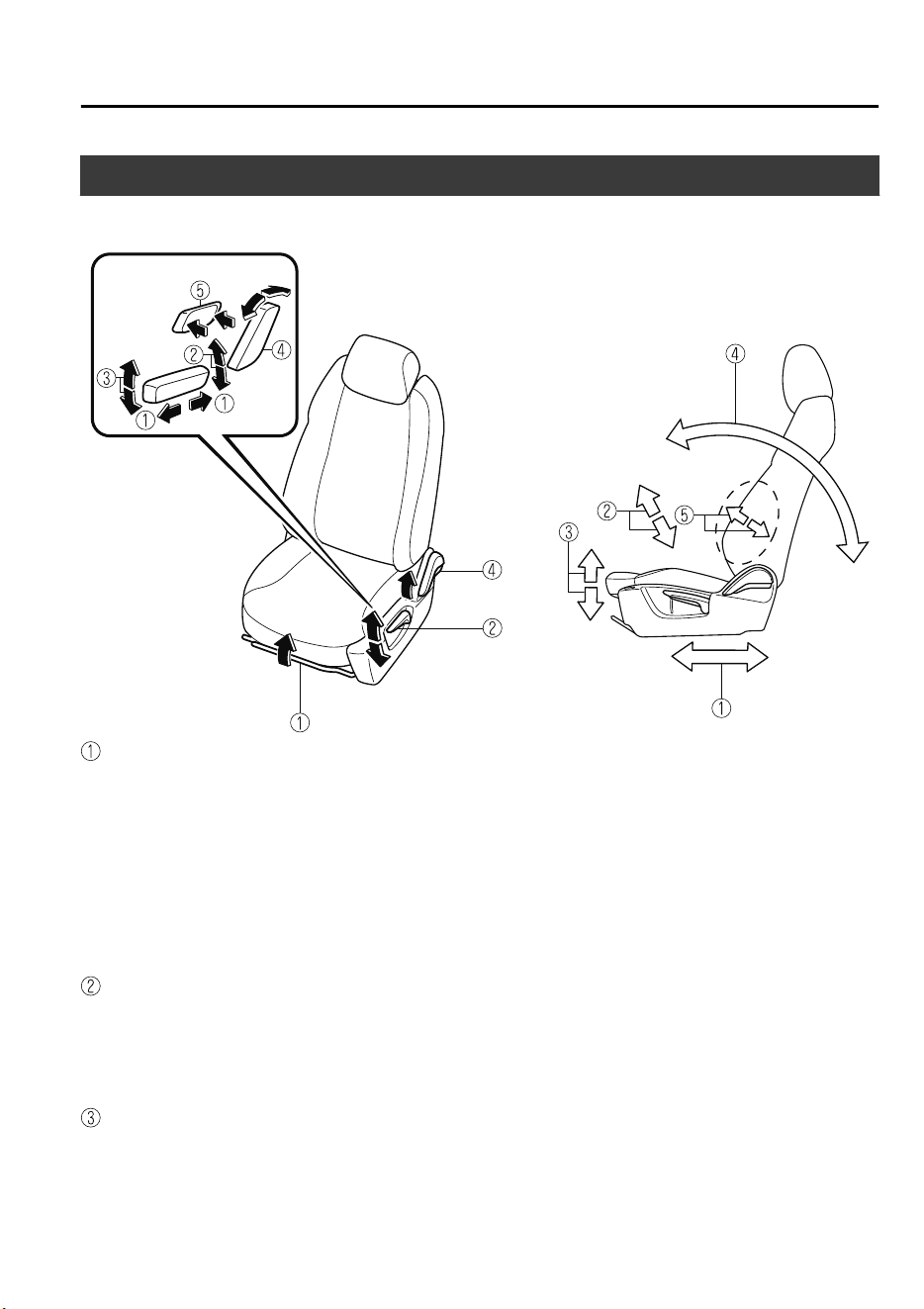
Seat Operation
Power operation
Seat Slide
(Manual Seat)
To move a seat forward or backward, raise the lever and slide the seat to the desired position
and release the lever.
Make sure the lever returns to its original position and the seat is locked in place by
attempting to push it forward and backward.
(Power Seat)
To slide the seat, move the slide lifter switch on the outside of the seat to the front or back
and hold it. Release the switch at the desired position.
Height Adjustment
*
(Manual Seat)
To adjust the seat height, move the lever up or down.
(Power Seat)
To adjust the seat height, move the switch up or down.
Height Adjustment for Front Edge of Seat Bottom (Driver's Power Seat)
*
To adjust the front height of the seat bottom, raise or lower the front of the slide lifter
switch.
Essential Safety Equipment
Seats
*Some models.
2-5
CX-9_8GC7-EE-17G_Edition1 2017-5-16 8:22:04
Seat Recline
(Manual Seat)
To change the seatback angle, lean forward slightly while raising the lever. Then lean back
to the desired position and release the lever.
Make sure the lever returns to its original position and the seatback is locked in place by
attempting to push it forward and backward.
(Power Seat)
To change the seatback angle, press the front or rear side of the reclining switch. Release the
switch at the desired position.
Lumbar Support Adjustment (Driver's Power Seat)
To increase the seat firmness, press and hold the front part of the switch to the desired
position, then release it.
Press the rear part of the switch to decrease firmness.
▼
Seat Warmer
*
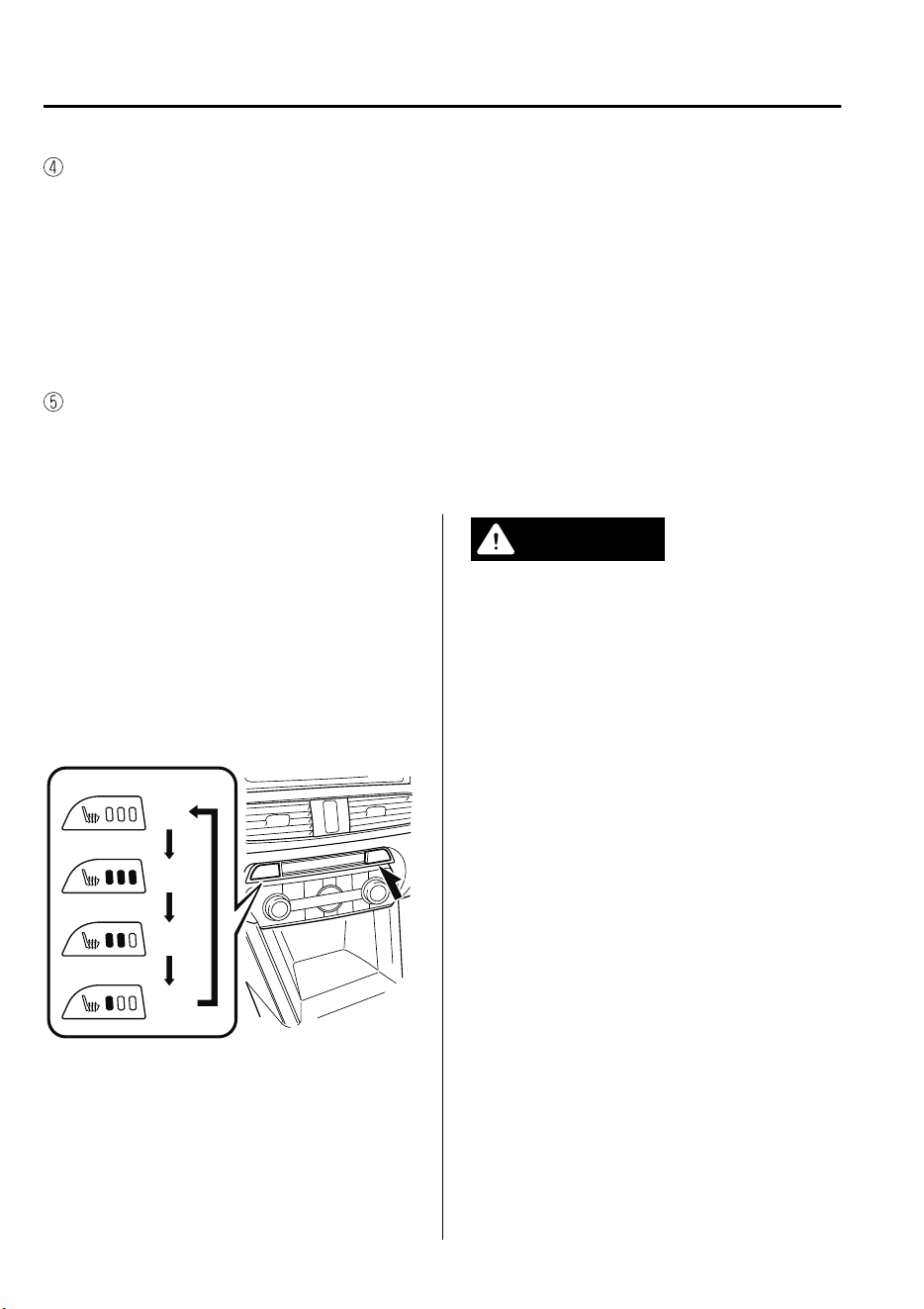
The front seats are electrically heated. The
ignition must be switched ON.
Press the seat warmer switch while the
ignition is switched ON to operate the seat
warmer. The indicator lights turn on to
indicate that the seat warmer is operating.
The mode changes as follows each time
the seat warmer switch is pressed.
OFF
High
Mid
Low
WARNING
Be careful when using the seat warmer:
The heat from the seat warmer may be too
hot for some people, as indicated as
follows, and could cause a
low-temperature burn.
Infants, small children, elderly people,
and physically challenged people
People with delicate skin
People who are excessively fatigued
People who are intoxicated
People who have taken sleep-inducing
medicine such as sleeping pills or cold
medicine
Do not use the seat warmer with anything
having high moisture-retention ability such
as a blanket or cushion on the seat:
The seat may be heated excessively and
cause a low-temperature burn.
Do not use the seat warmer even when
taking a short nap in the vehicle:
The seat may be heated excessively and
cause a low-temperature burn.
Essential Safety Equipment
Seats
2-6
*Some models.
CX-9_8GC7-EE-17G_Edition1 2017-5-16 8:22:04
Do not place heavy objects with sharp
projections on the seat, or insert needles or
pins into it:
This could cause the seat to become
excessively heated and result in injury from
a minor burn.
CAUTION
Do not use organic solvents to clean the
seat. It may damage the seat surface and
the heater.
NOTE
•
If the ignition is switched off while the
seat warmer is operating (High, Mid or
Low) and then switched ON again, the
seat warmer will automatically operate
at the temperature set before switching
off the ignition.
•
Use the seat warmer when the engine is
running. Leaving the seat warmer on for
long periods with the engine not running
could cause the battery power to be
depleted.
•
The temperature of the seat warmer
cannot be adjusted beyond High, Mid
and Low because the seat warmer is
controlled by a thermostat.
▼
Driving Position Memory
*
The desired driving position can be called
up after programming the position.
The following driving positions can be
programmed.
•
Driver’s seat position (seat slide, height
adjustment, front edge of seat bottom,
seat recline)
Refer to Seat Operation on page 2-5.
•
Active driving display (display position,
brightness level, display information)
Refer to Active Driving Display on page
4-29.
CAUTION
Do not place
ngers
or hands around the
bottom of the seat while the seat memory
function is operating. The seat moves
automatically while the seat memory
function is operating and
ngers
or hands
could get pinched and injured.
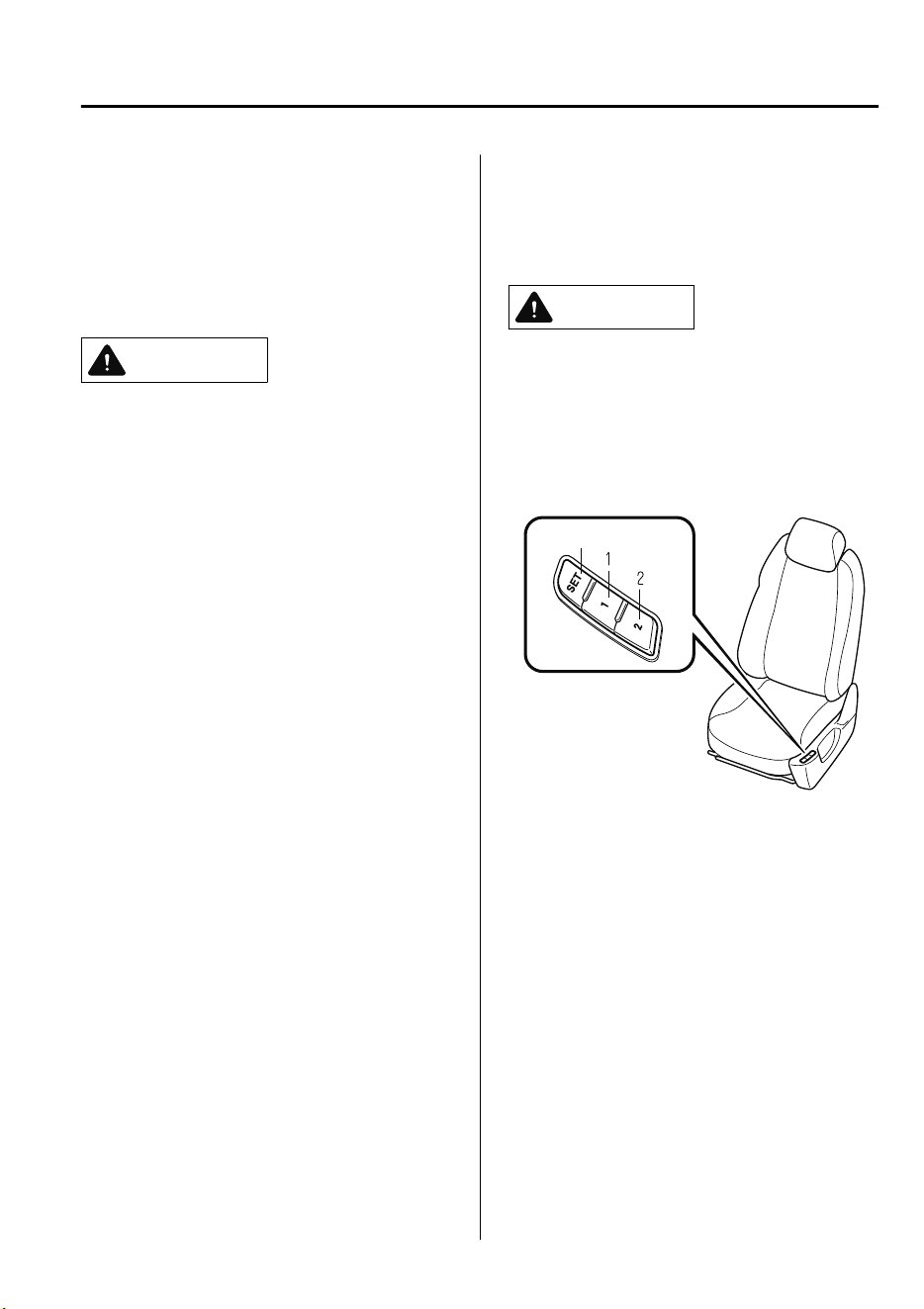
SET button
A driving position can be programmed or
operated using the buttons on the side of
the seat or the key.
NOTE
•
Lumbar support adjustment cannot be
programmed.
•
A driving position can be programmed
to the buttons on the side of the seat and
the key in use for driving the vehicle.
•
If the vehicle has been serviced and the
battery cables disconnected, the
programmed seat positions will have
been erased. Re-program the seat
positions.
Essential Safety Equipment
Seats
*Some models.
2-7
CX-9_8GC7-EE-17G_Edition1 2017-5-16 8:22:04
Programming
1. Make sure the parking brake is on.
2. Make sure the selector lever is in the P
position.
3. Start the engine.
4. Adjust the seat and the active driving
display to the desired driving position.
5. Press the SET button on the seat until a
beep sound is heard one time.
6. Perform one of the following settings
within 5 seconds of completing step 5
above:
•
Programming using a button on
the side of the seat
Press the button you want to
program, either button 1 or 2, until a
beep sound is heard one time.
•
Programming using the key
Press the key
button until a beep
sound is heard one time.
NOTE
If a beep sound is heard three times, the
operation is canceled.
To move the driving position to a
programmed position
(Using a button on the side of the seat)
1. Make sure the parking brake is on.
2. Make sure the selector lever is in the P
position.
3. Start the engine.
4. Press the programming button for the
driving position you want to call up
(button 1 or 2).
5. A beep sound is heard when the
driving position adjustment is
completed.
NOTE
•
If the driving position movement is not
changed, only the beep sounds.
•
A seat position can be called up even
with the engine not running.
•
The driving position adjustment is
canceled in the following cases:
•
Any of the seat adjustment switches is
operated.
•
The SET button is pressed.
•
Programming button 1 or 2 is pressed.
•
The key button or button is
operated.
•
The vehicle starts moving.
•
The active driving display is adjusted.
(Using a programmed key)
1. Unlock the doors by pressing a request
switch or the key
button.
2. After unlocking the doors, the seat
position adjustment begins within 40
seconds of opening the driver's door,
and a beep sounds when the operation
is finished.
3. Make sure the parking brake is on.
4. Make sure the selector lever is in the P
position.
5. Start the engine.
6. The active driving display adjustment
begins.
Essential Safety Equipment
Seats
2-8
CX-9_8GC7-EE-17G_Edition1 2017-5-16 8:22:04
NOTE
•
If there is no driving position movement,
a beep is not heard.
•
The driving position adjustment is
canceled in the following cases:
•
Any of the seat adjustment switches is
operated.
•
The SET button is pressed.
•
Programming button 1 or 2 is pressed.
•
The key button or button is
operated.
•
The vehicle starts moving.
•
The active driving display is adjusted.
Erasing programmed driving positions
(Erasing the driving positions
programmed to the key)
1. Switch the ignition OFF.
2. Press the SET button on the side of the
seat until a beep sound is heard one
time.
3. After the beep sounds, press the key
button within 5 seconds until a beep
sound is heard one time.
NOTE
If a beep sound is heard three times, the
operation is canceled.
Essential Safety Equipment
Seats
2-9
CX-9_8GC7-EE-17G_Edition1 2017-5-16 8:22:04
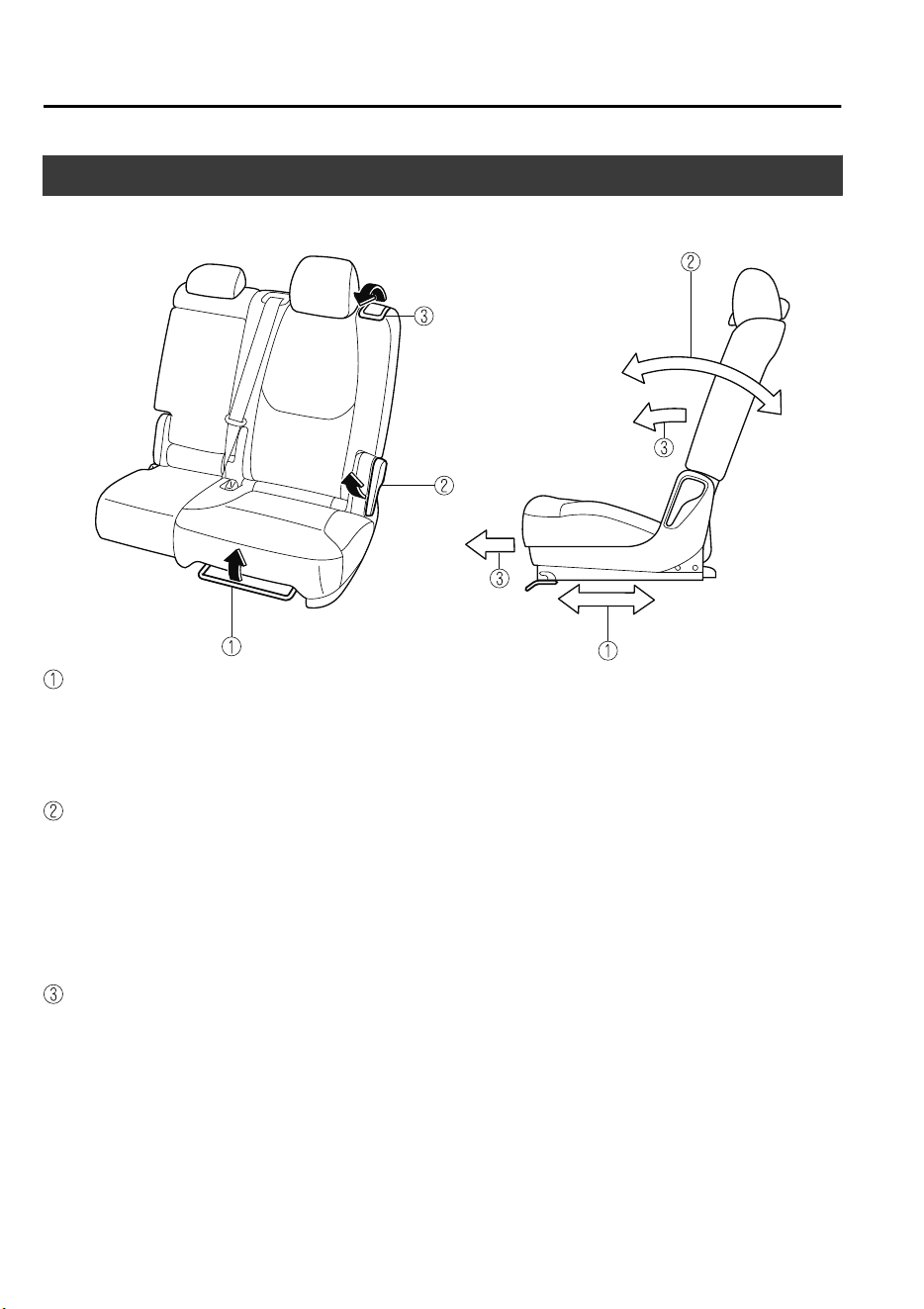
Second-Row Seat
▼
Seat Operation
Seat Slide (Forward-back adjustment)
To move a seat forward or backward, raise the lever and slide the seat to the desired position
and release the lever.
Make sure the lever returns to its original position and the seat is locked in place by
attempting to push it forward and backward.
Seat Recline
To change the seatback angle, lean forward slightly while raising the lever. Then lean back
to the desired position and release the lever.
The lever can also be used when flattening down the seats.
Refer to How to Split Folding the Second-Row Seats on page 2-14.
Make sure the lever returns to its original position and the seatback is locked in place by
attempting to push it forward and backward.
Third-Row Seat Access
To access to the third-row seats, pull up the lever on the side of the head restraint to fold the
seatback and slide the seat forward.
Refer to How to Third-Row Seat Access on page 2-12.
Make sure the lever returns to its original position and the seatback is locked in place by
attempting to push it forward and backward.
Essential Safety Equipment
Seats
2-10
CX-9_8GC7-EE-17G_Edition1 2017-5-16 8:22:04
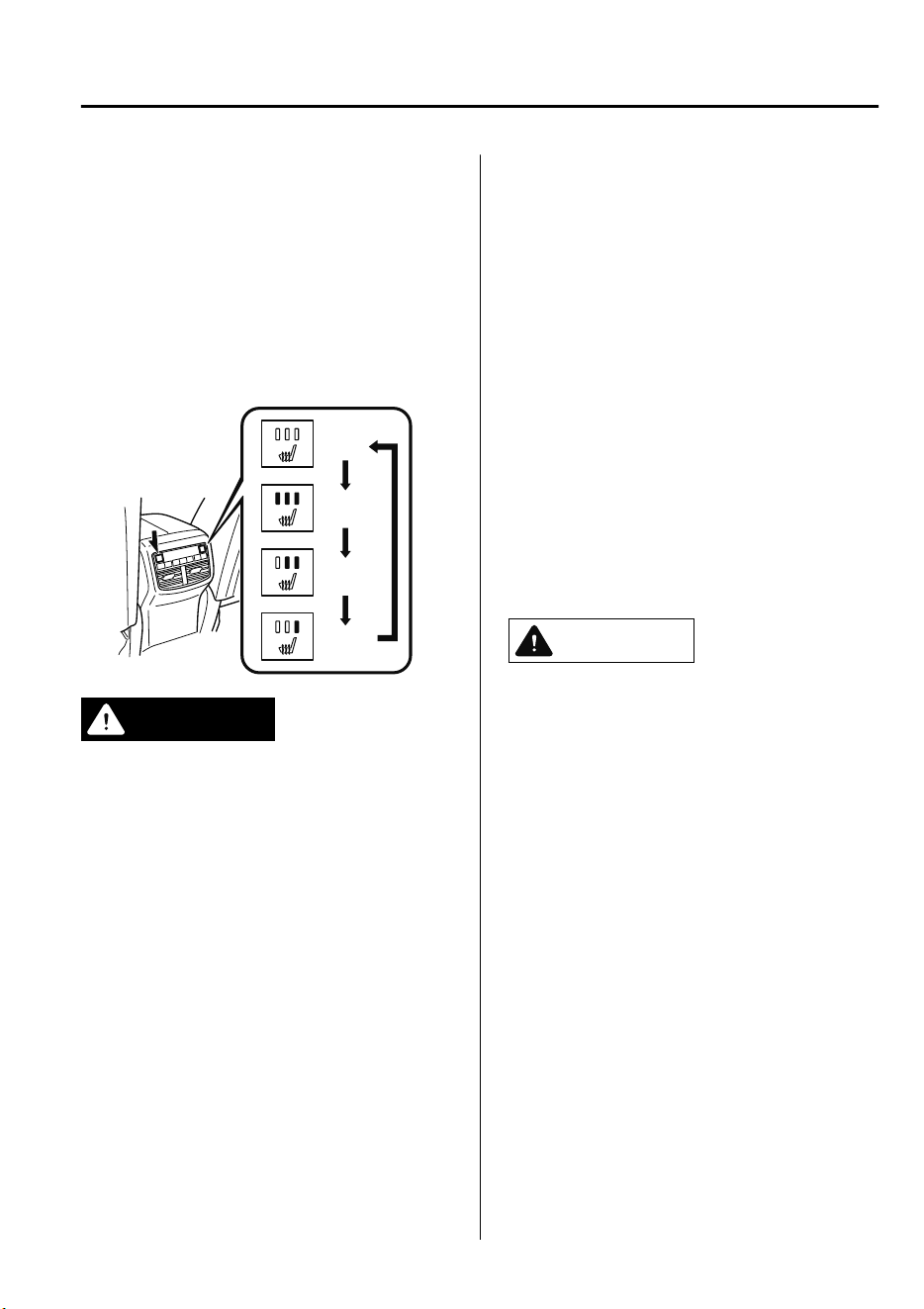
▼
Seat Warmer
*
The rear seats are electrically heated. The
ignition must be switched ON.
Press the seat warmer switch while the
ignition is switched ON to operate the seat
warmer. The indicator lights turn on to
indicate that the seat warmer is operating.
The mode changes as follows each time
the seat warmer switch is pressed.
OFF
High
Mid
Low
WARNING
Be careful when using the seat warmer:
The heat from the seat warmer may be too
hot for some people, as indicated as
follows, and could cause a
low-temperature burn.
Infants, small children, elderly people,
and physically challenged people
People with delicate skin
People who are excessively fatigued
People who are intoxicated
People who have taken sleep-inducing
medicine such as sleeping pills or cold
medicine
Do not use the seat warmer with anything
having high moisture-retention ability such
as a blanket or cushion on the seat:
The seat may be heated excessively and
cause a low-temperature burn.
Do not use the seat warmer even when
taking a short nap in the vehicle:
The seat may be heated excessively and
cause a low-temperature burn.
Do not place heavy objects with sharp
projections on the seat, or insert needles or
pins into it:
This could cause the seat to become
excessively heated and result in injury from
a minor burn.
CAUTION
Before folding a rear seatback, make sure
that the rear seat warmer switch is o. If
a rear seatback is folded while the rear
seat warmer is in operation, it may heat
the seat excessively and damage the seat
surface.
Do not use organic solvents to clean the
seat. It may damage the seat surface and
the heater.
NOTE
•
Use the seat warmer when the engine is
running. Leaving the seat warmer on for
long periods with the engine not running
could cause the battery power to be
depleted.
Essential Safety Equipment
Seats
*Some models.
2-11
CX-9_8GC7-EE-17G_Edition1 2017-5-16 8:22:04
•
When the engine is stopped while the
seat warmers are operating and then the
ignition is switched ON, the seat
warmers will not turn back on
automatically. In addition, the seat
warmer operation stops automatically
after the seat warmers have operated for
about 90 minutes.
To turn the seat warmer back on, press
the switch.
•
The temperature of the seat warmer
cannot be adjusted beyond High, Mid
and Low because the seat warmer is
controlled by a thermostat.
▼
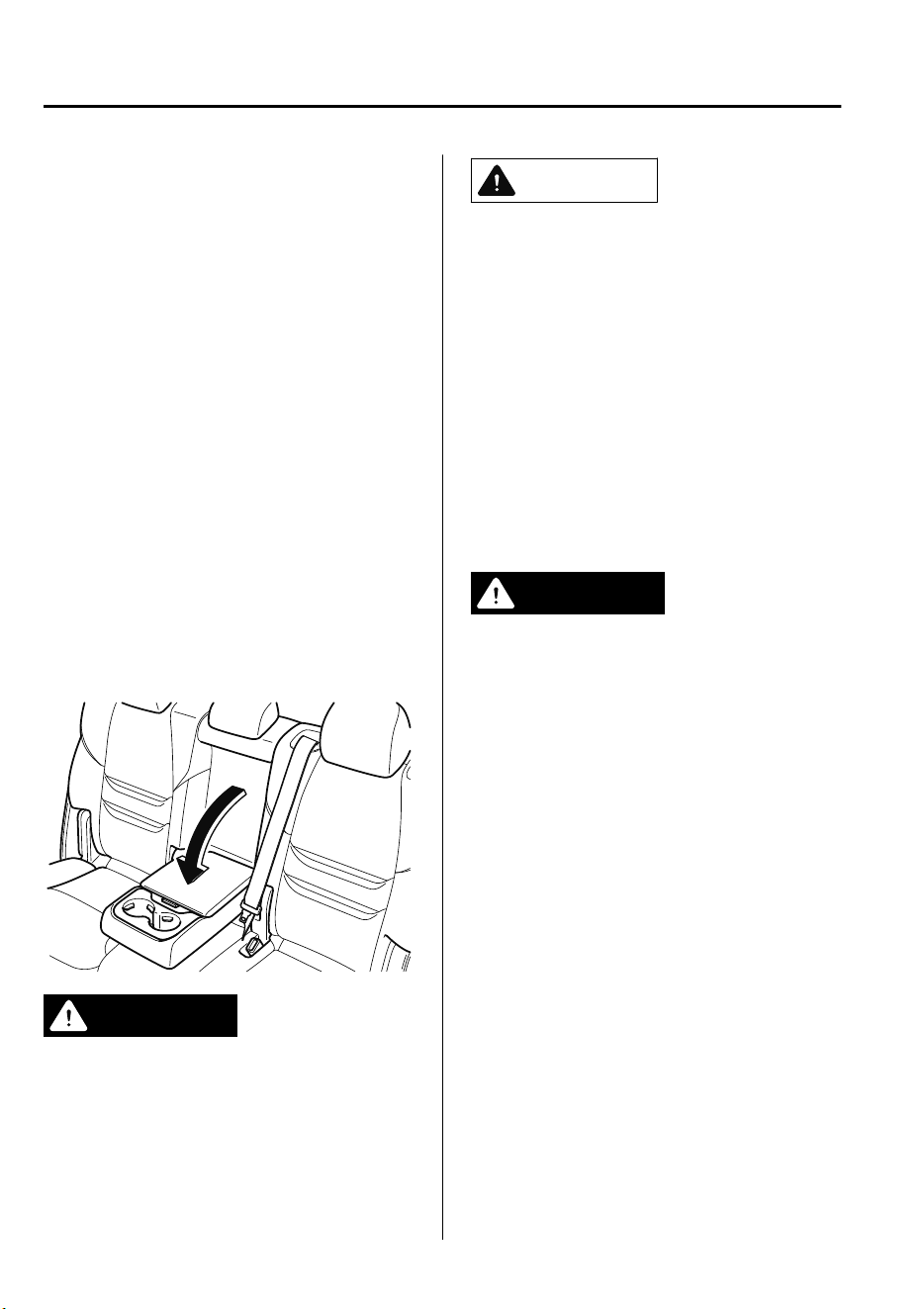
Armrest
The armrest in the center of the
second-row seatback can be used (no
occupant in the center seat) or placed
upright.
WARNING
Never put your hands and ngers around
the moving parts of the seat and armrest:
Putting your hands and ngers around the
moving parts of the seat and armrest is
dangerous as they could get injured.
CAUTION
When storing the armrest, make sure that
any cables connected to the USB power
outlets in the armrest box are stored away
in the armrest box.
If the cables are not stored away in the
armrest box, the cables and connection
devices may become damaged when
storing the armrest.
▼
Third-Row Seat Access
Occupants can get into and out of the
third-row seats easily by sliding the
second-row seats forward.
WARNING
Make sure there is nobody in the
second-row seat area before operating the
levers:
Not checking the second-row seat area for
persons before folding the seatbacks with
the levers is dangerous. The second-row
seat area is dicult to see from the rear of
the vehicle. Operating the levers without
checking could cause injury to a person
when a seatback suddenly
ips
forward.
Do not operate the lever on the side of the
head restraint under the following
conditions:
Operating the lever on the side of the head
restraint under the following conditions is
dangerous as the seat may move
unexpectedly and cause an injury such as a
foot getting pinched between the seat and
oor.
Essential Safety Equipment
Seats
2-12
CX-9_8GC7-EE-17G_Edition1 2017-5-16 8:22:04
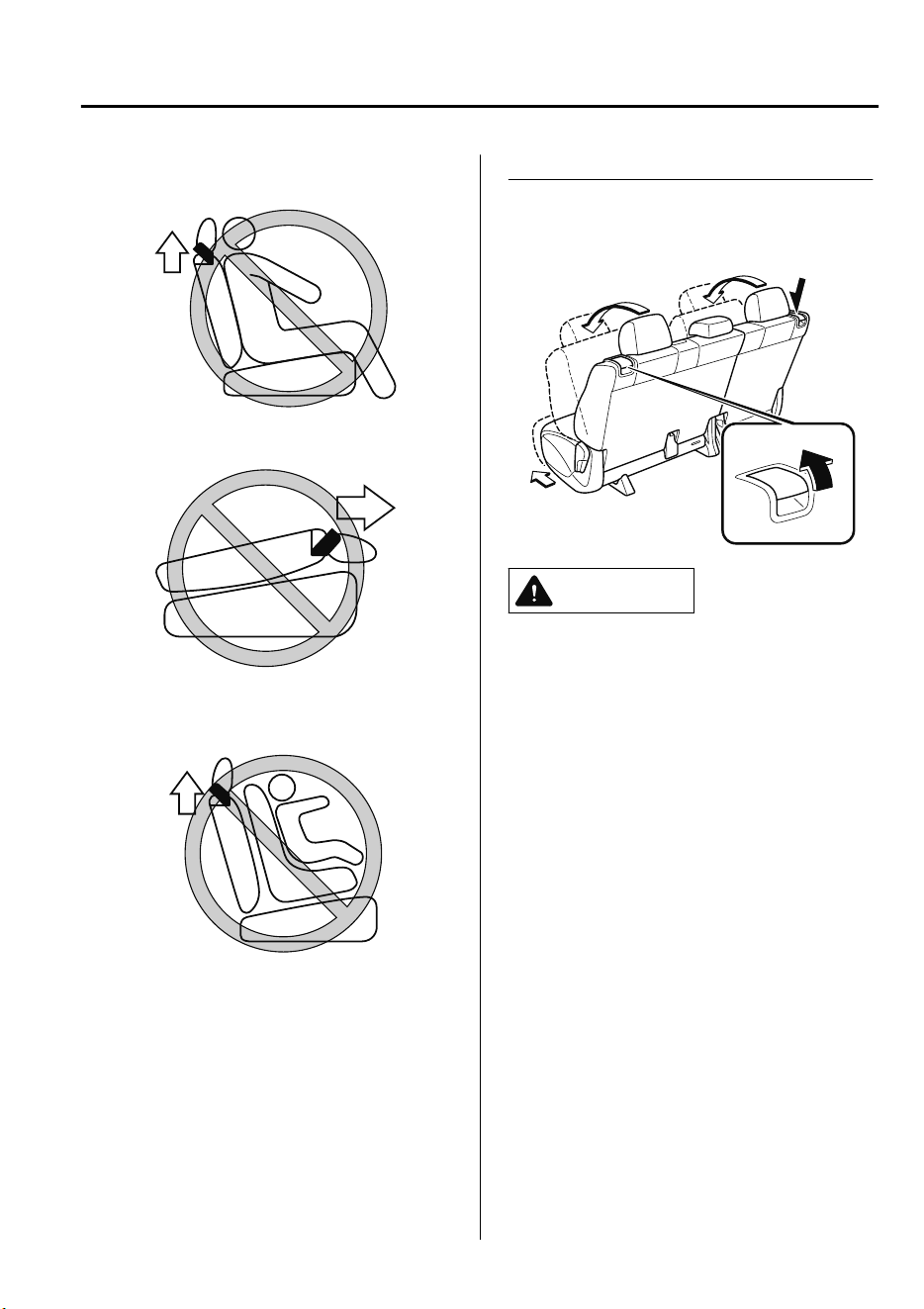
Occupant is seated in second-row seat
Second-row seatback is folded forward
Child is seated on child restraint in
second-row seat
Entering/exiting the third-row seat area
Pull up the lever on the side of the head
restraint to fold the seatback and slide the
seat forward.
CAUTION
Do not operate the lever on the side of a
second-row seat while the seatback is
folded down and the seat is slid forward.
If the lever is forcefully operated, it could
damage the lever.
After entering/exiting the third-row seat
area, return the second-row seatback to
its upright position and lock it after
sliding it rearward.
Make sure it is locked by attempting to
lightly move it back and forth.
Otherwise, it could move unexpectedly
and cause injury.
Entering/exiting the third-row seat area
with child-restraint system installed
(Right-side seat only)
*1
Access to the third-row seats is possible
even when a child-restraint system is
installed to the second-row seat.
Pull up the lever on the side of the head
restraint to lower the front side of the seat
and slide the seat forward.
Essential Safety Equipment
Seats
2-13
CX-9_8GC7-EE-17G_Edition1 2017-5-16 8:22:04
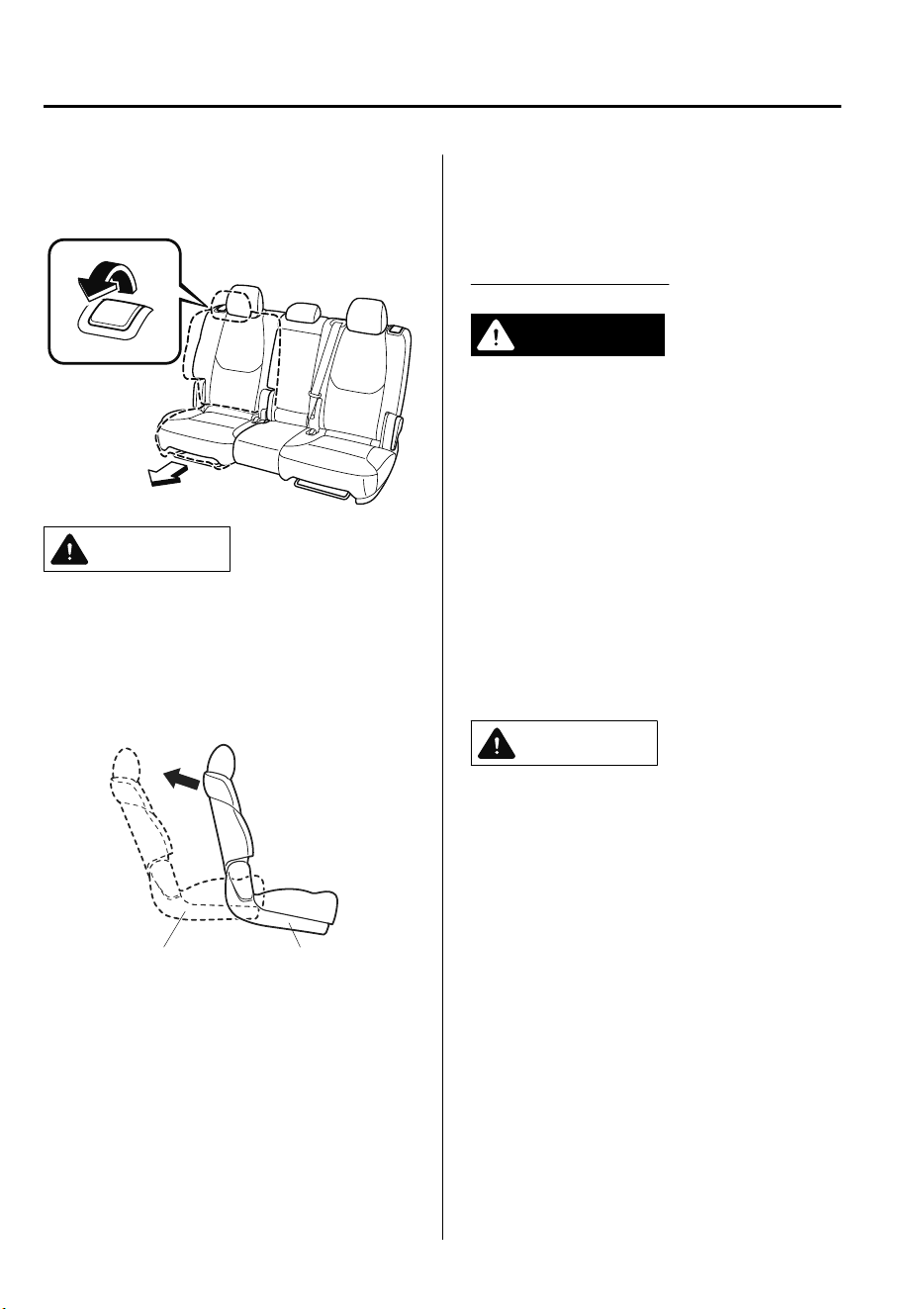
*
1 For left-hand drive models. Only for
the left-side seat for right-hand drive
models.
CAUTION
After entering/exiting the third-row seat
area, lock the seat after sliding it rearward.
Make sure it is locked by attempting to
lightly move it back and forth.
Otherwise, it could move unexpectedly and
cause injury.
Second-row seat
fixed position
Third-row seat
in
g
ress/e
g
ress
NOTE
The second-row seat cannot be moved
forward while the seat belt is securing the
child-restraint system.
▼
Split folding the Second-Row Seats
To create a flat luggage compartment
space, fold the seatbacks forward.
Folding the seatbacks
WARNING
Make sure the adjustable components of a
second-row seat are locked after folding
down the seatback:
A second-row seat that is not securely
locked is dangerous. In a sudden stop or
collision, the second-row seat could move,
causing injury.
After folding down the seatback of a
second-row seat, make sure the adjustable
components of the seat are locked in place
by attempting to slide the seat forward and
backward.
CAUTION
When folding the seatback forward,
always support the seatback with your
hand. If it is not supported by a hand,
ngers or the hand raising the lever
could be injured.
Check the position of a front seat before
folding a second-row seatback.
Depending on the position of a front
seat, it may not be possible to fold a
second-row seatback all the way down
because it may hit the seatback of the
front seat which could scratch or
damage the front seat or its pocket.
Remove the head restraint on the
second-row outboard seat if necessary.
Essential Safety Equipment
Seats
2-14
CX-9_8GC7-EE-17G_Edition1 2017-5-16 8:22:04
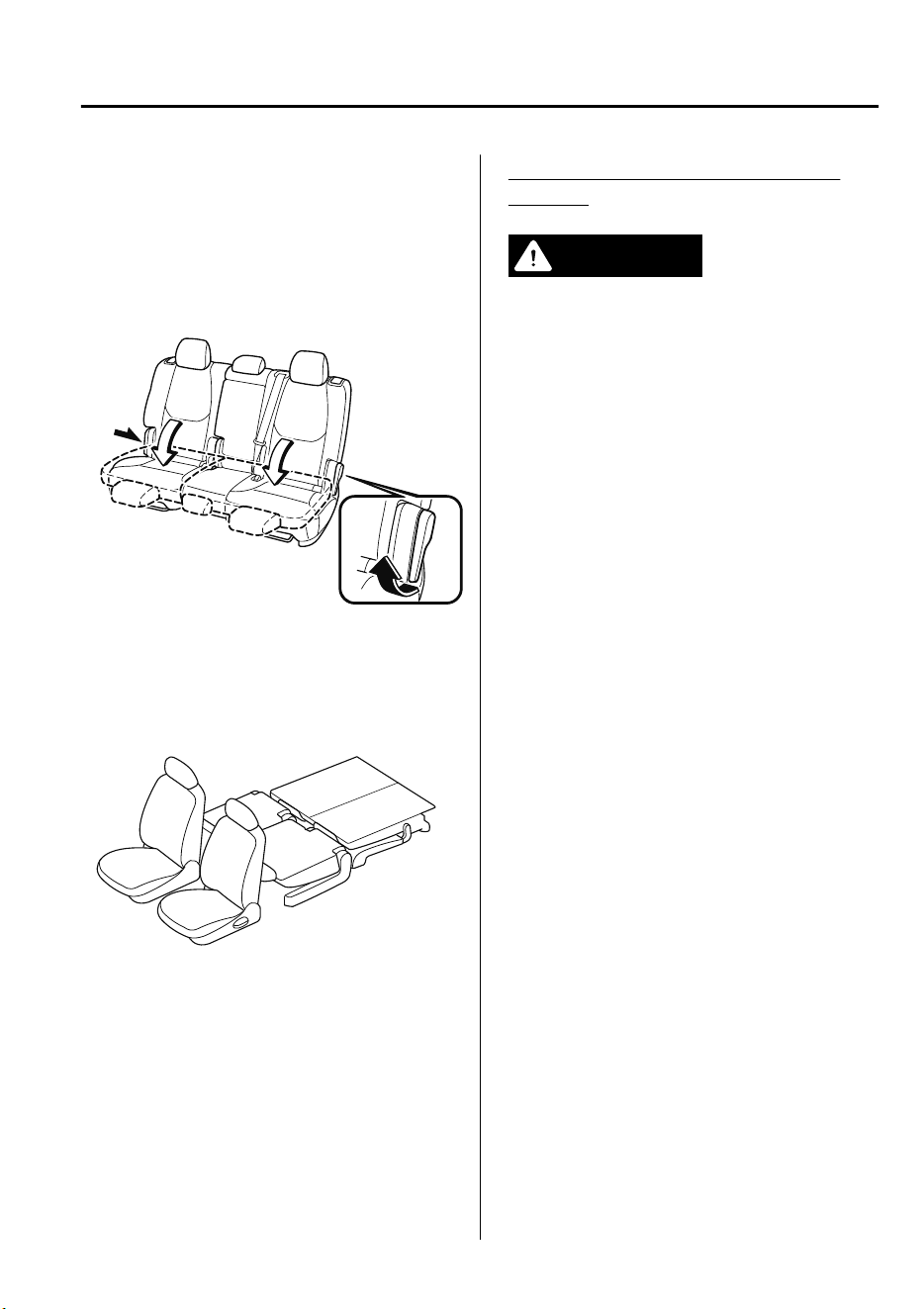
1. Lower the head restraint all the way
down.
Refer to Head Restraints on page 2-
17.
2. Raise the lever on the side of the
second-row seat to fold down the
seatback.
NOTE
To create a flat luggage compartment
space from the rear of the vehicle to the
back of the front seats, fold the second-row
and third-row seats (page 2-16).
To return the seatback to its upright
position:
WARNING
When returning a seatback to its upright
position, make sure the 3-point seat belt is
not caught in the seatback and the 3-point
seat belt is not twisted:
If the seat belt is used while it is twisted and
caught in the seatback, the seat belt
cannot function at its full capacity, which
could cause serious injury or death.
1. Make sure that the seat belt is not stuck
in the second-row seat and it is not
twisted, then raise the seatback while
preventing the seat belt from being
caught in the seatback.
2. Press the seatback rearward and lock it
in place. After returning the seatback
to its upright position, make sure it is
securely locked.
Essential Safety Equipment
Seats
2-15
CX-9_8GC7-EE-17G_Edition1 2017-5-16 8:22:04
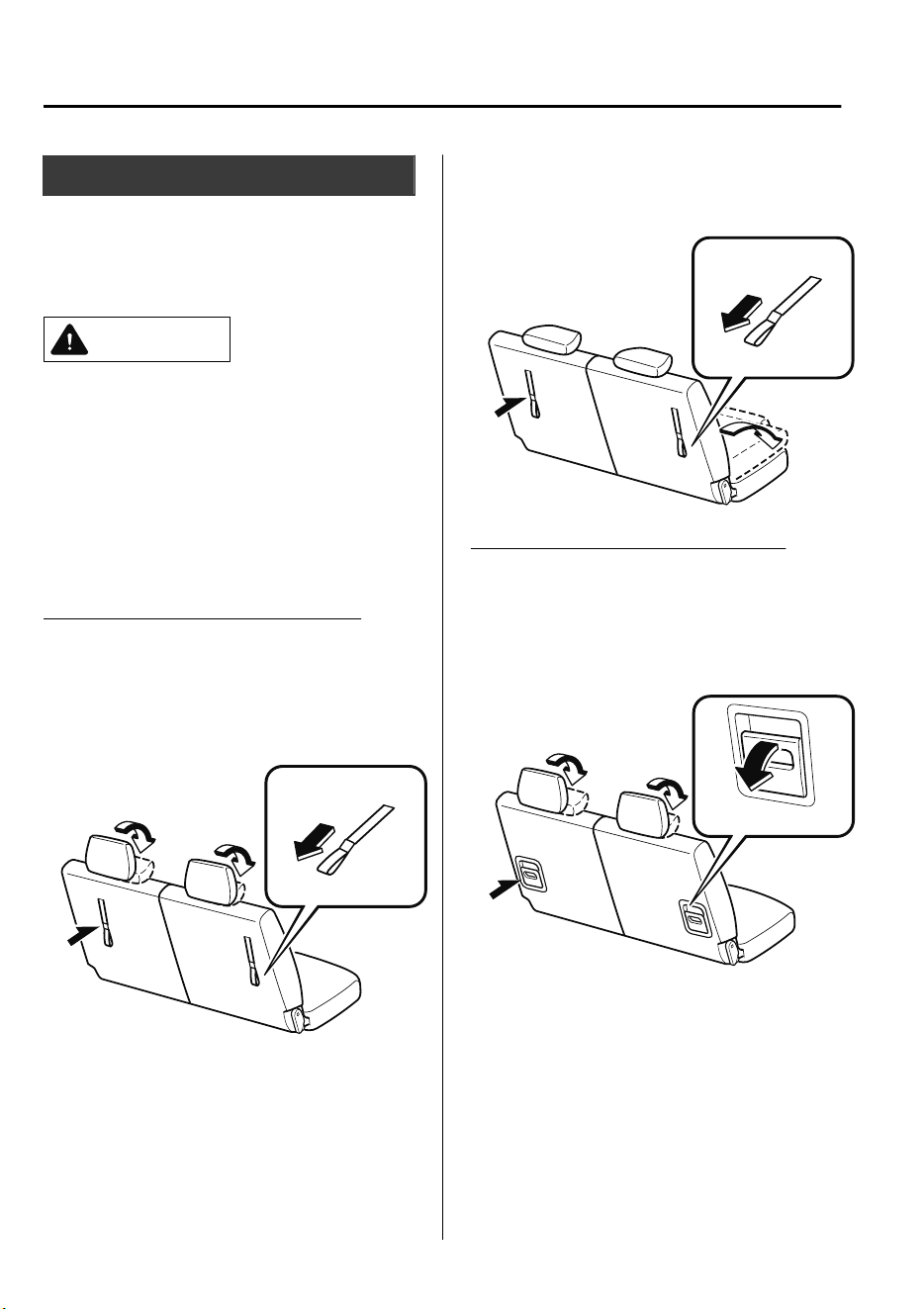
Third-Row Seat
▼
Split folding the Third-Row Seats
To create a flat luggage compartment
space, fold the seatbacks forward.
CAUTION
Do not apply load to the head restraint
with it in the upright position and the
seatback folded down. Otherwise, it could
cause damage to the head restraint.
NOTE
When folding the seatbacks forward, fold
them in two steps.
Folding the seatbacks (With strap)
1. Slide the second-row seat all the way
forward.
2. Pull the strap to fold down the head
restraint.
3. Pull the strap further to fold the
third-row seat forward.
Folding the seatbacks (With lever)
1. Slide the second-row seat all the way
forward.
2. Lower the lever to fold down the head
restraint.
Essential Safety Equipment
Seats
2-16
CX-9_8GC7-EE-17G_Edition1 2017-5-16 8:22:04
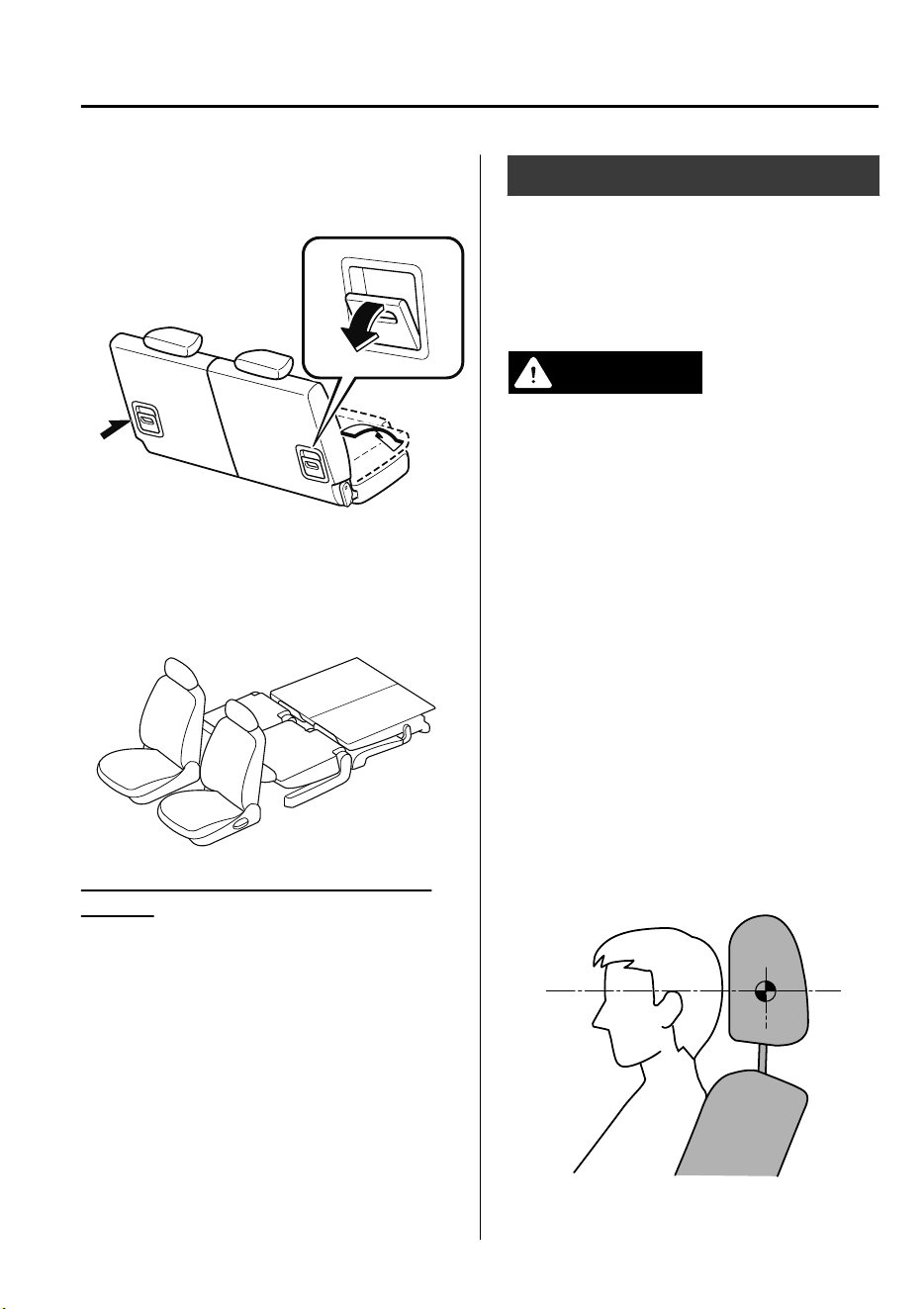
3. Lower the lever further to fold the
third-row seat forward.
NOTE
To create a flat luggage compartment
space from the rear of the vehicle to the
back of the front seats, fold the second-row
and third-row seats (page 2-14).
To return third-row seat to its original
position
1. Return the seatback to its original
position by pulling the strap/lever on
the back of the seatback.
Make sure the seatback is secured by
attempting to lightly move it forward
and back.
2. Lift the head restraint upward to its
upright position.
Head Restraints
Your vehicle is equipped with head
restraints on all outboard seats and the
second-row center seat. The head
restraints are intended to help protect you
and the passengers from neck injury.
WARNING
Always drive with the head restraints
installed when seats are being used and
make sure they are properly adjusted. In
addition, always raise the head restraints
on all rear seat when they are being used:
Driving with the head restraints adjusted
too low or removed is dangerous. With no
support behind your head, your neck could
be seriously injured in a collision.
NOTE
(Third-row seat)
The head restraints are non-adjustable.
▼
Height Adjustment
Adjust the head restraint so that the center
is even with the top of the passenger's
ears.
Essential Safety Equipment
Seats
2-17
CX-9_8GC7-EE-17G_Edition1 2017-5-16 8:22:04
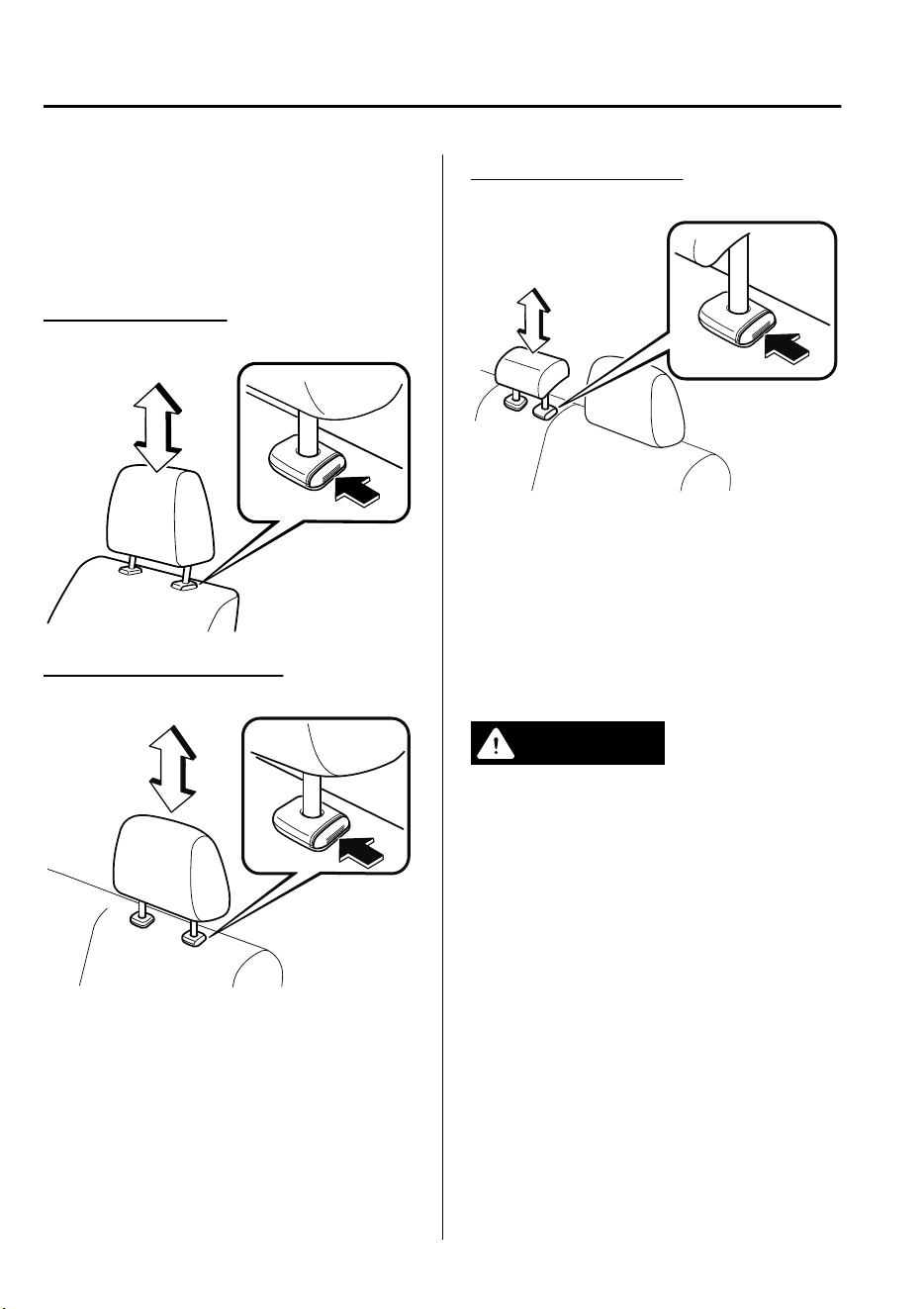
To raise a head restraint, pull it up to the
desired position.
To lower the head restraint, press the
stop-catch release, then push the head
restraint down.
Front outboard seat
Second-row outboard seat
Second-row center seat
▼
Removal/Installation (Second-row
seat)
To remove the head restraint, pull it up
while pressing the stop-catch.
To install the head restraint, insert the legs
into the holes while pressing the
stop-catch.
WARNING
Always drive with the head restraints
installed when seats are being used and
make sure they are properly installed:
Driving with the head restraints not
installed is dangerous. With no support
behind your head, your neck could be
seriously injured in a collision.
After installing a head restraint, try lifting it
to make sure that it does not pull out:
Driving with an unsecured head restraint is
dangerous as the eectiveness of the head
restraint will be compromised which could
cause it to unexpectedly detach from the
seat.
Essential Safety Equipment
Seats
2-18
CX-9_8GC7-EE-17G_Edition1 2017-5-16 8:22:04
CAUTION
When installing a head restraint, make
sure that it is installed correctly with the
front of the head restraint facing
forward. If the head restraint is installed
incorrectly, it could detach from the seat
during a collision and result in injury.
The head restraints on each of the front
and rear seats are specialized to each
seat. Do not switch around the head
restraint positions. If a head restraint is
not installed to its correct seat position,
the eectiveness of the head restraint
during a collision will be compromised
which could cause injury.
▼
Foldable Head Restraints
(Third-row seat)
The third-row seats are equipped with
foldable head restraints.
NOTE
The foldable head restraints cannot be
adjusted or removed.
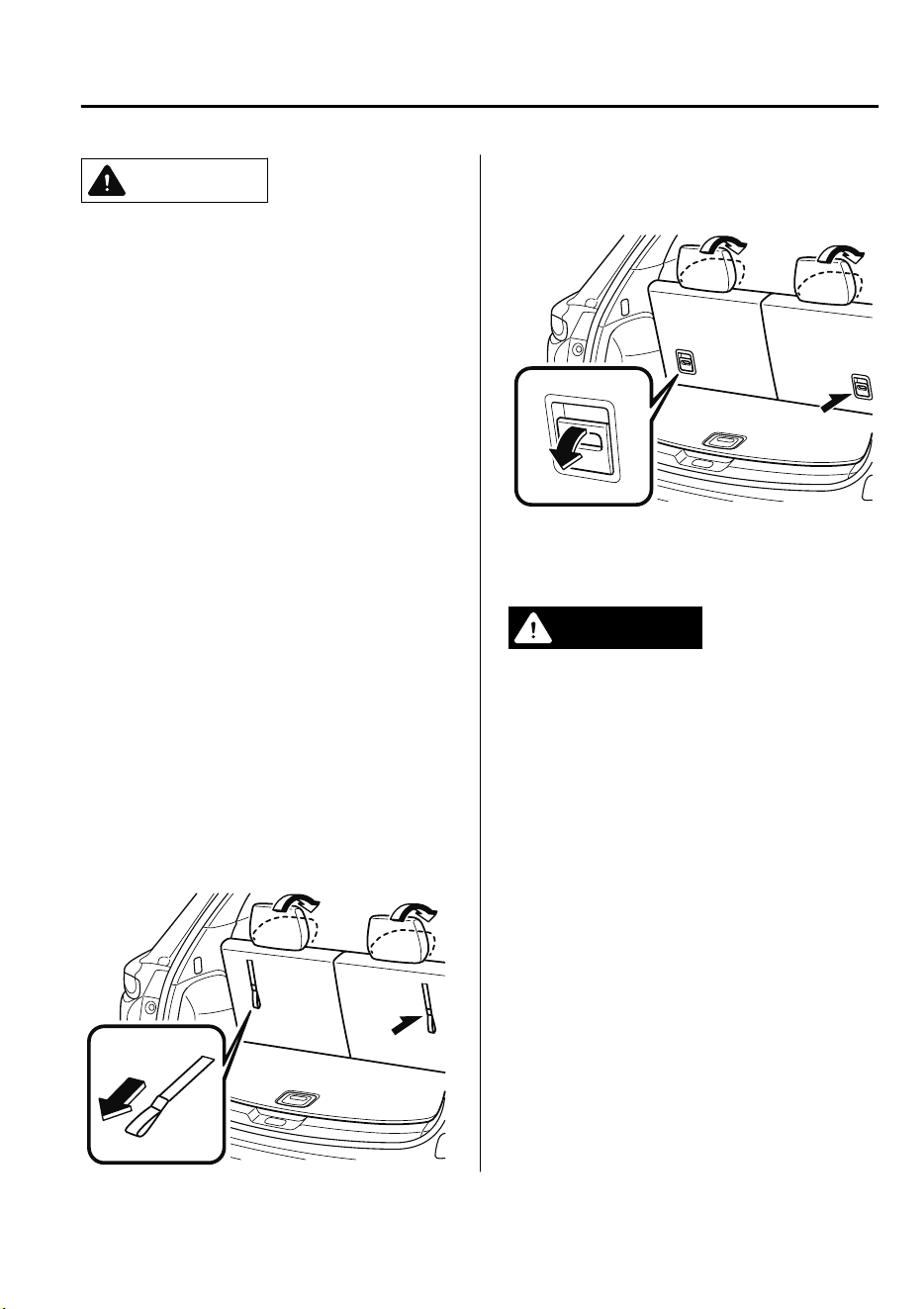
(With strap)
To fold the head restraint, pull the strap
and fold the head restraint downward.
(With lever)
To fold the head restraint, lower the lever
down.
To return the head restraint to its upright
position, lift it upward.
WARNING
Always drive with the head restraints in
their upright positions when the third-row
seats are occupied, and make sure they are
securely locked in place:
Driving with the head restraints folded
down is dangerous. With no support
behind your head, your neck could be
seriously injured in a collision.
Essential Safety Equipment
Seats
2-19
CX-9_8GC7-EE-17G_Edition1 2017-5-16 8:22:04
Seat Belt Precautions
Seat belts help to decrease the possibility of severe injury during accidents and sudden
stops. Mazda recommends that the driver and all passengers always wear seat belts.
All the seats have lap/shoulder belts. These belts also have retractors with inertia locks that
keep them out of the way when not in use. The locks allow the belts to remain comfortable
on users, but they will lock in position during a collision.
WARNING
Always wear your seat belt and make sure all occupants are properly restrained:
Not wearing a seat belt is extremely dangerous. During a collision, occupants not wearing
seat belts could hit someone or things inside the vehicle or even be thrown out of the vehicle.
They could be seriously injured or even killed. In the same collision, occupants wearing seat
belts would be much safer.
Do not wear twisted seat belts:
Twisted seat belts are dangerous. In a collision, the full width of the belt is not available to
absorb the impact. This puts more force on the bones beneath the belt, which could cause
serious injury or death. So, if your seat belt is twisted, you must straighten the seat belt to
remove any twists and to allow the full width of the belt to be used.
Never use one seat belt on more than one person at a time:
Using one seat belt for more than one person at a time is dangerous. A seat belt used in this
way cannot spread the impact forces properly and the two passengers could be crushed
together and seriously injured or even killed. Never use one belt for more than one person at a
time and always operate the vehicle with each occupant properly restrained.
Do not operate a vehicle with a damaged seat belt:
Using a damaged seat belt is dangerous. An accident could damage the belt webbing of the
seat belt in use. A damaged seat belt cannot provide adequate protection in a collision. Have
an expert repairer, we recommend an Authorized Mazda Repairer inspect all seat belt systems
in use during an accident before they are used again.
Essential Safety Equipment
Seat Belt Systems
2-20
CX-9_8GC7-EE-17G_Edition1 2017-5-16 8:22:04

Have your seat belts changed immediately if the pretensioner or load limiter has been
expended:
Always have an expert repairer, we recommend an Authorized Mazda Repairer immediately
inspect the seat belt pretensioners and air bags after any collision. Like the air bags, the seat
belt pretensioners and load limiters will only function once and must be replaced after any
collision that caused them to deploy. If the seat belt pretensioners and load limiters are not
replaced, the risk of injury in a collision will increase.
Positioning the Shoulder Portion of the Seat Belt:
Improper positioning of the shoulder portion of the seat belt is dangerous. Always make sure
the shoulder portion of the seat belt is positioned across your shoulder and near your neck,
but never under your arm, on your neck, or on your upper arm.
Positioning the Lap Portion of the Seat Belt:
The lap portion of the seat belt worn too high is dangerous. In a collision, this would
concentrate the impact force directly on the abdominal area, causing serious injury. Wear the
lap portion of the belt snugly and as low as possible.
In a rollover crash, an unbelted person is signicantly more likely to die than a person wearing
a seat belt.
Instructions for Use of Seat Belt Assemblies:
Seatbelts are designed to bear upon the bony structure of the body, and should be worn low
across the front of the pelvis or the pelvis, chest and shoulders, as applicable; wearing the lap
section of the belt across the abdominal area must be avoided.
Seatbelts should be adjusted as
rmly
as possible, consistent with comfort, to provide the
protection for which they have been designed. A slack belt will greatly reduce the protection
aorded to the wearer.
Care should be taken to avoid contamination of the webbing with polishes, oils and
chemicals, and particularly battery acid. Cleaning may safely be carried out using mild soap
and water. The belt should be replaced if webbing becomes frayed, contaminated or
damaged.
It is essential to replace the entire assembly after it has been worn in a severe impact even if
damage to the assembly is not obvious.
Belts should not be worn with straps twisted.
Each belt assembly must only be used by one occupant; it is dangerous to put a belt around a
child being carried on the occupant's lap.
No modications or additions should be made by the user which will either prevent the seat
belt adjusting devices from operating to remove slack, or prevent the seat belt assembly from
being adjusted to remove slack.
Essential Safety Equipment
Seat Belt Systems
2-21
CX-9_8GC7-EE-17G_Edition1 2017-5-16 8:22:04
CAUTION
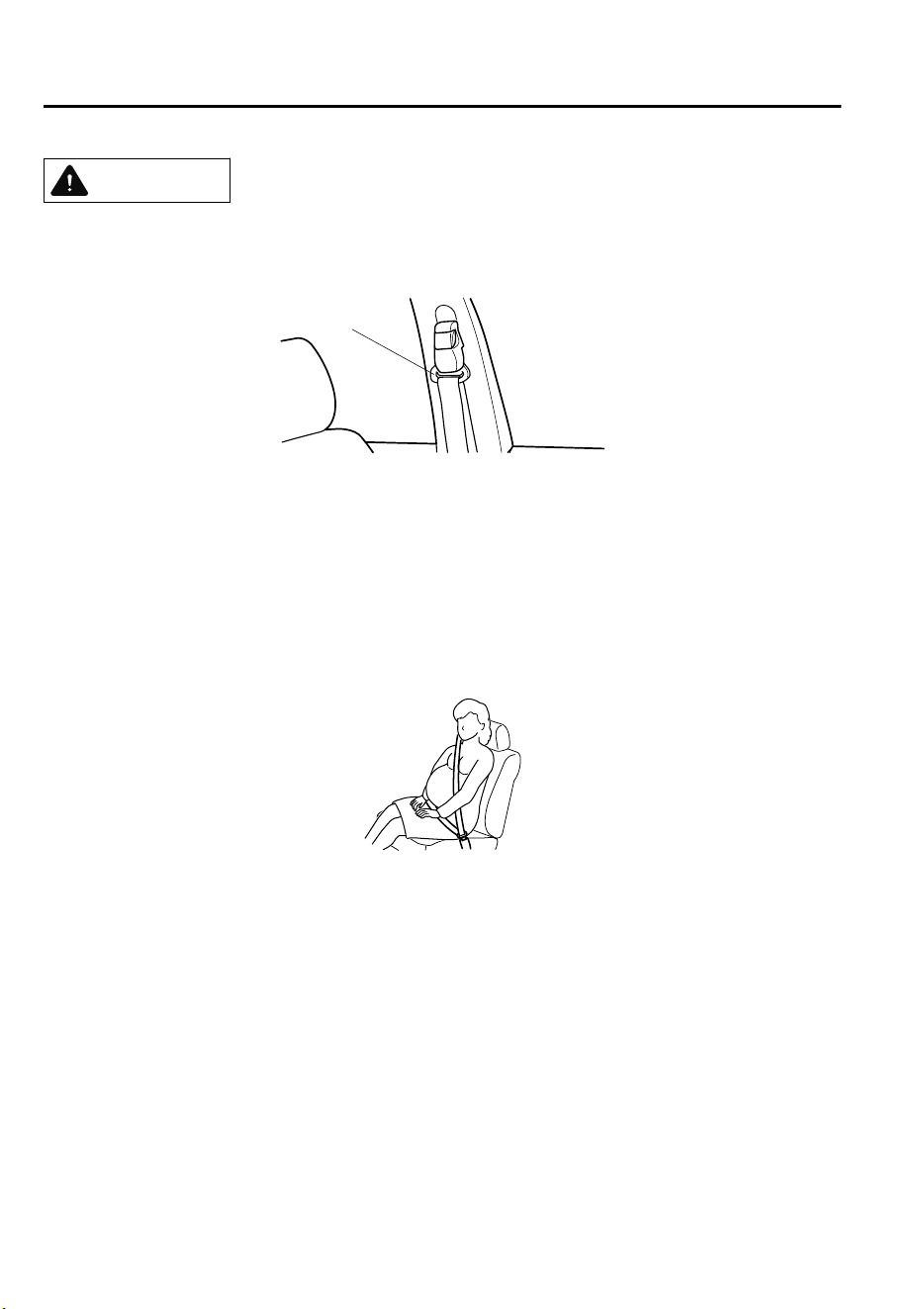
Belt retraction may become dicult if the belts and rings are soiled, so try to keep them clean.
For more details about cleaning the seat belts, refer to "Seat Belt Maintenance" (page 6-61).
Ring
▼
Pregnant Women and Persons with Serious Medical Conditions
Pregnant women should always wear seat belts. Ask your doctor for specific
recommendations.
The lap belt should be worn SNUGLY AND AS LOW AS POSSIBLE OVER THE HIPS.
The shoulder belt should be worn across your shoulder properly, but never across the
stomach area.
Persons with serious medical conditions also should wear seat belts. Check with your doctor
for any special instructions regarding specific medical conditions.
▼
Emergency Locking Mode
When the seat belt is fastened, it will always be in the emergency locking mode.
In the emergency locking mode, the belt remains comfortable on the occupant and the
retractor will lock in position during a collision.
If the belt is locked and cannot be pulled out, retract the belt once, and then try pulling it out
slowly. If this fails, pull the belt strongly one time and loosen, then pull it out again slowly.
Essential Safety Equipment
Seat Belt Systems
2-22
CX-9_8GC7-EE-17G_Edition1 2017-5-16 8:22:04
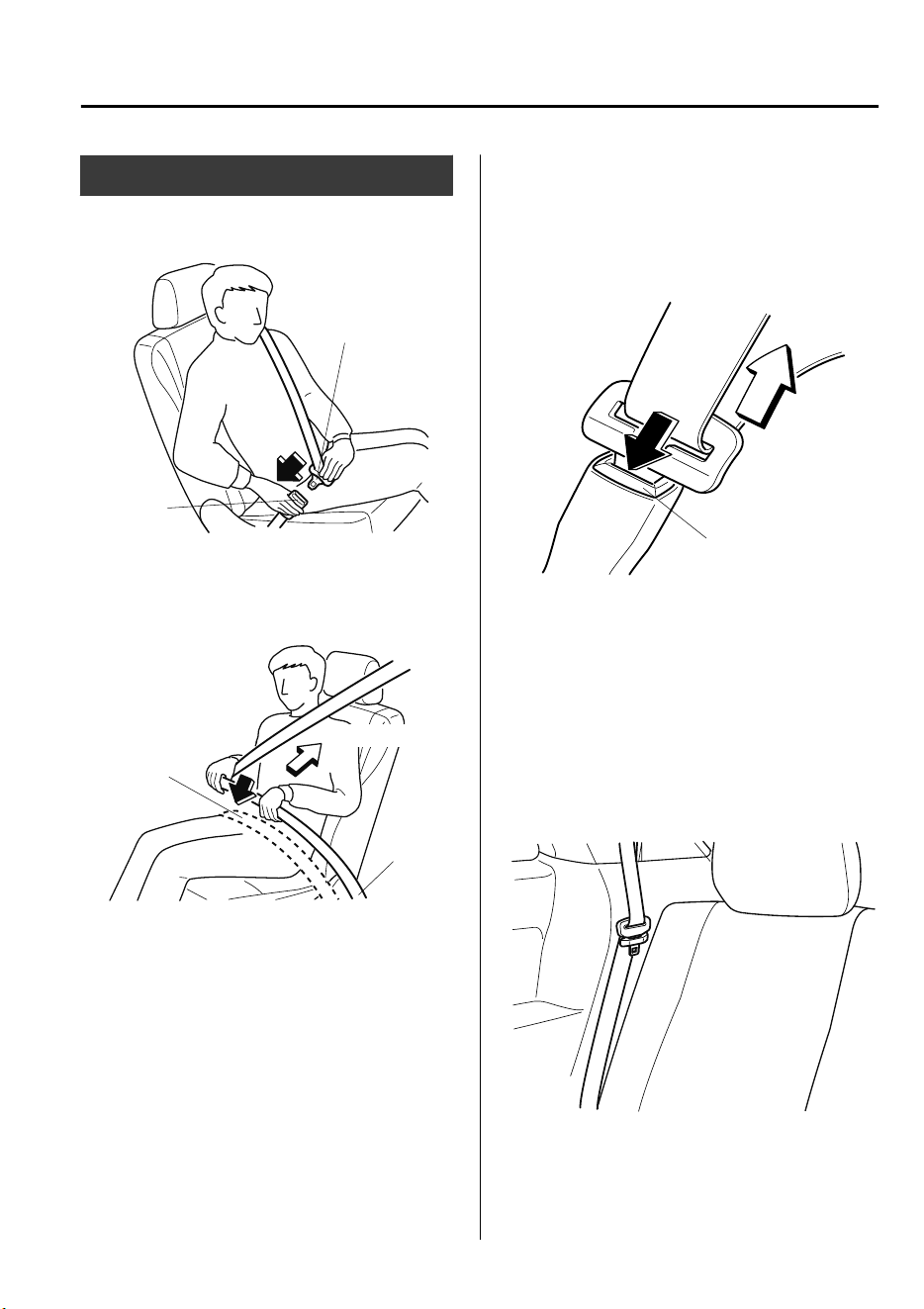
Seat Belt
▼
Fastening the Seat Belt
Seat belt
buckle
Seat belt tongue
Position the lap belt as low as possible, not
on the abdominal area, then adjust the
shoulder belt so that it fits snugly against
your body.
Keep low on
hip bone
Too high
Take up slack
▼
Unfastening the Seat Belt
Depress the button on the seat belt buckle.
If the belt does not fully retract, pull it out
and check for kinks or twists. Then make
sure it remains untwisted as it retracts.
Button
NOTE
If a belt does not fully retract, inspect it
for kinks and twists. If it is still not
retracting properly, have it inspected at an
expert repairer, we recommend an
Authorized Mazda Repairer.
To secure the outboard-third row seat belts
when not in use, insert the belts into their
seat belt retainers.
Essential Safety Equipment
Seat Belt Systems
2-23
CX-9_8GC7-EE-17G_Edition1 2017-5-16 8:22:04
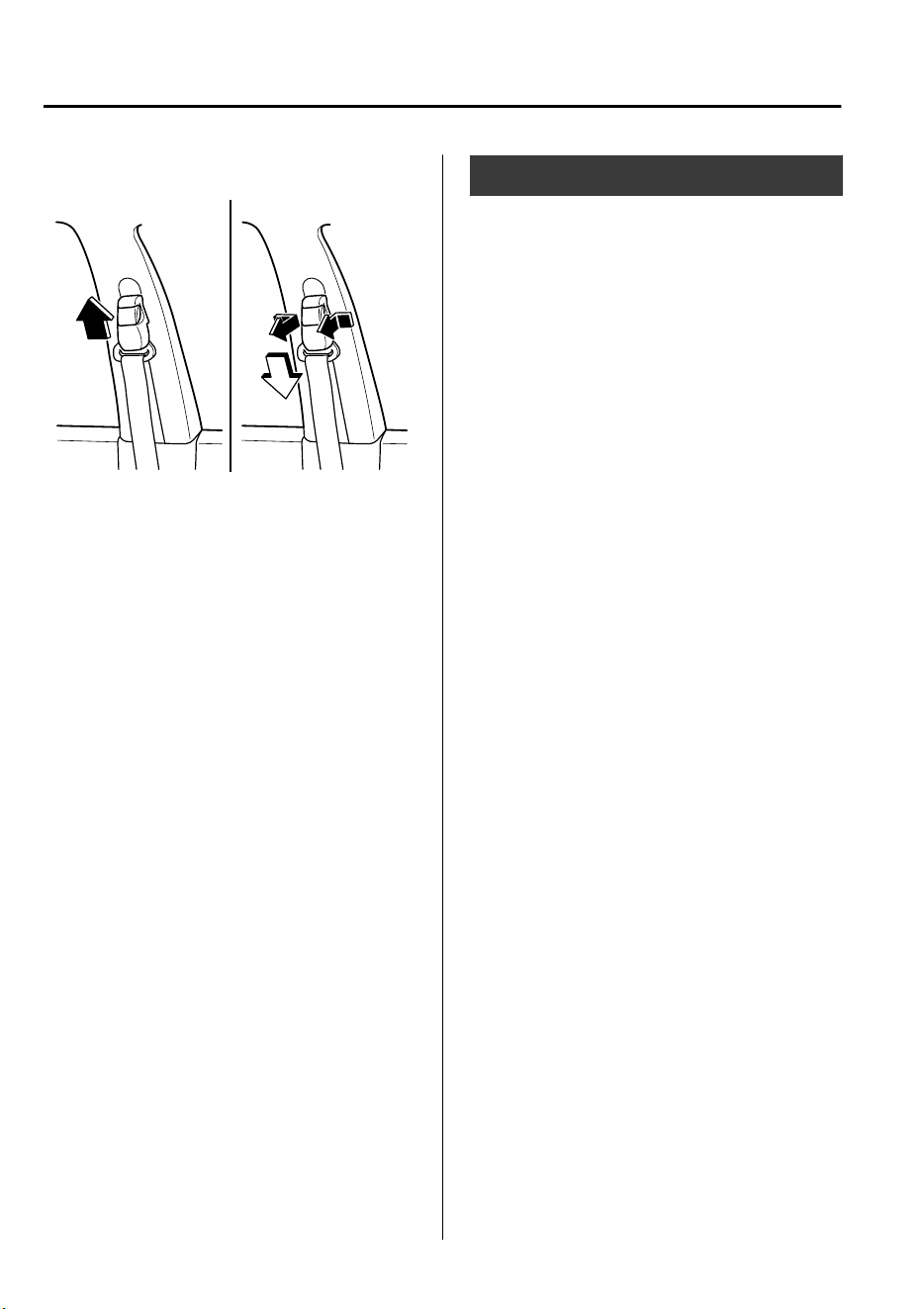
▼
Front Shoulder Belt Adjuster
To raise To lower
Make sure the adjuster is locked.
Seat Belt Warning Systems
If it detects that the occupant seat belt is
unfastened, the warning light or beep
alerts the occupant.
Refer to Warning/Indicator Lights on page
4-32.
Refer to Seat Belt Warning Beep on page
7-55.
Essential Safety Equipment
Seat Belt Systems
2-24
CX-9_8GC7-EE-17G_Edition1 2017-5-16 8:22:04
Front Seat Belt
Pretensioner and Load
Limiting Systems
For optimum protection, the driver and
front passenger seat belts are equipped
with pretensioner and load limiting
systems. For both these systems to work
properly you must wear the seat belt
properly.
Pretensioners:
When a collision is detected, the
pretensioners deploy simultaneously with
the air bags.
(European models)
The pretensioners deploy simultaneously
with the air bags when a roll-over is also
detected.
For deployment details, refer to the SRS
Air Bag Deployment Criteria (page 2-
55).
The seat belt retractors remove slack
quickly as the air bags are expanding. Any
time the air bags and seat belt
pretensioners have fired they must be
replaced.
A system malfunction or operation
conditions are indicated by a warning.
Refer to Warning/Indicator Lights on page
4-32.
Refer to Air Bag/Front Seat Belt
Pretensioner System Warning Beep on
page 7-55.
Load limiter:
The load limiting system releases belt
webbing in a controlled manner to reduce
belt force on the occupant's chest. While
the most severe load on a seat belt occurs
in frontal collisions, the load limiter has an
automatic mechanical function and can
activate in any accident mode with
sufficient occupant movement.
Even if the pretensioners have not fired,
the load limiting function must be checked
by an expert repairer, we recommend an
Authorized Mazda Repairer.
WARNING
Wear seat belts only as recommended in
this owner's manual:
Incorrect positioning of the seat belts is
dangerous. Without proper positioning, the
pretensioner and load limiting systems
cannot provide adequate protection in an
accident and this could result in serious
injury. For more details about wearing seat
belts, refer to "Fastening the Seat Belt"
(page 2-23).
Have your seat belts changed immediately
if the pretensioner or load limiter has been
expended:
Always have an expert repairer, we
recommend an Authorized Mazda Repairer
immediately inspect the seat belt
pretensioners and air bags after any
collision. Like the air bags, the seat belt
pretensioners and load limiters will only
function once and must be replaced after
any collision that caused them to deploy. If
the seat belt pretensioners and load
limiters are not replaced, the risk of injury
in a collision will increase.
Essential Safety Equipment
Seat Belt Systems
2-25
CX-9_8GC7-EE-17G_Edition1 2017-5-16 8:22:04

Do not modify the components or wiring,
or use electronic testing devices on the
pretensioner system:
Modifying the components or wiring of the
pretensioner system, including the use of
electronic testing devices is dangerous. You
could accidentally activate it or make it
inoperable which would prevent it from
activating in an accident. The occupants or
repairers could be seriously injured.
Properly dispose of the pretensioner
system:
Improper disposal of the pretensioner
system or a vehicle with non-deactivated
pretensioners is dangerous. Unless all
safety procedures are followed, injury could
result. Have an expert repairer, we
recommend an Authorized Mazda Repairer
safely dispose of the pretensioner system or
scrap a pretensioner system equipped
vehicle.
NOTE
•
The pretensioner system may not
operate depending on the type of the
collision. For details, refer to the SRS
Air Bag Deployment Criteria (page 2-
55).
•
Some smoke (non-toxic gas) will be
released when the air bags and
pretensioners deploy. This does not
indicate a fire. This gas normally has no
effect on occupants, however, those with
sensitive skin may experience light skin
irritation. If residue from the
deployment of the air bags or the
pretensioner system gets on the skin or
in the eyes, wash it off as soon as
possible.
Essential Safety Equipment
Seat Belt Systems
2-26
CX-9_8GC7-EE-17G_Edition1 2017-5-16 8:22:04
Child-Restraint Precautions
Mazda strongly urges the use of child-restraint systems for children small enough to use
them.
Mazda recommends use of a Mazda genuine child-restraint system or one that complies
with the UNECE
*1
44 regulation. If you would like to purchase a Mazda genuine
child-restraint system, please contact an Authorized Mazda Dealer.
Check your local and state or provincial laws for specific requirements regarding the safety
of children riding in your vehicle.
*
1 UNECE stands for United Nations Economic Commission for Europe.
Whatever child-restraint system you consider, please pick the appropriate one for the age
and size of the child, obey the law and follow the instructions that come with the individual
child-restraint system.
A child who has outgrown child-restraint systems should sit in the rear and use seat belts.
The child-restraint system should be installed on the rear seat.
Statistics confirm that the rear seat is the best place for all children up to 12 years of age-the
more so with a supplemental restraint system (air bags).
A rear-facing child-restraint system should NEVER be used in the front passenger seat with
the air bag system activated. The front passenger's seat is also the least preferred seat for
other child-restraint systems.
WARNING
Use the correct size child-restraint system:
For
eective
protection in vehicle accidents and sudden stops, a child must be properly
restrained using a seat belt or child-restraint system depending on age and size. If not, the
child could be seriously injured or even killed in an accident.
Follow the manufacturer's instructions and always keep the child-restraint system buckled
down:
An unsecured child-restraint system is dangerous. In a sudden stop or a collision it could move
causing serious injury or death to the child or other occupants. Make sure any child-restraint
system is properly secured in place according to the child-restraint system manufacturer's
instructions. When not in use, remove it from the vehicle or fasten it with a seat belt, or latch it
down to BOTH ISOFIX anchors, and attach the corresponding tether anchor.
Essential Safety Equipment
Child Restraint
2-27
CX-9_8GC7-EE-17G_Edition1 2017-5-16 8:22:04
Always secure a child in a proper child-restraint system:
Holding a child in your arms while the vehicle is moving is extremely dangerous. No matter
how strong the person may be, he or she cannot hold onto a child in a sudden stop or collision
and it could result in serious injury or death to the child or other occupants. Even in a
moderate accident, the child may be exposed to air bag forces that could result in serious
injury or death to the child, or the child may be slammed into an adult, causing injury to both
child and adult.
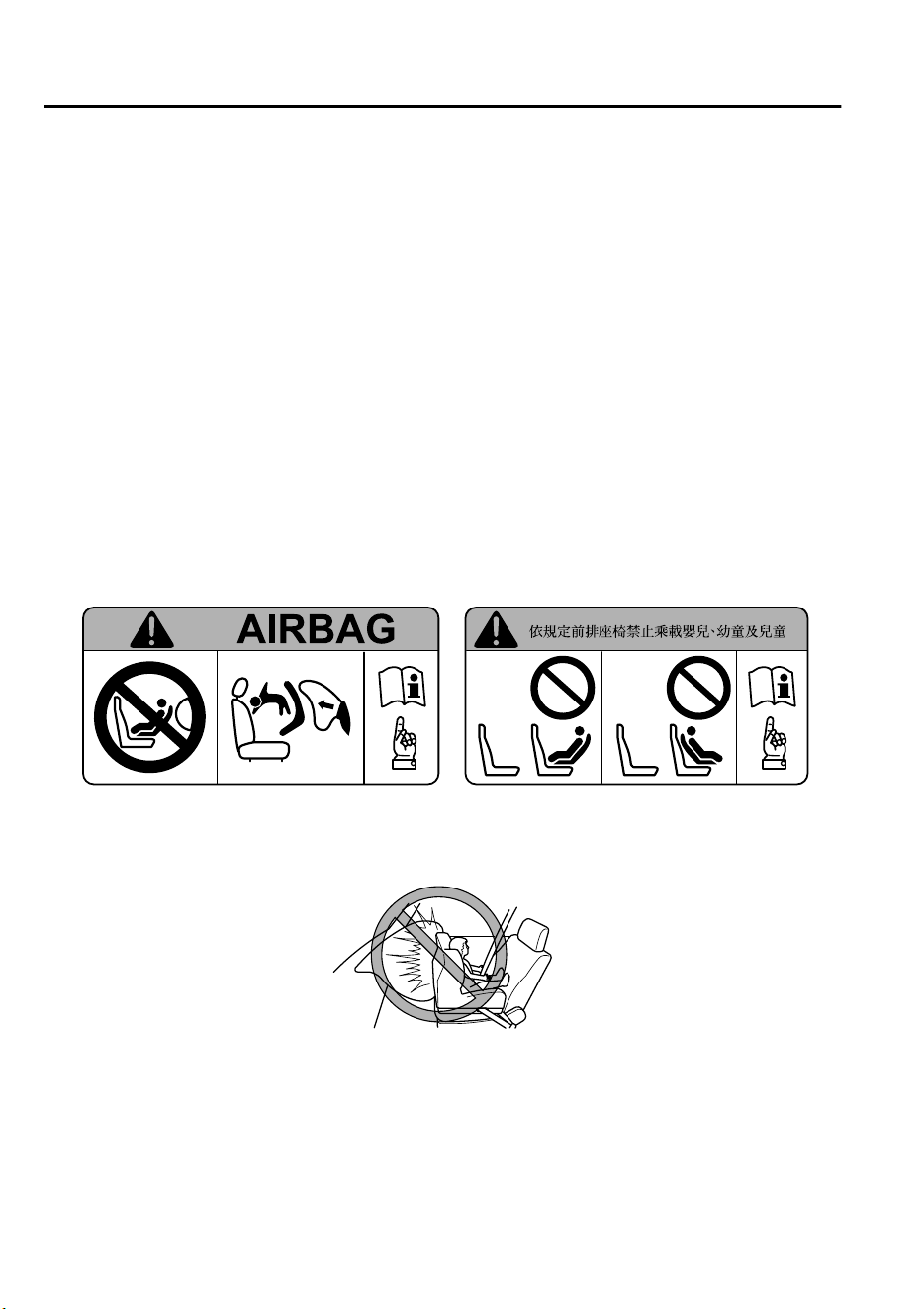
Extreme Hazard! Never use a rear-facing child-restraint system on the front passenger seat
with an air bag that could deploy:
NEVER use a rearward facing child restraint on a seat protected by an ACTIVE AIRBAG in front
of it, DEATH or SERIOUS INJURY to the CHILD can occur.
Vehicles with a front passenger air bag have the following warning label. The warning label
reminds you not to put a rear-facing child-restraint system on the front passenger seat at any
time.
(Except Taiwan) (Taiwan)
Even in a moderate collision, the child-restraint system can be hit by a deploying air bag and
moved violently backward resulting in serious injury or death to the child.
Essential Safety Equipment
Child Restraint
2-28
CX-9_8GC7-EE-17G_Edition1 2017-5-16 8:22:04
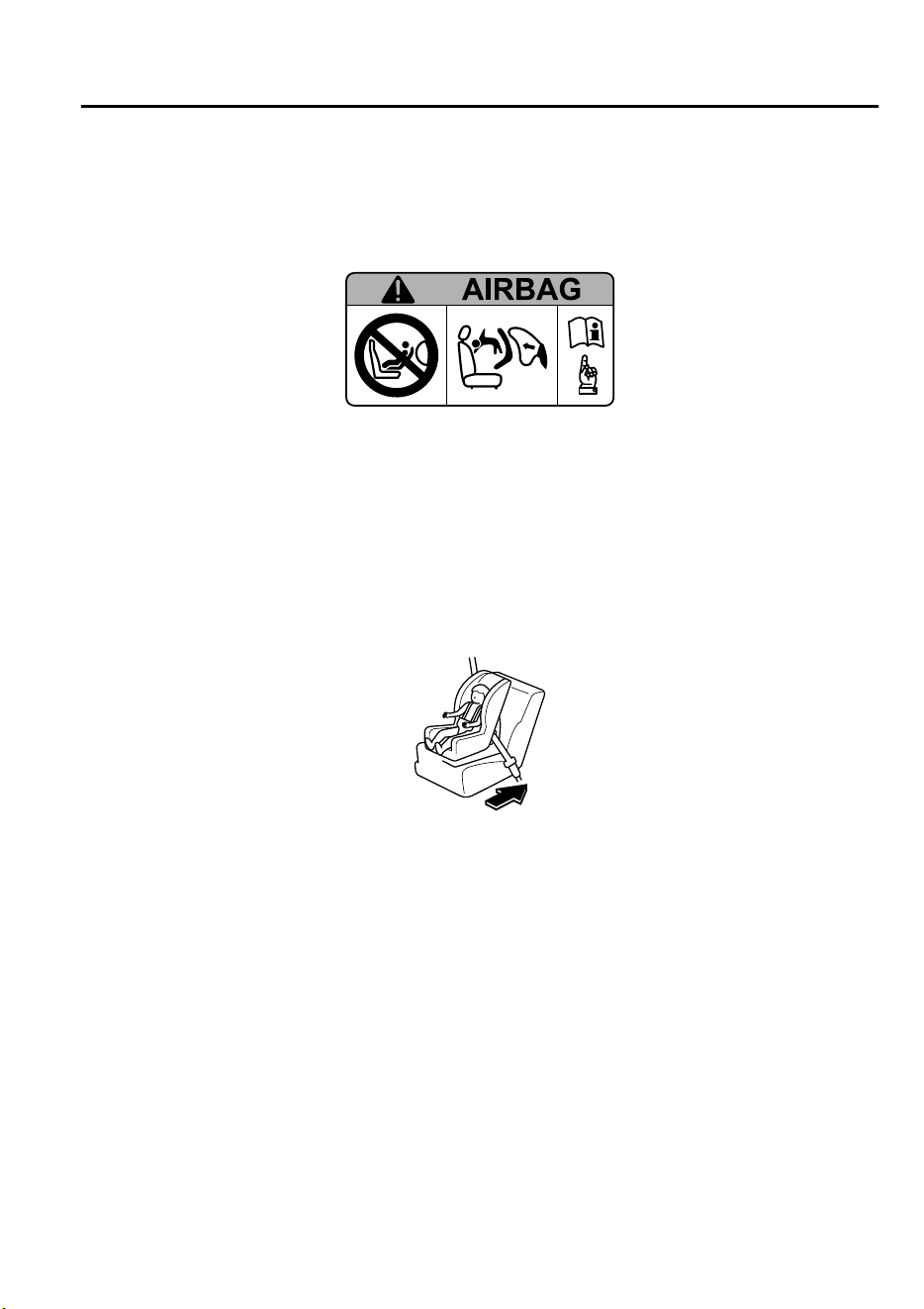
(Taiwan, except front passenger seat, if equipped with the following label)
NEVER use a rearward facing child restraint on a seat protected by an ACTIVE AIRBAG in front
of it, DEATH or SERIOUS INJURY to the CHILD can occur.
Do not install a front-facing child-restraint system on the front passenger seat unless it is
unavoidable:
In a collision, the force of a deploying air bag could cause serious injury or death to the child. If
installing a front-facing child-restraint system on the front passenger seat is unavoidable,
move the front passenger seat as far back as possible and adjust the seat bottom (height
adjustable seat bottom) to the highest position at which the seat belt fastening the
child-restraint system is securely tightened.
Do not allow a child or anyone to lean over or against the side window of a vehicle with side
and curtain air bags:
It is dangerous to allow anyone to lean over or against the side window, the area of the front
passenger seat, the front and rear window pillars and the roof edge along both sides from
which the side and curtain air bags deploy, even if a child-restraint system is used. The impact
of ination from a side or curtain air bag could cause serious injury or death to an out of
position child. Furthermore, leaning over or against the front door could block the side and
curtain air bags and eliminate the advantages of supplemental protection. With the front air
bag and the additional side air bag that comes out of the front seat, the rear seat is always a
better location for children. Take special care not to allow a child to lean over or against the
side window, even if the child is seated in a child-restraint system.
Essential Safety Equipment
Child Restraint
2-29
CX-9_8GC7-EE-17G_Edition1 2017-5-16 8:22:04
Never use one seat belt on more than one person at a time:
Using one seat belt for more than one person at a time is dangerous. A seat belt used in this
way cannot spread the impact forces properly and the two passengers could be crushed
together and seriously injured or even killed. Never use one belt for more than one person at a
time and always operate the vehicle with each occupant properly restrained.
Use the tether and tether anchor only for a child-restraint system:
Child-restraint system anchorages are designed to withstand only those loads imposed by
correctly installed child-restraint systems. Under no circumstances are they to be used for
adult seat belts, harnesses, or for attaching other items or equipment to the vehicle.
Always remove the head restraint and install child-restraint system (except when installing a
booster seat) (Second-row seat):
Installing a child-restraint system without removing the head restraint is dangerous. The
child-restraint system cannot be installed correctly which may result in death or injury to the
child in a collision.
CAUTION
A seat belt or child-restraint system can become very hot in a closed vehicle during warm
weather. To avoid burning yourself or a child, check them before you or your child touches
them.
NOTE
Your Mazda is equipped with ISOFIX anchors for attachment of ISOFIX child-restraint
systems on the second-row seats. When using these anchors to secure a child-restraint
system, refer to “Using ISOFIX Anchor” (page 2-41).
Essential Safety Equipment
Child Restraint
2-30
CX-9_8GC7-EE-17G_Edition1 2017-5-16 8:22:04
Child-Restraint System Installation
▼
Categories of Child-Restraint Systems
NOTE
When purchasing, ask the manufacturer of the child-restraint system which type of
child-restraint system is appropriate for your child and vehicle.
(Europe and countries conforming to the UNECE 44 regulation)
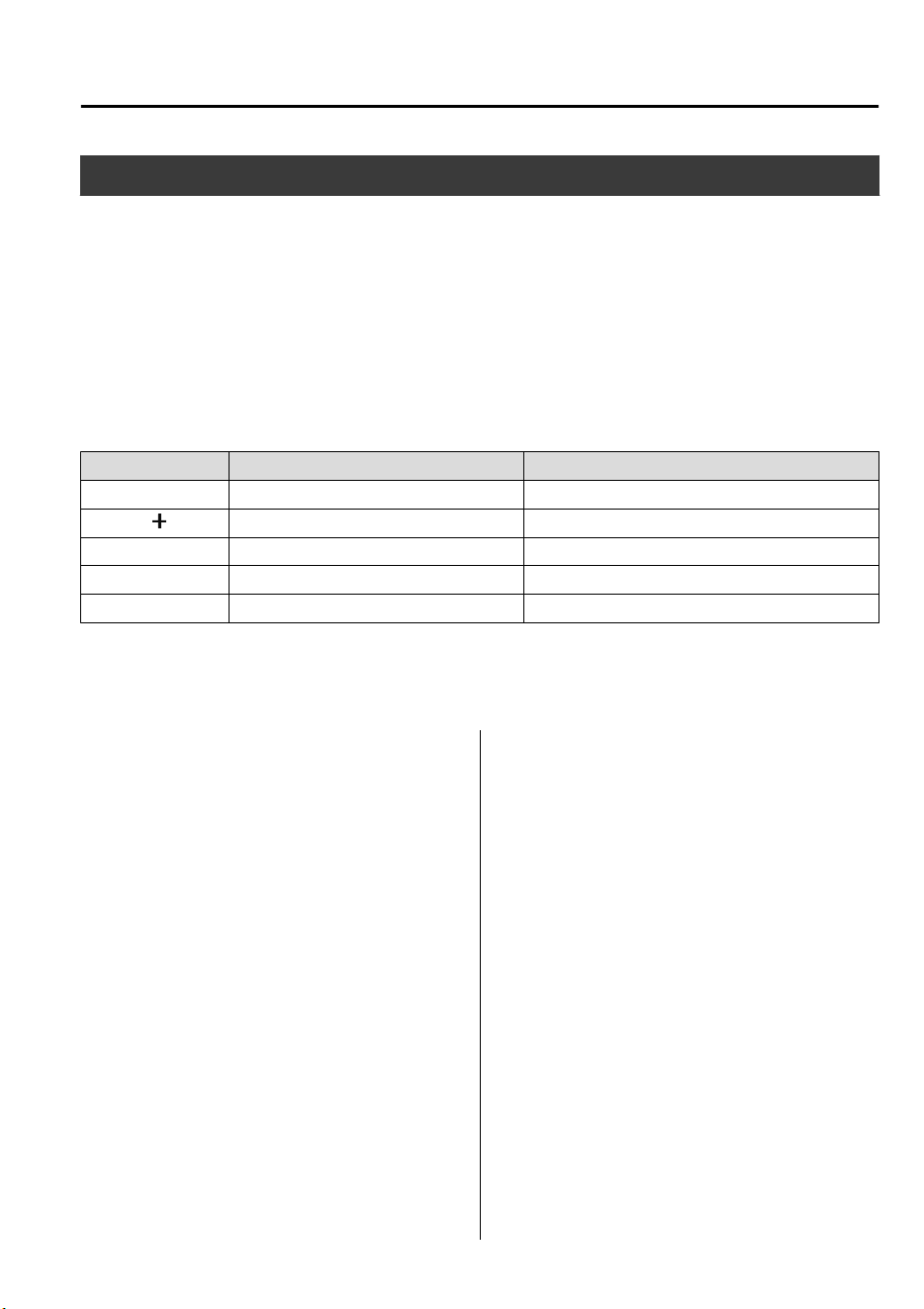
Child-restraint systems are classified into the following 5 groups according to the UNECE
44 regulation.
Group Age Weight
0 Up to about 9 months old Up to 10 kg (up to 22 lb)
0
Up to about 2 years old Up to 13 kg (up to 29 lb)
1 About 8 months to 4 years old 9 kg ― 18 kg (20 lb ― 40 lb)
2 About 3 to 7 years old 15 kg ― 25 kg (33 lb ― 55 lb)
3 About 6 to 12 years old 22 kg ― 36 kg (48 lb ― 79 lb)
(Other countries)
Please comply with the legal regulations concerning the use of child-restraint systems in
your country.
▼
Child-Restraint System Types
(Europe and countries conforming to
the UNECE 44 regulation)
In this owner's manual, explanation of
child-restraint systems secured with seat
belts is provided for the following three
types of popular child-restraint systems:
baby seat, child seat, junior seat.
NOTE
•
Installation position is determined by
the type of child-restraint system.
Always read the manufacturer's
instructions and this owner's manual
carefully.
•
Due to variations in the design of
child-restraint systems, vehicle seats
and seat belts, all child-restraint systems
may not fit all seating positions. Before
purchasing a child-restraint system, it
should be tested in the specific vehicle
seating position (or positions) where it
is intended to be used. If a previously
purchased child-restraint system does
not fit, you may need to purchase a
different one that will.
Essential Safety Equipment
Child Restraint
2-31
CX-9_8GC7-EE-17G_Edition1 2017-5-16 8:22:04
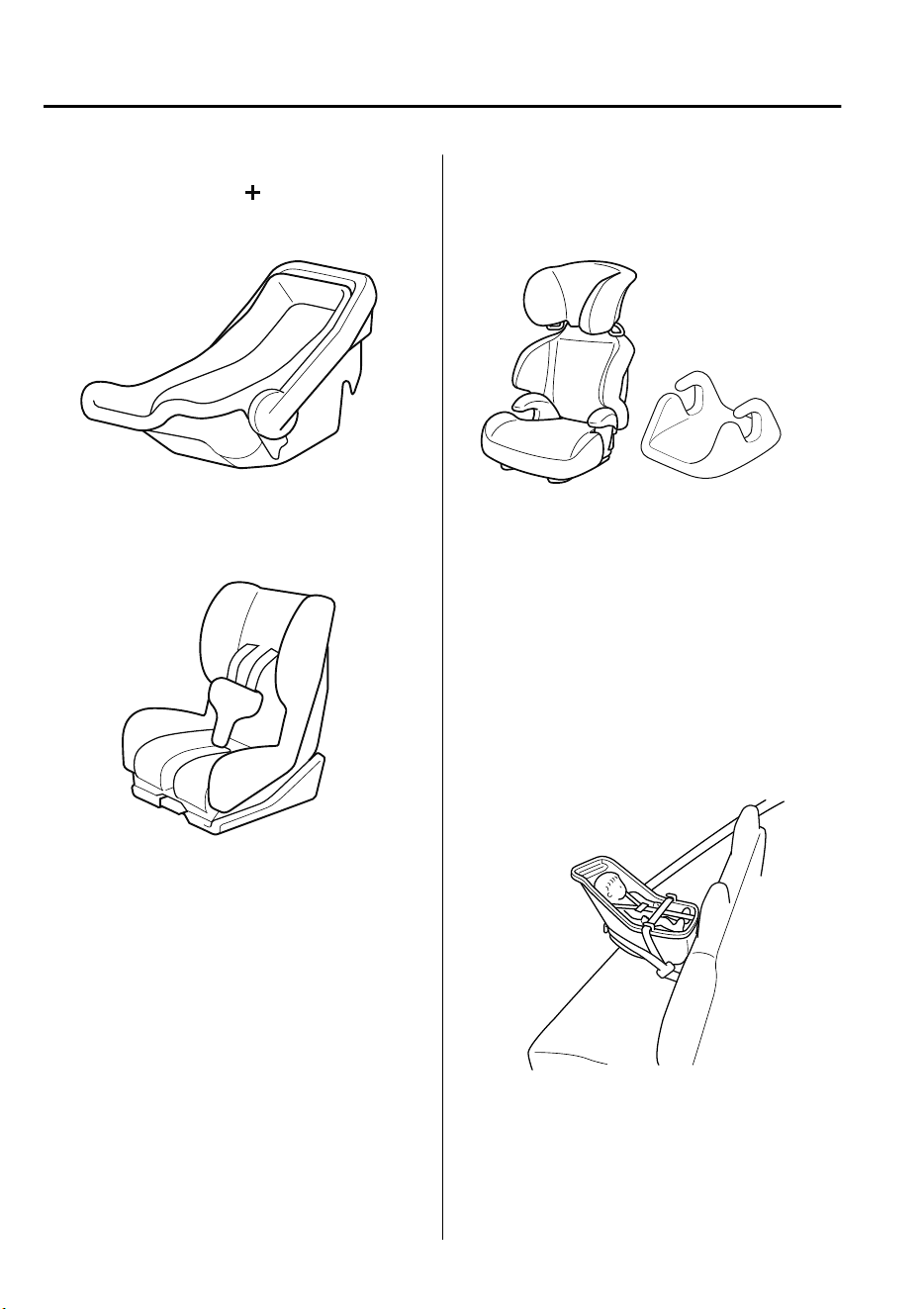
Baby seat
Equal to Group 0 and 0
of the UNECE
44 regulation.
Child seat
Equal to Group 1 of the UNECE 44
regulation.
Junior seat
Equal to Group 2 and 3 of the UNECE 44
regulation.
When using a booster seat, always install the
vehicle head restraint to the seat where the
booster seat is installed.
Booster seat
*
1
*
1
(Other countries)
Please comply with the legal regulations
concerning the use of child-restraint
systems in your country.
▼
Baby Seat Installation Position
A baby seat is used in the rear-facing
position only.
Refer to the table, “Child-Restraint System
Suitability for Various Seat Positions” for
baby seat installation position (page 2-
36).
Essential Safety Equipment
Child Restraint
2-32
CX-9_8GC7-EE-17G_Edition1 2017-5-16 8:22:04
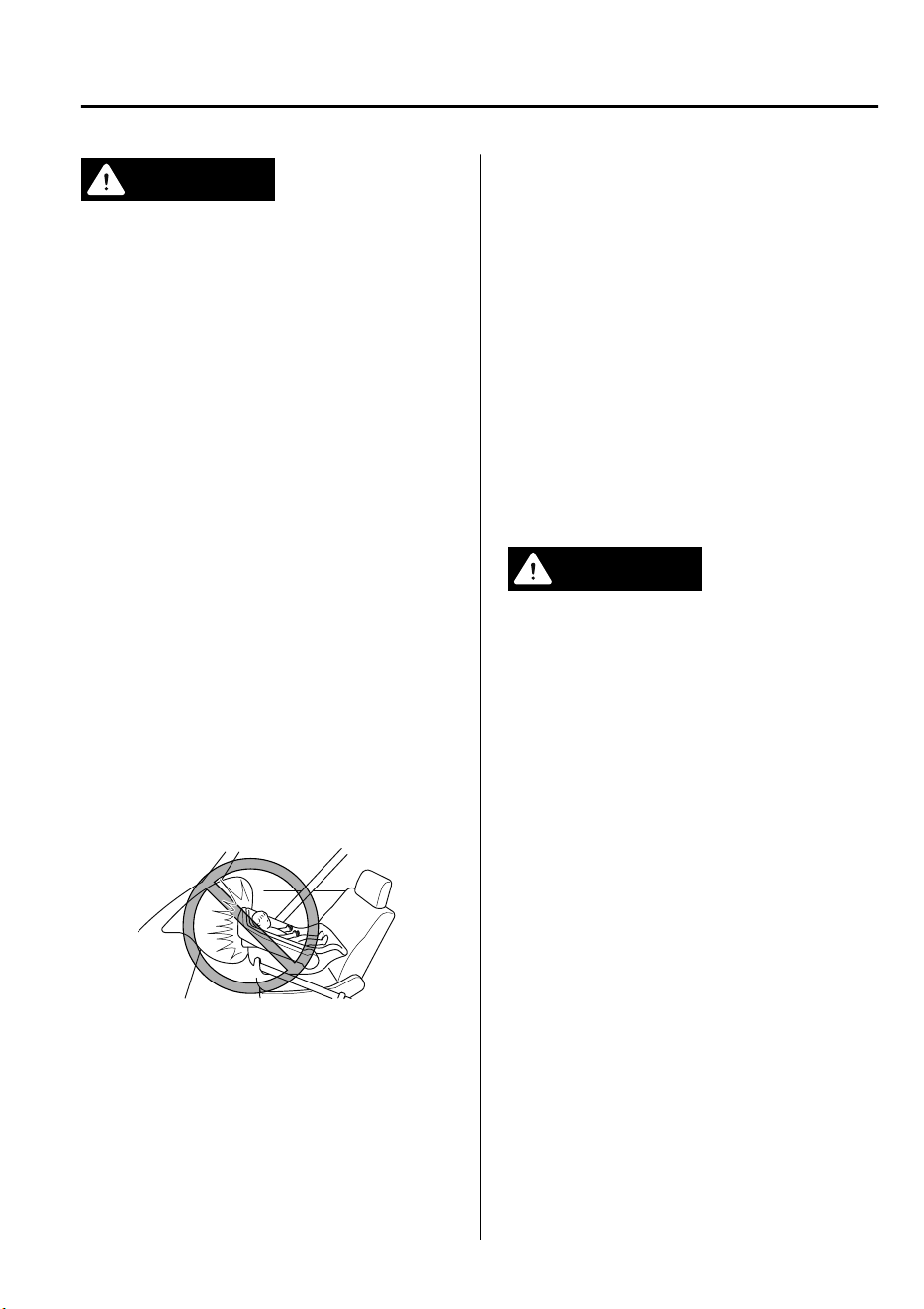
WARNING
Always install a baby seat in the correct
seat position:
Installing a baby seat without
rst
consulting the table “Child-Restraint
System Suitability for Various Seat
Positions” is dangerous. A baby seat
installed on the wrong seat position cannot
be properly secured. In a collision, the child
could hit something or someone in the
vehicle and be seriously injured or even
killed.
Never use a rear-facing child-restraint
system on the front passenger seat
protected by an air bag:
NEVER use a rearward facing child restraint
on a seat protected by an ACTIVE AIRBAG in
front of it, DEATH or SERIOUS INJURY to the
CHILD can occur.
The child-restraint system can be hit by the
deploying air bag and knocked out of
position. A child in the child-restraint
system could be seriously injured or killed.
▼
Child Seat Installation Position
A child seat is used in front-facing and
rear-facing positions depending on the age
and size of the child. When installing,
follow the manufacturer's instructions in
accordance with the appropriate age and
size of the child as well as the directions
for installing the child-restraint system.
Refer to the table, “Child-Restraint System
Suitability for Various Seat Positions” for
child seat installation position (page 2-
36).
Rear-facing type
WARNING
Always install a rear-facing child seat in the
correct seat position:
Installing a rear-facing child seat without
rst consulting the table “Child-Restraint
System Suitability for Various Seat
Positions” is dangerous. A rear-facing child
seat installed on the wrong seat position
cannot be properly secured. In a collision,
the child could hit something or someone
in the vehicle and be seriously injured or
even killed.
Essential Safety Equipment
Child Restraint
2-33
CX-9_8GC7-EE-17G_Edition1 2017-5-16 8:22:04
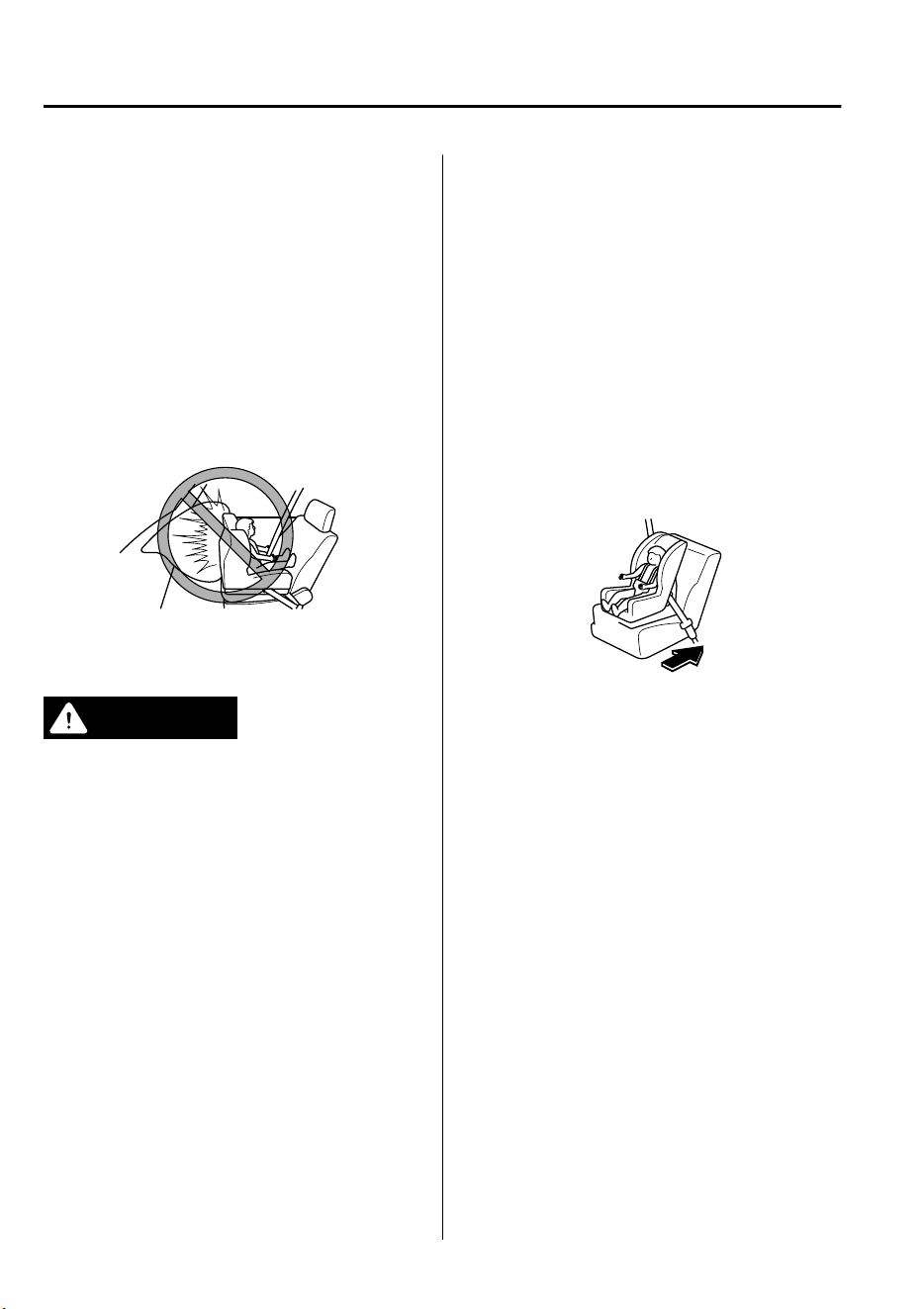
Never use a rear-facing child-restraint
system on the front passenger seat
protected by an air bag:
NEVER use a rearward facing child restraint
on a seat protected by an ACTIVE AIRBAG in
front of it, DEATH or SERIOUS INJURY to the
CHILD can occur.
The child-restraint system can be hit by the
deploying air bag and knocked out of
position. A child in the child-restraint
system could be seriously injured or killed.
Front-facing type
WARNING
Never install a front-facing child seat in the
wrong seat position:
Installing a front-facing child seat without
rst consulting the table “Child-Restraint
System Suitability for Various Seat
Positions” is dangerous. A front-facing
child seat installed in the wrong seat
position cannot be properly secured. In a
collision, the child could hit something or
someone in the vehicle and be seriously
injured or even killed.
Do not install a front-facing child-restraint
system on the front passenger seat unless it
is unavoidable:
In a collision, the force of a deploying air
bag could cause serious injury or death to
the child. If installing a front-facing
child-restraint system on the front
passenger seat is unavoidable, move the
front passenger seat as far back as possible
and adjust the seat bottom (height
adjustable seat bottom) to the highest
position at which the seat belt fastening
the child-restraint system is securely
tightened.
Essential Safety Equipment
Child Restraint
2-34
CX-9_8GC7-EE-17G_Edition1 2017-5-16 8:22:04
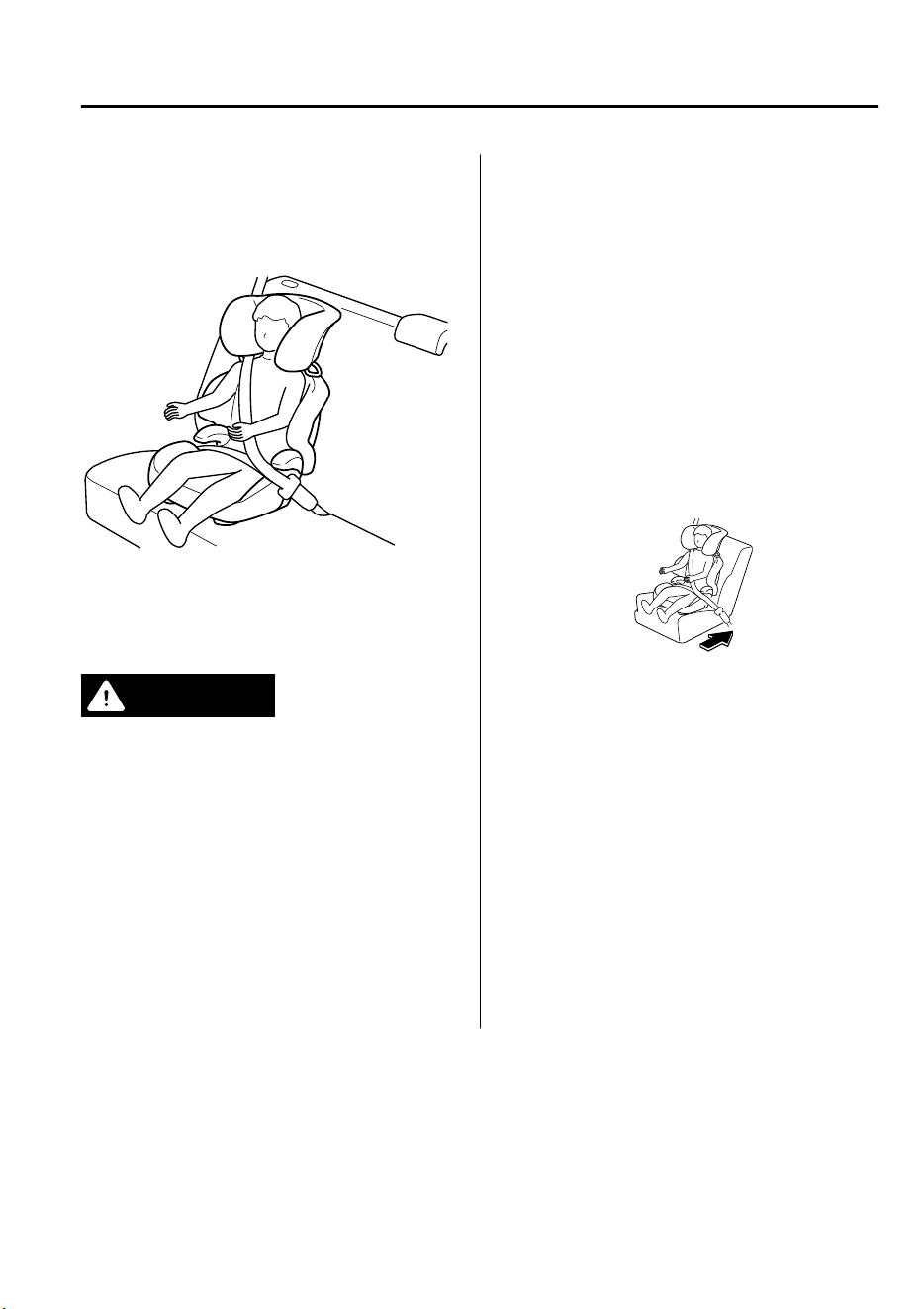
▼
Junior Seat Installation Position
A junior seat is used in the front-facing
position only.
Refer to the table, “Child-Restraint System
Suitability for Various Seat Positions” for
junior seat installation position (page 2-
36).
WARNING
Always install a junior seat in the correct
seat position:
Installing a junior seat without rst
consulting the table “Child-Restraint
System Suitability for Various Seat
Positions” is dangerous. A junior seat
installed on the wrong seat position cannot
be properly secured. In a collision, the child
could hit something or someone in the
vehicle and be seriously injured or even
killed.
Do not install a front-facing child-restraint
system on the front passenger seat unless it
is unavoidable:
In a collision, the force of a deploying air
bag could cause serious injury or death to
the child. If installing a front-facing
child-restraint system on the front
passenger seat is unavoidable, move the
front passenger seat as far back as possible
and adjust the seat bottom (height
adjustable seat bottom) to the highest
position at which the seat belt fastening
the child-restraint system is securely
tightened.
Essential Safety Equipment
Child Restraint
2-35
CX-9_8GC7-EE-17G_Edition1 2017-5-16 8:22:04
Child-Restraint System Suitability for Various Seat
Positions Table
(Europe and countries conforming to the UNECE 16 regulation)
Provided information in the table shows your child-restraint system suitability for various
seating position. For installation suitability of other manufacturer child-restraint system,
carefully consult the manufacturer's instructions which accompany the child-restraint
system.
When installing a child-restraint system, the following points must be observed:
•
If the child-restraint system does not fit into the seatback because of the head restraint,
adjust the head restraint or remove the head restraint so that the child-restraint system fits
into the seatback. However, when installing a booster seat, always install the vehicle head
restraint to the seat where the booster seat is installed.
Refer to Head Restraints on page 2-17.
•
When installing a child-restraint system to the rear seat, adjust the front seat position so
that the front seat does not contact the child-restraint system.
Refer to Seat Operation on page 2-5.
•
When installing a child-restraint system came equipped with a tether, remove the head
restraint.
Refer to Head Restraints on page 2-17.
ISOFIX anchor-secured child-restraint systems
When installing a child-restraint system to the rear seat, refer to the child-restraint system
manufacturer's instructions and the Using ISOFIX Anchor on page 2-41.
Mass group Size Class Fixture
Vehicle ISOFIX positions
Second-row seat (Outboard)
Carrycot
FISO/L1 X
GISO/L2 X
(1) X
GROUP 0
Up to 10 kg (up to 22 lb)
EISO/R1 IL
(1) X
GROUP 0
Up to 13 kg (up to 29 lb)
EISO/R1 IL
DISO/R2 IL
CISO/R3 IL
(1) X
Essential Safety Equipment
Child Restraint
2-36
CX-9_8GC7-EE-17G_Edition1 2017-5-16 8:22:04
Mass group Size Class Fixture
Vehicle ISOFIX positions
Second-row seat (Outboard)
GROUP 1
9 kg ― 18 kg (20 lb ― 40
lb)
DISO/R2 IL
CISO/R3 IL
BISO/F2 IUF
B1 ISO/F2X IUF
AISO/F3 IUF
(1) X
GROUP 2
15 kg ― 25 kg (33 lb ― 55
lb)
(1) X
GROUP 3
22 kg ― 36 kg (48 lb ― 79
lb)
(1) X
(1) For the CRS which do not carry the ISO/XX size class identification (A to G), for the applicable mass group, the
car manufacturer shall indicate the vehicle specific ISOFIX child-restraint system(s) recommended for each
position.
Key of letters to be inserted in the above table:
IUF = suitable for ISOFIX forward child-restraints systems of universal category approved for use in this mass
group.
IL = suitable for particular ISOFIX child-restraint systems (CRS).
These ISOFIX CRS are those of the “specific vehicle”, “restricted” or “semi-universal” categories.
X = ISOFIX position not suitable for ISOFIX child-restraint systems in this mass group and/or this size class.
NOTE
When installing a child-restraint system, the following points must be observed:
•
Always remove the head restraint before installing a child-restraint system. However,
when installing a booster seat, always install the vehicle head restraint to the seat where
the booster seat is installed. In addition, always use a tether strap and attach it securely.
Refer to Head Restraints on page 2-17.
•
When installing a child-restraint system to the second-row seat, adjust the front seat
position so that the front seat does not contact the child-restraint system. Refer to Seat
Operation on page 2-5.
Essential Safety Equipment
Child Restraint
2-37
CX-9_8GC7-EE-17G_Edition1 2017-5-16 8:22:04
i-Size child-restraint systems
An i-Size child-restraint system can be installed to the specified seat as follows:
Front passenger seat Rear seat (outboard) Rear seat (center)
i-Size child-restraint sys-
tems
XXX
Key of letters to be inserted in the above table:
X = Seating position not suitable for i-Size “universal” child-restraint systems.
NOTE
An i-Size child-restraint system refers to a child-restraint system which has acquired i-Size
category certification for the UNECE 129 regulation.
Seat belt-secured child-restraint systems
System
group
Age
group
Weight
group
Child-r
estraint
system
type
Front passenger
seat
Second-row seat
(outboard)
Second-row seat
(center)
Third-row seat
(outboard)
GROU
P 0
Up to
about 9
months
old
Up to
10 kg
(up to
22 lb)
Baby
seat
XU
U
*2
U
GROU
P 0
Up to
about 2
years
old
Up to
13 kg
(up to
29 lb)
Baby
seat
XU
U
*2
U
GROU
P 1
About 8
months
to 4
years
old
9 kg ―
18 kg
(20 lb
― 40
lb)
Child
seat
L
*1
U
U
*2
U
GROU
P 2
About 3
to 7
years
old
15 kg
― 25
kg (33
lb ― 55
lb)
Junior
seat
L
*1
U
U
*2
U
GROU
P 3
About 6
to 12
years
old
22 kg
― 36
kg (48
lb ― 79
lb)
Junior
seat
L
*1
U
U
*2
U
Key of letters to be inserted in the above table:
U = Suitable for “universal” category restraints approved for use in this mass group.
L = For the child restraint systems categorized in this weight group, consult an Authorized Mazda Dealer.
Regarding child restraint systems which can be installed, refer to the accessories catalog.
Essential Safety Equipment
Child Restraint
2-38
CX-9_8GC7-EE-17G_Edition1 2017-5-16 8:22:04

X = Seat position not suitable for children in this mass group.
*
1 A Mazda genuine child restraint system can be installed in the forward-facing position.
*
2 When a child-restraint system is installed to the rear center seat, do not seat occupants in the rear left outboard
seat position.
NOTE
When installing a child-restraint system, the following points must be observed:
•
(Second-row seat)
Always remove the head restraint before installing a child-restraint system. However,
when installing a booster seat, always install the vehicle head restraint to the seat where
the booster seat is installed. In addition, always use a tether strap and attach it securely.
Refer to Head Restraints on page 2-17.
•
When installing a child-restraint system to the second-row seat, adjust the front seat
position so that the front seat does not contact the child-restraint system. Refer to Seat
Operation on page 2-5.
•
When installing a child-restraint system to the third-row seat, adjust the second-row seat
position so that the second-row seat does not contact the child-restraint system. Refer to
Seat Operation on page 2-5.
(Other countries)
Please comply with the legal regulations concerning the use of child-restraint systems in
your country.
Essential Safety Equipment
Child Restraint
2-39
CX-9_8GC7-EE-17G_Edition1 2017-5-16 8:22:04
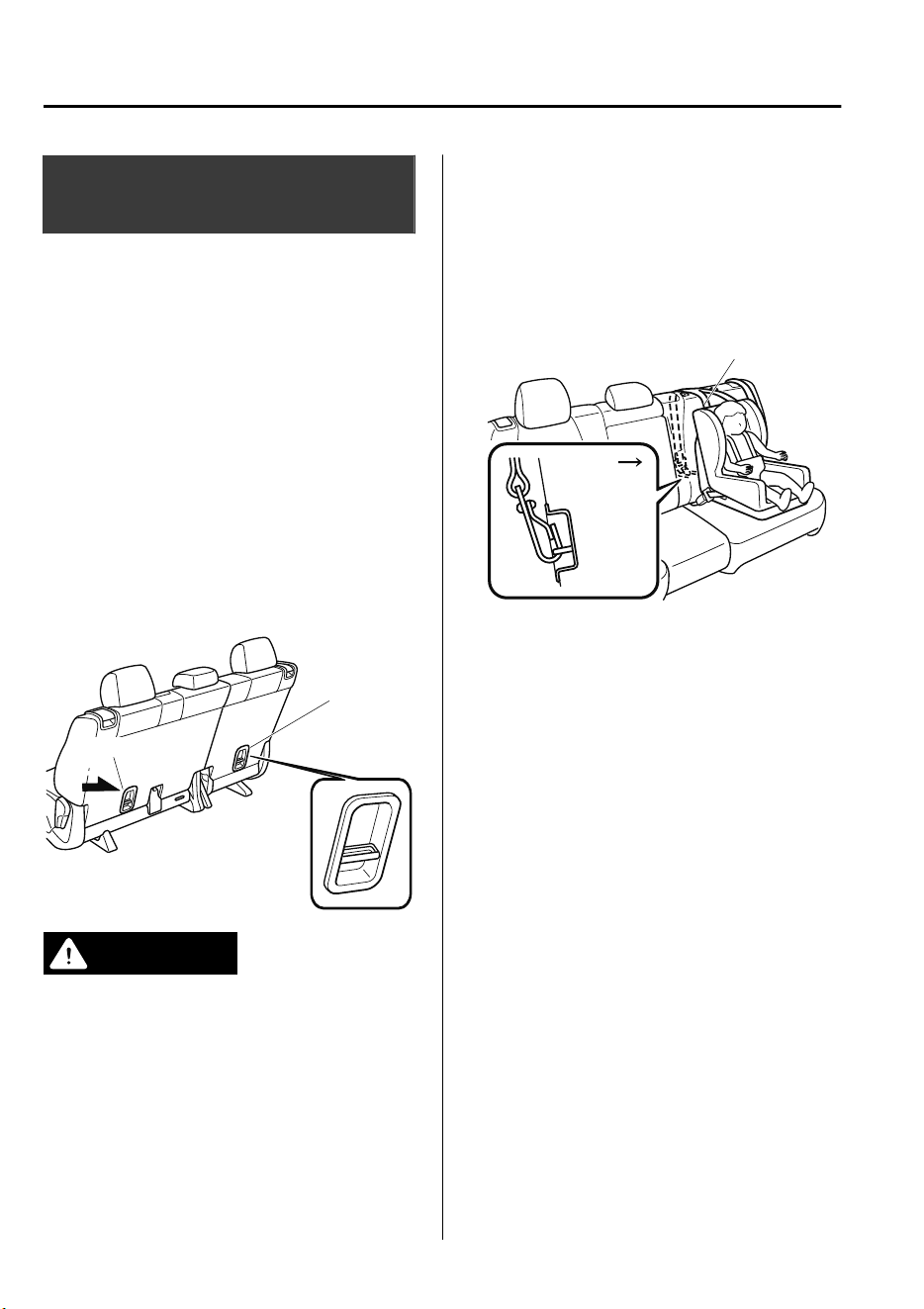
Installing Child-Restraint
Systems
▼
Anchor Bracket
Anchor brackets for securing
child-restraint systems are equipped in the
vehicle. Locate each anchor position using
the illustration.
To install a child-restraint system, remove
the head restraint. Always follow the
instruction manual accompanying the
child-restraint system.
Anchor bracket location
Use the indicated anchor bracket locations
when installing a child-restraint system
equipped with a tether.
For right
For left
Second-row seat
WARNING
Always attach the tether strap to the
correct tether anchor position:
Attaching the tether strap to the incorrect
tether anchor position is dangerous. In a
collision, the tether strap could come
o
and loosen the child-restraint system. If the
child-restraint system moves it could result
in death or injury to the child.
Always remove the head restraint and
install child-restraint system:
Installing a child-restraint system without
removing the head restraint is dangerous.
The child-restraint system cannot be
installed correctly which may result in
death or injury to the child in a collision.
Tether strap
Forward
Always install the head restraint and adjust
it to the appropriate position after
removing the child-restraint system:
Driving with the head restraint removed is
dangerous as impact to the occupant's
head cannot be prevented during
emergency braking or in a collision, which
could result in a serious accident, injury or
death.
Refer to Head Restraints on page 2-17.
▼
Using the Seat Belt
When installing a child-restraint system,
follow the installation instructions
included with the product.
In addition, remove the head restraint
(except third-row seat). However, when
installing a booster seat, always install the
vehicle head restraint to the seat where the
booster seat is installed.
Essential Safety Equipment
Child Restraint
2-40
CX-9_8GC7-EE-17G_Edition1 2017-5-16 8:22:04
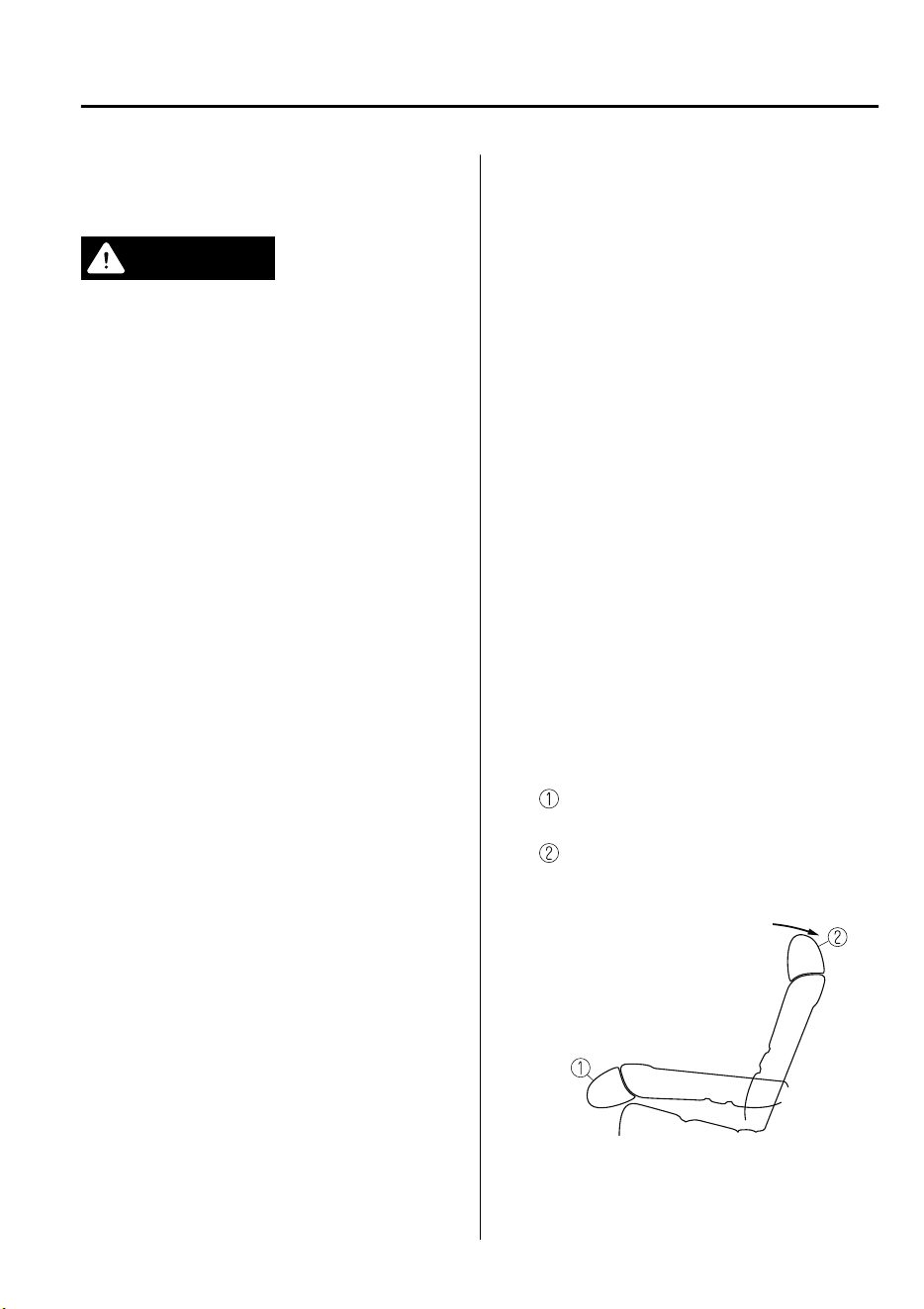
▼
Using ISOFIX Anchor (Second-Row
Seats)
WARNING
Follow the manufacturer's instructions for
the use of the child-restraint system:
An unsecured child-restraint system is
dangerous. In a sudden stop or a collision it
could move causing serious injury or death
to the child or other occupants. Make sure
any child-restraint system is properly
secured in place according to the
manufacturer's instructions.
Make sure the child-restraint system is
properly secured:
A child-restraint system that is not secured
is dangerous. In a sudden stop or collision,
it can become a projectile and hit someone,
causing serious injury. When not in use,
remove it from the vehicle, put it in the
luggage compartment or at least make
sure it is securely fastened to the ISOFIX
anchors.
Make sure there are no seat belts or foreign
objects near or around the ISOFIX
anchor-secured child-restraint system:
Not following the child-restraint system
manufacturer's instructions when
installing the child-restraint system is
dangerous. If seat belts or a foreign object
prevent the child-restraint system from
being securely attached to the ISOFIX
anchors and the child-restraint system is
installed improperly, the child-restraint
system could move in a sudden stop or
collision causing serious injury or death to
the child or other occupants. When
installing the child-restraint system, make
sure there are no seat belts or foreign
objects near or around the ISOFIX anchors.
Always follow the child-restraint system
manufacturer's instructions.
1. First, adjust the front seat to allow
clearance between the child-restraint
system and the front seat (page 2-5).
2. Adjust the second-row seat position
using the following procedure.
Fold the second-row seatback
forward.
Raise the second-row seatback until
a click sound is heard and it is locked
in place.
Essential Safety Equipment
Child Restraint
2-41
CX-9_8GC7-EE-17G_Edition1 2017-5-16 8:22:04
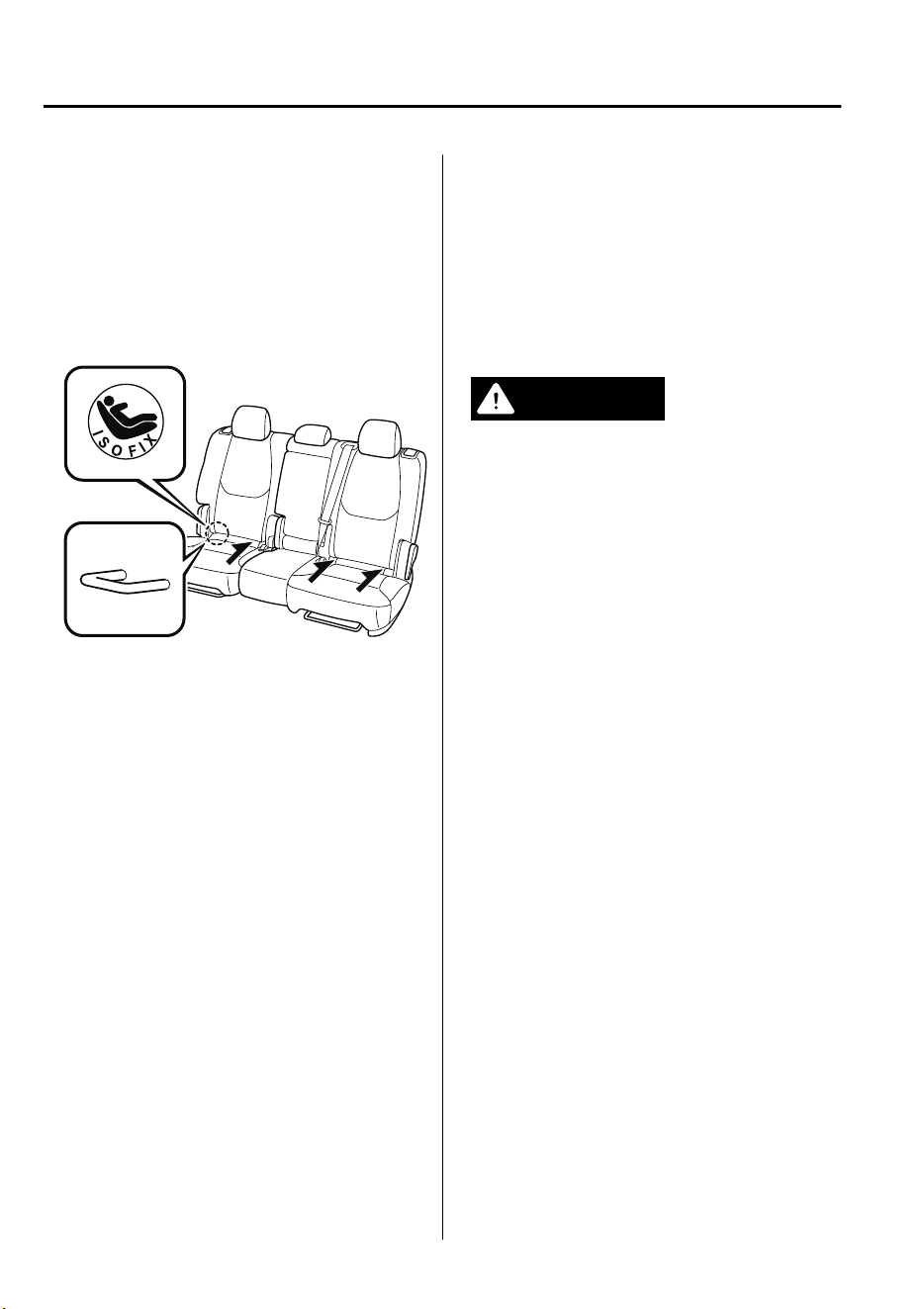
3. Make sure the seatback is securely
latched by pushing it back until it is
fully locked.
4. Expand the area between the seat
bottom and the seatback slightly to
verify the locations of the ISOFIX
anchor.
NOTE
The markings above the ISOFIX
anchors indicate the locations of the
ISOFIX anchors for the attachment of
a child-restraint system.
5. Remove the head restraint. However,
when installing a booster seat, always
install the vehicle head restraint to the
seat where the booster seat is installed.
Refer to Head Restraints on page 2-17.
6. Secure the child-restraint system using
the ISOFIX anchor, following the
child-restraint system manufacturer's
instruction.
7. If your child-restraint system came
equipped with a tether, that probably
means it is very important to properly
secure the tether for child safety.
Please carefully follow the
child-restraint system manufacturer's
instructions when installing tethers
(page 2-40).
WARNING
Always attach the tether strap to the
correct tether anchor position:
Attaching the tether strap to the incorrect
tether anchor position is dangerous. In a
collision, the tether strap could come o
and loosen the child-restraint system. If the
child-restraint system moves it could result
in death or injury to the child.
Essential Safety Equipment
Child Restraint
2-42
CX-9_8GC7-EE-17G_Edition1 2017-5-16 8:22:04
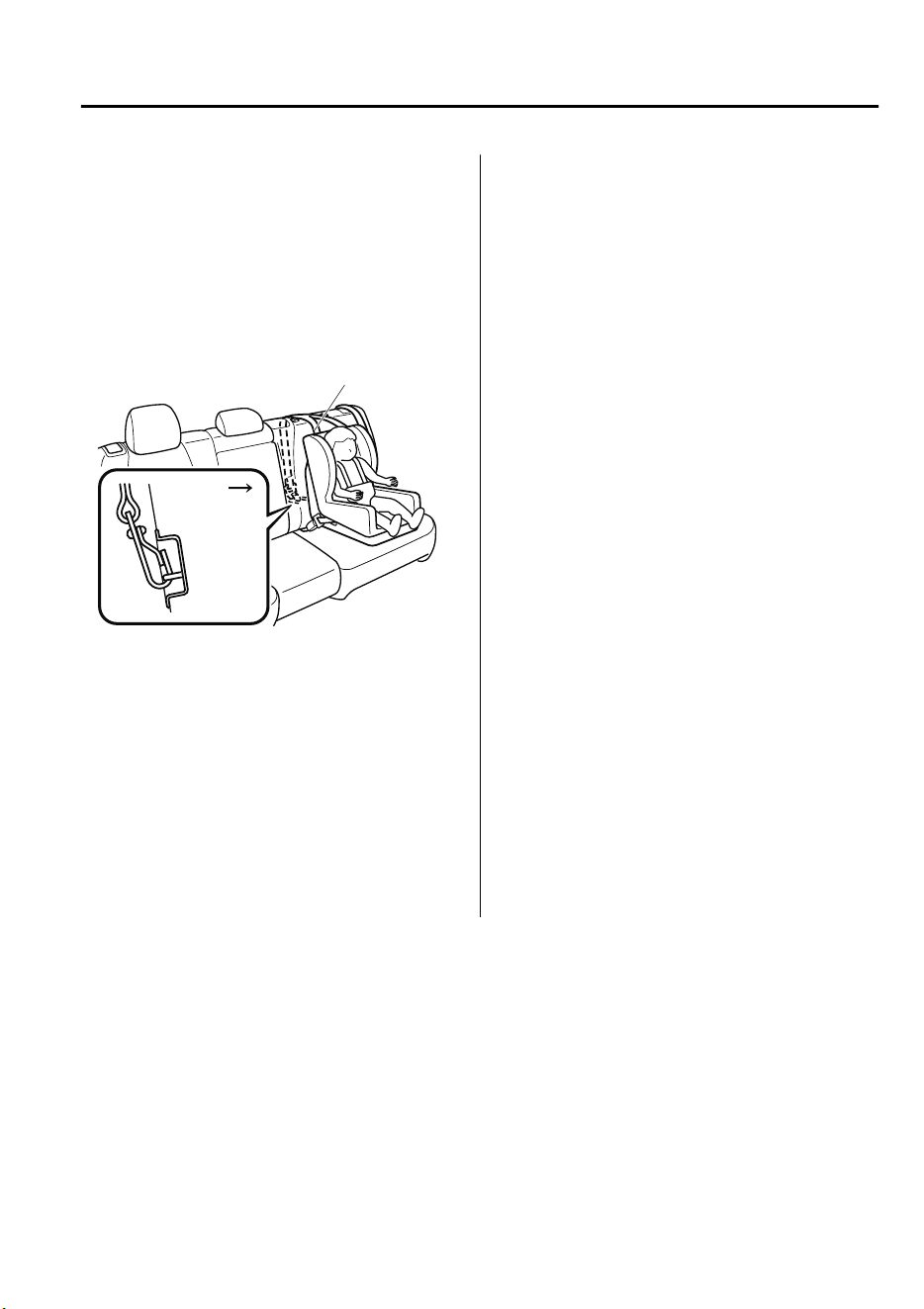
Always remove the head restraint and
install child-restraint system (except when
installing a booster seat):
Installing a child-restraint system without
removing the head restraint is dangerous.
The child-restraint system cannot be
installed correctly which may result in
death or injury to the child in a collision.
Tether strap
Forward
Always install the head restraint and adjust
it to the appropriate position after
removing the child-restraint system:
Driving with the head restraint removed is
dangerous as impact to the occupant's
head cannot be prevented during
emergency braking or in a collision, which
could result in a serious accident, injury or
death.
Refer to Head Restraints on page 2-17.
Essential Safety Equipment
Child Restraint
2-43
CX-9_8GC7-EE-17G_Edition1 2017-5-16 8:22:04

Supplemental Restraint System (SRS) Precautions
The front and side supplemental restraint systems (SRS) include different types of air bags.
Please verify the different types of air bags which are equipped on your vehicle by
locating the “SRS AIRBAG” location indicators. These indicators are visible in the area
where the air bags are installed.
The air bags are installed in the following locations:
•
The steering wheel hub (driver air bag)
•
The front passenger dashboard (front passenger air bag)
•
The outboard sides of the front seatbacks (side air bags)
•
The front and rear window pillars, and the roof edge along both sides (curtain air bags)
Vehicles for Europe have a sensor which detects an impending roll-over accident.
The air bag supplemental restraint systems are designed to provide supplemental protection
in certain situations so seat belts are always important in the following ways:
Without seat belt usage, the air bags cannot provide adequate protection during an accident.
Seat belt usage is necessary to:
•
Keep the occupant from being thrown into an inflating air bag.
•
Reduce the possibility of injuries during an accident that is not designed for air bag
inflation, such as rear impact.
•
Reduce the possibility of injuries in frontal, near frontal or side collisions or roll-over
accidents that are not severe enough to activate the air bags.
•
Reduce the possibility of being thrown from your vehicle.
•
Reduce the possibility of injuries to lower body and legs during an accident because the
air bags provide no protection to these parts of the body.
•
Hold the driver in a position which allows better control of the vehicle.
A child who is too small to use a seat belt must be properly secured using a child-restraint
system (page 2-27).
Carefully consider which child-restraint system is necessary for your child and follow the
installation directions in this Owner's Manual as well as the child-restraint system
manufacturer's instructions.
Essential Safety Equipment
SRS Air Bags
2-44
CX-9_8GC7-EE-17G_Edition1 2017-5-16 8:22:04
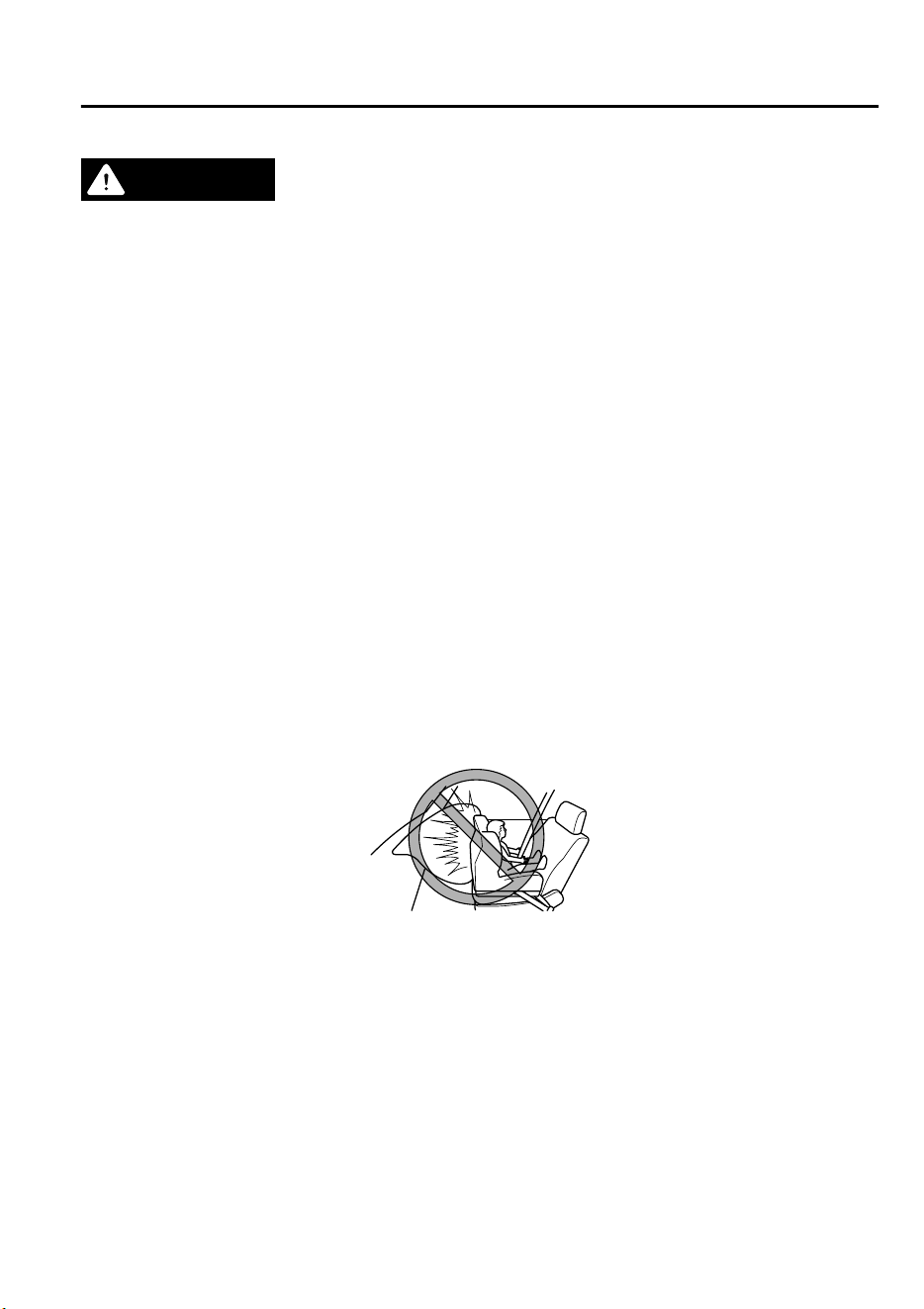
WARNING
Seat belts must be worn in air bag equipped vehicles:
Depending only on the air bags for protection during an accident is dangerous. Alone, air
bags may not prevent serious injuries. The appropriate air bags can be expected to
inate
only in the rst accident, such as frontal, near frontal or side collisions or roll-over accidents
that are at least moderate. Vehicle occupants should always wear seat belts.
Children should not ride in the front passenger seat:
Placing a child, 12 years or under, in the front seat is dangerous. The child could be hit by a
deploying air bag and be seriously injured or even killed. A sleeping child is more likely to lean
against the door and be hit by the side air bag in moderate collision to the front-passenger
side of the vehicle. Whenever possible, always secure a child 12 years and under on the rear
seats with an appropriate child-restraint system for the child's age and size.
Extreme Hazard! Never use a rear-facing child-restraint system on the front passenger seat
with an air bag that could deploy:
NEVER use a rearward facing child restraint on a seat protected by an ACTIVE AIRBAG in front
of it, DEATH or SERIOUS INJURY to the CHILD can occur.
Even in a moderate collision, the child-restraint system can be hit by a deploying air bag and
moved violently backward resulting in serious injury or death to the child.
Do not sit too close to the driver and front passenger air bags:
Sitting too close to the driver and front passenger air bag modules or placing hands or feet on
them is extremely dangerous. The driver and front passenger air bags inate with great force
and speed. Serious injuries could occur if someone is too close. The driver should always hold
onto only the rim of the steering wheel. The front seat passenger should keep both feet on the
oor. Front seat occupants should adjust their seats as far back as possible and always sit
upright against the seatbacks with seat belts worn properly.
Essential Safety Equipment
SRS Air Bags
2-45
CX-9_8GC7-EE-17G_Edition1 2017-5-16 8:22:04

Sit in the center of the seat and wear seat belts properly:
Sitting too close to the side air bag modules or placing hands on them, or sleeping up against
the door or hanging out the windows is extremely dangerous. The side and curtain air bags
inate with great force and speed directly expanding along the door on the side the car is hit.
Serious injury could occur if someone is sitting too close to the door or leaning against a
window, or if rear seat occupants grab the sides of the front seatbacks. Give the side and
curtain air bags room to work by sitting in the center of the seat while the vehicle is moving
with seat belts worn properly.
Do not attach objects on or around the area where driver and front passenger air bags
deploy:
Attaching an object to the driver and front passenger air bag modules or placing something
in front of them is dangerous. In an accident, an object could interfere with air bag ination
and injure the occupants.
Do not attach objects on or around the area where a side air bag deploys:
Attaching objects to the front seat in such a way as to cover the outboard side of the seat in
any way is dangerous. In an accident the object could interfere with the side air bag, which
inates from the outboard side of the front seats, impeding the added protection of the side
air bag system or redirecting the air bag in a way that is dangerous. Furthermore, the bag
could be cut open releasing the gas.
Do not hang net bags, map pouches or backpacks with side straps on the front seats. Never
use seat covers on the front seats. Always keep the side air bag modules in your front seats
free to deploy in the event of a side collision.
Do not attach objects on or around the area where a curtain air bag deploys:
Attaching objects to the areas where the curtain air bag activates such as on the windshield
glass, side door glass, front and rear window pillars and along the roof edge and assist grips is
dangerous. In an accident the object could interfere with the curtain air bag, which inates
from the front and rear window pillars and along the roof edge, impeding the added
protection of the curtain air bag system or redirecting the air bag in a way that is dangerous.
Furthermore, the bag could be cut open releasing the gas.
Do not place hangers or any other objects on the assist grips. When hanging clothes, hang
them on the coat hook directly. Always keep the curtain air bag modules free to deploy in the
event of a side collision or roll-over accident.
Do not touch the components of the supplemental restraint system after the air bags have
inated:
Touching the components of the supplemental restraint system after the air bags have
inated is dangerous. Immediately after ination, they are very hot. You could get burned.
Essential Safety Equipment
SRS Air Bags
2-46
CX-9_8GC7-EE-17G_Edition1 2017-5-16 8:22:04

Never install any front-end equipment to your vehicle:
Installation of front-end equipment, such as frontal protection bar (kangaroo bar, bull bar,
push bar, or other similar devices), snowplow, or winches, is dangerous. The air bag crash
sensor system could be aected. This could cause air bags to inate unexpectedly, or it could
prevent the air bags from inating during an accident. Front occupants could be seriously
injured.
Do not modify the suspension:
Modifying the vehicle suspension is dangerous. If the vehicle's height or the suspension is
modied, the vehicle will be unable to accurately detect a collision or roll-over accident
resulting in incorrect or unexpected air bag deployment and the possibility of serious injuries.
To prevent false detection by the air bag sensor system, heed the following:
Do not use tires or wheels other than those specied for your Mazda:
Use of any tire or wheel other than those specied for your Mazda (page 9-7) is
dangerous. Use of such wheels will prevent the vehicle's accident detections system from
accurately detecting a collision or roll-over accident resulting in incorrect or unexpected air
bag deployment and the possibility of serious injuries.
Do not overload your vehicle:
Overloading your vehicle is dangerous as it could prevent the air bag crash sensor system
from accurately detecting a collision or roll-over accident resulting in incorrect or
unexpected air bag deployment and the possibility of serious injuries. The gross axle weight
rating (GAWR) and the gross vehicle weight rating (GVWR) for your vehicle are on the Motor
Vehicle Safety Standard Label on the driver's door frame. Do not exceed these ratings.
Do not drive the vehicle
o-road:
Driving your Mazda o-road is dangerous because the vehicle has not been designed to do
so. Driving the vehicle
o-road
could prevent the air bag crash sensor system from
accurately detecting a collision or roll-over accident resulting in incorrect or unexpected air
bag deployment and the possibility of serious injuries.
Do not modify the supplemental restraint system:
Modifying the components or wiring of the supplemental restraint system is dangerous. You
could accidentally activate it or make it inoperable. Do not make any
modications
to the
supplemental restraint system. This includes installing trim, badges, or anything else over the
air bag modules. It also includes installing extra electrical equipment on or near system
components or wiring. An expert repairer, we recommend an Authorized Mazda Repairer can
provide the special care needed in the removal and installation of front seats. It is important
to protect the air bag wiring and connections to assure that the bags do not accidentally
deploy and the seats retain an undamaged air bag connection.
Essential Safety Equipment
SRS Air Bags
2-47
CX-9_8GC7-EE-17G_Edition1 2017-5-16 8:22:04

Do not place luggage or other objects under the front seats:
Placing luggage or other objects under the front seats is dangerous. The components
essential to the supplemental restraint system could be damaged, and in the event of a side
collision, the appropriate air bags may not deploy, which could result in death or serious
injury. To prevent damage to the components essential to the supplemental restraint system,
do not place luggage or other objects under the front seats.
Do not operate a vehicle with damaged air bag/seat belt pretensioner system components:
Expended or damaged air bag/seat belt pretensioner system components must be replaced
after any collision which caused them to deploy or damage them. Only a trained expert
repairer, we recommend an Authorized Mazda Repairer can fully evaluate these systems to
see that they will work in any subsequent accident. Driving with an expended or damaged air
bag or pretensioner unit will not aord you the necessary protection in the event of any
subsequent accident which could result in serious injury or death.
Do not remove interior air bag parts:
Removing any components such as the front seats, front dashboard, the steering wheel or
parts on the front and rear window pillars and along the roof edge, containing air bag parts
or sensors is dangerous. These parts contain essential air bag components. The air bag could
accidentally activate and cause serious injuries. Always have an Authorized Mazda Repairer
remove these parts.
Properly dispose of the air bag system:
Improper disposal of an air bag or a vehicle with live air bags in it can be extremely
dangerous. Unless all safety procedures are followed, injury could result. Have an expert
repairer, we recommend an Authorized Mazda Repairer safely dispose of the air bag system
or scrap an air bag equipped vehicle.
NOTE
•
When an air bag deploys, a loud inflation noise can be heard and some smoke will be
released. Neither is likely to cause injury, however, the texture of the air bags may cause
light skin injuries on body parts not covered with clothing through friction.
•
Should you sell your Mazda, we urge you to tell the new owner of its air bag systems and
that familiarization with all instructions about them, from the Owner's Manual, is
important.
Essential Safety Equipment
SRS Air Bags
2-48
CX-9_8GC7-EE-17G_Edition1 2017-5-16 8:22:04
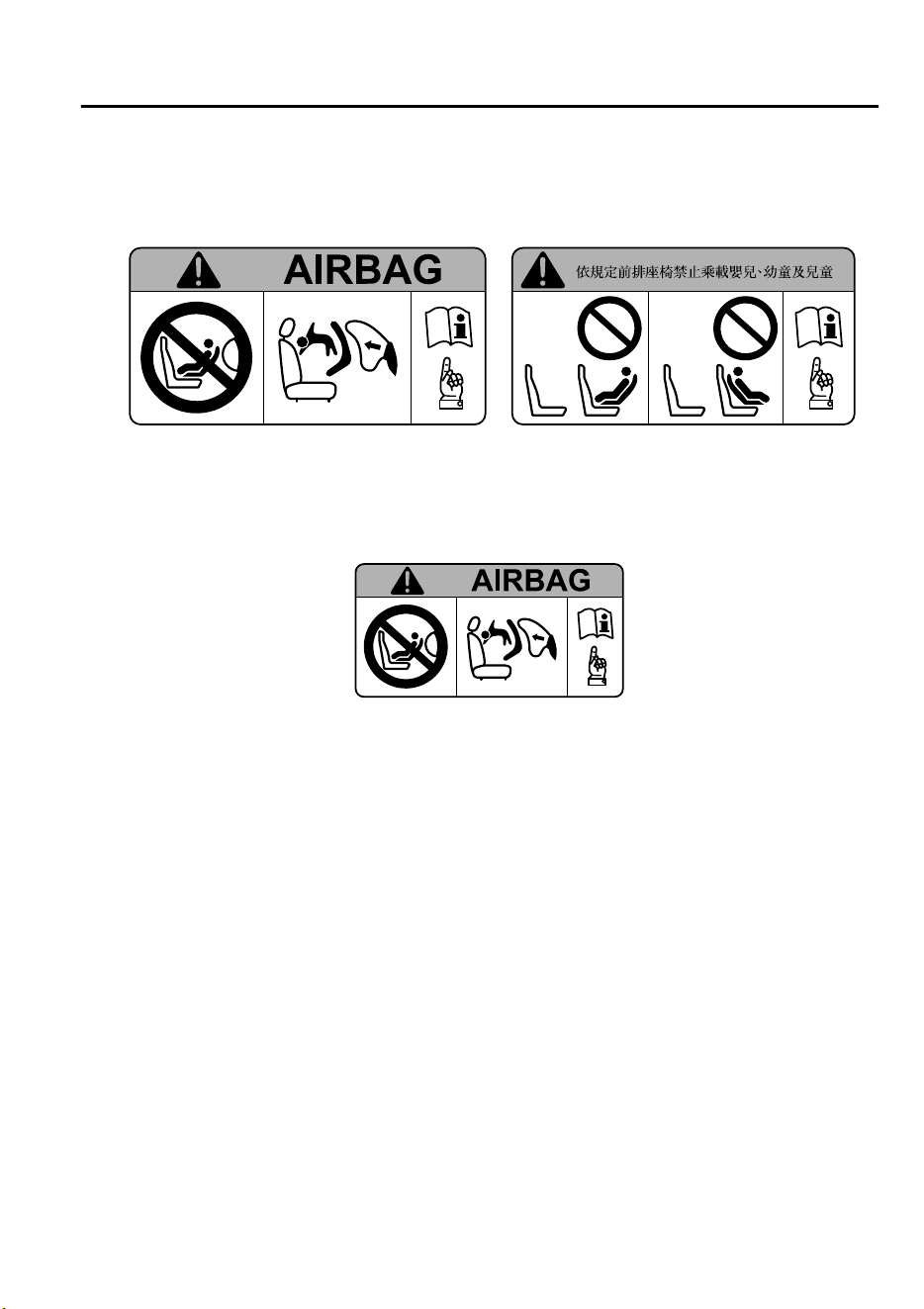
•
This highly-visible label warns against the use of a rear-facing child-restraint system on
the front passenger seat.
(Except Taiwan) (Taiwan)
(Taiwan, except front passenger seat, if equipped with the following label)
The highly-visible labels warn against the use of a rear-facing child-restraint system on
the seat protected by an air bag.
Essential Safety Equipment
SRS Air Bags
2-49
CX-9_8GC7-EE-17G_Edition1 2017-5-16 8:22:04
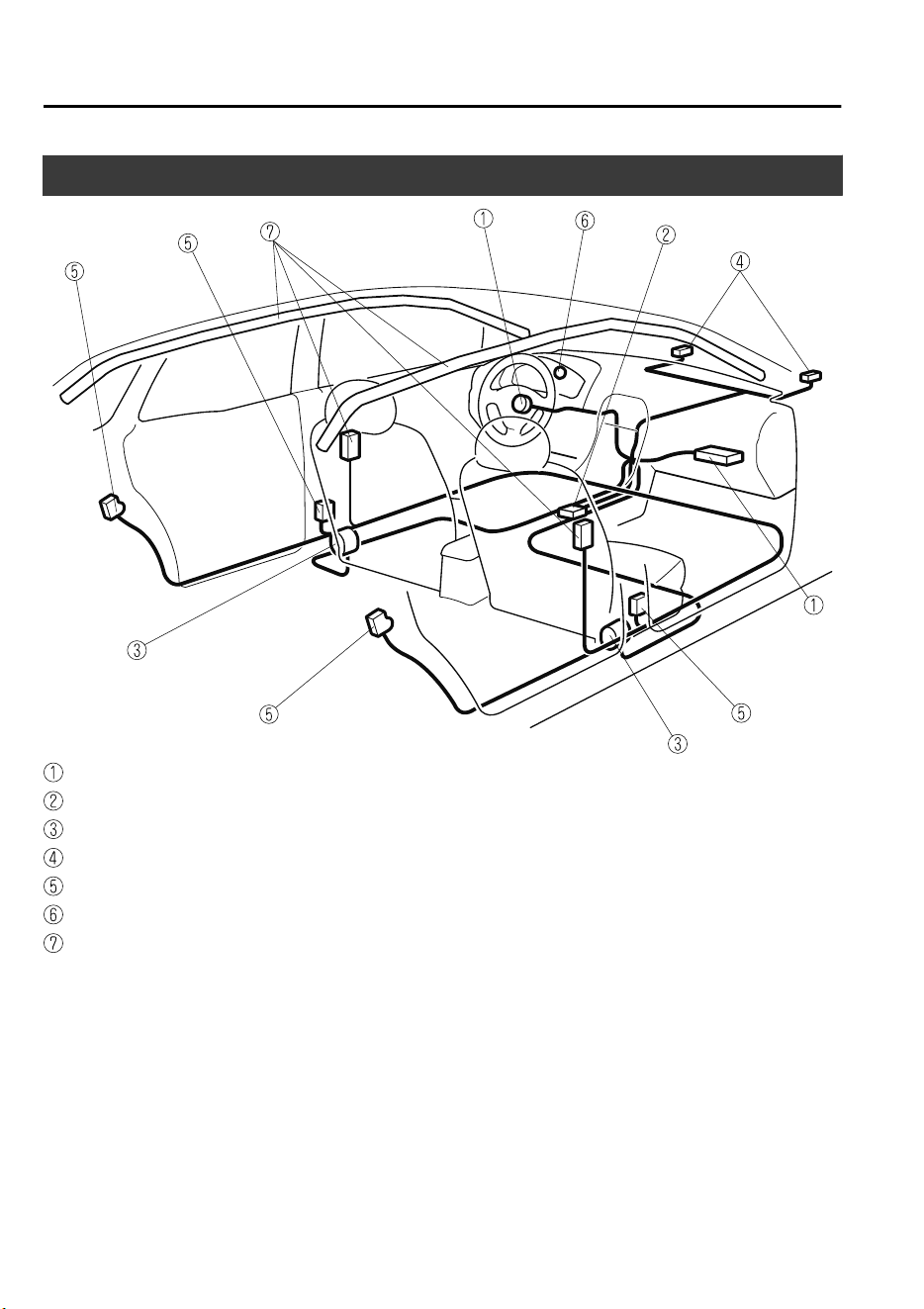
Supplemental Restraint System Components
Driver/Front passenger inflators and air bags
Roll-over sensor
*
, crash sensors, and diagnostic module (SAS unit)
Seat belt pretensioners (page 2-25)
Front air bag sensors
Side crash sensors
Air bag/front seat belt pretensioner system warning light (page 4-33)
Side and curtain inflators and air bags
Essential Safety Equipment
SRS Air Bags
2-50
*Some models.
CX-9_8GC7-EE-17G_Edition1 2017-5-16 8:22:04
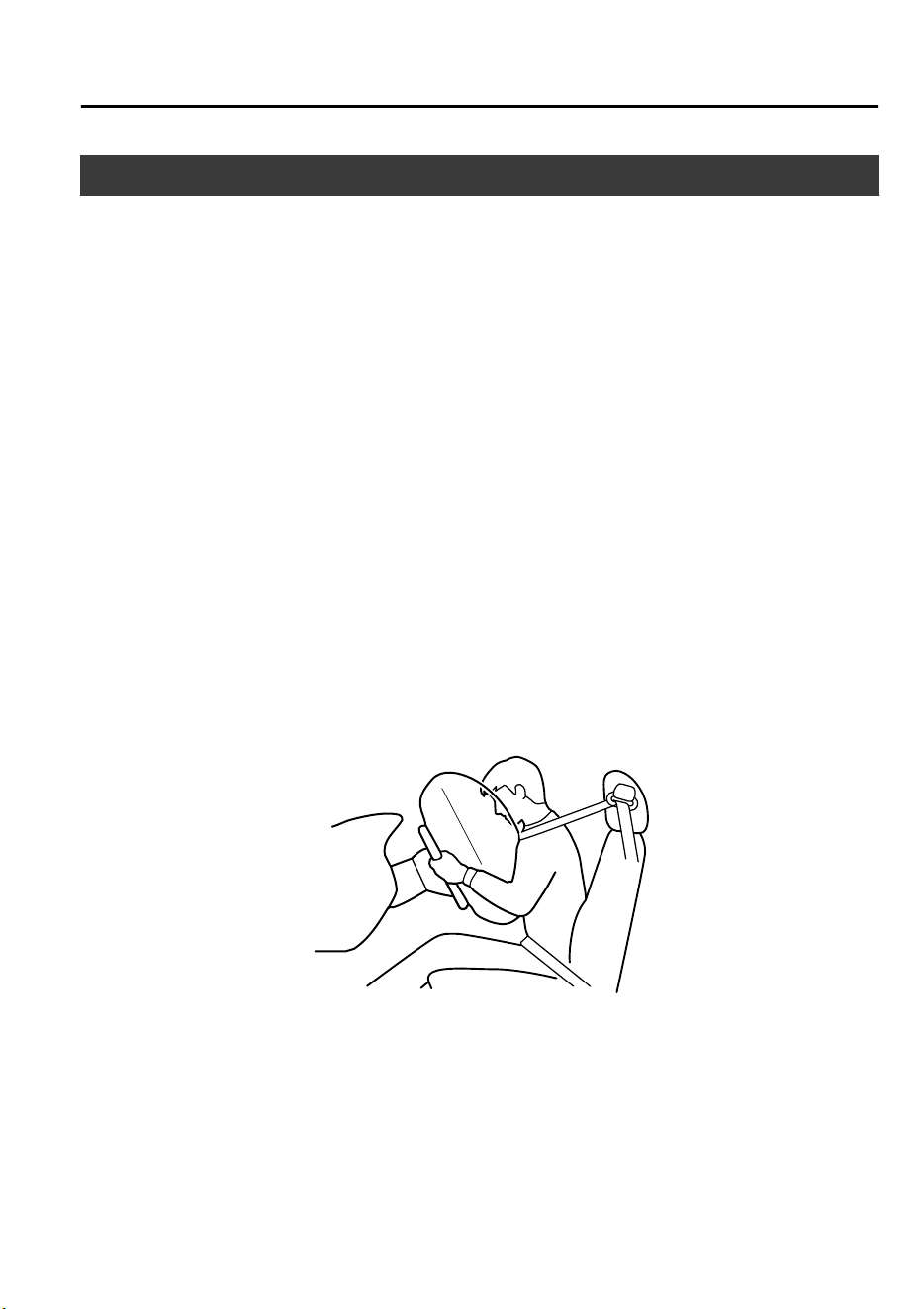
How the SRS Air Bags Work
Your Mazda is equipped with the following types of SRS air bags. SRS air bags are
designed to work together with the seat belts to help to reduce injuries during an accident.
The SRS air bags are designed to provide further protection for passengers in addition to the
seat belt functions. Be sure to wear seat belts properly.
▼
Front Seat Belt Pretensioners
The front seat belt pretensioners are designed to deploy in moderate or severe frontal, near
frontal collisions.
In addition, the pretensioners operate when a side collision (only on the side in which the
collision occurs) or a roll-over accident is detected. The pretensioners operate differently
depending on what types of air bags are equipped. For more details about seat belt
pretensioner operation, refer to the SRS Air Bag Deployment Criteria (page 2-55).
▼
Driver Air Bag
The driver's air bag is mounted in the steering wheel.
When air bag crash sensors detect a frontal impact of greater than moderate force, the
driver's air bag inflates quickly helping to reduce injury mainly to the driver's head or chest
caused by directly hitting the steering wheel.
For more details about air bag deployment, refer to "SRS Air Bag Deployment Criteria"
(page 2-55).
Essential Safety Equipment
SRS Air Bags
2-51
CX-9_8GC7-EE-17G_Edition1 2017-5-16 8:22:04
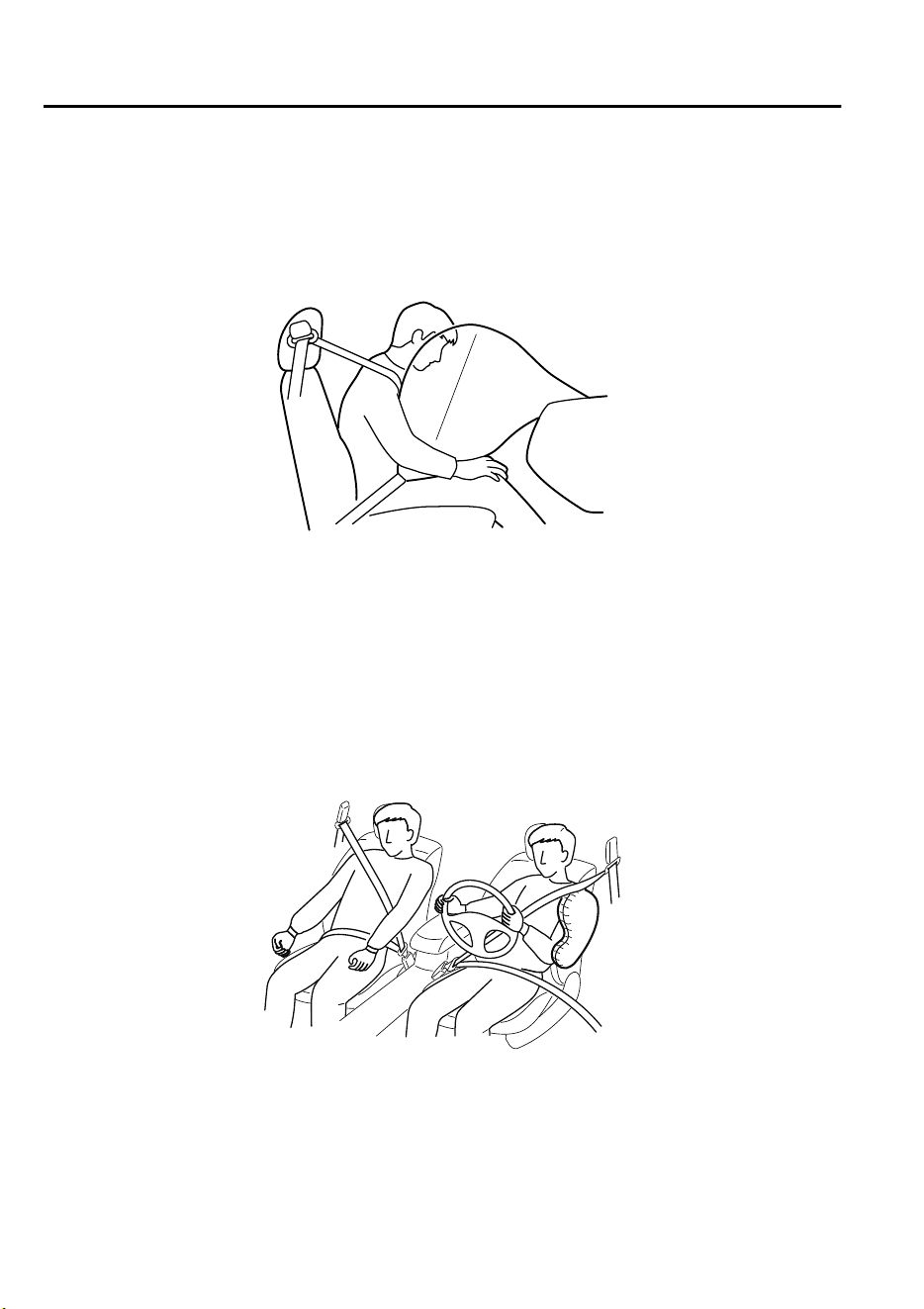
▼
Front Passenger Air Bag
The front passenger air bag is mounted in the front passenger dashboard.
The inflation mechanism for the front passenger air bag is the same as the driver's air bag.
For more details about air bag deployment, refer to "SRS Air Bag Deployment Criteria"
(page 2-55).
▼
Side Air Bags
The side air bags are mounted in the outboard sides of the front seatbacks.
When the air bag crash sensors detect a side impact of greater than moderate force, the
system inflates the side air bag only on the side in which the vehicle was hit. The side air
bag inflates quickly to reduce injury to the driver or front passenger's chest caused by
directly hitting interior parts such as a door or window.
For more details about air bag deployment, refer to "SRS Air Bag Deployment Criteria"
(page 2-55).
Essential Safety Equipment
SRS Air Bags
2-52
CX-9_8GC7-EE-17G_Edition1 2017-5-16 8:22:04
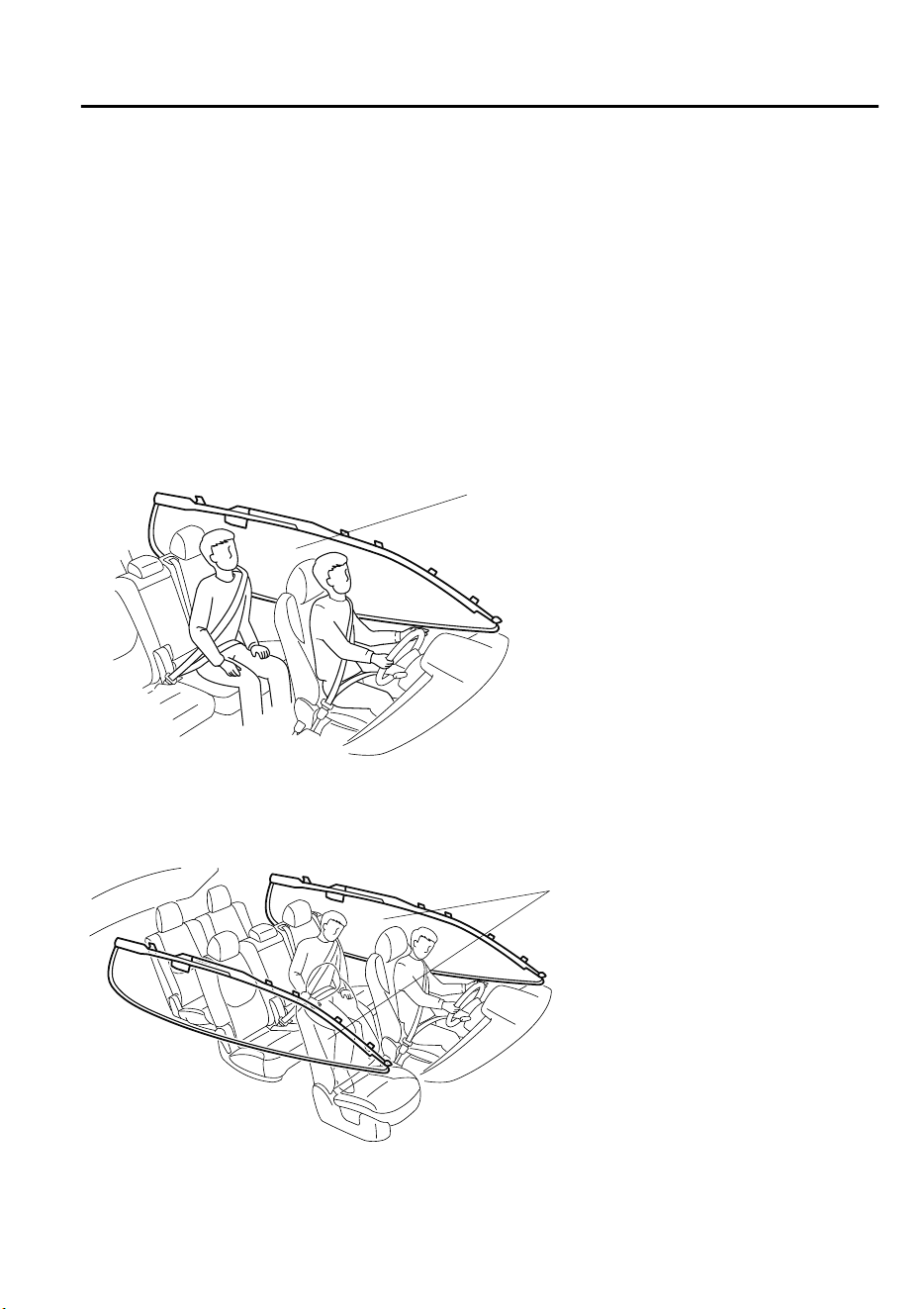
▼
Curtain Air Bags
The curtain air bags are mounted in the front and rear window pillars, and the roof edge
along both sides.
When the air bag crash sensors detect a side impact of greater than moderate force, the
curtain air bag inflates quickly and helps to reduce injury mainly to the rear outboard
passenger's head caused by directly hitting interior parts such as a door or window.
For more details about air bag deployment, refer to "SRS Air Bag Deployment Criteria"
(page 2-55).
In a side impact:
Greater than moderate impact to one side of the vehicle will cause the curtain air bag on that
side only to inflate.
Only one side curtain air bag will deploy on the
side of the vehicle that receives the force of an
impact.
(European models)
In a roll-over:
In response to a vehicle roll-over, both curtain air bags inflate.
Both curtain air bags will deploy after
the roll-over accident is detected.
Essential Safety Equipment
SRS Air Bags
2-53
CX-9_8GC7-EE-17G_Edition1 2017-5-16 8:22:04

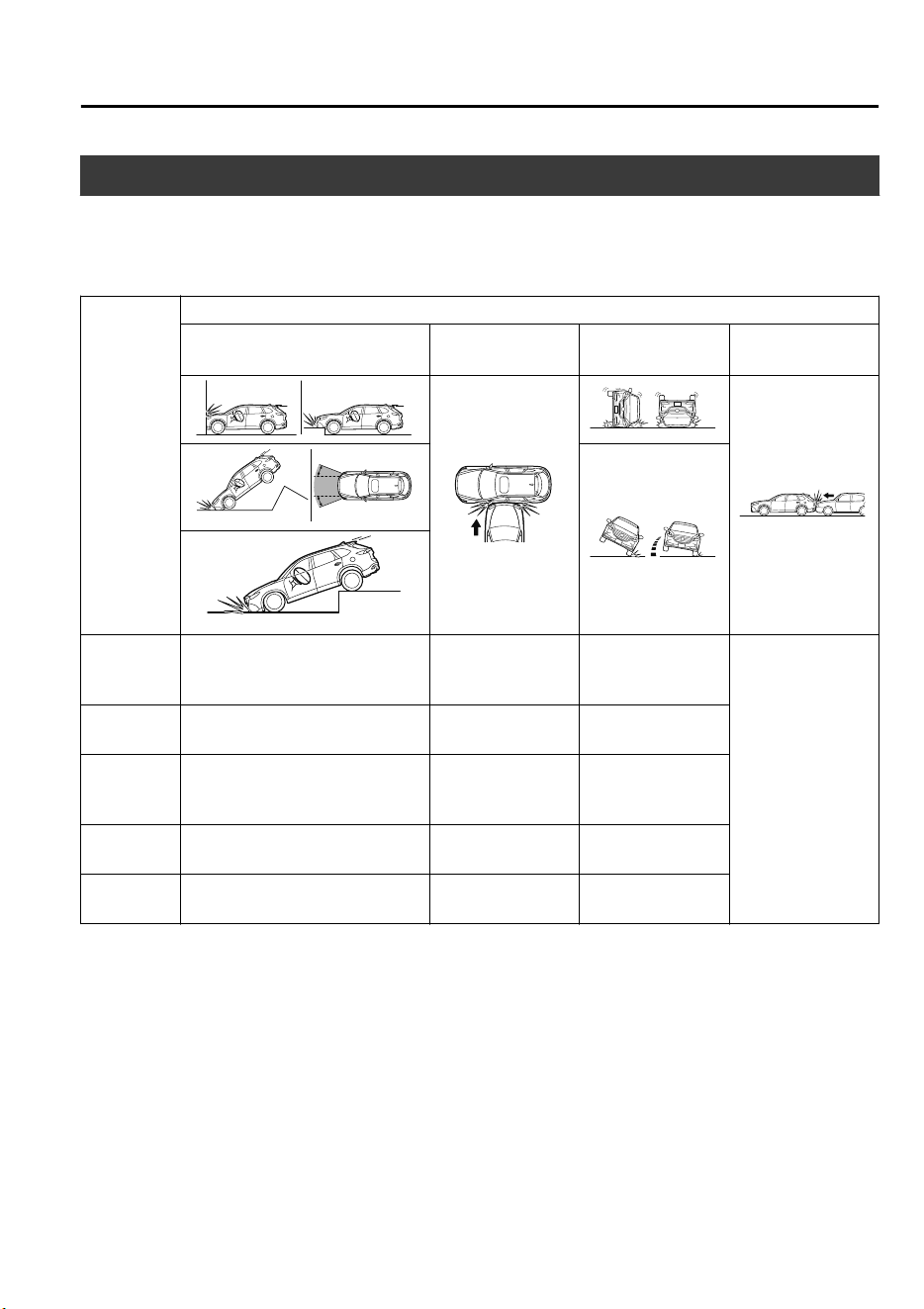
SRS Air Bag Deployment Criteria
This chart indicates the applicable SRS equipment that will deploy depending on the type of
collision.
(The illustrations are the representative cases of collisions.)
SRS equip-
ment
Types of collision
A severe frontal/near frontal colli-
sion
A severe side colli-
sion
*1
A roll-over/near
roll-over
*2
A rear collision
Front seat
belt preten-
sioner
X (both sides)
X (impact side on-
ly)
X (both sides)
No air bag and
front seat belt pre-
tensioner will be
activated in a rear
collision.
Driver air
bag
X
Front pas-
senger air
bag
X
Side air bag
X (impact side on-
ly)
Curtain air
bag
X (impact side on-
ly)
X (both sides)
X: The SRS air bag equipment is designed to deploy in a collision.
*
1 In a side collision, the seat belt pretensioners and the side/curtain air bags deploy (only on the side in which the
collision occurs).
*
2 (European models)
In a roll-over accident, the seat belt pretensioners and the curtain air bags deploy.
NOTE
In a frontal offset collision, the equipped air bags and pretensioners may all deploy
depending on the direction, angle, and rate of impact.
Essential Safety Equipment
SRS Air Bags
2-55
CX-9_8GC7-EE-17G_Edition1 2017-5-16 8:22:04
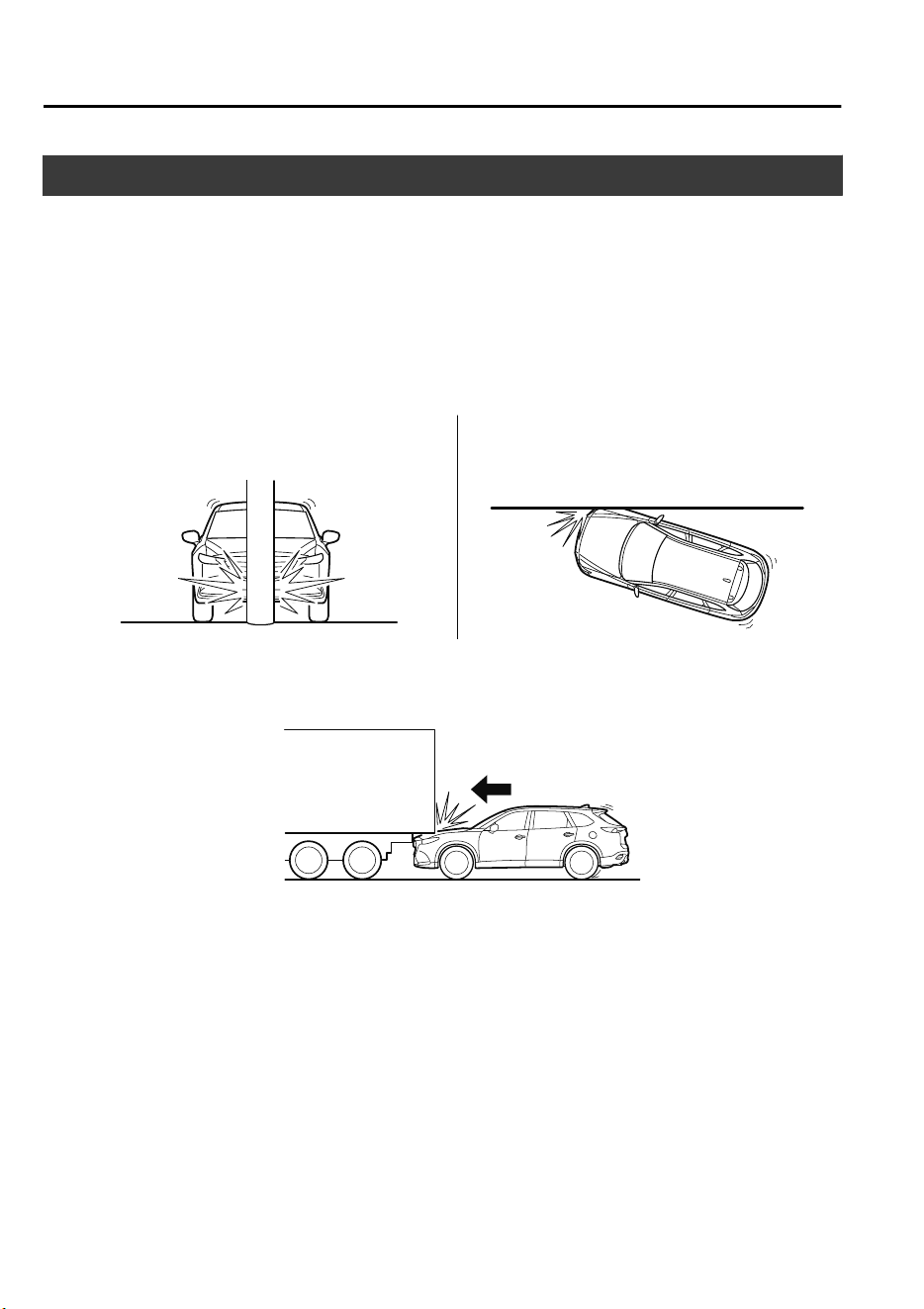
Limitations to SRS Air Bag
In severe collisions such as those described previously in "SRS Air Bag Deployment
Criteria", the applicable SRS air bag equipment will deploy. However, in some accidents,
the equipment may not deploy depending on the type of collision and its severity.
Limitations to front/near front collision detection:
The following illustrations are examples of front/near front collisions that may not be
detected as severe enough to deploy the SRS air bag equipment.
Impacts involving trees or poles
Frontal offset impact to the vehicle
Rear-ending or running under a truck's tail gate
Essential Safety Equipment
SRS Air Bags
2-56
CX-9_8GC7-EE-17G_Edition1 2017-5-16 8:22:04
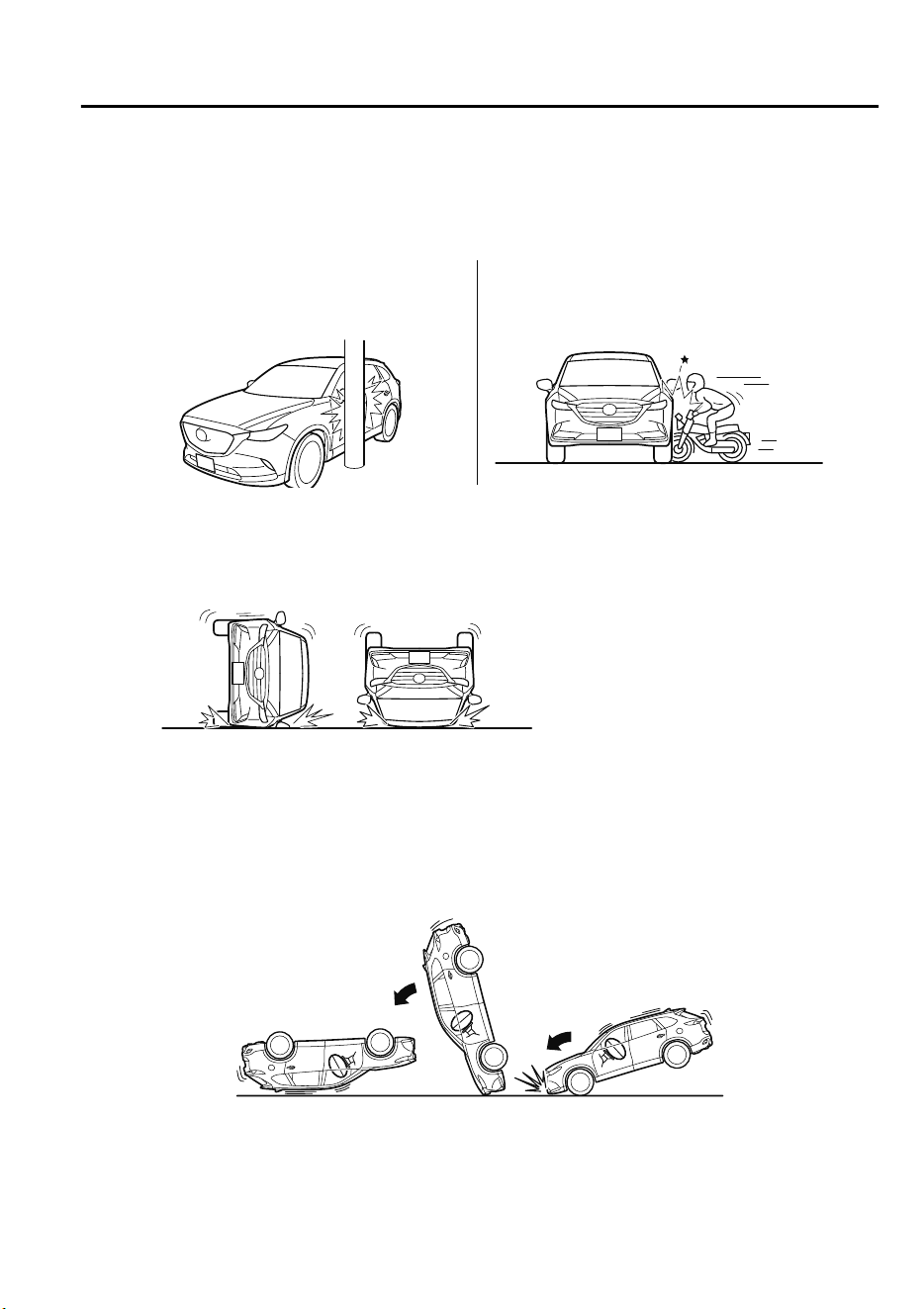
Limitations to side collision detection:
The following illustrations are examples of side collisions that may not be detected as
severe enough to deploy the SRS air bag equipment.
Side impacts involving trees or poles
Side impacts with two-wheeled vehicles
Roll-over (Except European models)
(European models)
Limitations to roll-over detection:
The following illustration is an example of an accident that may not be detected as a
roll-over accident. Therefore, the front seat belt pretensioners and curtain air bags may not
deploy.
Pitch end over end
Essential Safety Equipment
SRS Air Bags
2-57
CX-9_8GC7-EE-17G_Edition1 2017-5-16 8:22:04

Constant Monitoring
The following components of the air bag systems are monitored by a diagnostic system:
•
Front air bag sensors
•
Crash sensors, and diagnostic module (SAS unit)
•
Side crash sensors
•
Air bag modules
•
Front seat belt pretensioners
•
Air bag/Front seat belt pretensioner system warning light
•
Related wiring
The diagnostic module continuously monitors the system's readiness. This begins when the
ignition is switched ON and continues while the vehicle is being driven.
Essential Safety Equipment
SRS Air Bags
2-58
CX-9_8GC7-EE-17G_Edition1 2017-5-16 8:22:04
3
Before Driving
Use of various features, including keys, doors, mirrors and windows.
Keys.................................................... 3-2
Keys..............................................3-2
Keyless Entry System...................3-3
Advanced Keyless Entry
System.................................................3-8
Advanced Keyless Entry System
*
.....
...................................................... 3-8
Operational Range........................3-9
Doors and Locks..............................3-10
Door Locks................................. 3-10
Liftgate....................................... 3-18
Fuel and Emission........................... 3-26
Fuel and Engine Exhaust
Precautions................................. 3-26
Fuel-Filler Lid and Cap.............. 3-29
Steering Wheel.................................3-31
Steering Wheel........................... 3-31
Mirrors............................................. 3-32
Mirrors........................................3-32
Windows...........................................3-36
Power Windows..........................3-36
Sunroof
*
......................................3-39
Security System............................... 3-42
Modification and Add-On
Equipment...................................3-42
Immobilizer System....................3-42
Theft-Deterrent System
*
.............3-44
Driving Tips..................................... 3-48
Break-In Period.......................... 3-48
Saving Fuel and Protection of the
Environment............................... 3-48
Hazardous Driving......................3-49
Floor Mat....................................3-50
Rocking the Vehicle....................3-51
Winter Driving............................3-51
Driving In Flooded Area............ 3-54
Turbocharger Information.......... 3-55
Towing.............................................. 3-56
Towing Caravans and Trailers
(Russia).......................................3-56
*Some models.
3-1
CX-9_8GC7-EE-17G_Edition1 2017-5-16 8:22:04
Keys
WARNING
Do not leave the key in your vehicle with
children and keep them in a place where
your children will not nd or play with
them:
Leaving children in a vehicle with the key is
dangerous. This could result in someone
being badly injured or even killed. Children
may nd these keys to be an interesting toy
to play with and could cause the power
windows or other controls to operate, or
even make the vehicle move.
CAUTION
Because the key (transmitter) uses
low-intensity radio waves, it may not
function correctly under the following
conditions:
The key is carried with communication
devices such as cellular phones.
The key contacts or is covered by a
metal object.
The key is near electronic devices such
as personal computers.
Non-Mazda genuine electronic
equipment is installed in the vehicle.
There is equipment which discharges
radio waves near the vehicle.
The key (transmitter) may consume
battery power excessively if it receives
high-intensity radio waves. Do not place
the key near electronic devices such as
televisions or personal computers.
To avoid damage to the key
(transmitter), DO NOT:
Drop the key.
Get the key wet.
Disassemble the key.
Expose the key to high temperatures
on places such as the dashboard or
hood, under direct sunlight.
Expose the key to any kind of magnetic
eld.
Place heavy objects on the key.
Put the key in an ultrasonic cleaner.
Put any magnetized objects close to
the key.
A code number is stamped on the plate
attached to the key set; detach this plate
and store it in a safe place (not in the
vehicle) for use if you need to make a
replacement key (auxiliary key).
Also write down the code number and
keep it in a separate safe and convenient
place, but not in the vehicle.
If your key (auxiliary key) is lost, consult
your Authorized Mazda Repairer and have
your code number ready.
Before Driving
Keys
3-2
CX-9_8GC7-EE-17G_Edition1 2017-5-16 8:22:04
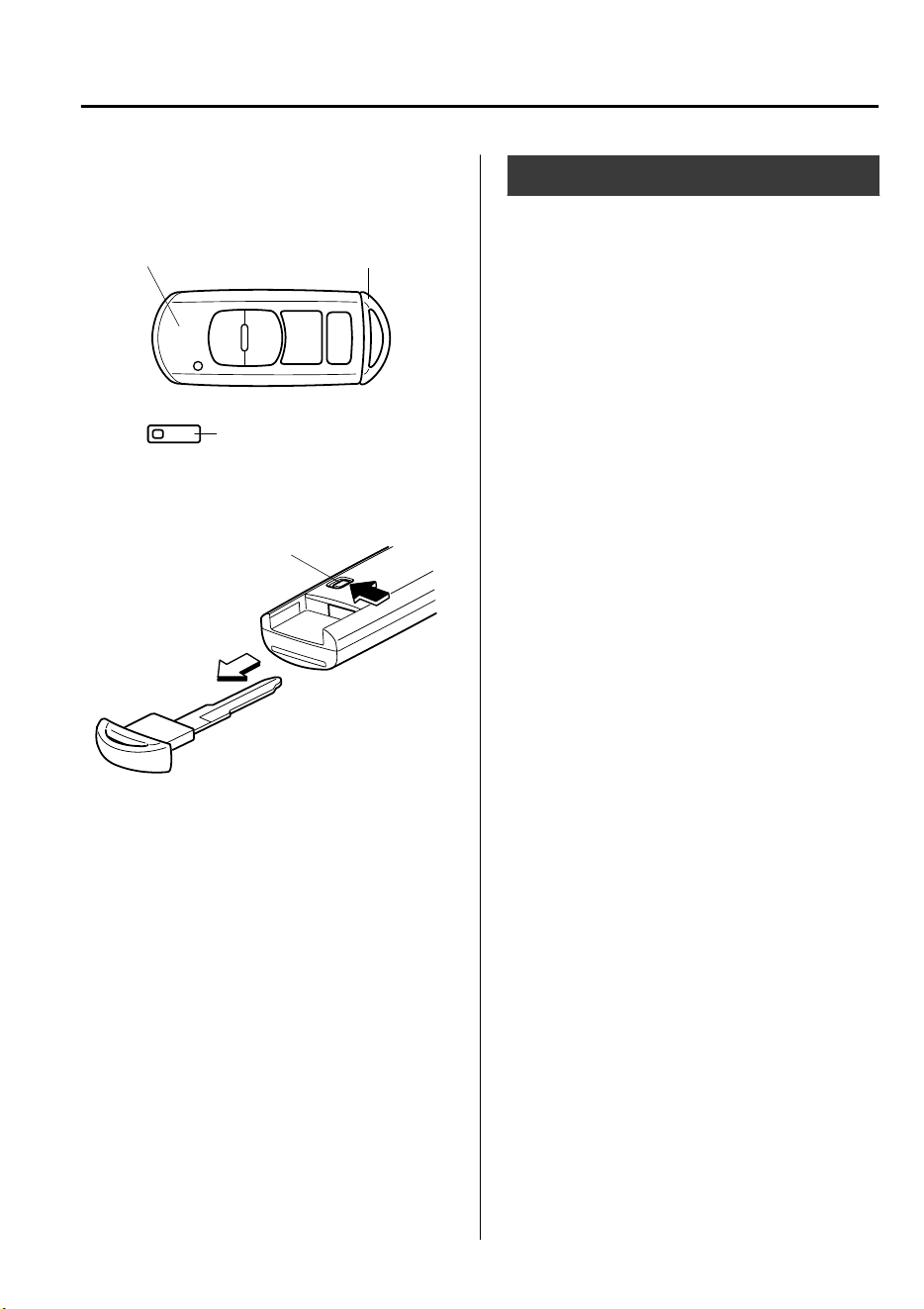
NOTE
The driver must carry the key to ensure the
system functions properly.
Auxiliary keyTransmitter
Key code number plate
To use the auxiliary key, pull out the
auxiliary key from the transmitter while
pressing the knob.
Knob
Keyless Entry System
This system uses the key buttons to
remotely lock and unlock the doors and
the liftgate, and opens/closes the liftgate.
The system can start the engine without
having to take the key out of your purse or
pocket.
Operating the theft-deterrent system is
also possible on theft-deterrent
system-equipped vehicles.
System malfunctions or warnings are
indicated by the following warning lights
or beeps.
For vehicles with the type A instrument
cluster, check the displayed message for
more information and, if necessary, have
the vehicle inspected at an expert repairer,
we recommend an Authorized Mazda
Repairer, according to the indication.
•
KEY Warning Light (Red)
Refer to Warning/Indicator Lights on
page 4-32.
•
Ignition Not Switched Off (STOP)
Warning Beep
Refer to Ignition Not Switched Off
(STOP) Warning Beep on page 7-56.
•
Key Removed from Vehicle Warning
Beep
Refer to Key Removed from Vehicle
Warning Beep on page 7-56.
If you have a problem with the key,
consult an expert repairer, we recommend
an Authorized Mazda Repairer.
If your key is lost or stolen, consult an
Authorized Mazda Repairer as soon as
possible for a replacement and to make the
lost or stolen key inoperative.
Before Driving
Keys
3-3
CX-9_8GC7-EE-17G_Edition1 2017-5-16 8:22:04
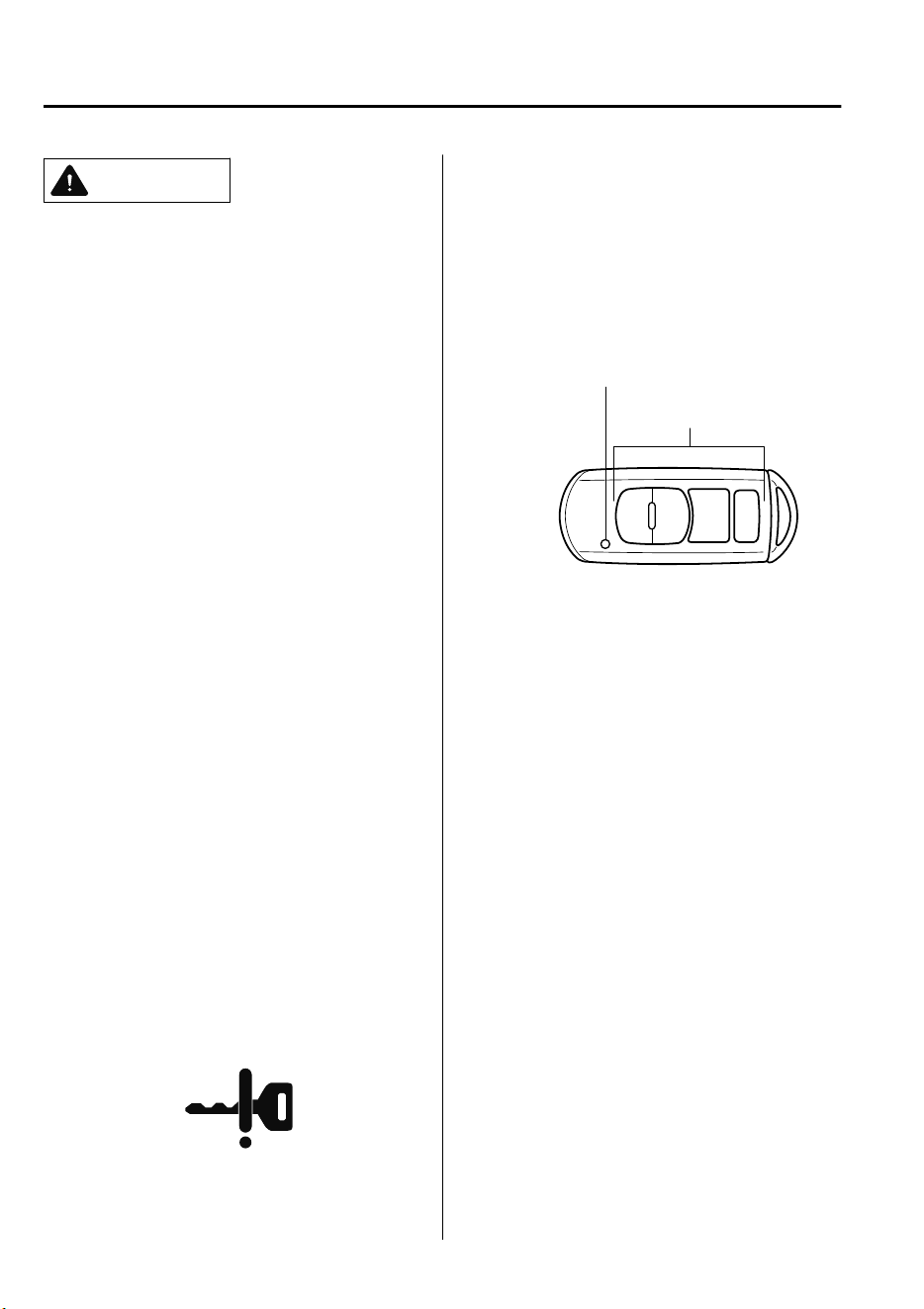
CAUTION
Changes or modications not expressly
approved by the party responsible for
compliance could void the user's authority
to operate the equipment.
NOTE
•
The keyless entry system operation may
vary due to local conditions.
•
The keyless entry system is fully
operational (door/liftgate lock/unlock)
when the ignition is switched off. The
system does not operate if the ignition is
switched to any position other than off.
•
If the key does not operate when
pressing a button or the operational
range becomes too small, the battery
may be weak. To install a new battery,
refer to Key Battery Replacement (page
6-33).
•
Battery life is about one year. Replace
the battery with a new one if the KEY
indicator light (green) flashes in the
instrument cluster (for vehicles with a
type A instrument cluster (page 4-32),
messages are displayed in the
instrument cluster). Replacing the
battery about once a year is
recommended because the KEY warning
light/indicator light may not illuminate
or flash depending on the rate of battery
depletion.
•
Additional keys can be obtained at an
Authorized Mazda Repairer. Up to 6
keys can be used with the keyless
functions per vehicle. Bring all keys to
an Authorized Mazda Repairer when
additional keys are required.
▼
Transmitter
Operation buttons
Operation indicator light
NOTE
•
The headlights turn on/off by operating
the transmitter. Refer to Leaving Home
Light on page 4-53.
•
(With theft-deterrent system)
The hazard warning lights flash when
the theft-deterrent system is armed or
turned off.
Refer to Theft-Deterrent System on page
3-44.
•
(With the advanced keyless function
(European models))
The setting can be changed so that a
beep sound is heard for confirmation
when the doors and the liftgate are
locked/unlocked using the key.
Before Driving
Keys
3-4
CX-9_8GC7-EE-17G_Edition1 2017-5-16 8:22:04
(With the advanced keyless function
(Except European models))
A beep sound can be heard for
confirmation when the doors and the
liftgate are locked/unlocked using the
key. If you prefer, the beep sound can be
turned off.
The volume of the beep sound can also
be changed.
Refer to Personalization Features on
page 9-10.
Use the following procedure to change the
setting.
1. Switch the ignition off and close all of
the doors and the liftgate.
2. Open the driver's door.
3. Within 30 seconds of opening the
driver's door, press and hold the LOCK
button on the key for 5 seconds or
longer.
The beep sound activates at the
currently set volume. The setting
changes each time the LOCK button on
the key is pressed and the beep sound
activates at the set volume. (If the beep
sound has been set to not activate, it
will not activate.)
4. The setting change is completed by
doing any one of the following:
•
Switching the ignition to ACC or
ON.
•
Closing the driver's door.
•
Opening the liftgate.
•
Not operating the key for ten
seconds.
•
Pressing any button except the
LOCK button on the key.
•
Pressing a request switch.
The operation indicator light flashes when
the buttons are pressed.
Lock button
To lock the doors and the liftgate, press the
lock button and the hazard warning lights
will flash once.
(With the advanced keyless function
(Except European models))
A beep sound will be heard once.
NOTE
•
(European models)
The doors and the liftgate cannot be
locked by pressing the lock button while
any other door is open. The hazard
warning lights will also not flash.
(Except European models)
The doors and the liftgate cannot be
locked by pressing the lock button while
any other door or the liftgate is open.
The hazard warning lights will also not
flash.
•
Make sure all doors and the liftgate are
locked after pressing the button.
•
(With theft-deterrent system)
When the doors are locked by pressing
the lock button on the key while the
theft-deterrent system is armed, the
hazard warning lights will flash once to
indicate that the system is armed.
Before Driving
Keys
3-5
CX-9_8GC7-EE-17G_Edition1 2017-5-16 8:22:04
Unlock button
To unlock the doors and the liftgate, press
the unlock button and the hazard warning
lights will flash twice.
(With the advanced keyless function
(Except European models))
A beep sound will be heard twice.
NOTE
•
(Auto re-lock function)
After unlocking with the key, all doors
and the liftgate will automatically lock if
any of the following operations are not
performed within about 30 seconds. If
your vehicle has a theft-deterrent
system, the hazard warning lights will
flash for confirmation.
The time required for the doors to lock
automatically can be changed.
Refer to Personalization Features on
page 9-10.
•
A door or the liftgate is opened.
•
The ignition is switched to any
position other than off.
•
(With theft-deterrent system)
When the doors are unlocked by
pressing the unlock button on the key
while the theft-deterrent system is turned
off, the hazard warning lights will flash
twice to indicate that the system is
turned off.
Power liftgate button
*
To open/close the liftgate, press the power
liftgate button for one second or more with
the liftgate in the fully closed/open
position.
The hazard warning lights flash twice and
the liftgate opens/closes after the beep
sounds.
Type A Type B
Intrusion sensor cancel button
*
To cancel the intrusion sensor (part of the
theft-deterrent system), press the intrusion
sensor cancel button within 20 seconds
after pressing the lock button and the
hazard warning lights will flash three
times.
Refer to Theft-Deterrent System on page
3-44.
▼
Operational Range
The system operates only when the driver
is in the vehicle or within operational
range while the key is being carried.
Starting the Engine
NOTE
•
Starting the engine may be possible even
if the key is outside of the vehicle and
extremely close to a door and window,
however, always start the engine from
the driver's seat.
Before Driving
Keys
3-6
*Some models.
CX-9_8GC7-EE-17G_Edition1 2017-5-16 8:22:04
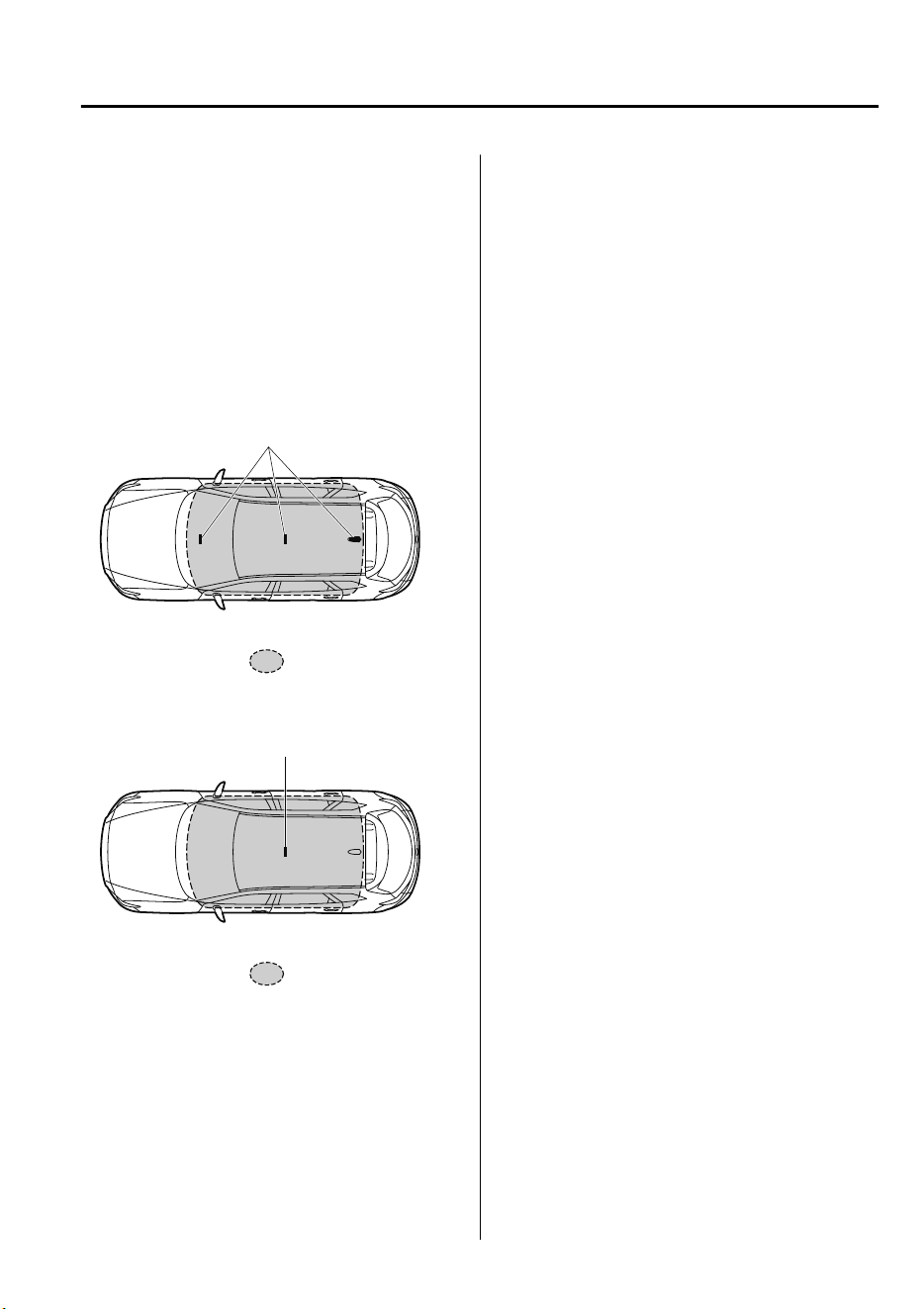
If the vehicle is started and the key is not
in the vehicle, the vehicle will not restart
after it is shut off and the ignition is
switched to off.
•
The luggage compartment is out of the
assured operational range, however, if
the key (transmitter) is operable the
engine will start.
With the advanced keyless function
Interior antenna
Operational range
Without the advanced keyless function
Interior antenna
Operational range
NOTE
The engine may not start if the key is
placed in the following areas:
•
Around the dashboard
•
In the storage compartments such as the
glove compartment or the center console
▼
Key Suspend Function
If a key is left in the vehicle, the functions
of the key left in the vehicle are
temporarily suspended to prevent theft of
the vehicle.
To restore the functions, press the unlock
button on the functions-suspended key in
the vehicle.
Before Driving
Keys
3-7
CX-9_8GC7-EE-17G_Edition1 2017-5-16 8:22:04
Advanced Keyless Entry
System
*
WARNING
Radio waves from the key may aect
medical devices such as pacemakers:
Before using the key near people who use
medical devices, ask the medical device
manufacturer or your physician if radio
waves from the key will aect the device.
The advanced keyless function allows you
to lock/unlock the door and the liftgate, or
open the liftgate while carrying the key.
System malfunctions or warnings are
indicated by the following warning beeps.
•
Request switch Inoperable Warning
Beep
Refer to Request Switch Inoperable
Warning Beep (With the advanced
keyless function) on page 7-56.
•
Key Left-in-luggage Compartment
Warning Beep
Refer to Key Left-in-luggage
Compartment Warning Beep (With the
advanced keyless function) on page 7-
57.
•
Key Left-in-vehicle Warning Beep
Refer to Key Left-in-vehicle Warning
Beep (With the advanced keyless
function) on page 7-57.
NOTE
The advanced keyless entry system
functions can be deactivated to prevent
any possible adverse effect on a user
wearing a pacemaker or other medical
device. If the system is deactivated, you
will be unable to start the engine by
carrying the key. Consult an expert
repairer, we recommend an Authorized
Mazda Repairer for details. If the
advanced keyless entry system has been
deactivated, you can start the engine by
following the procedure indicated when
the key battery goes dead.
Refer to Engine Start Function When Key
Battery is Dead on page 4-9.
Before Driving
Advanced Keyless Entry System
3-8
*Some models.
CX-9_8GC7-EE-17G_Edition1 2017-5-16 8:22:04
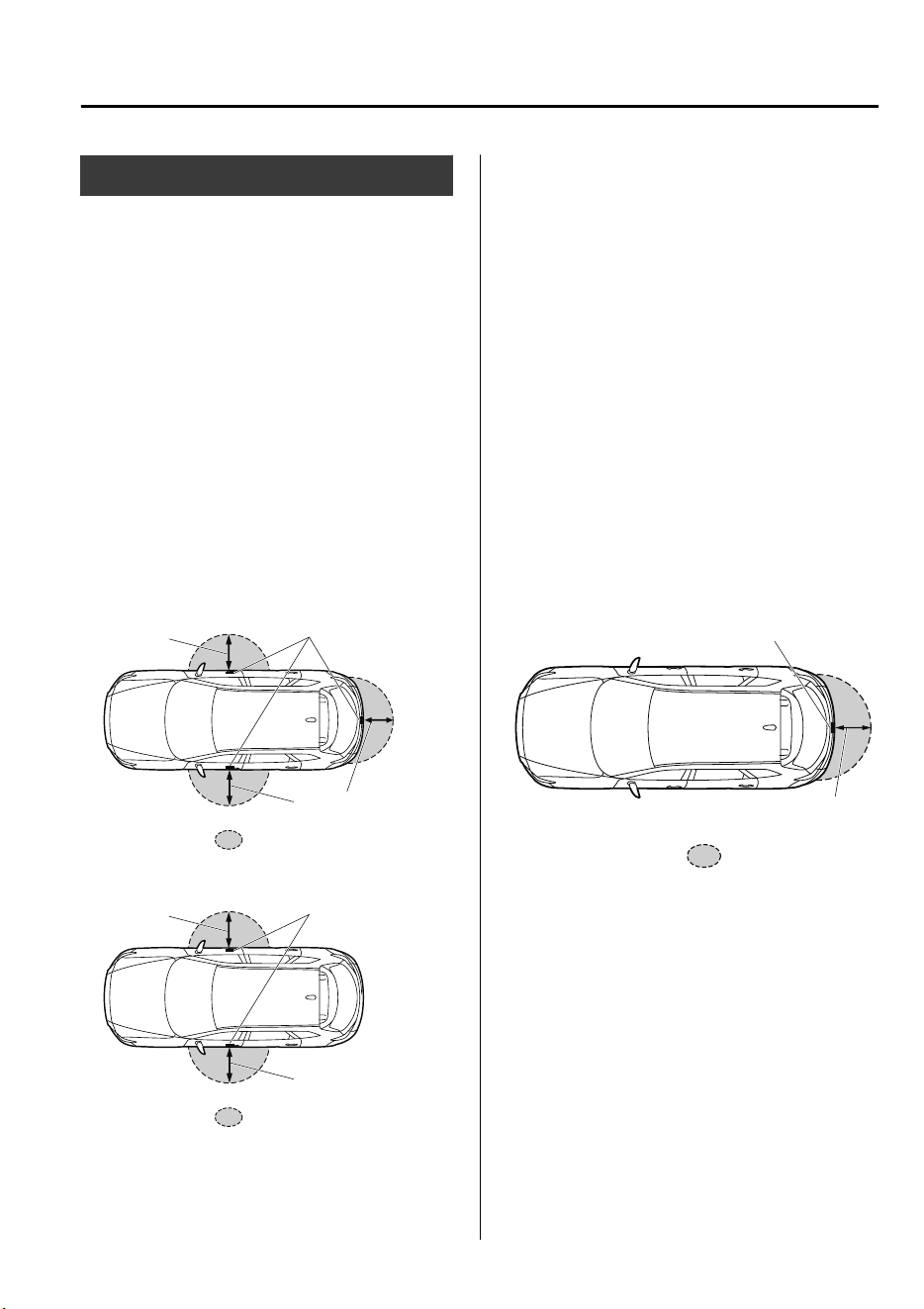
Operational Range
The system operates only when the driver
is in the vehicle or within operational
range while the key is being carried.
NOTE
When the battery power is low, or in
places where there are high-intensity radio
waves or noise, the operational range may
become narrower or the system may not
operate. For determining battery
replacement, Refer to Keyless Entry
System on page 3-3.
▼
Locking, Unlocking the Doors and
the Liftgate
Exterior antenna
Operational range
80cm (31in)
80cm (31in)
Lock
Exterior antenna
Operational range
80cm (31in)
80cm (31in)
Unlock
NOTE
•
The system may not operate if you are
too close to the windows or door
handles, or liftgate.
•
If the key is left in the following areas
and you leave the vehicle, the doors may
be locked depending on the radio wave
conditions even if the key is left in the
vehicle.
•
Around the dashboard
•
In the storage compartments such as
the glove compartment or the center
console
•
Next to a communication device such
as a mobile phone
▼
Opening the Liftgate
Exterior antenna
80cm (31in)
Operational range
Before Driving
Advanced Keyless Entry System
3-9
CX-9_8GC7-EE-17G_Edition1 2017-5-16 8:22:04
Door Locks
WARNING
Always take all children and pets with you
or leave a responsible person with them:
Leaving a child or a pet unattended in a
parked vehicle is dangerous. In hot
weather, temperatures inside a vehicle can
become high enough to cause brain
damage or even death.
Do not leave the key in your vehicle with
children and keep them in a place where
your children will not
nd
or play with
them:
Leaving children in a vehicle with the key is
dangerous. This could result in someone
being badly injured or even killed.
Keep all doors locked when driving:
Unlocked doors in a moving vehicle are
dangerous. Passengers can fall out if a
door is accidentally opened and can more
easily be thrown out in an accident.
Always close all the windows and sunroof,
lock the doors and the liftgate and take the
key with you when leaving your vehicle
unattended:
Leaving your vehicle unlocked is dangerous
as children could lock themselves in a hot
vehicle, which could result in death. Also, a
vehicle left unlocked becomes an easy
target for thieves and intruders.
After closing the doors and the liftgate,
always verify that they are securely closed:
Doors and the liftgate not securely closed
are dangerous, if the vehicle is driven with
a door and the liftgate not securely closed,
the door and the liftgate could open
unexpectedly resulting in an accident.
Always conrm the safety around the
vehicle before opening a door and the
liftgate:
Suddenly opening a door and the liftgate is
dangerous. A passing vehicle or a
pedestrian could be hit and cause an
accident.
CAUTION
Always conrm the conditions around
the vehicle before opening/closing the
doors and the liftgate and use caution
during strong winds or when parked on
an incline. Not being aware of the
conditions around the vehicle is
dangerous because ngers could get
caught in the door and the liftgate or a
passing pedestrian could be hit, resulting
in an unexpected accident or injury.
Before Driving
Doors and Locks
3-10
CX-9_8GC7-EE-17G_Edition1 2017-5-16 8:22:04

NOTE
•
Always stop the engine and lock the
doors. In addition, to prevent theft of
valuables, do not leave them inside the
cabin.
•
If the key is left in the following areas
and you leave the vehicle, the doors may
be locked depending on the radio wave
conditions even if the key is left in the
vehicle.
•
Around the dashboard
•
In the storage compartments such as
the glove compartment or the center
console
•
Next to a communication device such
as a mobile phone
•
The vehicle lock-out prevention feature
prevents you from locking yourself out
of the vehicle.
(European models)
All doors and the liftgate will
automatically unlock if they are locked
using the power door locks with any
door open.
If all the doors are closed even though
the liftgate is open, all the doors will
lock.
(Except European models)
All doors and the liftgate will
automatically unlock if they are locked
using the power door locks with any
door or the liftgate open.
•
(Door unlock (control) system with
collision detection)
*
This system automatically unlocks the
doors and the liftgate in the event the
vehicle is involved in an accident to
allow passengers to get out of the
vehicle immediately and prevent being
trapped inside. While the ignition is
switched ON and in the event the vehicle
receives an impact strong enough to
inflate the air bags, all the doors and the
liftgate are automatically unlocked after
about 6 seconds have elapsed from the
time of the accident.
The doors and the liftgate may not
unlock depending on how an impact is
applied, the force of the impact, and
other conditions of the accident.
If door-related systems or the battery is
malfunctioning, the doors and the
liftgate will not unlock.
Before Driving
Doors and Locks
*Some models.
3-11
CX-9_8GC7-EE-17G_Edition1 2017-5-16 8:22:04
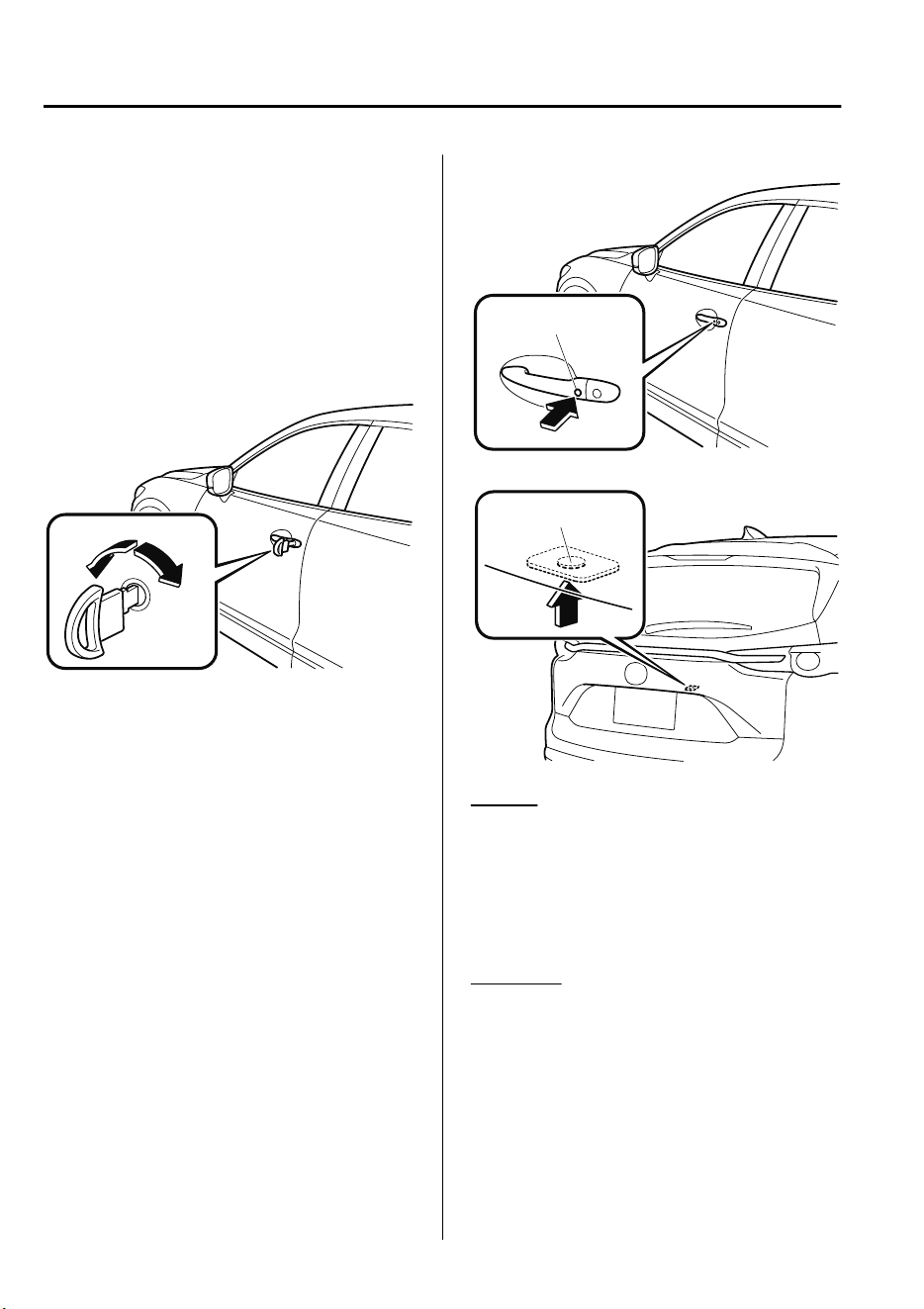
▼
Locking, Unlocking with Auxiliary
Key
All doors and the liftgate lock
automatically when the driver's door is
locked using the auxiliary key. They all
unlock when the driver's door is unlocked
using the auxiliary key.
Turn the auxiliary key toward the front to
lock, toward the back to unlock.
Lock
Unlock
▼
Locking, Unlocking with Request
Switch (With the advanced keyless
function)
All doors and the liftgate can be locked/
unlocked by pressing the request switch on
the front doors while the key is being
carried.
The request switch on the liftgate can only
be used to lock all doors and the liftgate.
Front doors
Request switch
Liftgate (Lock only)
Request switch
To l ock
To lock the doors and the liftgate, press the
request switch and the hazard warning
lights will flash once.
(Except European models)
A beep sound will be heard once.
To u nl ock
To unlock the doors and the liftgate, press
the request switch on a front door and the
hazard warning lights will flash twice.
(Except European models)
A beep sound will be heard twice.
Before Driving
Doors and Locks
3-12
CX-9_8GC7-EE-17G_Edition1 2017-5-16 8:22:04

NOTE
•
Confirm that all doors and the liftgate
are securely locked.
For the liftgate, move it without pressing
the electric liftgate opener to verify that
the liftgate has not been left ajar.
•
(European models)
All doors and the liftgate cannot be
locked when any door is open.
(Except European models)
All doors and the liftgate cannot be
locked when any door or the liftgate is
open.
•
It may require a few seconds for the
doors to unlock after the request switch
is pressed.
•
(European models)
The setting can be changed so that a
beep sound is heard for confirmation
when the doors and the liftgate are
locked/unlocked using a request switch.
(Except European models)
A beep sound is heard for confirmation
when the doors and the liftgate are
locked/unlocked using the request
switch. If you prefer, the beep sound can
be turned off.
The volume of the beep sound can also
be changed. Refer to Personalization
Features on page 9-10.
Use the following procedure to change
the setting.
1. Switch the ignition off and close all
of the doors and the liftgate.
2. Open the driver's door.
3. Within 30 seconds of opening the
driver's door, press and hold the
LOCK button on the key for 5
seconds or longer.
The beep sound activates at the
currently set volume. The setting
changes each time the LOCK button
on the key is pressed and the beep
sound activates at the set volume. (If
the beep sound has been set to not
activate, it will not activate.)
4. The setting change is completed by
doing any one of the following:
•
Switching the ignition to ACC or
ON.
•
Closing the driver's door.
•
Opening the liftgate.
•
Not operating the key for ten
seconds.
•
Pressing any button except the
LOCK button on the key.
•
Pressing a request switch.
•
(With theft-deterrent system)
The hazard warning lights flash when
the theft-deterrent system is armed or
turned off.
Refer to Theft-Deterrent System on page
3-44.
•
The setting can be changed so that the
doors and the liftgate are locked
automatically without pressing the
request switch.
Refer to Personalization Features on
page 9-10.
Before Driving
Doors and Locks
3-13
CX-9_8GC7-EE-17G_Edition1 2017-5-16 8:22:04
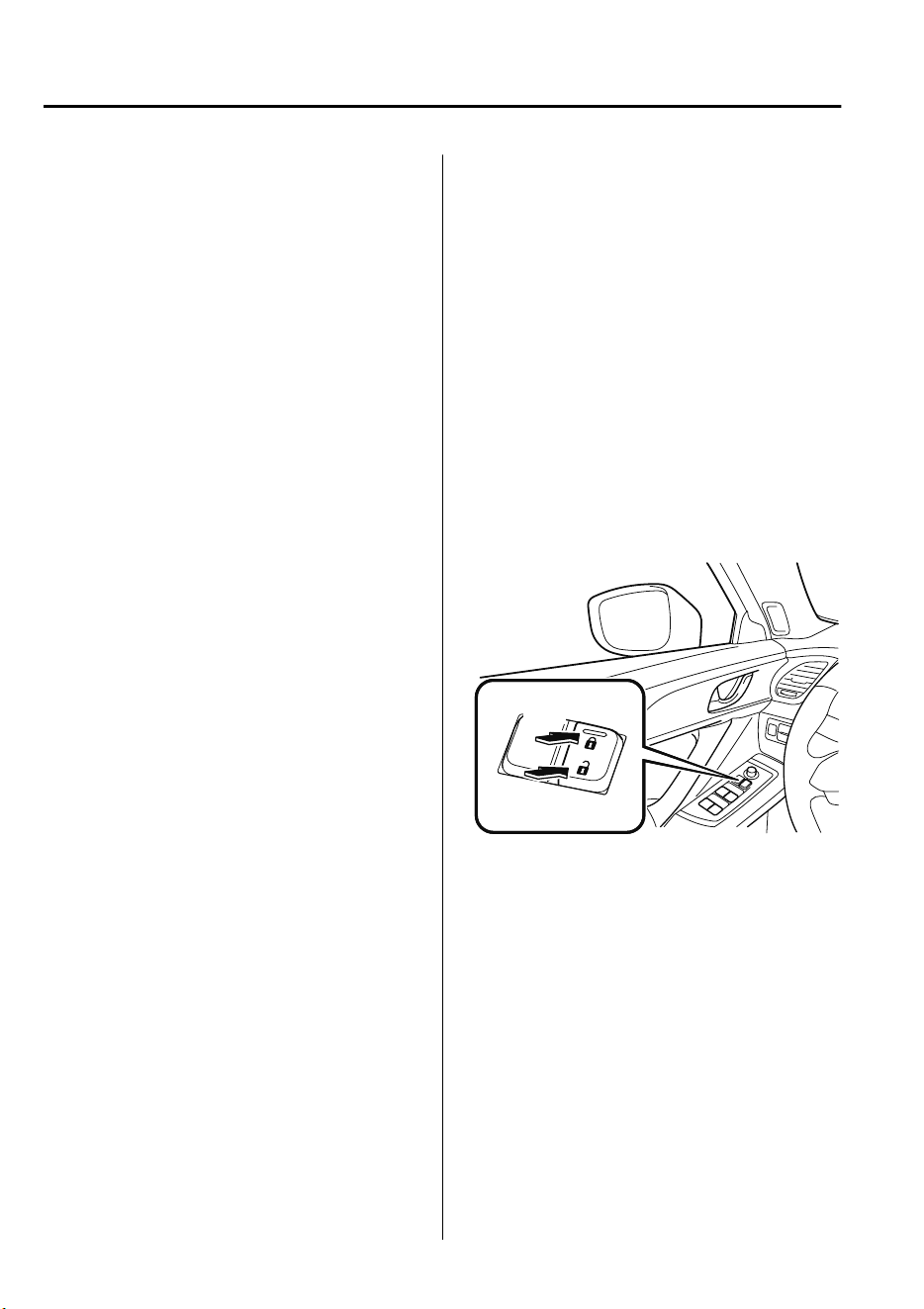
(Auto-lock function)
A beep sound is heard when all doors
and the liftgate are closed while the
advanced key is being carried. All doors
and the liftgate are locked automatically
after about three seconds when the
advanced key is out of the operational
range. Also, the hazard warning lights
flash once. (Even if the driver is in the
operational range, all doors and the
liftgate are locked automatically after
about 30 seconds.) If you are out of the
operational range before the doors and
the liftgate are completely closed or
another key is left in the vehicle, the
auto-lock function will not work. Always
make sure that all doors and the liftgate
are closed and locked before leaving the
vehicle. The auto-lock function does not
close the power windows.
•
Auto re-lock function
After unlocking with the request switch,
all doors and the liftgate will
automatically lock if any of the
following operations are not performed
within about 30 seconds. If your vehicle
has a theft-deterrent system, the hazard
warning lights will flash for
confirmation.
The time required for the doors to lock
automatically can be changed.
Refer to Personalization Features on
page 9-10.
•
Opening a door or the liftgate.
•
Switching the ignition to any position
other than off.
▼
Locking, Unlocking with
Transmitter
All doors and the liftgate can be locked/
unlocked by operating the keyless entry
system transmitter, refer to Keyless Entry
System (page 3-3).
▼
Locking, Unlocking with Door-Lock
Switch
*
All doors and the liftgate lock
automatically when the lock side is
pressed with all doors and the liftgate
closed.
They all unlock when the unlock side is
pressed.
Unlock
Lock
NOTE
The doors and the liftgate cannot be
locked while any other door or the liftgate
is open.
Before Driving
Doors and Locks
3-14
*Some models.
CX-9_8GC7-EE-17G_Edition1 2017-5-16 8:22:04
▼
Auto Lock/Unlock Function
*
WARNING
Do not pull the inner handle on a front
door:
Pulling the inner handle on a front door
while the vehicle is moving is dangerous.
Passengers can fall out of the vehicle if the
door opens accidentally , which could
result in death or serious injury.
•
When the vehicle speed exceeds 20
km/h (12 mph), all doors and the liftgate
lock automatically.
•
When the ignition is switched off, all
doors and the liftgate unlock
automatically.
These functions can also be disabled so
that they do not operate.
Auto lock/unlock function setting
change using door-lock switch (With
door-lock switch)
The doors and the liftgate can be set to
lock or unlock automatically by selecting
any one of the functions from the
following table and using the door-lock
switch on the interior door panel.
NOTE
•
Function number 3 in the following
table is the factory setting for your
vehicle.
•
There are only a total of six auto lock/
unlock settings available. Be sure to
press the unlock side of the door-lock
switch the correct number of times
according to the selected function
number. If the switch is mistakenly
pressed seven times, the procedure will
be cancelled. If this occurs, start the
procedure from the beginning.
Function
number
Function
*1
1
The auto door-lock function is disa-
bled.
2
All the doors and the liftgate lock au-
tomatically when the vehicle speed is
about 20 km/h (12 mph) or more.
3 (Factory
Setting)
All the doors and the liftgate lock au-
tomatically when the vehicle speed is
about 20 km/h (12 mph) or more. All
the doors and the liftgate unlock
when the ignition is switched from
ON to Off.
4
When the ignition is switched ON
and the selector lever is shifted from
park (P) to any other gear position, all
the doors and the liftgate lock auto-
matically.
5
When the ignition is switched ON
and the selector lever is shifted from
park (P) to any other gear position, all
the doors and the liftgate lock auto-
matically.
When the selector lever is shifted to
park (P) while the ignition is switched
ON, all the doors and the liftgate un-
lock automatically.
Before Driving
Doors and Locks
*Some models.
3-15
CX-9_8GC7-EE-17G_Edition1 2017-5-16 8:22:04
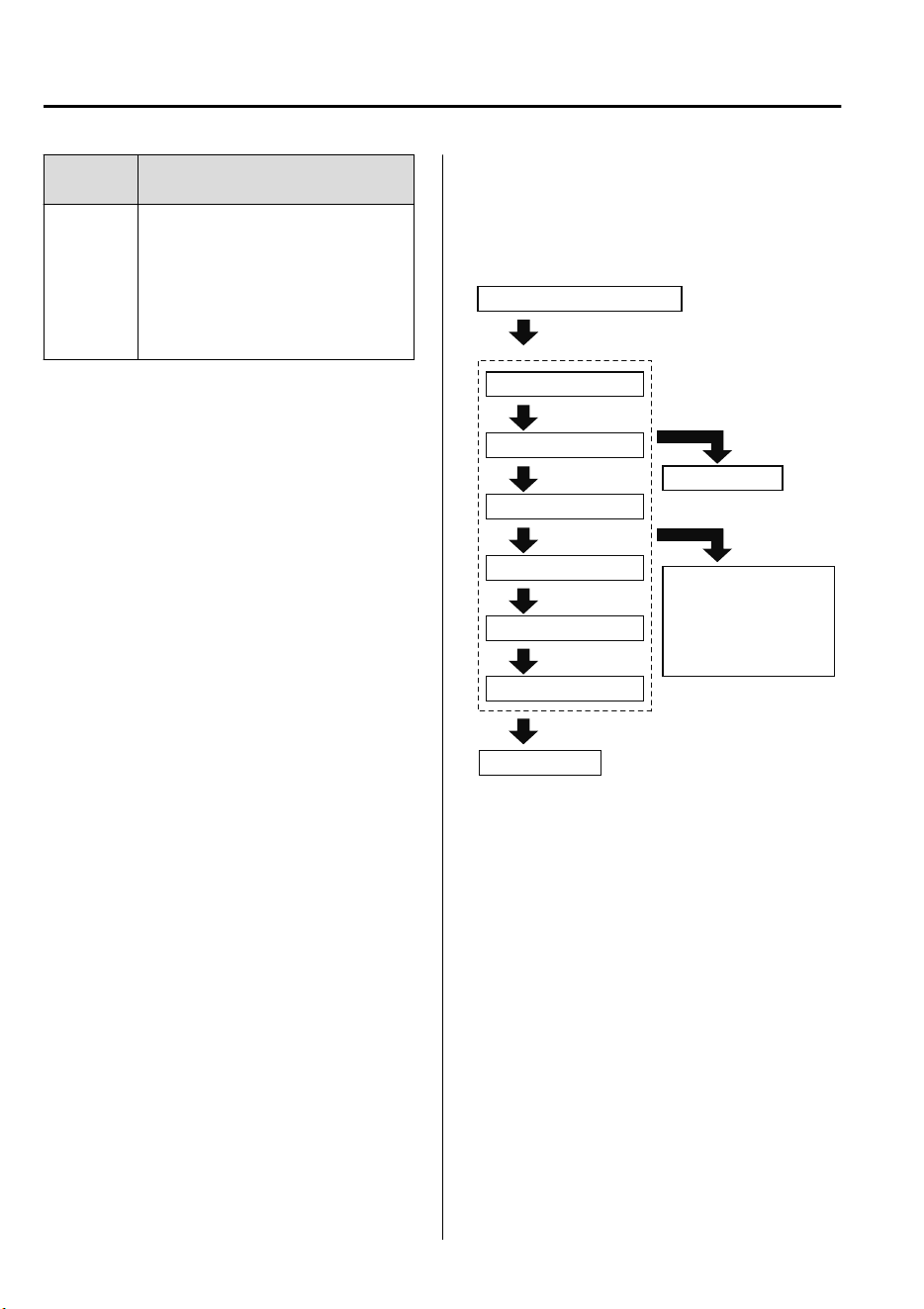
Function
number
Function
*1
6
All the doors and the liftgate lock au-
tomatically when the vehicle speed is
about 20 km/h (12 mph) or more.
When the selector lever is shifted to
park (P) while the ignition is switched
ON, all the doors and the liftgate un-
lock automatically.
*
1 Other settings for the auto door lock function are
available at an expert repairer, we recommend
an Authorized Mazda Repairer. For details
consult an expert repairer, we recommend an
Authorized Mazda Repairer. Refer to
Personalization Features on page 9-10.
Settings can be changed using the
following procedure.
1. Safely park the vehicle. All doors and
the liftgate must remain closed.
2. Switch the ignition ON.
3. Press and hold the lock side of the
door-lock switch within 20 seconds of
switching the ignition ON, and make
sure a beep sound is heard about eight
seconds afterwards.
4. Refer to the auto lock/unlock function
setting table, determine the function
number for the desired setting. Press
the unlock side of the door-lock switch
the same number of times as the
selected function number (Ex. If you
select function 2, press the unlock side
of the switch only 2 times).
5. Three seconds after the function
setting has been changed, a beep sound
will beep in the amount of the selected
function number. (Ex. Function
number 3 = 3 beep sounds)
Press unlock side of
lock switch once
Press 2 times
Press 3 times
Current Function Number
Function Number 1
Function Number 2
Press 4 times
Function Number 3
Press 5 times
Function Number 4
Press 7 times
Function Number 5
Press 6 times
Function Number 6
Cancel setting
Cancel setting
Function set (The
number of beeps
heard is the same as
the selected function
number)
Press lock side of
lock switch
Wait for 3 second
NOTE
•
The doors and the liftgate cannot be
locked or unlocked while the setting
function is being performed.
•
The procedure can be cancelled by
pressing the lock side of the door-lock
switch.
Before Driving
Doors and Locks
3-16
CX-9_8GC7-EE-17G_Edition1 2017-5-16 8:22:04
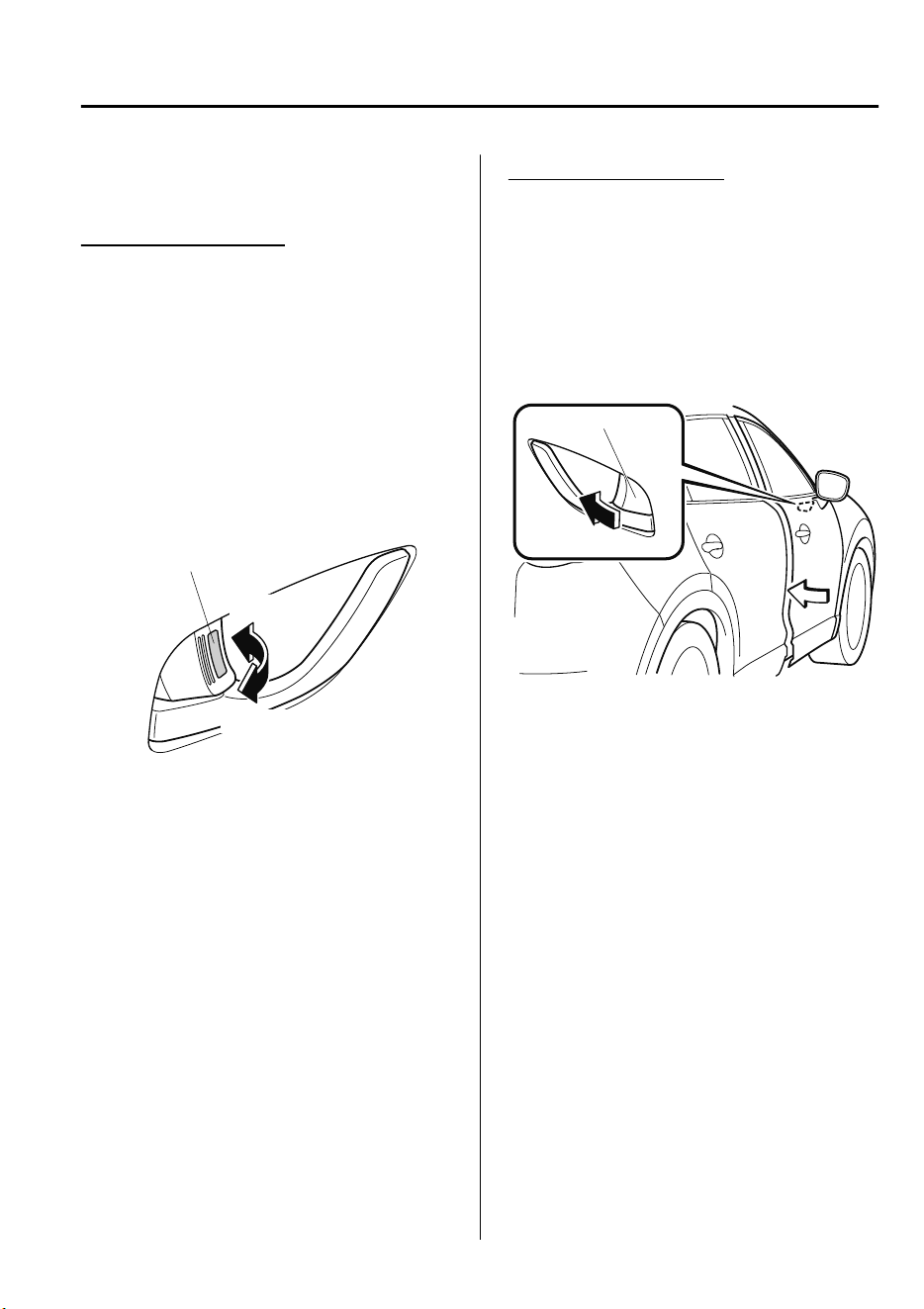
▼
Locking, Unlocking with Door-Lock
Knob
Operation from inside
(With door-lock switch)
To lock any door from the inside, press the
door-lock knob.
To unlock, pull it outward.
This does not operate the other door locks.
(Without door-lock switch)
All doors and the liftgate lock
automatically when the driver's door-lock
knob is pressed. They all unlock when the
driver's door-lock knob is pulled out.
Lock
Unlock
Unlocked: Red indicator
Operation from outside
To lock the rear and front passenger doors
with the door-lock knob from the outside,
press the door-lock knob to the lock
position and close the door (holding the
door handle in the open position is not
required).
This does not operate the other door locks.
Door-lock knob
NOTE
When locking the door this way:
•
Be careful not to leave the key inside the
vehicle.
•
The driver's door lock knob cannot be
used while the driver's door is open.
Before Driving
Doors and Locks
3-17
CX-9_8GC7-EE-17G_Edition1 2017-5-16 8:22:04
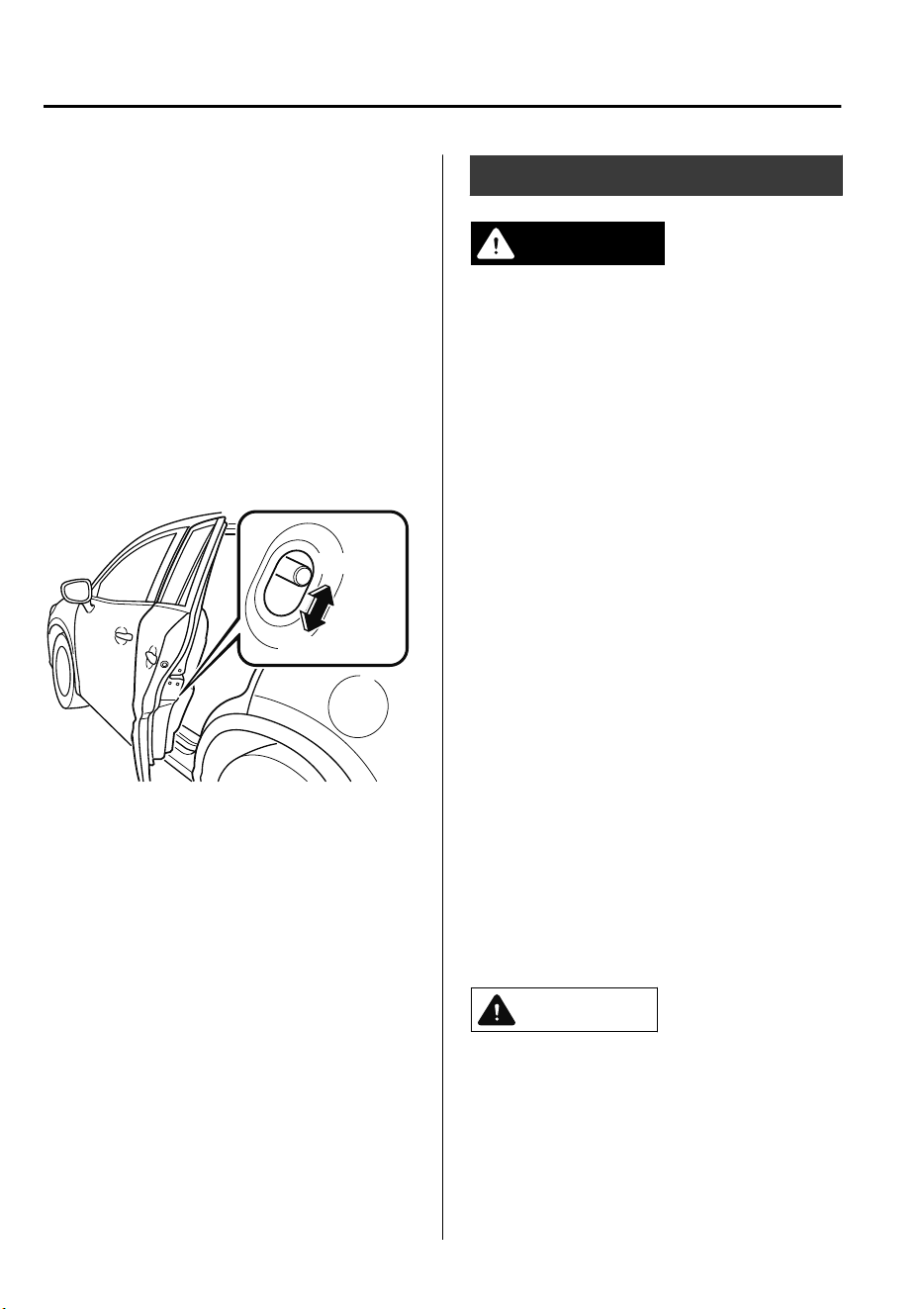
▼
Rear Door Child Safety Locks
These locks are intended to help prevent
children from accidentally opening the
rear doors. Use them on both rear doors
whenever a child rides in the rear seat of
the vehicle.
If you slide the child safety lock to the
lock position before closing that door, the
door cannot be opened from the inside.
The door can only be opened by pulling
the outside handle.
Lock
Unlock
Liftgate
WARNING
Never allow a person to ride in the luggage
compartment:
Allowing a person to ride in the luggage
compartment is dangerous. The person in
the luggage compartment could be
seriously injured or killed during sudden
braking or a collision.
Do not drive with the liftgate open:
Exhaust gas in the cabin of a vehicle is
dangerous. An open liftgate in a moving
vehicle will cause exhaust gas to be drawn
into the cabin. This gas contains CO
(carbon monoxide), which is colorless,
odorless, and highly poisonous, and it can
cause loss of consciousness and death.
Moreover, an open liftgate could cause
occupants to fall out in an accident.
Do not stack or leave loaded luggage
unsecured in the luggage compartment:
Otherwise, the luggage may move or
collapse, resulting in injury or an accident.
In addition, do not load luggage higher
than the seatbacks. It may aect the side or
rear eld of view.
CAUTION
Before opening the liftgate, remove any
snow and ice accumulation on it.
Otherwise, the liftgate could close under
the weight of the snow and ice resulting
in injury.
Before Driving
Doors and Locks
3-18
CX-9_8GC7-EE-17G_Edition1 2017-5-16 8:22:04
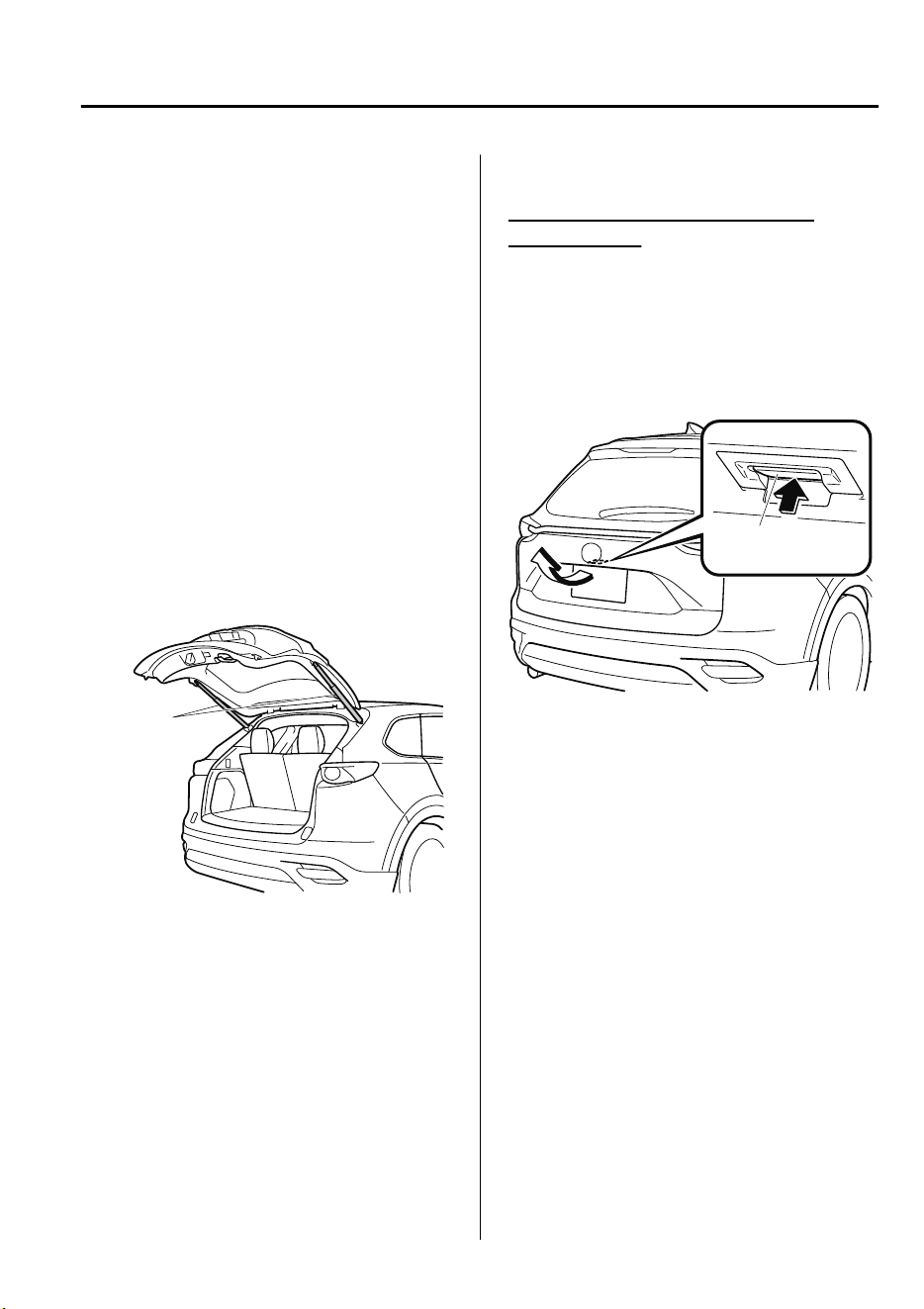
Be careful when opening/closing the
liftgate during strong winds. If a strong
gust blows against the liftgate, it could
close suddenly resulting in injury.
Fully open the liftgate and make sure
that it stays open. If the liftgate is only
opened partially, it could slam shut by
vibration or wind gusts resulting in
injury.
When loading or unloading luggage in
the luggage compartment, turn o the
engine. Otherwise, you could get burned
by the heat of the exhaust gas.
Be careful not to apply excessive force to
the damper stay on the liftgate such as
by putting your hand on the stay.
Otherwise, the damper stay may bend
and
aect
the liftgate operation.
Damper stay
Do not modify or replace the liftgate
damper stay. Consult an expert repairer,
we recommend an Authorized Mazda
Repairer if a liftgate damper stay is
deformed or damaged for reasons such
as a collision or if there is some other
problem.
▼
Opening and Closing the Liftgate
Opening the liftgate with Electric
liftgate opener
Unlock the doors and liftgate, then press
the electric liftgate opener on the liftgate
and raise the liftgate when the latch
releases.
For the power liftgate operation, refer to
Power Liftgate on page 3-20.
Electric liftgate
opener
NOTE
(With the advanced keyless function)
•
A locked liftgate can also be opened
while the key is being carried.
•
When opening the liftgate with the doors
and the liftgate locked, it may require a
few seconds for the liftgate latch to
release after the electric liftgate opener
is pressed.
•
The liftgate can be closed when the
doors are locked with the key left in the
vehicle. However, to prevent locking the
key in the vehicle, the liftgate can be
opened by pressing the electric liftgate
opener. If the liftgate cannot be opened
despite doing this procedure, first push
the liftgate completely closed, then press
the electric liftgate opener to fully open
the liftgate.
Before Driving
Doors and Locks
3-19
CX-9_8GC7-EE-17G_Edition1 2017-5-16 8:22:04
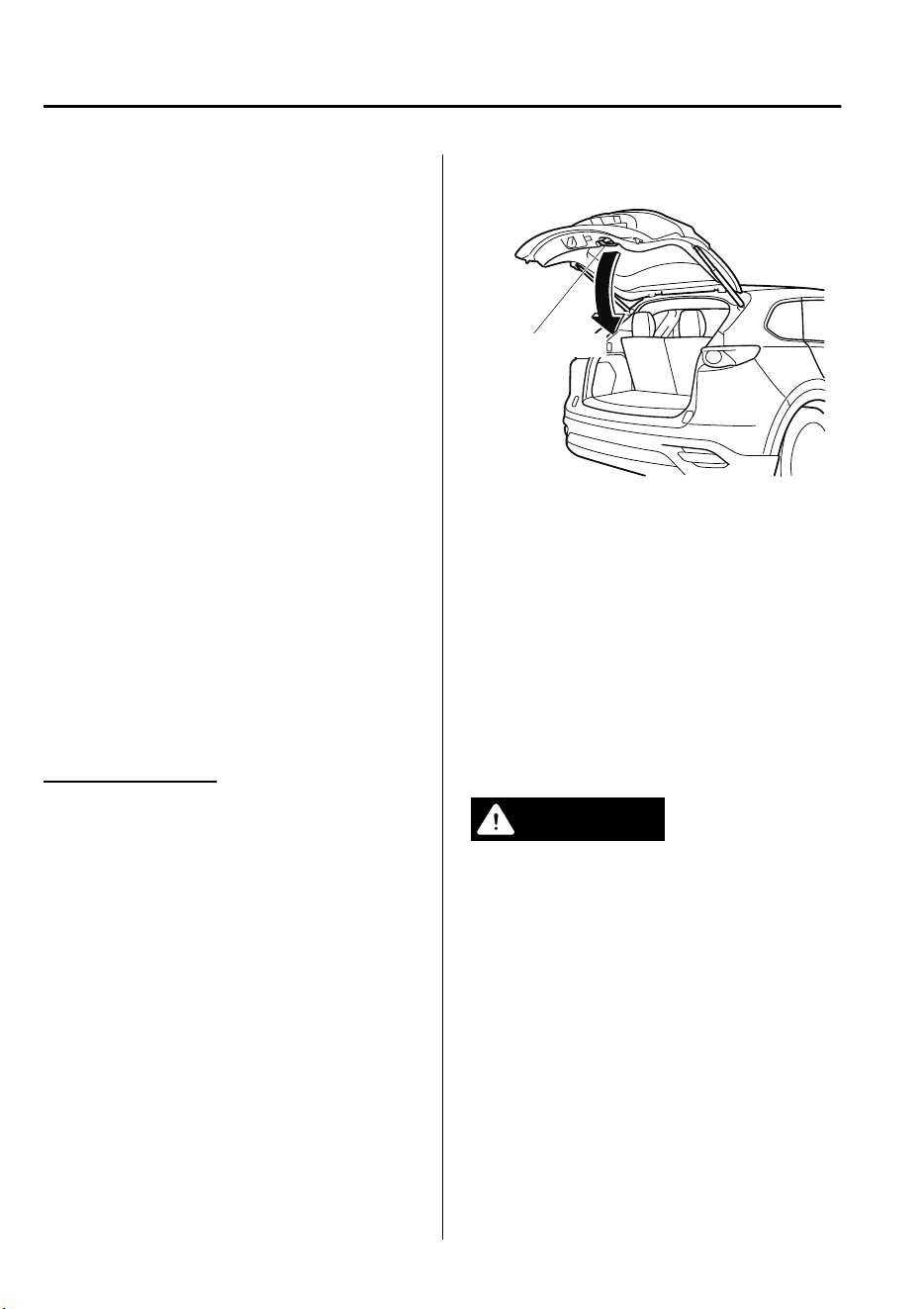
•
When the liftgate latch is released by
pressing the electric liftgate opener, the
liftgate raises slightly. If the liftgate is
not operated for a certain period of
time, the liftgate cannot be raised.
To open
Press the electric liftgate opener again.
To close
To close the liftgate from its slightly
raised position, open it first by pressing
the electric liftgate opener, then close it
after waiting at least 1 second.
•
If the liftgate is not fully closed, the
driver is notified by a warning indicated
in the instrument cluster.
•
If the vehicle battery is dead or there is
a malfunction in the electrical system
and the liftgate cannot be unlocked, the
liftgate can be opened by performing the
emergency procedure.
Refer to When Liftgate Cannot be
Opened on page 7-61.
Closing the liftgate
Lower the liftgate slowly using the liftgate
handle, then push the liftgate closed using
both hands.
Do not slam it. Pull up on the liftgate to
make sure it is secure.
For the power liftgate operation, refer to
Power Liftgate on page 3-20.
Liftgate handle
NOTE
Confirm that the liftgate is securely closed.
The liftgate, move it without pressing the
electric liftgate opener to verify that the
liftgate has not been left ajar.
▼
Power Liftgate
*
The power liftgate opens/closes
electrically by operating the switches in
the vehicle or the buttons on the keyless
entry system transmitter.
WARNING
Be sure to watch the power liftgate as it
opens or closes, and make sure that it
closes completely:
Opening or closing the power liftgate while
not watching it move is dangerous.
Because of unseen obstacles and the
jam-safe feature, a liftgate may not close
completely and, if left unnoticed, could
result in serious injury or death if an
occupant were to fall out of the vehicle.
Always be sure that the area around the
liftgate is clear before activating it.
Before Driving
Doors and Locks
3-20
*Some models.
CX-9_8GC7-EE-17G_Edition1 2017-5-16 8:22:04
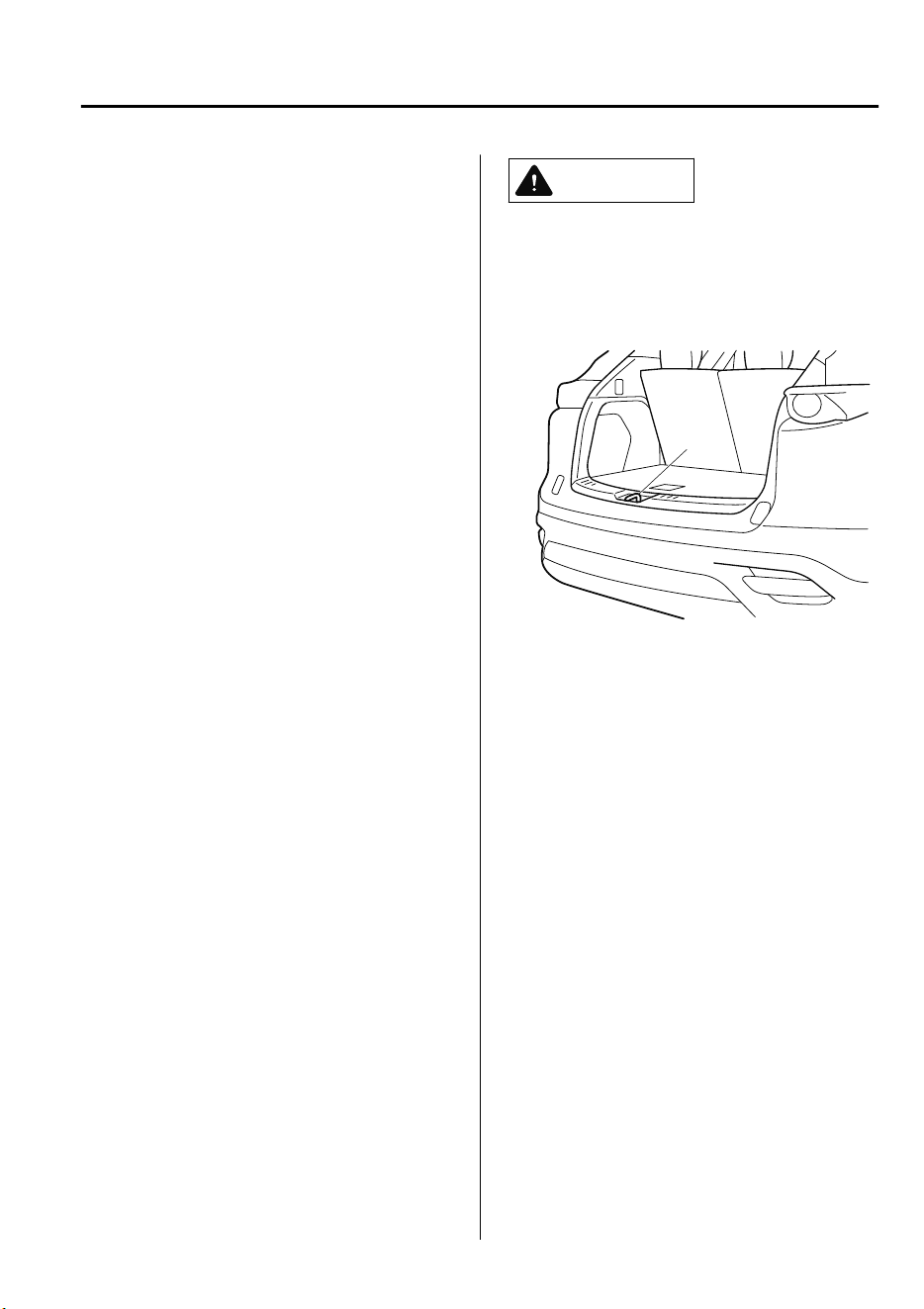
Always conrm the safety of the area
around the power liftgate before operating
it electrically.
Not checking the area around the liftgate
for people before operating it using the
power liftgate switch or the button on the
keyless entry system is dangerous. A person
could become caught between the liftgate
and an obstruction while it is opening
electrically or between the liftgate and
vehicle while it is closing electrically,
resulting in an accident and serious injury.
Never allow children to operate the power
liftgate system:
Allowing children to operate the power
liftgate switch and the keyless entry system
is dangerous. Children are not aware of the
dangers of people getting
ngers
and
hands caught in a moving liftgate. If
someone's neck, head or hands get caught
in a closing door, it could result in death or
serious injury.
CAUTION
When closing the power liftgate, make
sure there are no foreign objects around
the striker. If foreign objects are
obstructing the striker, the liftgate may
not close properly.
Striker
Do not install accessories to the power
liftgate other than specied accessories.
Otherwise, it cannot be opened/closed
automatically and could result in a
malfunction.
Be careful when switching the power
liftgate from electrical to manual
operation. The power liftgate may open/
close unexpectedly depending on its
position which could result in injury.
Before Driving
Doors and Locks
3-21
CX-9_8GC7-EE-17G_Edition1 2017-5-16 8:22:04

NOTE
•
Do not apply unnecessary force to the
power liftgate when it is opening/closing
electrically. Unnecessary force on the
liftgate may cause it to reverse direction
of movement automatically. Also, it
could result in a malfunction.
•
The power liftgate may not open/close
electrically if the vehicle is parked on an
incline, or there is strong wind, or the
liftgate is laden with snow.
•
If a power liftgate system fuse has
blown, the liftgate cannot be opened
using the power liftgate switch or the
electric liftgate opener. Use the
emergency lever to open the liftgate.
•
Fully close the power liftgate before
disconnecting the vehicle battery. If the
battery is disconnected with the liftgate
open, it cannot be opened or closed
automatically after the battery is
reconnected. If this happens, fully close
the liftgate manually to restore the auto
full open/close function.
•
If the system detects weight such as that
caused by a snow-laden liftgate when it
is opened electrically, after the beep
activates three times, the liftgate stops
after reversing.
•
If the power liftgate is snow-laden,
remove the snow before operating the
liftgate.
Operation using the transmitter
Press the power liftgate button for one
second or more. The hazard warning lights
flash twice and the liftgate opens/closes
after the beep sounds.
Refer to Transmitter on page 3-4.
NOTE
•
When the ignition is switched ON, the
transmitter does not operate.
•
When opening the liftgate by pressing
the power liftgate button on the
transmitter, the liftgate can be opened
even when it is locked.
•
If the power liftgate button on the
transmitter is pressed while the liftgate
is opening/closing electrically, the beep
is activated and the liftgate stops. When
pressing the power liftgate button again,
the liftgate moves in the reverse
direction.
Operation using each switch
Operation conditions
Opening the liftgate
If the vehicle has satisfied all the
following operation conditions, the power
liftgate can be opened using the power
function.
•
All doors and the liftgate are unlocked.
•
The ignition is switched OFF, or the
selector lever is in P with the ignition
switched ON.
Closing the liftgate
•
The ignition is switched OFF, or the
selector lever is in P with the ignition
switched ON.
Before Driving
Doors and Locks
3-22
CX-9_8GC7-EE-17G_Edition1 2017-5-16 8:22:04
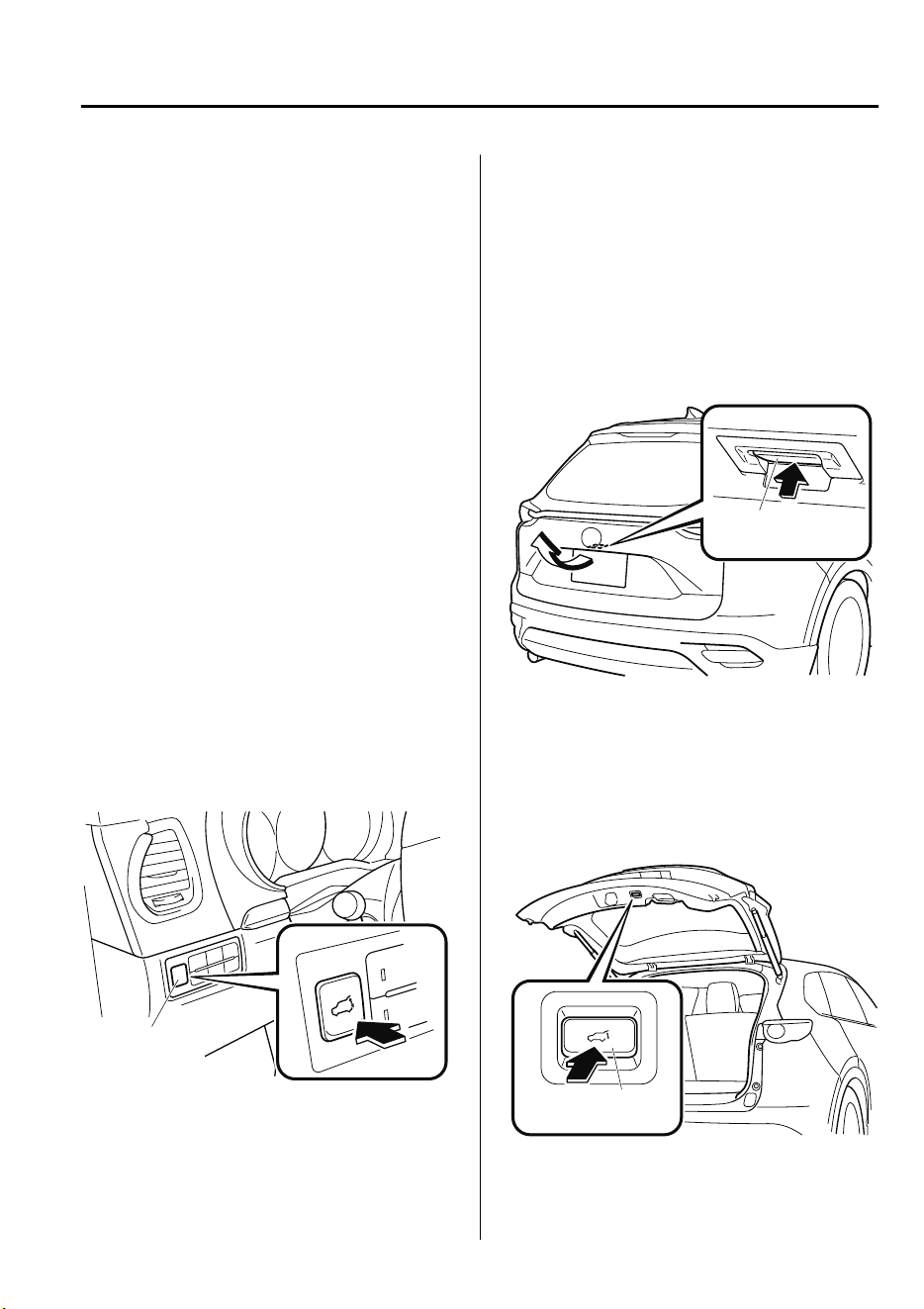
NOTE
•
If the vehicle moves with the selector
lever shifted to a position other than P
while the liftgate is opening/closing
electrically, the liftgate moves as
follows:
While opening electrically
The buzzer is activated, and the liftgate
moves in the reverse direction
automatically and closes. When the
selector lever is shifted to P, you can
resume the power liftgate operation
using the switches.
While closing electrically
The buzzer is activated, but the liftgate
continues closing.
Operation from the driver's seat (To
open/close)
Press the power liftgate switch for about
one second or more while the liftgate is in
the fully closed/open position. The hazard
warning lights flash twice and the liftgate
opens/closes fully after the beep sound is
heard.
Power liftgate
switch
Operation from outside (To open)
Press the electric liftgate opener on the
liftgate and raise the liftgate. The hazard
warning lights flash twice and the liftgate
opens automatically after the beep sound
is heard.
(With the advanced keyless function)
A locked liftgate can also be opened while
the key is being carried.
Electric liftgate
opener
Operation from outside (To close)
Press the power liftgate close switch while
the liftgate is fully opened. The hazard
warning lights flash twice and the liftgate
closes automatically after the beep sound
is heard.
Power liftgate
close switch
Before Driving
Doors and Locks
3-23
CX-9_8GC7-EE-17G_Edition1 2017-5-16 8:22:04
NOTE
If the power liftgate switch/power liftgate
close switch is pressed or the electric
liftgate opener is operated while the
liftgate is opening/closing electrically, the
beep sound is heard and the liftgate stops.
Then, it reverses when any of the switches
are pressed again.
Changing the power liftgate fully open
position
The power liftgate fully-open position can
be changed according to the height of a
garage.
When changing the position
1. Stop the liftgate at the desired position.
2. Press the power liftgate close switch
for about three seconds.
A beep sound is activated two times to
indicate that the position change has
been completed.
NOTE
Set the desired fully-open position of the
liftgate at the position where it is open
more than halfway. The position where it
is less than halfway open cannot be set.
To re set
1. Open the liftgate.
2. Press the power liftgate close switch
for about seven seconds.
A beep sound is activated three times
to indicated that the reset has been
completed.
NOTE
After about 3 seconds have elapsed since
the switch was pressed, a beep sound is
activated 2 times to indicate that the
liftgate fully-open position has changed.
Continuously press the switch for about 7
seconds to complete the reset.
Jam-safe equipment
While the power liftgate is opening/
closing electrically and the system detects
a person or an object in the liftgate's path,
the liftgate will move in the reverse
direction automatically and stops.
WARNING
Always check the area around the power
liftgate before opening/closing it:
Not checking for occupants and objects
around the power liftgate before opening/
closing it is dangerous. The jam-safe
equipment is designed to prevent jamming
in the event an obstruction is in the
liftgate's path. The system may not detect
certain objects obstructing the liftgate
depending on the way they are positioned
and their shape. However, if the jam-safe
function detects an obstruction and moves
the liftgate in the reverse direction, an
occupant in the liftgate's path could be
seriously injured.
Before Driving
Doors and Locks
3-24
CX-9_8GC7-EE-17G_Edition1 2017-5-16 8:22:04
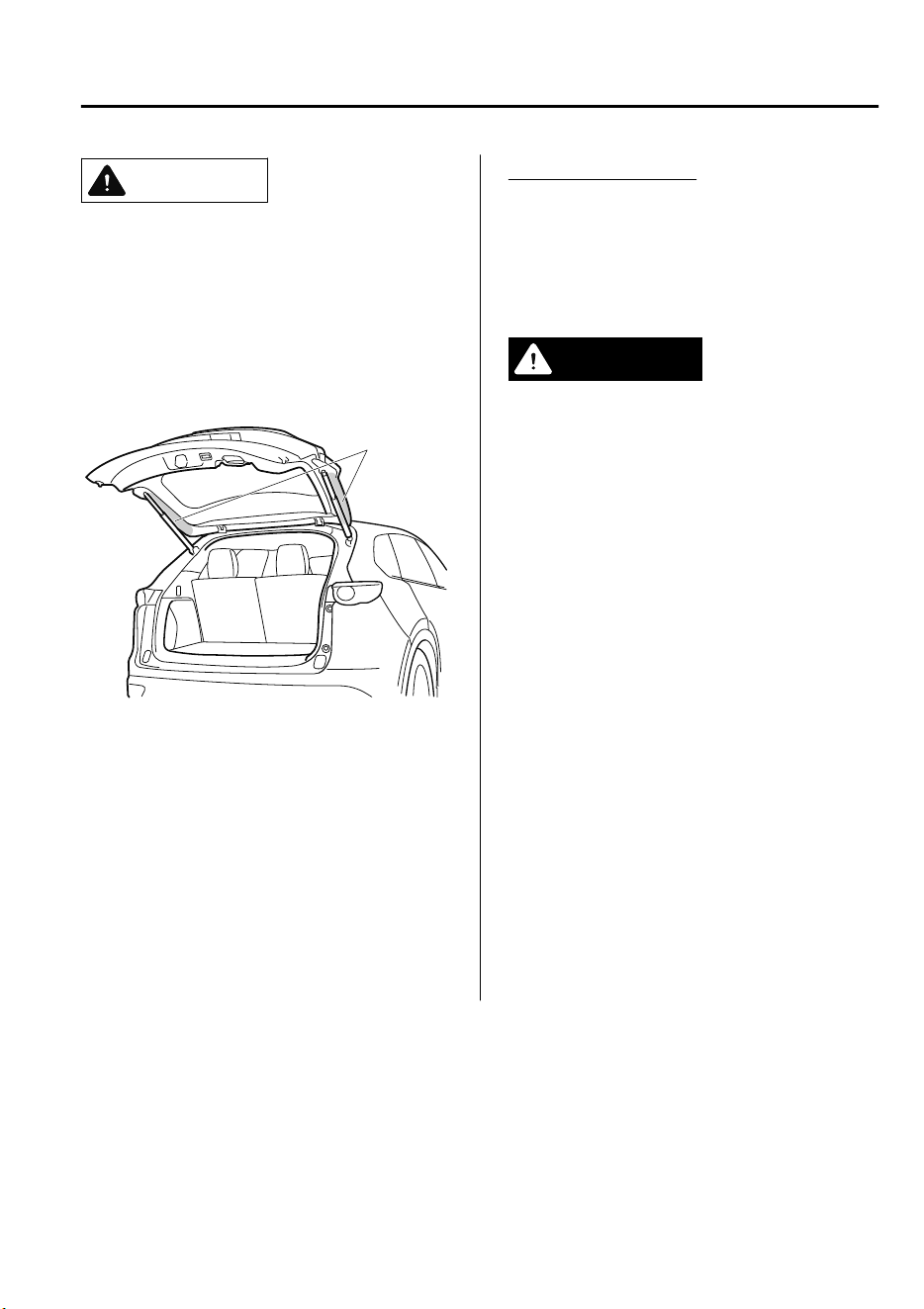
CAUTION
Sensors are installed on both ends of the
power liftgate. Be careful not to allow the
sensors to be scratched or damaged by
sharp objects, otherwise the liftgate may
no longer open/close automatically. In
addition, if the sensor is damaged while the
liftgate is closing automatically, the system
will stop.
Sensor
NOTE
The jam-safe equipment does not activate
during easy closure operation when the
power liftgate is between the near-shut
position and fully closed position.
When the power liftgate is moving in the
open/close direction and an obstruction is
detected, the beep sound will be heard and
the liftgate moves in the reverse direction
and stops.
Liftgate easy closure
The Easy Closure system automatically
closes the liftgate completely from the
near-shut position.
This system also operates when the liftgate
is closed manually.
WARNING
When closing a liftgate, always keep hands
and
ngers
away from the liftgate:
Placing hands or ngers around a liftgate is
dangerous because the liftgate closes
automatically from the near-shut position,
which could cause hands and ngers to be
pinched and injured.
NOTE
•
If the electric liftgate opener is pressed
while the easy closure function is
operating, the liftgate can be opened.
•
If the liftgate is opened/closed
repeatedly in a short period of time, the
easy closure function may not operate.
Wait for about 2 seconds and then try
again.
Before Driving
Doors and Locks
3-25
CX-9_8GC7-EE-17G_Edition1 2017-5-16 8:22:04
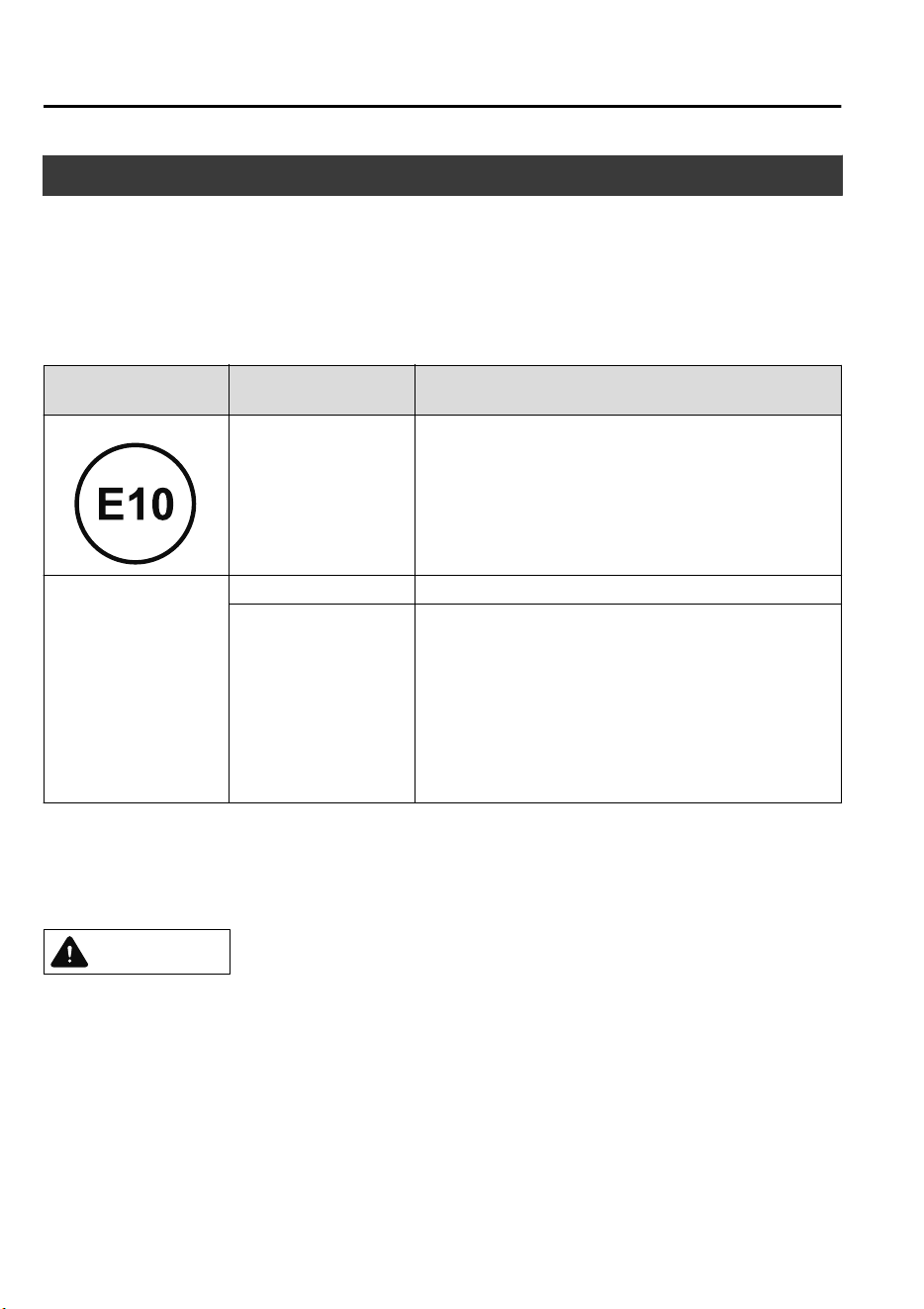
Fuel and Engine Exhaust Precautions
▼
Fuel Requirements
Vehicles with catalytic converters or oxygen sensors must use ONLY UNLEADED FUEL,
which will reduce exhaust emissions and keep spark plug fouling to a minimum.
The vehicle will perform best with fuel listed in the table.
Fuel
Research Octane Num-
ber
Country
Premium unleaded fuel
95 or above
Azerbaijan, Kazakhstan, Armenia, Georgia, Russia, Bela-
rus, Ukraine, Taiwan, Tahiti, New Caledonia, Vanuatu,
UAE, Lebanon, Libya, Tunisia, Madagascar, Morocco,
Guatemala, Bolivia, Uruguay, Honduras, Nicaragua, Aru-
ba, St. Martin, Singapore, Hong Kong, Malaysia, Thailand,
Brunei, Macau, Mauritius, Seychelles, Jamaica, Barbados,
Grenada, ST. Lucia, ST. Vincent, Antigua, Surinam
Regular unleaded fuel
92 or above Egypt, Myanmar
90 or above
Vietnam, The Philippines, Cambodia, Laos, Marshall Is-
lands, USTT
*1
, Kuwait, Oman, Qatar, Saudi Arabia, Syria,
Bahrain, Jordan, Iraq, Cameroon, Ivory Coast, Nigeria,
Angola, Burundi, Gabon, Ghana, Chile, El Salvador, Costa
Rica, Ecuador, Haiti, Colombia, Dominican Republic
(LHD), Panama, Peru, B. Virgin, Curacao, Nepal, Sri Lan-
ka, Fiji, Papua New Guinea, Kenya, Zimbabwe, Tanzania,
Mozambique, Trinidad and Tobago, Commonwealth of
Dominica
*
1 Republic of Palau & Federated States of Micronesia
Fuel with a lower rating will negatively affect the emission control system performance and
could also cause engine knocking and serious engine damage.
CAUTION
USE ONLY UNLEADED FUEL.
Leaded fuel is harmful to the catalytic converter and oxygen sensors and will lead to
deterioration of the emission control system and or failures.
The use of E10 fuel with 10 % ethanol is safe for your vehicle. Damage to your vehicle may
occur when ethanol exceeds this recommendation.
Never add fuel system additives, otherwise the emission control system could be damaged.
Consult an expert repairer, we recommend an Authorized Mazda Repairer for details.
Before Driving
Fuel and Emission
3-26
CX-9_8GC7-EE-17G_Edition1 2017-5-16 8:22:04
▼
Emission Control System
This vehicle is equipped with an emission control system (the catalytic converter is part of
this system) that enables the vehicle to comply with existing exhaust emissions
requirements.
WARNING
Never park over or near anything ammable:
Parking over or near anything ammable, such as dry grass, is dangerous. Even with the
engine turned
o,
the exhaust system remains very hot after normal use and could ignite
anything ammable. A resulting re could cause serious injury or death.
CAUTION
Ignoring the following precautions could cause lead to accumulate on the catalyst inside the
converter or cause the converter to get very hot. Either condition will damage the converter
and cause poor performance.
USE ONLY UNLEADED FUEL.
Do not drive your Mazda with any sign of engine malfunction.
Do not coast with the ignition switched o.
Do not descend steep grades in gear with the ignition switched o.
Do not operate the engine at high idle for more than 2 minutes.
Do not tamper with the emission control system. All inspections and adjustments must be
made by a qualied technician.
Do not push-start or pull-start this vehicle.
Before Driving
Fuel and Emission
3-27
CX-9_8GC7-EE-17G_Edition1 2017-5-16 8:22:04
▼
Engine Exhaust (Carbon monoxide)
WARNING
Do not drive your vehicle if you smell exhaust gas inside the vehicle:
Engine exhaust gas is dangerous. This gas contains carbon monoxide (CO), which is colorless,
odorless, and poisonous. When inhaled, it can cause loss of consciousness and death. If you
smell exhaust gas inside the vehicle, keep all windows fully open and contact an expert
repairer, we recommend an Authorized Mazda Repairer immediately.
Do not run the engine when inside an enclosed area:
Running the engine inside an enclosed area, such as a garage, is dangerous. Exhaust gas,
which contains poisonous carbon monoxide, could easily enter the cabin. Loss of
consciousness or even death could occur.
Open the windows or adjust the heating or cooling system to draw fresh air when idling the
engine:
Exhaust gas is dangerous. When the vehicle is stopped with the windows closed and the
engine running for a long time even in an open area, exhaust gas, which contains poisonous
carbon monoxide, could enter the cabin. Loss of consciousness or even death could occur.
Clear snow from underneath and around your vehicle, particularly the tail pipe, before
starting the engine:
Running the engine when a vehicle is stopped in deep snow is dangerous. The exhaust pipe
could be blocked by the snow, allowing exhaust gas to enter the cabin. Because exhaust gas
contains poisonous carbon monoxide, it could cause loss of consciousness or even death to
occupants in the cabin.
Before Driving
Fuel and Emission
3-28
CX-9_8GC7-EE-17G_Edition1 2017-5-16 8:22:04
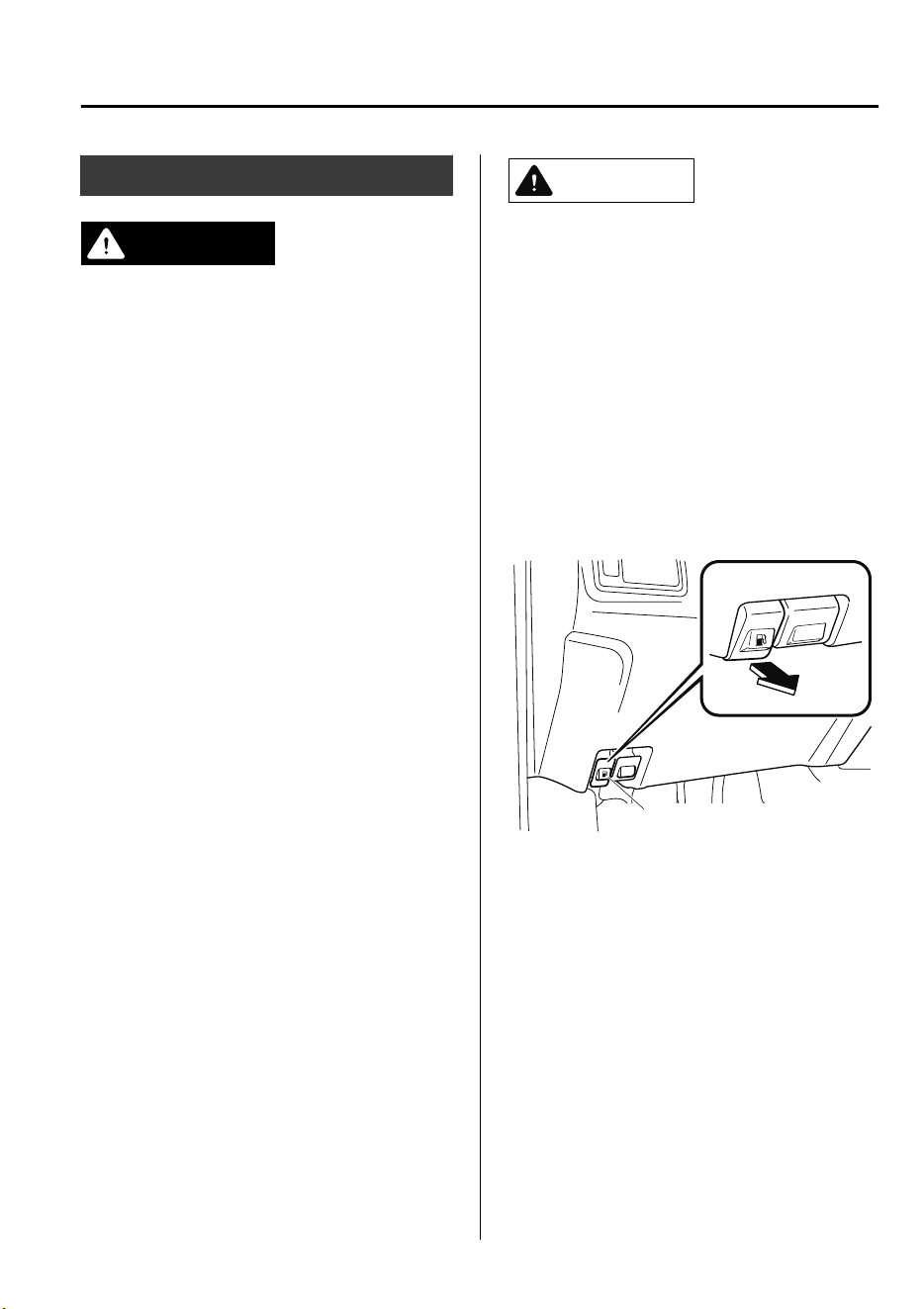
Fuel-Filler Lid and Cap
WARNING
When removing the fuel-ller cap, loosen
the cap slightly and wait for any hissing to
stop, then remove it:
Fuel spray is dangerous. Fuel can burn skin
and eyes and cause illness if ingested. Fuel
spray is released when there is pressure in
the fuel tank and the
fuel-ller
cap is
removed too quickly.
Before refueling, stop the engine, and
always keep sparks and
ames
away from
the ller neck:
Fuel vapor is dangerous. It could be ignited
by sparks or ames causing serious burns
and injuries.
Additionally, use of the incorrect fuel-ller
cap or not using a fuel-ller cap may result
in a fuel leak, which could result in serious
burns or death in an accident.
Do not continue refueling after the fuel
pump nozzle shuts o automatically:
Continuing to add fuel after the fuel pump
nozzle has shut o automatically is
dangerous because overlling the fuel tank
may cause fuel overow or leakage. Fuel
overow and leakage could damage the
vehicle and if the fuel ignites it could cause
a re and explosion resulting in serious
injury or death.
CAUTION
Always use only a designated Mazda
fuel-ller cap or an approved equivalent,
available at an expert repairer, we
recommend an Authorized Mazda
Repairer. The wrong cap can result in a
serious malfunction of the fuel and
emission control systems.
▼
Fuel-Filler Lid
To open, pull the remote fuel-filler lid
release.
To close, press the fuel-filler lid until it
locks securely.
Remote fuel-filler lid release
Before Driving
Fuel and Emission
3-29
CX-9_8GC7-EE-17G_Edition1 2017-5-16 8:22:04
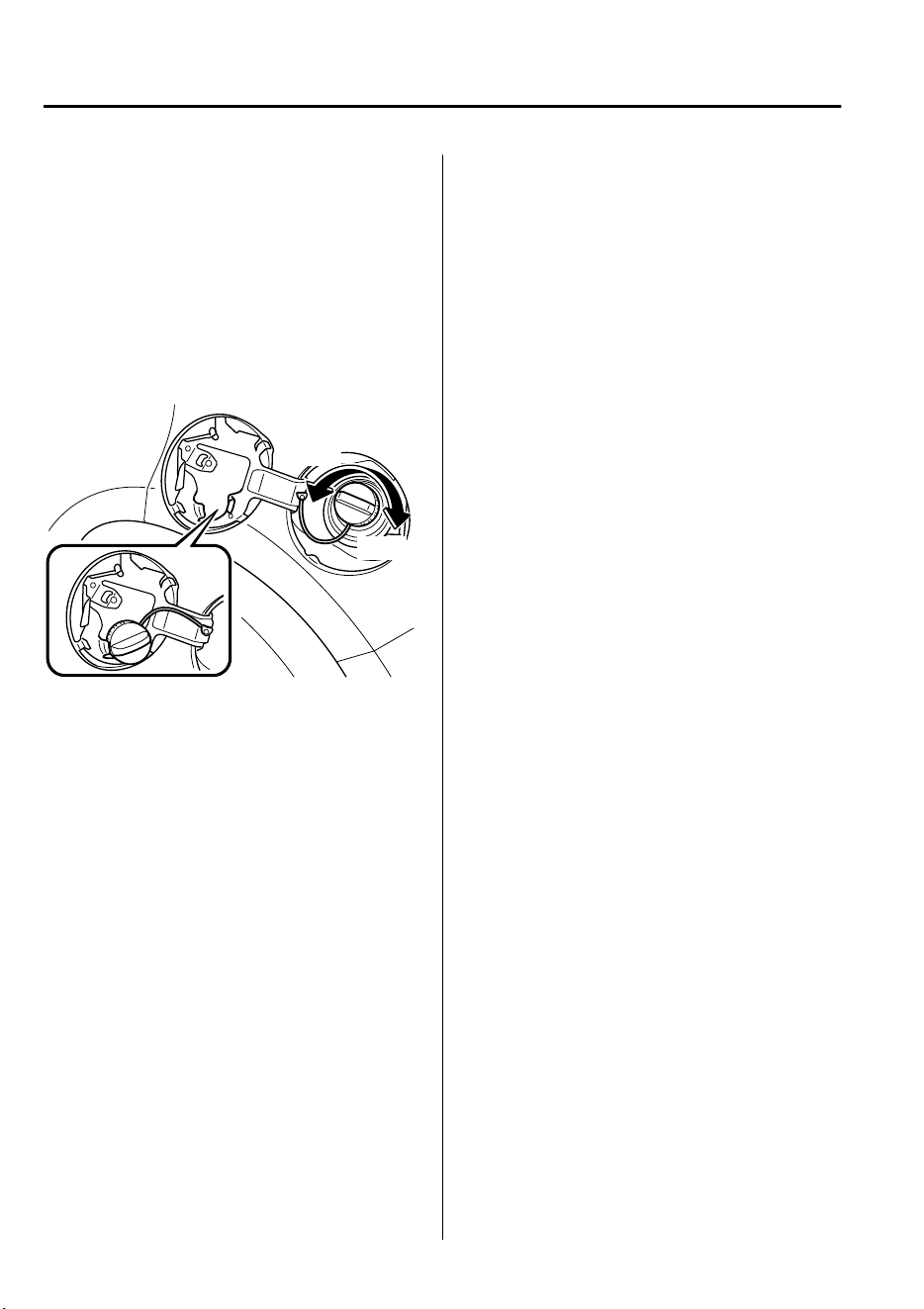
▼
Fuel-Filler Cap
To remove the fuel-filler cap, turn it
counterclockwise.
Attach the removed cap to the inner side
of the fuel lid.
To close the fuel-filler cap, turn it
clockwise until a click is heard.
Open
Close
Before Driving
Fuel and Emission
3-30
CX-9_8GC7-EE-17G_Edition1 2017-5-16 8:22:04
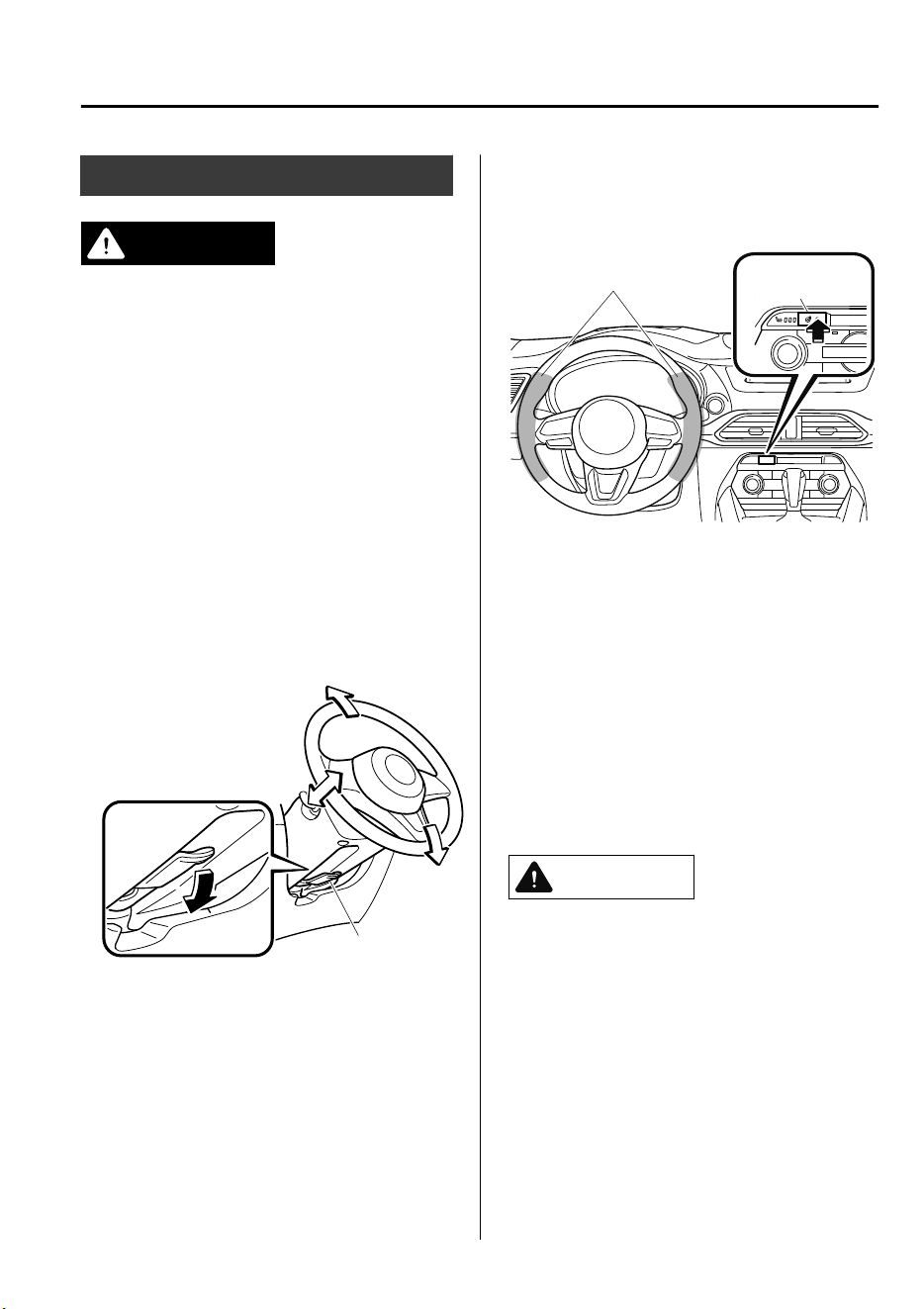
Steering Wheel
WARNING
Never adjust the steering wheel while the
vehicle is moving:
Adjusting the steering wheel while the
vehicle is moving is dangerous. Moving it
can very easily cause the driver to abruptly
turn to the left or right. This can lead to loss
of control or an accident.
▼
Steering Wheel Adjustment
To change the angle or length of the
steering wheel:
1. Stop the vehicle, and then pull down
the lock release lever under the
steering column.
Lock release lever
2. Tilt the steering wheel and/or adjust
the steering column length to the
desired positions, then push the lever
up to lock the column.
3. Attempt to push the steering wheel up
and down to make sure it's locked
before driving.
▼
Heated Steering Wheel
*
The grips on the left and right of the
steering wheel can be warmed up.
Heating area
Heated steering
wheel switch
The ignition must be switched ON.
Press the switch to turn on the heated
steering wheel. The heated steering wheel
operates for about 30 minutes and then
turns off automatically.
The indicator light illuminates when the
heater is operating.
To turn off the heated steering wheel
before the 30 minutes has elapsed, press
the switch again.
CAUTION
The following types of persons should be
careful not to touch the steering wheel.
Otherwise, it could cause a
low-temperature burn.
Infants, small children, elderly people,
and physically challenged people
People with delicate skin
People who are excessively fatigued
People who are intoxicated
People who have taken sleep-inducing
medicine such as sleeping pills or cold
medicine
Before Driving
Steering Wheel
*Some models.
3-31
CX-9_8GC7-EE-17G_Edition1 2017-5-16 8:22:04
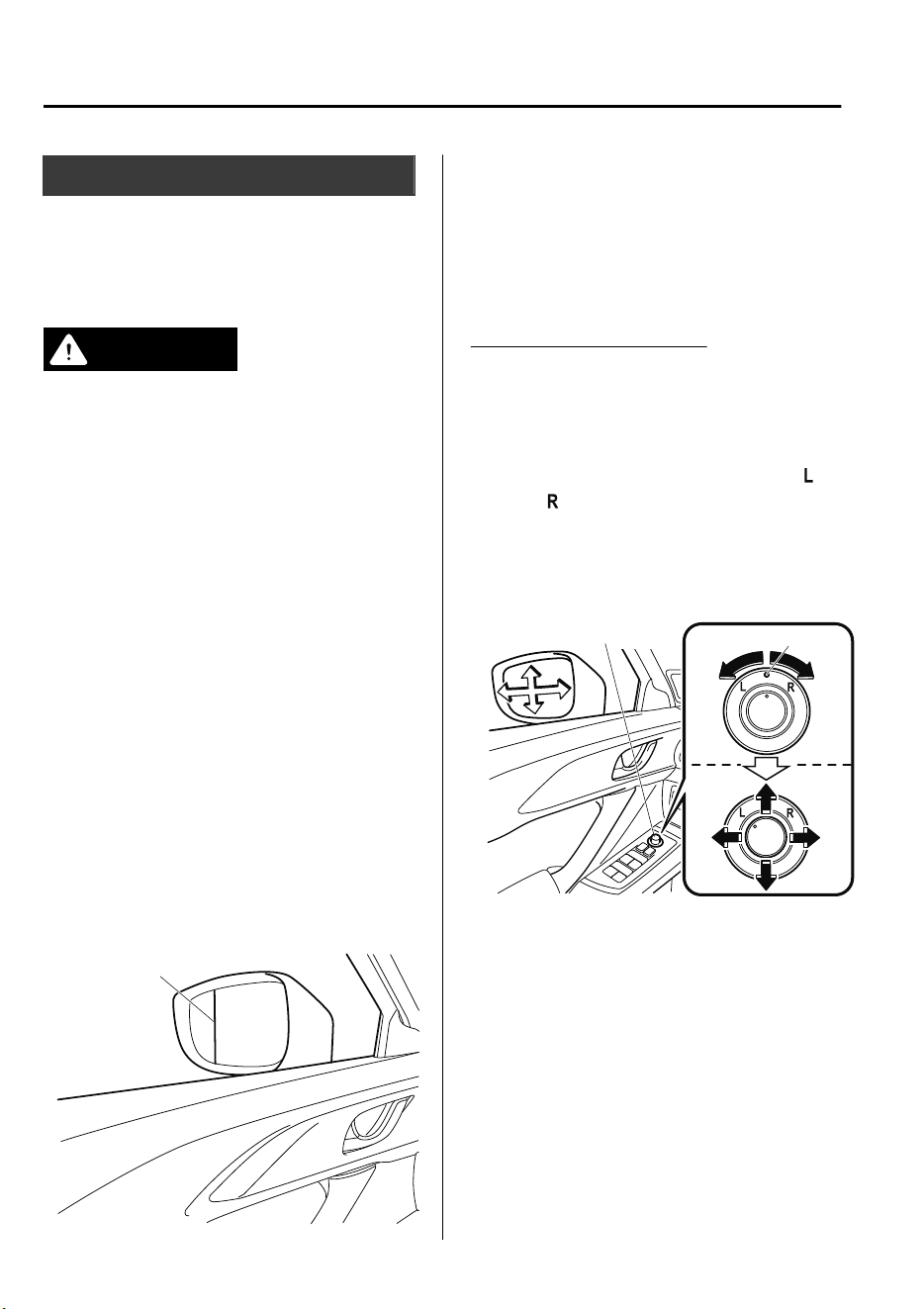
Mirrors
Before driving, adjust the inside and
outside mirrors.
▼
Outside Mirrors
WARNING
Be sure to look over your shoulder before
changing lanes:
Changing lanes without taking into
account the actual distance of the vehicle
in the convex mirror is dangerous. You
could have a serious accident. What you
see in the convex mirror is closer than it
appears.
NOTE
(Driver's Side Wide Angle Mirror
*
)
•
The wide angle mirror has two
curvatures on its surface separated by a
region line into outer and inner regions.
The inner region is a standard convex
mirror whereas the outer region allows
for a wider range of visibility within the
same sweep. This combination allows
for better assurance when making lane
changes.
Region line
•
The perceived distance of objects in the
outer and inner regions of the wide
angle mirror is different. Objects
appearing in the outer region are
actually further away than they are in
the inner region.
Power mirror adjustment
The ignition must be switched to ACC or
ON position.
To adjust:
1. Rotate the mirror switch to the left
or
right
to choose the left or right side
mirror.
2. Press the mirror switch in the
appropriate direction.
Center position
Mirror switch
After adjusting the mirror, lock the control
by rotating the switch to the center
position.
Before Driving
Mirrors
3-32
*Some models.
CX-9_8GC7-EE-17G_Edition1 2017-5-16 8:22:04
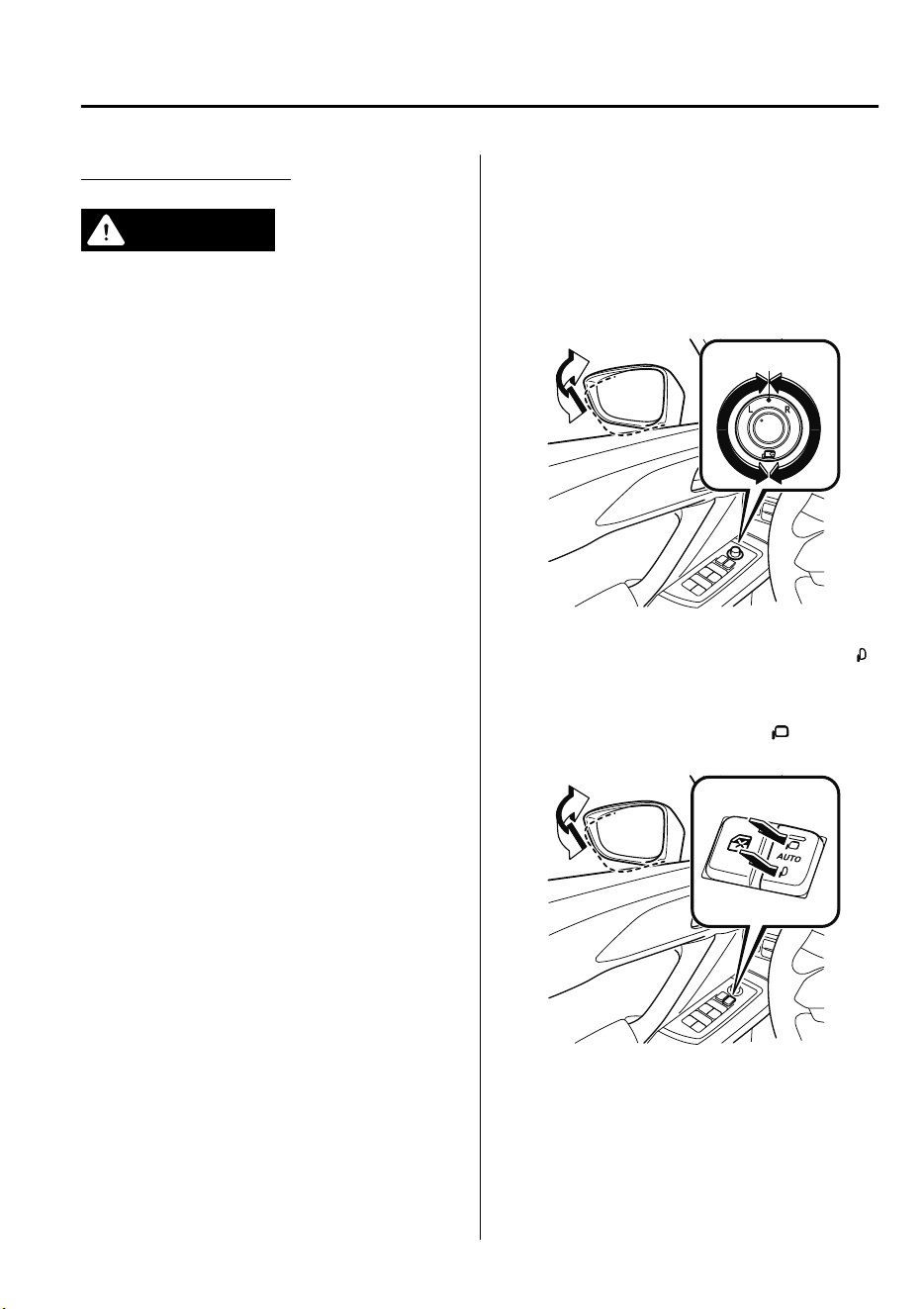
Folding outside mirror
WARNING
Always return the outside mirrors to the
driving position before you start driving:
Driving with the outside mirrors folded in is
dangerous. Your rear view will be
restricted, and you could have an accident.
Do not touch a power folding outside
mirror while it is moving:
Touching the power folding outside mirror
when it is moving is dangerous. Your hand
could be pinched and injured or the mirror
could be damaged.
Use the switch to set the mirror to the
on-road position:
Setting the power folding outside mirror to
the on-road position by hand is dangerous.
The mirror will not lock in position and will
prevent eective rearview visibility.
Only operate the power folding outside
mirror with the vehicle safely parked:
Operating the power folding outside mirror
while the vehicle is moving is dangerous.
Wind blast on the mirror will cause them to
collapse and you will be unable to return it
to the on-road position, preventing
rearview visibility.
The ignition must be switched to ACC or
ON position.
Type A
To fold, rotate the outside mirror switch.
To return the mirror to the driving
position, rotate the switch to the center
position.
Center position
Type B
To fold the mirrors, press the lower side
of the outside mirror folding switch.
To return the mirrors to their on-road
positions, press the upper side
of the
outside mirror folding switch.
Fold in
Fold out
Before Driving
Mirrors
3-33
CX-9_8GC7-EE-17G_Edition1 2017-5-16 8:22:04
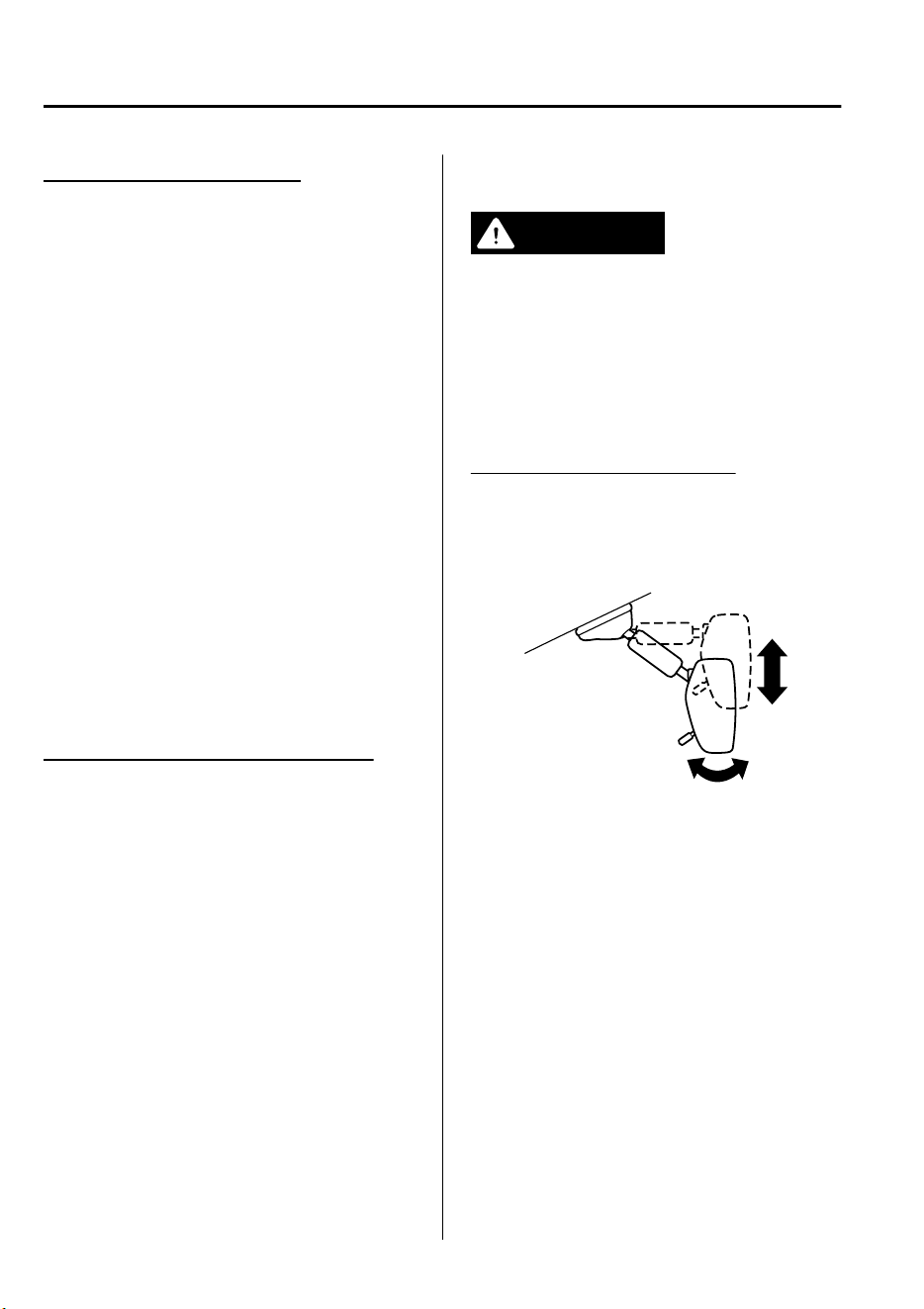
Automatic folding function
*
The automatic folding function operates
when the ignition is switched to ACC or
OFF.
When the outside mirror automatic folding
switch is pressed to the AUTO position
(neutral position), the outside mirrors
automatically fold in and out when the
doors are locked and unlocked.
Also, when the ignition is switched ON or
the engine is started, the outside mirrors
fold out automatically.
NOTE
The outside mirrors may not fold in and
out automatically under cold weather
conditions.
If the outside mirrors do not fold in and
out automatically, remove any ice or snow,
and then press the upper or lower side of
the outside mirror automatic folding
switch to fold the outside mirrors in or out.
Engine-off outside mirror operation
The outside mirrors can be operated for
about 40 seconds after the ignition is
switched from ON to off.
▼
Rearview Mirror
WARNING
Do not stack cargo or objects higher than
the seatbacks:
Cargo stacked higher than the seatbacks is
dangerous. It can block your view in the
rearview mirror, which might cause you to
hit another car when changing lanes.
Rearview mirror adjustment
Before driving, adjust the rearview mirror
to center on the scene through the rear
window.
NOTE
For the manual day/night mirror, perform
the adjustment with the day/night lever in
the day position.
Before Driving
Mirrors
3-34
*Some models.
CX-9_8GC7-EE-17G_Edition1 2017-5-16 8:22:04
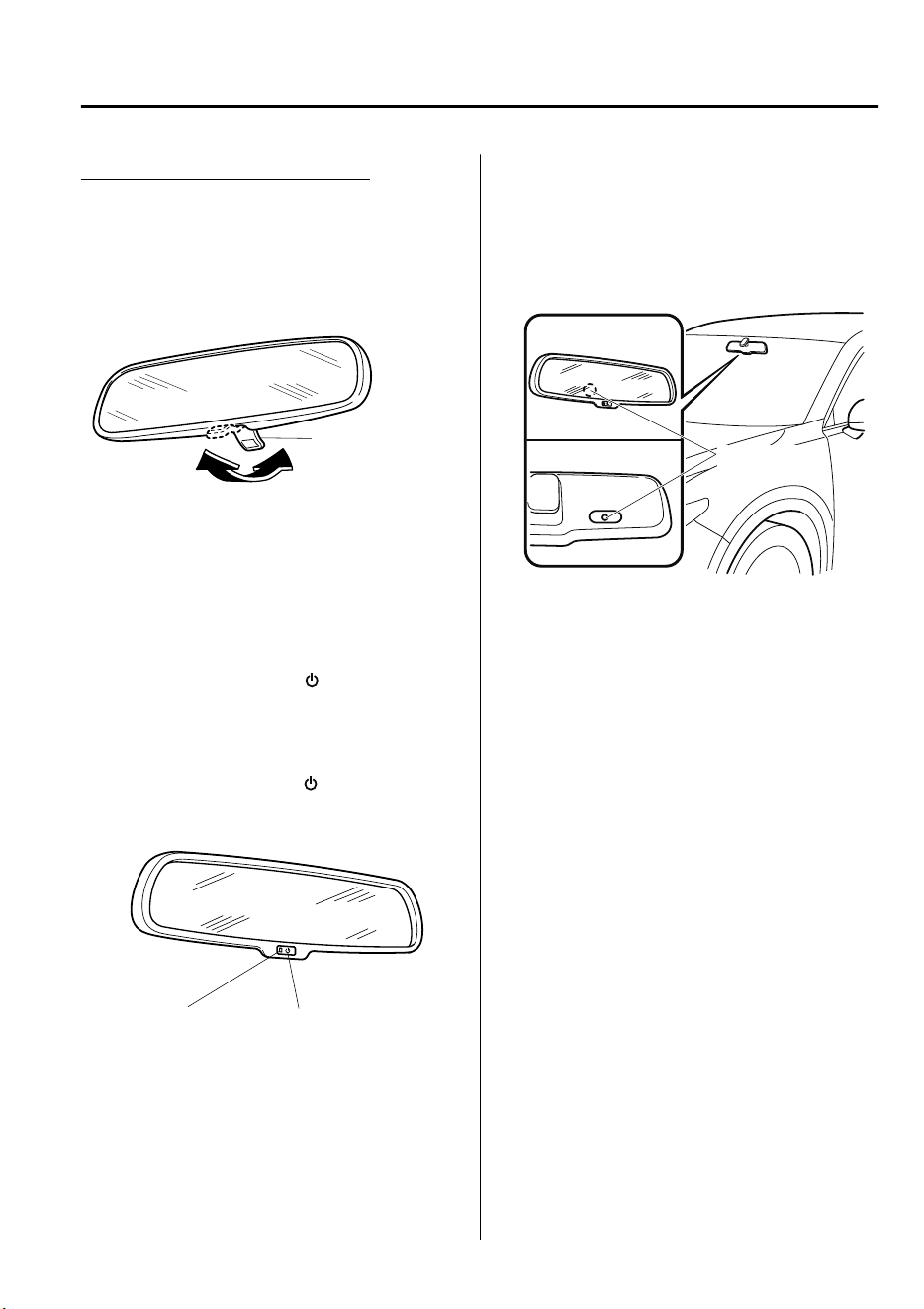
Reducing glare from headlights
Manual day/night mirror
Push the day/night lever forward for day
driving. Pull it back to reduce glare of
headlights from vehicles at the rear.
Day/Night lever
DayNight
Auto-dimming mirror
The auto-dimming mirror automatically
reduces the glare of headlights from
vehicles at the rear when the ignition is
switched ON.
Press the ON/OFF button
to cancel the
auto-dimming function. The indicator light
will turn off.
To reactivate the auto-dimming function,
press the ON/OFF button
. The indicator
light will illuminate.
ON/OFF buttonIndicator light
NOTE
Do not use glass cleaner or suspend
objects on or around the light sensor.
Otherwise, light sensor sensitivity will be
affected and may not operate normally.
Light sensor
Front
Back
The auto-dimming function is canceled
when the ignition is switched ON and the
selector lever is in reverse (R).
Before Driving
Mirrors
3-35
CX-9_8GC7-EE-17G_Edition1 2017-5-16 8:22:04
Power Windows
The windows can be opened/closed by
operating the power window switches.
WARNING
Make sure the opening is clear before
closing a window:
Closing a power window is dangerous. A
person's hands, head, or even neck could
be caught by the window and result in
serious injury or even death. This warning
applies especially to children.
Never allow children to play with power
window switches:
Power window switches that are not locked
with the power window lock switch would
allow children to operate power windows
unintentionally, which could result in
serious injury if a child's hands, head or
neck becomes caught by the window.
Make sure nothing blocks the window just
before it reaches the fully closed position or
while fully holding up the power window
switch:
Blocking the power window just before it
reaches the fully closed position or while
fully holding up the power window switch
is dangerous.
In this case, the jam-safe function cannot
prevent the window from closing all the
way. If ngers are caught, serious injuries
could occur.
NOTE
When driving with only one of the rear
windows open, your ears might experience
a resonating sound. However, this does not
indicate a problem. The sound can be
reduced by slightly opening a front
window or by changing the size of the rear
window opening.
Before Driving
Windows
3-36
CX-9_8GC7-EE-17G_Edition1 2017-5-16 8:22:04
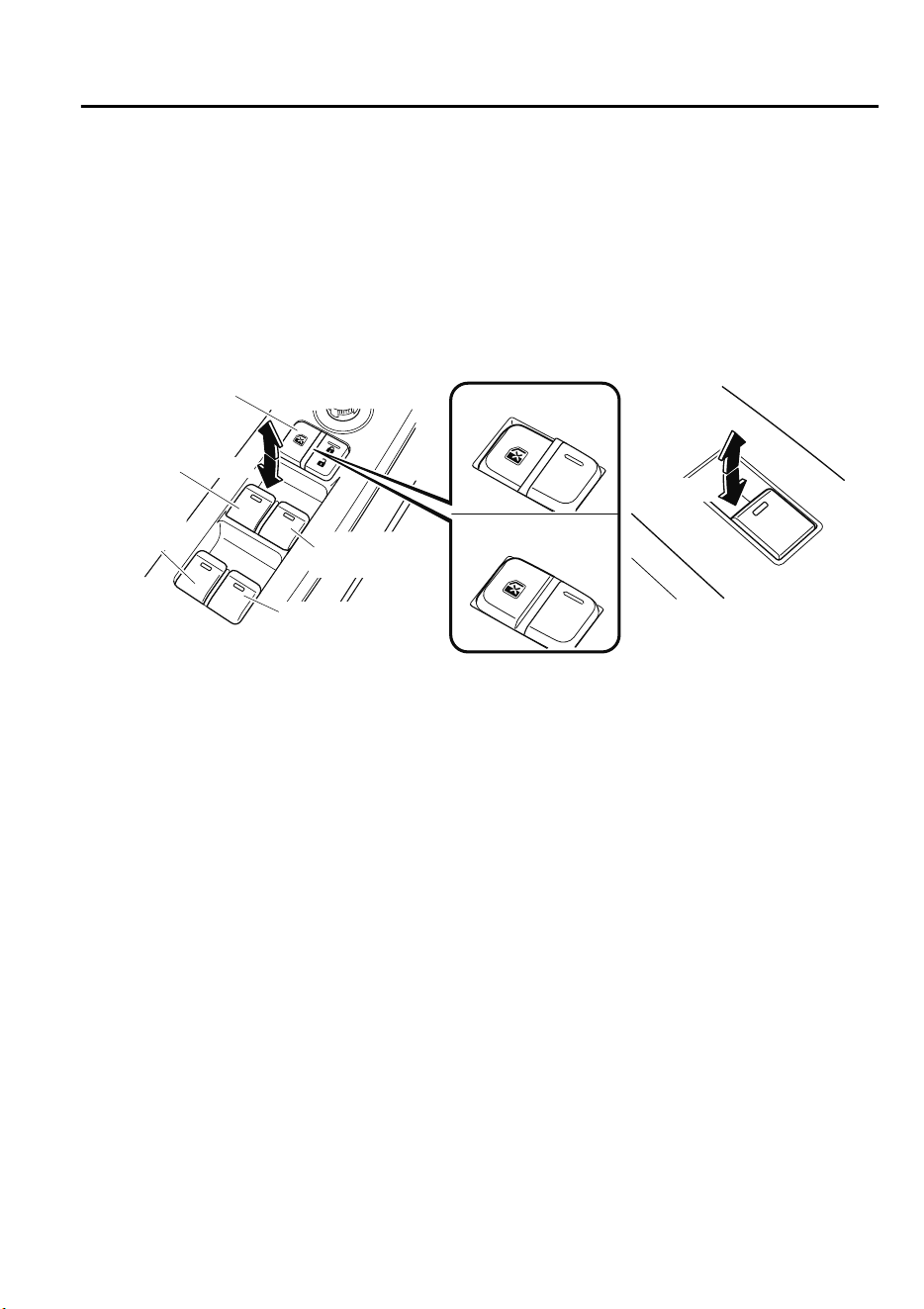
▼
Opening/Closing Windows
The window opens while the switch is pressed and it closes while the switch is pulled up
with the ignition switched ON. Do not open or close three or more windows at the same
time.
The front passenger's side and rear windows can be opened/closed when the power window
lock switch on the driver's door is in the unlock position. Keep this switch in the locked
position while children are in the vehicle.
Close
Close
Open
Open
Right rear window
Driver's
window
Power window
lock switch
Driver's side
Front passenger's side/
Rear windows
Locked position
Unlocked position
Front passenger's
window
Left rear
window
NOTE
•
A power window may no longer open/close if you continue to press the switch after fully
opening/closing the power window. If the power window does not open/close, wait a
moment and then operate the switch again.
•
The passenger windows may be opened or closed using the master control switches on the
driver's door.
•
The power window can be operated for about 40 seconds after the ignition is switched
from ON to ACC or off with all doors closed. If any door is opened, the power window
will stop operating.
For engine-off operation of the power window, the switch must be held up firmly
throughout window closure because the auto-closing function will be inoperable.
•
When the power window lock switch is in the locked position, the light on each power
window switch, except for the driver's power window switch, turns off. The light may be
difficult to see depending on the surrounding brightness.
Before Driving
Windows
3-37
CX-9_8GC7-EE-17G_Edition1 2017-5-16 8:22:04

▼
Auto-opening/Closing
To fully open the window automatically,
press the switch completely down, then
release. The window will fully open
automatically.
To fully close the window automatically,
pull the switch completely up, then
release. The window will fully close
automatically.
To stop the window partway, pull or press
the switch in the opposite direction and
then release it.
NOTE
Power window system initialization
procedure
If the battery was disconnected during
vehicle maintenance, or for other reasons
(such as a switch continues to be operated
after the window is fully open/closed), the
window will not fully open and close
automatically.
The power window auto function will only
resume on a power window that has been
reset.
1. Switch the ignition ON.
2. Make sure that the power window lock
switch located on the driver's door is
not depressed.
3. Press the switch and fully open the
window.
4. Pull up the switch to fully close the
window and continue holding the
switch for about 2 seconds after the
window fully closed.
5. Make sure that the power windows
operate correctly using the door
switches.
After the system has been re-initialized,
each passenger window can be fully
opened or closed automatically using the
master control switches.
▼
Jam-safe Window
If foreign matter is detected between the
window and the window frame while the
window is closing automatically (refer to
Auto-opening/Closing on page 3-38), the
window stops closing and automatically
opens partway.
NOTE
•
The jam-safe function may operate
under the following conditions:
•
A strong impact is detected while the
window is closing automatically.
•
Window is closing automatically in
very low temperatures.
•
In the event the jam-safe function
activates and the power window cannot
be closed automatically, pull and hold
the switch and the window will close.
•
The jam-safe window function does not
operate until the system has been reset.
Before Driving
Windows
3-38
CX-9_8GC7-EE-17G_Edition1 2017-5-16 8:22:04
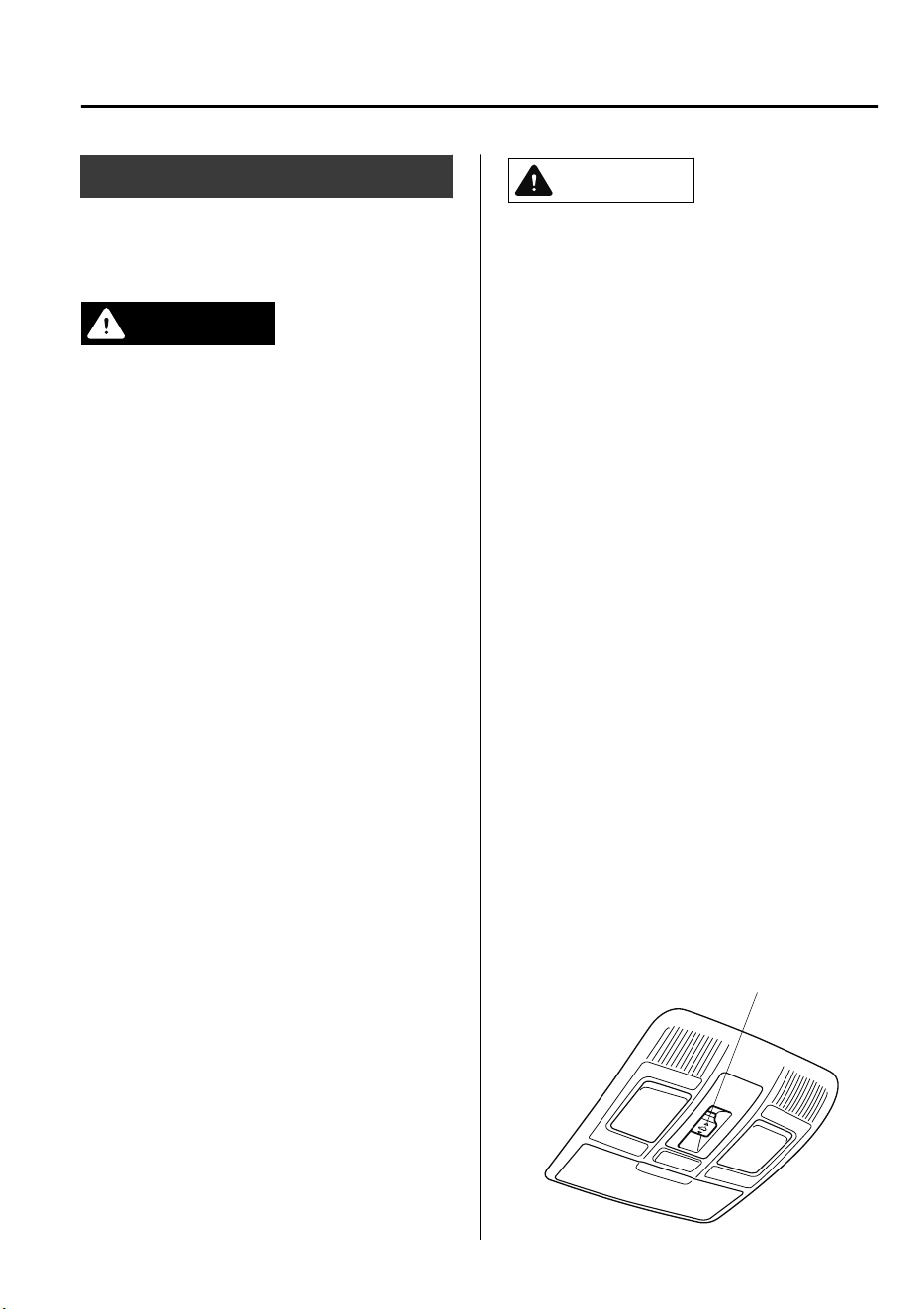
Sunroof
*
The sunroof can be opened or closed when
operating the overhead tilt/slide switch at
the front seats.
WARNING
Do not let passengers stand up or extend
part of the body through the open sunroof
while the vehicle is moving:
Extending the head, arms, or other parts of
the body through the sunroof is dangerous.
The head or arms could hit something
while the vehicle is moving. This could
cause serious injury or death.
Never allow children to play with the tilt/
slide switch:
The tilt/slide switch would allow children to
operate the sunroof unintentionally, which
could result in serious injury if a child's
hands, head or neck becomes caught by
the sunroof.
Make sure the opening is clear before
closing the sunroof:
A closing sunroof is dangerous. The hands,
head, or even neck of a person, especially a
child, could be caught in it as it closes,
causing serious injury or even death.
Make sure nothing blocks the sunroof just
before it reaches the fully closed position:
Blocking the sunroof just before it reaches
the closed position is dangerous.
In this case, the jam-safe function cannot
prevent the sunroof from closing. If ngers
are caught, serious injuries could occur.
CAUTION
Do not sit on or put heavy items on the
area where the sunroof opens and closes.
Otherwise, the sunroof could be
damaged.
Do not open or close the sunroof
forcefully during freezing temperatures
or snowfall. Otherwise, the sunroof could
be damaged.
The sunshade does not tilt. To avoid
damaging the sunshade, do not push it
up.
Do not close the sunshade while the
sunroof is opening. Trying to force the
sunshade closed could damage it.
▼
Tilt/Slide Operation
The sunroof can be opened or closed
electrically only when the ignition is
switched ON.
•
Before leaving the vehicle or washing
your Mazda, make sure the sunroof is
completely closed so that water does not
get inside the cabin area.
•
After washing your Mazda or after it
rains, wipe the water off the sunroof
before operating it to avoid water
penetration which could cause rust and
water damage to your headliner.
Tilt/Slide switch
Before Driving
Windows
*Some models.
3-39
CX-9_8GC7-EE-17G_Edition1 2017-5-16 8:22:04
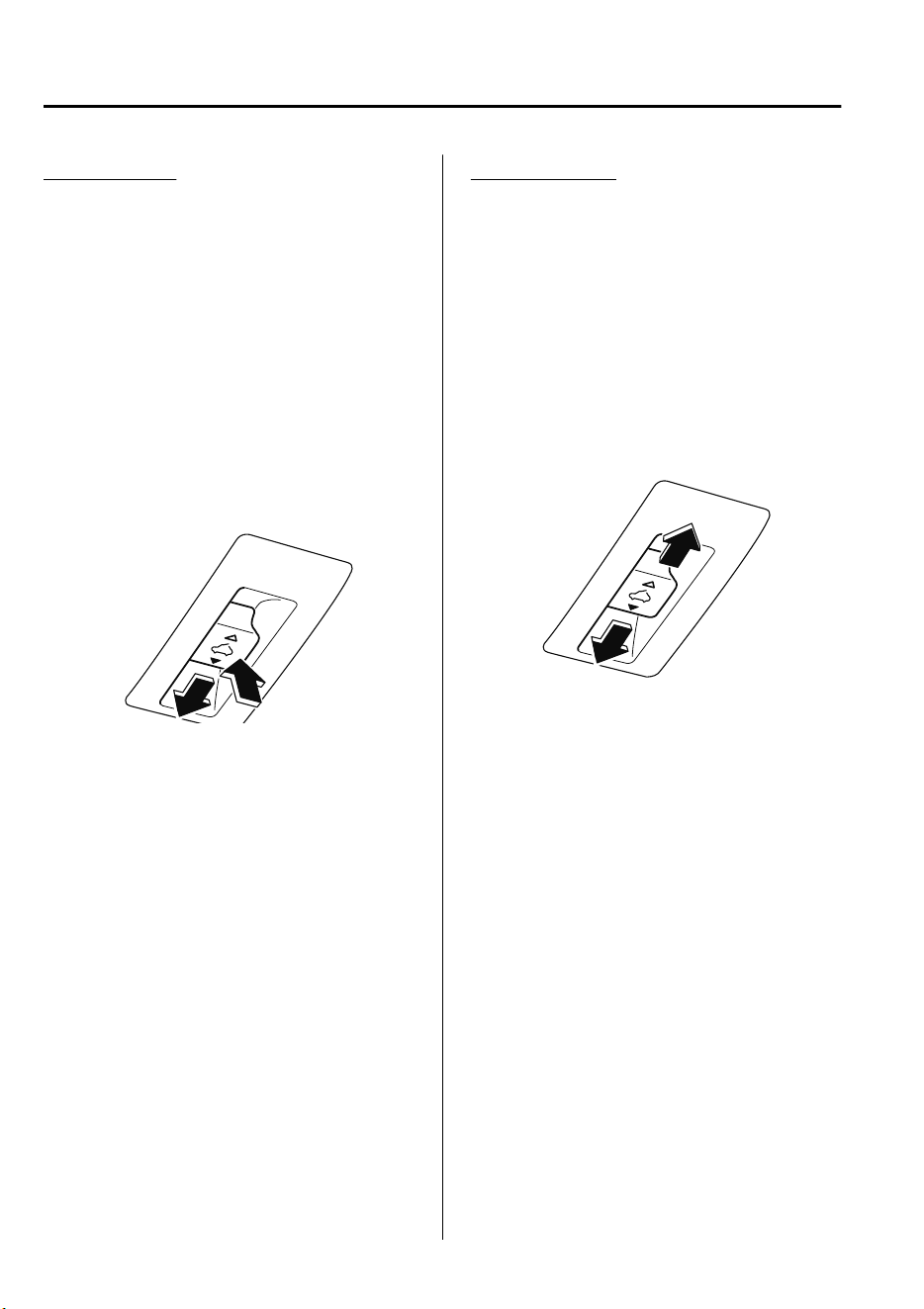
Tilt Operation
The rear of the sunroof can be tilted open
to provide more ventilation.
To fully tilt automatically, momentarily
press the tilt/slide switch.
To fully close automatically, momentarily
press the tilt/slide switch in the forward
direction.
To stop tilting partway, press the tilt/slide
switch.
When the sunroof is already slid open and
you want to tilt it open, first close the
sunroof and then do a tilt operation.
Close (Tilt down)
Tilt up
Slide Operation
To fully open automatically, momentarily
press the tilt/slide switch in the backward
direction.
To fully close automatically, momentarily
press the tilt/slide switch in the forward
direction.
To stop sliding partway, press the tilt/slide
switch.
When the sunroof is already tilted open
and you want to slide it open, first close
the sunroof and then do a slide operation.
Close
Open
NOTE
If the sunroof does not operate normally,
do the following procedure:
1. Switch the ignition ON.
2. Press the tilt switch, to partially tilt
open the rear of the sunroof.
3. Repeat Step 2. The rear of the sunroof
tilts open to the fully open position,
then closes a little.
If the reset procedure is performed while
the sunroof is in the slide position
(partially open) it will close before the
rear tilt opens.
Before Driving
Windows
3-40
CX-9_8GC7-EE-17G_Edition1 2017-5-16 8:22:04
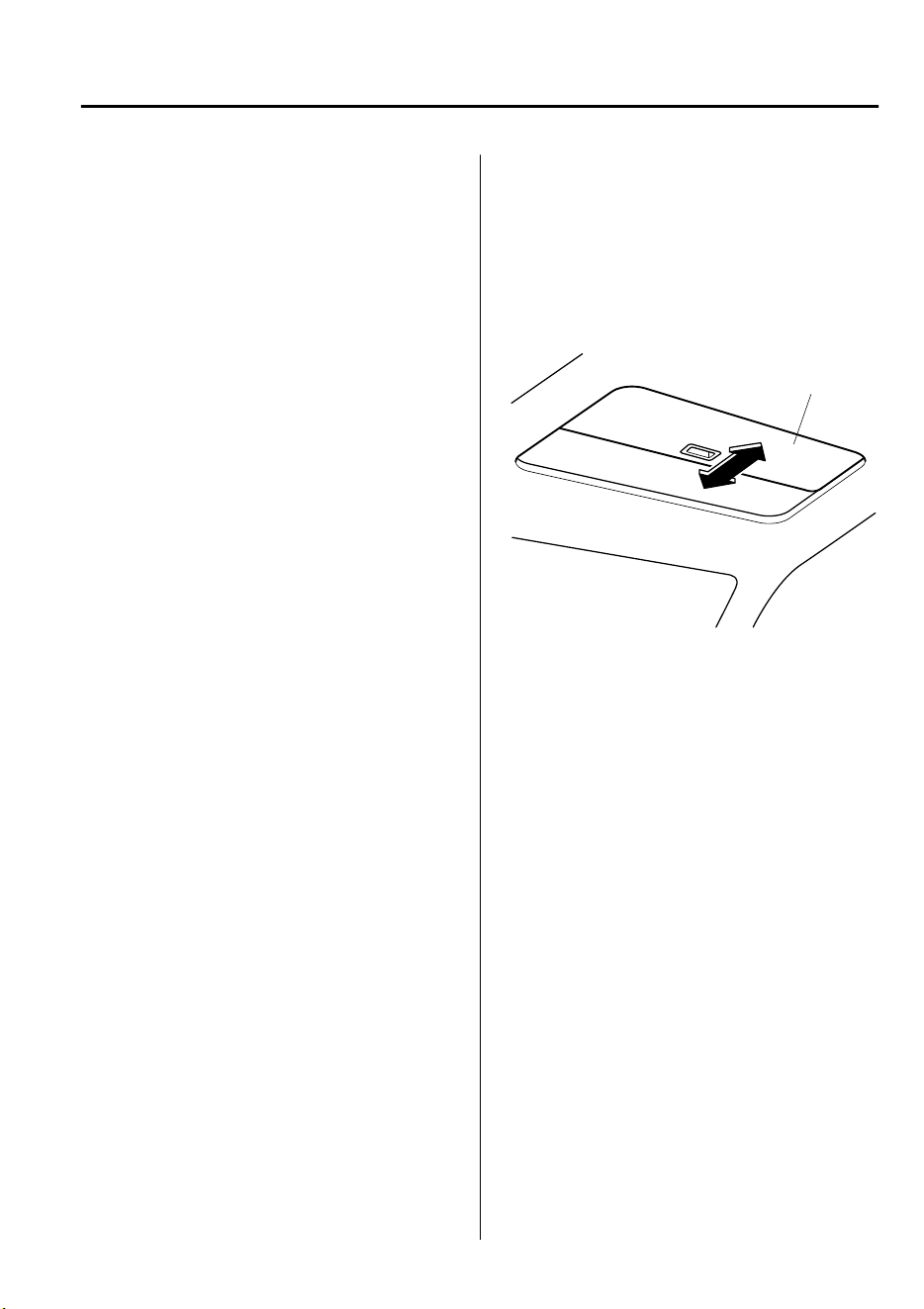
▼
Jam-safe Sunroof
If a person's hands, head or an object
blocks the sunroof while it is closing, the
sunroof will stop and move in the open
direction.
NOTE
•
The jam-safe function may operate
under the following conditions:
•
A strong impact is detected while the
sunroof is closing automatically.
•
The sunroof is closing automatically
during very low temperatures.
•
In the event the jam-safe function
activates and the sunroof cannot be
closed automatically, press the tilt/slide
switch and the sunroof will close.
•
The jam-safe sunroof function does not
operate until the system has been reset.
▼
Sunshade
The sunshade can be opened and closed by
hand.
The sunshade opens at the same time as
the sunroof slides open, but it must be
closed by hand.
Sunshade
Before Driving
Windows
3-41
CX-9_8GC7-EE-17G_Edition1 2017-5-16 8:22:04
Modification and Add-On
Equipment
Mazda cannot guarantee the immobilizer
and the theft-deterrent systems' operation
if the system has been modified or if any
add-on equipment has been installed.
CAUTION
To avoid damage to the vehicle, do not
modify the system or install any add-on
equipment to the immobilizer and the
theft-deterrent systems or the vehicle.
Immobilizer System
The immobilizer system allows the engine
to start only with a key the system
recognizes.
If someone attempts to start the engine
with an unrecognized key, the engine will
not start, thereby helping to prevent
vehicle theft.
If you have a problem with the
immobilizer system or the key, consult an
Authorized Mazda Repairer.
CAUTION
Changes or
modications
not expressly
approved by the party responsible for
compliance could void the user's
authority to operate the equipment.
To avoid damage to the key, do not:
Drop the key.
Get the key wet.
Expose the key to any kind of magnetic
eld.
Expose the key to high temperatures
on places such as the dashboard or
hood, under direct sunlight.
If the engine does not start with the
correct key, and the security indicator
light keeps illuminating or ashing, the
system may have a malfunction. Consult
an Authorized Mazda Repairer.
NOTE
•
The keys carry a unique electronic code.
For this reason, and to assure your
safety, obtaining a replacement key
requires some waiting time. They are
only available through an Authorized
Mazda Repairer.
Before Driving
Security System
3-42
CX-9_8GC7-EE-17G_Edition1 2017-5-16 8:22:04
•
Always keep a spare key in case one is
lost. If a key is lost, consult an
Authorized Mazda Repairer as soon as
possible.
•
If you lose a key, an Authorized Mazda
Repairer will reset the electronic codes
of your remaining keys and immobilizer
system. Bring all the remaining keys to
an Authorized Mazda Repairer to reset.
Starting the vehicle with a key that has
not been reset is not possible.
▼
Operation
NOTE
•
The engine may not start and security
indicator light may illuminate or flash if
the key is placed in an area where it is
difficult for the system to detect the
signal, such as on the dashboard or in
the glove compartment. Move the key to
a location within the signal range,
switch the ignition off, and then restart
the engine.
•
Signals from a TV or radio station, or
from a transceiver or mobile telephone
could interfere with your immobilizer
system. If you are using the proper key
and the engine fails to start, check the
security indicator light.
Arming
The system is armed when the ignition is
switched from ON to off.
The security indicator light in the
instrument cluster flashes every 2 seconds
until the system is disarmed.
Disarming
The system is disarmed when the ignition
is switched ON with the correct
programmed key. The security indicator
light illuminates for about 3 seconds and
then turns off. If the engine does not start
with the correct key, and the security
indicator light remains illuminated or
flashing, try the following:
Make sure the key is within the
operational range for signal transmission.
Switch the ignition off, and then restart the
engine. If the engine does not start after 3
or more tries, contact an Authorized
Mazda Repairer.
NOTE
•
If the security indicator light flashes
continuously while you are driving, do
not shut off the engine. Go to an
Authorized Mazda Repairer and have it
checked. If the engine is shut off while
the indicator light is flashing, you will
not be able to restart it.
•
Because the electronic codes are reset
when the immobilizer system is repaired,
the keys are needed. Make sure to bring
all the keys to an Authorized Mazda
Repairer so that they can be
programmed.
Before Driving
Security System
3-43
CX-9_8GC7-EE-17G_Edition1 2017-5-16 8:22:04
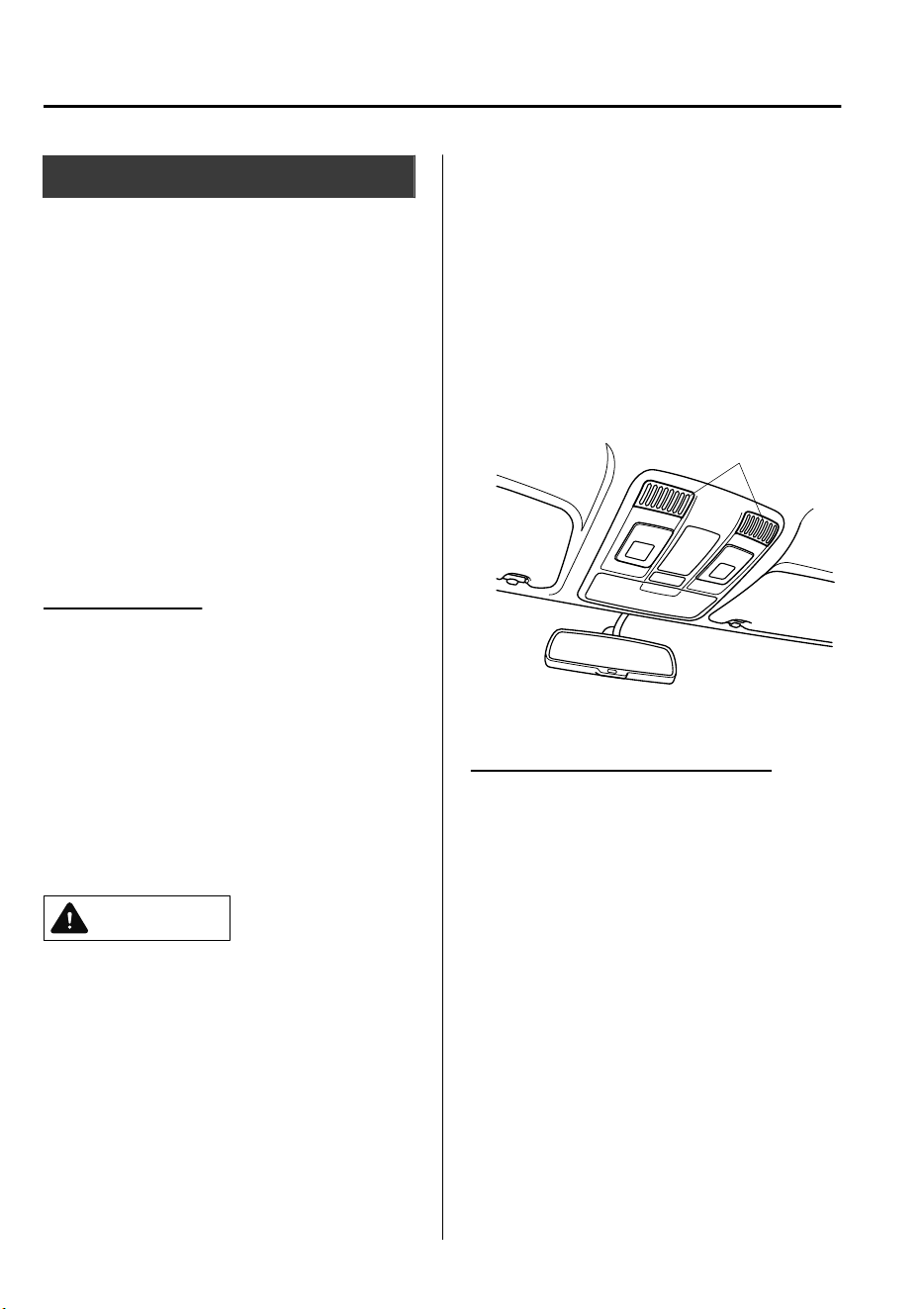
Theft-Deterrent System
*
If the theft-deterrent system detects an
inappropriate entry into the vehicle or the
intrusion sensor detects movement in the
vehicle which could result in the vehicle
(with the intrusion sensor) or its contents
being stolen, the alarm alerts the
surrounding area of an abnormality by
sounding the siren/horn and flashing the
hazard warning lights.
The system will not function unless it's
properly armed. So when you leave the
vehicle, follow the arming procedure
correctly.
Intrusion sensor
*
The intrusion sensor uses ultrasonic waves
to detect movement inside the vehicle and
to raise an alert of an intrusion into the
vehicle.
The intrusion sensor detects certain kinds
of movement inside the vehicle, however,
it may also respond to phenomenon
outside the vehicle such as vibrations, loud
noise, wind, and air currents.
CAUTION
In order for the intrusion sensor to operate
appropriately, be aware of the following:
Do not hang clothing or objects from a
head restraint or a coat hook.
Return the extension sunvisors to their
original positions.
Do not blind the intrusion sensor by
covering it or placing objects over it.
Do not allow the intrusion sensor to get
soiled or wipe it with a liquid.
Do not shock or cause an impact to the
intrusion sensor or the intrusion sensor
bezel.
Do not install seats that are not Mazda
genuine products.
To prevent obstruction of intrusion
sensor, do not place objects or cargo
near the intrusion sensor that are higher
than the head restraints.
Intrusion sensor and
intrusion sensor bezel
▼
Operation
Siren/Horn triggering conditions
The siren/horn sounds intermittently and
the hazard warning lights flash for about
30 seconds when the system is triggered
by any one of the following:
•
Unlocking a door with the auxiliary key
or an inside door-lock knob.
•
Forcing open a door, the hood or the
liftgate.
•
Opening the hood by operating the hood
release handle.
•
Switching the ignition ON without using
the push button start.
Before Driving
Security System
3-44
*Some models.
CX-9_8GC7-EE-17G_Edition1 2017-5-16 8:22:04
•
(With the intrusion sensor)
The intrusion sensor detects a movement
in the vehicle.
The system will be triggered again (up to
10 times) if one of the above conditions
remains.
•
(With the intrusion sensor)
Disconnecting the battery terminal (the
hazard warning lights do not flash).
The system will be triggered about 10
times.
NOTE
•
The liftgate does not open while the
theft-deterrent system is operating.
•
For vehicles equipped with the power
liftgate, the liftgate can be opened even
while the theft-deterrent system is
operating by pressing the power liftgate
button on the transmitter or the electric
liftgate opener switch while carrying the
key.
•
If the battery goes dead while the
theft-deterrent system is armed, the
siren/horn will activate and the hazard
warning lights will flash when the
battery is charged or replaced.
▼
How to Arm the System
1. Close the windows and the sunroof
*
securely.
NOTE
(With the intrusion sensor)
Even with a window or the sunroof
*
open, the system can be armed,
however, leaving the windows and the
sunroof
*
even partially open can invite
theft, and wind blowing into the
vehicle could trigger the alarm.
The intrusion sensor function can also
be cancelled.
Refer to Canceling the Intrusion
Sensor (With Intrusion Sensor) on
page 3-46.
2. Switch the ignition OFF.
3. Make sure the hood, the doors, and the
liftgate are closed.
4. Press the lock button on the transmitter
or lock the driver's door from the
outside with the auxiliary key.
The hazard warning lights will flash
once.
(With the advanced keyless function)
Press a request switch.
The security indicator light in the
instrument cluster flashes twice per
second for 20 seconds.
5. After 20 seconds, the system is fully
armed.
NOTE
•
The theft-deterrent system can also
be armed by activating the auto
relock function with all the doors,
the liftgate and the hood closed.
Refer to Transmitter on page 3-4.
Before Driving
Security System
*Some models.
3-45
CX-9_8GC7-EE-17G_Edition1 2017-5-16 8:22:04

•
The system will disarm if one of the
following operations takes place
within 20 seconds after pressing the
lock button:
•
Unlocking any door.
•
Opening any door.
•
Opening the hood.
•
Switching the ignition ON.
To rearm the system, do the arming
procedure again.
•
When the doors are locked by
pressing the lock button on the
transmitter or using the auxiliary
key while the theft-deterrent system
is armed, the hazard warning lights
will flash once to indicate that the
system is armed.
▼
Canceling the Intrusion Sensor
(With Intrusion Sensor)
If the theft deterrent system has been
armed while any of the following
conditions are present, cancel the intrusion
sensor to prevent the alarm from triggering
unnecessarily.
•
Leaving the vehicle with a movable
object, passengers or pets remaining
inside.
•
Leaving an object inside the vehicle that
can roll around, such as when the
vehicle is placed on a tilting, unstable
surface when being shipped.
•
Hanging small objects/accessories in the
vehicle, hanging clothing on a coat
hook, or placing other items which can
move easily inside the vehicle.
•
Parking in an area where there is strong
vibration or loud noise.
•
When using a high pressure or
automatic car wash.
•
Continuous shock and vibration from
hail or thunder and lightning is
transmitted to the vehicle.
•
Doors are locked with a window or the
sunroof
*
left open.
•
An accessory heater or device that
produces moving air and vibration
operates while the theft deterrent system
is armed.
NOTE
If any door or the liftgate remains closed
for 30 seconds, all the doors and the
liftgate automatically re-lock and the theft
deterrent system arms even if a window
and the sunroof
*
is left open.
To cancel the intrusion sensor, press the
intrusion sensor cancel button on the
transmitter within 20 seconds after
pressing the lock button.
The hazard warning lights will flash three
times.
NOTE
•
To reactivate the intrusion sensor, turn
off the armed theft-deterrent system and
then rearm it.
•
The intrusion sensor is operational
when the theft-deterrent system is
armed. To cancel the intrusion sensor,
press the intrusion sensor cancel button
each time the theft-deterrent system is
armed.
Before Driving
Security System
3-46
*Some models.
CX-9_8GC7-EE-17G_Edition1 2017-5-16 8:22:04

▼
To Turn Off an Armed System
An armed system can be turned off using
any one of the following methods:
•
Pressing the unlock button on the
transmitter.
•
Starting the engine with the push button
start.
•
(With the advanced keyless function)
•
Pressing a request switch on the
doors.
The hazard warning lights will flash twice.
NOTE
When the doors are unlocked by pressing
the unlock button on the transmitter while
the theft-deterrent system is turned off, the
hazard warning lights will flash twice to
indicate that the system is turned off.
▼
To Sto p the A larm
A triggered alarm can be turned off using
any one of the following methods:
•
Pressing the unlock button on the
transmitter.
•
Starting the engine with the push button
start.
•
(With the advanced keyless function)
•
Pressing a request switch on the
doors.
•
Pressing the electric liftgate opener
while the key is being carried.
•
Pressing the power liftgate button on
the transmitter.
The hazard warning lights will flash twice.
Before Driving
Security System
3-47
CX-9_8GC7-EE-17G_Edition1 2017-5-16 8:22:04
Break-In Period
No special break-in is necessary, but a few
precautions in the first 1,000 km (600
miles) may add to the performance,
economy, and life of the vehicle.
•
Do not race the engine.
•
Do not maintain one constant speed,
either slow or fast, for a long period of
time.
•
Do not drive constantly at full-throttle or
high engine rpm for extended periods of
time.
•
Avoid unnecessary hard stops.
•
Avoid full-throttle starts.
•
Do not tow a trailer.
Saving Fuel and Protection
of the Environment
How you operate your Mazda determines
how far it will travel on a tank of fuel. Use
these suggestions to help save fuel and
reduce CO
2.
•
Avoid long warm-ups. Once the engine
runs smoothly, begin driving.
•
Avoid fast starts.
•
Drive at lower speeds.
•
Anticipate when to apply the brakes
(avoid sudden braking).
•
Follow the maintenance schedule (page
6-3) and have an expert repairer, we
recommend an Authorized Mazda
Repairer perform inspections and
servicing.
•
Use the air conditioner only when
necessary.
•
Slow down on rough roads.
•
Keep the tires properly inflated.
•
Do not carry unnecessary weight.
•
Do not rest your foot on the brake pedal
while driving.
•
Keep the wheels in correct alignment.
•
Keep windows closed at high speeds.
•
Slow down when driving in crosswinds
and headwinds.
WARNING
Never stop the engine when going down a
hill:
Stopping the engine when going down a
hill is dangerous. This causes the loss of
power steering and power brake control,
and may cause damage to the drivetrain.
Any loss of steering or braking control
could cause an accident.
Before Driving
Driving Tips
3-48
CX-9_8GC7-EE-17G_Edition1 2017-5-16 8:22:04
Hazardous Driving
WARNING
Be extremely careful if it is necessary to
downshift on slippery surfaces:
Downshifting into lower gear while driving
on slippery surfaces is dangerous. The
sudden change in tire speed could cause
the tires to skid. This could lead to loss of
vehicle control and an accident.
Avoid sharp turns, excessive speed and
abrupt maneuvers when driving this
vehicle:
Sharp turns, excessive speed and abrupt
maneuvering of this vehicle are dangerous
as it could result in the increased risk of loss
of vehicle control, vehicle roll-over,
personal injury or death.
This vehicle has a higher center of gravity.
Vehicles with a higher center of gravity
such as utility vehicles handle dierently
than vehicles with a lower center of gravity.
Utility vehicles are not designed for
cornering at high speeds any more than
low prole sports cars are designed to
perform satisfactorily under o-road
conditions.
In addition, utility vehicles have a
signicantly higher rollover rate than other
types of vehicles.
In a rollover crash, an unbelted person is
signicantly more likely to die than a
person wearing a seat belt.
When driving on ice or in water, snow,
mud, sand, or similar hazards:
•
Be cautious and allow extra distance for
braking.
•
Avoid sudden braking and sudden
maneuvering.
•
Do not pump the brakes. Continue to
press down on the brake pedal.
Refer to Antilock Brake System (ABS)
on page 4-72.
•
If you get stuck, select a lower gear and
accelerate slowly. Do not spin the front
wheels.
•
For more traction in starting on slippery
surfaces such as ice or packed snow, use
sand, rock salt, chains, carpeting, or
other nonslip material under the front
wheels.
NOTE
Use snow chains only on the front wheels.
Before Driving
Driving Tips
3-49
CX-9_8GC7-EE-17G_Edition1 2017-5-16 8:22:04
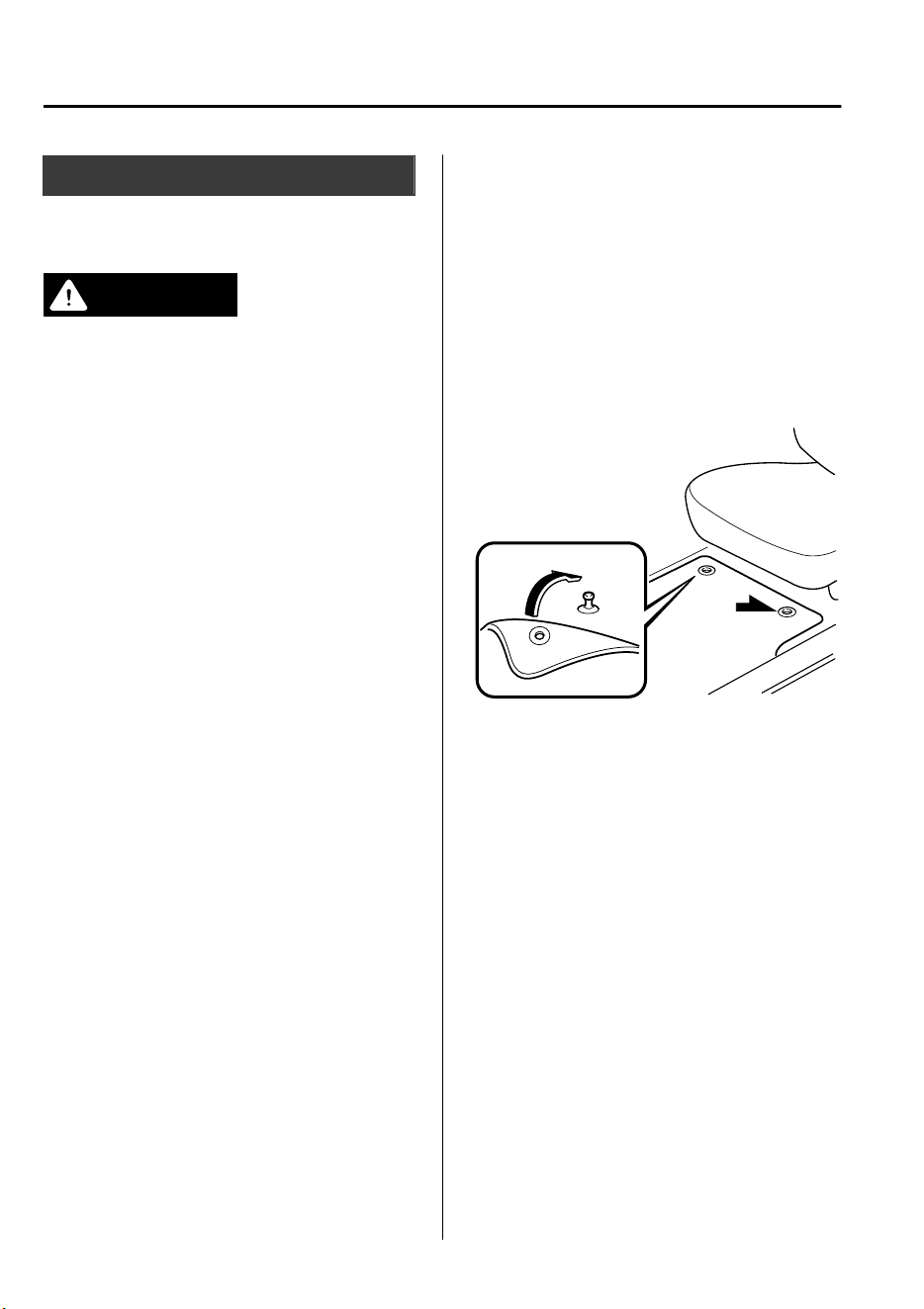
Floor Mat
We recommend the use of Genuine
Mazda floor mats.
WARNING
Make sure the oor mats are secured with
the grommets or the retainers to prevent
them from bunching up under the foot
pedals (Driver's side):
Using a
oor
mat that is not secured is
dangerous as it will interfere with the
accelerator and brake pedal operation
(driver's side), which could result in an
accident.
Only use a
oor
mat which conforms to the
shape of the oor on the driver's side and
make sure it is oriented correctly.
Secure the oor mat using the grommets or
retainers.
There are various ways to secure oor mats
depending on the type used, therefore
secure the mat according to the type.
After installing the oor mat, make sure
that it does not slide from side to side or
back and forth, and that there is sucient
clearance with the accelerator and brake
pedals on the driver's side.
After removing the oor mat for cleaning
or some other reason, always securely
reinstall it while paying attention to the
precautions just mentioned.
Do not install two oor mats, one on top of
the other, on the driver's side:
Installing two oor mats, one on top of the
other, on the driver's side is dangerous as
the retention pins can only keep one oor
mat from sliding forward.
Loose oor mat(s) will interfere with the
foot pedals and could result in an accident.
If using an all-weather mat for winter use
always remove the original oor mat.
When setting a floor mat, position the
floor mat so that its grommets or retainers
are inserted over the pointed end of the
retention posts.
Before Driving
Driving Tips
3-50
CX-9_8GC7-EE-17G_Edition1 2017-5-16 8:22:04
Rocking the Vehicle
WARNING
Do not spin the wheels at high speed, and
do not allow anyone to stand behind a
wheel when pushing the vehicle:
When the vehicle is stuck, spinning the
wheels at high speed is dangerous. The
spinning tire could overheat and explode.
This could cause serious injuries.
CAUTION
Too much rocking may cause engine
overheating, transaxle failure, and tire
damage.
If you must rock the vehicle to free it from
snow, sand or mud, depress the accelerator
slightly and slowly move the selector lever
from D to R.
Winter Driving
Carry emergency gear, including tire
chains, window scraper, flares, a small
shovel, jumper cables, and a small bag of
sand or salt.
Ask an expert repairer, we recommend an
Authorized Mazda Repairer to check the
following:
•
Have the proper ratio of antifreeze in the
radiator.
Refer to Engine Coolant on page 6-22.
•
Inspect the battery and its cables. Cold
reduces battery capacity.
•
Use an engine oil appropriate for the
lowest ambient temperatures that the
vehicle will be driven in (page 6-19).
•
Inspect the ignition system for damage
and loose connections.
•
Use washer fluid made with
antifreeze―but do not use engine
coolant antifreeze for washer fluid (page
6-24).
Before Driving
Driving Tips
3-51
CX-9_8GC7-EE-17G_Edition1 2017-5-16 8:22:04
NOTE
•
Remove snow before driving. Snow left
on the windshield is dangerous as it
could obstruct vision.
•
Do not apply excessive force to a
window scraper when removing ice or
frozen snow on the mirror glass and
windshield.
•
Never use warm or hot water for
removing snow or ice from windows and
mirrors as it could result in the glass
cracking.
•
Drive slowly. Braking performance can
be adversely affected if snow or ice
adheres to the brake components. If this
situation occurs, drive the vehicle
slowly, releasing the accelerator pedal
and lightly applying the brakes several
times until the brake performance
returns to normal.
▼
Snow Tires
WARNING
Use only the same size and type tires (snow,
radial, or non-radial) on all four wheels:
Using tires
dierent
in size or type is
dangerous. Your vehicle's handling could
be greatly
aected
and result in an
accident.
CAUTION
Check local regulations before using
studded tires.
Use snow tires on all four wheels
Do not exceed the maximum permissible
speed for your snow tires or legal speed
limits.
▼
Tire Chains
Check local regulations before using tire
chains.
CAUTION
Chains may
aect
handling.
Do not go faster than 50 km/h (30 mph)
or the chain manufacturer's
recommended limit, whichever is lower.
Drive carefully and avoid bumps, holes,
and sharp turns.
Avoid locked-wheel braking.
Do not use chains on a temporary spare
tire; it may result in damage to the
vehicle and to the tire.
Do not use chains on roads that are free
of snow or ice. The tires and chains could
be damaged.
Chains may scratch or chip aluminum
wheels.
Before Driving
Driving Tips
3-52
CX-9_8GC7-EE-17G_Edition1 2017-5-16 8:22:04
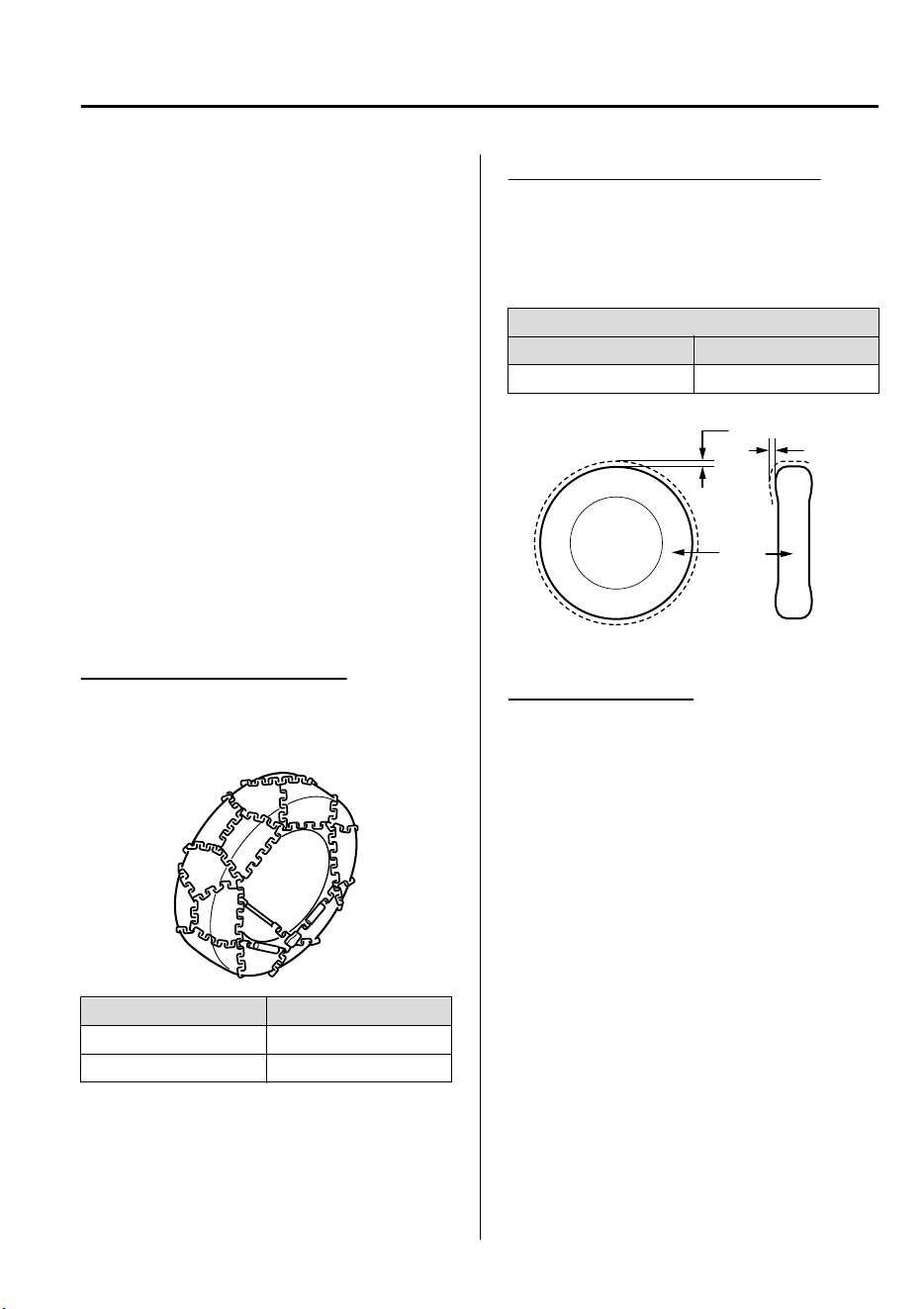
NOTE
•
If your vehicle is equipped with the tire
pressure monitoring system, the system
may not function correctly when using
tire chains.
•
Use of tire chains on a vehicle equipped
with P255/50R20 (Left-hand drive
model)/255/50R20 (Right-hand drive
model) specification tires could cause
interference with the vehicle body and
scratching. If tire chains are to be used,
replace both front and rear tires with
P255/60R18 (Left-hand drive model)/
255/60R18 (Right-hand drive model)
tyres. Please consult an Authorized
Mazda Repairer.
Install the chains on the front tires only.
Do not use chains on the rear tires.
Tire chain selection (Europe)
Mazda recommends hexagon type steel
ring chains. Select the proper type
according to your tire size.
Tire size Tire chain
255/60R18 Hexagon type
P255/60R18 Hexagon type
NOTE
Although Mazda recommends hexagon
type steel ring chains, all chains within the
installation specifications may be used.
Installation specification (Europe)
When installing tire chains, the distance
between the tire tread and the chain must
be within the prescribed limits in the
following table.
Distance [Unit: mm (in)]
AB
MAX 13 (0.51) MAX 13 (0.51)
Side view
Cross section view
Tire
A
B
Installing the chains
1. Secure the chains on the front tires as
tightly as possible. Always follow the
chain manufacturer's instructions.
2. Retighten the chains after driving
1/2―1 km (1/4―1/2 mile).
Before Driving
Driving Tips
3-53
CX-9_8GC7-EE-17G_Edition1 2017-5-16 8:22:04
Driving In Flooded Area
WARNING
Dry o brakes that have become wet by
driving slowly, releasing the accelerator
pedal and lightly applying the brakes
several times until the brake performance
returns to normal:
Driving with wet brakes is dangerous.
Increased stopping distance or the vehicle
pulling to one side when braking could
result in a serious accident. Light braking
will indicate whether the brakes have been
aected.
CAUTION
Do not drive the vehicle on
ooded
roads
as it could cause short circuiting of
electrical/electronic parts, or engine
damage or stalling from water absorption.
If the vehicle has been immersed in water,
consult an expert repairer, we recommend
an Authorized Mazda Repairer.
Before Driving
Driving Tips
3-54
CX-9_8GC7-EE-17G_Edition1 2017-5-16 8:22:04
Turbocharger Information
CAUTION
After driving at freeway speeds or up a long hill, idle the engine at least 30 seconds before
stopping it. Otherwise, the turbocharger could be damaged.
Racing or over-revving the engine, particularly after it's just been started, can damage the
turbocharger.
To protect the engine from damage, the engine is designed so that it cannot be raced just
after starting it in extremely cold weather.
The turbocharger greatly enhances engine power. Its advanced design provides improved
operation and requires minimum maintenance.
To get the most from it, observe the following.
1. Change engine oil and filter according to Scheduled Maintenance (page 6-3).
2. Use only recommended engine oil (page 6-19). Extra additives are NOT recommended.
Before Driving
Driving Tips
3-55
CX-9_8GC7-EE-17G_Edition1 2017-5-16 8:22:04
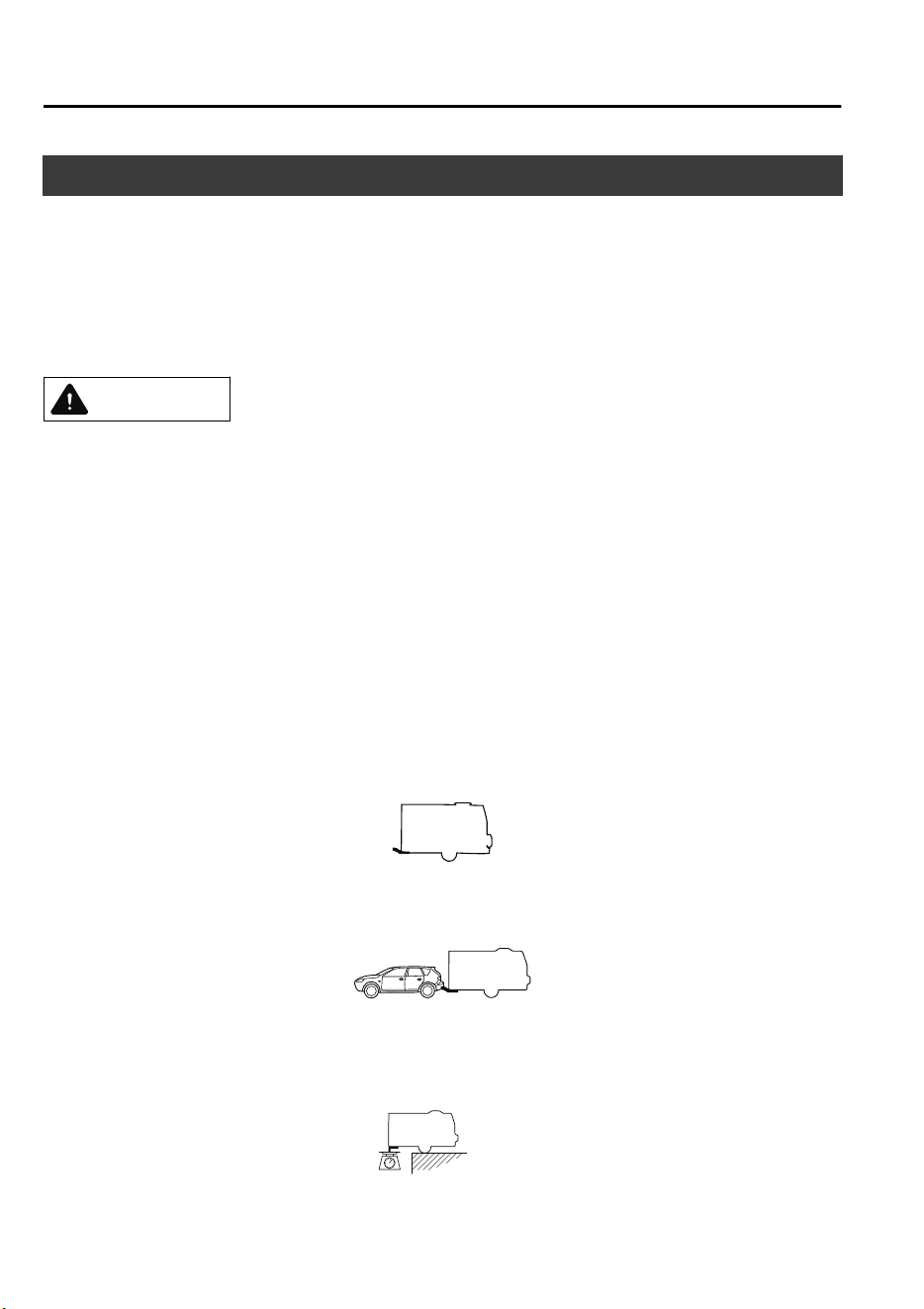
Towing Caravans and Trailers (Russia)
Your Mazda was designed and built primarily to carry passengers and cargo.
If you tow a trailer, follow these instructions because driver and passenger safety depends
on proper equipment and safe driving habits. Towing a trailer will affect handling, braking,
durability, performance, and economy.
Never overload vehicle or trailer. Consult an Authorized Mazda Dealer if you need further
details.
CAUTION
Do not tow a trailer during the
rst
1,000 km (600 miles) of your new Mazda. If you do, you
may damage the engine, transaxle, dierential, wheel bearings, and other power train
components.
NOTE
Your vehicle is equipped with a Trailer Stability Assist (TSA) mechanism, which enhances
vehicle stability when towing a trailer.
Refer to Trailer Stability Assist (TSA) on page 4-76.
▼
Weight Limits
The total trailer weight, gross combination weight and trailer tongue load must be
within the prescribed limits in the Trailer Towing-Load Table.
TOTAL TRAILER WEIGHT:
Sum of weights of the trailer and its load.
GROSS COMBINATION WEIGHT:
Sum of total trailer weight and towing vehicle weight; including trailer hitch, vehicle
passengers, and vehicle load.
TRAILER TONGUE LOAD:
Before Driving
Towing
3-56
CX-9_8GC7-EE-17G_Edition1 2017-5-16 8:22:04
The weight exerted on the trailer tongue. It is varied by changing the weight distribution
when loading the trailer.
CAUTION
Be aware of the towing load weight dierences when towing at high altitudes. For altitudes
exceeding 1,000 meter (3,280 ft 10 in), always reduce the towing load by 10% for every 1,000
meter (3,280 ft 10 in) increase in altitude from the load indicated under the gross combination
weight heading in the maximum trailer towing-load table. If the determined maximum total
towing load weight is exceeded, the engine and other power train parts may be damaged.
Maximum trailer towing-load table
Gradient up to 12%
MODEL TOTAL TRAILER WEIGHT
GROSS COMBINATION
WEIGHT
Drive system Trailer without brake Trailer with brake Trailer with brake
2WD 750 kg (1,653.4 lb) 2,500 kg (5,511.5 lb) 5,000 kg (1,1023.0 lb)
4WD 750 kg (1,653.4 lb) 2,500 kg (5,511.5 lb) 5,060 kg (1,1155.2 lb)
TRAILER TONGUE LOAD: 100 kg (220.4 lb)
WARNING
Always keep tow loads within specied limits as indicated in the Trailer Towing-Load Table:
Attempting to tow loads greater than those specied is dangerous as it may cause serious
handling and performance problems that could result in personal injury or vehicle damage,
or both.
Always keep the trailer tongue load within the specied limits in the Trailer Towing-Load
Table:
Loading the trailer with more weight in the rear than in the front is dangerous. This could
cause loss of vehicle control and an accident.
NOTE
•
The total trailer weight and tongue load can be determined by weighing the trailer on
platform scales at a highway weighing station or a trucking company.
•
Appropriate total trailer weight and tongue load may prevent the danger of trailer sway
from crosswinds, rough roads, or other causes.
Before Driving
Towing
3-57
CX-9_8GC7-EE-17G_Edition1 2017-5-16 8:22:04
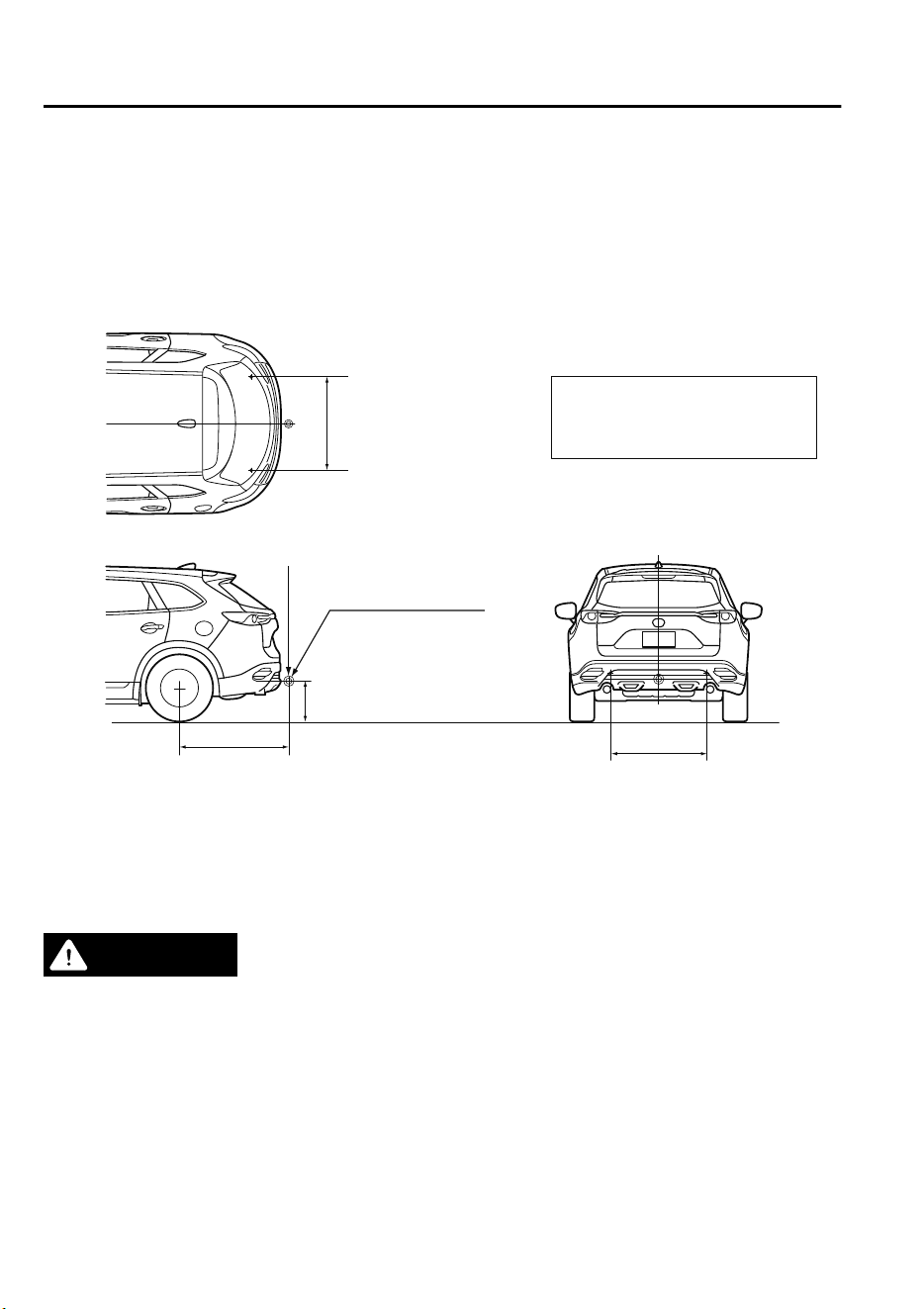
▼
Trailer Hitch
When towing a trailer, use an appropriate trailer hitch. We recommend using a genuine
Mazda trailer hitch. Use the original holes drilled by the vehicle manufacture for securing
the trailer hitch. Contact your Authorized Mazda Dealer for more information.
Trailer hitch installation area
Unit: mm (in)
MAX. 100 Kg (220 lb)
Hitch coupling point
A
B
A:350—420 (13.8—16.5)
B:1193.2 (46.976)
C:1046.9 (41.217)
C
C
▼
Tires
When towing a trailer, make sure all tires are inflated to the recommended cold-tire
pressure, as indicated on the tire pressure chart on the driver's door frame. Trailer tire size,
load rating, and inflation pressures should conform to tire manufacturer specifications.
WARNING
Never use the temporary spare tire when towing:
Using the temporary spare tire on your vehicle when towing a trailer is dangerous as it could
result in tire failure, loss of control, and injury to vehicle occupants.
▼
Safety Chains
Safety chains must be used as a precautionary measure should the trailer become
unintentionally unhitched. They should cross under the trailer tongue and attach to the hitch.
Leave enough slack to allow full turns. Consult literature published by your trailer or hitch
manufacturer for more details.
Before Driving
Towing
3-58
CX-9_8GC7-EE-17G_Edition1 2017-5-16 8:22:04
WARNING
Make sure the safety chain is securely attached to both the trailer and the vehicle prior to
departure:
Towing a trailer without using a safety chain securely attached to both the trailer and the
vehicle is dangerous. If damage occurs to the coupling unit or hitch ball, the trailer could
wander into another lane and cause a collision.
▼
Trailer Lights
CAUTION
Do not connect a trailer lighting system directly to the lighting system of your Mazda. This
may damage your vehicle's electrical system and lighting systems. To connect the lighting
system, consult an Authorized Mazda Dealer.
▼
Trailer Brakes
Check the Maximum trailer towing-load table in Weight Limits (page 3-56), and if your
trailer weight exceeds the value in the TOTAL TRAILER WEIGHT (Trailer without brake),
trailer brakes are required.
If your trailer has brakes, make sure they meet regulations.
WARNING
Do not connect a hydraulic trailer-brake system to your vehicle's brake system:
Connecting a hydraulic trailer-brake system directly to the vehicle brake system is dangerous
and will result in inadequate braking and possible injury.
▼
Trailer Towing Tips
Before driving
•
Verify that your Mazda maintains a near-normal attitude when a loaded or unloaded trailer
is connected. Do not drive if it has an abnormal front-up or front-down position. Inspect
for incorrect tongue load, worn suspension parts, and trailer overloading. Have the vehicle
inspected by an expert repairer, we recommend an Authorized Mazda Repairer.
•
Make sure the trailer cargo is secure to prevent it from shifting.
•
Make sure the mirrors meet all government regulations. Inspect them.
•
Before starting out, inspect the operation of all vehicle and trailer lights and all
vehicle-to-trailer connections. Stop and re-inspect all lights and connections after driving
a short distance.
Before Driving
Towing
3-59
CX-9_8GC7-EE-17G_Edition1 2017-5-16 8:22:04
Driving
•
Your Mazda will handle differently with a trailer in tow, so practice turning, backing, and
stopping in a traffic-free area.
•
Take time to get accustomed to the extra weight and length.
•
Do not exceed 100 km/h (62 mph) with a trailer in tow. If the local legal maximum speed
with a trailer in tow is less than 100 km/h (62 mph), do not exceed the legal speed.
CAUTION
If the vehicle exceeds 100 km/h (62 mph) with a trailer in tow, the vehicle could be
damaged.
•
When ascending a hill, shift into a lower gear to reduce the possibility of overloading or
overheating the engine, or both.
•
When descending a hill, shift into a lower gear and use engine compression as a braking
effect. Pay constant attention to speed and use the brakes only as needed. Holding the
brake pedal down for a prolonged period may cause the brakes to overheat and lose
power.
Parking
Avoid parking on an incline with a trailer. If this must be done, follow these instructions.
Parking on an Incline
1. Set the parking brake and the brakes.
2. Have someone block the wheels of the vehicle and trailer while you apply the brakes.
3. After the wheels are blocked, release the parking brake and the brakes slowly, allowing
the blocks to bear the load.
4. Set the parking brake firmly.
5. If the vehicle has an automatic transaxle, put the selector lever in P. If it has a manual
transaxle, place the gear shift in 1 or R.
Starting on an Incline
1. Start the engine (page 4-5).
2. Release the parking brake and slowly pull away a short distance from the wheel blocks.
3. Stop on the nearest level ground, set the parking brake, and pick up the wheel blocks.
Before Driving
Towing
3-60
CX-9_8GC7-EE-17G_Edition1 2017-5-16 8:22:04
4
When Driving
Information concerning safe driving and stopping.
Start/Stop Engine.............................. 4-4
Ignition Switch............................. 4-4
Starting the Engine....................... 4-5
Turning the Engine Off...............4-11
Instrument Cluster and Display............
...........................................................4-12
Meters and Gauges..................... 4-12
Multi-information Display and INFO
Switch
*
....................................... 4-20
Active Driving Display
*
.............4-29
Warning/Indicator Lights............4-32
Automatic Transaxle....................... 4-41
Automatic Transaxle
Controls...................................... 4-41
Shift-Lock System...................... 4-42
Transaxle Ranges........................4-43
Manual Shift Mode.....................4-45
Driving Tips................................4-49
Switches and Controls.....................4-50
Lighting Control......................... 4-50
Front Fog Lights
*
....................... 4-55
Rear Fog Light
*
..........................4-56
Turn and Lane-Change
Signals........................................ 4-57
Windshield Wipers and
Washer........................................ 4-58
Rear Window Wiper and
Washer........................................ 4-62
Headlight Washer
*
......................4-62
Rear Window Defogger..............4-63
Horn............................................4-64
Hazard Warning Flasher............. 4-65
Brake................................................ 4-66
Brake System..............................4-66
Emergency Stop Signal
System........................................ 4-70
Hill Launch Assist (HLA).......... 4-71
ABS/TCS/DSC/Trailer Stability Assist
(TSA)................................................ 4-72
Antilock Brake System
(ABS)..........................................4-72
Traction Control System
(TCS).......................................... 4-73
Dynamic Stability Control
(DSC)..........................................4-75
Trailer Stability Assist (TSA)
*
...........
.................................................... 4-76
Fuel Economy Monitor................... 4-77
Fuel Economy Monitor...............4-77
*Some models.
4-1
CX-9_8GC7-EE-17G_Edition1 2017-5-16 8:22:04

Drive Selection................................. 4-79
Drive Selection........................... 4-79
i-ACTIV AWD................................. 4-81
i-ACTIV AWD Operation
*
.........4-81
Power Steering.................................4-83
Power Steering............................4-83
i-ACTIVSENSE...............................4-84
i-ACTIVSENSE
*
........................4-84
Adaptive LED Headlights
(ALH)
*
........................................4-87
Blind Spot Monitoring (BSM)
*
.........
.................................................... 4-90
Traffic Sign Recognition System
(TSR)
*
........................................ 4-96
Distance Recognition Support
System (DRSS)
*
.......................4-103
Driver Attention Alert (DAA)
*
..........
.................................................. 4-106
Rear Cross Traffic Alert (RCTA)
*
.....
.................................................. 4-108
Mazda Radar Cruise Control
(MRCC)
*
...................................4-111
Mazda Radar Cruise Control with
Stop & Go function (MRCC with
Stop & Go function)
*
...............4-121
Lane-keep Assist System (LAS) &
Lane Departure Warning System
(LDWS)
*
.................................. 4-134
Advanced Smart City Brake Support
(Advanced SCBS)
*
...................4-145
Smart City Brake Support [Forward]
(SCBS F)
*
.................................4-148
Smart City Brake Support [Reverse]
(SCBS R)
*
................................ 4-152
Smart Brake Support (SBS)
*
....4-156
Forward Sensing Camera (FSC)
*
......
.................................................. 4-159
Radar Sensor (Front)
*
.............. 4-164
Radar Sensors (Rear)
*
..............4-167
Ultrasonic Sensor (Rear)
*
.........4-169
Cruise Control............................... 4-170
Cruise Control
*
.........................4-170
4-2
*Some models.
CX-9_8GC7-EE-17G_Edition1 2017-5-16 8:22:04

Tire Pressure Monitoring
System.............................................4-175
Tire Pressure Monitoring System
*
.....
.................................................. 4-175
Rear View Monitor....................... 4-179
Rear View Monitor
*
................. 4-179
Parking Sensor System................. 4-191
Parking Sensor System
*
........... 4-191
*Some models.
4-3
CX-9_8GC7-EE-17G_Edition1 2017-5-16 8:22:04
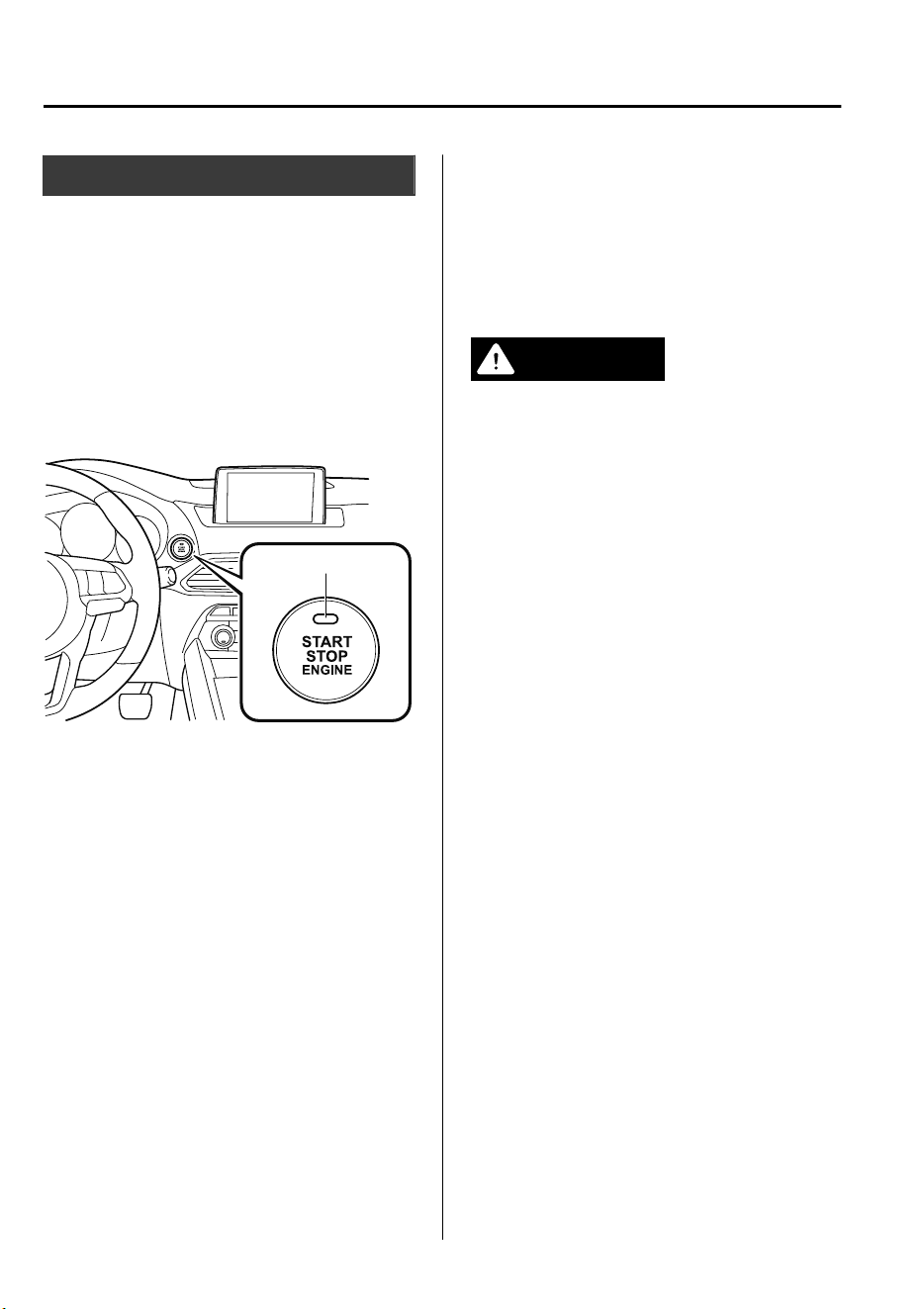
Ignition Switch
▼
Push Button Start Positions
The system operates only when the driver
is in the vehicle or within operational
range while the key is being carried.
Each time the push button start is pressed,
the ignition switches in the order of off,
ACC, and ON. Pressing the push button
start again from ON switches the ignition
off.
Indicator light
NOTE
•
The engine starts by pressing the push
button start while depressing the brake
pedal. To switch the ignition position,
press the push button start without
depressing the pedal.
•
Do not leave the ignition switched ON
while the engine is not running. Doing
so could result in the battery going
dead. If the selector lever is in the P
position, and the ignition is in ACC, the
ignition switches off automatically after
about 25 minutes.
Off
The power supply to electrical devices
turns off and the push button start
indicator light (amber) also turns off.
In this position the steering wheel is
locked.
WARNING
Before leaving the driver's seat, always
switch the ignition
o,
set the parking
brake, and make sure the selector lever is in
P:
Leaving the driver's seat without switching
the ignition o, setting the parking brake,
and shifting the selector lever to P is
dangerous. Unexpected vehicle movement
could occur which could result in an
accident.
In addition, if your intention is to leave the
vehicle for even a short period, it is
important to switch the ignition o, as
leaving it in another position will disable
some of the vehicle's security systems and
run the battery down.
NOTE
(Locked steering wheel)
If the push button start indicator light
(green) is flashing and the beep sound is
heard, this indicates that the steering
wheel is not unlocked. To unlock the
steering wheel, press the push button start
while moving the steering wheel left and
right.
When Driving
Start/Stop Engine
4-4
CX-9_8GC7-EE-17G_Edition1 2017-5-16 8:22:04
ACC (Accessory)
Some electrical accessories will operate
and the indicator light (amber) illuminates.
In this position the steering wheel is
unlocked.
NOTE
The keyless entry system does not function
while the push button start has been
pressed to ACC, and the doors will not
lock/unlock even if they have been locked
manually.
ON
This is the normal running position after
the engine is started. The indicator light
(amber) turns off. (The indicator light
(amber) illuminates when the ignition is
switched ON and the engine is not
running.)
Some indicator lights/warning lights
should be inspected before the engine is
started (page 4-32).
NOTE
When the push button start is pressed to
ON, the sound of the fuel pump motor
operating near the fuel tank can be heard.
This does not indicate an abnormality.
Starting the Engine
WARNING
Radio waves from the key may aect
medical devices such as pacemakers:
Before using the key near people who use
medical devices, ask the medical device
manufacturer or your physician if radio
waves from the key will aect the device.
NOTE
•
The key must be carried because the key
carries an immobilizer chip that must
communicate with the engine controls at
short range.
•
The engine can be started when the push
button start is pressed from off, ACC, or
ON.
•
The push button start system functions
(function which can start the engine by
only carrying the key) can be
deactivated to prevent any possible
adverse effect on a user wearing a
pacemaker or other medical device. If
the system is deactivated, you will be
unable to start the engine by carrying
the key. Consult an expert repairer, we
recommend an Authorized Mazda
Repairer for details. If the push button
start system functions have been
deactivated, you can start the engine by
following the procedure indicated when
the key battery goes dead.
Refer to Engine Start Function When
Key Battery is Dead on page 4-9.
When Driving
Start/Stop Engine
4-5
CX-9_8GC7-EE-17G_Edition1 2017-5-16 8:22:04
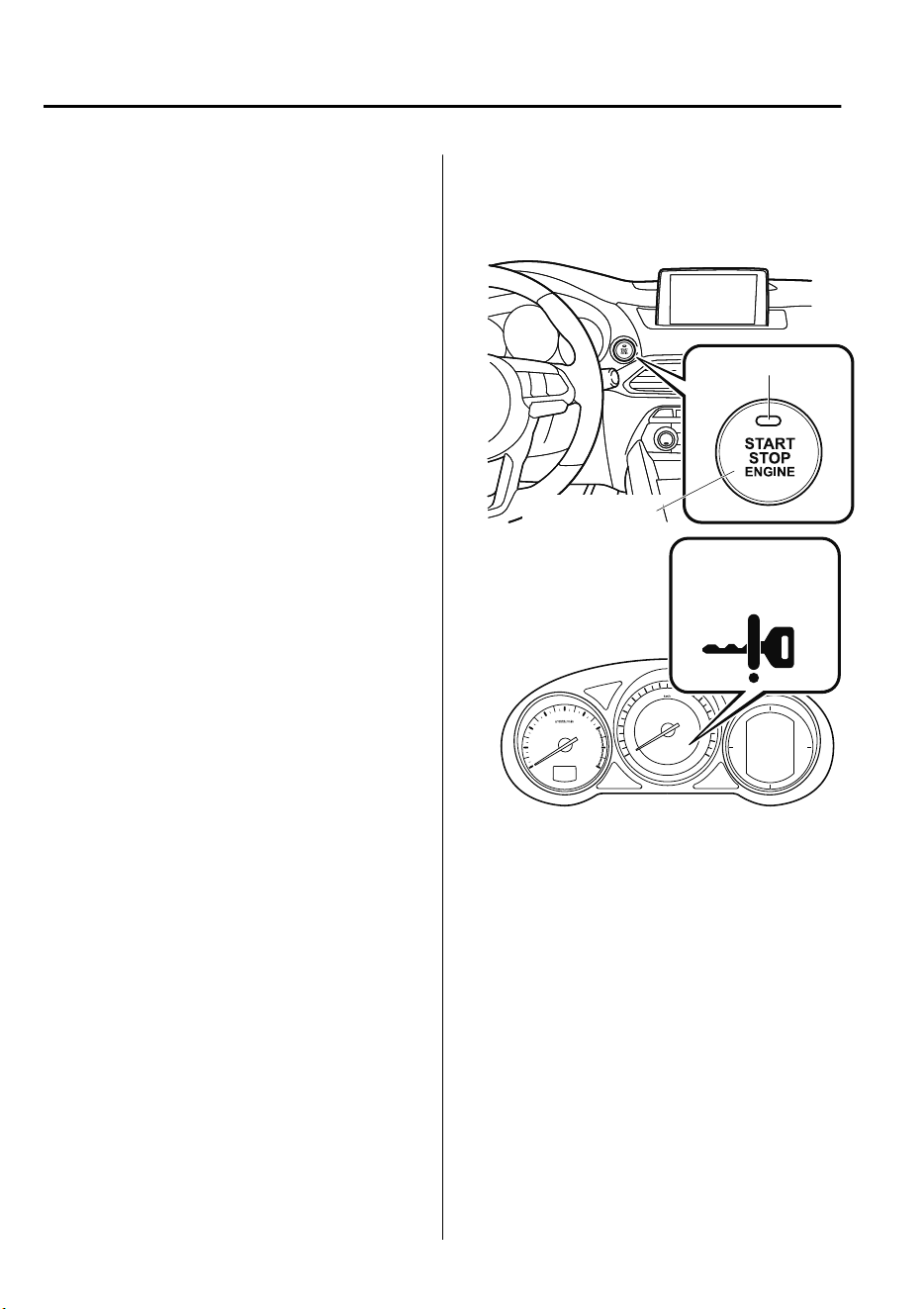
•
After starting a cold engine, the engine
speed increases and a whining sound
from the engine compartment can be
heard.
This is for improved exhaust gas
purification and does not indicate any
parts defect.
1. Make sure you are carrying the key.
2. Occupants should fasten their seat
belts.
3. Make sure the parking brake is on.
4. Continue to press the brake pedal
firmly until the engine has completely
started.
5. Put the vehicle in park (P). If you must
restart the engine while the vehicle is
moving, shift into neutral (N).
NOTE
The starter will not operate if the
selector lever is not in P or N and the
brake pedal is not depressed
sufficiently.
6. Verify that the KEY indicator light
(green) (if equipped) in the instrument
cluster and the push button start
indicator light (green) illuminate.
Indicator light
Push button start
KEY indicator light
(green)/ KEY
warning light (red)
When Driving
Start/Stop Engine
4-6
CX-9_8GC7-EE-17G_Edition1 2017-5-16 8:22:04
NOTE
•
If the push button start indicator
light (green) flashes, make sure that
the key is being carried (for vehicles
with a type A instrument cluster
(page 4-32), messages are
displayed in the instrument cluster).
•
If the push button start indicator
light (green) flashes with the key
being carried, touch the key to the
push button start and start the
engine (for vehicles with a type A
instrument cluster (page 4-32),
messages are displayed in the
instrument cluster). Refer to Engine
Start Function When Key Battery is
Dead on page 4-9.
CAUTION
If the KEY warning light (red)
illuminates, or the push button start
indicator light (amber) ashes, this
could indicate a problem with the
engine starting system. This may
prevent the engine from starting or
from switching the ignition to ACC or
ON (for vehicles with a type A
instrument cluster (page 4-32),
messages are displayed in the
instrument cluster). Have your vehicle
inspected at an expert repairer, we
recommend an Authorized Mazda
Repairer as soon as possible.
NOTE
•
Under the following conditions, the
KEY warning light (red) flashes after
the push button start is pressed. This
informs the driver that the push
button start will not switch to ACC,
even if it is pressed from off (for
vehicles with a type A instrument
cluster (page 4-32), messages are
displayed in the instrument cluster).
•
The key battery is dead.
•
The key is out of operational
range.
•
The key is placed in areas where it
is difficult for the system to detect
the signal (page 3-6).
•
A key from another manufacturer
similar to the key is in the
operational range.
•
(Forced engine starting method)
If the KEY warning light (red)
illuminates, or the push button start
indicator light (amber) flashes, this
could indicate that the engine may
not start using the usual starting
method (for vehicles with a type A
instrument cluster (page 4-32),
messages are displayed in the
instrument cluster). Have your
vehicle inspected at an expert
repairer, we recommend an
Authorized Mazda Repairer as soon
as possible. If this occurs, the engine
can be force-started. Press and hold
the push button start until the engine
starts. Other procedures necessary
for starting the engine, such as
having the key in the cabin, and
depressing the brake pedal are
required.
When Driving
Start/Stop Engine
4-7
CX-9_8GC7-EE-17G_Edition1 2017-5-16 8:22:04

•
When the engine is force-started, the
KEY warning light (red) (if
equipped) remains illuminated and
the push button start indicator light
(amber) remains flashing.
•
When the selector lever is in the
neutral (N) position, the KEY
indicator light (green) (if equipped)
and the push button start indicator
light (green) do not illuminate.
7. Press the push button start after both
the KEY indicator light (green) (if
equipped) in the instrument cluster and
the push button start indicator light
(green) illuminate.
NOTE
•
After starting the engine, the push
button start indicator light (amber)
turns off and the ignition switches to
the ON position.
•
After pressing the push button start
and before the engine starts, the
operation sound of the fuel pump
motor from near the fuel tank can be
heard, however, this does not
indicate a malfunction.
8. After starting the engine, let it idle for
about ten seconds (Prohibited in
Germany).
NOTE
•
(Germany)
Drive immediately after starting the
engine. However do not use high
engine speeds until reaching the
operating temperature.
•
Whether the engine is cold or warm,
it should be started without the use
of the accelerator.
•
If the engine does not start the first
time, refer to Starting a Flooded
Engine under Emergency Starting. If
the engine still does not start, have
your vehicle inspected by an
Authorized Mazda Repairer (page
7-31).
When Driving
Start/Stop Engine
4-8
CX-9_8GC7-EE-17G_Edition1 2017-5-16 8:22:04
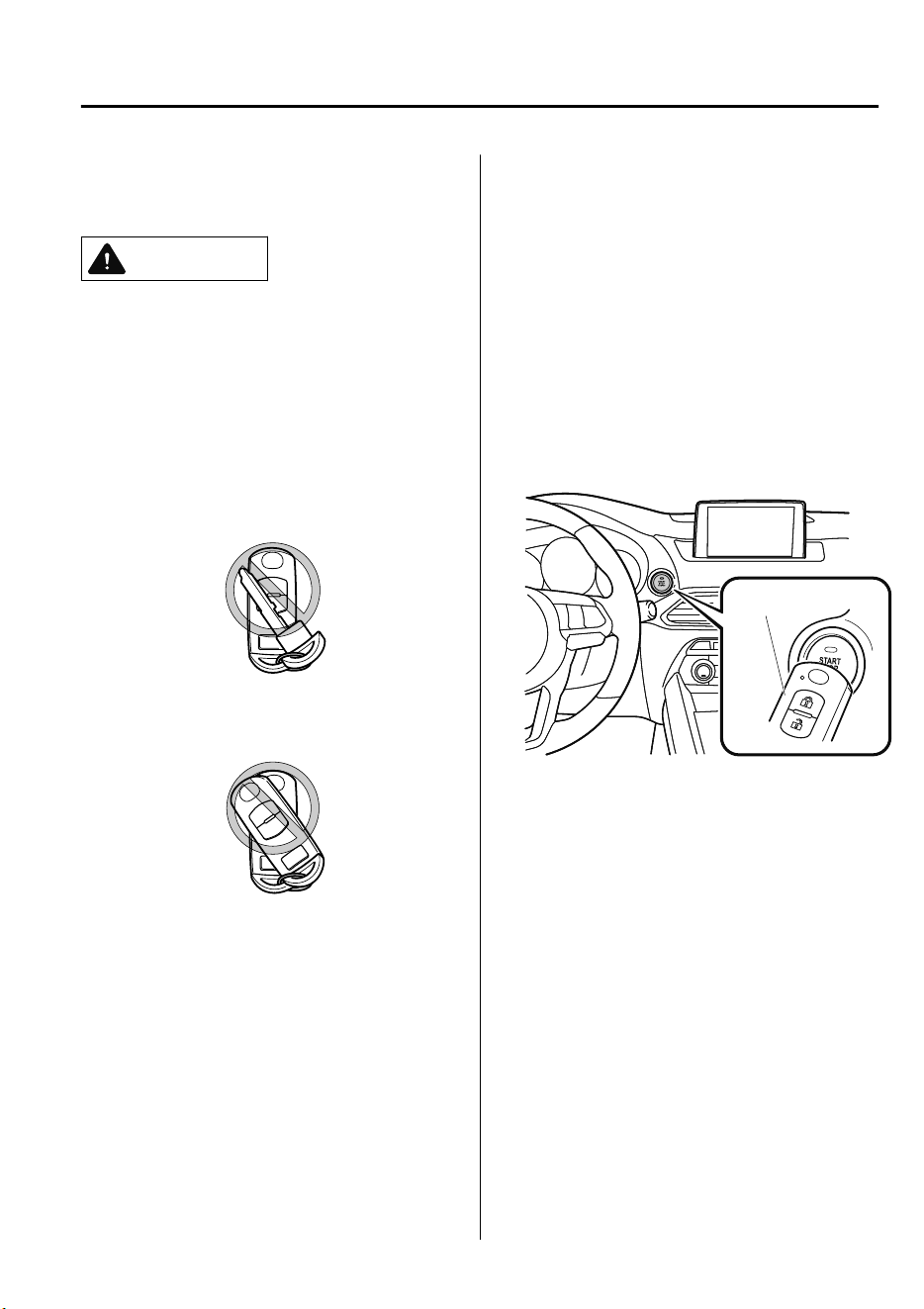
▼
Engine Start Function When Key
Battery is Dead
CAUTION
When starting the engine by holding the
transmitter over the push button start due
to a dead key battery or a malfunctioning
key, be careful not to allow the following,
otherwise the signal from the key will not
be received correctly and the engine may
not start.
Metal parts of other keys or metal objects
touch the key.
Spare keys or keys for other vehicles
equipped with an immobilizer system
touch or come near the key.
Devices for electronic purchases, or
security passage touch or come near the
key.
If the engine cannot be started due to a
dead key battery, the engine can be started
using the following procedure:
1. Continue to depress the brake pedal
firmly until the engine has completely
started.
2. Verify that the push button start
indication light (green) flashes.
3. Touch the push button start using the
backside of the key (as shown) while
the push button start indicator light
(green) flashes.
Transmitter
NOTE
When touching the push button start
using the backside of the key as shown
in the illustration, touch the push
button start with the lock switch side of
the key facing up.
4. Verify that the push button start
indicator light (green) turns on.
5. Press the push button start to start the
engine.
When Driving
Start/Stop Engine
4-9
CX-9_8GC7-EE-17G_Edition1 2017-5-16 8:22:04

NOTE
•
The engine cannot be started unless
the brake pedal is fully depressed.
•
If there is a malfunction with the
push button start function, the push
button start indicator light (amber)
flashes. In this case, the engine may
start, however, have the vehicle
checked at an expert repairer, we
recommend an Authorized Mazda
Repairer as soon as possible.
•
If the push button start indicator
light (green) does not illuminate,
perform the operation from the
beginning again. If it does not
illuminate, have the vehicle checked
at an expert repairer, we recommend
an Authorized Mazda Repairer.
•
To switch the ignition position
without starting the engine, perform
the following operations after the
push button start indicator light
(green) turns on.
1. Release the brake pedal.
2. Press the push button start to
switch the ignition position. The
ignition switches in the order of
ACC, ON, and off each time the
push button start is pressed. To
switch the ignition position
again, perform the operation
from the beginning.
▼
Emergency Operation for Starting
the Engine
If the KEY warning light (red) illuminates,
or the push button start indicator light
(amber) flashes, this could indicate that
the engine may not start using the usual
starting method (for vehicles with a type A
instrument cluster (page 4-32), messages
are displayed in the instrument cluster).
Have your vehicle inspected at an expert
repairer, we recommend an Authorized
Mazda Repairer as soon as possible. If this
occurs, the engine can be force-started.
Press and hold the push button start until
the engine starts. Other procedures
necessary for starting the engine such as
having the key in the cabin, and
depressing the brake pedal are required.
When Driving
Start/Stop Engine
4-10
CX-9_8GC7-EE-17G_Edition1 2017-5-16 8:22:04
Turning the Engine Off
WARNING
Do not stop the engine while the vehicle is
moving:
Stopping the engine while the vehicle is
moving for any reason other than in an
emergency is dangerous. Stopping the
engine while the vehicle is moving will
result in reduced braking ability due to the
loss of power braking, which could cause
an accident and serious injury.
1. Stop the vehicle completely.
2. Shift the selector lever to the P
position and set the parking brake.
3. Press the push button start to turn off
the engine. The ignition position is off.
CAUTION
When leaving the vehicle, make sure the
push button start is o.
NOTE
•
The cooling fan in the engine
compartment could turn on for a few
minutes after the ignition is switched
from ON to OFF, whether or not the A/C
is on or off, to cool the engine
compartment quickly.
•
If the system detects that the remaining
battery power of the key is low when the
ignition is switched from ON to ACC or
OFF, the following is indicated.
Replace with a new battery before the
key becomes unusable.
Refer to Key Battery Replacement on
page 6-33.
(Vehicle equipped with Type A
instrument cluster)
A message is indicated in the display of
the instrument cluster.
(Vehicle equipped with Type B
instrument cluster)
The KEY indicator light (green) flashes
for approximately 30 seconds.
Refer to Warning/Indicator Lights on
page 4-32.
•
If the engine is turned off while the
selector lever is in a position other than
P, the ignition switches to ACC.
▼
Emergency Engine Stop
Continuously pressing the push button
start or quickly pressing it any number of
times while the engine is running or the
vehicle is being driven will turn the engine
off immediately. The ignition switches to
ACC.
When Driving
Start/Stop Engine
4-11
CX-9_8GC7-EE-17G_Edition1 2017-5-16 8:22:04
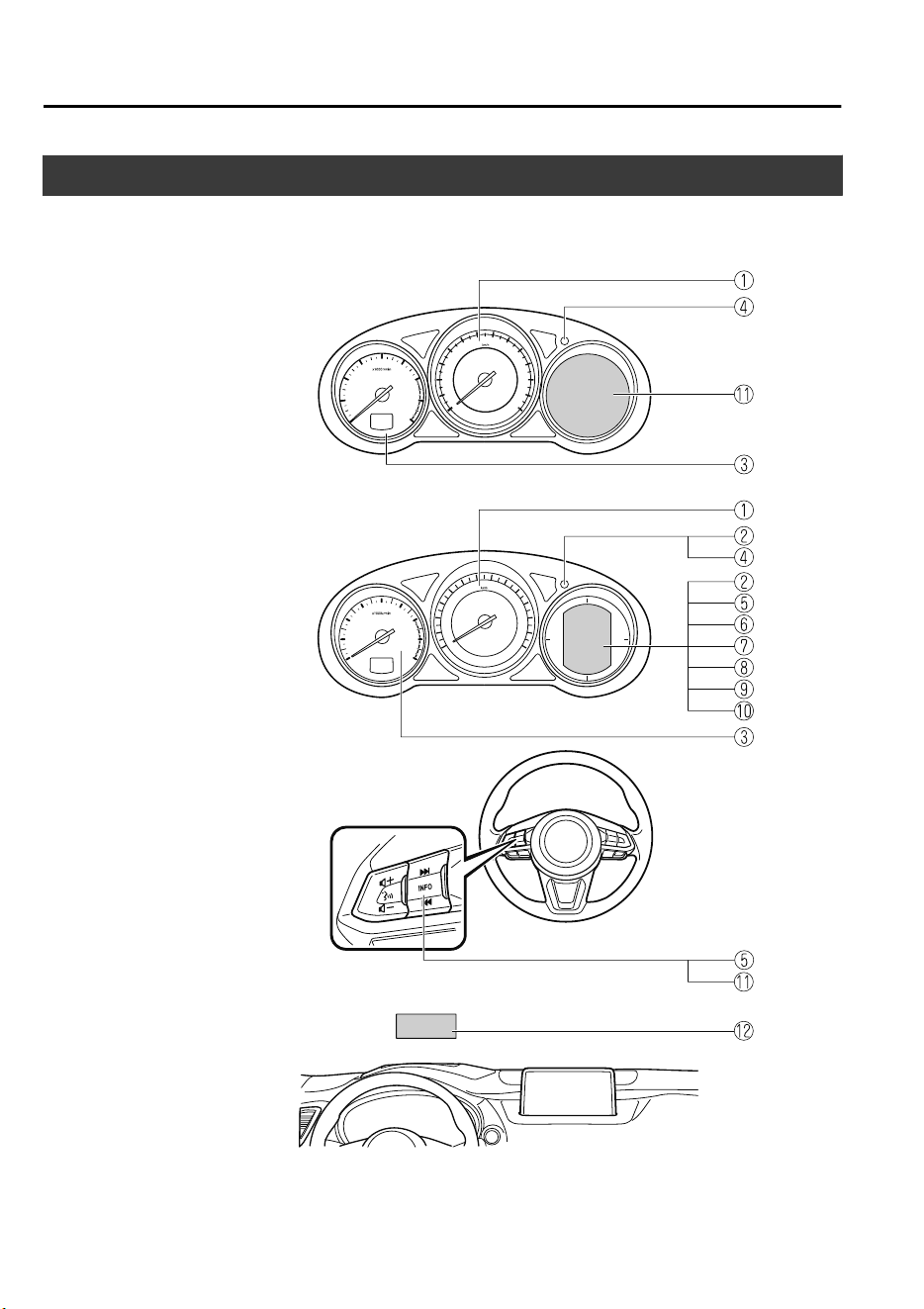
Meters and Gauges
Instrument Cluster
Type A
(With Multi-information Display)
(Without Multi-information Display)
Type B
Steering Switch
Active Driving Display
① Speedometer..........................................................................................................page 4-13
② Odometer, Trip Meter and Trip Meter Selector.................................................... page 4-13
When Driving
Instrument Cluster and Display
4-12
CX-9_8GC7-EE-17G_Edition1 2017-5-16 8:22:04
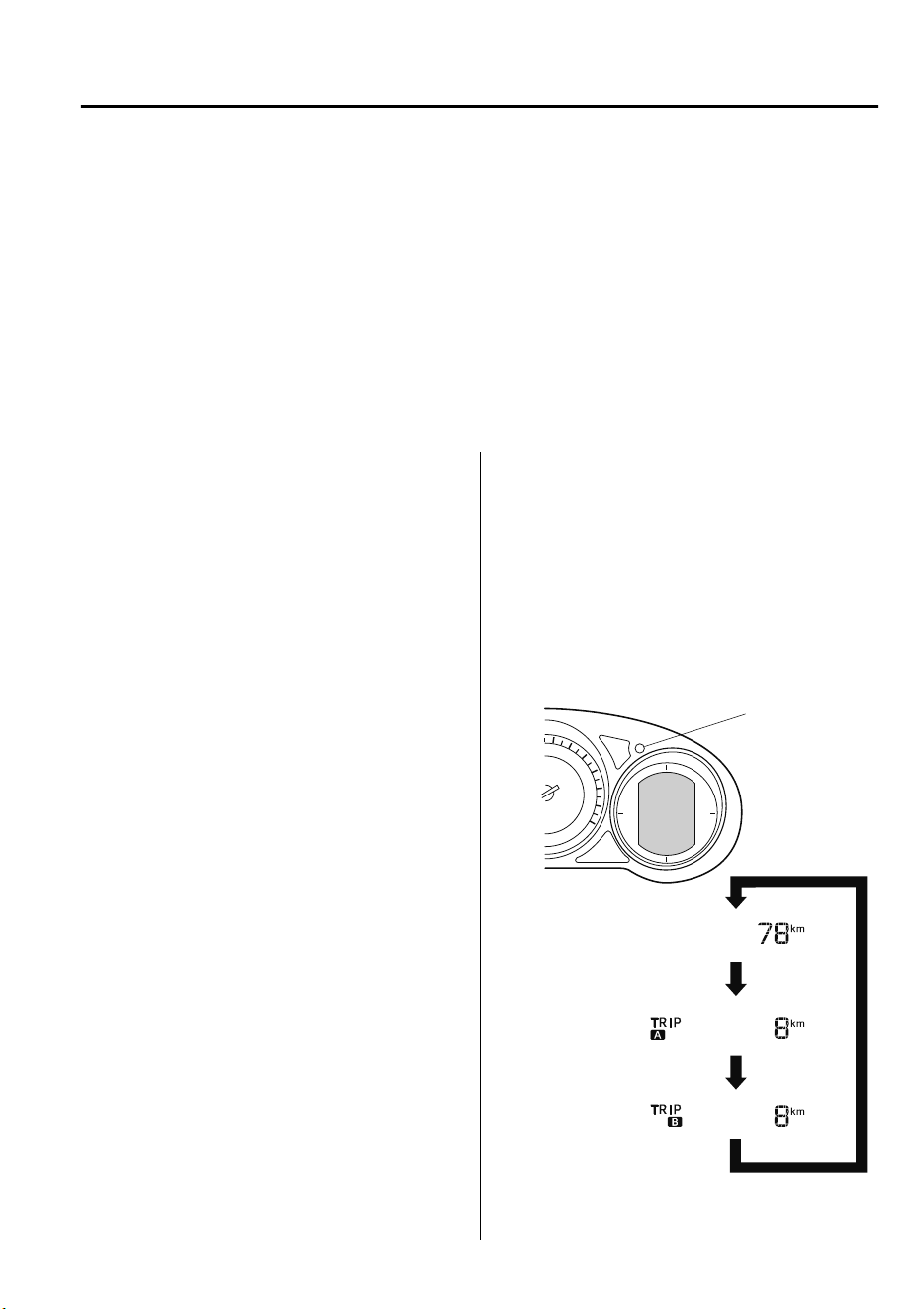
③ Tachometer............................................................................................................page 4-14
④ Dashboard Illumination.........................................................................................page 4-16
⑤ Trip Computer and INFO Switch..........................................................................page 4-18
⑥ Engine Coolant Temperature Gauge..................................................................... page 4-15
⑦ Fuel Gauge............................................................................................................ page 4-15
⑧ Outside Temperature Display................................................................................page 4-17
⑨ Cruise Control Set Vehicle Speed Display............................................................page 4-18
⑩ Vehicle Speed Alarm.............................................................................................page 4-19
⑪ Multi-information Display and INFO Switch....................................................... page 4-20
⑫ Active Driving Display......................................................................................... page 4-29
▼
Speedometer
The speedometer indicates the speed of the
vehicle.
▼
Odometer, Trip Meter and Trip
Meter Selector (Without
Multi-information Display)
The display mode can be changed from
odometer to trip meter A to trip meter B
and then back to odometer by pressing the
selector while one of them is displayed.
The selected mode will be displayed.
Press the selector
Press the selector
Press the selector
Odometer
Trip meter A
Trip meter B
Selector
When Driving
Instrument Cluster and Display
4-13
CX-9_8GC7-EE-17G_Edition1 2017-5-16 8:22:04
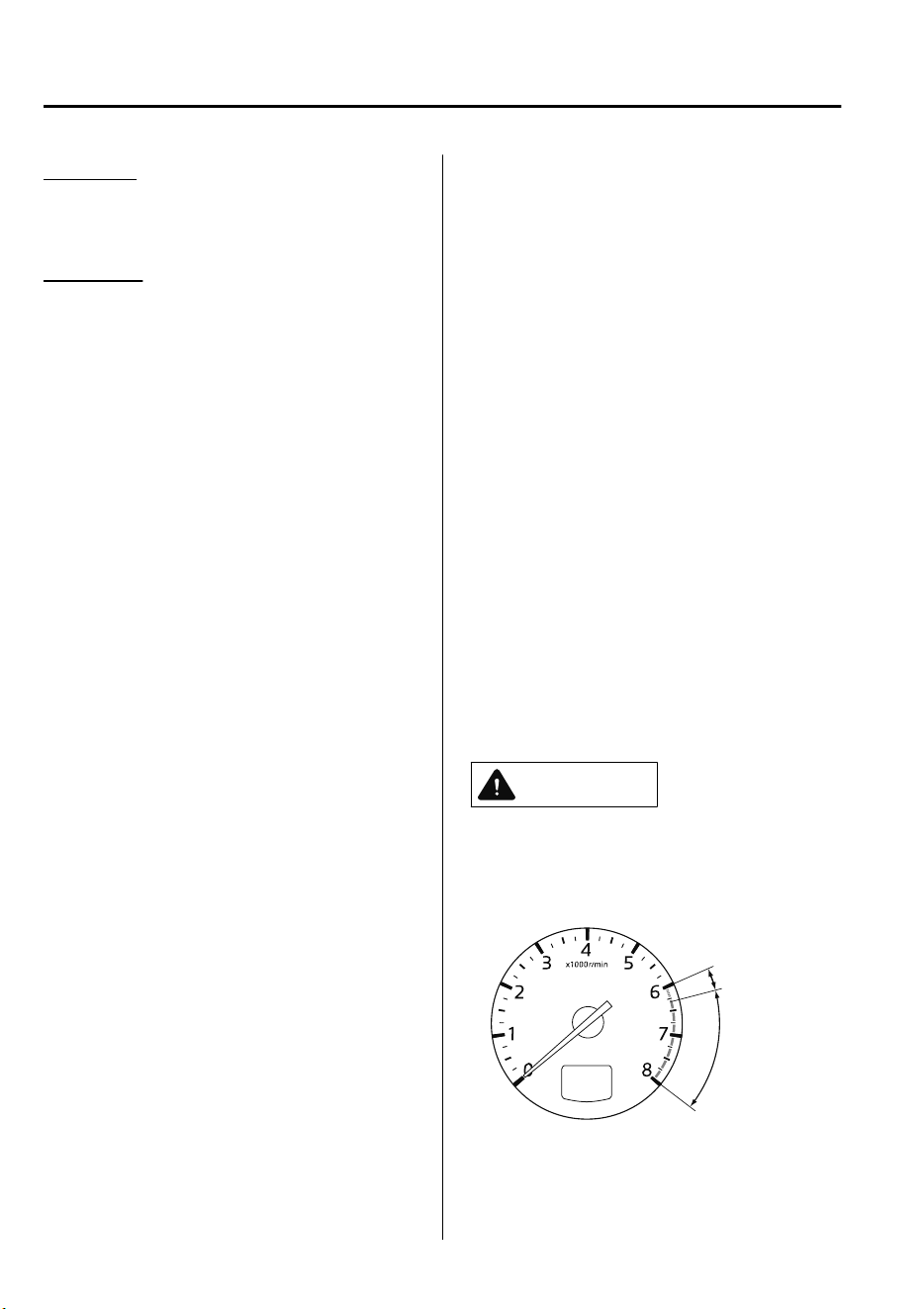
Odometer
The odometer records the total distance
the vehicle has been driven.
Trip meter
The trip meter can record the total distance
of two trips. One is recorded in trip meter
A, and the other is recorded in trip meter
B.
For instance, trip meter A can record the
distance from the point of origin, and trip
meter B can record the distance from
where the fuel tank is filled.
When trip meter A is selected, pressing the
selector again within one second will
change to trip meter B mode.
When trip meter A is selected, TRIP A
will be displayed. When trip meter B is
selected, TRIP B will be displayed.
The trip meter records the total distance
the vehicle is driven until the meter is
again reset. Return it to “0.0” by
depressing and holding the selector for one
second or more. Use this meter to measure
trip distances and to compute fuel
consumption.
NOTE
•
If the fuel economy data is reset using
the fuel economy monitor, or trip A is
reset using the trip meter when the
function which synchronizes the fuel
economy monitor and the trip meter is
on, the fuel economy data and trip A are
reset simultaneously.
Refer to Fuel Economy Monitor on page
4-77.
•
Only the trip meters record tenths of
kilometers (miles).
•
The trip record will be erased when:
•
The power supply is interrupted
(blown fuse or the battery is
disconnected).
•
The vehicle is driven over 9999.9 km
(mile).
▼
Tachometer
The tachometer shows engine speed in
thousands of revolutions per minute (rpm).
CAUTION
Do not run the engine with the tachometer
needle in the RED ZONE.
This may cause severe engine damage.
STRIPED
ZONE
RED ZONE
When Driving
Instrument Cluster and Display
4-14
CX-9_8GC7-EE-17G_Edition1 2017-5-16 8:22:04
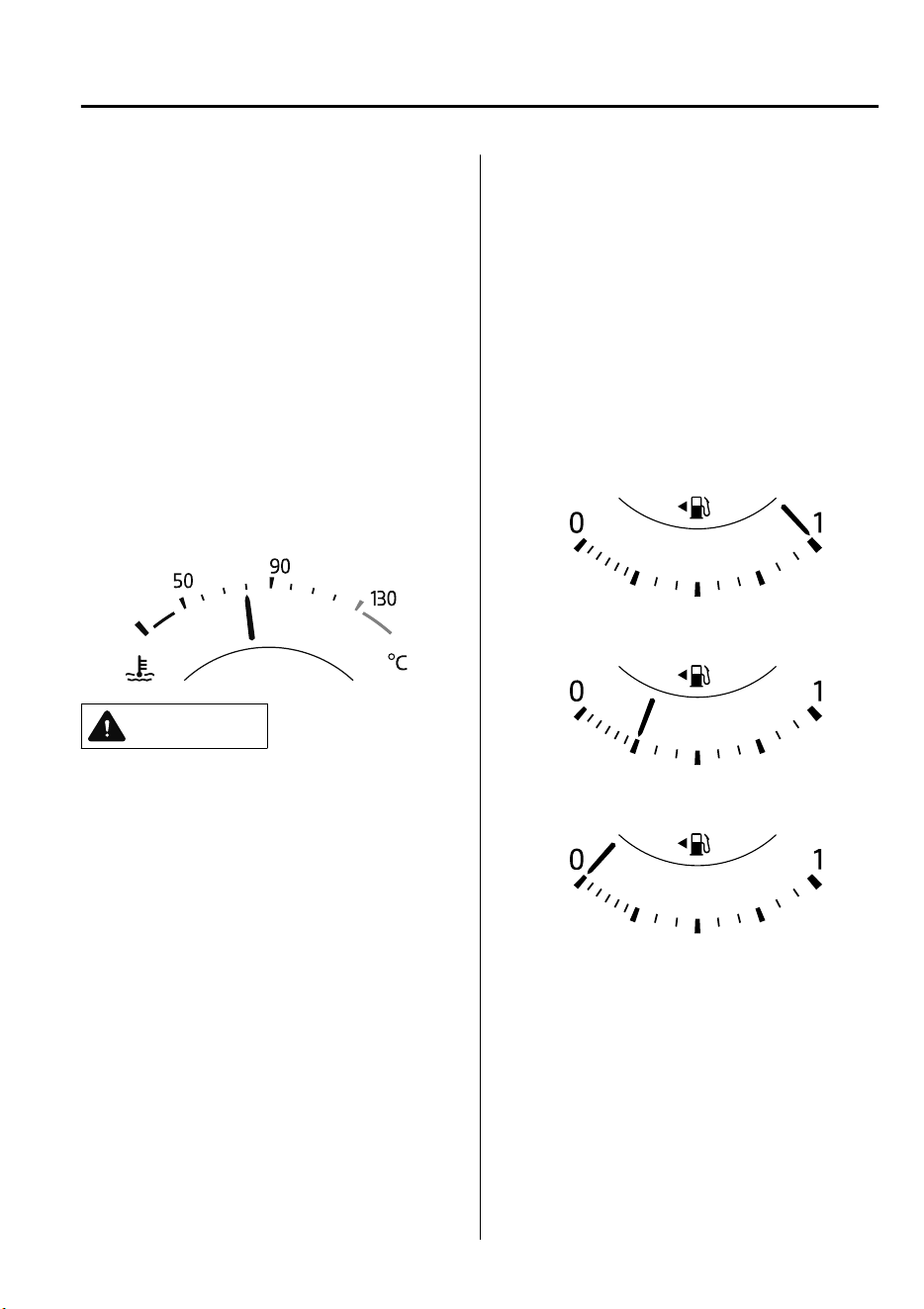
NOTE
When the tachometer needle enters the
STRIPED ZONE, this indicates to the
driver that the gears should be shifted
before entering the RED ZONE.
▼
Engine Coolant Temperature Gauge
(Without Multi-information
Display)
Displays the engine coolant temperature.
The white gauge indicates that the engine
coolant temperature is low, and the red
gauge indicates that the engine coolant
temperature is high and overheating.
CAUTION
If the engine coolant temperature gauge
indicator
ashes,
there is a possibility of
overheating. Park the vehicle in a safe
place immediately and take appropriate
measures. If the vehicle continues to be
driven, it could cause damage to the
engine.
Refer to Overheating on page 7-32.
NOTE
•
The temperature unit (Centigrade/
Fahrenheit) of the engine coolant gauge
display changes in conjunction with the
temperature unit of the outside
temperature display.
Refer to Personalization Features on
page 9-10.
•
During normal driving, the engine
coolant temperature stabilizes at 100 °C
(210 °F) or less, and the gauge indicates
a range lower than 100 °C (210 °F).
▼
Fuel Gauge (Without
Multi-information Display)
The fuel gauge shows approximately how
much fuel is remaining in the tank when
the ignition is switched ON. We
recommend keeping the tank over 1/4 full.
Full
1/4 Full
Empty
If the low fuel warning light illuminates or
the fuel level is very low, refuel as soon as
possible.
Refer to Taking Action on page 7-47 .
When Driving
Instrument Cluster and Display
4-15
CX-9_8GC7-EE-17G_Edition1 2017-5-16 8:22:04
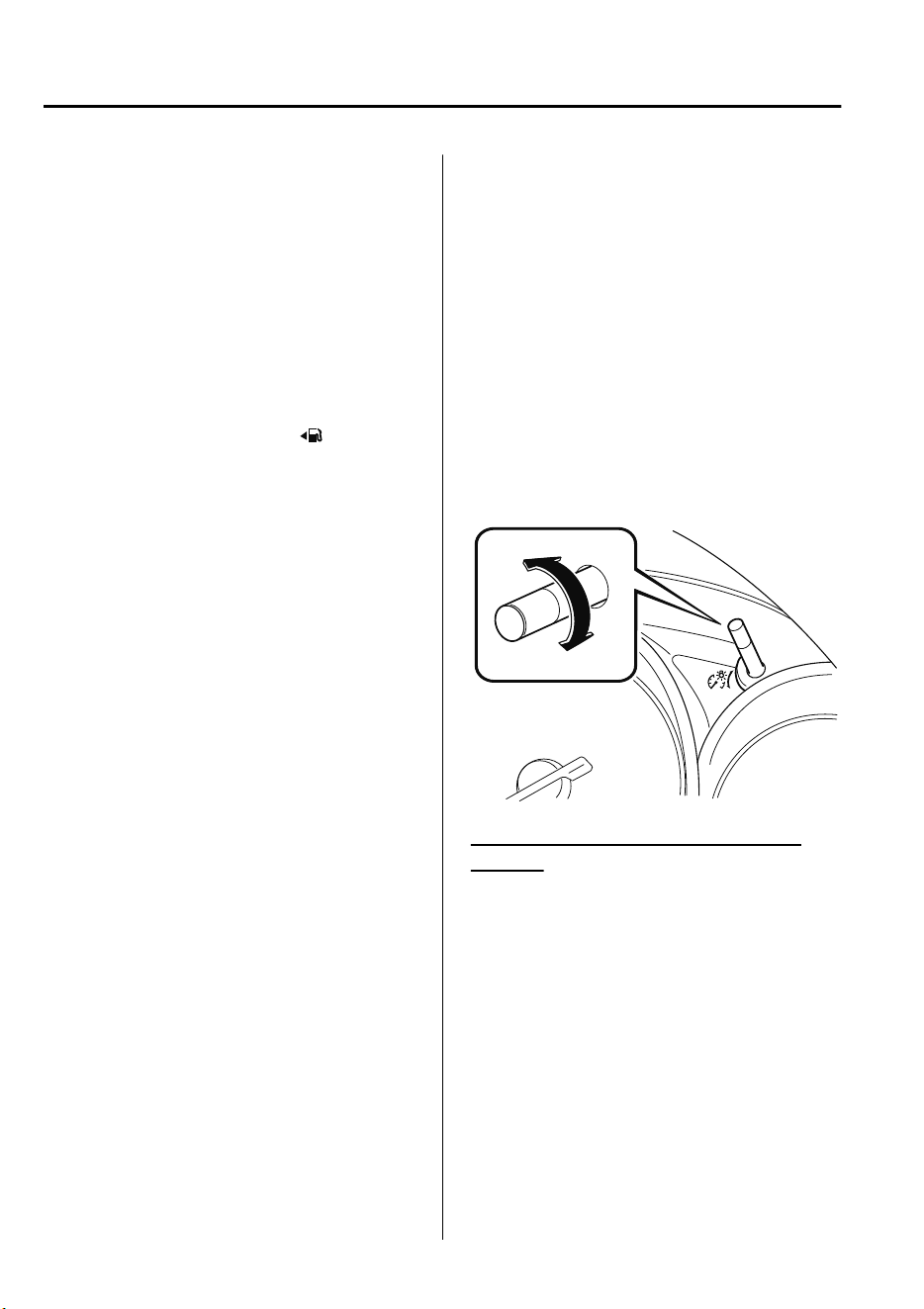
NOTE
•
After refueling, it may require some time
for the indicator to stabilize. In addition,
the indicator may deviate while driving
on a slope or curve since the fuel moves
in the tank.
•
The display indicating a quarter or less
remaining fuel has more segments to
show the remaining fuel level in greater
detail.
•
The direction of the arrow ( ) indicates
that the fuel-filler lid is on the left side
of the vehicle.
▼
Dashboard Illumination
(Without auto-light control)
When the position lights are turned on
with the ignition switched ON, the
brightness of the dashboard illumination is
dimmed.
(With auto-light control)
When the position lights are turned on
with the ignition switched ON, the
brightness of the dashboard illumination is
dimmed. However, when the light sensor
detects that the surrounding area is bright
such as when the position lights are turned
on in the daytime, the dashboard
illumination does not dim.
NOTE
•
(With auto-light control)
When the ignition is switched ON in the
early evening or at dusk, the dashboard
illumination is dimmed for several
seconds until the light sensor detects the
brightness of the surrounding area,
however, the dimmer may cancel after
the brightness is detected.
•
When the position lights are turned on,
the position lights indicator light in the
instrument cluster turns on.
Refer to Headlights on page 4-50.
The brightness of the instrument cluster
and dashboard illuminations can be
adjusted by rotating the knob.
•
The brightness decreases by rotating the
knob to the left. A beep sound will be
heard when the knob has been rotated to
the maximum dim position.
•
The brightness increases by rotating the
knob to the right.
Dim
Bright
Function for cancelling illumination
dimmer
The illumination dimmer can be canceled
by rotating the dashboard illumination
knob to the right until a beep sound is
heard while the instrument cluster is
dimmed with the ignition switched ON. If
the instrument cluster's visibility is
reduced due to glare from surrounding
brightness, cancel the illumination
dimmer.
When Driving
Instrument Cluster and Display
4-16
CX-9_8GC7-EE-17G_Edition1 2017-5-16 8:22:04
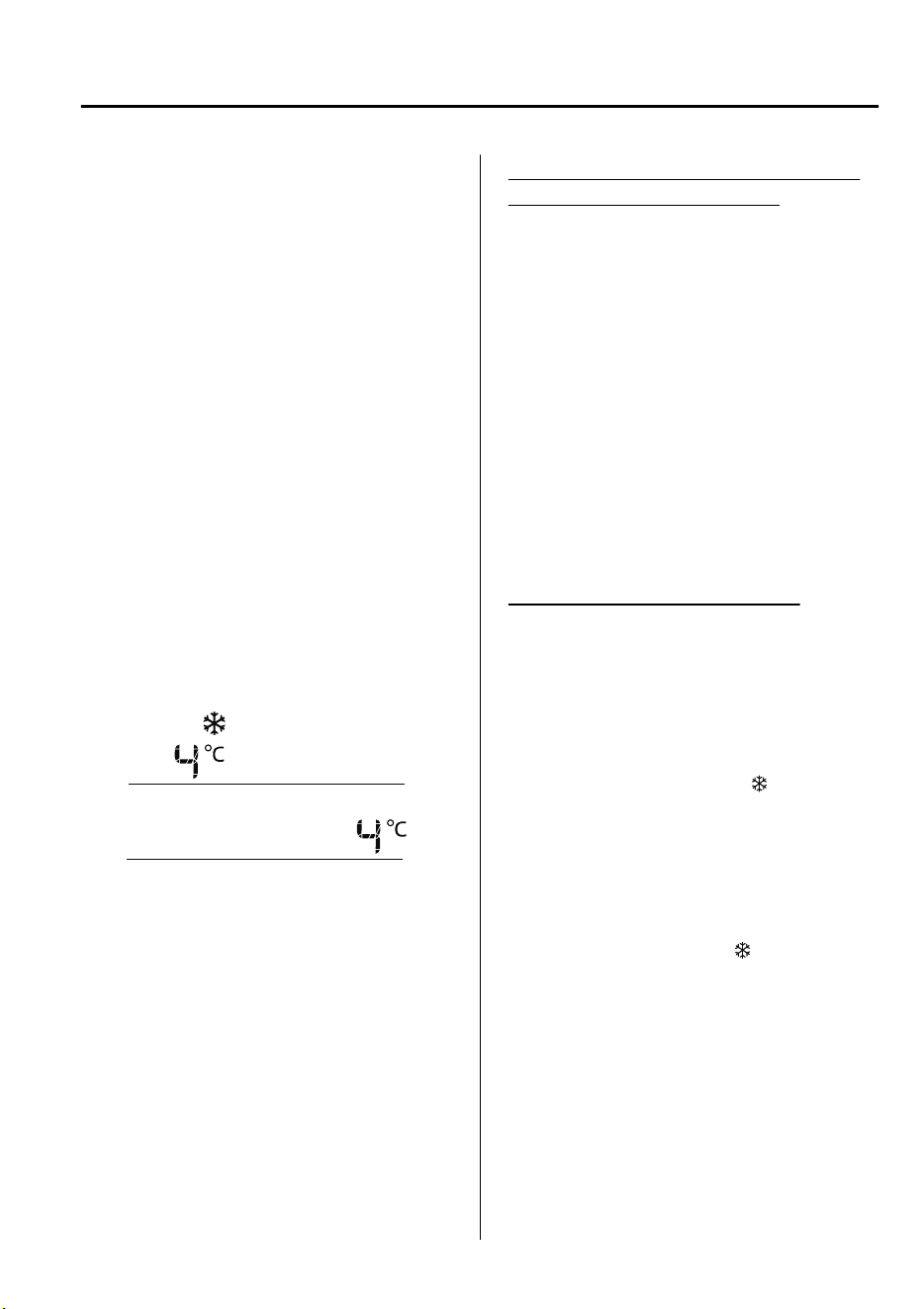
NOTE
•
(With Multi-information Display)
The illumination dimmer can be
canceled by pressing the dashboard
illumination knob.
•
When the illumination dimmer is
canceled, the instrument cluster cannot
be dimmed even if the position lights are
turned on.
•
When the illumination dimmer is
canceled, the screen in the center
display switches to constant display of
the daytime screen.
▼
Outside Temperature Display
(Without Multi-information
Display)
When the ignition is switched ON, the
outside temperature is displayed.
(European model)
(Except European model)
NOTE
•
Under the following conditions, the
outside temperature display may differ
from the actual outside temperature
depending on the surroundings and
vehicle conditions:
•
Significantly cold or hot temperatures.
•
Sudden changes in outside
temperature.
•
The vehicle is parked.
•
The vehicle is driven at low speeds.
Changing the Temperature Unit of the
Outside Temperature Display
The outside temperature unit can be
switched between Celsius and Fahrenheit
using the following procedure.
Settings can be changed by operating the
center display screen.
Refer to Personalization Features on page
9-10.
NOTE
When the temperature unit indicated in the
outside temperature display is changed,
the temperature unit indicated in the
engine coolant gauge display changes in
conjunction with it.
Outside Temperature Warning
*
When the outside temperature is low, the
indication flashes and a beep sound is
heard to warn the driver of the possibility
of icy roads.
If the outside temperature is lower than
about 4 °C (39 °F), the outside
temperature display and the
mark
flashes for about ten seconds and a beep
sound is heard once.
NOTE
If the outside temperature is lower
than -20 °C (-4 °F), the beep sound does
not operate. However, the
mark
illuminates.
When Driving
Instrument Cluster and Display
*Some models.
4-17
CX-9_8GC7-EE-17G_Edition1 2017-5-16 8:22:04
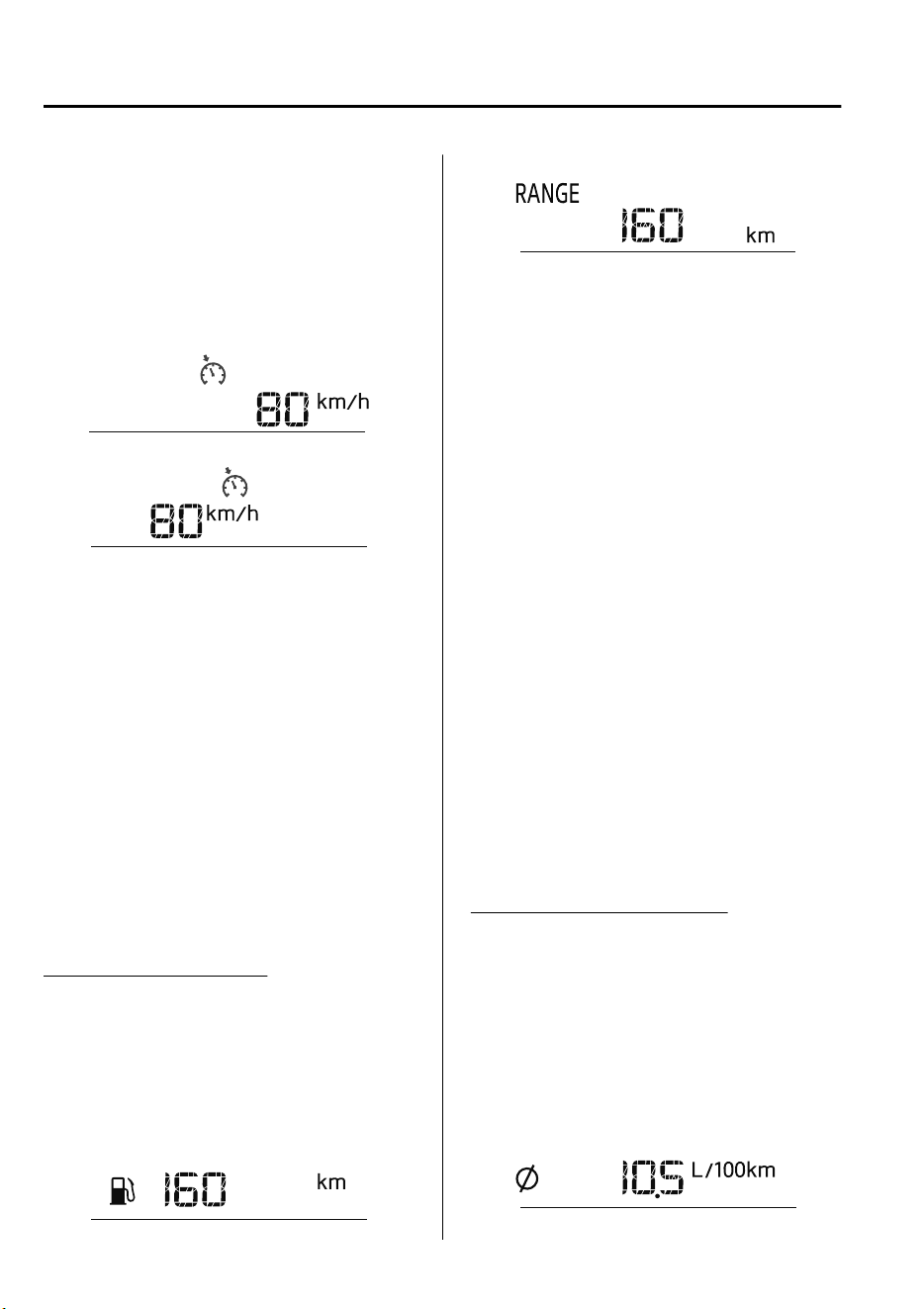
▼
Cruise Control Set Vehicle Speed
Display (Without Multi-information
Display)
*
The vehicle speed preset using the cruise
control is displayed.
(European model)
(Except European model)
▼
Trip Computer and INFO Switch
(Without Multi-information
Display)
The following information can be selected
by pressing the INFO switch with the
ignition switched ON.
•
Distance-to-empty mode
•
Average fuel economy mode
•
Current fuel economy mode
If you have any problems with your trip
computer, consult an expert repairer, we
recommend an Authorized Mazda
Repairer.
Distance-to-empty mode
This mode displays the approximate
distance you can travel on the remaining
fuel based on the fuel economy.
The distance-to-empty will be calculated
and displayed every second.
(European model)
(Except European model)
NOTE
•
Even though the distance-to-empty
display may indicate a sufficient amount
of remaining driving distance before
refueling is required, refuel as soon as
possible if the fuel level is very low or
the low fuel warning light illuminates.
•
The display may not change unless you
add more than approximately 9 L (2.3
US gal, 1.9 Imp gal) of fuel.
•
The distance-to-empty is the
approximate remaining distance the
vehicle can be driven until all the
graduation marks in the fuel gauge
(indicating the remaining fuel supply)
disappear.
•
If there is no past fuel economy
information such as after first
purchasing your vehicle or the
information is deleted when the battery
cables are disconnected, the actual
distance-to empty/range may differ from
the amount indicated.
Average fuel economy mode
This mode displays the average fuel
economy by calculating the total fuel
consumption and the total traveled
distance since purchasing the vehicle,
re-connecting the battery after
disconnection, or resetting the data. The
average fuel economy is calculated and
displayed every minute.
(European model)
When Driving
Instrument Cluster and Display
4-18
*Some models.
CX-9_8GC7-EE-17G_Edition1 2017-5-16 8:22:04
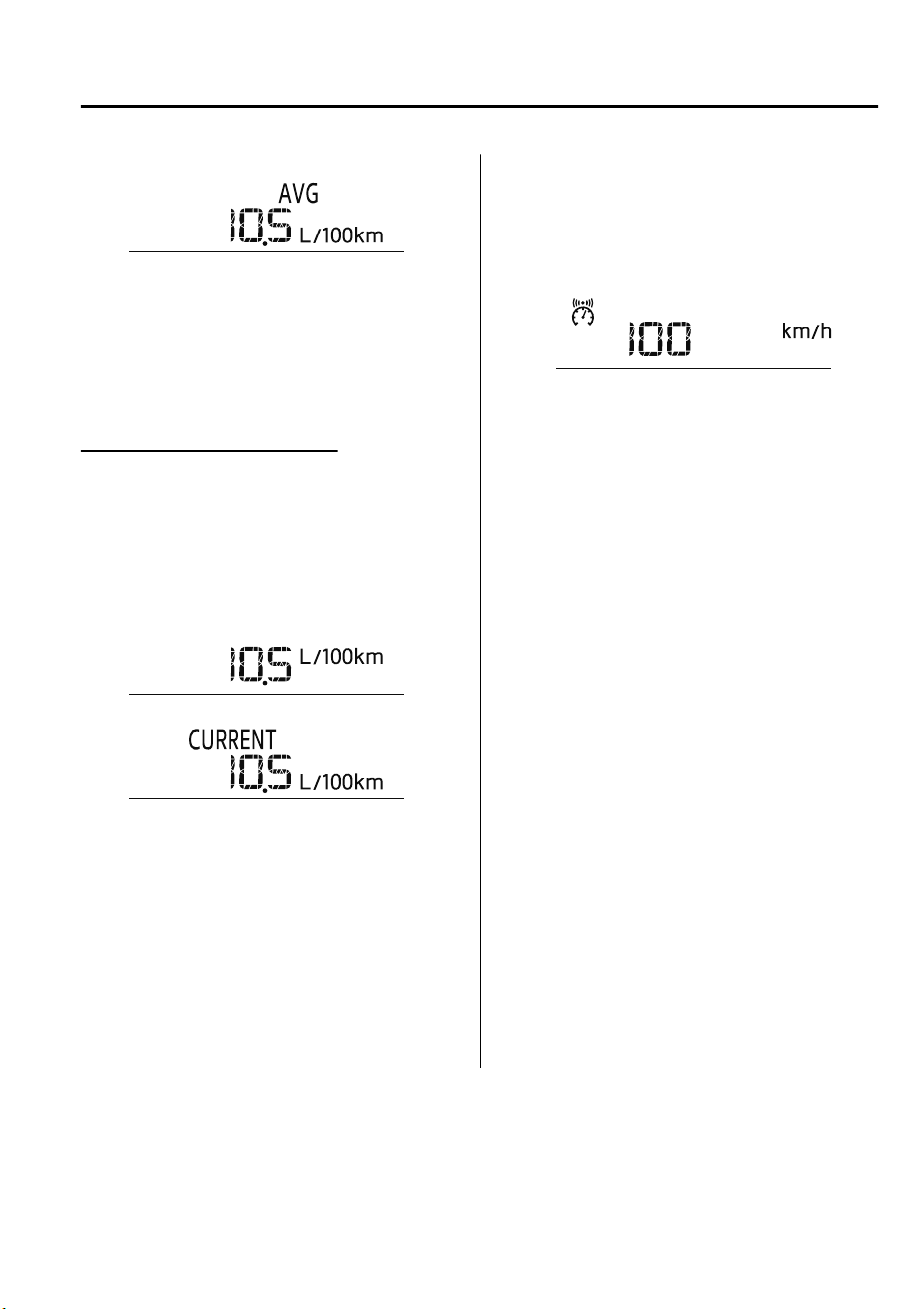
(Except European model)
To clear the data being displayed, press the
INFO switch for more than 1.5 seconds.
After pressing the INFO switch, - - -
L/100 km (- - - mpg) will be displayed for
about 1 minute before the fuel economy is
recalculated and displayed.
Current fuel economy mode
This mode displays the current fuel
economy by calculating the amount of fuel
consumption and the distance traveled.
Current fuel economy will be calculated
and displayed every 2 seconds.
(European model)
(Except European model)
When you've slowed to about 5 km/h (3
mph), - - - L/100 km (- - - mpg) will be
displayed.
▼
Vehicle Speed Alarm (Without
Multi-information Display)
*
In this mode, the current setting for the
vehicle speed alarm is displayed. You can
change the vehicle speed setting at which
the warning is triggered.
NOTE
The vehicle speed alarm display is
activated at the same time the beep sound
is heard. The set vehicle speed flashes
several times.
The vehicle speed alarm can be set using
the center display.
NOTE
•
Always set the vehicle speed according
to the laws and regulations of the
country/city in which the vehicle is
driven. In addition, always verify the
speed of the vehicle using the
speedometer.
•
The vehicle speed alarm function can be
set between 30 and 250 km/h (20 and
150 mph).
When Driving
Instrument Cluster and Display
*Some models.
4-19
CX-9_8GC7-EE-17G_Edition1 2017-5-16 8:22:04
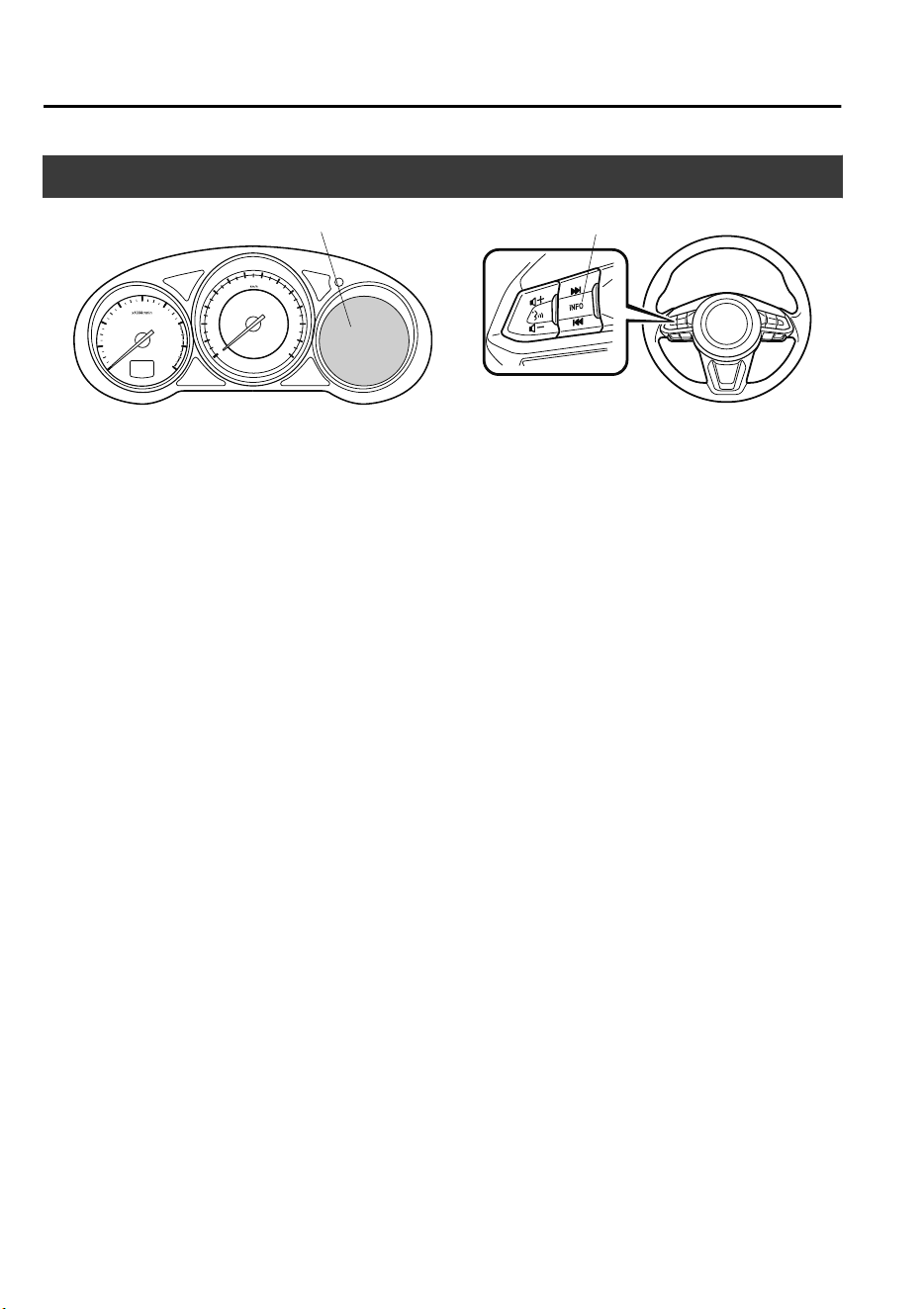
Multi-information Display and INFO Switch
*
INFO switch
Multi-information Display
The multi-information display indicates the following information.
•
Odometer
•
Trip meter
•
Engine coolant temperature gauge
•
Fuel gauge
•
Outside temperature
•
Distance-to-empty
•
Average fuel economy
•
Current fuel economy
•
Maintenance Monitor
•
Blind Spot Monitoring (BSM) Display
•
Distance Recognition Support System (DRSS) Display
•
Mazda Radar Cruise Control with Stop & Go function (MRCC with Stop & Go function)
System Display
•
Mazda Radar Cruise Control (MRCC) Display
•
Lane-keep Assist System (LAS) & Lane Departure Warning System (LDWS) Display
•
Cruise Control Display
•
Vehicle Speed Alarm
•
Warning message
When Driving
Instrument Cluster and Display
4-20
*Some models.
CX-9_8GC7-EE-17G_Edition1 2017-5-16 8:22:04
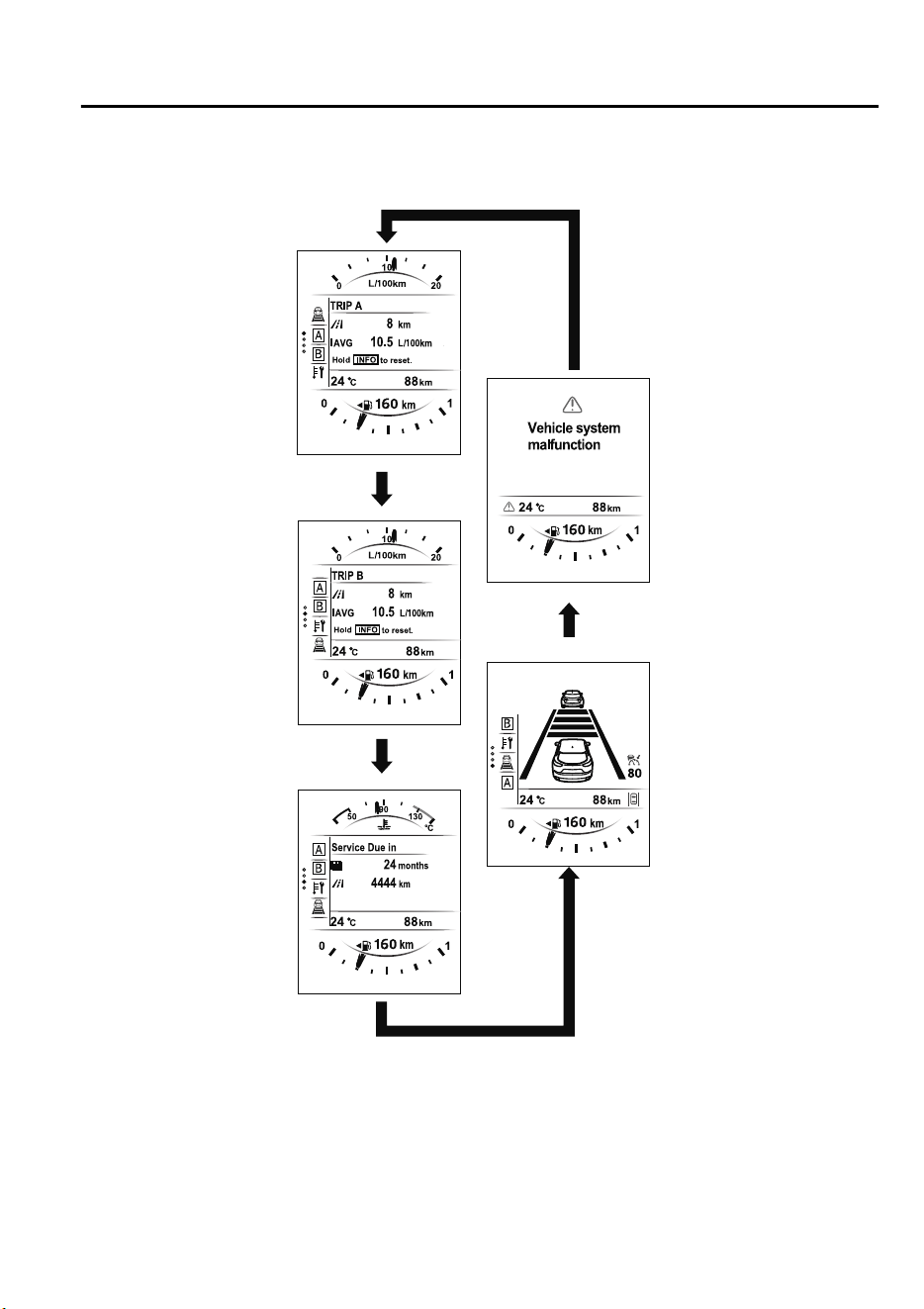
The screen content changes each time the INFO switch is pressed.
Press the INFO switch
Press the INFO switch
Press the INFO switch
Press the INFO switch
Press the INFO switch
Current Fuel Economy,
Trip Meter A, Average
Fuel Economy, Outside
Temperature,
Odometer,
Distance-to-empty,
Fuel Gauge
Current Fuel Economy,
Trip Meter B, Average
Fuel Economy, Outside
Temperature,
Odometer,
Distance-to-empty,
Fuel Gauge
Engine Coolant
Temperature Gauge,
Maintenance Monitor,
Outside Temperature,
Odometer,
Distance-to-empty,
Fuel Gauge
i-ACTIVSENSE display,
Outside Temperature,
Odometer,
Distance-to-empty, Fuel
Gauge
Warning message,
Outside Temperature,
Odometer,
Distance-to-empty,
Fuel Gauge
*1
*1:Displayed only when a warning occurs.
When Driving
Instrument Cluster and Display
4-21
CX-9_8GC7-EE-17G_Edition1 2017-5-16 8:22:04
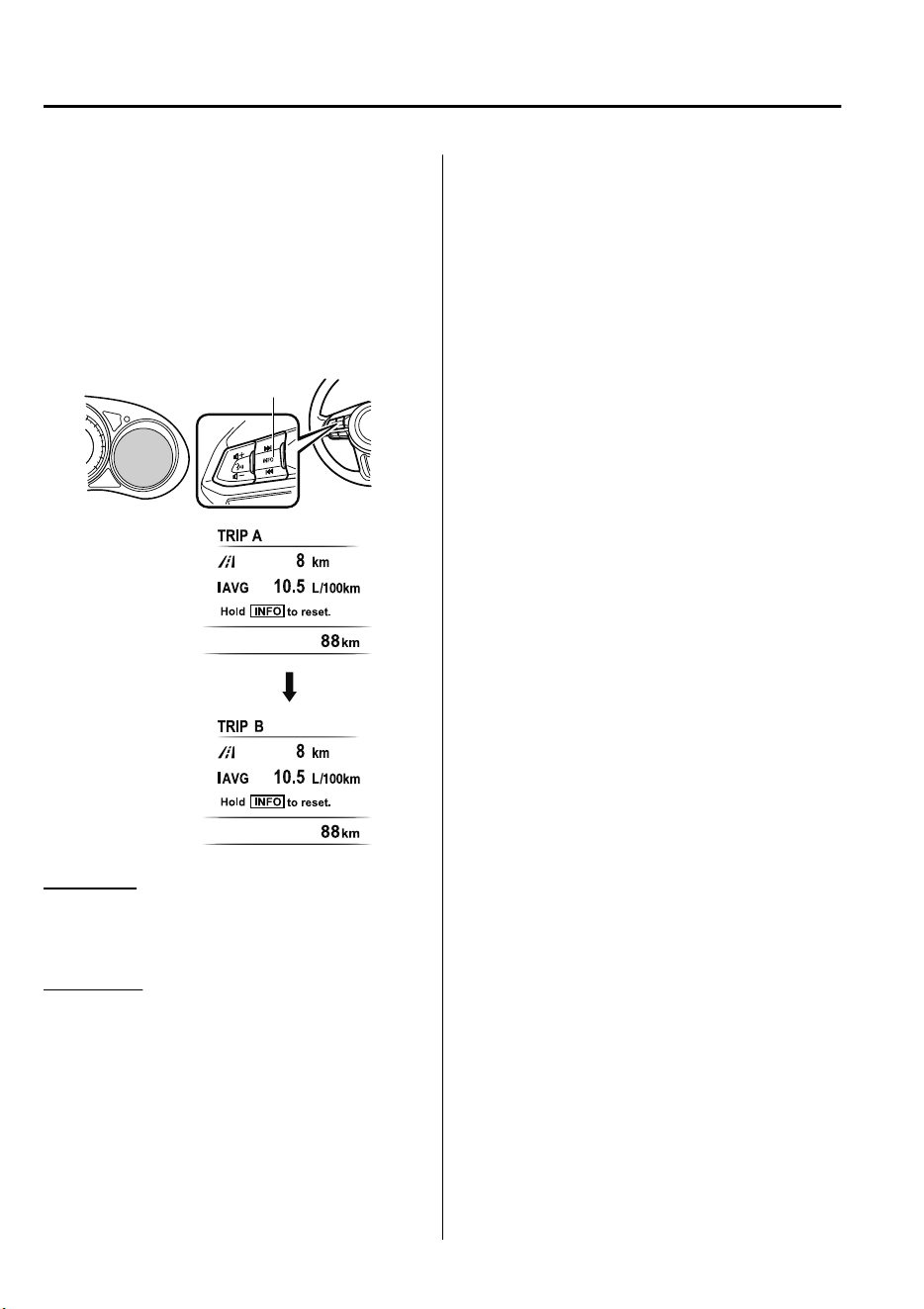
▼
Odometer, Trip Meter and Trip
Meter Selector
The odometer is constantly displayed on
the screen when the ignition is switched
ON, and the TRIP A or TRIP B screen can
be displayed by operating the INFO
switch.
Press the INFO switch
INFO switch
Odometer,
Trip meter A
Odometer,
Trip meter B
Odometer
The odometer records the total distance
the vehicle has been driven.
Trip meter
The driving distance for a specified
interval is indicated. Two types (TRIP A,
TRIP B) of interval distance and the
average fuel economy for each can be
measured.
For instance, trip meter A can record the
distance from the point of origin, and trip
meter B can record the distance from
where the fuel tank is filled.
When trip meter A is selected, TRIP A
will be displayed. When trip meter B is
selected, TRIP B will be displayed.
The trip meter and average fuel economy
can be reset by pressing the INFO switch
for 1.5 second or more while in each
mode.
NOTE
•
Only the trip meters record tenths of
kilometers (miles).
•
The trip record will be erased when:
•
The power supply is interrupted
(blown fuse or the battery is
disconnected).
•
The vehicle is driven over 9999.9 km
(mile).
When Driving
Instrument Cluster and Display
4-22
CX-9_8GC7-EE-17G_Edition1 2017-5-16 8:22:04
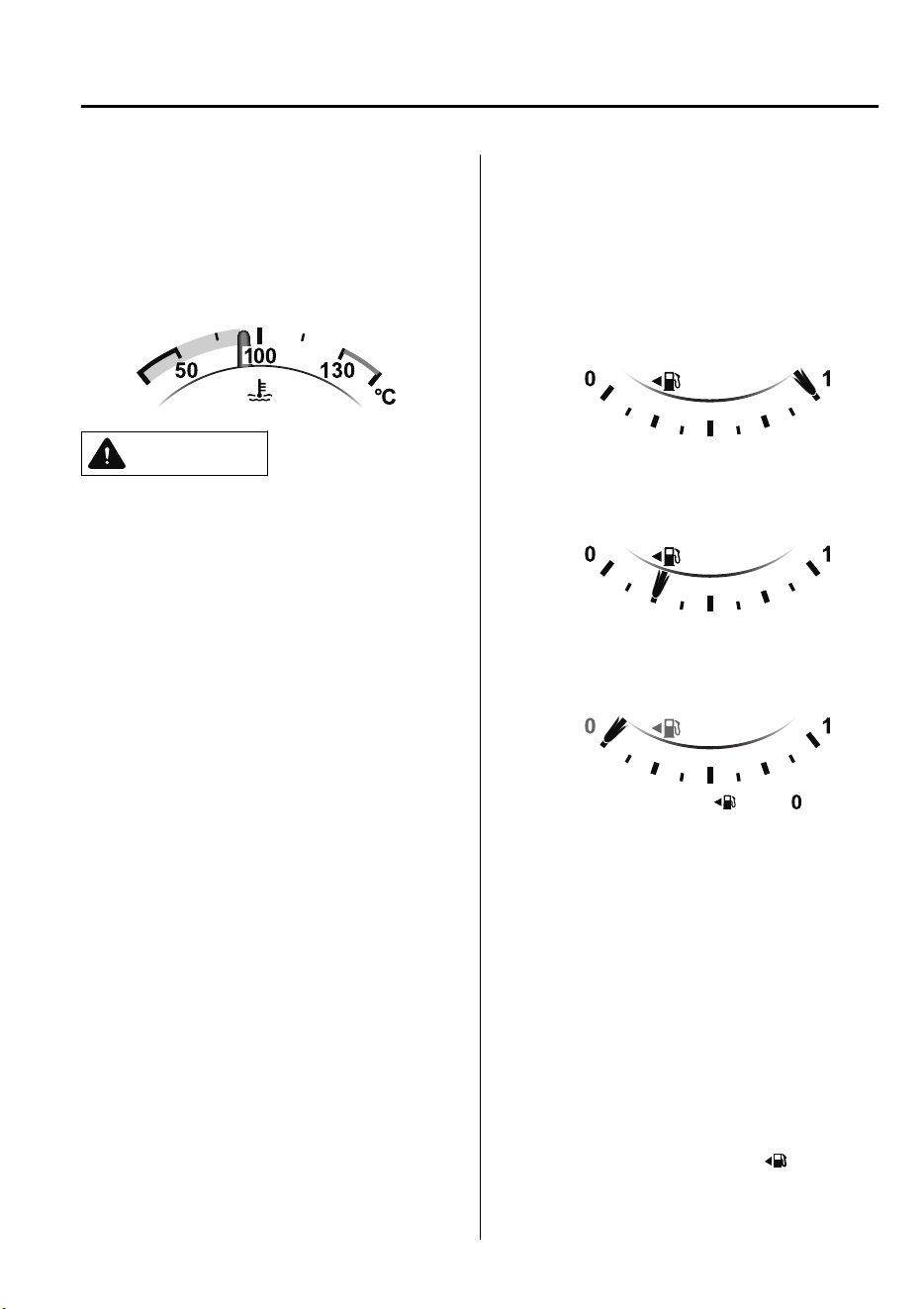
▼
Engine Coolant Temperature Gauge
Displays the engine coolant temperature.
The blue gauge indicates that the engine
coolant temperature is low, and the red
gauge indicates that the engine coolant
temperature is high and overheating.
CAUTION
If the high engine coolant temperature
warning light (red) turns on, there is a
possibility of overheating. Park the vehicle
in a safe place immediately and take
appropriate measures. If the vehicle
continues to be driven, it could cause
damage to the engine.
Refer to Overheating on page 7-32.
NOTE
•
The temperature unit (Centigrade/
Fahrenheit) of the engine coolant gauge
display changes in conjunction with the
temperature unit of the outside
temperature display.
Refer to Personalization Features on
page 9-10.
•
During normal driving, the engine
coolant temperature stabilizes at 100 °C
(210 °F) or less, and the gauge indicates
a range lower than 100 °C (210 °F).
▼
Fuel Gauge
The fuel gauge shows approximately how
much fuel is remaining in the tank when
the ignition is switched ON. We
recommend keeping the tank over 1/4 full.
Full
1/4 Full
Empty
If the fuel level is low, ( ) and ( ) turn an
amber color. Refuel as soon as possible.
Refer to Taking Action on page 7-47 .
NOTE
•
After refueling, it may require some time
for the indicator to stabilize. In addition,
the indicator may deviate while driving
on a slope or curve since the fuel moves
in the tank.
•
The display indicating a quarter or less
remaining fuel has more segments to
show the remaining fuel level in greater
detail.
•
The direction of the arrow ( ) indicates
that the fuel-filler lid is on the left side
of the vehicle.
When Driving
Instrument Cluster and Display
4-23
CX-9_8GC7-EE-17G_Edition1 2017-5-16 8:22:04
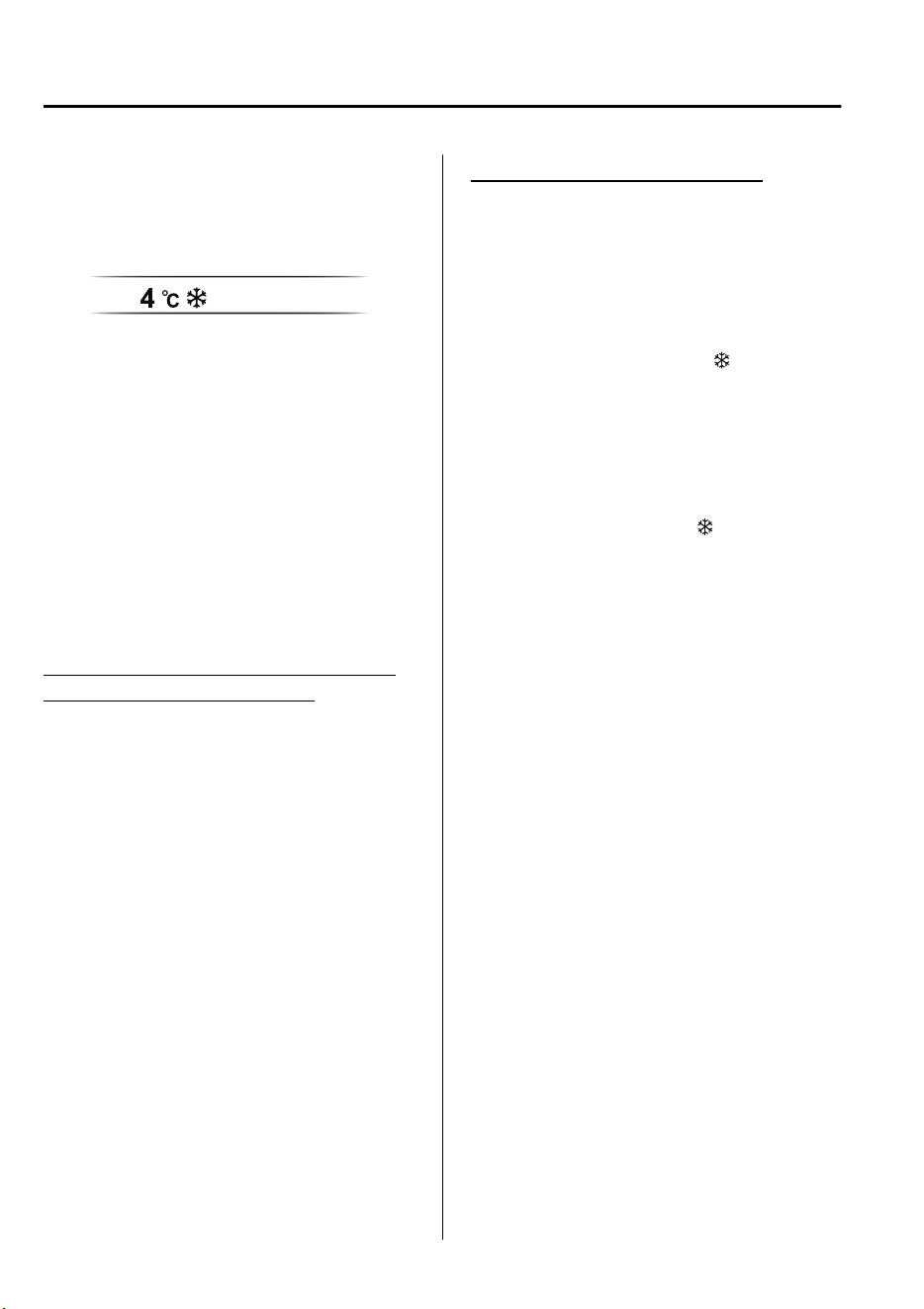
▼
Outside Temperature Display
When the ignition is switched ON, the
outside temperature is displayed.
NOTE
•
Under the following conditions, the
outside temperature display may differ
from the actual outside temperature
depending on the surroundings and
vehicle conditions:
•
Significantly cold or hot temperatures.
•
Sudden changes in outside
temperature.
•
The vehicle is parked.
•
The vehicle is driven at low speeds.
Changing the Temperature Unit of the
Outside Temperature Display
The outside temperature unit can be
switched between Celsius and Fahrenheit
using the following procedure.
Settings can be changed by operating the
center display screen.
Refer to Personalization Features on page
9-10.
NOTE
When the temperature unit indicated in the
outside temperature display is changed,
the temperature unit indicated in the
engine coolant gauge display changes in
conjunction with it.
Outside Temperature Warning
*
When the outside temperature is low, the
indication flashes and a beep sound is
heard to warn the driver of the possibility
of icy roads.
If the outside temperature is lower than
about 4 °C (39 °F), the outside
temperature display and the
mark
flashes for about ten seconds and a beep
sound is heard once.
NOTE
If the outside temperature is lower
than -20 °C (-4 °F), the beep sound does
not operate. However, the
mark
illuminates.
When Driving
Instrument Cluster and Display
4-24
*Some models.
CX-9_8GC7-EE-17G_Edition1 2017-5-16 8:22:04
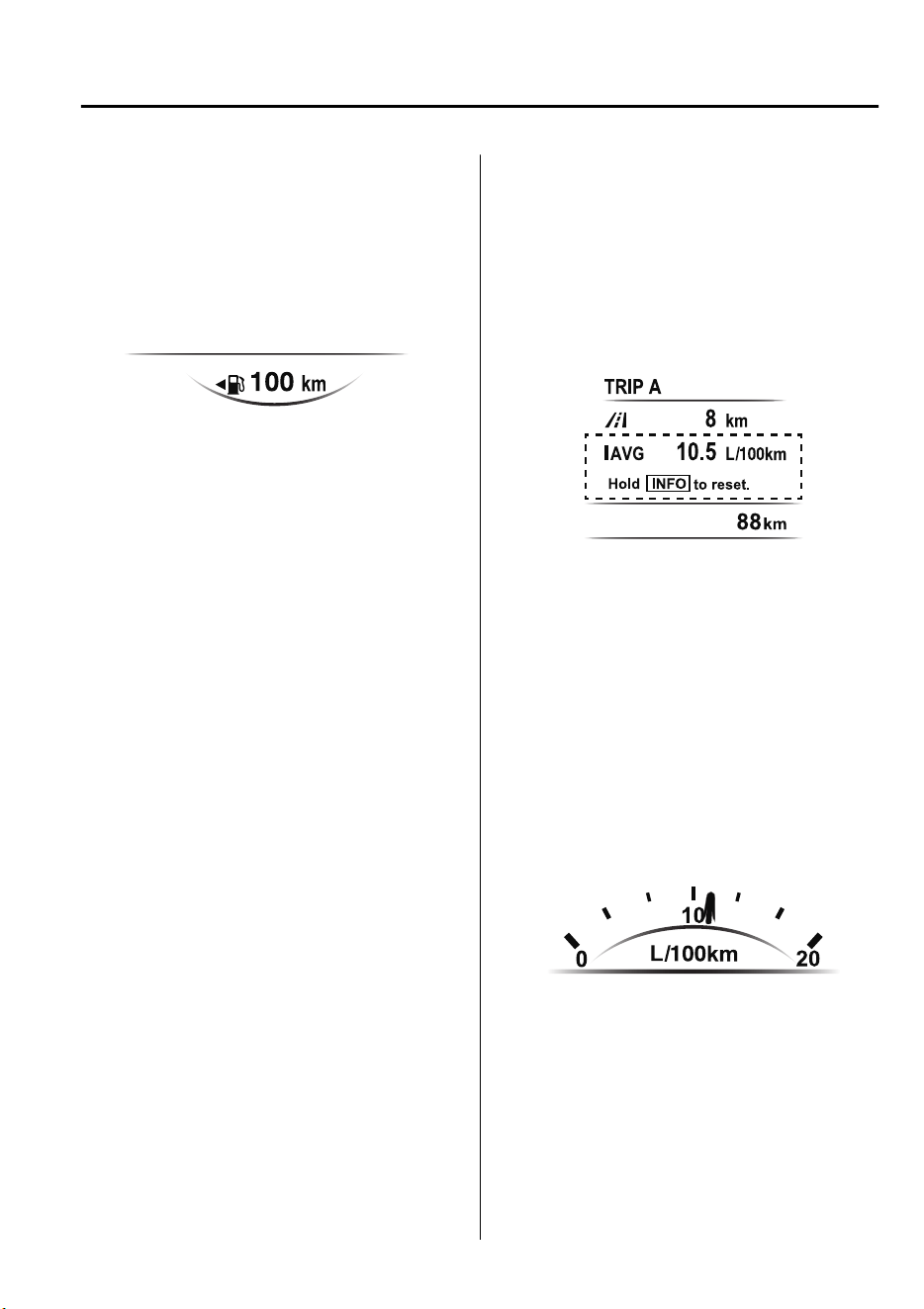
▼
Distance-to-empty
This displays the approximate distance
you can travel on the remaining fuel based
on the fuel economy.
The distance-to-empty will be calculated
and displayed every second.
NOTE
•
Even though the distance-to-empty
display may indicate a sufficient amount
of remaining driving distance before
refueling is required, refuel as soon as
possible if the fuel level is very low or
the low fuel warning light illuminates.
•
The display will not change unless you
add more than approximately 9 L (2.3
US gal, 1.9 Imp gal) of fuel.
•
The distance-to-empty is the
approximate remaining distance the
vehicle can be driven until all the
graduation marks in the fuel gauge
indicating the remaining fuel supply
disappear.
•
If there is no past fuel economy
information such as after first
purchasing your vehicle or the
information is deleted when the battery
cables are disconnected, the actual
distance-to empty/range may differ from
the amount indicated.
▼
Average Fuel Economy
The average fuel economy is calculated
every minute from the total traveled
distance on the trip meter and the total fuel
consumption, and the average fuel
economy for either TRIP A or TRIP B is
displayed.
The average fuel economy and trip meters
can be reset by pressing the INFO switch
for 1.5 s or more while in each mode.
After the data is cleared, the fuel
consumption is recalculated and the - - -
L/100 km (- - - mpg) for the one minute
prior to it being displayed is indicated.
▼
Current Fuel Economy
This displays the current fuel economy by
calculating the amount of fuel
consumption and the distance traveled.
When Driving
Instrument Cluster and Display
4-25
CX-9_8GC7-EE-17G_Edition1 2017-5-16 8:22:04
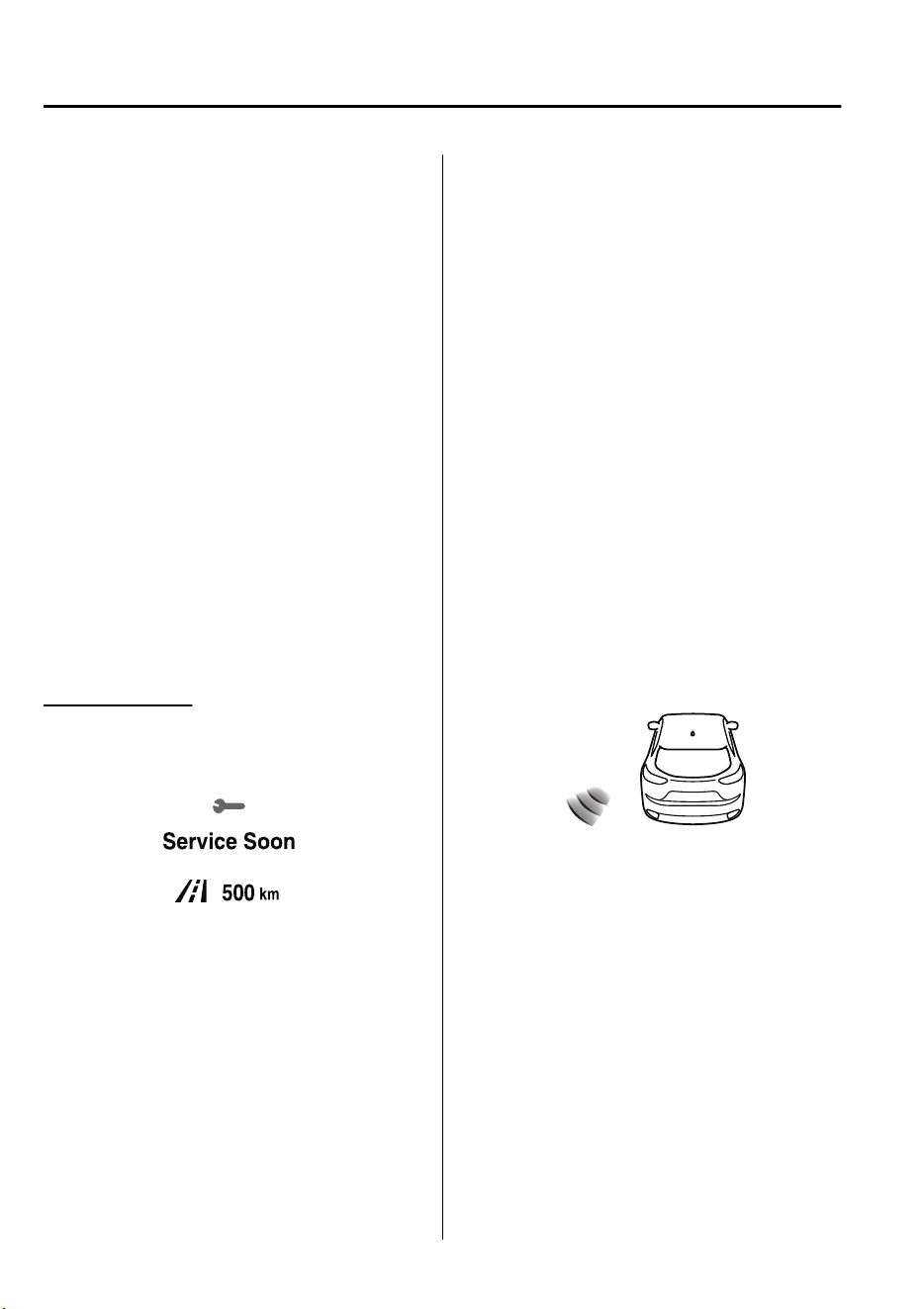
▼
Maintenance Monitor
The following maintenance period
notifications can be displayed by turning
the Maintenance Monitor on.
•
Scheduled Maintenance
•
Tire Rotation
•
Oil Change
For the setting method and indications for
the maintenance monitor, refer to the
Maintenance Monitor.
Refer to Maintenance Monitor on page 6-
11.
The maintenance monitor displays the
information when the ignition is switched
ON.
NOTE
This function is inoperable while the
vehicle is being driven.
Message display
When the remaining time or the distance
approaches 0, a message is displayed each
time the ignition is switched ON.
NOTE
•
If any of the INFO switch is pressed
while a message is displayed, it will no
longer be displayed the next time the
ignition is switched ON.
•
After the vehicle is serviced and the
remaining time/distance is reset, the
message for the next maintenance
period will be displayed when the
remaining distance or time to the next
maintenance period approaches 0
(displays when engine is started).
•
If there are multiple messages, they are
displayed according to their order.
•
If OFF is set for Messages, messages
are not displayed.
▼
Blind Spot Monitoring (BSM)
Display
*
Displays the system status.
Refer to Blind Spot Monitoring (BSM) on
page 4-90.
When Driving
Instrument Cluster and Display
4-26
*Some models.
CX-9_8GC7-EE-17G_Edition1 2017-5-16 8:22:04
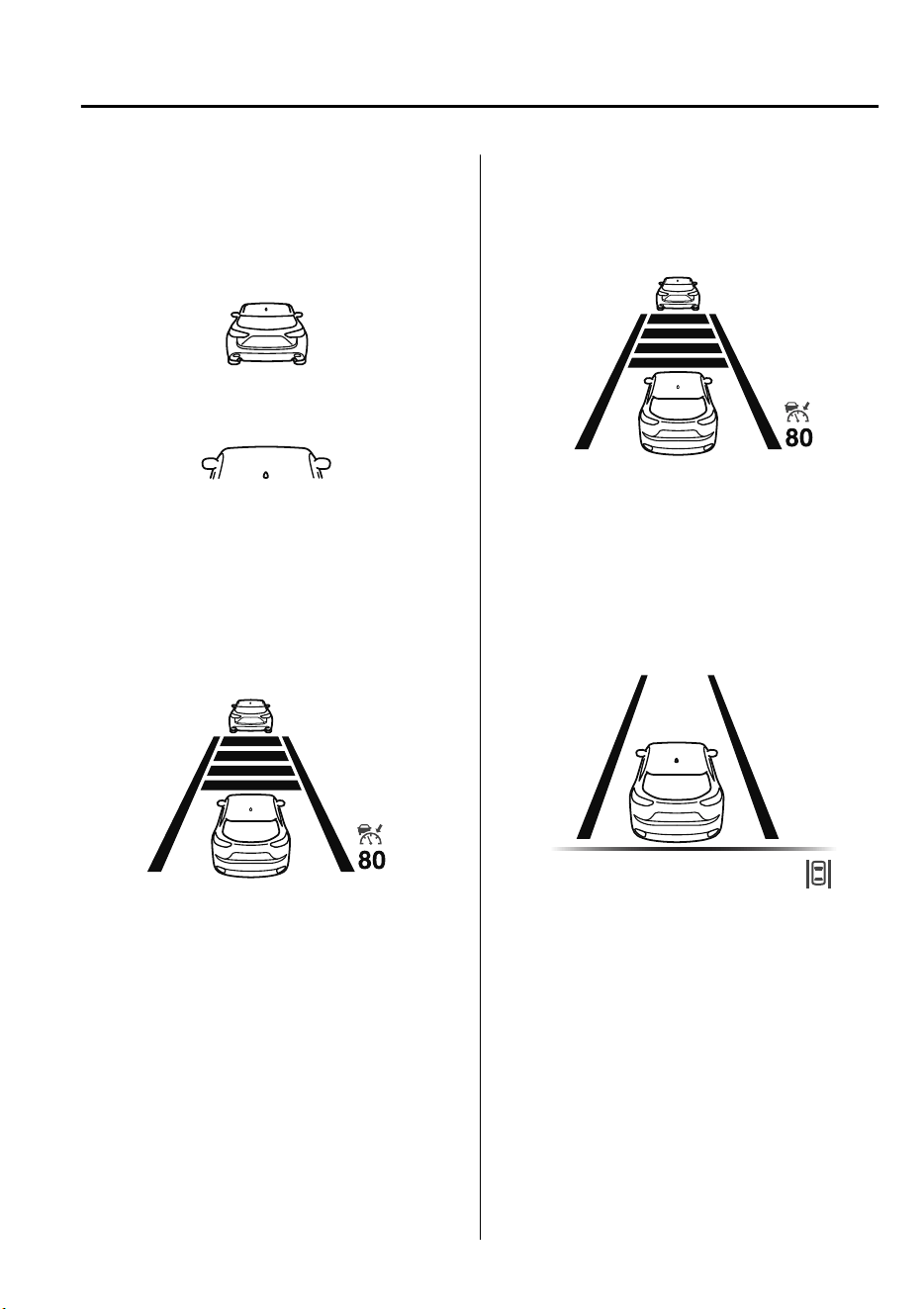
▼
Distance Recognition Support
System (DRSS) Display
*
Displays the distance between your
vehicle and the vehicle ahead.
Refer to Distance Recognition Support
System (DRSS) on page 4-103.
▼
Mazda Radar Cruise Control with
Stop & Go function (MRCC with
Stop & Go function) Display
*
Displays the currently set system status.
Refer to Mazda Radar Cruise Control with
Stop & Go function (MRCC with Stop &
Go function) on page 4-121.
▼
Mazda Radar Cruise Control
(MRCC) Display
*
Displays the currently set system status.
Refer to Mazda Radar Cruise Control
(MRCC) on page 4-111.
▼
Lane-keep Assist System (LAS) &
Lane Departure Warning System
(LDWS) Display
*
Displays the system status.
Refer to Lane-keep Assist System (LAS)
& Lane Departure Warning System
(LDWS) on page 4-134.
When Driving
Instrument Cluster and Display
*Some models.
4-27
CX-9_8GC7-EE-17G_Edition1 2017-5-16 8:22:04
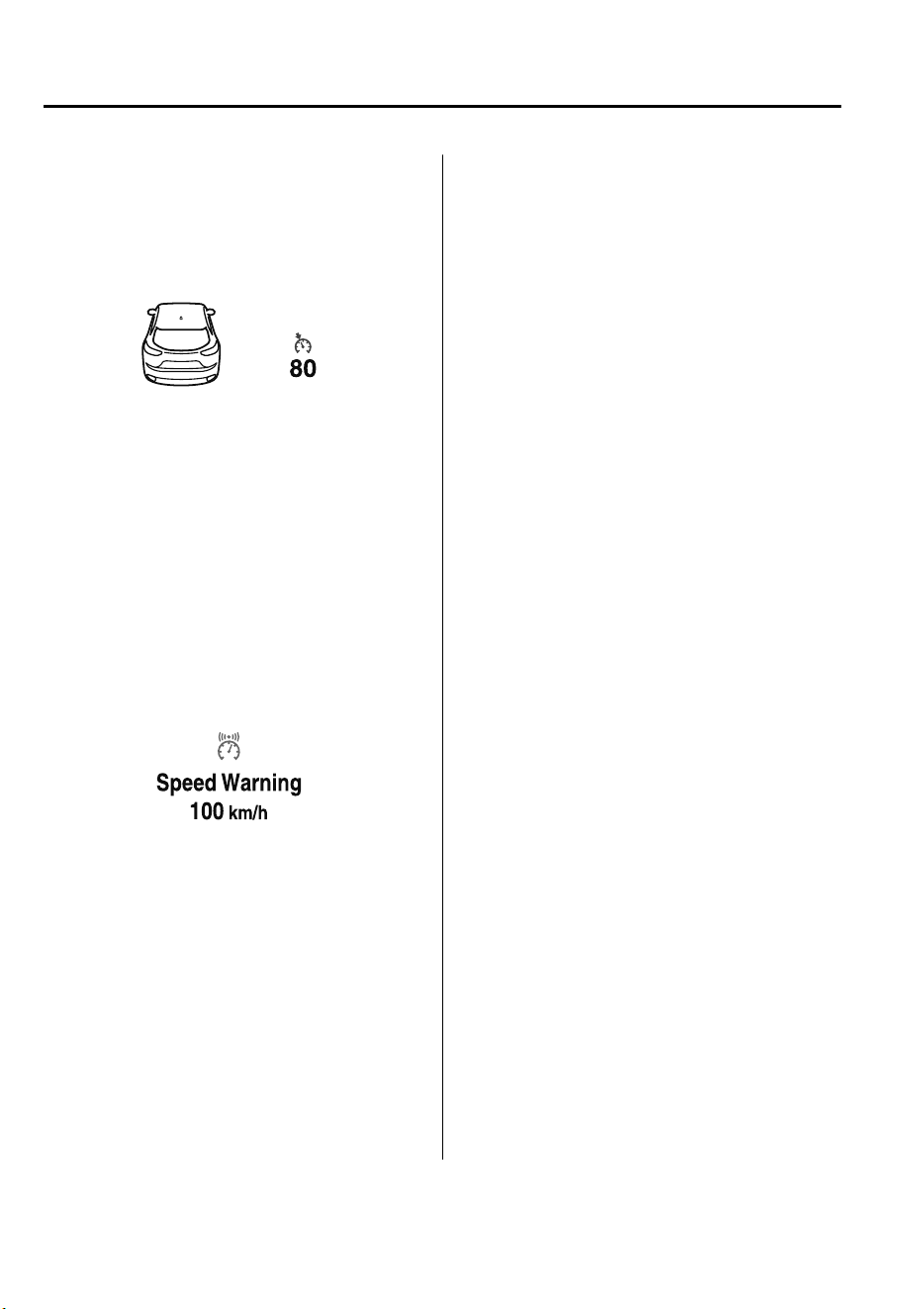
▼
Cruise Control Set Vehicle Speed
Display
*
The vehicle speed preset using the cruise
control is displayed.
Refer to Cruise Control on page 4-170.
▼
Vehicle Speed Alarm
*
In this mode, the current setting for the
vehicle speed alarm is displayed. You can
change the vehicle speed setting at which
the warning is triggered.
NOTE
The vehicle speed alarm display is
activated at the same time the beep sound
is heard. The set vehicle speed flashes
several times.
The vehicle speed alarm can be set using
the center display.
NOTE
•
Always set the vehicle speed according
to the laws and regulations of the
country/city in which the vehicle is
driven. In addition, always verify the
speed of the vehicle using the
speedometer.
•
The vehicle speed alarm function can be
set between 30 and 250 km/h (20 and
150 mph).
▼
Warning (Display Indication)
A message is displayed to notify the user
of the system operation status and
malfunctions or abnormalities.
If the warning light turns on/flashes
simultaneously or a symbol is indicated in
the display, check the information
regarding the warning light or symbol.
(page 4-32)
When only a message is displayed, refer to
Message Indicated in Multi-information
Display. (page 7-54)
When Driving
Instrument Cluster and Display
4-28
*Some models.
CX-9_8GC7-EE-17G_Edition1 2017-5-16 8:22:04
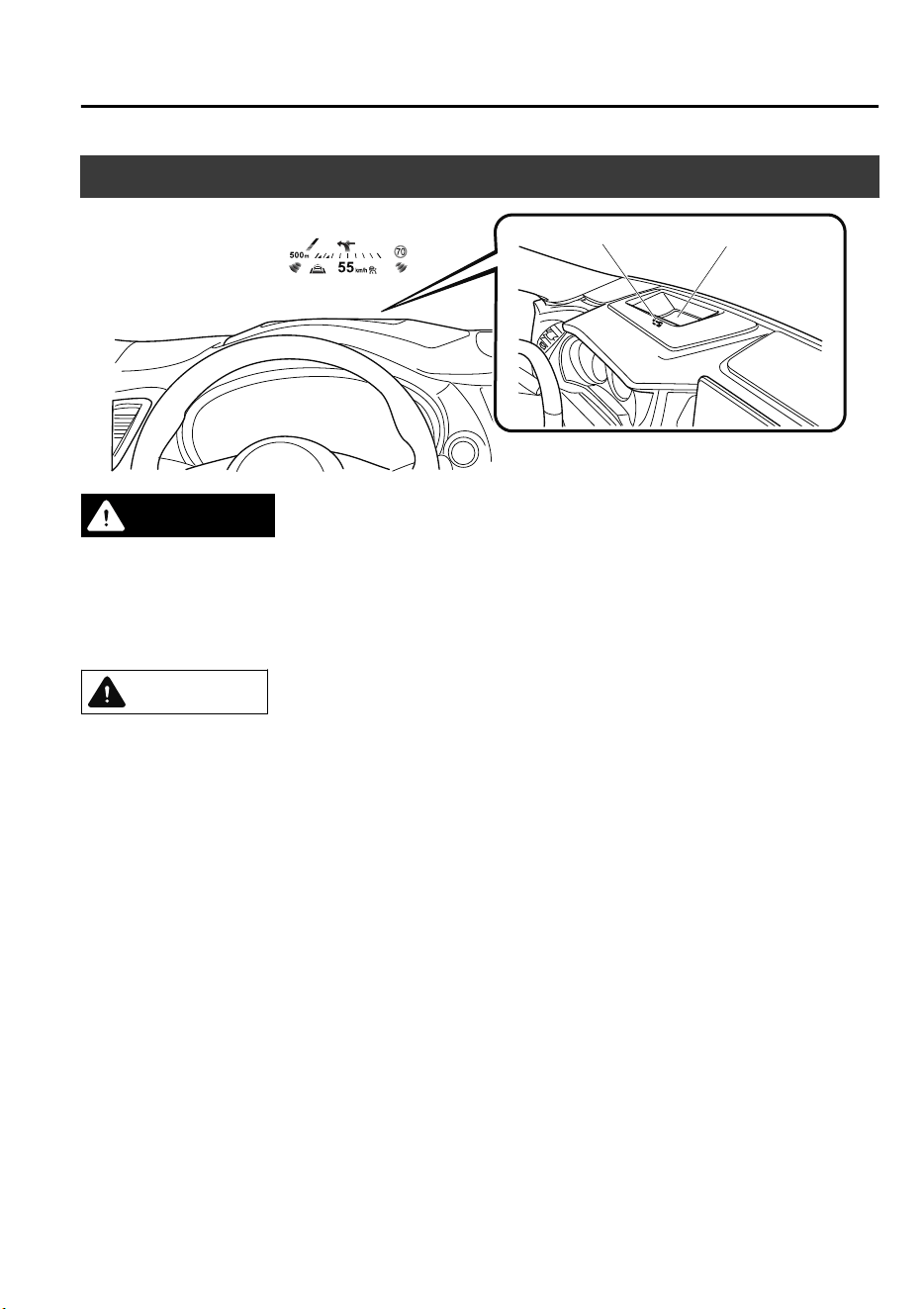
Active Driving Display
*
Optical receiver
Dust-proof sheet
WARNING
Always adjust the display brightness and position with the vehicle stopped:
Adjusting the display brightness and position while driving the vehicle is dangerous as doing
so could distract your attention from the road ahead and lead to an accident.
CAUTION
Do not place beverages near the active driving display. If water or other liquids are splashed
on the active driving display, it could cause damage.
Do not place objects above the active driving display or apply stickers to the dust-proof
sheet/optical receiver as they will cause interference.
A sensor is integrated to control the display's luminosity. If the optical receiver is covered,
the display's luminosity will lower making the display dicult to view.
Do not allow intense light to hit the optical receiver. Otherwise, it could cause damage.
NOTE
•
Wearing polarized sunglasses will reduce the visibility of the active driving display due to
the characteristics of the display.
•
If the battery has been removed and re-installed or the battery voltage is low, the adjusted
position may deviate.
•
The display may be difficult to view or temporarily affected by weather conditions such as
rain, snow, light, and temperature.
•
If the audio system is removed, the active driving display cannot be operated.
The active driving display indicates the following information:
•
Blind Spot Monitoring (BSM) Operation Conditions and Warnings
When Driving
Instrument Cluster and Display
*Some models.
4-29
CX-9_8GC7-EE-17G_Edition1 2017-5-16 8:22:04

Refer to Blind Spot Monitoring (BSM) on page 4-90.
•
Distance Recognition Support System (DRSS) Warnings
Refer to Distance Recognition Support System (DRSS) on page 4-103.
•
Traffic Sign Recognition System (TSR) traffic signs and Warnings
Refer to Traffic Sign Recognition System (TSR) on page 4-96.
•
Mazda Radar Cruise Control with Stop & Go function (MRCC with Stop & Go function)
Operation Conditions and Warnings
Refer to Mazda Radar Cruise Control with Stop & Go function (MRCC with Stop & Go
function) on page 4-121.
•
Mazda Radar Cruise Control (MRCC) Operation Conditions and Warnings
Refer to Mazda Radar Cruise Control (MRCC) on page 4-111.
•
Lane-keep Assist System (LAS) & Lane Departure Warning System (LDWS) Operation
Conditions and Warnings
Refer to Lane-keep Assist System (LAS) & Lane Departure Warning System (LDWS) on
page 4-134.
•
Advanced Smart City Brake Support (Advanced SCBS) Warnings
Refer to Advanced Smart City Brake Support (Advanced SCBS) on page 4-145.
•
Smart City Brake Support [Forward] (SCBS F) Warnings
Refer to Smart City Brake Support [Forward] (SCBS F) on page 4-148.
•
Smart Brake Support (SBS) Warnings
Refer to Smart Brake Support (SBS) on page 4-156.
•
Driver Attention Alert (DAA) Warnings
Refer to Driver Attention Alert (DAA) on page 4-106.
•
Cruise Control Operation Conditions
Refer to Cruise Control on page 4-170.
•
Navigation Guidance (vehicles with navigation system)
•
Speed limit indicator (vehicles with navigation system)
•
Vehicle Speed
Each setting/adjustment for the active driving display can be performed on the center
display.
1. Select the
icon on the home screen and display the Settings screen.
2. Select the AD-Disp tab.
3. Select the desired item and perform the setting/adjustment.
•
Method for adjusting screen brightness (automatically/manually)
•
Screen brightness initial settings (automatic adjustment is selected)
When Driving
Instrument Cluster and Display
4-30
CX-9_8GC7-EE-17G_Edition1 2017-5-16 8:22:04

•
Screen brightness adjustment (manual adjustment is selected)
•
Display position of active driving display (display height)
•
Active driving display angle adjustment (display angle correction)
•
Active driving display ON/OFF (indication)
•
Navigation guidance ON/OFF
•
Reset settings (reset)
NOTE
•
The desired driving position (display position, brightness level, display information) can
be called up after programming the position.
Refer to Driving Position Memory on page 2-7.
When Driving
Instrument Cluster and Display
4-31
CX-9_8GC7-EE-17G_Edition1 2017-5-16 8:22:04
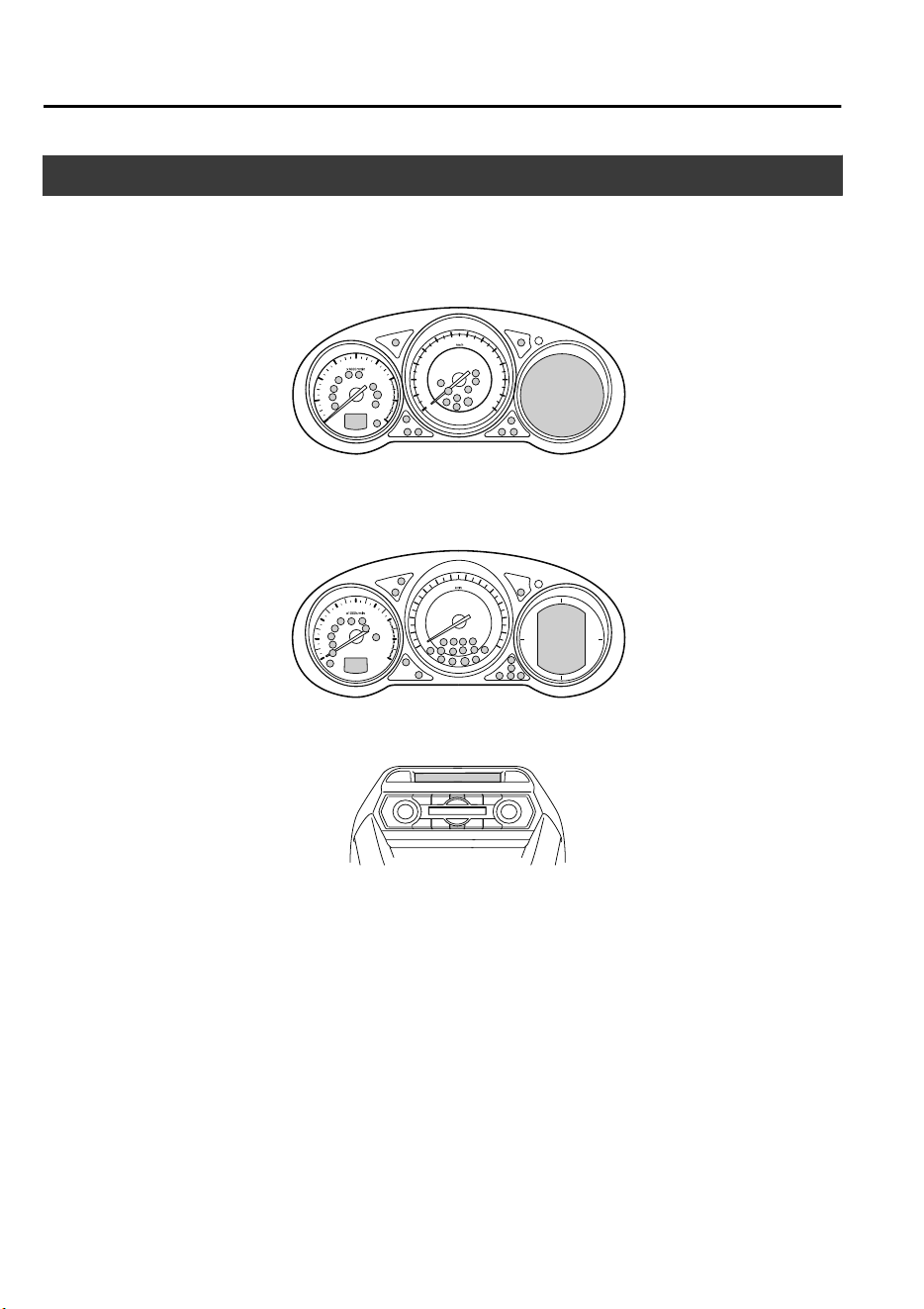
Warning/Indicator Lights
Instrument Cluster varies depending on model and specifications.
Center of Dashboard
Warning/Indicator lights will appear in any of the highlighted areas
Instrument Cluster
Type A
(With Multi-information Display)
(Without Multi-information Display)
Type B
When Driving
Instrument Cluster and Display
4-32
CX-9_8GC7-EE-17G_Edition1 2017-5-16 8:22:04
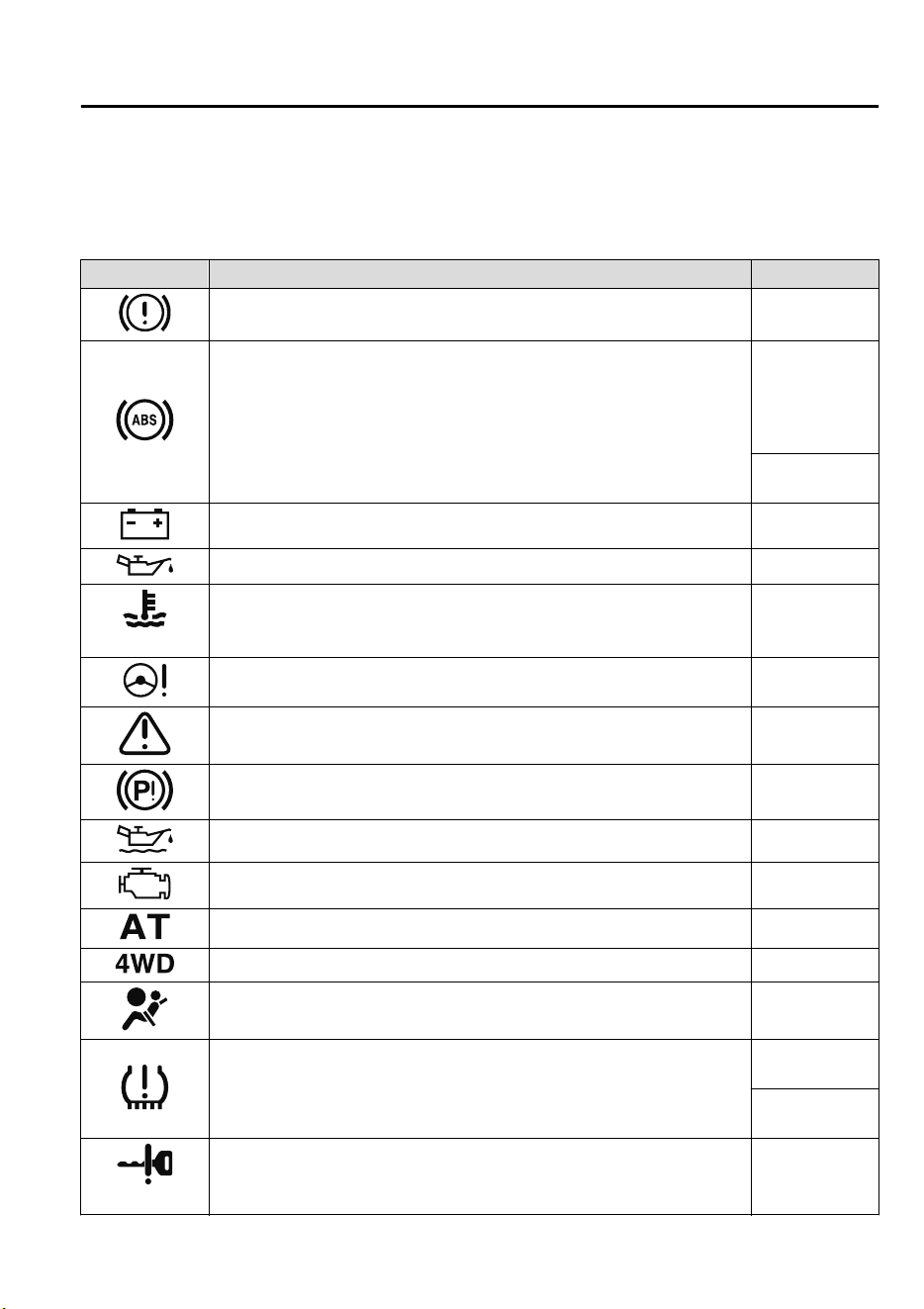
▼
Warning Indication/Warning Lights
These lights turn on or flash to notify the user of the system operation status or a system
malfunction.
Signal Warning Page
Brake System Warning Light
*1
7-38
ABS Warning Light
*1
Electronic Brake
Force Distribu-
tion System
Warning
7-38
ABS warning
7-41
Charging System Warning Indication/Warning Light
*1
7-38
Engine Oil Warning Light
*1
7-38
(Red)
High Engine Coolant Temperature Warning Indication/Warning Light
*1
7-38
Power Steering Malfunction Indication/Malfunction Indicator Light
*1
7-38
Master Warning Indication/Warning Light
*1
7-41
Electric Parking Brake (EPB) Warning Indication/Warning Light 7-41
*
Engine Oil Level Warning Indication
7-41
Check Engine Light
*1
7-41
Automatic Transaxle Warning Indication/Warning Light
*1
7-41
*
4WD Warning Indication/Warning Light
*1
7-41
Air Bag/Front Seat Belt Pretensioner System Warning Light
*1
7-41
*
Tire Pressure Monitoring System Warning Light
*1
Flashing
7-41
Turns on
7-47
(Amber/White)
*
KEY Warning Indication
7-41
When Driving
Instrument Cluster and Display
*Some models.
4-33
CX-9_8GC7-EE-17G_Edition1 2017-5-16 8:22:04
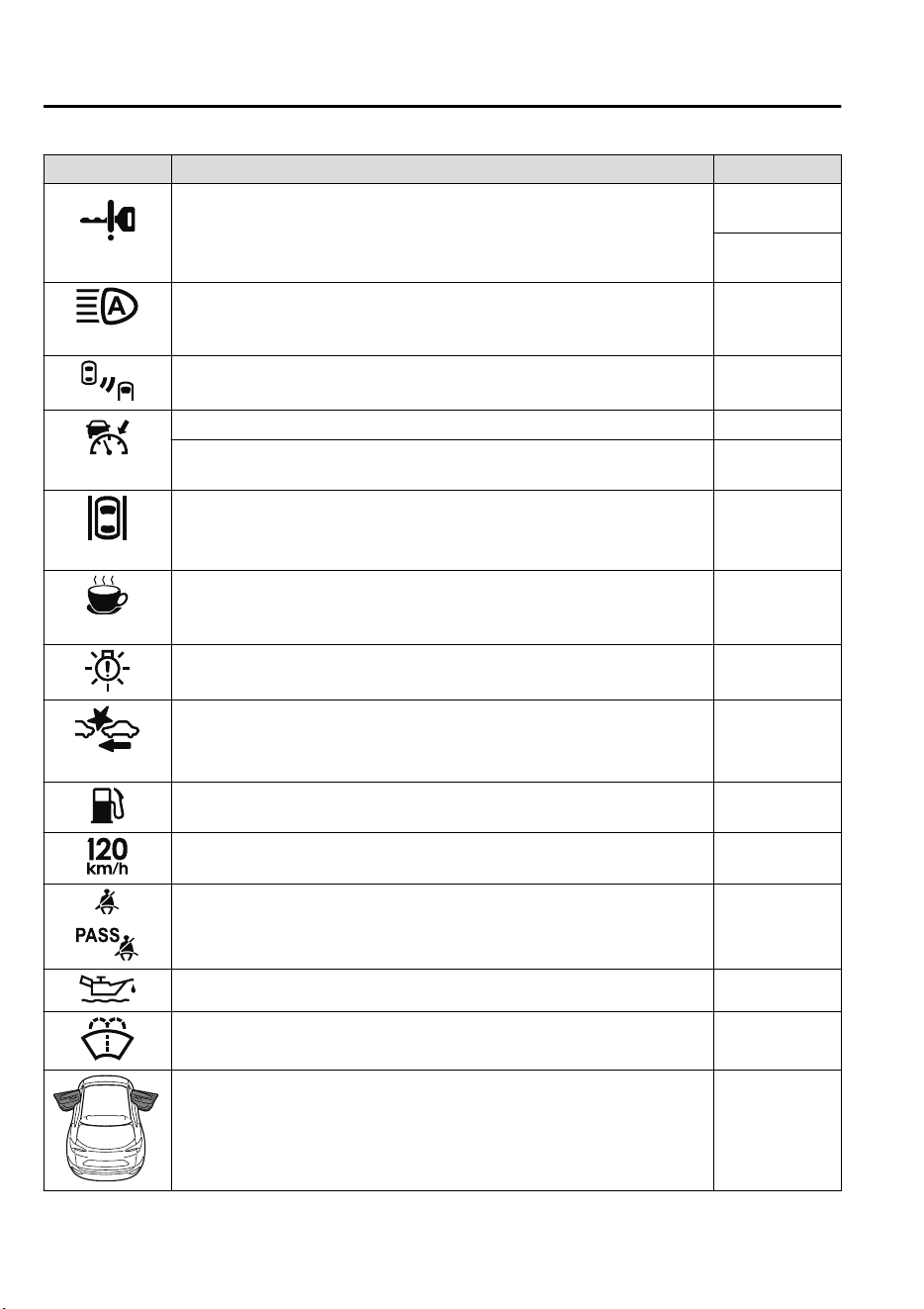
Signal Warning Page
(Red)
*
KEY Warning Light
*1
Turns on
7-41
Flashing
7-47
(Amber)
*
Adaptive LED Headlights (ALH) Warning Indication/Warning Light
*1
7-41
*
Blind Spot Monitoring (BSM) Warning Indication
7-41
(Amber)
*
Mazda Radar Cruise Control (MRCC) Warning Indication
7-41
*
Mazda Radar Cruise Control with Stop & Go function (MRCC with Stop
& Go function) Warning Indication
7-41
(Amber)
*
Lane-keep Assist System (LAS) & Lane Departure Warning System
(LDWS) Warning Indication
7-41
(Amber)
*
Driver Attention Alert (DAA) Warning Indication
7-41
LED Headlight Warning Light 7-41
(Amber)
*
Smart Brake Support/Smart City Brake Support (SBS/SCBS) Warning In-
dication/Warning Light
*1
7-47
Low Fuel Warning Indication/Warning Light 7-47
*
120 km/h Warning Light
*1
7-47
Seat Belt Warning Light 7-47
Engine Oil Level Warning Light 7-47
*
Low Washer Fluid Level Warning Indication/Warning Light
7-47
*
Door-Ajar Warning Indication
7-47
When Driving
Instrument Cluster and Display
4-34
*Some models.
CX-9_8GC7-EE-17G_Edition1 2017-5-16 8:22:04
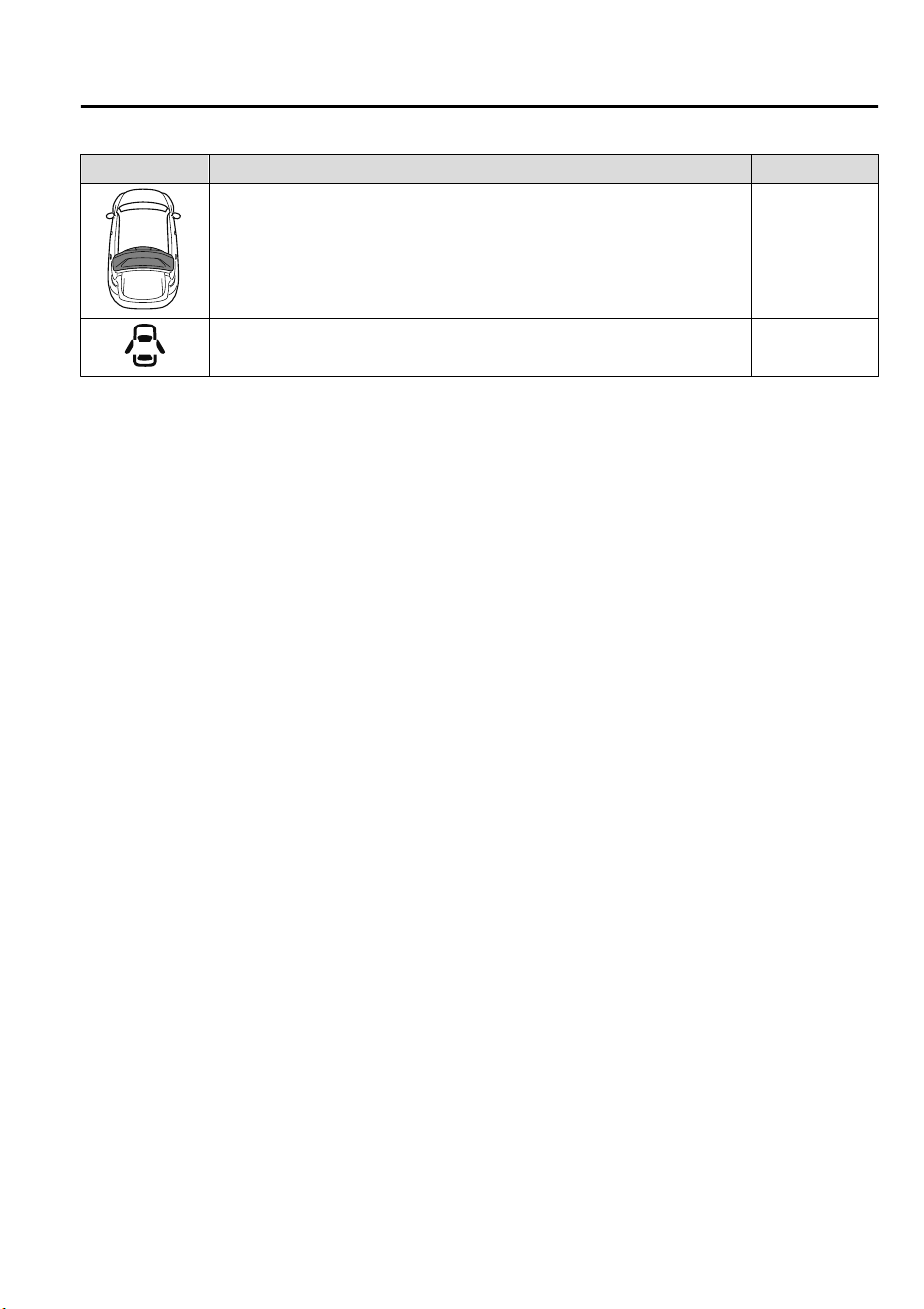
Signal Warning Page
*
Liftgate-Ajar Warning Indication
7-47
*
Door-Ajar Warning Light
7-47
*
1 The light turns on when the ignition is switched on for an operation check, and turns off a few seconds later or
when the engine is started. If the light does not turn on or remains turned on, have the vehicle inspected at an
expert repairer, we recommend an Authorized Mazda Repairer.
When Driving
Instrument Cluster and Display
*Some models.
4-35
CX-9_8GC7-EE-17G_Edition1 2017-5-16 8:22:04
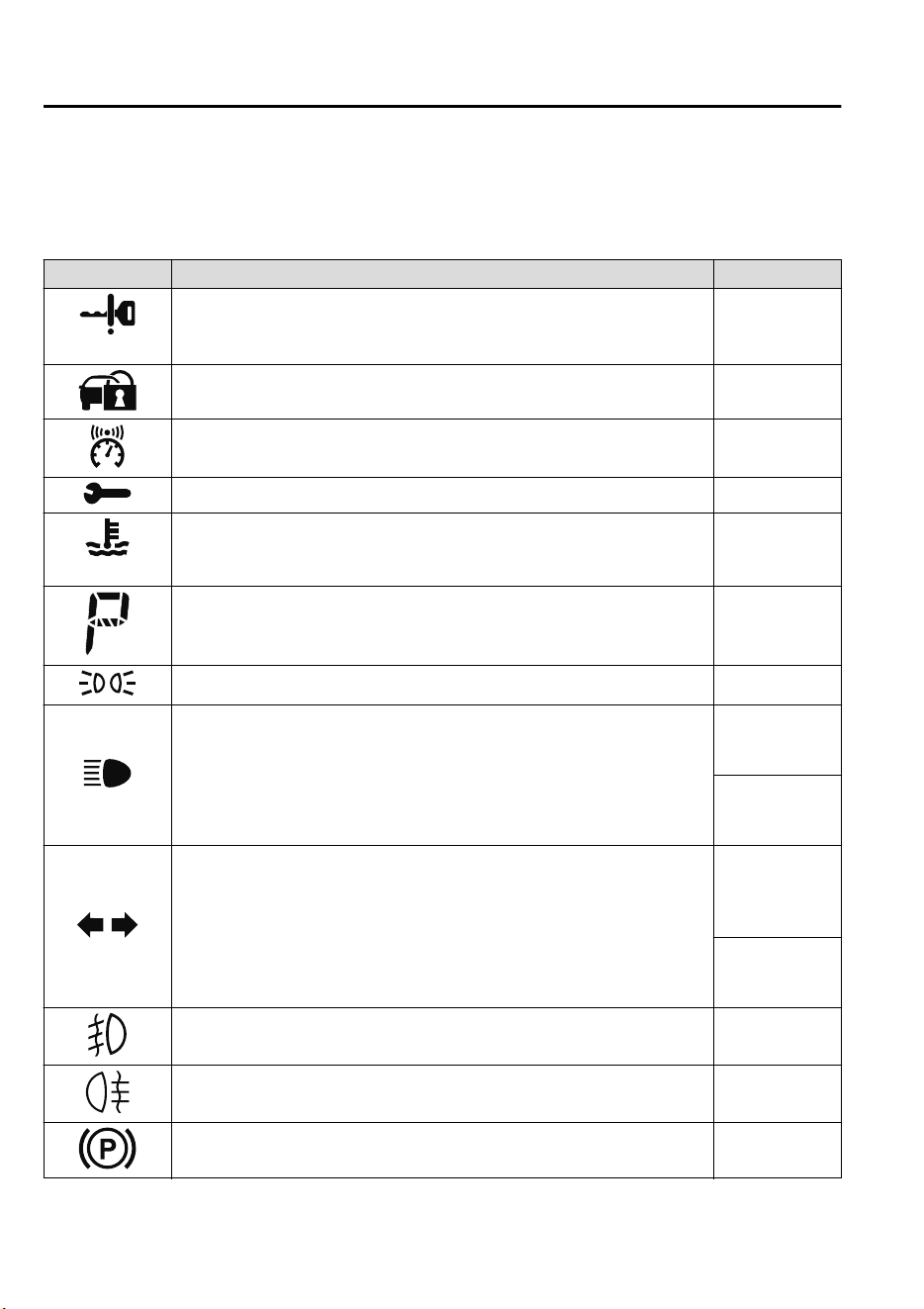
▼
Indication/Indicator Lights
These lights turn on or flash to notify the user of the system operation status or a system
malfunction.
Signal Indicator Page
(Green)
KEY Indicator Light 4-5
Security Indicator Light
*1
3-43
*
Vehicle Speed Alarm Indication
4-28
Wrench Indication/Indicator Light
*1
4-40
(Blue)
*
Low Engine Coolant Temperature Indicator Light
4-40
Shift Position Indication 4-44
Lights-On Indication/Indicator Light 4-50
Headlight High-Beam Indicator Light
Headlight
High-Low Beam
4-53
Flashing the
Headlights
4-53
Turn Signal/Hazard Warning Indicator Lights
Turn and
Lane-Change
Signals
4-57
Hazard Warning
Flasher
4-65
*
Front Fog Light Indicator Light
4-55
*
Rear Fog Light Indicator Light
4-56
Electric Parking Brake (EPB) Indication/Indicator Light
*1*2
7-41
When Driving
Instrument Cluster and Display
4-36
*Some models.
CX-9_8GC7-EE-17G_Edition1 2017-5-16 8:22:04
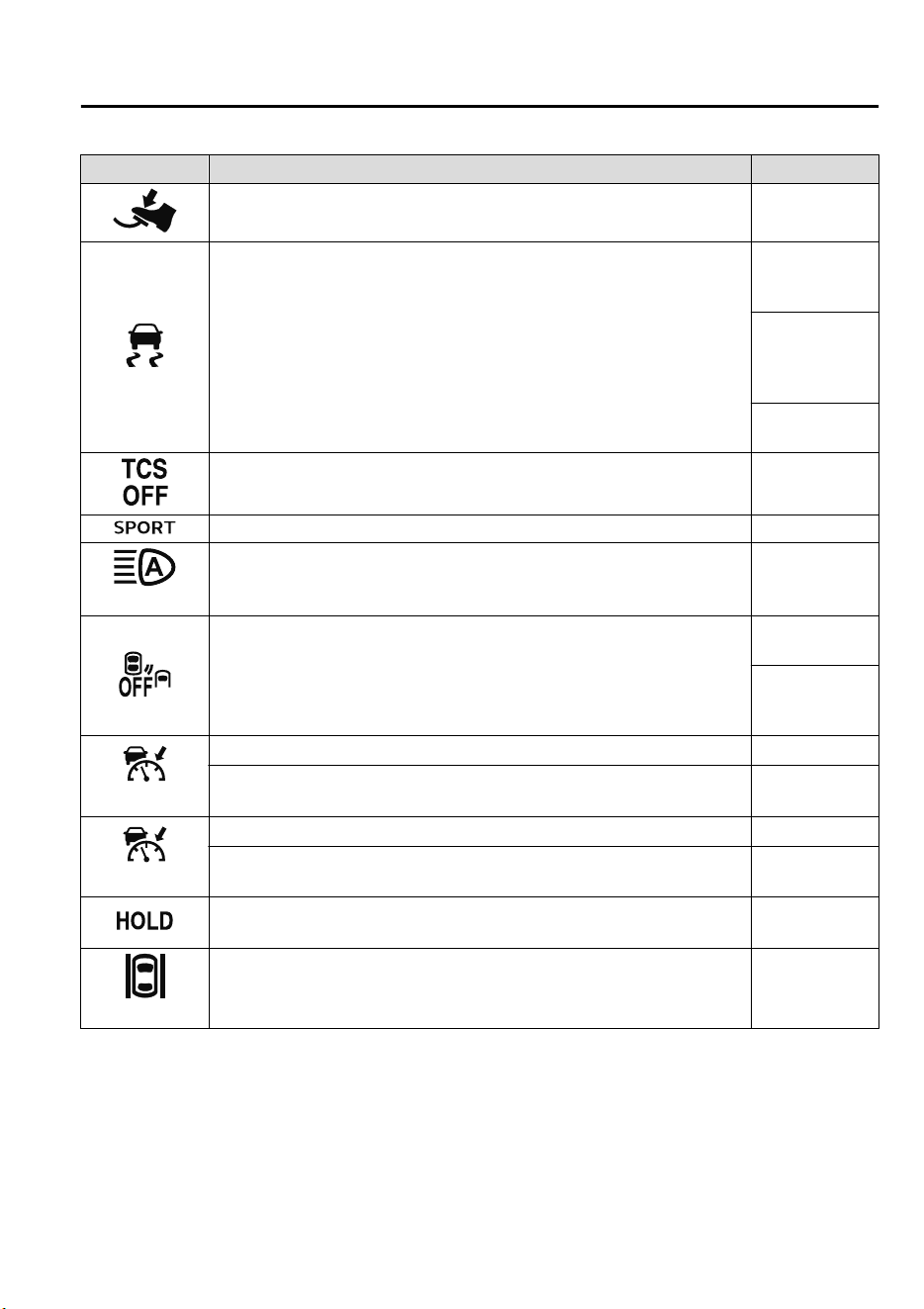
Signal Indicator Page
*
Brake Pedal Operation demand Indicator Light
4-67
TCS/DSC Indicator Light
*1
Traction Control
System (TCS)
4-73
Dynamic Stabil-
ity Control
(DSC)
4-75
Turns on
7-41
TCS OFF Indicator Light
*1
4-74
Select Mode Indication 4-80
(Green)
*
Adaptive LED Headlights (ALH) Indicator Light
4-89
*
Blind Spot Monitoring (BSM) OFF Indicator Light
*1
Malfunction
7-41
Except malfunc-
tion
4-95
(White)
*
Mazda Radar Cruise Control (MRCC) Main Indication
4-114
*
Mazda Radar Cruise Control with Stop & Go function (MRCC with Stop
& Go function) Main Indication
4-124
(Green)
*
Mazda Radar Cruise Control (MRCC) Set Indication
4-114
*
Mazda Radar Cruise Control with Stop & Go function (MRCC with Stop
& Go function) Set Indication
4-124
*
Mazda Radar Cruise Control with Stop & Go function (MRCC with Stop
& Go function) indicator Light
4-130
(White/Green)
*
Lane-keep Assist System (LAS) & Lane Departure Warning System
(LDWS) Indication
4-137
When Driving
Instrument Cluster and Display
*Some models.
4-37
CX-9_8GC7-EE-17G_Edition1 2017-5-16 8:22:04
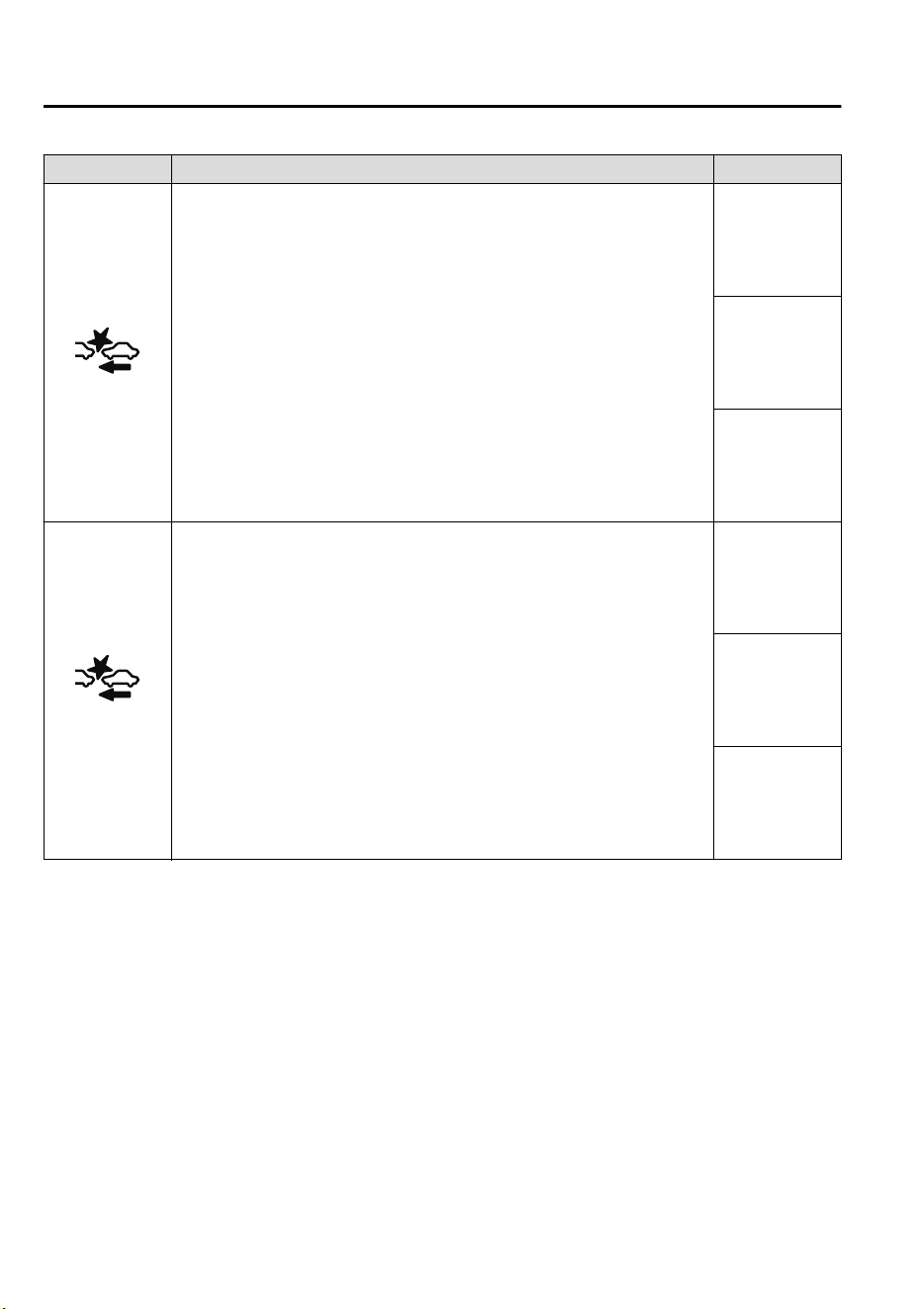
Signal Indicator Page
*
Smart City Brake Support (SCBS) Indication
Advanced Smart
City Brake Sup-
port (Advanced
SCBS)
4-147
Smart City
Brake Support
[Forward]
(SCBS F)
4-150
Smart City
Brake Support
[Reverse]
(SCBS R)
4-155
(Red)
*
Smart City Brake Support (SCBS) Indicator Light
Advanced Smart
City Brake Sup-
port (Advanced
SCBS)
4-147
Smart City
Brake Support
[Forward]
(SCBS F)
4-150
Smart City
Brake Support
[Reverse]
(SCBS R)
4-155
When Driving
Instrument Cluster and Display
4-38
*Some models.
CX-9_8GC7-EE-17G_Edition1 2017-5-16 8:22:04
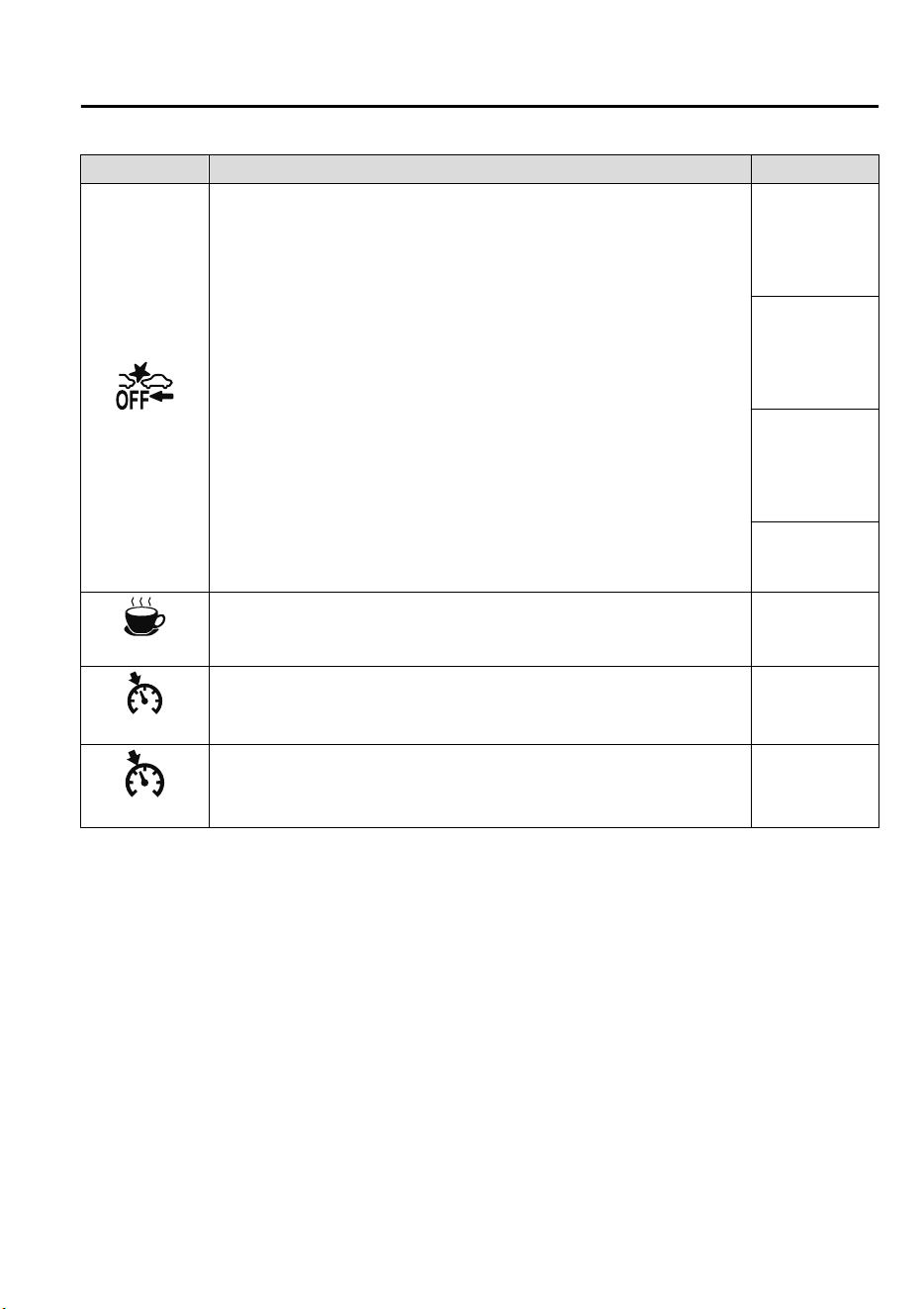
Signal Indicator Page
*
Smart Brake Support/Smart City Brake Support (SBS/SCBS) OFF Indica-
tor Light
*1
Advanced Smart
City Brake Sup-
port (Advanced
SCBS)
4-147
Smart City
Brake Support
[Forward]
(SCBS F)
4-151
Smart City
Brake Support
[Reverse]
(SCBS R)
4-155
Smart Brake
Support (SBS)
4-158
(White)
*
Driver Attention Alert (DAA) Indication
4-107
(White)
*
Cruise Main Indication
4-171
(Green)
*
Cruise Set Indication
4-171
*
1 The light turns on when the ignition is switched on for an operation check, and turns off
a few seconds later or when the engine is started. If the light does not turn on or remains
turned on, have the vehicle inspected at an expert repairer, we recommend an
Authorized Mazda Repairer.
*
2 The light turns on continuously when the electric parking brake is applied.
When Driving
Instrument Cluster and Display
*Some models.
4-39
CX-9_8GC7-EE-17G_Edition1 2017-5-16 8:22:04
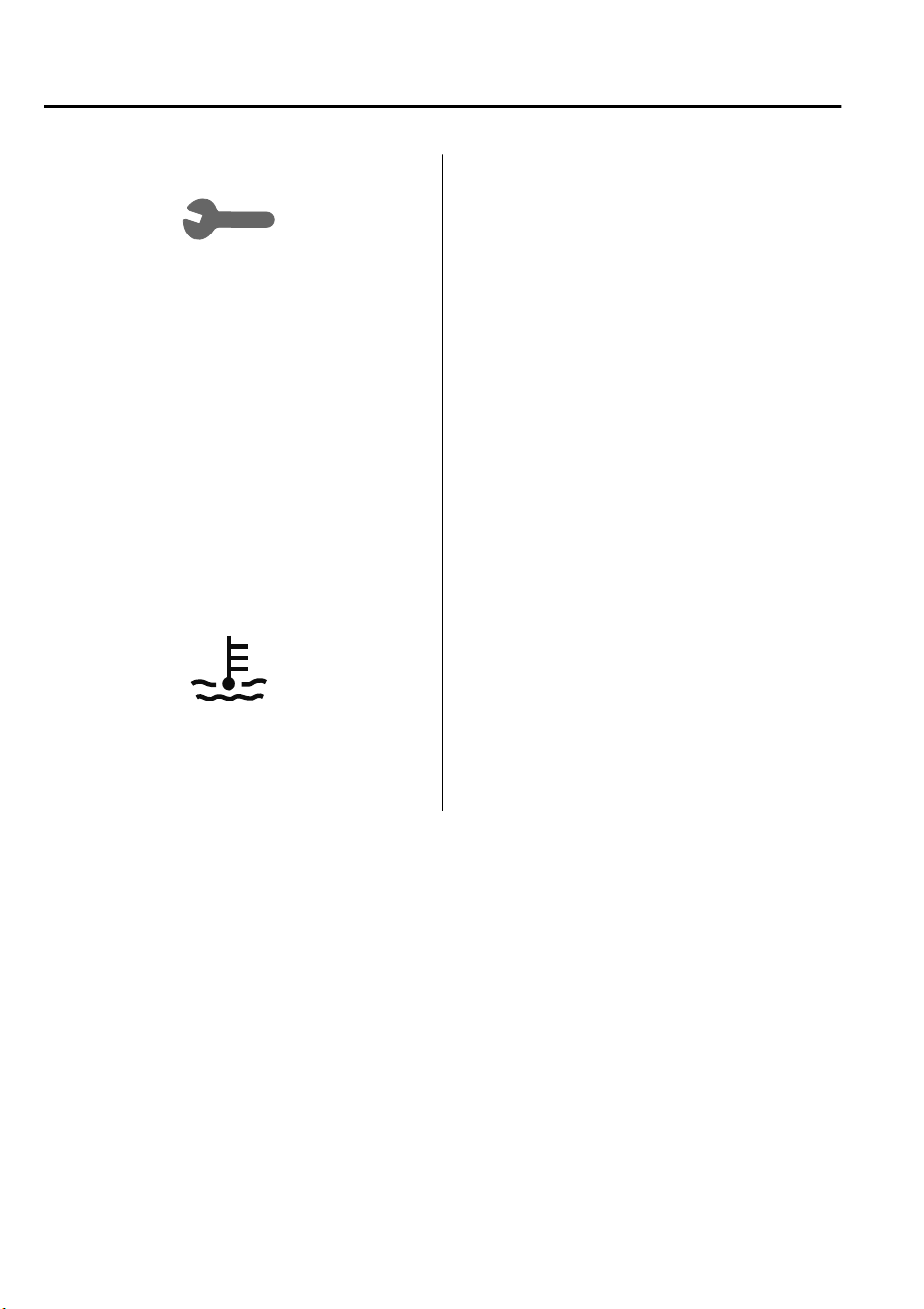
▼
Wrench Indicator Light
When the ignition is switched ON, the
wrench indicator light turns on and then
turns off after a few seconds.
The wrench indicator light turns on under
the following conditions:
•
When the preset maintenance period has
arrived.
•
When it’s time to replace the engine oil.
Refer to Maintenance Monitor on page 6-
11.
▼
Low Engine Coolant Temperature
Indicator Light (Blue)
*
The light illuminates continuously when
the engine coolant temperature is low and
turns off after the engine is warm.
When Driving
Instrument Cluster and Display
4-40
*Some models.
CX-9_8GC7-EE-17G_Edition1 2017-5-16 8:22:04
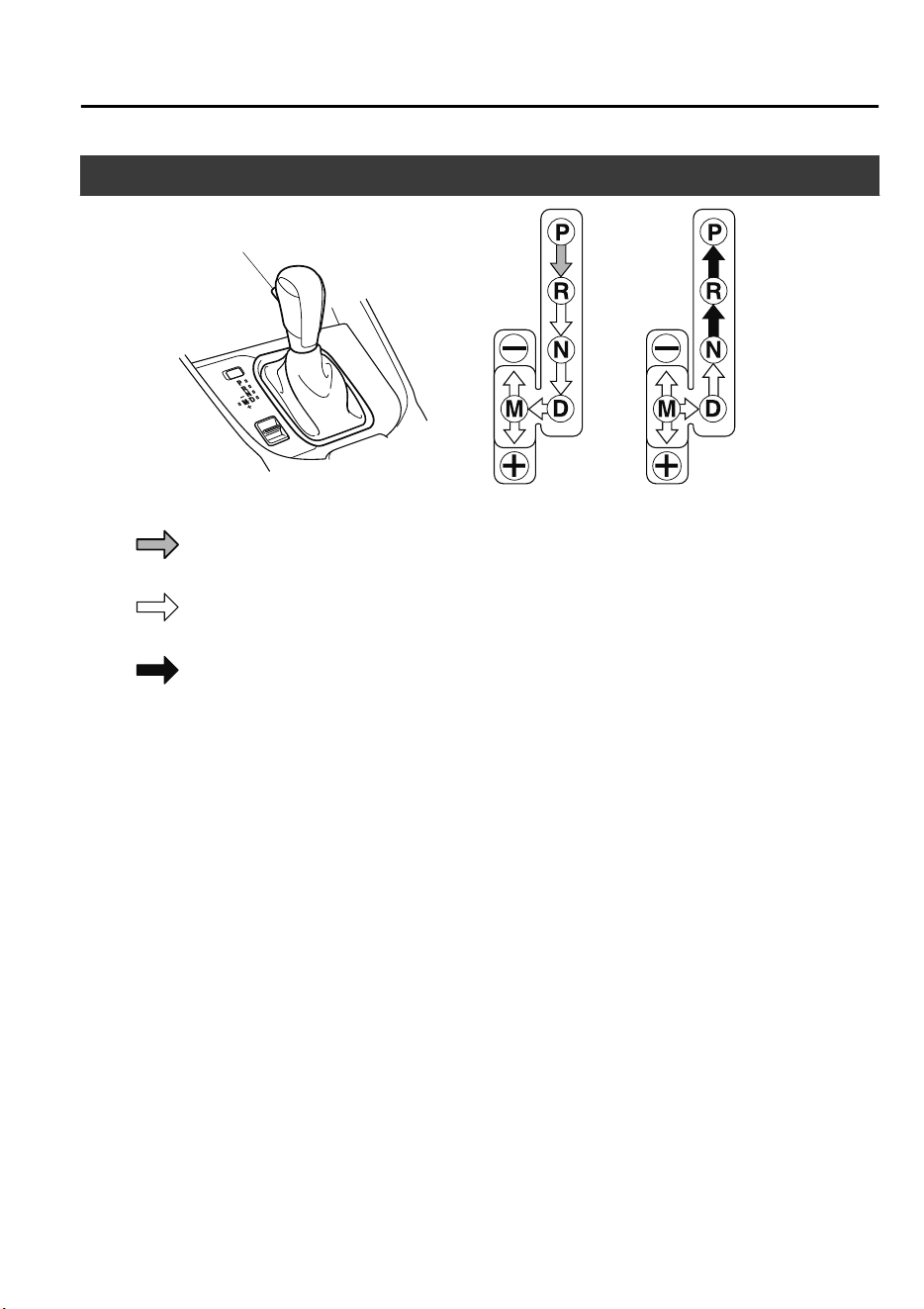
Automatic Transaxle Controls
Lock-release button
Indicates the selector lever can be shifted freely into any position.
Indicates that you must hold in the lock-release button to shift.
Indicates that you must depress the brake pedal and hold in the lock-release
button to shift (The ignition must be switched ON).
Various Lockouts:
NOTE
The Sport AT has an option that is not included in the traditional automatic transaxle that
gives the driver the option of selecting each gear instead of leaving it to the transaxle to
shift gears. Even if you intend to use the automatic transaxle functions as a traditional
automatic, you should also be aware that you can inadvertently shift into manual shift mode
and an inappropriate gear may be retained as the vehicle speed increases. If you notice the
engine speed going higher or hear the engine racing, confirm you have not accidentally
slipped into manual shift mode (page 4-45).
When Driving
Automatic Transaxle
4-41
CX-9_8GC7-EE-17G_Edition1 2017-5-16 8:22:04
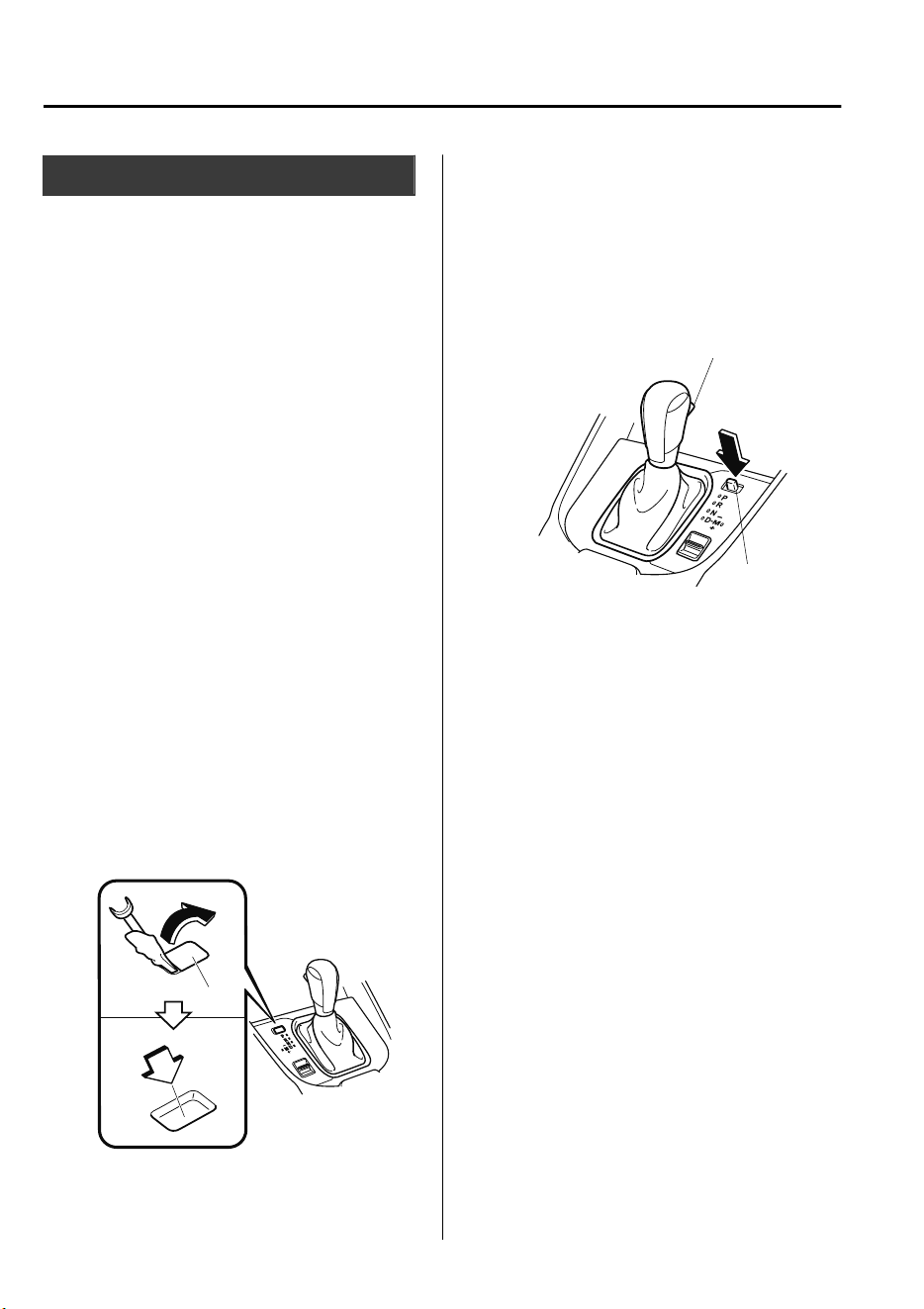
Shift-Lock System
The shift-lock system prevents shifting out
of P unless the brake pedal is depressed.
To shift from P:
1. Depress and hold the brake pedal.
2. Start the engine.
3. Press and hold the lock-release button.
4. Move the selector lever.
NOTE
•
When the ignition is switched to ACC or
the ignition is switched off, the selector
lever cannot be shifted from P.
•
The ignition cannot be switched to OFF
if the selector lever is not in P.
▼
Shift-Lock Override
If the selector lever will not move from P
using the proper shift procedure, continue
to hold down the brake pedal.
Type A
1. Remove the shift-lock override cover
using a cloth-wrapped flat head
screwdriver.
2. Insert a screwdriver and push it down.
Cover
3. Press and hold the lock-release button.
4. Move the selector lever.
Take the vehicle to an expert repairer, we
recommend an Authorized Mazda
Repairer to have the system checked.
Type B
1. Press the lock-release button with the
button pressed.
Lock-release button
Button
2. Move the selector lever.
Take the vehicle to an expert repairer, we
recommend an Authorized Mazda
Repairer to have the system checked.
When Driving
Automatic Transaxle
4-42
CX-9_8GC7-EE-17G_Edition1 2017-5-16 8:22:04
Transaxle Ranges
•
The shift position indication in the
instrument cluster illuminates. Refer to
Warning/Indicator Lights on page 4-32.
•
The selector lever must be in P or N to
operate the starter.
P (Park)
P locks the transaxle and prevents the
front wheels from rotating.
WARNING
Always set the selector lever to P and set
the parking brake:
Only setting the selector lever to the P
position without using the parking brake to
hold the vehicle is dangerous. If P fails to
hold, the vehicle could move and cause an
accident.
CAUTION
Shifting into P, N or R while the vehicle is
moving can damage your transaxle.
Shifting into a driving gear or reverse
when the engine is running faster than
idle can damage the transaxle.
R (Reverse)
In position R, the vehicle moves only
backward. You must be at a complete stop
before shifting to or from R, except under
rare circumstances as explained in
Rocking the Vehicle (page 3-51).
NOTE
(With parking sensor system)
When the selector lever is shifted to the R
position with the ignition switched ON, the
parking sensor system is activated and a
beep sound is heard.
Refer to Parking Sensor System on page
4-191.
N (Neutral)
In N, the wheels and transaxle are not
locked. The vehicle will roll freely even
on the slightest incline unless the parking
brake or brakes are on.
WARNING
If the engine is running faster than idle, do
not shift from N or P into a driving gear:
It's dangerous to shift from N or P into a
driving gear when the engine is running
faster than idle. If this is done, the vehicle
could move suddenly, causing an accident
or serious injury.
Do not shift into N when driving the
vehicle:
Shifting into N while driving is dangerous.
Engine braking cannot be applied when
decelerating which could lead to an
accident or serious injury.
CAUTION
Do not shift into N when driving the
vehicle. Doing so can cause transaxle
damage.
When Driving
Automatic Transaxle
4-43
CX-9_8GC7-EE-17G_Edition1 2017-5-16 8:22:04
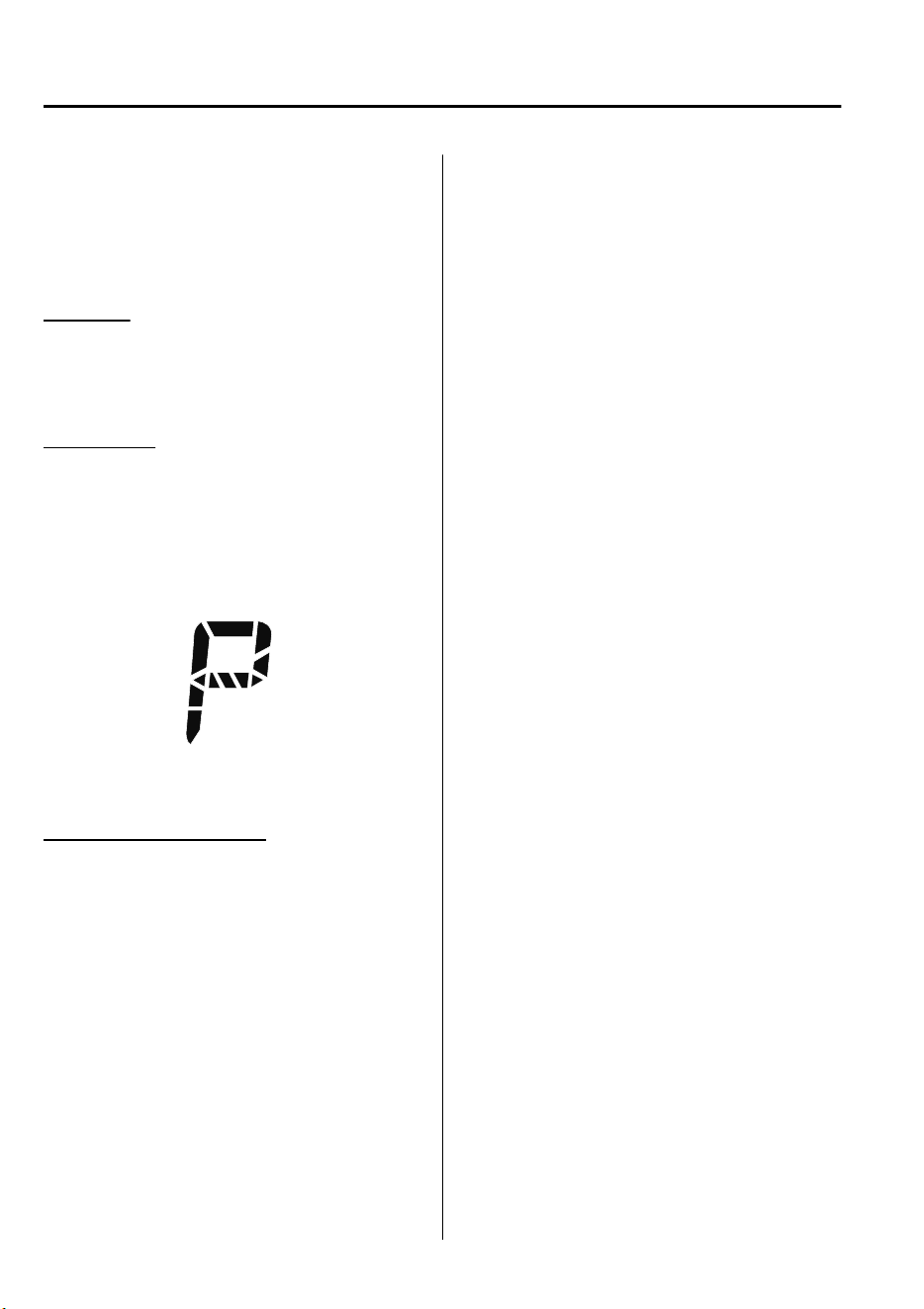
NOTE
Apply the parking brake or depress the
brake pedal before moving the selector
lever from N to prevent the vehicle from
moving unexpectedly.
D (Drive)
D is the normal driving position. From a
stop, the transaxle will automatically shift
through a 6-gear sequence.
M (Manual)
M is the manual shift mode position.
Gears can be shifted up or down by
operating the selector lever. Refer to
Manual Shift Mode on page 4-45.
▼
Shift Position Indication
The selector position is indicated when the
ignition is switched ON.
Gear position indication
In manual shift mode, the “M” of the shift
position indication illuminates and the
numeral for the selected gear is displayed.
▼
Active Adaptive Shift (AAS)
Active Adaptive Shift (AAS)
automatically controls the transaxle shift
points to best suit the road conditions and
driver input. This improves driving feel.
The transaxle may switch to AAS mode
when driving up and down slopes,
cornering, driving at high elevations, or
depressing the accelerator pedal quickly
while the selector lever is in the D
position. Depending on the road and
driving conditions/vehicle operations, gear
shifting could be delayed or not occur,
however, this does not indicate a problem
because the AAS mode will maintain the
optimum gear position.
When Driving
Automatic Transaxle
4-44
CX-9_8GC7-EE-17G_Edition1 2017-5-16 8:22:04
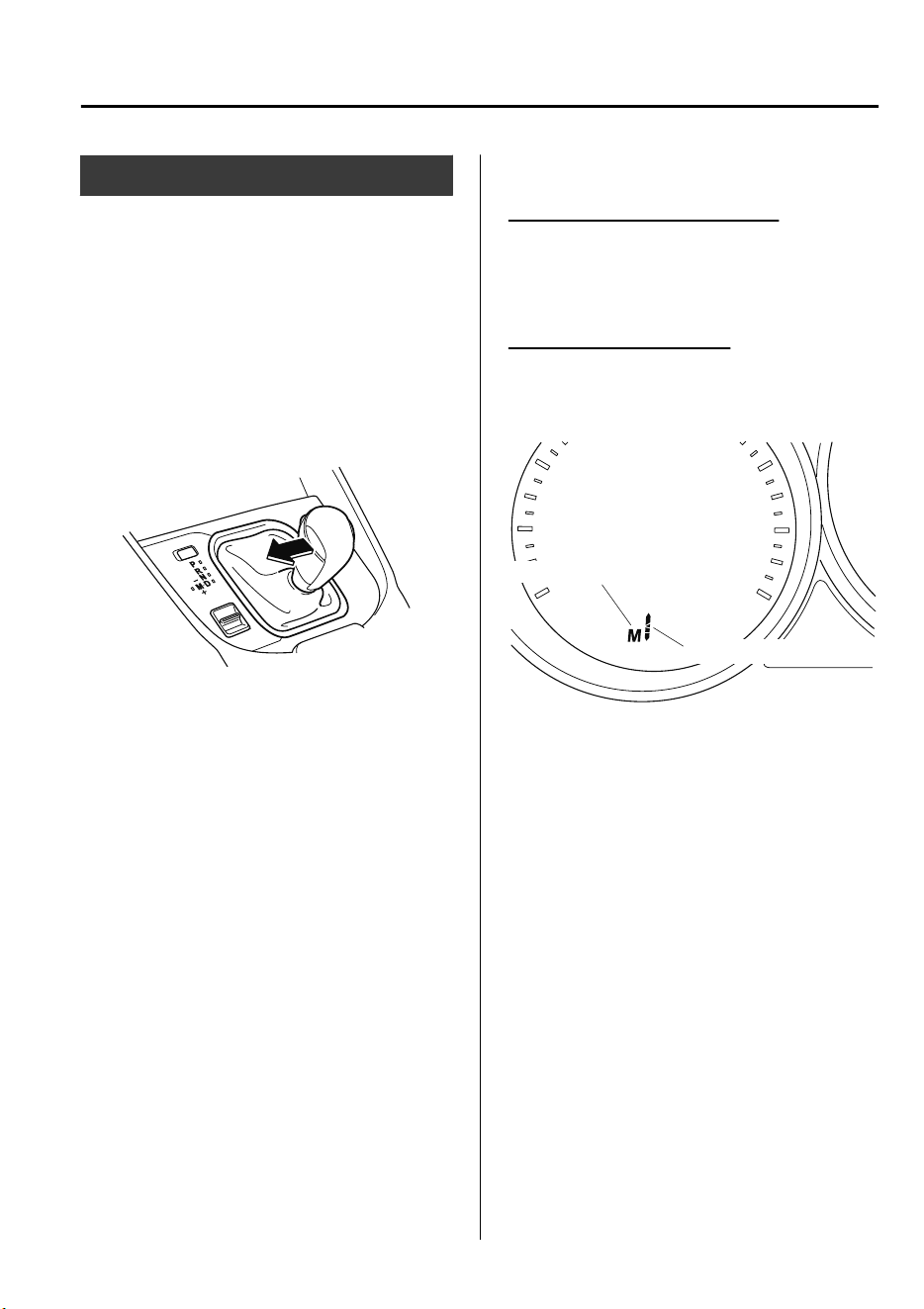
Manual Shift Mode
The manual shift mode gives you the feel
of driving a manual transaxle vehicle by
allowing you to operate the selector lever
manually. This allows you to control
engine rpm and torque to the drive wheels
much like a manual transaxle when more
control is desired.
To change to manual shift mode, shift the
lever from D to M.
NOTE
Changing to manual shift mode while
driving will not damage the transaxle.
To return to automatic shift mode, shift the
lever from M to D.
NOTE
•
If you change to manual shift mode
when the vehicle is stopped, the gear
will shift to M1.
•
If you change to manual shift mode
without depressing the accelerator pedal
when driving in D range, 5th gear/6th
gear, the gear will shift to M4/M5.
▼
Indicators
Manual shift mode indication
In manual shift mode, the “M” of the shift
position indication in the instrument panel
illuminates.
Gear position indication
The numeral for the selected gear
illuminates.
Manual shift mode indicator
Gear position indicator
NOTE
•
If the gears cannot be shifted down
when driving at higher speeds, the gear
position indication will flash twice to
signal that the gears cannot be shifted
down (to protect the transaxle).
•
If the automatic transaxle fluid (ATF)
temperature becomes too high, there is
the possibility that the transaxle will
switch to automatic shift mode,
canceling manual shift mode and
turning off the gear position indication
illumination. This is a normal function
to protect the AT. After the ATF
temperature has decreased, the gear
position indication illumination turns
back on and driving in manual shift
mode is restored.
When Driving
Automatic Transaxle
4-45
CX-9_8GC7-EE-17G_Edition1 2017-5-16 8:22:04
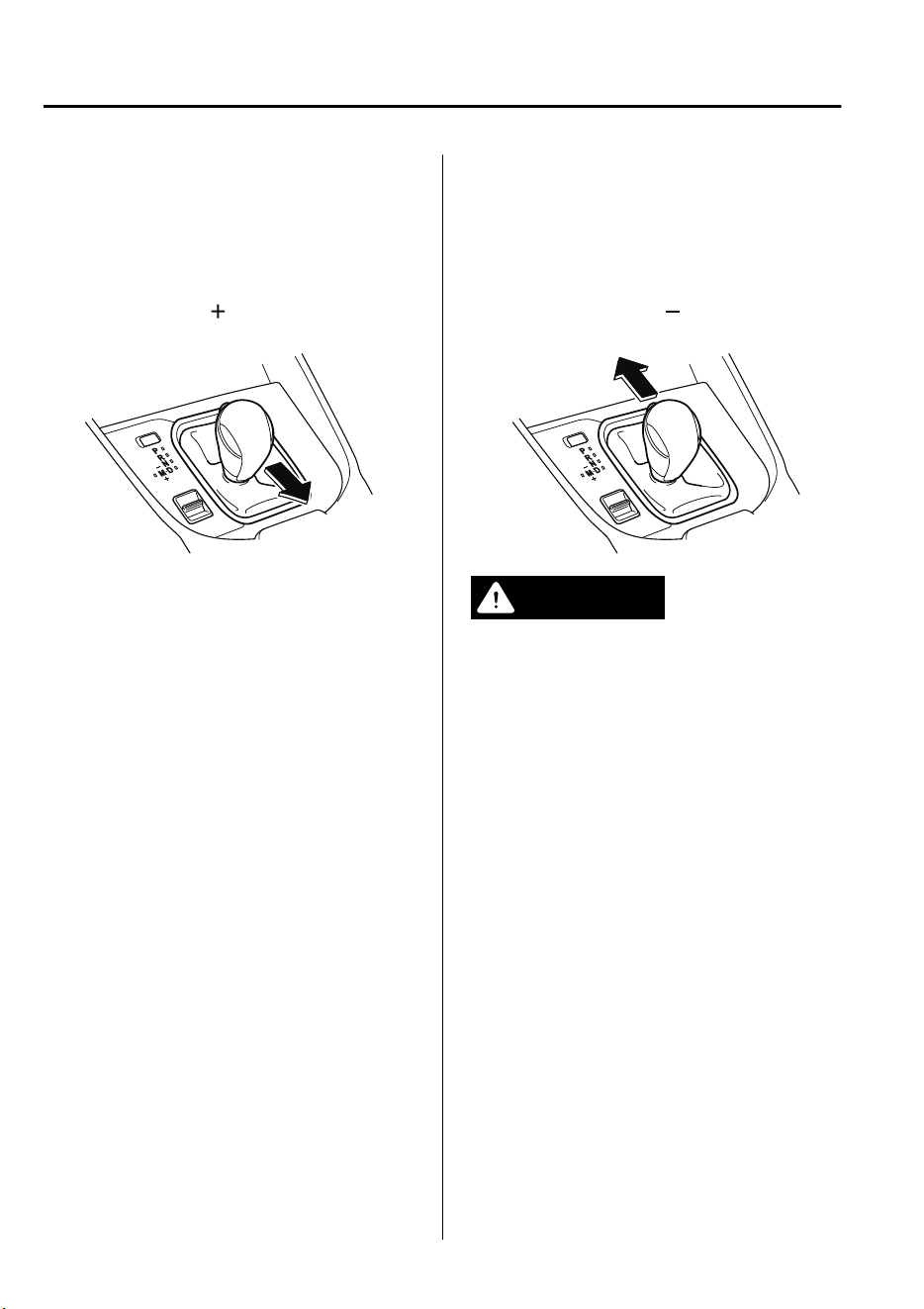
▼
Manually Shifting Up
You can shift gears up by operating the
selector lever.
M1 → M2 → M3 → M4 → M5 → M6
To shift up to a higher gear, tap the
selector lever back
once.
NOTE
•
When driving slowly, the gears may not
shift up.
•
Do not drive the vehicle with the
tachometer needle in the RED ZONE
while in manual shift mode. In addition,
manual shift mode switches to automatic
shift mode while the accelerator pedal is
completely depressed.
This function is canceled while the TCS
is turned off. However, if the vehicle is
continuously driven at a high rpm, the
gears may automatically shift up to
protect the engine.
▼
Manually Shifting Down
You can shift gears down by operating the
selector lever.
M6 → M5 → M4 → M3 → M2→ M1
To shift down to a lower gear, tap the
selector lever forward
once.
WARNING
Do not use engine braking on slippery road
surfaces or at high speeds:
Shifting down while driving on wet, snowy,
or frozen roads, or while driving at high
speeds causes sudden engine braking,
which is dangerous. The sudden change in
tire speed could cause the tires to skid. This
could lead to loss of vehicle control and an
accident.
When Driving
Automatic Transaxle
4-46
CX-9_8GC7-EE-17G_Edition1 2017-5-16 8:22:04

NOTE
•
When driving at high speeds, the gear
may not shift down.
•
During deceleration, the gear may
automatically shift down depending on
vehicle speed.
•
When depressing the accelerator fully,
the transaxle will shift to a lower gear,
depending on vehicle speed. However,
the gears do not kickdown while the TCS
is turned off.
▼
Second Gear Fixed Mode
When the selector lever is moved back
while the vehicle speed is about 10 km/h
(6.2 mph) or less, the transaxle is set in the
second gear fixed mode. The gear is fixed
in second while in this mode for easier
acceleration from a stop and driving on
slippery roads such as snow-covered
roads.
If the selector lever is moved back
or
forward
while in the second gear fixed
mode, the mode will be canceled.
When Driving
Automatic Transaxle
4-47
CX-9_8GC7-EE-17G_Edition1 2017-5-16 8:22:04
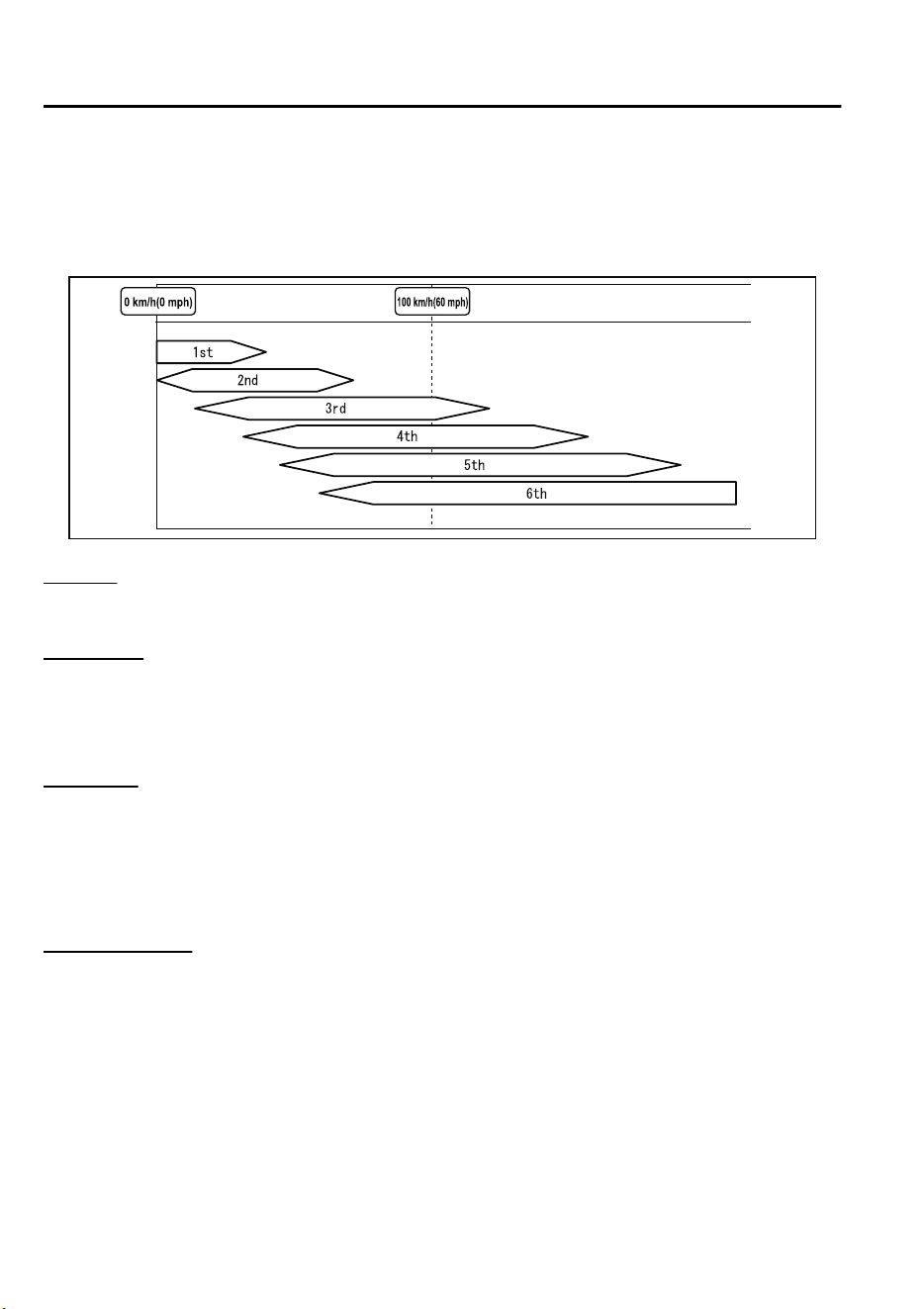
▼
Shift Gear (Shifting) Speed Limit
For each gear position while in the manual mode, the speed limit is set as follows: When the
selector lever is operated within the range of the speed limit, the gear is shifted.
Shift up
The gear does not shift up while the vehicle speed is lower than the speed limit.
Shift down
The gear does not shift down while the vehicle speed exceeds the speed limit.
If the vehicle speed exceeds the speed limit and the gear does not shift down, the gear
position indication flashes 2 times to notify the driver that the gear cannot be shifted.
Kickdown
When the accelerator pedal is depressed fully while driving, the gear shifts down.
However, the gears do not kickdown while the TCS is turned off.
NOTE
The gear also shifts down using kickdown while in the second gear fixed mode.
Auto-shift down
The gear shifts down automatically depending on the vehicle speed during deceleration.
NOTE
If the vehicle comes to a stop while in the second gear fixed mode, the gear remains in
second.
When Driving
Automatic Transaxle
4-48
CX-9_8GC7-EE-17G_Edition1 2017-5-16 8:22:04
Driving Tips
WARNING
Do not let the vehicle move in a direction
opposite to the direction selected by the
selector lever:
Do not let the vehicle move backward with
the selector lever in a forward position, or
do not let the vehicle move forward with
the selector lever in the reverse position.
Otherwise, the engine may stop, causing
the loss of the power brake and power
steering functions, and make it dicult to
control the vehicle which could result in an
accident.
Passing
For extra power when passing another
vehicle or climbing steep grades, depress
the accelerator fully. The transaxle will
shift to a lower gear, depending on vehicle
speed.
NOTE
•
The accelerator pedal may initially feel
heavy as it is being depressed, then feel
lighter as it is depressed further. This
change in pedal force aids the engine
control system in determining how much
the accelerator pedal has been
depressed for performing kickdown, and
functions to control whether or not
kickdown should be performed.
•
While the selector lever is in the M
position and the TCS is turned off,
manual shift mode does not switch to
automatic shift mode even if the
accelerator pedal is completely
depressed. Operate the selector lever.
Climbing steep grades from a stop
To climb a steep grade from a stopped
position:
1. Depress the brake pedal.
2. Shift to D or M1, depending on the
load weight and grade steepness.
3. Release the brake pedal while
gradually accelerating.
Descending steep grades
When descending a steep grade, shift to
lower gears, depending on load weight and
grade steepness. Descend slowly, using the
brakes only occasionally to prevent them
from overheating.
When Driving
Automatic Transaxle
4-49
CX-9_8GC7-EE-17G_Edition1 2017-5-16 8:22:04
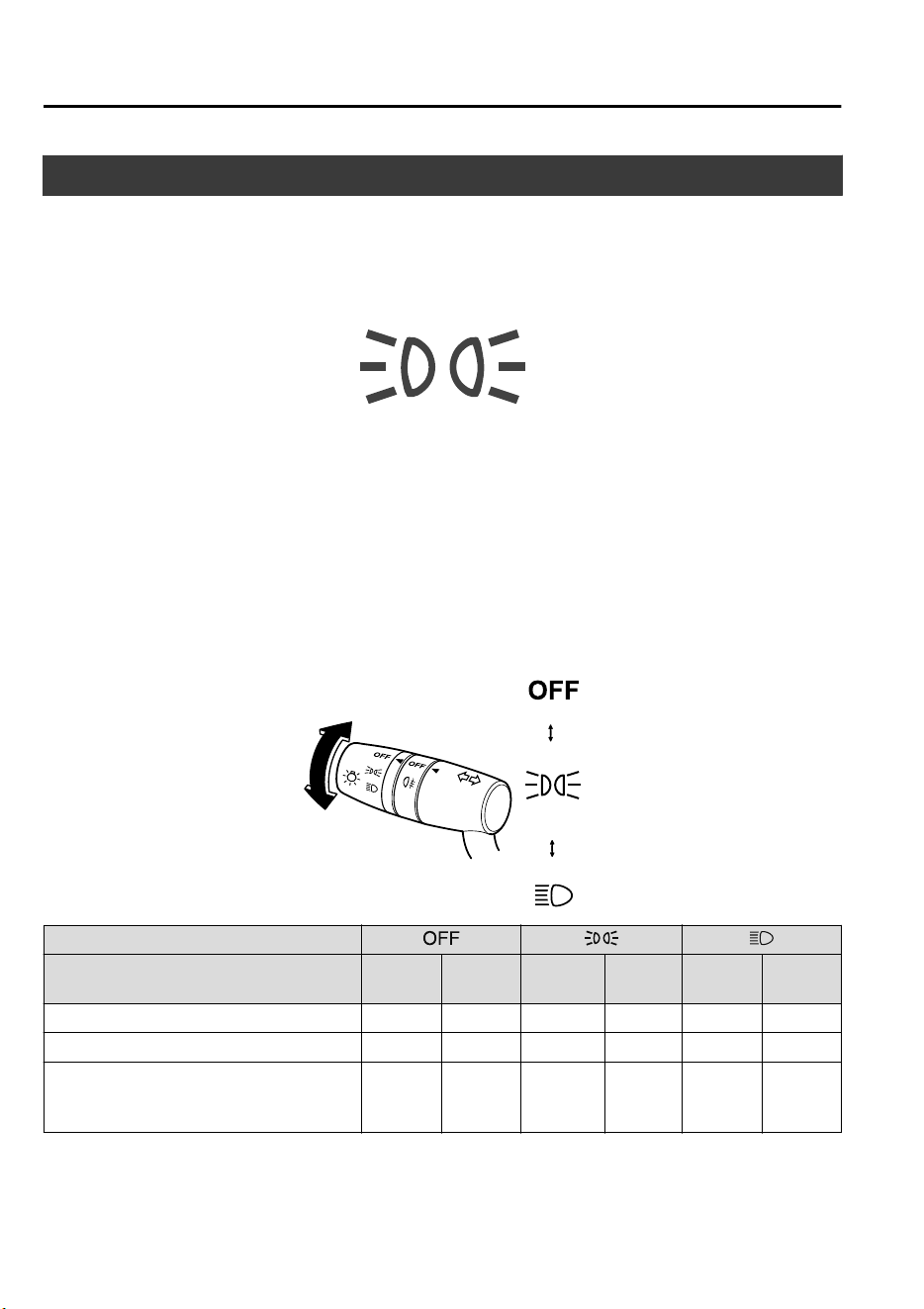
Lighting Control
▼
Headlights
Turn the headlight switch to turn the headlights and other exterior lights on or off.
When the lights are turned on, the lights-on indicator light in the instrument cluster turns on.
NOTE
•
To prevent discharging the battery, do not leave the lights on while the engine is off unless
safety requires them.
•
Headlights do not blind drivers approaching in the opposite direction no matter what side
of the road you must drive your vehicle (left-hand or right-hand traffic). Therefore, it is
not necessary to adjust the optical axis of the headlights when switching temporarily to
driving on the opposite side of the road (left-hand or right-hand traffic).
Without auto-light control
Switch Position
Ignition Position ON
ACC or
OFF
ON
ACC or
OFF
ON
ACC or
OFF
Headlights Off Off Off Off On Off
Running lights
*
On
*1
Off Off Off Off Off
Taillights
Parking lights
License plate lights
On
*2
Off On On On
On
*3
*
1 The lights are turned on while the vehicle is driven.
*
2 When the running lights are turned on, the taillights, and license plate lights turn on. The parking lights does
not turn on.
When Driving
Switches and Controls
4-50
*Some models.
CX-9_8GC7-EE-17G_Edition1 2017-5-16 8:22:04
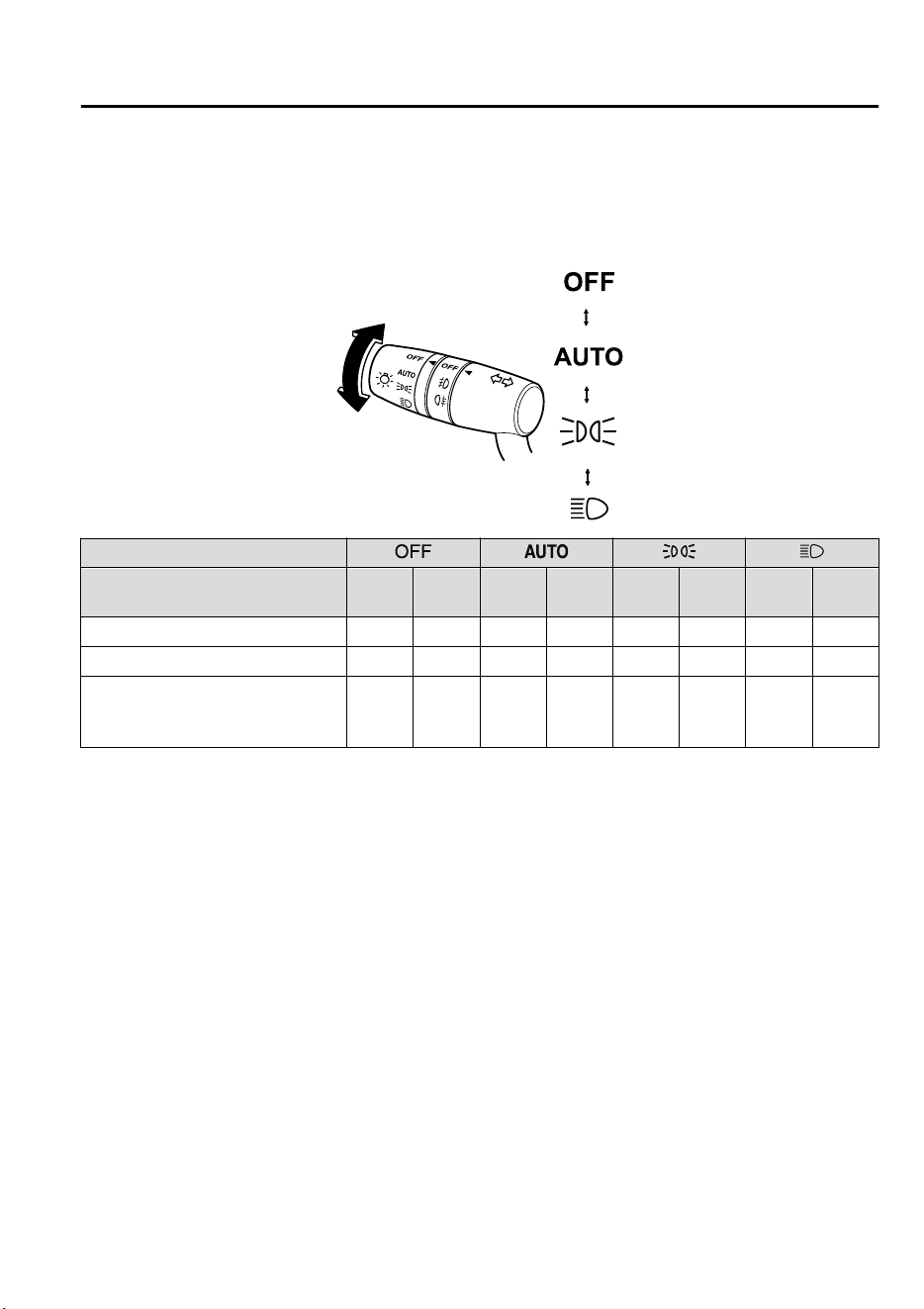
*
3 The lights are turned on continuously if the ignition is switched from ON to any other position with the lights
turned on. The lights are turned off when the driver's door is opened or 30 seconds have elapsed since the
lights turned on.
With auto-light control
Switch Position
Ignition Position ON
ACC or
OFF
ON
ACC or
OFF
ON
ACC or
OFF
ON
ACC or
OFF
Headlights Off Off
Auto
*3
Off Off Off On Off
Running lights
*
On
*1
Off
On
*4
Off Off Off Off Off
Taillights
Parking lights
License plate lights
On
*2
Off
Auto
*3
On
*5
On On On
On
*5
*
1 The lights are turned on while the vehicle is driven.
*
2 When the running lights are turned on, the taillights, and license plate lights turn on. The parking lights does
not turn on.
*
3 The lights are turned on by the auto light function.
*
4 The lights are turned on while the vehicle is driven, and turned off when the headlights are turned on by the
auto light function.
*
5 The lights are turned on continuously if the ignition is switched from ON to any other position with the lights
turned on. The lights are turned off when the driver's door is opened or 30 seconds have elapsed since the
lights turned on.
When Driving
Switches and Controls
*Some models.
4-51
CX-9_8GC7-EE-17G_Edition1 2017-5-16 8:22:04
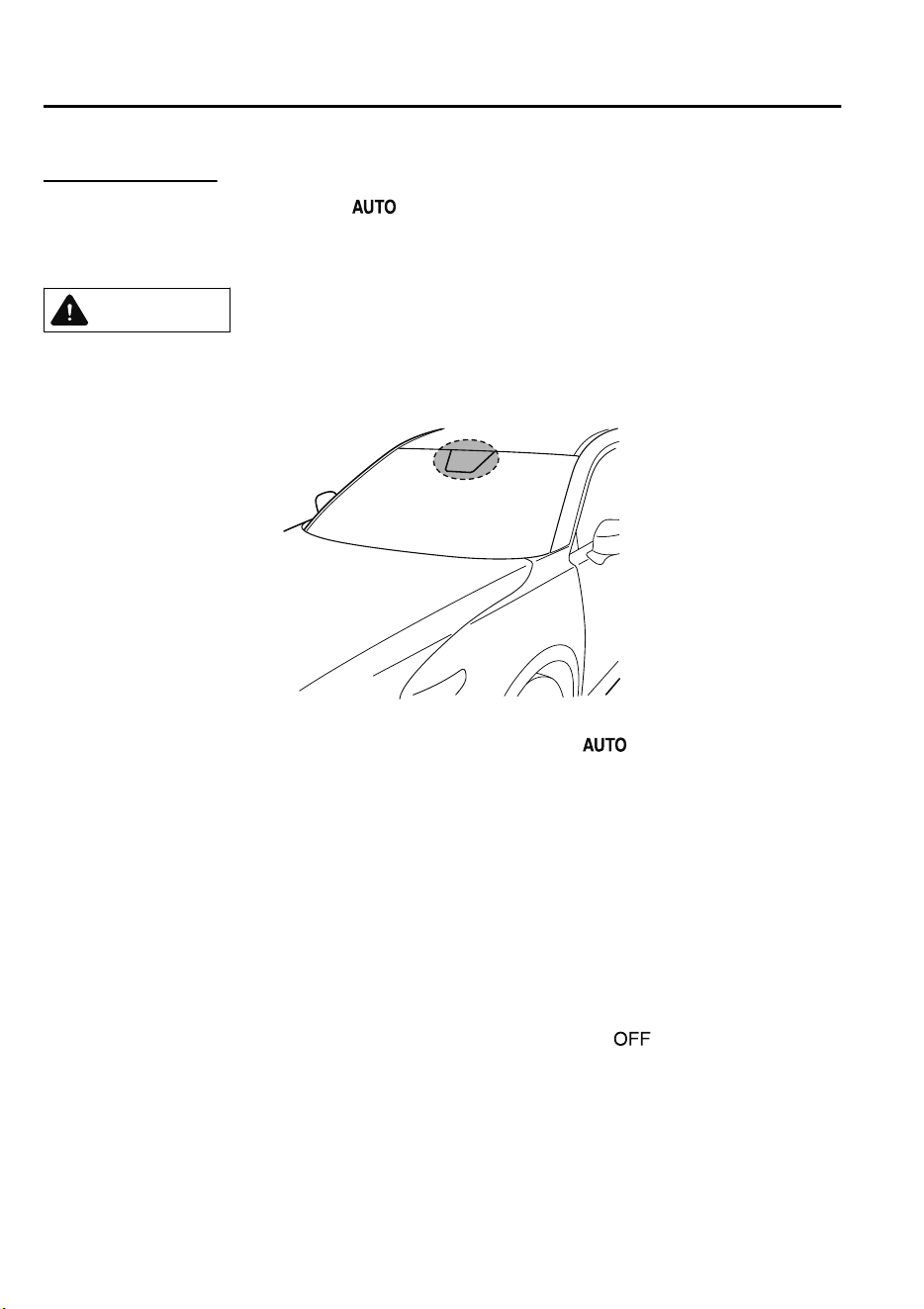
Auto-light control
*
When the headlight switch is in the position and the ignition is switched ON, the light
sensor senses the surrounding lightness or darkness and automatically turns the headlights
and other exterior lights on or off.
CAUTION
Do not shade the light sensor by adhering a sticker or a label on the windshield. Otherwise
the light sensor will not operate correctly.
The light sensor also works as a rain sensor for the auto-wiper control. Keep hands and
scrapers clear of the windshield when the wiper lever is in the
position and the ignition
is switched ON as ngers could be pinched or the wipers and wiper blades damaged when
the wipers activate automatically. If you are going to clean the windshield, be sure the
wipers are turned o completely ― this is particularly important when clearing ice and
snow ― when it is particularly tempting to leave the engine running.
NOTE
•
The headlights and other exterior lights may not turn off immediately even if the
surrounding area becomes well-lit because the light sensor determines that it is night time
if the surrounding area is continuously dark for several minutes such as inside long
tunnels, traffic jams inside tunnels, or in indoor parking lots.
In this case, the lights turn off if the light switch is turned to the
position.
•
The sensitivity of the auto-light control may be changed.
Refer to Personalization Features on page 9-10.
When Driving
Switches and Controls
4-52
*Some models.
CX-9_8GC7-EE-17G_Edition1 2017-5-16 8:22:04
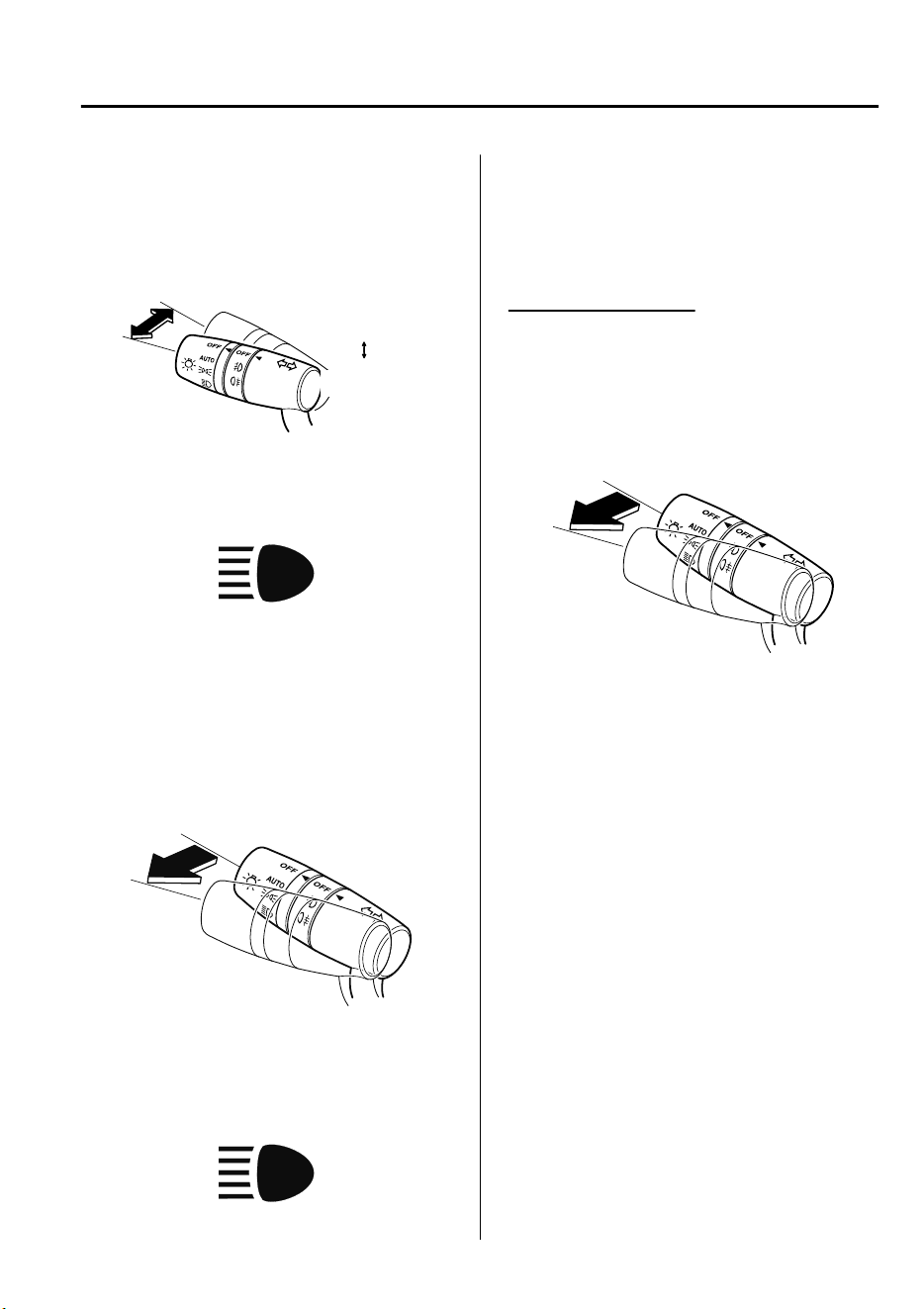
▼
Headlight High-Low Beam
The headlights switch between high and
low beams by moving the lever forward or
backward.
High beam
Low beam
When the headlight high-beams are on, the
headlight high-beam indicator light is
turned on.
▼
Flashing the Headlights
Can be used when the ignition is switched
ON.
To flash the headlights, pull the lever fully
towards you (the headlight switch does not
need to be on).
OFF
Headlight
flashing
The headlight high-beam indicator light in
the instrument cluster illuminates
simultaneously. The lever will return to
the normal position when released.
▼
Coming Home Light
The coming home light turns on the
headlights (low beams) when the lever is
operated.
To turn on the lights
When the lever is pulled with the ignition
switched to ACC or OFF, the low beam
headlights turn on.
The headlights turn off after a certain
period of time has elapsed after the doors
are closed.
NOTE
•
The time until the headlights turn off
after all of the doors are closed can be
changed.
Refer to Personalization Features on
page 9-10.
•
If no operations are done for 3 minutes
after the lever is pulled, the headlights
turn off.
•
The headlights turn off if the lever is
pulled again while the headlights are
illuminated.
▼
Leaving Home Light
The leaving home light turns on the lights
when the transmitter unlock button is
pressed while away from the vehicle.
The following lights turn on when the
leaving home light is operated.
Low beams, Parking lights, Taillights,
License plate lights.
When Driving
Switches and Controls
4-53
CX-9_8GC7-EE-17G_Edition1 2017-5-16 8:22:04
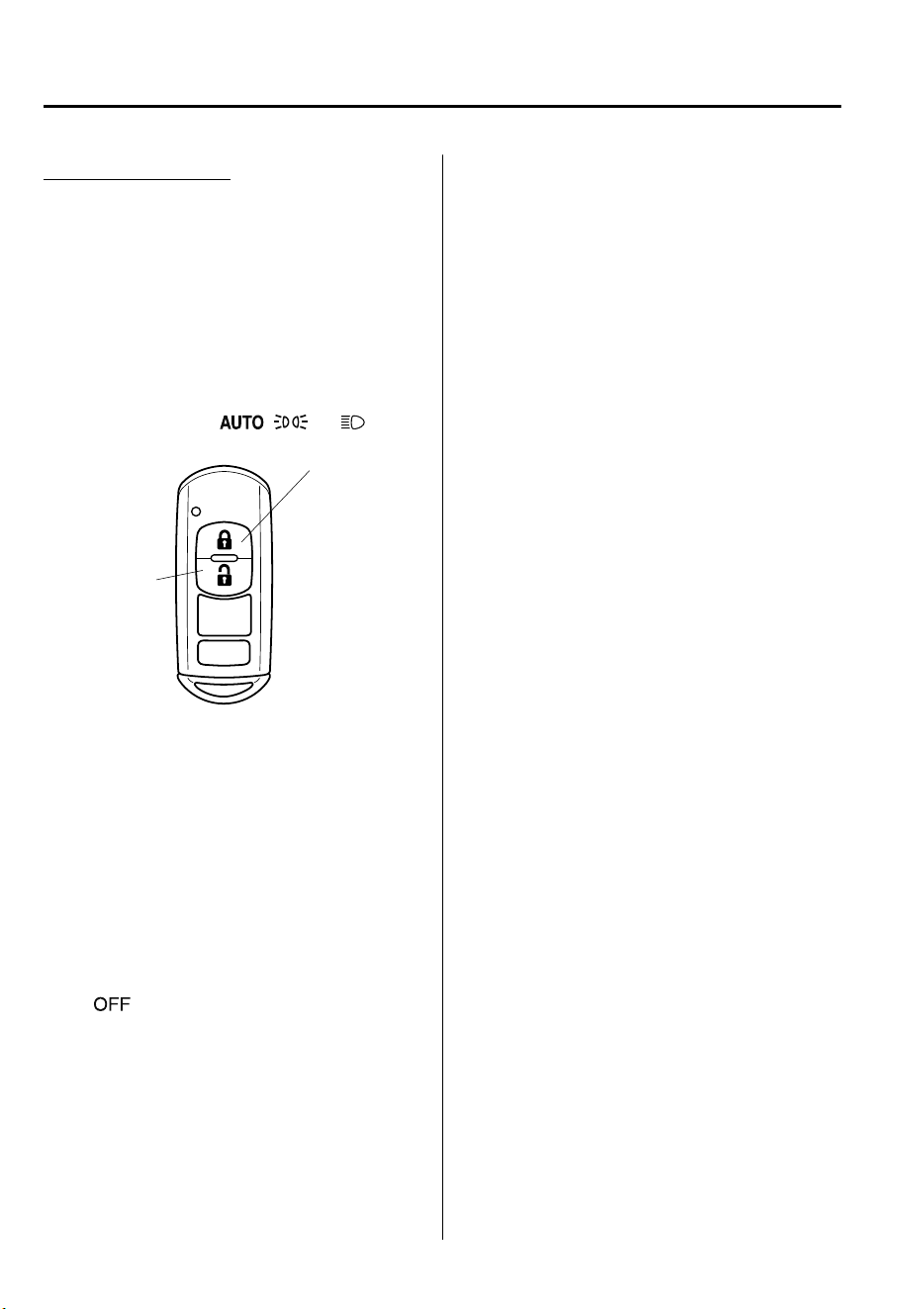
To turn on the lights
When the ignition switch and the headlight
switch are in the following conditions, the
headlights will illuminate when the
transmitter unlock button is pressed and
the vehicle receives the transmitter signal.
The headlights turn off after a certain
period of time has elapsed (30 seconds).
•
Ignition switch: off
•
Headlight switch: , , or
Lock button
Unlock
button
NOTE
•
Operation of the leaving home light can
be turned on or off.
Refer to Personalization Features on
page 9-10.
•
When the transmitter lock button is
pressed and the vehicle receives the
transmitter signal, the headlights turn
off.
•
When the headlight switch is turned to
the
position, the headlights turn off.
▼
Headlight Leveling
The number of passengers and weight of
cargo in the luggage compartment change
the angle of the headlights.
The angle of the headlights will be
automatically adjusted when turning on
the headlights.
▼
Running Lights
The running lights, which turn on while
the vehicle is being driven during the
daytime, are designed to notify on-coming
vehicles or pedestrians of the presence of
the vehicle.
Some countries require moving vehicles to
have their lights on (running lights) during
the daytime.
The running lights turn on when the
vehicle is driven and turn off when the
parking brake is operated or the selector
lever is shifted to the P position.
NOTE
The running lights can be deactivated.
Refer to Personalization Features on page
9-10.
When Driving
Switches and Controls
4-54
CX-9_8GC7-EE-17G_Edition1 2017-5-16 8:22:04
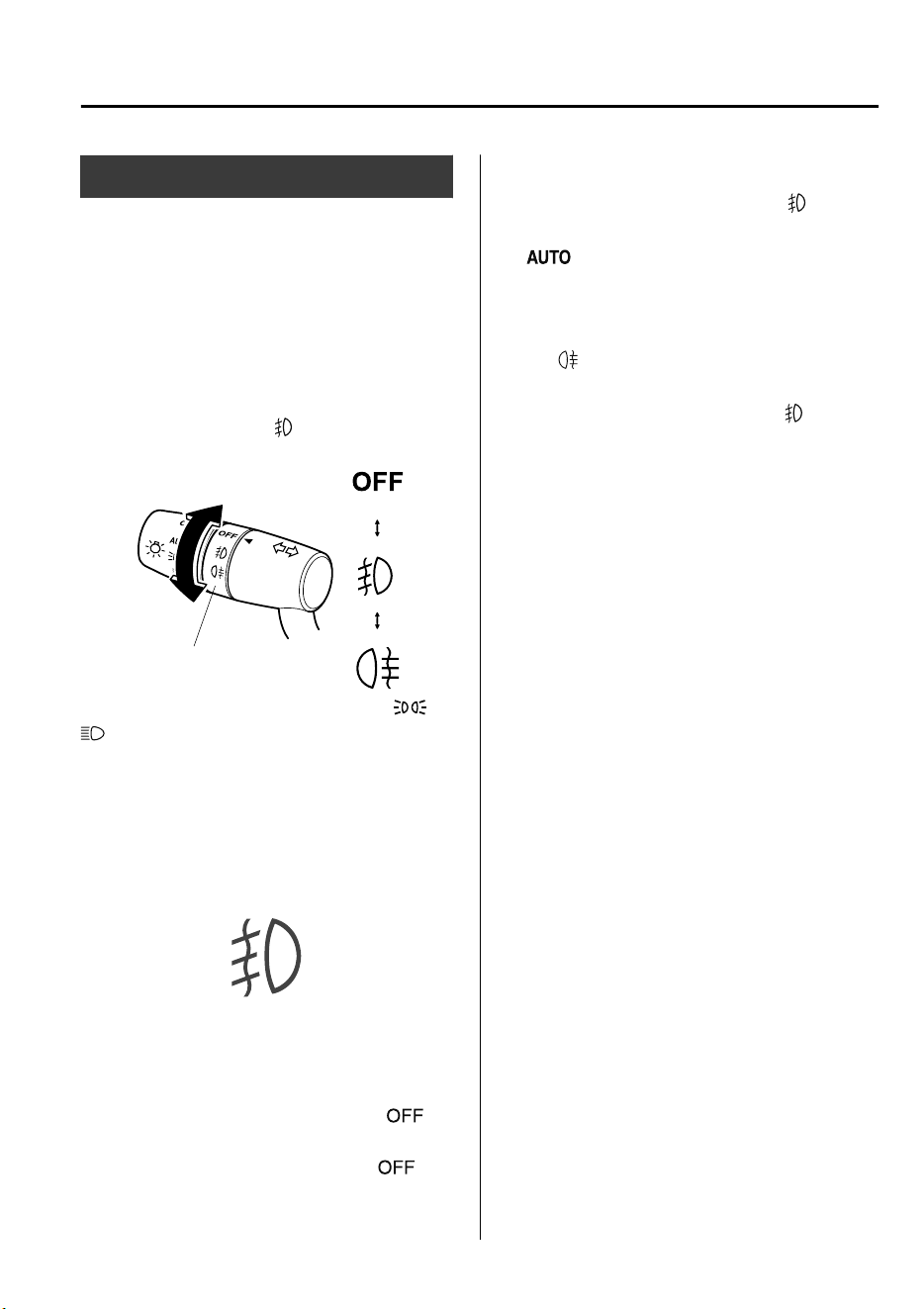
Front Fog Lights
*
The front fog lights can be used when the
ignition is switched ON.
Use this switch to turn on the front fog
lights. The front fog lights will improve
visibility at night and during foggy
conditions.
To turn the front fog lights on, rotate the
fog light switch to the
position.
Fog light switch
The headlight switch must be in the or
position when turning on the front fog
lights.
The front fog light indicator light in the
instrument cluster illuminates while the
front fog light are on.
To turn the front fog lights off, do any of
the following:
•
Rotate the fog light switch to the
position.
•
Turn the headlight switch to the
position.
NOTE
•
If the fog light switch is in the
position or the headlight switch is in the
position, the fog lights will turn on
when the headlights, the exterior lights
turn on.
•
When the fog light switch is rotated to
the
position while the headlights or
the front fog lights are turned on (the
fog light switch returns to the
position
automatically), the rear fog light turns
on and the rear fog light indicator light
turns on in the instrument cluster.
When Driving
Switches and Controls
*Some models.
4-55
CX-9_8GC7-EE-17G_Edition1 2017-5-16 8:22:04
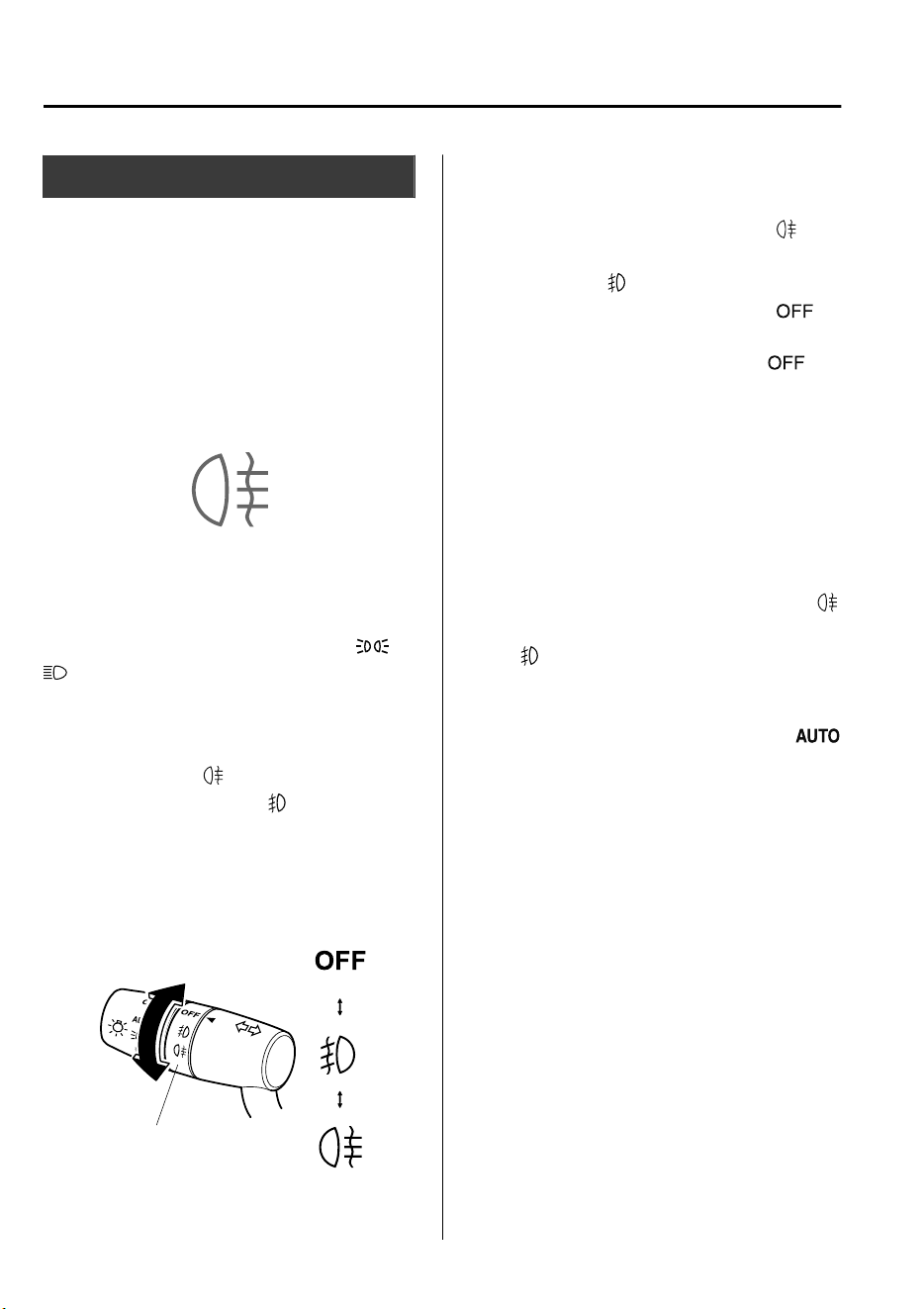
Rear Fog Light
*
The rear fog light can be used when the
ignition is switched ON.
The rear fog light helps your vehicle to be
seen.
When the lights are turned on, the rear fog
lights indicator light in the instrument
cluster turns on.
▼
With Front Fog Lights
The headlight switch must be in the or
position before turning on the rear fog
light.
To turn the rear fog light on, rotate the fog
light switch to the
position (the fog
light switch returns to the
position
automatically).
The rear fog light indicator light in the
instrument cluster illuminates while the
rear fog light is on.
Fog light switch
To turn the rear fog light off, do any of the
following:
•
Rotate the fog light switch to the
position again (the fog light switch
returns to the
position automatically).
•
Rotate the fog light switch to the
position.
•
Turn the headlight switch to the
position.
The rear fog light indicator light in the
instrument cluster goes off when the rear
fog light is turned off.
NOTE
•
The front fog lights turns on when the
rear fog light is turned on.
•
If the fog light switch is rotated to the
position (the fog light switch returns to
the
position automatically), the front
fog light indicator light in the
instrument cluster will also illuminate.
•
When the headlight switch is in the
position and the headlights, exterior
lights and instrument panel illuminated,
the rear fog light turns on when the rear
fog light switch is turned on.
When Driving
Switches and Controls
4-56
*Some models.
CX-9_8GC7-EE-17G_Edition1 2017-5-16 8:22:04
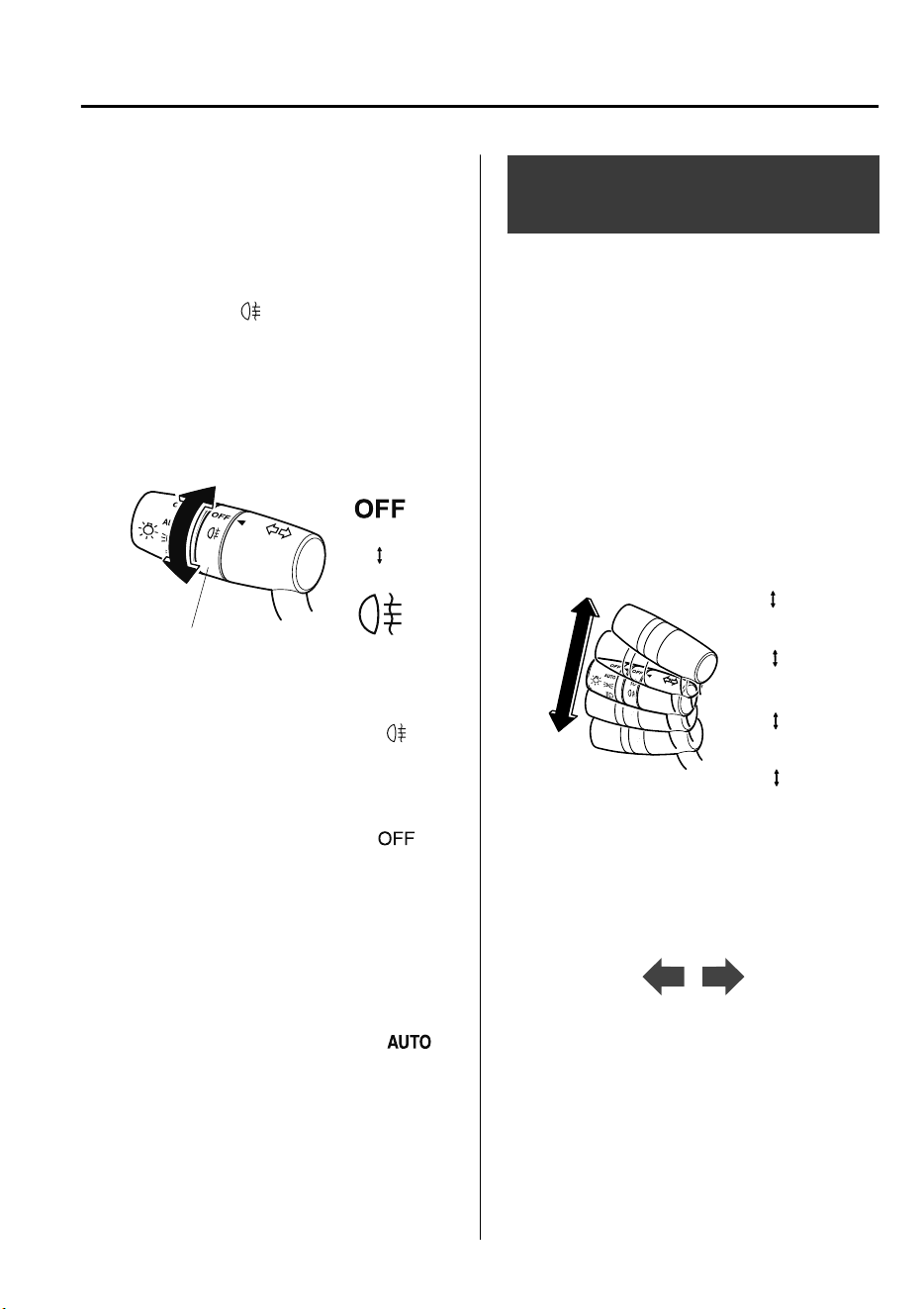
▼
Without Front Fog Lights
The headlights must be turned on to turn
on the rear fog light.
To turn the rear fog light on, rotate the fog
light switch to the
position (the fog
light switch returns to its original position
automatically).
The rear fog light indicator light in the
instrument cluster illuminates while the
rear fog light is on.
Fog light switch
To turn the rear fog light off, do any of the
following:
•
Rotate the fog light switch to the
position again (the fog light switch
returns to its original position
automatically).
•
Turn the headlight switch to the
position.
The rear fog light indicator light in the
instrument cluster goes off when the rear
fog light is turned off.
NOTE
(With auto-light control)
When the headlight switch is in the
position and the headlights, exterior lights
and instrument panel illuminated, the rear
fog light turns on when the rear fog light
switch is turned on.
Turn and Lane-Change
Signals
The ignition must be switched ON to use
the turn and lane-change signals.
▼
Turn Signals
Move the signal lever down (for a left
turn) or up (for a right turn) to the stop
position. The signal will self-cancel after
the turn is completed.
If the indicator light continues to flash
after a turn, manually return the lever to its
original position.
Right turn
Left turn
Right lane change
Left lane change
OFF
The turn signal indicators in the
instrument cluster flash according to the
operation of the turn signal lever to show
which signal is working.
NOTE
•
If an indicator light stays on without
flashing or if it flashes abnormally, one
of the turn signal bulbs may be burned
out.
•
A personalized function is available to
change the turn indicator sound volume.
(page 9-10)
When Driving
Switches and Controls
4-57
CX-9_8GC7-EE-17G_Edition1 2017-5-16 8:22:04
▼
Lane-Change Signals
Move the lever halfway toward the
direction of the lane change―until the
indicator flashes― and hold it there. It
will return to the off position when
released.
▼
Three-Flash Turn Signal
After releasing the turn signal lever, the
turn signal indicator flashes three times.
The operation can be cancelled by moving
the lever in the direction opposite to which
it was operated.
NOTE
The three-flash turn signal function can be
switched to operable/inoperable using the
personalization function.
Refer to Personalization Features on page
9-10.
Windshield Wipers and
Washer
The ignition must be switched ON to use
the wipers.
WARNING
Use only windshield washer uid or plain
water in the reservoir:
Using radiator antifreeze as washer uid is
dangerous. If sprayed on the windshield, it
will dirty the windshield,
aect
your
visibility, and could result in an accident.
Only use windshield washer uid mixed
with anti-freeze protection in freezing
weather conditions:
Using windshield washer uid without
anti-freeze protection in freezing weather
conditions is dangerous as it could freeze
on the windshield and block your vision
which could cause an accident. In addition,
make sure the windshield is suciently
warmed using the defroster before
spraying the washer uid.
When Driving
Switches and Controls
4-58
CX-9_8GC7-EE-17G_Edition1 2017-5-16 8:22:04
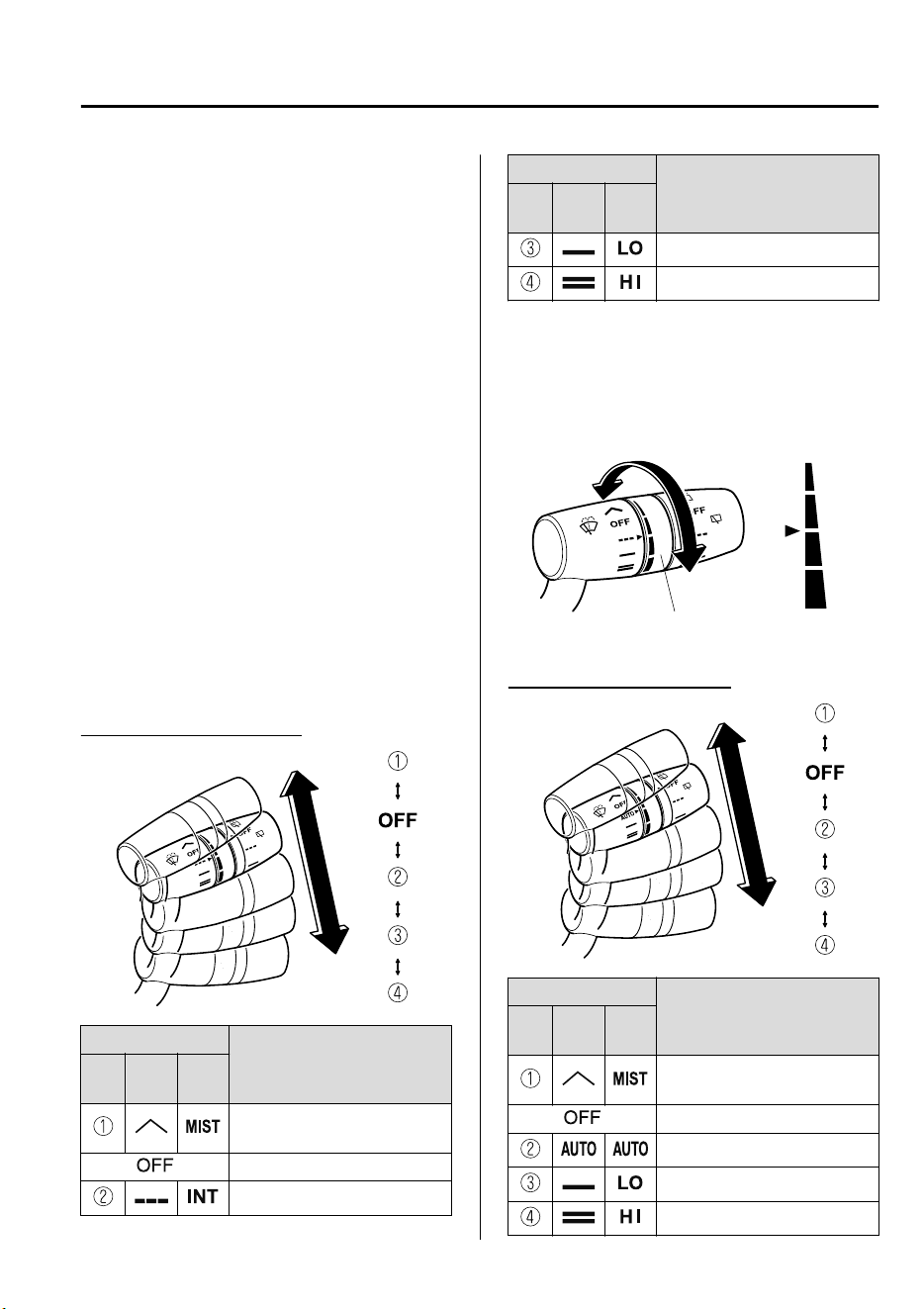
NOTE
If the windshield wipers are operated
under cold weather conditions or during
snowfall, they could stop due to
accumulated snow on the windshield. If
the windshield wipers stop due to
accumulated snow on the windshield, park
the vehicle in a safe place, turn the wiper
switch off, and then remove the
accumulated snow. If the wiper switch is
turned to another position other than OFF,
the wipers will operate. If the wipers do
not operate even though the wiper switch
is turned to a position other than OFF,
consult an expert repairer, we recommend
an Authorized Mazda Repairer as soon as
possible.
▼
Windshield Wipers
Turn the wipers on by pressing the lever
up or down.
With intermittent wiper
Switch Position
Wiper operation
No.
Type
A
Type
B
Operation while pulling up
lever
Stop
Intermittent
Switch Position
Wiper operation
No.
Type
A
Type
B
Low speed
High speed
Variable-speed intermittent wipers
Set the lever to the intermittent position
and choose the interval timing by rotating
the ring.
INT ring
Fast
Slow
With auto-wiper control
Switch Position
Wiper operation
No.
Type
A
Type
B
Operation while pulling up
lever
Stop
Auto control
Low speed
High speed
When Driving
Switches and Controls
4-59
CX-9_8GC7-EE-17G_Edition1 2017-5-16 8:22:04
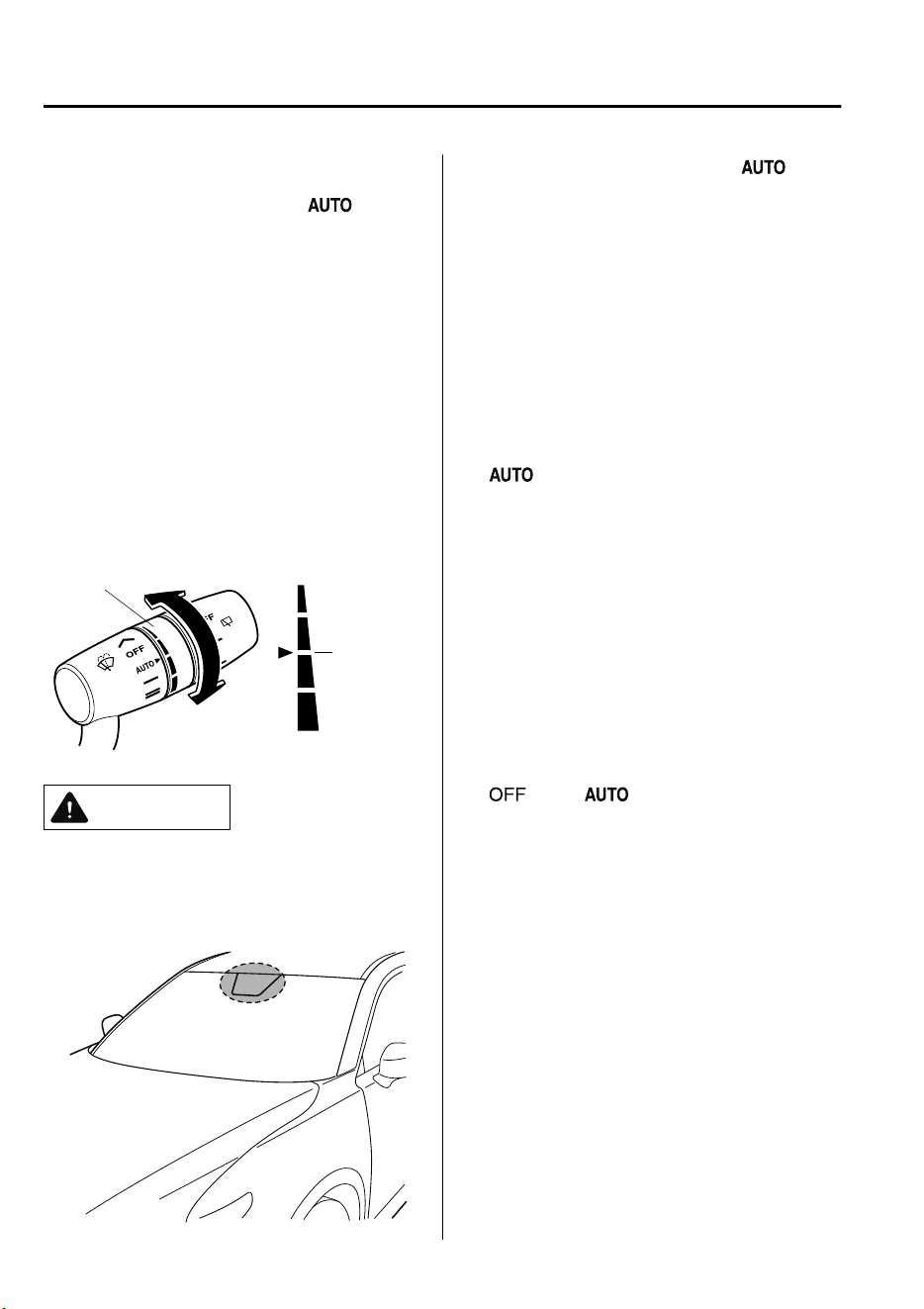
Auto-wiper control
When the wiper lever is in the
position, the rain sensor senses the amount
of rainfall on the windshield and turns the
wipers on or off automatically
(off―intermittent―low speed―high
speed).
The sensitivity of the rain sensor can be
adjusted by turning the switch on the
wiper lever.
From the center position (normal), rotate
the switch upward for higher sensitivity
(faster response) or rotate it downward for
less sensitivity (slower response).
Higher sensitivity
Less sensitivity
Switch
Center
position
CAUTION
Do not shade the rain sensor by adhering
a sticker or a label on the windshield.
Otherwise the rain sensor will not
operate correctly.
When the wiper lever is in the
position and the ignition is switched ON,
the wipers may move automatically in
the following cases:
If the windshield above the rain sensor
is touched or wiped with a cloth.
If the windshield is struck with a hand
or other object from either outside or
inside the vehicle.
Keep hands and scrapers clear of the
windshield when the wiper lever is in the
position and the ignition is
switched ON as ngers could be pinched
or the wipers and wiper blades damaged
when the wipers activate automatically.
If you are going to clean the windshield,
be sure the wipers are turned
o
completely (when it is most likely that the
engine is left running) this is particularly
important when clearing ice and snow.
NOTE
•
Switching the auto-wiper lever from the
to the position while driving
activates the windshield wipers once,
after which they operate according to
the rainfall amount.
•
The auto-wiper control may not operate
when the rain sensor temperature is
about –10 °C (14 °F) or lower, or about
85 °C (185 °F) or higher.
•
If the windshield is coated with water
repellent, the rain sensor may not be
able to sense the amount of rainfall
correctly and auto-wiper control may
not operate properly.
When Driving
Switches and Controls
4-60
CX-9_8GC7-EE-17G_Edition1 2017-5-16 8:22:04
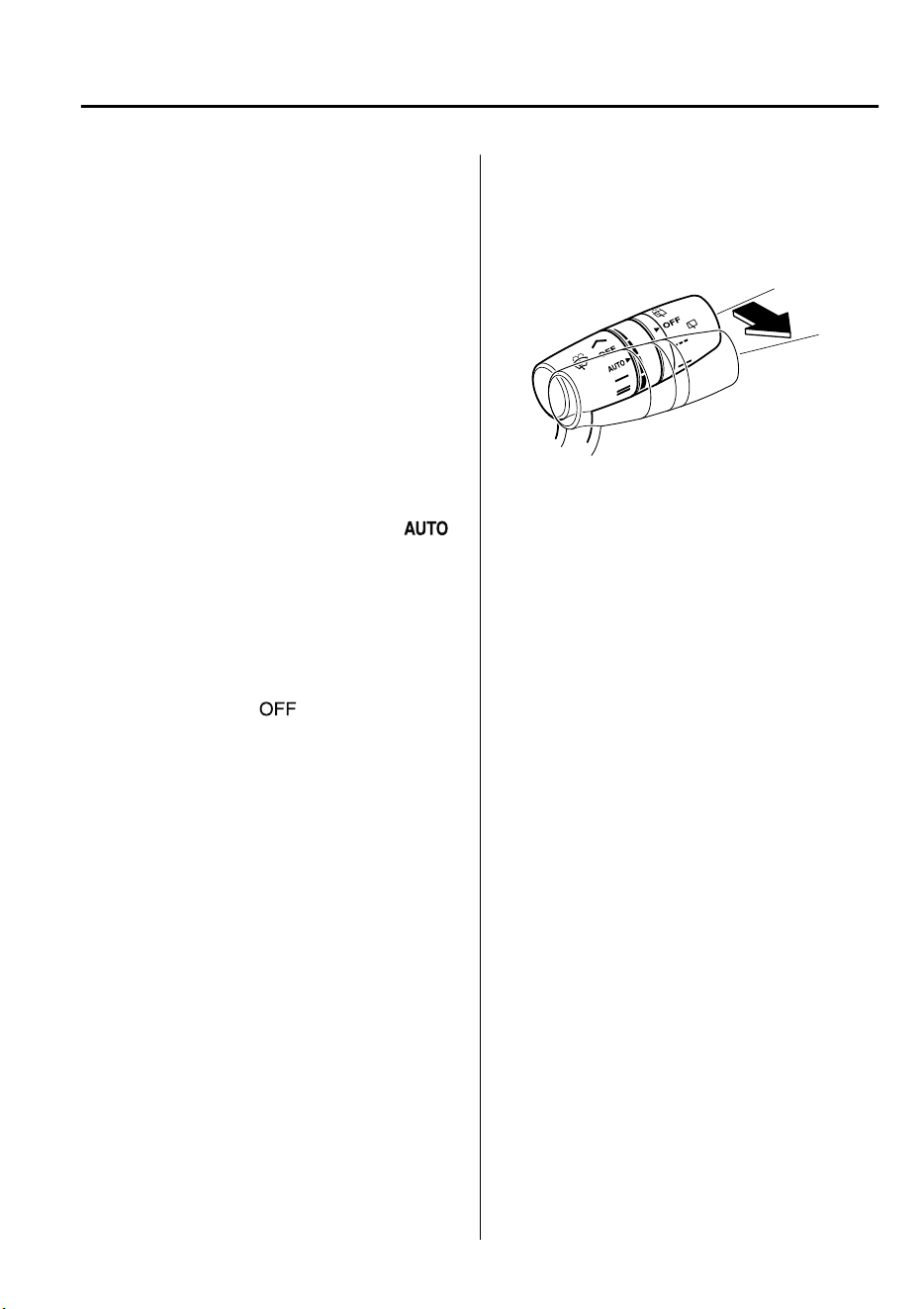
•
If dirt or foreign matter (Such as ice or
matter containing salt water) adheres to
the windshield above the rain sensor or
if the windshield is iced, it could cause
the wipers to move automatically.
However, if the wipers cannot remove
this ice, dirt or foreign matter, the
auto-wiper control will stop operation.
In this case, set the wiper lever to the
low speed position or high speed
position for manual operation, or
remove the ice, dirt or foreign matter by
hand to restore the auto-wiper
operation.
•
If the auto-wiper lever is left in the
position, the wipers could operate
automatically from the effect of strong
light sources, electromagnetic waves, or
infrared light because the rain sensor
uses an optical sensor. It is
recommended that the auto-wiper lever
be switched to the
position other
than when driving the vehicle under
rainy conditions.
•
The auto-wiper control functions can be
turned off.
Refer to Personalization Features on
page 9-10.
▼
Windshield Washer
Pull the lever toward you and hold it to
spray washer fluid.
Washer
OFF
NOTE
If the windshield washer is turned on when
the windshield wipers are not operating,
the windshield wipers operate a few times.
If the washer does not work, inspect the
fluid level (page 6-24). If the fluid level
is normal, consult an expert repairer, we
recommend an Authorized Mazda
Repairer.
NOTE
(With headlight washers)
When the headlights are on, the headlight
washers operate automatically once every
fifth time the windshield washer operates.
Refer to Headlight Washer on page 4-62.
When Driving
Switches and Controls
4-61
CX-9_8GC7-EE-17G_Edition1 2017-5-16 8:22:04
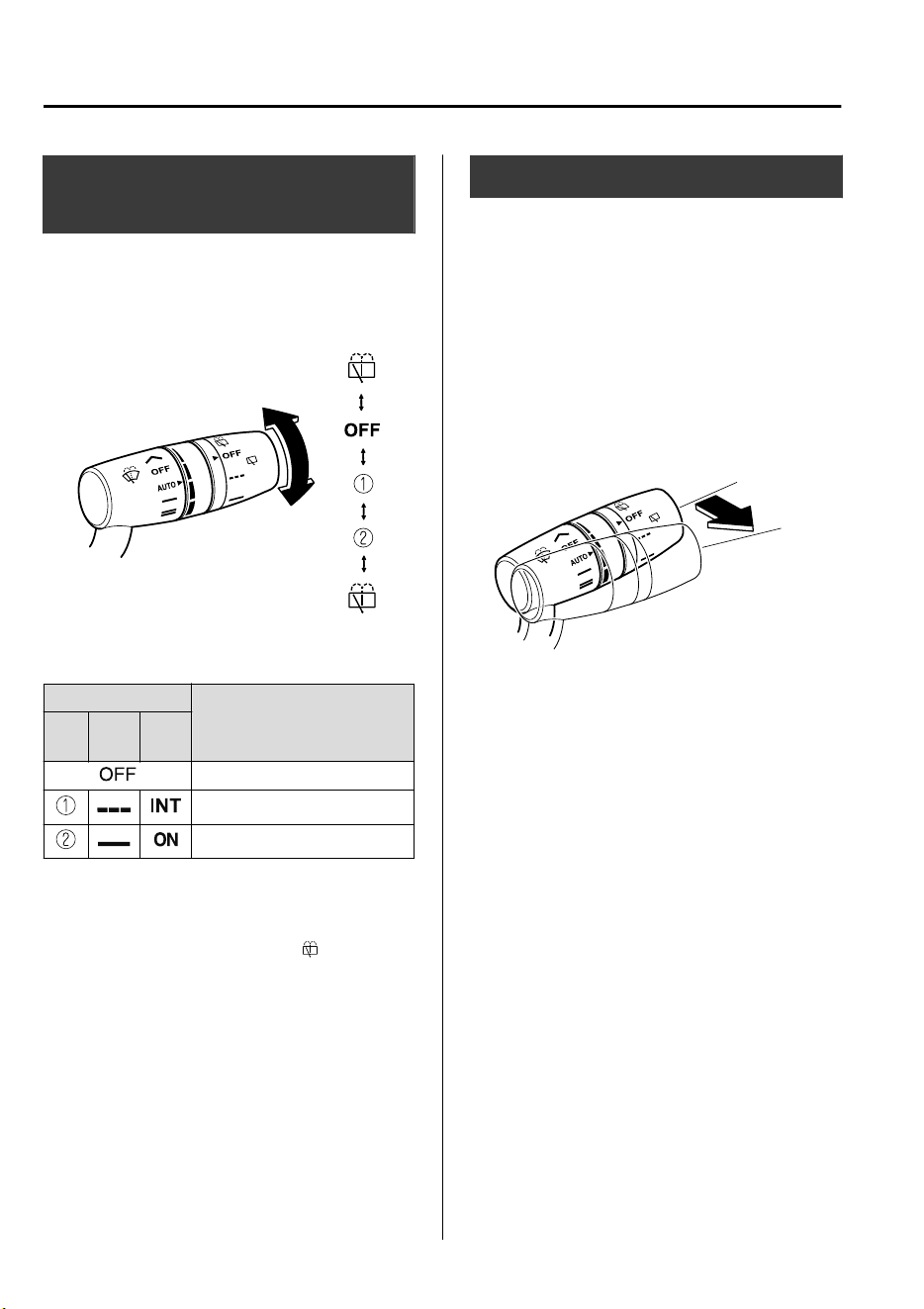
Rear Window Wiper and
Washer
The ignition must be switched ON to use
the wiper.
▼
Rear Window Wiper
Turn the wiper on by turning the rear
wiper/washer switch.
Switch Position
Wiper operation
No.
Type
A
Type
B
Stop
Intermittent
Normal
▼
Rear Window Washer
To spray washer fluid, turn the rear wiper/
washer switch to either of the
position.
After the switch is released, the washer
will stop.
If the washer does not work, inspect the
fluid level (page 6-24). If the fluid level
is normal and the washer still does not
work, consult an expert repairer, we
recommend an Authorized Mazda
Repairer.
Headlight Washer
*
The ignition must be switched ON and the
headlights must be turned on.
The headlight washers operate
automatically once every fifth time the
windshield washer operates.
If you want to operate headlight washers,
double flick the wiper lever.
Washer
OFF
NOTE
If air enters the headlight washer fluid
pipe under conditions such as when the
vehicle is brand-new or after an empty
washer tank is replenished with washer
fluid, washer fluid will not spray even
when the wiper lever is operated. If this
occurs, perform the following procedure:
1. Start the engine.
2. Turn on the headlights.
3. Double flick the wiper lever several
times until the washer fluid sprays.
When Driving
Switches and Controls
4-62
*Some models.
CX-9_8GC7-EE-17G_Edition1 2017-5-16 8:22:04
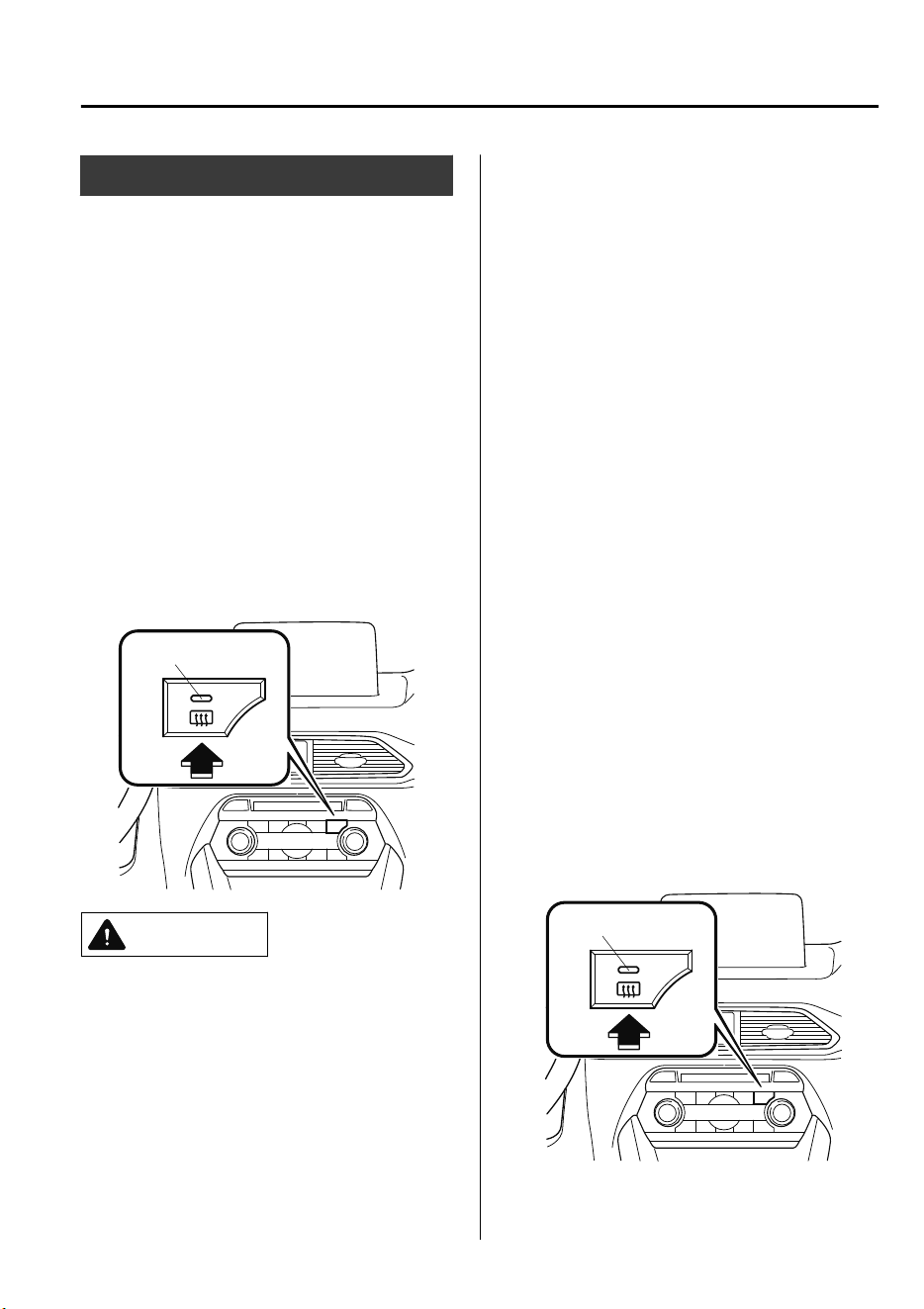
Rear Window Defogger
The rear window defogger clears fog from
the rear window.
The ignition must be switched ON to use
the defogger.
Press the switch to turn on the rear
window defogger. The rear window
defogger operates for about 15 minutes
and then turns off automatically.
The indicator light illuminates when the
defogger is operating.
To turn off the rear window defogger
before the 15 minutes has elapsed, press
the switch again.
Indicator light
CAUTION
Do not use sharp instruments or window
cleaners with abrasives to clean the
inside of the rear window surface. They
may damage the defogger grid inside the
window.
NOTE
•
This defogger is not designed for
melting snow. If there is an
accumulation of snow on the rear
window, remove it before using the
defogger.
•
The rear window defogger setting can
be changed. After changing the setting,
the rear window defogger stops
automatically after 15 minutes have
elapsed and when the ambient
temperature is high. When the ambient
temperature is low, it continues to
operate until the switch is pressed
again.
Refer to Personalization Features on
page 9-10.
▼
Mirror Defogger
*
The mirror defoggers defrost the outside
mirrors.
The mirror defoggers operate in
conjunction with the rear window
defogger.
To turn on the mirror defoggers, switch the
ignition ON and press the rear window
defogger switch (page 4-63).
Indicator light
When Driving
Switches and Controls
*Some models.
4-63
CX-9_8GC7-EE-17G_Edition1 2017-5-16 8:22:04
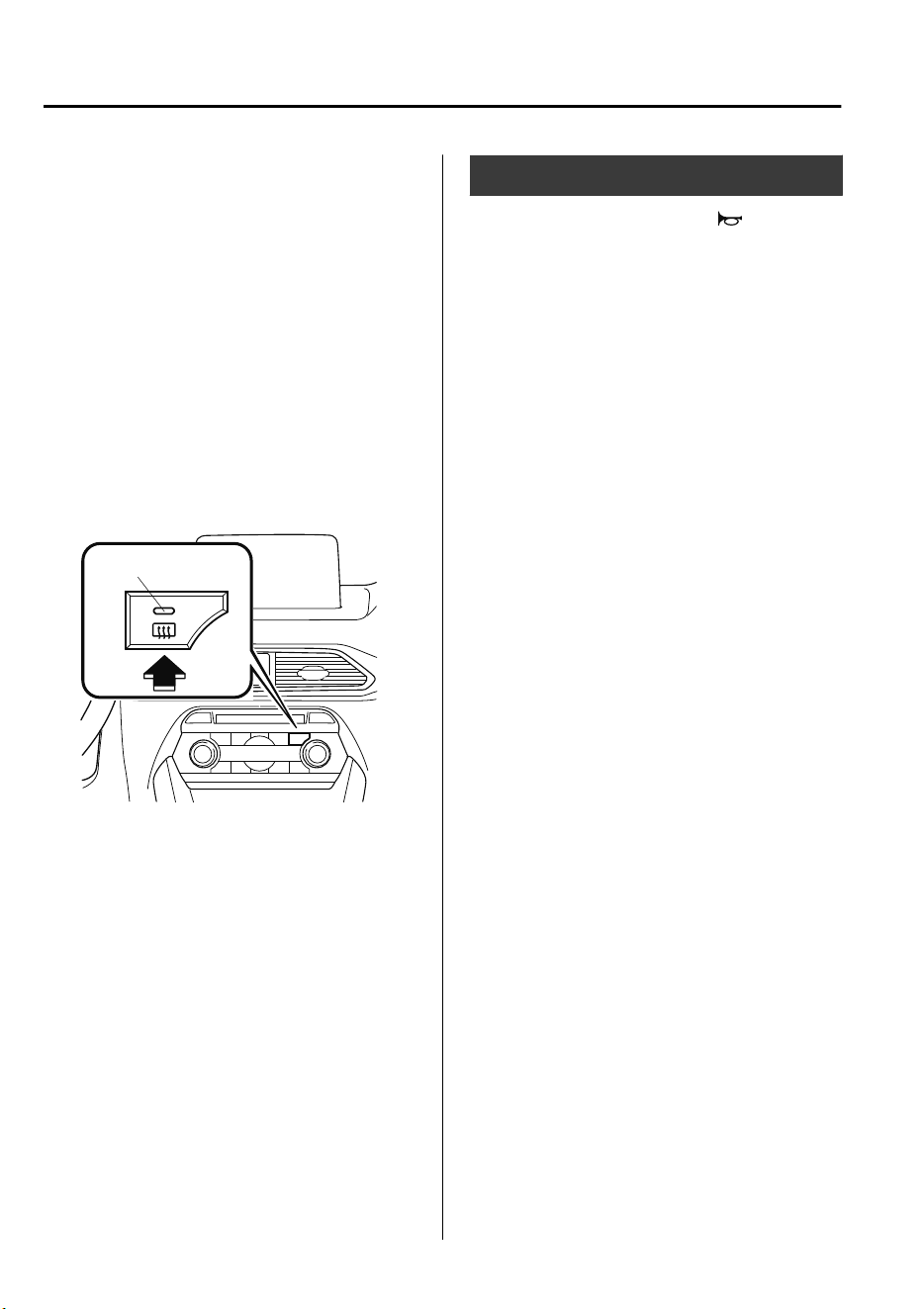
▼
Windshield Wiper De-icer
*
The windshield wiper de-icer warms the
lower part of the windshield using thermal
filaments which facilitates the removal of
ice on the windshield wipers and the
accumulated snow on the lower part of the
windshield.
The windshield wiper de-icer operates in
conjunction with the rear window
defogger.
To turn on the windshield wiper de-icer,
switch the ignition ON and press the rear
window defogger switch (page 4-63).
Indicator light
Horn
To sound the horn, press the mark on
the steering wheel.
When Driving
Switches and Controls
4-64
*Some models.
CX-9_8GC7-EE-17G_Edition1 2017-5-16 8:22:04
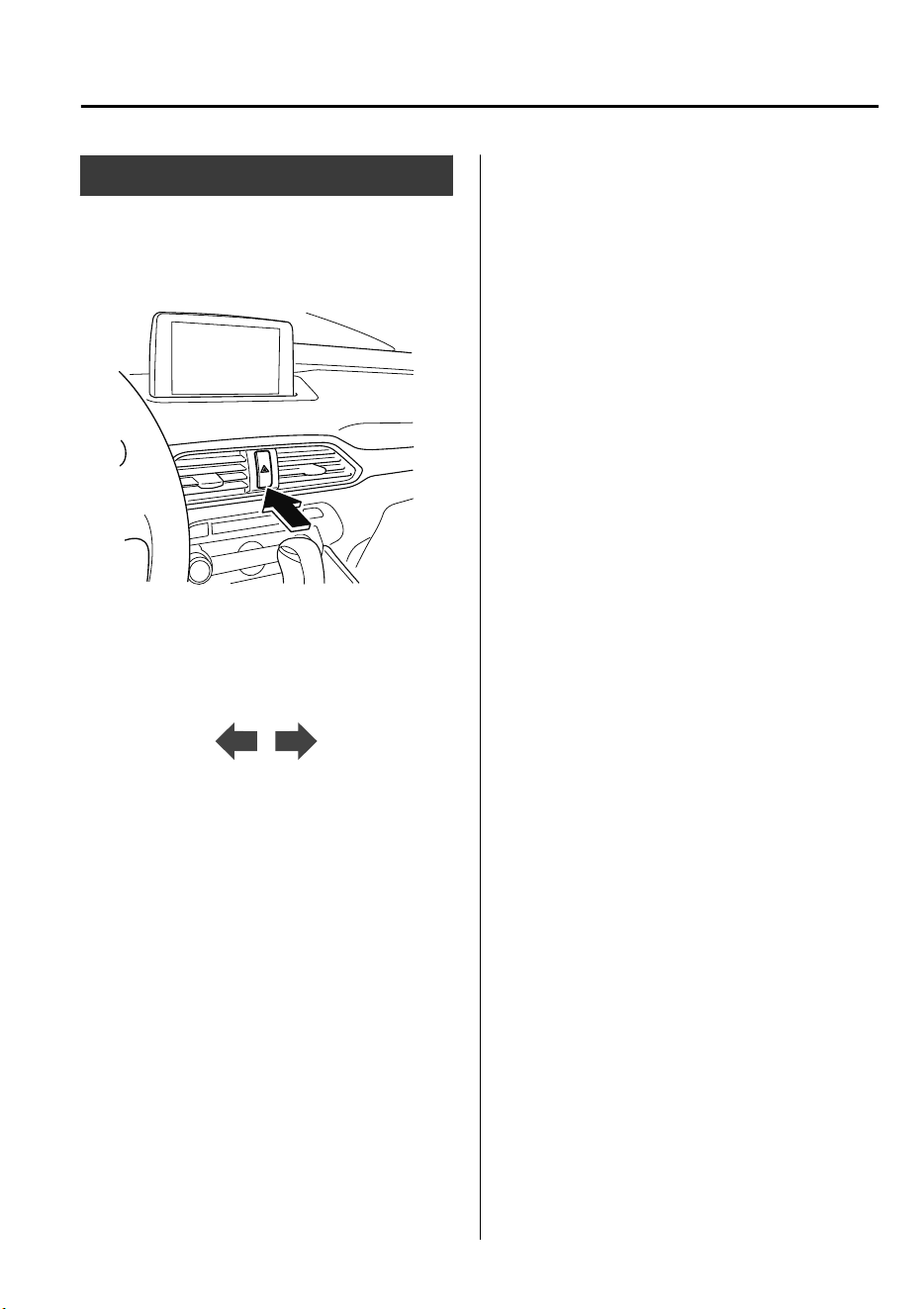
Hazard Warning Flasher
The hazard warning lights should always
be used when you stop on or near a
roadway in an emergency.
The hazard warning lights warn other
drivers that your vehicle is a traffic hazard
and that they must take extreme caution
when near it.
Depress the hazard warning flasher and all
the turn signals will flash. The hazard
warning indicator lights in the instrument
cluster flash simultaneously.
NOTE
•
The turn signals do not work when the
hazard warning lights are on.
•
Check local regulations about the use of
hazard warning lights while the vehicle
is being towed to verify that it is not in
violation of the law.
When Driving
Switches and Controls
4-65
CX-9_8GC7-EE-17G_Edition1 2017-5-16 8:22:04
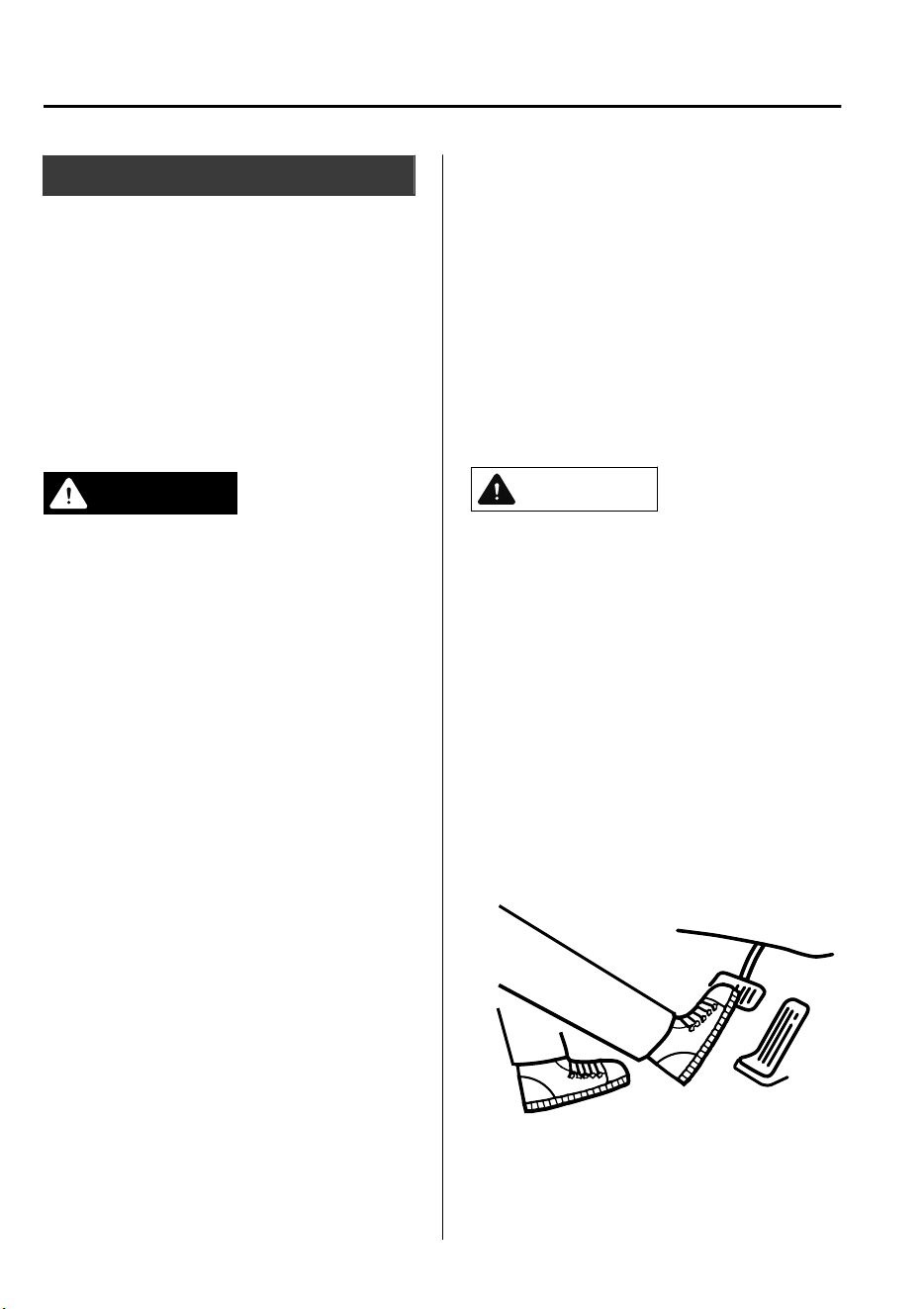
Brake System
▼
Foot Brake
This vehicle has power-assisted brakes
that adjust automatically through normal
use.
Should power-assist fail, you can stop by
applying greater force than normal to the
brake pedal. But the distance required to
stop will be greater than usual.
WARNING
Do not coast with the engine stalled or
turned
o,
nd
a safe place to stop:
Coasting with the engine stalled or turned
o
is dangerous. Braking will require more
eort, and the brake's power-assist could
be depleted if you pump the brake. This will
cause longer stopping distances or even an
accident.
Shift to a lower gear when going down
steep hills:
Driving with your foot continuously on the
brake pedal or steadily applying the brakes
for long distances is dangerous. This causes
overheated brakes, resulting in longer
stopping distances or even total brake
failure. This could cause loss of vehicle
control and a serious accident. Avoid
continuous application of the brakes.
Dry o brakes that have become wet by
driving slowly, releasing the accelerator
pedal and lightly applying the brakes
several times until the brake performance
returns to normal:
Driving with wet brakes is dangerous.
Increased stopping distance or the vehicle
pulling to one side when braking could
result in a serious accident. Light braking
will indicate whether the brakes have been
aected.
CAUTION
Do not drive with your foot held on the
brake pedal. Doing so could result in the
following:
The brake parts will wear out more
quickly.
The brakes can overheat and adversely
aect brake performance.
Always depress the brake pedal with the
right foot. Applying the brakes with the
unaccustomed left foot could slow your
reaction time to an emergency situation
resulting in insucient braking
operation.
When Driving
Brake
4-66
CX-9_8GC7-EE-17G_Edition1 2017-5-16 8:22:04
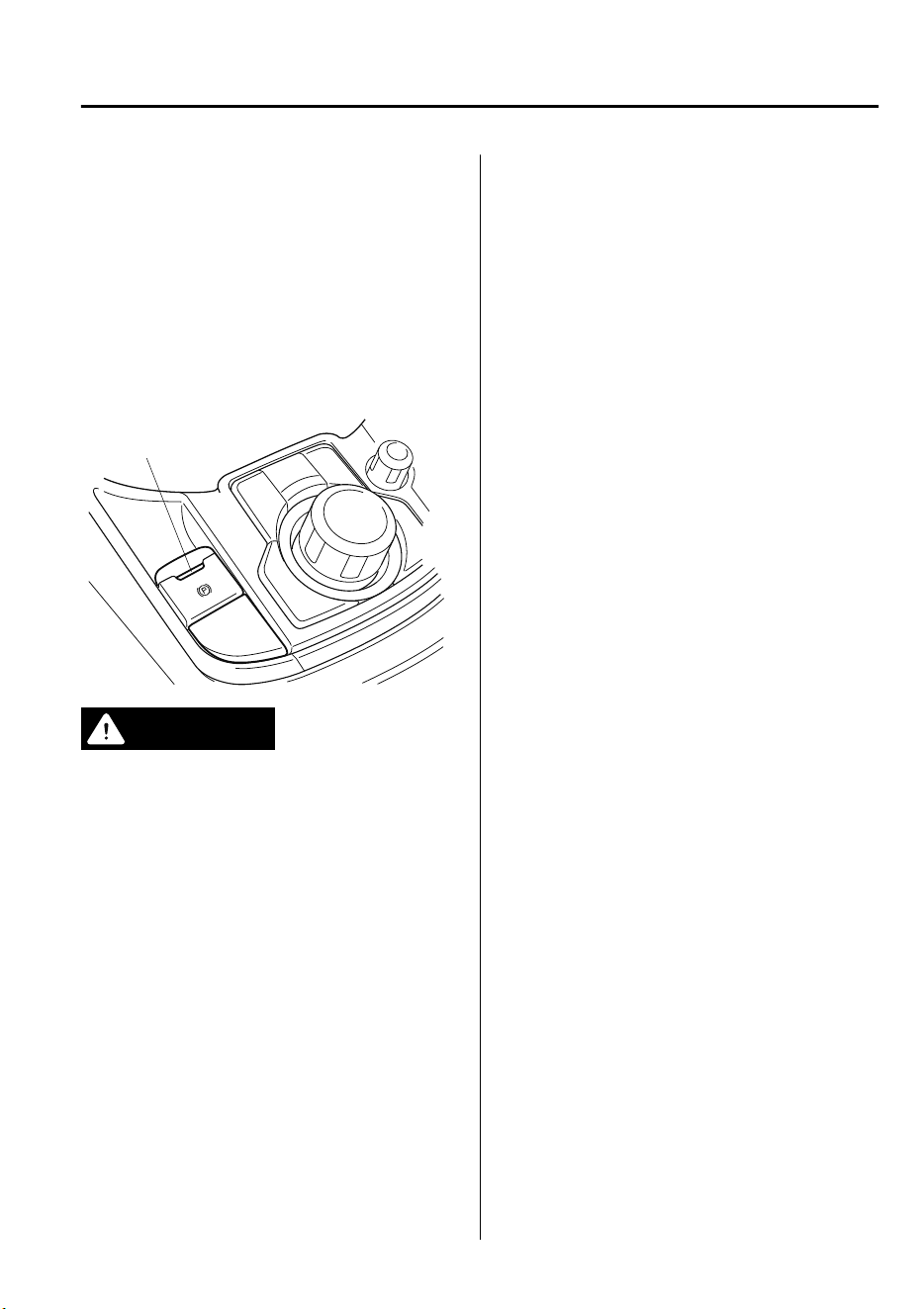
Wear shoes appropriate for driving in
order to avoid your shoe contacting the
brake pedal when depressing the
accelerator pedal.
▼
Electric Parking Brake (EPB)
The EPB equipment applies the parking
brake using an electric motor. When the
EPB is applied, the EPB switch indicator
light turns on.
Indicator light
WARNING
Do not drive the vehicle with the EPB
applied:
If the vehicle is driven with the parking
brake applied, the brake parts may
generate heat and the brake system may
not operate, leading to an accident.
Before driving, release the EPB and verify
that the EPB indicator light is turned
o.
NOTE
•
The EPB cannot be applied or released
while the vehicle battery is dead.
•
An operation sound occurs when
applying or releasing the EPB, however,
this does not indicate a malfunction.
•
If the EPB is not used for long periods,
an automatic inspection of the system is
performed while the vehicle is parked.
An operation sound can be heard,
however, this does not indicate a
problem.
•
When the EPB is applied and the
ignition is switched OFF, an operation
sound can be heard, however, this does
not indicate a problem.
•
The brake pedal may move while the
EPB is being applied or released,
however, this does not indicate a
problem.
•
If the EPB switch is continually pulled
while driving the vehicle, the EPB will
be applied and the EPB warning beep
will be activated. When the switch is
released, the EPB is released and the
beep stops.
•
If the EPB is applied with the ignition
switched off or in ACC, the EPB
indicator light in the instrument cluster
and the indicator light in the switch may
turn on for 15 seconds.
•
When running the vehicle through an
automatic car wash, it may be necessary
to switch the ignition off with the
parking brake released depending on
the type of automatic car wash.
When Driving
Brake
4-67
CX-9_8GC7-EE-17G_Edition1 2017-5-16 8:22:04
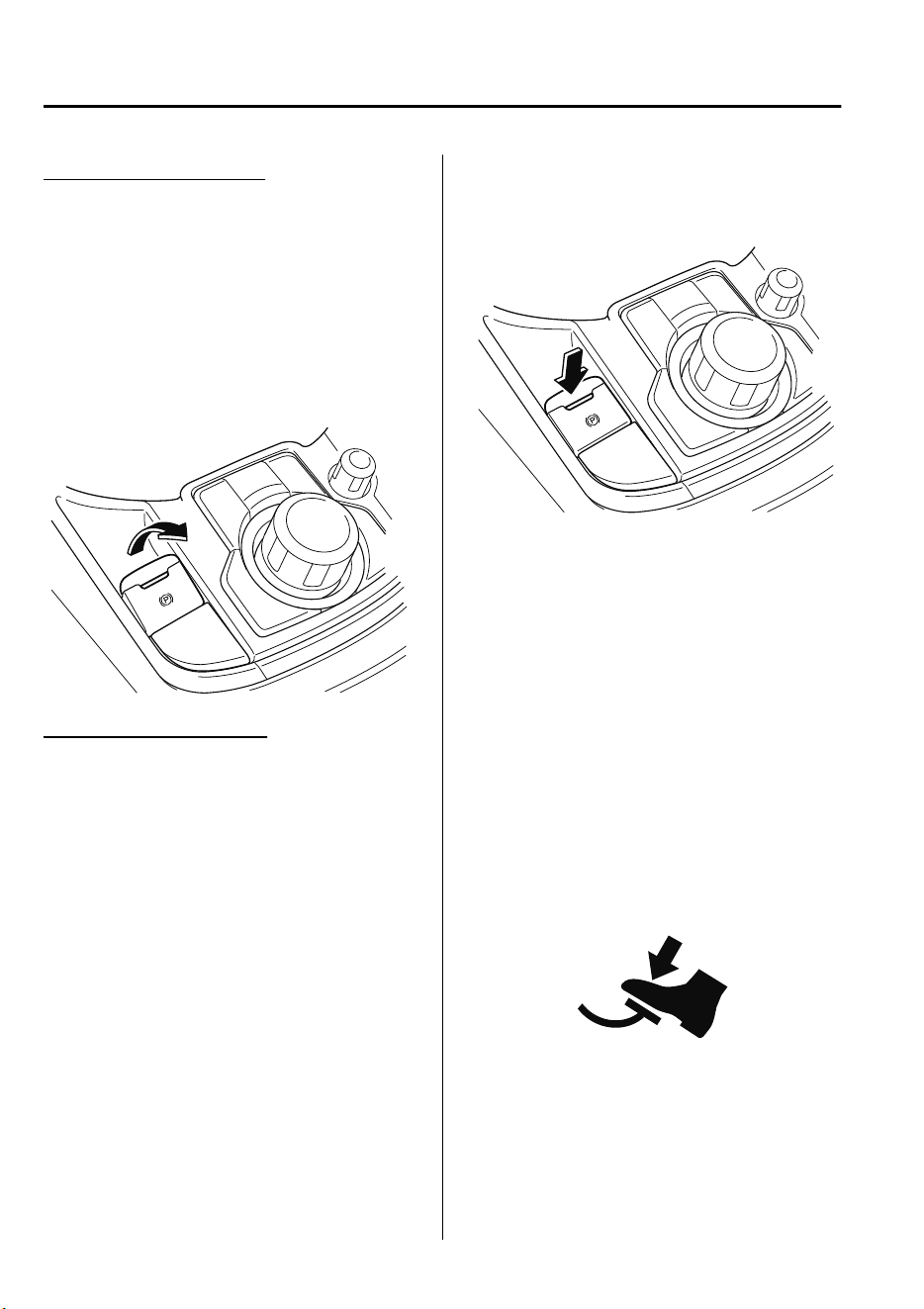
When applying the EPB
The EPB can be applied regardless of the
ignition switch position.
Securely depress the brake pedal and pull
up the EPB switch.
The EPB is applied and the EPB indicator
light and the EPB switch indicator light
turn on.
Refer to Warning/Indicator Lights on page
4-32.
When releasing the EPB
The EPB can be released while the
ignition is switched ON or the engine is
running. When the EPB is released, the
EPB indicator light and the EPB switch
indicator light turn off.
EPB manual release
Firmly depress the brake pedal and press
the EPB switch.
If the EPB switch is pressed without
depressing the brake pedal, the display or
indicator light in the instrument cluster
notifies the driver that the brake is not
depressed.
(Type A instrument cluster)
A message is displayed on the
multi-information display in the
instrument cluster.
Refer to Message Indicated in
Multi-information Display on page 7-54.
(Type B instrument cluster)
The brake pedal operation demand
indicator light in the instrument cluster
turns on.
When Driving
Brake
4-68
CX-9_8GC7-EE-17G_Edition1 2017-5-16 8:22:04
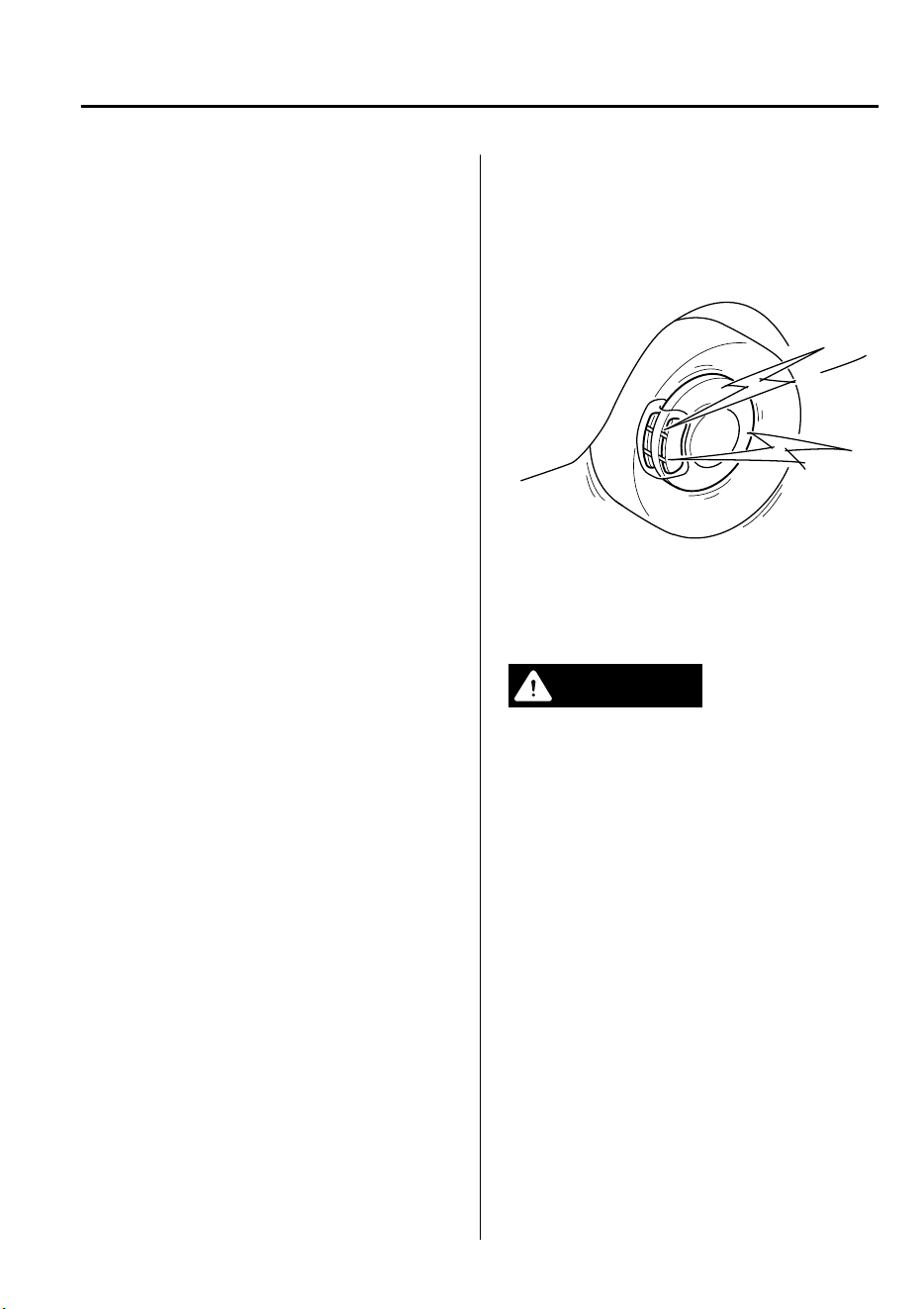
EPB automatic release
If the accelerator pedal is depressed with
the EPB applied and all of the following
conditions met, the parking brake is
released automatically.
•
The engine is running.
•
The driver's door is closed.
•
The driver's seat belt is fastened.
•
Selector lever is in the D, M, or R
position
NOTE
If something such as the driver's foot
contacts the accelerator pedal with the
engine running and the EPB applied, the
parking brake may be released
automatically. If you do not intend to drive
immediately, shift the selector lever to the
P or N position.
▼
Warning Light
The warning light turns on when the
system has a malfunction.
Refer to Warning Indication/Warning
Lights on page 4-33.
▼
Brake Pad Wear Indicator
When the disc brake pads become worn,
the built-in wear indicators contact the
disc plates. This causes a screeching noise
to warn that the pads should be replaced.
When you hear this noise, consult an
expert repairer, we recommend an
Authorized Mazda Repairer as soon as
possible.
WARNING
Do not drive with worn disc pads:
Driving with worn disc pads is dangerous.
The brakes could fail and cause a serious
accident. As soon as you hear a screeching
noise consult an expert repairer, we
recommend an Authorized Mazda
Repairer.
When Driving
Brake
4-69
CX-9_8GC7-EE-17G_Edition1 2017-5-16 8:22:04
▼
Brake Assist
During emergency braking situations
when it is necessary to depress the brake
pedal with greater force, the brake assist
system provides braking assistance, thus
enhancing braking performance.
When the brake pedal is depressed hard or
depressed more quickly, the brakes apply
more firmly.
NOTE
•
When the brake pedal is depressed hard
or depressed more quickly, the pedal
will feel softer but the brakes will apply
more firmly. This is a normal effect of
the brake assist operation and does not
indicate a malfunction.
•
When the brake pedal is depressed hard
or depressed more quickly, a motor/
pump operation noise may be heard.
This is a normal effect of the brake
assist and does not indicate a
malfunction.
•
The brake assist equipment does not
supersede the functionality of the
vehicle's main braking system.
Emergency Stop Signal
System
Your Mazda is equipped with an
emergency stop signal system that is
designed to determine whether you are
depressing the brake pedal with greater
force than during normal braking such as
in a situation requiring emergency
braking. If the system determines that such
a situation is occurring, it flashes all the
turn signals rapidly to caution the driver of
the vehicle following behind your vehicle
of the sudden braking situation.
The system turns off when it determines
that the brake pedal is released or that an
emergency braking situation no longer
exists based on the reduced vehicle speed.
NOTE
•
If you bring your vehicle to a complete
stop while all the turn signals are
flashing rapidly, the rapid flashing of all
the turn signals changes back to the
normal flashing pattern.
•
The emergency stop signal system does
not operate at vehicle speeds under
about 60 km/h (37 mph).
•
If the brake pedal is depressed while
driving on slippery roads, the
emergency stop signal system could
operate causing all the turn and lane
change signals to flash.
When Driving
Brake
4-70
CX-9_8GC7-EE-17G_Edition1 2017-5-16 8:22:04
Hill Launch Assist (HLA)
HLAis a function which assists the driver
in accelerating from a stop while on a
slope. When the driver releases the brake
pedal and depresses the accelerator pedal
while on a slope, the function prevents the
vehicle from rolling. The braking force is
maintained automatically after the brake
pedal is released on a steep grade.
HLAoperates on a downward slope when
the selector lever is in the reverse (R)
position, and on an upward slope when the
selector lever is in a forward gear.
WARNING
Do not rely completely on HLA:
HLA is an auxiliary device for accelerating
from a stop on a slope. The system only
operates for about two seconds and
therefore, relying only on the system, when
accelerating from a stop is dangerous
because the vehicle may move (roll)
unexpectedly and cause an accident.
The vehicle could roll depending on the
vehicle's load or if it is towing something.
Always conrm the safety around the
vehicle before starting to drive the vehicle.
NOTE
•
HLA does not operate on a gentle slope.
In addition, the gradient of the slope on
which the system will operate changes
depending on the vehicle's load.
•
HLA does not operate if the parking
brake is applied, or if the vehicle has not
stopped completely.
•
HLA is operating, the brake pedal may
feel stiff and vibrate, however, this does
not indicate a malfunction.
•
HLA does not operate while the
TCS/DSC indicator light is illuminated.
Refer to Warning/Indicator Lights on
page 4-32.
•
HLA does not turn off even if the TCS
OFF switch is pressed to turn off the
TCS.
When Driving
Brake
4-71
CX-9_8GC7-EE-17G_Edition1 2017-5-16 8:22:04
Antilock Brake System
(ABS)
The ABS control unit continuously
monitors the speed of each wheel. If one
wheel is about to lock up, the ABS
responds by automatically releasing and
reapplying that wheel's brake.
The driver will feel a slight vibration in
the brake pedal and may hear a chattering
noise from the brake system. This is
normal ABS system operation. Continue
to depress the brake pedal without
pumping the brakes.
The warning light turns on when the
system has a malfunction.
Refer to Warning Indication/Warning
Lights on page 4-33.
WARNING
Do not rely on ABS as a substitute for safe
driving:
The ABS cannot compensate for unsafe
and reckless driving, excessive speed,
tailgating (following another vehicle too
closely), driving on ice and snow, and
hydroplaning (reduced tire friction and
road contact because of water on the road
surface). You can still have an accident.
NOTE
•
Braking distances may be longer on
loose surfaces (snow or gravel, for
example) which usually have a hard
foundation. A vehicle with a normal
braking system may require less
distance to stop under these conditions
because the tires will build up a wedge
of surface layer when the wheels skid.
•
The sound of the ABS operating may be
heard when starting the engine or
immediately after starting the vehicle,
however, it does not indicate a
malfunction.
When Driving
ABS/TCS/DSC/Trailer Stability Assist (TSA)
4-72
CX-9_8GC7-EE-17G_Edition1 2017-5-16 8:22:04
Traction Control System
(TCS)
The Traction Control System (TCS)
enhances traction and safety by controlling
engine torque and braking. When the TCS
detects driving wheel slippage, it lowers
engine torque and operates the brakes to
prevent loss of traction.
This means that on a slick surface, the
engine adjusts automatically to provide
optimum power to the drive wheels,
limiting wheel spin and loss of traction.
The warning light turns on when the
system has a malfunction.
Refer to Warning Indication/Warning
Lights on page 4-33.
WARNING
Do not rely on the Traction Control System
(TCS) as a substitute for safe driving:
The Traction Control System (TCS) cannot
compensate for unsafe and reckless
driving, excessive speed, tailgating
(following another vehicle too closely), and
hydroplaning (reduced tire friction and
road contact because of water on the road
surface). You can still have an accident.
Use snow tires or tire chains and drive at
reduced speeds when roads are covered
with ice and/or snow:
Driving without proper traction devices on
snow and/or ice-covered roads is
dangerous. The Traction Control System
(TCS) alone cannot provide adequate
traction and you could still have an
accident.
NOTE
To turn off the TCS, press the TCS OFF
switch (page 4-74).
▼
TCS/DSC Indicator Light
This indicator light stays on for a few
seconds when the ignition is switched ON.
If the TCS, DSC or the Trailer Stability
Assist (TSA)
*
is operating, the indicator
light flashes.
If the light stays on, the TCS, DSC or the
brake assist system may have a
malfunction and they may not operate
correctly. Take your vehicle to an expert
repairer, we recommend an Authorized
Mazda Repairer.
NOTE
•
In addition to the indicator light
flashing, a slight lugging sound will
come from the engine. This indicates
that the TCS/DSC is operating properly.
•
On slippery surfaces, such as fresh
snow, it will be impossible to achieve
high rpm when the TCS is on.
When Driving
ABS/TCS/DSC/Trailer Stability Assist (TSA)
*Some models.
4-73
CX-9_8GC7-EE-17G_Edition1 2017-5-16 8:22:04
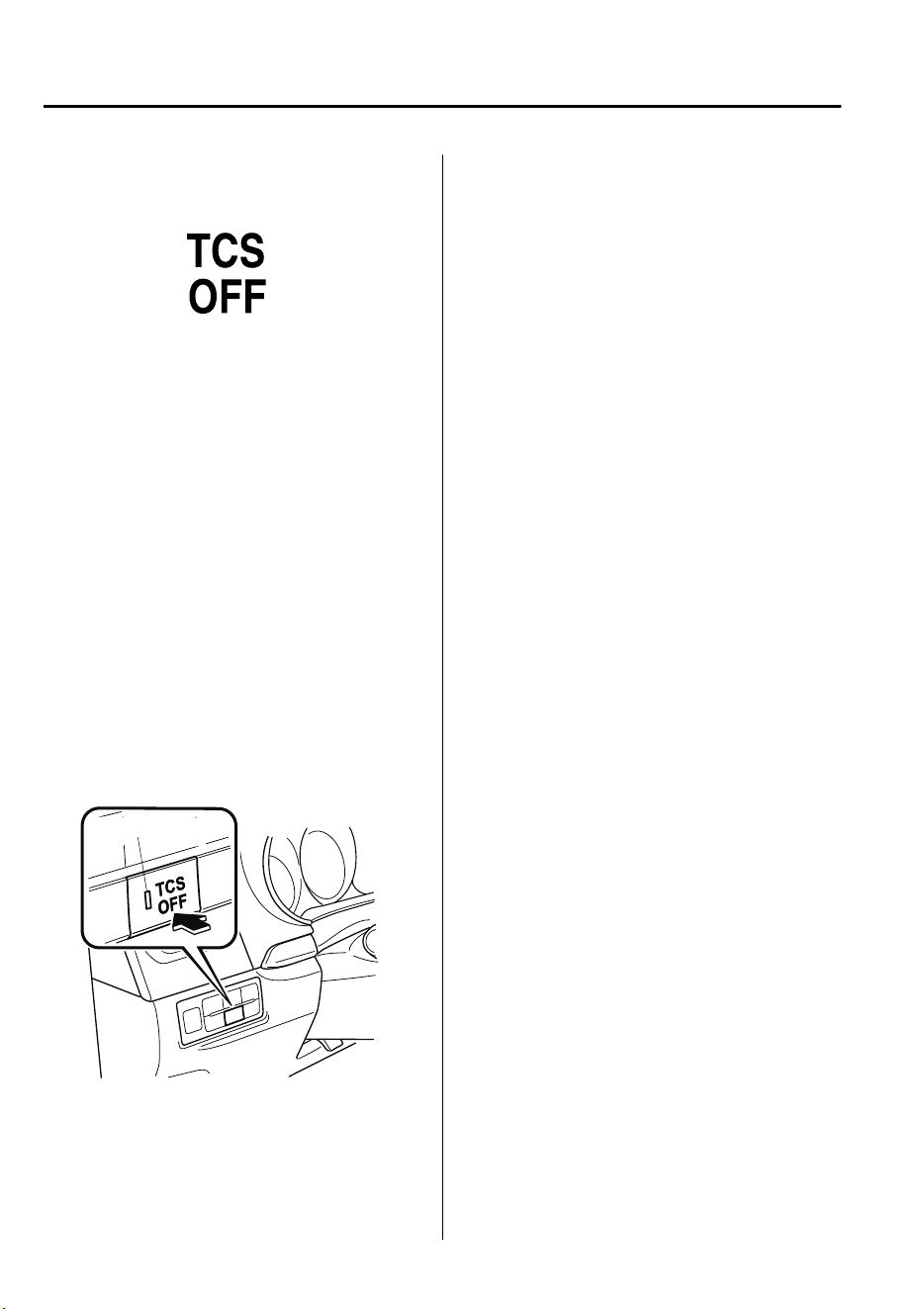
▼
TCS OFF Indicator Light
This indicator light stays on for a few
seconds when the ignition is switched ON.
It also illuminates when the TCS OFF
switch is pressed and TCS is switched off.
Refer to TCS OFF Switch on page 4-74.
If the light remains illuminated and the
TCS is not switched off, take your vehicle
to an expert repairer, we recommend an
Authorized Mazda Repairer. The DSC
may have a malfunction.
▼
TCS OFF Switch
Press the TCS OFF switch to turn off the
TCS. The TCS OFF indicator light in the
instrument cluster and TCS OFF switch
indicator light turn on.
Indicator light
Press the switch again to turn the TCS
back on. The TCS OFF indicator light and
TCS OFF switch indicator light will turn
off.
NOTE
•
When TCS is on and you attempt to free
the vehicle when it is stuck, or drive it
out of freshly fallen snow, the TCS (part
of the DSC system) will activate.
Depressing the accelerator will not
increase engine power and freeing the
vehicle may be difficult. When this
happens, turn off the TCS.
•
If the TCS is off when the engine is
turned off, it automatically activates
when the ignition is switched ON.
•
Leaving the TCS on will provide the best
traction.
•
If the TCS OFF switch is pressed and
held for 10 seconds or longer, the TCS
can no longer be turned off even if the
TCS OFF switch is pressed.
In this case, the TCS OFF switch will
operate normally when the ignition is
switched ON again after being switched
OFF.
When Driving
ABS/TCS/DSC/Trailer Stability Assist (TSA)
4-74
CX-9_8GC7-EE-17G_Edition1 2017-5-16 8:22:04
Dynamic Stability Control
(DSC)
The Dynamic Stability Control (DSC)
automatically controls braking and engine
torque in conjunction with systems such as
ABS and TCS to help control side slip
when driving on slippery surfaces, or
during sudden or evasive maneuvering,
enhancing vehicle safety.
Refer to ABS (page 4-72) and TCS (page
4-73).
DSC operation is possible at speeds
greater than 20 km/h (12 mph).
The warning light turns on when the
system has a malfunction.
Refer to Warning Indication/Warning
Lights on page 4-33.
WARNING
Do not rely on the Dynamic Stability
Control as a substitute for safe driving:
The Dynamic Stability Control (DSC)
cannot compensate for unsafe and reckless
driving, excessive speed, tailgating
(following another vehicle too closely), and
hydroplaning (reduced tire friction and
road contact because of water on the road
surface). You can still have an accident.
CAUTION
The DSC may not operate correctly
unless the following are observed:
Use tires of the correct size
specied
for
your Mazda on all four wheels.
Use tires of the same manufacturer,
brand and tread pattern on all four
wheels.
Do not mix worn tires.
The DSC may not operate correctly when
tire chains are used or a temporary spare
tire is installed because the tire diameter
changes.
▼
TCS/DSC Indicator Light
This indicator light stays on for a few
seconds when the ignition is switched ON.
If the TCS, DSC or the Trailer Stability
Assist (TSA)
*
is operating, the indicator
light flashes.
If the light stays on, the TCS, DSC or the
brake assist system may have a
malfunction and they may not operate
correctly. Take your vehicle to an expert
repairer, we recommend an Authorized
Mazda Repairer.
When Driving
ABS/TCS/DSC/Trailer Stability Assist (TSA)
*Some models.
4-75
CX-9_8GC7-EE-17G_Edition1 2017-5-16 8:22:04
Trailer Stability Assist
(TSA)
*
If the vehicle sways while being driven
and towing a trailer, the Trailer Stability
Assist (TSA) automatically controls
braking and engine torque to suppress the
swaying and enhance vehicle stability.
The Trailer Stability Assist (TSA) is
operable at a vehicle speed of about 65
km/h (40 mph) or more.
When the Trailer Stability Assist (TSA)
operates while driving the vehicle, the
TCS/DSC indicator light flashes.
Refer to TCS/DSC Indicator Light on page
4-75.
WARNING
Do not rely solely on the Trailer Stability
Assist (TSA)
Assured vehicle stability is limited even if
the Trailer Stability Assist (TSA) is
operating. Drive carefully to prevent
accidents.
In particular, if the TCS/DSC indicator light
is ashing, drive the vehicle carefully as it is
in a less stable condition and could sway
more easily. Drive with caution and in
accordance with the road, vehicle and
trailer conditions.
CAUTION
The Trailer Stability Assist (TSA) may not
operate correctly unless the following are
observed:
Use tires of the correct size specied for
your Mazda on all four wheels.
Use tires of the same manufacturer,
brand and tread pattern on all four
wheels.
Do not mix worn tires.
The Trailer Stability Assist (TSA) may not
operate correctly when tire chains are
used or a temporary spare tire is installed
because the tire diameter changes.
NOTE
•
The Trailer Stability Assist (TSA) uses
the TCS/DSC functions. The Trailer
Stability Assist (TSA) does not operate if
there is a malfunction in the TCS/DSC
(the TCS/DSC indicator light turns on).
•
When the Trailer Stability Assist (TSA)
is operating, the brake lights may turn
on.
•
For information regarding trailer
towing, refer to Towing Caravans and
Trailers (Russia) on page 3-56.
When Driving
ABS/TCS/DSC/Trailer Stability Assist (TSA)
4-76
*Some models.
CX-9_8GC7-EE-17G_Edition1 2017-5-16 8:22:04
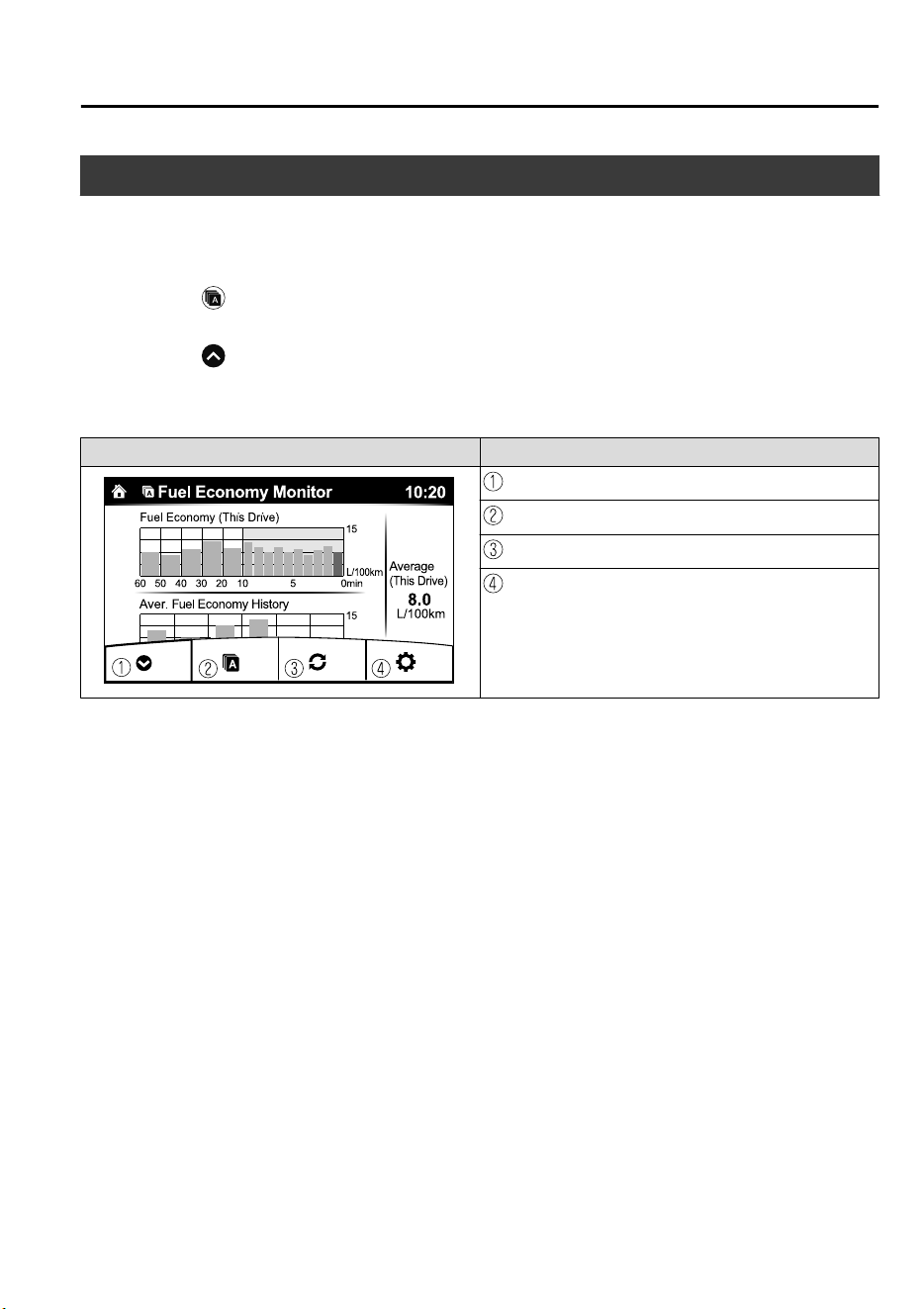
Fuel Economy Monitor
The Fuel Consumption information is displayed by operating each icon in the display.
In addition, after completing a trip, the total energy efficiency to date is displayed in the
ending display when the ending display is turned on.
1. Select the
icon on the home screen to display the applications screen.
2. Select the “Fuel Economy Monitor”.
3. Select the
icon at the bottom left of the screen to display the menu in the lower part
of the screen.
4. Select the icon in the menu and perform the operation. Each icon operates as follows:
Indication on display Control status
Hides the menu display.
Displays the application screen.
Resets the fuel economy data.
Displays the following setting screen.
•
Ending display on/off switching
•
On/off switching for function which synchronizes re-
set fuel economy data to trip meter (Trip A) (Type B
instrument cluster only)
NOTE
The fuel economy monitor screen after the ignition is switched from ON to OFF is changed
to the original fuel economy monitor screen when the ignition is switched ON the next time.
When Driving
Fuel Economy Monitor
4-77
CX-9_8GC7-EE-17G_Edition1 2017-5-16 8:22:04
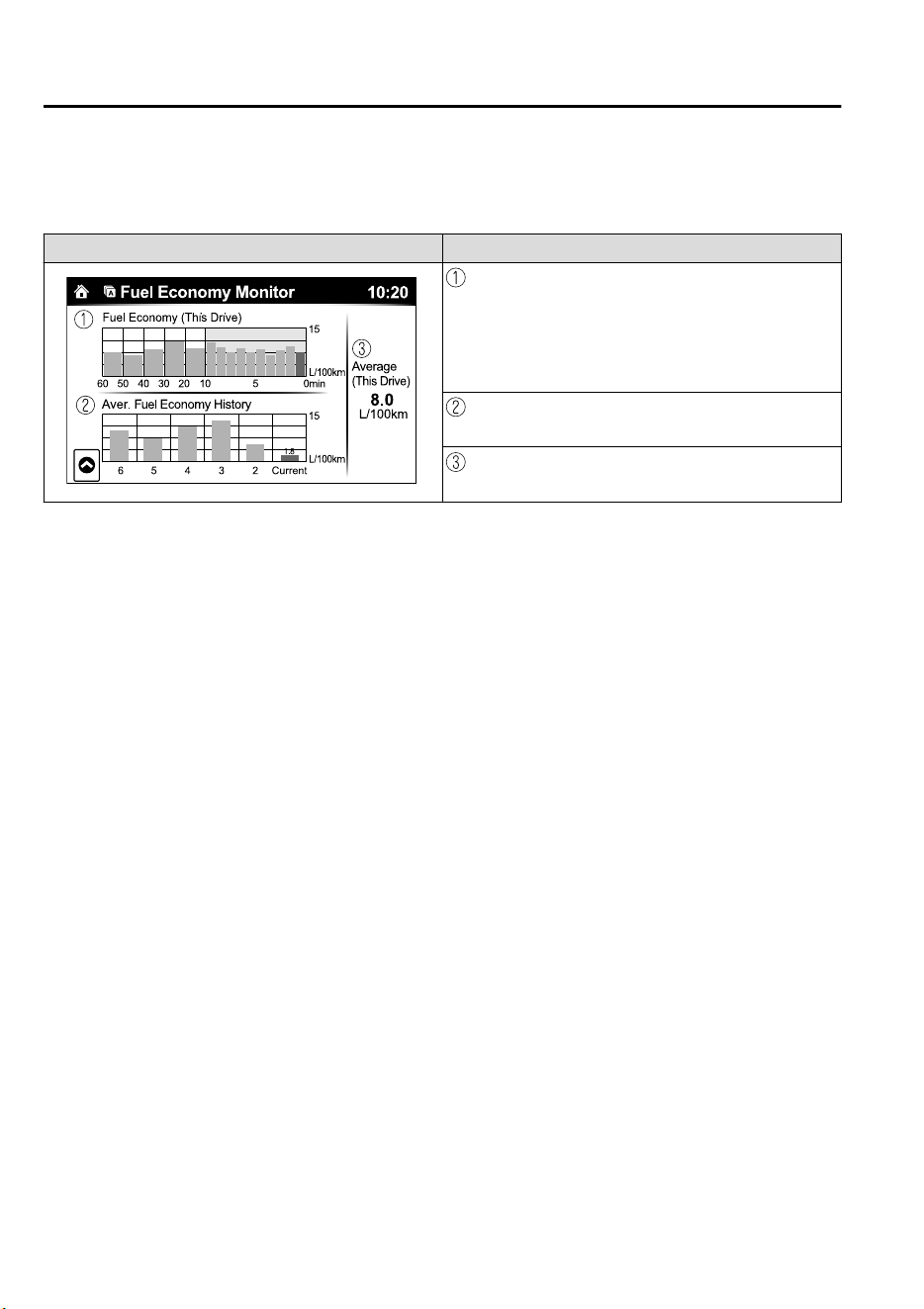
▼
Fuel Consumption Display
Information regarding the fuel economy is displayed.
Indication on display Control status
Displays the fuel economy for the past 60 minutes.
•
Displays the fuel economy every minute for the past 1
to 10 minutes.
•
Displays the fuel economy every 10 minutes for the
past 10 to 60 minutes.
Displays the average fuel economy over the past 5
resets and after the current reset.
Calculates the average fuel economy every minute
after vehicle travel begins, and displays it.
NOTE
•
The fuel economy data can be reset by doing the following operation:
•
Press the reset switch from the menu screen.
•
When the function which synchronizes the fuel economy monitor and the trip meter is
on, reset trip A of the trip meter.
•
Delete the average fuel economy information displayed in the trip computer.
•
After resetting the fuel economy data, “-- -” is displayed while the average fuel economy
is calculated.
▼
Ending Screen Display
If the ending display on the fuel economy monitor is on when the ignition is switched from
ON to OFF, the information regarding the fuel economy is displayed.
When Driving
Fuel Economy Monitor
4-78
CX-9_8GC7-EE-17G_Edition1 2017-5-16 8:22:04
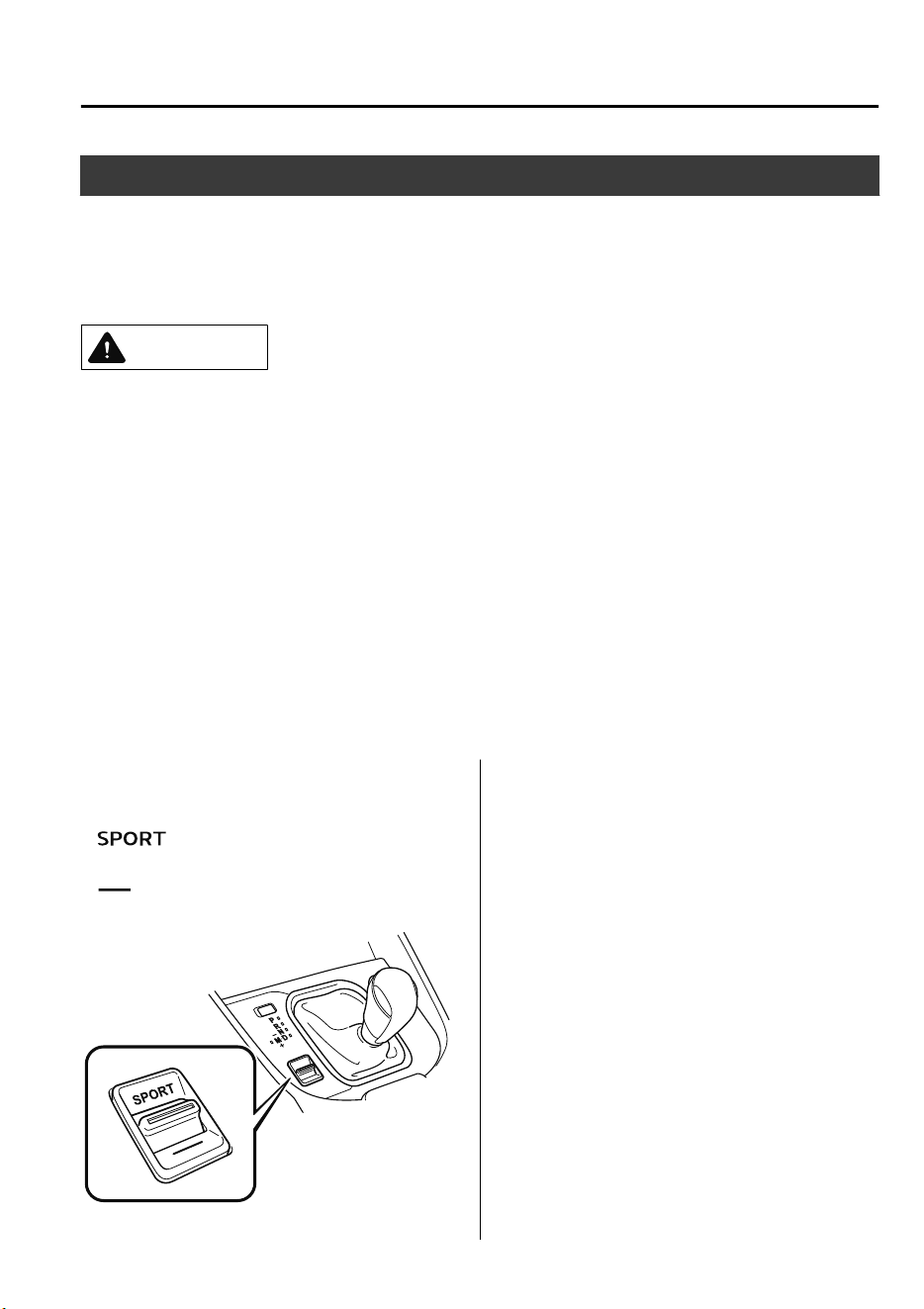
Drive Selection
Drive selection is a system to switch the vehicle's drive mode. When the sport mode is
selected, vehicle's response against accelerator operation is enhanced. This provides
additional quick acceleration which may be needed to safely make maneuvers such as lane
changes, merging onto freeways, or passing other vehicles.
CAUTION
Do not use the sport mode when driving on slippery roads such as wet or snow-covered roads.
It may cause tire slipping.
NOTE
•
When the sport mode is selected, driving at higher engine speeds increases and it may
increase fuel consumption. Mazda recommends that you cancel the sport mode on normal
driving.
•
Drive mode cannot be switched in the following conditions:
•
ABS/TCS/DSC is operating
•
The Mazda Radar Cruise Control with Stop & Go function (MRCC with Stop & Go
function) System/Mazda Radar Cruise Control (MRCC) system/cruise control is
operating.
•
Steering wheel is being operated abruptly
▼
Drive Selection Switch
Press the drive selection switch forward
(“
”) to select the sport mode.
Pull the drive selection switch back
(“
”) to cancel the sport mode.
NOTE
•
When the ignition is switched off, the
sport mode is canceled.
•
Depending on the driving conditions
when sport mode is selected, the vehicle
may perform shift-down or slightly
accelerate.
When Driving
Drive Selection
4-79
CX-9_8GC7-EE-17G_Edition1 2017-5-16 8:22:04
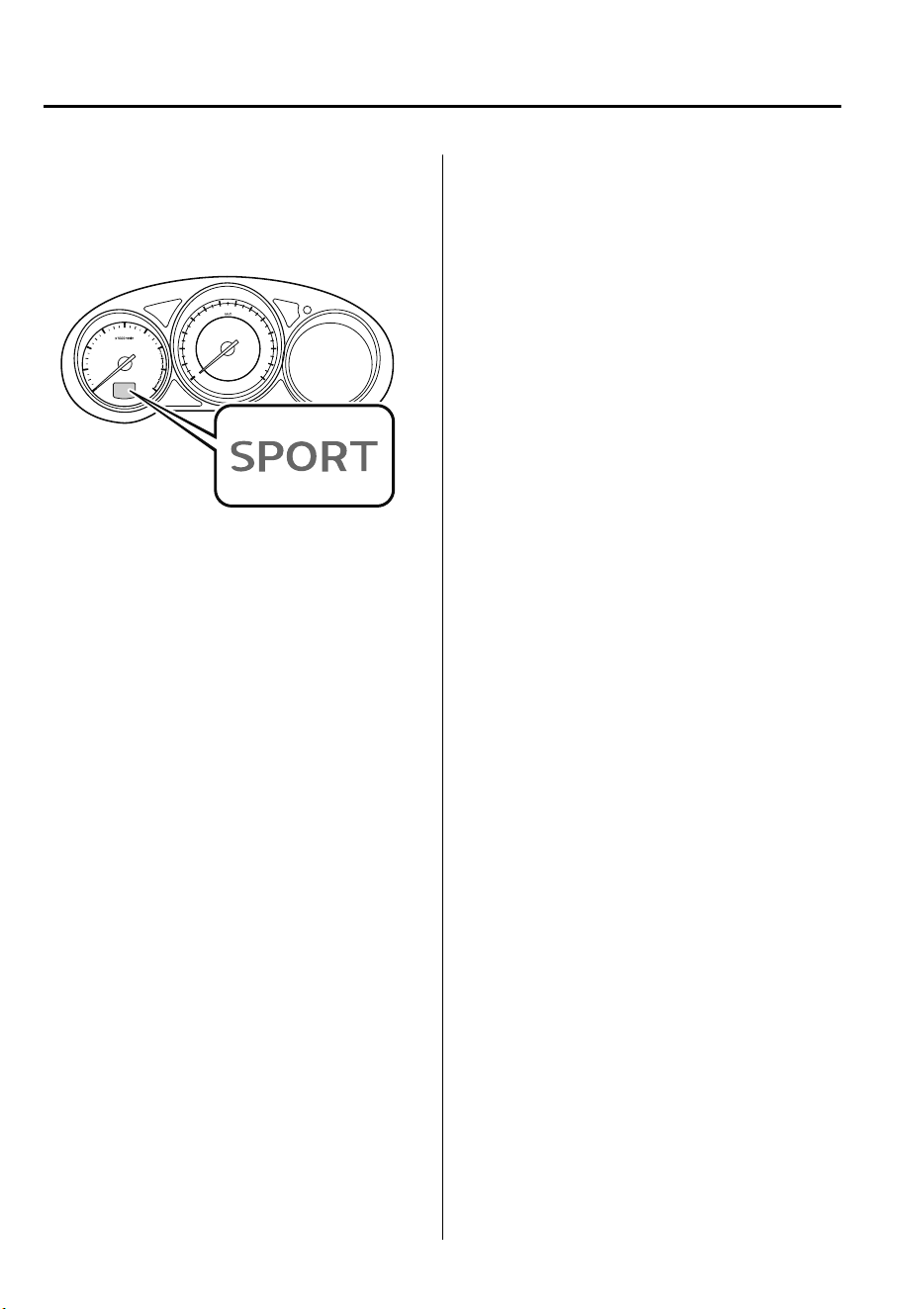
▼
Select Mode Indication
When the sport mode is selected, the select
mode indication turns on in the instrument
cluster.
NOTE
If the drive selection cannot be switched to
sport mode, the select mode indication
flashes to notify the driver.
When Driving
Drive Selection
4-80
CX-9_8GC7-EE-17G_Edition1 2017-5-16 8:22:04
i-ACTIV AWD Operation
*
4WD provides excellent drivability on
snow-covered and ice-packed roads, sand
and mud, as well as on steep slopes and
other slippery surfaces.
A system malfunction or operation
conditions are indicated by a warning.
Refer to Warning Indication/Warning
Lights on page 4-33.
WARNING
Never spin a wheel that is
o
the ground:
Spinning a wheel that is
o
the ground as a
result of the vehicle being stuck or in a
ditch is dangerous. The drive assembly
could be seriously damaged which could
lead to an accident or could even lead to
overheating, oil leakage, and a re.
▼
4WD Driving
WARNING
Avoid sharp turns, excessive speed and
abrupt maneuvers when driving this
vehicle:
Sharp turns, excessive speed and abrupt
maneuvering of this vehicle is dangerous
as it could result in the increased risk of loss
of vehicle control, vehicle roll-over,
personal injury or death.
This vehicle has a higher center of gravity.
Vehicles with a higher center of gravity
such as utility and 4WD vehicles handle
dierently than vehicles with a lower center
of gravity.
Utility and 4WD vehicles are not designed
for cornering at high speeds any more than
low prole sports cars are designed to
perform satisfactorily under o-road
conditions. In addition, utility vehicles have
a signicantly higher rollover rate than
other types of vehicles.
Drive carefully when the vehicle is loaded
by lowering vehicle speed and applying the
brakes earlier:
Abrupt maneuvering and sudden braking
when driving a loaded vehicle is dangerous
as the driving behavior of a vehicle with a
high center of gravity is dierent when it is
loaded compared to when it is not, and
could result in the loss of vehicle control
and an accident.
When Driving
i-ACTIV AWD
*Some models.
4-81
CX-9_8GC7-EE-17G_Edition1 2017-5-16 8:22:04

▼
Tires and Tire Chains
The condition of the tires plays a large role
in the performance of the vehicle.
Moreover, to prevent adverse effects to the
drive assembly, please note the following:
Tires
•
When replacing tires, always replace all
front and rear tires at the same time.
•
All tires must be of the same size,
manufacture, brand and tread pattern.
Pay particular attention when equipping
snow or other types of winter tires.
•
Do not mix tread-worn tires with normal
tires.
•
Inspect tire inflation pressures at the
specified periods adjust to the specified
pressures.
NOTE
Check the tire inflation pressure label
attached to driver's door frame for the
correct tire inflation pressure.
•
Make sure to equip the vehicle with
genuine wheels of the specified size, on
all wheels. With 4WD, the system is
calibrated for all four wheels being of
the same dimensions.
Tire chains
•
Install tire chains to the front tires.
•
Do not use tire chains on the rear
wheels.
•
Do not drive the vehicle faster than 30
km/h (19 mph) with the tire chains
installed.
•
Do not drive the vehicle with tire chains
on road conditions other than snow or
ice.
▼
Towing
If the vehicle requires towing, have it
towed with all four wheels completely off
the ground.
Refer to Towing Description on page 7-
34.
When Driving
i-ACTIV AWD
4-82
CX-9_8GC7-EE-17G_Edition1 2017-5-16 8:22:04
Power Steering
•
Power steering is only operable when
the engine is running. If the engine is off
or if the power steering system is
inoperable, you can still steer, but it
requires more physical effort.
If the steering feels stiffer than usual
during normal driving or the steering
vibrates, consult an expert repairer, we
recommend an Authorized Mazda
Repairer.
•
The warning indication/warning light
notifies the driver of system
abnormalities and operation conditions.
In addition, the buzzer may also activate
depending on the system abnormality or
operation condition.
Refer to Warning Indication/Warning
Lights on page 4-33.
Refer to Power Steering Warning
Buzzer on page 7-58.
CAUTION
Never hold the steering wheel to the
extreme left or right for more than 5
seconds with the engine running. This
could damage the power steering system.
When Driving
Power Steering
4-83
CX-9_8GC7-EE-17G_Edition1 2017-5-16 8:22:04
i-ACTIVSENSE
*
i-ACTIVSENSE is a collective term covering a series of advanced safety and driver support
systems which make use of a Forward Sensing Camera (FSC) and radar sensors. These
systems consist of active safety and pre-crash safety systems.
These systems are designed to assist the driver in safer driving by reducing the load on the
driver and helping to avert collisions or reduce their severity. However, because each system
has its limitations, always drive carefully and do not rely solely on the systems.
▼
Active Safety Technology
Active Safety Technology supports safer driving by helping the driver to recognize potential
hazards and avert accidents.
Driver awareness support systems
Nighttime visibility
Adaptive LED Headlights (ALH).............................................................................. page 4-87
Left/right side and rear side detection
Lane Departure Warning System (LDWS).............................................................. page 4-134
Blind Spot Monitoring (BSM)................................................................................... page 4-90
Road sign recognition
Traffic Sign Recognition System (TSR).................................................................... page 4-96
Inter-vehicle distance recognition
Distance Recognition Support System (DRSS).......................................................page 4-103
Driver fatigue detection
Driver Attention Alert (DAA)................................................................................. page 4-106
Rear obstruction detection when leaving a parking space
Rear Cross Traffic Alert (RCTA).............................................................................page 4-108
Driver support systems
Inter-vehicle distance
Mazda Radar Cruise Control (MRCC).....................................................................page 4-111
Mazda Radar Cruise Control with Stop & Go function (MRCC with Stop & Go function)
..................................................................................................................................page 4-121
Lane departure
Lane-keep Assist System (LAS)..............................................................................page 4-134
When Driving
i-ACTIVSENSE
4-84
*Some models.
CX-9_8GC7-EE-17G_Edition1 2017-5-16 8:22:04
▼
Pre-Crash Safety Technology
Pre-crash safety technology is designed to assist the driver in averting collisions or reduce
their severity in situations where they cannot be avoided.
Collision damage reduction in low vehicle speed range
Forward driving
Smart City Brake Support [Forward] (SCBS F)......................................................page 4-148
Advanced Smart City Brake Support (Advanced SCBS)........................................page 4-145
Reverse driving
Smart City Brake Support [Reverse] (SCBS R)......................................................page 4-152
Collision damage reduction in medium/high speed range
Smart Brake Support (SBS).....................................................................................page 4-156
▼
Camera and Sensors
Forward Sensing Camera (FSC)
The Forward Sensing Camera (FSC) detects lane indications and recognizes headlights,
taillights and city lights during nighttime driving. In addition, it also detects the vehicle
ahead, pedestrians, or obstructions. The following systems also use the Forward Sensing
Camera (FSC).
•
Adaptive LED Headlights (ALH)
•
Driver Attention Alert (DAA)
•
Lane-keep Assist System (LAS) & Lane Departure Warning System (LDWS)
•
Traffic Sign Recognition System (TSR)
•
Advanced Smart City Brake Support (Advanced SCBS)
•
Smart City Brake Support [Forward] (SCBS F)
•
Smart Brake Support (SBS)
•
Mazda Radar Cruise Control with Stop & Go function (MRCC with Stop & Go function)
The Forward Sensing Camera (FSC) is installed at the top of the windshield near the
rearview mirror.
Refer to Forward Sensing Camera (FSC) on page 4-159.
When Driving
i-ACTIVSENSE
4-85
CX-9_8GC7-EE-17G_Edition1 2017-5-16 8:22:04
Radar sensor (front)
The radar sensor (front) functions by detecting the radio waves reflected off a vehicle ahead
sent from the radar sensor. The following systems also use the radar sensor (front).
•
Mazda Radar Cruise Control with Stop & Go function (MRCC with Stop & Go function)
•
Mazda Radar Cruise Control (MRCC)
•
Distance Recognition Support System (DRSS)
•
Smart Brake Support (SBS)
The radar sensor (front) is mounted behind the radiator grille.
Refer to Radar Sensor (Front) on page 4-164.
Radar sensors (rear)
The radar sensors (rear) function by detecting the radio waves reflected off a vehicle
approaching from the rear or an obstruction sent from the radar sensors. The following
systems also use the radar sensors (rear).
•
Blind Spot Monitoring (BSM)
•
Rear Cross Traffic Alert (RCTA)
The radar sensors (rear) are installed inside the rear bumper, one each on the left and right
sides.
Refer to Radar Sensors (Rear) on page 4-167.
Ultrasonic sensors (rear)
The ultrasonic sensors (rear) function by detecting the ultrasonic waves reflected off
obstructions at the rear sent from the ultrasonic sensors. The following systems also use the
ultrasonic sensors (rear).
•
Smart City Brake Support [Reverse] (SCBS R)
The ultrasonic sensors (rear) are mounted in the rear bumper.
Refer to Ultrasonic Sensors (Rear) on page 4-169.
When Driving
i-ACTIVSENSE
4-86
CX-9_8GC7-EE-17G_Edition1 2017-5-16 8:22:04
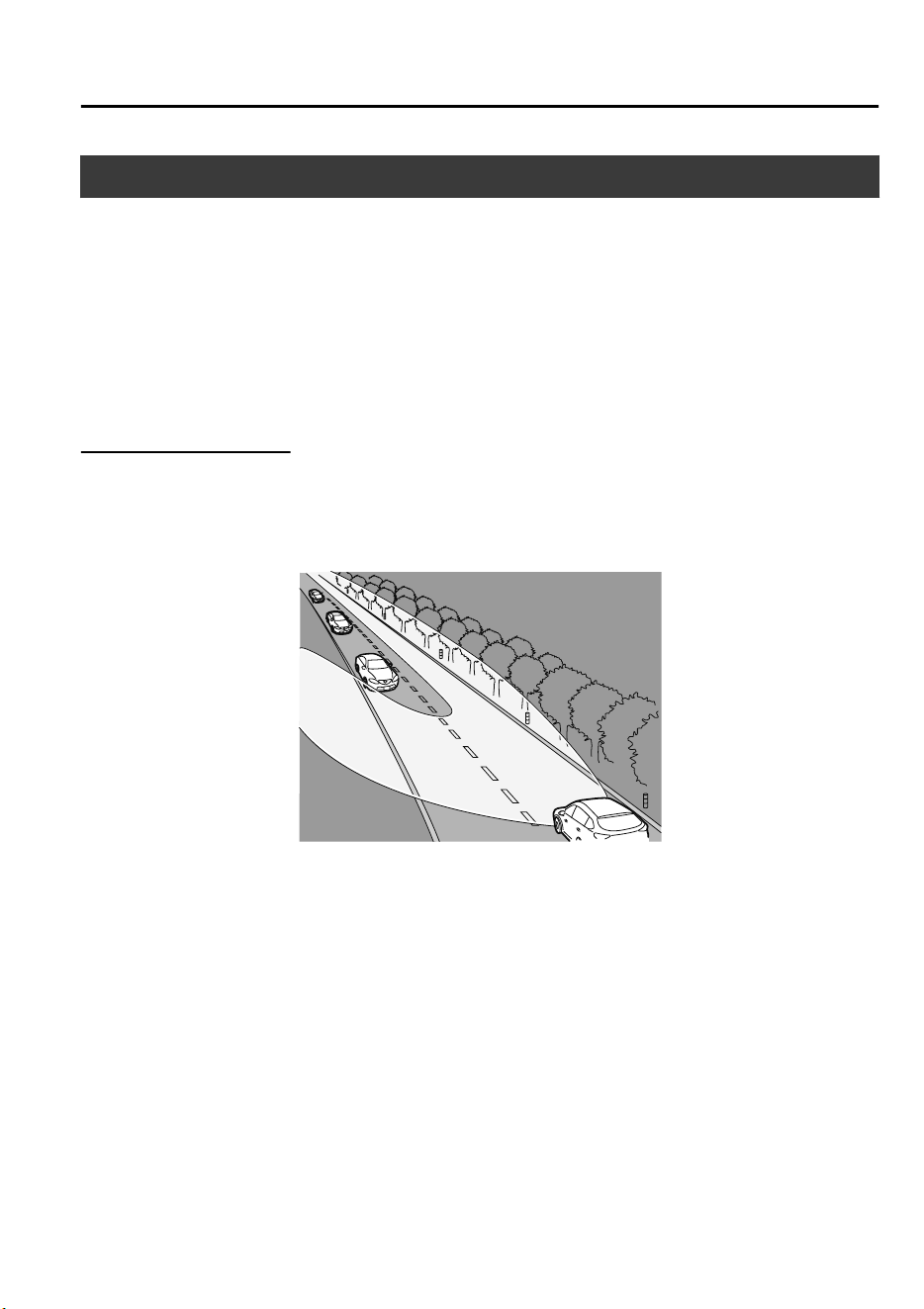
Adaptive LED Headlights (ALH)
*
The ALH are a system which uses the Forward Sensing Camera (FSC) to determine the
situation of a vehicle ahead or a vehicle approaching in the opposite direction while driving
at night to automatically switch the illumination range of the headlights, the illuminated
area, or the illumination brightness.
Refer to Forward Sensing Camera (FSC) on page 4-159.
The ALH are controlled between high and low beams as follows to assure the driver’s
visibility without dazzling a vehicle ahead or a vehicle approaching in the opposite
direction.
Glare-Free High Beam
This feature dims only the high-beam light shone on the vehicle ahead.
The high beams will dim while driving at a speed of about 40 km/h (25 mph) or faster.
When the vehicle speed is less than about 30 km/h (18 mph), the beams switch to the low
beams.
NOTE
The headlight high-beam indicator light turns on while the high beams are on.
When Driving
i-ACTIVSENSE
*Some models.
4-87
CX-9_8GC7-EE-17G_Edition1 2017-5-16 8:22:04
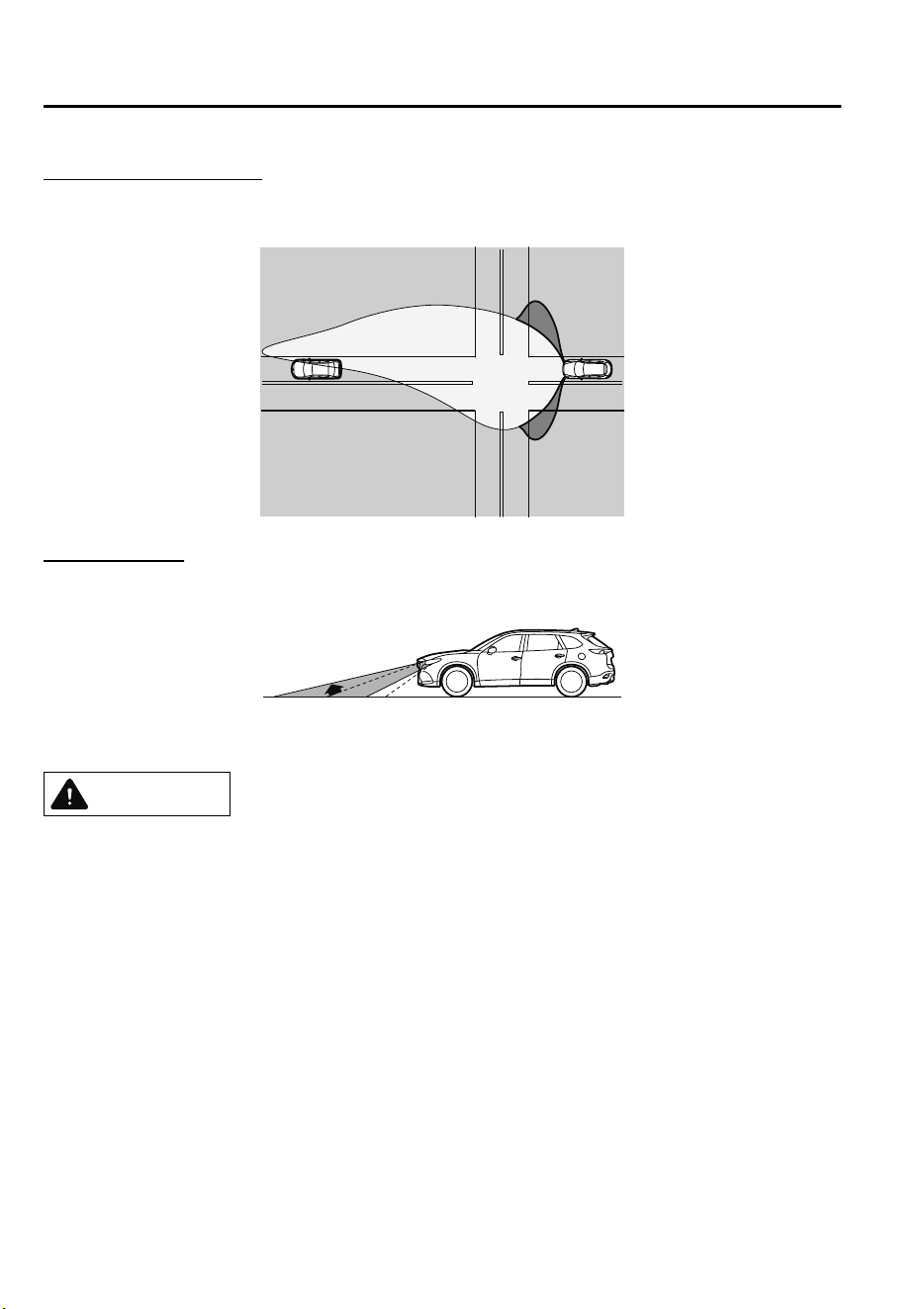
Wide-Range Low Beam
This feature extends the illumination range of the light cast by the low beams while driving
at a speed less than about 40 km/h (25 mph).
Highway Mode
This feature shifts the illumination angle of the light cast by the headlights upward while
driving on highways.
The distance in which the ALH can detect objects varies depending on the surrounding
conditions.
CAUTION
Do not modify the suspensions or headlight units, or remove the camera. Otherwise, the
ALH may not operate normally.
Do not rely excessively on the ALH and drive the vehicle while paying sucient attention to
safety. Switch the headlights between the high beams and low beams manually if
necessary.
NOTE
Under the following conditions, the ALH may not operate normally. Manually switch
between the high and low beams according to the visibility, and the road and traffic
conditions.
•
When there are other sources of light in the area such as street lamps, illuminated
signboards, and traffic signals.
•
When there are reflective objects in the surrounding area such as reflective plates and
signs.
When Driving
i-ACTIVSENSE
4-88
CX-9_8GC7-EE-17G_Edition1 2017-5-16 8:22:04
•
When visibility is reduced under rain, snow and foggy conditions.
•
When driving on roads with sharp curves or undulations.
•
When the headlights/rear lamps of vehicles ahead or in the opposite lane are dim or not
illuminated.
•
When there is insufficient darkness such as at dawn or dusk.
•
When the luggage compartment is loaded with heavy objects or the rear passenger seats
are occupied.
•
When visibility is reduced due to a vehicle ahead spraying water from its tires onto your
windshield.
▼
To Operate the System
The system switches the headlights to the
high beams after the ignition is switched
ON and the headlight switch is in the
position. The ALH indicator light (green)
in the instrument cluster turns on
simultaneously.
The ALH determine that it is nighttime
based on the brightness of the surrounding
area.
The system cancels operation when the
headlight switch is turned to a position
other than
, the headlights are
manually switched to low beams, or the
high beams are flashed on and off.
NOTE
The system can be changed so that the
ALH do not operate.
Refer to Personalization Features on page
9-10.
▼
Manual Switching
Switching to low beams
Shift the lever to the low beam position.
The ALH indicator light (green) turns off.
Switching to high beams
Turn the headlight switch to the
position.
The ALH indicator light (green) turns off
and the
is illuminated.
When Driving
i-ACTIVSENSE
4-89
CX-9_8GC7-EE-17G_Edition1 2017-5-16 8:22:04
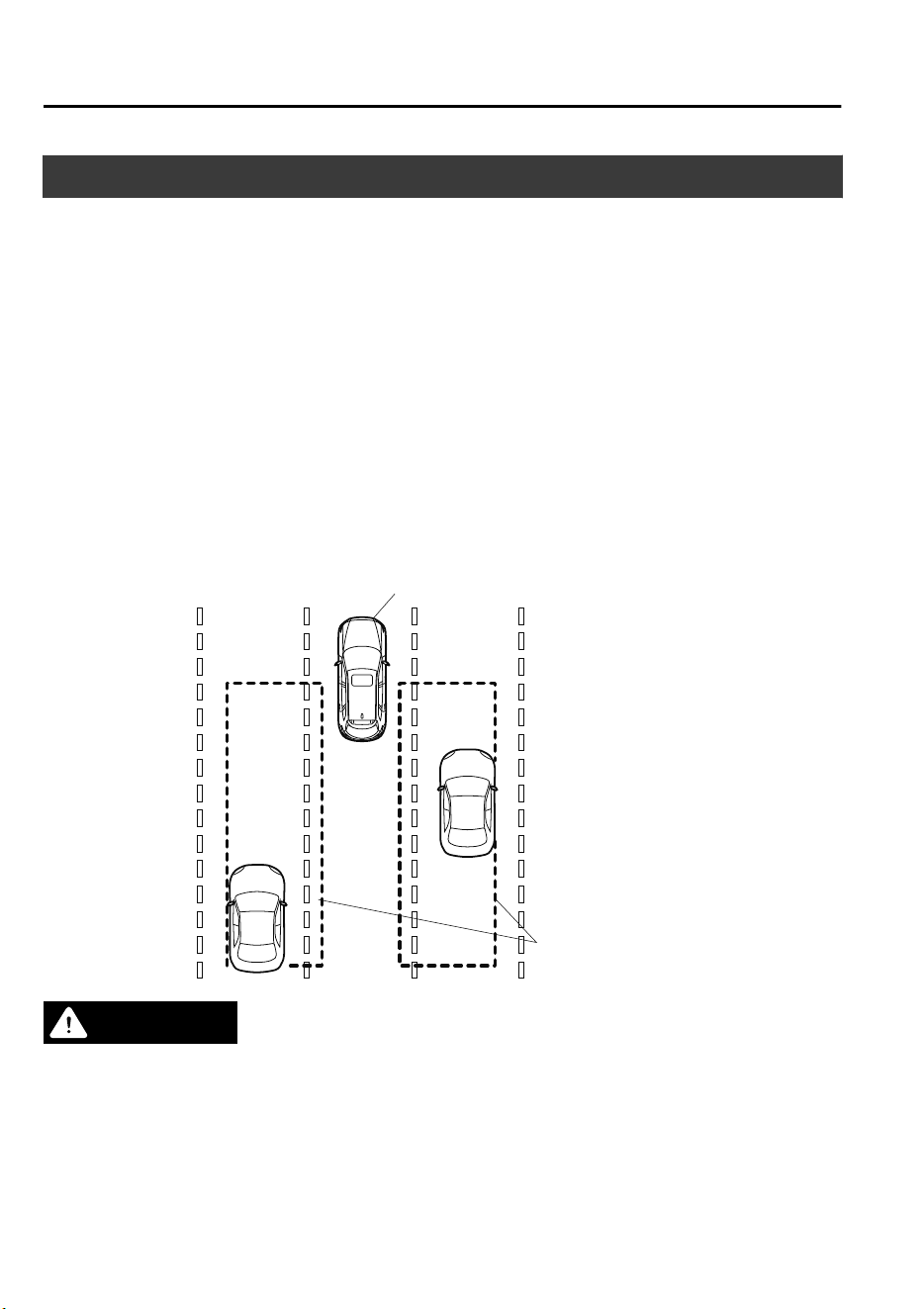
Blind Spot Monitoring (BSM)
*
The BSM is designed to assist the driver in checking the area to the rear of the vehicle on
both sides during lane changes by notifying the driver of the presence of vehicles
approaching from the rear in an adjacent lane.
The BSM detects vehicles approaching from the rear while traveling in the forward
direction at a speed of 30 km/h (19 mph) or faster and notifies the driver by turning on the
BSM warning indicator light and displaying the vehicle detection screen (vehicles with
multi-information display and active driving display).
If the turn signal lever is operated to signal a turn in the direction in which the BSM
warning indicator light is illuminated while the approaching vehicle is detected, the BSM
notifies the driver of possible danger by turning on the BSM warning indicator light, and by
activating the warning sound and the warning screen indicator display (vehicles with
multi-information display and active driving display).
The detection area on this system covers the driving lanes on both sides of the vehicle and
from the rear part of the front doors to about 50 m (164 ft) behind the vehicle.
Detection areas
Your vehicle
WARNING
Always check the surrounding area visually before making an actual lane change:
The system is only designed to assist you in checking for vehicles at your rear when making a
lane change. Due to certain limitations with the operation of this system, the BSM warning
indicator light, the warning sound and the warning screen indicator display may not activate
or they might be delayed even though a vehicle is in an adjacent driving lane. Always make it
your responsibility as a driver to check the rear.
When Driving
i-ACTIVSENSE
4-90
*Some models.
CX-9_8GC7-EE-17G_Edition1 2017-5-16 8:22:04

NOTE
•
The BSM will operate when all of the following conditions are met:
•
The ignition is switched ON.
•
The BSM OFF indicator light in the instrument cluster is turned off.
•
The vehicle speed is about 30 km/h (19 mph) or faster.
•
The BSM will not operate under the following circumstances.
•
The vehicle speed falls below about 25 km/h (15 mph) even though the BSM OFF switch
indicator light is turned off.
•
The selector lever is shifted to reverse (R) and the vehicle is reversing.
•
The turning radius is small (making a sharp turn, turning at intersections).
•
In the following cases, the BSM OFF indicator light turns on and operation of the system
is stopped. If the BSM OFF indicator light remains illuminated, have the vehicle inspected
at an Authorized Mazda Repairer as soon as possible.
•
Some problem with the system including the BSM warning indicator lights is detected.
•
A large deviation in the installation position of a radar sensor (rear) on the vehicle has
occurred.
•
There is a large accumulation of snow or ice on the rear bumper near a radar sensor
(rear). Remove any snow, ice or mud on the rear bumper.
•
Driving on snow-covered roads for long periods.
•
The temperature near the radar sensors (rear) becomes extremely hot due to driving for
long periods on slopes during the summer.
•
The battery voltage has decreased.
•
Under the following conditions, the radar sensors (rear) cannot detect target objects or it
may be difficult to detect them.
•
A vehicle is in the detection area at the rear in an adjacent driving lane but it does not
approach. The BSM determines the condition based on radar detection data.
•
A vehicle is traveling alongside your vehicle at nearly the same speed for an extended
period of time.
•
Vehicles approaching in the opposite direction.
•
A vehicle in an adjacent driving lane is attempting to pass your vehicle.
•
A vehicle is in an adjacent lane on a road with extremely wide driving lanes. The
detection area of the radar sensors (rear) is set at the road width of expressways.
•
In the following case, the flashing of the BSM warning indicator light, and the activation
of the warning sound and the warning screen indicator display may not occur or they may
be delayed.
•
A vehicle makes a lane change from a driving lane two lanes over to an adjacent lane.
•
Driving on steep slopes.
•
Crossing the summit of a hill or mountain pass.
When Driving
i-ACTIVSENSE
4-91
CX-9_8GC7-EE-17G_Edition1 2017-5-16 8:22:04
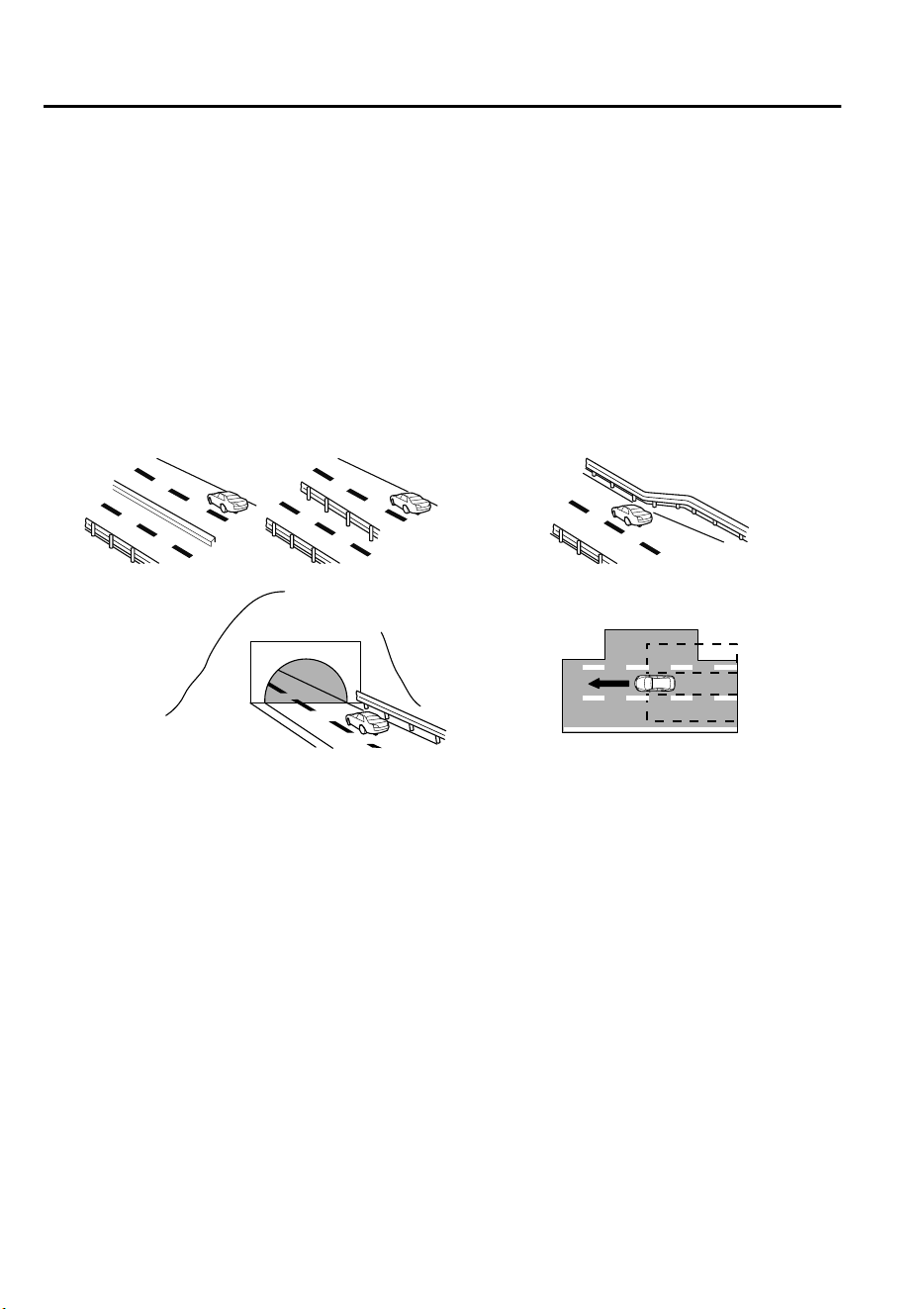
•
When there is a difference in the height between your driving lane and the adjacent
lane.
•
Directly after the BSM system becomes operable by changing the setting.
•
If the road width is extremely narrow, vehicles two lanes over may be detected. The
detection area of the radar sensors (rear) is set according to the road width of
expressways.
•
The BSM warning indicator light may turn on and the vehicle detection screen may be
displayed in the display in reaction to stationary objects (guardrails, tunnels, sidewalls,
and parked vehicles) on the road or the roadside.
Objects such as guardrails and concrete walls
running alongside the vehicle.
Places where the width between guardrails or
walls on each side of the vehicle narrows.
The walls at the entrance and exits of tunnels,
turnouts.
•
A BSM warning indicator light may flash or the warning beep and the warning screen
indicator display may be activated several times when making a turn at a city
intersection.
•
Turn off the BSM while pulling a trailer or while an accessory such as a bicycle carrier is
installed to the rear of the vehicle. Otherwise, the radar’s radio waves will be blocked
causing the system to not operate normally.
•
In the following cases, it may be difficult to view the illumination/flashing of the BSM
warning indicator lights equipped on the door mirrors.
•
Snow or ice is adhering to the door mirrors.
•
The front door glass is fogged or covered in snow, frost or dirt.
•
The system switches to the Rear Cross Traffic Alert function when the selector lever is
shifted to the reverse (R) position.
Refer to Rear Cross Traffic Alert (RCTA) on page 4-108.
When Driving
i-ACTIVSENSE
4-92
CX-9_8GC7-EE-17G_Edition1 2017-5-16 8:22:04
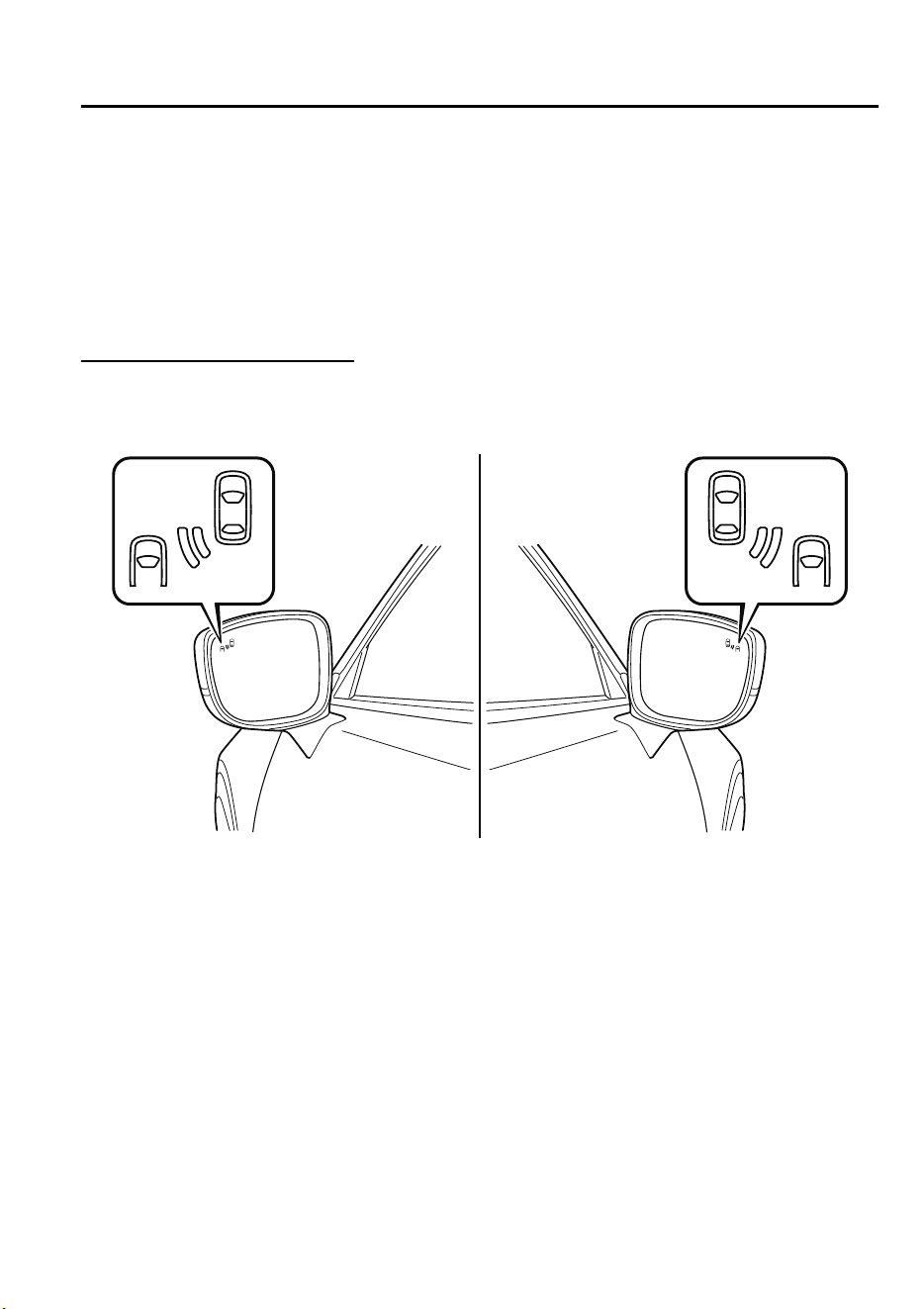
▼
Blind Spot Monitoring (BSM) Warning Indicator Light/Display Indicator/Blind
Spot Monitoring (BSM) Warning Beep
The BSM or Rear Cross Traffic Alert (RCTA) system notifies the driver of the presence of
vehicles in adjacent lanes or at the rear of the vehicle using the BSM warning indicator
light, the warning sound and the display indicator (vehicles with multi-information display
and active driving display) (BSM) while the systems are operational.
BSM warning indicator lights
The BSM warning indicator lights are equipped on the left and right door mirrors. The
warning indicator lights turn on when a vehicle approaching from the rear in an adjacent
lane is detected.
When the ignition is switched ON, the warning indicator light turns on momentarily and
then turns off after a few seconds.
Forward driving (BSM operation)
The BSM detects vehicles approaching from the rear and turns on the BSM warning
indicator lights equipped on the door mirrors according to the conditions. Additionally,
while a BSM warning indicator light is illuminated, if the turn signal lever is operated to
signal a turn in the direction in which the BSM warning indicator light is illuminated, the
BSM warning indicator light flashes.
Reverse driving (Rear Cross Traffic Alert (RCTA) system operation)
The Rear Cross Traffic Alert (RCTA) system detects vehicles approaching from the left and
right of your vehicle and flashes the BSM warning indicator lights.
When Driving
i-ACTIVSENSE
4-93
CX-9_8GC7-EE-17G_Edition1 2017-5-16 8:22:04
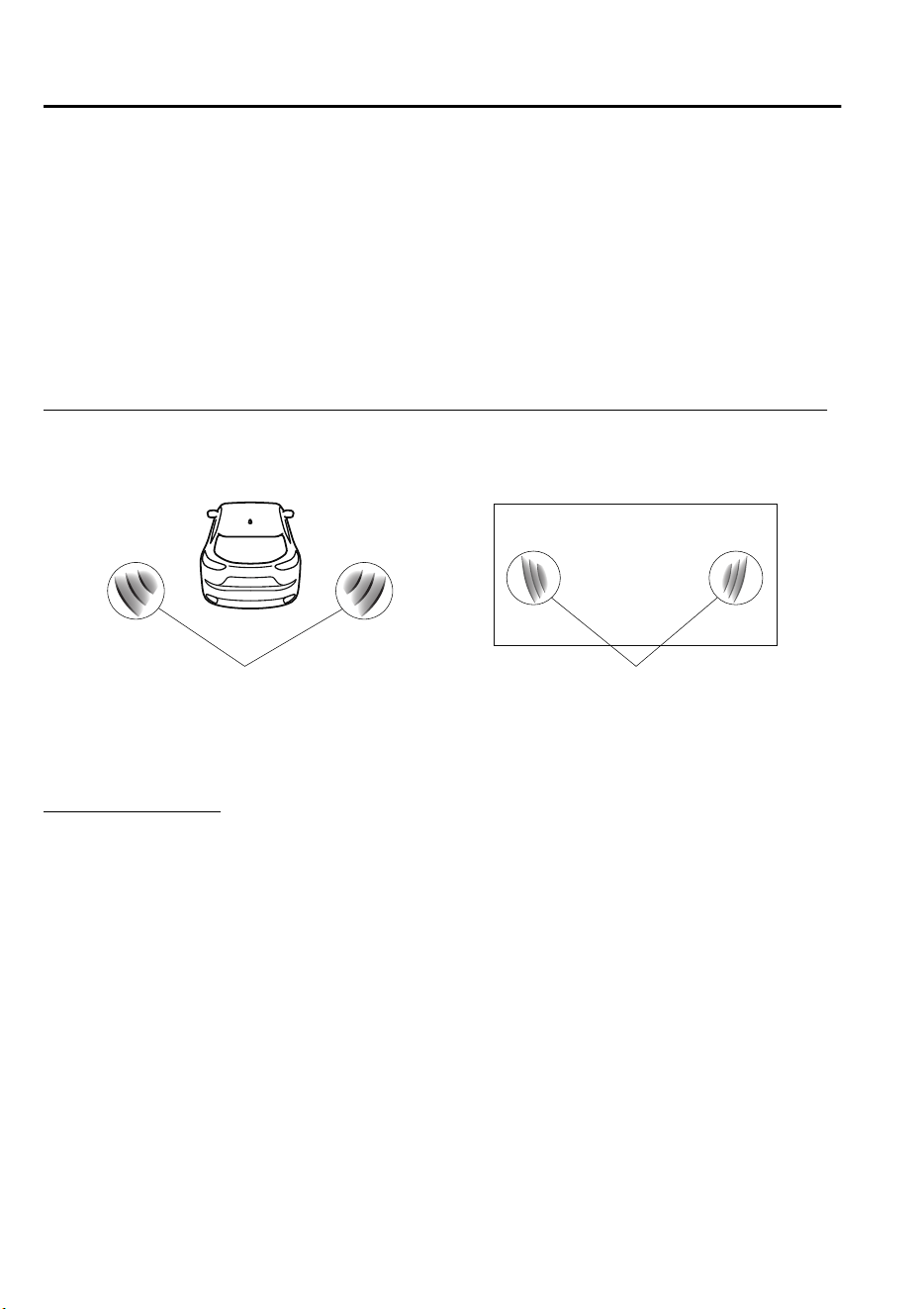
Function for cancelling illumination dimmer
If the BSM warning indicator lights turn on when the parking lights are turned on, the
brightness of the BSM warning indicator lights is dimmed.
If the BSM warning indicator lights are difficult to see due to glare from surrounding
brightness when traveling on snow-covered roads or under foggy conditions, press the
dimmer cancellation button to cancel the dimmer and increase the brightness of BSM
warning indicator lights when they turn on.
Refer to Dashboard Illumination on page 4-16.
Display indicator (Vehicles with multi-information display and active driving display)
The detected approaching vehicle and warning are displayed in the multi-information
display and active driving display when the vehicle is moving forward (BSM operational).
Multi-information Display Active Driving Display
Detection and warning indicator Detection and warning indicator
The detected direction is displayed with a detection indicator (white) when an approaching
vehicle is detected. In addition, if the turn signal lever is operated to signal a lane change
while the vehicle is detected, the display changes the color (amber) of the warning indicator.
BSM warning beep
The BSM warning beep is activated simultaneously with the flashing of a BSM warning
indicator light.
When Driving
i-ACTIVSENSE
4-94
CX-9_8GC7-EE-17G_Edition1 2017-5-16 8:22:04
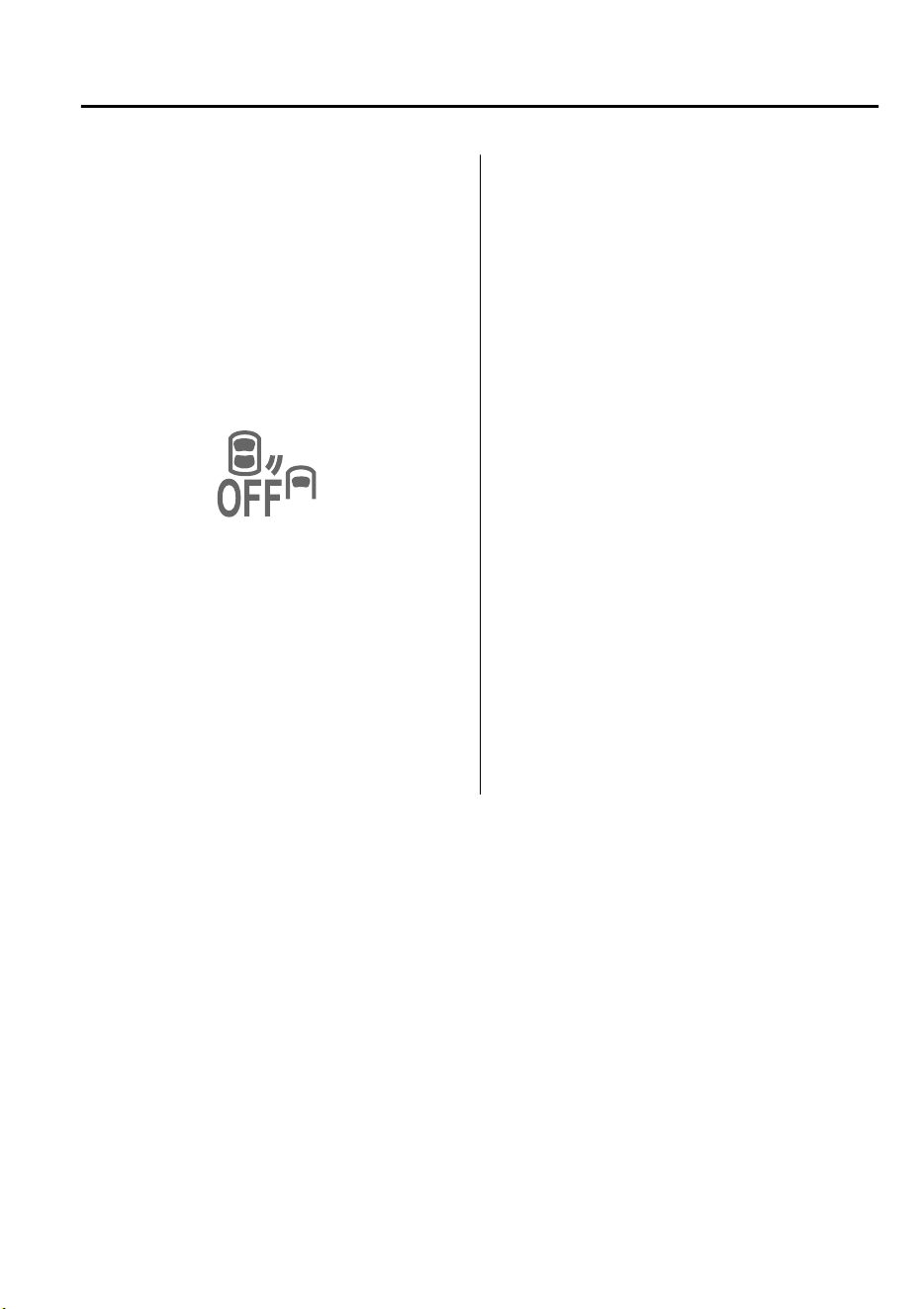
▼
Canceling Operation of Blind Spot
Monitoring (BSM)
The BSM system can be set to inoperable.
Refer to Personalization Features on page
9-10.
When the BSM is set to inoperable, the
BSM and Rear Cross Traffic Alert
(RCTA) systems are turned off and the
BSM OFF indicator light in the instrument
cluster turns on.
NOTE
When the ignition is switched OFF, the
system status before it was turned off is
maintained. For example, if the ignition is
switched OFF while the BSM and Rear
Cross Traffic Alert (RCTA) systems are
operational, the BSM and Rear Cross
Traffic Alert (RCTA) systems remain
operational the next time the ignition is
switched ON.
When Driving
i-ACTIVSENSE
4-95
CX-9_8GC7-EE-17G_Edition1 2017-5-16 8:22:04
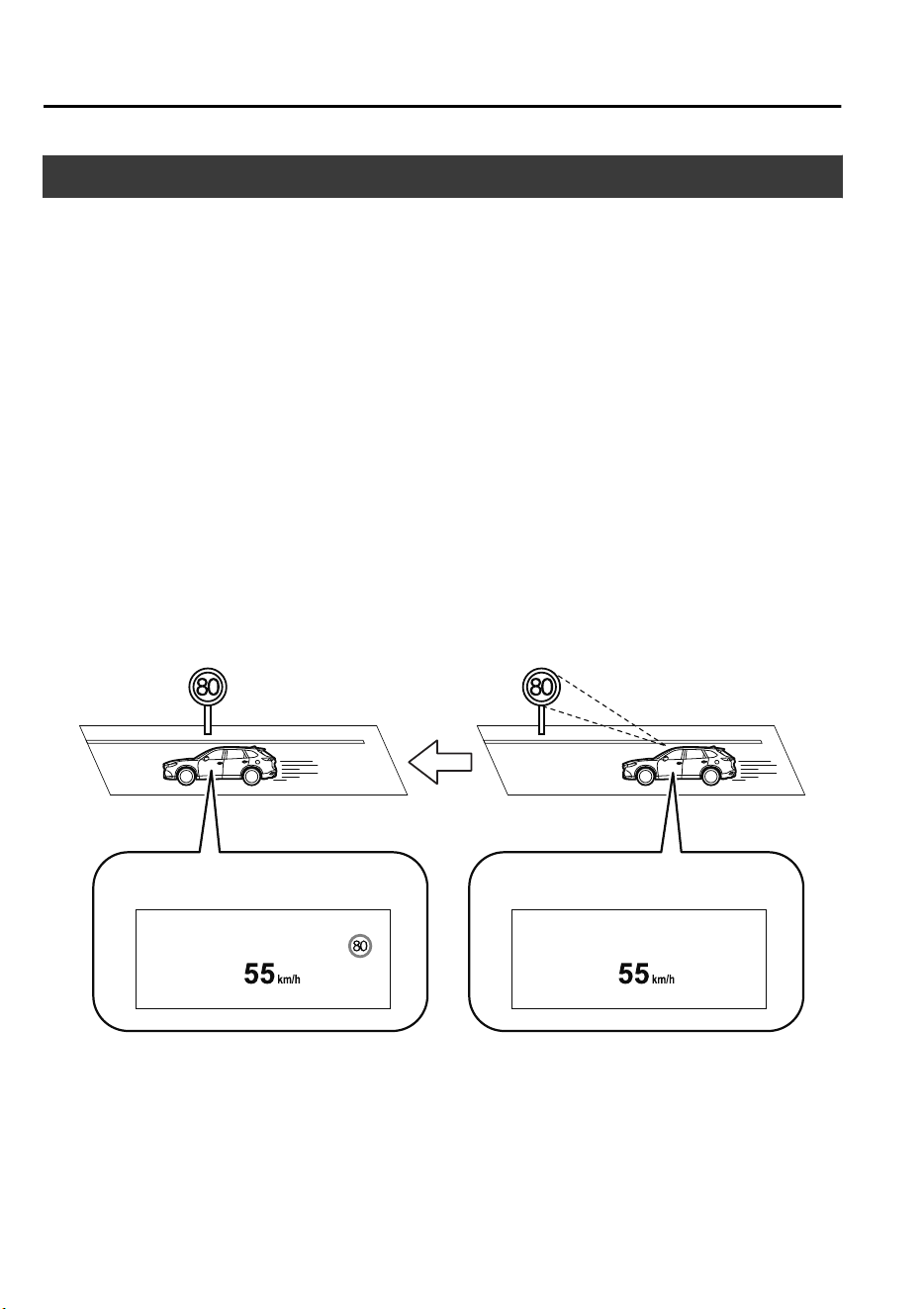
Traffic Sign Recognition System (TSR)
*
The TSR helps prevent the driver from overlooking traffic signs, and provides support for
safer driving by displaying traffic signs on the active driving display which are recognized
by the Forward Sensing Camera (FSC) or recorded in the navigation system while the
vehicle is driven.
The TSR displays the speed limit (including auxiliary signs) , do not enter, and passing
prohibited signs.
If the vehicle speed exceeds the speed limit sign indicated in the active driving display while
the vehicle is driven, the system notifies the driver using the indication in the active driving
display and a warning sound.
NOTE
•
The TSR is not supported in some countries or regions. For information concerning the
supported countries or regions, consult an expert repairer, we recommend an Authorized
Mazda Repairer.
•
The TSR operates only if the navigation system SD card (Mazda genuine) is inserted in
the SD card slot. Consult an expert repairer, we recommend an Authorized Mazda
Repairer for details.
Sign recognizedSign displayed
Active driving display indication Active driving display indication
When Driving
i-ACTIVSENSE
4-96
*Some models.
CX-9_8GC7-EE-17G_Edition1 2017-5-16 8:22:04
WARNING
Always check the
trac
signs visually while driving.
The TSR helps prevent the driver from overlooking trac signs and provides support for safer
driving. Depending on the weather conditions or problems with
trac
signs, a
trac
sign
may not be recognized or a trac sign dierent from the actual trac sign may be displayed.
Always make it your responsibility as a driver to check the actual
trac
signs. Otherwise, it
could result in an accident.
NOTE
•
The TSR does not operate if there is a malfunction in the Forward Sensing Camera (FSC).
•
Under the following conditions, the TSR may not operate normally.
•
An object placed on the dashboard is reflected in the windshield and picked up by the
camera.
•
Heavy luggage is loaded in the luggage compartment or on the rear seat and the
vehicle is tilted.
•
The tire pressures are not adjusted to the specified pressure.
•
Tires other than standard tires are equipped.
•
The vehicle is driven on the ramp and surrounding area to or from a rest area or a
tollgate on a highway.
•
When surrounding brightness suddenly changes such as when entering or exiting a
tunnel.
•
The illumination of the headlights is weakened because of dirt or the optical axis is
deviated.
•
The windshield is dirty or foggy.
•
The windshield and camera are fogged (water droplets).
•
Strong light is directed at the front of the vehicle (such as backlight or high-beam
headlights of on-coming vehicles).
•
The vehicle is making a sharp turn.
•
Strong light reflects off the road.
•
A traffic sign is in a position which makes it difficult to reflect the light from the
vehicle's headlights, such as when the vehicle is driven at night or in a tunnel.
•
The vehicle is driven under weather conditions such as rain, fog, or snow.
•
The stored map data for the navigation system is not current.
•
A traffic sign is obscured by mud or snow.
•
A traffic sign is concealed by trees or a vehicle.
•
A traffic sign is partially shaded.
•
A traffic sign is bent or warped.
•
A traffic sign is too low or too high.
•
A traffic sign is too bright or too dark (including electronic traffic signs).
When Driving
i-ACTIVSENSE
4-97
CX-9_8GC7-EE-17G_Edition1 2017-5-16 8:22:04
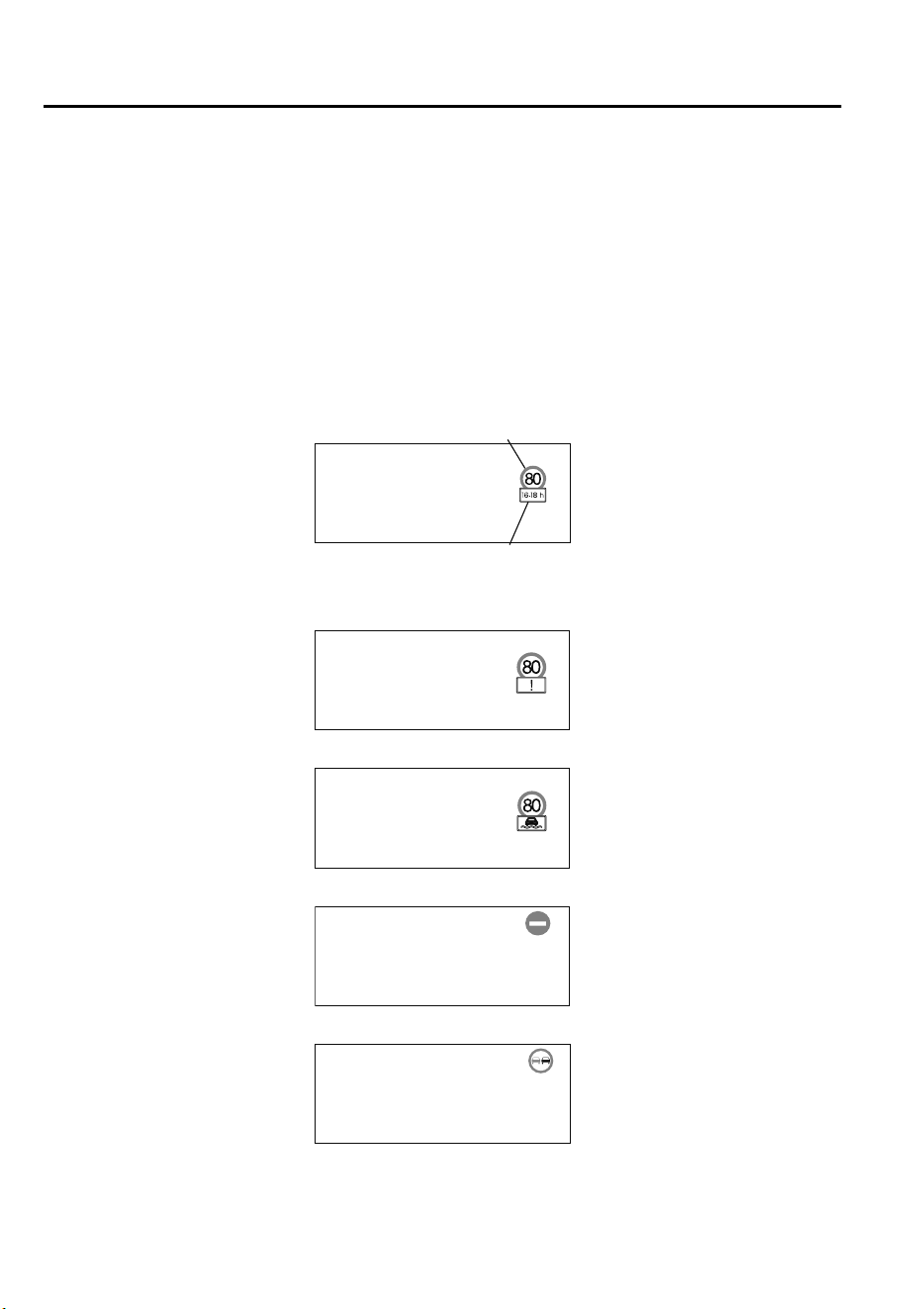
•
A traffic sign is too big or too small.
•
There is an object similar to the traffic sign being read (such as another traffic sign or
other signs resembling it).
•
The TSR does not operate if the active driving display is set to non-display.
•
The TSR can be set to inoperable.
Refer to Personalization Features on page 9-10.
▼
Traffic Sign Display Indication
The following traffic signs are displayed on the active driving display.
Speed limit signs (including auxiliary signs)
Speed limit signs
Auxiliary sign (example)
If the Forward Sensing Camera (FSC) cannot classify an auxiliary sign (such as time
restrictions, turning restrictions, end of section) correctly, the following screen is displayed.
Inclement weather speed limit sign
Do not enter signs
Passing prohibited sign
When Driving
i-ACTIVSENSE
4-98
CX-9_8GC7-EE-17G_Edition1 2017-5-16 8:22:04
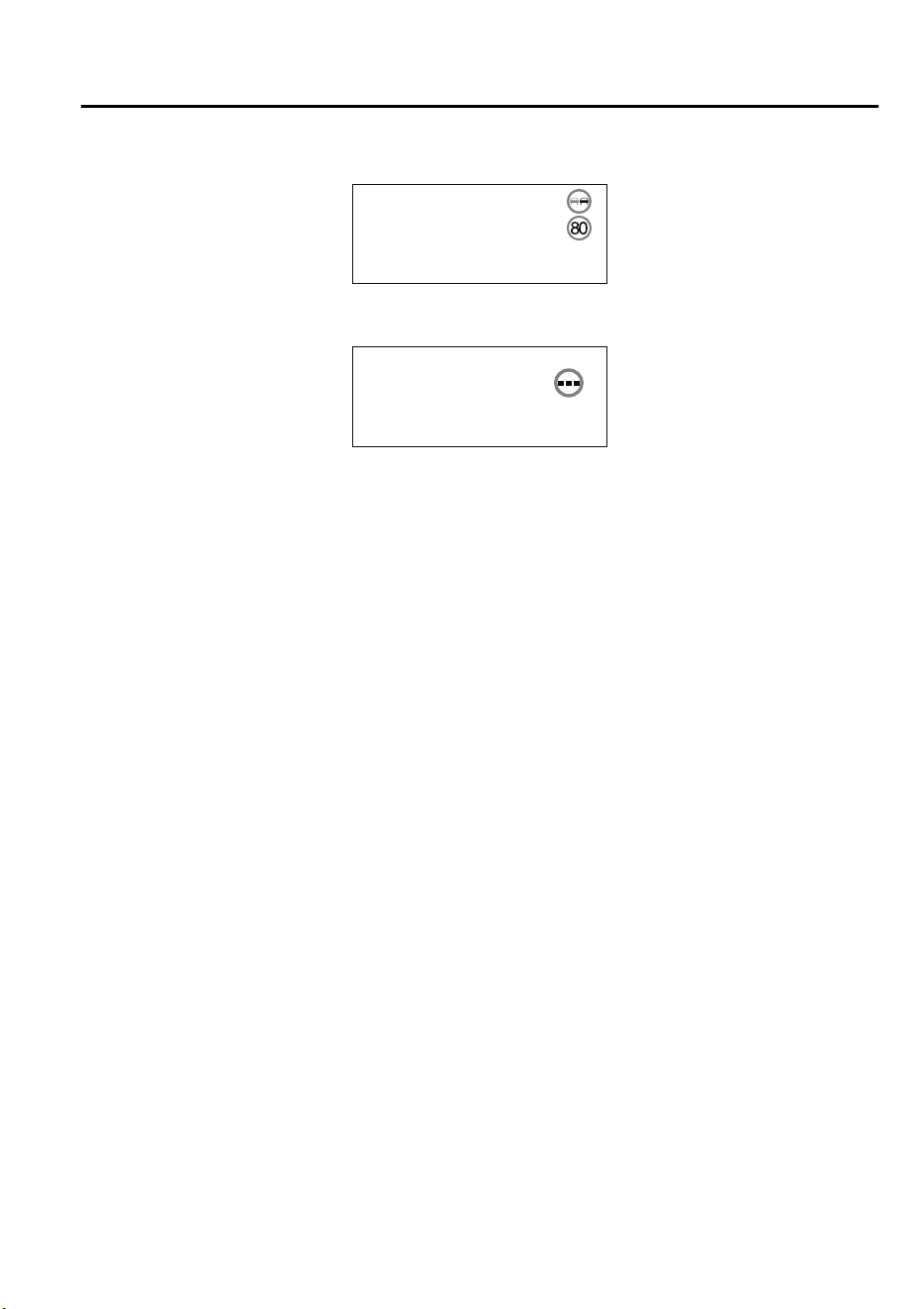
The TSR can display a passing prohibited sign and a speed limit sign at the same time.
If the Forward Sensing Camera (FSC) cannot correctly recognize a traffic sign while the
vehicle is driven, the following screen is displayed.
NOTE
Speed limit signs (including auxiliary signs)
•
When the vehicle speed is about 1 km/h (0.6 mph) or faster, the speed limit sign is
displayed when any one of the following conditions are met.
•
The Forward Sensing Camera (FSC) recognizes a speed limit sign as a sign targeted for
your vehicle and the vehicle passes it.
•
The speed limit sign stored in the navigation system is read (if the Forward Sensing
Camera (FSC) does not recognize a speed limit sign).
•
Inclement weather speed limit signs are displayed when all of the following conditions are
met.
•
The vehicle speed is about 1 km/h (0.6 mph) or more.
•
The Forward Sensing Camera (FSC) recognizes an inclement weather speed limit sign
as a sign targeted for your vehicle and the vehicle passes it.
•
The inclement weather speed limit sign is lower than the currently displayed speed limit
sign.
•
The windshield wipers are operated.
•
In the following cases, display of the speed limit sign stops.
•
The Forward Sensing Camera (FSC) recognizes the speed limit sign and the vehicle is
driven for a certain distance after passing the sign.
•
Each sensor determines that the vehicle has changed direction of travel. (The display of
a speed limit sign does not stop even if the vehicle changes lanes while a "ZONE"
auxiliary sign is displayed.)
•
The Forward Sensing Camera (FSC) recognizes a new speed limit sign which differs
from the previous one (displays the new speed limit sign).
•
The speed limit sign stored in the navigation system is not read within a certain period
of time (if the Forward Sensing Camera (FSC) does not recognize a speed limit sign,
the speed limit sign stored in the navigation system is displayed).
When Driving
i-ACTIVSENSE
4-99
CX-9_8GC7-EE-17G_Edition1 2017-5-16 8:22:04

•
The vehicle speed exceeds the displayed speed limit sign by 30 km/h (19 mph) or more
after a certain period of time has elapsed since the speed limit sign was displayed.
(Except when there is information for the speed limit sign in the navigation system)
Do not enter signs
•
A do not enter sign is displayed when all of the following conditions are met.
•
The vehicle speed is about 80 km/h (50 mph) or slower.
•
The Forward Sensing Camera (FSC) recognizes a do not enter sign as a sign targeted
for your vehicle and the vehicle passes it.
•
When the Forward Sensing Camera (FSC) recognizes the do not enter sign and a certain
period of time has elapsed since the vehicle passed the sign, display of the do not enter
sign stops.
Passing prohibited sign
•
A passing prohibited sign is displayed when all of the following conditions are met.
•
The vehicle speed is about 1 km/h (0.6 mph) or more.
•
The Forward Sensing Camera (FSC) recognizes a passing prohibited sign as a sign
targeted for your vehicle and the vehicle passes it.
•
In the following cases, the display of the passing prohibited sign stops.
•
The Forward Sensing Camera (FSC) recognizes a passing prohibited sign and you
drive a certain distance after passing the sign.
•
You have changed vehicle lanes.
When Driving
i-ACTIVSENSE
4-100
CX-9_8GC7-EE-17G_Edition1 2017-5-16 8:22:04
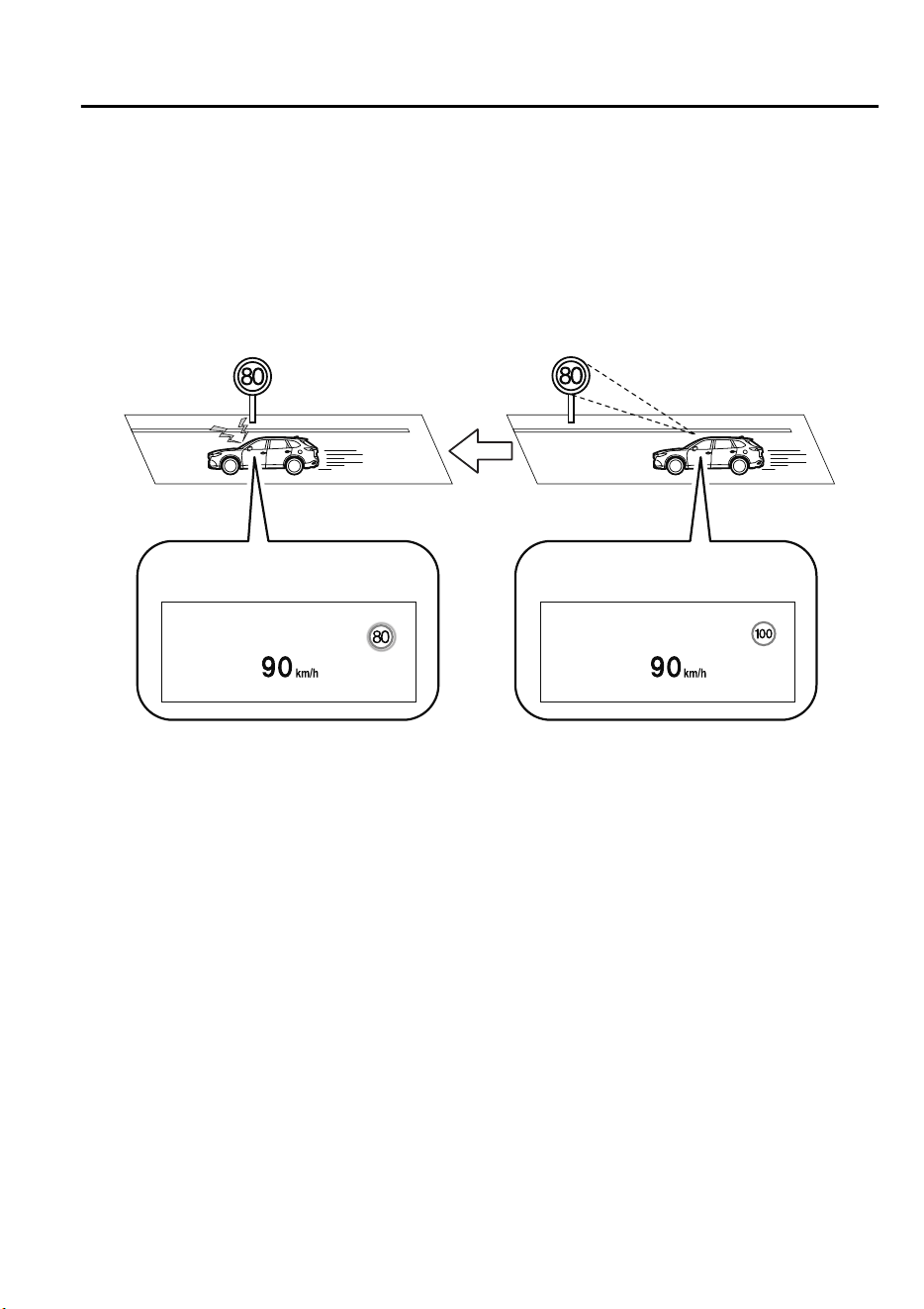
▼
Excessive Speed Warning
If the vehicle speed exceeds the speed limit sign displayed in the active driving display, the
area around the speed limit sign flashes three times in amber and the warning sound is
activated three times at the same time. If the vehicle speed continues to exceed the displayed
speed limit sign, the indication stops flashing and remains on. Check the surrounding
conditions and adjust the vehicle speed to the legal speed using the appropriate operation
such as depressing the brake pedal.
While 100 km/h is displayed80 km/h is displayed
Active driving display indicationActive driving display indication
The excessive speed warning is initially set to inoperable. If you want to activate the
excessive speed warning, change the setting in the personalization features. In addition, the
warning pattern and the warning activation timing differ depending on the setting contents.
Refer to Personalization Features on page 9-10.
Warning pattern
•
Off: The excessive speed warning is not activated.
•
Visual: The area around the speed limit sign displayed in the display flashes three times in
amber, and if the vehicle speed continues to exceed the displayed speed limit sign, the
indication stops flashing and remains on.
•
Audio & Visual: The area around the speed limit sign displayed in the display flashes
three times in amber and the warning sound is activated three times at the same time. If
the vehicle speed continues to exceed the displayed speed limit sign, the indication stops
flashing and remains on.
When Driving
i-ACTIVSENSE
4-101
CX-9_8GC7-EE-17G_Edition1 2017-5-16 8:22:04

Warning activation timing
•
0: If the vehicle speed exceeds the speed limit sign displayed in the display, the
excessive speed warning is activated.
•
5: If the vehicle speed exceeds the speed limit sign displayed in the display by 5 km/h
(3 mph), the excessive speed warning is activated.
•
10: If the vehicle speed exceeds the speed limit sign displayed in the display by 10
km/h (6.2 mph), the excessive speed warning is activated.
NOTE
•
In the following cases, the excessive speed warning stops operating.
•
The vehicle speed is less than the speed of the displayed speed limit sign. (If the
activation timing for the excessive speed warning is changed in the personalization
features, the excessive speed warning stops operating when the vehicle speed is less
than the changed vehicle speed.
•
A speed limit sign indication has been updated and the vehicle speed is lower than the
updated indication.
•
Display of the speed limit sign stops.
•
The warning indication is displayed at the same time the excessive speed warning sound
is activated if the vehicle speed exceeds the speed indicated on the speed limit sign.
Refer to Warning Sound is Activated on page 7-55.
•
The TSR can recognize a speed limit sign with an auxiliary sign and display it, but it
cannot determine the indication on the auxiliary sign (such as time restrictions, turning
restrictions, end of section). Therefore, the excessive speed warning is activated when the
vehicle speed exceeds the displayed speed limit sign even if the conditions indicated on
the auxiliary sign do not apply to the vehicle.
•
If the Forward Sensing Camera (FSC) incorrectly recognizes the actual speed limit sign
at a lower speed, the excessive speed alarm is activated even if the vehicle is driven at the
legal speed.
When Driving
i-ACTIVSENSE
4-102
CX-9_8GC7-EE-17G_Edition1 2017-5-16 8:22:04
Distance Recognition Support System (DRSS)
*
The DRSS measures the distance between your vehicle and a vehicle ahead using a radar
sensor (front) while the vehicle speed is about 30 km/h (19 mph) or faster, and if your
vehicle approaches a vehicle ahead more closely than what is appropriate for maintaining
distance between the vehicles according to the vehicle speed, a notification in the active
driving display is indicated to advise you to keep a safe distance from the vehicle ahead.
WARNING
Do not rely completely on the DRSS and always drive carefully:
The ability to detect a vehicle ahead is limited depending on the type of vehicle ahead, the
weather conditions, and the trac conditions. Therefore, if the accelerator and brake pedals
are not operated correctly it could lead to an accident. Always verify the safety of the
surrounding area and depress the brake pedal or accelerator pedal while keeping a safer
distance from vehicles ahead or on-coming vehicles.
NOTE
•
The DRSS operates when all of the following conditions are met:
•
The ignition is switched ON.
•
The DRSS is on.
•
The selector lever is in a position other than reverse (R).
•
The vehicle speed is 30 km/h or faster (19 mph or faster).
•
The objects which activate the system are 4-wheeled vehicles.
•
The DRSS may also operate in the presence of motorcycles and bicycles.
•
The DRSS may not operate normally under the following conditions:
•
The Dynamic Stability Control (DSC) has a malfunction.
•
The vehicle ahead is traveling at an extremely slow speed.
•
The system does not operate with the following objects:
•
Vehicles approaching in the opposite direction.
•
Stationary objects (stopped vehicles, obstructions)
When Driving
i-ACTIVSENSE
*Some models.
4-103
CX-9_8GC7-EE-17G_Edition1 2017-5-16 8:22:04
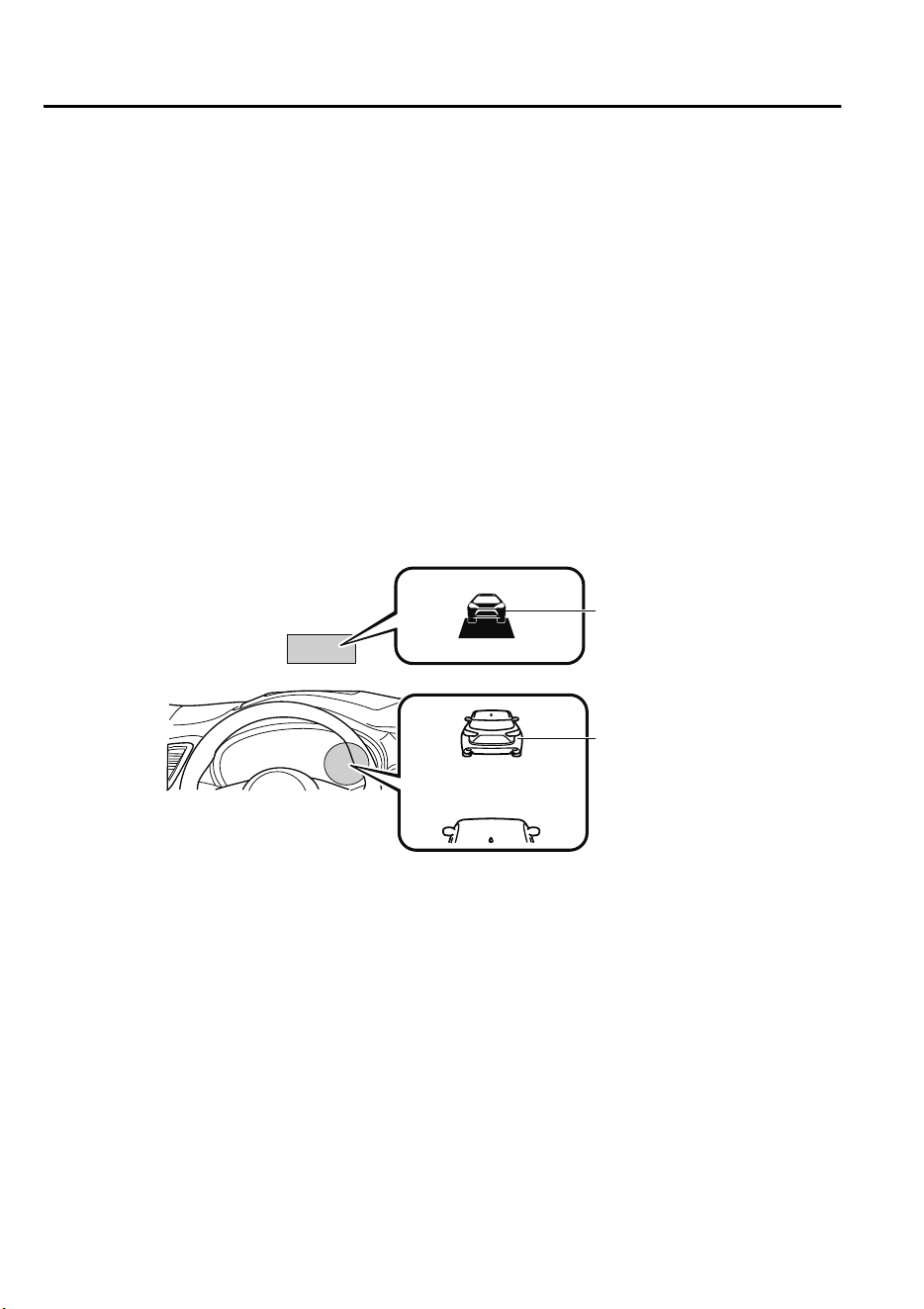
▼
Indication on Display
The DRSS operation status is indicated in the active driving display or multi-information
display. Regarding malfunctions, check the vehicle conditions or have it inspected by an
expert repairer, we recommend an Authorized Mazda Repairer according to the content of
the displayed message.
Refer to Warning/Indicator Lights on page 4-32.
NOTE
•
When the ignition is switched off, the operation status before the system was turned off is
maintained. For example, if the ignition is switched off with the DRSS operable, the
system will be operable when the ignition is switched ON the next time.
•
The DRSS can be turned on/off and the system's sensitivity can be changed.
Refer to Personalization Features on page 9-10.
Multi-information display
Active driving display
Vehicle ahead
display
Vehicle ahead
display
When Driving
i-ACTIVSENSE
4-104
CX-9_8GC7-EE-17G_Edition1 2017-5-16 8:22:04
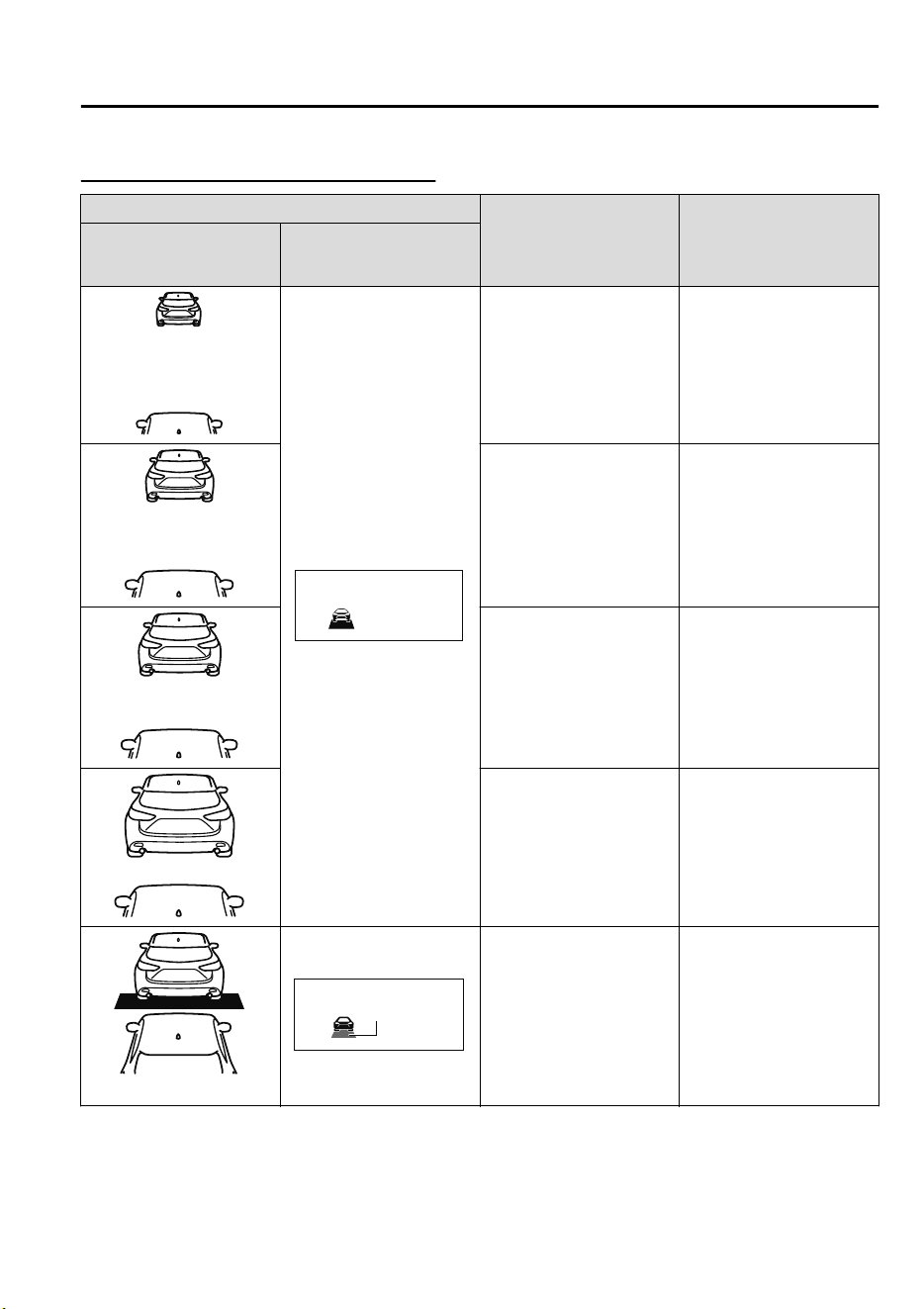
Distance-between-vehicles guidelines
*1
Indication on display Distance between vehi-
cles guidelines
(During travel at about
40 km/h (25 mph)
Distance between vehi-
cles guidelines
(During travel at about
80 km/h (50 mph)
Multi-information dis-
play
Active driving display
About 25 m (82 ft) About 50 m (164 ft)
About 20 m (66 ft) About 40 m (131 ft)
About 15 m (49 ft) About 30 m (98 ft)
About 10 m (33 ft) About 20 m (66 ft)
Flashes in white
*2
Illuminated in
amber
About 10 m (32 ft) or less About 20 m (65 ft) or less
*
1 The distance between vehicles differs depending on vehicle speed.
*
2 Indication when the distance setting for notifying the driver that the vehicle approaches
a vehicle ahead is Near.
When Driving
i-ACTIVSENSE
4-105
CX-9_8GC7-EE-17G_Edition1 2017-5-16 8:22:04
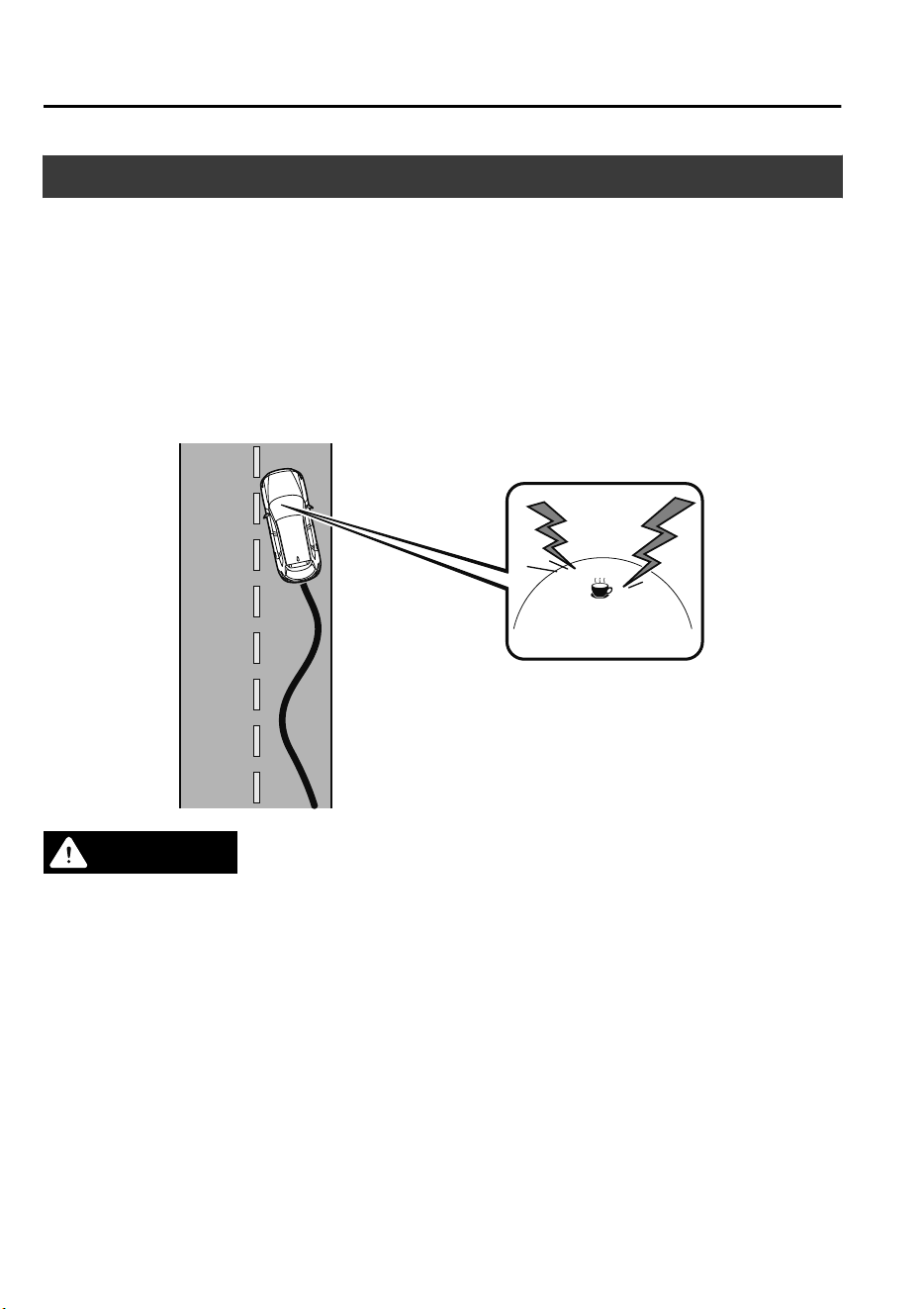
Driver Attention Alert (DAA)
*
The DAA is a system which detects driver fatigue and decreased attentiveness, and
encourages the driver to take a rest.
When the vehicle is driven inside traffic lane lines at about 65 to 140 km/h (41 to 86 mph),
the DAA estimates the amount of accumulated fatigue and decreased attentiveness of the
driver based on the information from the Forward Sensing Camera (FSC) and other vehicle
information, and encourages the driver to take a rest using an indication on the
multi-information display and a warning sound.
Use the DAA on expressways or highways.
Refer to Forward Sensing Camera (FSC) on page 4-159.
WARNING
Do not rely completely on DAA and always drive carefully:
The DAA detects driver fatigue and decreased attentiveness and encourages the driver to take
a rest, however, it is not designed to prevent the vehicle from straying. If you rely too much on
the DAA it could lead to an accident. Drive carefully and operate the steering wheel
appropriately.
In addition, the system may not be able to detect driver fatigue and decreased attentiveness
correctly depending on the trac and driving conditions. The driver must take sucient rest
in consideration of safer driving.
NOTE
•
The DAA operates when all of the following conditions are met.
When Driving
i-ACTIVSENSE
4-106
*Some models.
CX-9_8GC7-EE-17G_Edition1 2017-5-16 8:22:04
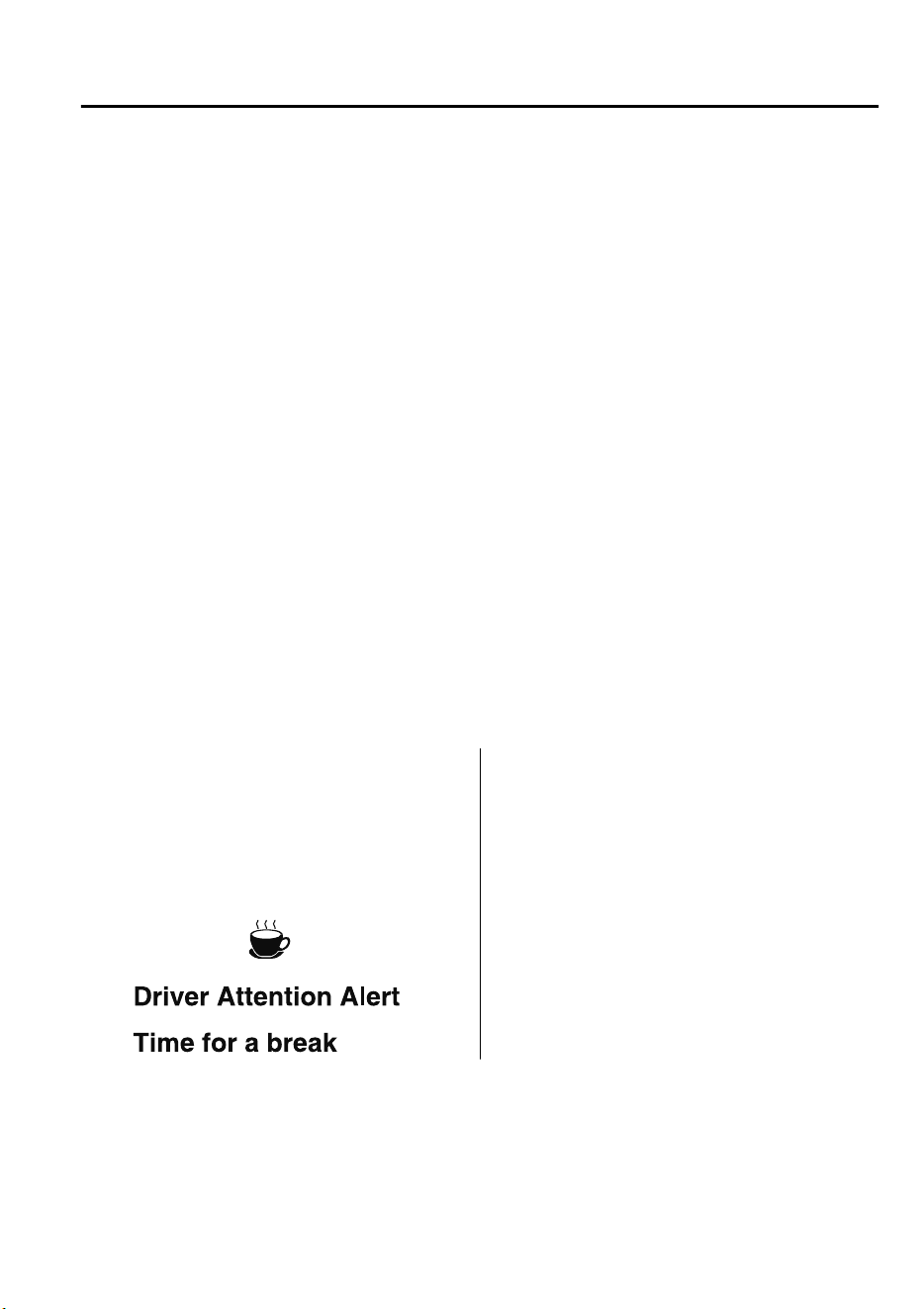
•
The vehicle speed is about 65 to 140 km/h (41 to 86 mph).
•
The system detects white (yellow) lane lines.
•
The system has completed learning of the driver’s driving data.
•
The DAA does not operate under the following conditions.
•
The vehicle speed is less than about 65 km/h (41 mph).
•
The vehicle speed exceeds about 140 km/h (86 mph)
•
The vehicle is making a sharp turn.
•
The vehicle is changing lanes.
•
The DAA may not operate normally under the following conditions.
•
White (yellow) lane lines are less visible because of dirt or fading/patchiness.
•
The vehicle is jolted or swayed continuously by strong winds or rough roads.
•
The vehicle is driven aggressively.
•
When making frequent lane changes.
•
The DAA detects driver fatigue and decreased attentiveness based on the driving data
when the vehicle is driven at about 65 to 140 km/h (41 to 86 mph) for about 20 minutes.
The driving data will be reset under the following conditions.
•
The vehicle is stopped for 15 minutes or longer.
•
The vehicle is driven at less than about 65 km/h (41 mph) for about 30 minutes.
•
The ignition is switched off.
•
After the DAA has displayed the first message encouraging rest, it does not display the
next one until 45 minutes have passed.
▼
Driver Attention Alert (DAA)
Display
When the system detects driver fatigue or
decreased attentiveness, it activates the
warning sound and displays an alert in the
multi-information display.
▼
Canceling Driver Attention Alert
(DAA)
The DAA can be set to not activate.
Refer to Personalization Features on page
9-10.
When Driving
i-ACTIVSENSE
4-107
CX-9_8GC7-EE-17G_Edition1 2017-5-16 8:22:04
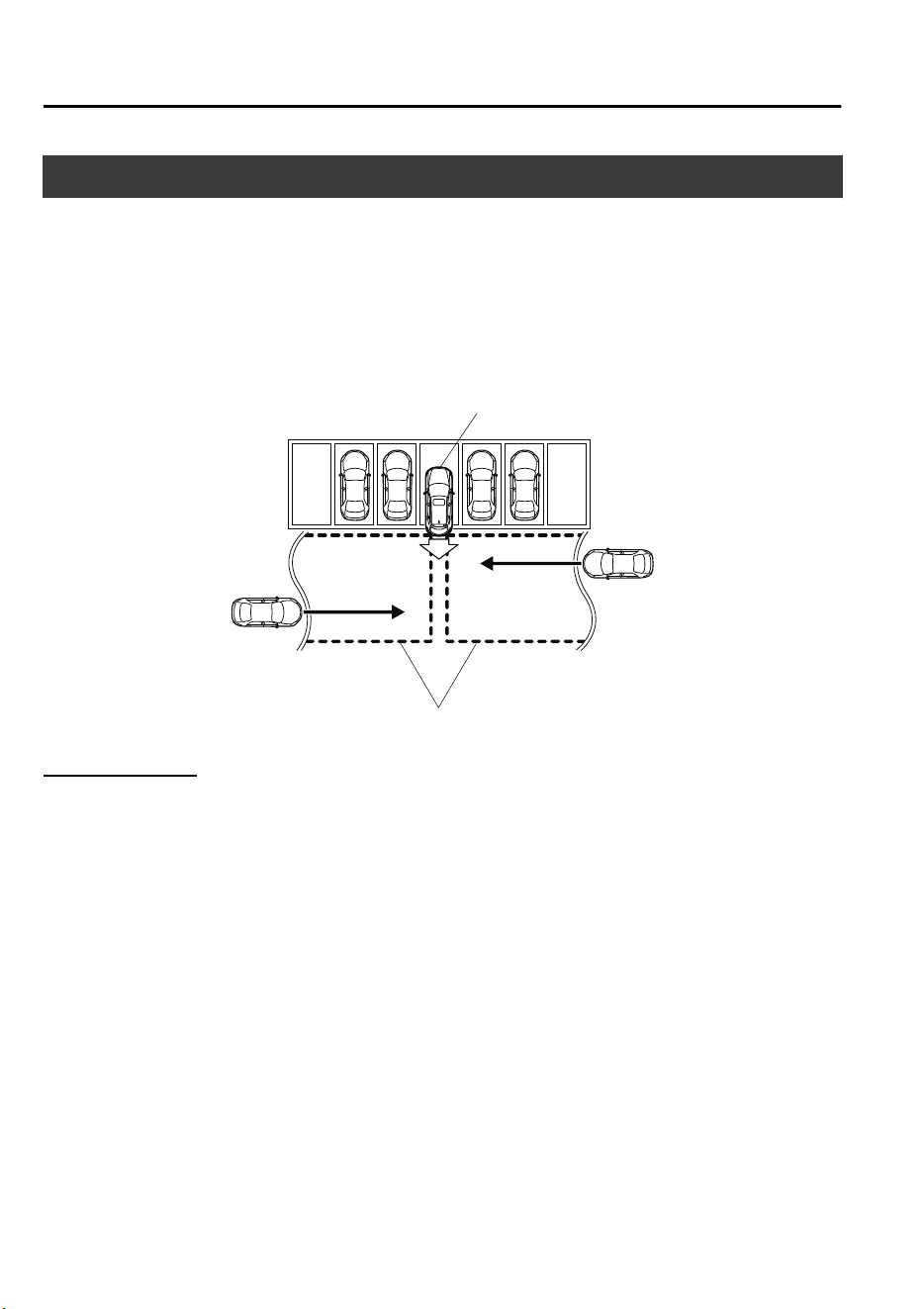
Rear Cross Traffic Alert (RCTA)
*
The RCTA system is designed to assist the driver in checking the area to the rear of the
vehicle on both sides while the vehicle is reversing by alerting the driver to the presence of
vehicles approaching the rear of the vehicle.
The RCTA system detects vehicles approaching from the left and right sides of the vehicle,
and the rear of the vehicle while the vehicle is being reversed out of a parking space, and
notifies the driver of possible danger using the Blind Spot Monitoring (BSM) warning
indicator lights and the warning buzzer.
Detection areas
Your vehicle
RCTA operation
1. The RCTA system operates when the selector lever is shifted to the reverse (R) position.
2. If there is the possibility of a collision with an approaching vehicle, the Blind Spot
Monitoring (BSM) warning indicator lights flashes and the warning beep is activated
simultaneously.
When Driving
i-ACTIVSENSE
4-108
*Some models.
CX-9_8GC7-EE-17G_Edition1 2017-5-16 8:22:04
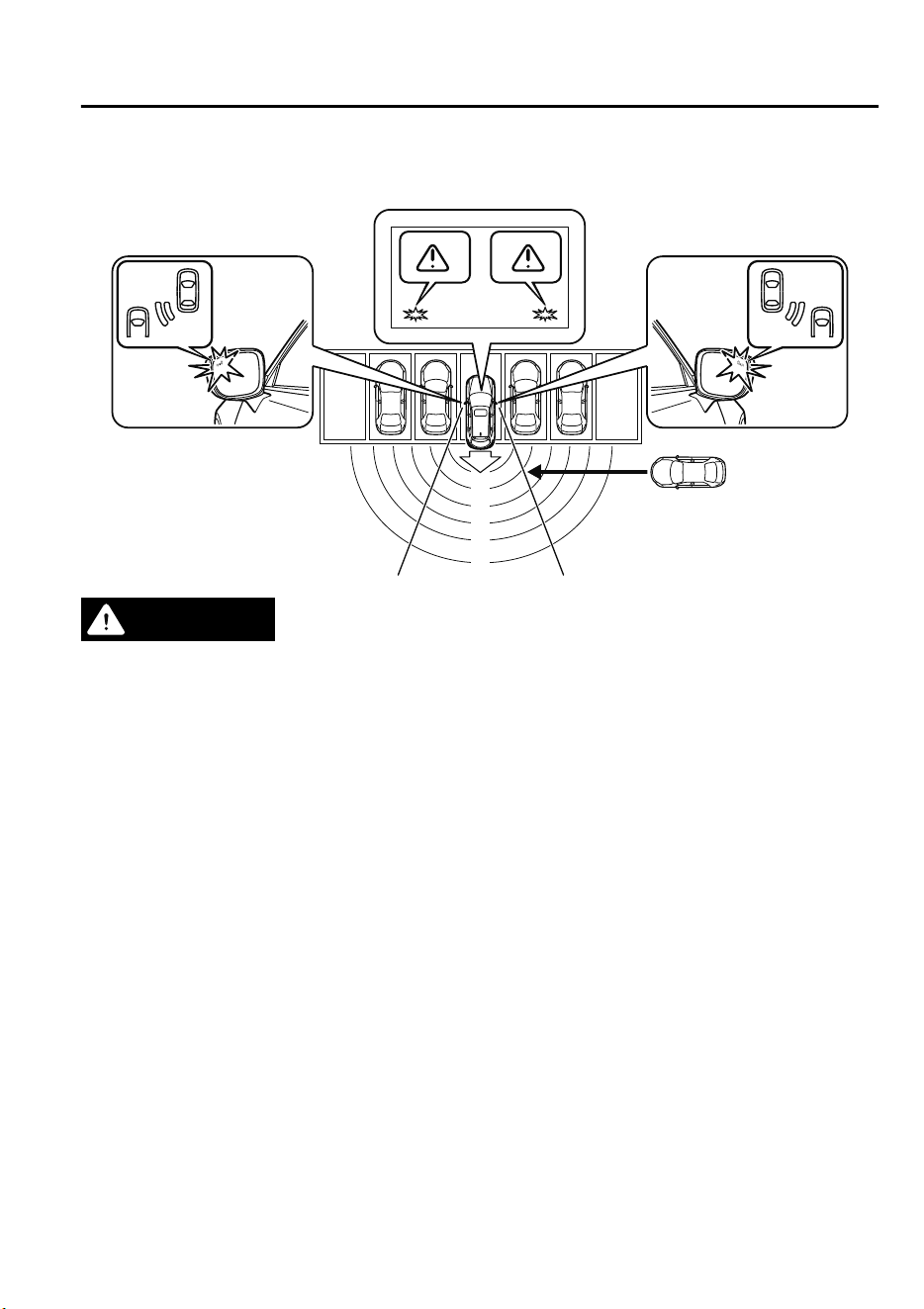
The RCTA warning indication in the rearview monitor also synchronizes with the Blind
Spot Monitoring (BSM) warning indicator light on the door mirrors.
WARNING
Always check the surrounding area visually before actually putting the vehicle in reverse:
The system is only designed to assist you in checking for vehicles at the rear when putting the
vehicle in reverse. Due to certain limitations with the operation of this system, the Blind Spot
Monitoring (BSM) warning indicator lights may not
ash
or it might be delayed even though
a vehicle is behind your vehicle. Always make it your responsibility as a driver to check the
rear.
NOTE
•
In the following cases, the Blind Spot Monitoring (BSM) OFF Indicator Light turns on
and operation of the system is stopped. If the Blind Spot Monitoring (BSM) OFF Indicator
Light remains illuminated, have the vehicle inspected at an Authorized Mazda Dealer as
soon as possible.
•
Some problem with the system including the Blind Spot Monitoring (BSM) warning
indicator lights has occurred.
•
A large deviation in the installation position of a radar sensor (rear) on the vehicle has
occurred.
•
There is a large accumulation of snow or ice on the rear bumper near a radar sensor
(rear).
•
Driving on snow-covered roads for long periods.
•
The temperature near the radar sensors becomes extremely hot due to driving for long
periods on slopes during the summer.
When Driving
i-ACTIVSENSE
4-109
CX-9_8GC7-EE-17G_Edition1 2017-5-16 8:22:04
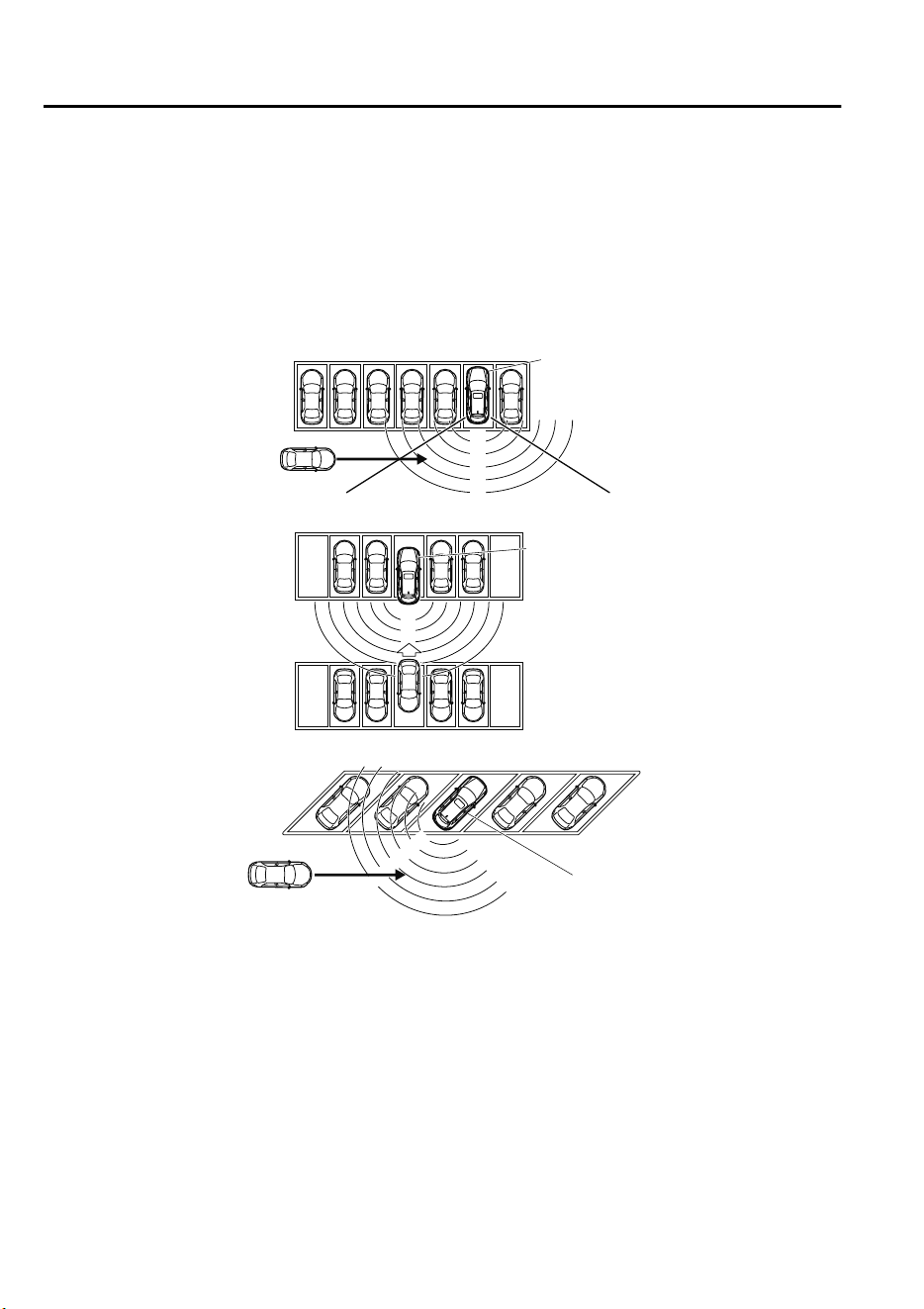
•
The battery voltage has decreased.
•
Under the following conditions, the radar sensors (rear) cannot detect target objects or it
may be difficult to detect them.
•
The vehicle speed when reversing is about 10 km/h (6 mph) or faster.
•
The radar sensor (rear) detection area is obstructed by a nearby wall or parked vehicle.
(Reverse the vehicle to a position where the radar sensor detection area is no longer
obstructed.)
Your vehicle
•
A vehicle is approaching directly from the rear of your vehicle.
Your vehicle
•
The vehicle is parked on a slant.
Your vehicle
•
Directly after the Blind Spot Monitoring (BSM) system becomes operable using the
personalization feature.
•
Radio wave interference from a radar sensor equipped on a nearby parked vehicle.
•
In the following cases, it may be difficult to view the illumination/flashing of the Blind
Spot Monitoring (BSM) warning indicator lights equipped on the door mirrors.
•
Snow or ice adheres to the door mirrors.
•
The front door glass is fogged or covered in snow, frost or dirt.
•
Turn off the RCTA system while pulling a trailer or while an accessory such as a bicycle
carrier is installed to the rear of the vehicle. Otherwise, the radio waves emitted by the
radar will be blocked causing the system to not operate normally.
When Driving
i-ACTIVSENSE
4-110
CX-9_8GC7-EE-17G_Edition1 2017-5-16 8:22:04
Mazda Radar Cruise Control (MRCC)
*
The MRCC system is designed to maintain headway control
*1
with a vehicle ahead
according to your vehicle's speed using a radar sensor (front) to detect the distance to the
vehicle ahead and a preset vehicle speed without you having to use the accelerator or brake
pedals.
*
1 Headway Control: Control of the distance between your vehicle and the vehicle ahead
detected by the MRCC system.
Additionally, if your vehicle starts closing in on the vehicle ahead such as if the vehicle
ahead brakes suddenly, a warning sound and a warning indication in the display are
activated simultaneously to alert you to maintain a sufficient distance between the vehicles.
Also refer to the following before using the MRCC.
•
Radar sensor (front) (page 4-164)
WARNING
Do not rely completely on the MRCC:
The MRCC system has detection limitations depending on the type of vehicle ahead and its
conditions, the weather conditions, and the road conditions. Additionally, the system may be
unable to decelerate suciently to avoid hitting the vehicle ahead if the vehicle ahead applies
the brakes suddenly or another vehicle cuts into the driving lane, which could result in an
accident.
Always drive carefully and verify the surrounding conditions and depress the brake pedal or
accelerator pedal while keeping a safer distance from vehicles ahead or on-coming vehicles.
Do not use the MRCC system in the following locations, using the MRCC system at the
following locations may result in an unexpected accident:
General roads other than highways (Driving under these conditions using the MRCC system
is not possible.)
Roads with sharp curves and where vehicle trac is heavy and there is insucient space
between vehicles.
Roads where frequent and repetitive acceleration and deceleration occur (Driving under
these conditions using the MRCC system is not possible).
When entering and exiting interchanges, service areas, and parking areas of highways (If
you exit a highway while headway control is in use, the vehicle ahead will no longer be
tracked and your vehicle may accelerate to the set speed).
Slippery roads such as ice or snow-bound roads (Tires could spin causing you to lose vehicle
control, or the stop hold control may not operate.)
Long, descending slopes (to maintain distance between vehicles, the system automatically
and continuously applies the brakes which could result in the loss of brake power.)
When Driving
i-ACTIVSENSE
*Some models.
4-111
CX-9_8GC7-EE-17G_Edition1 2017-5-16 8:22:04
Slopes with a steep gradient (The vehicle ahead may not be detected correctly, your vehicle
may slide while stopped by the stop hold control, and it may accelerate suddenly after it
starts moving.)
For safety purposes, switch the MRCC system
o
when it is not being used.
CAUTION
If your vehicle is towed or you are towing something, switch the MRCC system o to prevent a
miss-operation.
NOTE
•
The MRCC system does not detect the following as physical objects.
•
Vehicles approaching in the opposite direction
•
Pedestrians
•
Stationary objects (stopped vehicles, obstructions)
•
If a vehicle ahead is traveling at an extremely low speed, the system may not detect it
correctly.
•
During headway control travel, do not set the system for detection of two-wheeled
vehicles such as motorcycles and bicycles.
•
Do not use the MRCC system under conditions in which close proximity warnings are
frequently activated.
•
During headway control travel, the system accelerates and decelerates your vehicle in
conjunction with the speed of the vehicle ahead. However, if it is necessary to accelerate
for a lane change or if the vehicle ahead brakes suddenly causing you to close in on the
vehicle rapidly, accelerate using the accelerator pedal or decelerate using the brake
pedal depending on the conditions.
•
While the MRCC system is in use, it does not cancel even if the selector lever is operated
and any intended engine braking will not occur. If deceleration is required, lower the
vehicle speed setting or depress the brake pedal.
•
The sound of the automatic brakes operating may be heard, however, it does not indicate
a problem.
•
The brake lights turn on while the MRCC automatic braking is operating, however, they
may not turn on while the vehicle is on a downslope at the set vehicle speed or traveling
at a constant speed and following a vehicle ahead.
When Driving
i-ACTIVSENSE
4-112
CX-9_8GC7-EE-17G_Edition1 2017-5-16 8:22:04
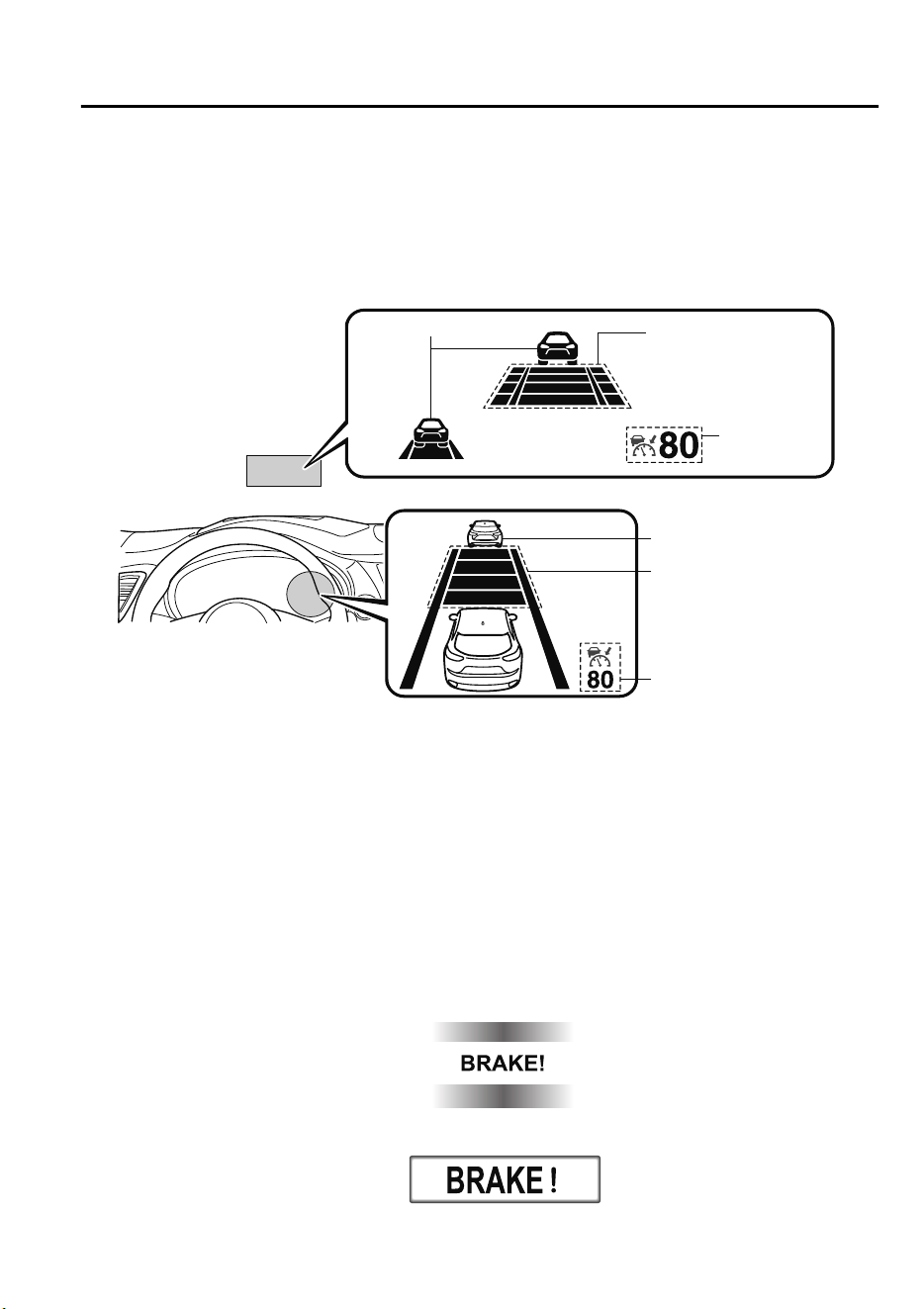
▼
Mazda Radar Cruise Control (MRCC) Display Indication
The MRCC setting status and operation conditions are indicated on the multi-information
display and the active driving display.
MRCC Distance
between vehicle
display
MRCC Set vehicle speed
Vehicle ahead display
Vehicle ahead display
MRCC Distance
between vehicle
display
MRCC Set
vehicle speed
Active driving display
Multi-information display
If there is a problem with the MRCC system, a message is displayed on the
multi-information display. Check the center display to verify the problem and then have
your vehicle inspected by an expert repairer, we recommend an Authorized Mazda Repairer.
Refer to Message Indicated on Display on page 7-52.
▼
Close Proximity Warning
If your vehicle rapidly closes in on the vehicle ahead because the vehicle ahead applies the
brakes suddenly while you are traveling in headway control, the warning sound activates
and the brake warning is indicated in the display. Always verify the safety of the
surrounding area and depress the brake pedal while keeping a safer distance from the
vehicle ahead. Additionally, keep a safer distance from the vehicles behind you.
Multi-information Display
Active Driving Display
When Driving
i-ACTIVSENSE
4-113
CX-9_8GC7-EE-17G_Edition1 2017-5-16 8:22:04
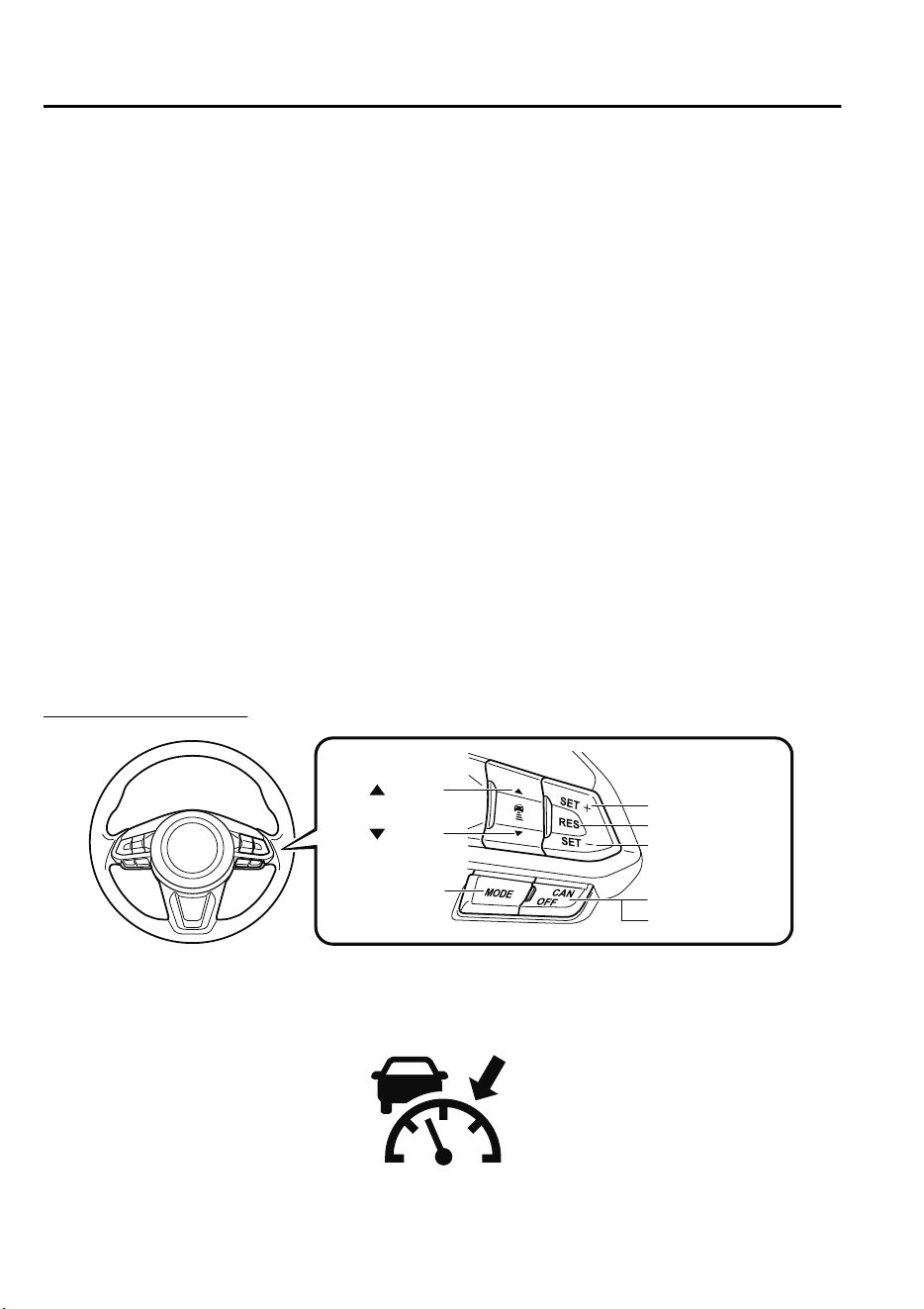
NOTE
In the following cases, the warnings and brakes may not operate even if your vehicle starts
closing in on the vehicle ahead.
•
You are driving your vehicle at the same speed as the vehicle ahead.
•
Directly after the MRCC system has been set.
•
Directly after the accelerator pedal is released.
•
Another vehicle cuts into the driving lane.
▼
Setting the System
The MRCC system operates when all of the following conditions are met.
•
Vehicle speed is 30 km/h (19 mph) to 145 km/h (90 mph)
•
The MRCC is turned on.
•
The brake pedal is not depressed.
•
The electric parking brake (EPB) is released (electric parking brake (EPB) indicator light
is turned off).
•
There is no problem with the DSC.
•
All the doors are closed.
•
The driver's seat belt is fastened.
•
The selector lever is in the drive (D) position or manual (M) position (manual mode).
Turning on the system
CANCEL switch
RES switch
OFF switch
switch
switch
MODE switch
SET- switch
SET+ switch
When the MODE switch is pressed once, the MRCC system turns on, and the MRCC main
indication (white) turns on and the vehicle speed and the distance between the vehicles
while in headway control can be set.
When Driving
i-ACTIVSENSE
4-114
CX-9_8GC7-EE-17G_Edition1 2017-5-16 8:22:04
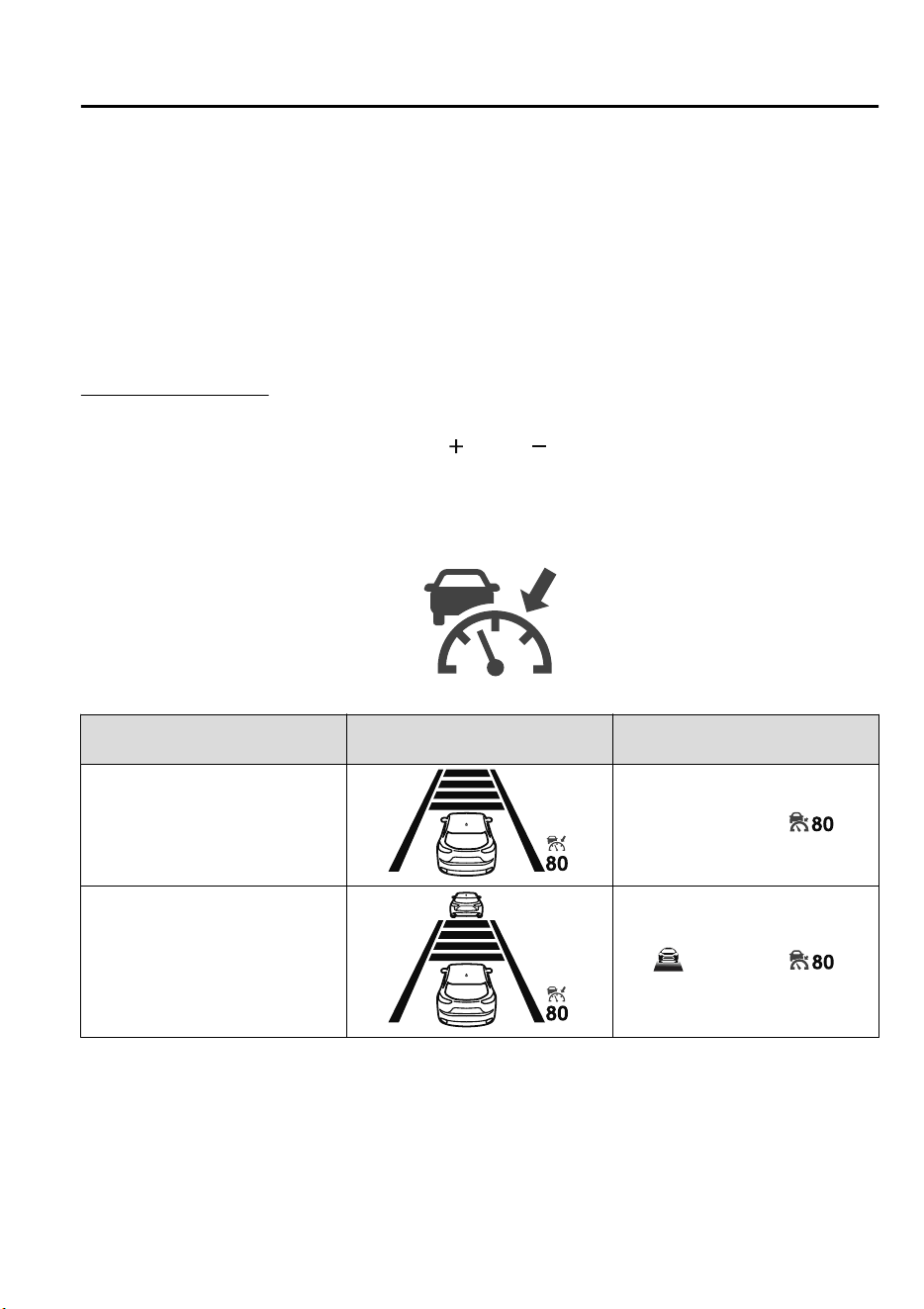
In addition, the MRCC system display indication is displayed on the multi-information
display and the active driving display at the same time.
NOTE
•
If the ignition is switched off while the MRCC system is operating, the system will be
operable when the ignition is switched ON the next time.
•
The MRCC can switch to the Cruise Control Function.
Refer to Cruise Control Function on page 4-118.
How to set the speed
1. Adjust the vehicle speed to the desired setting using the accelerator pedal.
2. Headway control begins when the SET
or SET switch is pressed.
The set speed and the inter-vehicle distance display filled with white lines is displayed.
The MRCC main indication (white) switches to the MRCC set indication (green) at the
same time.
Travel status
Indication on multi-information
display
Indication on active driving dis-
play
During travel at constant speed
During travel under headway con-
trol
NOTE
•
If a vehicle ahead is detected while traveling at a constant speed, the vehicle-ahead
indication is displayed and headway control is performed. Additionally, when a vehicle
ahead is no longer detected, the vehicle-ahead indication turns off and the system
switches back to travel at constant speed.
When Driving
i-ACTIVSENSE
4-115
CX-9_8GC7-EE-17G_Edition1 2017-5-16 8:22:04
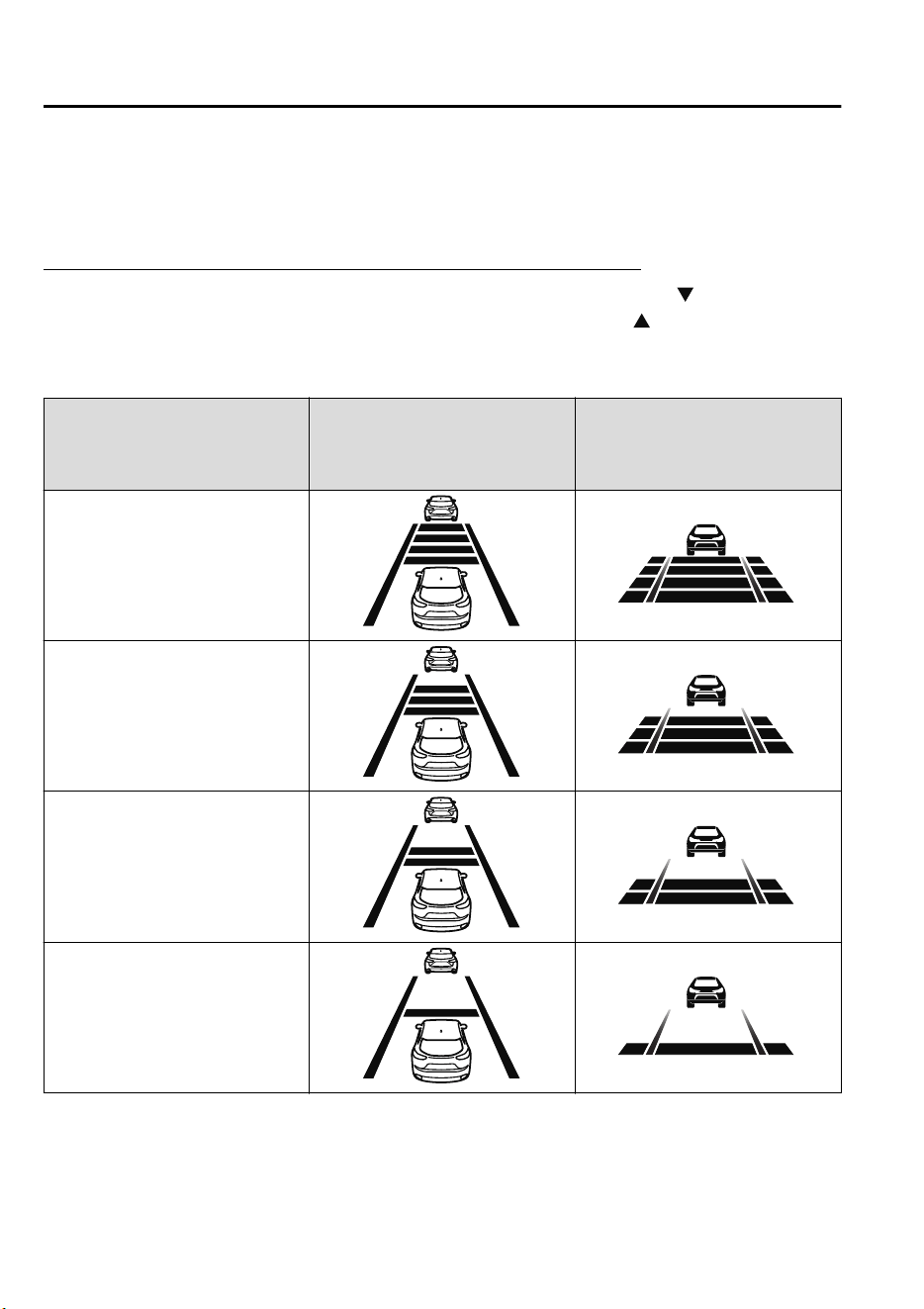
•
The lowest possible speed which can be set on the MRCC system is 30 km/h (19 mph).
•
Headway control is not possible if the vehicle ahead is driving faster than your vehicle's
set speed. Adjust the system to the desired vehicle speed using the accelerator pedal.
How to set the distance-between-vehicles during headway control
The distance-between-vehicles is set to a shorter distance by pressing the switch. The
distance-between-vehicles is set to a longer distance by pressing the
switch. The
distance-between-vehicles can be set to 4 levels; Long, medium, short, and extremely short
distance.
Distance-between-vehicles guide-
line
(at 80 km/h (50 mph) vehicle
speed)
Indication on multi-information
display
Indication on active driving dis-
play
*1
Long (about 50 m (164 ft))
Medium (about 40 m (131 ft))
Short (about 30 m (98 ft))
Extremely short (about 25 m (82 ft))
*
1 Displays a pop-up image in the active driving display only when the driver operates the switch.
When Driving
i-ACTIVSENSE
4-116
CX-9_8GC7-EE-17G_Edition1 2017-5-16 8:22:04
NOTE
•
The distance-between-vehicles differs depending on the vehicle speed, and the slower the
vehicle speed, the shorter the distance.
•
When the ignition is switched to ACC or OFF and then the engine is started again, the
system automatically sets the distance-between-vehicles to the previous setting.
How to change the set vehicle speed
To accelerate/decelerate using the SET
switch
When you press the SET
switch, the
vehicle accelerates and when you press the
SET
switch, it decelerates.
Short press 5 km/h (5 mph)
Long press 10 km/h (5 mph)
NOTE
For example, the set vehicle speed is
changed by pressing the SET switch four
times as follows:
The vehicle speed accelerates or
decelerates by 20 km/h (20 mph).
To increase speed using accelerator
pedal
Depress the accelerator pedal and press
and release the SET
switch or SET
switch at the desired speed. If the switch is
not operated, the system returns to the set
speed after you release your foot from the
accelerator pedal.
CAUTION
The warnings and brake control do not
operate while the accelerator pedal is
depressed.
NOTE
•
When accelerating using the SET
switch while in headway control, the set
vehicle speed can be adjusted but
acceleration is not possible. If there is
no longer a vehicle ahead, acceleration
continues until reaching the set vehicle
speed. For the set vehicle speed, check
the set vehicle speed indication in the
display.
•
When depressing the accelerator pedal,
the inter-vehicle distance indication in
the display changes to the white-line
indication.
Canceling the system
When the following operations are
performed, the MRCC system is canceled,
and the MRCC set indication (green)
switches to the MRCC main indication
(white) at the same time.
•
The OFF/CAN switch is pressed.
•
The brake pedal is depressed.
•
The electric parking brake (EPB) is
applied.
•
The selector lever is in the P (Park), N
(Neutral), or R (Reverse) position.
•
Any of the doors is opened.
•
The driver's seat belt is unfastened.
Under the following conditions, the
MRCC cancel indication is displayed in
the multi-information display and a single
beep sound is heard.
When Driving
i-ACTIVSENSE
4-117
CX-9_8GC7-EE-17G_Edition1 2017-5-16 8:22:04
•
The DSC has operated.
•
The Smart Brake Support (SBS) has
operated.
•
The Smart City Brake Support (SCBS)
or Advanced Smart City Brake Support
(Advanced SCBS) has operated.
•
When traveling on a downslope for a
long period of time.
•
There is a problem with the system.
•
The radar sensor (front) cannot detect
target objects (during rain, fog, snow or
other inclement weather conditions, or
when the radiator grille is dirty).
•
The vehicle speed decreases to less than
25 km (16 mph).
Resuming control
If the MRCC system is canceled, you can
resume control at the previously set speed
by pressing the RES switch and after all of
the operation conditions have been met.
NOTE
If the set speed is not indicated in the
display, the control does not resume even
if the RES switch is pressed.
Turning off the system
Press the OFF/CAN switch two times
while the MRCC system is operating to
switch off the system.
▼
Cruise Control Function
While this function is operating, the
headway control operation is canceled and
only the cruise control function operates.
The vehicle speed can be set more than
about 25 km/h (16 mph).
Use the cruise control function on
expressways and other highways which do
not require a lot of repeated acceleration
and deceleration.
WARNING
Do not use the cruise control function in
the following locations:
Otherwise, it could lead to an accident.
Roads with sharp curves and where
vehicle trac is heavy and there is
insucient
space between vehicles.
(Driving under these conditions using the
cruise control function is not possible)
Steep down slopes (Set speed may be
exceeded because sucient engine
braking cannot be applied)
Slippery roads such as ice or snow-bound
roads (Tires could spin causing you to
lose vehicle control)
Always drive carefully:
The warnings and brake control will not
operate after the headway control function
is canceled and the system is switched to
only the cruise control function. Depress
the brake pedal to decelerate according to
the surrounding conditions while keeping a
safer distance from the vehicle ahead and
always driving carefully.
When Driving
i-ACTIVSENSE
4-118
CX-9_8GC7-EE-17G_Edition1 2017-5-16 8:22:04
Switching to cruise control function
When the MODE switch is pressed until
the system switches to the cruise main
indication (white) while the MRCC
system is turned on, the system switches to
the cruise control function.
When the system switches to the cruise
control function, the indicator and
multi-information display notify the driver
as follows:
•
The MRCC set indication (green) or the
MRCC main indication (white) is turned
off, and the cruise main indication
(white) is turned on.
•
A message is displayed in the
multi-information display.
WARNING
Always turn o the cruise control function
when it is not in use:
Leaving the cruise control function turned
on when it is not in use is dangerous as it
could operate unexpectedly, resulting in an
accident.
How to set the speed
Adjust the system to the desired vehicle
speed using the accelerator pedal.
When the SET
or SET switch is
pressed, the cruise set indication (green) is
turned on and headway control begins.
NOTE
•
The system may not be able to maintain
the set speed constantly depending on
driving conditions such as steep up or
down slopes.
•
The speed will continue increasing while
the SET
switch is pressed and held.
The speed will continue decreasing
while the SET
switch is pressed and
held.
How to increase the set speed
The set speed can be increased using the
following operations:
To increase speed using the SET
switch
Press and hold the SET
switch and
release the switch at the desired speed.
The set speed can be adjusted
incrementally (1 km/h (1 mph)
increments) by pressing the switch and
releasing it immediately. For example, if
the switch is pressed 4 times, the set speed
increases by about 4 km/h (4 mph).
When Driving
i-ACTIVSENSE
4-119
CX-9_8GC7-EE-17G_Edition1 2017-5-16 8:22:04
To increase speed using accelerator
pedal
Depress the accelerator pedal and press the
SET
or SET switch at the desired
speed.
If the switch is not operated, the system
returns to the set speed after you release
your foot from the accelerator pedal.
How to Decrease the Set Speed
Press the SET switch continuously and
release the switch at the desired speed.
The set speed can be adjusted
incrementally (1 km/h (1 mph)
increments) by pressing the switch and
releasing it immediately. For example, if
the switch is pressed 4 times, the set
vehicle speed decreases by about 4 km/h
(4 mph).
Cancelling the function
Cancelling using OFF/CAN switch
When the OFF/CAN switch is pressed
once, the cruise control function is
cancelled.
Cancelling using MODE switch
When the MODE switch is pressed, the
cruise control function is canceled and the
headway control function is made
available for operation.
The cruise control function is canceled
automatically in the following cases. If the
RES switch is pressed while the vehicle
speed is 25 km/h (16 mph) or higher, the
speed returns to the original set speed.
•
The OFF/CAN switch is pressed once.
•
The brake pedal is depressed.
•
The parking brake is applied.
•
The selector lever is shifted to P or N
position.
NOTE
•
If the vehicle speed decreases by about
15 km/h (9.4 mph) or more than the set
speed, the cruise control function may
be canceled.
•
When the vehicle speed is less than 21
km/h (13 mph), the cruise control
function is canceled. In this case, the
vehicle speed will not return to the
original set speed even if the vehicle is
accelerated to 25 km/h (16 mph) or
higher and the RES switch is pressed.
Reset the cruise control function.
When Driving
i-ACTIVSENSE
4-120
CX-9_8GC7-EE-17G_Edition1 2017-5-16 8:22:04
Mazda Radar Cruise Control with Stop & Go function
(MRCC with Stop & Go function)
*
The MRCC with Stop & Go function system is designed to maintain headway control
*1
with a vehicle ahead according to your vehicle's speed using a radar sensor (front) to detect
the distance to the vehicle ahead and a preset vehicle speed without you having to use the
accelerator or brake pedals.
*
1 Headway Control: Control of the distance between your vehicle and the vehicle ahead
detected by the Mazda Radar Cruise Control (MRCC) system.
Additionally, if your vehicle starts closing in on the vehicle ahead such as if the vehicle
ahead brakes suddenly, a warning sound and a warning indication in the display are
activated simultaneously to alert you to maintain a sufficient distance between the vehicles.
If the vehicle ahead stops while you are following behind it, your vehicle will stop and be
held stopped automatically (stop hold control), and headway control will resume when you
resume driving the vehicle such as by pressing the RES switch.
Also refer to the following before using the MRCC with Stop & Go function.
•
Forward Sensing Camera (FSC) (page 4-159)
•
Radar sensor (front) (page 4-164)
WARNING
Do not rely completely on the MRCC with Stop & Go function:
The MRCC with Stop & Go function system has detection limitations depending on the type of
vehicle ahead and its conditions, the weather conditions, and the road conditions.
Additionally, the system may be unable to decelerate suciently to avoid hitting the vehicle
ahead if the vehicle ahead applies the brakes suddenly or another vehicle cuts into the driving
lane, which could result in an accident.
Always drive carefully and verify the surrounding conditions and depress the brake pedal or
accelerator pedal while keeping a safer distance from vehicles ahead or on-coming vehicles.
Do not use the MRCC with Stop & Go function system in the following locations, using the
MRCC with Stop & Go function system at the following locations may result in an unexpected
accident:
General roads other than highways (Driving under these conditions using the MRCC with
Stop & Go function system is not possible.)
Roads with sharp curves and where vehicle trac is heavy and there is insucient space
between vehicles.
Roads where frequent and repetitive acceleration and deceleration occur (Driving under
these conditions using the MRCC with Stop & Go function system is not possible).
When Driving
i-ACTIVSENSE
*Some models.
4-121
CX-9_8GC7-EE-17G_Edition1 2017-5-16 8:22:04
When entering and exiting interchanges, service areas, and parking areas of highways (If
you exit a highway while headway control is in use, the vehicle ahead will no longer be
tracked and your vehicle may accelerate to the set speed).
Slippery roads such as ice or snow-bound roads (Tires could spin causing you to lose vehicle
control, or the stop hold control may not operate.)
Long, descending slopes (to maintain distance between vehicles, the system automatically
and continuously applies the brakes which could result in the loss of brake power.)
Slopes with a steep gradient (The vehicle ahead may not be detected correctly, your vehicle
may slide while stopped by the stop hold control, and it may accelerate suddenly after it
starts moving.)
For safety purposes, switch the MRCC with Stop & Go function system o when it is not being
used.
Do not get out of the vehicle while the stop hold control is operating:
Getting out of the vehicle while the stop hold control is operating is dangerous as the vehicle
may move unexpectedly and result in an accident. Before getting out of the vehicle, switch the
MRCC with Stop & Go function system o, shift the selector lever to the P position, and apply
the electric parking brake (EPB).
CAUTION
If your vehicle is towed or you are towing something, switch the MRCC with Stop & Go
function system o to prevent a miss-operation.
NOTE
•
The MRCC with Stop & Go function system does not detect the following as physical
objects.
•
Vehicles approaching in the opposite direction
•
Pedestrians
•
Stationary objects (stopped vehicles, obstructions)
•
If a vehicle ahead is traveling at an extremely low speed, the system may not detect it
correctly.
•
During headway control travel, do not set the system for detection of two-wheeled
vehicles such as motorcycles and bicycles.
•
Do not use the MRCC with Stop & Go function system under conditions in which close
proximity warnings are frequently activated.
When Driving
i-ACTIVSENSE
4-122
CX-9_8GC7-EE-17G_Edition1 2017-5-16 8:22:04
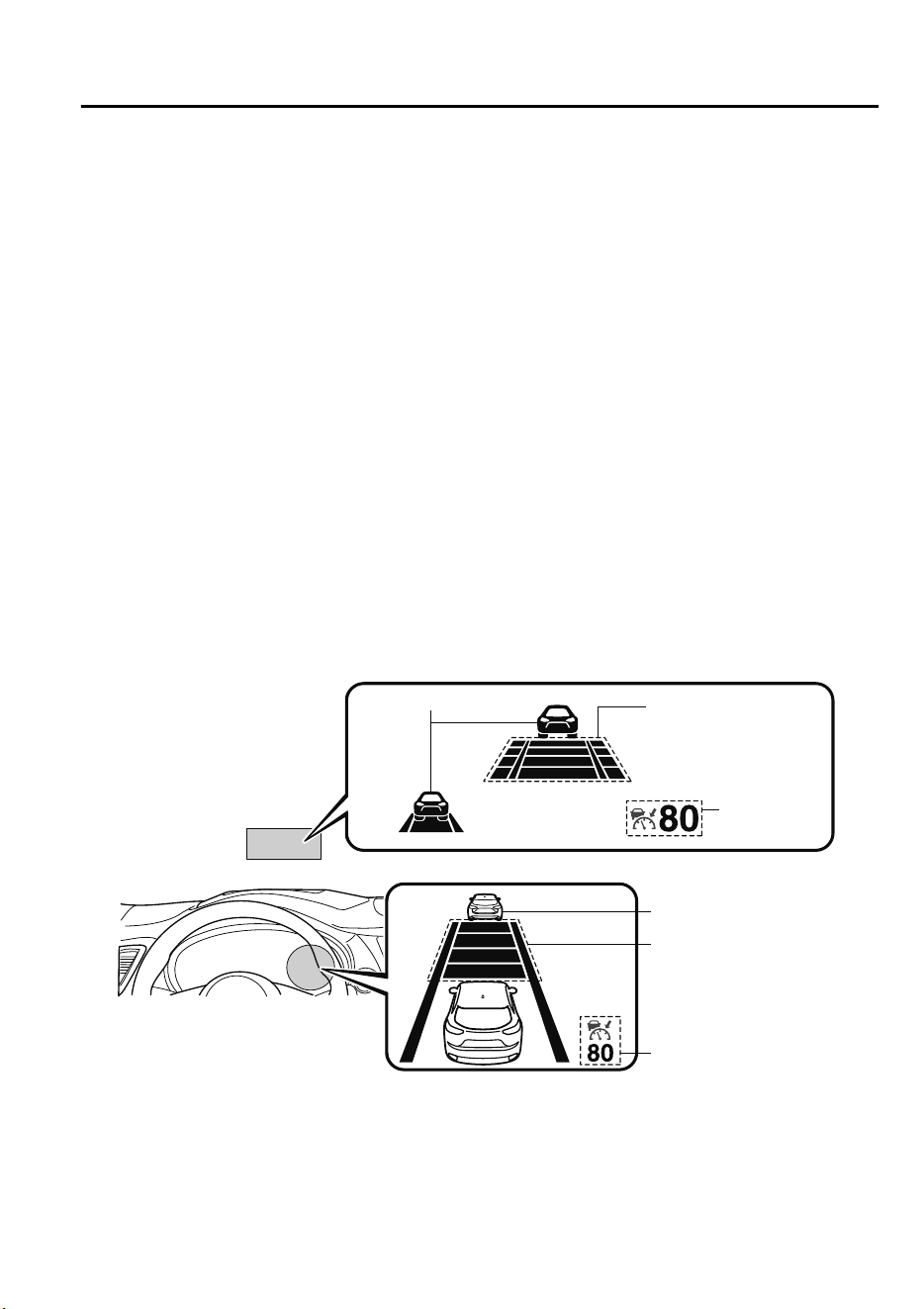
•
During headway control travel, the system accelerates and decelerates your vehicle in
conjunction with the speed of the vehicle ahead. However, if it is necessary to accelerate
for a lane change or if the vehicle ahead brakes suddenly causing you to close in on the
vehicle rapidly, accelerate using the accelerator pedal or decelerate using the brake
pedal depending on the conditions.
•
While the MRCC with Stop & Go function system is in use, it does not cancel even if the
selector lever is operated and any intended engine braking does not occur. If deceleration
is required, lower the set speed or depress the brake pedal.
•
The sound of the automatic brakes operating may be heard, however, it does not indicate
a problem.
•
The brake lights turn on while the MRCC with Stop & Go function automatic braking is
operating, however, they may not turn on while the vehicle is on a downslope at the set
vehicle speed or traveling at a constant speed and following a vehicle ahead.
▼
Mazda Radar Cruise Control with Stop & Go function (MRCC with Stop & Go
function) Display Indication
The MRCC with Stop & Go function setting status and operation conditions are indicated
on the multi-information display and the active driving display.
MRCC Distance
between vehicle
display
MRCC Set vehicle speed
Vehicle ahead display
Vehicle ahead display
MRCC Distance
between vehicle
display
MRCC Set
vehicle speed
Active driving display
Multi-information display
If there is a problem with the MRCC with Stop & Go function system, a message is
displayed on the multi-information display. Check the center display to verify the problem
and then have your vehicle inspected by an expert repairer, we recommend an Authorized
Mazda Repairer.
Refer to Message Indicated on Display on page 7-52.
When Driving
i-ACTIVSENSE
4-123
CX-9_8GC7-EE-17G_Edition1 2017-5-16 8:22:04
▼
Close Proximity Warning
If your vehicle rapidly closes in on the vehicle ahead because the vehicle ahead applies the
brakes suddenly while you are traveling in headway control, the warning sound activates
and the brake warning is indicated in the display. Always verify the safety of the
surrounding area and depress the brake pedal while keeping a safer distance from the
vehicle ahead. Additionally, keep a safer distance from the vehicles behind you.
Multi-information Display
Active Driving Display
NOTE
In the following cases, the warnings and brakes may not operate even if your vehicle starts
closing in on the vehicle ahead.
•
You are driving your vehicle at the same speed as the vehicle ahead.
•
Directly after the MRCC with Stop & Go function system has been set.
•
Directly after the accelerator pedal is released.
•
Another vehicle cuts into the driving lane.
▼
Setting the System
The MRCC with Stop & Go function system operates when all of the following conditions
are met.
•
Vehicle speed is 0 km/h (0 mph) to 145 km/h (90 mph)
•
The MRCC with Stop & Go function is turned on.
•
The brake pedal is not depressed.
•
The electric parking brake (EPB) is released (electric parking brake (EPB) indicator light
is turned off).
•
There is no problem with the DSC.
•
All the doors are closed.
•
The driver's seat belt is fastened.
•
The selector lever is in the drive (D) position or manual (M) position (manual mode).
When Driving
i-ACTIVSENSE
4-124
CX-9_8GC7-EE-17G_Edition1 2017-5-16 8:22:04
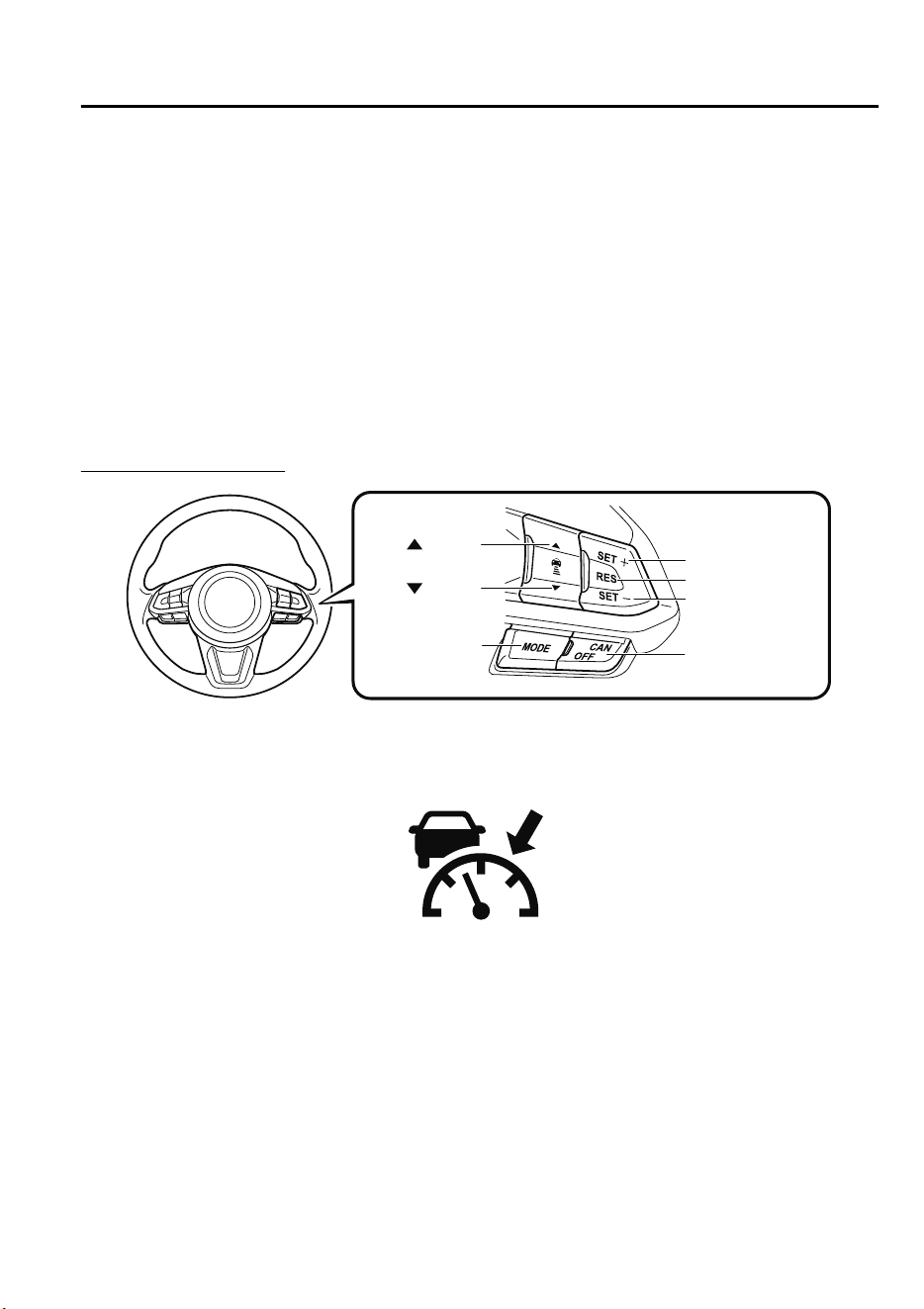
NOTE
•
In the following cases, the MRCC with Stop & Go function system is canceled when the
vehicle is traveling at 30 km/h (19 mph) or less and “Mazda Radar Cruise Control
disabled under 30 km/h” is displayed in the multi-information display.
•
The Forward Sensing Camera (FSC) cannot detect target objects (There is problem
with the Forward Sensing Camera (FSC) or windshield is dirty).
•
There is a problem with the stop hold control function.
•
There is a problem with the electric parking brake (EPB).
•
It may not be possible to set the MRCC with Stop & Go function system directly after
starting the engine, while the DSC operation is being checked.
Turning on the system
OFF/CAN switch
RES switch
switch
switch
MODE switch
SET- switch
SET+ switch
When the MODE switch is pressed once, the MRCC with Stop & Go function system turns
on, and the MRCC with Stop & Go function main indication (white) turns on and the
vehicle speed and the distance between the vehicles while in headway control can be set.
In addition, the MRCC with Stop & Go function system display indication is displayed on
the multi-information display and the active driving display at the same time.
NOTE
•
If the ignition is switched off while the MRCC with Stop & Go function system is
operating, the system will be operable when the ignition is switched ON the next time.
•
The MRCC with Stop & Go function can switch to the cruise control function.
Refer to Cruise Control Function on page 4-131.
When Driving
i-ACTIVSENSE
4-125
CX-9_8GC7-EE-17G_Edition1 2017-5-16 8:22:04
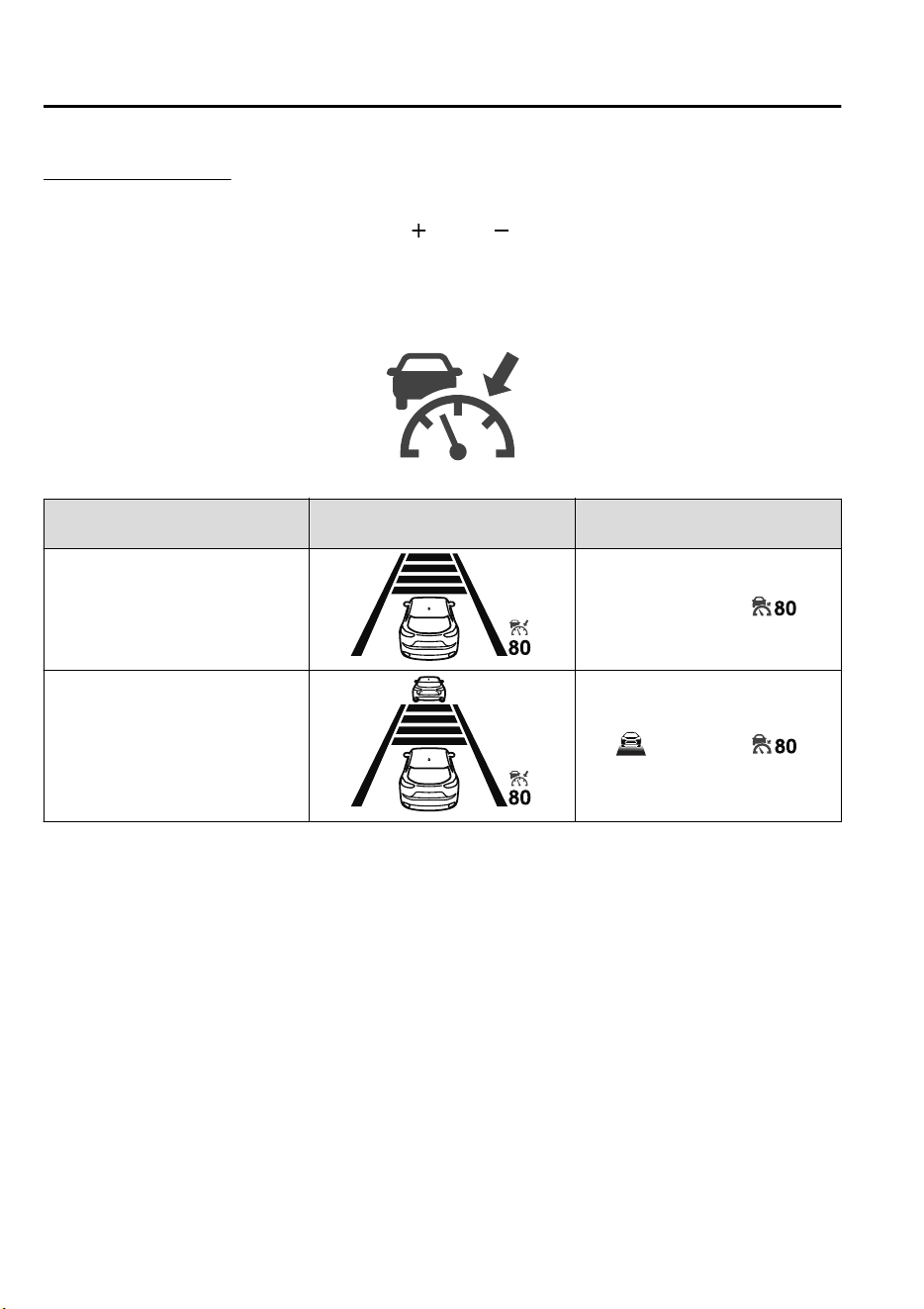
How to set the speed
1. Adjust the vehicle speed to the desired setting using the accelerator pedal.
2. Headway control begins when the SET
or SET switch is pressed.
The set speed and the inter-vehicle distance display filled with white lines is displayed.
The MRCC with Stop & Go function main indication (white) switches to the MRCC
with Stop & Go function set indication (green) at the same time.
Travel status
Indication on multi-information
display
Indication on active driving dis-
play
During travel at constant speed
During travel under headway con-
trol
NOTE
•
If a vehicle ahead is detected while traveling at a constant speed, the vehicle-ahead
indication is displayed and headway control is performed. Additionally, when a vehicle
ahead is no longer detected, the vehicle-ahead indication turns off and the system
switches back to travel at constant speed.
•
The lowest possible speed which can be set on the MRCC with Stop & Go function system
is 30 km/h (19 mph).
•
Headway control is not possible if the vehicle ahead is driving faster than your vehicle's
set speed. Adjust the system to the desired vehicle speed using the accelerator pedal.
When Driving
i-ACTIVSENSE
4-126
CX-9_8GC7-EE-17G_Edition1 2017-5-16 8:22:04
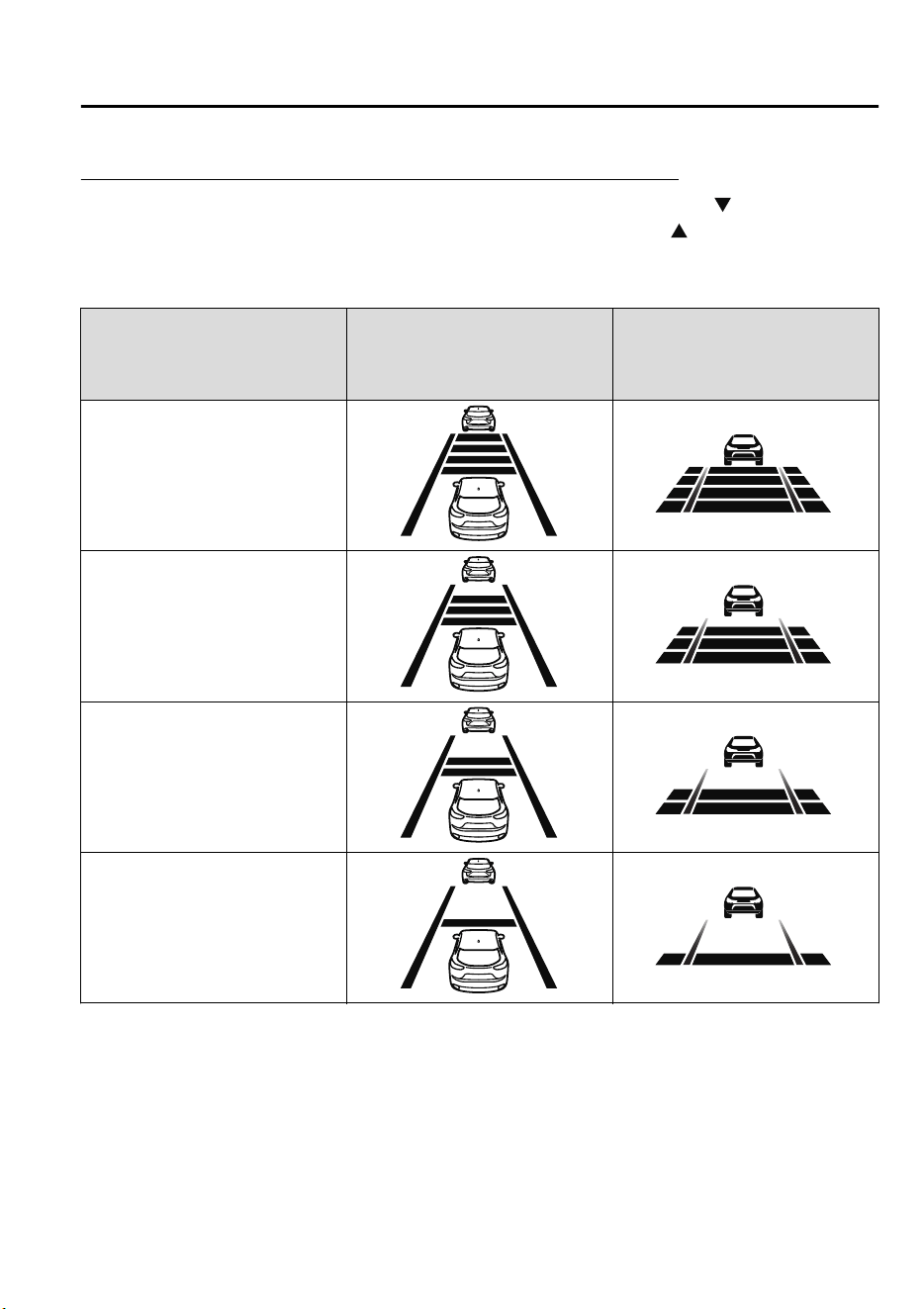
How to set the distance-between-vehicles during headway control
The distance-between-vehicles is set to a shorter distance by pressing the switch. The
distance-between-vehicles is set to a longer distance by pressing the
switch. The
distance-between-vehicles can be set to 4 levels; Long, medium, short, and extremely short
distance.
Distance-between-vehicles guide-
line
(at 80 km/h (50 mph) vehicle
speed)
Indication on multi-information
display
Indication on active driving dis-
play
*1
Long (about 50 m (164 ft))
Medium (about 40 m (131 ft))
Short (about 30 m (98 ft))
Extremely short (about 25 m (82 ft))
*
1 Displays a pop-up image in the active driving display only when the driver operates the switch.
NOTE
•
The distance-between-vehicles differs depending on the vehicle speed, and the slower the
vehicle speed, the shorter the distance.
•
When the ignition is switched to ACC or OFF and then the engine is started again, the
system automatically sets the distance-between-vehicles to the previous setting.
When Driving
i-ACTIVSENSE
4-127
CX-9_8GC7-EE-17G_Edition1 2017-5-16 8:22:04
How to change the set vehicle speed
To accelerate/decelerate using the SET
switch
When you press the SET
switch, the
vehicle accelerates and when you press the
SET
switch, it decelerates.
Short press 5 km/h (5 mph)
Long press 10 km/h (5 mph)
NOTE
For example, the set vehicle speed is
changed by pressing the SET switch four
times as follows:
The vehicle speed accelerates or
decelerates by 20 km/h (20 mph).
To increase speed using accelerator
pedal
Depress the accelerator pedal and press
and release the SET
switch or SET
switch at the desired speed. If the switch is
not operated, the system returns to the set
speed after you release your foot from the
accelerator pedal.
CAUTION
The warnings and brake control do not
operate while the accelerator pedal is
depressed.
NOTE
•
The setting speed can be changed by
operating the SET
switch or SET
switch during stop hold control.
•
When accelerating using the SET
switch while in headway control, the set
vehicle speed can be adjusted but
acceleration is not possible. If there is
no longer a vehicle ahead, acceleration
continues until reaching the set vehicle
speed. For the set vehicle speed, check
the set vehicle speed indication in the
display.
•
When depressing the accelerator pedal,
the inter-vehicle distance indication in
the display changes to the white-line
indication.
Canceling the system
When the following operations are
performed, the MRCC with Stop & Go
function system is canceled, and the
MRCC with Stop & Go function set
indication (green) switches to the MRCC
with Stop & Go function main indication
(white) at the same time.
•
The OFF/CAN switch is pressed.
•
The brake pedal is depressed.
•
The electric parking brake (EPB) is
applied.
•
The selector lever is in the P (Park), N
(Neutral), or R (Reverse) position.
•
Any of the doors is opened.
•
The driver's seat belt is unfastened.
Under the following conditions, the
MRCC with Stop & Go function cancel
indication is displayed in the
multi-information display and a single
beep sound is heard.
•
The DSC has operated.
•
The Smart Brake Support (SBS) has
operated.
When Driving
i-ACTIVSENSE
4-128
CX-9_8GC7-EE-17G_Edition1 2017-5-16 8:22:04

•
The Smart City Brake Support
[Forward] (SCBS F) or Advanced Smart
City Brake Support (Advanced SCBS)
has operated.
•
When traveling on a downslope for a
long period of time.
•
There is a problem with the system.
•
The engine has stalled.
•
The electric parking brake (EPB) is
automatically applied during stop hold
control.
•
The radar sensor (front) cannot detect
target objects (during rain, fog, snow or
other inclement weather conditions, or
when the radiator grille is dirty).
Resuming control
If the MRCC with Stop & Go function
system is canceled, you can resume
control at the previously set speed by
pressing the RES switch and after all of
the operation conditions have been met.
NOTE
If the set speed is not indicated in the
display, the control does not resume even
if the RES switch is pressed.
Turning off the system
Press the OFF/CAN switch two times
while the MRCC with Stop & Go function
system is operating to switch off the
system.
When Driving
i-ACTIVSENSE
4-129
CX-9_8GC7-EE-17G_Edition1 2017-5-16 8:22:04
▼
Stop Hold Control
While in headway control using the MRCC with Stop & Go function system, your vehicle
will stop when a vehicle ahead stops. When the vehicle is stopped and the stop hold control
operates, the MRCC with Stop & Go function indicator light turns on.
NOTE
•
If the MRCC with Stop & Go function system is canceled during stop hold control, the
vehicle is held in its stopped position. The stop hold control can be canceled by
performing one the following actions.
•
Press the accelerator pedal and resume driving the vehicle.
•
While forcefully depressing the brake, switch the MRCC with Stop & Go function
system off.
•
The electric parking brake (EPB) is automatically applied and the vehicle is held in its
stopped position when 10 minutes have elapsed since the stop hold control operated. At
this time, the MRCC with Stop & Go function system is canceled.
•
The brake lights turn on during stop hold control.
To resume driving
After the vehicle ahead starts moving while your vehicle is stopped under stop hold control,
press the RES switch or depress the accelerator pedal to cancel the stop hold control and
resume driving.
NOTE
•
When you resume driving by pressing the RES switch, your vehicle does not start moving
until the distance between your vehicle and the vehicle ahead lengthens to the specified
distance or farther.
•
If the MRCC with Stop & Go function is temporarily canceled during stop hold control,
you cannot resume driving by pressing the RES switch when there are no vehicles in front
of your vehicle. Depress the accelerator pedal and resume driving the vehicle.
Resume driving information
If you do not resume driving within a few seconds after the vehicle ahead starts moving, the
multi-information display vehicle-ahead indication flashes to urge the driver to resume
driving.
When Driving
i-ACTIVSENSE
4-130
CX-9_8GC7-EE-17G_Edition1 2017-5-16 8:22:04
▼
Cruise Control Function
While this function is operating, the
headway control operation is canceled and
only the cruise control function operates.
The vehicle speed can be set more than
about 25 km/h (16 mph).
Use the cruise control function on
expressways and other highways which do
not require a lot of repeated acceleration
and deceleration.
WARNING
Do not use the cruise control function in
the following locations:
Otherwise, it could lead to an accident.
Roads with sharp curves and where
vehicle trac is heavy and there is
insucient
space between vehicles.
(Driving under these conditions using the
cruise control function is not possible)
Steep down slopes (Set speed may be
exceeded because sucient engine
braking cannot be applied)
Slippery roads such as ice or snow-bound
roads (Tires could spin causing you to
lose vehicle control)
Always drive carefully:
The warnings and brake control will not
operate after the headway control function
is canceled and the system is switched to
only the cruise control function. Depress
the brake pedal to decelerate according to
the surrounding conditions while keeping a
safer distance from the vehicle ahead and
always driving carefully.
Switching to cruise control function
When the MODE switch is pressed until
the system switches to the cruise main
indication (white) while the MRCC with
Stop & Go function system is turned on,
the system switches to the cruise control
function.
When the system switches to the cruise
control function, the indicator and
multi-information display notify the driver
as follows:
•
The MRCC with Stop & Go function set
indication (green) or the MRCC with
Stop & Go function main indication
(white) is turned off, and the cruise main
indication (white) is turned on.
•
A message is displayed in the
multi-information display.
WARNING
Always turn o the cruise control function
when it is not in use:
Leaving the cruise control function turned
on when it is not in use is dangerous as it
could operate unexpectedly, resulting in an
accident.
When Driving
i-ACTIVSENSE
4-131
CX-9_8GC7-EE-17G_Edition1 2017-5-16 8:22:04
How to set the speed
Adjust the system to the desired vehicle
speed using the accelerator pedal.
When the SET
or SET switch is
pressed, the cruise set indication (green) is
turned on and headway control begins.
NOTE
•
The system may not be able to maintain
the set speed constantly depending on
driving conditions such as steep up or
down slopes.
•
The speed will continue increasing while
the SET
switch is pressed and held.
The speed will continue decreasing
while the SET
switch is pressed and
held.
How to increase the set speed
The set speed can be increased using the
following operations:
To increase speed using the SET
switch
Press and hold the SET
switch and
release the switch at the desired speed.
The set speed can be adjusted
incrementally (1 km/h (1 mph)
increments) by pressing the switch and
releasing it immediately. For example, if
the switch is pressed 4 times, the set speed
increases by about 4 km/h (4 mph).
To increase speed using accelerator
pedal
Depress the accelerator pedal and press the
SET
or SET switch at the desired
speed.
If the switch is not operated, the system
returns to the set speed after you release
your foot from the accelerator pedal.
How to Decrease the Set Speed
Press the SET switch continuously and
release the switch at the desired speed.
The set speed can be adjusted
incrementally (1 km/h (1 mph)
increments) by pressing the switch and
releasing it immediately. For example, if
the switch is pressed 4 times, the set
vehicle speed decreases by about 4 km/h
(4 mph).
Cancelling the function
When the cruise control function is
canceled and the RES switch is pressed
while the vehicle speed is 25 km/h (16
mph) or faster, the speed returns to the
original set speed.
Cancelling using OFF/CAN switch
When the OFF/CAN switch is pressed
once, the cruise control function is
cancelled.
Automatically cancel
The cruise control function is canceled
automatically in the following cases.
•
The brake pedal is depressed.
•
The parking brake is applied.
•
The selector lever is shifted to P or N
position.
When Driving
i-ACTIVSENSE
4-132
CX-9_8GC7-EE-17G_Edition1 2017-5-16 8:22:04

NOTE
•
If the vehicle speed decreases by about
15 km/h (9.4 mph) or more than the set
speed, the cruise control function may
be canceled.
•
When the vehicle speed is less than 21
km/h (13 mph), the cruise control
function is canceled. In this case, the
vehicle speed will not return to the
original set speed even if the vehicle is
accelerated to 25 km/h (16 mph) or
higher and the RES switch is pressed.
Reset the cruise control function.
When Driving
i-ACTIVSENSE
4-133
CX-9_8GC7-EE-17G_Edition1 2017-5-16 8:22:04
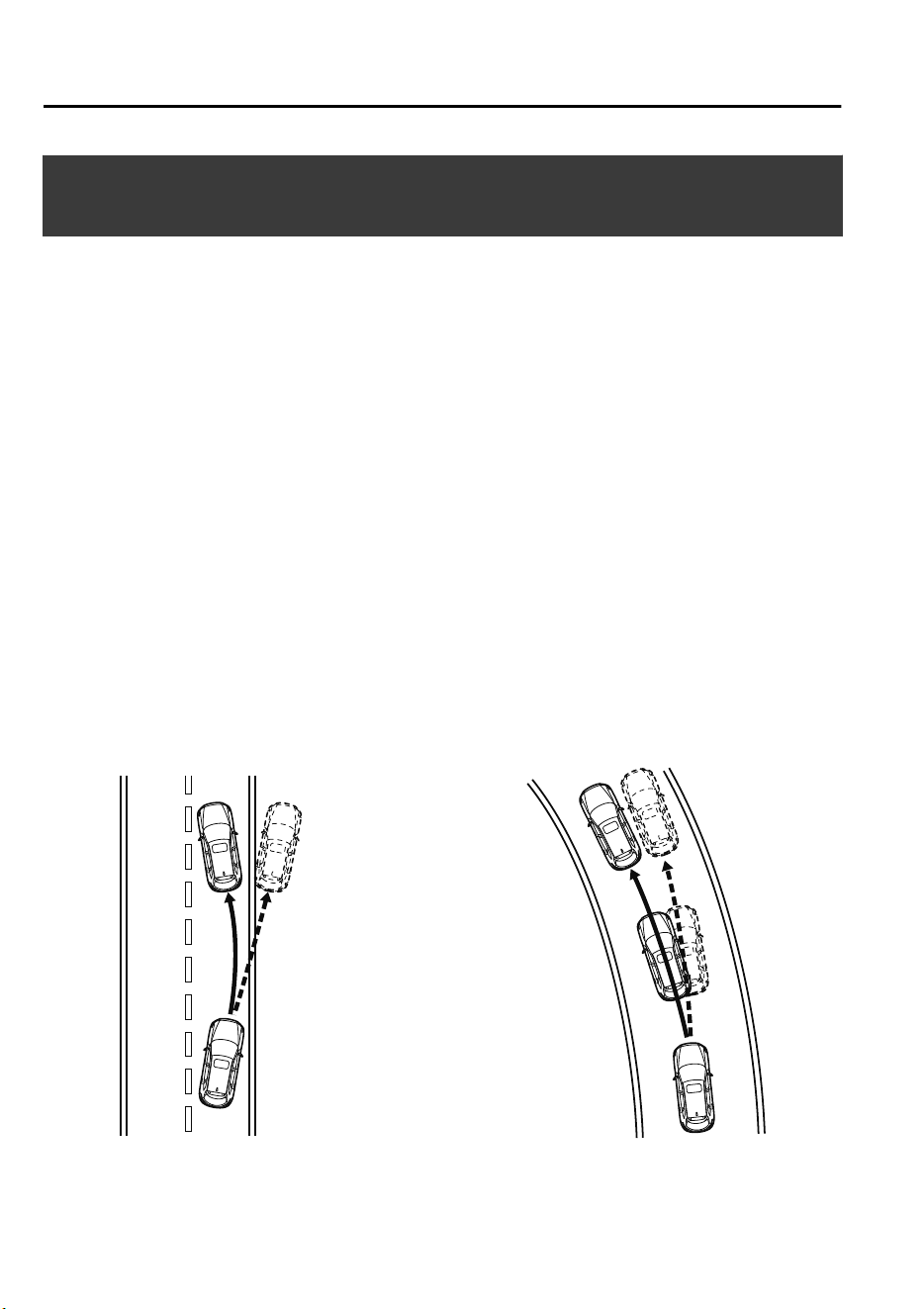
Lane-keep Assist System (LAS) & Lane Departure
Warning System (LDWS)
*
The LAS&LDWS alerts the driver that the vehicle may be deviating from its lane and it
provides steering assistance to help the driver stay within the vehicle lanes.
The Forward Sensing Camera (FSC) detects the white lines (yellow lines) of the vehicle
lane in which the vehicle is traveling and if the system determines that the vehicle may
deviate from its lane, it operates the electric power steering to assist the driver's steering
operation. The system also alerts the driver by activating a lane departure warning sound,
vibrating the steering wheel, and indicating an alert in the display. Use the system when you
drive the vehicle on roads with white (yellow) lines such as expressways and highways.
Refer to Forward Sensing Camera (FSC) on page 4-159.
The steering wheel operation of the LAS&LDWS has “Late” and “Early” steering assist
timing settings.
For the “Late” setting, the system assists the driver's steering operation if there is the
possibility of the vehicle deviating from its lane.
For the “Early” setting, the system assists the driver's steering operation constantly so that
the vehicle stays near the center of the vehicle lane.
“Late” and “Early” timing can be changed (timing at which steering operation assist is
provided) by changing the setting.
Refer to Personalization Features on page 9-10.
"Late" setting "Early" setting
When Driving
i-ACTIVSENSE
4-134
*Some models.
CX-9_8GC7-EE-17G_Edition1 2017-5-16 8:22:04
WARNING
Do not rely completely on the LAS&LDWS:
The LAS&LDWS is not an automatic driving system. In addition, the system is not designed
to compensate for a driver's lack of caution, and over-reliance on the system could lead to
an accident.
The detection ability of the LAS&LDWS is limited. Always stay on course using the steering
wheel and drive with care.
Do not use the LAS&LDWS in the following cases:
The system may not operate adequately according to the actual driving conditions, resulting
in an accident.
Driving on roads with tight curves.
Driving under bad weather conditions (rain, fog, and snow).
Slippery roads such as ice or snow-bound roads.
Roads with heavy trac and insucient distance between vehicles.
Roads with no white (yellow) lane lines.
Narrow roads resulting from road construction or lane closures.
The vehicle is driven on a temporary lane or section with a closed lane resulting from road
construction where there may be multiple white (yellow) lane lines or they are interrupted.
Vehicle is driven on roads other than expressways and highways.
The tire pressures are not adjusted to the specied pressure.
Tires of a dierent specied size are used, such as an emergency spare tire.
CAUTION
Heed the following cautions so that the LAS&LDWS can operate normally.
Do not modify the suspensions.
Always use wheels of the specied type and size for the front and rear wheels. Consult an
expert repairer, we recommend an Authorized Mazda Repairer for tire replacement.
NOTE
•
When the turn signal lever is operated for a lane change, the LAS&LDWS is
automatically disabled. The LAS&LDWS becomes operational again when the turn signal
lever is returned and the system detects white (yellow) lane lines while the vehicle is being
driven normally within its vehicle lane.
When Driving
i-ACTIVSENSE
4-135
CX-9_8GC7-EE-17G_Edition1 2017-5-16 8:22:04

•
If the steering wheel, accelerator pedal, or brake pedal is operated abruptly and the
vehicle moves close to a white (yellow) line, the system determines that the driver is
making a lane change and the LAS&LDWS operation is temporarily canceled. The
LAS&LDWS becomes operational again when the system detects white (yellow) lane lines
while the vehicle is being driven normally within its vehicle lane.
•
If the vehicle deviates from its lane repeatedly within a short period of time, the
LAS&LDWS may not operate.
•
When white (yellow) lane lines are not detected, the LAS&LDWS does not operate.
•
Under the following conditions, the LAS&LDWS may not be able to detect white (yellow)
lane lines correctly and it may not operate normally.
•
If an object placed on the dashboard is reflected in the windshield and picked up by the
camera.
•
Heavy luggage is loaded in the luggage compartment or on the rear seat and the
vehicle is tilted.
•
The tire pressures are not adjusted to the specified pressure.
•
Tires other than conventional tires are equipped.
•
Vehicle is driven on an intersection or junction, or on a forked road.
•
The white (yellow) lane lines are less visible because of dirt or fading/patchiness.
•
A vehicle in front of your vehicle is running near a white (yellow) lane line making it
less visible.
•
A white (yellow) lane line is less visible because of bad weather (rain, fog, or snow).
•
The vehicle is driven on a temporary lane or section with a closed lane resulting from
construction where there may be multiple white (yellow) lane lines or they are
interrupted.
•
A misleading line is picked up on the road such as a temporary line for construction, or
because of shade, lingering snow, or grooves filled with water.
•
The surrounding brightness suddenly changes such as when entering or exiting a
tunnel.
•
The illumination of the headlights is weakened because of dirt or the optical axis is
deviated.
•
The windshield is dirty or foggy.
•
The windshield, camera is fogged (water droplets).
•
Back-light is reflected off the road surface.
•
The road surface is wet and shiny after rain, or there are puddles on the road.
•
The shade of a guardrail parallel to a white (yellow) lane line is cast on the road.
•
The width of the driving lane is narrow or wide.
•
Driving on roads with tight curves.
•
The road is excessively uneven.
•
The vehicle is shaken after hitting a road bump.
•
There are two or more adjacent white (yellow) lane lines.
When Driving
i-ACTIVSENSE
4-136
CX-9_8GC7-EE-17G_Edition1 2017-5-16 8:22:04
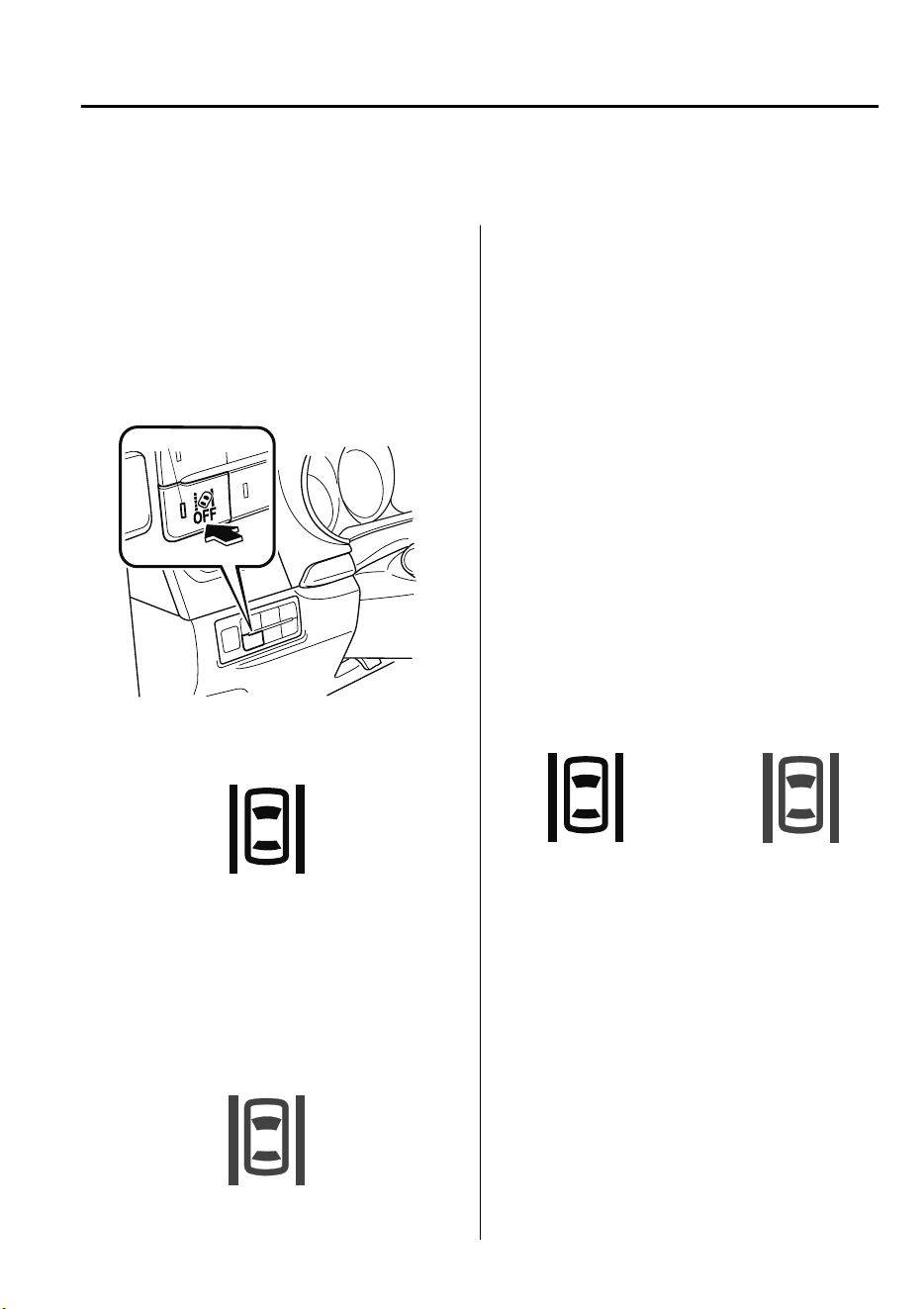
•
There are various road markings or lane markings of various shapes near an
intersection.
▼
System Operation
Make sure that the LAS&LDWS OFF
switch indicator light is turned off. When
the LAS&LDWS OFF switch indicator
light is turned on, press the switch and
make sure that the switch indicator light
turns off.
Indicator light
The LAS&LDWS indication (white) is
displayed in the multi-information display,
and the system goes on stand-by.
(White)
Drive the vehicle in the center of the
vehicle lane while the system is on
standby. When all of the following
conditions are met, the LAS&LDWS
indication (green) is displayed in the
multi-information display, and the system
becomes operational.
(Green)
•
The engine is running.
•
The vehicle speed is about 60 km/h (37
mph) or faster.
•
The system detects white (yellow) lane
lines on both the right and left sides.
•
The driver is operating the steering
wheel.
•
The driving lane is neither narrow nor
wide.
NOTE
The LAS&LDWS indication is white when
the system detects only a white (yellow)
line on either the left or right, and the
indication changes to green when the
system detects white (yellow) lines on both
the left and right sides.
Detection only on
either left or right
Detects on both
left and right sides
(White) (Green)
The LAS&LDWS goes on stand-by status
in the following cases:
•
The system cannot detect white (yellow)
lane lines.
•
The vehicle speed is less than about 60
km/h (37 mph).
•
The ABS/TCS is operating.
•
The TCS is turned off.
(If the TCS is turned off while the
system is operational, a warning beep is
heard and the system goes on standby.)
•
The vehicle is making a sharp curve.
•
The brake pedal is depressed.
When Driving
i-ACTIVSENSE
4-137
CX-9_8GC7-EE-17G_Edition1 2017-5-16 8:22:04
•
The steering wheel is operated abruptly.
•
The width of a lane is excessively
narrow or wide.
NOTE
•
(When the timing of the steering assist
is set to “Late”)
•
The LAS&LDWS does not operate
until the system detects white (yellow)
lane lines on either the left or right.
•
When the system detects a white
(yellow) lane line on one side only, the
system will not operate the steering
wheel operation assist and the
warning for the lane line on the side
that is not being detected. The
steering wheel operation assist and
the warning is only for a lane
deviation on the side that is being
detected.
•
(When the timing of the steering assist
is set to “Early”)
•
When the steering assist timing is set
to “Early”, the LAS&LDWS does not
operate until the system detects white
(yellow) lane lines on the left and
right. When the system only detects
white (yellow) lane lines on either the
left or right, the system only operates
for a lane deviation on the side being
detected.
•
The steering wheel operation assist is
performed so that the vehicle remains
near the center of the driving lane,
however, depending on conditions
such as the road curvature, road slope
and undulations, and vehicle speed,
the system may not be able to keep the
vehicle near the center of the driving
lane.
•
If the driver takes his or her hands off
the steering wheel (not holding the
steering wheel), the warning sound is
activated and an alert is indicated in the
multi-information display or the active
driving display.
Active Driving Display
Multi-information Display
If the steering wheel is held lightly, or
depending on the road conditions, the
system may detect that you have
released the steering wheel (not holding
the steering wheel) even if you are
holding it, and display a message in the
multi-information display or the active
driving display.
•
The timing at which the lane departure
warning is activated and the steering
wheel operation assist is performed
varies.
•
The following settings for the
LAS&LDWS can be changed. Refer to
Personalization Features on page 9-
10.
•
Steering operation assist operational/
non-operational
•
Cancel sensitivity (likelihood of
steering assist)
When Driving
i-ACTIVSENSE
4-138
CX-9_8GC7-EE-17G_Edition1 2017-5-16 8:22:04
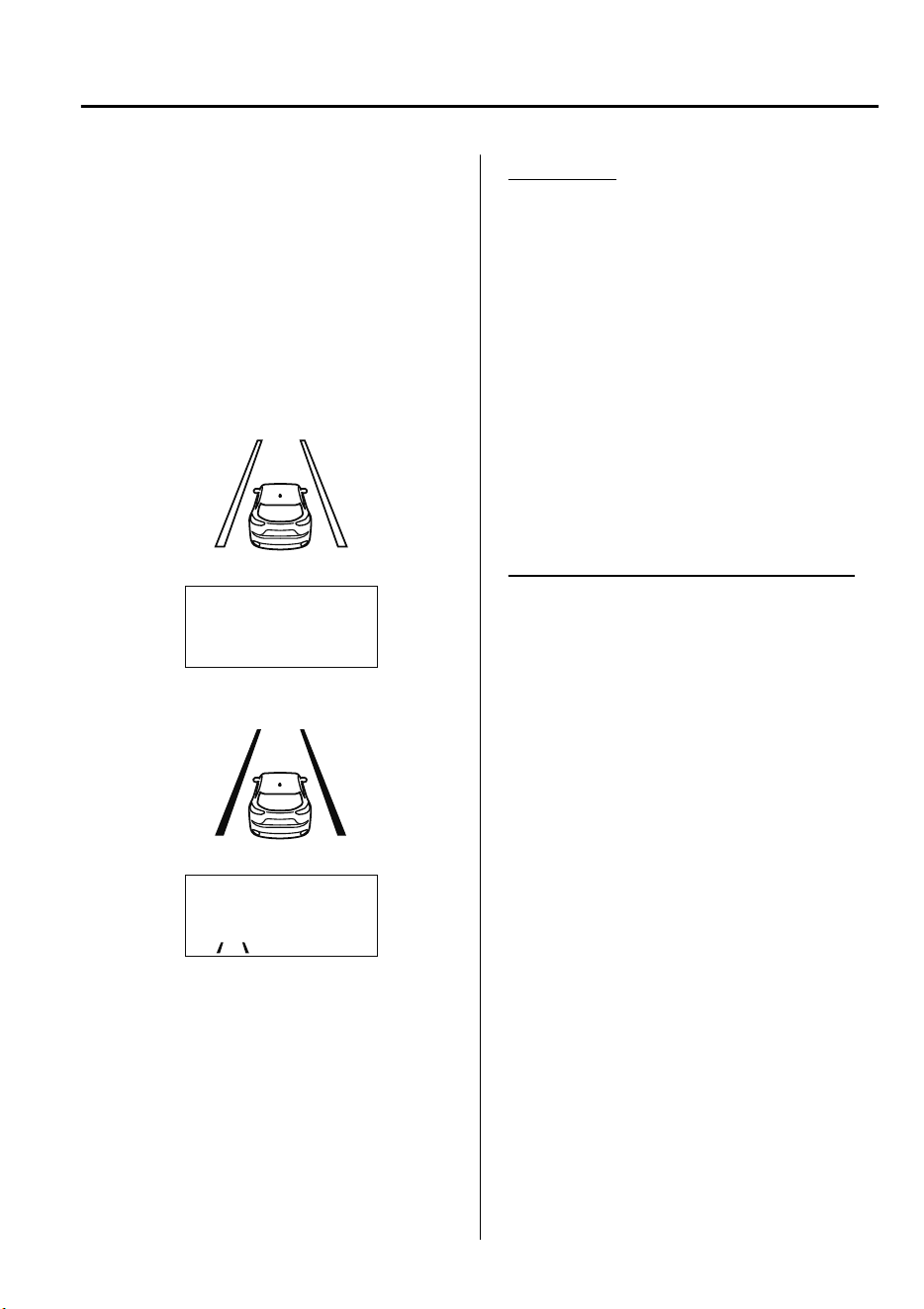
Vehicle lane line display
When the LAS&LDWS becomes
operational while on standby, the vehicle
lane lines are displayed in the
multi-information display and the active
driving display. In the vehicle lane lines
display indicating the operation status, the
color of the vehicle lane lines being
detected changes to white.
(Stand-by status)
Multi-information Display
Active Driving Display
(Operational status)
Multi-information Display
Active Driving Display
Auto cancel
In the following cases, the LAS&LDWS is
automatically canceled, the LAS&LDWS
warning indication (amber) turns on, and
an alert is displayed. When the
LAS&LDWS become operational, the
system turns back on automatically.
•
The temperature inside the camera is
high or low.
•
The windshield around the camera is
foggy.
•
The windshield around the camera is
blocked by an obstruction, causing poor
forward visibility.
Auto cancel of warning/steering assist
When the following operations are
performed, the LAS&LDWS operation is
canceled automatically. The LAS&LDWS
resumes automatically after the operation.
•
The steering wheel is operated abruptly.
•
The brake pedal is operated.
•
The accelerator pedal is operated.
(To cancel the automatic sensitivity
cancel function, deselect “Cancel
sensitivity” in the personalization
features setting.)
•
The turn signal lever is operated.
•
The vehicle crosses a lane line.
When Driving
i-ACTIVSENSE
4-139
CX-9_8GC7-EE-17G_Edition1 2017-5-16 8:22:04
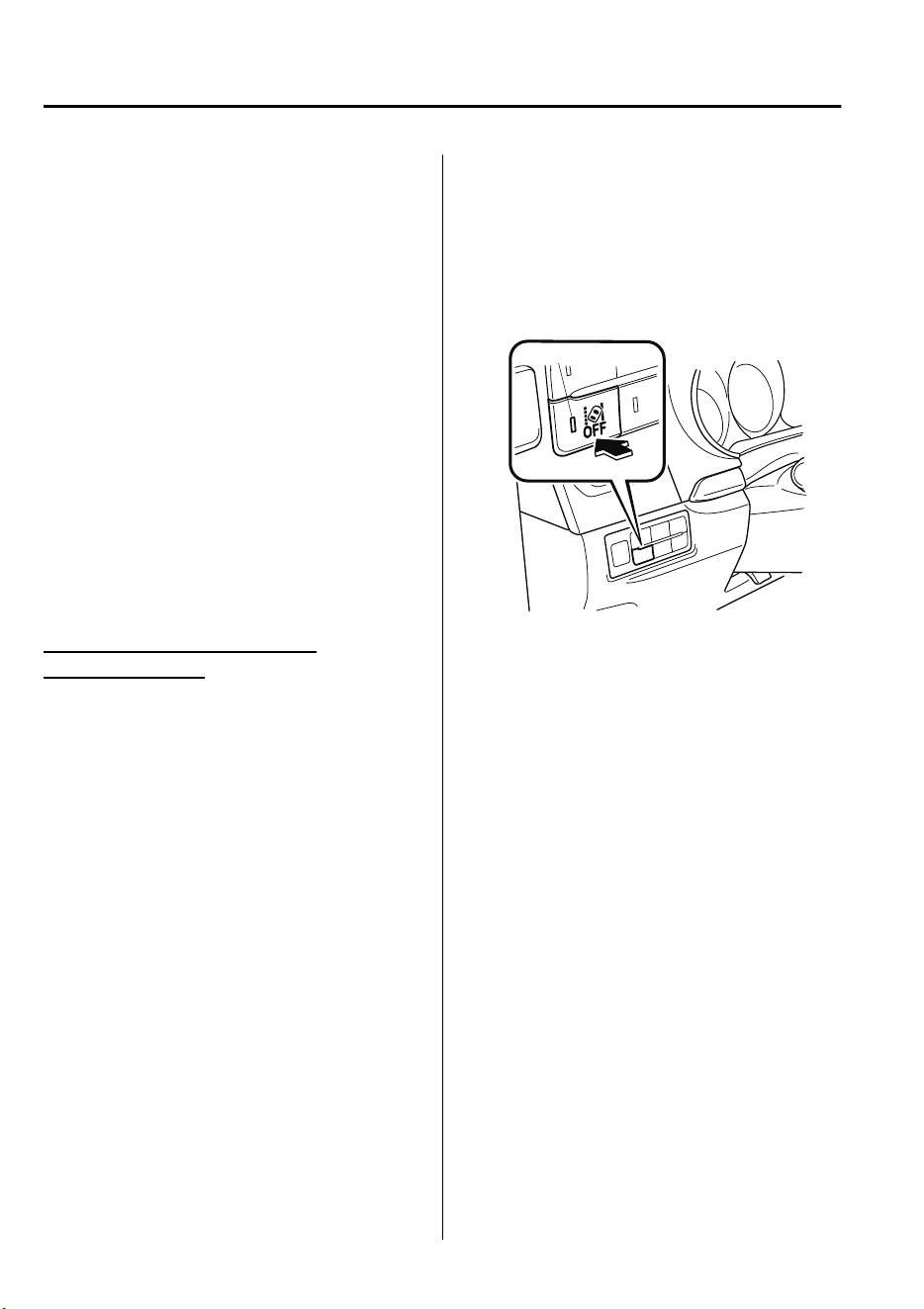
NOTE
•
After the operation, the LAS&LDWS
operation may not operate for a period
of 5 seconds at the most until the lane
lines are detected.
•
Under the following conditions, the
LAS&LDWS cancels the warning/
steering assist automatically.
•
The driver takes his/her hands off the
steering wheel.
(The LAS&LDWS is designed to assist
the driver's steering operation and it
will resume operation automatically
when the driver holds the steering
wheel.)
•
The TCS OFF switch is pressed to
cancel the TCS.
Steering operation assist OFF
(non-operational)
The steering operation assist for the
LAS&LDWS can be changed to
non-operational (OFF).
Refer to Setting Change (Personalization
Features) on page 9-10.
When the steering operation assist has
been changed to non-operational (OFF),
the operation conditions and the display of
the LAS&LDWS differ. Operate the
system as follows:
System operation
Make sure that the LAS&LDWS OFF
switch indicator light is turned off. When
the LAS&LDWS OFF switch indicator
light turns on, press the switch and make
sure that the switch indicator light turns
off.
Indicator light
Drive the vehicle in the center of the
driving lane while the LAS&LDWS OFF
switch indicator light is turned off.
The system becomes operational when all
of the following conditions are met.
•
The system detects white (yellow) lane
lines on both the right and left sides or
on either side.
•
The vehicle speed is about 60 km/h (37
mph) or faster.
•
The vehicle is driven on a straight road
or road with gentle curves.
•
The engine is running.
The LAS&LDWS goes on stand-by status
in the following cases:
•
The system cannot detect white (yellow)
lane lines.
•
The vehicle speed is less than about 60
km/h (37 mph).
•
The vehicle is making a sharp curve.
•
The vehicle is making a curve at an
inappropriate speed.
When Driving
i-ACTIVSENSE
4-140
CX-9_8GC7-EE-17G_Edition1 2017-5-16 8:22:04
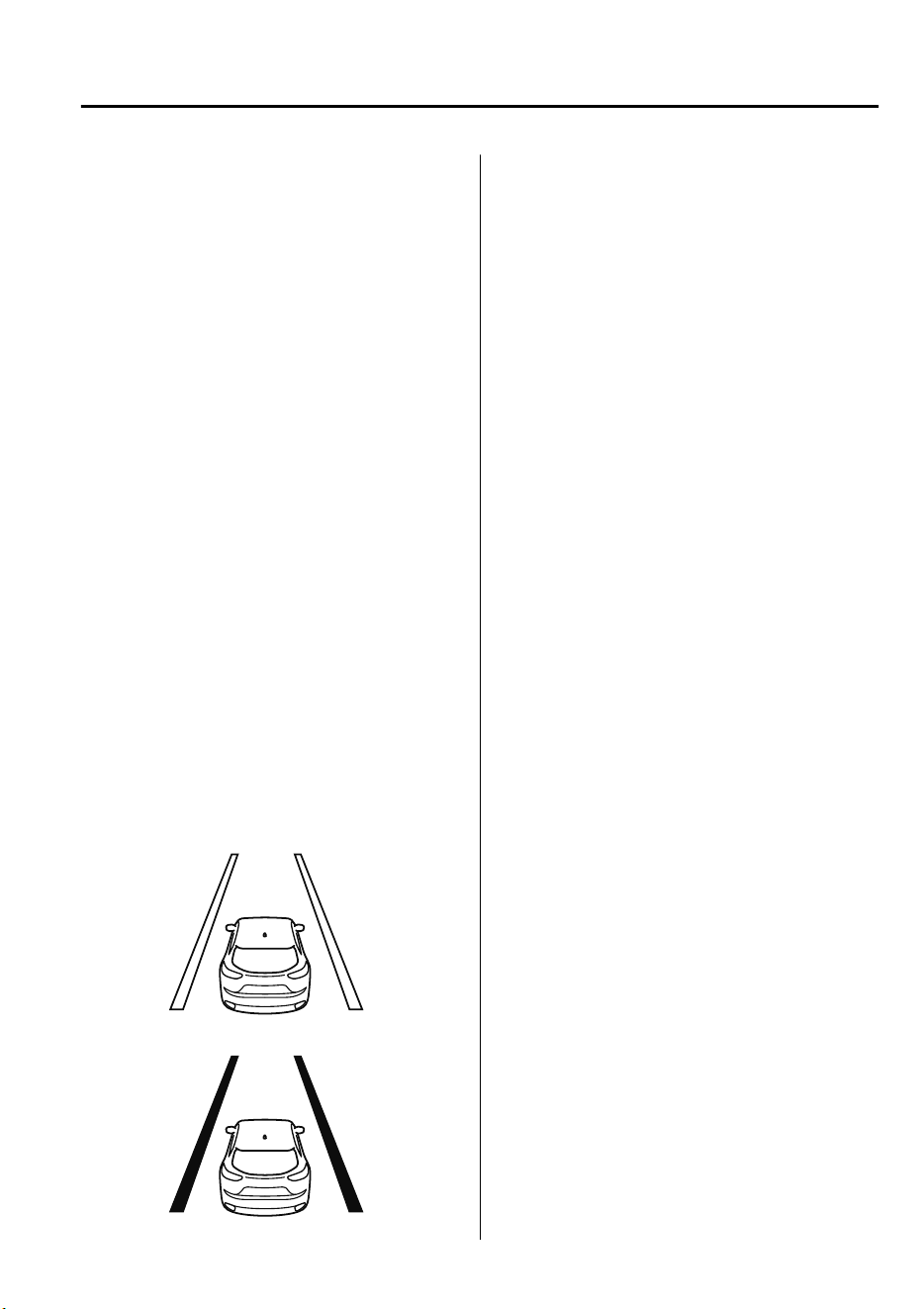
NOTE
•
The LAS&LDWS remains on stand-by
until it detects white (yellow) lines on
both the left and right sides, or on either
side.
•
When the system detects a white
(yellow) lane line on one side only, the
system will not activate warnings for the
lane line on the side that is not being
detected.
•
The distance and warning sensitivity
(likelihood of a warning) which the
system uses to determine the possibility
of a lane departure can be changed.
Refer to Setting Change
(Personalization Features) on page 9-
10.
Vehicle lane line display
When the LAS&LDWS becomes
operational while on standby, the vehicle
lane lines are displayed in the
multi-information display. The system
changes to operational status display when
the system detects a white (yellow) line on
either the left or right.
(Stand-by status)
(Operational status)
Auto cancel
In the following cases, the LAS&LDWS is
automatically canceled, the LAS&LDWS
warning indication (amber) turns on, and
an alert is displayed. When the
LAS&LDWS become operational, the
system turns back on automatically.
•
The temperature inside the camera is
high or low.
•
The windshield around the camera is
foggy.
•
The windshield around the camera is
blocked by an obstruction, causing poor
forward visibility.
(Auto cancel of warnings)
When the following operations are
performed, the LAS&LDWS determines
that the driver intends to make a lane
change and the system operation is
canceled automatically. The LAS&LDWS
resumes automatically after the operation.
•
The steering wheel is operated abruptly.
•
The brake pedal is depressed.
•
The accelerator pedal is depressed.
(To cancel the automatic sensitivity
cancel function, deselect “Warning
sensitivity” in the personalization
features setting.)
•
The turn signal lever is operated.
•
The vehicle crosses a lane line.
When Driving
i-ACTIVSENSE
4-141
CX-9_8GC7-EE-17G_Edition1 2017-5-16 8:22:04
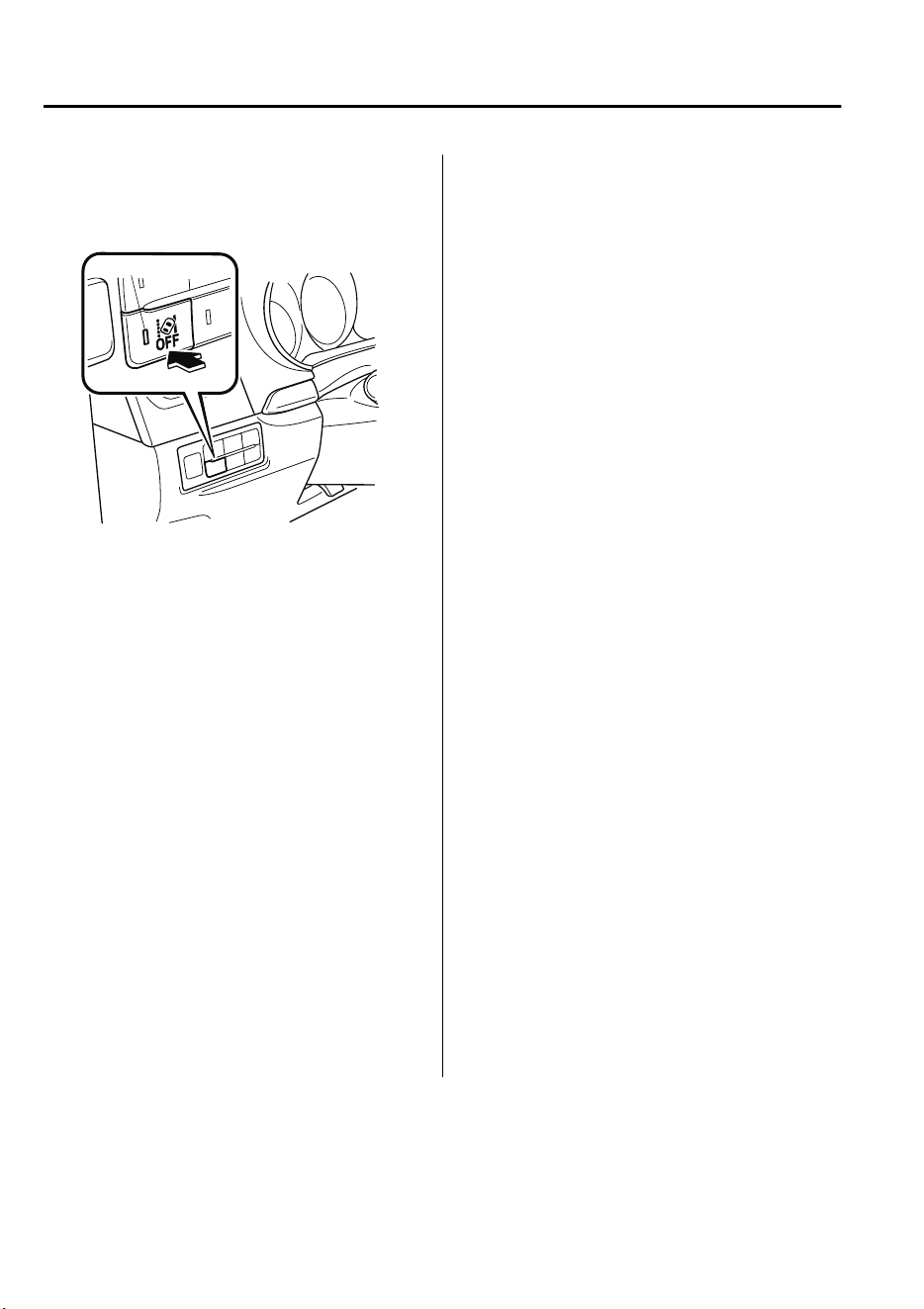
▼
System Canceling
When the LAS&LDWS is turned off,
press the LAS&LDWS OFF switch.
Indicator light
The LAS&LDWS OFF switch indicator
light turns on.
NOTE
•
In the following cases, the LAS&LDWS
is canceled automatically and the
LAS&LDWS OFF indication is
displayed in the multi-information
display. Have your vehicle inspected at
an expert repairer, we recommend an
Authorized Mazda Repairer.
•
There is a malfunction in the power
steering.
•
There is a malfunction in the TCS.
•
There is a malfunction in the Forward
Sensing Camera (FSC).
(European models)
•
When the ignition is switched OFF, the
LAS&LDWS becomes operational the
next time the ignition switched ON.
(Except European models)
•
When the ignition is switched OFF, the
system status before it was turned off is
maintained. For example, if the ignition
is switched OFF with the lane-keep
system operable, the system will be
operable when the ignition is switched
ON the next time.
When the LAS&LDWS is turned off, the
vehicle lane line indication in the
multi-information display and the active
driving display turn off.
When Driving
i-ACTIVSENSE
4-142
CX-9_8GC7-EE-17G_Edition1 2017-5-16 8:22:04
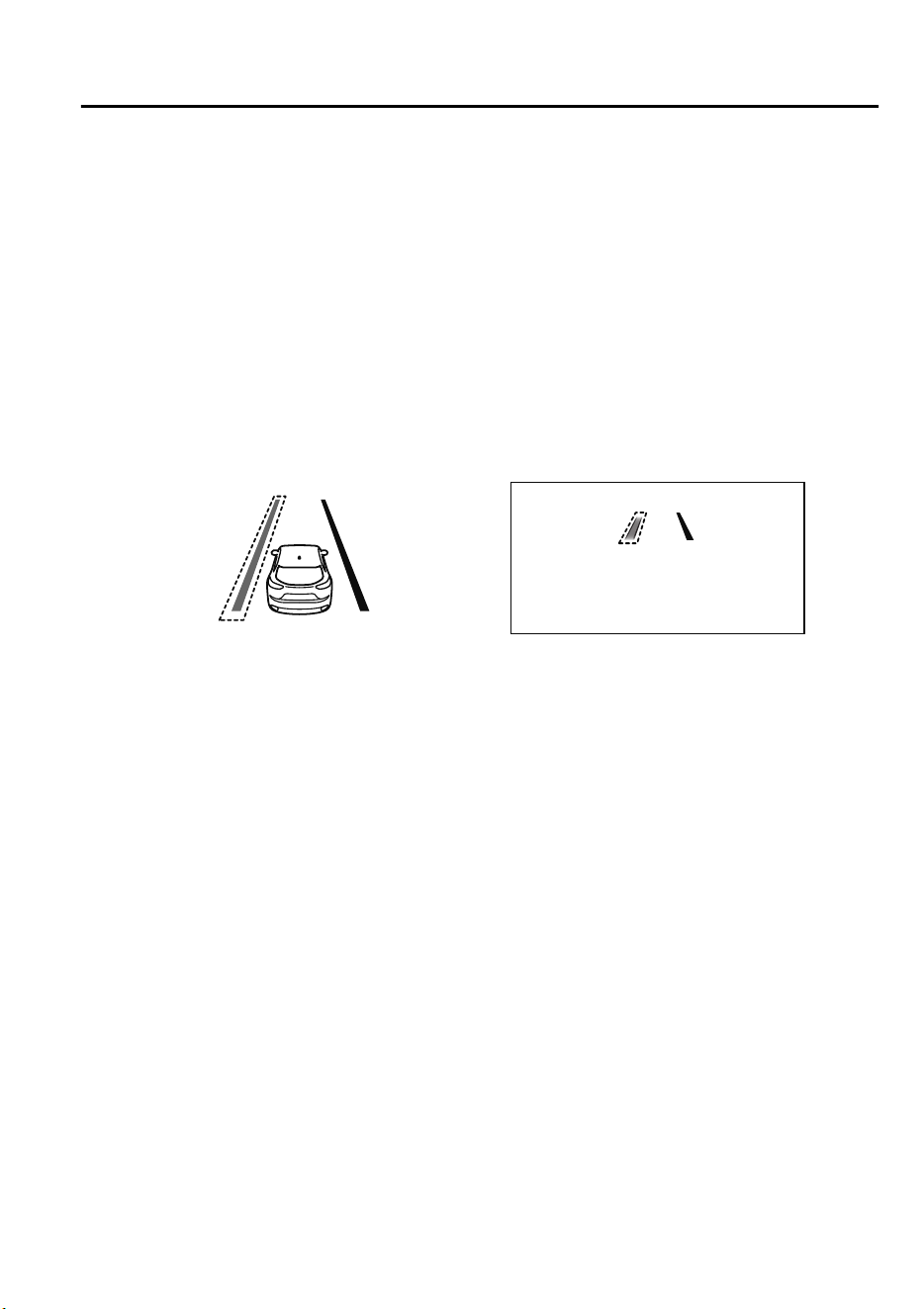
▼
Lane Departure Warning
If the system determines that the vehicle may deviate from its lane, the lane departure
warning (beep sound, rumble sound
*1
, or steering wheel vibration) is activated and the
direction in which the system determines that the vehicle may deviate is indicated in the
multi-information display or the active driving display.
For vehicles equipped with the multi-information display, the direction which the system
determined that the vehicle may be deviating from its lane is indicated in the
multi-information display.
For vehicles equipped with the active driving display, the color of the lane line in the
direction which the system determined that the vehicle may be deviating from its lane
changes from white to amber and the vehicle lane line flashes.
Multi-information Display Active Driving Display
NOTE
•
If you have set the lane departure warning sound to the beep sound/rumble sound
*1
setting, the warning sound may not be heard depending on the surrounding noise
conditions.
•
If you have set the lane departure warning system to the steering wheel vibrations setting,
the vibration may not be felt depending on the road surface conditions.
•
When the setting for the steering operation assist is changed to operational, the warnings
can be set to activate/not activate. (When the setting for the steering operation assist is
changed to non-operational, the warnings cannot be set to not activate.)
Refer to Setting Change (Personalization Features) on page 9-10.
•
The LAS&LDWS can be changed to the following settings regardless of whether the
steering operation assist has been set to operational/non-operational. Always check the
setting status when driving the vehicle and make setting changes if necessary.
Refer to Setting Change (Personalization Features) on page 9-10.
•
Steering wheel vibration: Strong/weak
•
Warning sound volume
•
Types of warnings (steering wheel vibration/beep sound/rumble sound
*1
)
*
1 A rumble strip is a series of grooves in the road pavement surface positioned at specific
intervals, and when the vehicle passes over it a vibration and rumble sound is produced
which alerts the driver that the vehicle is departing from the lane.
When Driving
i-ACTIVSENSE
4-143
CX-9_8GC7-EE-17G_Edition1 2017-5-16 8:22:04
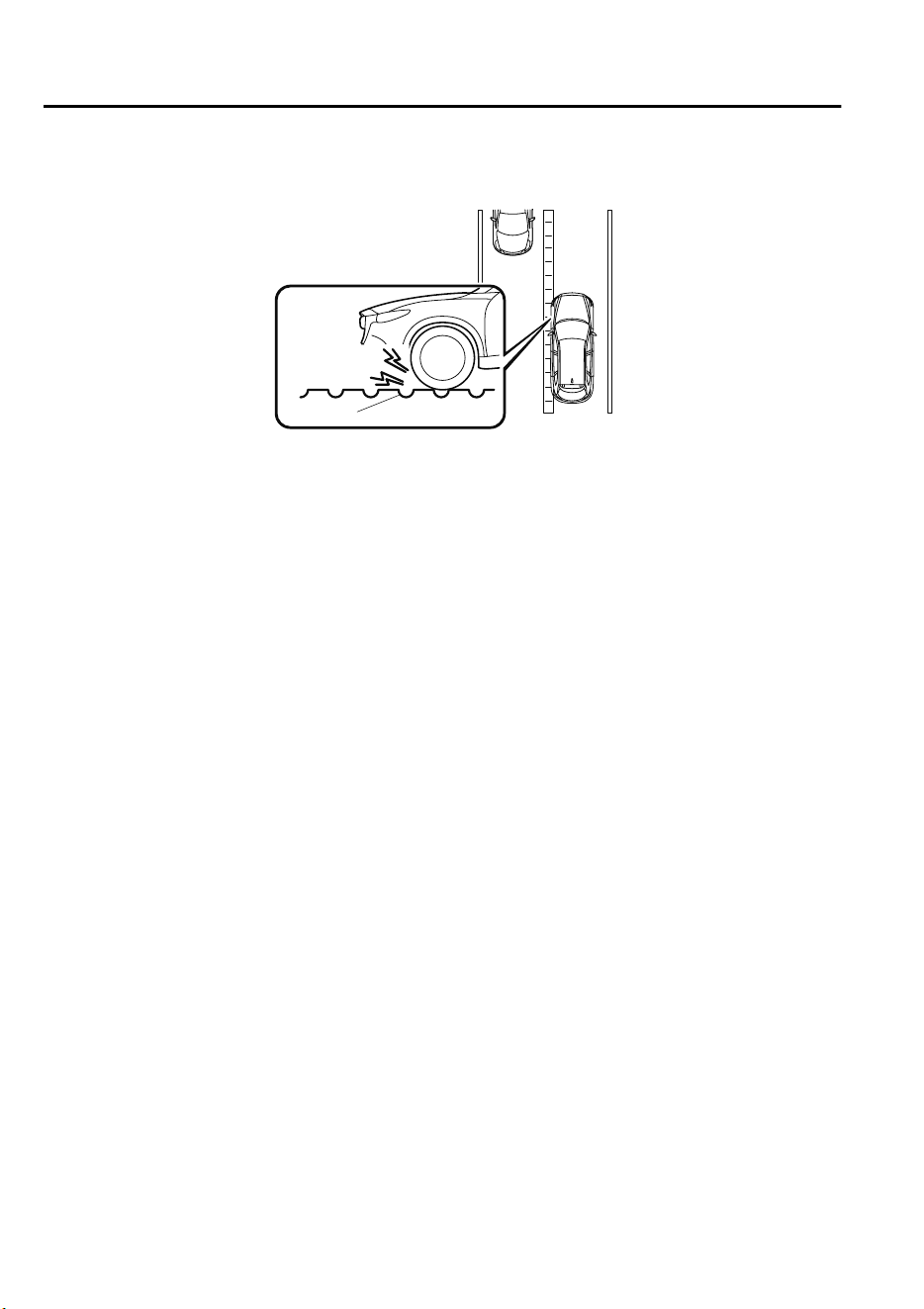
The rumble sound is a reproduction of the sound which occurs when a vehicle passes
over a rumble strip.
Rumble
Groove
When Driving
i-ACTIVSENSE
4-144
CX-9_8GC7-EE-17G_Edition1 2017-5-16 8:22:04
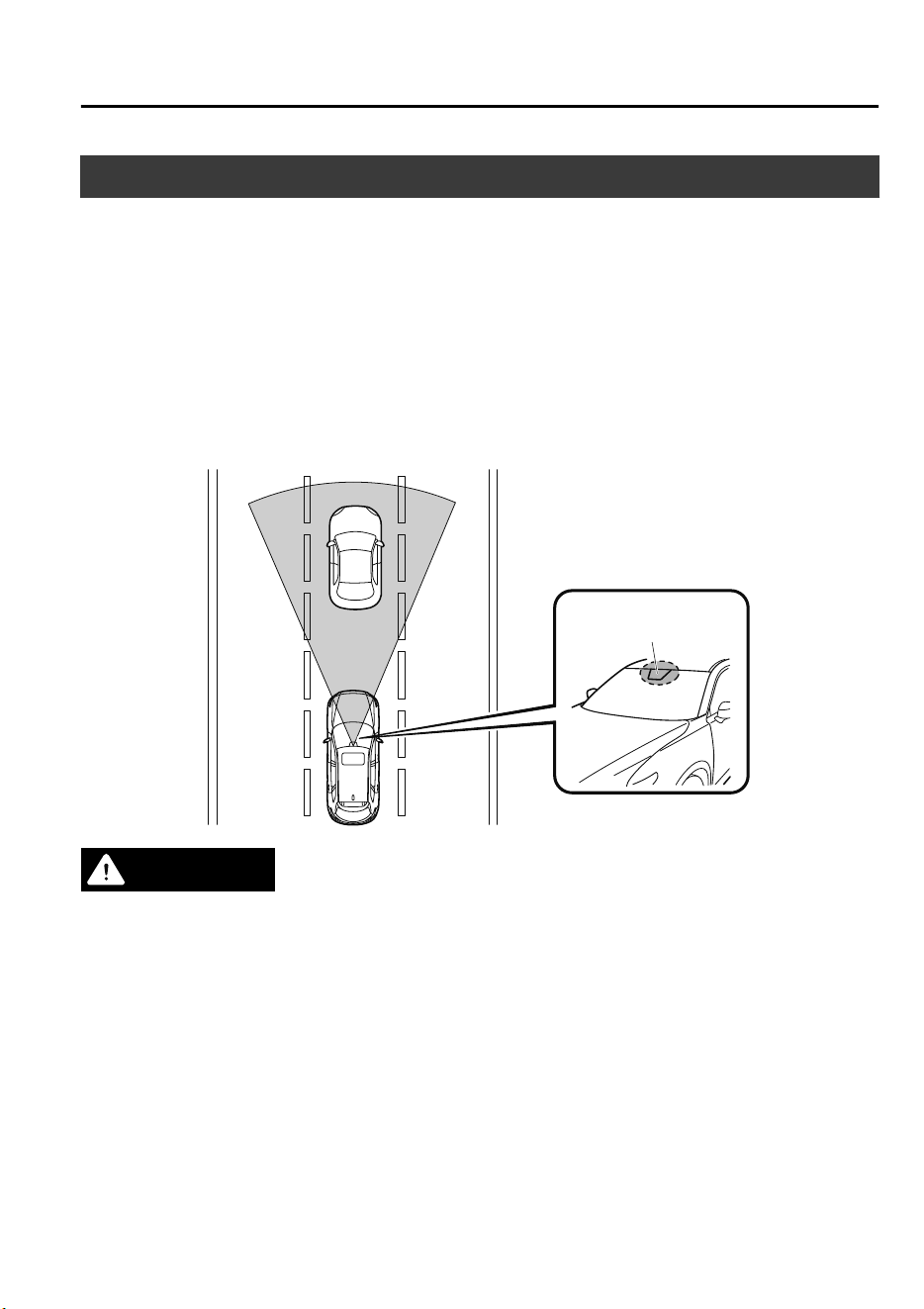
Advanced Smart City Brake Support (Advanced SCBS)
*
The Advanced SCBS alerts the driver of a possible collision using the display and a warning
sound when the Forward Sensing Camera (FSC) detects a vehicle ahead or pedestrian and
determines that a collision with the object is unavoidable while the vehicle is driven at a
vehicle speed of about 4 to 80 km/h (2 to 50 mph) if the object is a vehicle ahead and about
10 to 80 km/h (6.2 to 50 mph) if the object is a pedestrian. In addition, the system reduces
damage in the event of a collision by operating the brake control (Advanced SCBS brake)
when the system determines that a collision is unavoidable. In addition, when the driver
depresses the brake pedal, the brakes are applied firmly and quickly to assist. (Brake Assist
(Advanced SCBS brake assist))
Forward Sensing
Camera (FSC)
WARNING
Do not rely completely on the Advanced SCBS system:
The Advanced SCBS system is only designed to reduce damage in the event of a collision.
Over reliance on the system leading to the accelerator pedal or brake pedal being
mistakenly operated could result in an accident.
The Advanced SCBS system operates in response to a vehicle ahead or a pedestrian. The
system does not operate in response to obstructions such as a wall, 2-wheeled vehicles, or
animals.
When Driving
i-ACTIVSENSE
*Some models.
4-145
CX-9_8GC7-EE-17G_Edition1 2017-5-16 8:22:04
CAUTION
In the following cases, turn the system o to prevent a mis-operation:
The vehicle is being towed or when towing another vehicle.
The vehicle is on a chassis roller.
When driving on rough roads such as in areas of dense grass or o-road.
Refer to Stopping the Advanced Smart City Brake Support (Advanced SCBS) System Operation
on page 4-147 on how to turn o the Advanced SCBS system.
NOTE
•
The Advanced SCBS system will operate under the following conditions.
•
The engine is running.
•
The Smart City Brake Support (SCBS) warning light (amber) does not illuminate.
•
(Object is vehicle ahead)
The vehicle speed is between about 4 to 80 km/h (2 to 50 mph).
•
(Object is a pedestrian)
The vehicle speed is between about 10 to 80 km/h (6.2 to 50 mph).
•
The Advanced SCBS system is not turned off.
•
Under the following conditions, the Advanced SCBS system may not operate normally:
•
The Advanced SCBS system will not operate if the driver is deliberately performing
driving operations (accelerator pedal and steering wheel).
•
If there is the possibility of partial contact with a vehicle ahead.
•
The vehicle is driven on a slippery road surface such as wet roads or icy or snow-bound
roads.
•
The braking performance is adversely affected due to cold temperatures or wet brakes.
•
The vehicle is driven at the same speed as the vehicle ahead.
•
The accelerator pedal is depressed.
•
The brake pedal is depressed.
•
The steering wheel is being operated.
•
The selector lever is being operated.
•
In the following cases, the Advanced SCBS may operate.
•
Objects on the road at the entrance to a curve.
•
Vehicles passing in the opposite lane while making a curve.
•
When passing through a toll gate.
•
When passing through low gates, narrow gates, car washing machines, or tunnels.
•
If you suddenly come close to a vehicle ahead.
•
2-wheeled vehicles, animals, or standing trees.
When Driving
i-ACTIVSENSE
4-146
CX-9_8GC7-EE-17G_Edition1 2017-5-16 8:22:04
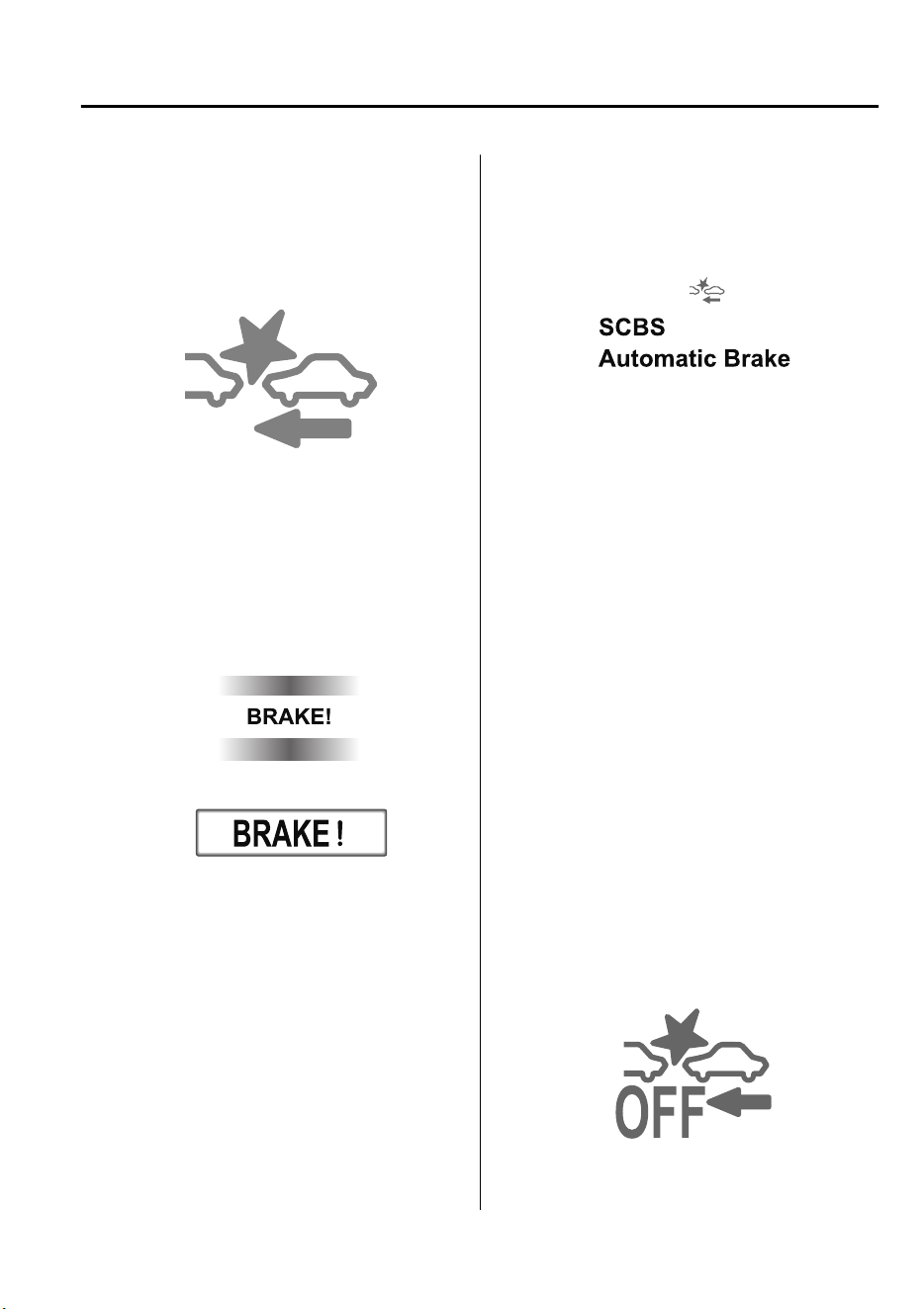
▼
Smart City Brake Support (SCBS)
Indicator Light (Red)
If the Advanced SCBS is operating, the
indicator light (red) flashes.
▼
Collision Warning
If there is the possibility of a collision with
a vehicle ahead, the beep sounds
continuously and a warning is indicated in
the multi-information display or the active
driving display.
Multi-information Display
Active Driving Display
NOTE
The operation distance and volume of the
collision warning can be changed. Refer
to Personalization Features on page 9-
10.
▼
Automatic Brake Operation Display
The automatic brake operation display is
indicated on the multi-information display
after the Advanced SCBS is operated.
NOTE
•
The collision warning beep sounds
intermittently while the Advanced SCBS
brake or brake assist (Advanced SCBS
brake assist) is operating.
•
If the vehicle is stopped by the Advanced
SCBS operation and the brake pedal is
not depressed, the warning beep sounds
one time after about 2 seconds and the
Advanced SCBS brake is automatically
released.
▼
Stopping the Advanced Smart City
Brake Support (Advanced SCBS)
System Operation
The Advanced SCBS system can be
temporarily deactivated.
Refer to Personalization Features on page
9-10.
When the Advanced SCBS system is
turned off, the Smart City Brake Support
(SCBS) OFF indicator light turns on.
When the engine is restarted, the system
becomes operational.
When Driving
i-ACTIVSENSE
4-147
CX-9_8GC7-EE-17G_Edition1 2017-5-16 8:22:04
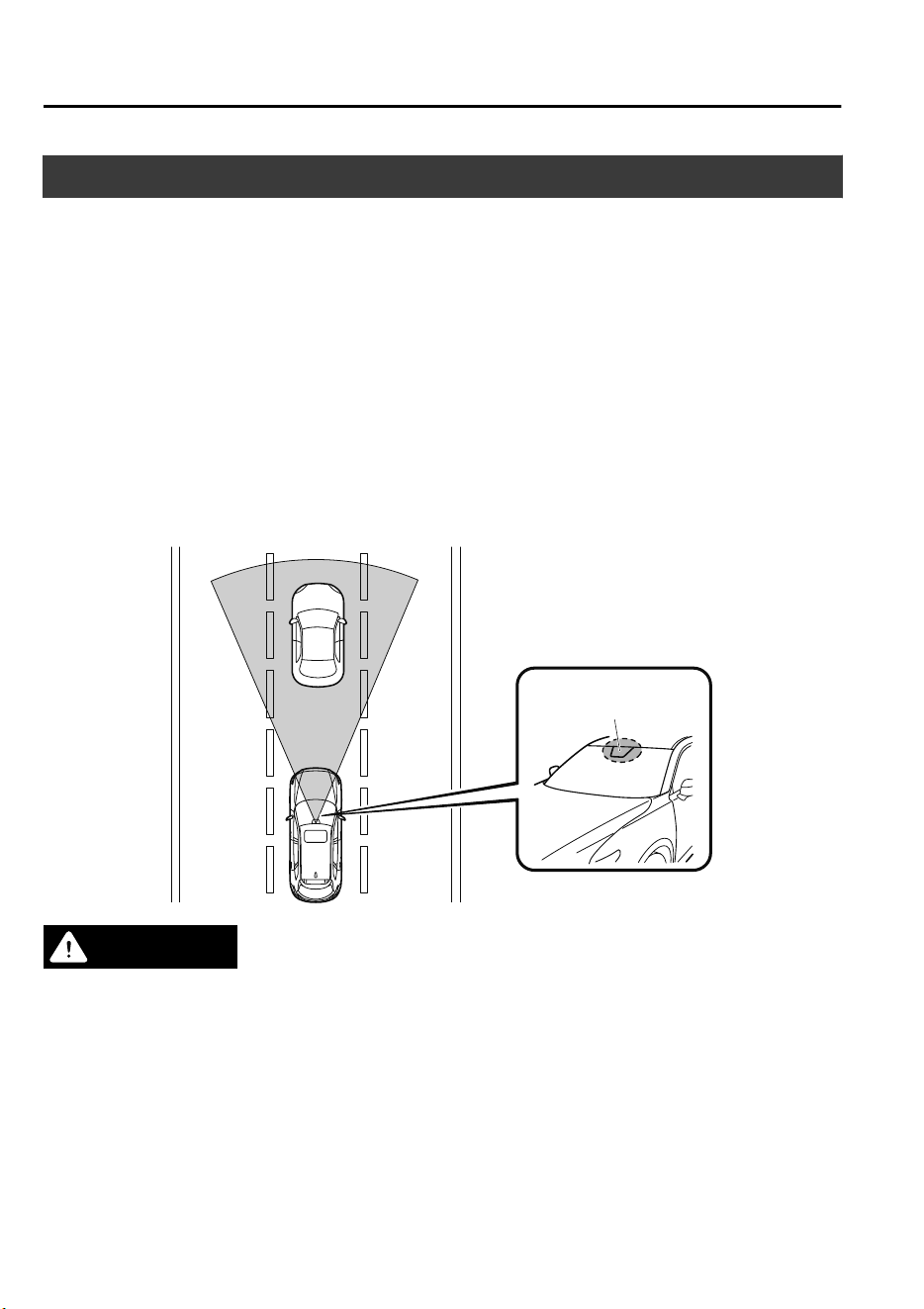
Smart City Brake Support [Forward] (SCBS F)
*
The SCBS F system alerts the driver of a possible collision using an indication in the
display and a warning sound when the Forward Sensing Camera (FSC) detects a vehicle
ahead and determines that a collision with a vehicle ahead is unavoidable while the vehicle
is being driven at a vehicle speed of about 4 to 80 km/h (2 to 50 mph). In addition, the
system reduces damage in the event of a collision by operating the brake control (Smart City
Brake Support (SCBS) brake) when the system determines that a collision is unavoidable
while the vehicle is being driven at a vehicle speed of about 4 to 30 km/h (2 to 18 mph). It
may also be possible to avoid a collision if the relative speed between your vehicle and the
vehicle in front of you is less than about 20 km/h (12 mph). In addition, when the driver
depresses the brake pedal while the system is in the operation range at about 4 to 30 km/h (2
to 18 mph), the brakes are applied firmly and quickly to assist. (Brake Assist (Smart City
Brake Support (SCBS) brake assist))
Forward Sensing
Camera (FSC)
WARNING
Do not rely completely on the SCBS F system:
The SCBS F system is only designed to reduce damage in the event of a collision. Over
reliance on the system leading to the accelerator pedal or brake pedal being mistakenly
operated could result in an accident.
The SCBS F is a system which operates in response to a vehicle ahead. The system may not
be able to detect or react to 2-wheeled vehicles or pedestrians.
When Driving
i-ACTIVSENSE
4-148
*Some models.
CX-9_8GC7-EE-17G_Edition1 2017-5-16 8:22:04
CAUTION
In the following cases, turn the system o to prevent a mis-operation:
The vehicle is being towed or when towing another vehicle.
The vehicle is on a chassis roller.
When driving on rough roads such as in areas of dense grass or o-road.
Refer to Stopping the Smart City Brake Support [Forward] (SCBS F) system Operation on page
4-151 on how to turn o the SCBS F system.
NOTE
•
The SCBS F system will operate under the following conditions.
•
The engine is running.
•
The Smart Brake Support/Smart City Brake Support (SBS/SCBS) system warning
indication/warning light (amber) does not illuminate.
•
(Rear-end collision warning)
The vehicle speed is about 4 to 80 km/h (2 to 50 mph).
•
(Brake control (Smart City Brake Support (SCBS) brake))
The vehicle speed is about 4 to 30 km/h (2 to 18 mph).
•
The SCBS F system is not turned off.
•
Under the following conditions, the SCBS F system may not operate normally:
•
The SCBS F system will not operate if the driver is deliberately performing driving
operations (accelerator pedal and steering wheel).
•
If there is the possibility of partial contact with a vehicle ahead.
•
The vehicle is driven on a slippery road surface such as wet roads or icy or snow-bound
roads.
•
The braking performance is adversely affected due to cold temperatures or wet brakes.
•
The vehicle is driven at the same speed as the vehicle ahead.
•
The accelerator pedal is depressed.
•
The brake pedal is depressed.
•
The steering wheel is being operated.
•
The selector lever is being operated.
•
In the following cases, the Forward Sensing Camera (FSC) determines that there is a
vehicle ahead and the SCBS F may operate.
•
Objects on the road at the entrance to a curve.
•
Vehicles passing in the opposite lane while making a curve.
•
Metal objects, bumps, or protruding objects on the road.
•
When passing through a toll gate.
•
When passing through low gates, narrow gates, car washing machines, or tunnels.
When Driving
i-ACTIVSENSE
4-149
CX-9_8GC7-EE-17G_Edition1 2017-5-16 8:22:04
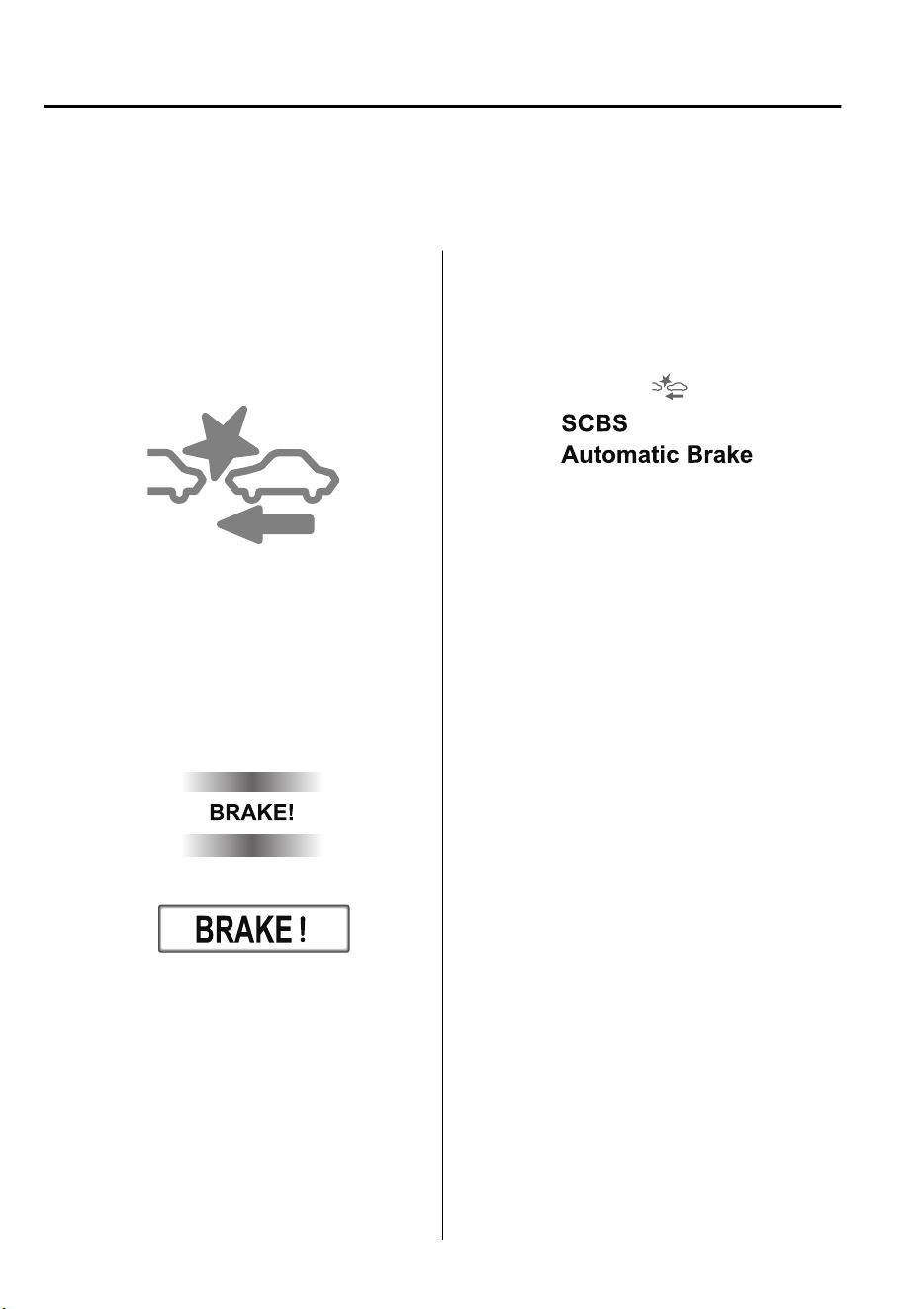
•
If you suddenly come close to a vehicle ahead.
•
2-wheeled vehicles, pedestrians, animals or standing trees.
•
Vehicle is driven with some of the tires having significant wear.
▼
Smart City Brake Support (SCBS)
Indicator Light (Red)
If the Smart City Brake Support (SCBS) is
operating, the indicator light (red) flashes.
▼
Collision Warning
If there is the possibility of a collision with
a vehicle ahead, the beep sounds
continuously and a warning is indicated in
the multi-information display or the active
driving display.
Multi-information Display
Active Driving Display
NOTE
The operation distance and volume of the
collision warning can be changed. Refer
to Personalization Features on page 9-
10.
▼
Automatic Brake Operation Display
The automatic brake operation display is
indicated on the multi-information display
after the SCBS F is operated.
NOTE
•
The collision warning beep sounds
intermittently while the SCBS F brake or
brake assist (SCBS F brake assist) is
operating.
•
If the vehicle is stopped by the SCBS F
operation and the brake pedal is not
depressed, the warning beep sounds one
time after about 2 seconds and the SCBS
F brake is automatically released.
When Driving
i-ACTIVSENSE
4-150
CX-9_8GC7-EE-17G_Edition1 2017-5-16 8:22:04
▼
Stopping the Smart City Brake
Support [Forward] (SCBS F)
System Operation
The SCBS F system can be temporarily
deactivated.
Refer to Personalization Features on page
9-10.
When the SCBS F system is turned off, the
Smart City Brake Support (SCBS) OFF
indicator light turns on.
When the engine is restarted, the system
becomes operational.
When Driving
i-ACTIVSENSE
4-151
CX-9_8GC7-EE-17G_Edition1 2017-5-16 8:22:04
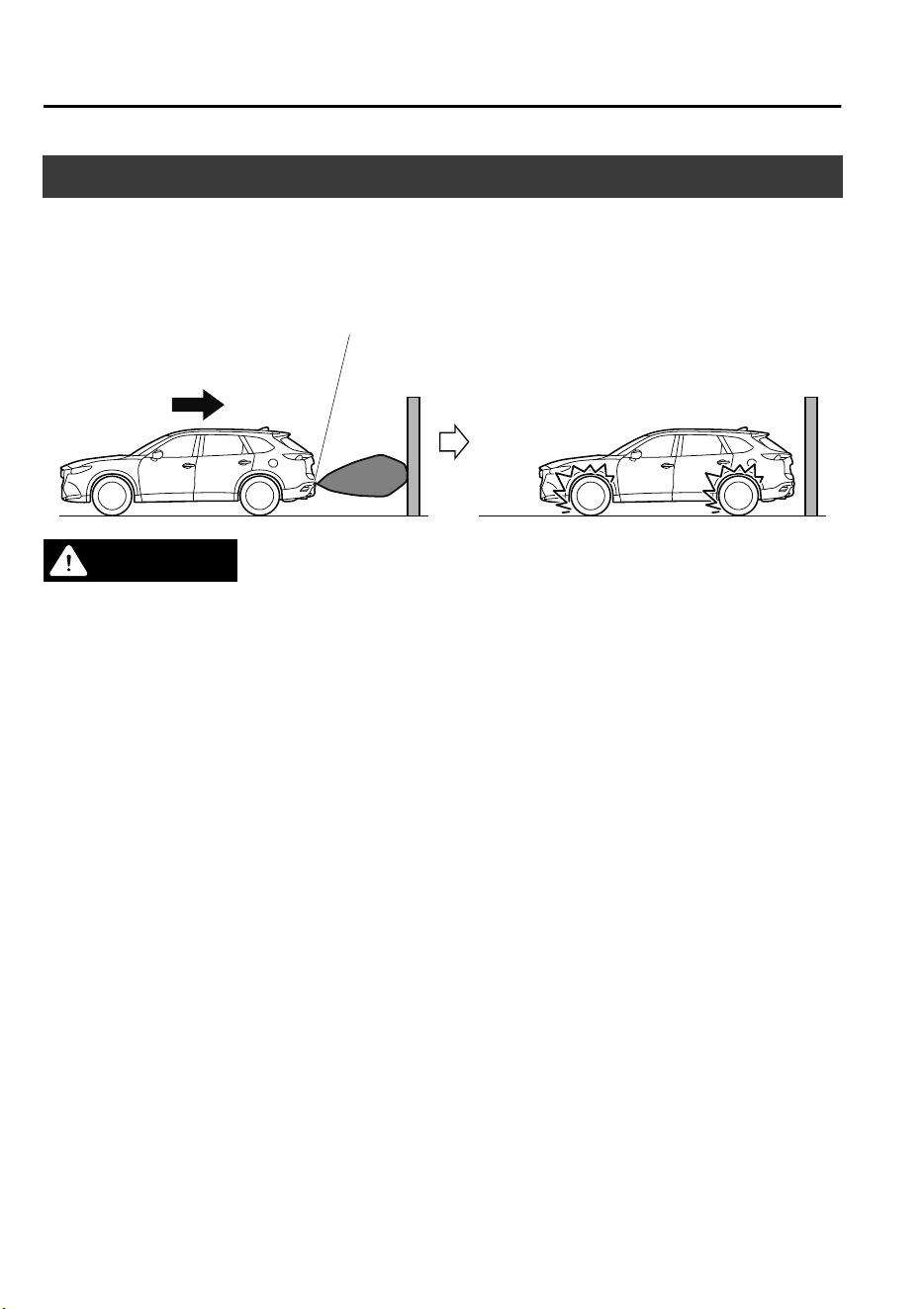
Smart City Brake Support [Reverse] (SCBS R)
*
The SCBS R is a system which is designed to reduce damage in the event of a collision by
operating the brake control (SCBS brake) when the system’s ultrasonic sensors detect an
obstruction at the rear of the vehicle while driving at a speed of about 2 to 8 km/h (2 to 4
mph) and the system determines that a collision is unavoidable.
Reverse
Ultrasonic sensor (rear)
WARNING
Do not rely completely on the SCBS R system:
The SCBS R system is only designed to reduce damage in the event of a collision. Over
reliance on the system leading to the accelerator pedal or brake pedal being mistakenly
operated could result in an accident.
To assure the correct operation of the SCBS R, heed the following cautions.
Do not apply a sticker to an ultrasonic sensor (rear) (including transparent stickers).
Otherwise, the ultrasonic sensor (rear) may not be able to detect vehicles or obstructions
which could result in an accident.
Do not disassemble an ultrasonic sensor (rear).
If cracks or damage caused by ying gravel or debris is visible around an ultrasonic
sensor (rear), stop using the SCBS R system immediately and have your vehicle inspected
by an expert repairer, we recommend an Authorized Mazda Repairer. If the vehicle
continues to be driven with cracks or scratch marks left around an ultrasonic sensor, the
system may operate unnecessarily and cause an unexpected accident.
Refer to Stopping the Smart City Brake Support [Reverse] (SCBS R) System Operation on
page 4-155.
Consult an expert repairer, we recommend an Authorized Mazda Repairer for rear
bumper replacement.
Do not modify the suspension:
If the vehicle height or inclination is changed, the SCBS R system may not operate correctly
because it cannot detect obstructions correctly.
When Driving
i-ACTIVSENSE
4-152
*Some models.
CX-9_8GC7-EE-17G_Edition1 2017-5-16 8:22:04
Do not apply a strong force to an ultrasonic sensor (rear):
When washing the vehicle, do not spray highly pressurized water against an ultrasonic sensor
(rear), or rub it strongly. In addition, do not hit the rear bumper forcefully when loading and
unloading cargo Otherwise, the sensors may not detect obstructions correctly which could
cause the SCBS R system to not operate normally, or it could operate unnecessarily.
CAUTION
When driving
o-road
in areas where there is grass or foliage, it is recommended that the
SCBS R system be turned o.
Always use tires of the specied size and the same manufacturer, brand, and tread pattern
on all 4 wheels. In addition, do not use tires with signicantly dierent wear patterns on the
same vehicle. Otherwise, the SCBS R system may not operate normally.
If ice or snow is stuck on the ultrasonic sensors (rear) they may not be able to detect
obstructions correctly depending on the conditions. In such cases, the system may not be
able to perform controls correctly. Always drive carefully and pay attention to the rear of
the vehicle.
NOTE
•
The vehicle posture changes depending on the accelerator pedal, brake pedal and
steering wheel operations, which could make it difficult for the system to recognize an
obstruction, or it could facilitate unnecessary detection. In such cases, the SCBS R may or
may not operate.
•
The SCBS R system will operate under the following conditions.
•
The engine is running.
•
The selector lever is in the R (reverse) position.
•
“Reverse Smart City Brake Support Malfunction” is not displayed in the
multi-information display.
•
The vehicle speed is between about 2 to 8 km/h (2 to 4 mph).
•
The SCBS R is not turned off.
•
The DSC is not malfunctioning.
•
The SCBS R operates using ultrasonic sensors (rear) which detect obstructions at the rear
by emitting ultrasonic waves and then receiving the returning waves reflected off the
obstructions.
•
In the following cases, the ultrasonic sensors (rear) cannot detect obstructions and the
SCBS R may not operate.
•
The height of the obstruction is low such as low walls or trucks with low loading
platforms.
•
The height of the obstruction is high such as trucks with high loading platforms.
When Driving
i-ACTIVSENSE
4-153
CX-9_8GC7-EE-17G_Edition1 2017-5-16 8:22:04

•
The obstruction is small.
•
The obstruction is thin such as a signpost.
•
The obstruction is positioned away from the center of the vehicle.
•
The surface of the obstruction is not pointed vertically relative to the vehicle.
•
The obstruction is soft such as a hanging curtain or snow stuck to a vehicle.
•
The obstruction is shaped irregularly.
•
The obstruction is extremely close.
•
In the following cases, the ultrasonic sensors (rear) cannot detect obstructions correctly
and the SCBS R may not operate.
•
Something is stuck on the bumper near an ultrasonic sensor (rear).
•
The steering wheel is turned sharply, or the brake or accelerator pedal is operated.
•
There is another obstruction near one obstruction.
•
During inclement weather such as rain, fog and snow.
•
High or low humidity.
•
High or low temperatures
•
Strong winds.
•
The path of travel is not flat.
•
Heavy luggage is loaded in the luggage compartment or on the rear seat.
•
Objects such as a wireless antenna, fog light, or illuminated license plate is installed
near an ultrasonic sensor (rear).
•
The orientation of an ultrasonic sensor (rear) has deviated for reasons such as a
collision.
•
The vehicle is affected by other sound waves such as the horn, engine noise, ultrasonic
sensor of another vehicle.
•
In the following cases, an ultrasonic sensor (rear) may detect something as a target
obstruction which could cause the SCBS R system to operate.
•
Driving on a steep slope.
•
Wheel blocks.
•
Hanging curtains, gate poles such as at toll gates and railroad crossing.
•
When traveling near objects such as foliage, barriers, vehicles, walls, and fences along
a road.
•
When driving off-road in areas where there is grass and forage.
•
When passing through low gates, narrow gates, car washing machines, and tunnels.
•
A towing bar is installed or a trailer is connected.
•
When the system operates, the user is notified by the multi-information display.
•
The Smart City Brake Support (SCBS) warning indication (amber) turns on when the
system has a malfunction.
Refer to Warning Indication/Warning Lights on page 4-33.
When Driving
i-ACTIVSENSE
4-154
CX-9_8GC7-EE-17G_Edition1 2017-5-16 8:22:04
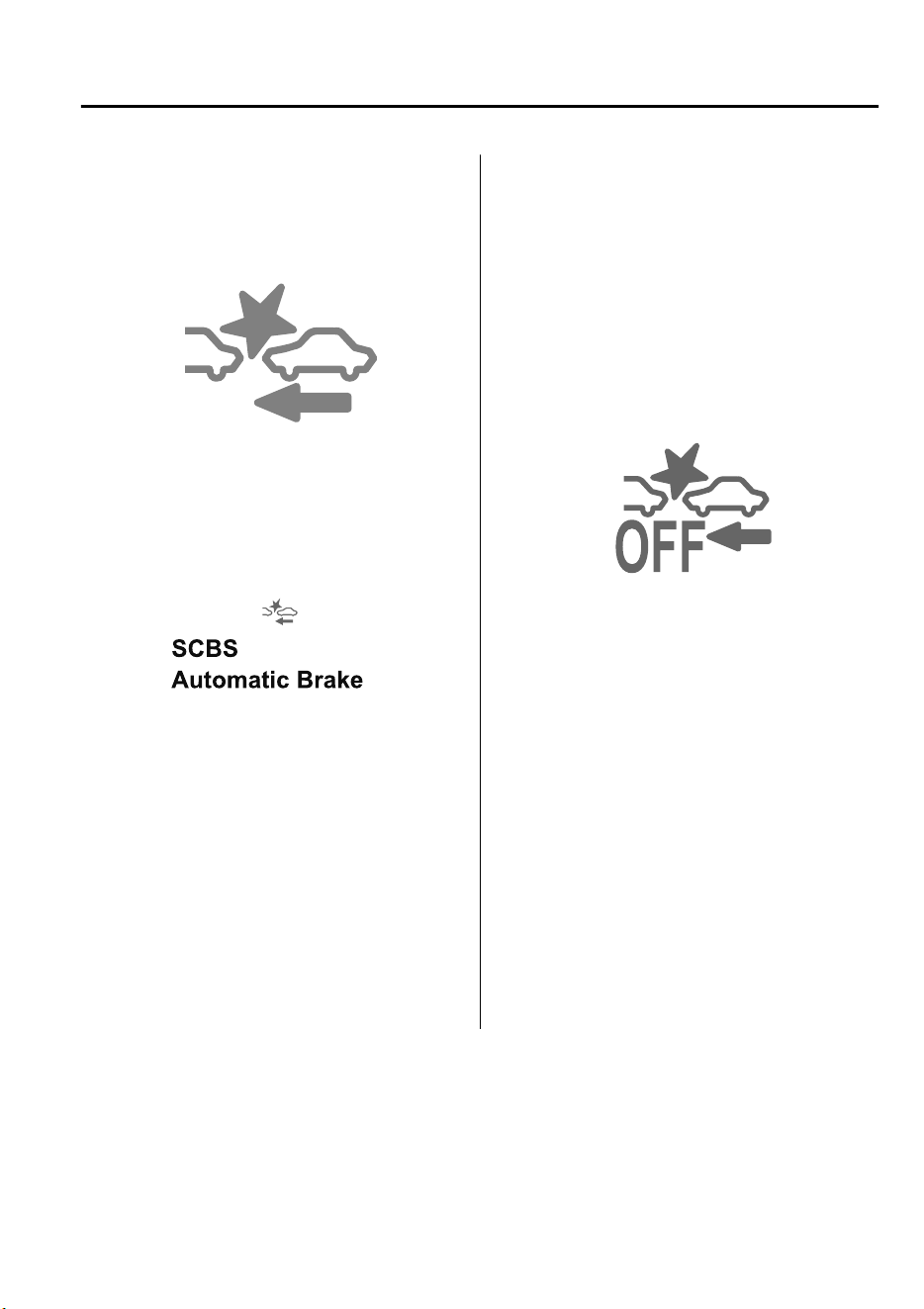
▼
Smart City Brake Support (SCBS)
Indicator Light (Red)
If the Smart City Brake Support (SCBS) is
operating, the indicator light (red) flashes.
▼
Automatic Brake Operation Display
“SCBS Automatic Brake” is indicated in
the multi-information display after the
Smart City Brake Support (SCBS) brakes
is operated.
NOTE
•
The collision warning beep sounds
intermittently while the Smart City
Brake Support (SCBS) brake is
operating.
•
If the vehicle is stopped by the Smart
City Brake Support (SCBS) operation
and the brake pedal is not depressed, the
warning beep sounds one time after
about 2 seconds and the Smart City
Brake Support (SCBS) brake is
automatically released.
▼
Stopping the Smart City Brake
Support [Reverse] (SCBS R) System
Operation
The SCBS R system can be temporarily
deactivated.
Refer to Personalization Features on page
9-10.
When the SCBS R system is turned off,
the Smart City Brake Support (SCBS)
OFF indicator light turns on.
When the engine is restarted, the system
becomes operational.
When Driving
i-ACTIVSENSE
4-155
CX-9_8GC7-EE-17G_Edition1 2017-5-16 8:22:04
Smart Brake Support (SBS)
*
The SBS system alerts the driver of a possible collision using a display and warning sound
if the radar sensor (front) and the Forward Sensing Camera (FSC) determine that there is the
possibility of a collision with a vehicle ahead while the vehicle is being driven at about 15
km/h or faster (10 mph or faster). Furthermore, if the radar sensor (front) and the Forward
Sensing Camera (FSC) determines that a collision is unavoidable, the automatic brake
control is performed to reduce damage in the event of a collision.
In addition, when the driver depresses the brake pedal, the brakes are applied firmly and
quickly to assist. (Brake Assist (SBS brake assist))
WARNING
Do not rely completely on the SBS system and always drive carefully:
The SBS is designed to reduce damage in the event of a collision, not avoid an accident. The
ability to detect an obstruction is limited depending on the obstruction, weather conditions,
or
trac
conditions. Therefore, if the accelerator pedal or brake pedal is mistakenly operated
it could result in an accident. Always verify the safety of the surrounding area and depress the
brake pedal or accelerator pedal while keeping a safer distance from vehicles ahead or
on-coming vehicles.
CAUTION
In the following cases, turn the system o to prevent a mis-operation:
The vehicle is being towed or when towing another vehicle.
The vehicle is on a chassis roller.
When driving on rough roads such as in areas of dense grass or
o-road.
NOTE
•
The SBS system operates when all of the following conditions are met:
•
The ignition is switched ON.
•
The SBS system is on.
•
The vehicle speed is about 15 km/h or faster (10 mph or faster).
•
The relative speed between your vehicle and the vehicle ahead is about 15 km/h or
faster (10 mph or faster).
•
The Dynamic Stability Control (DSC) is not operating.
•
The SBS system may not operate under the following conditions:
•
If the vehicle is accelerated rapidly and it comes close to a vehicle ahead.
When Driving
i-ACTIVSENSE
4-156
*Some models.
CX-9_8GC7-EE-17G_Edition1 2017-5-16 8:22:04

•
The vehicle is driven at the same speed as the vehicle ahead.
•
The accelerator pedal is depressed.
•
The brake pedal is depressed.
•
The steering wheel is being operated.
•
The selector lever is being operated.
•
The turn signal is being used.
•
When the vehicle ahead is not equipped with taillights or the taillights are turned off.
•
When warnings and messages, such as a dirty windshield, related to the Forward
Sensing Camera (FSC) are being displayed in the multi-information display.
•
Although the objects which activate the system are four-wheeled vehicles, the radar
sensor (front) could detect the following objects, determine them to be an obstruction, and
operate the SBS system.
•
Objects on the road at the entrance to a curve (including guardrails and snow banks).
•
A vehicle appears in the opposite lane while cornering or rounding a curve.
•
When crossing a narrow bridge.
•
When passing under a low gate or through a tunnel or narrow gate.
•
When entering an underground parking area.
•
Metal objects, bumps, or protruding objects on the road.
•
If you suddenly come close to a vehicle ahead.
•
When driving in areas where there is high grass or forage.
•
Two-wheeled vehicles such as motorbikes or bicycles.
•
Pedestrians or non-metallic objects such as standing trees.
•
When the system operates, the user is notified by the multi-information display.
•
The SBS warning indication (amber) turns on when the system has a malfunction.
Refer to Warning Indication/Warning Lights on page 4-33.
When Driving
i-ACTIVSENSE
4-157
CX-9_8GC7-EE-17G_Edition1 2017-5-16 8:22:04
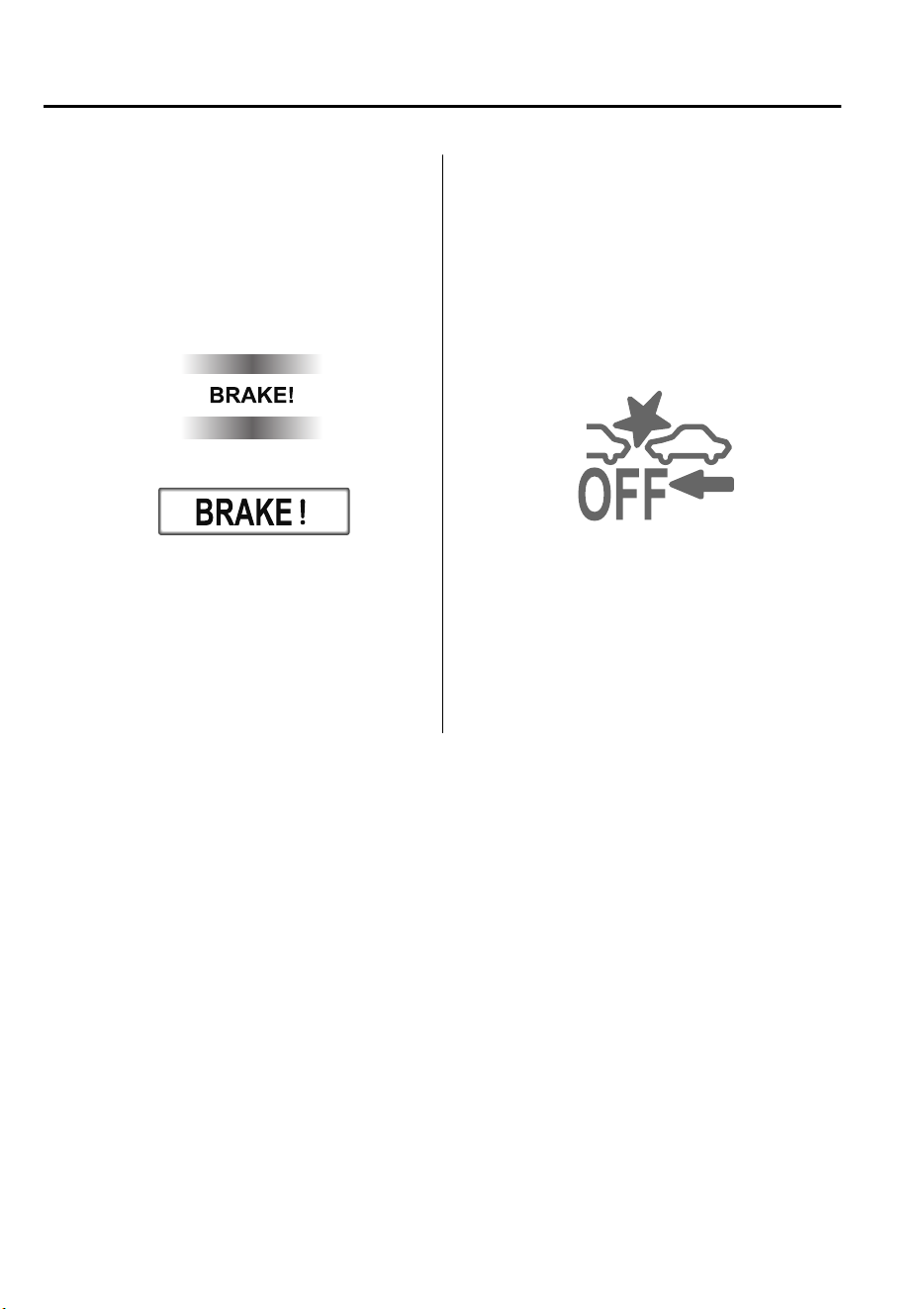
▼
Collision Warning
If there is the possibility of a collision with
a vehicle ahead, the beep sounds
continuously and a warning is indicated in
the display.
Multi-information Display
Active Driving Display
▼
Stopping The Smart Brake Support
(SBS) System Operation
The SBS system can be temporarily
deactivated.
Refer to Personalization Features on page
9-10.
When the SBS system is turned off, the
SBS OFF indicator light turns on.
When the engine is restarted, the system
becomes operational.
NOTE
If the SBS system operation is turned off,
the Smart City Brake Support (SCBS)
system operation is turned off
simultaneously.
When Driving
i-ACTIVSENSE
4-158
CX-9_8GC7-EE-17G_Edition1 2017-5-16 8:22:04
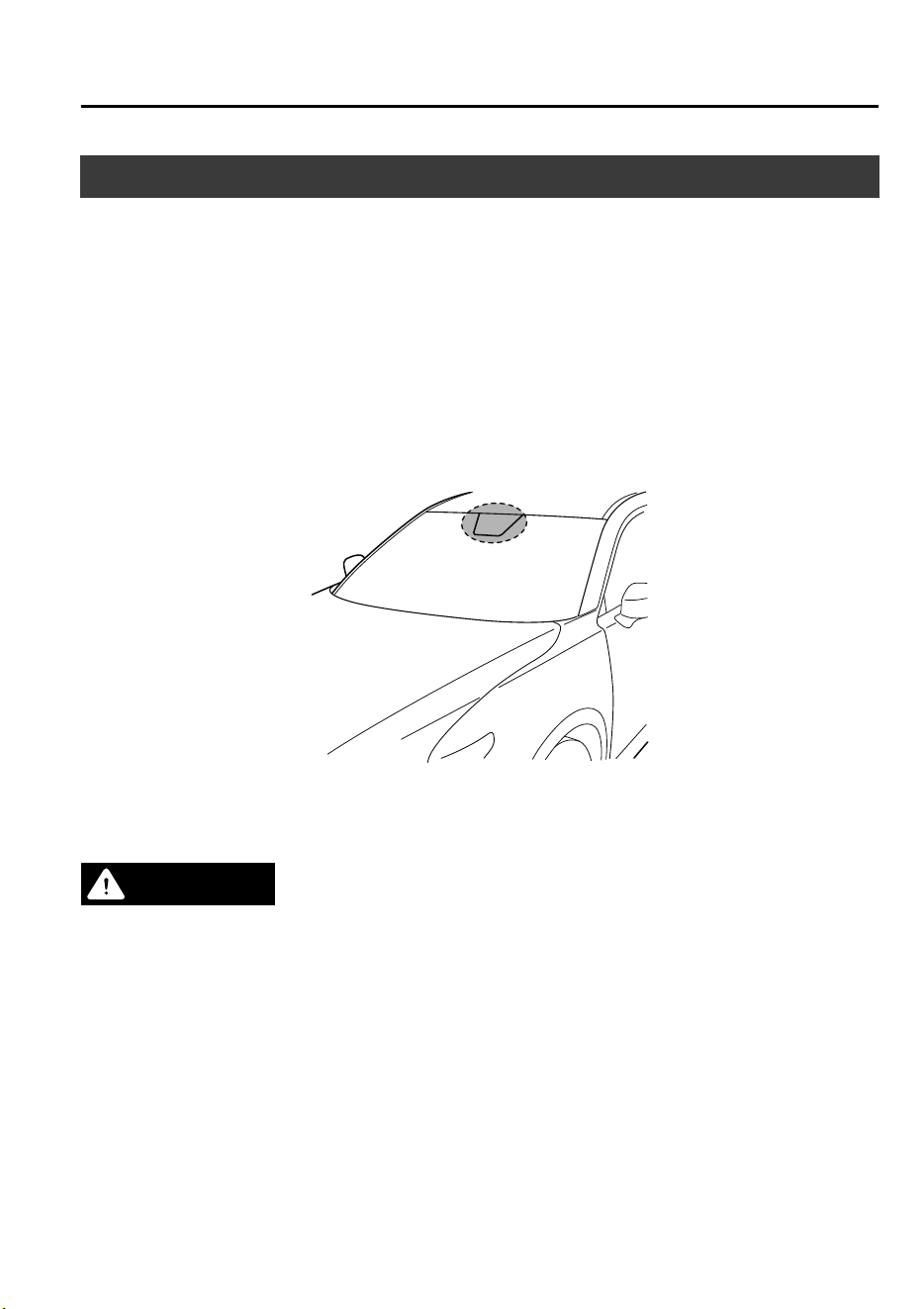
Forward Sensing Camera (FSC)
*
Your vehicle is equipped with a Forward Sensing Camera (FSC). The Forward Sensing
Camera (FSC) is positioned near the rearview mirror and used by the following systems.
•
Adaptive LED Headlights (ALH)
•
Driver Attention Alert (DAA)
•
Lane-keep Assist System (LAS) & Lane Departure Warning System (LDWS)
•
Traffic Sign Recognition System (TSR)
•
Advanced Smart City Brake Support (Advanced SCBS)
•
Smart City Brake Support [Forward] (SCBS F)
•
Mazda Radar Cruise Control with Stop & Go function (MRCC with Stop & Go function)
•
Smart Brake Support (SBS)
The Forward Sensing Camera (FSC) determines the conditions ahead of the vehicle while
traveling at night and detects traffic lanes. The distance in which the Forward Sensing
Camera (FSC) can detect objects varies depending on the surrounding conditions.
WARNING
Do not modify the suspension:
If the vehicle height or inclination is changed, the system will not be able to correctly detect
vehicles ahead. This will result in the system not operating normally or mistakenly operating,
which could cause a serious accident.
When Driving
i-ACTIVSENSE
*Some models.
4-159
CX-9_8GC7-EE-17G_Edition1 2017-5-16 8:22:04
CAUTION
Do not apply accessories, stickers or
lm
to the windshield near the Forward Sensing
Camera (FSC).
If the area in front of the Forward Sensing Camera (FSC) lens is obstructed, it will cause the
system to not operate correctly. Consequently, each system may not operate normally
which could lead to an unexpected accident.
Do not disassemble or modify the Forward Sensing Camera (FSC).
Disassembly or modication of the Forward Sensing Camera (FSC) will cause a malfunction
or mistaken operation. Consequently, each system may not operate normally which could
lead to an unexpected accident.
Heed the following cautions to assure the correct operation of the Forward Sensing Camera
(FSC).
Be careful not to scratch the Forward Sensing Camera (FSC) lens or allow it to get dirty.
Do not remove the Forward Sensing Camera (FSC) cover.
Do not place objects on the dashboard which
reect
light.
Always keep the windshield glass around the camera clean by removing dirt or fogging.
Use the windshield defroster to remove fogging on the windshield.
Consult an expert repairer, we recommend an Authorized Mazda Repairer regarding
cleaning the interior side of the windshield around the Forward Sensing Camera (FSC).
Consult an expert repairer, we recommend an Authorized Mazda Repairer before
performing repairs around the Forward Sensing Camera (FSC).
The Forward Sensing Camera (FSC) is installed to the windshield. Consult an expert
repairer, we recommend an Authorized Mazda Repairer for windshield repair and
replacement.
When cleaning the windshield, do not allow glass cleaners or similar cleaning uids to
get on the Forward Sensing Camera (FSC) lens. In addition, do not touch the Forward
Sensing Camera (FSC) lens.
When performing repairs around the rearview mirror, consult an expert repairer, we
recommend an Authorized Mazda Repairer.
Consult an expert repairer, we recommend an Authorized Mazda Repairer regarding
cleaning of the camera lens.
Do not hit or apply strong force to the Forward Sensing Camera (FSC) or the area around
it. If the Forward Sensing Camera (FSC) is severely hit or if there are cracks or damage
caused by
ying
gravel or debris in the area around it, stop using the following systems
and consult an expert repairer, we recommend an Authorized Mazda Repairer.
Adaptive LED Headlights (ALH)
Driver Attention Alert (DAA)
Lane-keep Assist System (LAS) & Lane Departure Warning System (LDWS)
Trac Sign Recognition System (TSR)
When Driving
i-ACTIVSENSE
4-160
CX-9_8GC7-EE-17G_Edition1 2017-5-16 8:22:04

Advanced Smart City Brake Support (Advanced SCBS)
Smart City Brake Support [Forward] (SCBS F)
Mazda Radar Cruise Control with Stop & Go function (MRCC with Stop & Go function)
Smart Brake Support (SBS)
The direction in which the Forward Sensing Camera (FSC) is pointed has been nely
adjusted. Do not change the installation position of the Forward Sensing Camera (FSC) or
remove it. Otherwise, it could result in damage or malfunction.
Always use tires for all wheels that are of the specied size, and the same manufacturer,
brand, and tread pattern. In addition, do not use tires with signicantly dierent wear
patterns on the same vehicle as the system may not operate normally.
The Forward Sensing Camera (FSC) includes a function for detecting a soiled windshield
and informing the driver, however, depending on the conditions, it may not detect plastic
shopping bags, ice or snow on the windshield. In such cases, the system cannot accurately
determine a vehicle ahead and may not be able to operate normally. Always drive carefully
and pay attention to the road ahead.
NOTE
•
In the following cases, the Forward Sensing Camera (FSC) cannot detect target objects
correctly, and each system may be unable to operate normally.
•
The height of the vehicle ahead is low.
•
You drive your vehicle at the same speed as the vehicle ahead.
•
Headlights are not turned on during the night or when going through a tunnel.
•
In the following cases, the Forward Sensing Camera (FSC) may not be able to detect
target objects correctly.
•
Under bad weather condition, such as rain, fog and snow.
•
The window washer is being used or the windshield wipers are not used when it's
raining.
•
Ice, fog, snow, frost, rainfall, dirt, or foreign matter such as a plastic bag is stuck on the
windshield.
•
Trucks with low loading platforms and vehicles with an extremely low or high profile.
•
When driving next to walls with no patterning (including fences and longitudinally
striped walls).
•
The taillights of the vehicle ahead are turned off.
•
A vehicle is outside the illumination range of the headlights.
•
The vehicle is making a sharp turn, or ascending or descending a steep slope.
•
Entering or exiting a tunnel.
•
Heavy luggage is loaded causing the vehicle to tilt.
•
Strong light is shone at the front of the vehicle (back light or high-beam light from
on-coming vehicles).
•
There are many light emitters on the vehicle ahead.
When Driving
i-ACTIVSENSE
4-161
CX-9_8GC7-EE-17G_Edition1 2017-5-16 8:22:04

•
When the vehicle ahead is not equipped with taillights or the taillights are turned off at
nighttime.
•
Elongated luggage or cargo is loaded onto installed roof rails and covers the Forward
Sensing Camera (FSC).
•
Exhaust gas from the vehicle in front, sand, snow, and water vapor rising from
manholes and grating, and water splashed into the air.
•
When towing a malfunctioning vehicle.
•
The vehicle is driven with tires having significantly different wear.
•
The vehicle is driven on down slopes or bumpy roads.
•
There are water puddles on the road.
•
The surroundings are dark such as during the night, early evening, or early morning, or
in a tunnel or indoor parking lot.
•
The illumination brightness of the headlights is reduced or the headlight illumination is
weakened due to dirt or a deviated optical axis.
•
The target object enters the blind spot of the Forward Sensing Camera (FSC).
•
A person or object bursts onto the road from the shoulder or cuts right in front of you.
•
You change lanes and approach a vehicle ahead.
•
When driving extremely close to the target object.
•
Tire chains or a temporary spare tire is installed.
•
The vehicle ahead has a special shape. For example, a vehicle towing a trailer house or
a boat, or a vehicle carrier carrying a vehicle with its front pointed rearward.
•
If the Forward Sensing Camera (FSC) cannot operate normally due to backlight or fog,
the system functions related to the Forward Sensing Camera (FSC) are temporarily
stopped and the following warning lights turn on. However, this does not indicate a
malfunction.
•
Adaptive LED Headlights (ALH) warning light (amber)
•
Lane-keep Assist System (LAS) & Lane Departure Warning System (LDWS) warning
indication
•
Mazda Radar Cruise Control with Stop & Go function (MRCC with Stop & Go
function) warning indication
•
Smart Brake Support/Smart City Brake Support (SBS/SCBS) warning indication/
warning light (amber)
•
If the Forward Sensing Camera (FSC) cannot operate normally due to high temperatures,
the system functions related to the Forward Sensing Camera (FSC) are temporarily
stopped and the following warning lights turn on. However, this does not indicate a
malfunction. Cool down the area around the Forward Sensing Camera (FSC) such as by
turning on the air conditioner.
•
Adaptive LED Headlights (ALH) warning light (amber)
When Driving
i-ACTIVSENSE
4-162
CX-9_8GC7-EE-17G_Edition1 2017-5-16 8:22:04

•
Lane-keep Assist System (LAS) & Lane Departure Warning System (LDWS) warning
indication
•
Mazda Radar Cruise Control with Stop & Go function (MRCC with Stop & Go
function) warning indication
•
Smart Brake Support/Smart City Brake Support (SBS/SCBS) warning indication/
warning light (amber)
•
If the Forward Sensing Camera (FSC) detects that the windshield is dirty or foggy, the
system functions related to the Forward Sensing Camera (FSC) are temporarily stopped
and the following warning lights turn on. However, this does not indicate a problem.
Remove the dirt from the windshield or press the defroster switch and defog the
windshield.
•
Adaptive LED Headlights (ALH) warning light (amber)
•
Lane-keep Assist System (LAS) & Lane Departure Warning System (LDWS) warning
indication
•
Mazda Radar Cruise Control with Stop & Go function (MRCC with Stop & Go
function) warning indication
•
Smart Brake Support/Smart City Brake Support (SBS/SCBS) warning indication/
warning light (amber)
•
If there are recognizable cracks or damage caused by flying gravel or debris on the
windshield, always have the windshield replaced. Consult an Authorized Mazda Repairer
for replacement.
•
(With Advanced Smart City Brake Support (Advanced SCBS))
•
The Forward Sensing Camera (FSC) recognizes pedestrians when all of the following
conditions are met:
•
The height of a pedestrian is about 1 to 2 meters.
•
An outline such as the head, both shoulders, or the legs can be determined.
•
In the following cases, the Forward Sensing Camera (FSC) may not be able to detect
target objects correctly:
•
Multiple pedestrians are walking, or there are groups of people.
•
A pedestrian is close to a separate object.
•
A pedestrian is crouching, lying, or slouching.
•
A pedestrian suddenly jumps into the road right in front of the vehicle.
•
A pedestrian opens an umbrella, or is carrying large baggage or articles.
•
A pedestrian is in a dark location such as during the night, or blends into the
background by wearing clothes matching the background color.
When Driving
i-ACTIVSENSE
4-163
CX-9_8GC7-EE-17G_Edition1 2017-5-16 8:22:04
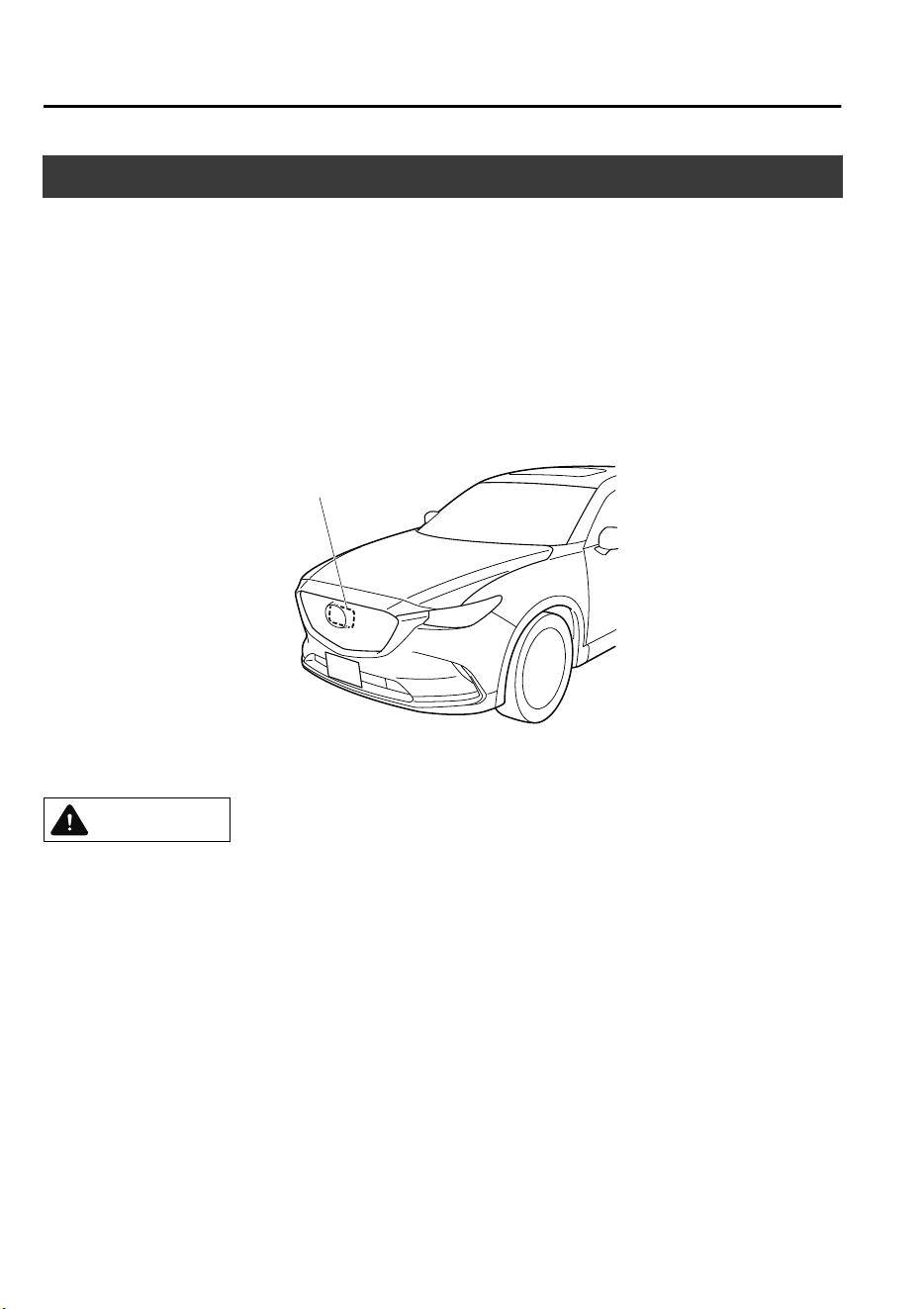
Radar Sensor (Front)
*
Your vehicle is equipped with a radar sensor (front).
The following systems also use the radar sensor (front).
•
Mazda Radar Cruise Control (MRCC)
•
Mazda Radar Cruise Control with Stop & Go function (MRCC with Stop & Go function)
•
Distance Recognition Support System (DRSS)
•
Smart Brake Support (SBS)
The radar sensor (front) functions by detecting the radio waves reflected off a vehicle ahead
or an obstruction sent from the radar sensor.
The radar sensor (front) is mounted behind the front emblem.
Radar sensor (front)
If “Front radar blocked” is displayed in the multi-information display of the instrument
cluster, clean the area around the radar sensor (front).
CAUTION
Heed the following precautions to assure correct operation of each system.
Do not adhere stickers (including transparent stickers) to the surface of the radiator grille
and front emblem in and around the radar sensor (front), and do not replace the radiator
grille and front emblem with any product that is not a genuine product designed for use
with the radar sensor (front).
The radar sensor (front) includes a function for detecting soiling of the radar sensor's front
surface and informing the driver, however, depending on the conditions, it may require
time to detect or it may not detect plastic shopping bags, ice or snow. If this occurs, the
system may not operate correctly, therefore always keep the radar sensor (front) clean.
Do not install a grille guard.
If the front part of the vehicle has been damaged in a vehicle accident, the position of the
radar sensor (front) may have moved. Stop the system immediately and always have the
vehicle inspected at an Authorized Mazda Repairer.
When Driving
i-ACTIVSENSE
4-164
*Some models.
CX-9_8GC7-EE-17G_Edition1 2017-5-16 8:22:04

Do not use the front bumper to push other vehicles or obstructions such as when pulling
out of a parking space. Otherwise, the radar sensor (front) could be hit and its position
deviated.
Do not remove, disassemble, or modify the radar sensor (front).
For repairs, replacement or paint work around the radar sensor (front), consult an
Authorized Mazda Repairer.
Do not modify the suspension. If the suspension are modied, the vehicle's posture could
change and the radar sensor (front) may not be able to correctly detect a vehicle ahead or
an obstruction.
NOTE
•
Under the following conditions, the
radar sensor (front) may not be able to
detect vehicles ahead or obstructions
correctly and each system may not
operate normally.
•
The rear surface of a vehicle ahead
does not reflect radio waves
effectively, such as an unloaded
trailer or an automobile with a
loading platform covered by a soft
top, vehicles with a hard plastic
tailgate, and round-shaped vehicles.
•
Vehicles ahead with low vehicle
height and thus less area for
reflecting radio waves.
•
Visibility is reduced due to a vehicle
ahead casting off water, snow, or
sand from its tires and onto your
windshield.
•
The luggage compartment is loaded
with heavy objects or the rear
passenger seats are occupied.
•
Ice, snow, or soiling is on the front
surface of the front emblem.
•
During inclement weather such as
rain, snow, or sand storms.
•
When driving near facilities or
objects emitting strong radio waves.
•
Under the following conditions, the
radar sensor (front) may not be able to
detect vehicles ahead or obstructions.
•
The beginning and end of a curve.
•
Roads with continuous curves.
•
Narrow lane roads due to road
construction or lane closures.
•
The vehicle ahead enters the radar
sensor's blind spot.
•
The vehicle ahead is running
abnormally due to accident or
vehicle damage.
•
Roads with repeated up and down
slopes
•
Driving on poor roads or unpaved
roads.
•
The distance between your vehicle
and the vehicle ahead is extremely
short.
•
A vehicle suddenly comes close such
as by cutting into the lane.
•
To prevent incorrect operation of the
system, use tires of the same specified
size, manufacturer, brand, and tread
pattern on all four wheels. In addition,
do not use tires with significantly
different wear patterns or tire pressures
on the same vehicle (Including the
temporary spare tire).
•
If the battery power is weak, the system
may not operate correctly.
When Driving
i-ACTIVSENSE
4-165
CX-9_8GC7-EE-17G_Edition1 2017-5-16 8:22:04

•
When driving on roads with little traffic
and few vehicles ahead or obstructions
for the radar sensor (front) to detect,
“Front radar blocked” may be
temporarily displayed, however, this
does not indicate a problem.
When Driving
i-ACTIVSENSE
4-166
CX-9_8GC7-EE-17G_Edition1 2017-5-16 8:22:04
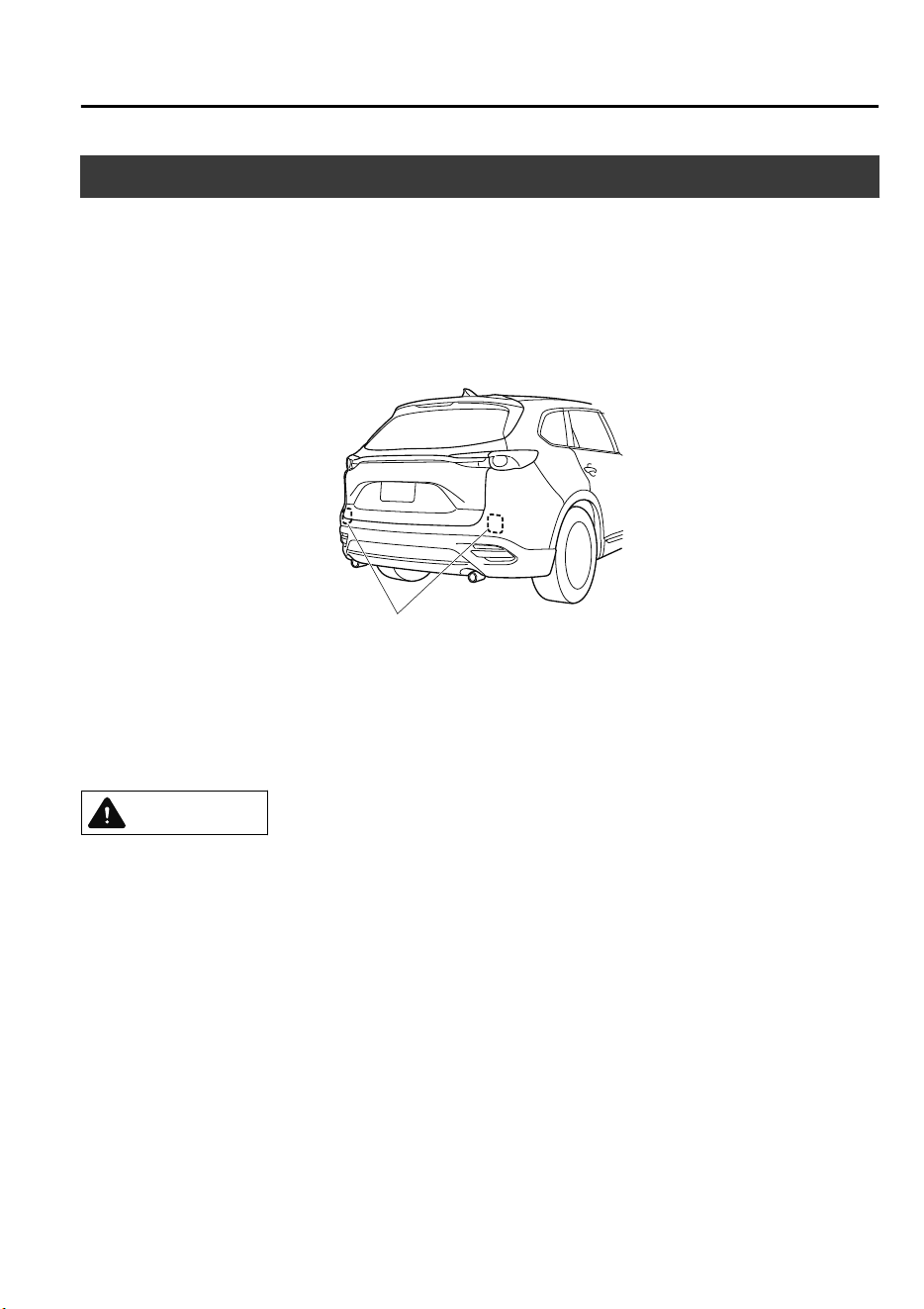
Radar Sensors (Rear)
*
Your vehicle is equipped with radar sensors (rear). The following systems also use the radar
sensors (rear).
•
Blind Spot Monitoring (BSM)
•
Rear Cross Traffic Alert (RCTA)
The radar sensors (rear) function by detecting the radio waves reflected off a vehicle
approaching from the rear or an obstruction sent from the radar sensor.
Radar sensors (rear)
The radar sensors (rear) are installed inside the rear bumper, one each on the left and right
sides.
Always keep the surface of the rear bumper near the radar sensors (rear) clean so that the
radar sensors (rear) operate normally. Also, do not apply items such as stickers.
Refer to Exterior Care on page 6-55.
CAUTION
If the rear bumper receives a severe impact, the system may no longer operate normally. Stop
the system immediately and have the vehicle inspected at an expert repairer, we recommend
an Authorized Mazda Repairer.
When Driving
i-ACTIVSENSE
*Some models.
4-167
CX-9_8GC7-EE-17G_Edition1 2017-5-16 8:22:04

NOTE
•
The detection ability of the radar sensors (rear) has limitations. In the following cases,
the detection ability may lower and the system may not operate normally.
•
The rear bumper near the radar sensors (rear) has become deformed.
•
Snow, ice or mud adheres to the radar sensors (rear) on the rear bumper.
•
Under bad weather conditions such as rain, snow and fog.
•
Under the following conditions, the radar sensors (rear) cannot detect target objects or it
may be difficult to detect them.
•
Stationary objects on a road or a road side such as small, two-wheeled vehicles,
bicycles, pedestrians, animals, and shopping carts.
•
Vehicle shapes which do not reflect radar waves well such as empty trailers with a low
vehicle height and sports cars.
•
Vehicles are shipped with the direction of the radar sensors (rear) adjusted for each
vehicle to a loaded vehicle condition so that the radar sensors (rear) detect approaching
vehicles correctly. If the direction of the radar sensors (rear) has deviated for some
reason, have the vehicle inspected at an expert repairer, we recommend an Authorized
Mazda Repairer.
•
For repairs or replacement of the radar sensors (rear), or bumper repairs, paintwork, and
replacement near the radar sensors, consult an expert repairer, we recommend an
Authorized Mazda Repairer.
•
Turn off the system while pulling a trailer or while an accessory such as a bicycle carrier
is installed to the rear of the vehicle. Otherwise, the radio waves emitted by the radar will
be blocked causing the system to not operate normally.
•
The radar sensors are regulated by the relevant radio wave laws of the country in which
the vehicle is driven. If the vehicle is driven abroad, authorization from the country in
which the vehicle is driven may be required.
When Driving
i-ACTIVSENSE
4-168
CX-9_8GC7-EE-17G_Edition1 2017-5-16 8:22:04
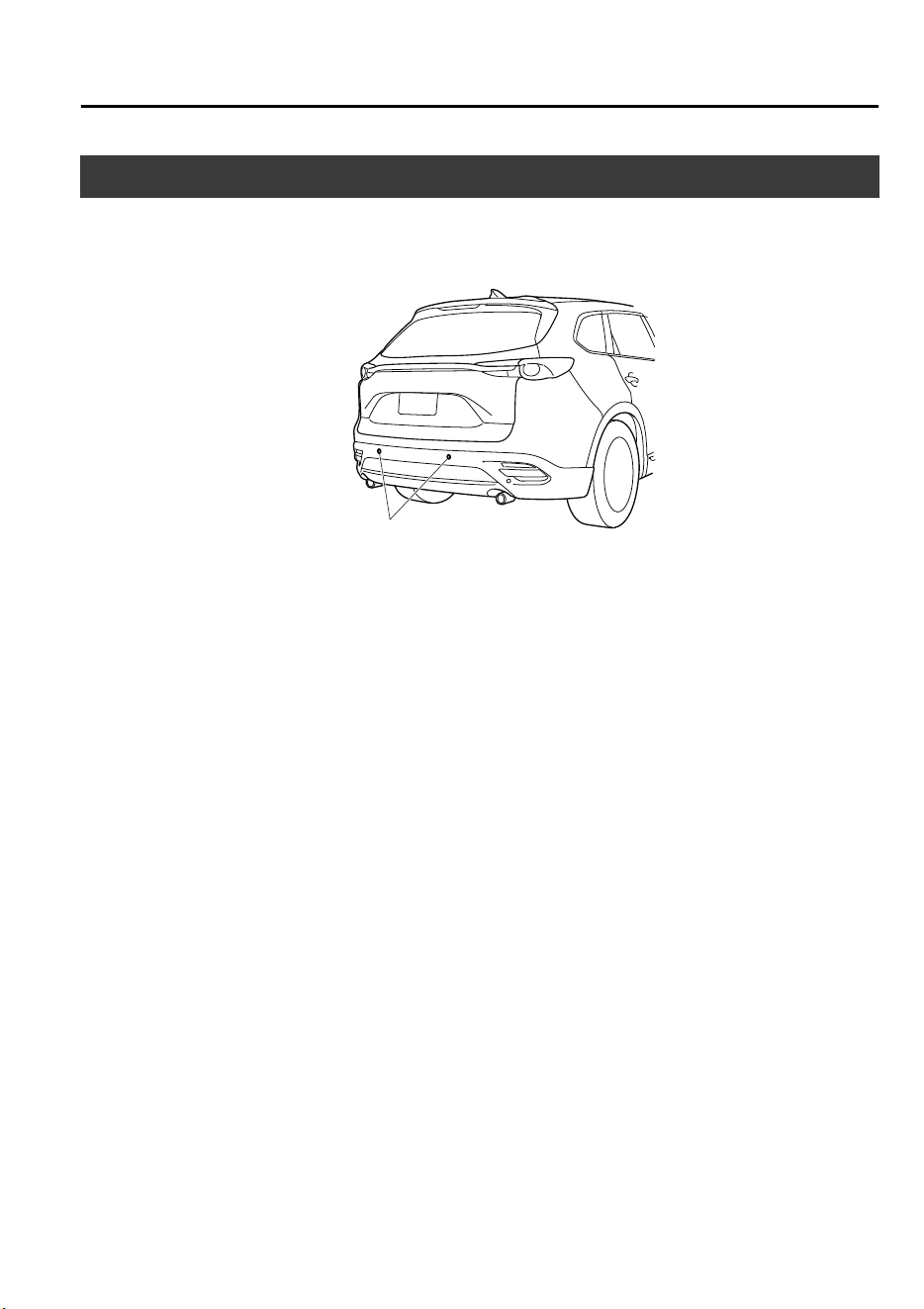
Ultrasonic Sensor (Rear)
*
The ultrasonic sensors (rear) function by emitting ultrasonic waves which are reflected off
obstructions at the rear and the returning ultrasonic waves are picked up by the ultrasonic
sensors (rear).
Ultrasonic sensor (rear)
The ultrasonic sensors (rear) are mounted in the rear bumper.
When Driving
i-ACTIVSENSE
*Some models.
4-169
CX-9_8GC7-EE-17G_Edition1 2017-5-16 8:22:04
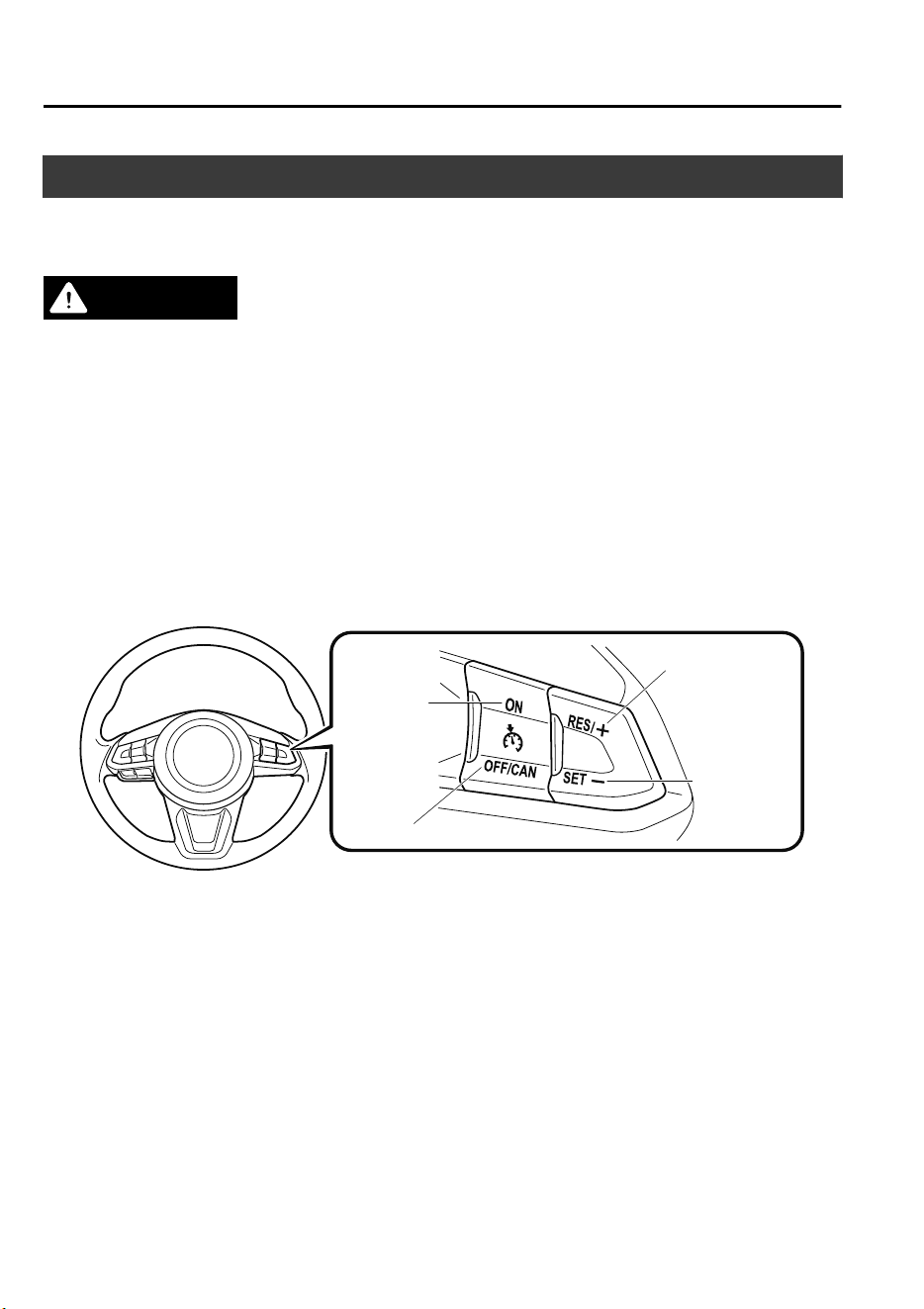
Cruise Control
*
With cruise control, you can set and automatically maintain any speed of more than about
25 km/h (16 mph).
WARNING
Do not use the cruise control under the following conditions:
Using the cruise control under the following conditions is dangerous and could result in loss
of vehicle control.
Hilly terrain
Steep inclines
Heavy or unsteady
trac
Slippery or winding roads
Similar restrictions that require inconsistent speed
▼
Cruise Control Switch
ON switch
RES/+ switch
SET- switch
OFF/CAN switch
NOTE
If your Mazda has the following steering switch, your Mazda is equipped the Mazda Radar
Cruise Control (MRCC) system or the Mazda Radar Cruise Control with Stop & Go
function (MRCC with Stop & Go function) system.
Refer to Mazda Radar Cruise Control (MRCC) on page 4-111.
When Driving
Cruise Control
4-170
*Some models.
CX-9_8GC7-EE-17G_Edition1 2017-5-16 8:22:04
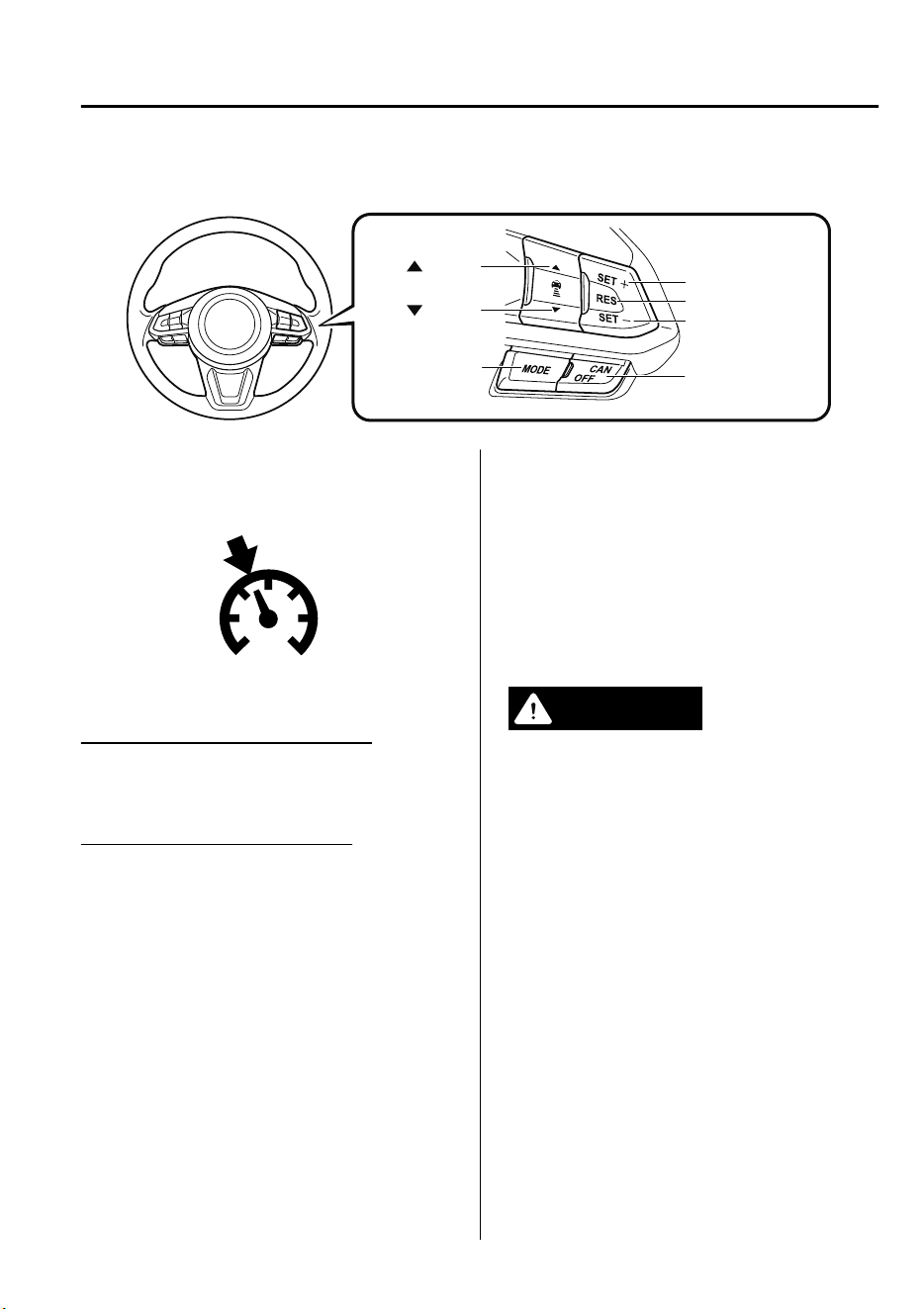
Refer to Mazda Radar Cruise Control with Stop & Go function (MRCC with Stop & Go
function) on page 4-121.
OFF/CAN switch
RES switch
switch
switch
MODE switch
SET- switch
SET+ switch
▼
Cruise Main Indication (White)/
Cruise Set Indication (Green)
The indication has two colors.
Cruise Main Indication (White)
The indication turns on (white) when the
cruise control system is activated.
Cruise Set Indication (Green)
The indication turns on (green) when a
cruising speed has been set.
▼
Activation/Deactivation
To activate the system, press the ON
switch. The cruise main indication (white)
is displayed.
To deactivate the system, press the
OFF/CAN switch.
The cruise main indication (white) turns
off.
WARNING
Always turn o the cruise control system
when it is not in use:
Leaving the cruise control system in an
activation-ready state while the cruise
control is not in use is dangerous as the
cruise control could unexpectedly activate
if the activation button is accidentally
pressed, and result in loss of vehicle control
and an accident.
NOTE
When the ignition is switched OFF, the
system status before it was turned off is
maintained. For example, if the ignition is
switched OFF with the cruise control
system operable, the system will be
operable when the ignition is switched ON
the next time.
When Driving
Cruise Control
4-171
CX-9_8GC7-EE-17G_Edition1 2017-5-16 8:22:04
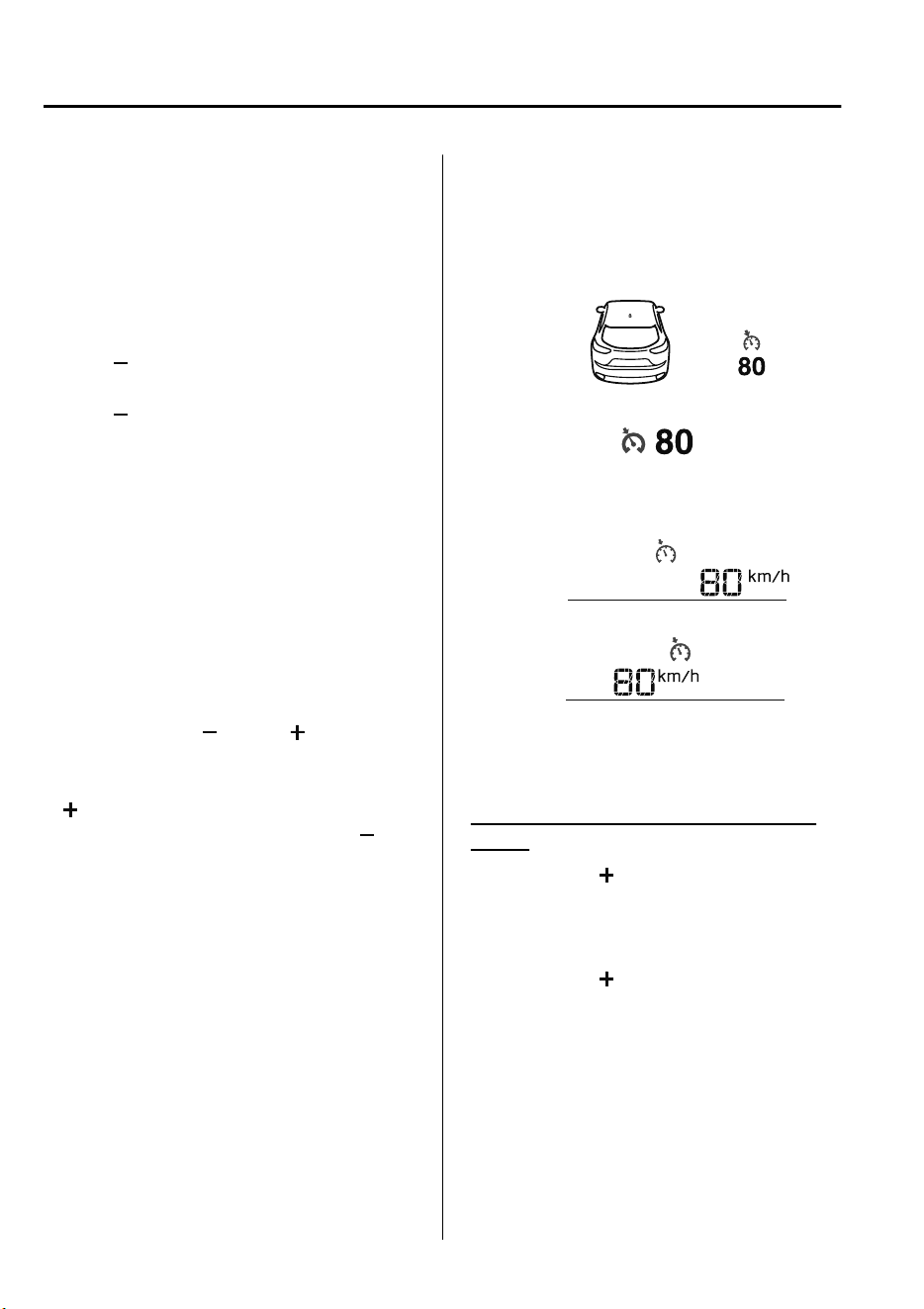
▼
To Set Speed
1. Activate the cruise control system by
pressing the ON switch. The cruise
main indication (white) is displayed.
2. Accelerate to the desired speed, which
must be more than 25 km/h (16 mph).
3. Set the cruise control by pressing the
SET
switch at the desired speed. The
cruise control is set at the moment the
SET
switch is pressed. Release the
accelerator pedal simultaneously. The
cruise set indication (green) is
displayed.
NOTE
•
The cruise control speed setting cannot
be performed under the following
conditions:
•
The selector lever is in the P or N
position.
•
The parking brake is applied.
•
Release the SET or RES/ switch at
the desired speed, otherwise the speed
will continue increasing while the RES/
switch is pressed and held, and
continue decreasing while the SET
switch is pressed and held (except when
the accelerator pedal is depressed).
•
On a steep grade, the vehicle may
momentarily slow down while
ascending, or speed up while
descending.
•
The cruise control will cancel if the
vehicle speed decreases below 21 km/h
(13 mph) when climbing a steep grade.
•
The cruise control may cancel at about
15 km/h (9 mph) below the preset speed
such as when climbing a long, steep
grade.
The vehicle speed preset using the cruise
control is displayed in the instrument
cluster.
Type A Instrument Cluster
Type B Instrument Cluster
European model
Except European model
Multi-information Display
Active Driving Display
▼
To Increase Cruising Speed
Follow either of these procedures.
To increase speed using cruise control
switch
Press the RES/ switch and hold it. Your
vehicle will accelerate. Release the switch
at the desired speed.
Press the RES/
switch and release it
immediately to adjust the preset speed.
Multiple operations will increase the
preset speed according to the number of
times it is operated.
When Driving
Cruise Control
4-172
CX-9_8GC7-EE-17G_Edition1 2017-5-16 8:22:04
Increasing speed with a single RES/
switch operation
Instrument cluster display for vehicle
speed indicated in km/h: 1 km/h (0.6 mph)
Instrument cluster display for vehicle
speed indicated in mph: 1 mph (1.6 km/h)
To increase speed using accelerator
pedal
Depress the accelerator pedal to accelerate
to the desired speed. Press the SET
switch and release it immediately.
NOTE
Accelerate if you want to speed up
temporarily when the cruise control is on.
Greater speed will not interfere with or
change the set speed. Take your foot off
the accelerator to return to the set speed.
▼
To Decrease Cruising Speed
Press the SET switch and hold it. The
vehicle will gradually slow.
Release the switch at the desired speed.
Press the SET
switch and release it
immediately to adjust the preset speed.
Multiple operations will decrease the
preset speed according to the number of
times it is operated.
Decreasing speed with a single SET
switch operation
Instrument cluster display for vehicle
speed indicated in km/h: 1 km/h (0.6 mph)
Instrument cluster display for vehicle
speed indicated in mph: 1 mph (1.6 km/h)
▼
To Resume Cruising Speed at More
Than 25 km/h (16 mph)
If the cruise control system temporarily
canceled (such as applying the brake
pedal) and the system is still activated, the
most recent set speed will automatically
resume when the RES/
switch is pressed.
If vehicle speed is below 25 km/h (16
mph), increase the vehicle speed up to 25
km/h (16 mph) or more and press the RES/
switch.
▼
To Temporarily Cancel
To temporarily cancel the system, use one
of these methods:
•
Slightly depress the brake pedal.
•
Press the OFF/CAN switch.
If the RES/
switch is pressed when the
vehicle speed is 25 km/h (16 mph) or
higher, the system reverts to the previously
set speed.
NOTE
•
If any of the following conditions occur,
the cruise control system is temporarily
canceled.
•
The parking brake is applied.
•
The selector lever is in the P or N
position.
•
When the cruise control system is
temporarily canceled by even one of the
applicable cancel conditions, the speed
cannot be re-set.
When Driving
Cruise Control
4-173
CX-9_8GC7-EE-17G_Edition1 2017-5-16 8:22:04
•
The cruise control cannot be cancelled
while driving in manual mode (selector
lever shifted from D to M position).
Therefore, engine braking will not be
applied even if the transaxle is shifted
down to a lower gear. If deceleration is
required, lower the set speed or depress
the brake pedal.
▼
To Deactivate
When a cruising speed has been set
(cruise set indication (green) turns on)
Long-press the OFF/CAN switch or press
the OFF/CAN switch 2 times.
When a cruising speed has not been set
(cruise main indication (white) turns
on)
Press the OFF/CAN switch.
When Driving
Cruise Control
4-174
CX-9_8GC7-EE-17G_Edition1 2017-5-16 8:22:04
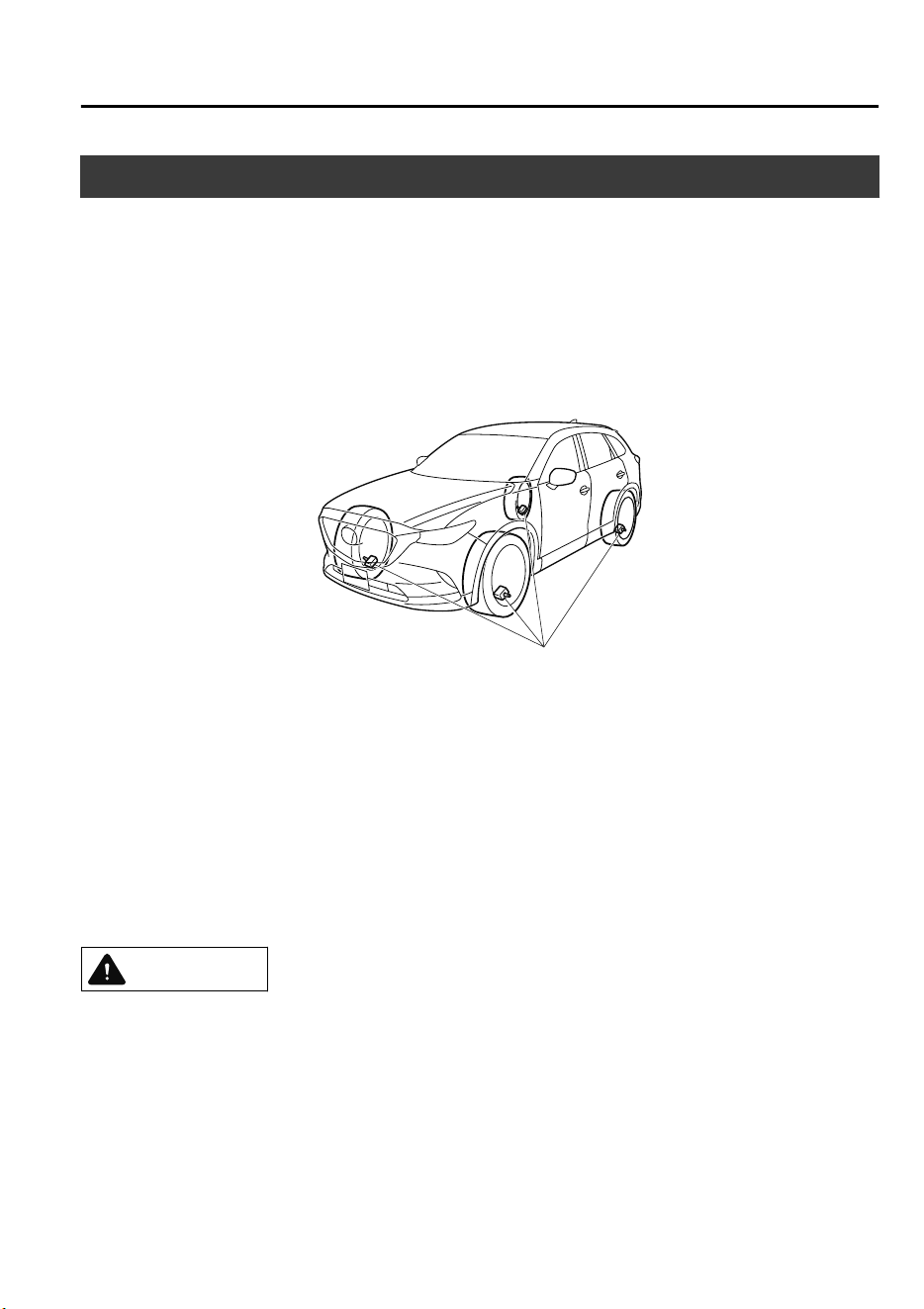
Tire Pressure Monitoring System
*
The Tire Pressure Monitoring System (TPMS) monitors the pressure for each tire.
If tire pressure is too low in one or more tires, the system will inform the driver via the
warning light in the instrument cluster and by the warning beep sound.
Refer to Warning Indication/Warning Lights on page 4-33.
Refer to Tire Inflation Pressure Warning Beep on page 7-58.
The tire pressure sensors installed on each wheel send tire pressure data by radio signal to
the receiver unit in the vehicle.
Tire pressure sensors
NOTE
When the ambient temperature is low due to seasonal changes, tire temperatures are also
lower. When the tire temperature decreases, the air pressure decreases as well. The TPMS
warning light may illuminate more frequently. Visually inspect the tires daily before driving,
and check tire pressures monthly with a tire pressure gauge. When checking tire pressures,
use of a digital tire pressure gauge is recommended.
TPMS does not alleviate your need to check the pressure and condition of all four tires
regularly.
CAUTION
Each tire, including the spare (if provided), should be checked monthly when cold and
inated to the ination pressure recommended by the vehicle manufacturer on the vehicle
placard or tire ination pressure label. (If your vehicle has tires of a dierent size than the
size indicated on the vehicle placard or tire ination pressure label, you should determine
the proper tire ination pressure for those tires.)
When Driving
Tire Pressure Monitoring System
*Some models.
4-175
CX-9_8GC7-EE-17G_Edition1 2017-5-16 8:22:04

As an added safety feature, your vehicle has been equipped with a tire pressure monitoring
system (TPMS) that illuminates a low tire pressure telltale when one or more of your tires is
signicantly under-inated. Accordingly, when the low tire pressure telltale illuminates, you
should stop and check your tires as soon as possible, and inate them to the proper
pressure. Driving on a signicantly under-inated tire causes the tire to overheat and can
lead to tire failure. Under-ination also reduces fuel eciency and tire tread life, and may
aect the vehicle's handling and stopping ability.
Please note that the TPMS is not a substitute for proper tire maintenance, and it is the
driver's responsibility to maintain correct tire pressure, even if under-ination has not
reached the level to trigger illumination of the TPMS low tire pressure telltale.
Your vehicle has also been equipped with a TPMS malfunction indicator to indicate when
the system is not operating properly.
The TPMS malfunction indicator is combined with the low tire pressure telltale. When the
system detects a malfunction, the telltale will ash for approximately one minute and then
remain continuously illuminated. This sequence will continue upon subsequent vehicle
start-ups as long as the malfunction exists. When the malfunction indicator is illuminated,
the system may not be able to detect or signal low tire pressure as intended. TPMS
malfunctions may occur for a variety of reasons, including the installation of replacement
or alternate tires or wheels on the vehicle that prevent the TPMS from functioning properly.
Always check the TPMS malfunction telltale after replacing one or more tires or wheels on
your vehicle to ensure that the replacement or alternate tires and wheels allow the TPMS to
continue to function properly.
To avoid false readings, the system samples for a little while before indicating a problem. As
a result it will not instantaneously register a rapid tire deation or blow out.
▼
System Error Activation
When the warning light flashes, there may
be a system malfunction. Consult an
Authorized Mazda Dealer.
A system error activation may occur in the
following cases:
•
When there is equipment or a device
near the vehicle using the same radio
frequency as that of the tire pressure
sensors.
•
When a metallic device such as a
non-genuine navigation system is
equipped near the center of the
dashboard, which may block radio
signals from the tire pressure sensor to
the receiver unit.
•
When using the following devices in the
vehicle that may cause radio
interference with the receiver unit.
•
A digital device such as a personal
computer.
•
A current converter device such as a
DC-AC converter.
•
When excess snow or ice adheres to the
vehicle, especially around the wheels.
•
When the tire pressure sensor batteries
are exhausted.
•
When using a wheel with no tire
pressure sensor installed.
•
When using tires with steel wire
reinforcement in the side walls.
•
When using tire chains.
When Driving
Tire Pressure Monitoring System
4-176
CX-9_8GC7-EE-17G_Edition1 2017-5-16 8:22:04
▼
Tires and Wheels
CAUTION
When inspecting or adjusting the tire air
pressures, do not apply excessive force to
the stem part of the wheel unit. The stem
part could be damaged.
Changing tires and wheels
The following procedure allows the TPMS
to recognize a tire pressure sensor's unique
ID signal code whenever tires or wheels
are changed, such as changing to and from
winter tires.
NOTE
Each tire pressure sensor has a unique ID
signal code. The signal code must be
registered with the TPMS before it can
work. The easiest way to do it is to have
an Authorized Mazda Dealer change your
tire and complete ID signal code
registration.
When having tires changed at an
Authorized Mazda Dealer
When an Authorized Mazda Dealer
changes your vehicle's tires, they will
complete the tire pressure sensor ID signal
code registration.
When changing tires yourself
If you or someone else changes tires, you
or someone else can also undertake the
steps for the TPMS to complete the ID
signal code registration.
1. After tires have been changed, switch
the ignition ON, then back to ACC or
OFF.
2. Wait for about 15 minutes.
3. After about 15 minutes, drive the
vehicle at a speed of at least 25 km/h
(16 mph) for 10 minutes and the tire
pressure sensor ID signal code will be
registered automatically.
NOTE
If the vehicle is driven within about 15
minutes of changing tires, the tire pressure
monitoring system warning light will flash
because the sensor ID signal code would
not have been registered. If this happens,
park the vehicle for about 15 minutes,
after which the sensor ID signal code will
register upon driving the vehicle for 10
minutes.
Replacing tires and wheels
CAUTION
When replacing/repairing the tires or
wheels or both, have the work done by
an Authorized Mazda Dealer, or the tire
pressure sensors may be damaged.
The wheels equipped on your Mazda are
specially designed for installation of the
tire pressure sensors. Do not use
non-genuine wheels, otherwise it may
not be possible to install the tire pressure
sensors.
Be sure to have the tire pressure sensors
installed whenever tires or wheels are
replaced.
When having a tire or wheel or both
replaced, the following types of tire
pressure sensor installations are possible.
•
The tire pressure sensor is removed
from the old wheel and installed to the
new one.
When Driving
Tire Pressure Monitoring System
4-177
CX-9_8GC7-EE-17G_Edition1 2017-5-16 8:22:04

•
The same tire pressure sensor is used
with the same wheel. Only the tire is
replaced.
•
A new tire pressure sensor is installed to
a new wheel.
NOTE
•
The tire pressure sensor ID signal code
must be registered when a new tire
pressure sensor is purchased. For
purchase of a tire pressure sensor and
registration of the tire pressure sensor
ID signal code, consult an Authorized
Mazda Dealer.
•
When reinstalling a previously removed
tire pressure sensor to a wheel, replace
the grommet (seal between valve body/
sensor and wheel) for the tire pressure
sensor.
When Driving
Tire Pressure Monitoring System
4-178
CX-9_8GC7-EE-17G_Edition1 2017-5-16 8:22:04
Rear View Monitor
*
The rear view monitor provides visual images of the rear of the vehicle when reversing.
WARNING
Always drive carefully
conrming
the safety of the rear and the surrounding conditions by
looking directly with your eyes:
Reversing the vehicle by only looking at the screen is dangerous as it may cause an accident
or a collision with an object. The rear view monitor is only a visual assist device when
reversing the vehicle. The images on the screen may be dierent from the actual conditions.
CAUTION
Do not use the rear view monitor under the following conditions: Using the rear view
monitor under the following conditions is dangerous and could result in injury or vehicle
damage or both.
Icy or snow-covered roads.
Tire chains or a temporary spare tire is installed.
The liftgate is not fully closed.
The vehicle is on a road incline.
When the display is cold, images may course across the monitor or the screen and may be
dimmer than usual, which could cause diculty in conrming the surrounding conditions
of the vehicle. Always drive carefully conrming the safety of the rear and the surrounding
conditions by looking directly with your eyes.
Do not apply excessive force to the camera. The camera position and angle may deviate.
Do not disassemble, modify, or remove it as it may no longer be waterproof.
The camera cover is made of plastic. Do not apply degreasing agents, organic solvents,
wax, or glass coating agents to the camera cover. If any are spilled on the cover, wipe o
with a soft cloth immediately.
Do not rub the camera cover forcefully with an abrasive or hard brush. The camera cover or
lens may be scratched which might aect the images.
NOTE
•
If water, snow, or mud is stuck on the camera lens, wipe it off using a soft cloth. If it
cannot be wiped off, use a mild detergent.
•
If the camera temperature changes rapidly (Hot to cold, cold to hot), the rear view
monitor may not operate correctly.
When Driving
Rear View Monitor
*Some models.
4-179
CX-9_8GC7-EE-17G_Edition1 2017-5-16 8:22:04
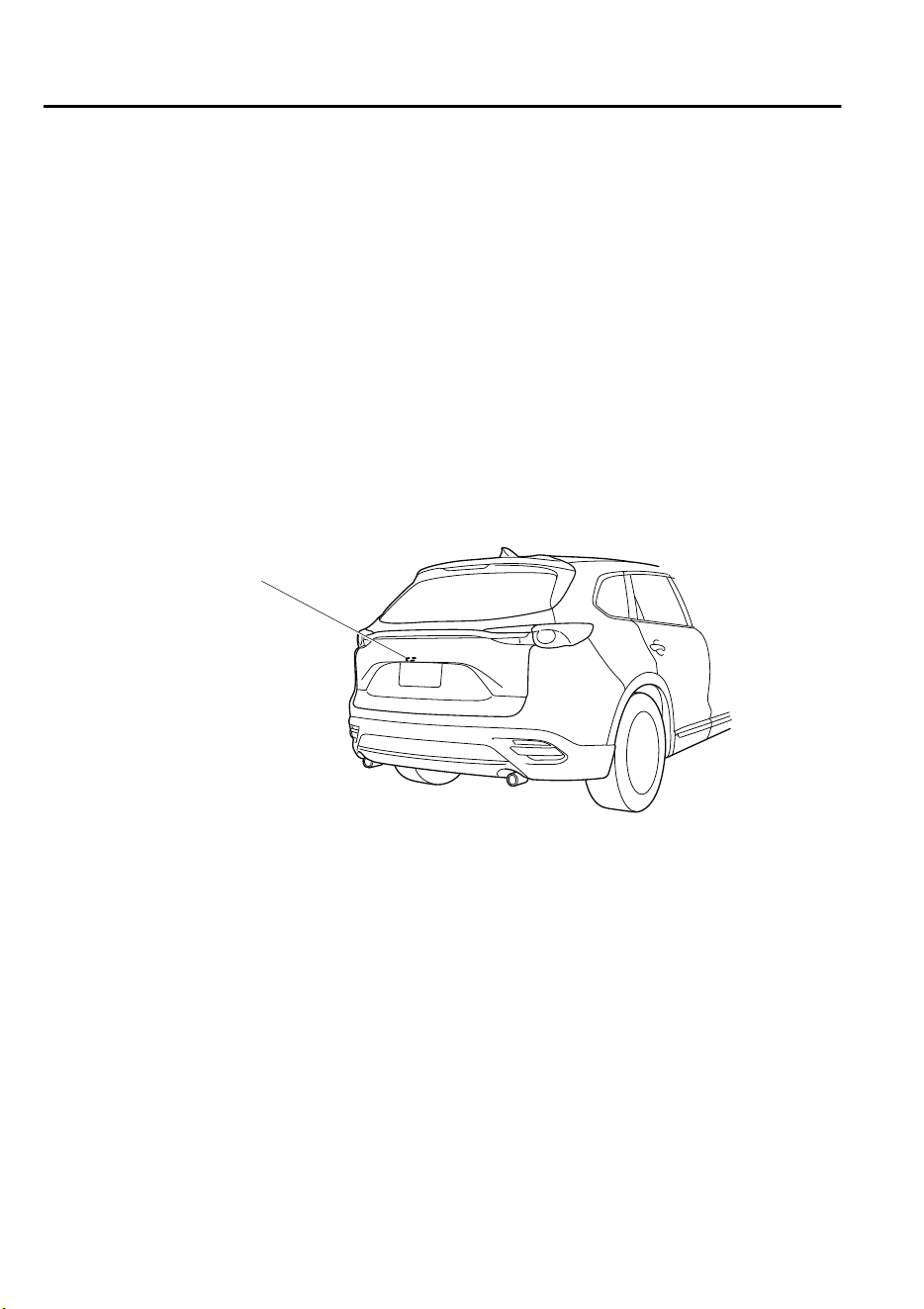
•
When replacing the tires, consult an expert repairer, we recommend an Authorized Mazda
Repairer. Replacing the tires could result in deviation of the guide lines which appear on
the display.
•
If the vehicle's front, side, or rear has been involved in a collision, the alignment of the
rear view parking camera (location, installation angle) may have deviated. Always
consult an expert repairer, we recommend an Authorized Mazda Repairer to have the
vehicle inspected.
•
If “No Video Signal Available” is indicated in the display, there could be a problem with
the camera. Have your vehicle inspected at an expert repairer, we recommend an
Authorized Mazda Repairer.
•
(Predicted vehicle path assist lines display type)
If force is applied to the steering wheel, the guide lines may not display. Loosen your grip
on the steering wheel to allow the guide lines to display.
▼
Rear View Parking Camera Location
Rear view parking camera
▼
Switching to the Rear View Monitor Display
Shift the selector lever to reverse (R) with the ignition switched ON to switch the display to
the rear view monitor display.
NOTE
When the selector lever is shifted from reverse (R) to another selector lever position, the
screen returns to the previous display.
When Driving
Rear View Monitor
4-180
CX-9_8GC7-EE-17G_Edition1 2017-5-16 8:22:04
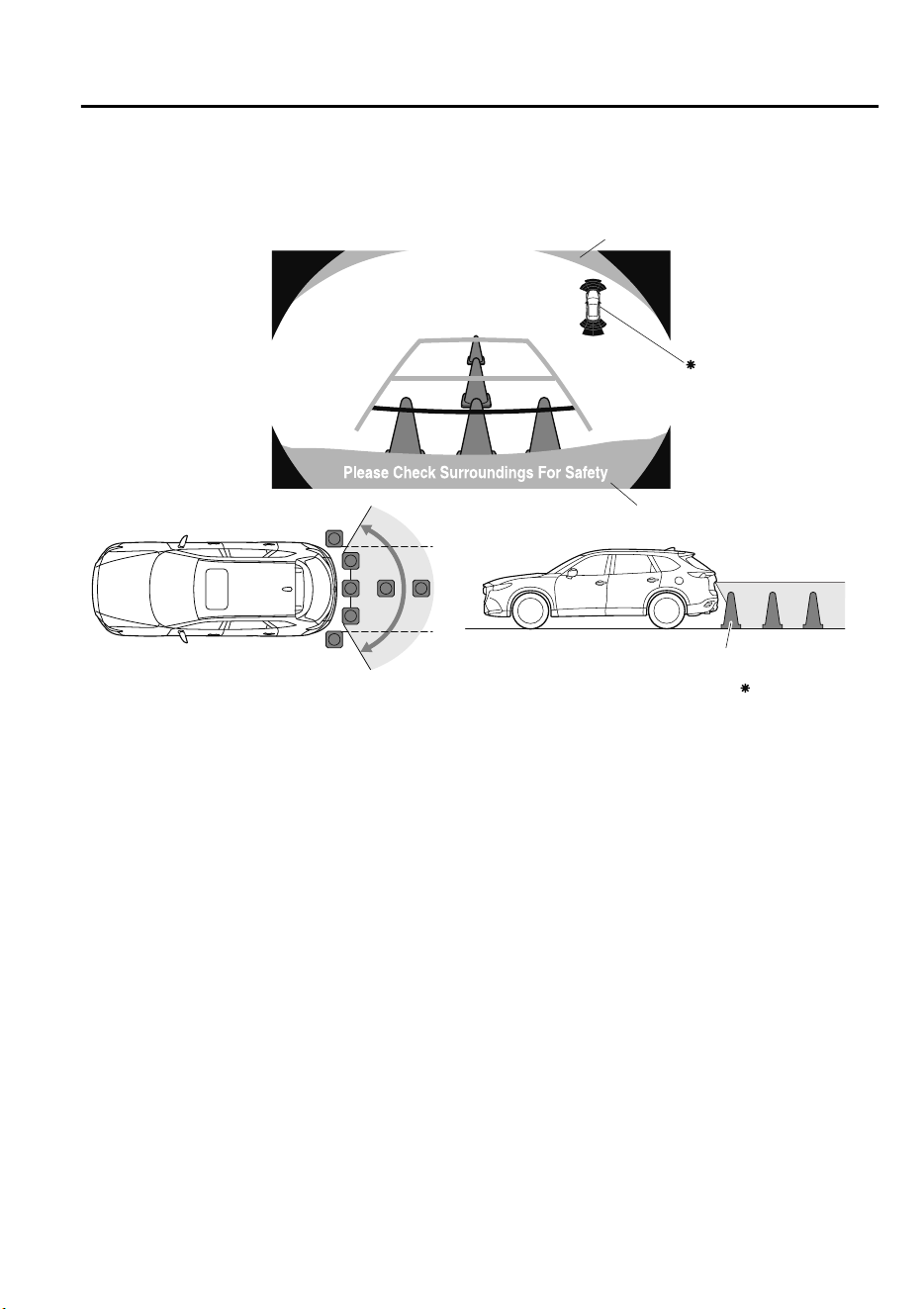
▼
Displayable Range on the Screen
The images on the screen may be different from the actual conditions.
(Screen display)
(Actual view)
Object
Some models
Garnish
Bumper
Obstruction detection
indication in parking
sensor system
NOTE
•
The displayable range varies depending on the vehicle and road conditions.
•
The displayable range is limited. Objects under the bumper or around the bumper ends
cannot be displayed.
•
The distance appearing in the displayed image is different from the actual distance
because the rear view parking camera is equipped with a specific lens.
•
Images displayed on the monitor from the rear view parking camera are reversed images
(mirror images).
•
Some optionally installed vehicle accessories may be picked up by the camera. Do not
install any optional parts that can interfere with the camera view, such as illuminating
parts or parts made of reflective material.
•
It may be difficult to see the display under the following conditions, however, it does not
indicate a malfunction.
•
In darkened areas.
•
When the temperature around the lens is high/low.
•
When the camera is wet such as on a rainy day or during periods of high humidity.
•
When foreign material such as mud is stuck around the camera.
•
When the camera lens reflects sunlight or headlight beams.
•
Image display may be delayed if the temperature around the camera is low.
When Driving
Rear View Monitor
4-181
CX-9_8GC7-EE-17G_Edition1 2017-5-16 8:22:04
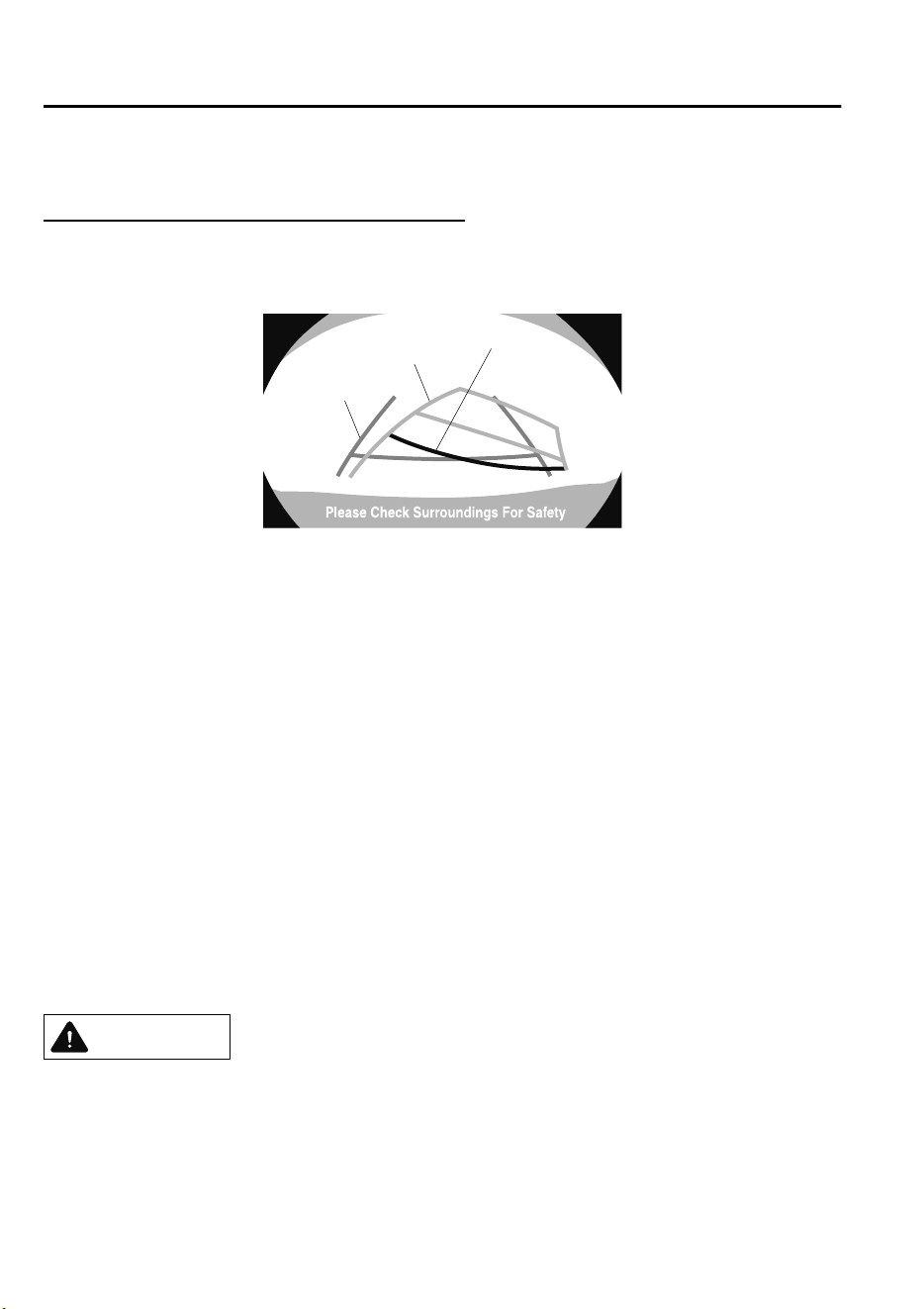
▼
Viewing the Display
Predicted vehicle path assist lines display type
The projected path guidance mode displays the predicted path of the vehicle after you turn
the steering wheel.
Use this mode for parking your vehicle in a parking space or garage.
c
b
a
a) Projected vehicle path (yellow)
These lines are displayed as a reference for the projected path of the vehicle.
The lines displaying the projected vehicle path change after you turn the steering wheel.
b) Extended vehicle width lines (blue)
These lines indicate the vehicle's extended width.
These lines are not displayed when the vehicle's wheels are in the straight-ahead position.
c) Distance guide lines
These lines indicate the approximate distance to a point measured from the vehicle's rear
(from the end of the bumper).
The blue line indicates the point about 50 cm (19 in) from the rear bumper.
The red and yellow lines, which change position after you turn the steering wheel,
indicate the points about 50 cm (19 in) for the red line and 100 cm (39.3 in) for the
yellow lines from the rear bumper (at the center point of each of the lines).
A degree of error occurs when the wheels are not in the straight-ahead position.
In the above illustration, the right side of the vehicle is in a position closer to the actual
distance displayed by the distance guide lines (red: about 50 cm (19 in) point, yellow:
about 100 cm (39.3 in) point behind the rear bumper), whereas the left side is in a
position farther away.
CAUTION
The indicated position of the guide lines on the display changes depending on the vehicle
conditions (such as the number of occupants/cargo load) and the road conditions (such as a
steep gradient to the rear of the vehicle).
Always check the area to the vehicle's rear and the surrounding area directly with your eyes
while backing up.
When Driving
Rear View Monitor
4-182
CX-9_8GC7-EE-17G_Edition1 2017-5-16 8:22:04
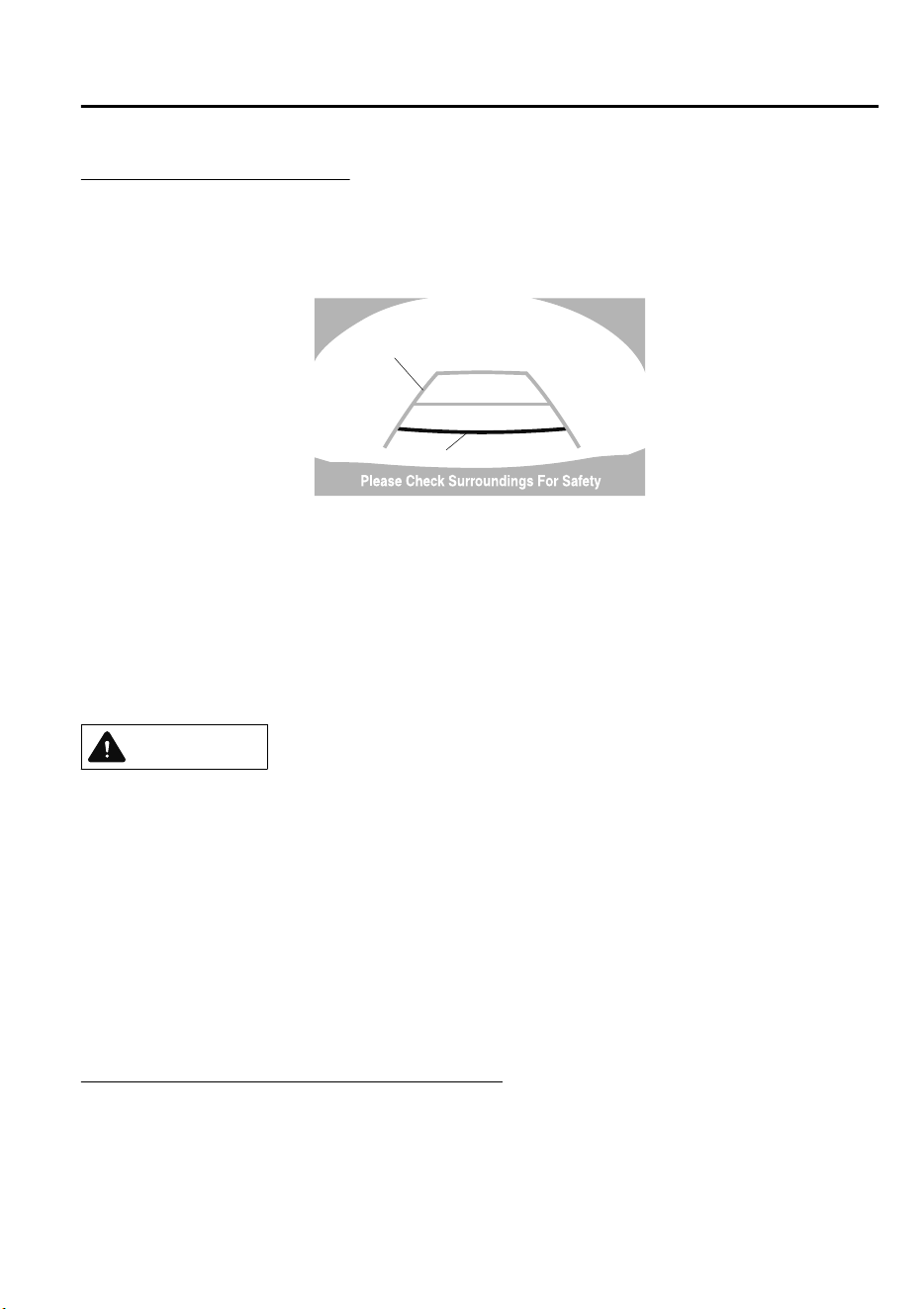
Fixed assist lines display type
Guide lines which indicate the width of the vehicle (yellow) are displayed on the screen as a
reference to the approximate width of the vehicle in comparison to the width of the parking
space you are about to back into.
Use this display view for parking your vehicle in a parking space or garage.
b
a
a) Vehicle width guide lines (yellow)
Guide lines serve as a reference to the approximate width of the vehicle.
b) Distance guide lines
These guide lines indicate the approximate distance to a point measured from the
vehicle's rear (from the end of the bumper).
The red and yellow lines indicate the points about 50 cm (19 in) for the red line and 100
cm (39.3 in) for the yellow lines from the rear bumper (at the center point of each of the
lines).
CAUTION
The guide lines on the screen are xed lines. They are not synced to the driver's turning of the
steering wheel. Always be careful and check the area to the vehicle's rear and the surrounding
area directly with your eyes while backing up.
▼
Rear View Monitor Operation
The operation of the rear view monitor when reversing the vehicle varies depending on the
traffic, road, and vehicle conditions. The amount of steering and the timing also varies
depending on conditions, so confirm the surrounding conditions directly with your eyes and
steer the vehicle in accordance with the conditions.
Be well aware of the above cautions prior to using the rear view monitor.
Predicted vehicle path assist lines display type
NOTE
The following shows an example of vehicle parking in which the steering wheel is turned to
the right when backing up the vehicle. The operation is reversed when backing up the
vehicle from the opposite direction.
When Driving
Rear View Monitor
4-183
CX-9_8GC7-EE-17G_Edition1 2017-5-16 8:22:04
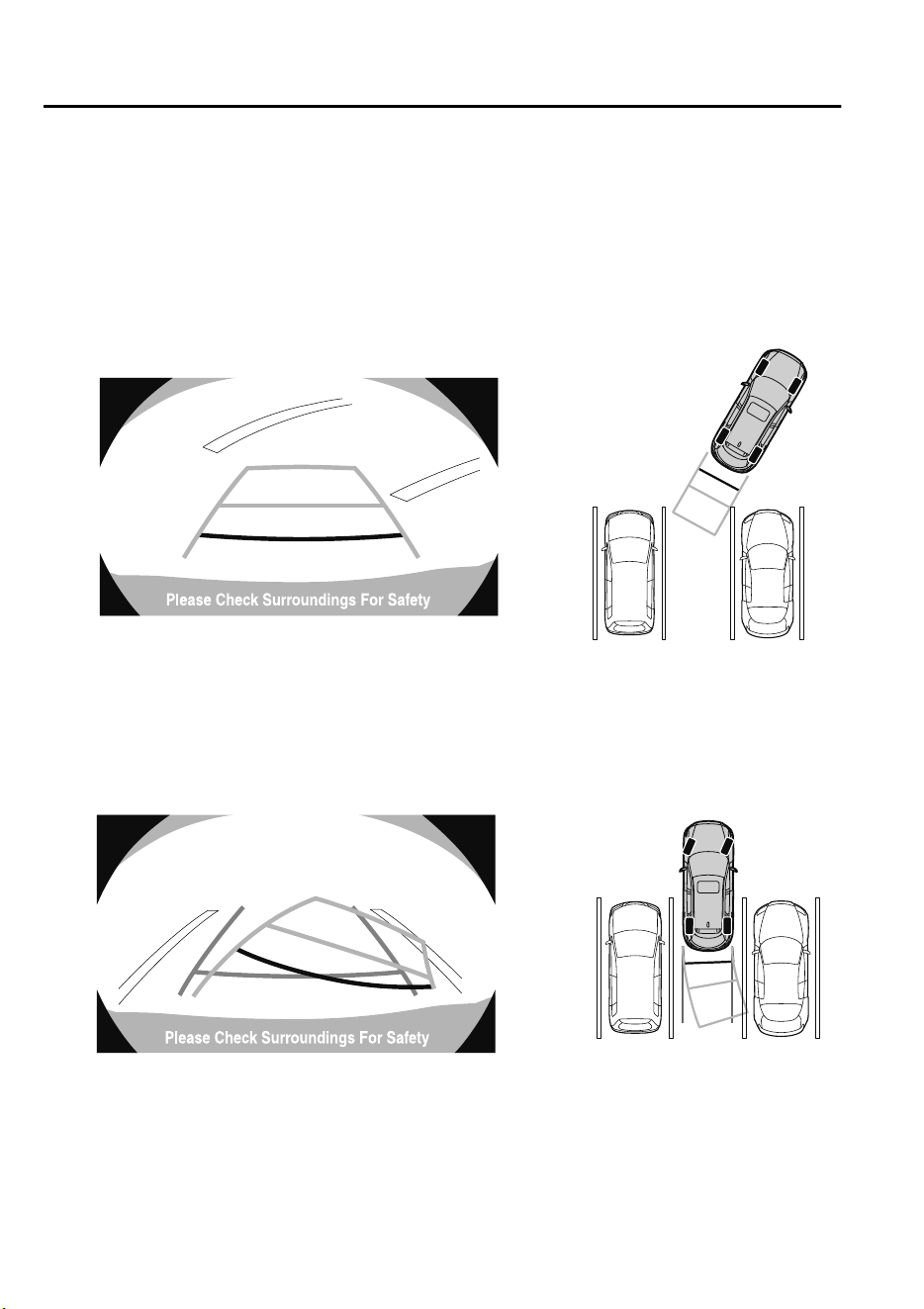
1. Shift the selector lever to reverse (R) to switch the display to the rear view monitor
display.
2. Before backing the vehicle into the parking space, turn the steering wheel while
referring to the projected vehicle path display so that the vehicle enters the center of the
parking space.
(Display condition) (Vehicle condition)
3. After your vehicle begins entering the parking space, continue backing up slowly so that
the distance between the vehicle width lines and the sides of the parking space on the
left and right are roughly equal.
(Display condition) (Vehicle condition)
4. Continue to adjust the steering wheel until the vehicle width guide lines are parallel to
the left and right sides of the parking space.
When Driving
Rear View Monitor
4-184
CX-9_8GC7-EE-17G_Edition1 2017-5-16 8:22:04
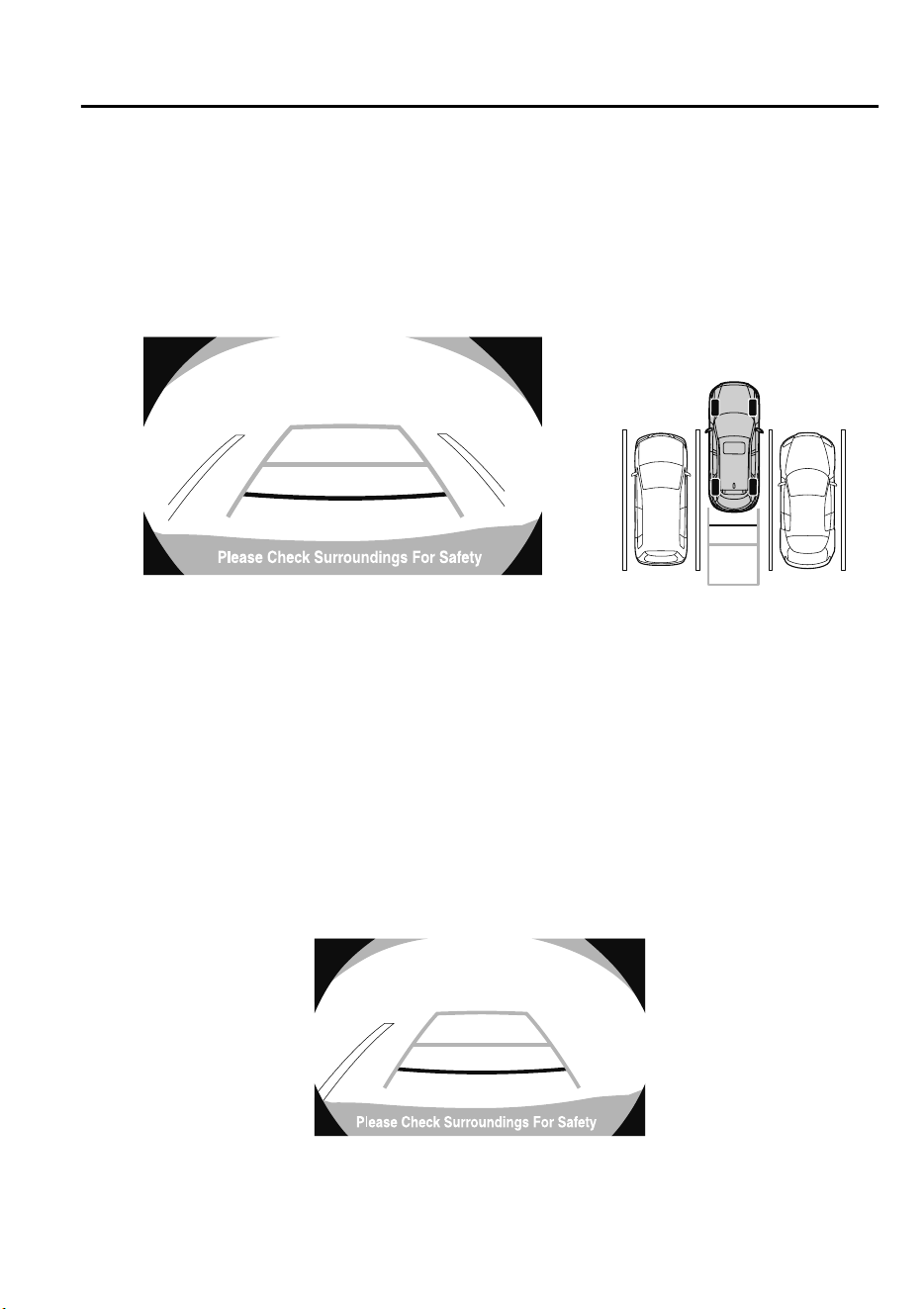
5. Once they are parallel, straighten the wheels and back your vehicle slowly into the
parking space. Continue checking the vehicle's surroundings and then stop the vehicle in
the best possible position. (If the parking space has division lines, check whether the
vehicle width guide lines are parallel to them.)
(Display condition) (Vehicle condition)
6. When the selector lever is shifted from reverse (R) to another selector lever position, the
screen returns to the previous display.
NOTE
Because there may be a difference between the displayed image, such as indicated below,
and the actual conditions when parking, always verify the safety at the rear of the vehicle
and the surrounding area directly with your eyes.
•
In the image of the parking space (or garage) displayed on the screen, the back end and
distance guide lines may appear aligned in the monitor, but they may not actually be
aligned on the ground.
•
When parking in a space with a division line on only one side of the parking space, the
division line and the vehicle width guide line appear aligned in the monitor, but they may
not actually be aligned on the ground.
When Driving
Rear View Monitor
4-185
CX-9_8GC7-EE-17G_Edition1 2017-5-16 8:22:04
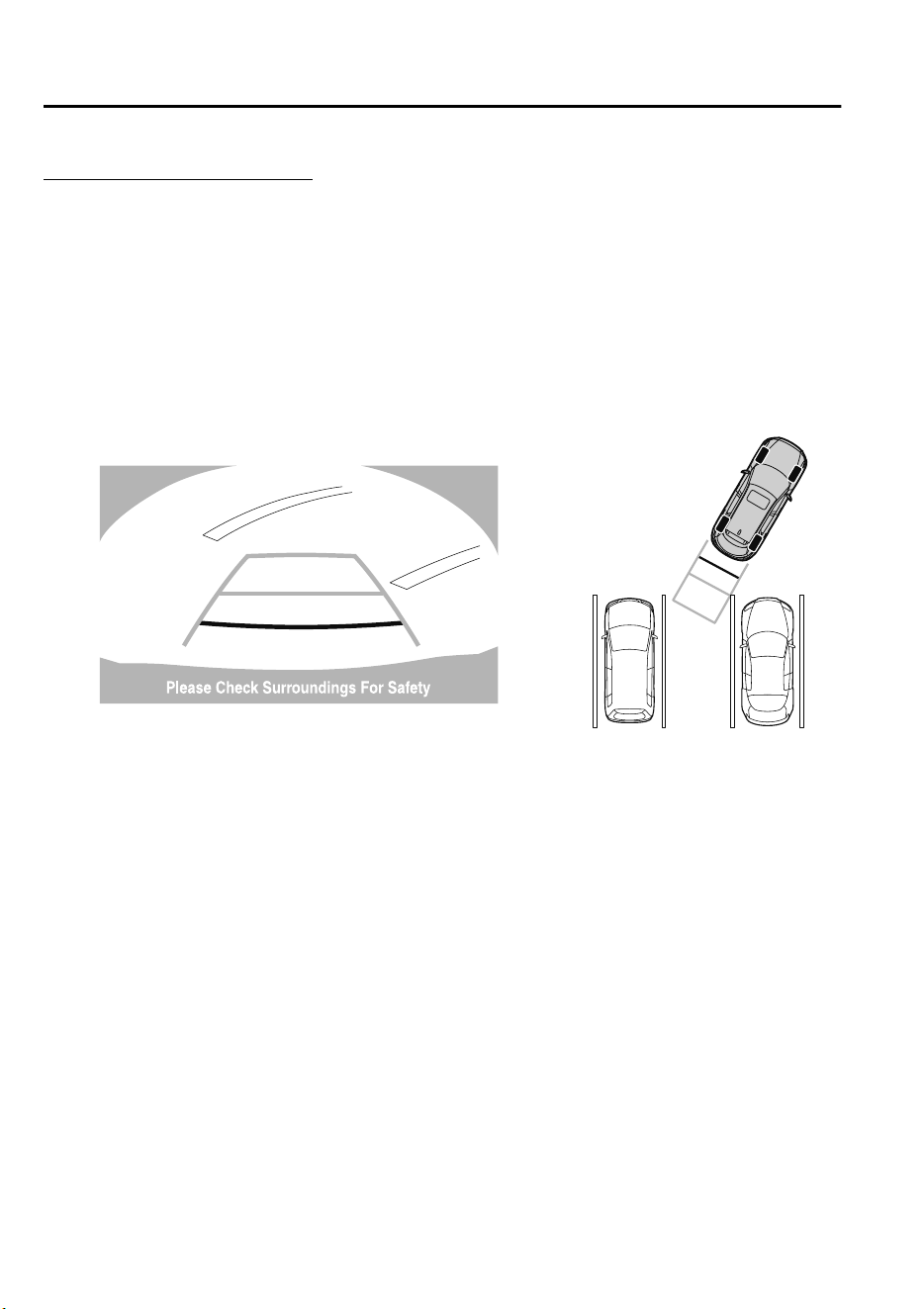
Fixed assist lines display type
NOTE
Images displayed on the monitor from the rear view parking camera are reversed images
(mirror images).
1. Shift the selector lever to reverse (R) to switch the display to the rear view monitor
display.
2. Confirming the surrounding conditions, reverse the vehicle.
(Display condition) (Vehicle condition)
3. After your vehicle begins entering the parking space, continue backing up slowly so that
the distance between the vehicle width lines and the sides of the parking space on the
left and right are roughly equal.
4. Continue to adjust the steering wheel until the vehicle width guide lines are parallel to
the left and right sides of the parking space.
When Driving
Rear View Monitor
4-186
CX-9_8GC7-EE-17G_Edition1 2017-5-16 8:22:04
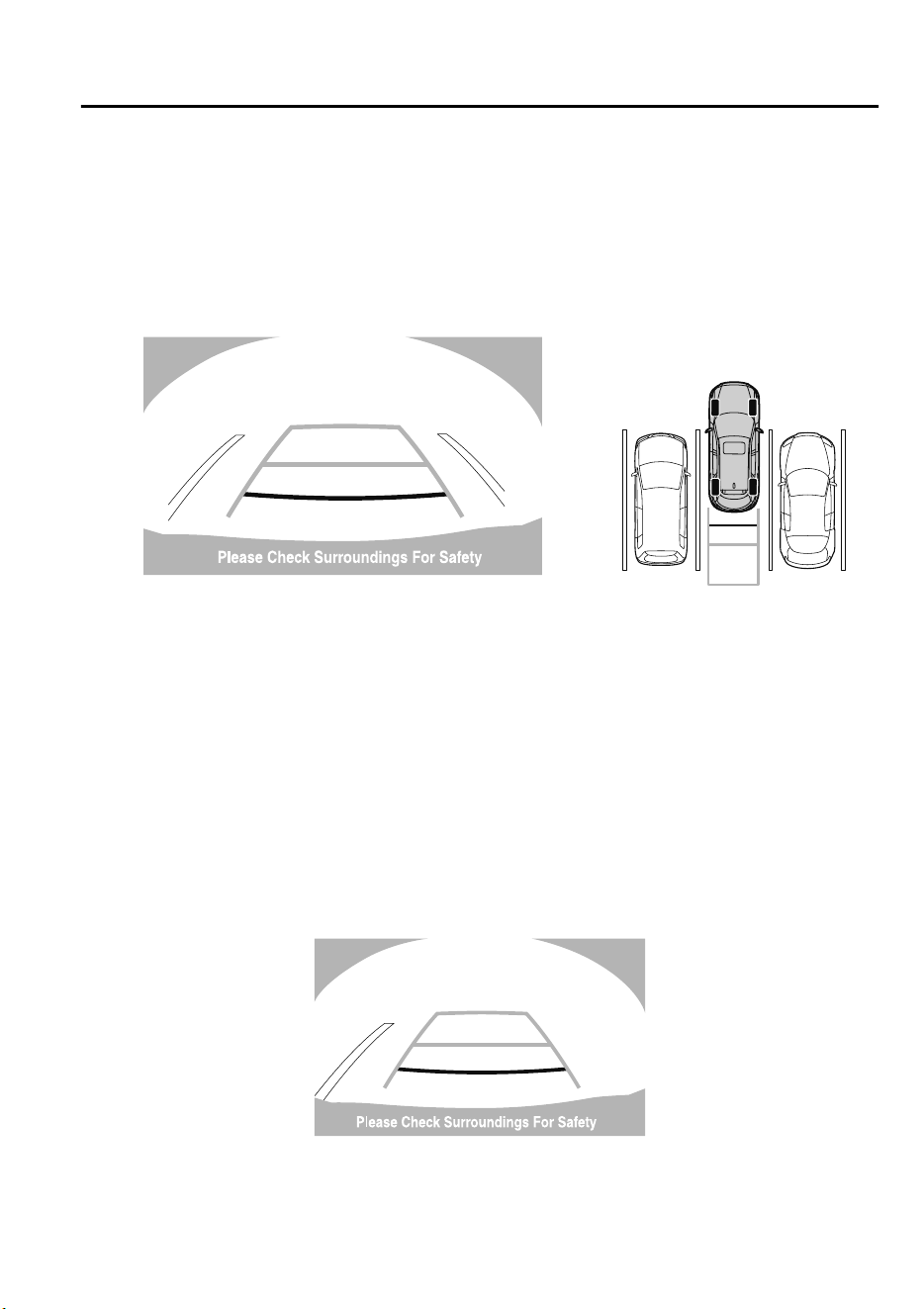
5. Once they are parallel, straighten the wheels and back your vehicle slowly into the
parking space. Continue checking the vehicle's surroundings and then stop the vehicle in
the best possible position. (If the parking space has division lines, check whether the
vehicle width guide lines are parallel to them.)
(Display condition) (Vehicle condition)
6. When the selector lever is shifted from reverse (R) to another selector lever position, the
screen returns to the previous display.
NOTE
Because there may be a difference between the displayed image, such as indicated below,
and the actual conditions when parking, always verify the safety at the rear of the vehicle
and the surrounding area directly with your eyes.
•
In the image of the parking space (or garage) displayed on the screen, the back end and
distance guide lines may appear aligned in the monitor, but they may not actually be
aligned on the ground.
•
When parking in a space with a division line on only one side of the parking space, the
division line and the vehicle width guide line appear aligned in the monitor, but they may
not actually be aligned on the ground.
When Driving
Rear View Monitor
4-187
CX-9_8GC7-EE-17G_Edition1 2017-5-16 8:22:04
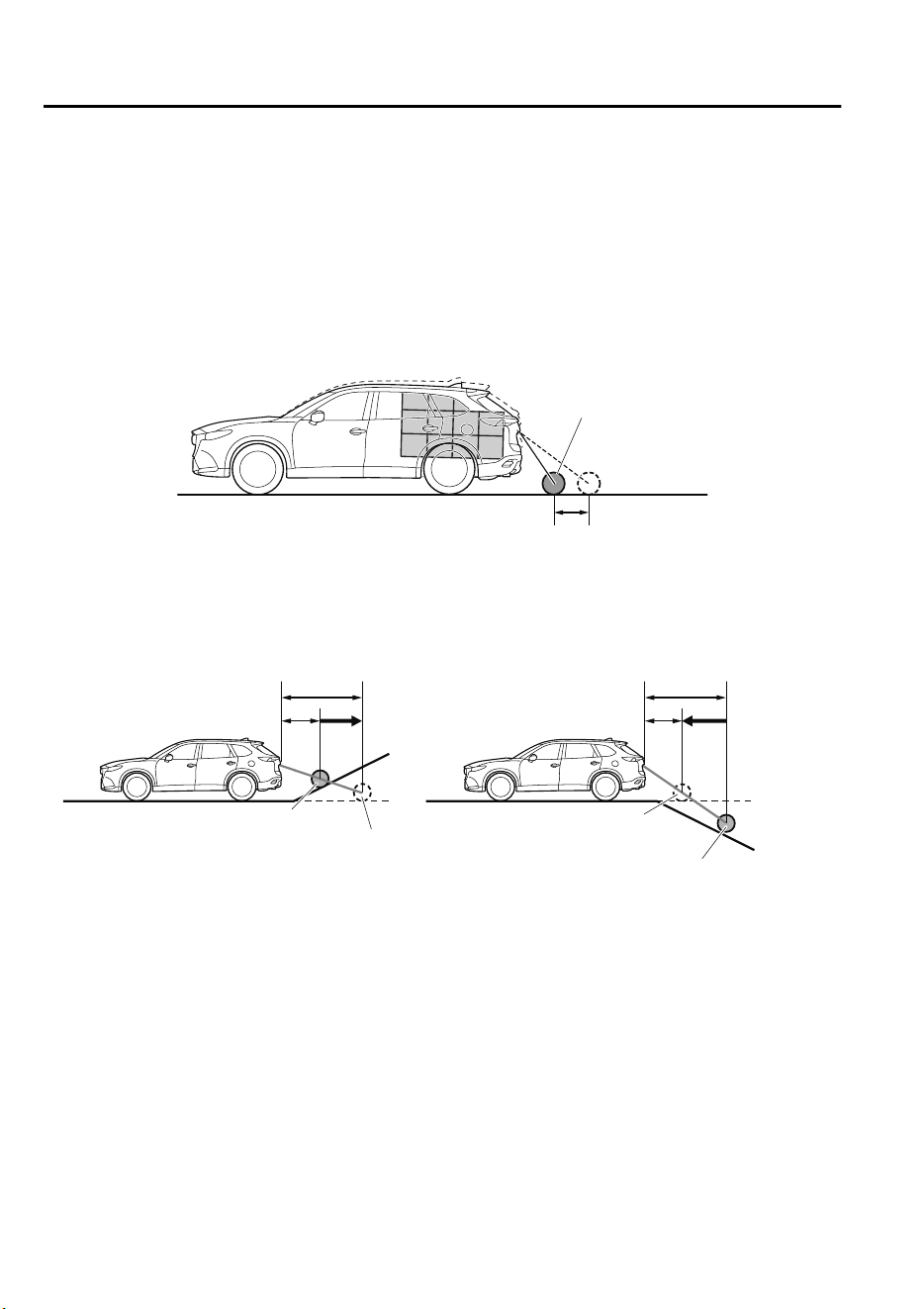
▼
Variance Between Actual Road Conditions and Displayed Image
Some variance occurs between the actual road and the displayed road. Such variance in
distance perspective could lead to an accident. Note the following conditions that may cause
a variance in distance perspective.
When the vehicle is tilted due to the weight of passengers and load
When the vehicle rear is lowered, the object displayed on the screen appears farther than the
actual distance.
Variance
Object
When there is a steep grade behind the vehicle
When there is a steep upgrade (downgrade) behind the vehicle, the object displayed on the
screen appears farther (downgrade: closer) than the actual distance.
Appears
farther than
actual
distance
Appears
closer than
actual
distance
Object at actual
position
Object at actual position
Object on screen
A: Distance between the vehicle and object displayed on the screen.
B: Actual distance between the vehicle and object.
Object on screen
A
AB
B
When Driving
Rear View Monitor
4-188
CX-9_8GC7-EE-17G_Edition1 2017-5-16 8:22:04
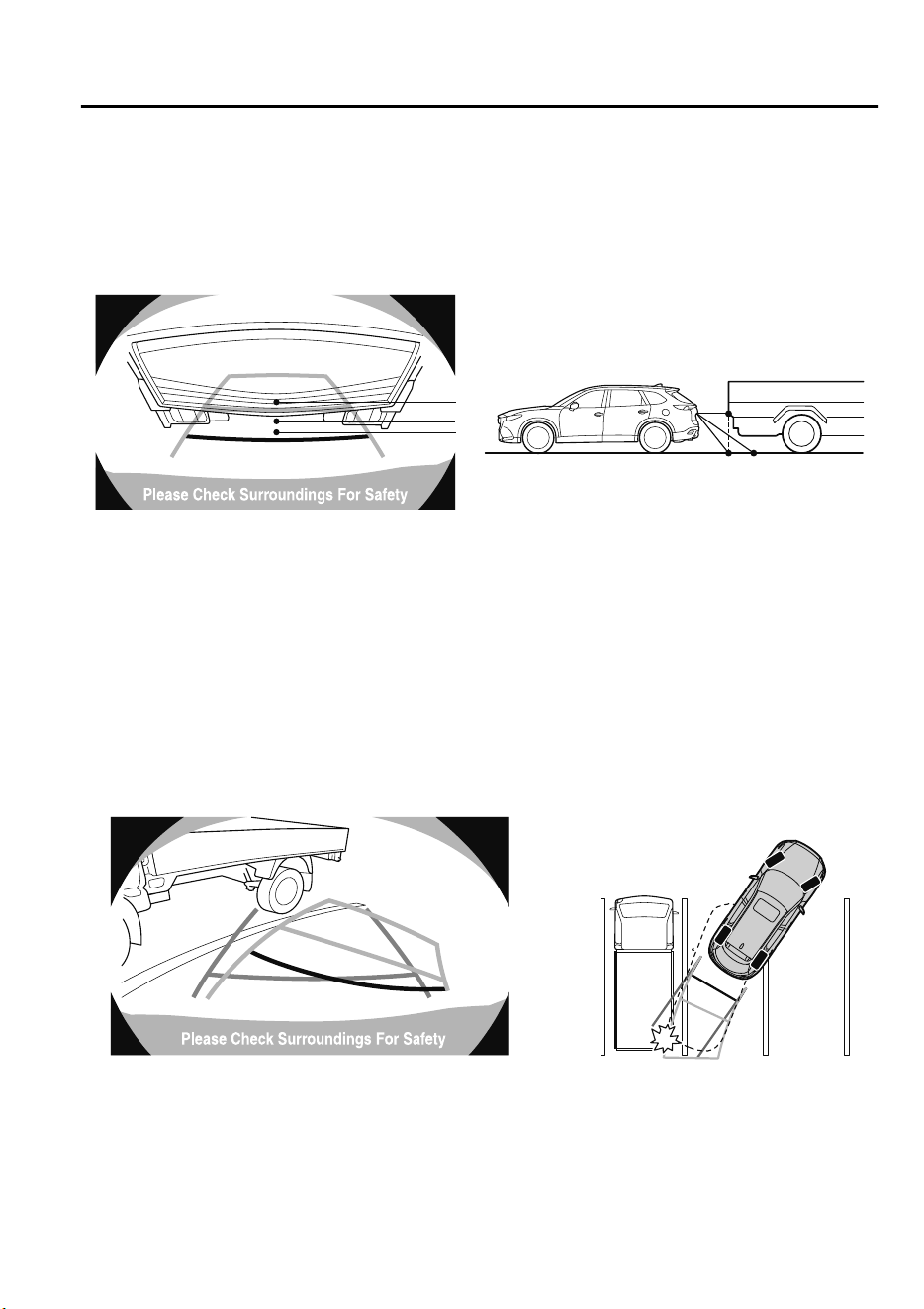
Three-dimensional object on vehicle rear
Because the distance guide lines are displayed based on a flat surface, the distance to the
three-dimensional object displayed on the screen is different from the actual distance.
A
A
C
B
CB
(Actual distance) B>C=A
Sensed distance on screen A>B>C
(Screen display) (Actual condition)
(Predicted vehicle path assist lines display type)
When reversing near a three-dimensional object
When reversing near an overhanging object, the vehicle may hit the object even if the
anticipated course line does not contact the object on the screen. The position of the object
displayed on the screen is different from the actual position because the anticipated course
lines on the screen are displayed based on a horizontal road surface. When backing up near
an overhanging object, confirm the rear and surrounding conditions directly with your eyes.
(Screen display) (Actual view)
When Driving
Rear View Monitor
4-189
CX-9_8GC7-EE-17G_Edition1 2017-5-16 8:22:04
▼
Picture Quality Adjustment
WARNING
Always adjust the picture quality of the rear view monitor while the vehicle is stopped:
Do not adjust the picture quality of the rear view monitor while driving the vehicle. Adjusting
the picture quality of the rear view monitor such as brightness, contrast, color, and tint while
driving the vehicle is dangerous as it could distract your attention from the vehicle operation
which could lead to an accident.
Picture quality adjustment must be done while the selector lever is in reverse (R).
There are four settings which can be adjusted including, brightness, contrast, tint, and color.
When adjusting, pay sufficient attention to the vehicle surroundings.
1. Select the
icon on the screen to display the tabs.
2. Select the desired tab item.
3. Adjust the brightness, contrast, tint, and color using the slider.
If you need to reset, press the reset button.
4. Select the
icon on the screen to close the tab.
When Driving
Rear View Monitor
4-190
CX-9_8GC7-EE-17G_Edition1 2017-5-16 8:22:04
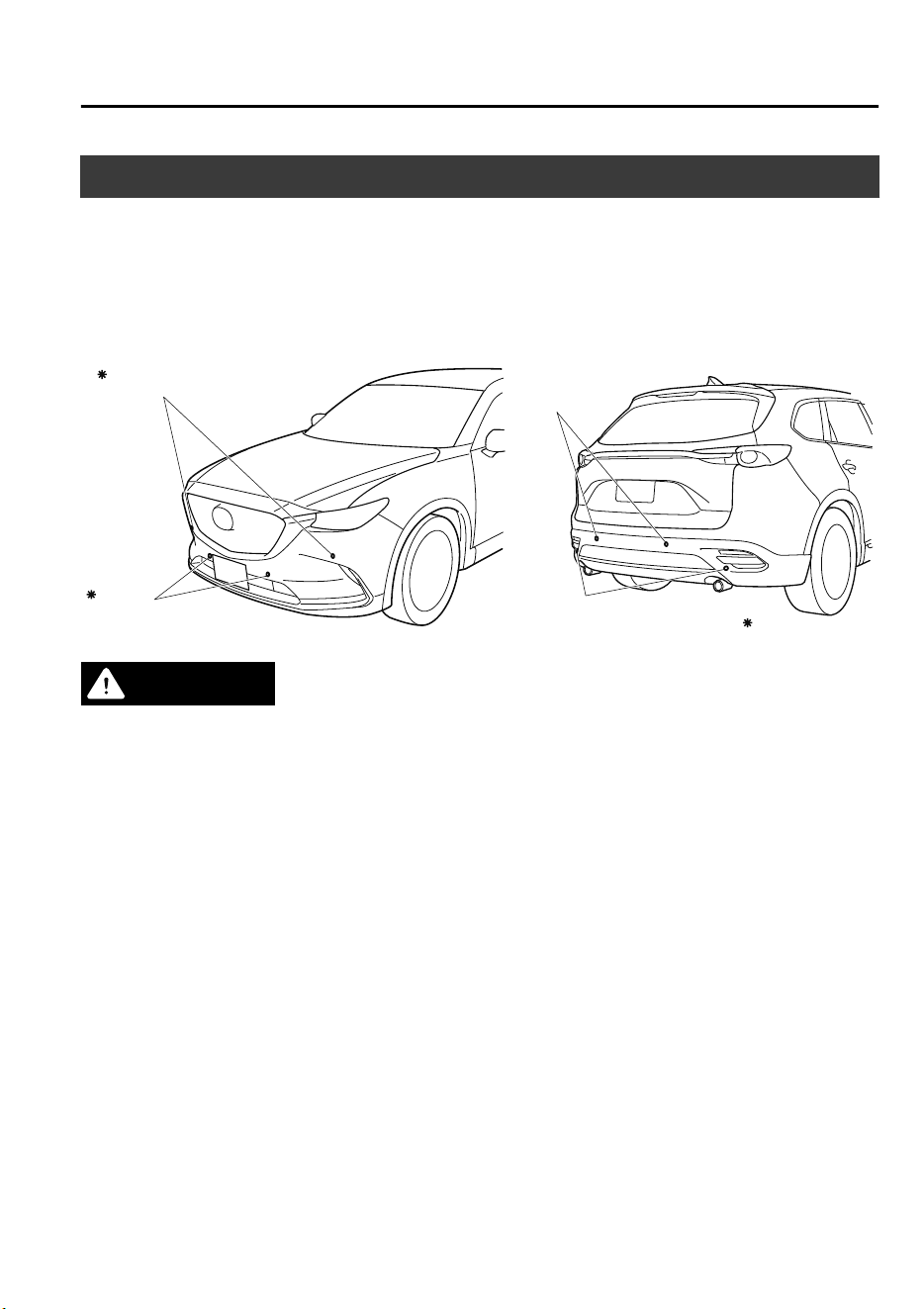
Parking Sensor System
*
The parking sensor system uses ultrasonic sensors to detect obstructions around the vehicle
while parking the vehicle in a garage or during parallel parking when the vehicle is driven at
a speed of about 10 km/h (6 mph) or less. The system is equipped with an assist device to
notify the driver of the approximate distance from the vehicle to the surrounding obstruction
using a beep sound and obstruction detection indication
*
.
Rear corner sensor
Front corner sensor
Rear sensor
Front sensor
Some models.
WARNING
Do not rely completely on the parking sensor system and be sure to
conrm
the safety around
your vehicle visually when driving.
This system can assist the driver in operating the vehicle in the forward and backward
directions while parking. The detection ranges of the sensors are limited, therefore, driving the
vehicle while relying only on the system may cause an accident. Always conrm the safety
around your vehicle visually when driving.
NOTE
•
Do not install any accessories within the detection ranges of the sensors. It may affect the
system operation.
•
Depending on the type of obstruction and the surrounding conditions, the detection range
of a sensor may narrow, or the sensors may not be able to detect obstructions.
•
The system may not operate normally under the following conditions:
•
Mud, ice, or snow is adhering to the sensor area (Returns to normal operation when
removed).
•
The sensor area is frozen (Returns to normal operation when the ice is thawed).
•
The sensor is covered by a hand.
•
The sensor is excessively shocked.
When Driving
Parking Sensor System
*Some models.
4-191
CX-9_8GC7-EE-17G_Edition1 2017-5-16 8:22:04

•
The vehicle is excessively tilted.
•
Under extremely hot or cold weather conditions.
•
The vehicle is driven on bumps, inclines, gravel, or grass covered roads.
•
Anything which generates ultrasound is near the vehicle, such as another vehicle's
horn, the engine sound of a motorcycle, the air brake sound of a large-sized vehicle, or
another vehicle's sensors.
•
The vehicle is driven in heavy rain or in road conditions causing water-splash.
•
A commercially-available fender pole or an antenna for a radio transmitter is installed
to the vehicle.
•
The vehicle is moving towards a tall or square curbstone.
•
An obstruction is too close to the sensor.
•
Obstructions under the bumper may not be detected. Obstructions that are lower than the
bumper or thin which may have been initially detected but are no longer detected as the
vehicle approaches more closely.
•
The following types of obstructions may not be detected:
•
Thin objects such as wire or rope
•
Things which absorb sonic waves easily such as cotton or snow
•
Angular shaped objects
•
Very tall objects, and those which are wide at the top
•
Small, short objects
•
Always have the system inspected at an expert repairer, we recommend an Authorized
Mazda Repairer if any shock is applied to the bumpers, even in a minor accident. If the
sensors are deviated, they cannot detect obstructions.
•
(With front sensor and front corner sensor)
The system may have a malfunction if the beep does not operate or the indicator light
does not illuminate when the park assist sensors switch is turned on. Consult an expert
repairer, we recommend an Authorized Mazda Repairer.
•
(Without front sensor and front corner sensor)
The system may have a malfunction if the beep does not operate. Consult an expert
repairer, we recommend an Authorized Mazda Repairer.
•
(With front sensor and front corner sensor)
The system may have a malfunction if the beep sound which indicates a system
malfunction is heard and the indicator light flashes. Consult an expert repairer, we
recommend an Authorized Mazda Repairer.
•
The beeper which indicates a system malfunction may not be heard if the ambient
temperature is extremely cold, or mud, ice, or snow adheres to the sensor area. Remove
any foreign material from the sensor area.
•
When installing a trailer hitch, consult an expert repairer, we recommend an Authorized
Mazda Repairer.
When Driving
Parking Sensor System
4-192
CX-9_8GC7-EE-17G_Edition1 2017-5-16 8:22:04
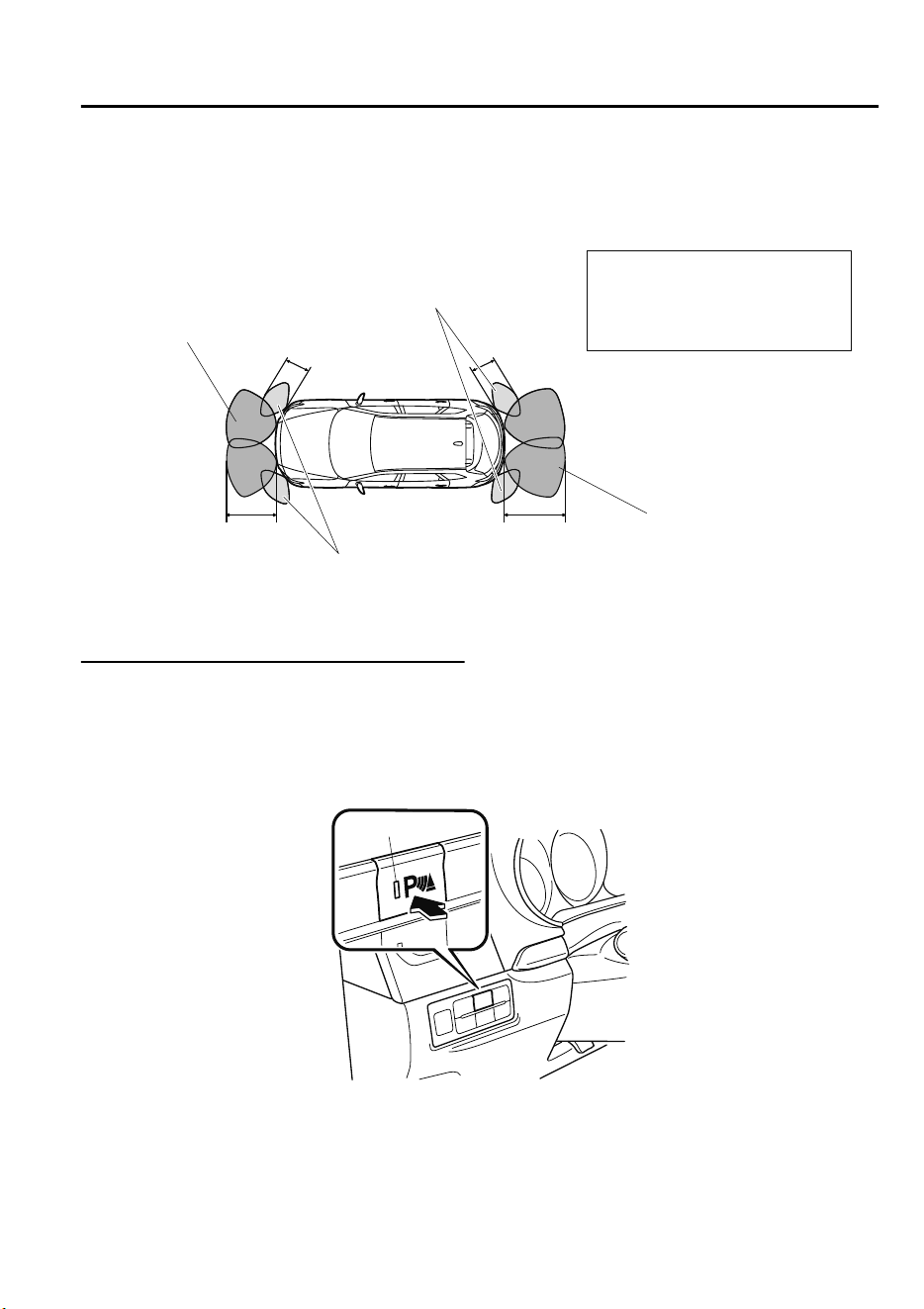
▼
Sensor Detection Range
The sensors detect obstructions within the following range.
Front sensor detection range
Front corner sensor detection range
Rear sensor detection range
Rear corner sensor detection range
B
A
D
C
A: About 55 cm (About 21.7 in)
B: About 55 cm (About 21.7 in)
C: About 100 cm (About 39.3 in)
D: About 150 cm (About 59.0 in)
▼
Park Assist Sensor System Operation
With front sensor and front corner sensor
The switch can be activated when the ignition is switched ON, the selector lever is in any
position except reverse (R), and the vehicle speed is about 10 km/h (6 mph) or less.
When the parking sensor switch is pressed, a beep sound is heard, the obstruction detection
indication is displayed in the audio screen, and the indicator light in the switch illuminates.
Indicator light
NOTE
If the system is cancelled, it will not restore automatically even when the vehicle speed is
decreased to 10 km/h (6 mph) or less.
When Driving
Parking Sensor System
4-193
CX-9_8GC7-EE-17G_Edition1 2017-5-16 8:22:04
Sensor detection condition
The system can be used when the ignition is switched ON and the Park Assist Sensor
Switch has been turned on.
The sensors detect obstructions under the following conditions:
Sensor Condition
Front Sensor
The selector lever is in any position except reverse (R), and the vehicle speed is
about 10 km/h (6 mph) or less.
Front Corner Sensor The vehicle speed is about 10 km/h (6 mph) or less.
Rear Sensor The selector lever is in reverse (R).
Rear Corner Sensor
The selector lever is in reverse (R), and the vehicle speed is about 10 km/h (6 mph)
or less.
The system is cancelled under the following conditions:
•
The parking sensor switch is pressed while the parking sensor is in operation.
•
The vehicle speed is 10 km/h (6 mph) or more. (Except rear sensor)
Without front sensor and front corner sensor
When the ignition is switched ON and the selector lever is shifted to the reverse (R), the
beep sound activates and the system is enabled for use.
The sensors detect obstructions under the following conditions:
Sensor Condition
Rear Sensor The selector lever is in reverse (R).
Rear Corner Sensor
The selector lever is in reverse (R), and the vehicle speed is about 10 km/h (6 mph)
or less.
When Driving
Parking Sensor System
4-194
CX-9_8GC7-EE-17G_Edition1 2017-5-16 8:22:04
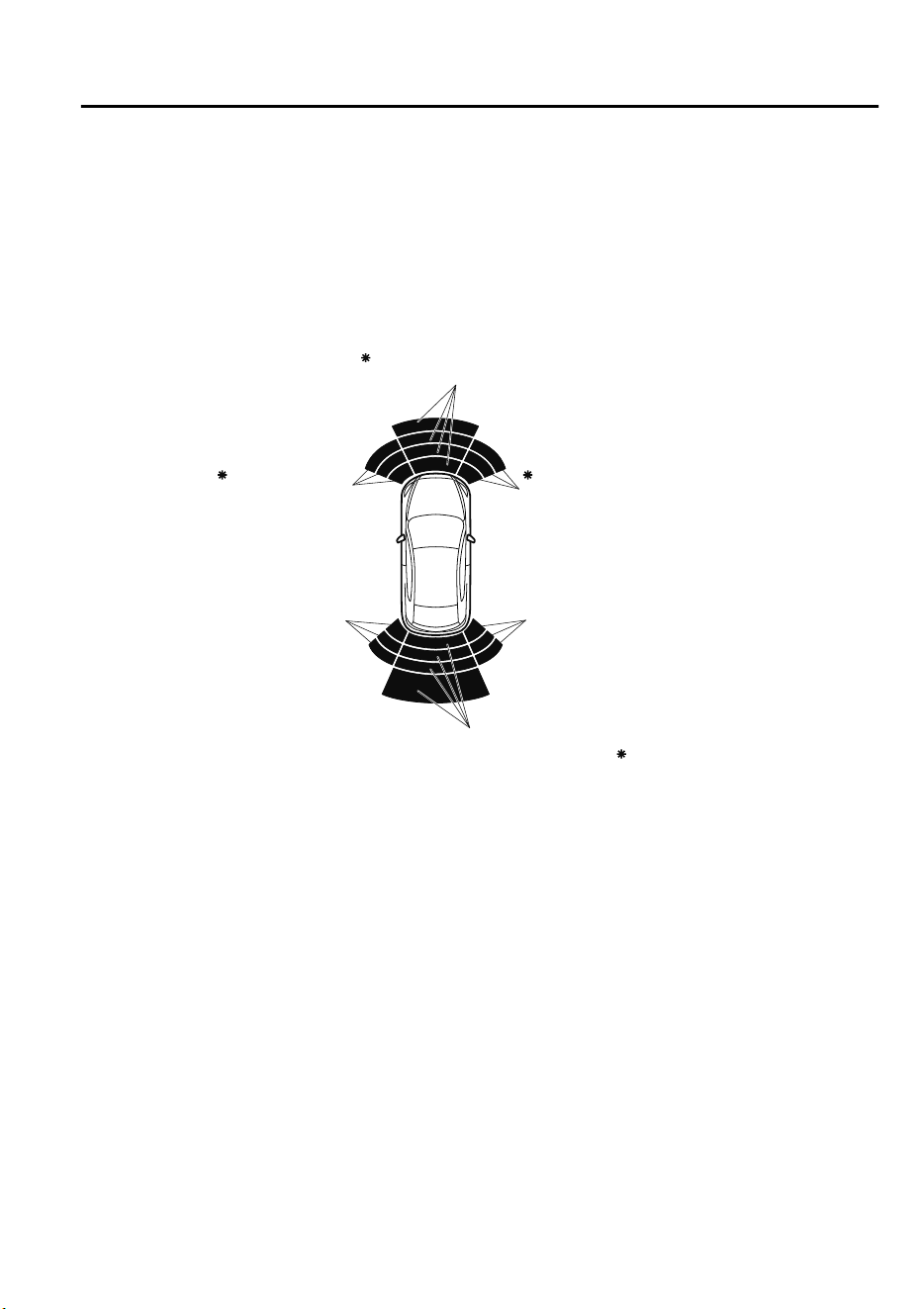
▼
Obstruction Detection Indication
The position of a sensor which has detected an obstruction is indicated. The gauge
illuminates in different areas depending on the distance to an obstruction detected by the
sensor.
As the vehicle approaches closer to an obstruction, the zone in the gauge closer to the
vehicle illuminates.
Front left corner
sensor gauge
Front right corner
sensor gauge
Rear right corner
sensor gauge
Rear left corner
sensor gauge
Front sensor gauge
Rear sensor gauge
Some models.
NOTE
The detection indicator can switch between display and non-display.
Refer to Personalization Features on page 9-10.
When Driving
Parking Sensor System
4-195
CX-9_8GC7-EE-17G_Edition1 2017-5-16 8:22:04
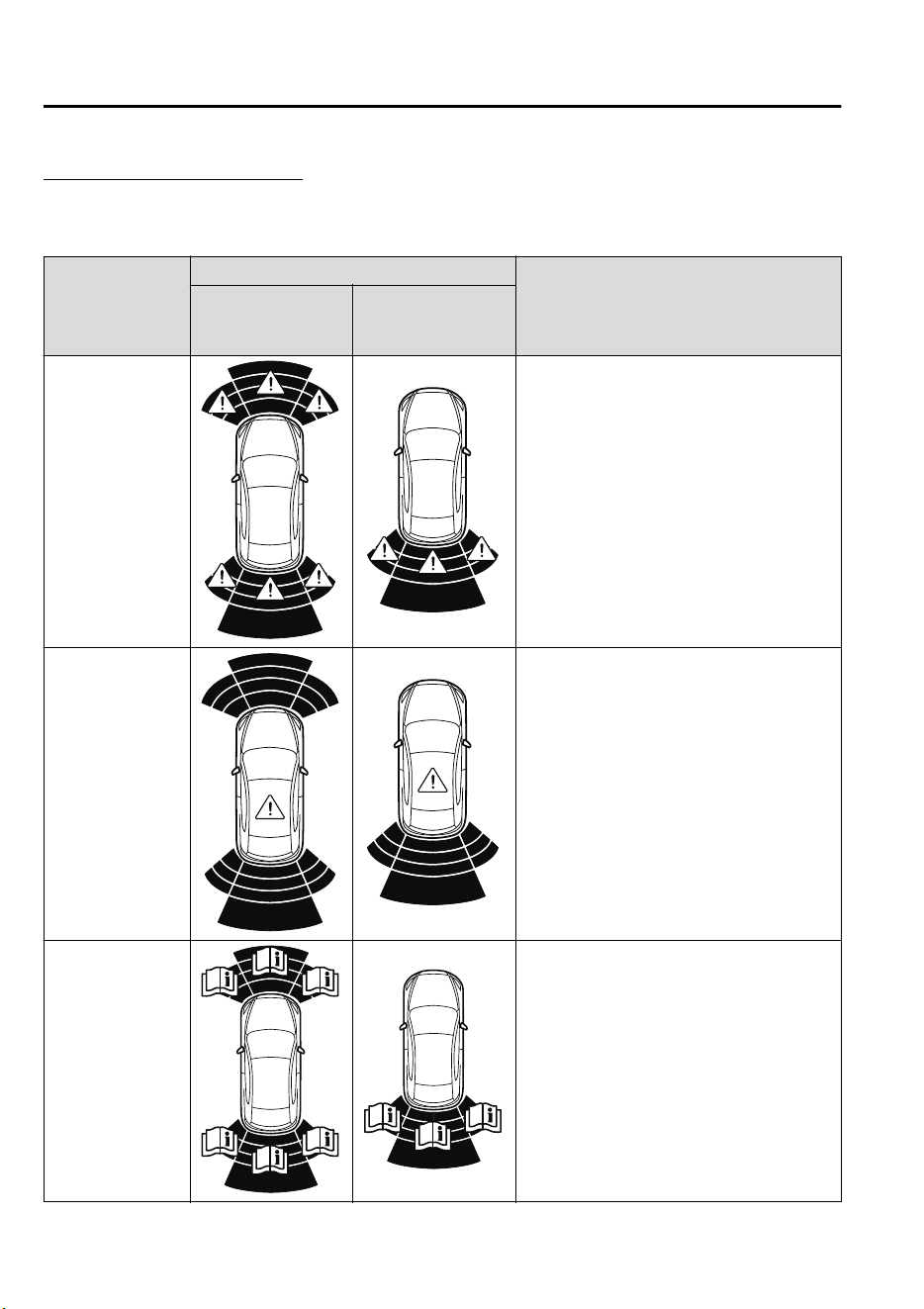
System problem notification
If any of the problems indicated in the table occurs, the driver is notified of the problem
depending on the type of system as shown.
Detection Indicator
Solution
With front sensor
and front corner
sensor
Without front sen-
sor and front corner
sensor
Disconnection
The system may have a malfunction. Have
the vehicle inspected at an expert repairer,
we recommend an Authorized Mazda Re-
pairer as soon as possible.
System malfunc-
tion
The system may have a malfunction. Have
the vehicle inspected at an expert repairer,
we recommend an Authorized Mazda Re-
pairer as soon as possible.
Frost/soiling
Foreign matter may be on the sensor area
corresponding to the obstruction detection
indication shown. If the system does not re-
cover, have the vehicle inspected at an ex-
pert repairer, we recommend an Authorized
Mazda Repairer.
When Driving
Parking Sensor System
4-196
CX-9_8GC7-EE-17G_Edition1 2017-5-16 8:22:04
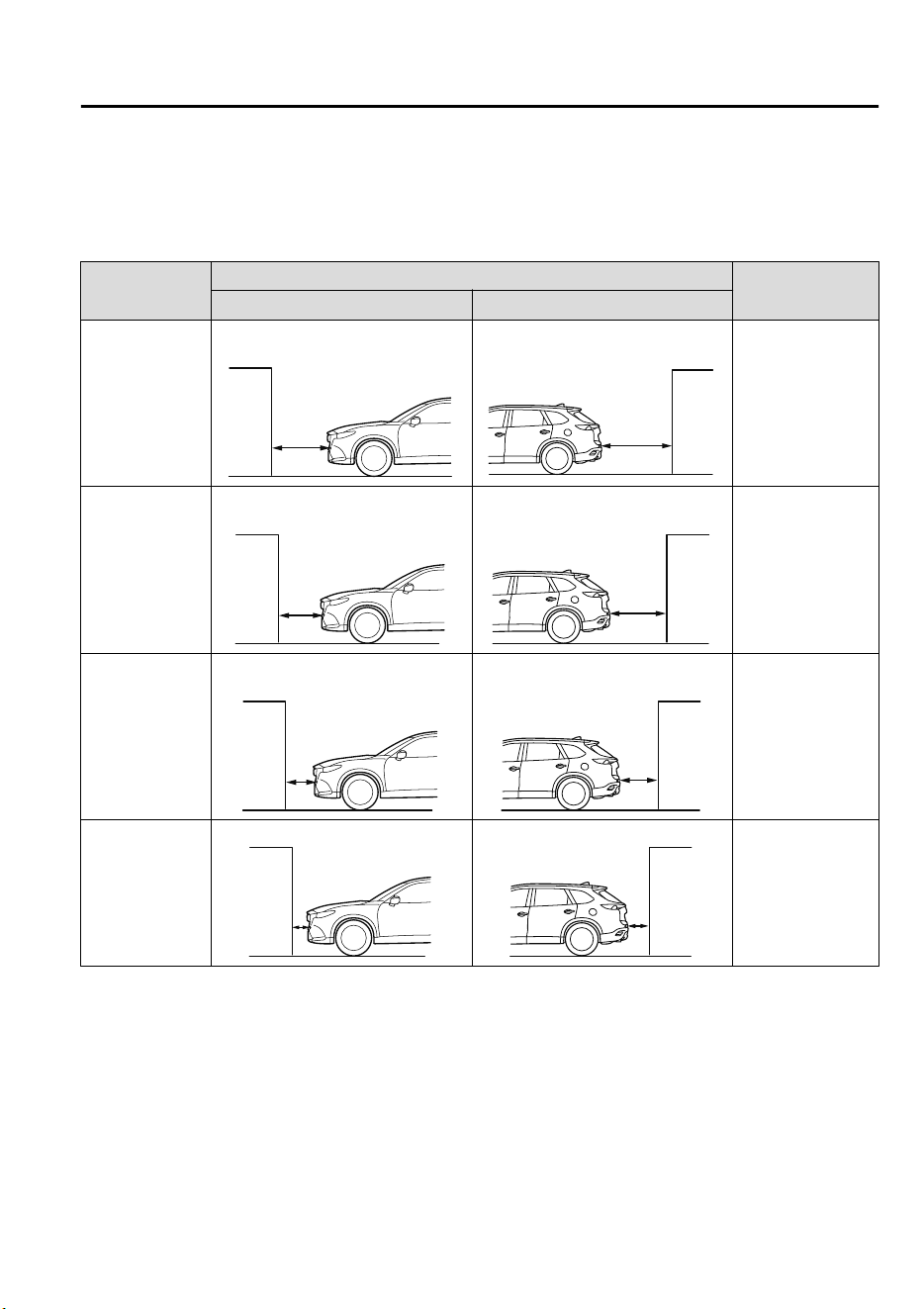
▼
Parking Sensor Warning Beep
The beeper sounds as follows while the system is operating.
Front Sensor
*
, Rear Sensor
Distance Detec-
tion area
Distance between vehicle and obstruction
Beeper sound
*1
Front Sensor
*
Rear Sensor
Farthest distance
Approx. 100―60 cm (39.3―23.6
in)
Approx. 150―60 cm (59.0―23.6
in)
Slow intermittent
sound
Far distance
Approx. 60―45 cm (23.6―17.7
in)
Approx. 60―45 cm (23.6―17.7
in)
Medium intermit-
tent sound
Middle distance
Approx. 45―35 cm (17.7―13.7
in)
Approx. 45―35 cm (17.7―13.7
in)
Fast intermittent
sound
Close distance
Within approx. 35 cm (13.7 in)
Within approx. 35 cm (13.7 in)
Continuous sound
*
1 The rate at which the intermittent sound beeps increases as the vehicle approaches the obstruction.
When Driving
Parking Sensor System
*Some models.
4-197
CX-9_8GC7-EE-17G_Edition1 2017-5-16 8:22:04
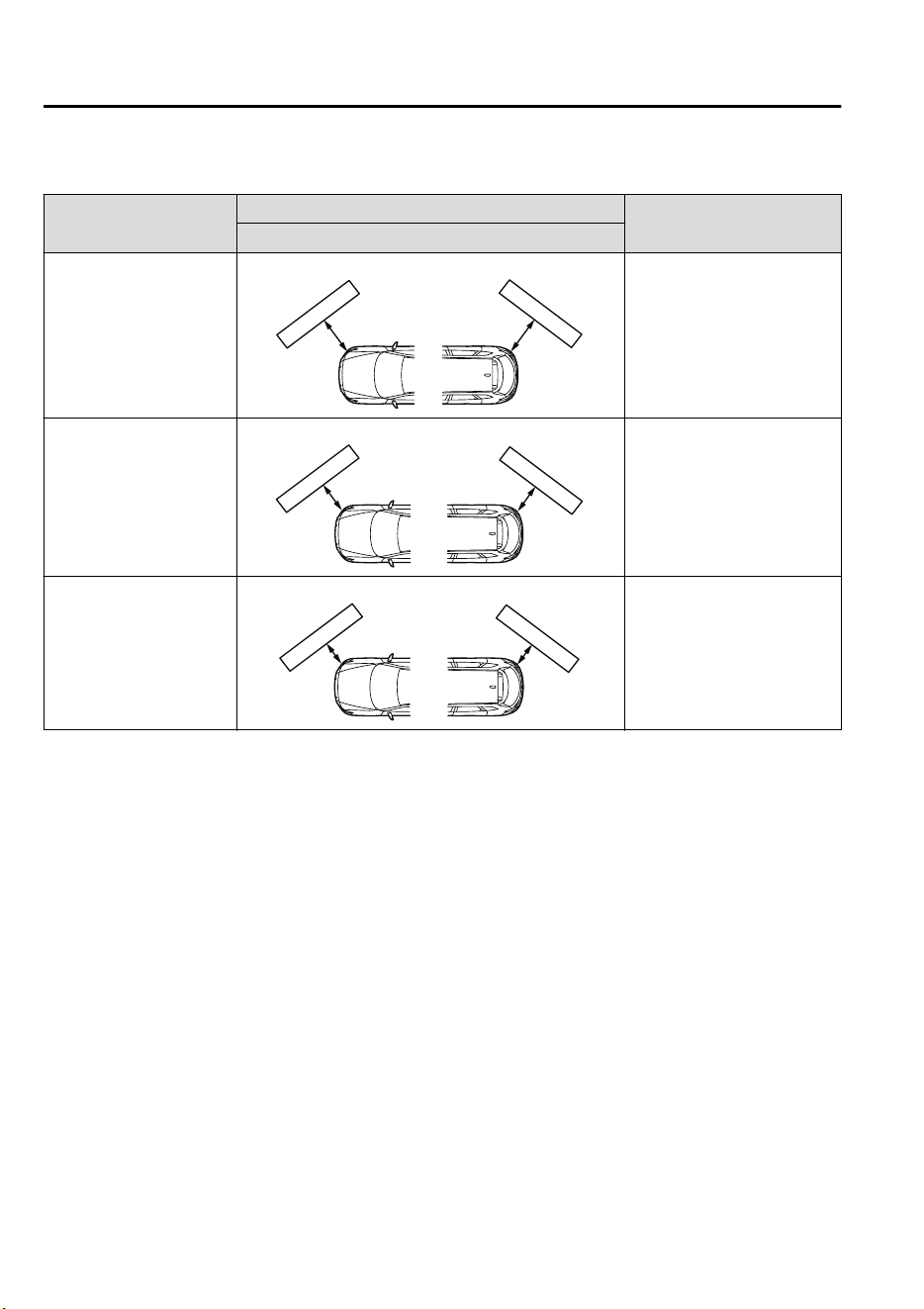
Front Corner Sensor
*
, Rear Corner Sensor
Distance Detection area
Distance between vehicle and obstruction
Beeper sound
*1
Front
*
/Rear Corner Sensor
Far distance
Approx. 55―38 cm (21.7―15.0 in)
Medium intermittent sound
Middle distance
Approx. 38―25 cm (15.0―9.8 in)
Fast intermittent sound
Close distance
Within approx. 25 cm (9.8 in)
Continuous sound
*
1 The rate at which the intermittent sound beeps increases as the vehicle approaches the obstruction.
NOTE
If an obstruction is detected in a zone for 6 seconds or more, the beep sound is stopped
(except for the close-distance zone). If the same obstruction is detected in another zone, the
corresponding beep sound is heard.
When Driving
Parking Sensor System
4-198
*Some models.
CX-9_8GC7-EE-17G_Edition1 2017-5-16 8:22:04
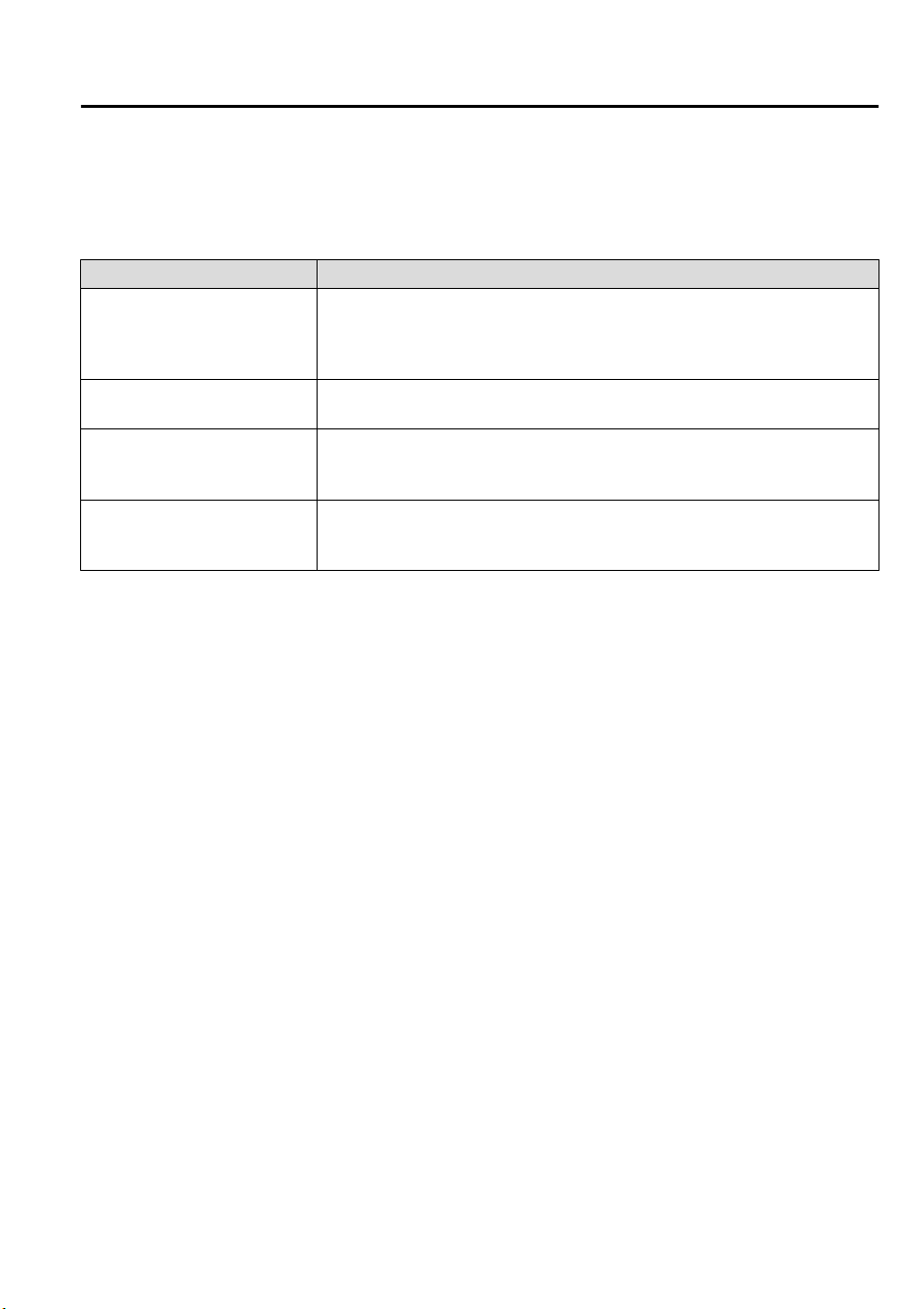
▼
When Warning Indicator/Beep is Activated
The system notifies the driver of an abnormality by activating the beep sound and the
indicator light.
Indicator/Beep How to check
The indicator light flashes when
the parking sensor switch is
pressed at a vehicle speed of 10
km/h (6 mph) or less.
The system may have a malfunction. Have the vehicle inspected at an expert
repairer, we recommend an Authorized Mazda Repairer as soon as possible.
The beep sound is not heard.
The system may have a malfunction. Have the vehicle inspected at an expert
repairer, we recommend an Authorized Mazda Repairer as soon as possible.
The intermittent sound of the
buzzer is heard five times.
Remove any foreign material from the sensor area. If the system does not re-
cover, have the vehicle inspected at an expert repairer, we recommend an Au-
thorized Mazda Repairer.
A certain obstruction detection
indicator is continuously dis-
played.
Refer to Obstruction Detection Indication on page 4-195.
When Driving
Parking Sensor System
4-199
CX-9_8GC7-EE-17G_Edition1 2017-5-16 8:22:04

MEMO
4-200
CX-9_8GC7-EE-17G_Edition1 2017-5-16 8:22:04
5
Interior Features
Use of various features for ride comfort, including air-conditioning and
audio system.
Climate Control System....................5-2
Operating Tips.............................. 5-2
Vent Operation (Front)................. 5-3
Front Air Conditioner................... 5-5
Vent Operation (Rear).................5-10
Rear Air Conditioner.................. 5-12
Before Using the Audio System......5-14
Audio Control Switch.................5-14
AUX/USB mode.........................5-15
Antenna.......................................5-17
Audio Set.......................................... 5-18
Basic Operation Method.............5-18
Home screen............................... 5-22
Volume/Display/Sound
Controls...................................... 5-23
Operating the Radio....................5-25
How to use AUX mode.............. 5-28
How to use USB mode............... 5-29
Bluetooth
®
..................................5-34
Bluetooth
®
Preparation.............. 5-37
Available Language.................... 5-39
Bluetooth
®
Audio.......................5-40
How to Use Aha™..................... 5-43
How to Use Stitcher™ Radio..... 5-46
Bluetooth
®
Hands-Free.............. 5-48
Voice Recognition.......................5-57
Settings....................................... 5-60
Applications................................5-62
Troubleshooting..........................5-63
Appendix.......................................... 5-68
Things You Need to Know......... 5-68
Interior Equipment......................... 5-74
Sunvisors.................................... 5-74
Interior Lights.............................5-74
Accessory Sockets...................... 5-77
USB Power Outlet
*
.................... 5-78
Cup Holder................................. 5-79
Bottle Holder.............................. 5-81
Storage Compartments............... 5-81
Sunshade (Rear Door Window)
*
.......
.................................................... 5-86
*Some models.
5-1
CX-9_8GC7-EE-17G_Edition1 2017-5-16 8:22:04
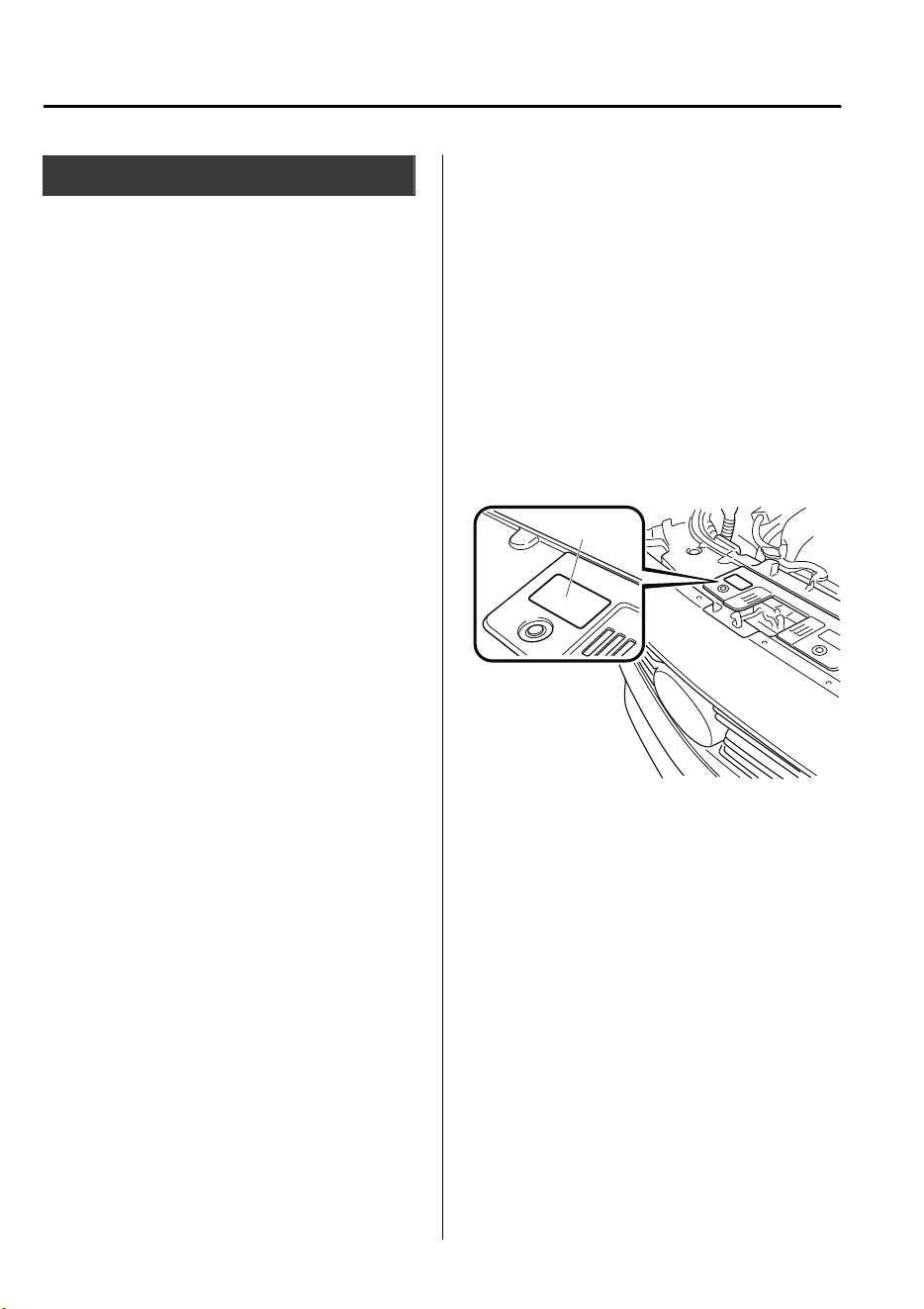
Operating Tips
•
Operate the climate control system with
the engine running.
•
To prevent the battery from being
discharged, do not leave the fan control
switch on for a long period of time with
the ignition switched ON when the
engine is not running.
•
Clear all obstructions such as leaves,
snow and ice from the hood and the air
inlet in the cowl grille to improve the
system efficiency.
•
Use the climate control system to defog
the windows and dehumidify the air.
•
The recirculate mode should be used
when driving through tunnels or while
in a traffic jam, or when you would like
to shut off outside air for quick cooling
of the interior.
•
Use the outside air position for
ventilation or windshield defrosting.
•
If the vehicle has been parked in direct
sunlight during hot weather, open the
windows to let warm air escape, then
run the climate control system.
•
Run the air conditioner about 10
minutes at least once a month to keep
internal parts lubricated.
•
Have the air conditioner checked before
the weather gets hot. Lack of refrigerant
may make the air conditioner less
efficient.
The refrigerant specifications are
indicated on a label attached to the
inside of the engine compartment. If the
wrong type of refrigerant is used, it
could result in a serious malfunction of
the air conditioner. Consult a
professional, government certified
repairer for the inspection or repair
because a special device is required for
the air conditioner maintenance.
For details, consult an expert repairer,
we recommend an Authorized Mazda
Repairer.
Label
Interior Features
Climate Control System
5-2
CX-9_8GC7-EE-17G_Edition1 2017-5-16 8:22:04
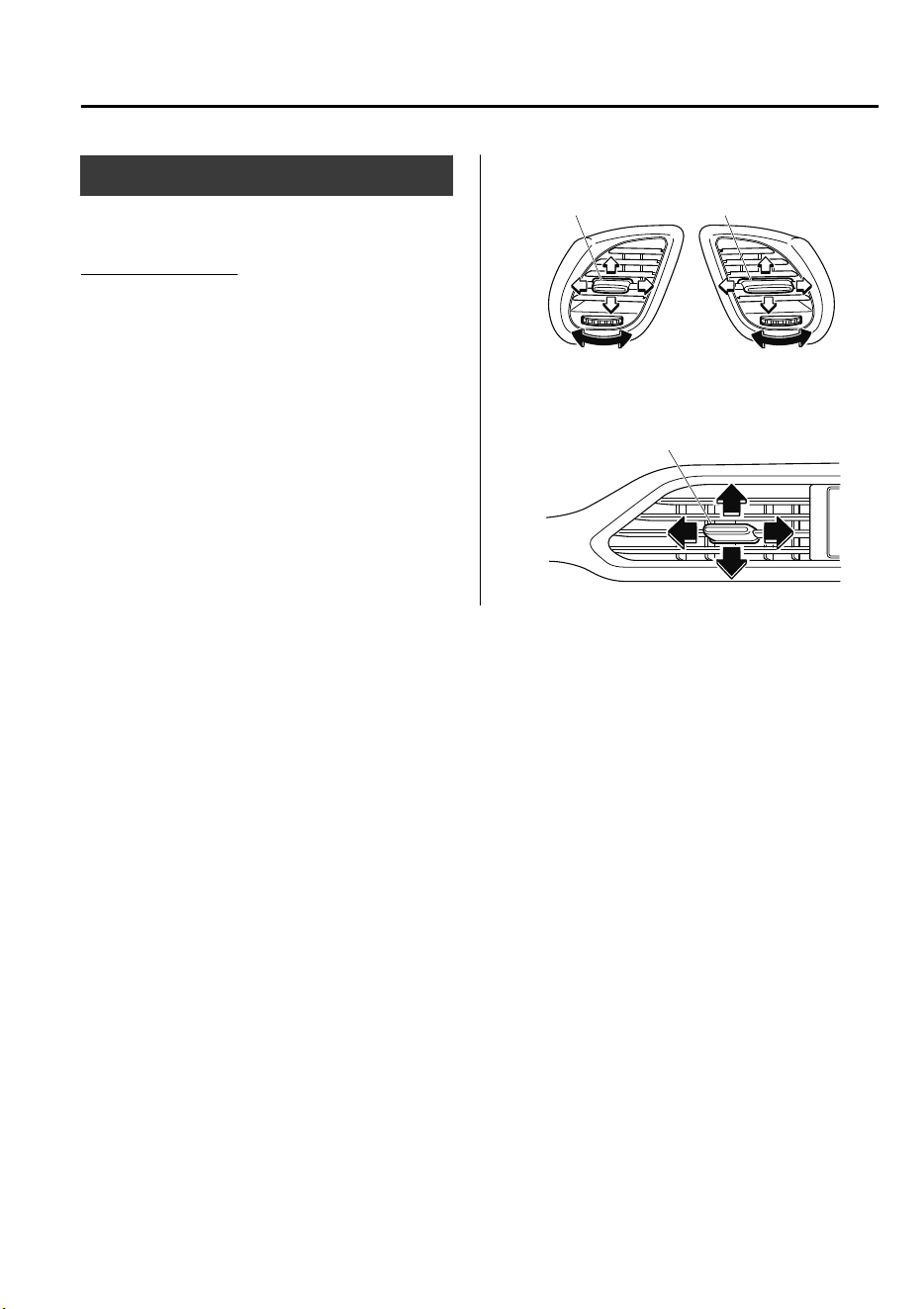
Vent Operation (Front)
▼
Adjusting the Vents
Directing airflow
To adjust the direction of airflow, move
the adjustment knob.
NOTE
•
When using the air conditioner under
humid ambient temperature conditions,
the system may blow fog from the vents.
This is not a sign of trouble but a result
of humid air being suddenly cooled.
•
The air vents can be fully opened and
closed by operating the dial. (Side vents
only)
Side Vents
knob
close openclose open
knob
Center Vents
Knob
Interior Features
Climate Control System
5-3
CX-9_8GC7-EE-17G_Edition1 2017-5-16 8:22:04
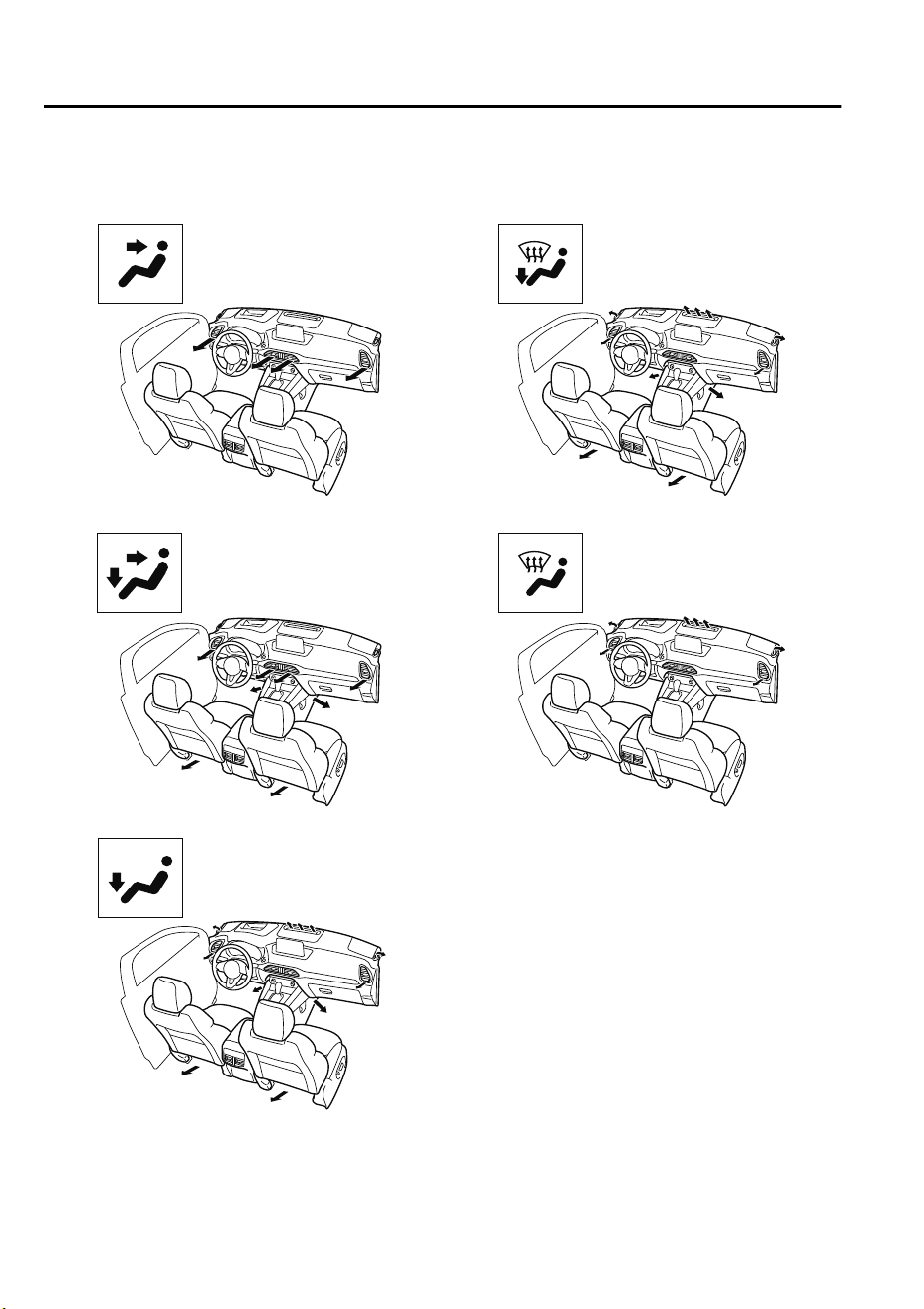
▼
Selecting the Airflow Mode
Dashboard Vents
Dashboard and Floor Vents
Floor Vents
Defroster and Floor Vents
Defroster Vents
NOTE
The location airflow exits the air vents and the airflow amount may change depending on
the open or close status of the air vents.
Interior Features
Climate Control System
5-4
CX-9_8GC7-EE-17G_Edition1 2017-5-16 8:22:04
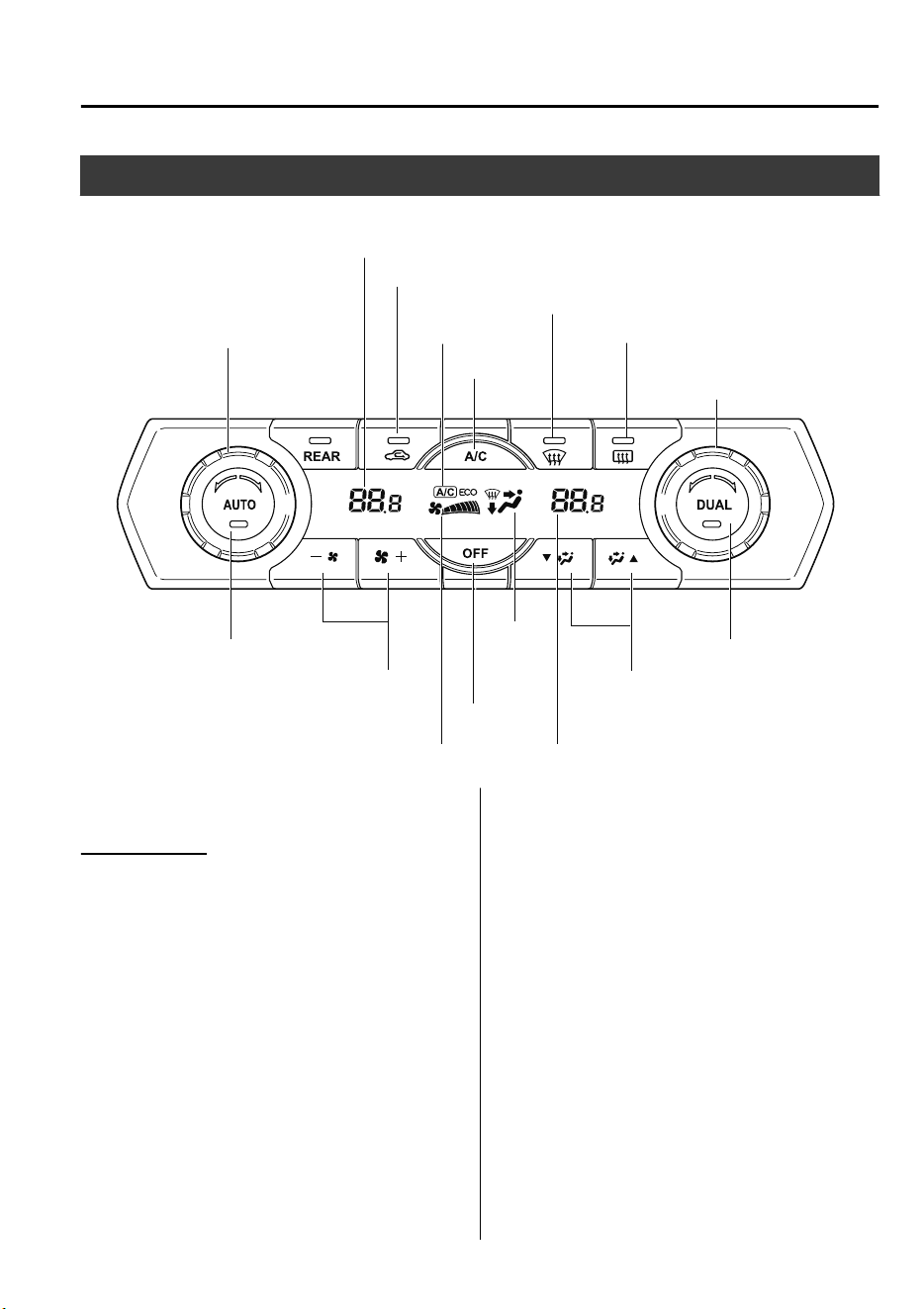
Front Air Conditioner
Climate control system information is displayed on the display.
Passenger temperature
control dial
Rear window defogger switch
Mode selector switch
Airflow display
Fan control switch
AUTO switch
OFF switch
Temperature setting display (Passenger’s side)
Windshield defroster switch
Air intake selector (Recirculated air position)
Temperature setting display (Driver’s side)
Driver temperature control dial A/C mode display
Mode
selector
display
A/C switch
DUAL switch
▼
Control Switches
AUTO switch
By pressing the AUTO switch the
following functions will be automatically
controlled in accordance with the selected
set temperature:
•
Airflow temperature
•
Amount of airflow
•
Selection of airflow mode
•
Outside/Recirculated air selection
•
Air conditioner operation
•
A/C or A/C ECO selection
NOTE
AUTO switch indicator light
•
When on, it indicates auto operation,
and the system will function
automatically.
•
If any of the following switches are
operated while in auto control, the
AUTO switch indicator turns off.
•
Mode selector switch
•
Fan control switch
•
Windshield defroster switch
The functions for switches other than
those operated continue to operate in
auto control.
Interior Features
Climate Control System
5-5
CX-9_8GC7-EE-17G_Edition1 2017-5-16 8:22:04
OFF switch
Pressing the OFF switch shuts off the
climate control system.
Temperature control dial
This dial controls temperature. Turn it
clockwise for hot and counterclockwise
for cold.
•
When the DUAL switch is off:
Turn the driver temperature control dial
to control the temperature throughout
the entire cabin.
•
When the DUAL switch is on:
Turn the driver or front passenger
temperature control dial to
independently control the temperature
on each side of the cabin.
NOTE
•
The climate control system changes to
the individual operation mode (DUAL
switch indicator light illuminated) by
turning the front passenger temperature
control dial even when the DUAL switch
is off, which allows individual control of
the set temperature for the driver and
front passenger.
•
The temperature units for the
temperature setting display can be
changed in conjunction with the
temperature units for the outside
temperature display.
(Type A instrument cluster)
Refer to Outside Temperature Display
on page 4-24.
(Type B instrument cluster)
Refer to Outside Temperature Display
(Without Multi-information display) on
page 4-17.
Fan control switch
The fan has seven speeds. The selected
speed will be displayed.
Mode selector switch
The desired airflow mode can be selected
(page 5-4).
NOTE
•
With the airflow mode set to the
position and the temperature control
dial set at a medium temperature,
heated air is directed to the feet and air
at a comparably lower temperature will
flow through the central, left and right
vents.
•
To set the air vent to , press the
windshield defroster switch.
•
In the position, the air conditioner is
automatically turned on and the outside
air position is automatically selected to
defrost the windshield.
A/C switch
Pressing the A/C switch while the AUTO
switch is turned on will turn off the air
conditioner (cooling/dehumidifying
functions).
The on/off of the air conditioner switches
each time the A/C switch is pressed.
Changes as follows each time the A/C
switch is pressed.
A/C→A/C ECO→Stop
Interior Features
Climate Control System
5-6
CX-9_8GC7-EE-17G_Edition1 2017-5-16 8:22:04
NOTE
•
The air conditioner operates when the
A/C switch is pressed while the air
conditioner is turned off.
•
The A/C ECO function is designed to
economize use of the climate control
system. “A/C ECO” is displayed to
indicate that the climate control system
is operating at optimum control.
•
The air conditioner may not function
when the outside temperature
approaches 0 °C (32 °F).
Air intake selector
Outside or recirculated air positions can be
selected. Press the switch to select outside/
recirculated air positions.
Recirculated air position (indicator light
illuminated)
Outside air is shut off. Use this position
when going through tunnels, driving in
congested traffic (high engine exhaust
areas) or when quick cooling is desired.
Outside air position (indicator light
turned off)
Outside air is allowed to enter the cabin.
Use this mode for ventilation or
windshield defrosting.
WARNING
Do not use the recirculated air position in
cold or rainy weather:
Using the recirculated air position in cold or
rainy weather is dangerous as it will cause
the windows to fog up. Your vision will be
hampered, which could lead to a serious
accident.
DUAL switch
Use the DUAL switch to change the mode
between the individual operation (driver
and passenger) and interconnection
(simultaneous) modes.
Individual operation mode (indicator
light illuminated)
The set temperature can be controlled
individually for the driver and front
passenger.
Interconnection mode (indicator light
turned off)
The set temperature for the driver and
front passenger is controlled
simultaneously.
Interior Features
Climate Control System
5-7
CX-9_8GC7-EE-17G_Edition1 2017-5-16 8:22:04
Windshield defroster switch
Press the switch to defrost the windshield
and front door windows.
Refer to Windshield Defrosting and
Defogging on page 5-8.
Rear window defogger switch
Press the rear window defogger switch to
defrost the rear window.
Refer to Rear Window Defogger on page
4-63.
▼
Operation of Automatic Air
Conditioner
1. Press the AUTO switch. Selection of
the airflow mode, air intake selector
and amount of airflow will be
automatically controlled.
2. Use the temperature control dial to
select a desired temperature.
Press the DUAL switch or turn the
front passenger temperature control
dial to control the set temperature
individually for the driver and front
passenger.
To turn off the system, press the OFF
switch.
NOTE
•
Setting the temperature to maximum hot
or cold will not provide the desired
temperature at a faster rate.
•
When selecting heat, the system will
restrict airflow until it has warmed to
prevent cold air from blowing out of the
vents.
▼
Windshield Defrosting and
Defogging
Press the windshield defroster switch.
In this position, the outside air position is
automatically selected, and the air
conditioner automatically turns on. The air
conditioner will directly dehumidify the
air to the front windshield and side
windows on page 5-4.
Airflow amount will be increased.
WARNING
Set the temperature control to the hot or
warm position when defogging (
position):
Using the
position with the temperature
control set to the cold position is
dangerous as it will cause the outside of the
windshield to fog up. Your vision will be
hampered, which could lead to a serious
accident.
NOTE
Use the temperature control dial to
increase the air flow temperature and
defog the windshield more quickly.
Interior Features
Climate Control System
5-8
CX-9_8GC7-EE-17G_Edition1 2017-5-16 8:22:04
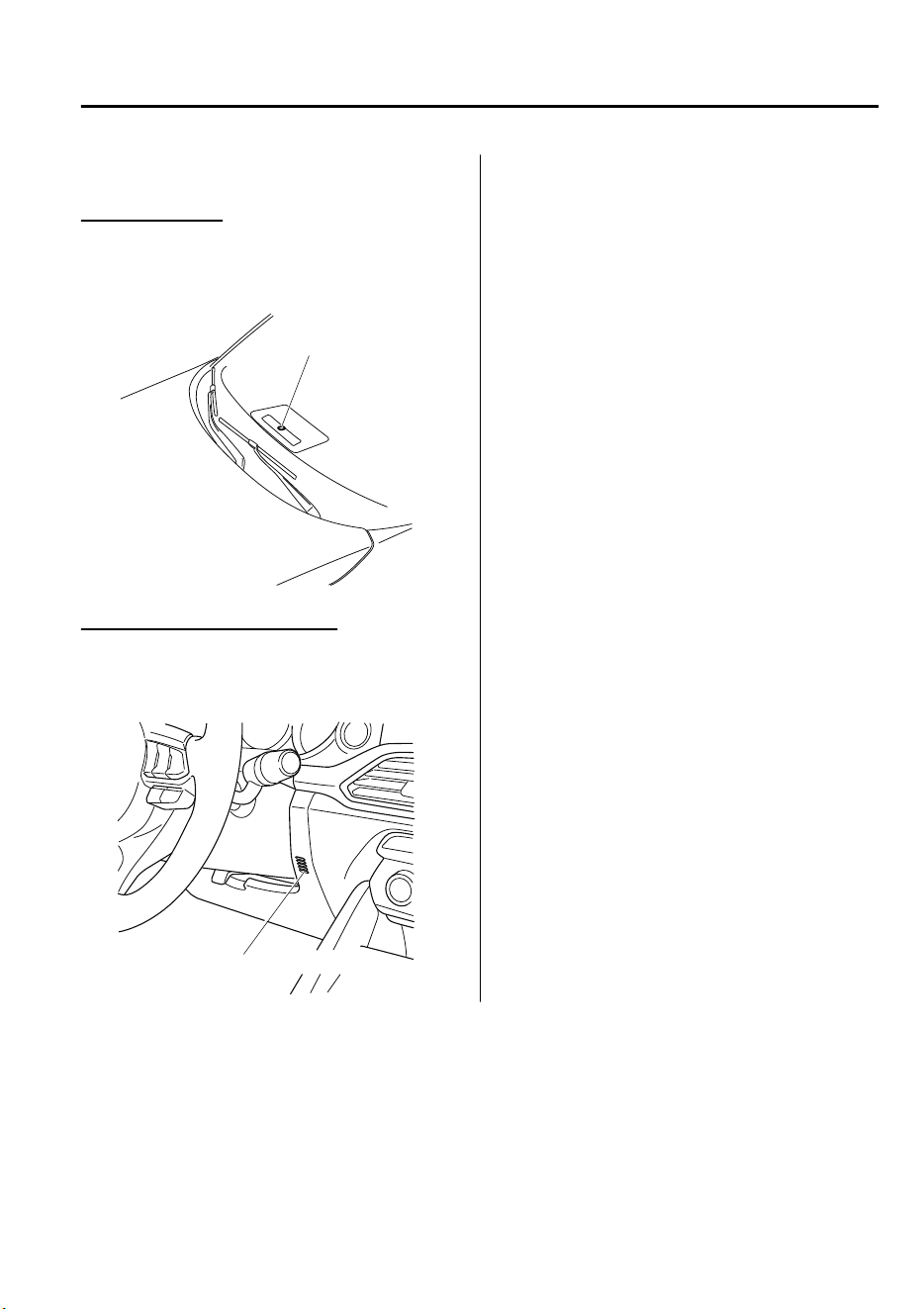
▼
Sunlight/Temperature Sensor
Sunlight sensor
Do not place objects on the sunlight
sensor. Otherwise, the interior temperature
may not adjust correctly.
Sunlight sensor
Interior temperature sensor
Do not cover the interior temperature
sensor. Otherwise, the interior temperature
may not adjust correctly.
Interior temperature sensor
Interior Features
Climate Control System
5-9
CX-9_8GC7-EE-17G_Edition1 2017-5-16 8:22:04
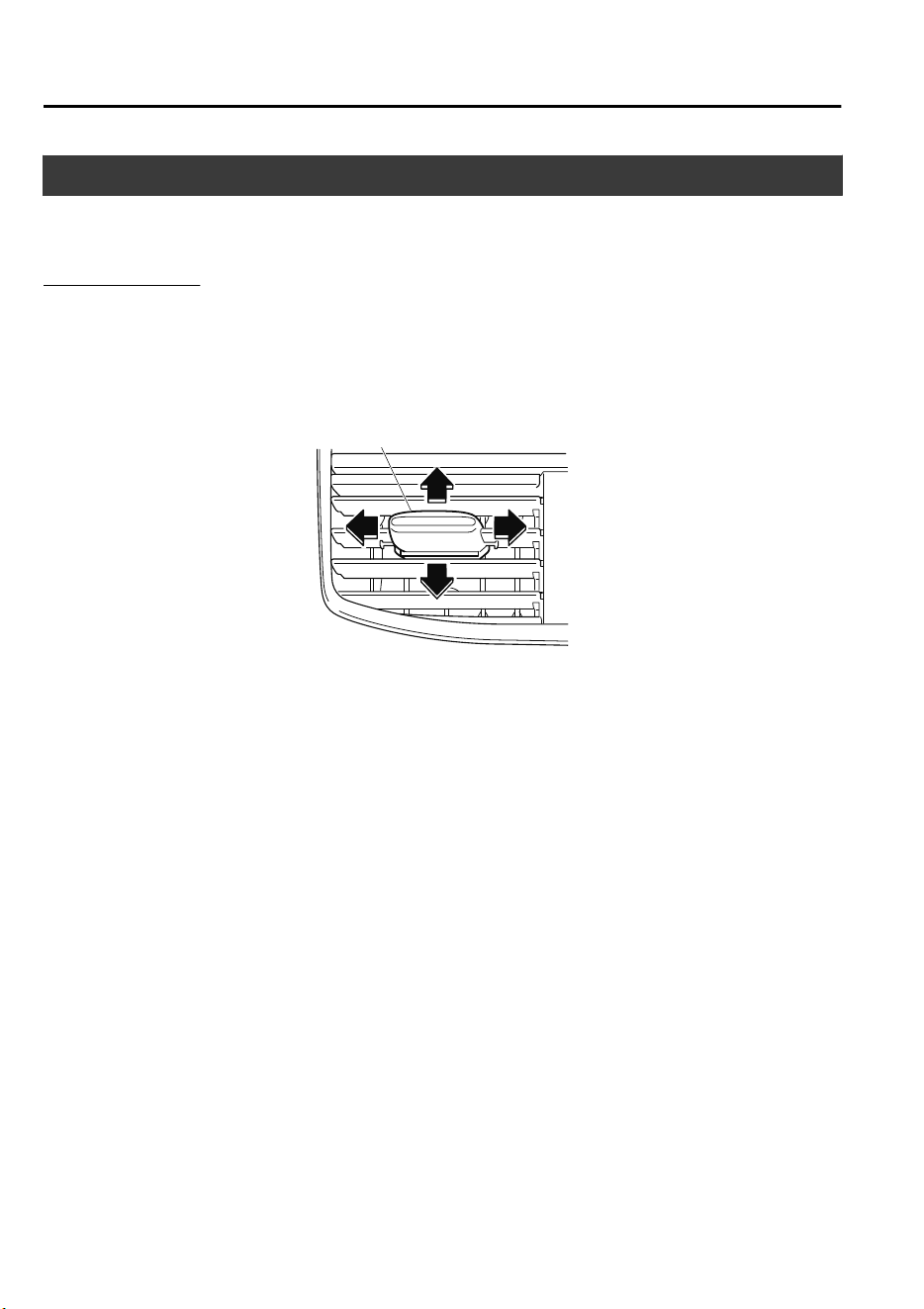
Vent Operation (Rear)
▼
Adjusting the Vents
Directing airflow
You can direct air flow by moving the adjustment knob.
NOTE
When using the air conditioner, mist may come out from the vents. This is not a sign of
trouble but a result of humid air being suddenly cooled.
knob
Interior Features
Climate Control System
5-10
CX-9_8GC7-EE-17G_Edition1 2017-5-16 8:22:04
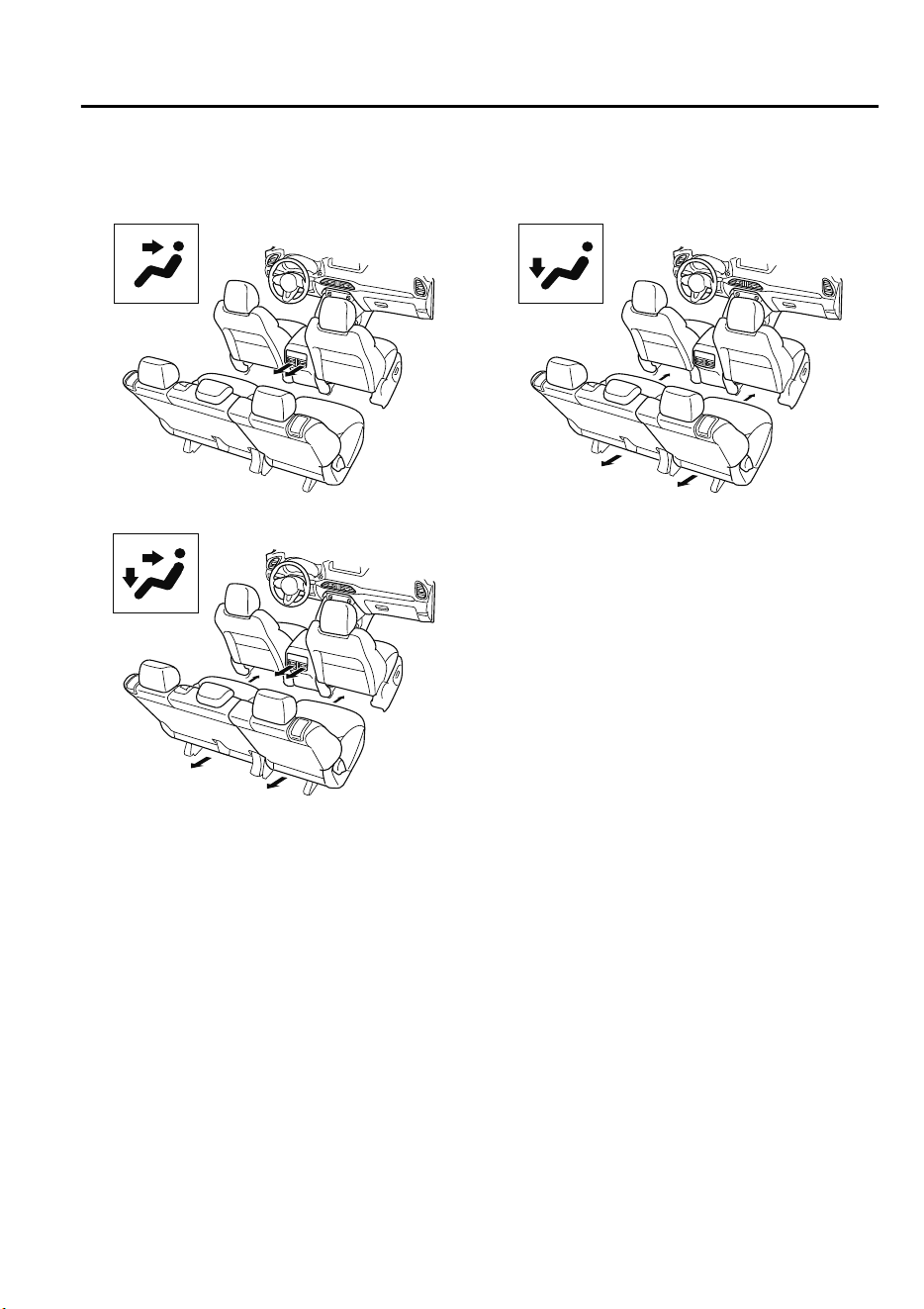
▼
Selecting the Airflow Mode
Dashboard Vents
Dashboard and Floor Vents
Floor Vents
Interior Features
Climate Control System
5-11
CX-9_8GC7-EE-17G_Edition1 2017-5-16 8:22:04
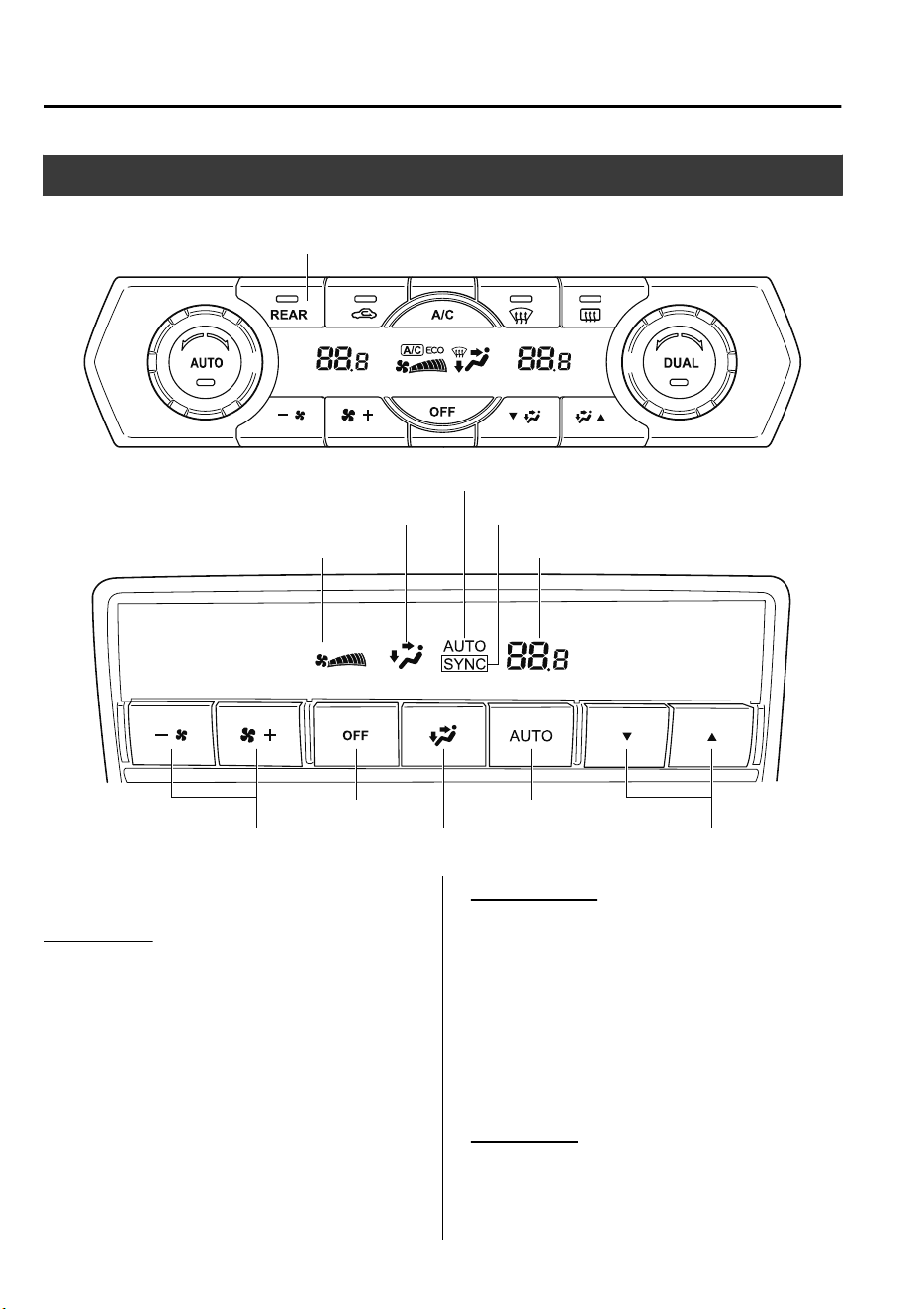
Rear Air Conditioner
Climate control system information is displayed on the display.
Mode selector switch
Airflow display
AUTO switch
Temperature setting display
REAR switch
Mode selector display
OFF switch
AUTO
SYNC
Temperature control switch
Fan control switch
▼
Control Switches
Rear switch
Press the rear switch to operate the rear air
conditioner.
The indicator illuminates to indicate that
the rear air conditioner is operating.
AUTO switch
By pressing the AUTO switch the
following functions will be automatically
controlled in accordance with the set
temperature:
•
Airflow temperature
•
Amount of airflow
•
Selection of airflow mode
OFF switch
Pressing the OFF switch shuts off the
climate control system.
Interior Features
Climate Control System
5-12
CX-9_8GC7-EE-17G_Edition1 2017-5-16 8:22:04
Temperature control switch
This switch controls temperature. Press
for hot and for cold.
Fan control switch
The fan has five speeds. The selected
speed will be displayed.
Mode selector switch
The desired airflow mode can be selected.
Refer to Selecting the Airflow Mode on
page 5-11.
▼
Operation of Automatic Air
Conditioner
Operation from front seats
1. Turn the front air conditioner on.
2. Press the rear switch. The rear air
conditioner operates.
3. Selection of the airflow mode, airflow
amount and temperature will be
automatically controlled to the same
temperature setting as the front air
conditioner for the driver's side.
NOTE
•
If the AUTO switch is pressed while
the front A/C switch is off, the rear
air conditioner operates only to
circulate air.
•
Setting the temperature to the
maximum high or low will not
provide the desired temperature at a
faster rate.
•
When selecting heat, the system will
restrict airflow until it has warmed
to prevent cold air from blowing out
of the vents.
•
When the rear air conditioner is
controlled to the same temperature
setting as the front air conditioner
for the driver's side, “SYNC” is
displayed on the rear screen.
Operation from rear seats
1. Turn the front air conditioner on.
2. Press the AUTO switch. The selection
of the airflow mode and airflow
amount will be automatically
controlled.
3. Use the temperature control switch to
set the desired temperature.
NOTE
•
If the AUTO switch is pressed while
the front A/C switch is off, the rear
air conditioner operates only to
circulate air.
•
Setting the temperature to the
maximum high or low will not
provide the desired temperature at a
faster rate.
•
When selecting heat, the system will
restrict airflow until it has warmed
to prevent cold air from blowing out
of the vents.
•
When the rear air conditioner is
operated automatically, “AUTO” is
displayed on the rear screen.
•
When the rear air conditioner is
controlled to the same temperature
setting as the front air conditioner
for the driver's side, “SYNC” is
displayed on the rear screen.
To turn off the system, press the OFF
switch.
Interior Features
Climate Control System
5-13
CX-9_8GC7-EE-17G_Edition1 2017-5-16 8:22:04
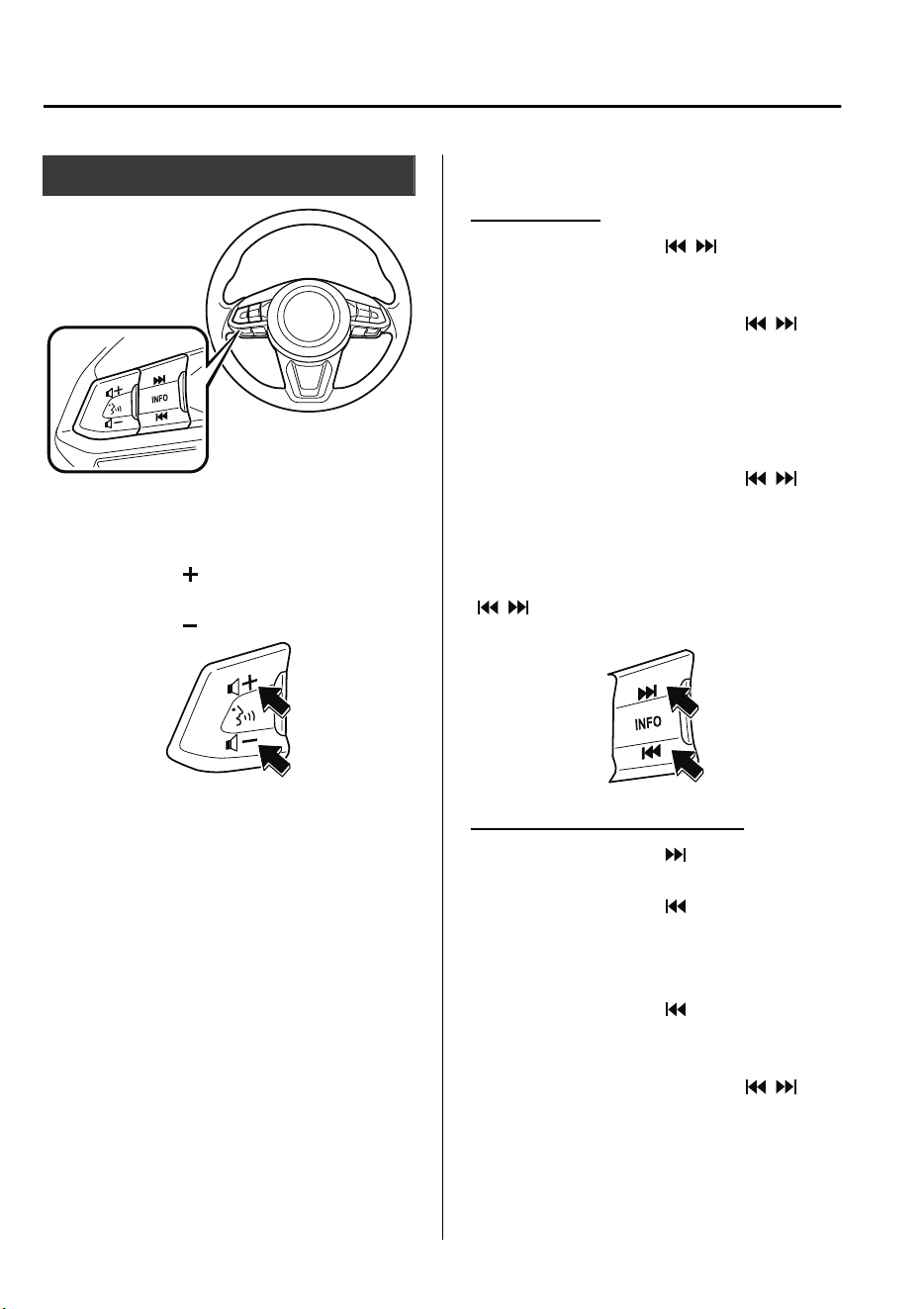
Audio Control Switch
▼
Adjusting the Volume
To increase the volume, press up the
volume switch (
).
To decrease the volume, press down the
volume switch (
).
▼
Seek Switch
AM/FM radio
Press the seek switch ( , ). The radio
switches to the next/previous stored
station in the order that it was stored.
Press and hold the seek switch (
, ) to
seek all usable stations at a higher or lower
frequency whether programmed or not.
Radio stations which have been previously
stored in the favorite radio can be called
up by pressing the seek switch (
, )
while any radio station stored in the
favorite radio is being received. Radio
stations can be called up in the order they
were stored with each press of the switch
(
, ).
USB Audio/Bluetooth
®
Audio
Press the seek switch ( ) to skip forward
to the beginning of the next track.
Press the seek switch (
) within a few
seconds after playback begins to track
down to the beginning of the previous
track.
Press the seek switch (
) after a few
seconds have elapsed to start playback
from the beginning of the current track.
Press and hold the seek switch (
, ) to
continuously switch the tracks up or down.
Interior Features
Before Using the Audio System
5-14
CX-9_8GC7-EE-17G_Edition1 2017-5-16 8:22:04
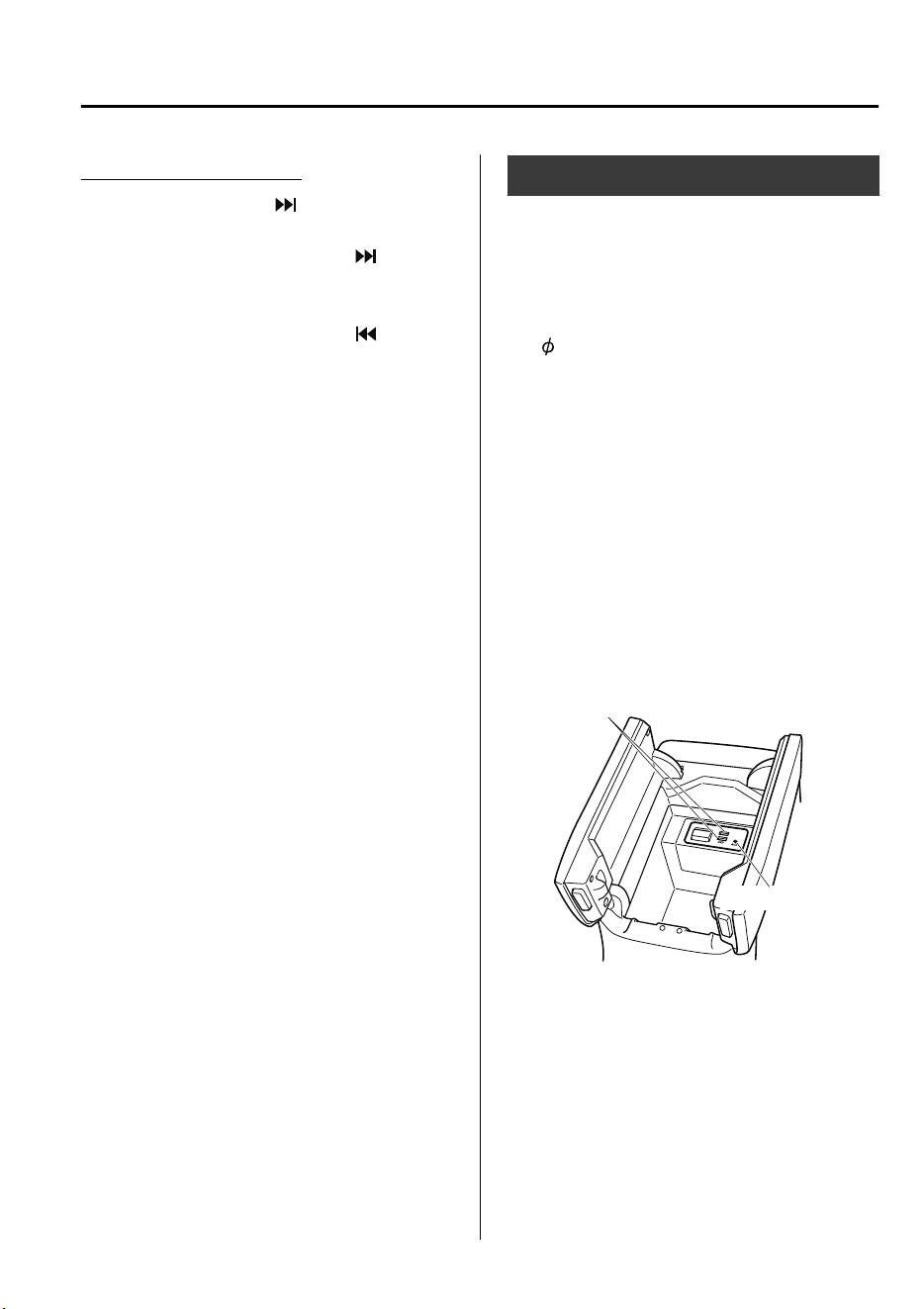
Aha™/Stitcher™ Radio
Press the seek switch ( ) to skip forward
to the beginning of the next track.
Press and hold the seek switch (
) to
evaluate the playback of the current song
as “Like”.
Press and hold the seek switch (
) to
evaluate the playback of the current song
as “Dislike”.
AUX/USB mode
Audio can be heard from the vehicle's
speakers by connecting a
commercially-available portable audio
unit to the auxiliary jack.
A commercially-available, non-impedance
(3.5
) stereo mini plug cable is required.
Contact an expert repairer, we recommend
an Authorized Mazda Repairer for details.
In addition, audio can be played from the
vehicle audio device by connecting a USB
device to the USB port.
NOTE
The SD card slot is for the navigation
system. For vehicles with the navigation
system, the SD card (Mazda genuine) with
stored map data is inserted into the SD
card slot and used.
USB port
Auxiliary jack
① How to use AUX mode..........page 5-28
② How to use USB mode.......... page 5-29
Interior Features
Before Using the Audio System
5-15
CX-9_8GC7-EE-17G_Edition1 2017-5-16 8:22:04
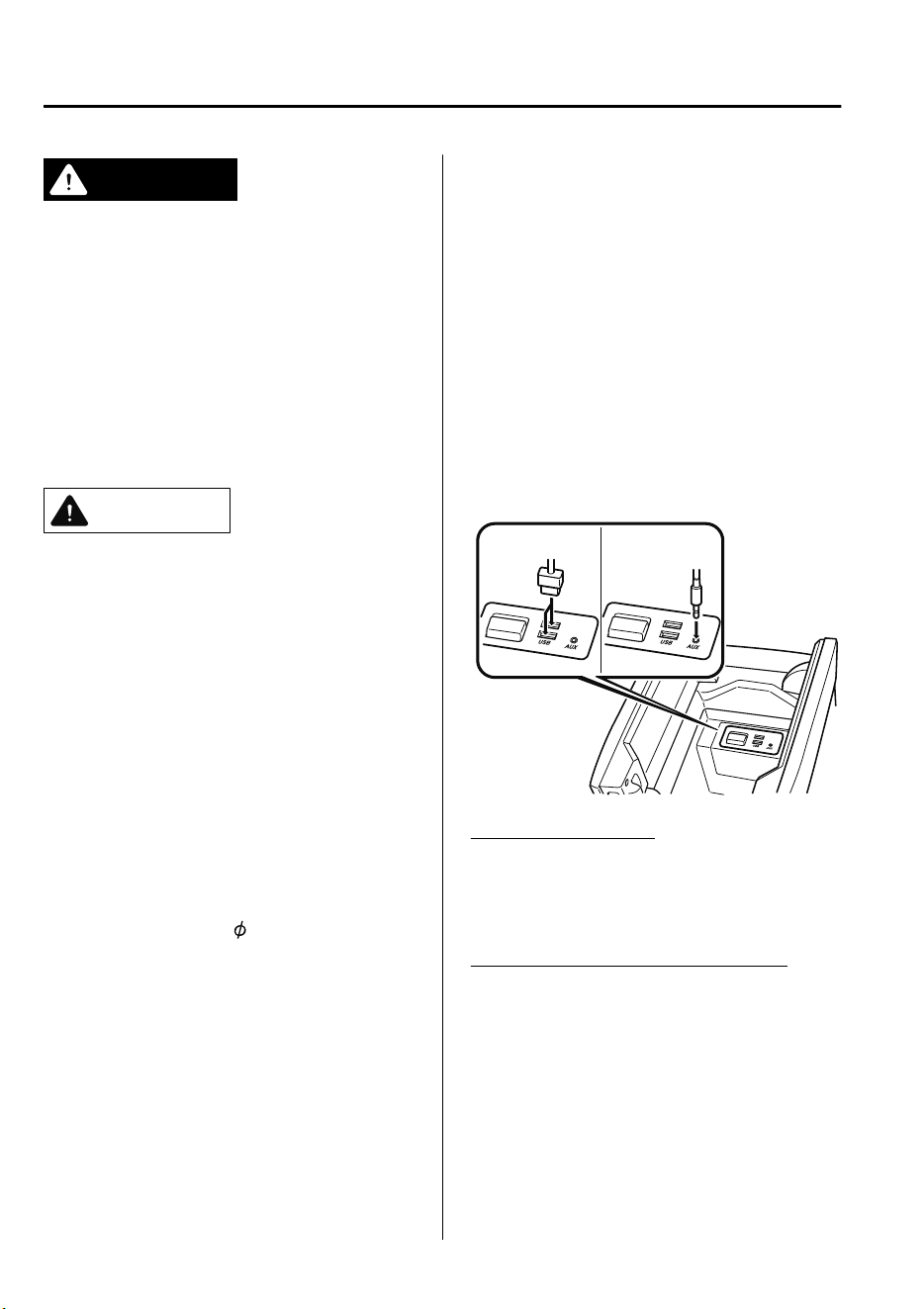
WARNING
Do not adjust the portable audio unit or a
similar product while driving the vehicle:
Adjusting the portable audio unit or a
similar product while driving the vehicle is
dangerous as it could distract your
attention from the vehicle operation which
could lead to a serious accident. Always
adjust the portable audio unit or a similar
product while the vehicle is stopped.
CAUTION
Depending on the portable audio device,
noise may occur when the device is
connected to the vehicle accessory socket.
(If noise occurs, do not use the accessory
socket.)
NOTE
•
This mode may not be usable depending
on the portable audio device to be
connected.
•
Before using the auxiliary jack/USB
port, refer to the instruction manual for
the portable audio device.
•
Use a commercially-available,
non-impedance (3.5
) stereo mini plug
for connecting the portable audio unit to
the auxiliary jack. Before using the
auxiliary jack, read the manufacturer's
instructions for connecting a portable
audio unit to the auxiliary jack.
•
To prevent discharging of the battery, do
not use the auxiliary input for long
periods with the engine off or idling.
•
When connecting a device to the
auxiliary jack or USB port, noise may
occur depending on the connected
device. If the device is connected to the
vehicle's accessory socket, the noise can
be reduced by unplugging it from the
accessory socket.
▼
How to connect USB port/Auxiliary
jack
USB port Auxiliary jack
Connecting a device
1. Open the console lid.
2. Connect the connector on the device to
the USB port.
Connecting with a connector cable
1. Open the console lid.
2. Connect the device plug/connector
cable to the auxiliary jack/USB port.
Pass the device plug/connector cable
through the notch in the console and
connect.
Interior Features
Before Using the Audio System
5-16
CX-9_8GC7-EE-17G_Edition1 2017-5-16 8:22:04
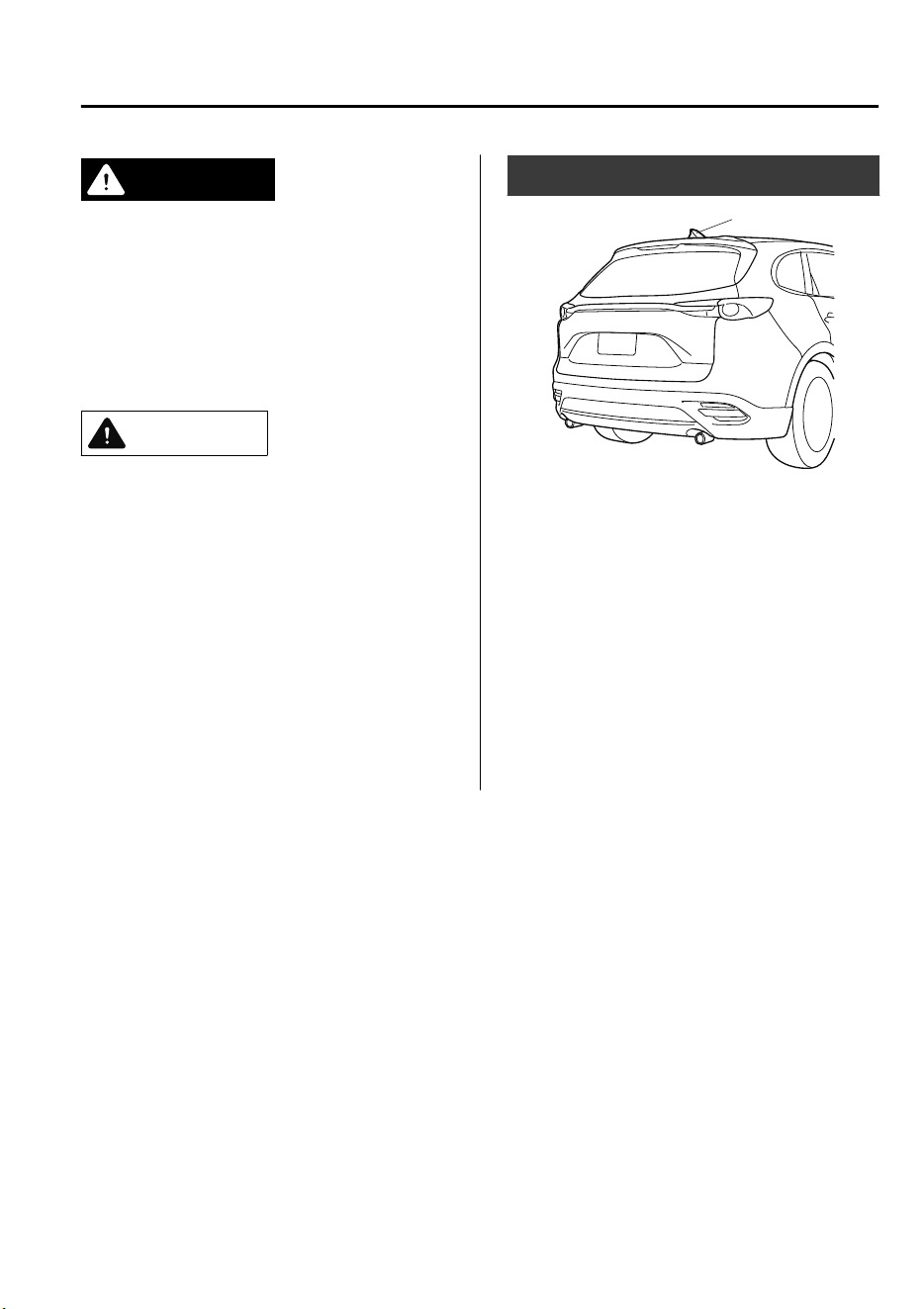
WARNING
Do not allow the connection plug cord to
get tangled with the selector lever:
Allowing the plug cord to become tangled
with the selector lever is dangerous as it
could interfere with driving, resulting in an
accident.
CAUTION
Do not place objects or apply force to the
auxiliary jack/USB port with the plug
connected.
NOTE
•
Insert the plug into the auxiliary
jack/USB port securely.
•
Insert or pull out the plug with the plug
perpendicular to the auxiliary jack/USB
port hole.
•
Insert or remove the plug by holding its
base.
Antenna
Antenna
Interior Features
Before Using the Audio System
5-17
CX-9_8GC7-EE-17G_Edition1 2017-5-16 8:22:04
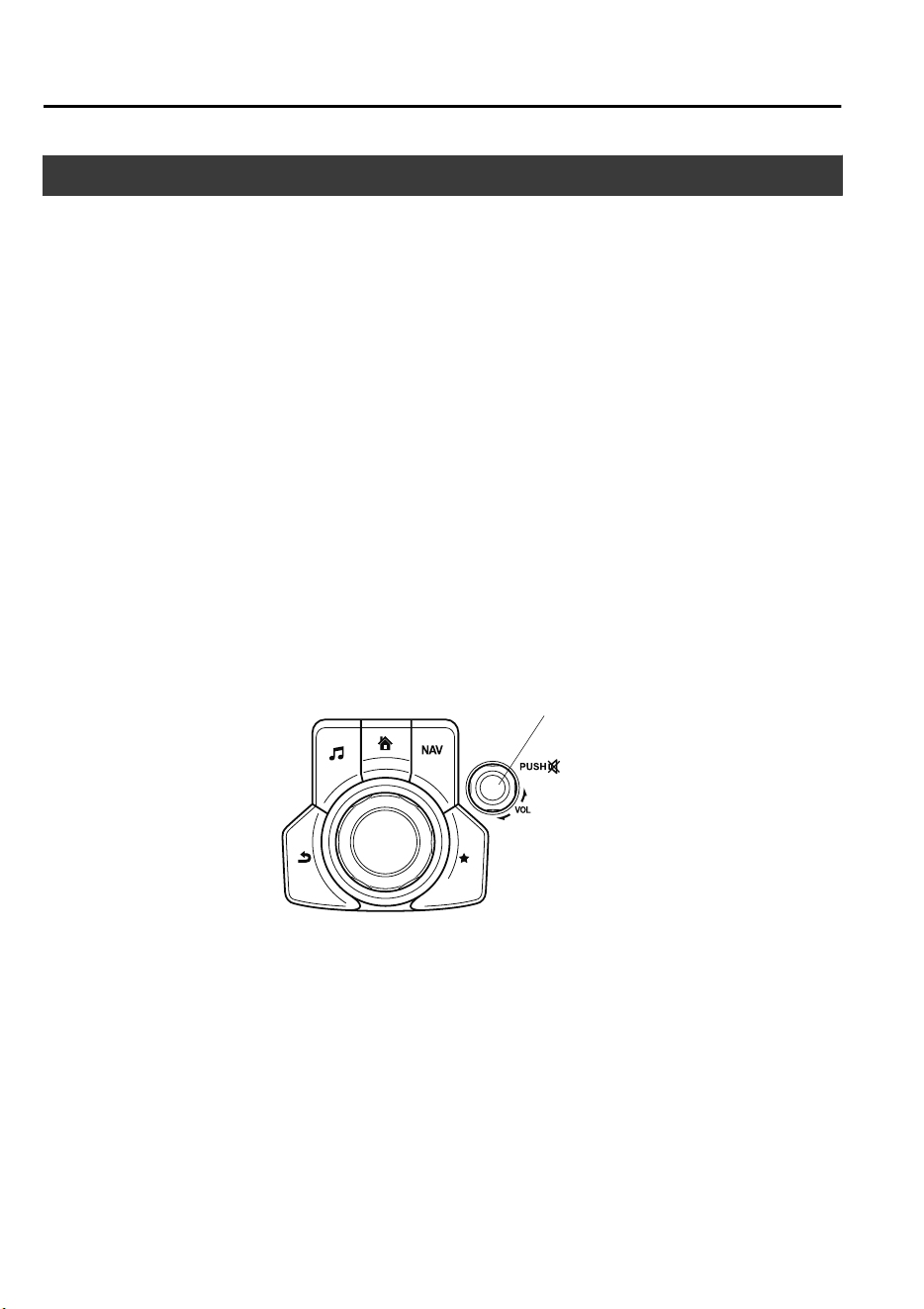
Basic Operation Method
NOTE
The explanation of functions described in this manual may differ from the actual operation,
and the shapes of screens and buttons and the letters and characters displayed may also
differ from the actual appearance.
Additionally, depending on future software updates, the content may successively change
without notice.
Audio Set has three different human interfaces.
•
Commander switch
•
Touch panel
•
Voice recognition with steering switch and microphone
Refer to Voice Recognition on page 5-57.
▼
Commander switch operation
NOTE
For safety reasons, some operations are disabled while the vehicle is being driven.
Volume dial operation
Vo l ume dial
Press the volume dial to switch the audio MUTE on and off.
Turn the volume dial to adjust the volume. The volume increases by turning the dial
clockwise, and decreases by turning it counterclockwise.
Interior Features
Audio Set
5-18
CX-9_8GC7-EE-17G_Edition1 2017-5-16 8:22:04
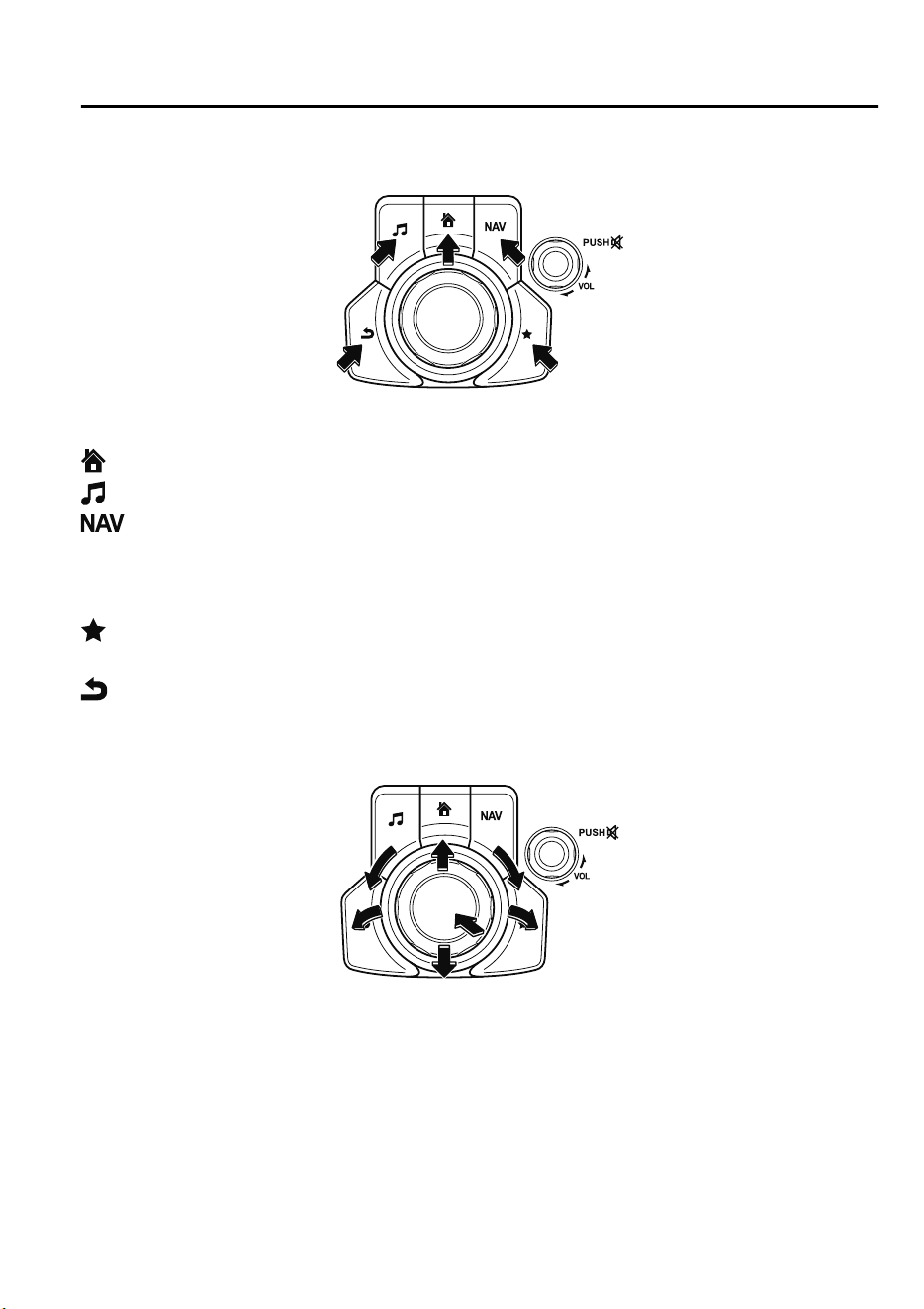
Switches around commander knob
The following operations can be done by pressing the switches around the commander
knob.
: Displays the home screen.
: Displays the Entertainment screen.
: Displays the Navigation screen (Only navigation-equipped vehicles). For operation
of the Navigation screen, refer to the navigation system manual. If the SD card for the
navigation system is not inserted, the compass indicating the direction in which the vehicle
is moving is displayed.
: Displays the Favorites screen. Long-press to store particular items in Favorites. (Radio,
phonebook and destination of the navigation system can be programmed.)
: Returns to previous screen.
Commander knob operation
(Selection of icons on screen)
1. Tilt or turn the commander knob and move the cursor to the desired icon.
2. Press the commander knob and select the icon.
NOTE
Long-press operation of the commander knob is also possible for some functions.
Interior Features
Audio Set
5-19
CX-9_8GC7-EE-17G_Edition1 2017-5-16 8:22:04
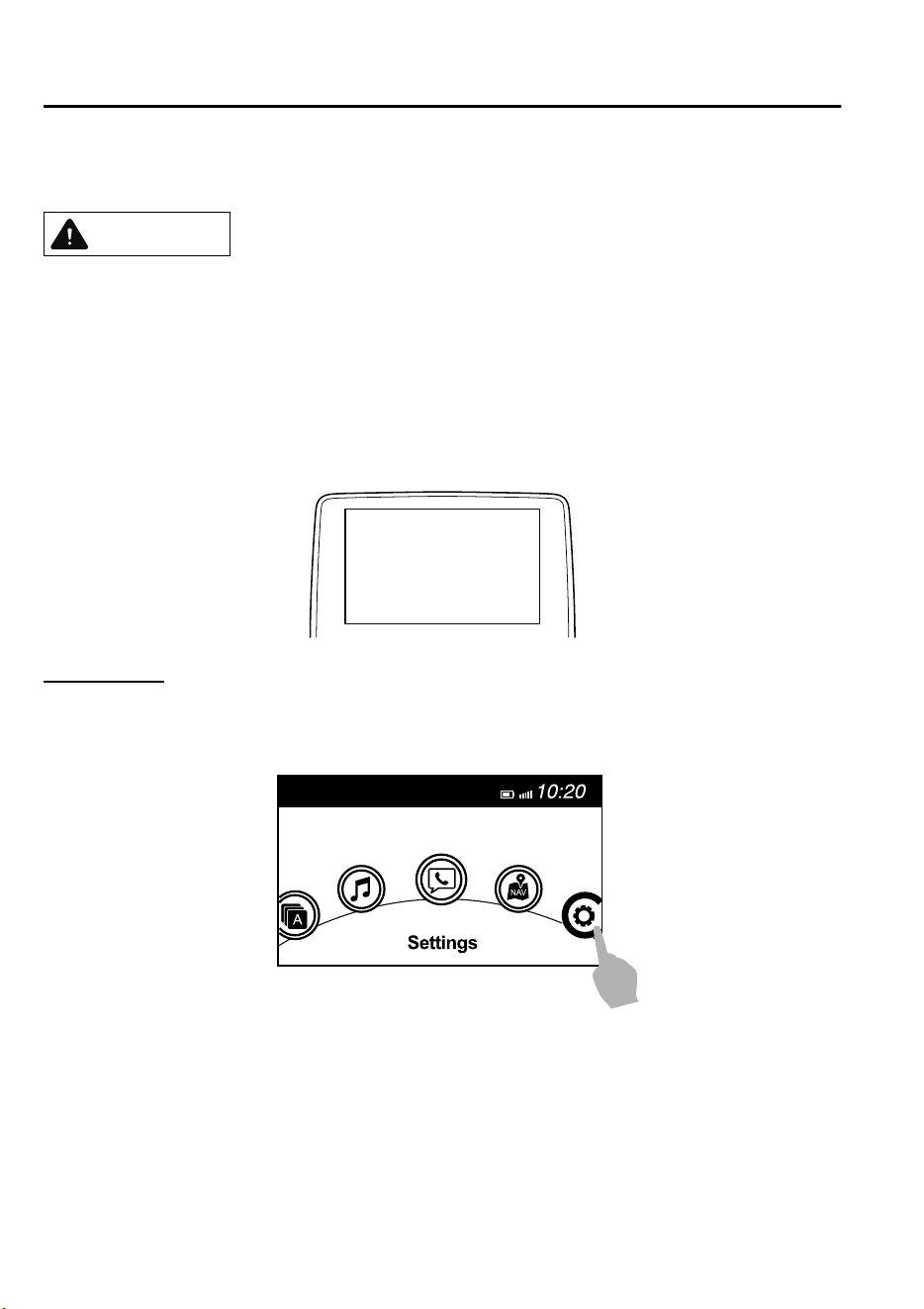
▼
Touch panel operation
CAUTION
Do not press the screen strongly or press it with a sharp-pointed object. Otherwise, the screen
could be damaged.
NOTE
For safety reasons, operation of the center display is disabled while the vehicle is being
driven. However, items not displayed in gray can be operated using the commander switch
while the vehicle is being driven.
Touch & Tap
1. Touch or tap on the item indicated on the screen.
2. The operation is launched and the next item is displayed.
Interior Features
Audio Set
5-20
CX-9_8GC7-EE-17G_Edition1 2017-5-16 8:22:04
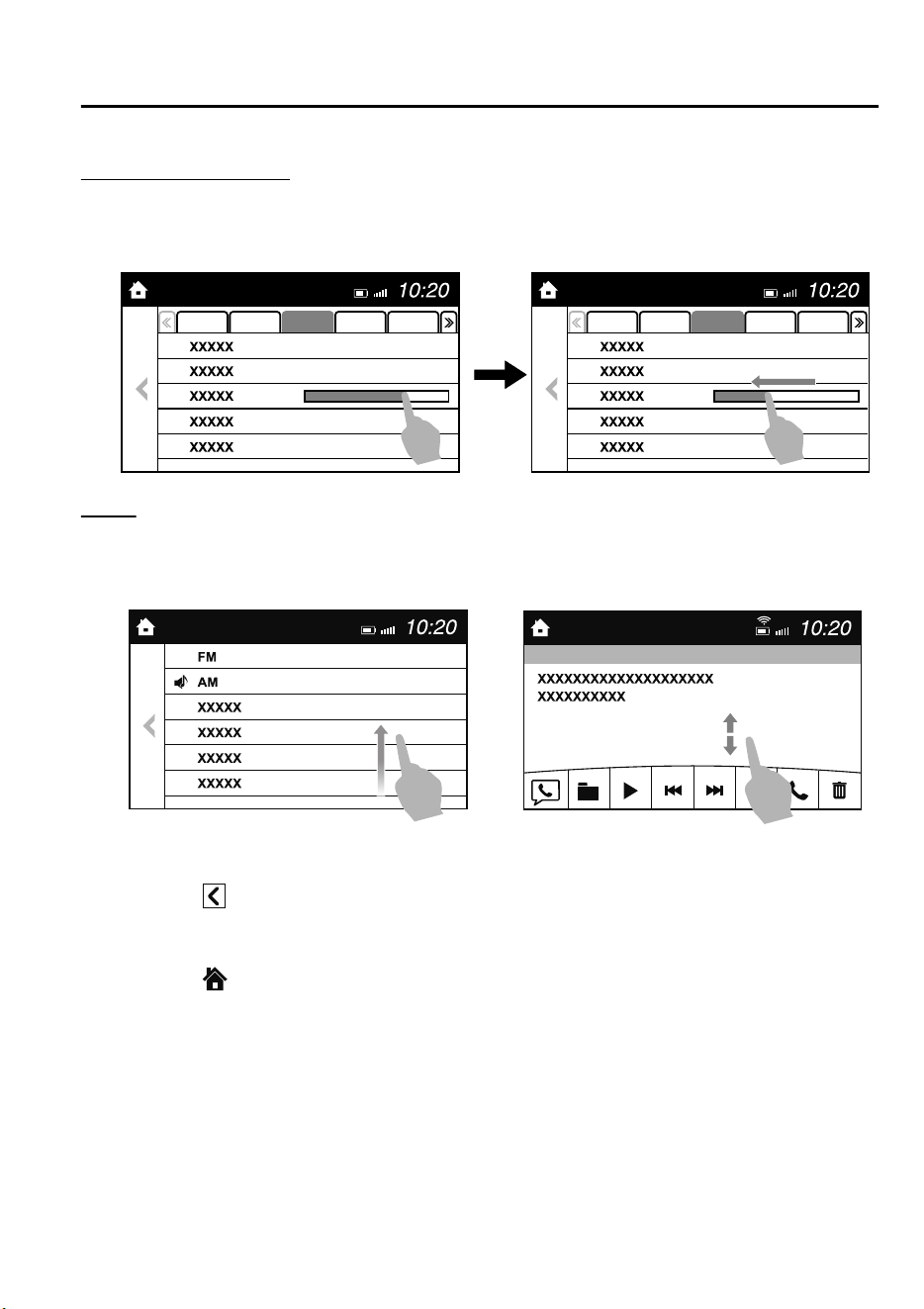
Slide (USB audio only)
1. Touch the setting item displaying a slider bar.
2. Touch the slider with your finger and move to the desired level.
Swipe
1. Touch the screen with your finger and move up or down.
2. Items which were not displayed can be displayed.
Return to previous screen
1. Touch the
.
Displaying the home screen
1. Touch the
.
Interior Features
Audio Set
5-21
CX-9_8GC7-EE-17G_Edition1 2017-5-16 8:22:04
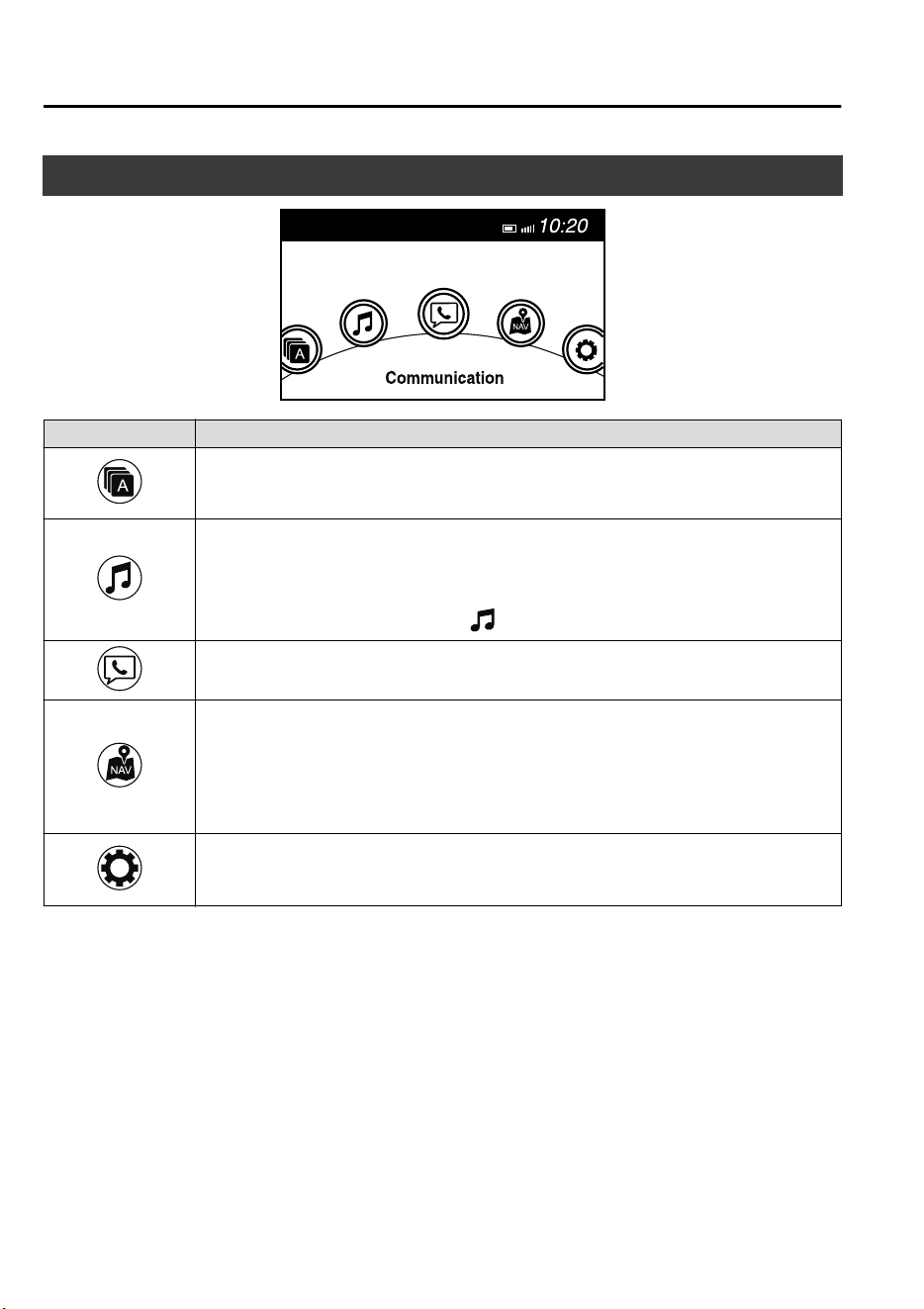
Home screen
Icon Function
Applications
Information such as average fuel economy, maintenance, and warnings can be verified.
Depending on the grade and specification, the screen display may differ.
Entertainment
Operates audio such as the radio. The audio source most recently used is displayed. An
audio source which cannot be used at that time is skipped and the previous audio source is
displayed.
To change the audio source, select the
icon displayed at the bottom of the screen.
Communication
Bluetooth
®
related functions are available.
Navigation
Navigation screen is displayed (vehicles with navigation system).
If the SD card for the navigation system is not inserted, the compass indicating the direc-
tion in which the vehicle is moving is displayed.
The compass may not indicate the correct bearing when the vehicle is stopped or traveling
at a slow speed.
Settings
Overall setting menu (Such as display, sound, Bluetooth
®
and Language).
Depending on the grade and specification, the screen display may differ.
Interior Features
Audio Set
5-22
CX-9_8GC7-EE-17G_Edition1 2017-5-16 8:22:04
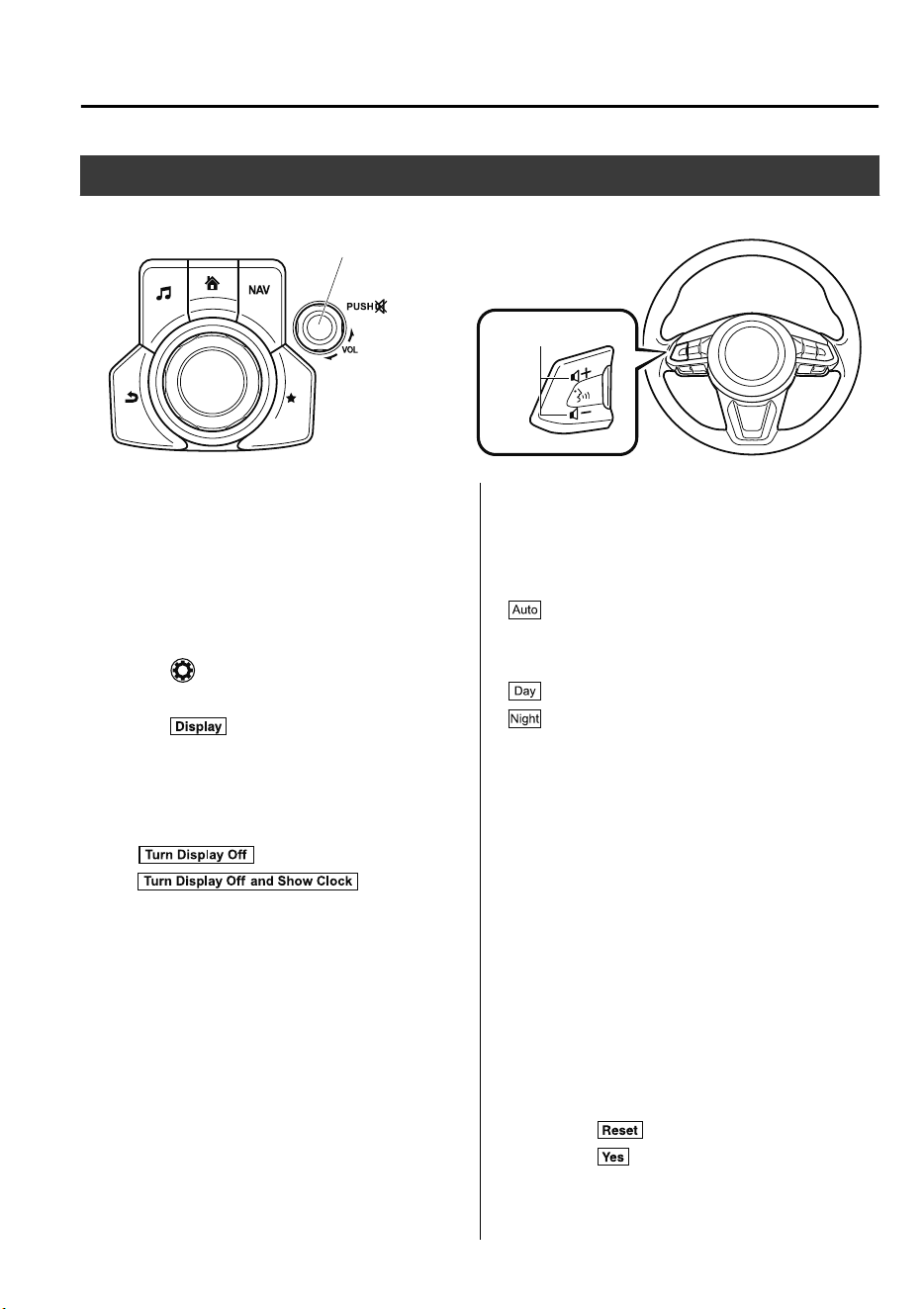
Volume/Display/Sound Controls
Commander switch
Audio control switch
Vo l ume dial
Vo l ume switch
▼
Volume adjustment
Turn the commander switch volume dial.
The volume switch on the steering switch
can also be pressed.
▼
Display setting
Select the icon on the home screen to
display the Settings screen.
Select the
tab to select the item you
would like to change.
Display OFF/Clock
The center display can be turned off.
Select
to turn the display off.
When
is
selected the center display turns off and
the clock is displayed.
The center display can be turned back on
as follows:
•
Touch the center display.
•
Operate the commander switch.
Daytime/nighttime (Mode) screen
setting
The daytime or nighttime screen can be
selected.
: Switches screen automatically
according to headlight illumination
condition
*1
: Daytime screen setting
: Nighttime screen setting
*
1 The display is constantly on daytime
screen when the illumination dimmer
is cancelled.
Brightness adjustment
Adjust the center display brightness using
the slider.
Contrast adjustment
Adjust the center display contrast using
the slider.
Display setting reset
All of the screen setting values can be
reset to their initial settings.
1. Select
.
2. Select
.
Interior Features
Audio Set
5-23
CX-9_8GC7-EE-17G_Edition1 2017-5-16 8:22:04
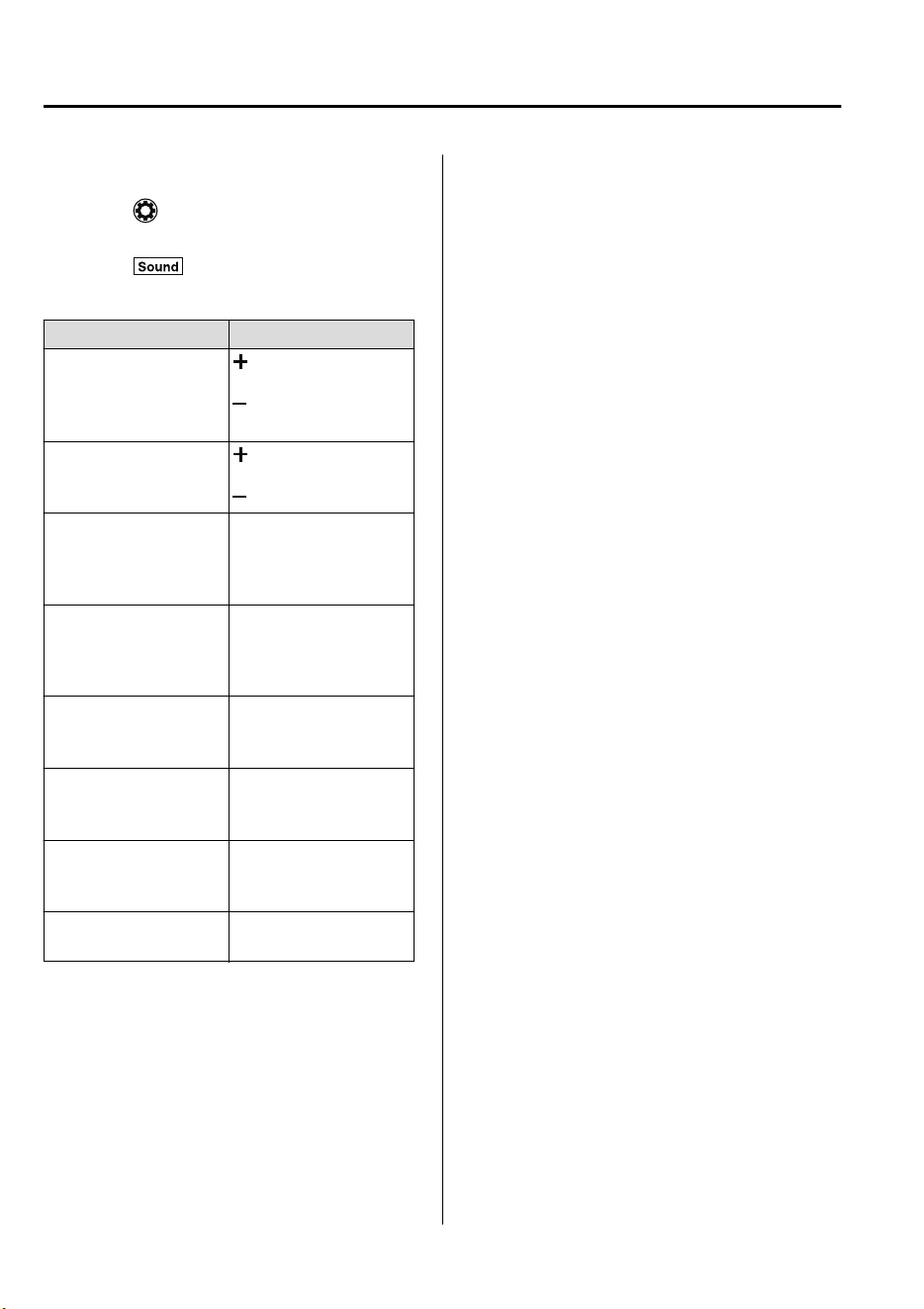
▼
Audio sound adjustment
Select the icon on the home screen to
display the Settings screen.
Select the
tab to select the item you
would like to change.
Indication Setting value
Bass
(Low pitch sound)
Side: Low pitch en-
hancement
Side: Low pitch re-
duction
Treble
(Treble sound)
Side: Treble enhance-
ment
Side: Treble reduction
Fade
(Front/Rear volume bal-
ance)
Front: Front speaker vol-
ume enhancement
Rear: Rear speaker vol-
ume enhancement
Balance
(Left/right volume bal-
ance)
Right: Right speaker
volume enhancement
Left: Left speaker vol-
ume enhancement
ALC
*1
(Automatic volume ad-
justment)
Off―Adjustment at sev-
en levels
Bose
®
Centerpoint
*2
(Automatic surround
level adjustment)
On/Off
Bose
®
AudioPilot
*2
(Automatic volume ad-
justment)
On/Off
Beep
(Audio operation sound)
On/Off
*
1 Standard audio
*
2Bose
®
sound system
ALC (Automatic volume adjustment)
The automatic level control (ALC) is a
feature that automatically adjusts audio
volume and sound quality according to the
vehicle speed. The volume increases in
accordance with the increase in vehicle
speed, and decreases as vehicle speed
decreases.
Bose
®
Centerpoint (Automatic
surround level adjustment)
Centerpoint
®*3
lets vehicle owners enjoy a
Bose
®
surround sound experience from
their existing MP3s.
Specifically engineered to meet the unique
demands of reproducing surround sound in
a vehicle.
Converts stereo signals to multiple
channels allowing greater precision when
reproducing the sound.
An enhanced algorithm to simultaneously
create a wider, more spacious sound field.
*3 Centerpoint
®
is a registered trademark
of Bose Corporation.
Bose
®
AudioPilot (Automatic volume
adjustment)
When driving, background noise can
interfere with enjoying music.
AudioPilot
®*4
noise compensation
technology continuously adjusts the music
to compensate for background noise and
vehicle speed.
It reacts only to sustained noise sources
and not intermittent ones, such as speed
bumps.
An enhanced DSP algorithm allows faster
and more effective compensation for
unusual situations, such as driving on a
very rough road or at high speeds.
*4 AudioPilot
®
is a registered trademark
of Bose Corporation.
Interior Features
Audio Set
5-24
CX-9_8GC7-EE-17G_Edition1 2017-5-16 8:22:04
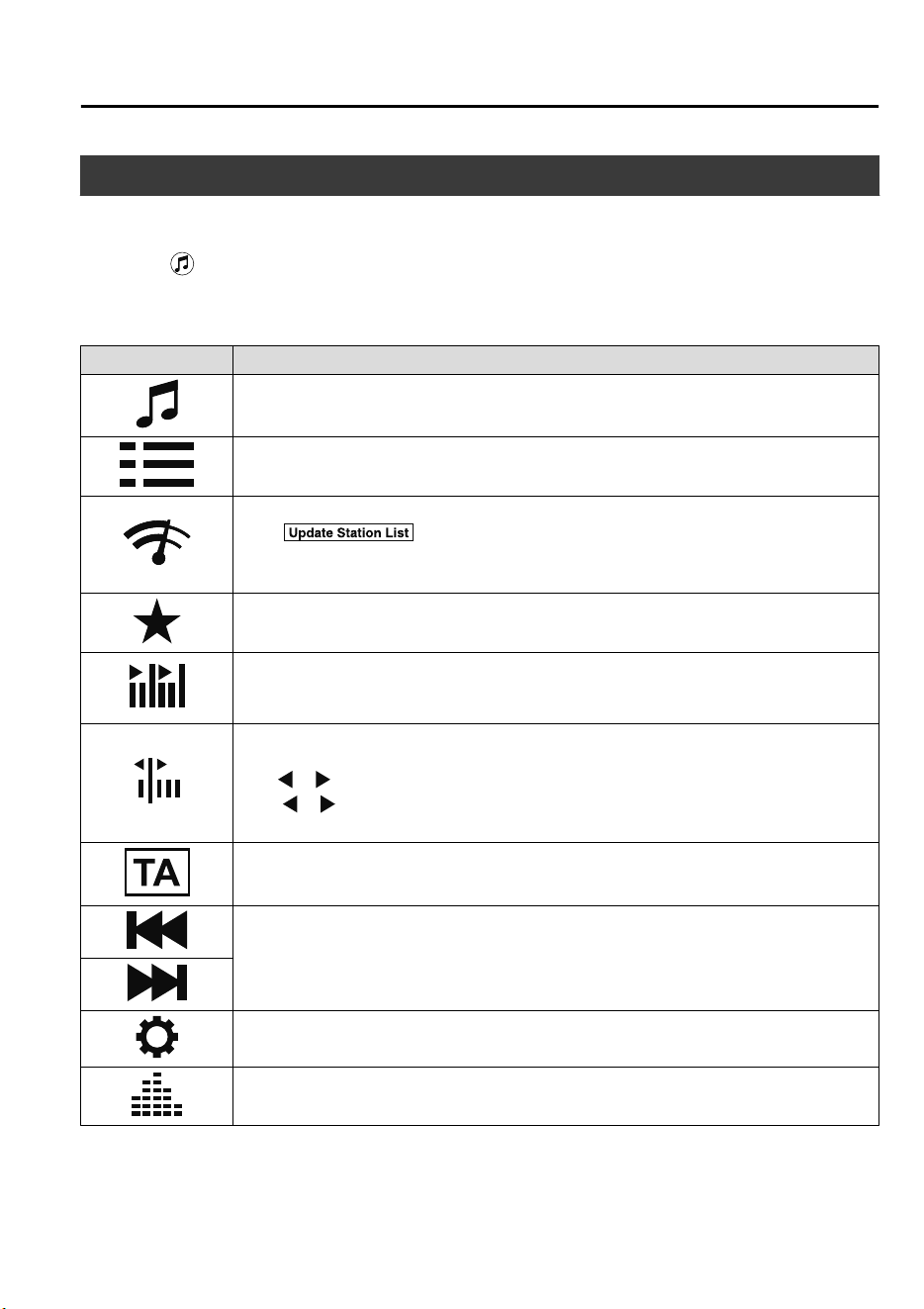
Operating the Radio
▼
Radio ON
Select the icon on the home screen to display the Entertainment screen. When selecting
the desired radio, the following icons are indicated in the lower part of the center display.
AM/FM Radio
Icon Function
Displays the Entertainment menu. Use to switch to a different audio source.
Displays the list of receivable RDS radio stations (FM only).
*1
Displays the station list.
*2
Select to display the frequencies of up to ten radio stations on the auto
memory preset list.
Select the desired frequency.
Displays the Favorites list. Long-press to store radio station currently being aired.
You can search for receivable radio stations.
Scanning stops at each station for about five seconds.
Select again to continue receiving the radio station.
You can change the radio frequency manually.
Rotate the commander knob, slide the screen, or touch the radio frequency.
Press
or to change the radio frequency one step at a time.
When
or is long-pressed, the radio frequency changes continually. It stops when you
remove your hand from the icon or the commander knob.
Switches the TA mode on and off.
*1
Automatic radio station selection.
When long-pressed, the radio frequency changes continually. It stops when you remove
your hand from the icon or the commander knob.
Displays the FM settings screen (FM only).
*1
On/Off of Alternative frequency and Region lock can be set.
Displays sound settings to adjust audio quality level.
Refer to Volume/Display/Sound Controls on page 5-23.
*
1 With Radio Data System (RDS)
*
2 Not displayed when listening to FM radio on vehicles with Radio Data System (RDS).
Interior Features
Audio Set
5-25
CX-9_8GC7-EE-17G_Edition1 2017-5-16 8:22:04
NOTE
(With Radio Data System (RDS))
When the
or icon is selected while
FM is selected, each program is selected.
▼
Favorites Radio
Selected stations can be registered for
convenient operation. Up to 50 stations
can be registered. The Favorites list is
common to AM and FM radio.
Registering to Favorites
Long-press the
icon to register the
current radio station. The registration can
also be performed using the following
procedure.
1. Select the
icon to display the
Favorites list.
2. Select
.
3. Select
.
4. The station is added to the bottom of
the Favorites list.
NOTE
If the battery is disconnected, your
Favorites list will be not deleted.
Selecting radio station from Favorites
1. Select the
icon to display the
Favorites list.
2. Select the radio frequency to tune in
the radio station.
Deleting from Favorites
1. Select the
icon to display the
Favorites list.
2. Select
.
3. Select
.
4. Select the radio frequency you want to
delete.
5. Select
.
Changing Favorites list order
1. Select the
icon to display the
Favorites list.
2. Select
.
3. Select
.
4. Select a radio frequency. The selected
radio station can be moved.
5. Slide the radio station or move it using
the commander switch, then select
.
▼
Radio Data System (RDS)
*
Alternative frequency (AF)
AF functions on FM stations. Turn on the
AF mode. If the radio reception of the
current station weakens, the system
switches to an alternative station
automatically.
If you wish to continue a regional
program, turn on the Region lock (REG)
mode.
AF/REG on or off switching
Select the
icon while in FM mode to
switch to the FM settings screen. AF/REG
on or off switching can be performed as
follows:
(AF mode on/off)
Select On/Off on the FM settings screen.
(REG mode on/off)
While the AF mode is on, select On/Off.
Traffic announcement (TA)
Select
during FM/AM reception to
switch to the TA mode.
If a TA broadcast is received while in the
TA mode, the TA broadcast intercedes
even while using other functions (FM,
USB device, AUX, BT audio, Aha™
radio, or Stitcher™ radio), and “Traffic
Announcement” is displayed.
Interior Features
Audio Set
5-26
*Some models.
CX-9_8GC7-EE-17G_Edition1 2017-5-16 8:22:04
If a TA is received on the Entertainment
screen,
is displayed on the screen.
Select
to cancel the received TA and
return to TA reception stand-by. If a TA is
received on a screen other than the
Entertainment screen, the selection screens
for
, , and are displayed
on the screen. If
is selected, the
selection screen turns off when a TA is
received while continuing to receive TAs.
Selection from Station List
List of receivable RDS radio stations is
displayed. You can easily select the station
you want to listen to from the list. If a
radio station name is not available, the
frequency is displayed. In addition, radio
stations which have been programmed to a
Genre code (Program types like Rock,
News, and so on) can also be displayed
separately by category.
NOTE
It may take longer to display the station
list depending on the reception conditions.
1. Select the
icon to display the radio
station list.
2. Select the radio frequency to tune in
the radio station.
(Selecting Genre)
1. Select the
on the station list
screen to display the genre list screen.
2. Select the genre to display the radio
station list in the genre.
NOTE
Only one Genre can be selected.
Interior Features
Audio Set
5-27
CX-9_8GC7-EE-17G_Edition1 2017-5-16 8:22:04
How to use AUX mode
▼
Playback
1. Select the icon on the home screen to display the Entertainment screen.
2. Select
to switch to the AUX mode. The following icons are displayed in the lower
part of the center display.
Icon Function
Displays the Entertainment menu. Use to switch to a different audio source.
Displays sound settings to adjust audio quality level.
Refer to Volume/Display/Sound Controls on page 5-23.
NOTE
•
If a device is not connected to the auxiliary jack, the mode does not switch to the AUX
mode.
•
Adjust the audio volume using the portable audio device, commander switch, or audio
control switch.
•
Audio adjustments can also be made using the portable audio device's volume setting.
•
If the connection plug is pulled out from the auxiliary jack while in AUX mode, noise may
occur.
Interior Features
Audio Set
5-28
CX-9_8GC7-EE-17G_Edition1 2017-5-16 8:22:04
How to use USB mode
Type Playable data
USB mode MP3/WMA/AAC/OGG file
This unit does not support a USB 3.0 device. In addition, other devices may not be
supported depending on the model or OS version.
The recommended capacity of the USB memory is 16 GB or less.
USB devices formatted to FAT32 are supported (USB devices formatted to other formats
such as NTFS are not supported).
▼
Playback
1. Select the icon on the home screen to display the Entertainment screen.
2. Select
or to switch the USB mode. The following icons are displayed in the
lower part of the center display.
Icon Function
Displays the Entertainment menu. Use to switch to a different audio source.
Category list is displayed.
Current track list is displayed.
Select a desired track to play it.
Plays the current track repeatedly.
Select it again to play the tracks in the current track list repeatedly.
When selected again, the function is canceled.
Tracks in the current track list are played randomly.
Select it again to cancel.
Starts playing a track similar to the current track using Gracenote
®
's More Like This™.
Select the desired song from the category list to cancel More Like This™.
If selected within a few seconds from the beginning of a song which has started to play,
the previous song is selected.
If more than a few seconds have elapsed, the song currently being played is replayed from
the beginning.
Long-press to fast reverse. It stops when you remove your hand from the icon or the
commander knob.
Track is played. When selected again, playback is temporarily stopped.
Advances to the beginning of the next song.
Long-press to fast forward.
Interior Features
Audio Set
5-29
CX-9_8GC7-EE-17G_Edition1 2017-5-16 8:22:04
Icon Function
Displays sound settings to adjust audio quality level.
Refer to Volume/Display/Sound Controls on page 5-23.
NOTE
•
If a file name in the USB memory is too long, it could cause operation problems such as
not being able to playback the song.
(Recommended: Within 80 characters)
•
To move to the desired location on the track, move the slider indicating the playback time.
•
The appearance of the repeat and shuffle icons changes depending on the type of
operation in which the function is used.
Category list
Select the
icon to display the following category list.
Select a desired category and item.
Category Function
Playlist
*1
Displays playlists on the device.
Artist
Displays the artist name list.
All the tracks or tracks for each album of the selected artist can be played.
Album Displays the album name list.
Song All the tracks in the device are displayed.
Genre
Displays the genre list.
All the tracks or tracks per album or artist in the selected genre can be played.
Audiobook
*2
Displays the audiobook list.
Chapters can be selected and played.
Podcast
*2
Displays the podcast list.
Episode can be selected and played.
Folder
*3
Displays the folder/file list.
*
1 Playlist folders of Apple devices are not supported.
*
2 Apple device only
*
3 USB-Sticks and USB-Android™ device only
Interior Features
Audio Set
5-30
CX-9_8GC7-EE-17G_Edition1 2017-5-16 8:22:04
Example of use (to play all tracks in
USB device)
(Method 1)
1. Select
to display the category list.
2. Select
.
All the tracks in the USB device are
displayed.
3. Select a desired track.
The selected track is played. All the
tracks in the USB device can be played
by continuing playback.
NOTE
Only the tracks in the desired category
selected in Step 2 are played.
(Method 2)
*1
1. Select to display the category list.
2. Select
.
All the folders in the USB device are
displayed.
3. Select
.
All the tracks in the USB device are
displayed.
4. Select a desired track.
The selected track is played. All the
tracks in the USB device can be played
by continuing playback.
*
1 Can be operated using an Android™
device or USB flash memory.
NOTE
Only the tracks in the desired folder
selected in Step 3 are played.
Interior Features
Audio Set
5-31
CX-9_8GC7-EE-17G_Edition1 2017-5-16 8:22:04
▼
Gracenote Database
When a USB device is connected to this unit and the audio is played, the album name, artist
name, genre and title information are automatically displayed if there is a match in the
vehicle's database compilation to the music being played. The information stored in this
device uses database information in the Gracenote
®
music recognition service.
CAUTION
For information related to the most recent Gracenote
®
database which can be used and how
to install it, go to the Mazda Hands Free Website:
http://www.mazdahandsfree.com
Introduction
Gracenote, the Gracenote logo and logotype are either a registered trademark or a trademark
of Gracenote, Inc. in the United States and/or other countries.
Gracenote
®
End User License Agreement
This application or device contains software from Gracenote, Inc. of Emeryville, California
(“Gracenote”). The software from Gracenote (the “Gracenote Software”) enables this
application to perform disc and/or file identification and obtain music-related information,
including name, artist, track, and title information (“Gracenote Data”) from online servers or
embedded databases (collectively, “Gracenote Servers”) and to perform other functions. You
may use Gracenote Data only by means of the intended End-User functions of this
application or device.
You agree that you will use Gracenote Data, the Gracenote Software, and Gracenote Servers
for your own personal non-commercial use only. You agree not to assign, copy, transfer or
transmit the Gracenote Software or any Gracenote Data to any third party. YOU AGREE
NOT TO USE OR EXPLOIT GRACENOTE DATA, THE GRACENOTE SOFTWARE,
OR GRACENOTE SERVERS, EXCEPT AS EXPRESSLY PERMITTED HEREIN.
You agree that your non-exclusive license to use the Gracenote Data, the Gracenote
Software, and Gracenote Servers will terminate if you violate these restrictions. If your
license terminates, you agree to cease any and all use of the Gracenote Data, the Gracenote
Software, and Gracenote Servers. Gracenote reserves all rights in Gracenote Data, the
Gracenote Software, and the Gracenote Servers, including all ownership rights. Under no
circumstances will Gracenote become liable for any payment to you for any information that
you provide. You agree that Gracenote, Inc. may enforce its rights under this Agreement
against you directly in its own name.
Interior Features
Audio Set
5-32
CX-9_8GC7-EE-17G_Edition1 2017-5-16 8:22:04
The Gracenote service uses a unique identifier to track queries for statistical purposes. The
purpose of a randomly assigned numeric identifier is to allow the Gracenote service to count
queries without knowing anything about who you are. For more information, see the web
page for the Gracenote Privacy Policy for the Gracenote service.
The Gracenote Software and each item of Gracenote Data are licensed to you “AS IS.”
Gracenote makes no representations or warranties, express or implied, regarding the
accuracy of any Gracenote Data from in the Gracenote Servers. Gracenote reserves the right
to delete data from the Gracenote Servers or to change data categories for any cause that
Gracenote deems sufficient. No warranty is made that the Gracenote Software or Gracenote
Servers are error-free or that functioning of Gracenote Software or Gracenote Servers will
be uninterrupted. Gracenote is not obligated to provide you with new enhanced or additional
data types or categories that Gracenote may provide in the future and is free to discontinue
its services at any time.
GRACENOTE DISCLAIMS ALL WARRANTIES EXPRESS OR IMPLIED,
INCLUDING, BUT NOT LIMITED TO, IMPLIED WARRANTIES OF
MERCHANTABILITY, FITNESS FOR A PARTICULAR PURPOSE, TITLE, AND
NON-INFRINGEMENT. GRACENOTE DOES NOT WARRANT THE RESULTS THAT
WILL BE OBTAINED BY YOUR USE OF THE GRACENOTE SOFTWARE OR ANY
GRACENOTE SERVER. IN NO CASE WILL GRACENOTE BE LIABLE FOR ANY
CONSEQUENTIAL OR INCIDENTAL DAMAGES OR FOR ANY LOST PROFITS OR
LOST REVENUES.
© Gracenote, Inc. 2009
Updating the database
The Gracenote
®
media database can be updated using USB device.
1. Connect a USB device containing the software for updating Gracenote
®
.
2. Select the
icon on the home screen to display the Settings screen.
3. Select the
tab and select .
4. Select
. The list of the update package stored in the USB device and the version
are displayed.
5. Select the package to use the update.
6. Select
.
NOTE
Gracenote
®
can be downloaded from the Mazda Hands-free Website.
Interior Features
Audio Set
5-33
CX-9_8GC7-EE-17G_Edition1 2017-5-16 8:22:04
Bluetooth
®
▼
Introduction
Bluetooth
®
Hands-Free outline
When a Bluetooth
®
device (mobile phone) is connected to the vehicle's Bluetooth
®
unit via
radio wave transmission, a call can be made or received by pressing the talk button, pick-up
button, or hang-up button on the audio remote control switch, or by operating the center
display. For example, even if a device (mobile phone) is in your coat pocket, a call can be
made without taking the device (mobile phone) out and operating it directly.
Bluetooth
®
audio outline
When a portable audio unit equipped with the Bluetooth
®
communication function is paired
to the vehicle, you can listen to music stored on the paired portable audio device from the
vehicle's speakers. It is not necessary to connect the portable audio device to the vehicle's
external input terminal. After programming, operate the vehicle audio control panel to play/
stop the audio.
NOTE
•
For your safety, a device can be paired only when the vehicle is parked. If the vehicle
starts to move, the pairing procedure will end. Park the vehicle in a safe place before
pairing.
•
The communication range of a Bluetooth
®
equipped device is about 10 meters (32 ft) or
less.
•
Basic audio operation is available using voice commands even if Bluetooth
®
is not
connected.
•
For safety reasons, operation of the center display is disabled while the vehicle is being
driven. However, items not displayed in gray can be operated using the commander
switch while the vehicle is being driven.
CAUTION
Some Bluetooth
®
mobile devices are not compatible with the vehicle. Consult an Authorized
Mazda Repairer, Mazda's call center or Web support center for information regarding
Bluetooth
®
mobile device compatibility:
Interior Features
Audio Set
5-34
CX-9_8GC7-EE-17G_Edition1 2017-5-16 8:22:04
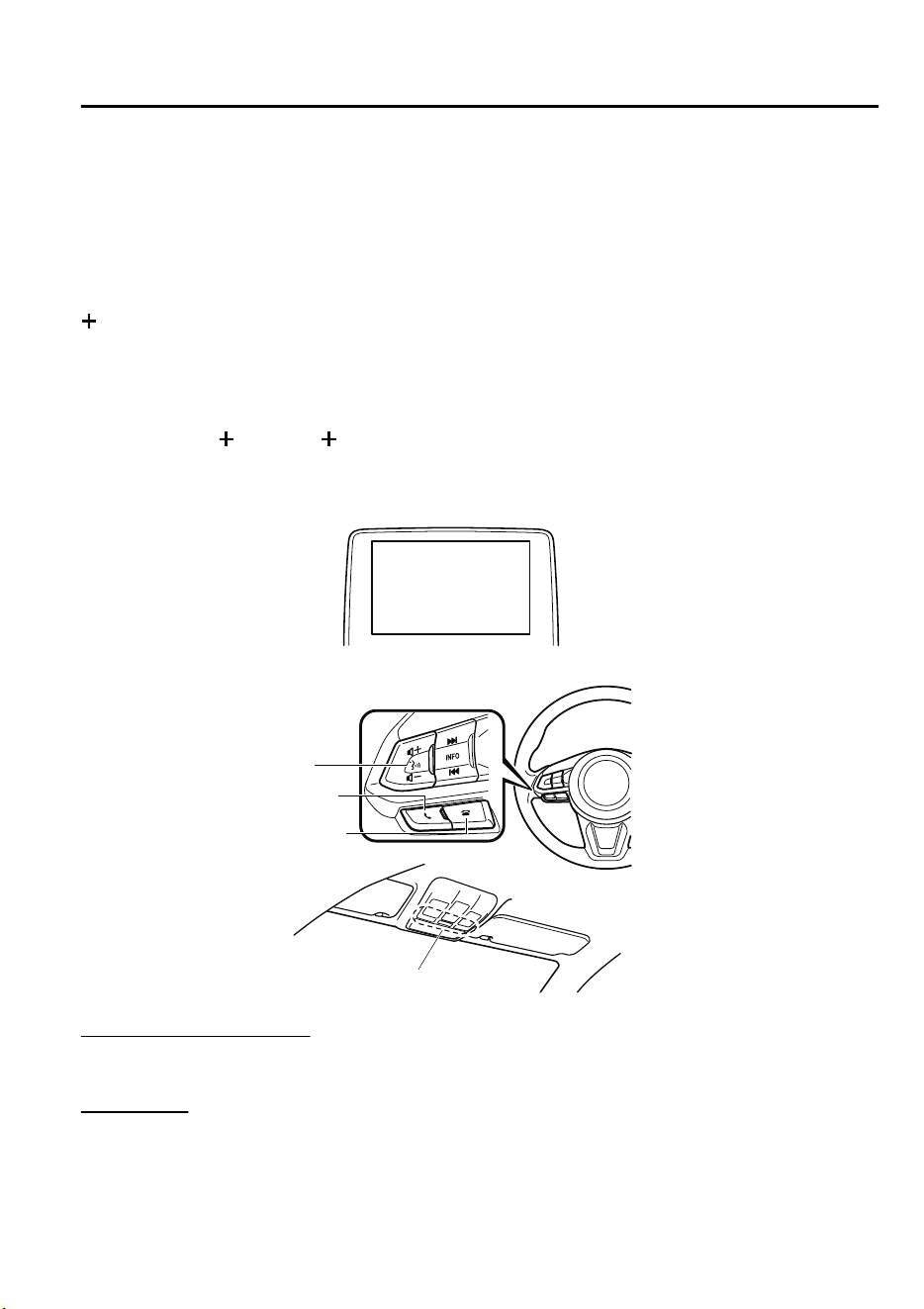
Phone:
(Germany)
0800 4263 738 (8:00―18:00 Central European Time)
(Except Germany)
00800 4263 7383 (8:00―18:00 Central European Time)
(Worldwide)
49 (0) 6838 907 287 (8:00―18:00 Central European Time)
Web:
http://www.mazdahandsfree.com
Applicable Bluetooth
®
specification (Recommended)
Ver. 1.1/1.2/2.0
EDR/2.1 EDR/3.0 (conformity)
▼
Component Parts
Microphone
Talk button, Pick-up button and Hang-up button
Microphone
Talk button
Hang-up button
Pick-up button
Audio unit
Microphone (hands-free)
The microphone is used for speaking voice commands or when making a Hands-free call.
Talk button
Activates the voice recognition. In addition, it skips the voice guidance.
Interior Features
Audio Set
5-35
CX-9_8GC7-EE-17G_Edition1 2017-5-16 8:22:04
Pick-up button
Responds to incoming calls. In addition, after selecting a contact or dialing a number, it
places the call when the button is pressed.
Hang-up button
Ends the call or refuses an incoming call. In addition, it ends the voice recognition
operation.
Commander switch
The commander switch is used for volume adjustment and display operation. Tilt or turn the
commander knob to move the cursor. Press the commander knob to select the icon.
Volume adjustment
The volume dial of the commander switch is used to adjust the volume. Turn the dial to the
right to increase volume, to the left to decrease it.
The volume can also be adjusted using the volume button on the steering wheel.
NOTE
If the volume is lower compared to other audio modes, increase the volume from the device
side.
Conversation volume and the volume of the voice guidance and ringtone can each be set in
advance.
1. Select the
icon on the home screen to display the Communication screen.
2. Select
.
3. Adjust the
and the using the slider.
Interior Features
Audio Set
5-36
CX-9_8GC7-EE-17G_Edition1 2017-5-16 8:22:04
Bluetooth
®
Preparation
▼
Device pairing
To use Bluetooth
®
audio and Hands-Free,
the device equipped with Bluetooth
®
has
to be paired to the unit using the following
procedure. A maximum of seven devices
including Bluetooth
®
audio devices and
hands-free mobile phones can be paired.
NOTE
•
The Bluetooth
®
system may not operate
for 1 or 2 minutes after the ignition is
switched to ACC or ON. However, this
does not indicate a problem. If the
Bluetooth
®
system does not connect
automatically after 1 or 2 minutes have
elapsed, make sure that the Bluetooth
®
setting on the device is normal and
attempt to reconnect the Bluetooth
®
device from the vehicle side.
•
If Bluetooth
®
-enabled devices are used
in the following locations or conditions,
connection via Bluetooth
®
may not be
possible.
•
The device is in a location hidden
from the center display such as behind
or under a seat, or inside the glove
compartment.
•
The device contacts or is covered by a
metal object or body.
•
The device is set to power-saving
mode.
Pairing Procedure
1. Select the
icon on the home screen
to display the Settings screen.
2. Select the
tab.
3. Select
.
4. Turn the Bluetooth
®
setting on.
5. Select
to display the
message and switch to the device
operation.
6. Using your device, perform a search
for the Bluetooth
®
device (Peripheral
device).
7. Select “Mazda” from the device list
searched by the device.
8. (Device with Bluetooth
®
version 2.0)
Input the displayed 4-digit pairing
code into the device.
(Device with Bluetooth
®
version 2.1
or higher)
Make sure the displayed 6-digit code
on the audio is also displayed on the
device, and touch the
.
Connection permission and phonebook
access permission for your mobile
device may be required depending on
the mobile device.
9. If pairing is successful, the functions
of the device connected to Bluetooth
®
are displayed.
10. (Devices compatible with Mazda
E-mail / SMS function)
SMS (Short Message Service)
messages, and E-mail for the device
are downloaded automatically. A
download permission operation for
your device may be required
depending on the device.
NOTE
When Call history and messages are
downloaded automatically, each automatic
download setting must be on.
Refer to Communication Settings on page
5-56.
Interior Features
Audio Set
5-37
CX-9_8GC7-EE-17G_Edition1 2017-5-16 8:22:04
After a device is registered, the system
automatically identifies the device. By
activating Bluetooth
®
Hands-Free again,
or by activating Bluetooth
®
Hands-Free
first after switching the ignition from OFF
to ACC, the device connection condition
is indicated in the center display.
IMPORTANT note about pairing and
automatic reconnection:
•
If pairing is redone on the same
mobile phone device, first clear
“Mazda” displayed on the Bluetooth
®
setting screen of the mobile device.
•
When the OS of the device is updated,
the pairing information may be deleted.
If this happens, reprogram the pairing
information to the Bluetooth
®
unit.
•
Before you pair your device, make sure
that Bluetooth
®
is “ON”, both on your
phone and on the vehicle.
▼
Device selection
If several devices have been paired, the
Bluetooth
®
unit links the device last
paired. If you would like to link a different
paired device, it is necessary to change the
link. The order of device priority after the
link has been changed is maintained even
when the ignition is switched off.
Connecting other devices
1. Select the
icon on the home screen
to display the Settings screen.
2. Select the
tab.
3. Select
.
4. Turn the Bluetooth
®
setting on.
5. Select the name of the device you
would like to connect.
6. selection
Connects both devices as hands-free
and Bluetooth
®
audio.
selection
Connects as a hands-free device.
selection
Connects as Bluetooth
®
audio.
NOTE
The following functions can be used for
the Hands-free or audio.
•
Hands-free: Phone calls and
E-mail/SMS
•
Audio: Bluetooth
®
audio, Aha™,
Stitcher™ radio
Disconnecting a device
1. Select the
icon on the home screen
to display the Settings screen.
2. Select the
tab.
3. Select
.
4. Turn the Bluetooth
®
setting on.
5. Select the device name which is
currently connected.
6. Select
.
Interior Features
Audio Set
5-38
CX-9_8GC7-EE-17G_Edition1 2017-5-16 8:22:04
▼
Deleting a device
Selecting and deleting devices
1. Select the
icon on the home screen
to display the Settings screen.
2. Select the
tab.
3. Select
.
4. Turn the Bluetooth
®
setting on.
5. Select the device name which you
would like to delete.
6. Select
.
7. Select
.
Deleting all devices
1. Select the
icon on the home screen
to display the Settings screen.
2. Select the
tab.
3. Select
.
4. Select
.
5. Select
.
6. Select
.
▼
Changing PIN code
PIN code (4 digits) can be changed.
1. Select the
icon on the home screen
to display the Settings screen.
2. Select the
tab.
3. Select
.
4. Select
.
5. Select
.
6. Input the new PIN code to be set.
7. Select
.
Available Language
The language can be changed.
Refer to Settings on page 5-60.
NOTE
Depending on the language, it may only be
available for the screen display, but not
for the voice recognition.
Interior Features
Audio Set
5-39
CX-9_8GC7-EE-17G_Edition1 2017-5-16 8:22:04
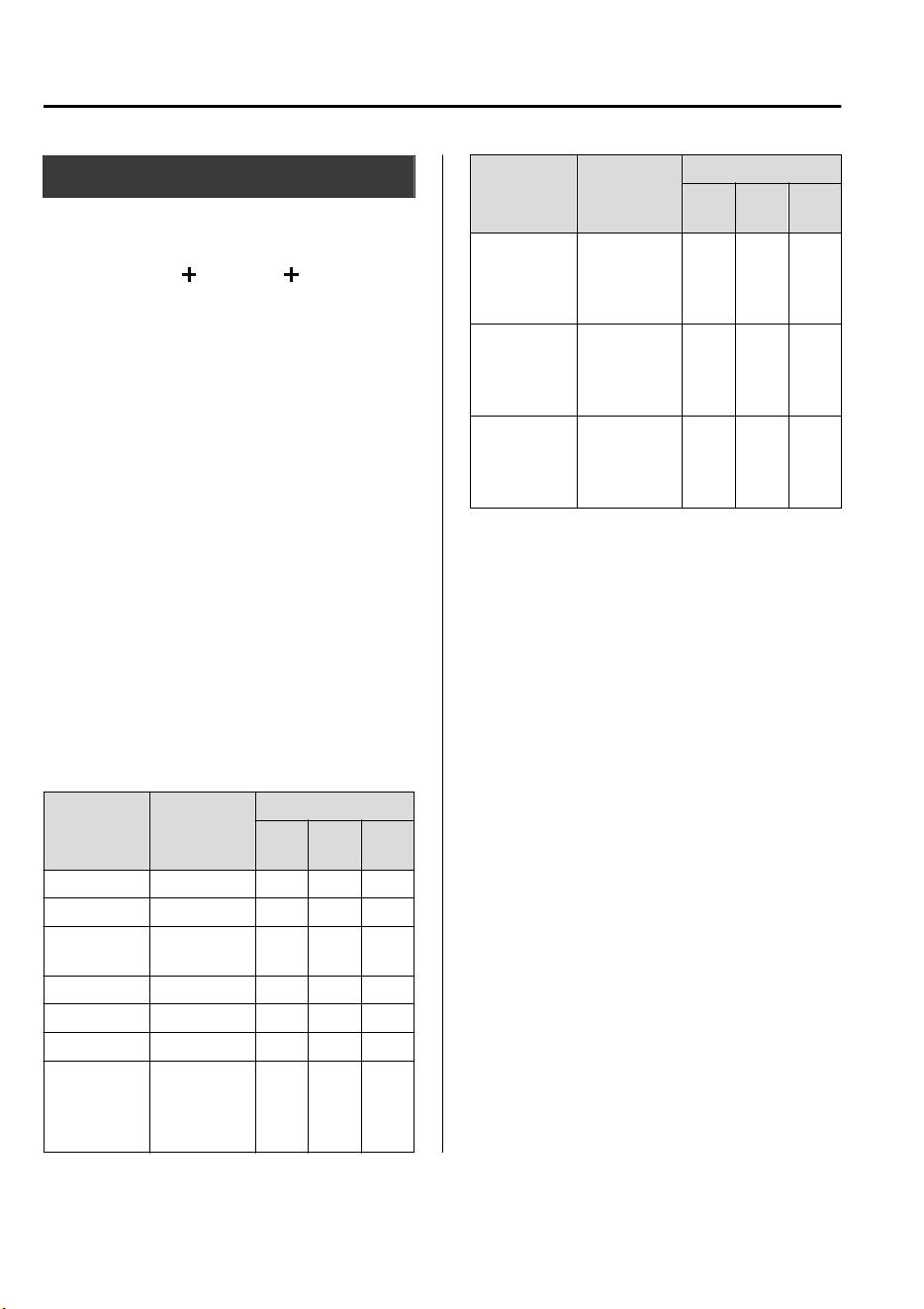
Bluetooth
®
Audio
Applicable Bluetooth
®
specification
(Recommended)
Ver. 1.1/1.2/2.0
EDR/2.1 EDR/3.0
(conformity)
Response profile
•
A2DP (Advanced Audio Distribution
Profile) Ver. 1.0/1.2
•
AVRCP (Audio/Video Remote Control
Profile) Ver. 1.0/1.3/1.4
A2DP is a profile which transmits only
audio to the Bluetooth
®
unit. If your
Bluetooth
®
audio device corresponds only
to A2DP, but not AVRCP, you cannot
operate it using the control panel of the
vehicle's audio system. In this case, only
the operations on the mobile device are
available the same as when a portable
audio device for a non-compliant
Bluetooth
®
device is connected to the
AUX terminal.
Function A2DP
AV R C P
Ver.
1.0
Ver.
1.3
Ver.
1.4
Playback X X X X
Pause X X X X
File (Track)
up/down
—XXX
Reverse — — X X
Fast-forward — — X X
Text display — — X X
Repeat — —
De-
pends
on de-
vice
De-
pends
on de-
vice
Function A2DP
AV R C P
Ver.
1.0
Ver.
1.3
Ver.
1.4
Shuffle — —
De-
pends
on de-
vice
De-
pends
on de-
vice
Scan — —
De-
pends
on de-
vice
De-
pends
on de-
vice
Folder up/
down
———
De-
pends
on de-
vice
X: Available
—: Not available
NOTE
•
The battery consumption of Bluetooth
®
audio devices increases while
Bluetooth
®
is connected.
•
If a general mobile phone device is USB
connected during music playback over
the Bluetooth
®
connection, the
Bluetooth
®
connection is disconnected.
For this reason, you cannot have music
playback over a Bluetooth
®
connection
and music playback using a USB
connection at the same time.
•
The system may not operate normally
depending on the Bluetooth
®
audio
device.
Interior Features
Audio Set
5-40
CX-9_8GC7-EE-17G_Edition1 2017-5-16 8:22:04
▼
Switching to Bluetooth
®
audio mode
To listen to music or voice audio recorded to a Bluetooth
®
audio device, switch to the
Bluetooth
®
audio mode to operate the audio device using the audio system control panel.
Any Bluetooth
®
audio device must be paired to the vehicle's Bluetooth
®
unit before it can
be used.
Refer to Bluetooth
®
Preparation on page 5-37.
1. Turn on the Bluetooth
®
audio device's power.
2. Switch the ignition to ACC or ON.
3. Select the
icon on the home screen to display the Entertainment screen.
4. When
is selected, switches to the Bluetooth
®
audio mode to begin playback.
NOTE
•
If Bluetooth
®
audio is used after using Aha™ or Stitcher™ radio, the application on the
mobile device has to be closed first.
•
If the Bluetooth
®
audio device does not begin playback, select the icon.
•
If the mode is switched from Bluetooth
®
audio mode to another mode (radio mode), audio
playback from the Bluetooth
®
audio device stops.
▼
Playback
To listen to a Bluetooth
®
audio device over the vehicle's speaker system, switch the mode to
Bluetooth
®
audio mode. (Refer to “Switching to Bluetooth
®
audio mode”)
After switching to the Bluetooth
®
audio mode, the following icons are displayed in the
lower part of the display. Icons which can be used differ depending on the version of the
Bluetooth
®
audio device which you are currently using.
Icon Function
Displays the Entertainment menu. Use to switch to a different audio source.
(AVRCP Ver. 1.4 only)
Displays the top level folder/file list.
Select the folder which you want to select.
The files in the selected folder are displayed.
Select the file you want to play.
(AVRCP Ver. 1.3 or higher)
Replays the song currently being played repeatedly.
When selected again, the songs in the folder are played repeatedly.
Select it again to cancel.
Icons change when the song is repeated or the folder is repeated.
Interior Features
Audio Set
5-41
CX-9_8GC7-EE-17G_Edition1 2017-5-16 8:22:04
Icon Function
(AVRCP Ver. 1.3 or higher)
Plays songs in the folder in random order.
When selected again, the songs on the device are played in random order.
Select it again to cancel.
Icons change during folder shuffle or device shuffle.
Scans the titles in a folder and plays the beginning of each song to aid in finding a desired
song.
When selected again, the beginning of each song on the device is played.
When selected again, the operation is canceled and the song currently being played con-
tinues.
Returns to the beginning of the previous song.
Long-press to fast reverse. It stops when you remove your hand from the icon or the
commander knob.
Plays the Bluetooth
®
audio. When selected again, playback is temporarily stopped.
Advances to the beginning of the next song.
Long-press to fast forward. It stops when you remove your hand from the icon or the
commander knob.
Displays sound settings to adjust audio quality level.
Refer to Volume/Display/Sound Controls on page 5-23.
▼
Bluetooth
®
Audio Device
Information Display
If a Bluetooth
®
audio device is connected,
the following information is displayed in
the center display.
AV R C P
Ver. lowe r
than 1.3
AV R C P
Ver. 1.3
AV R C P
Ver. 1.4 or
higher
Device name X X X
Remaining
battery charge
of device
XXX
Song name — X X
Artist name — X X
Album name — X X
Playback
time
—X X
AV R C P
Ver. lowe r
than 1.3
AV R C P
Ver. 1.3
AV R C P
Ver. 1.4 or
higher
Genre name — X X
Album art
image
———
X: Available
—: Not available
NOTE
Some information may not display
depending on the device, and if the
information cannot be displayed,
“Unknown - - -” is indicated.
Interior Features
Audio Set
5-42
CX-9_8GC7-EE-17G_Edition1 2017-5-16 8:22:04
How to Use Aha™
▼
What is Aha™?
Aha™
*1
is an application which can be used to enjoy various Internet content such as
Internet radio and podcasts.
Stay connected to your friends activities by getting updates from Facebook and Twitter.
Using the location-based service, nearby services and destinations can be searched or
real-time local information can be obtained.
For details on Aha™, refer to “http://www.aharadio.com/”.
*
1 Aha™, the Aha™ logo, and the Aha™ trade dress are trademarks or registered
trademarks of Harman International Industries, Inc., used with permission.
NOTE
•
The service content provided by Aha™ varies depending on the country in which the user
resides. In addition, the service is not available in some countries.
•
To operate Aha™ from your Bluetooth
®
device, perform the following in advance:
•
Install the Aha™ application to your device.
•
Create an Aha™ account for your device.
•
Log onto Aha™ using your device.
•
Select the preset station on your device.
▼
Playback
Select the icon on the home screen to display the Entertainment screen. When is
selected, the following icons are displayed at the bottom of the center display. The displayed
icon differs depending on the selected station.
In addition, icons other than the following icons may be displayed.
Icon Function
Displays the Entertainment menu. Use to switch to a different audio source.
Displays the main menu.
Use to switch to other stations.
Displays the content list.
Use to switch to other desired content on the station.
Shout
Records voice.
Records voice and posts it as playable audio to Facebook and other social stations.
Like
*1
Evaluates the current content as “Like”.
Interior Features
Audio Set
5-43
CX-9_8GC7-EE-17G_Edition1 2017-5-16 8:22:04
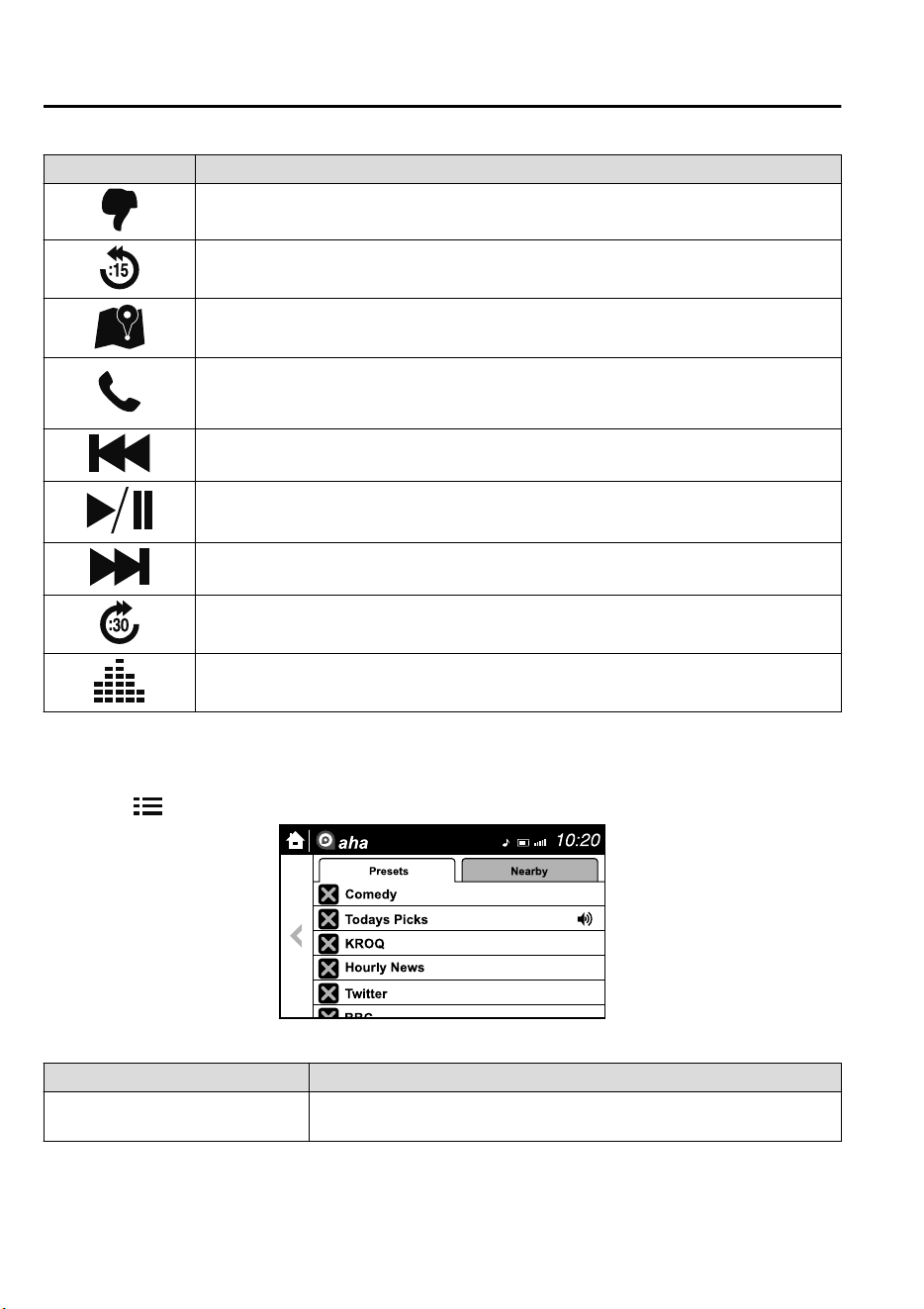
Icon Function
Dislike
*1
Evaluates the current content as “Dislike”.
Reverses for 15 seconds.
Map (vehicles with navigation system)
Displays the destination searched by the location based services on the navigation system.
Call
A call can be made to the telephone number of a shop searched using the Location Based
Services. Available when a device is connected as a Hands-Free.
Returns to the previous content.
Pauses playback of the content. When selected again, playback resumes.
Goes to the next content.
Fast-forwards for 30 seconds.
Displays sound settings to adjust audio quality level.
Refer to Volume/Display/Sound Controls on page 5-23.
*
1 Some stations may use alternate variations of Like and Dislike, based on station type or provider.
Main menu
Select the
icon.
Switch the tab and select the station category.
Tab Func ti on
Presets
Displays the preset station list set on the device.
Select the preset station name to play the station content.
Interior Features
Audio Set
5-44
CX-9_8GC7-EE-17G_Edition1 2017-5-16 8:22:04
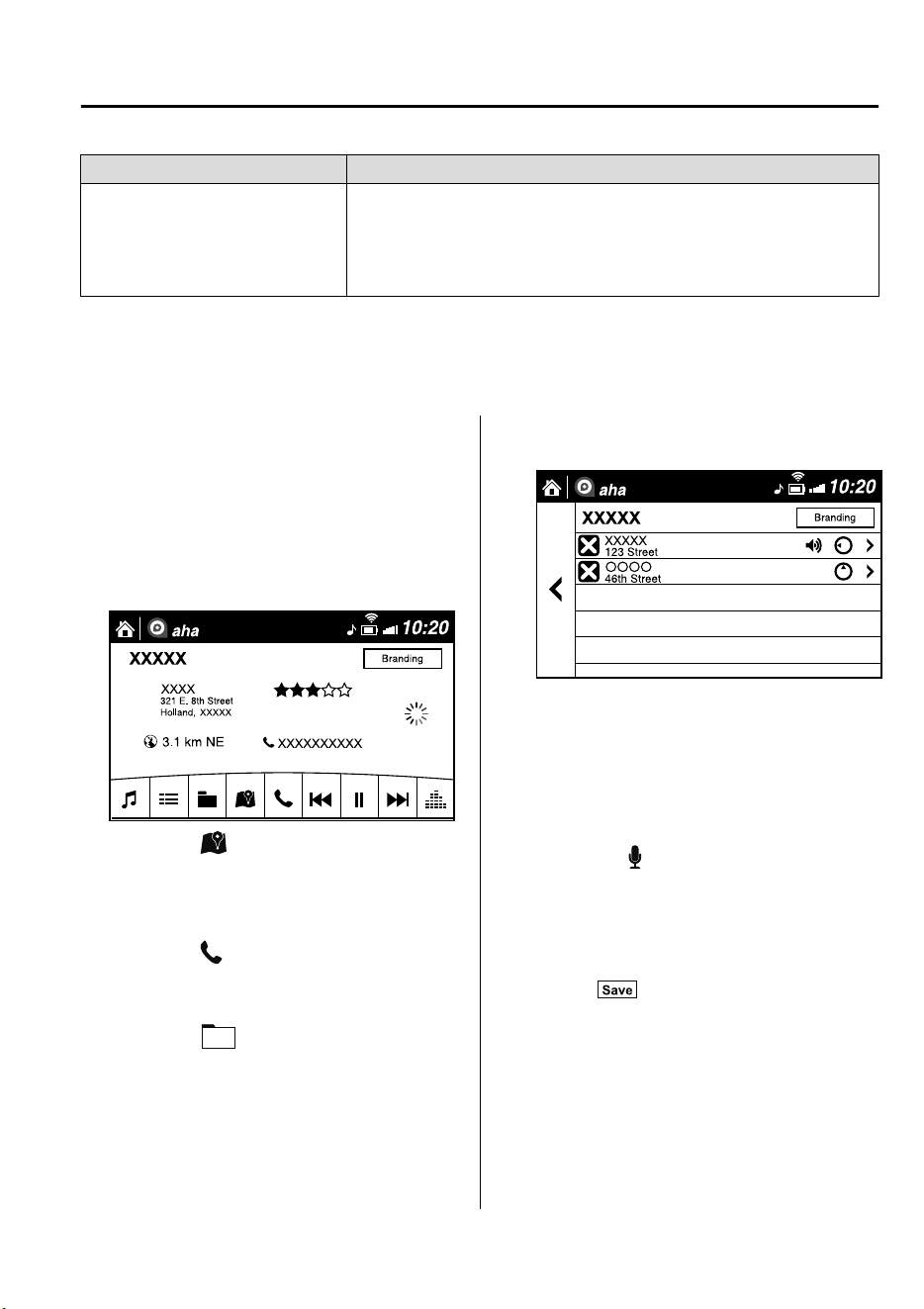
Tab Function
Nearby
Select the desired station.
Guidance is provided to the searched destination near the vehicle's posi-
tion.
You can designate desired categories previously set using the filter setting
on your device.
NOTE
The available Location Based Services may differ because the services depend on the
content provided by Aha™.
Example of use (Location Based
Services)
1. Select the desired station from the
“Nearby” tab on the main menu.
The destination name or address
playback starts in the order of the
destination name list.
2. When the icon is selected, the
currently displayed destination is
displayed on the navigation system
(vehicles with navigation system).
3. When the
icon is selected, a phone
call is placed to the currently displayed
destination.
4. Select the
icon to display the
content list.
Selection of other destinations from
the list can be made.
▼
Shout
Some social stations, such as Facebook or
Caraoke, support the ability to record and
share voice messages using the “Shout”
function.
1. Select the
icon and start the
countdown (3, 2, 1, 0). Recording
starts when the countdown reaches
zero.
2. Records voice.
3. Select
and store/post the
recording.
NOTE
•
Recordable time varies depending on
the station (Max. 30 seconds).
•
Recording stops automatically when the
recordable time has elapsed. You can
then post or delete the recording.
Interior Features
Audio Set
5-45
CX-9_8GC7-EE-17G_Edition1 2017-5-16 8:22:04
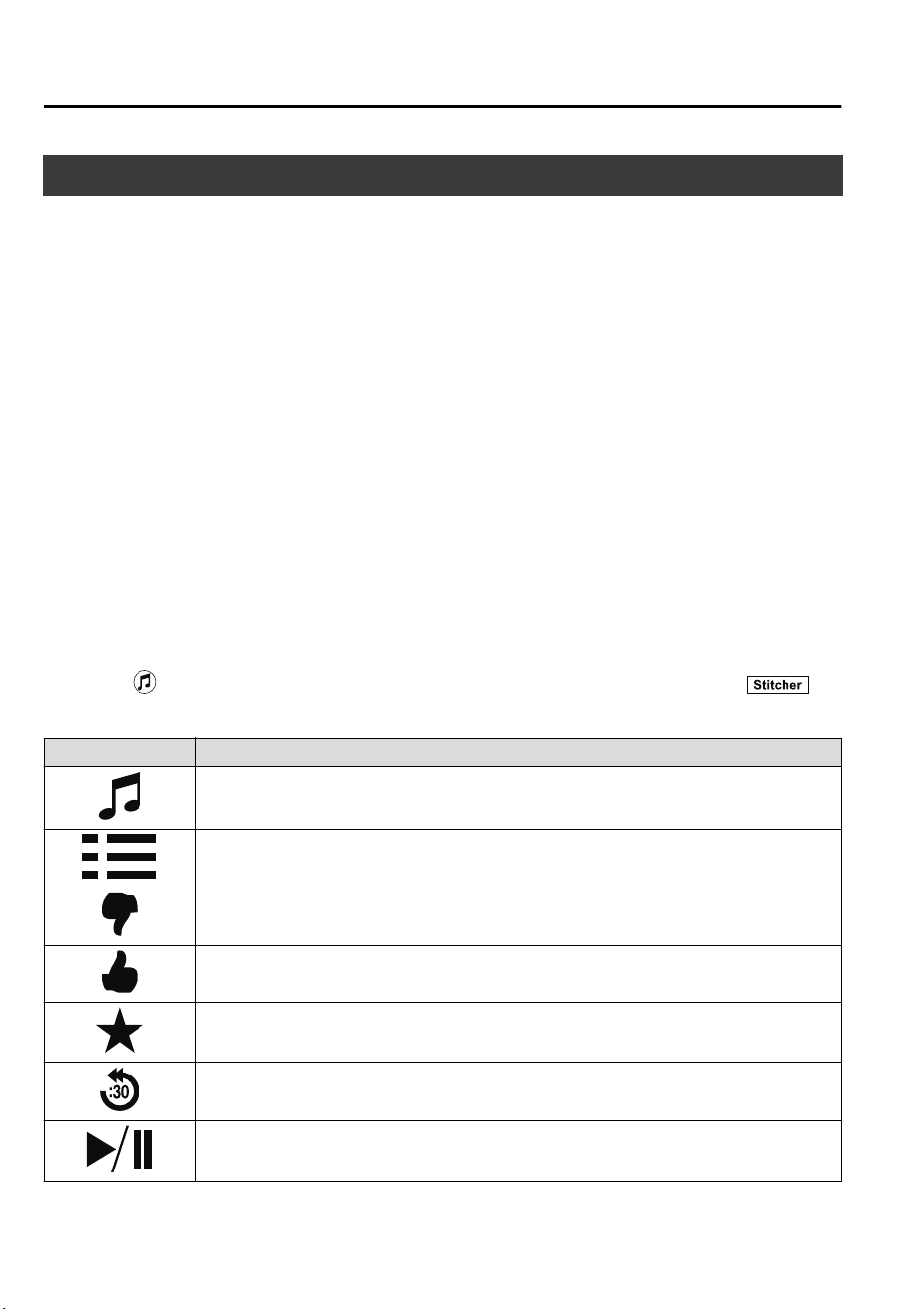
How to Use Stitcher™ Radio
▼
What is Stitcher™ Radio?
Stitcher™
*1
radio is an application which can be used to listen to Internet radio or stream
podcasts.
Recommended content is automatically selected by registering content which you put into
your favorites, or by pressing the Like or Dislike button.
For details on Stitcher™ Radio, refer to “http://stitcher.com/”.
*
1 Stitcher™, the Stitcher™ logo, and the Stitcher™ trade dress are trademarks or
registered trademarks of Stitcher, Inc., used with permission.
NOTE
To operate Stitcher™ Radio from your Bluetooth
®
device, perform the following in
advance:
•
Install the Stitcher™ Radio application to your device.
•
Create a Stitcher™ Radio account for your device.
•
Log onto Stitcher™ Radio using your device.
▼
Playback
Select the icon on the home screen to display the Entertainment screen. When is
selected, the following icons are indicated in the bottom part of the center display.
Icon Function
Displays the Entertainment menu. Use to switch to a different audio source.
Displays the station list.
Use to switch to other stations.
Dislike
Evaluates the current program as “Dislike”.
Like
Evaluates the current program as “Like”.
Adds the current station to your favorites or deletes the current station from your favorites.
Reverses for 30 seconds.
Plays the station. Select it again to pause playback.
Interior Features
Audio Set
5-46
CX-9_8GC7-EE-17G_Edition1 2017-5-16 8:22:04
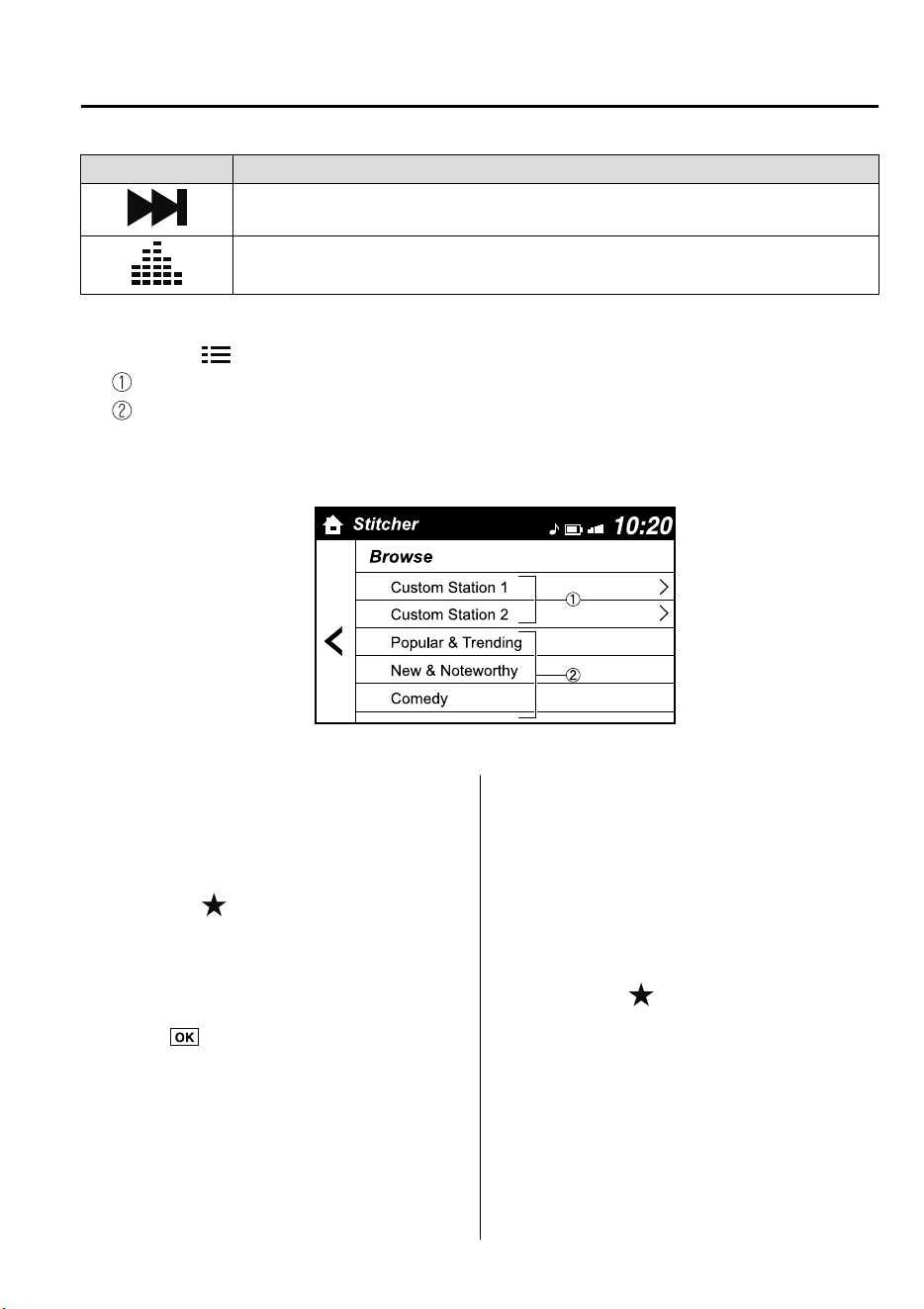
Icon Function
Goes to the next station.
Displays sound settings to adjust audio quality level.
Refer to Volume/Display/Sound Controls on page 5-23.
Station list
1. Select the
icon to display the station list.
Favorites station name: Select to display the program registered to your favorites.
Category name: A recommended category selected from your favorites by Stitcher™
is displayed.
Select it to display the category program.
2. Select the program name to play it.
Add to your favorites
If the current program has not been
registered to your favorites, it can be
registered to your favorites.
1. Select the
icon to display the
favorites station which the registration
can be added.
2. Select the station name which you
want to register.
3. Select
to add the program to the
selected favorites station.
NOTE
•
Multiple favorites stations can be
selected and registered.
•
Favorites stations registered by oneself
as well those set by default are
displayed.
Delete from your favorites
If the current program has already been
registered to your favorites, the program
can be deleted from your favorites.
1. Select the
icon.
2. The program is automatically deleted
from the favorites station.
Interior Features
Audio Set
5-47
CX-9_8GC7-EE-17G_Edition1 2017-5-16 8:22:04
Bluetooth
®
Hands-Free
▼
Making a Call
For Mazda Connect, making calls is
possible using any of the following six
methods:
•
Phonebook downloaded from
Bluetooth
®
device (mobile phone)
(voice recognition function can be used)
•
Favorites
•
Call record
•
Dialing a telephone number (voice
recognition function can be used)
•
“Redial” - Voice recognition command
for making a call to the latest outgoing
call record.
•
“Call back” - Voice recognition
command for making a call to the latest
incoming call record.
Phonebook Usage
Telephone calls can be made by saying the
contact name in the downloaded
phonebook or the name of a person whose
phone number has been registered in the
Bluetooth
®
Hands-Free. Refer to Import
contact (Download Phonebook).
1. Press the talk button.
2. Wait for the beep sound.
3. Say: “Call XXXXX... (Ex. “John”)
Mobile”.
4. Follow the voice guidance to place the
call.
Screen operation
1. Select the
icon on the home screen
to display the Communication screen.
2. Select
to display the contact
list.
3. Select the contact you would like to
call to display the details for the
contact.
4. Select the desired phone number to
make the call.
Import contact (Download Phonebook)
Phonebook data from your device (Mobile
phone) can be sent and registered to your
Bluetooth
®
Hands-Free phonebook using
Bluetooth
®
.
(Automatic downloading)
The “Auto Download Contacts” setting
must be on. When hands-free is connected
to the device, the phonebook is
downloaded automatically.
Refer to Communication Settings on page
5-56.
(Manually downloading)
If the “Auto Download Contacts” setting
is off, download the phonebook using the
following procedure.
1. Select the
icon on the home screen
to display the Communication screen.
2. Select
to display the contact
list.
3. Select
.
4. Select
or
to switch to the
device operation.
5. If
is selected, select
.
6. Download will be started from the
mobile phone.
Interior Features
Audio Set
5-48
CX-9_8GC7-EE-17G_Edition1 2017-5-16 8:22:04
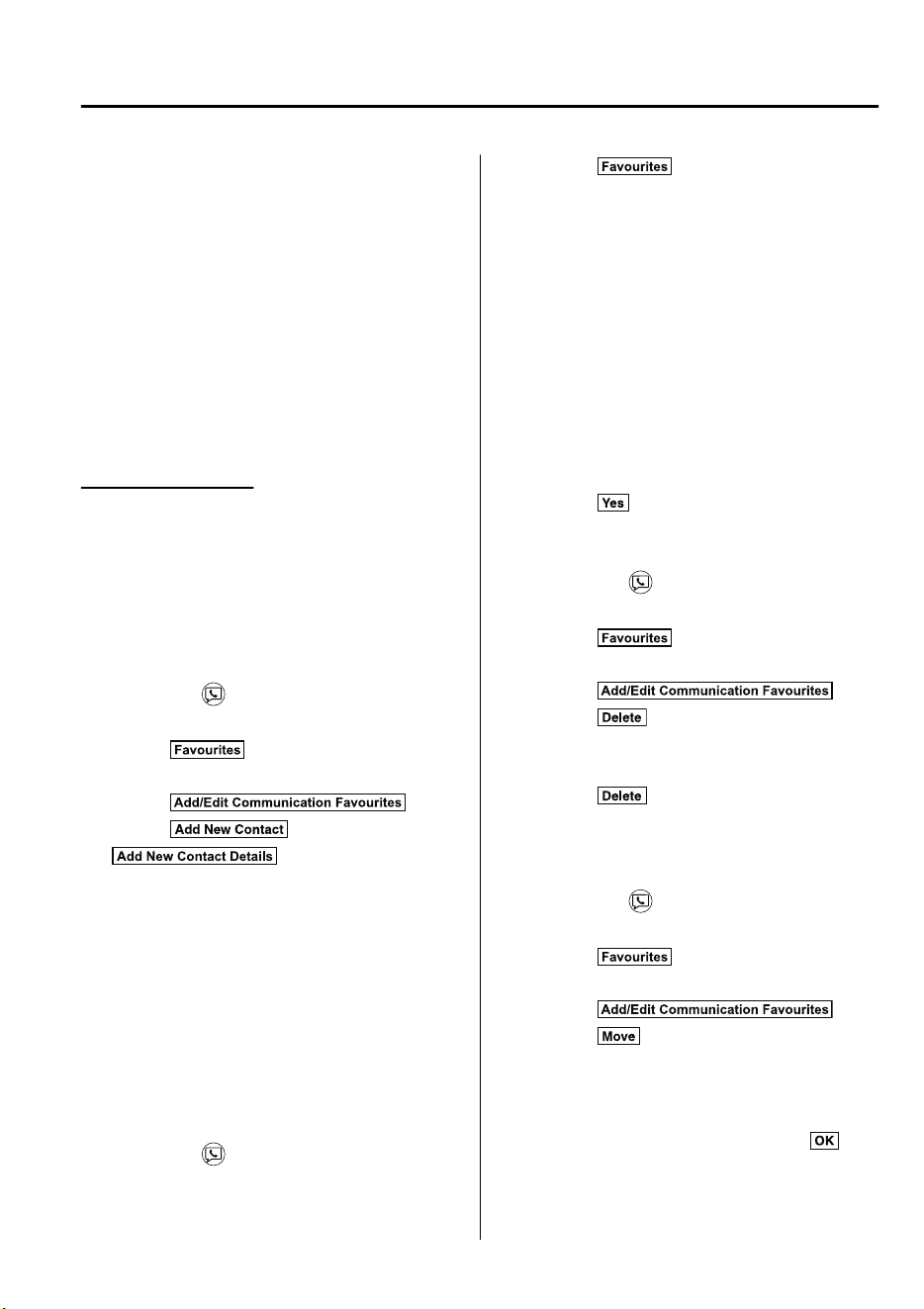
NOTE
•
If “Import All Contacts” is performed
after saving the phonebook to the
Bluetooth
®
unit, the phonebook will be
overwritten.
•
A maximum of 1,000 contacts can be
registered to the phonebook.
•
Phonebook, incoming/outgoing call
record, and favorite memories are
exclusive to each mobile phone to
protect privacy.
Favorites Contacts
A maximum of 50 contacts can be
registered. It will take less time to make a
call after registering the telephone number.
In addition, you do not have to look for the
person you want to call in the phonebook.
Registering to your favorites
1. Select the
icon on the home screen
to display the Communication screen.
2. Select
to display the favorites
list.
3. Select
.
4. Select
or
.
5. Select from the displayed list.
NOTE
When “Add New Contact” is selected,
information such as the selected person’s
name is also registered. In addition, when
“Add New Contact Details” is selected,
only the telephone number of the selected
person is registered.
Calling a favorite
1. Select the
icon on the home screen
to display the Communication screen.
2. Select to display the favorites
list.
3. (If only one phone number is
registered to contact)
Select the contact information you
would like to call. Go to Step 5.
(If multiple phone numbers are
registered to contact)
Select the contact you would like to
call to display the screen indicating the
details for the contact. Go to Step 4.
4. Select the phone number you would
like to call.
5. Select
.
Deleting a favorite
1. Select the
icon on the home screen
to display the Communication screen.
2. Select
to display the favorites
list.
3. Select
.
4. Select
.
5. Select the contact information which
you would like to delete.
6. Select
.
Changing the display order of your
favorites list
1. Select the
icon on the home screen
to display the Communication screen.
2. Select
to display the favorites
list.
3. Select
.
4. Select
.
5. The contact can be moved after it is
selected.
6. Slide the contact or move it using the
commander switch, then select
.
Interior Features
Audio Set
5-49
CX-9_8GC7-EE-17G_Edition1 2017-5-16 8:22:04
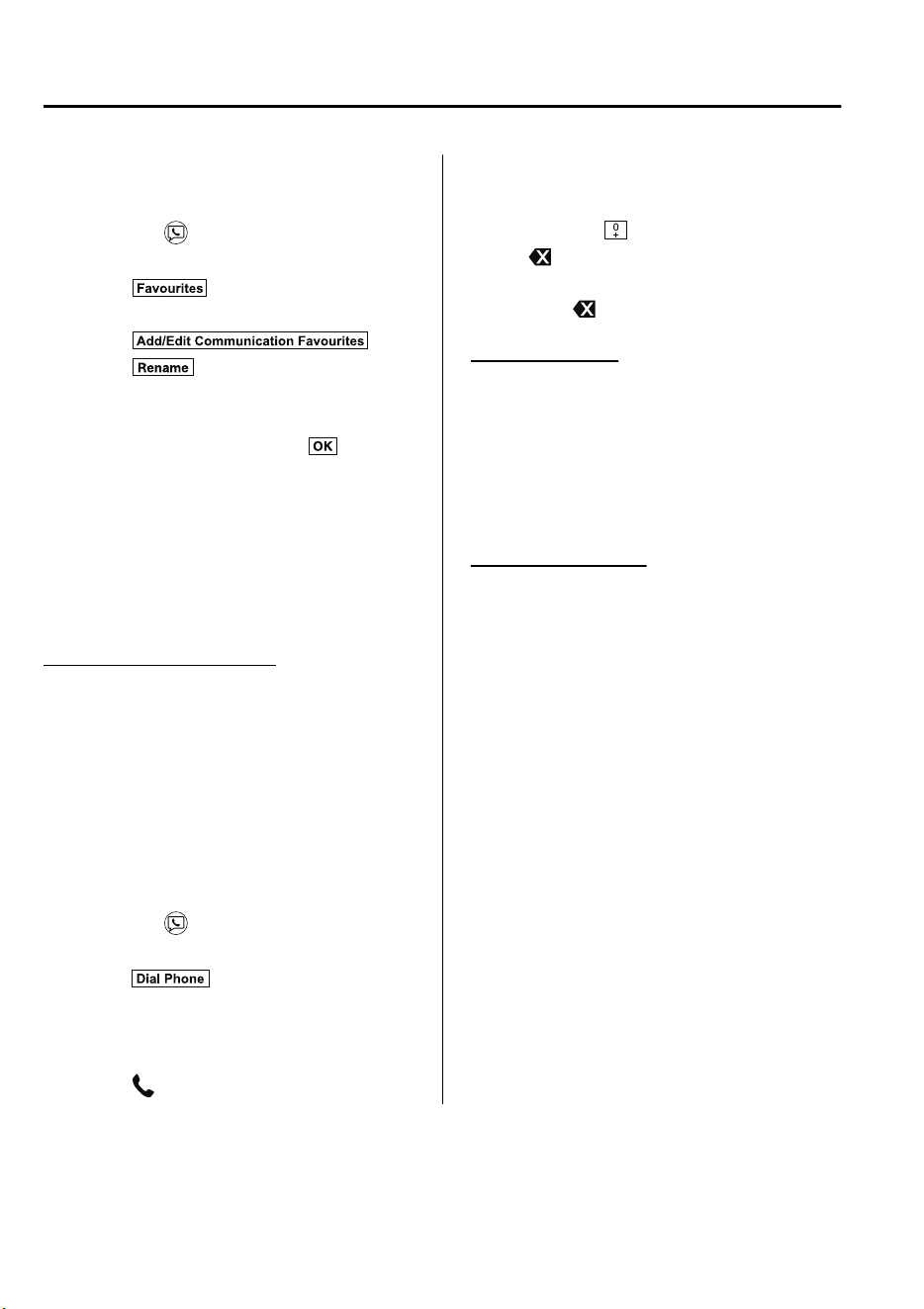
Changing contact name of your
favorites
1. Select the
icon on the home screen
to display the Communication screen.
2. Select
to display the favorites
list.
3. Select
.
4. Select
.
5. Select the contact to display the
keyboard screen.
6. If a new name is input and
is
selected, the contact name is stored.
NOTE
If the contact is long-pressed when the
favorites list is displayed, the contact
information can be edited (deleted,
moved).
Telephone Number Input
NOTE
Practice this while parked until you are
confident you can do it while driving in a
non-taxing road situation. If you are not
completely comfortable, make all calls
from a safe parking position, and only
start driving when you can devote your
full attention to driving.
1. Select the
icon on the home screen
to display the Communication screen.
2. When
is pressed, the dial pad
is displayed.
3. Input the telephone number using the
dial pad.
4. Select
to make the call.
Numeral or symbol entry
Use the dial pad.
Long-press the
to input +.
Select
to delete the currently input
value.
Long-press
to delete all input values.
Redial Function
Makes a call to the last person called
(latest person on outgoing call record)
from the mobile phone/vehicle.
1. Press the talk button.
2. Wait for the beep sound.
3. Say: “Redial”
Call back Function
Makes a call to the last person who called
your (latest person on incoming call
record) mobile phone/vehicle.
1. Press the talk button.
2. Wait for the beep sound.
3. Say: “Call back”
Interior Features
Audio Set
5-50
CX-9_8GC7-EE-17G_Edition1 2017-5-16 8:22:04
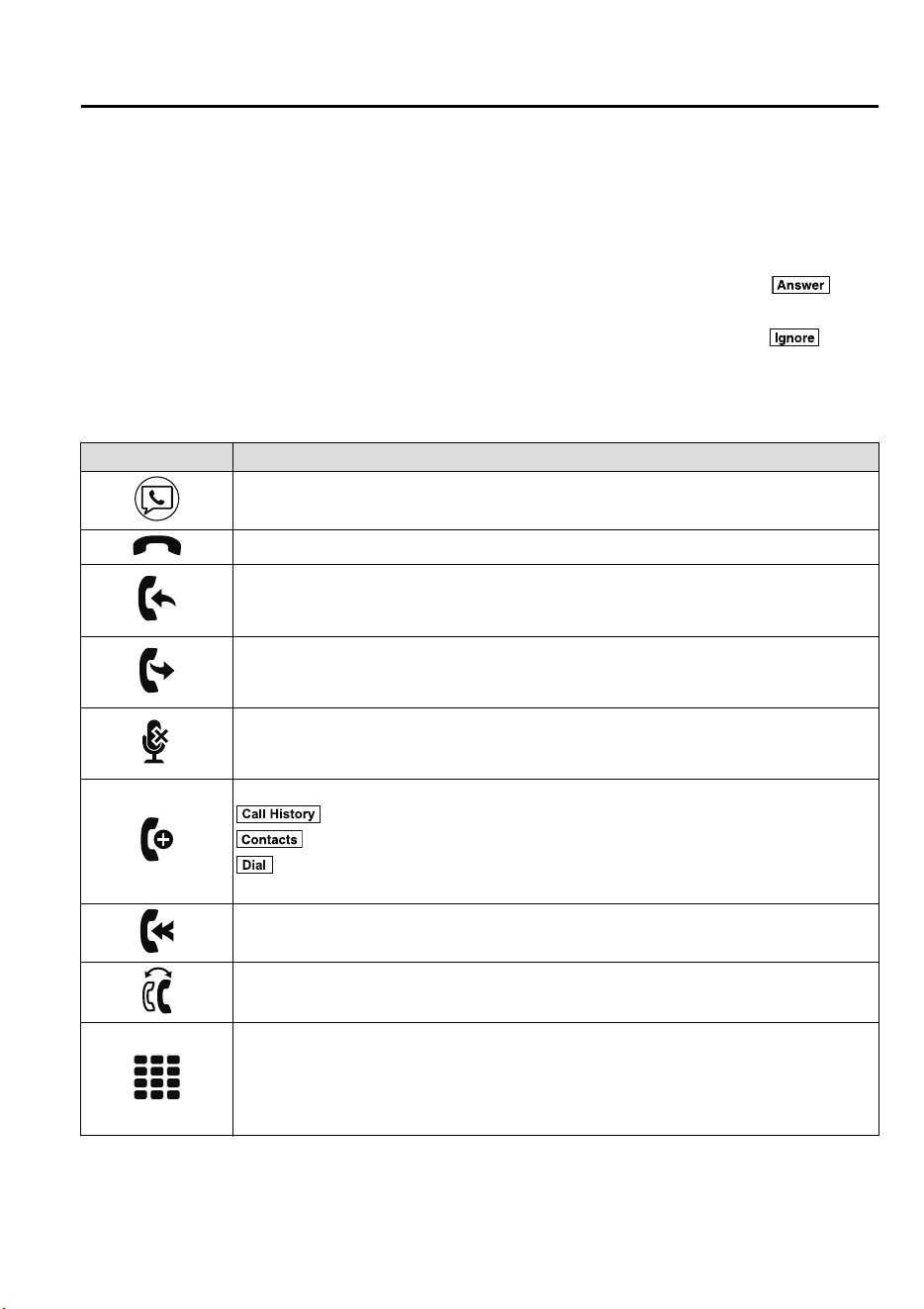
▼
Receiving an Incoming Call
When an incoming call is received, the incoming call notification screen is displayed. The
“Incoming Call Notifications” setting must be on.
Refer to Communication Settings on page 5-56.
To accept the call, press the pick-up button on the audio control switch or select
on
the screen.
To reject the call, press the hang-up button on the audio control switch or select
on the
screen.
The following icons are displayed on the screen during a call. Icons which can be used
differ depending on use conditions.
Icon Function
Displays the Communication menu.
Ends the call.
Transferring a call from hands-free to a mobile phone
Communication between the Bluetooth
®
unit and a device (mobile phone) is canceled,
and an incoming call will be received by the device (mobile phone) like a standard call.
Transferring a call from a device (mobile phone) to hands-free
Communication between devices (mobile phone) can be switched to Bluetooth
®
Hands-Free.
Mute
The microphone can be muted during a call.
When selected again, the mute is canceled.
To make a 3-way call, select the contacts from the following:
: Call History is displayed.
: The phonebook is displayed.
: The dial pad is displayed. Input the phone number.
The device may be unusable depending on the contractual content.
The call on hold is made to make a 3-way call.
The device may be unusable depending on the contractual content.
Switches the call on hold.
DTMF (Dual Tone Multi-Frequency Signal) Transmission
This function is used when transmitting DTMF via the dial pad. The receiver of a DTMF
transmission is generally a home telephone answering machine or a company's automated
guidance call center.
Input the number using a dial pad.
Interior Features
Audio Set
5-51
CX-9_8GC7-EE-17G_Edition1 2017-5-16 8:22:04
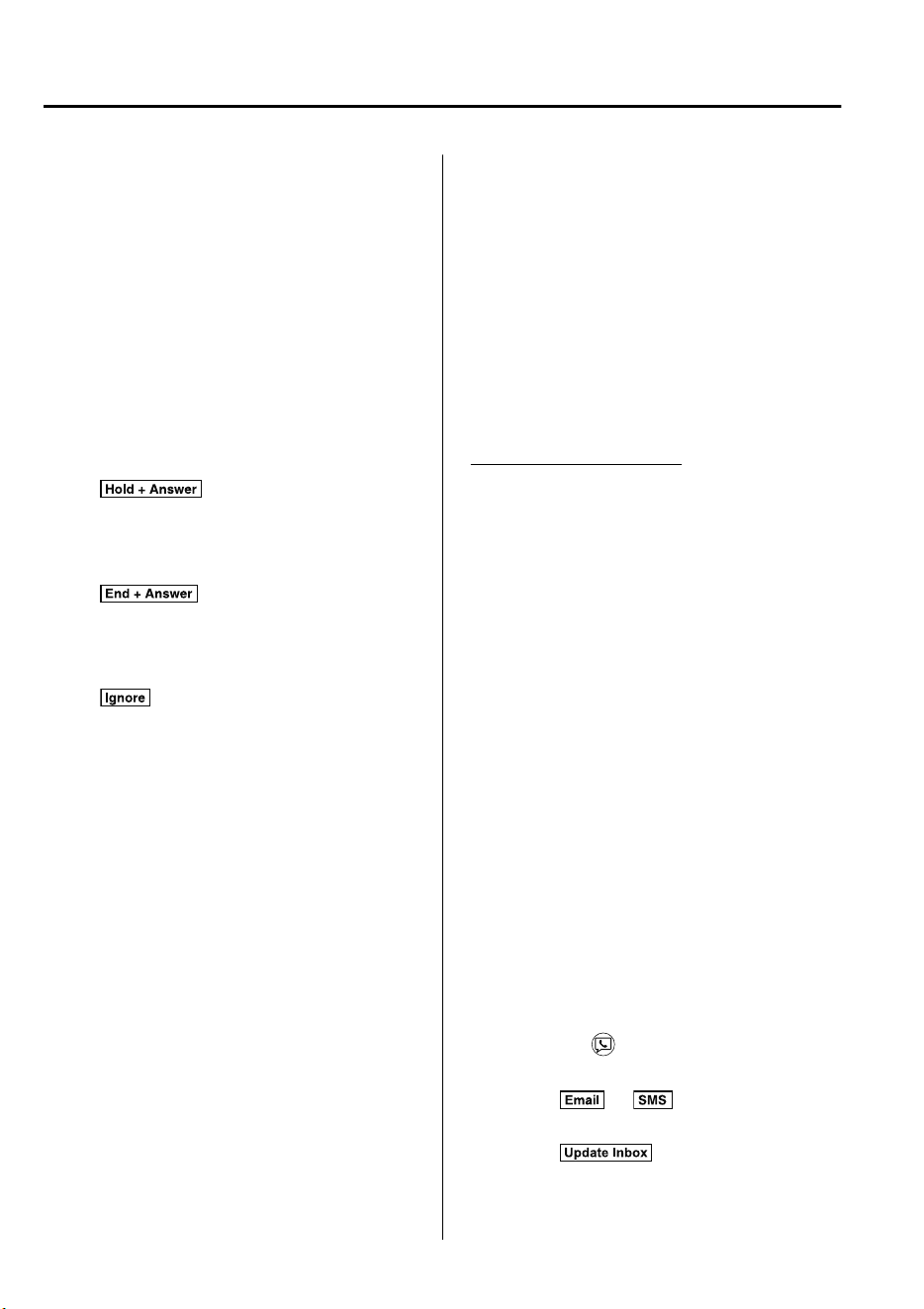
NOTE
•
If the ignition is switched off during a
hands-free call, the line is transferred to
the device (Mobile phone)
automatically.
•
If the DTMF code has two or more
digits or symbols, each one must be
transmitted individually.
▼
Call Interrupt
A call can be interrupted to receive an
incoming call from a third party.
When
is selected or the
pick-up button on the steering wheel is
pressed, the current call is held and the
system switches to the new incoming call.
When
is selected, the current
call is ended and the system switches to
the new incoming call (GSM network
only).
When
is selected or the hang-up
button on the steering wheel is pressed, an
incoming call is refused.
NOTE
•
The function may not be available
depending on the contractual content of
the mobile device.
•
The function may not be operable
depending on the type of the telephone
network and the mobile device.
▼
Receiving and Replying to Messages
(available only with E-mail/SMS
compatible phones)
SMS (Short Message Service) messages,
and E-mail received by connected devices
can be downloaded, displayed, and played
(read by the system).
Additionally, replies can also be made to
calls and messages in the received
messages.
Downloading messages
Up to 20 new messages can be
downloaded and displayed from a
connected device.
NOTE
For E-mail, 20 messages for each account
can be downloaded.
(Automatic downloading)
The “Auto Download Email” (E-mail) or
“Auto Download SMS” (SMS) setting
must be on. A message is downloaded
automatically when the Bluetooth
®
unit is
connected to the device.
Refer to Communication Settings on page
5-56.
(Manually downloading)
When the “Auto Download Email”
(E-mail) or “Auto Download SMS” (SMS)
setting is off, the message is downloaded
using the following procedure.
1. Select the
icon on the home screen
to display the Communication screen.
2. Select
or to display the
Inbox.
3. Select
.
Interior Features
Audio Set
5-52
CX-9_8GC7-EE-17G_Edition1 2017-5-16 8:22:04
4. Download will be started from the
mobile phone.
NOTE
•
Attached data is not downloaded.
•
Messages up to 1 kilobyte (E-mail)/
140-bytes (SMS) can be downloaded.
•
A message list is created for each
device.
•
If the connected device does not
correspond to MAP 1.0, the AT
command is used to download. The
downloaded message indicates that it is
already read.
•
Downloading using the AT command
may not function depending on the
connected device.
•
If an iPhone is connected, the following
functions cannot be used.
•
Downloading past messages
•
Replying to messages
∗
iPhone is a trademark of Apple Inc.,
registered in the U.S. and other
countries.
Receiving messages
(Method 1)
When a device receives a message, a
message received notification is displayed.
The “Email Notifications” (E-mail) or
“SMS Notifications” (SMS) setting must
be on.
Refer to Communication Settings on page
5-56.
Select
and display the message.
(Method 2)
1. Select the
icon on the home screen
to display the Communication screen.
2. Select
and display the new
message list for E-mail and SMS.
3. Select the message you would like to
display.
Interior Features
Audio Set
5-53
CX-9_8GC7-EE-17G_Edition1 2017-5-16 8:22:04
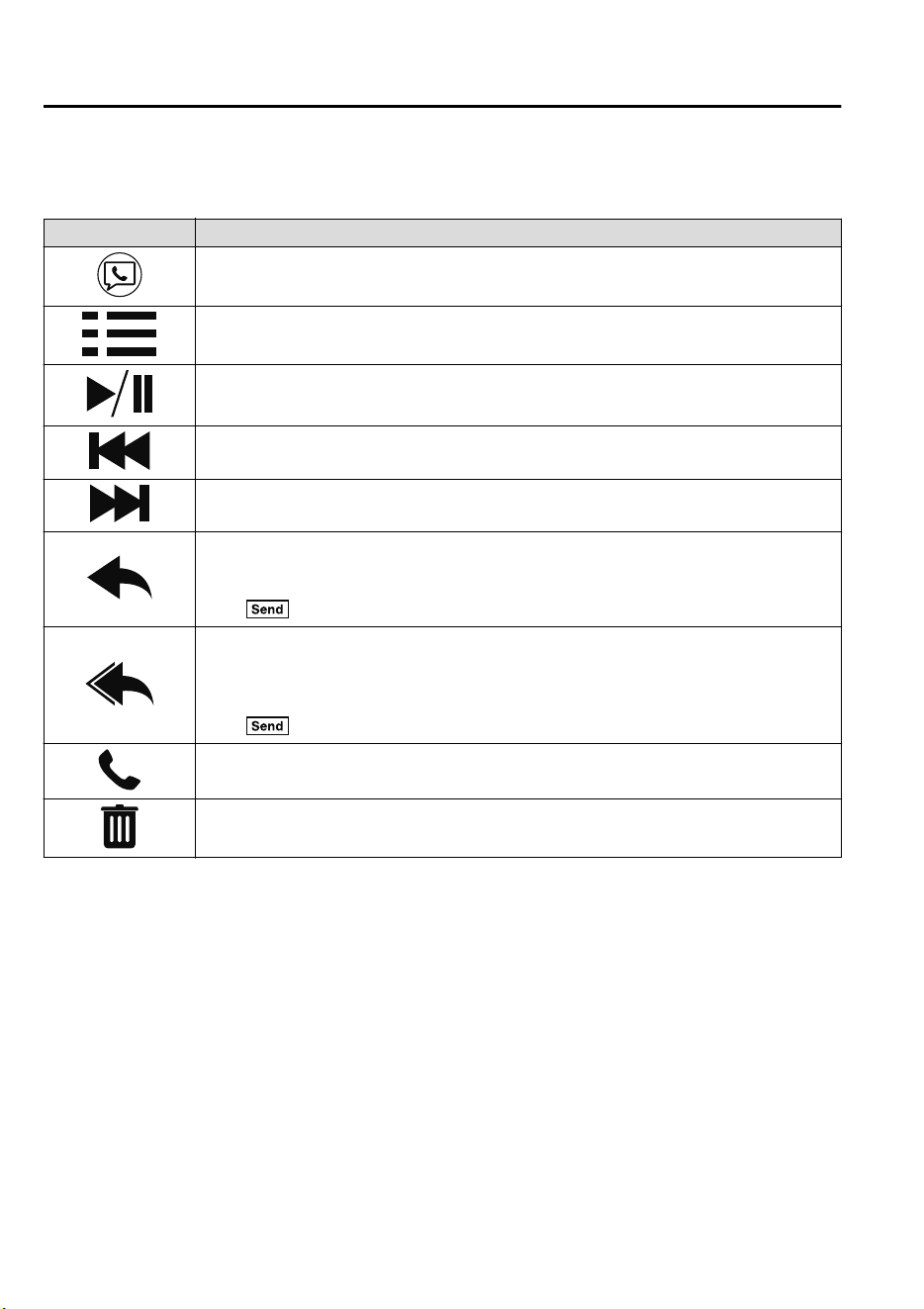
The following icons are displayed in the lower part of the details on the message. Icons
which can be used differ depending on use conditions.
Icon Function
Displays the Communication menu.
Displays the inbox.
Plays back a message.
When selected again, playback is temporarily stopped.
Displays the previous message.
Displays the next message.
Only replies to the sender of the currently displayed message.
Select the sentence on the displayed reply screen and select the sentence for sending from
the preset message.
Select
.
(Only E-mail)
Replies to all members including CC.
Select the sentence on the displayed reply screen and select the sentence for sending from
the preset message.
Select
.
Makes a call to a person who sent a message.
For E-mail, this function may not work depending on the device.
Deletes a message.
The messages stored in a device is also deleted.
NOTE
Up to three preset messages can be selected.
Interior Features
Audio Set
5-54
CX-9_8GC7-EE-17G_Edition1 2017-5-16 8:22:04
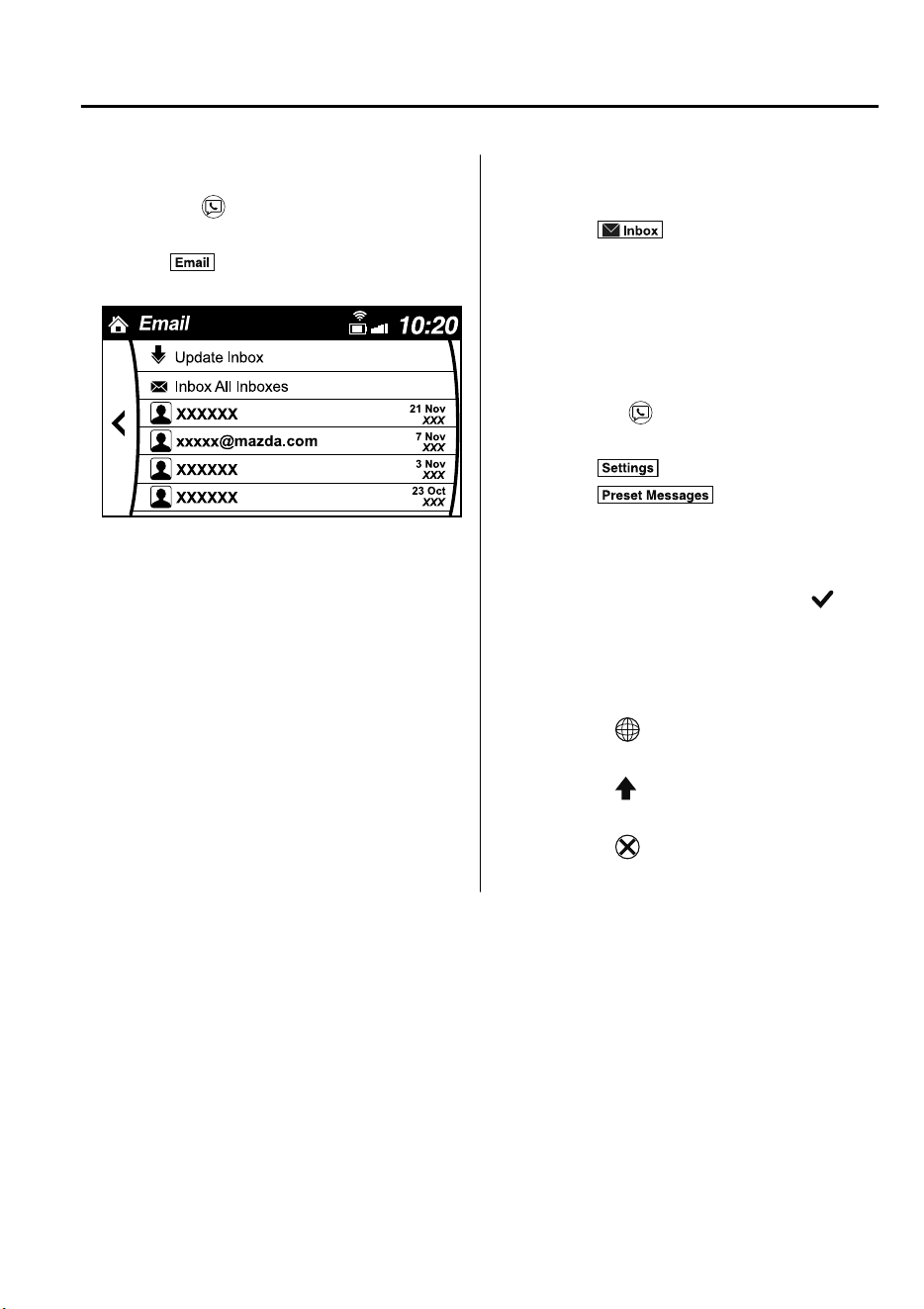
Example of use (verify unread E-mail)
1. Select the
icon on the home screen
to display the Communication screen.
2. Select
to display the inbox.
3. Select the unread message displayed in
bold.
4. The details of the message are
displayed and replying to the message,
making a call, or playback can be
performed.
Changing account for displaying
(E-mail only)
1. Select
.
2. Select the account which you would
like to display. Only the messages for
the selected account are displayed in
the inbox.
Editing preset messages
1. Select the
icon on the home screen
to display the Communication screen.
2. Select
.
3. Select
.
4. Select the preset message which you
would like to edit. The keyboard
screen is displayed.
5. When the message is input and
is
selected, the message is stored as a
preset message.
NOTE
•
Select the icon to change the
language.
•
Select the icon to switch between
capitalized and lower-case characters.
•
Select the icon to return to the
previous screen without storing the edit.
Interior Features
Audio Set
5-55
CX-9_8GC7-EE-17G_Edition1 2017-5-16 8:22:04
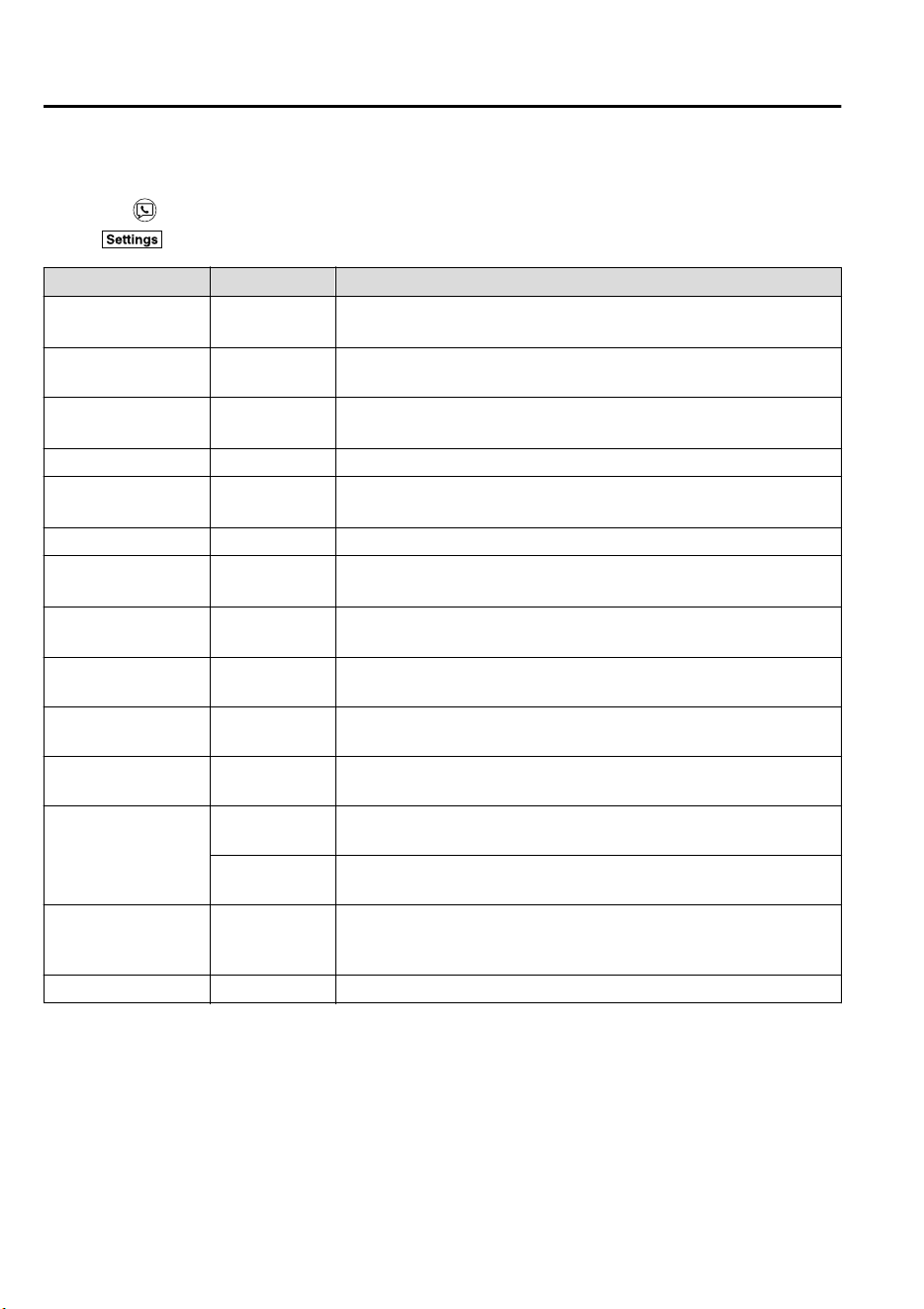
▼
Communication Settings
Select the icon on the home screen to display the Communication screen.
Select
to change the setting.
Item Setting Function
Bluetooth
®
—
Go to Bluetooth
®
setting menu.
Refer to Bluetooth
®
Preparation on page 5-37.
Incoming Call Notifi-
cations
On/Off Notifies when an incoming call is received.
Auto Download SMS On/Off
Downloads SMS automatically when the Bluetooth
®
unit is connected
to the device.
SMS Notifications On/Off Notifies when a new SMS is received.
Auto Download
Email
*1
On/Off
Downloads E-mail automatically when the Bluetooth
®
unit is connect-
ed to the device.
Email Notifications On/Off Notifies when a new E-mail is received.
Auto Download Call
History
On/Off
Downloads Call History automatically when the Bluetooth
®
unit is
connected to the device.
Auto Download Con-
tacts
*1
On/Off
Downloads the phonebook automatically when the Bluetooth
®
unit is
connected to the device.
Ringtone
Fixed/
In-band/Off
Changes the ringtone setting.
Phone Volume
Adjusts using
the slider.
Adjusts the conversation volume.
VR and Ringtone
Adjusts using
the slider.
Adjusts the voice guidance and ringtone volume.
Contacts Sort Order
First Name, Last
Name
Displays the contact information in alphabetical order of the first
name.
Last Name, First
Name
Displays the contact information in alphabetical order of the last
name.
Preset Messages —
Edits the preset message.
Refer to Receiving and Replying to Messages (available only with
E-mail/SMS compatible phones) on page 5-52.
Reset — Initializes all Communication Settings.
*
1 Depending on the device, it may be necessary to acquire download permission on the device side.
Interior Features
Audio Set
5-56
CX-9_8GC7-EE-17G_Edition1 2017-5-16 8:22:04
Voice Recognition
▼
Basic Operation Method
Activating Voice Recognition
Press the talk button.
Ending Voice Recognition
Use one of the following methods:
•
Press the hang-up button.
•
Say, “Cancel”.
•
Operate the commander switch or the
center display (only when vehicle is
stopped).
Skipping Voice Guidance (for faster
operation)
Press and release the talk button.
Troubleshooting for Voice Recognition
If you do not understand an operation
method while in the voice recognition
mode, say “Tutorial” or “Help”.
Commands useable anytime during
voice recognition
“Go Back” and “Cancel” are commands
which can be used at anytime during voice
recognition.
Returning to previous operation
To return to the previous operation, say,
“Go Back” while in voice recognition
mode.
Cancel
To put the Bluetooth
®
Hands-Free system
in standby mode, say, “Cancel” while in
voice recognition mode.
To prevent a deterioration in the voice
recognition rate and voice quality, the
following points should be observed:
•
The voice recognition cannot be
performed while voice guidance or the
beep sound is operating. Wait until the
voice guidance or the beep sound is
finished before saying your commands.
•
Phone related commands are available
only when your phone is connected via
Bluetooth
®
. Make sure your phone is
connected via Bluetooth
®
before you
operate phone related voice commands.
•
Music play commands, such as Play
Artist and Play Album can be used only
in USB audio mode.
•
Do not speak too slowly or loudly (no
loud voice).
•
Speak clearly, without pausing between
words or numbers.
•
Dialects or different wording other than
hands-free prompts cannot be
recognized by voice recognition. Speak
in the wording specified by the voice
commands.
•
It is not necessary to face the
microphone or approach it. Speak the
voice commands while maintaining a
safe driving position.
•
Close the windows and/or the sunroof to
reduce loud noises from outside the
vehicle, or turn down the airflow of the
climate control system while Bluetooth
®
Hands-Free is being used.
•
Make sure the vents are not directing air
up towards the microphone.
NOTE
If the voice recognition performance is not
satisfactory.
Refer to Troubleshooting on page 5-63.
Interior Features
Audio Set
5-57
CX-9_8GC7-EE-17G_Edition1 2017-5-16 8:22:04
▼
Voice Command List
Voice command
When the talk button is pressed and the following command is spoken, the audio or
navigation can be operated. The commands in the () can be omitted. The specified name and
number are put into the {}.
Standard command
Voice command Function
cancel Ends the voice recognition mode.
go back Returns to the previous operation.
help Usable commands can be verified.
tutorial Basic voice commands and methods of use can be verified.
(go to) home (screen)/main menu Moves to the home screen.
(go to) communication Moves to the communication screen.
(go to) navigation Moves to the navigation screen (vehicles with navigation system).
(go to) entertainment (menu) Moves to the entertainment screen.
(go to) settings Moves to the setting screen.
(go to) favorites Moves to the favorites screen.
Communication (phone) related command
Voice command Function
Call {name in phonebook} (mobile/
home/work/other)
Example: “Call John Mobile”
Call to the contact in the downloaded phonebook.
Refer to Making a Call on page 5-48.
Redial
Call to the last contact you called.
Refer to Making a Call on page 5-48.
Callback
Call to the last contact who called you.
Refer to Making a Call on page 5-48.
Entertainment (audio) related command
Voice command Function
Corresponding audio
source
(Go to/Play) AM (Radio) Switches the audio source to AM radio. All
(Go to/Play) FM (Radio) Switches the audio source to FM radio. All
(Go to/Play) Bluetooth (Audio) Switches the audio source to BT audio. All
(Go to/Play) Aha (Radio) Switches the audio source to Aha™ Radio.All
(Go to/Play) Stitcher Switches the audio source to Stitcher™ Radio. All
(Go to/Play) USB 1 Switches the audio source to USB 1. All
(Go to/Play) USB 2 Switches the audio source to USB 2. All
Interior Features
Audio Set
5-58
CX-9_8GC7-EE-17G_Edition1 2017-5-16 8:22:04
Voice command Function
Corresponding audio
source
Play Playlist {Playlist name} Plays the selected playlist. USB
Play Artist {Artist name} Plays the selected artist. USB
Play Album {Album name} Plays the selected album. USB
Play Genre {Genre name} Plays the selected genre. USB
Play Folder {Folder name} Plays the selected folder. USB
Navigation related command
*
For the navigation screen voice commands, refer to the separate navigation system manual.
NOTE
•
Some commands cannot be used depending on the grade and specification.
•
Some commands cannot be used depending on the device connection conditions and the
use conditions.
•
The commands are examples of the available commands.
Interior Features
Audio Set
*Some models.
5-59
CX-9_8GC7-EE-17G_Edition1 2017-5-16 8:22:04
Settings
NOTE
Depending on the grade and specification, the screen display may differ.
Select the
icon on the home screen and display the Settings screen.
Switch the tab and select the setting item you want to change.
You can customize settings in the setup display as follows:
Tab Item Function
AD-Disp
Height
Brightness Control
Other
Refer to Active Driving Display on page 4-29.
Display Refer to Volume/Display/Sound Controls on page 5-23.
Safety
Distance Recognition Support System
SBS/SCBS
Other
Refer to Personalization Features on page 9-
10.
Sound Refer to Volume/Display/Sound Controls on page 5-23.
Clock
Adjust Time
Displays the currently set time is displayed.
Press
to advance the hour/minute, and select
to move the hour/minute back.
AM/PM can only be selected with the 12-hour
clock display.
GPS Sync
Synchronizes with GPS when turned on.
When turned off, the time can be changed
from “Adjust Time”.
Time Format
Changes the display between 12 and 24-hour
clock time.
Time Zone Select
When it's not synchronized with GPS, select
the region you want to specify.
Daylight Savings Time
Turns the daylight saving time setting on/off.
When ON, the time advances 1 hour. When
OFF, it returns to normal time.
Vehicle
Rain Sensing Wiper
Door Locks
Other
Refer to Personalization Features on page 9-
10.
Devices
Bluetooth
Refer to Bluetooth
®
Preparation on page 5-37.
Network Management
Wi-Fi™ is used to obtain Navi POI/Real Time
Traffic function (Such as gas prices, weather,
nearest restaurant)
Interior Features
Audio Set
5-60
CX-9_8GC7-EE-17G_Edition1 2017-5-16 8:22:04
Tab It em Fu nct ion
System
Tool Tips Turns button explanations ON/OFF.
Language Changes the language.
Temperature
Changes the setting between Fahrenheit and
Celsius.
Distance
Changes the setting between miles and kilome-
ters.
Music Database Update
Used to update Gracenote
®
. Gracenote
®
is
used with USB Audio, and provides:
1. Supplemental music information (Such as
song name, artist name)
2. Voice recognition assistance for Play Ar-
tist and Play Album
Gracenote
®
can be downloaded from the Maz-
da Handsfree Website.
Refer to Gracenote
®
Database on page 5-32.
Factory Reset
Memory and settings are initialized to the fac-
tory settings.
The initialization launches by selecting the
button.
About
Agreements and
Disclaimers
Verify the disclaimer and agree.
Version Information
Can verify the current audio unit OS version
and Gracenote
®
Database version.
Interior Features
Audio Set
5-61
CX-9_8GC7-EE-17G_Edition1 2017-5-16 8:22:04
Applications
NOTE
Depending on the grade and specification, the screen display may differ.
Select the
icon on the home screen to display the Applications screen. The following
information can be verified.
Top screen Item Function
Fuel Economy Monitor Fuel Consumption Display
Refer to Fuel Economy Monitor
on page 4-77.
Vehicle Status Monitor
Warning Guid-
ance
Warnings currently active can be
verified.
Refer to If a Warning Light
Turns On or Flashes on page 7-
38.
Maintenance
Scheduled Maintenance
Tire Rotation
Oil Change
Refer to Maintenance Monitor
on page 6-11.
Interior Features
Audio Set
5-62
CX-9_8GC7-EE-17G_Edition1 2017-5-16 8:22:04
Troubleshooting
Mazda Bluetooth
®
Hands-Free Customer Service
If you have any problems with Bluetooth
®
, contact our toll-free customer service center.
Phone:
(Germany)
0800 4263 738 (8:00―18:00 Central European Time)
(Except Germany)
00800 4263 7383 (8:00―18:00 Central European Time)
(Worldwide)
49 (0) 6838 907 287 (8:00―18:00 Central European Time)
Web:
http://www.mazdahandsfree.com
Bluetooth
®
Device pairing, connection problems
Symptom Cause Solution method
Unable to perform pairing ―
Make sure that the Bluetooth
®
de-
vice is compatible with the Blue-
tooth
®
unit, and that Bluetooth
®
and
Find Mode
*1
are on and the airplane
mode is off in the Bluetooth
®
device
setting. Turn off the power of the
Bluetooth
®
device once, then turn it
back on. If pairing is still not possi-
ble after this, contact an expert re-
pairer, we recommend an Author-
ized Mazda Repairer or Mazda
Bluetooth
®
Hands-Free Customer
Service.
Interior Features
Audio Set
5-63
CX-9_8GC7-EE-17G_Edition1 2017-5-16 8:22:04
Symptom Cause Solution method
Pairing cannot be performed again
The pairing information paired to
the Bluetooth
®
unit or device is not
recognized correctly.
Perform pairing using the following
procedure:
1. Delete the applicable Blue-
tooth
®
device on the Mazda
Connect.
2. Delete “Mazda” from the Blue-
tooth
®
search screen of the
Bluetooth
®
device.
3. Perform pairing again.
If pairing is not possible after trying
the procedure, turn off the power of the
Bluetooth
®
device once, then turn it
back on. If pairing is still not possible
after this, contact an expert repairer,
we recommend an Authorized Mazda
Repairer or Mazda Bluetooth
®
Hands-Free Customer Service.
Unable to perform pairing
The Bluetooth
®
function and the
Find Mode/Visible setting
*1
on the
device may turn off automatically
after a period of time has elapsed
depending on the device.
Check whether the Bluetooth
®
func-
tion and the Find Mode/Visible set-
ting
*1
on the device are turned on
and pairing or reconnect.
Does not connect automatically
when starting the engine
Automatically connects, but then
disconnects suddenly
Disconnects intermittently
The device is in a location in which
radio wave interference can occur
easily, such as inside a bag in a rear
seat, in a rear pocket of a pair of
pants.
Move the device to a location in
which radio wave interference is
less likely to occur.
Does not connect automatically
when starting the engine
The pairing information is updated
when the device OS is updated.
Perform pairing using the following
procedure:
1. Delete the applicable Blue-
tooth
®
device on the Mazda
Connect.
2. Delete “Mazda” from the Blue-
tooth
®
search screen of the
Bluetooth
®
device.
3. Perform pairing again.
If pairing is not possible after trying
the procedure, turn off the power of the
Bluetooth
®
device once, then turn it
back on. If pairing is still not possible
after this, contact an expert repairer,
we recommend an Authorized Mazda
Repairer or Mazda Bluetooth
®
Hands-Free Customer Service.
*
1 Setting which detects the existence of a device external to the Bluetooth
®
unit.
Interior Features
Audio Set
5-64
CX-9_8GC7-EE-17G_Edition1 2017-5-16 8:22:04
NOTE
•
When the OS of the device is updated, the pairing information may be deleted. If this
happens, reprogram the pairing information to the Bluetooth
®
unit.
•
If you pair your phone which has already been paired to your vehicle more than once in
the past, you need to delete “Mazda” on your mobile device. Then, execute the
Bluetooth
®
search on your mobile device once again, and pair to a newly detected
“Mazda”.
•
Before you pair your device, make sure that Bluetooth
®
is “ON”, both on your phone and
on the vehicle.
•
If Bluetooth
®
-enabled devices are used in the following locations or conditions,
connection via Bluetooth
®
may not be possible.
•
The device is in a location hidden from the center display such as behind or under a
seat, or inside the glove compartment.
•
The device contacts or is covered by a metal object or body.
•
The device is set to power-saving mode.
•
Different Bluetooth
®
-enabled devices can be used for Bluetooth
®
Hands-Free and
Bluetooth
®
audio. For example, device A can be connected as a Bluetooth
®
Hands-Free
device and device B can be connected as a Bluetooth
®
audio device. However, the
following may occur when they are used at the same time.
•
The Bluetooth
®
connection of the device is disconnected.
•
Noise occurs in the Hands-Free audio.
•
Hands-Free operates slowly.
Voice recognition related problems
Symptom Cause Solution method
Poor voice recognition
•
Excessive, slow speech.
•
Excessive, forceful speech (shout-
ing).
•
Speaking before the beep sound
has ended.
•
Loud noise (speaking or noise from
outside/inside vehicle).
•
Airflow from A/C is blowing
against the microphone.
•
Speaking in off-standard expres-
sions (dialect).
Regarding the causes indicated on
the left, be careful with how you
speak. In addition, when numbers
are spoken in a sequence, recogni-
tion ability will improve if no stop is
placed between the numbers.
False recognition of numbers
Poor voice recognition
There is a malfunction in the micro-
phone.
A poor connection or malfunction
with the microphone may have oc-
curred. Consult an expert repairer,
we recommend an Authorized Maz-
da Repairer.
Interior Features
Audio Set
5-65
CX-9_8GC7-EE-17G_Edition1 2017-5-16 8:22:04
Symptom Cause Solution method
Phone-related voice recognition is
disabled
There is a problem with the connec-
tion between the Bluetooth
®
unit
and the device.
If there is any malfunction after
checking the pairing situation, check
for device pairing or connection
problems.
Names in the phonebook are not
easily recognized
The Bluetooth
®
system is under a
condition in which recognition is
difficult.
By carrying out the following meas-
ures, the rate of recognition will im-
prove.
•
Clear memory from the phonebook
which is not used very often.
•
Avoid shortened names, use full
names. (Recognition improves the
longer the name is. By not using
names such as “Mom”, “Dad”, rec-
ognition will improve.)
When operating the audio, a song
name is not recognized
Song names cannot be recognized
by voice.
―
You want to skip guidance ―
Guidance can be skipped by quickly
pressing and releasing the talk but-
ton.
Interior Features
Audio Set
5-66
CX-9_8GC7-EE-17G_Edition1 2017-5-16 8:22:04
Regarding problems with calls
Symptom Cause Solution method
When starting a call, vehicle noise
from the other party can be heard
For about three seconds after start-
ing a call, the Bluetooth
®
unit's
Noise Suppression function requires
time to adapt to the call environ-
ment.
This does not indicate a problem
with the device.
The other party cannot be heard or
the speaker's voice is quiet
The volume is set at zero or low. Increase the volume.
Other problems
Symptom Cause Solution method
The indication for the remaining
battery is different between the ve-
hicle and the device
The indication method is different
between the vehicle and the device.
―
When a call is made from the vehi-
cle, the telephone number is updated
in the incoming/outgoing call record
but the name does not appear
The number has not been registered
into the phonebook.
If the number has been registered
into the phonebook, the incoming/
outgoing call record is updated by
the name in the phonebook when
the engine is restarted.
The cell phone does not synchronize
with the vehicle regarding the in-
coming/outgoing call record
Some types of cell phones do not
synchronize automatically.
Operate the cell phone for synchro-
nization.
It takes a long time to complete the
function for changing the language
A maximum of 60 seconds is re-
quired.
―
Interior Features
Audio Set
5-67
CX-9_8GC7-EE-17G_Edition1 2017-5-16 8:22:04
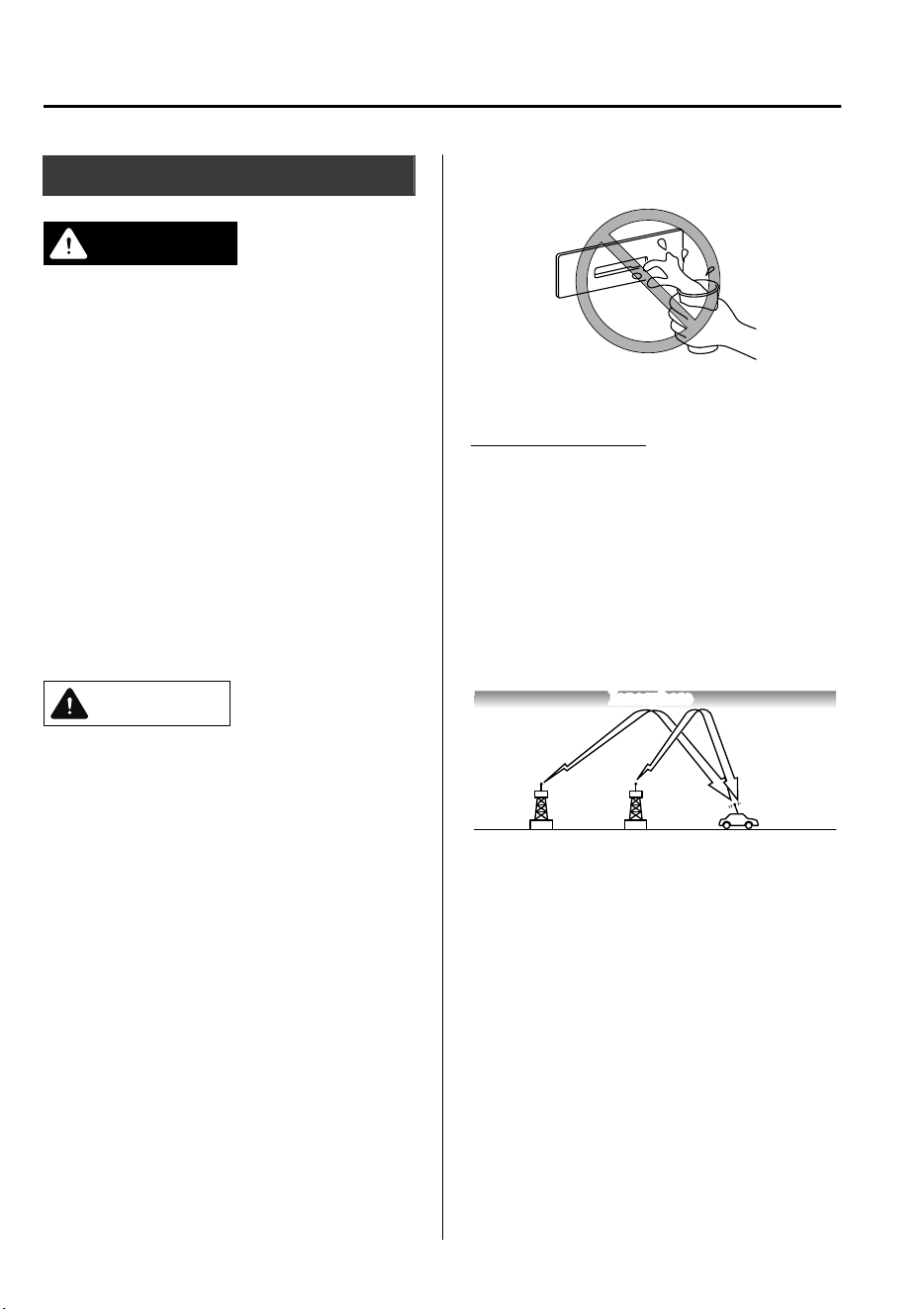
Things You Need to Know
WARNING
Always adjust the audio while the vehicle is
stopped:
Do not adjust the audio control switches
while driving the vehicle. Adjusting the
audio while driving the vehicle is
dangerous as it could distract your
attention from the vehicle operation which
could lead to a serious accident.
Even if the audio control switches are
equipped on the steering wheel, learn to
use the switches without looking down at
them so that you can keep your maximum
attention on the road while driving the
vehicle.
CAUTION
For the purposes of safe driving, adjust the
audio volume to a level that allows you to
hear sounds outside of the vehicle
including car horns and particularly
emergency vehicle sirens.
NOTE
•
To prevent the battery from being
discharged, do not leave the audio
system on for a long period of time when
the engine is not running.
•
If a cellular phone or CB radio is used
in or near the vehicle, it could cause
noise to occur from the audio system,
however, this does not indicate that the
system has been damaged.
Do not spill any liquid on the audio
system.
▼
Radio Reception
AM characteristics
AM signals bend around such things as
buildings or mountains and bounce off the
ionosphere.
Therefore, they can reach longer distances
than FM signals.
Because of this, two stations may
sometimes be picked up on the same
frequency at the same time.
Station 2
Station 1
Ionosphere
Interior Features
Appendix
5-68
CX-9_8GC7-EE-17G_Edition1 2017-5-16 8:22:04
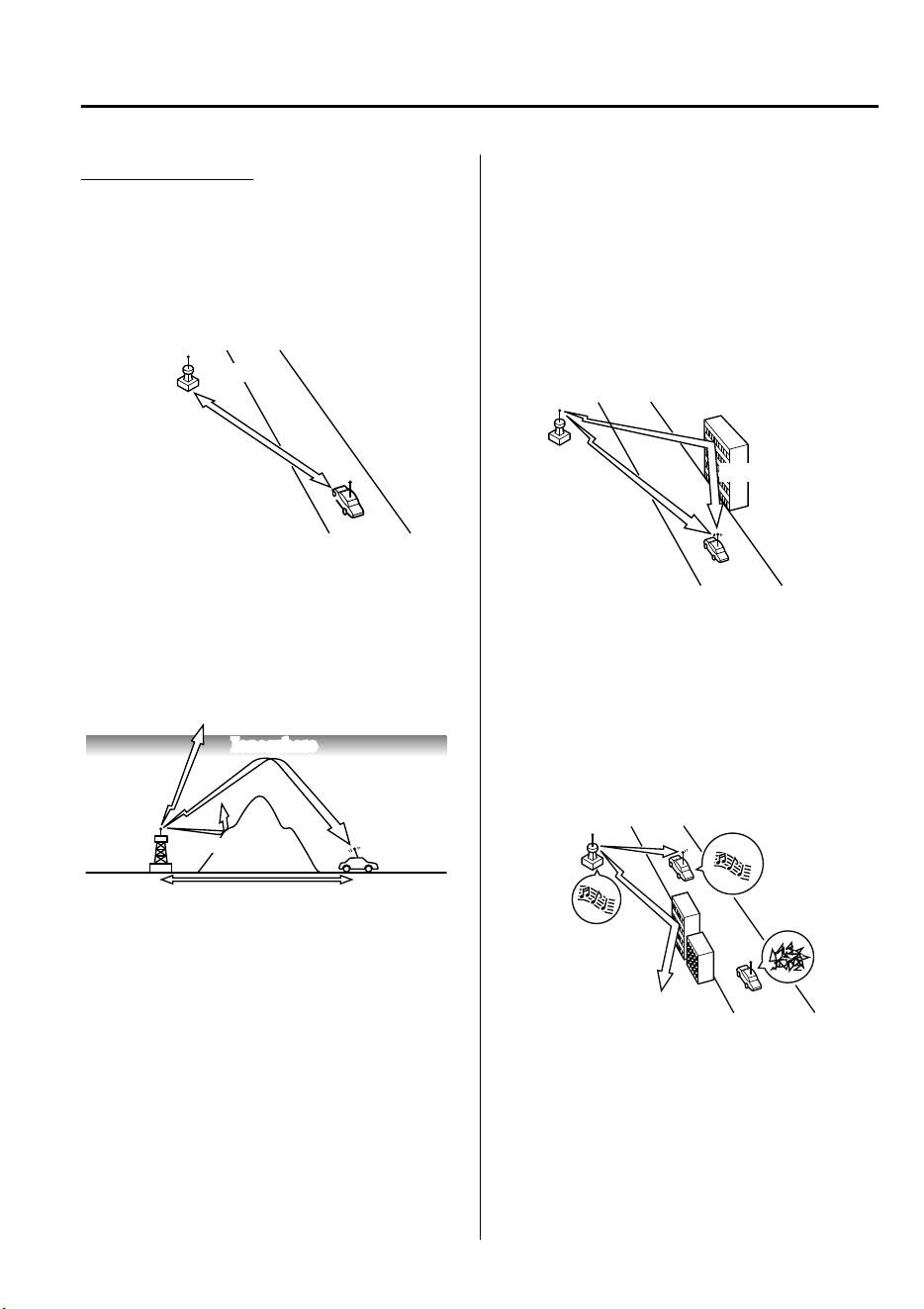
FM characteristics
An FM broadcast range is usually about
40―50 km (25―30 miles) from the
source. Because of extra coding needed to
break the sound into two channels, stereo
FM has even less range than monaural
(non-stereo) FM.
FM Station
40—50km
(25—30 miles)
Signals from an FM transmitter are similar
to beams of light because they do not bend
around corners, but they do reflect. Unlike
AM signals, FM signals cannot travel
beyond the horizon. Therefore, FM
stations cannot be received at the great
distances possible with AM reception.
AM wave
FM wave
FM wave
100—200 km (60—120 miles)
Ionosphere
Atmospheric conditions can also affect
FM reception. High humidity will cause
poor reception. However, cloudy days may
provide better reception than clear days.
Multipath noise
Since FM signals can be reflected by
obstructions, it is possible to receive both
the direct signal and the reflected signal at
the same time. This causes a slight delay
in reception and may be heard as a broken
sound or a distortion. This problem may
also be encountered when in close
proximity to the transmitter.
Reflected wave
Direct
Flutter/Skip noise
Signals from an FM transmitter move in
straight lines and become weak in valleys
between tall buildings, mountains, and
other obstacles. When a vehicle passes
through such an area, the reception
conditions may change suddenly, resulting
in annoying noise.
Interior Features
Appendix
5-69
CX-9_8GC7-EE-17G_Edition1 2017-5-16 8:22:04
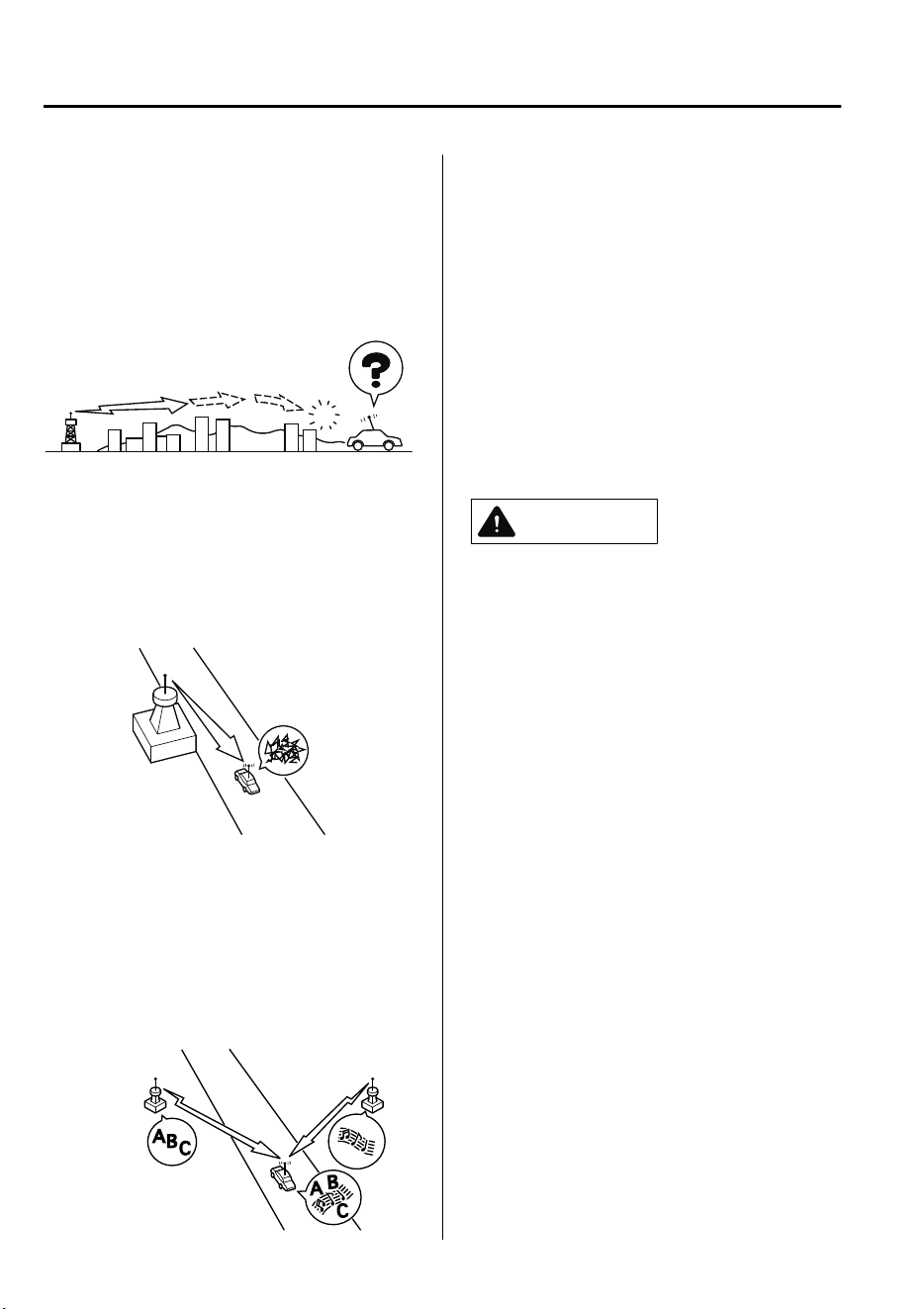
Weak signal noise
In suburban areas, broadcast signals
become weak because of distance from the
transmitter. Reception in such fringe areas
is characterized by sound breakup.
Strong signal noise
This occurs very close to a transmitter
tower. The broadcast signals are extremely
strong, so the result is noise and sound
breakup at the radio receiver.
Station drift noise
When a vehicle reaches the area of two
strong stations broadcasting at similar
frequencies, the original station may be
temporarily lost and the second station
picked up. At this time there will be some
noise from this disturbance.
Station 2
88.3 MHz
Station 1
88.1 MHz
▼
Operating Tips for MP3
MP3 stands for MPEG Audio Layer 3,
which is standardized voice compression
established by the ISO
*1
working group
(MPEG).
Use of MP3 allows for audio data to be
compressed to approximately a tenth of
the source data size.
This unit plays files with the extension
(.mp3) as MP3 files.
*
1 International Organization for
Standardization
CAUTION
Do not use an audio le extension on les
other than audio
les.
In addition, do not
change the audio le extension. Otherwise,
the unit will not recognize the
le
correctly
resulting in noise or a malfunction.
NOTE
Supply of this product only conveys a
license for private, non-commercial use
and does not convey a license nor imply
any right to use this product in any
commercial (i.e. revenue-generating) real
time broadcasting (terrestrial, satellite,
cable and/or any other media),
broadcasting/streaming via the Internet,
intranets and/or other networks or in other
electronic content distribution systems,
such as pay-audio or audio-on-demand
applications. An independent license for
such use is required. For details, please
visit http://www.mp3licensing.com.
•
When naming an MP3 file, be sure to
add an MP3 file extension (.mp3) after
the file name.
Interior Features
Appendix
5-70
CX-9_8GC7-EE-17G_Edition1 2017-5-16 8:22:04
•
The number of characters which can be
displayed is restricted.
▼
Operating Tips for WMA
WMA is short for Windows Media
*1
Audio and is the audio compression
format used by Microsoft
*1
.
Audio data can be created and stored at a
higher compression ratio than MP3.
This unit plays files with the extension
(.wma) as WMA files.
*
1 Windows Media and Microsoft are
registered trademarks of Microsoft
Corporation U.S. in the United States
and other countries.
CAUTION
Do not use an audio
le
extension on
les
other than audio les. In addition, do not
change the audio
le
extension. Otherwise,
the unit will not recognize the le correctly
resulting in noise or a malfunction.
•
WMA files written under specifications
other than the indicated specification
may not play normally or files or folder
names may not display correctly.
•
The file extension may not be provided
depending on the computer operating
system, version, software, or settings. In
this case, add the file extension “.wma”
to the end of the file name, and then
write it to the memory.
▼
Operating Tips for AAC
AAC stands for Advanced Audio Coding,
which is standardized voice compression
established by the ISO
*1
working group
(MPEG). Audio data can be created and
stored at a higher compression ratio than
MP3.
This unit plays files with the extensions
(.aac/.m4a/.wav) as the AAC files.
CAUTION
Do not use an audio le extension on les
other than audio les. In addition, do not
change the audio le extension. Otherwise,
the unit will not recognize the le correctly
resulting in noise or a malfunction.
•
AAC files written under specifications
other than the indicated specification
may not play normally or files or folder
names may not display correctly.
•
The file extension may not be provided
depending on the computer operating
system, version, software, or settings. In
this case, add the file extension “.aac”,
“.m4a”, or “.wav” to the end of the file
name, and then write it to the memory.
*1 International Organization for
Standardization
Interior Features
Appendix
5-71
CX-9_8GC7-EE-17G_Edition1 2017-5-16 8:22:04
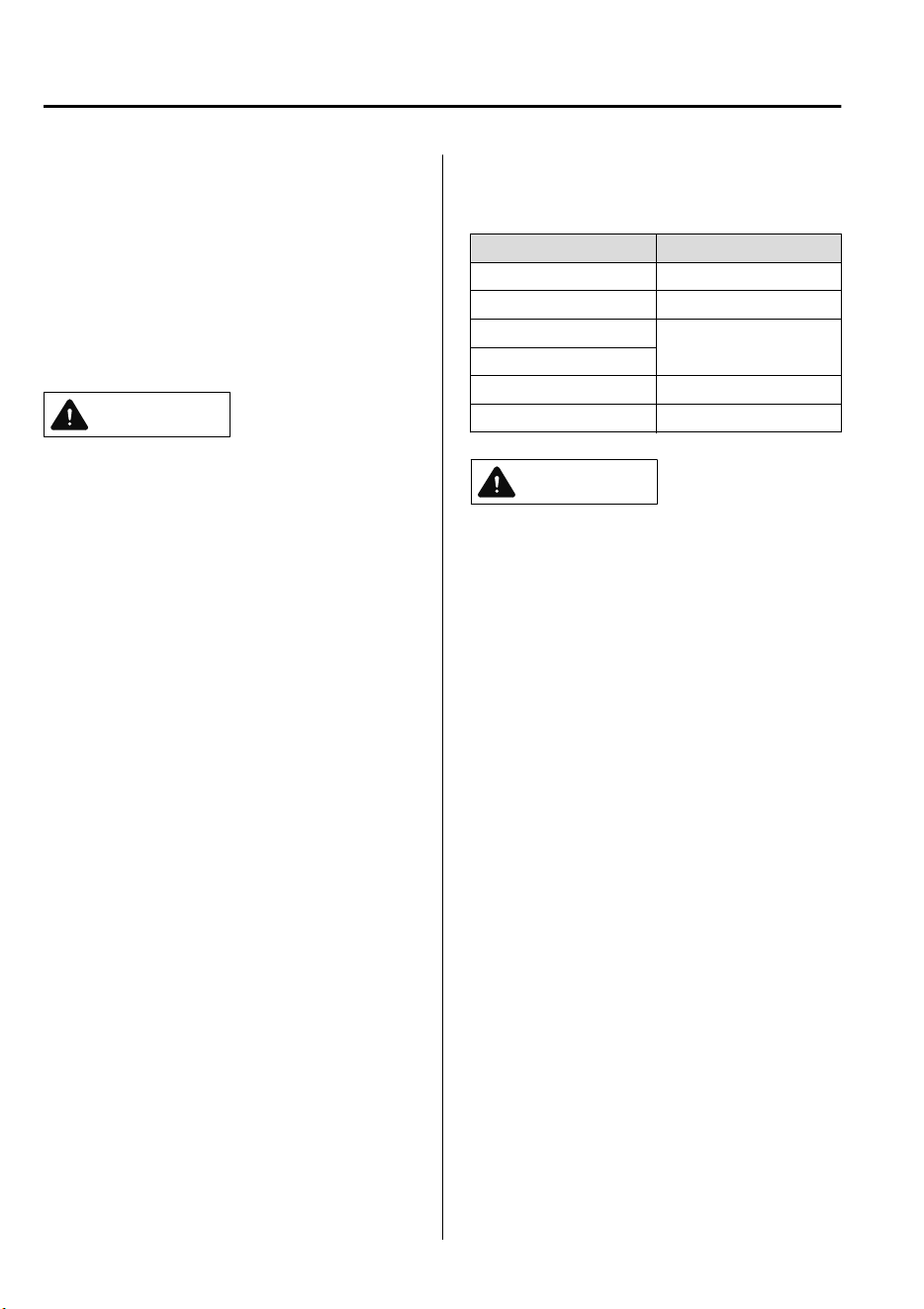
▼
Operating Tips for OGG
OGG is the audio compression format for
Xiph. Org Foundation.
Audio data can be created and stored at a
higher compression ratio than MP3.
This unit plays files with the extension
(.ogg) as OGG files.
CAUTION
Do not use an audio le extension on les
other than audio les. In addition, do not
change the audio le extension. Otherwise,
the unit will not recognize the le correctly
resulting in noise or a malfunction.
•
OGG files written under specifications
other than the indicated specification
may not play normally or files or folder
names may not display correctly.
•
The file extension may not be provided
depending on the computer operating
system, version, software, or settings. In
this case, add the file extension “.ogg”
to the end of the file name, and then
write it to the memory.
▼
Operating Tips for USB device
This unit plays audio files as follows:
Extension Playback with this unit
.mp3 MP3
.wma WMA
.aac
AAC
.m4a
.wav WAV
.ogg OGG
CAUTION
Do not use an audio
le
extension on
les
other than audio les. In addition, do not
change the audio
le
extension. Otherwise,
the unit will not recognize the le correctly
resulting in noise or a malfunction.
NOTE
•
Playback may not be possible depending
on the type and condition of the USB
flash memory even if the audio file
complies with the standard.
•
A copyright protected WMA/AAC file
cannot be played in this unit.
•
If a file name in the USB memory is too
long, it could cause operation problems
such as not being able to playback the
song.
(Recommended: Within 80 characters)
•
The order of the music data stored in the
device may differ from the playback
order.
•
To prevent loss or damage of stored
data, we recommend that you always
back up your data.
Interior Features
Appendix
5-72
CX-9_8GC7-EE-17G_Edition1 2017-5-16 8:22:04

•
If a device exceeds the maximum
electric current value of 1,000 mA, it
may not operate or recharge when
connected.
•
Do not pull out the USB device while in
the USB mode (only pull it out while in
FM/AM radio mode).
•
The device will not operate if the data is
password protected.
MP3/WMA/AAC/OGG files written under
specifications other than the indicated
specification may not play normally or
files/folder names may not display
correctly.
Interior Features
Appendix
5-73
CX-9_8GC7-EE-17G_Edition1 2017-5-16 8:22:04
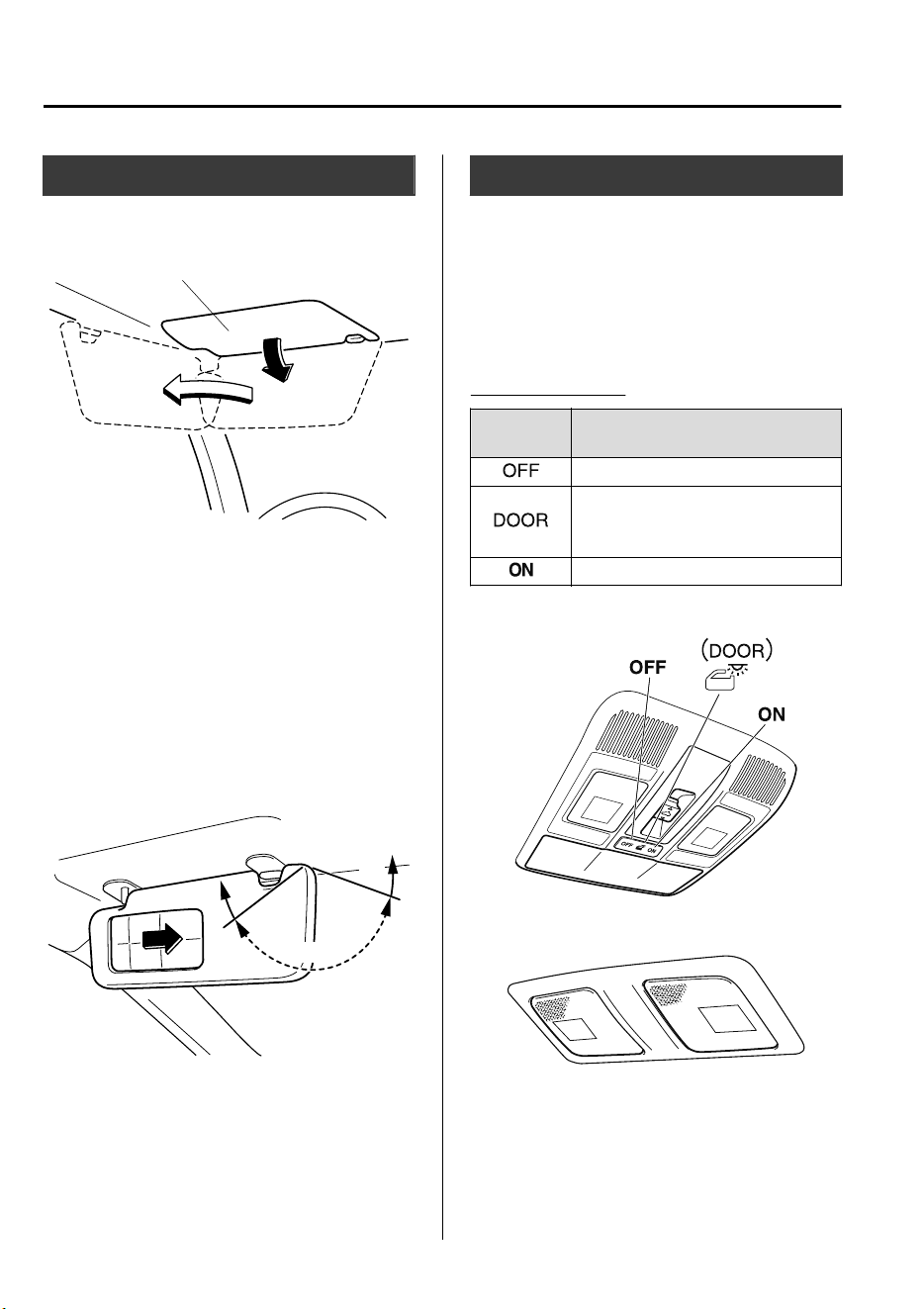
Sunvisors
When you need a sunvisor, lower it for use
in front or swing it to the side.
Sunvisor
▼
Vanity Mi rrors
To use the vanity mirror, lower the
sunvisor.
The vanity mirror light will illuminate
when you open the cover.
To prevent the battery from being
discharged, the vanity mirror will only
illuminate in the tilt range shown in the
figure.
off
off
on
Interior Lights
NOTE
•
Do not leave the lights on for long
periods while the engine is turned off.
Otherwise the battery power could be
depleted.
Overhead Lights
Switch Posi-
tion
Overhead Lights
Light off
•
Light is on when any door is open
•
Light is on or off when the illumi-
nated entry system is on
Light on
Front
Center
Interior Features
Interior Equipment
5-74
CX-9_8GC7-EE-17G_Edition1 2017-5-16 8:22:04
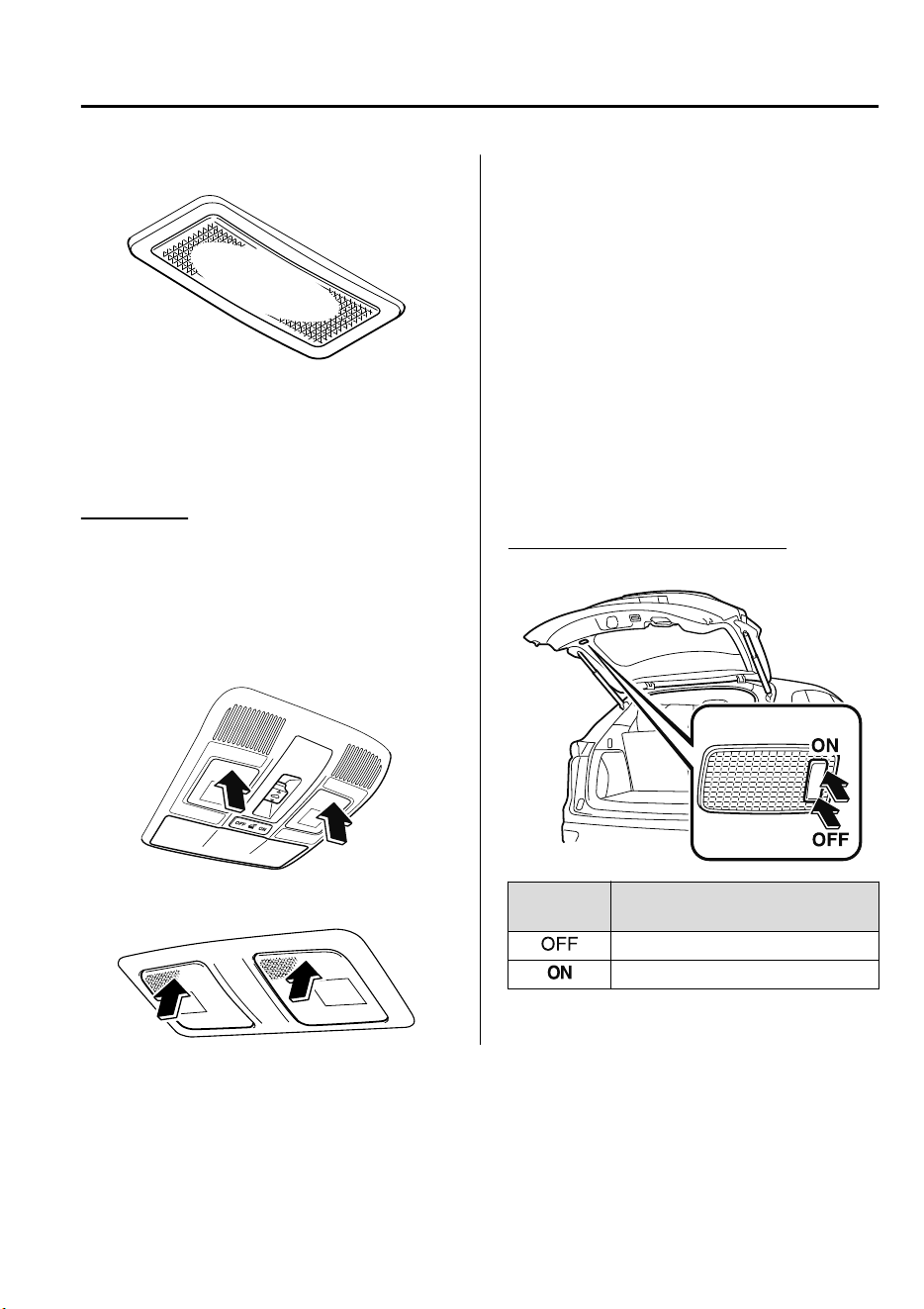
Rear
NOTE
The rear overhead light and the center
map lights also turn on and off when the
front overhead light switch is operated.
Map Lights
When the overhead light switch is in the
door or off position, press the lens to
illuminate the map lights, and then press
the lens again to turn them off.
Front
Center
NOTE
•
Once the center map lights have been
turned off, they will turn on and off
depending on the position to which the
overhead light is switched.
•
The map lights will not turn off even if
the lens is pressed in the following
cases:
•
The overhead light switch is in the ON
position.
•
The overhead light switch is in the
door position with the door open.
•
The illuminated entry system is on.
Luggage Compartment Lights
Switch Posi-
tion
Luggage Compartment Light
Light off
Light on when the liftgate is open
Interior Features
Interior Equipment
5-75
CX-9_8GC7-EE-17G_Edition1 2017-5-16 8:22:04
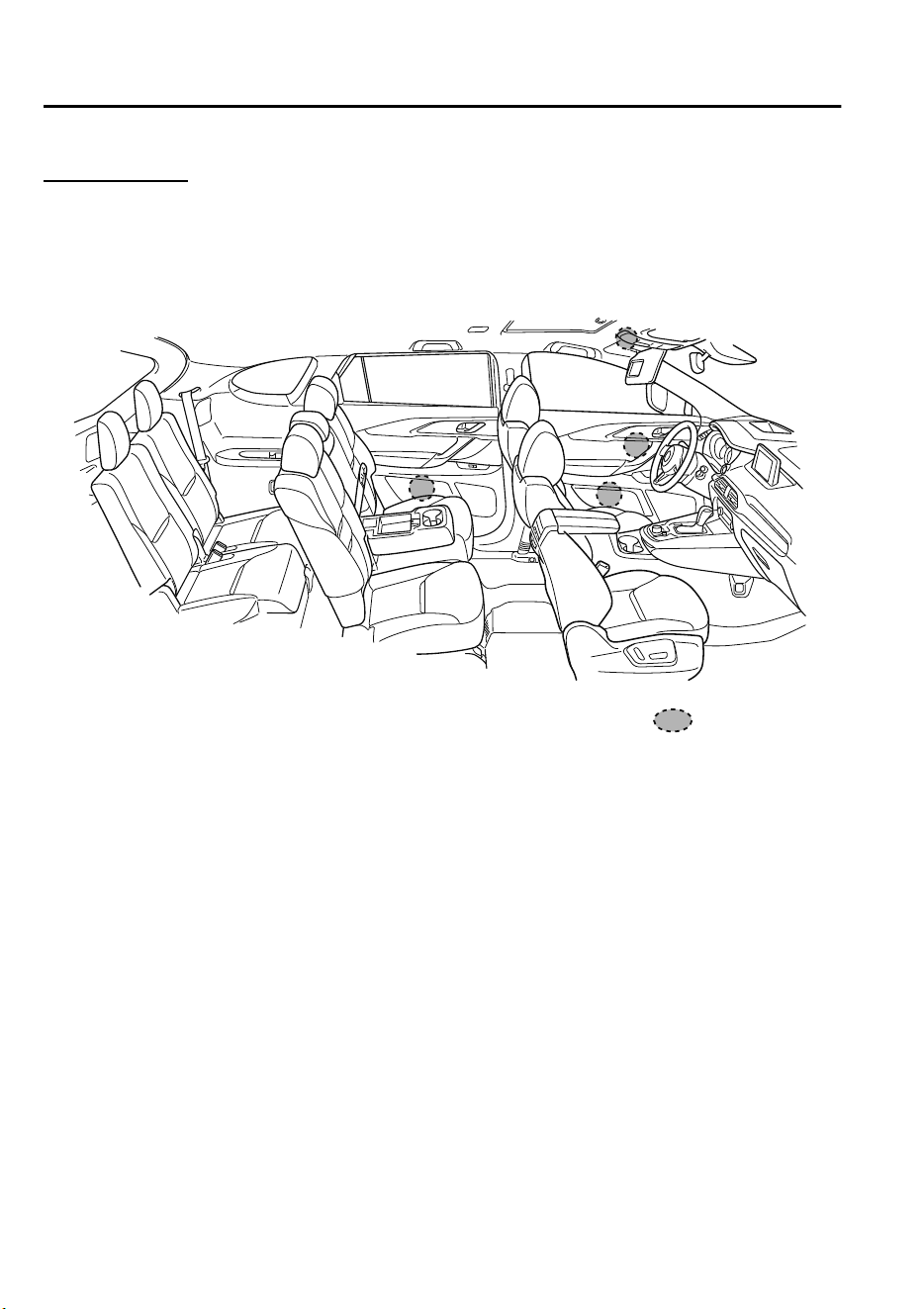
Ambient Light
*
The ambient lights continuously turn on when the ignition is switched ON.
The ambient lights dim when the parking lights or headlights are turned on.
Ambient light
NOTE
•
The ambient lights turn on or off in conjunction with the illuminated entry system when
the ignition is switched OFF.
•
The ambient light illumination level can be changed while the parking lights or headlights
are turned on.
Refer to Personalization Features on page 9-10.
Interior Features
Interior Equipment
5-76
*Some models.
CX-9_8GC7-EE-17G_Edition1 2017-5-16 8:22:04
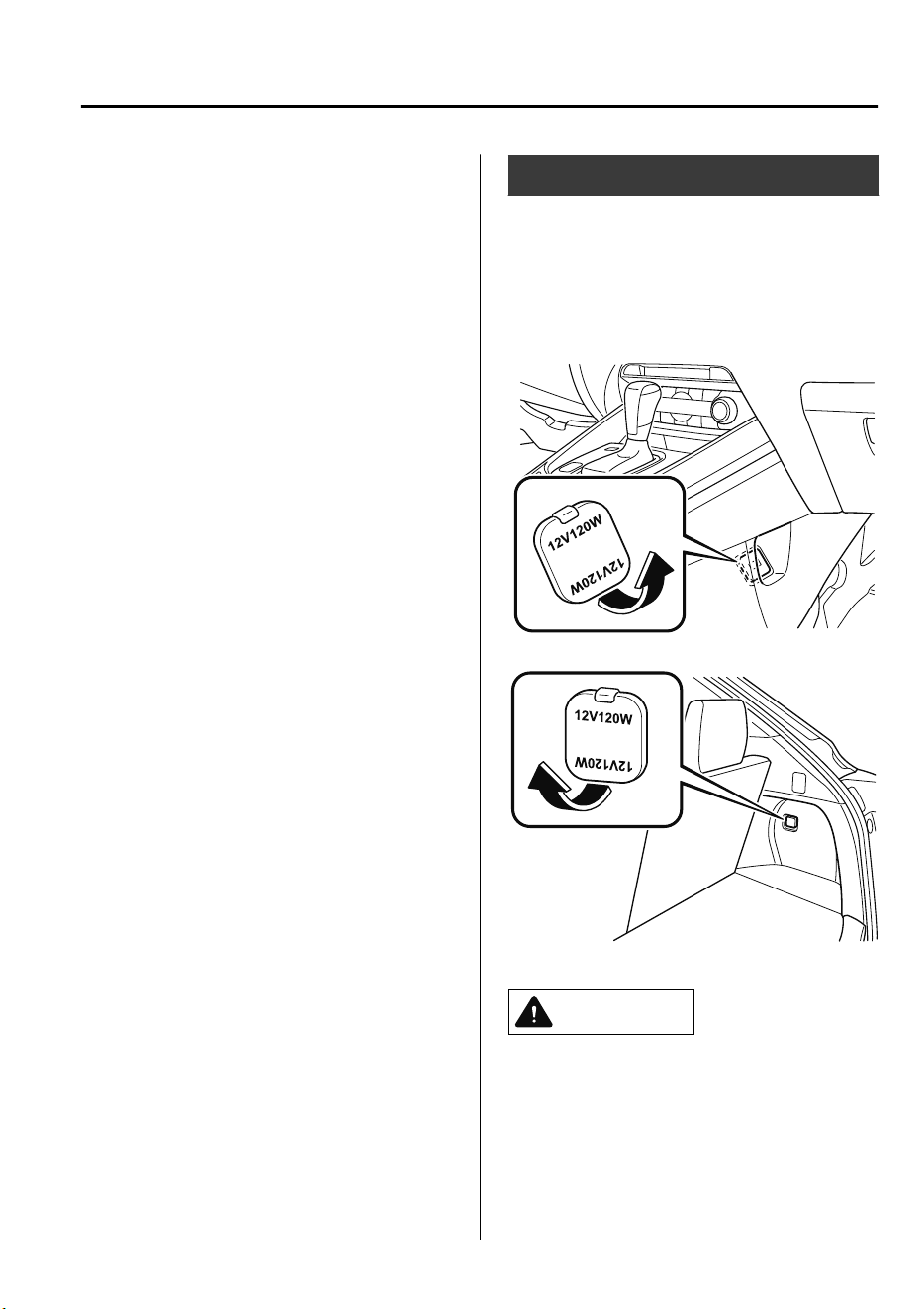
▼
Illuminated Entry System
The overhead lights turn on when any of
the following operations is done with the
overhead light switch in the DOOR
position.
The ambient lights turn on regardless of
the overhead light switch position.
•
The driver's door is unlocked with the
ignition is switched OFF.
•
The ignition is switched OFF with all
doors closed.
NOTE
•
The illumination time differs depending
on the operation.
•
Battery saver
If an interior light is left on with the
ignition switched OFF, the light is
turned off automatically after about 30
minutes to prevent battery depletion.
•
The operation of the illuminated entry
system can be changed.
Refer to Personalization Features on
page 9-10.
Accessory Sockets
Only use genuine Mazda accessories or
the equivalent requiring no greater than
120 W (DC 12 V, 10 A).
The ignition must be switched to ACC or
ON.
Front
Rear
CAUTION
To prevent accessory socket damage or
electrical failure, pay attention to the
following:
Do not use accessories that require
more than 120 W (DC 12 V, 10 A).
Interior Features
Interior Equipment
5-77
CX-9_8GC7-EE-17G_Edition1 2017-5-16 8:22:04
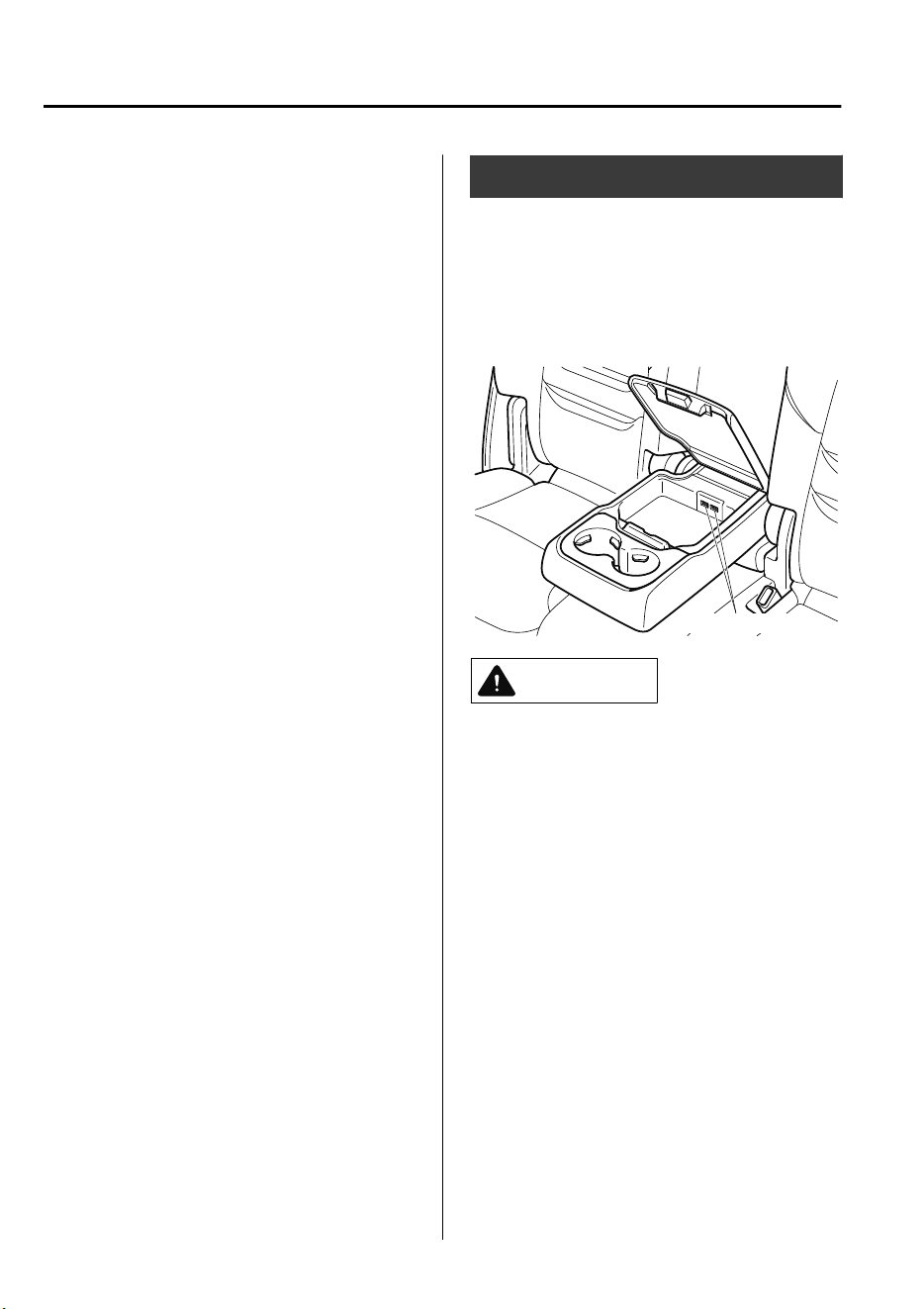
Do not use accessories that are not
genuine Mazda accessories or the
equivalent.
Close the cover when the accessory
socket is not in use to prevent foreign
objects and liquids from getting into
the accessory socket.
Correctly insert the plug into the
accessory socket.
Do not insert the cigarette lighter into
the accessory socket.
Noise may occur on the audio playback
depending on the device connected to
the accessory socket.
Depending on the device connected to
the accessory socket, the vehicle's
electrical system may be aected, which
could cause the warning light to
illuminate. Disconnect the connected
device and make sure that the problem is
resolved. If the problem is resolved,
disconnect the device from the socket
and switch the ignition
o.
If the problem
is not resolved, consult an expert
repairer, we recommend an Authorized
Mazda Repairer.
NOTE
To prevent discharging of the battery, do
not use the socket for long periods with the
engine off or idling.
USB Power Outlet
*
The USB power outlets can be used
regardless of whether the ignition is
switched to ACC or ON.
Only use USB devices that have a
maximum power consumption of 10.5W
(DC5V, 2.1A) or below.
USB power outlet
CAUTION
To prevent USB power outlets damage or
electrical failure, pay attention to the
following:
Do not use USB devices that require
more than 10.5 W (DC 5 V, 2.1 A).
Close the lid when the USB power
outlets are not in use to prevent
foreign objects and liquids from
getting into the USB power outlets.
Correctly connect the USB connector
into the USB power outlets.
NOTE
•
The USB power outlets are designed
only for charging and they cannot be
used for connecting to the vehicle's
audio system.
Interior Features
Interior Equipment
5-78
*Some models.
CX-9_8GC7-EE-17G_Edition1 2017-5-16 8:22:04
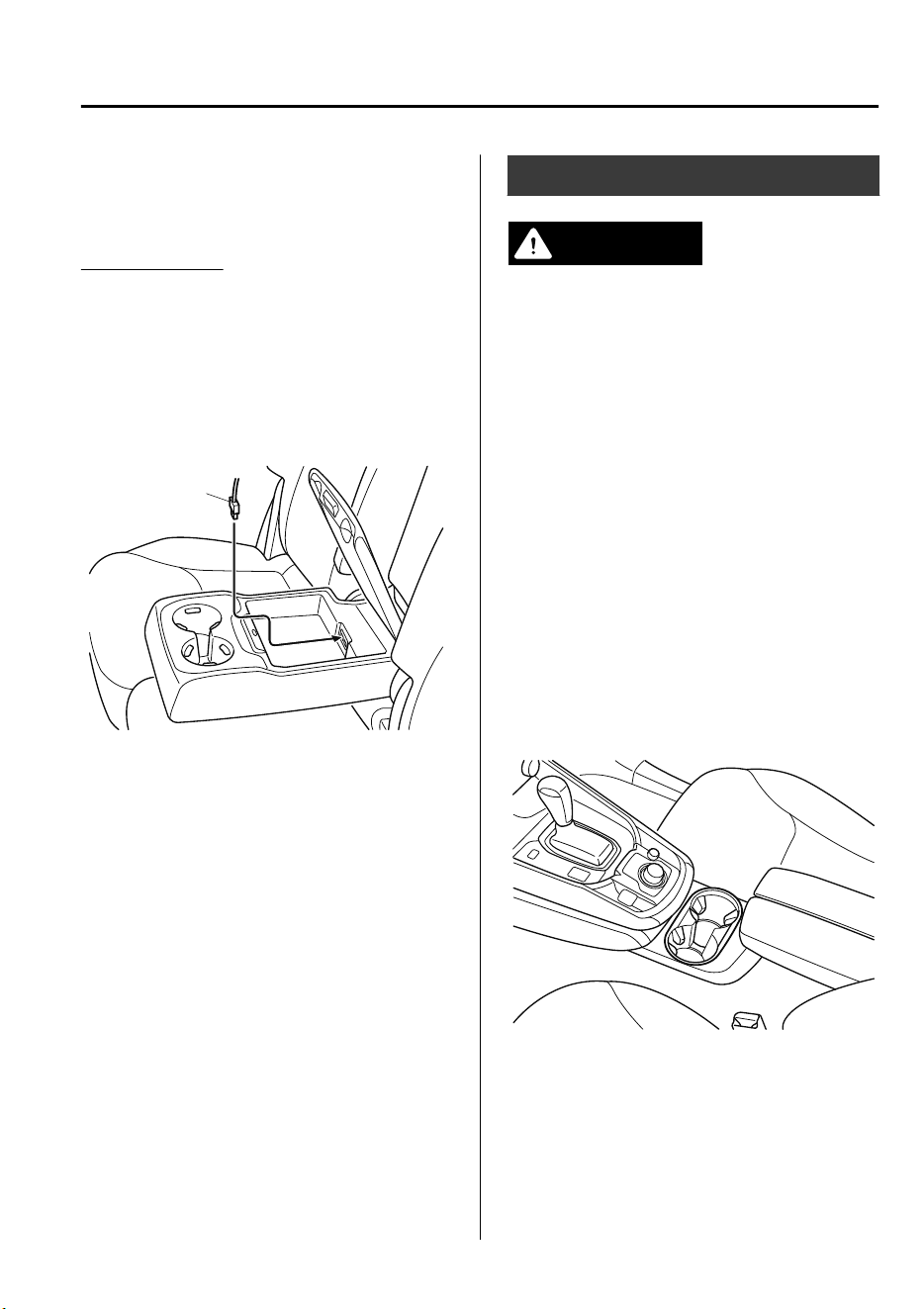
•
To prevent discharging of the battery, do
not use the USB power outlets for long
periods with the engine off or idling.
How to connect
The groove in the armrest box can be used
to pass the cord of the device into the box
to connect it to the USB power outlets.
1. Open the lid.
2. Route the cord through the groove in
the armrest box and insert the USB
connector into the USB power outlets.
Connector
Cup Holder
WARNING
Never use a cup holder to hold hot liquids
while the vehicle is moving:
Using a cup holder to hold hot liquids while
the vehicle is moving is dangerous. If the
contents spill, you could be scalded.
Do not put anything other than cups or
drink cans in cup holders:
Putting objects other than cups or drink
cans in a cup holder is dangerous.
During sudden braking or maneuvering,
occupants could be hit and injured, or
objects could be thrown around the
vehicle, causing interference with the driver
and the possibility of an accident. Only use
a cup holder for cups or drink cans.
▼
Front
Interior Features
Interior Equipment
5-79
CX-9_8GC7-EE-17G_Edition1 2017-5-16 8:22:04
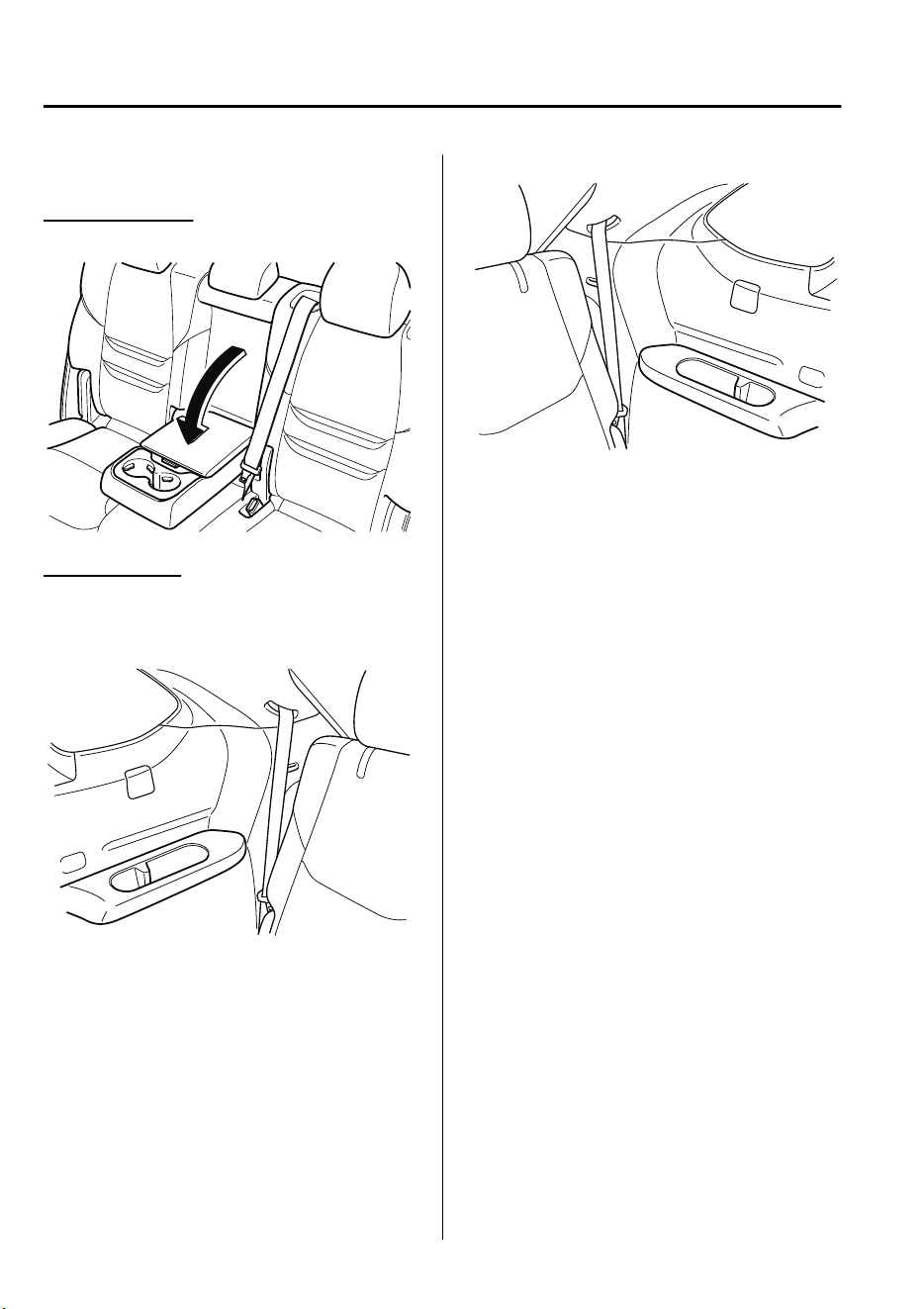
▼
Rear
Second-row seat
Cup holders are located in the armrest.
Third-row seat
Cup holders are located in the third-row
seat side trims.
Right-side
Left-side
Interior Features
Interior Equipment
5-80
CX-9_8GC7-EE-17G_Edition1 2017-5-16 8:22:04
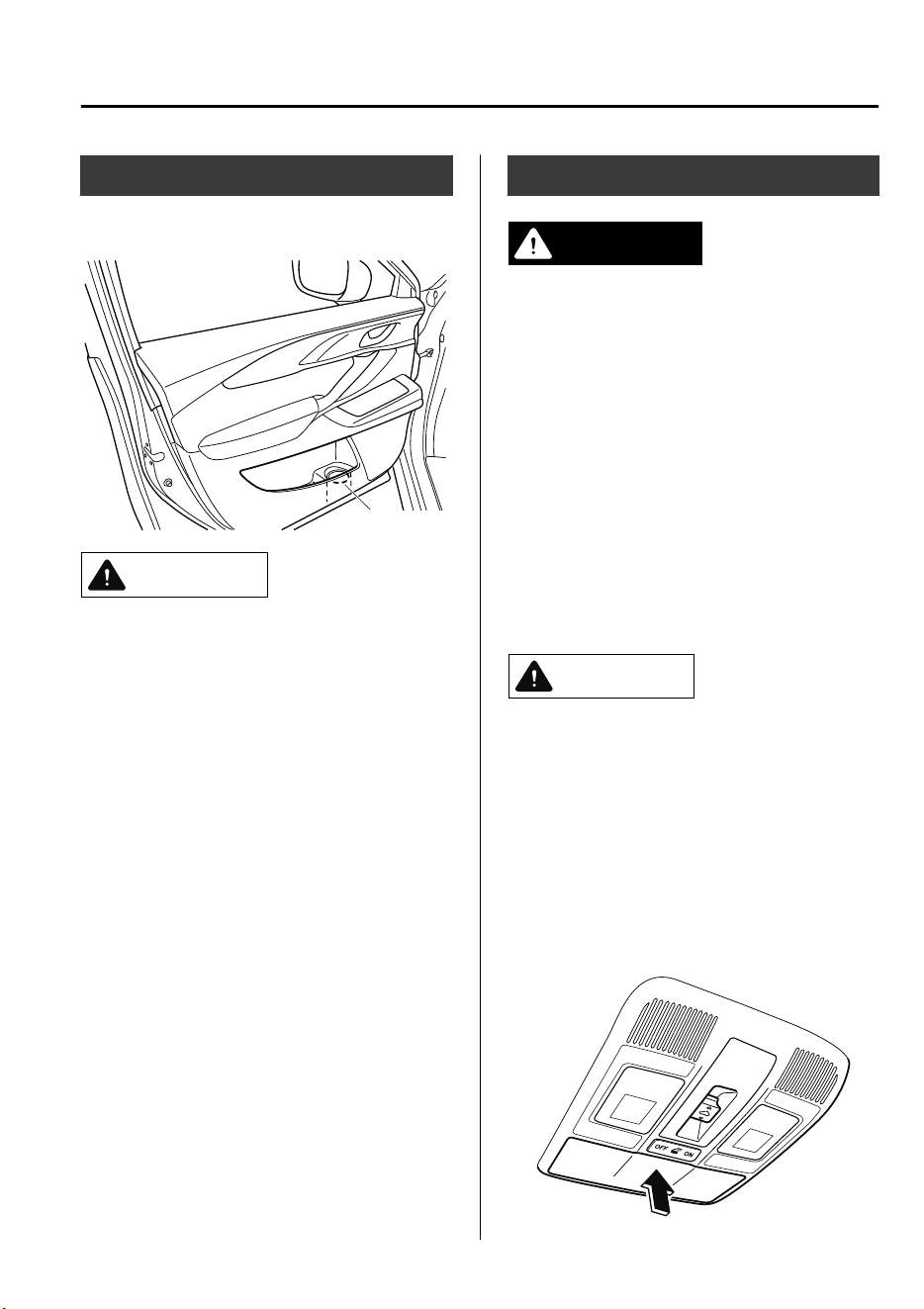
Bottle Holder
Bottle holders are on the inside of the
doors.
Bottle holder
CAUTION
Do not use the bottle holders for containers
without caps. The contents may spill when
the door is opened or closed.
Storage Compartments
WARNING
Keep storage boxes closed when driving:
Driving with the storage boxes open is
dangerous. To reduce the possibility of
injury in an accident or a sudden stop, keep
the storage boxes closed when driving.
Do not put articles in storage spaces with
no lid:
Putting articles in storage spaces with no
lid is dangerous as they could be thrown
around the cabin if the vehicle is suddenly
accelerated and cause injury depending on
how the article is stored.
CAUTION
Do not leave lighters or eyeglasses in the
storage boxes while parked under the sun.
A lighter could explode or the plastic
material in eyeglasses could deform and
crack from high temperature.
▼
Overhead Console
This console box is designed to store
eyeglasses or other accessories.
Push and release to open.
Interior Features
Interior Equipment
5-81
CX-9_8GC7-EE-17G_Edition1 2017-5-16 8:22:04
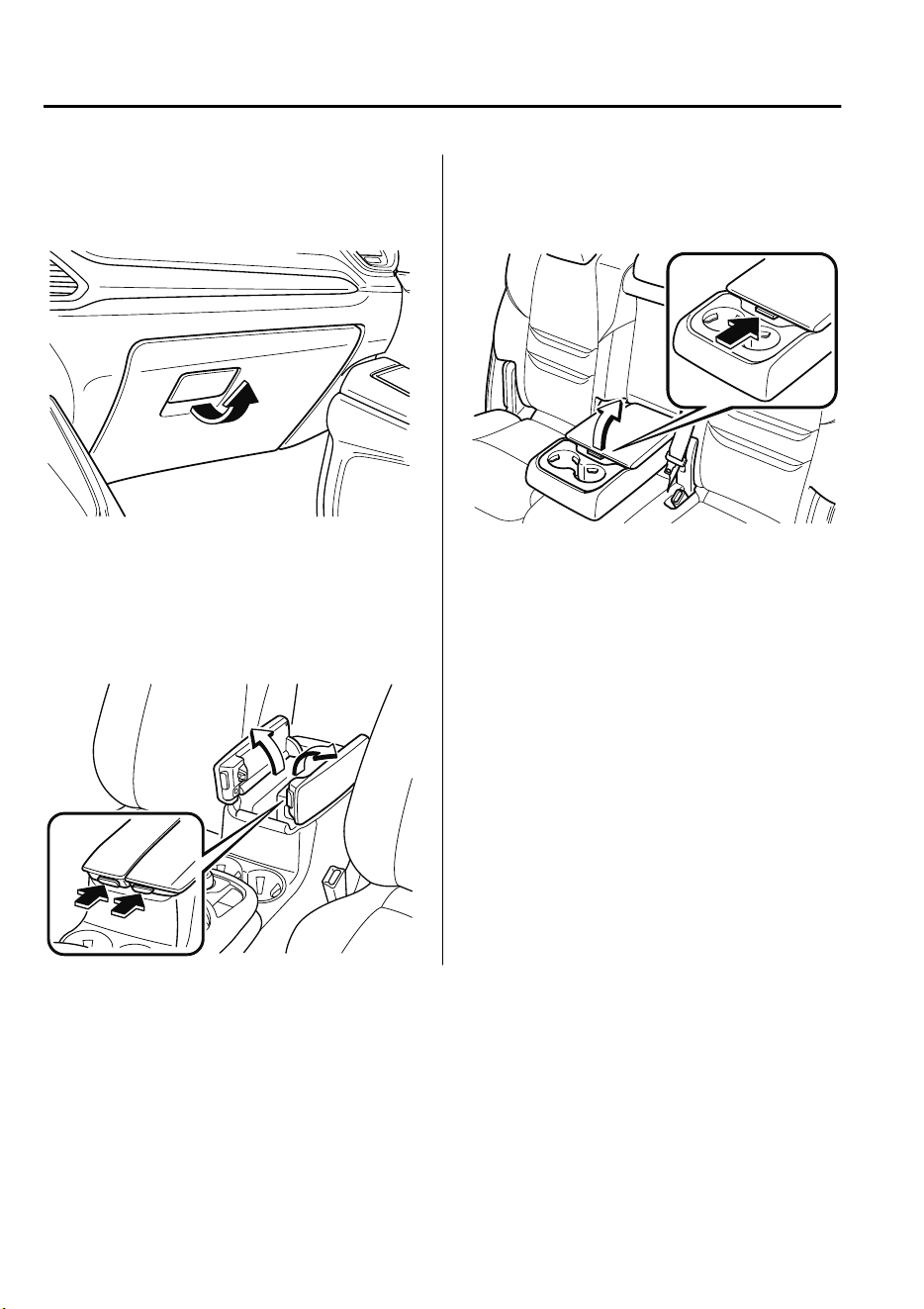
▼
Glove Compartment
To open the glove compartment, pull the
latch toward you.
To close the glove compartment, firmly
press in the center of the glove
compartment lid.
▼
Center Console
To open, push the button.
▼
Armrest Box
*
To open, push the button and pull up the
lid.
Interior Features
Interior Equipment
5-82
*Some models.
CX-9_8GC7-EE-17G_Edition1 2017-5-16 8:22:04
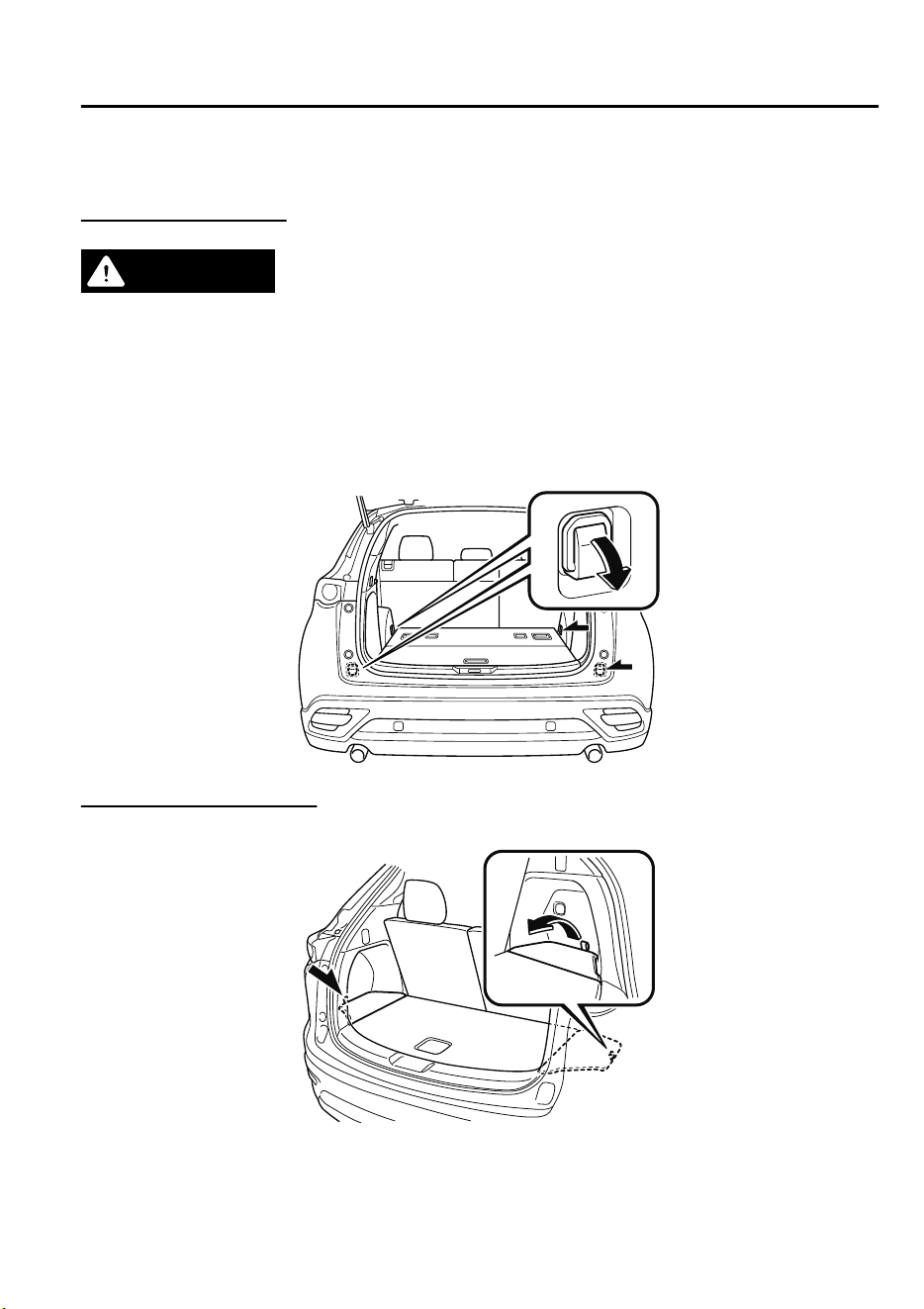
▼
Luggage Compartment
Cargo Securing Loops
WARNING
Make sure luggage and cargo is secured before driving:
Not securing cargo while driving is dangerous as it could move or be crushed during sudden
braking or a collision and cause injury.
Use the loops in the luggage compartment to secure cargo with a rope or net. The tensile
strength of the loops is 196 N (20 kgf, 44 lbf). Do not apply excessive force to the loops as
it will damage them.
Cargo Sub-Compartment
Open the cover to put small items in the cargo sub-compartment.
Interior Features
Interior Equipment
5-83
CX-9_8GC7-EE-17G_Edition1 2017-5-16 8:22:04
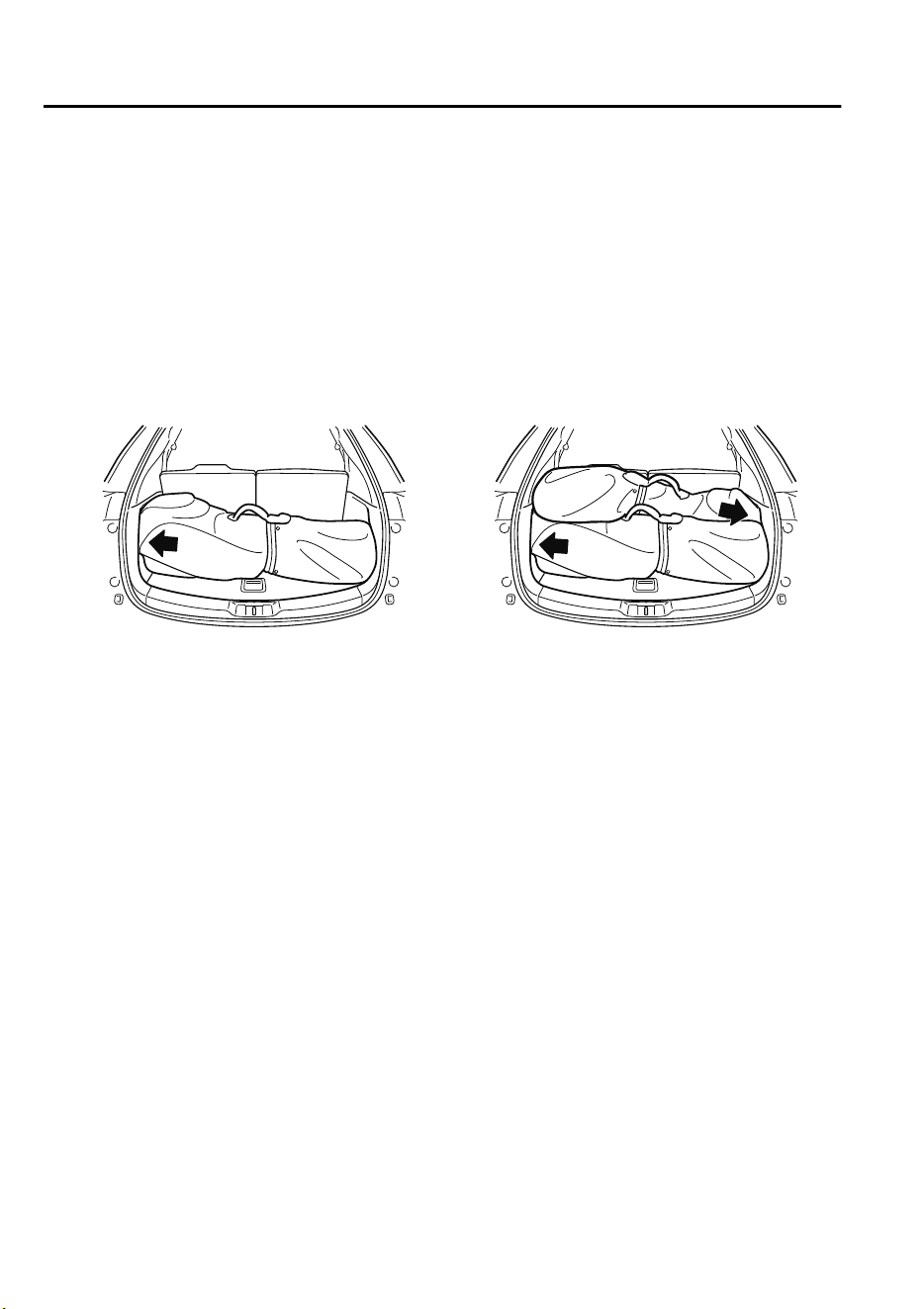
NOTE
Loading golf bags
(Some golf bags may not fit using the following methods depending on their sizes.)
Up to two golf bags can be carried in the luggage compartment.
Bottom: Place the first golf bag in the luggage compartment with the bottoms pointed to the
left.
Top: Place the second golf bag with its bottom pointed to the right in the luggage
compartment.
The arrows indicate the bottoms of the golf bags.
Top
Bottom
Interior Features
Interior Equipment
5-84
CX-9_8GC7-EE-17G_Edition1 2017-5-16 8:22:04
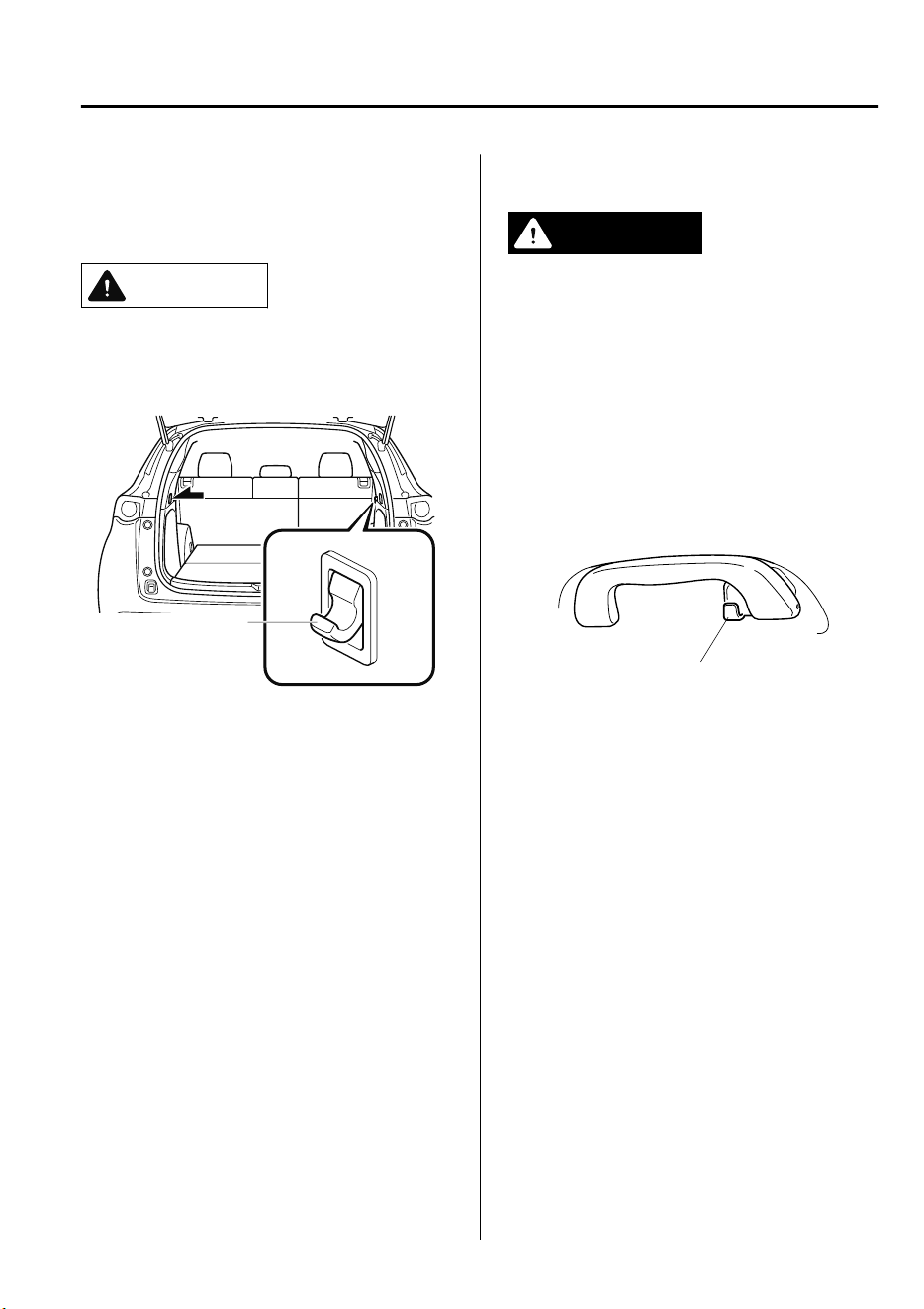
▼
Shopping Bag Hook
The shopping bag hook can be used for
hanging shopping bags.
CAUTION
Do not hang excessive weight on the
shopping bag hook as it could be
damaged.
Shopping bag hook
(tensile strength:3 kg
(6.6 lb))
▼
Rear Coat Hooks
WARNING
Never hang heavy or sharp objects on the
assist grips and coat hooks:
Hanging heavy or sharp-ended objects
such as a coat hanger from the assist grips
or coat hooks is dangerous as they can y
o
and hit an occupant in the cabin if a
curtain air bag was to deploy, which could
result in serious injury or death.
Always hang clothes on the coat hooks
and the assist grips without hangers.
Coat hook
Interior Features
Interior Equipment
5-85
CX-9_8GC7-EE-17G_Edition1 2017-5-16 8:22:04
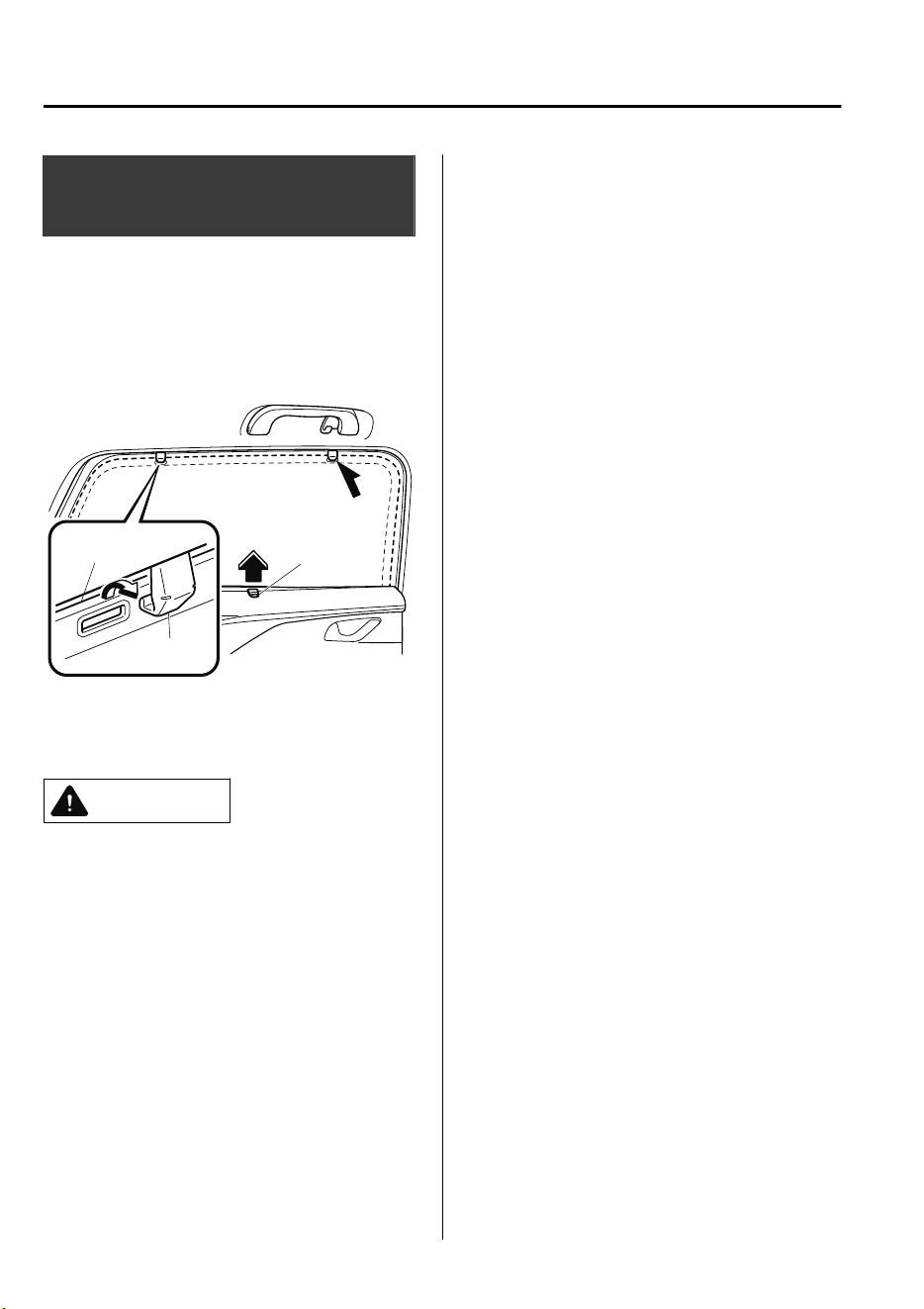
Sunshade (Rear Door
Window)
*
The sunshades are equipped to the
windows on both sides of the second-row
seats.
Hold the tab and pull the sunshade upward
and hook the slots.
Tab
Hook
Sunshade
To return the sunshade to its original
position, unhook the sunshade and retract
it slowly.
CAUTION
Securely hook the sunshade. Otherwise,
the sunshade may retract suddenly
resulting in injury such as ngers get
pinched.
Use the sunshades only when the
windows are fully closed. Using a
sunshade while a window is open could
cause is to unhook and
ap
around
inside the cabin where it can hit
someone sitting near the window,
resulting in injury.
Interior Features
Interior Equipment
5-86
*Some models.
CX-9_8GC7-EE-17G_Edition1 2017-5-16 8:22:04
6
Maintenance and Care
How to keep your Mazda in top condition.
Essential Information........................6-2
Introduction.................................. 6-2
Scheduled Maintenance.................... 6-3
Scheduled Maintenance................6-3
Maintenance Monitor................. 6-11
Owner Maintenance........................6-14
Owner Maintenance
Precautions................................. 6-14
Hood........................................... 6-16
Engine Compartment
Overview.................................... 6-18
Engine Oil...................................6-19
Engine Coolant........................... 6-22
Brake Fluid................................. 6-23
Window and Headlight Washer
Fluid............................................6-24
Body Lubrication........................6-25
Wiper Blades.............................. 6-25
Battery........................................ 6-31
Key Battery Replacement...........6-33
Tires............................................ 6-36
Light Bulbs................................. 6-39
Fuses........................................... 6-48
Appearance Care.............................6-55
Exterior Care.............................. 6-55
Interior Care................................6-60
6-1
CX-9_8GC7-EE-17G_Edition1 2017-5-16 8:22:04
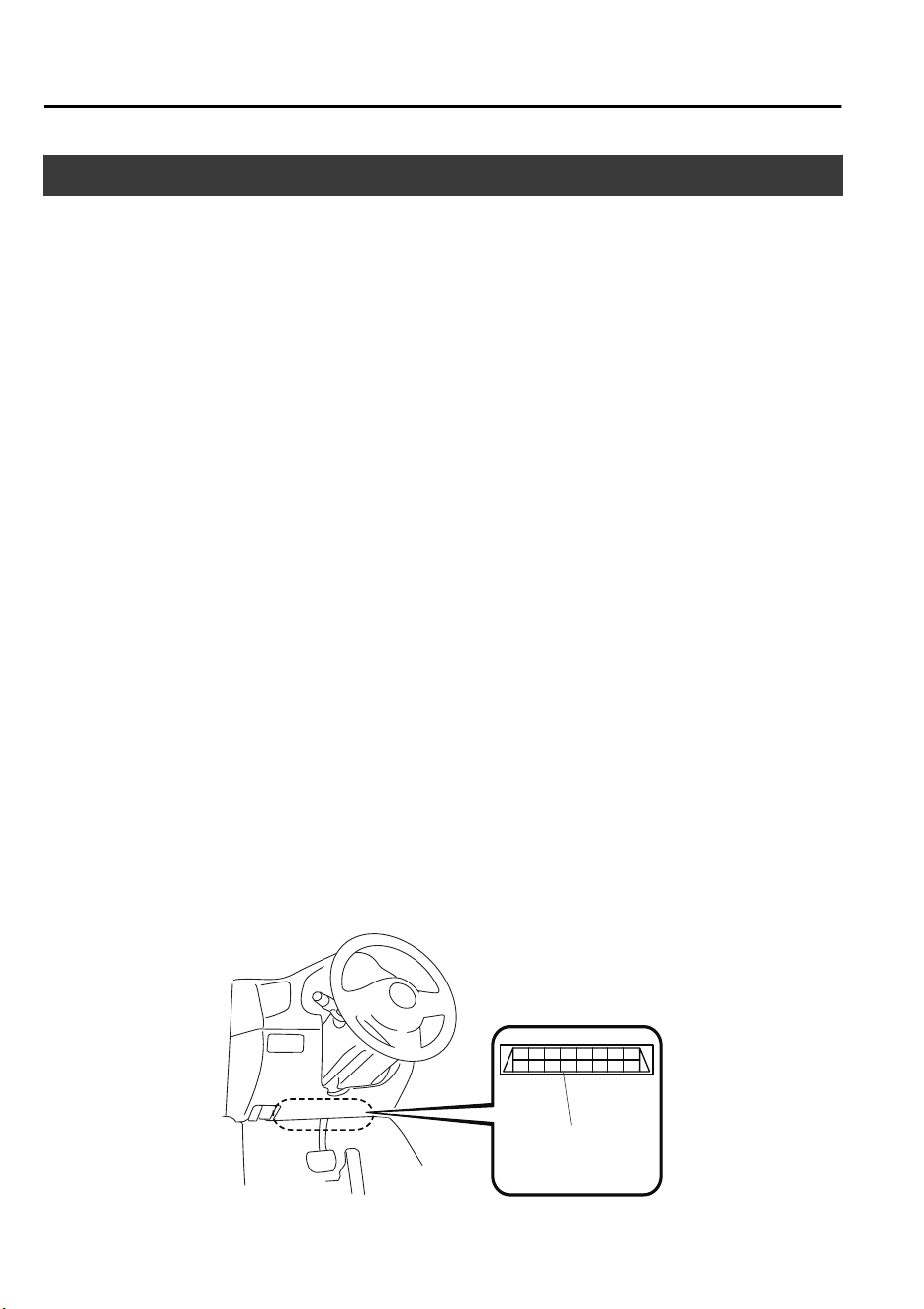
Introduction
Be careful not to hurt yourself when inspecting your vehicle, replacing a tire, or doing some
kind of maintenance such as car washing.
In particular, wear thick work gloves such as cotton gloves when touching areas that are
difficult to see while inspecting or working on your vehicle. Doing inspections or
procedures with your bare hands could cause injury.
If you are unsure about any procedure it describes, we strongly urge you to have a reliable
and qualified technician perform the work, we recommend an Authorized Mazda Repairer.
Authorized Mazda technicians and genuine Mazda parts are dedicated to your vehicle.
Without this expertise and the parts that have been designed and made especially for your
Mazda, inadequate, incomplete, and insufficient servicing may result in problems. This
could lead to vehicle damage or an accident and injuries.
For expert advice and quality service, consult an expert repairer, we recommend an
Authorized Mazda Repairer.
The owner should retain evidence that proper maintenance has been performed as
prescribed.
A claim against a warranty will not qualify if it results from lack of maintenance and not
from defective material or authorized workmanship.
The malfunction diagnosis connector is designed exclusively for connecting the specially
designed device to perform on-board diagnosis.
Do not connect any devices other than the specially designed malfunction diagnosis devices
for servicing. If any device other than the malfunction diagnosis device is connected, it may
affect the vehicle's electrical devices or lead to damage such as battery depletion.
Malfunction
diagnosis
connector
Maintenance and Care
Essential Information
6-2
CX-9_8GC7-EE-17G_Edition1 2017-5-16 8:22:04
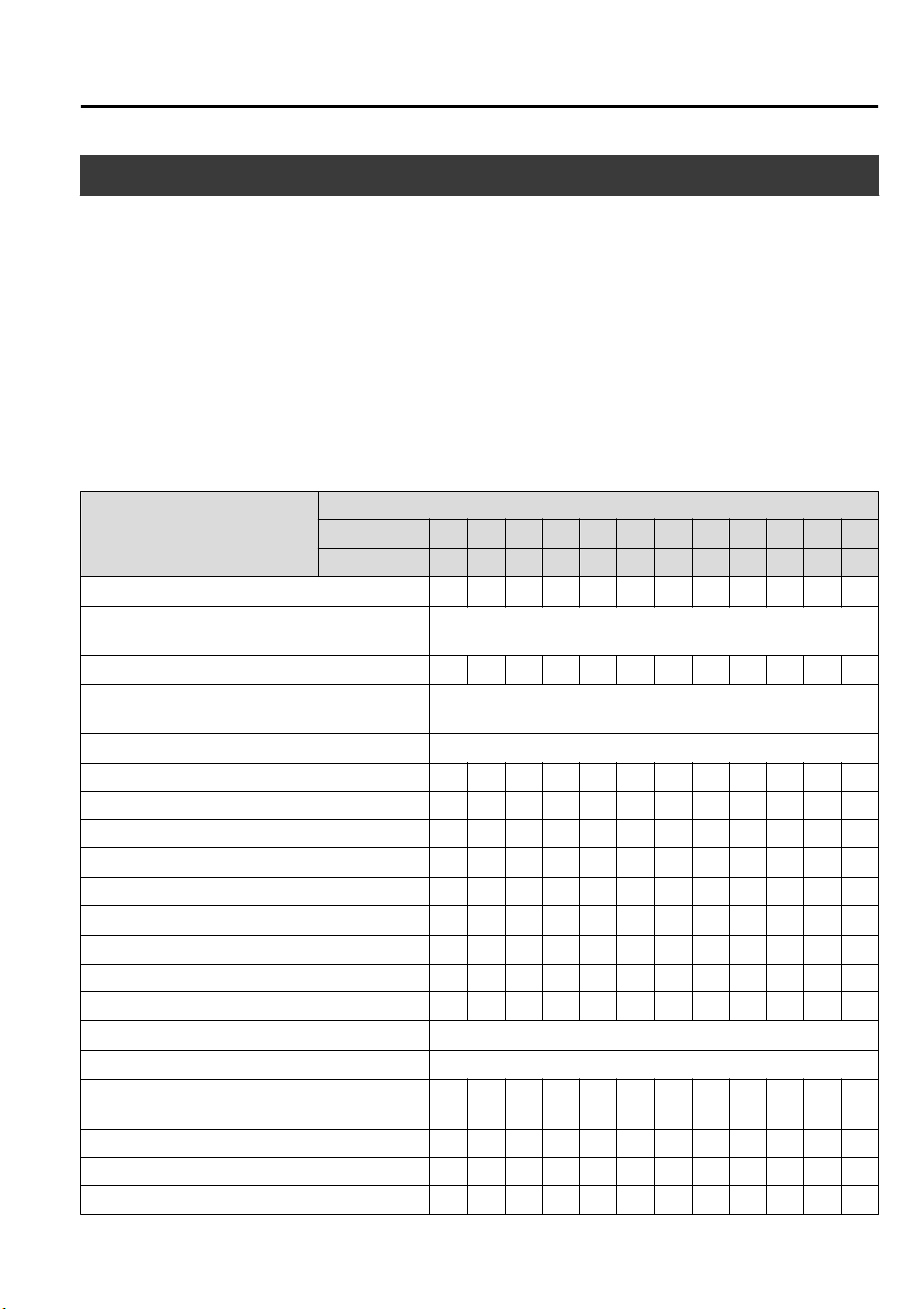
Scheduled Maintenance
NOTE
After the prescribed period, continue to follow the described maintenance at the
recommended intervals.
Emission control and related systems
The ignition and fuel systems are highly important to the emission control system and to
efficient engine operation. Do not tamper with them.
All inspections and adjustments must be made by an expert repairer, we recommend an
Authorized Mazda Repairer.
▼
Europe
Maintenance Interval
Number of months or kilometers, whichever comes first.
Months 12 24 36 48 60 72 84 96 108 120 132 144
×1000 km 15 30 45 60 75 90 105 120 135 150 165 180
Drive belts
*1
IIII
Engine oil & filter
*2
Replace when indicator is ON. (Max interval: 12 months or
15,000 km)
Cooling system IIIIII
Engine coolant
*3
Replace at first 195,000 km or 10 years; after that, every
90,000 km or 5 years.
Air filter
*4
Replace every 60,000 km or 3 years.
Fuel lines and hoses IIIIII
Spark plugs I I I R I I I R I I I R
Evaporative system (if installed) I I I I
Battery
*5
IIIIIIIIIIII
Brake lines, hoses and connections IIIIIIIIIIII
Brake fluid
*6
RRRRRR
Parking brake IIIIIIIIIIII
Disc brakes IIIIIIIIIIII
Steering operation and linkages IIIIII
Rear differential oil
*7
Transfer oil
*7
Front and rear suspension, ball joints and wheel
bearing axial play
IIIIII
Driveshaft dust boots IIIIII
Exhaust system and heat shields I I
Bolts and nuts on chassis and body T T T T T T
Maintenance and Care
Scheduled Maintenance
6-3
CX-9_8GC7-EE-17G_Edition1 2017-5-16 8:22:04
Maintenance Interval
Number of months or kilometers, whichever comes first.
Months 12 24 36 48 60 72 84 96 108 120 132 144
×1000 km 15 30 45 60 75 90 105 120 135 150 165 180
Body condition (for rust, corrosion and perfora-
tion)
Inspect annually.
Cabin air filter (if installed) RRRRRR
Tires (including spare tire) (with inflation pres-
sure adjustment)
*8*9
IIIIIIIIIIII
Emergency flat tire repair kit (if installed)
*10
Inspect annually.
Chart symbols:
I: Inspect: Inspect and clean, repair, adjust, fill up, or replace if necessary.
R: Replace
C: Clean
T: Tighten
L: Lubricate
D: Drain
Remarks:
*
1 Also inspect the air conditioner drive belts, if installed.
If the vehicle is operated primarily under any of the following conditions, inspect the drive belts at every
15,000 km or 12 months.
a) Driving in dusty conditions
b) Extended periods of idling or low speed operation
c) Driving for long period in cold temperatures or driving regularly at short distance only
d) Driving in extremely hot conditions
e) Driving in mountainous conditions continually
*
2 The vehicle calculates the remaining oil life based on engine operating conditions and lets you know when an
oil change is due by illuminating the wrench indicator light in the instrument cluster.
Replace the engine oil and filter when message/wrench indicator light is ON. And they must be changed at
least once a year or within 15,000km since last engine oil and filter change.
The system must be reset whenever replacing the engine oil regardless of the message/wrench indicator light
display.
*
3 Use of FL-22 is recommended when replacing engine coolant. Using engine coolant other than FL-22 may
cause serious damage to the engine and cooling system.
*
4 If the vehicle is operated in very dusty or sandy areas, clean and if necessary, replace the air filter more often
than the recommended intervals.
*
5 Inspect the battery electrolyte level, specific gravity and outer appearance. The sealed battery only requires an
outer appearance inspection.
*
6 If the brakes are used extensively (for example, continuous hard driving or mountain driving) or if the vehicle
is operated in extremely humid climates, replace the brake fluid annually.
*
7 If this component has been submerged in water, the oil should be replaced.
*
8 Tire rotation is recommended every 10,000 km.
*
9 The Tire Pressure Monitoring System (TPMS) initialization must be performed so that the system operates
normally (if equipped).
*
10 Check the tire repair fluid expiration date every year when performing the periodic maintenance. Replace the
tire repair fluid bottle with new one before the expiration date.
Maintenance and Care
Scheduled Maintenance
6-4
CX-9_8GC7-EE-17G_Edition1 2017-5-16 8:22:04
▼
Except Europe
Russia/Belarus/Azerbaijan/Kazakhstan
Maintenance Interval
Number of months or kilometers, whichever comes first.
Months 12 24 36 48 60 72 84 96 108 120 132 144
×1000 km 15 30 45 60 75 90 105 120 135 150 165 180
Drive belts
*1
IIIIIIIIIIII
Engine oil
Russia/
Belarus/
Kazakhstan
*12
Replace when indicator is ON. (Max interval: 12 months or
15,000 km)
Azerbai-
jan
*2*13*14
Replace every 5,000 km or 6 months.
Engine oil filter
Russia/
Belarus/
Kazakhstan
*12
Replace when indicator is ON. (Max interval: 12 months or
15,000 km)
Azerbaijan
*3
Replace every 10,000 km or 12 months.
Cooling system IIIIII
Engine coolant
*4
Replace at first 195,000 km or 10 years; after that, every
90,000 km or 5 years.
Air filter
*5
Russia/
Belarus/
Kazakhstan
CCRCCRCCRCCR
Azerbaijan CRCRCRCRCRCR
Fuel filter
Russia/
Belarus/
Kazakhstan
Replace every 120,000 km.
Azerbaijan Replace every 60,000 km.
Fuel lines and hoses IIIIII
Spark plugs I I I R I I I R I I I R
Evaporative system (if installed) I I I
Battery
*6
IIIIIIIIIIII
Brake lines, hoses and connections IIIIIIIIIIII
Brake fluid
*7
RRRRRR
Parking brake IIIIIIIIIIII
Disc brakes IIIIIIIIIIII
Steering operation and linkages I I I I I I I I I I I I
Rear differential oil
*8
Transfer oil
*8
Front and rear suspension, ball joints and wheel
bearing axial play
IIIIIIIIIIII
Maintenance and Care
Scheduled Maintenance
6-5
CX-9_8GC7-EE-17G_Edition1 2017-5-16 8:22:04
Maintenance Interval
Number of months or kilometers, whichever comes first.
Months 12 24 36 48 60 72 84 96 108 120 132 144
×1000 km 15 30 45 60 75 90 105 120 135 150 165 180
Driveshaft dust boots IIIIIIIIIIII
Exhaust system and heat shields IIIIIIIIIIII
Bolts and nuts on chassis and body TTTTTTTTTTTT
Hinges and catches LLLLLLLLLLLL
All electrical system IIIIIIIIIIII
Body condition (for rust, corrosion and perfora-
tion)
Inspect annually.
Cabin air filter (if installed) RRRRRR
Tires (including spare tire) (with inflation pres-
sure adjustment)
*9*10
IIIIIIIIIIII
Emergency flat tire repair kit (if installed)
*11
Inspect annually.
Chart symbols:
I: Inspect: Inspect and clean, repair, adjust, fill up, or replace if necessary.
R: Replace
L: Lubricate
C: Clean
T: Tighten
D: Drain
Remarks:
*
1 Also inspect the air conditioner drive belts, if installed.
If the vehicle is operated primarily under any of the following conditions, inspect the drive belts at every 7,500
km or 6 months.
a) Driving in dusty conditions
b) Extended periods of idling or low speed operation
c) Driving for long period in cold temperatures or driving regularly at short distance only
d) Driving in extremely hot conditions
e) Driving in mountainous conditions continually
*
2 If the vehicle is operated primarily under any of the following conditions, replace the engine oil at every 2,500
km or 3 months.
a) Purpose of vehicle use is police car, taxi or driving school car.
b) Driving in dusty conditions
c) Extended periods of idling or low speed operation
d) Driving for long period in cold temperatures or driving regularly at short distance only
e) Driving in extremely hot conditions
f) Driving in mountainous conditions continually
Maintenance and Care
Scheduled Maintenance
6-6
CX-9_8GC7-EE-17G_Edition1 2017-5-16 8:22:04

*
3 If the vehicle is operated primarily under any of the following conditions, replace the engine oil filter at every
5,000 km or 6 months.
a) Purpose of vehicle use is police car, taxi or driving school car.
b) Driving in dusty conditions
c) Extended periods of idling or low speed operation
d) Driving for long period in cold temperatures or driving regularly at short distance only
e) Driving in extremely hot conditions
f) Driving in mountainous conditions continually
*
4 Use of FL-22 is recommended when replacing engine coolant. Using engine coolant other than FL-22 may
cause serious damage to the engine and cooling system.
*
5 If the vehicle is operated in very dusty or sandy areas, clean the air filter at every 7,500 km or 6 months.
*
6 Inspect the battery electrolyte level, specific gravity and outer appearance. The sealed battery only requires an
outer appearance inspection.
*
7 If the brakes are used extensively (for example, continuous hard driving or mountain driving) or if the vehicle
is operated in extremely humid climates, replace the brake fluid annually.
*
8 If this component has been submerged in water, the oil should be replaced.
*
9 Tire rotation is recommended every 10,000 km.
*
10 The Tire Pressure Monitoring System (TPMS) initialization must be performed so that the system operates
normally (if equipped).
*
11 Check the tire repair fluid expiration date every year when performing the periodic maintenance. Replace the
tire repair fluid bottle with new one before the expiration date.
*
12 The vehicle calculates the remaining oil life based on engine operating conditions and lets you know when an
oil change is due by illuminating the wrench indicator light in the instrument cluster.
Replace the engine oil and filter when message/wrench indicator light is ON. And they must be changed at
least once a year or within 15,000 km since last engine oil and filter change.
The system must be reset whenever replacing the engine oil regardless of the message/wrench indicator light
display.
*
13 Reset the engine oil data whenever replacing the engine oil regardless of the message/wrench indicator light
display.
*
14 Replace the engine oil when message/wrench indicator light is ON.
Maintenance and Care
Scheduled Maintenance
6-7
CX-9_8GC7-EE-17G_Edition1 2017-5-16 8:22:04
Except Russia/Belarus/Azerbaijan/Kazakhstan
Maintenance Inter-
val
Number of months or kilometers (miles), whichever comes first.
Months 6 121824303642485460667278849096
×1000 km 10 20 30 40 50 60 70 80 90 100 110 120 130 140 150 160
×1000 miles
6.25 12.5
18.75
25
31.25
37.5
43.75
50
56.25
62.5
68.75
75
81.25
87.5
93.75
100
Fuel filter Replace every 60,000 km (37,500 miles).
Spark plugs
*1
Replace every 60,000 km (37,500 miles).
Evaporative system (if installed) IIIIIIII
Drive belts
*2
IIIIIIIIIIIIIIII
Engine oil
*3*4*5
Except be-
low coun-
tries
RRRRRRRRRRRRRRRR
Georgia/
Armenia/
Cambodia/
Gabon/
Ghana/
Cameroon/
Burundi/
Mozambi-
que/
Mongolia
Replace every 5,000 km (3,125 miles) or 6 months.
Tanzania Replace every 3,000 km (1,875 miles) or 3 months.
Engine oil filter
*3
Except be-
low coun-
tries
RRRRRRRRRRRRRRRR
Georgia/
Armenia/
Cambodia
Replace every 10,000 km (6,250 miles) or 1 year.
Gabon/
Ghana/
Cameroon/
Burundi/
Mozambi-
que/
Mongolia
Replace every 5,000 km (3,125 miles) or 6 months.
Tanzania Replace every 3,000 km (1,875 miles) or 3 months.
Cooling system IIIIIIII
Engine coolant
*6
Replace at first 200,000 km (125,000 miles) or 10 years; after that, every
100,000 km (62,500 miles) or 5 years.
Maintenance and Care
Scheduled Maintenance
6-8
CX-9_8GC7-EE-17G_Edition1 2017-5-16 8:22:04
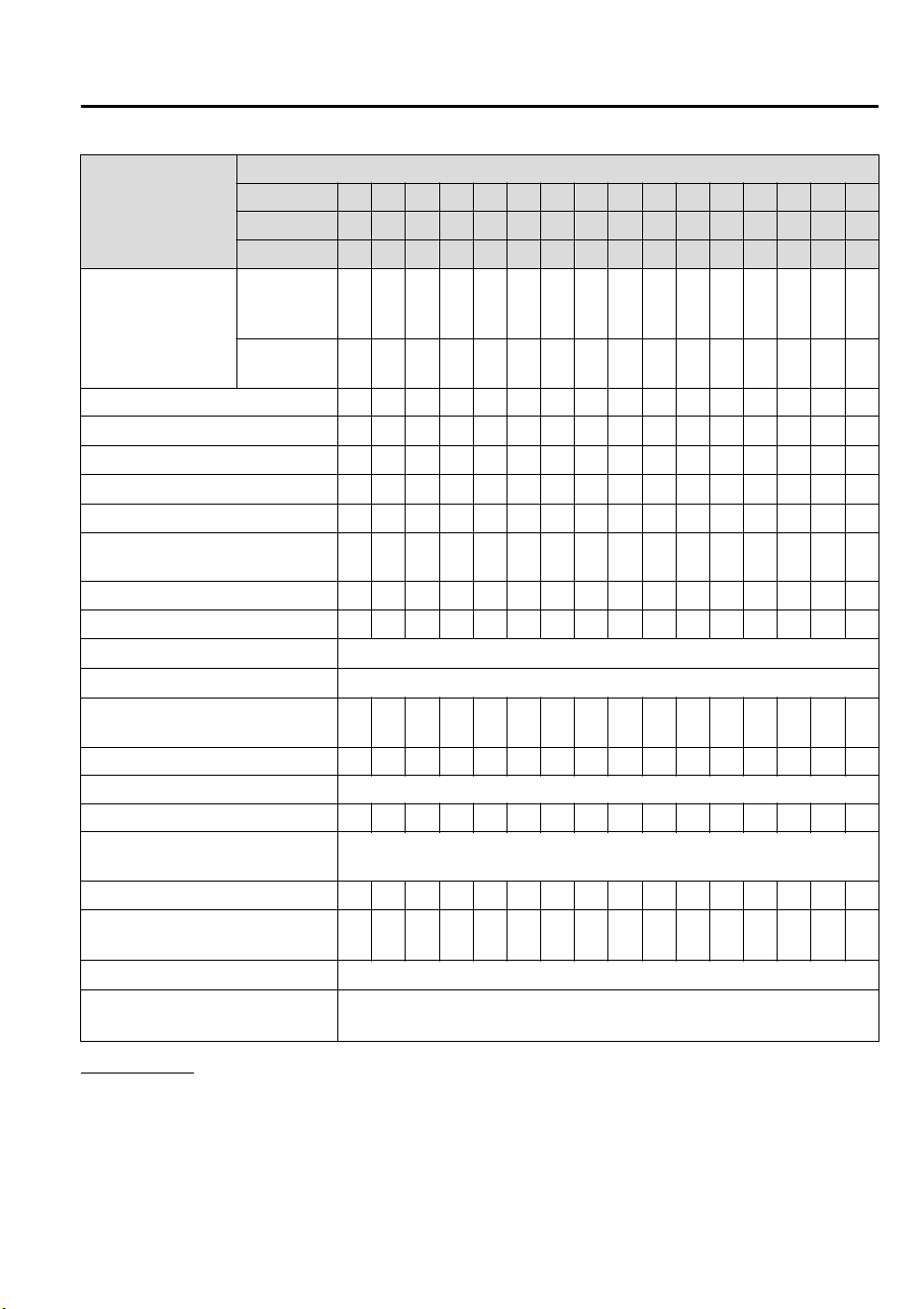
Maintenance Inter-
val
Number of months or kilometers (miles), whichever comes first.
Months 6 121824303642485460667278849096
×1000 km 10 20 30 40 50 60 70 80 90 100 110 120 130 140 150 160
×1000 miles
6.25 12.5
18.75
25
31.25
37.5
43.75
50
56.25
62.5
68.75
75
81.25
87.5
93.75
100
Air filter
*7
Except be-
low coun-
tries
CCRCCRCC
Georgia/
Armenia
CRCRCRCR
Fuel lines and hoses IIIIIIII
Battery
*8
IIIIIIII
Brake lines, hoses and connections I I I I I I I I
Brake fluid
*9
IIIRIIIRIIIRIIIR
Parking brake IIIIIIIIIIIIIIII
Power brake unit (Brake booster)
and hoses
IIIIIIII
Disc brakes IIIIIIIIIIIIIIII
Steering operation and linkages I I I I I I I I
Rear differential oil
*10
Transfer oil
*10
Front and rear suspension, ball
joints and wheel bearing axial play
IIIIIIII
Driveshaft dust boots IIII
Exhaust system and heat shields Inspect every 80,000 km (50,000 miles).
Bolts and nuts on chassis and body T T T T T T T T
Body condition (for rust, corrosion
and perforation)
Inspect annually.
Cabin air filter (if installed) R R R R R R R R
Tires (including spare tire) (with
inflation pressure adjustment)
*11
IIIIIIIIIIIIIIII
Tire rotation
*11
Rotate every 10,000 km (6,250 miles).
Emergency flat tire repair kit (if in-
stalled)
*12
Inspect annually.
Chart symbols:
I: Inspect: Inspect and clean, repair, adjust, fill up, or replace if necessary.
R: Replace
L: Lubricate
C: Clean
T: Tighten
D: Drain
Maintenance and Care
Scheduled Maintenance
6-9
CX-9_8GC7-EE-17G_Edition1 2017-5-16 8:22:04

Remarks:
*
1 In the countries below, inspect the spark plugs at every 10,000 km (6,250 miles) or 1 year before replacing
them at the said interval.
Algeria, Armenia, Angola, Bahrain, Bolivia, Burundi, B.Virgin, Cambodia, Cameroon, Chile, Costa Rica, Cote
d'Ivoire, Curacao, El Salvador, Gabon, Ghana, Georgia, Guatemala, Haiti, Honduras, Hong Kong, Iran, Jordan,
Kenya, Macau, Malaysia, Mongolia, Mozambique, Myanmar, Nigeria, Nicaragua, Oman, Panama, Papua New
Guinea, Peru, Philippines, Senegal, Seychelles, Syria, Tanzania, United Arab Emirates, Vietnam, Zaire,
Zimbabwe
*
2 Also inspect the air conditioner drive belts, if installed.
If the vehicle is operated primarily under any of the following conditions, inspect the drive belts more often
than the recommended intervals.
a) Driving in dusty conditions
b) Extended periods of idling or low speed operation
c) Driving for long period in cold temperatures or driving regularly at short distance only
d) Driving in extremely hot conditions
e) Driving in mountainous conditions continually
*
3 If the vehicle is operated primarily under any of the following conditions, replace the engine oil and oil filter
more often than the recommended intervals.
a) Purpose of vehicle use is police car, taxi or driving school car.
b) Driving in dusty conditions
c) Extended periods of idling or low speed operation
d) Driving for long period in cold temperatures or driving regularly at short distance only
e) Driving in extremely hot conditions
f) Driving in mountainous conditions continually
*
4 Reset the engine oil data whenever replacing the engine oil regardless of the message/wrench indicator light
display.
*
5 Replace the engine oil when message/wrench indicator light is ON.
*
6 Use of FL-22 is recommended when replacing engine coolant. Using engine coolant other than FL-22 may
cause serious damage to the engine and cooling system.
*
7 If the vehicle is operated in very dusty or sandy areas, clean and if necessary, replace the air filter more often
than the recommended intervals.
*
8 Inspect the battery electrolyte level, specific gravity and outer appearance. If the vehicle is operated in
extremely hot and cold areas, inspect the battery electrolyte level, specific gravity and appearance every
10,000 km (6,250 miles) or 6 months. The sealed battery only requires an outer appearance inspection.
*
9 If the brakes are used extensively (for example, continuous hard driving or mountain driving) or if the vehicle
is operated in extremely humid climates, replace the brake fluid annually.
*
10 If this component has been submerged in water, the oil should be replaced.
*
11 The Tire Pressure Monitoring System (TPMS) initialization must be performed so that the system operates
normally (if equipped).
*
12 Check the tire repair fluid expiration date every year when performing the periodic maintenance. Replace the
tire repair fluid bottle with new one before the expiration date.
Maintenance and Care
Scheduled Maintenance
6-10
CX-9_8GC7-EE-17G_Edition1 2017-5-16 8:22:04
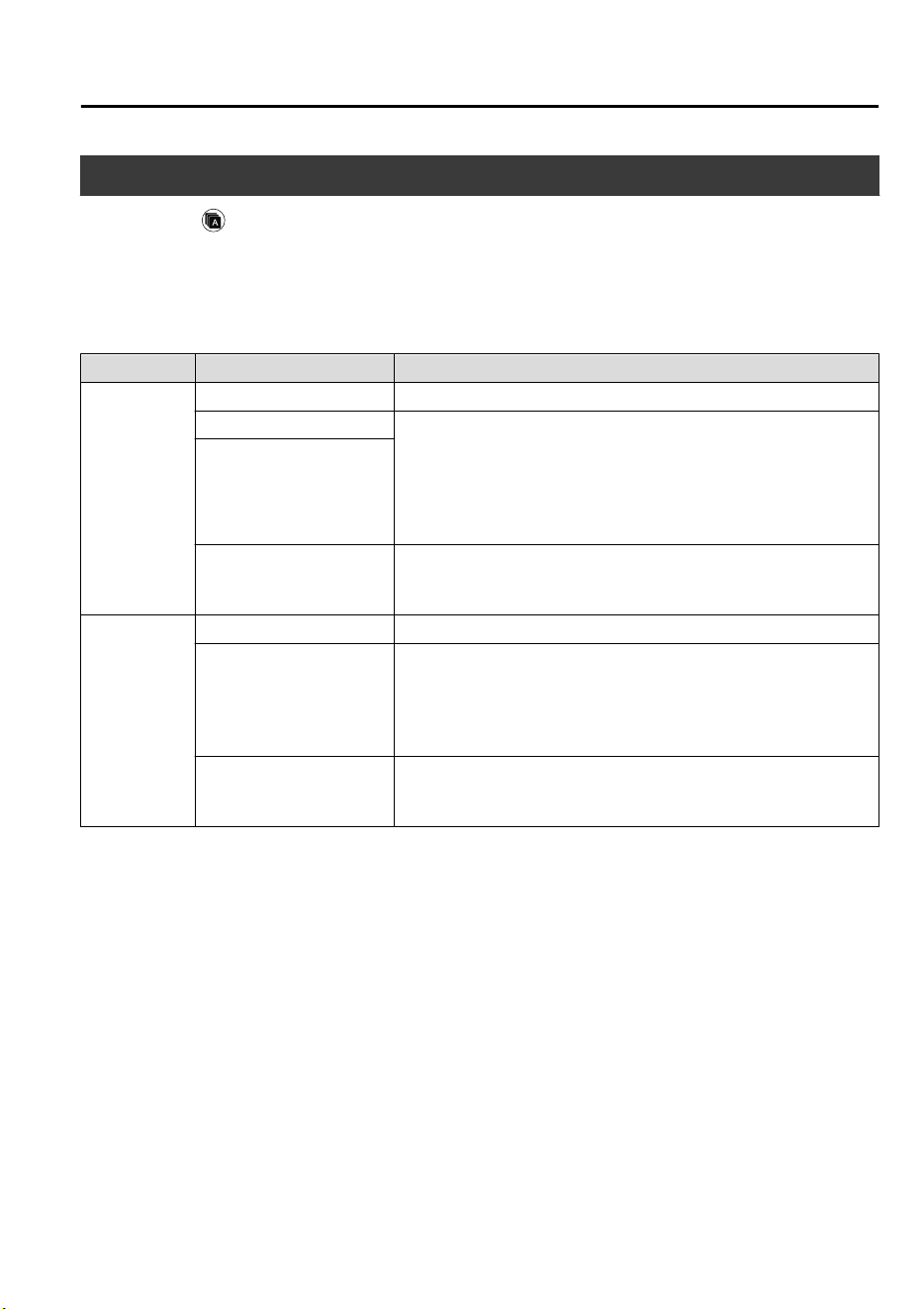
Maintenance Monitor
1. Select the icon on the home screen to display the “Applications” screen.
2. Select “Vehicle Status Monitor”.
3. Select “Maintenance” to display the maintenance list screen.
4. Switch the tab and select the setting item you want to change.
You can customize settings in the setup display as follows:
Tab Item Explanation
Scheduled
Setting Notification can be switched on/off.
Time (months) Displays the time or distance until maintenance is due.
Select this item to set the maintenance period.
The wrench indication/indicator light in the instrument cluster will
be illuminated when the remaining distance is less than 1,000 km
or 600 mile, or the remaining number of days is less than 15
(whichever comes first).
Distance (mile or km)
Reset
Resets the time and distance to the initial values.
Once the system turns on, it needs to be reset whenever carrying
out maintenance.
Tire Rotation
Setting Notification can be switched on/off.
Distance (mile or km)
Displays the distance until tire rotation is due.
Select this item to set the tire rotation distance.
The wrench indication/indicator light in the instrument cluster will
be illuminated when the remaining distance is less than 1,000 km
or 600 mile.
Reset
Resets the remaining distance to the initial value.
Once the system turns on, it needs to be reset whenever rotating the
tires.
Maintenance and Care
Scheduled Maintenance
6-11
CX-9_8GC7-EE-17G_Edition1 2017-5-16 8:22:04
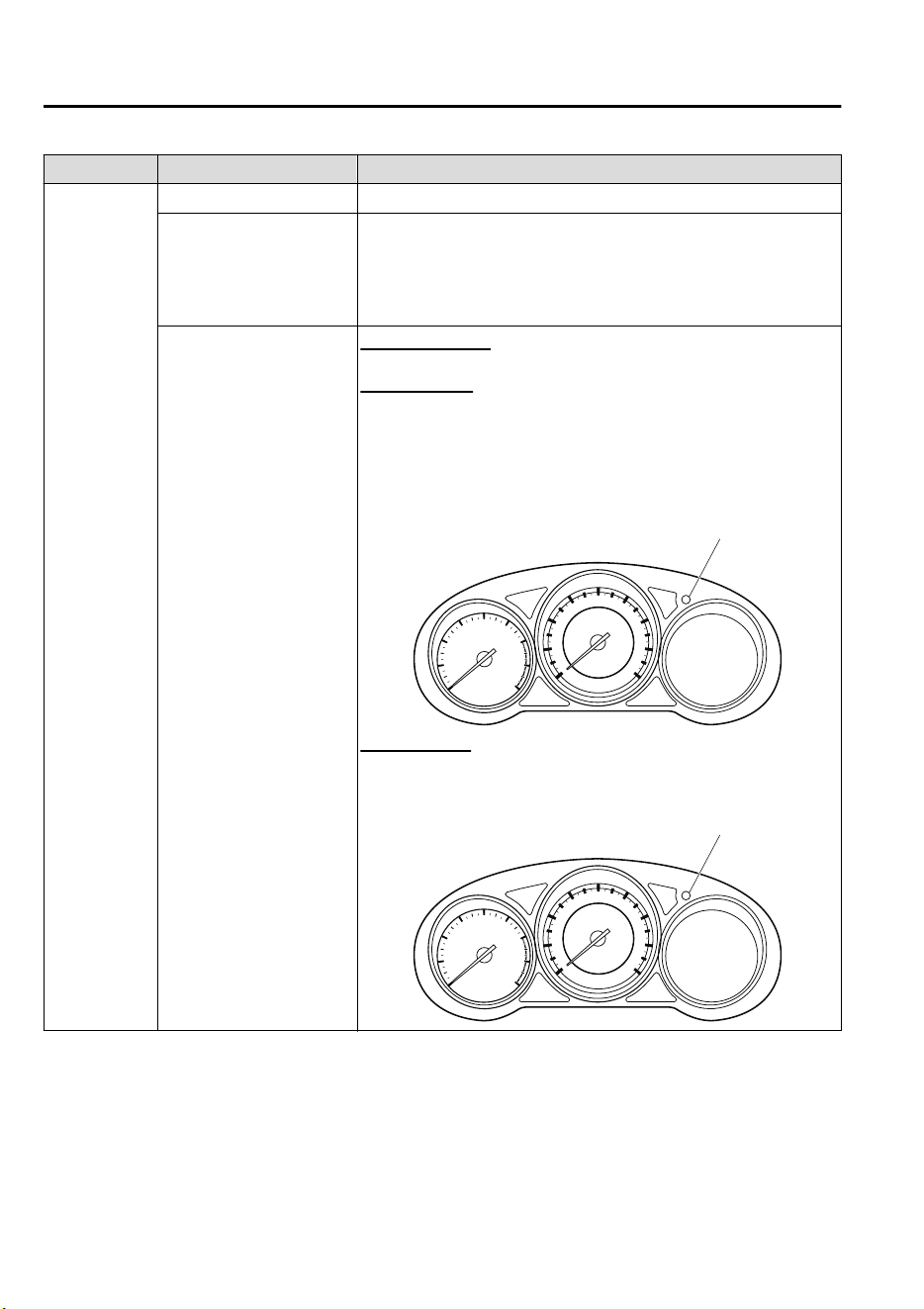
Tab Item Explanation
Oil Change
Setting Interval
*1
Notification can be switched on/off.
Distance (mile or km)
Displays the distance until the oil replacement is due.
Select this item to set the oil replacement distance.
The wrench indication/indicator light in the instrument cluster will
be illuminated when the remaining distance is less than 1,000 km
or 600 mile.
Reset
*2
In flexible setting
Resets the remaining oil life to 100 %.
In fixed setting
Resets the remaining distance until oil replacement is due to the in-
itial value. In addition, a vehicle engine control unit reset is re-
quired as follows:
Press and hold the dashboard illumination knob with the ignition
switched OFF, then switch it ON. Keep pressing the dashboard illu-
mination knob for more than 7 seconds.
Dashboard illumination knob
In OFF setting
Press and hold the dashboard illumination knob with the ignition
switched OFF, then switch it ON. Keep pressing the dashboard illu-
mination knob for more than 7 seconds.
Dashboard illumination knob
*
1 The engine oil flexible maintenance setting is available (only some models). Consult an Authorized Mazda
Repairer for details.
When the engine oil flexible maintenance setting is selected, you will see the following items in the display.
The vehicle calculates the remaining oil life based on the engine operating conditions and lets you know when
an oil change is due by illuminating the wrench indicator light in the instrument cluster.
Maintenance and Care
Scheduled Maintenance
6-12
CX-9_8GC7-EE-17G_Edition1 2017-5-16 8:22:04
*
2 Whenever the engine oil is replaced, the vehicle engine control unit reset is necessary.
Tab Item Explanation
Oil Change
Oil life (%)
Displays the engine oil life until the oil replacement is due.
The wrench indication/indicator light in the instrument cluster will
be illuminated when remaining oil life distance is less than 1,000
km or 600 mile, or remaining days are less than 15 (whichever
comes first).
Reset
Resets the remaining oil life to 100 %.
The system must be reset whenever replacing the engine oil.
Maintenance and Care
Scheduled Maintenance
6-13
CX-9_8GC7-EE-17G_Edition1 2017-5-16 8:22:04
Owner Maintenance Precautions
Routine Service
We highly recommend that these items be inspected daily, or at least every week.
•
Engine Oil Level (page 6-21)
•
Engine Coolant Level (page 6-22)
•
Brake Fluid Level (page 6-23)
•
Washer Fluid Level (page 6-24)
•
Battery Maintenance (page 6-32)
•
Tire Inflation Pressure (page 6-36)
Improper or incomplete service may result in problems. This section gives instructions only
for items that are easy to perform.
As explained in the Introduction (page 6-2), several procedures can be done only by a
qualified service technician with special tools.
Improper do-it yourself maintenance during the warranty period may affect warranty
coverage. For details, read the separate Mazda Warranty statement provided with the
vehicle. If you are unsure about any servicing or maintenance procedure, have it done by an
expert repairer, we recommend an Authorized Mazda Repairer.
There are strict environmental laws regarding the disposal of waste oil and fluids. Please
dispose of your waste properly and with due regard to the environment.
We recommend that you entrust the oil and fluid changes of your vehicle to an Authorized
Mazda Repairer.
WARNING
Do not perform maintenance work if you lack sucient knowledge and experience or the
proper tools and equipment to do the work. Have maintenance work done by a qualied
technician:
Performing maintenance work on a vehicle is dangerous if not done properly. You can be
seriously injured while performing some maintenance procedures.
Maintenance and Care
Owner Maintenance
6-14
CX-9_8GC7-EE-17G_Edition1 2017-5-16 8:22:04
If you must run the engine while working under the hood, make certain that you remove all
jewelry (especially rings, bracelets, watches, and necklaces) and all neckties, scarves, and
similar loose clothing before getting near the engine or cooling fan which may turn on
unexpectedly:
Working under the hood with the engine running is dangerous. It becomes even more
dangerous when you wear jewelry or loose clothing.
Either can become entangled in moving parts and result in injury.
Pull over to a safe location, then switch the ignition
o
and make sure the fan is not
running before attempting to work near the cooling fan:
Working near the cooling fan when it is running is dangerous. The fan could continue running
indenitely even if the engine has stopped and the engine compartment temperature is high.
You could be hit by the fan and seriously injured.
Do not leave items in the engine compartment:
After you have nished checking or doing servicing in the engine compartment, do not forget
and leave items such as tools or rags in the engine compartment.
Tools or other items left in the engine compartment could cause engine damage or a re
leading to an unexpected accident.
Maintenance and Care
Owner Maintenance
6-15
CX-9_8GC7-EE-17G_Edition1 2017-5-16 8:22:04
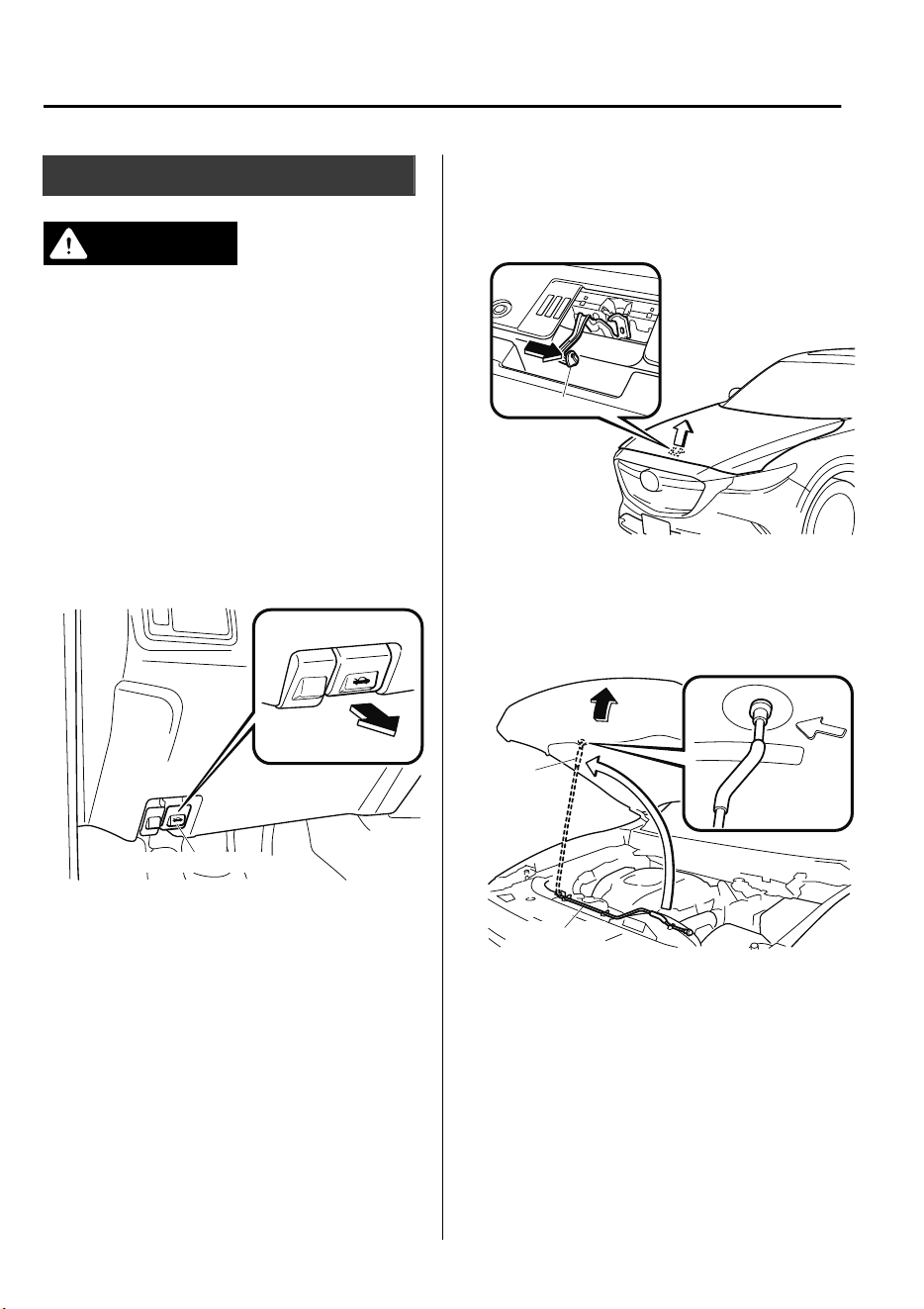
Hood
WARNING
Always check that the hood is closed and
securely locked:
A hood that is not closed and securely
locked is dangerous as it could
y
open
while the vehicle is moving and block the
driver's vision which could result in a
serious accident.
▼
Opening the Hood
1. With the vehicle parked, pull the
release handle to unlock the hood.
Release handle
2. Insert your hand into the hood
opening, slide the latch lever to the
right, and lift up the hood.
Lever
3. Grasp the support rod in the padded
area and secure it in the support rod
hole indicated by the arrow to hold the
hood open.
Pad
Support rod
Maintenance and Care
Owner Maintenance
6-16
CX-9_8GC7-EE-17G_Edition1 2017-5-16 8:22:04
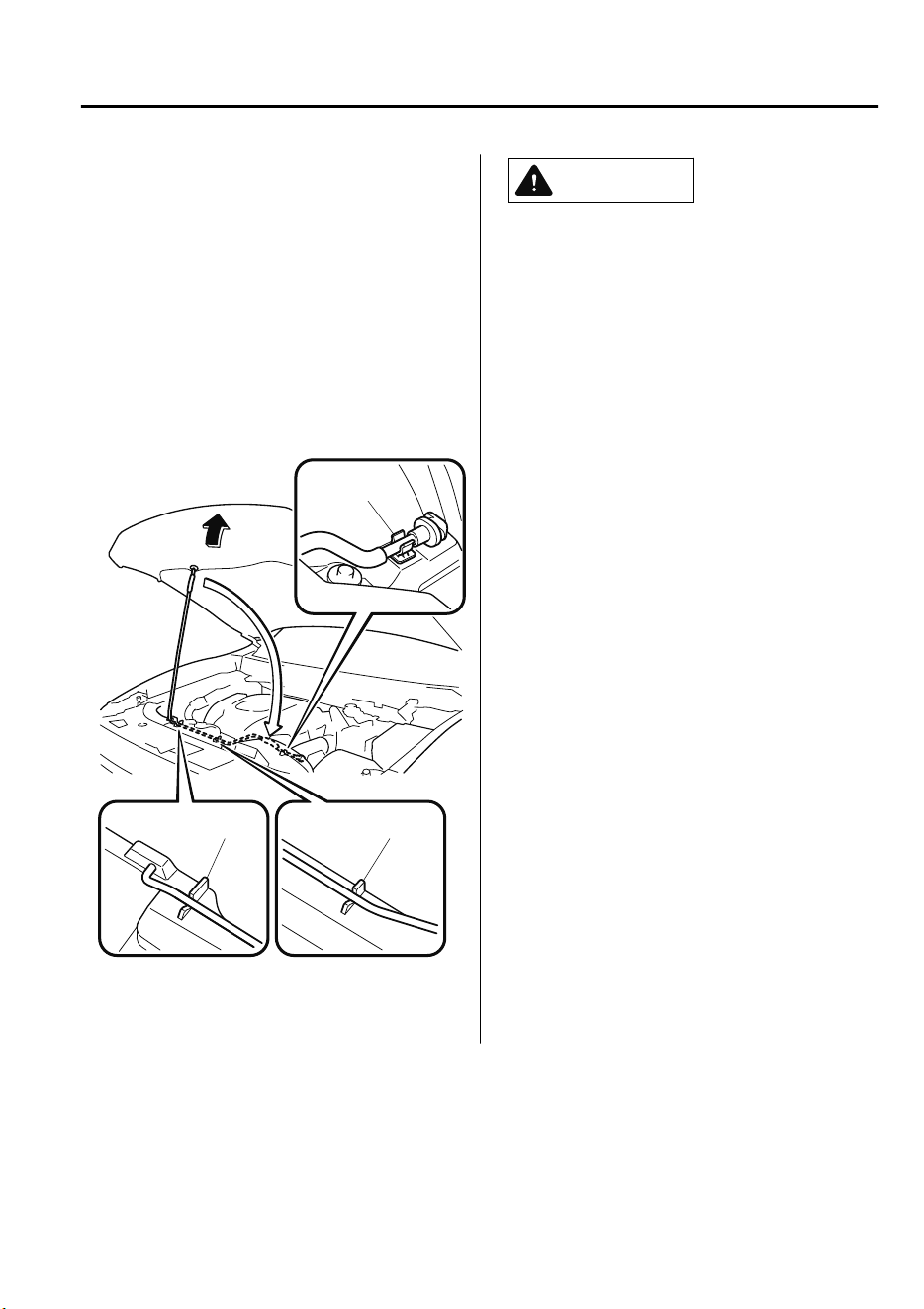
▼
Closing the Hood
1. Check under the hood area to make
certain all filler caps are in place and
all loose items (e.g. tools, oil
containers, etc.) have been removed.
2. Lift the hood, grasp the padded area on
the support rod, and secure the support
rod in the clip. Verify that the support
rod is secured in the clip before closing
the hood.
Clip
Clip
Clip
3. Lower the hood slowly to a height of
about 20 cm (7.9 in) above its closed
position and then let it drop.
CAUTION
When closing the hood, do not push it
excessively such as by applying your
weight. Otherwise, the hood could be
deformed.
Maintenance and Care
Owner Maintenance
6-17
CX-9_8GC7-EE-17G_Edition1 2017-5-16 8:22:04
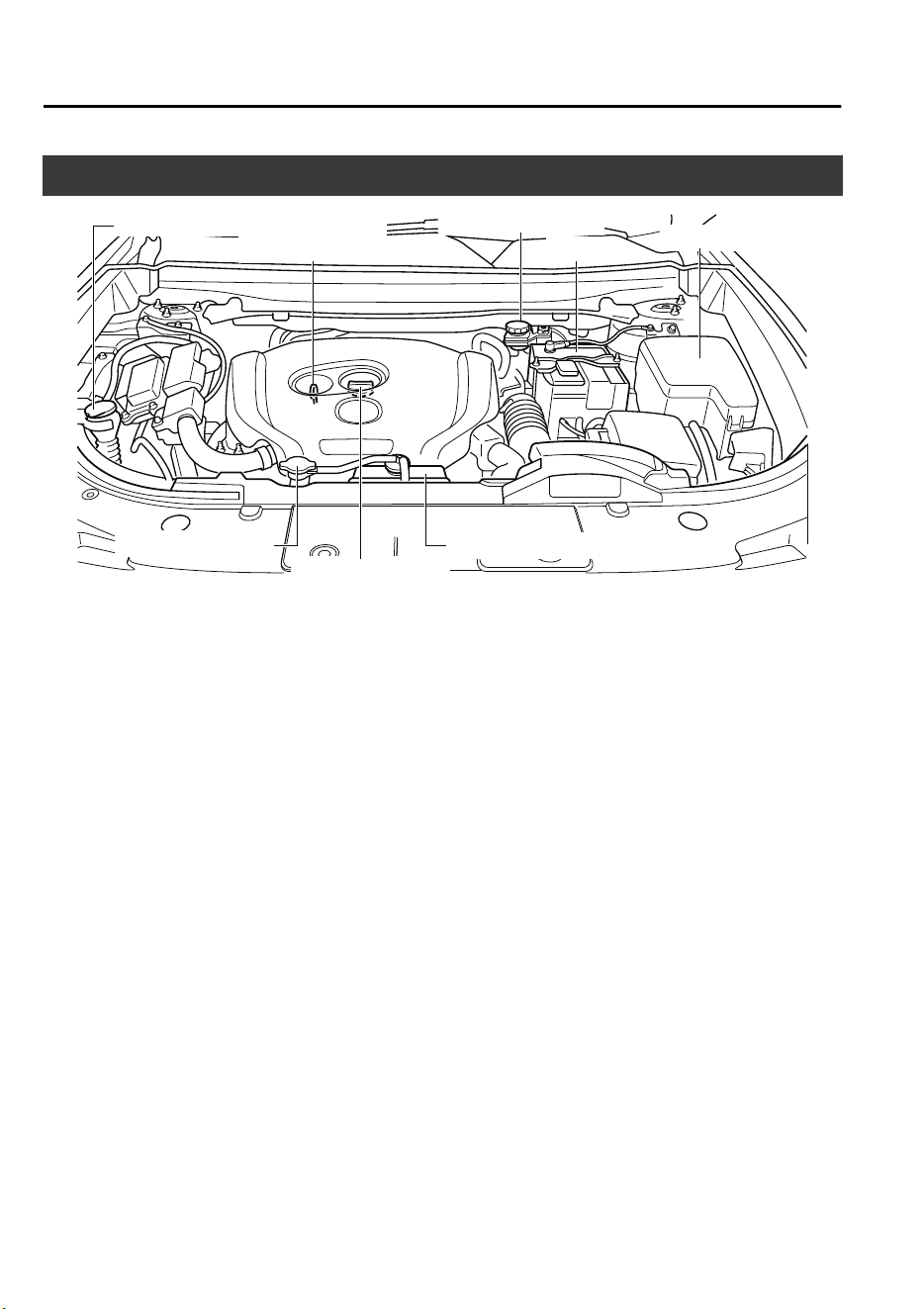
Engine Compartment Overview
Engine oil dipstick
Brake fluid reservoir
Engine oil-filler cap
Fuse block
Battery
Cooling system cap
Engine coolant reservoir
Windshield washer fluid reservoir
Maintenance and Care
Owner Maintenance
6-18
CX-9_8GC7-EE-17G_Edition1 2017-5-16 8:22:04
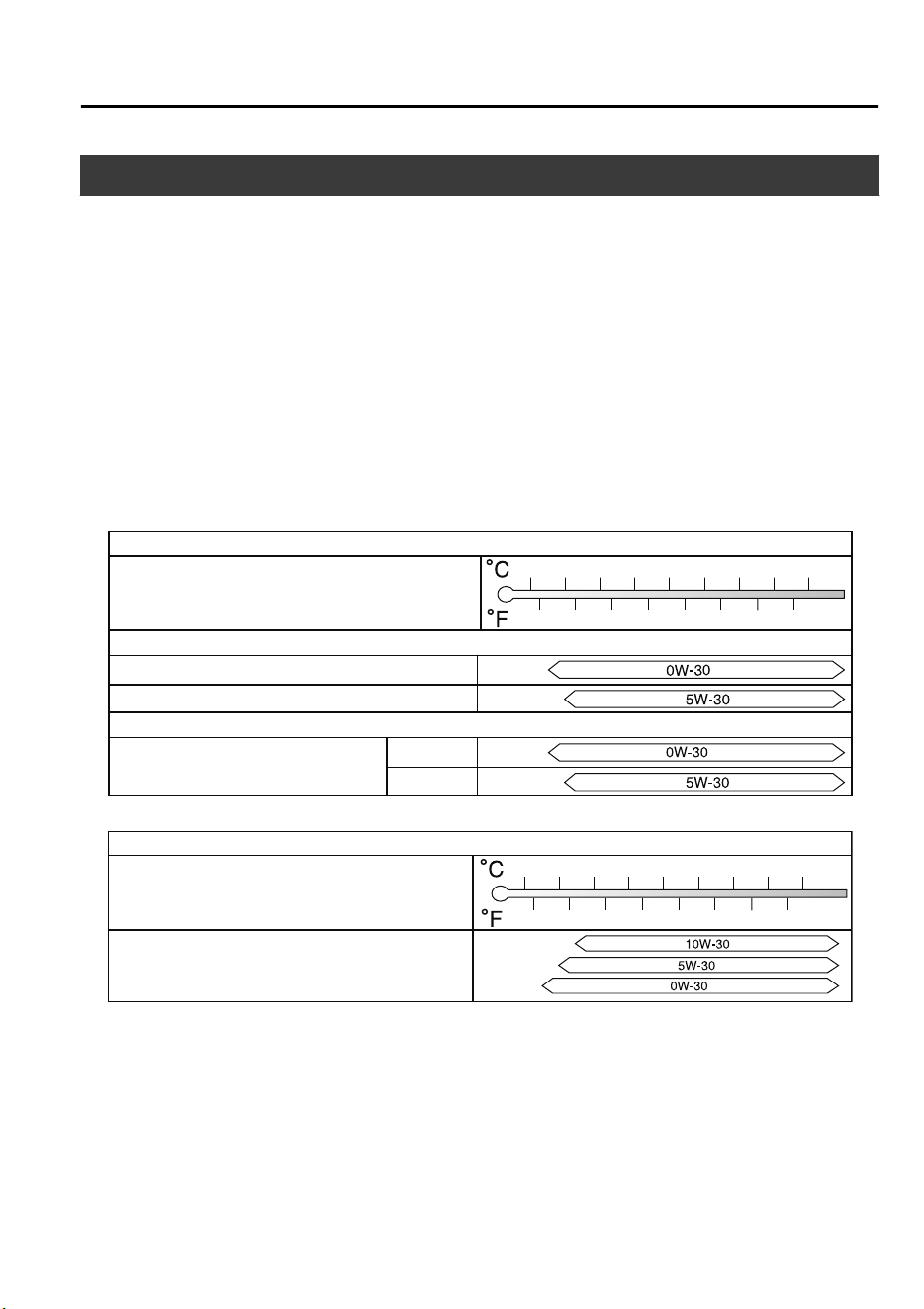
Engine Oil
NOTE
Changing the engine oil should be done by an expert repairer, we recommend an Authorized
Mazda Repairer.
▼
Recommended Oil
In order to keep the maintenance interval (page 6-3) and to protect the engine from damage
caused by poor lubrication, it is vitally important to make use of engine oil with the correct
specification. Do not use oils which do not meet the following specifications or
requirements. Use of unsuitable oil may lead to engine damage which is not covered by the
Mazda Warranty.
Mazda Original Oil Ultra 5W-30
Mazda Original Oil Supra 0W-30
Grade
Temperature Range SAE Viscosity Numbers
–30 –20 –10 0
10
20 30
40
–20
0
20
40
60
80
100
–40
–40
API SN or ACEA A5/B5
Alternative Oil Quality
Recommended oils
5W-30
0W-30
Europe
Grade
Temperature Range SAE Viscosity Numbers
–30 –20 –10 0
10
20 30
40
–20
0
20
40
60
80
100
–40
–40
Except Europe
API SM/SN or ILSAC GF-IV/GF-V
Engine oil viscosity, or thickness, has an effect on fuel economy and cold-weather operation
(starting and oil flow).
Low-viscosity engine oils can provide improved fuel economy and cold-weather
performance.
When choosing an oil, consider the temperature range your vehicle will operate in before
the next oil change.
Then select the recommended viscosity from the chart.
Maintenance and Care
Owner Maintenance
6-19
CX-9_8GC7-EE-17G_Edition1 2017-5-16 8:22:04
CAUTION
Using oils of viscosity besides those recommended for
specic
temperature ranges could
result in engine damage.
NOTE
•
It is normal for all engines to consume engine oil under normal driving conditions.
Engine oil consumption may be as high as 0.8 L/1,000 km (1 L/800 miles). This may be as
a result of evaporation, internal ventilation or burning of the lubricating oil in the
working engine. Oil consumption may be higher when the engine is new due to the
running-in process. Oil consumption is also dependant on engine speed and engine load.
Under extreme driving conditions, oil consumption may be higher.
▼
Vehicle Engine Control Unit Reset Procedure
After replacing the engine oil, it is recommended to have a repair shop such as an
Authorized Mazda Repairer perform the initialization (engine oil data resetting) of the
recorded value. If the value recorded by the computer is not initialized, the wrench indicator
light may not turn off or it may turn on earlier than normal.
NOTE
There are two methods for resetting the engine control unit.
1. The procedure described in the following.
2. The procedure described in the maintenance monitor item when the flexible maintenance
setting is selected. Refer to Maintenance Monitor on page 6-11.
If either one of the methods is performed, resetting of the engine control unit is completed.
NOTE
The initialization (engine oil data resetting) of the recorded value can be performed using
the following procedure:
1. Switch the ignition OFF.
Maintenance and Care
Owner Maintenance
6-20
CX-9_8GC7-EE-17G_Edition1 2017-5-16 8:22:04
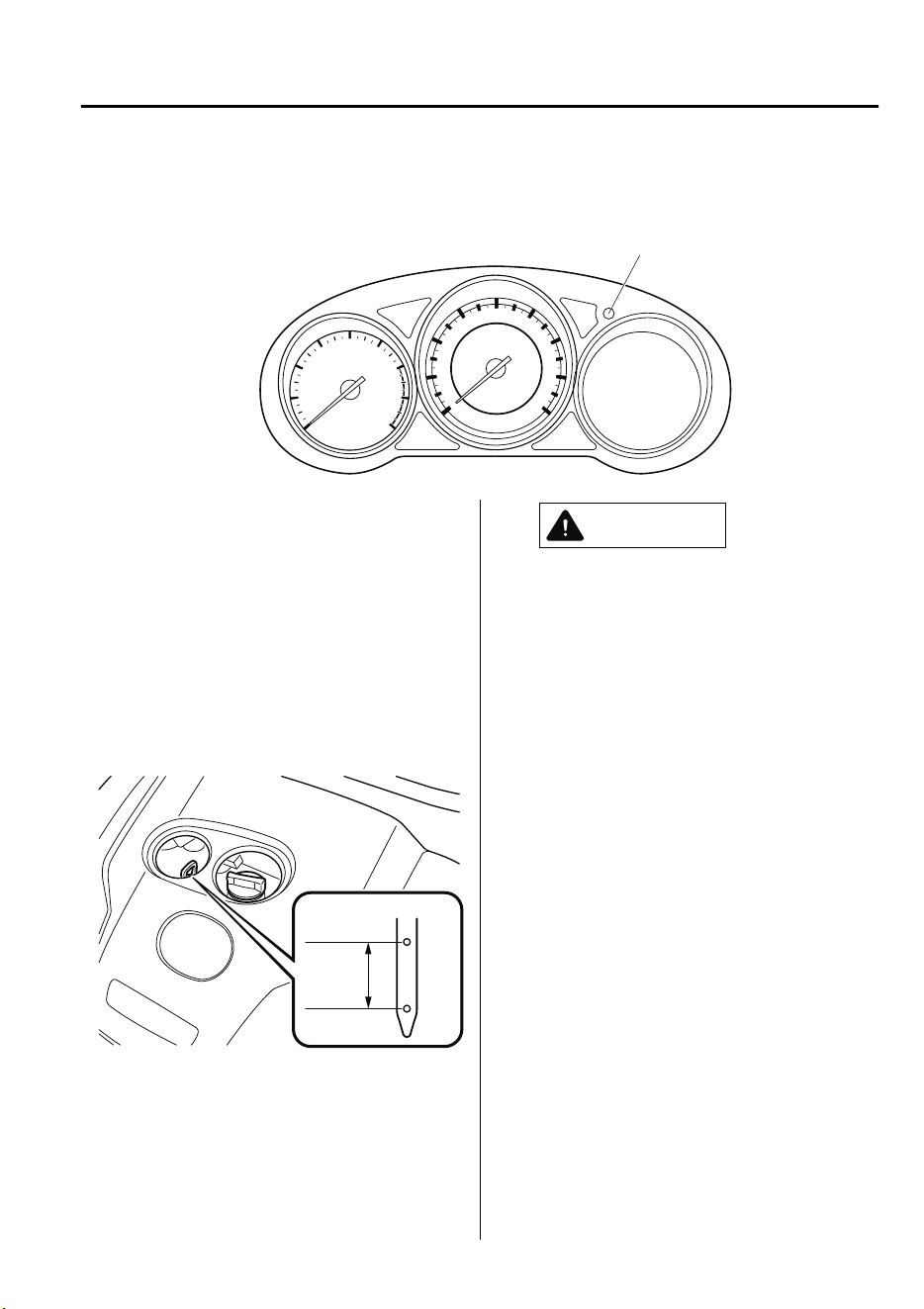
2. Switch the ignition ON with the dashboard illumination knob pressed, and press and
hold the dashboard illumination knob for about 7 seconds.
Dashboard illumination knob
▼
Inspecting Engine Oil Level
1. Be sure the vehicle is on a level
surface.
2. Warm up the engine to normal
operating temperature.
3. Turn it off and wait at least 5 minutes
for the oil to return to the oil pan.
4. Pull out the dipstick, wipe it clean, and
reinsert it fully.
MAX
MIN
OK
5. Pull it out again and examine the level.
The level is normal if it is between the
MIN and MAX marks.
If it is near or below MIN, add enough
oil to bring the level to MAX.
CAUTION
Do not overll the engine oil. This may
cause engine damage.
6. Make sure the O-ring on the dipstick is
positioned properly before reinserting
the dipstick.
7. Reinsert the dipstick fully.
Maintenance and Care
Owner Maintenance
6-21
CX-9_8GC7-EE-17G_Edition1 2017-5-16 8:22:04
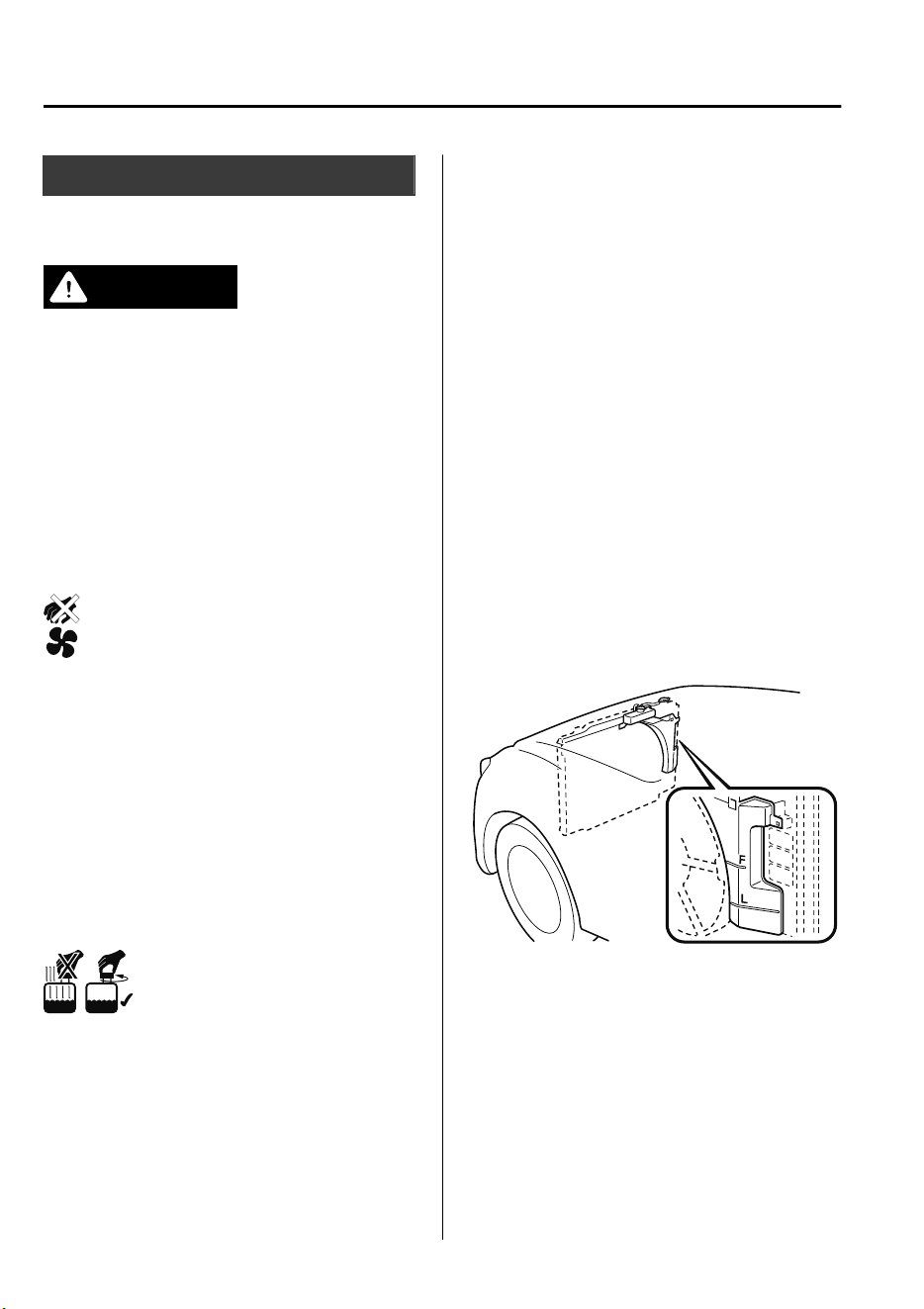
Engine Coolant
▼
Inspecting Coolant Level
WARNING
Do not use a match or live ame in the
engine compartment. DO NOT ADD
COOLANT WHEN THE ENGINE IS HOT:
A hot engine is dangerous. If the engine has
been running, parts of the engine
compartment can become very hot. You
could be burned. Carefully inspect the
engine coolant in the coolant reservoir, but
do not open it.
Pull over to a safe location, then switch
the ignition o and make sure the fan is
not running before attempting to work
near the cooling fan:
Working near the cooling fan when it is
running is dangerous. The fan could
continue running
indenitely
even if the
engine has stopped and the engine
compartment temperature is high. You
could be hit by the fan and seriously
injured.
Do not remove either cooling
system cap when the engine and radiator
are hot:
When the engine and radiator are hot,
scalding coolant and steam may shoot out
under pressure and cause serious injury.
NOTE
Changing the coolant should be done by
an expert repairer, we recommend an
Authorized Mazda Repairer.
Inspect the antifreeze protection and
coolant level in the coolant reservoir at
least once a year―at the beginning of the
winter season―and before traveling where
temperatures may drop below freezing.
Inspect the condition and connections of
all cooling system and heater hoses.
Replace any that are swollen or
deteriorated.
The coolant should be at full in the
radiator and between the F and L marks on
the coolant reservoir when the engine is
cool.
If it is at or near L, add enough coolant to
the coolant reservoir to provide freezing
and corrosion protection and to bring the
level to F.
Securely tighten the coolant reservoir tank
cap after adding coolant.
Maintenance and Care
Owner Maintenance
6-22
CX-9_8GC7-EE-17G_Edition1 2017-5-16 8:22:04
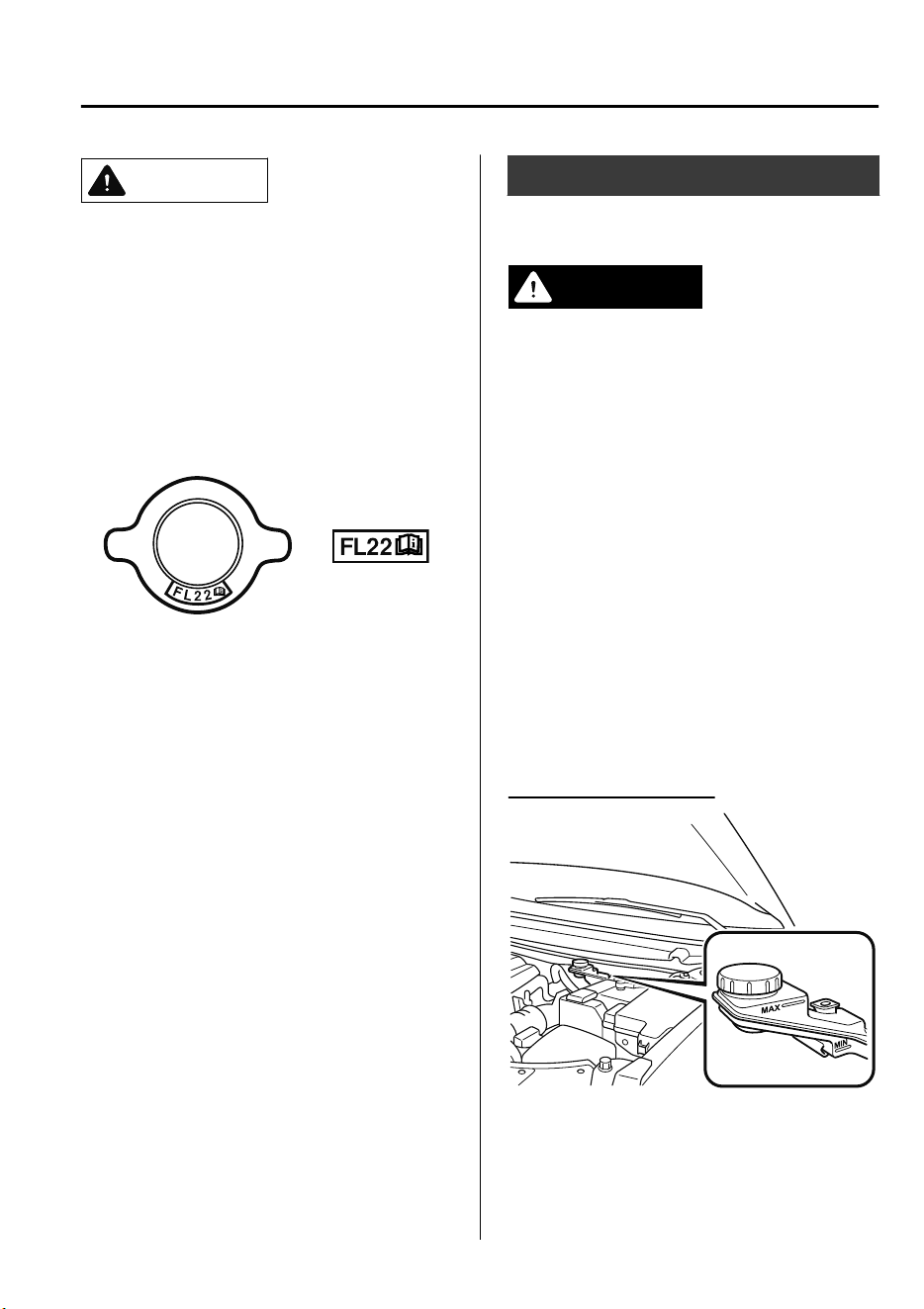
CAUTION
Radiator coolant will damage paint.
Rinse it o quickly if spilled.
If the “FL22” mark is shown on or near
the cooling system cap, use of FL-22is
recommended when replacing engine
coolant. Using engine coolant other than
FL-22 may cause serious damage to the
engine and cooling system.
If the coolant reservoir is empty or new
coolant is required frequently, consult an
expert repairer, we recommend an
Authorized Mazda Repairer.
Brake Fluid
▼
Inspecting Brake Fluid Level
WARNING
If the brake uid level is low, have the
brakes inspected:
A low brake
uid
level is dangerous.
A low level could indicate brake lining wear
or a brake system leak which could cause
the brakes to fail and lead to an accident.
Inspect the fluid level in the reservoir
regularly. It should be kept between the
MAX and MIN lines.
The level normally drops with
accumulated distance, a condition
associated with wear of brake linings. If it
is excessively low, have the brake system
inspected by an expert repairer, we
recommend an Authorized Mazda
Repairer.
Left-hand drive model
Maintenance and Care
Owner Maintenance
6-23
CX-9_8GC7-EE-17G_Edition1 2017-5-16 8:22:04
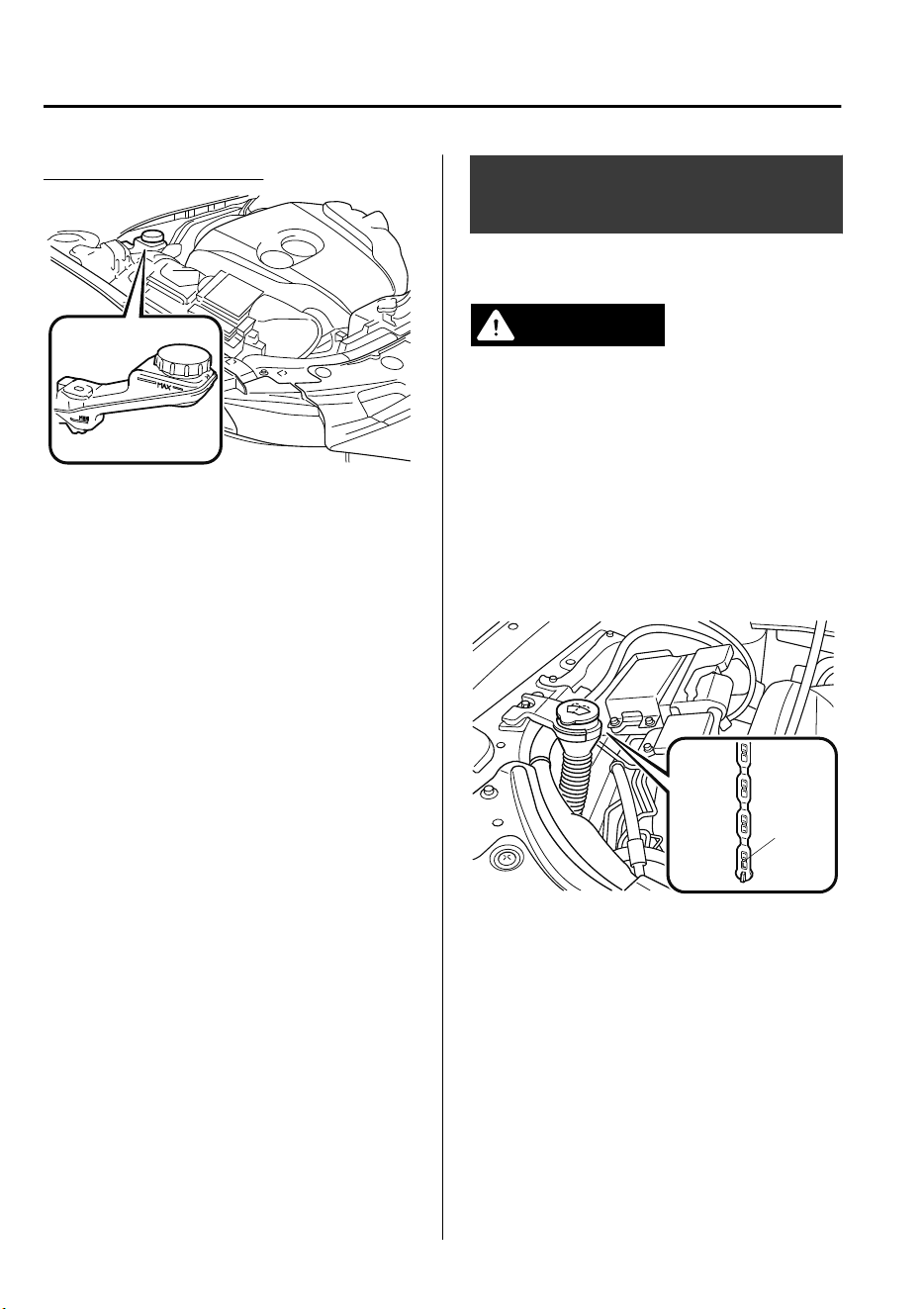
Right-hand drive model
Window and Headlight
Washer Fluid
▼
Inspecting Washer Fluid Level
WARNING
Use only windshield washer uid or plain
water in the reservoir:
Using radiator antifreeze as washer
uid
is
dangerous. If sprayed on the windshield, it
will dirty the windshield,
aect
your
visibility, and could result in an accident.
Inspect fluid level in the washer fluid
reservoir; add fluid if necessary.
L
Use plain water if washer fluid is
unavailable.
But use only washer fluid in cold weather
to prevent it from freezing.
NOTE
Front and rear washer fluid is supplied
from the same reservoir.
Maintenance and Care
Owner Maintenance
6-24
CX-9_8GC7-EE-17G_Edition1 2017-5-16 8:22:04
Body Lubrication
All moving points of the body, such as
door and hood hinges and locks, should be
lubricated each time the engine oil is
changed. Use a nonfreezing lubricant on
locks during cold weather.
Make sure the hood's secondary latch
keeps the hood from opening when the
primary latch is released.
Wiper Blades
CAUTION
Hot waxes applied by automatic car
washers have been known to
aect
the
wiper's ability to clean windows.
To prevent damage to the wiper blades,
do not use gasoline, kerosene, paint
thinner, or other solvents on or near
them.
When the wiper lever is in the AUTO
position and the ignition is switched ON,
the wipers may move automatically in
the following cases:
If the windshield above the rain sensor
is touched.
If the windshield above the rain sensor
is wiped with a cloth.
If the windshield is struck with a hand
or other object.
If the rain sensor is struck with a hand
or other object from inside the vehicle.
Be careful not to pinch hands or ngers
as it may cause injury, or damage the
wipers. When washing or servicing the
vehicle, make sure the wiper lever is in
the OFF position.
Contamination of either the windshield or
the blades with foreign matter can reduce
wiper effectiveness. Common sources are
insects, tree sap, and hot wax treatments
used by some commercial car washes.
If the blades are not wiping properly, clean
the window and blades with a good
cleaner or mild detergent; then rinse
thoroughly with clean water. Repeat if
necessary.
Maintenance and Care
Owner Maintenance
6-25
CX-9_8GC7-EE-17G_Edition1 2017-5-16 8:22:04
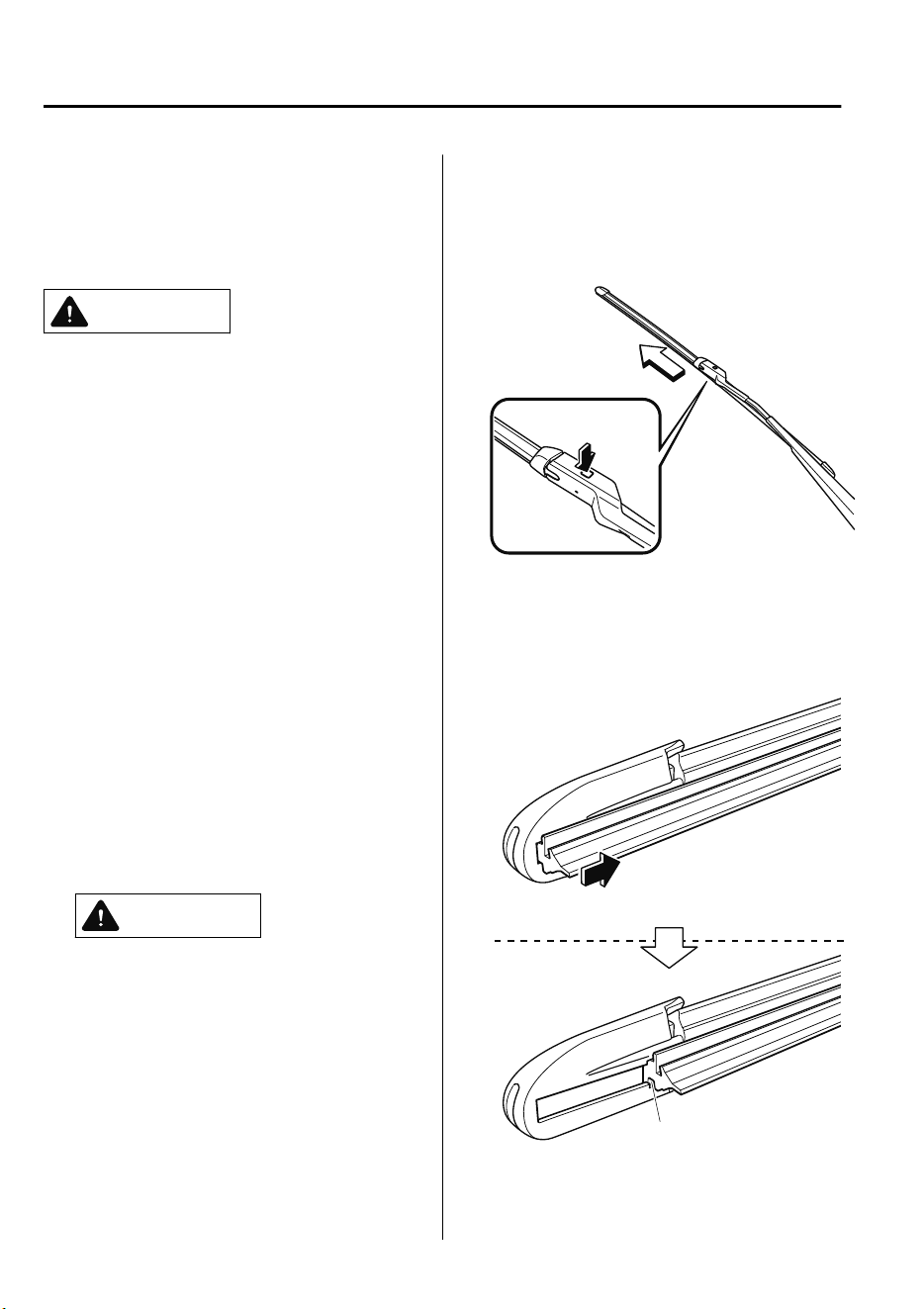
▼
Replacing Windshield Wiper Blades
When the wipers no longer clean well, the
blades are probably worn or cracked.
Replace them.
CAUTION
To prevent damage to the wiper arms
and other components, do not try to
sweep the wiper arm by hand.
Do not bend the blade rubber
unnecessarily when replacing it.
Otherwise, the metal stiener in the
blade may deform and the windshield
wiper operation may be adversely
aected.
NOTE
When raising both windshield wiper arms,
raise the driver's side wiper arm first.
When lowering the wiper arms, slowly
lower the wiper arm from the passenger's
side first while supporting it with your
hand. Forcefully lowering the wiper arms
could damage the wiper arm and blade,
and may scratch or crack the windshield.
1. Raise the wiper arm.
CAUTION
To prevent damage to the windshield
let the wiper arm down easily, do not
let it slap down on the windshield.
2. Slide the blade component in the
direction of the arrow while pressing
the wiper arm tab to remove the blade
component from the wiper arm.
3. Pull the blade rubber in the direction of
the arrow and slide it to a position
where the blade holder groove can be
checked.
Groove
Maintenance and Care
Owner Maintenance
6-26
CX-9_8GC7-EE-17G_Edition1 2017-5-16 8:22:04
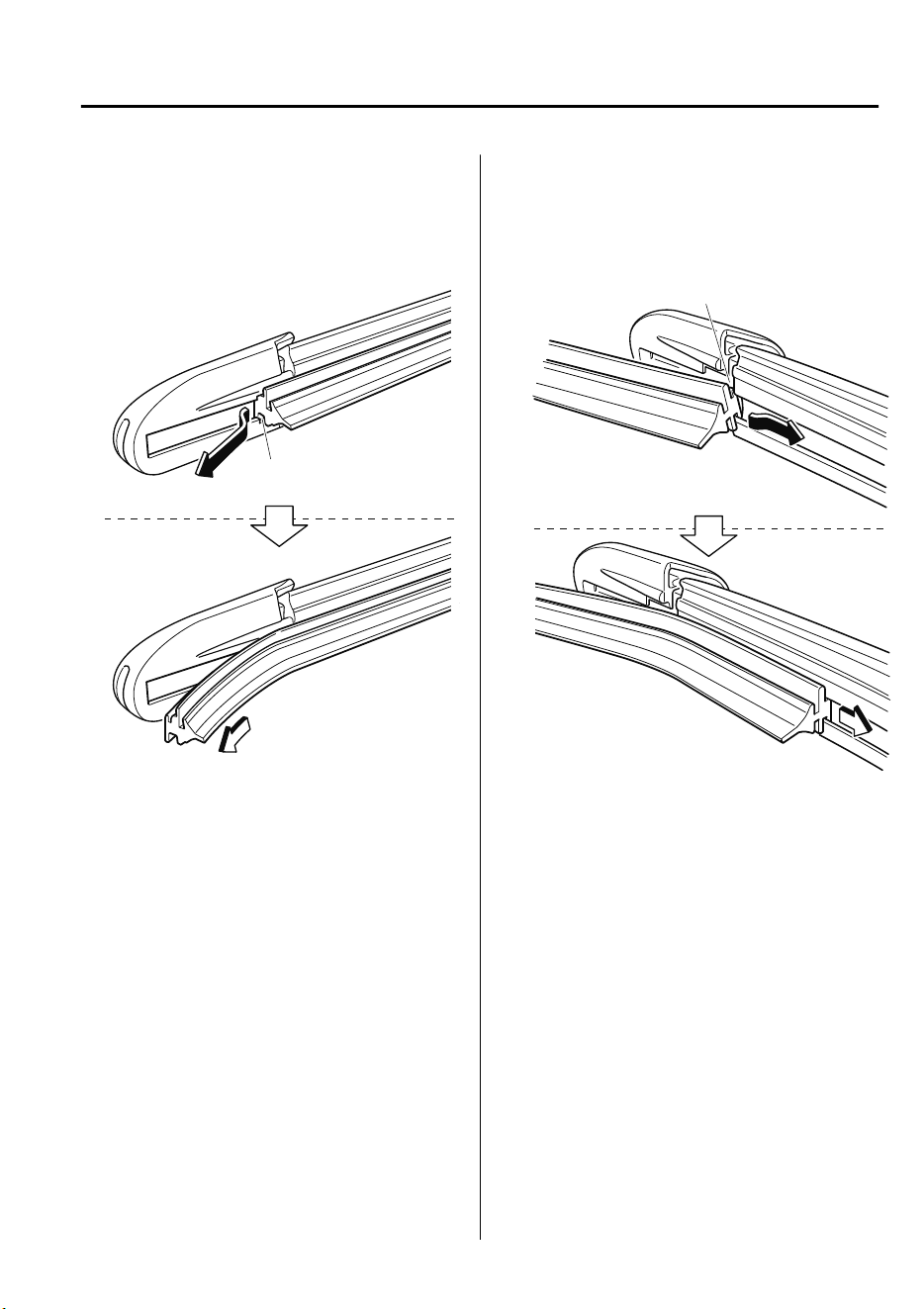
4. Pull the end of the blade rubber from
the blade holder groove in the direction
of the arrow and remove the blade
rubber from the blade holder.
Groove
5. Insert the end of the new blade rubber
into the groove of the blade holder
until it contacts the end of the blade
holder.
Groove
Maintenance and Care
Owner Maintenance
6-27
CX-9_8GC7-EE-17G_Edition1 2017-5-16 8:22:04
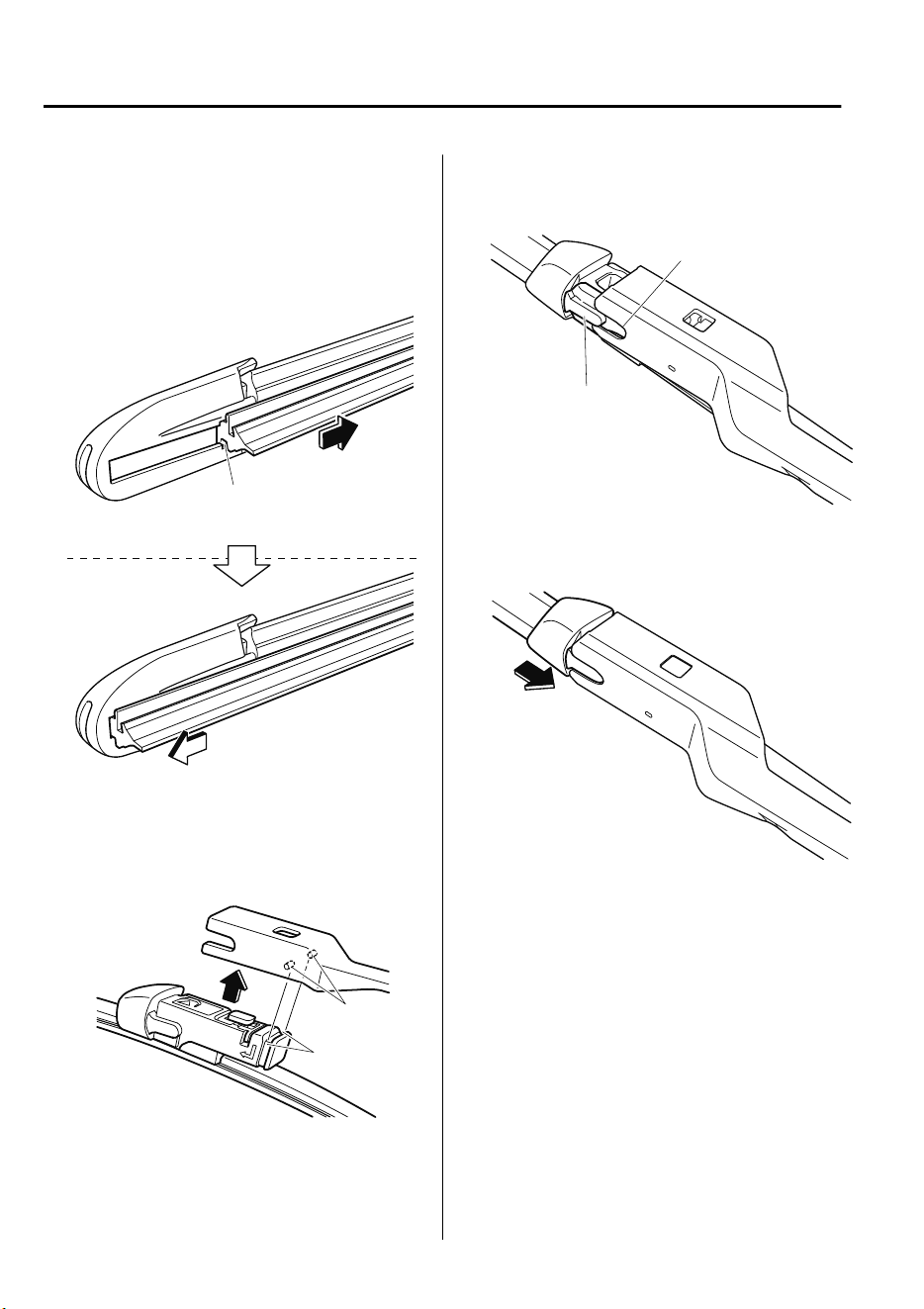
6. After pulling the blade rubber in the
direction of the arrow and sliding the
blade rubber to a position to check the
blade holder groove, slide the blade
rubber end in the opposite direction.
Groove
7. Make sure that the blade rubber is
correctly installed to the blade holder.
8. Align the wiper arm tabs with the
blade component grooves.
Tabs
Grooves
9. Align the blade component projection
with the wiper arm notch.
Projection
Notch
10. Slide the blade component and install
it to the wiper arm.
11. Slowly lower the wiper arm onto the
windshield.
Maintenance and Care
Owner Maintenance
6-28
CX-9_8GC7-EE-17G_Edition1 2017-5-16 8:22:04
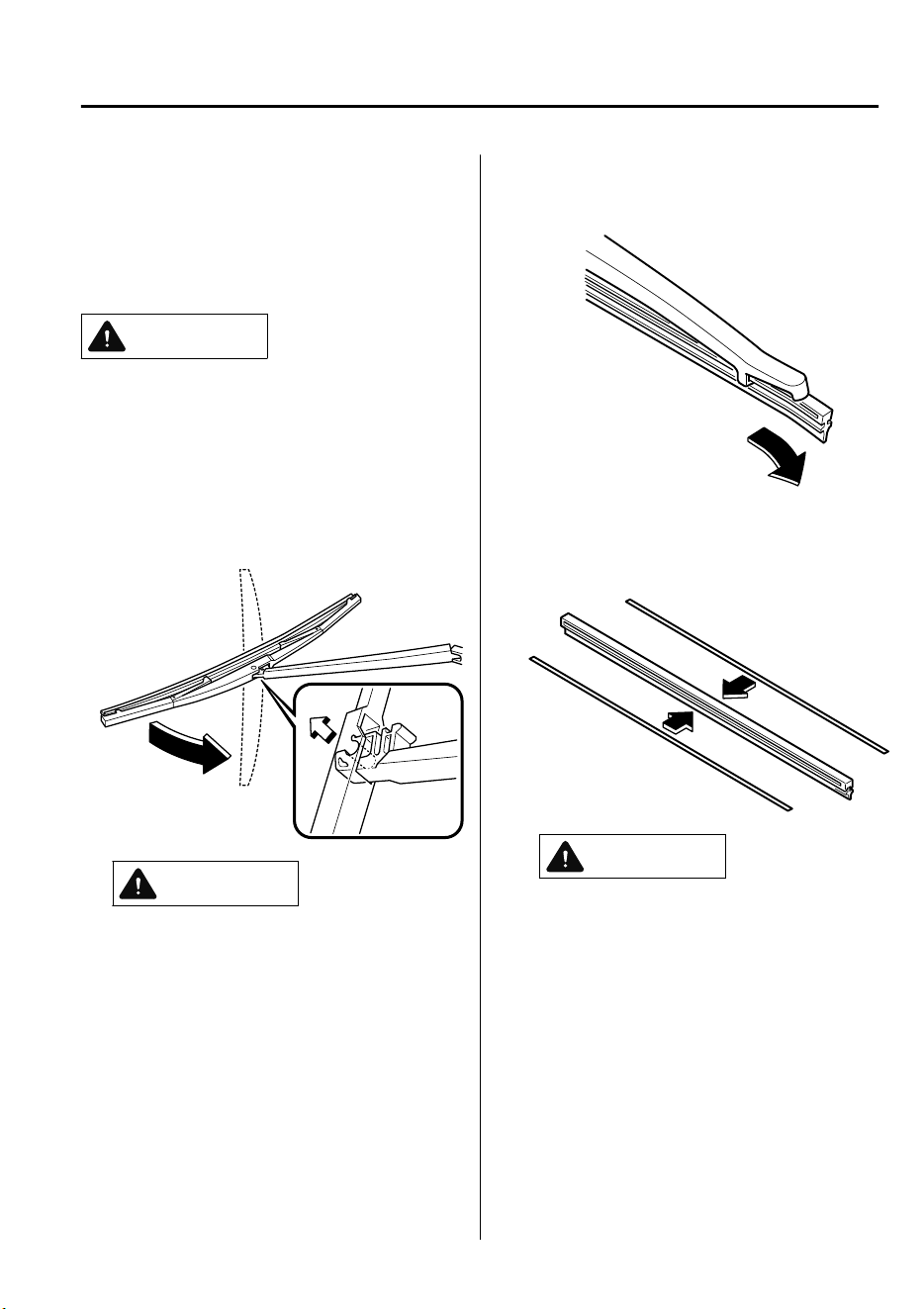
▼
Replacing Rear Window Wiper
Blade
When the wiper no longer cleans well, the
blade is probably worn or cracked.
Replace it.
CAUTION
To prevent damage to the wiper arm and
other components, do not move the wiper
by hand.
1. Raise the wiper arm and rotate the
wiper blade to the right until it
unlocks, then remove the blade.
CAUTION
To prevent damage to the rear window,
do not let the wiper arm fall on it.
2. Pull down the blade rubber and slide it
out of the blade holder.
3. Remove the metal stiffeners from the
blade rubber and install them in the
new blade.
CAUTION
Do not bend or discard the stieners.
You need to use them again.
Maintenance and Care
Owner Maintenance
6-29
CX-9_8GC7-EE-17G_Edition1 2017-5-16 8:22:04
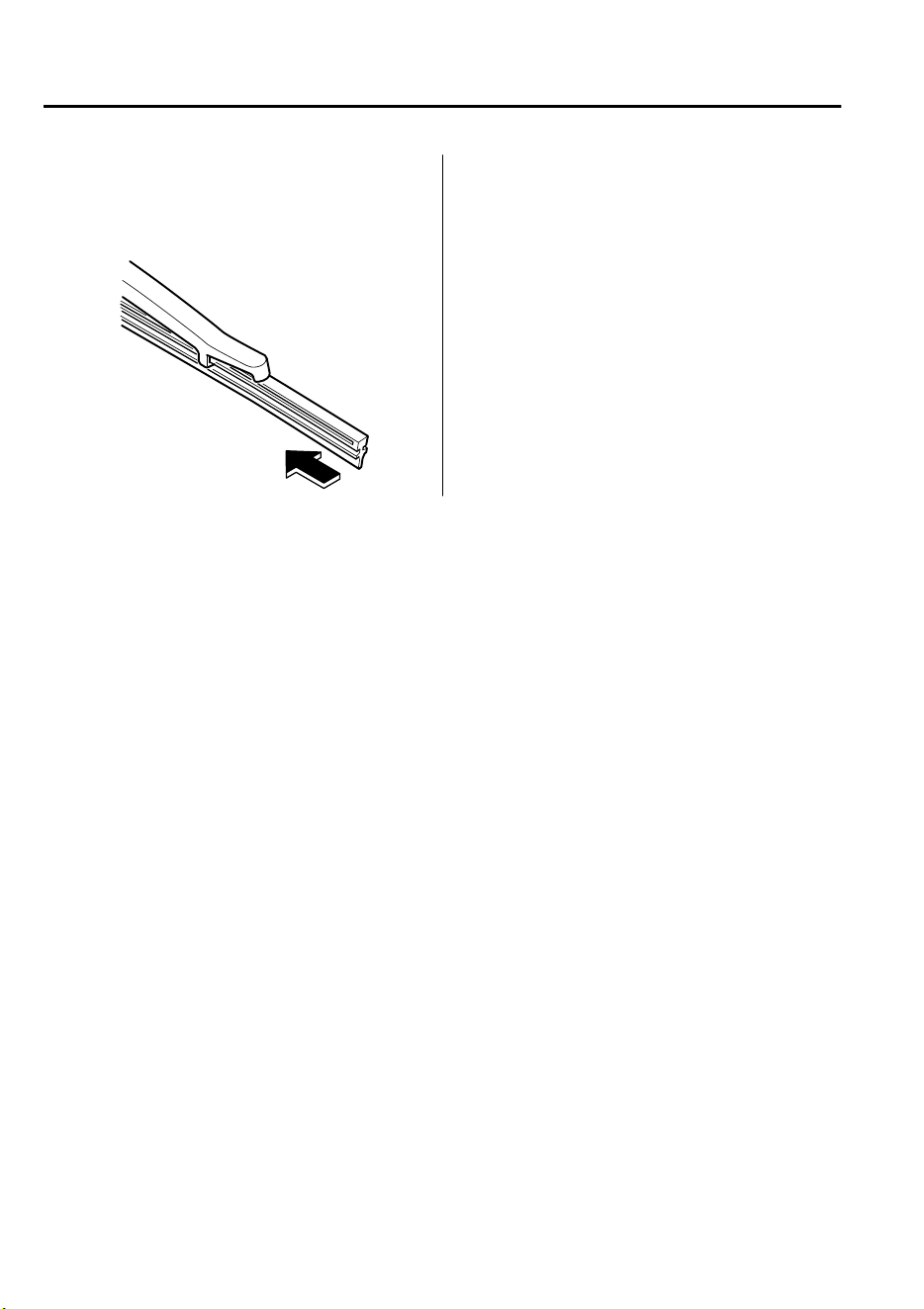
4. Carefully insert the new blade rubber.
Then install the blade assembly in the
reverse order of removal.
Maintenance and Care
Owner Maintenance
6-30
CX-9_8GC7-EE-17G_Edition1 2017-5-16 8:22:04
Battery
WARNING
Read the following precautions carefully before using the battery or inspecting to
ensure safe and correct handling:
Always wear eye protection when working near the battery:
Working without eye protection is dangerous. Battery
uid
contains SULFURIC ACID which
could cause blindness if splashed into your eyes. Also, hydrogen gas produced during normal
battery operation, could ignite and cause the battery to explode.
Wear eye protection and protective gloves to prevent contact with battery
uid:
Spilled battery uid is dangerous.
Battery uid contains SULFURIC ACID which could cause serious injuries if it gets in eyes, or on
the skin or clothing. If this happens, immediately
ush
your eyes with water for 15 minutes or
wash your skin thoroughly and get medical attention.
Always keep batteries out of the reach of children:
Allowing children to play near batteries is dangerous. Battery uid could cause serious injuries
if it gets in the eyes or on the skin.
Keep ames and sparks away from open battery cells and do not allow metal tools to
contact the positive (
) or negative ( ) terminal of the battery when working near a battery.
Do not allow the positive (
) terminal to contact the vehicle body:
Flames and sparks near open battery cells are dangerous. Hydrogen gas, produced during
normal battery operation, could ignite and cause the battery to explode. An exploding battery
can cause serious burns and injuries. Keep all ames including cigarettes and sparks away
from open battery cells.
Maintenance and Care
Owner Maintenance
6-31
CX-9_8GC7-EE-17G_Edition1 2017-5-16 8:22:04
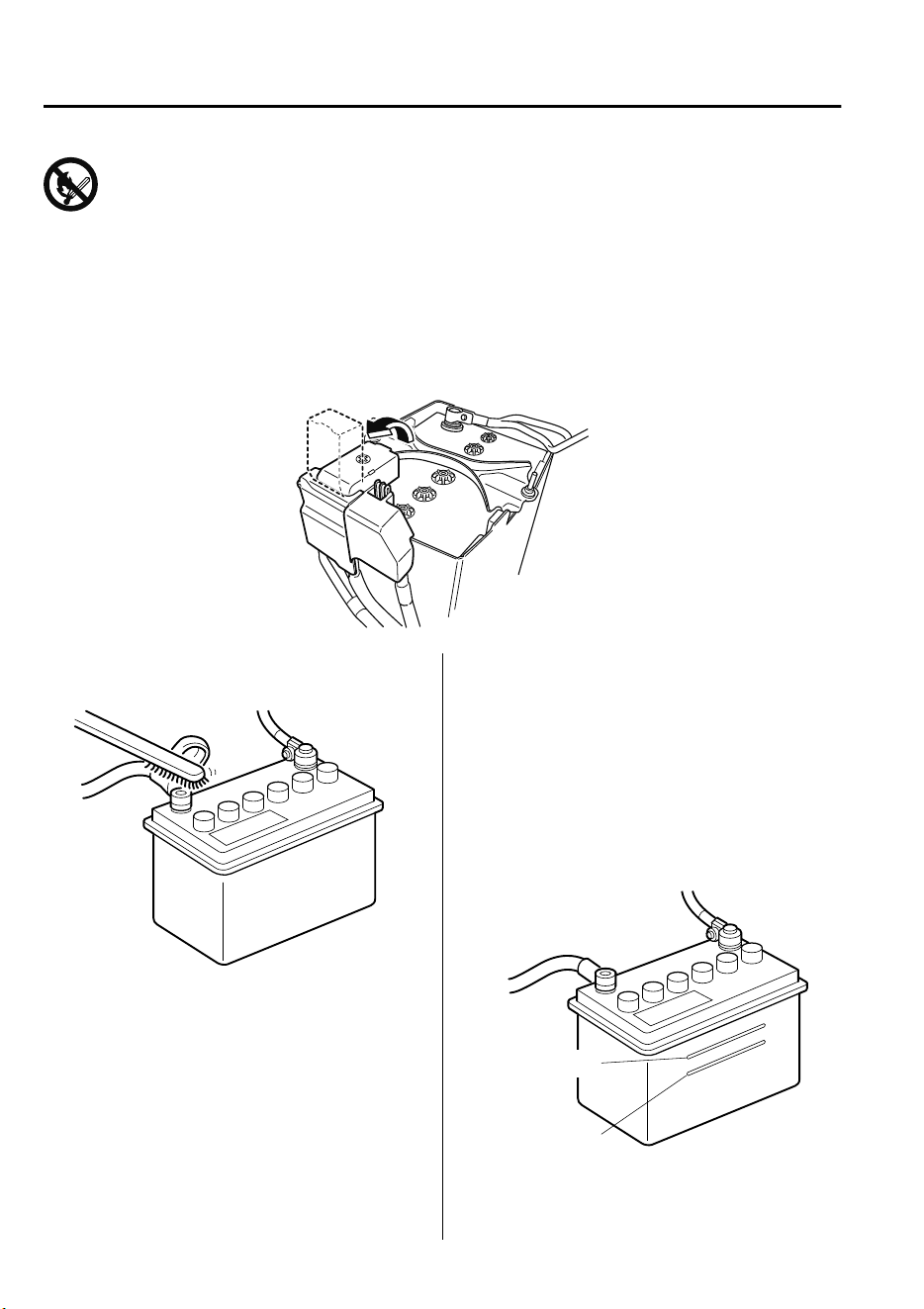
Keep all ames, including cigarettes, and sparks away from open battery cells:
Flames and sparks near open battery cells are dangerous. Hydrogen gas, produced during
normal battery operation, could ignite and cause the battery to explode. An exploding battery
can cause serious burns and injuries.
NOTE
Before performing battery maintenance, remove the battery cover.
▼
Battery Maintenance
To get the best service from a battery:
•
Keep it securely mounted.
•
Keep the top clean and dry.
•
Keep terminals and connections clean,
tight, and coated with petroleum jelly or
terminal grease.
•
Rinse off spilled electrolyte immediately
with a solution of water and baking
soda.
•
If the vehicle will not be used for an
extended time, disconnect the battery
cables and charge the battery every six
weeks.
▼
Inspecting Electrolyte Level
A low level of electrolyte fluid will cause
the battery to discharge quickly.
Upper level
Lower level
Maintenance and Care
Owner Maintenance
6-32
CX-9_8GC7-EE-17G_Edition1 2017-5-16 8:22:04
Inspect the electrolyte level at least once a
week. If it is low, remove the caps and add
enough distilled water to bring the level
between the upper and lower level
(illustration).
Do not overfill.
Examine the specific gravity of the
electrolyte with a hydrometer, especially
during cold weather. If it is low, recharge
the battery.
▼
Battery Recharging
NOTE
•
Before performing maintenance or
recharging the battery, turn off all
accessories and stop the engine.
•
To disconnect the battery, remove the
negative cable first. Install it last when
connecting the battery.
•
Be sure to remove the caps before
recharging the battery.
•
If the battery quickly discharges
because, for example, the lights were
left on too long with the engine off,
slow-charge it as required by battery
size and charger capacity.
•
If the battery gradually discharges
because of high electric load while the
vehicle is being used, recharge it as
required by battery size and charger
capacity.
▼
Battery Replacement
Contact an Authorized Mazda Repairer for
a battery replacement purchase.
Key Battery Replacement
If the buttons on the transmitter are
inoperable and the operation indicator
light does not flash, the battery may be
dead.
Replace with a new battery before the
transmitter becomes unusable.
CAUTION
Make sure the battery is installed
correctly. Battery leakage could occur if it
is not installed correctly.
When replacing the battery, be careful
not to touch any of the internal circuitry
and electrical terminals, bend the
electrical terminals, or get dirt in the
transmitter as the transmitter could be
damaged.
There is the danger of explosion if the
battery is not correctly replaced.
Dispose of used batteries according to
the following instructions.
Insulate the plus and minus terminals
of the battery using cellophane or
equivalent tape.
Never disassemble.
Never throw the battery into re or
water.
Never deform or crush.
Replace only with the same type battery
(CR2025 or equivalent).
Maintenance and Care
Owner Maintenance
6-33
CX-9_8GC7-EE-17G_Edition1 2017-5-16 8:22:04
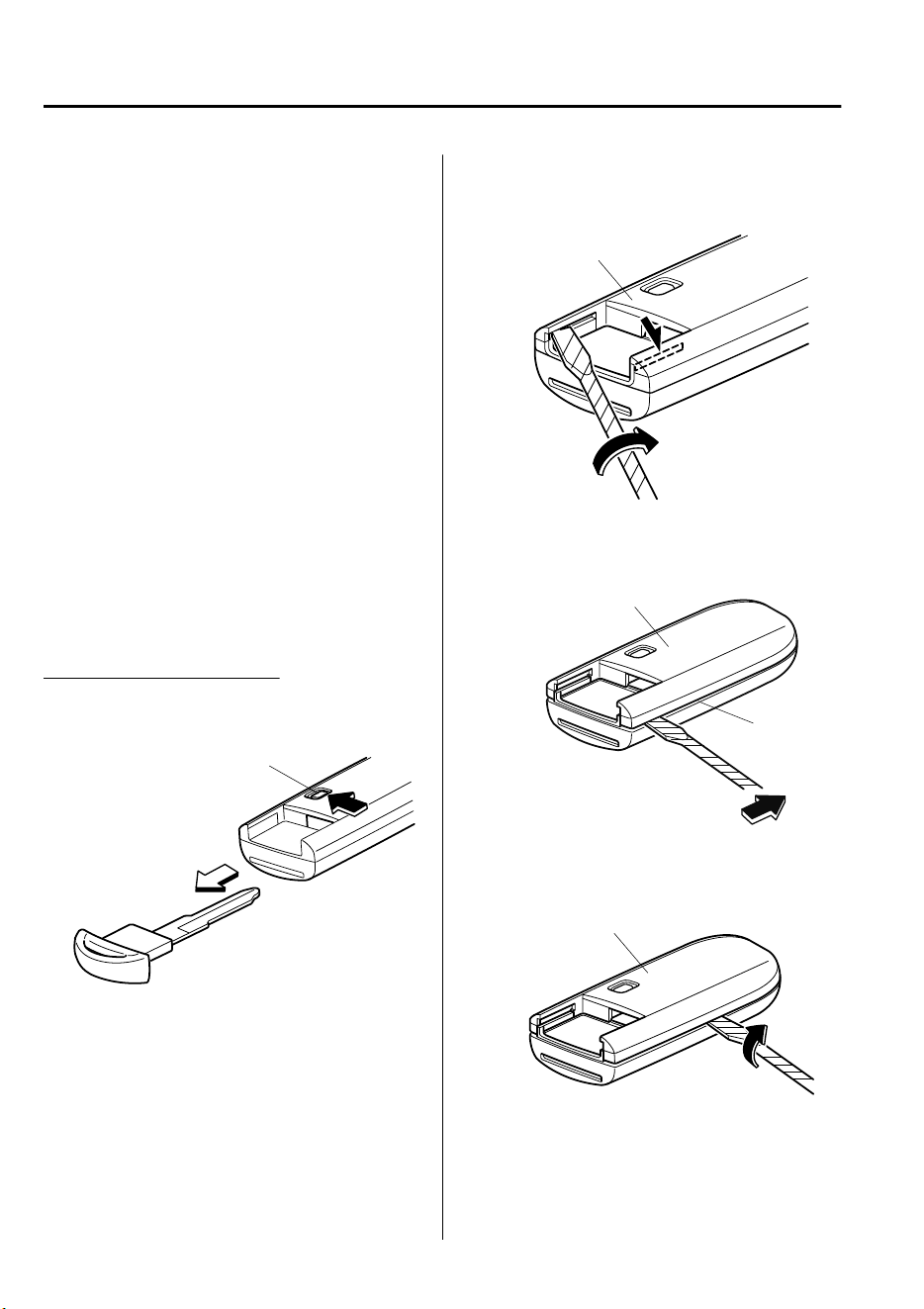
The following conditions indicate that the
battery power is low:
•
The KEY indicator light (green) flashes
in the instrument cluster for about 30
seconds after the engine is turned off
(for vehicles with a type A instrument
cluster (page 4-32), messages are
displayed in the instrument cluster).
•
The system does not operate and the
operation indicator light on the
transmitter does not flash when the
buttons are pressed.
•
The system's operational range is
reduced.
Replacing the battery at an Authorized
Mazda Repairer is recommended to
prevent damage to the key. If replacing the
battery by yourself, follow the instruction.
Replacing the key battery
1. Press the knob and pull out the
auxiliary key.
Knob
2. Twist a tape-wrapped flathead
screwdriver in the direction of the
arrow and open the cover slightly.
Cover
3. Insert the tape-wrapped flathead
screwdriver into the gap and slide it in
the direction of the arrow.
Cover
Gap
4. Twist the flathead screwdriver in the
direction of the arrow and remove the
cover.
Cover
Maintenance and Care
Owner Maintenance
6-34
CX-9_8GC7-EE-17G_Edition1 2017-5-16 8:22:04
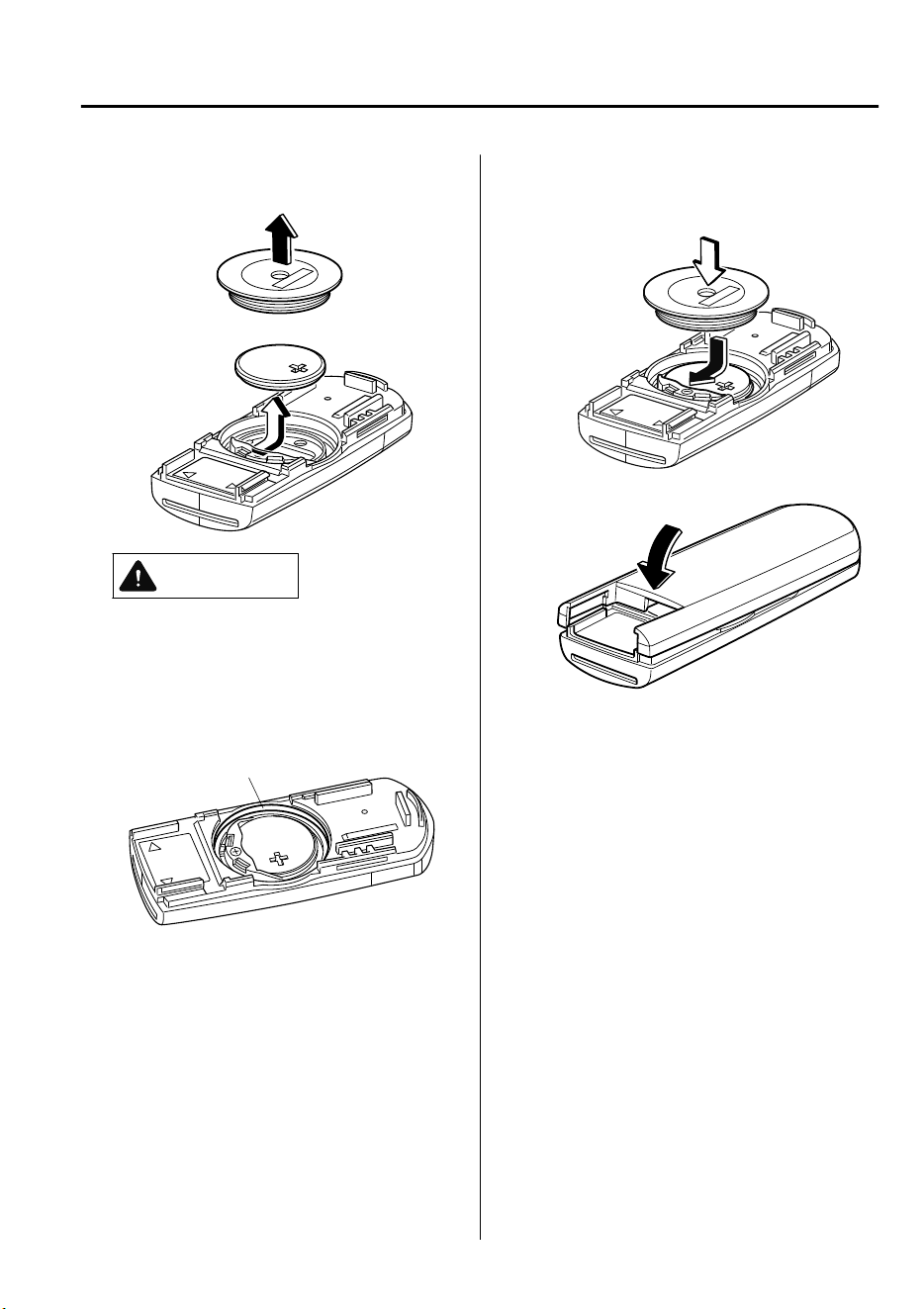
5. Remove the battery cap, then remove
the battery.
CAUTION
Be careful not to allow the rubber
ring shown in the gure to be
scratched or damaged.
If the rubber ring detaches, reattach
it before inserting a new battery.
Rubber ring
6. Insert a new battery with the positive
pole facing up, and then cover the
battery with the battery cap.
7. Close the cover.
8. Reinsert the auxiliary key.
Maintenance and Care
Owner Maintenance
6-35
CX-9_8GC7-EE-17G_Edition1 2017-5-16 8:22:04
Tires
For reasons of proper performance, safety,
and better fuel economy, always maintain
recommended tire inflation pressures and
stay within the recommended load limits
and weight distribution.
WARNING
Using Dierent Tire Types:
Driving your vehicle with
dierent
types of
tires is dangerous. It could cause poor
handling and poor braking; leading to loss
of control.
Except for the limited use of the temporary
spare tire, use only the same type tires
(radial, bias-belted, bias-type) on all four
wheels.
Using Wrong-Sized Tires:
Using any other tire size than what is
specied for the vehicle (page 9-7) is
dangerous. It could seriously aect ride,
handling, ground clearance, tire clearance,
and speedometer calibration. This could
cause you to have an accident. Use only
tires that are the correct size specied for
the vehicle.
▼
Tire Inflation Pressure
WARNING
Always
inate
the tires to the correct
pressure:
Overination or underination of tires is
dangerous. Adverse handling or
unexpected tire failure could result in a
serious accident.
Refer to Tires on page 9-7.
Use only a Mazda-genuine tire valve cap:
Use of a non-genuine part is dangerous as
the correct tire air pressure cannot be
maintained if the tire valve becomes
damaged. If the vehicle is driven under this
condition, the tire air pressure will decrease
which could result in a serious accident. Do
not use any part for the tire valve cap that
is not a Mazda-genuine part.
Inspect all tire pressures monthly
(including the spare) when the tires are
cold. Maintain recommended pressures for
the best ride, handling, and minimum tire
wear.
Refer to the specification charts (page 9-
7).
NOTE
•
Always check tire pressure when tires
are cold.
•
Warm tires normally exceed
recommended pressures. Do not release
air from warm tires to adjust the
pressure.
•
Underinflation can cause reduced fuel
economy, uneven and accelerated tire
wear, and poor sealing of the tire bead,
which will deform the wheel and cause
separation of tire from rim.
•
Overinflation can produce a harsh ride,
uneven and accelerated tire wear, and a
greater possibility of damage from road
hazards.
Keep your tire pressure at the correct
levels. If one frequently needs inflating,
have it inspected.
Maintenance and Care
Owner Maintenance
6-36
CX-9_8GC7-EE-17G_Edition1 2017-5-16 8:22:04
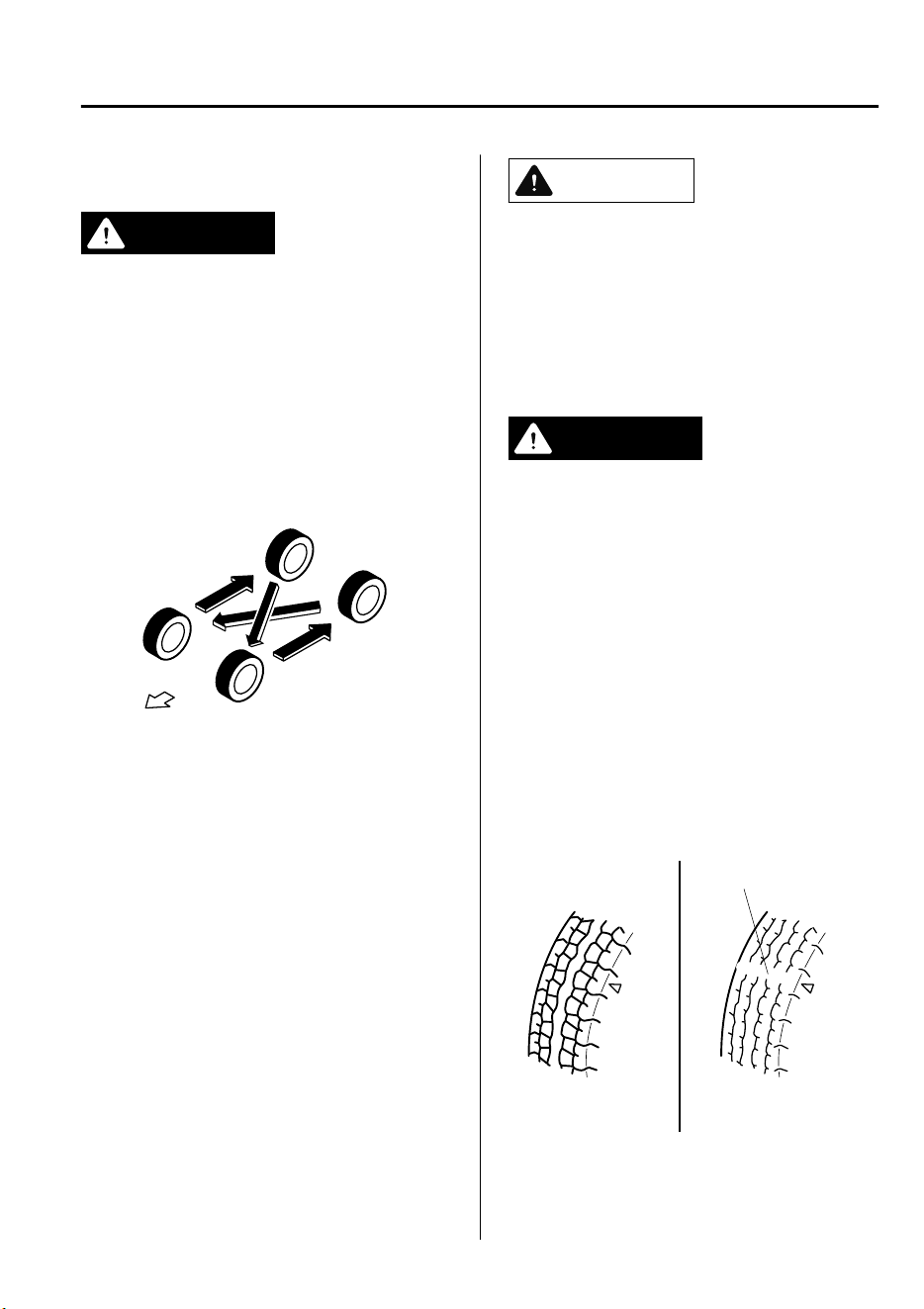
▼
Tire Rotation
WARNING
Rotate tires periodically:
Irregular tire wear is dangerous. To
equalize tread wear for maintaining good
performance in handling and braking,
rotate the tires every 10,000 km (6,250
miles), or sooner if irregular wear develops.
During rotation, inspect them for correct
balance.
Do not include (TEMPORARY USE ONLY)
spare tire in rotation.
Forward
Also, inspect them for uneven wear and
damage. Abnormal wear is usually caused
by one or a combination of the following:
•
Incorrect tire pressure
•
Improper wheel alignment
•
Out-of-balance wheel
•
Severe braking
After rotation, inflate all tire pressures to
specification (page 9-7) and inspect the
lug nuts for tightness.
CAUTION
Rotate unidirectional tires and radial tires
that have an asymmetrical tread pattern or
studs only from front to rear, not from side
to side. Tire performance will be reduced if
rotated from side to side.
▼
Replacing a Tire
WARNING
Always use tires that are in good condition:
Driving with worn tires is dangerous.
Reduced braking, steering, and traction
could result in an accident.
Replace all four tires at the same time:
Replacing just one tire is dangerous. It
could cause poor handling and poor
braking resulting in loss of vehicle control.
Mazda strongly recommends that you
replace all four tires at the same time.
If a tire wears evenly, a wear indicator will
appear as a solid band across the tread.
Replace the tire when this happens.
New tread
Tread wear indicator
Worn tread
You should replace the tire before the band
crosses the entire tread.
Maintenance and Care
Owner Maintenance
6-37
CX-9_8GC7-EE-17G_Edition1 2017-5-16 8:22:04
▼
Temporary Spare Tire
Inspect the temporary spare tire at least
monthly to make sure it is properly
inflated and stored.
NOTE
The temporary spare tire condition
gradually deteriorates even if it has not
been used.
The temporary spare tire is easier to
handle because of its construction which is
lighter and smaller than a conventional
tire. This tire should be used only for an
emergency and only for a short distance.
Use the temporary spare tire only until the
conventional tire is repaired, which should
be as soon as possible.
Refer to Tire on page 9-7.
CAUTION
Do not use your temporary spare tire rim
with a snow tire or a conventional tire.
Neither will properly t and could
damage both tire and rim.
The temporary spare tire has a tread life
of less than 5,000 km (3,000 miles). The
tread life may be shorter depending on
driving conditions.
The temporary spare tire is for limited
use, however, if the tread wear
solid-band indicator appears, replace the
tire with the same type of temporary
spare (page 6-37).
▼
Replacing a Wheel
WARNING
Always use wheels of the correct size on
your vehicle:
Using a wrong-sized wheel is dangerous.
Braking and handling could be aected,
leading to loss of control and an accident.
CAUTION
A wrong-sized wheel may adversely
aect:
Tire t
Wheel and bearing life
Ground clearance
Snow-chain clearance
Speedometer calibration
Headlight aim
Bumper height
Tire Pressure Monitoring System
*
NOTE
•
When replacing a wheel, make sure the
new one is the same as the original
factory wheel in diameter, rim width,
and offset (inset/outset).
•
For details, contact an expert repairer,
we recommend an Authorized Mazda
Repairer.
Proper tire balancing provides the best
riding comfort and helps reduce tread
wear. Out-of-balance tires can cause
vibration and uneven wear, such as
cupping and flat spots.
Maintenance and Care
Owner Maintenance
6-38
*Some models.
CX-9_8GC7-EE-17G_Edition1 2017-5-16 8:22:04
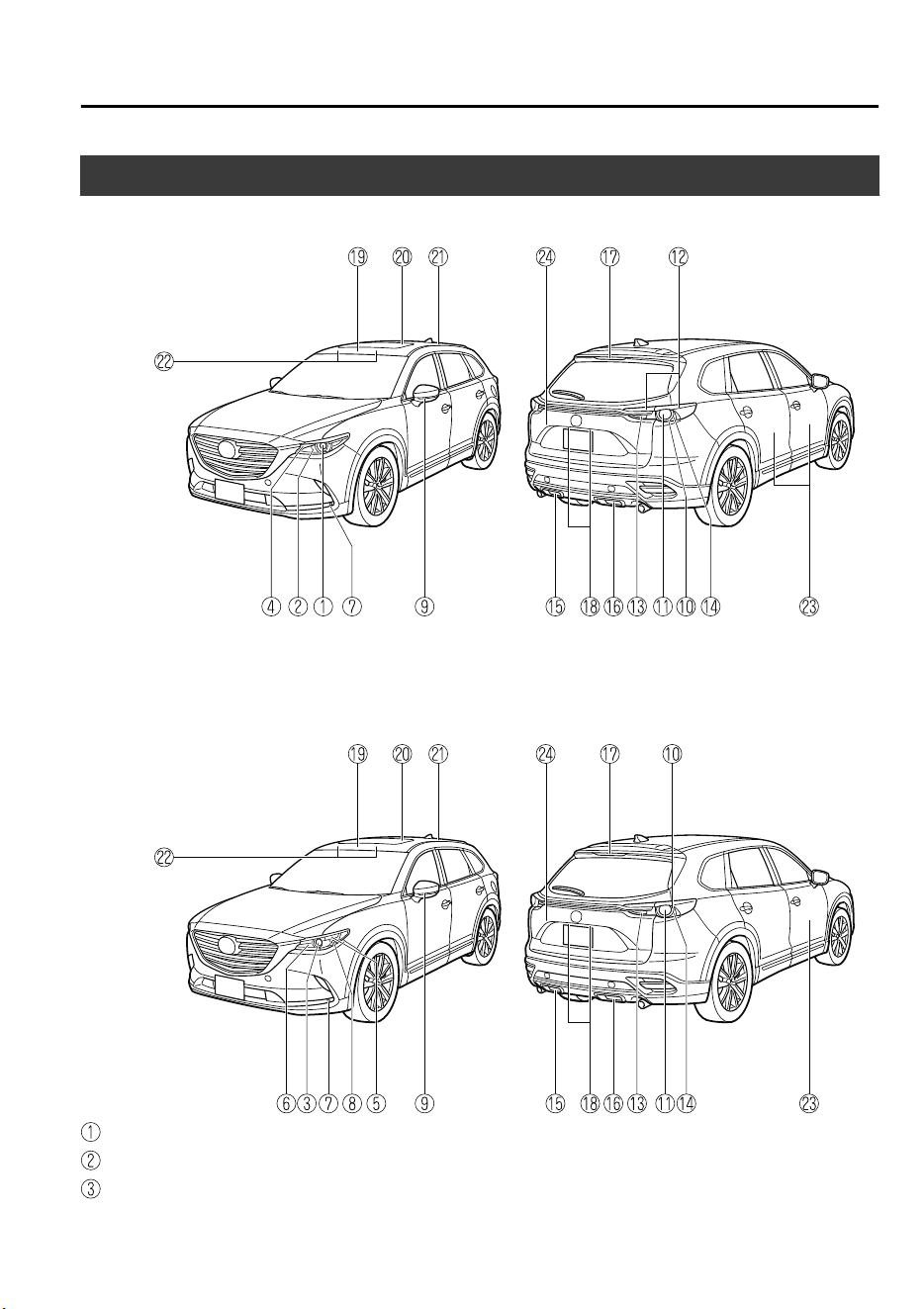
Light Bulbs
Type A (With Adaptive LED Headlights (ALH))
Type B (Without Adaptive LED Headlights (ALH))
Headlights (Low beam)
Headlights (High beam)
Headlights (Low/High beam)
Maintenance and Care
Owner Maintenance
6-39
CX-9_8GC7-EE-17G_Edition1 2017-5-16 8:22:04
Running lights/Parking lights/Front turn signal lights
Parking lights
Running lights
Front fog lights
*
Front turn signal lights
Side turn signal lights
Brake lights/Taillights
Rear turn signal lights
Taillights
Reverse lights
Brake lights
Rear fog light (Left-hand drive model)
*
Rear fog light (Right-hand drive model)
*
High-mount brake light
License plate lights
Overhead lights (Front)/Map lights (Front)
Map lights (Center)
Overhead light (Rear)
Vanity mirror lights
Ambient lights (Front/Rear door pocket)
Luggage compartment light
CAUTION
When removing the lens or lamp unit using
a athead screwdriver, make sure that the
athead screwdriver does not contact the
interior terminal. If the athead screwdriver
contacts the terminal, a short circuit may
occur.
NOTE
•
To replace the bulb, contact an expert
repairer, we recommend an Authorized
Mazda Repairer.
•
Use the protective cover and carton for
the replacement bulb to dispose of the
old bulb promptly and out of the reach
of children.
▼
Replacing Exterior Light Bulbs
Headlights, Running lights/Parking
lights/Front turn signal lights (type A),
Front fog lights
*
, Brake lights,
Taillights, High-mount brake light, Side
turn signal lights
The LED bulb cannot be replaced as a
single unit because it is an integrated unit.
The LED bulb has to be replaced with the
unit. We recommend an Authorized
Mazda Repairer when the replacement is
necessary.
Maintenance and Care
Owner Maintenance
6-40
*Some models.
CX-9_8GC7-EE-17G_Edition1 2017-5-16 8:22:04
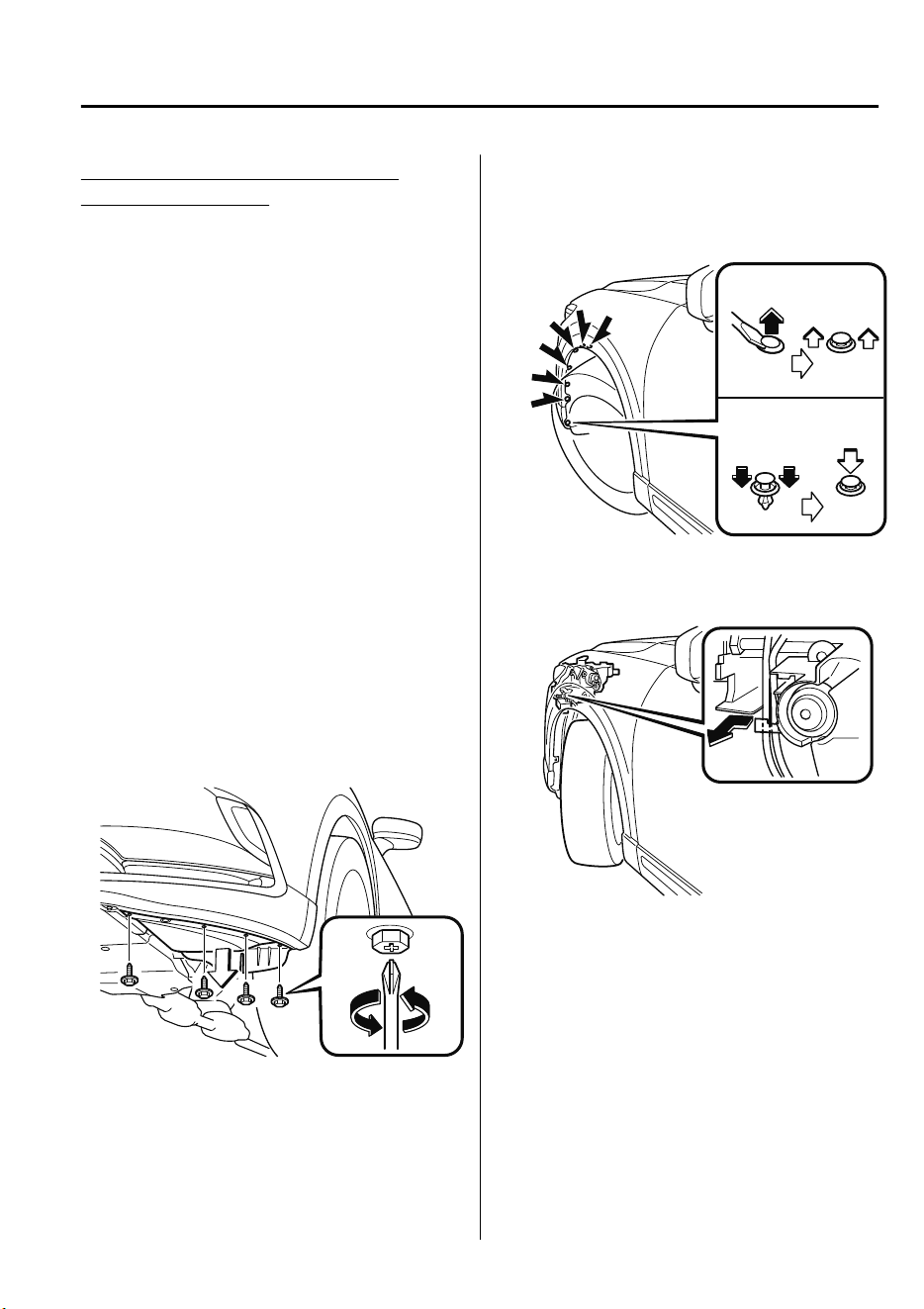
Parking lights (type B), Front turn
signal lights (type B)
NOTE
When replacing a bulb for the front turn
signal lights and parking lights/front
side-marker lights, turn the steering wheel
and change the direction in which the tires
are pointed to the position where the bulb
replacement can be done easily.
Turn the steering wheel after starting the
engine and stop the engine after you finish
turning the steering wheel.
1. If you are changing the right bulb, start
the engine, turn the steering wheel all
the way to the right, and turn off
engine. If you are changing the left
bulb, turn the steering wheel to the left,
and turn off engine.
2. Make sure the ignition is switched off,
and the headlight switch is off.
3. Turn the screw counterclockwise and
remove it.
4. Pull the center of each plastic retainer
and remove the retainers, and then
partially peel back the mudguard.
Removal
Installation
5. Disconnect the wiring harness by
releasing the clamp.
6. Turn the socket and bulb assembly
counterclockwise and remove it.
Maintenance and Care
Owner Maintenance
6-41
CX-9_8GC7-EE-17G_Edition1 2017-5-16 8:22:04
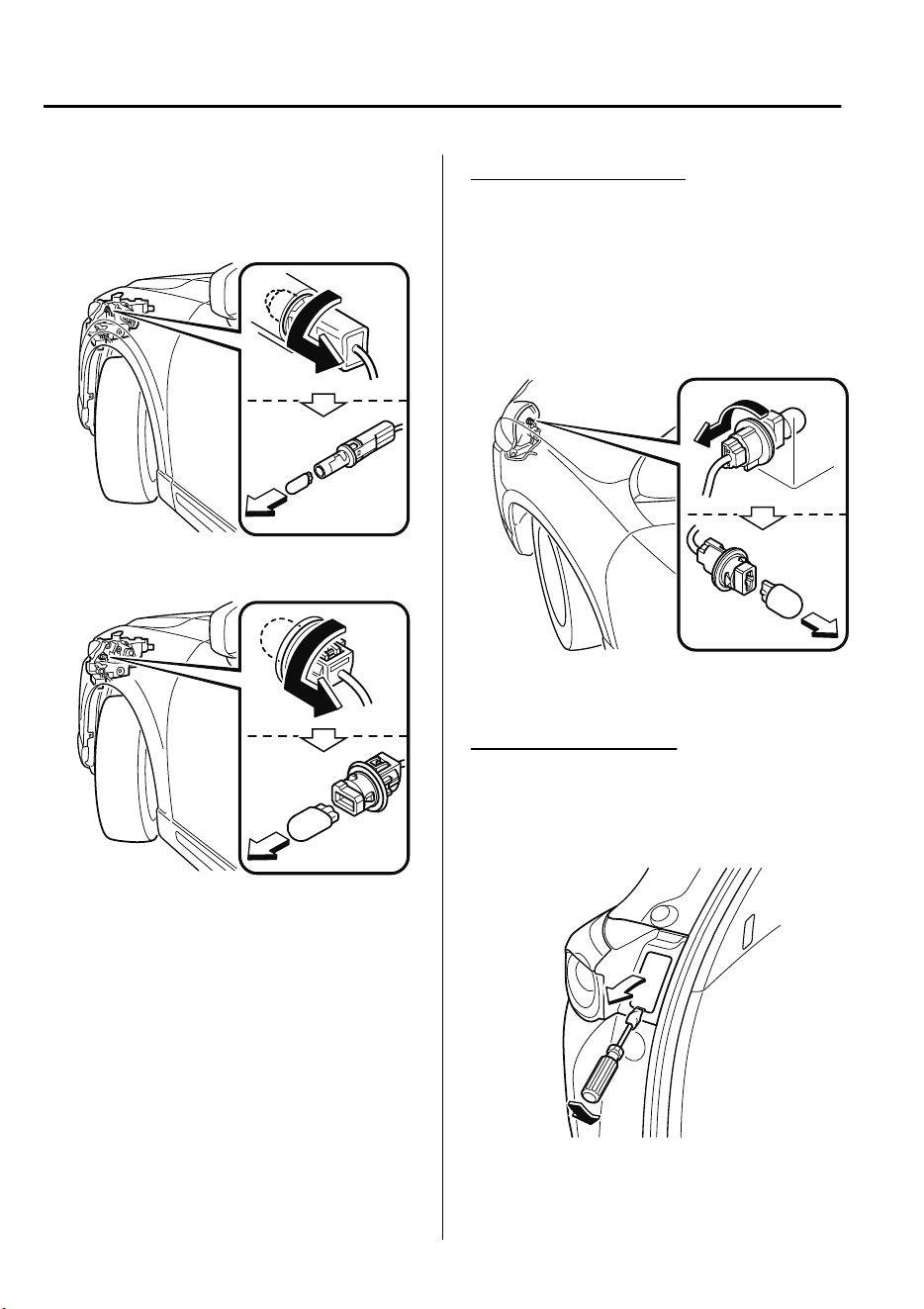
7. Disconnect the bulb from the socket.
Parking lights
Front turn signal lights
8. Install the new bulb in the reverse
order of the removal procedure.
NOTE
There will be no problem with
functionality with the wiring harness
disconnected in Step 5 left
disconnected.
Therefore, there is no need to connect
the wiring harness.
Running lights (type B)
1. Make sure the ignition is switched off,
and the headlight switch is off.
2. Turn the screws counterclockwise and
remove them.
3. Turn the socket and bulb assembly
counterclockwise and remove it.
4. Install the new bulb in the reverse
order of the removal procedure.
Rear turn signal lights
1. Make sure the ignition is switched off,
and the headlight switch is off.
2. Remove the cover.
Maintenance and Care
Owner Maintenance
6-42
CX-9_8GC7-EE-17G_Edition1 2017-5-16 8:22:04
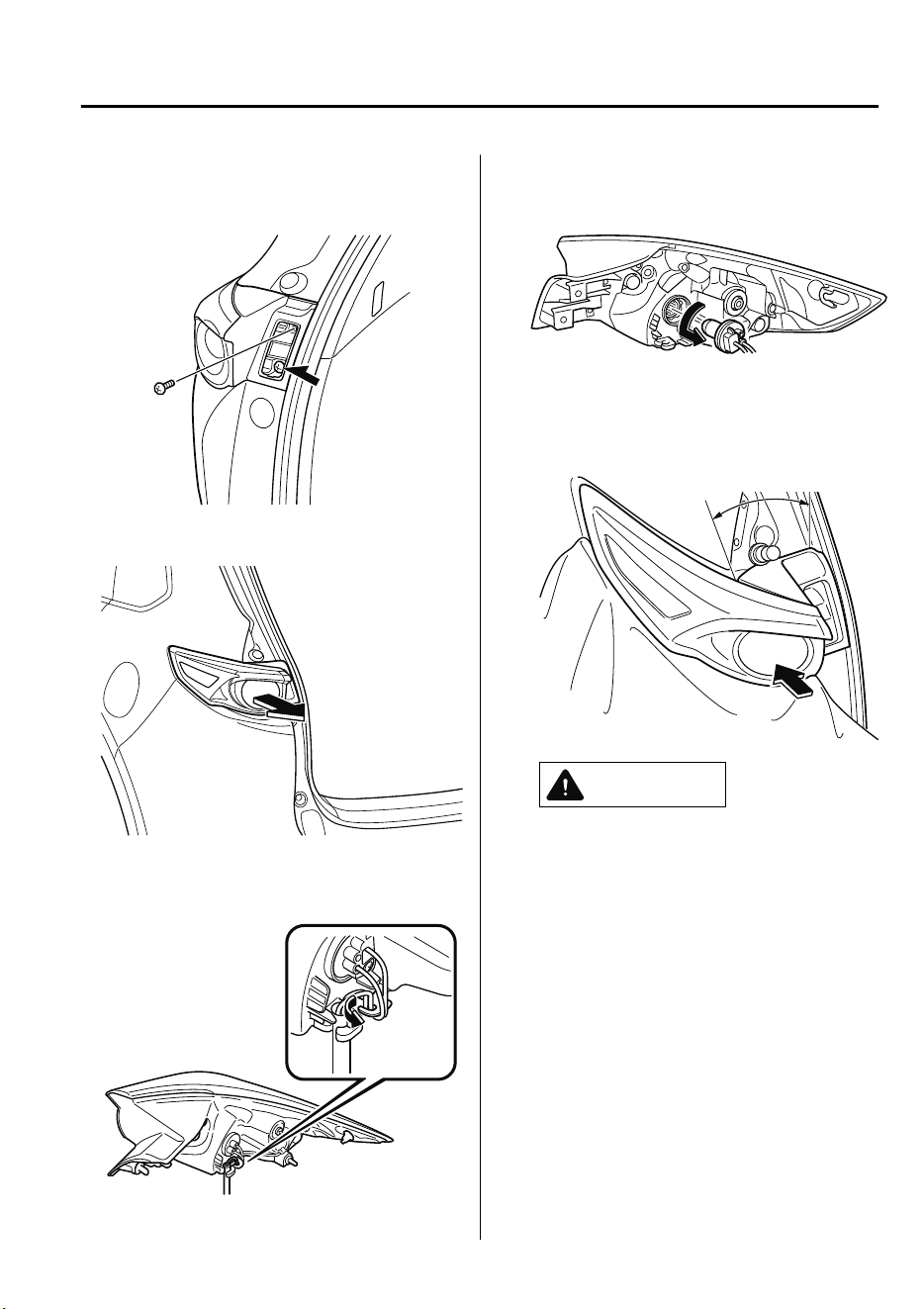
3. Turn the screws counterclockwise and
remove them.
4. Pull the unit rearward to remove it.
5. Disconnect the wiring harness by
releasing the clamp.
6. Turn the socket and bulb assembly
counterclockwise and remove it.
7. Temporarily install the light unit with
the socket pulled out of the top of the
light unit.
Socket pull-out range
CAUTION
The wiring harness may be damaged
when temporarily installing the light
unit. When performing the
procedure, observe the following
points.
Pull out the socket from within the
socket pull-out range shown in the
gure.
Do not push the light unit into the
vehicle with force.
When temporarily installing the light
unit, cover the rear bumper light unit
installation surface with a soft cloth.
The rear bumper may be scratched or
damaged if the light unit contacts it.
Maintenance and Care
Owner Maintenance
6-43
CX-9_8GC7-EE-17G_Edition1 2017-5-16 8:22:04
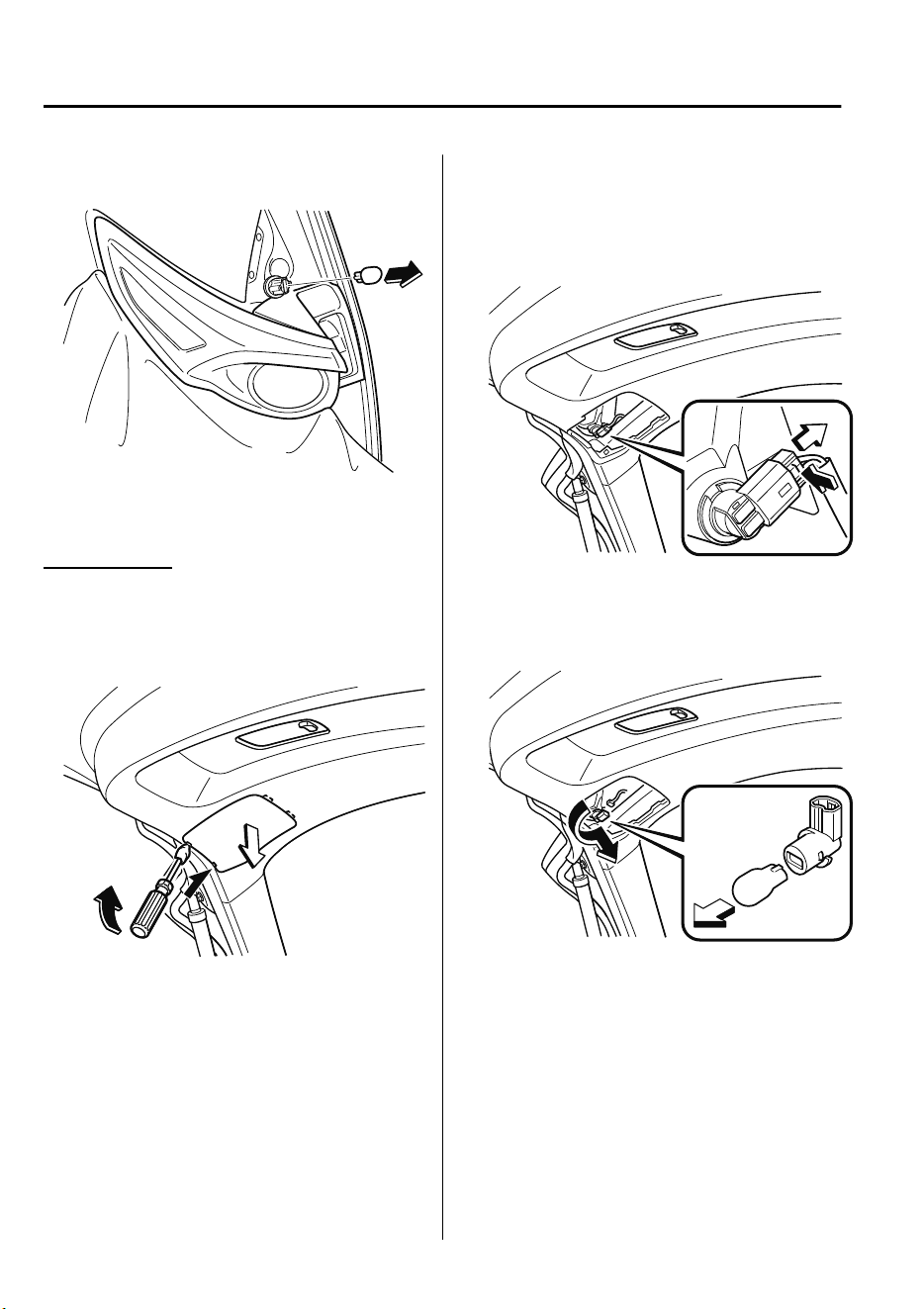
8. Disconnect the bulb from the socket.
9. Install the new bulb in the reverse
order of the removal procedure.
Reverse lights
1. Make sure the ignition is switched off,
and the headlight switch is off.
2. Remove the cover.
3. Disconnect the electrical connector
from the bulb by pressing the tab on
the connector with your finger and
pulling the connector.
4. Turn the socket and bulb assembly
counterclockwise and remove it.
5. Disconnect the bulb from the socket.
6. Install the new bulb in the reverse
order of the removal procedure.
Maintenance and Care
Owner Maintenance
6-44
CX-9_8GC7-EE-17G_Edition1 2017-5-16 8:22:04
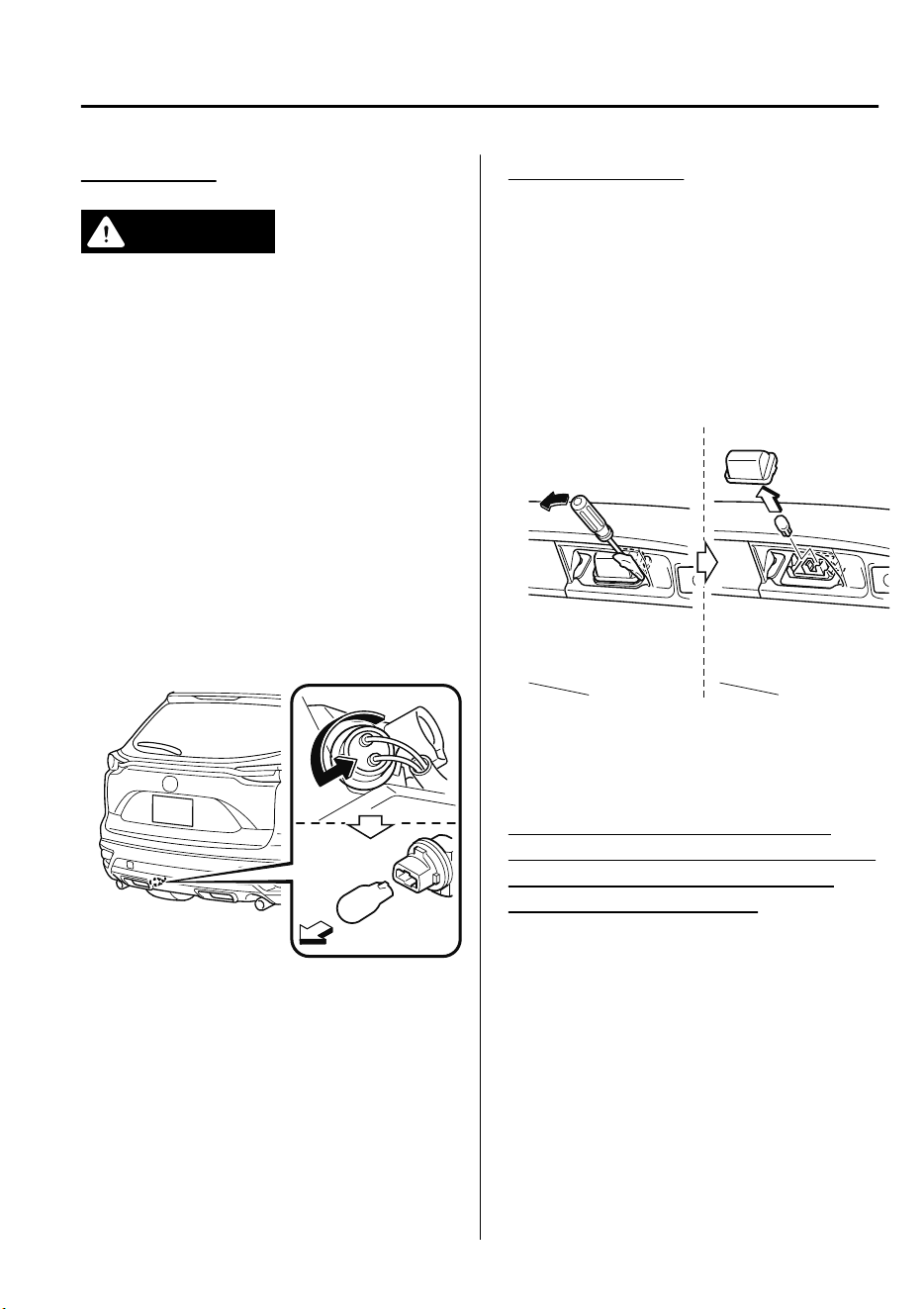
Rear fog light
*
WARNING
Do not replace the rear fog light bulb just
after turning
o
the engine:
Replacing the fog light bulb just after
turning
o
the engine is dangerous
because the exhaust pipe near the rear fog
light would still be very hot and could
cause a burn if you touch it. Replace the
bulb after the exhaust pipe has cooled.
1. Make sure the ignition is switched off,
and the headlight switch is off.
2. Turn the screws counterclockwise and
remove them.
3. Turn the socket and bulb assembly
counterclockwise and remove it.
4. Install the new bulb in the reverse
order of the removal procedure.
License plate lights
1. Make sure the ignition is switched off,
and the headlight switch is off.
2. Wrap a flathead screwdriver with a
soft cloth to prevent damage to the
lens, and then remove the lens by
carefully prying on the edge of the lens
with a flathead screwdriver.
3. Disconnect the bulb by pulling it out.
4. Install the new bulb in the reverse
order of the removal procedure.
▼
Replacing Interior Light Bulbs
Overhead lights (Front)/Map lights
(Front) (LED type), Map lights (Center)
(LED type), Overhead lights (Rear)
(LED type), Ambient lights
The LED bulb cannot be replaced as a
single unit because it is an integrated unit.
The LED bulb has to be replaced with the
unit. We recommend an Authorized
Mazda Repairer when the replacement is
necessary.
Maintenance and Care
Owner Maintenance
*Some models.
6-45
CX-9_8GC7-EE-17G_Edition1 2017-5-16 8:22:04
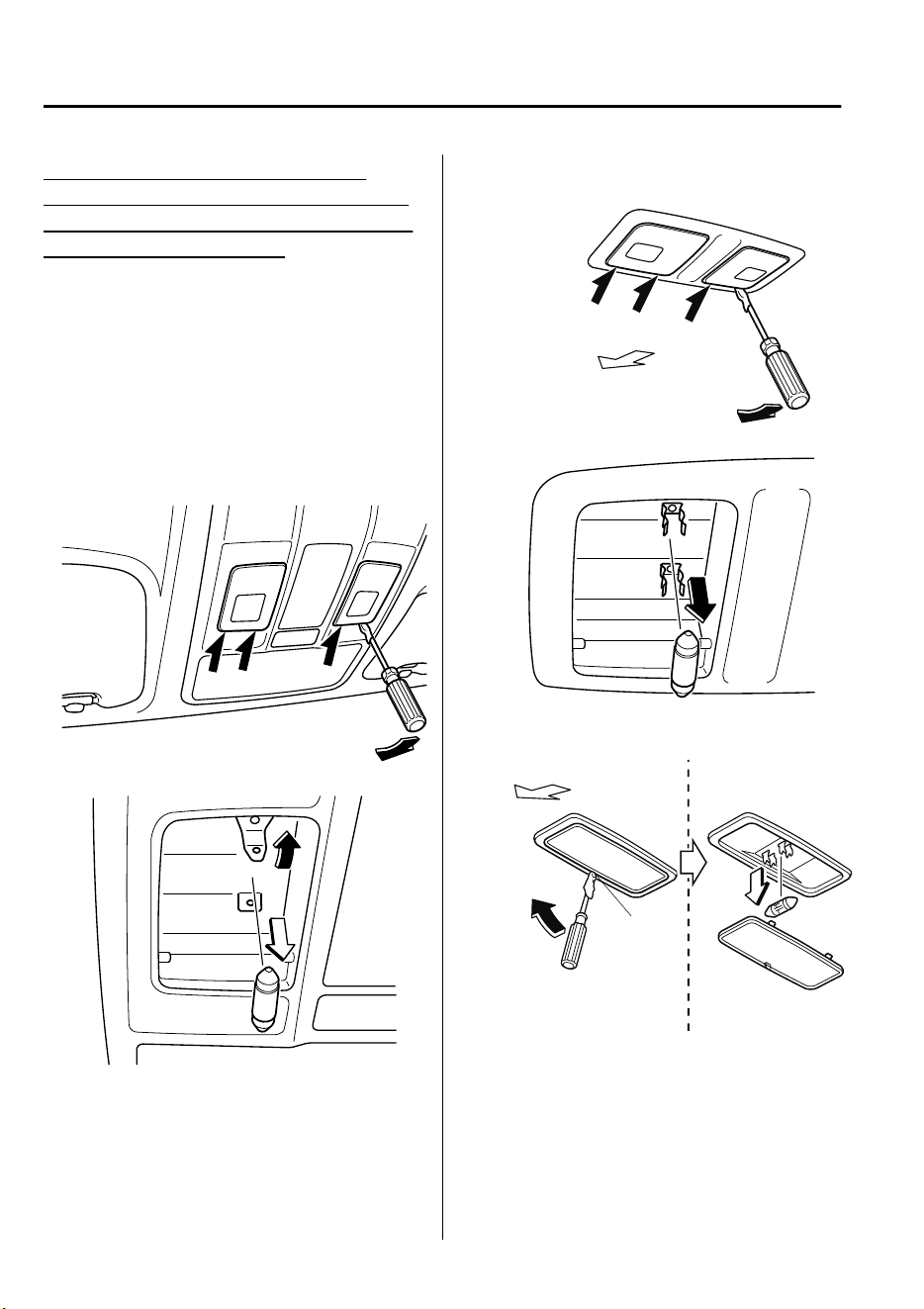
Overhead lights (Front)/Map lights
(Front) (bulb type), Map lights (Center)
(bulb type), Overhead light (Rear) (bulb
type), Vanity mirror lights
1. Wrap a small flathead screwdriver with
a soft cloth to prevent damage to the
lens, and then remove the lens by
carefully prying on the edge of the lens
with the flathead screwdriver.
2. Disconnect the bulb by pulling it out.
Overhead lights (Front)/Map lights
(Front)
Map lights (Center)
Forward
Overhead light (Rear)
Edge
Forward
Maintenance and Care
Owner Maintenance
6-46
CX-9_8GC7-EE-17G_Edition1 2017-5-16 8:22:04
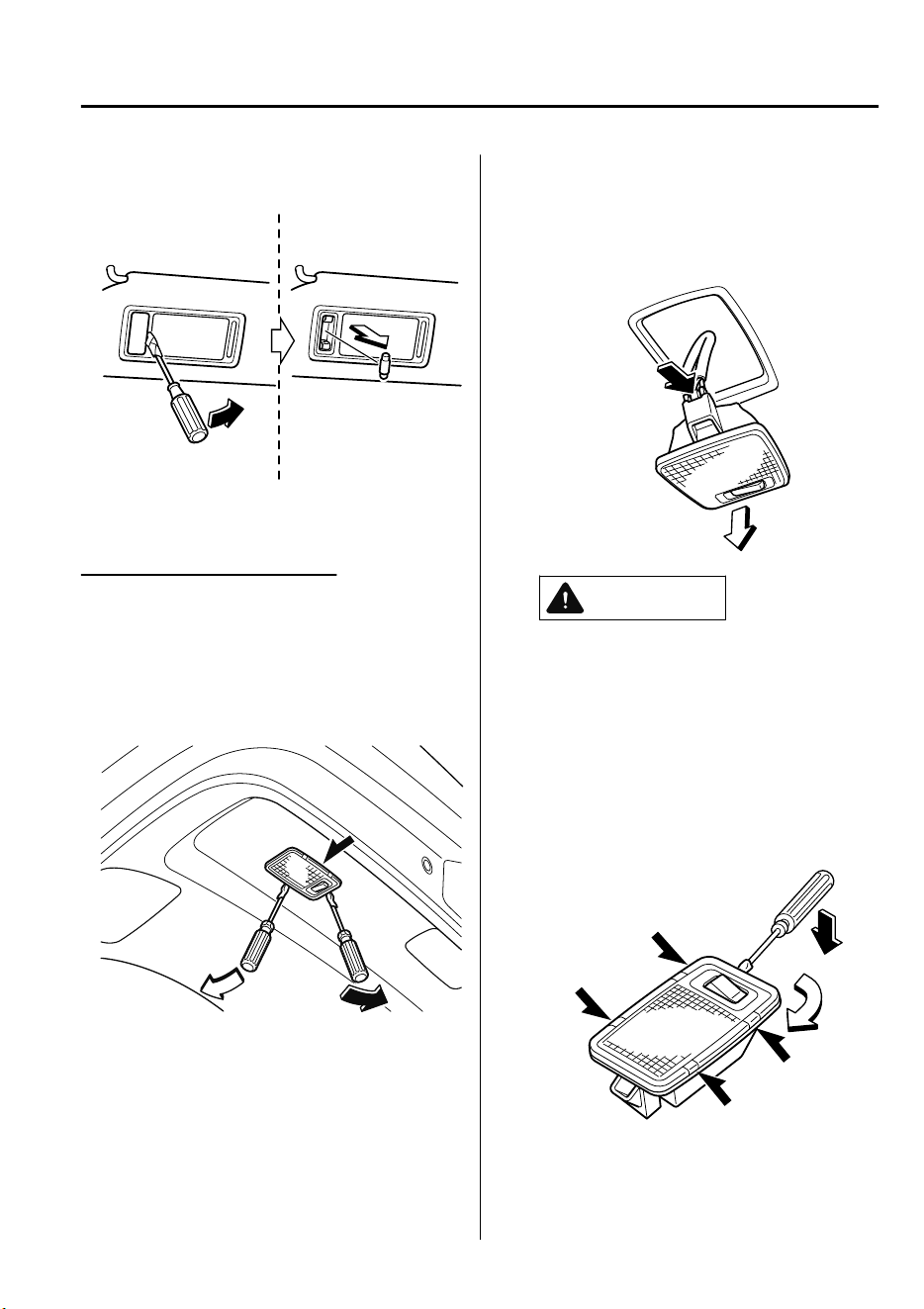
Vanity mirror lights
3. Install the new bulb in the reverse
order of the removal procedure.
Luggage compartment light
1. Wrap a small flathead screwdriver with
a soft cloth to prevent damage to the
lens and remove the lens unit by
carefully prying on the edge of the lens
unit with the flathead screwdriver.
2. Disconnect the electrical connector
from the bulb by pressing the tab on
the connector with your finger and
pulling the connector.
CAUTION
When replacing the bulb always
disconnect the connector rst.
Otherwise, electric and electronic
devices could be shorted.
3. Insert the flathead screwdriver into the
gap between the lens and the lens unit,
and then slide the screwdriver to
detach the lens.
Maintenance and Care
Owner Maintenance
6-47
CX-9_8GC7-EE-17G_Edition1 2017-5-16 8:22:04
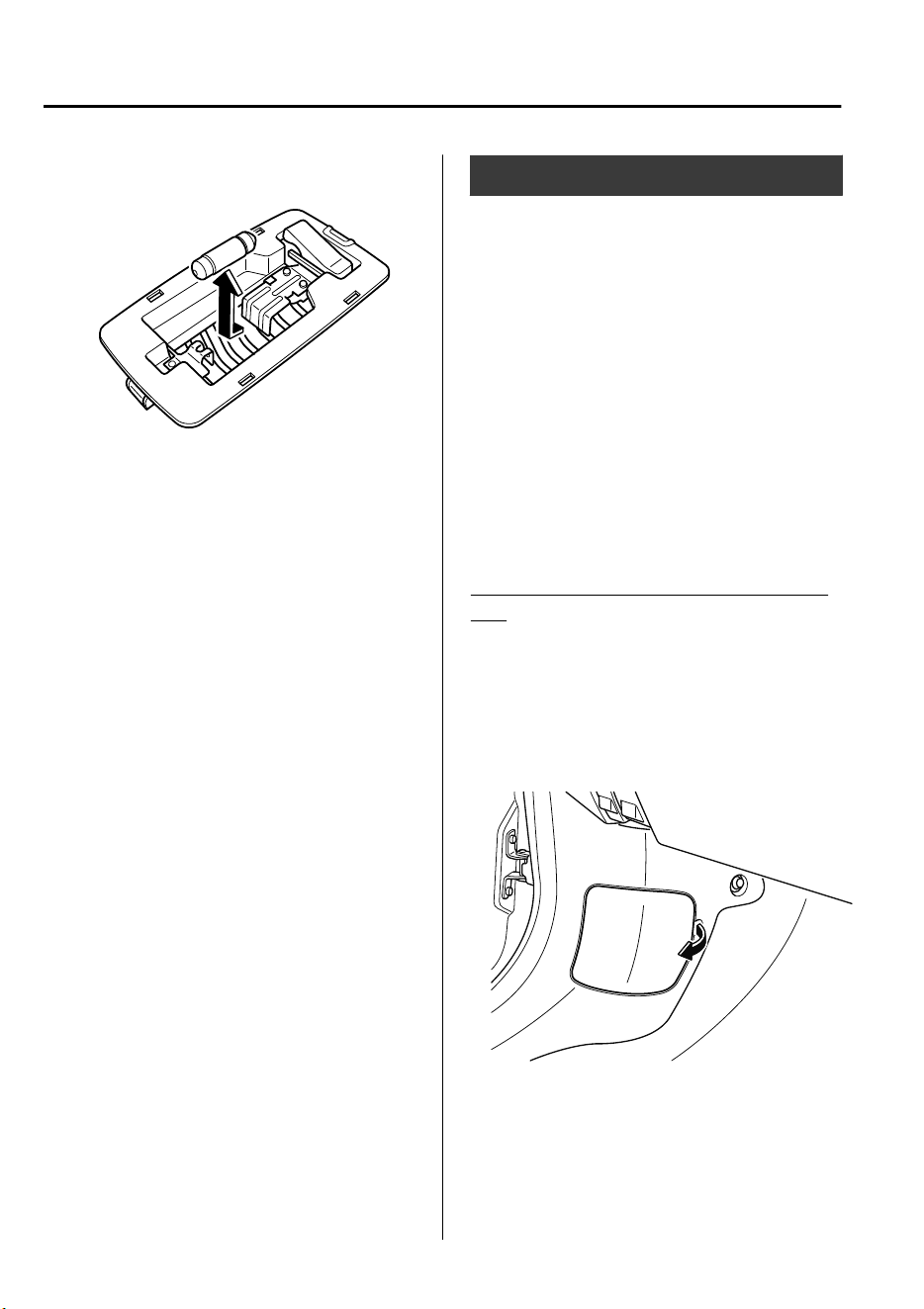
4. Disconnect the bulb by pulling it out.
5. Install the new bulb in the reverse
order of the removal procedure.
Fuses
Your vehicle's electrical system is
protected by fuses.
If any lights, accessories, or controls do
not work, inspect the appropriate circuit
protector. If a fuse has blown, the inside
element will be melted.
If the same fuse blows again, avoid using
that system and consult an expert repairer,
we recommend an Authorized Mazda
Repairer as soon as possible.
▼
Fuse Replacement
Replacing the fuses on the vehicle's left
side
If the electrical system does not work, first
inspect the fuses on the vehicle's left side.
1. Make sure the ignition is switched off,
and other switches are off.
2. Open the fuse panel cover.
Maintenance and Care
Owner Maintenance
6-48
CX-9_8GC7-EE-17G_Edition1 2017-5-16 8:22:04
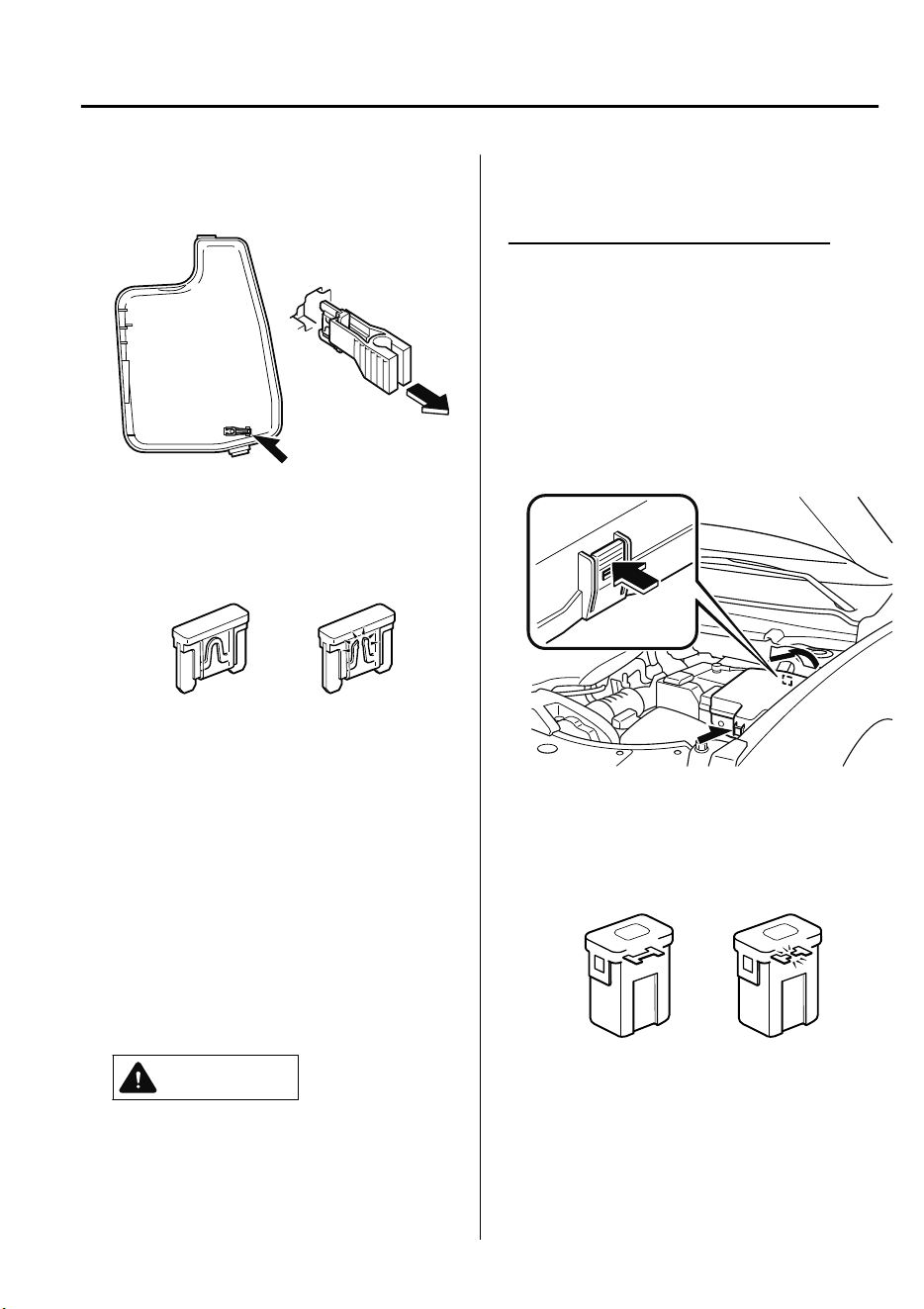
3. Pull the fuse straight out with the fuse
puller provided on the fuse block
located in the engine compartment.
4. Inspect the fuse and replace it if it is
blown.
Normal
Blown
5. Insert a new fuse of the same
amperage rating, and make sure it fits
tightly. If it does not fit tightly, have an
expert install it. We recommend an
Authorized Mazda Repairer.
If you have no spare fuses, borrow one
of the same rating from a circuit not
essential to vehicle operation, such as
the AUDIO or OUTLET circuit.
CAUTION
Always replace a fuse with a genuine
Mazda fuse or equivalent of the same
rating. Otherwise you may damage the
electric system.
6. Reinstall the cover and make sure that
it is securely installed.
Replacing the fuses under the hood
If the headlights or other electrical
components do not work and the fuses in
the cabin are normal, inspect the fuse
block under the hood. If a fuse is blown, it
must be replaced. Follow these steps:
1. Make sure the ignition is switched off,
and other switches are off.
2. Remove the fuse block cover.
3. If any fuse but the MAIN fuse is
blown, replace it with a new one of the
same amperage rating.
Normal
Blown
Maintenance and Care
Owner Maintenance
6-49
CX-9_8GC7-EE-17G_Edition1 2017-5-16 8:22:04
WARNING
Do not replace the main fuse by
yourself. Have an Authorized Mazda
Repairer perform the replacement:
Replacing the fuse by yourself is
dangerous because the MAIN fuse is a
high current fuse. Incorrect
replacement could cause an electrical
shock or a short circuit resulting in a
re.
4. Reinstall the cover and make sure that
it is securely installed.
Maintenance and Care
Owner Maintenance
6-50
CX-9_8GC7-EE-17G_Edition1 2017-5-16 8:22:04
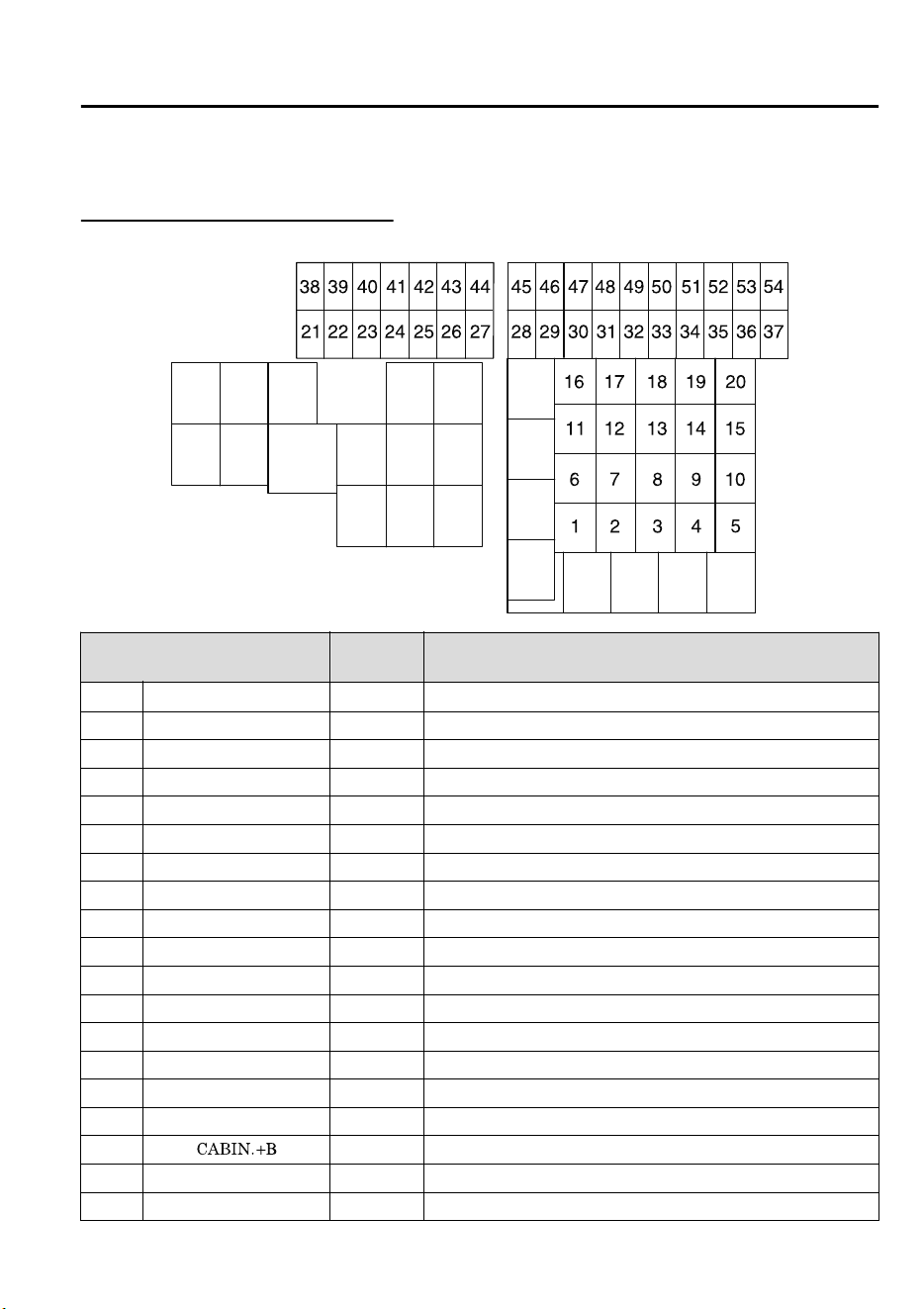
▼
Fuse Panel Description
Fuse block (Engine compartment)
DESCRIPTION
FUSE
RATING
PROTECTED COMPONENT
1 WIPER.DEI 20 A
Windshield wiper de-icer
*
2 IG2 30 A For protection of various circuits
3 INJECTOR 30 A Engine control system
4― ― ―
5 P.WINDOW1 30 A ―
6― ― ―
7― ― ―
8 EVVT 20 A Engine control system
9 DEFOG 40 A Rear window defogger
10 ― ― ―
11 R.HEATER 40 A Air conditioner
12 EPB L 20 A Electric parking brake (EPB) (LH)
13 AUDIO 40 A Audio system
14 EPB R 20 A Electric parking brake (EPB) (RH)
15 ENG.MAIN 40 A Engine control system
16 ABS/DSC M 50 A ABS, Dynamic stability control system
17
50 A For protection of various circuits
18 WIPER 20 A Front window wiper and washer
19 HEATER 40 A Air conditioner
Maintenance and Care
Owner Maintenance
*Some models.
6-51
CX-9_8GC7-EE-17G_Edition1 2017-5-16 8:22:04
DESCRIPTION
FUSE
RATING
PROTECTED COMPONENT
20 ― ― ―
21 ENGINE.IG1 7.5 A Engine control system
22 C/U IG1 15 A For protection of various circuits
23 H/L LOW L 15 A Headlight low beam (LH)
24 H/L LOW R1 15 A
Headlight low beam (RH)
*
25 ENGINE3 15 A Engine control system
26 ENGINE2 15 A Engine control system
27 ENGINE1 15 A Engine control system
28 AT 15 A Transaxle control system
29 H/CLEAN 20 A
Headlight washer
*
30 A/C 7.5 A Air conditioner
31 AT PUMP 15 A ―
32 STOP 10 A Brake lights
33 R.WIPER 15 A Rear window wiper
34 H/L HI 20 A Headlight high beam
35 H/L LOW R2 15 A
Headlight low beam (RH)
*
36 FOG 15 A
Fog lights
*
37 7.5 A Engine control system
38 AUDIO2 7.5 A
Audio system
*
39 INTERIOR 10 A Overhead light
40 METER2 15 A ―
41 METER1 10 A Instrument cluster
42 SRS1 7.5 A Air bag
43 AUDIO4 10 A
Audio system
*
44 AUDIO1 25 A
Audio system
*
45 ABS/DSC S 30 A ABS, Dynamic stability control system
46 ― ― ―
47 ST.HEATER 15 A
Heated steering wheel
*
48 TAIL 15 A Parking lights
49 FUEL PUMP2 25 A Fuel system
50 HAZARD 25 A Hazard warning flashers, Turn signal lights, Taillights
51 DRL 15 A Running lights
52 R.OUTLET2 15 A Accessory sockets
53 HORN 15 A Horn
54 ROOM 25 A For protection of various circuits
Maintenance and Care
Owner Maintenance
6-52
*Some models.
CX-9_8GC7-EE-17G_Edition1 2017-5-16 8:22:04
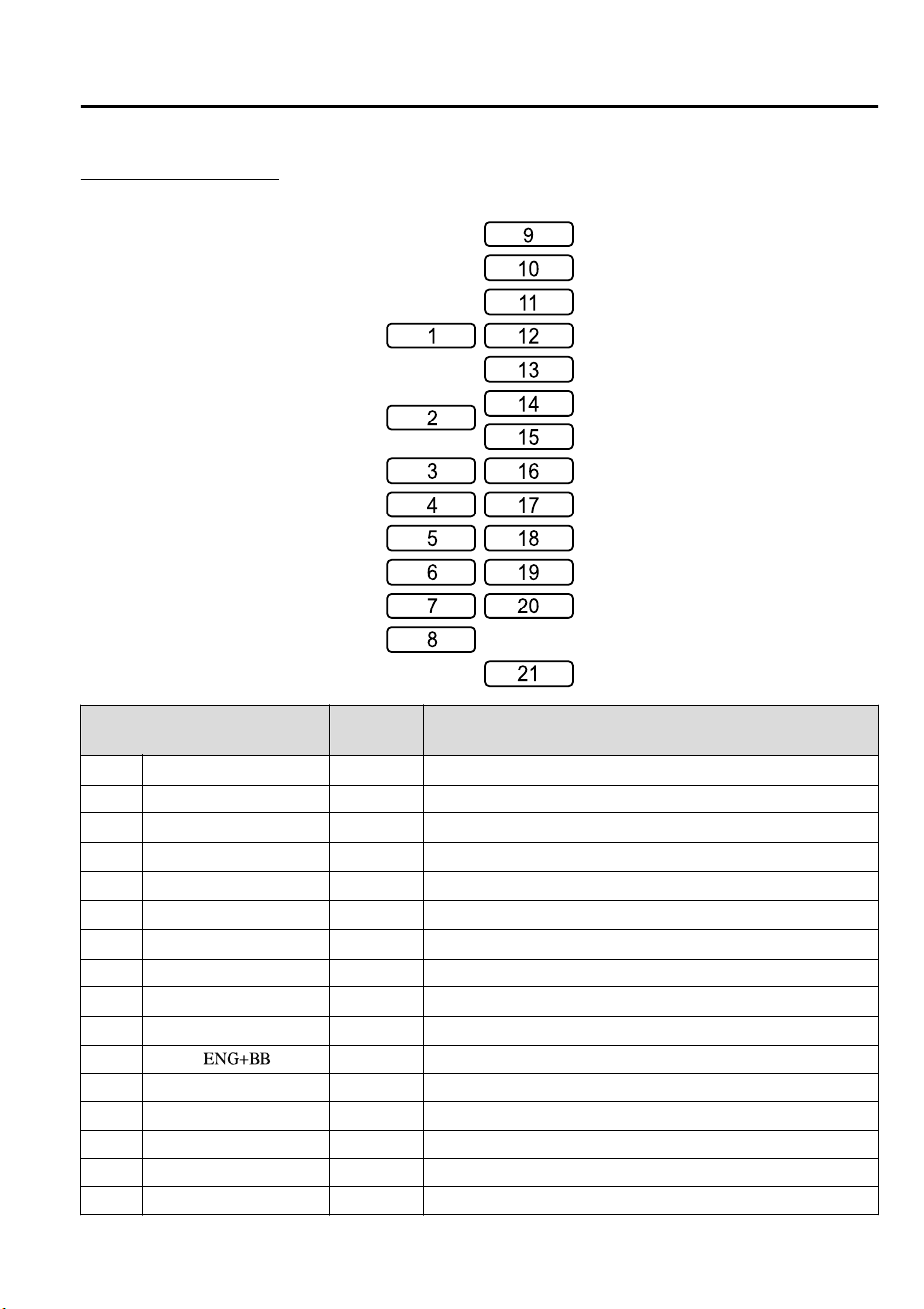
Fuse block (Left side)
DESCRIPTION
FUSE
RATING
PROTECTED COMPONENT
1 P.SEAT D 30 A
Power seat
*
2 P.WINDOW3 30 A Power windows
3 R.OUTLET3 15 A
Accessory sockets
*
4 P.WINDOW2 25 A Power windows
5PLG 20 A
Power liftgate
*
6 D.LOCK 25 A Power door locks
7 SEAT WARM 20 A
Seat warmer
*
8 SRS2/ESCL 15 A Electronic steering lock
9 SUNROOF 10 A
Sunroof
*
10 INTERIOR2 15 A Audio system
11
7.5 A Engine control system
12 MIRROR 7.5 A Power control mirror
13 AT IND 7.5 A AT shift indicator
14 F.OUTLET 15 A Accessory sockets
15 R.OUTLET1 15 A Accessory sockets
16 ― ― ―
Maintenance and Care
Owner Maintenance
*Some models.
6-53
CX-9_8GC7-EE-17G_Edition1 2017-5-16 8:22:04
DESCRIPTION
FUSE
RATING
PROTECTED COMPONENT
17 M.DEF 7.5 A
Mirror defogger
*
18 R.SEAT.WARM 20 A
Seat warmer
*
19 AUDIO3 15 A Audio system
20 ― ― ―
21 P.SEAT P 30 A
Power seat
*
Maintenance and Care
Owner Maintenance
6-54
*Some models.
CX-9_8GC7-EE-17G_Edition1 2017-5-16 8:22:04
Exterior Care
The paintwork on your Mazda represents
the latest technical developments in
composition and methods of application.
Environmental hazards, however, can
harm the paint's protective properties, if
proper care is not taken.
Here are some examples of possible
damage, with tips on how to prevent them.
Etching Caused by Acid Rain or
Industrial Fallout
Occurrence
Industrial pollutants and vehicle emissions
drift into the air and mix with rain or dew
to form acids. These acids can settle on a
vehicle's finish. As the water evaporates,
the acid becomes concentrated and can
damage the finish.
And the longer the acid remains on the
surface, the greater the chance is for
damage.
Prevention
It is necessary to wash and wax your
vehicle to preserve its finish according to
the instructions in this section. These steps
should be taken immediately after you
suspect that acid rain has settled on your
vehicle's finish.
Damage Caused by Bird Dropping,
Insects, or Tree Sap
Occurrence
Bird droppings contain acids. If these are
not removed they can eat away the clear
and color base coat of the vehicle's
paintwork.
When insects stick to the paint surface and
decompose, corrosive compounds form.
These can erode the clear and color base
coat of the vehicle's paintwork if they are
not removed.
Tree sap will harden and adhere
permanently to the paint finish. If you
scratch the sap off while it is hard, some
vehicle paint could come off with it.
Prevention
It is necessary to have your Mazda washed
and waxed to preserve its finish according
to the instructions in this section. This
should be done as soon as possible.
Bird droppings can be removed with a soft
sponge and water. If you are traveling and
these are not available, a moistened tissue
may also take care of the problem. The
cleaned area should be waxed according to
the instructions in this section.
Insects and tree sap are best removed with
a soft sponge and water or a commercially
available chemical cleaner.
Another method is to cover the affected
area with dampened newspaper for one to
two hours. After removing the newspaper,
rinse off the loosened debris with water.
Maintenance and Care
Appearance Care
6-55
CX-9_8GC7-EE-17G_Edition1 2017-5-16 8:22:04
Water Marks
Occurrence
Rain, fog, dew, and even tap water can
contain harmful minerals such as salt and
lime. If moisture containing these minerals
settles on the vehicle and evaporates, the
minerals will concentrate and harden to
form white rings. The rings can damage
your vehicle's finish.
Prevention
It is necessary to wash and wax your
vehicle to preserve its finish according to
the instructions in this section. These steps
should be taken immediately after you find
water marks on your vehicle's finish.
Paint Chipping
Occurrence
Paint chipping occurs when gravel thrown
in the air by another vehicle's tires hits
your vehicle.
How to avoid paint chipping
Keeping a safe distance between you and
the vehicle ahead reduces the chances of
having your paint chipped by flying
gravel.
NOTE
•
The paint chipping zone varies with the
speed of the vehicle. For example, when
traveling at 90 km/h (56 mph), the paint
chipping zone is 50 m (164 ft).
•
In low temperatures a vehicle's finish
hardens. This increases the chance of
paint chipping.
•
Chipped paint can lead to rust forming
on your Mazda. Before this happens,
repair the damage by using Mazda
touch-up paint according to the
instructions in this section. Failure to
repair the affected area could lead to
serious rusting and expensive repairs.
Follow all label and container directions
when using a chemical cleaner or polish.
Read all warnings and cautions.
▼
Maintaining the Finish
Washing
CAUTION
When the wiper lever is in the
position and the ignition is switched ON,
the wipers may move automatically in
the following cases:
If the windshield above the rain sensor
is touched or wiped with a cloth.
If the windshield is struck with a hand
or other object from either outside or
inside the vehicle.
Keep hands and scrapers clear of the
windshield when the wiper lever is in the
position and the ignition is
switched ON as
ngers
could be pinched
or the wipers and wiper blades damaged
when the wipers activate automatically.
If you are going to clean the windshield,
be sure the wipers are turned o
completely (when it is most likely that the
engine is left running) this is particularly
important when clearing ice and snow.
Maintenance and Care
Appearance Care
6-56
CX-9_8GC7-EE-17G_Edition1 2017-5-16 8:22:04
Do not spray water in the engine
compartment. Otherwise, it could result
in engine-starting problems or damage
to electrical parts.
When washing and waxing the vehicle,
be careful not to apply excessive force to
any single area of the vehicle roof.
Otherwise, you could dent the vehicle.
To help protect the finish from rust and
deterioration, wash your Mazda
thoroughly and frequently, at least once a
month, with lukewarm or cold water.
If the vehicle is washed improperly, the
paint surface could be scratched. Here are
some examples of how scratching could
occur.
Scratches occur on the paint surface when:
•
The vehicle is washed without first
rinsing off dirt and other foreign matter.
•
The vehicle is washed with a rough, dry,
or dirty cloth.
•
The vehicle is washed at a car wash that
uses brushes that are dirty or too stiff.
•
Cleansers or wax containing abrasives
are used.
NOTE
•
Mazda is not responsible for scratches
caused by automatic car washes or
improper washing.
•
Scratches are more noticeable on
vehicles with darker paint finishes.
To minimize scratches on the vehicle's
paint finish:
•
Rinse off any dirt or other foreign matter
using lukewarm or cold water before
washing.
•
Use plenty of lukewarm or cold water
and a soft cloth when washing the
vehicle. Do not use a nylon cloth.
•
Rub gently when washing or drying the
vehicle.
•
Take your vehicle only to a car wash
that keeps its brushes well maintained.
•
Do not use abrasive cleansers or wax
that contain abrasives.
CAUTION
Do not use steel wool, abrasive cleaners,
or strong detergents containing highly
alkaline or caustic agents on
chrome-plated or anodized aluminum
parts. This may damage the protective
coating; also, cleaners and detergents
may discolor or deteriorate the paint.
Pay special attention to removing salt, dirt,
mud, and other foreign material from the
underside of the fenders, and make sure
the drain holes in the lower edges of the
doors and rocker panels are clean.
Insects, tar, tree sap, bird droppings,
industrial fallout, and similar deposits can
damage the finish if not removed
immediately. When prompt washing with
plain water is ineffective, use a mild soap
made for use on vehicles.
Thoroughly rinse off all soap with
lukewarm or cold water. Do not allow
soap to dry on the finish.
After washing the vehicle, dry it with a
clean chamois to prevent water spots from
forming.
Maintenance and Care
Appearance Care
6-57
CX-9_8GC7-EE-17G_Edition1 2017-5-16 8:22:04
WARNING
Dry
o
brakes that have become wet by
driving slowly, releasing the accelerator
pedal and lightly applying the brakes
several times until the brake performance
returns to normal:
Driving with wet brakes is dangerous.
Increased stopping distance or the vehicle
pulling to one side when braking could
result in a serious accident. Light braking
will indicate whether the brakes have been
aected.
When using an automatic car wash
•
Retract the door mirrors.
•
The automatic car wash brushes could
reduce the paint lustre or hasten paint
deterioration.
When using a high water pressure car
wash
High water temperature and high water
pressure car washers are available
depending on the type of car wash
machine. If the car washer nozzle is put
too close to the vehicle, the force of the
spray could damage or deform the
molding, affect the sealability of parts, and
allow water to penetrate the interior. Keep
a sufficient space (30 cm (12 in) or more)
between the nozzle and the vehicle. In
addition, do not spend too much time
spraying the same area of the vehicle, and
be very careful when spraying between
gaps in doors and around windows.
Waxing
Your vehicle needs to be waxed when
water no longer beads on the finish.
Always wash and dry the vehicle before
waxing it. In addition to the vehicle body,
wax the metal trim to maintain its luster.
1. Use wax which contains no abrasives.
Waxes containing abrasive will remove
paint and could damage bright metal
parts.
2. Use a good grade of natural wax for
metallic, mica, and solid colors.
3. When waxing, coat evenly with the
sponge supplied or a soft cloth.
4. Wipe off the wax with a soft cloth.
NOTE
A spot remover to remove oil, tar, and
similar materials will usually also take off
the wax. Rewax these areas even if the rest
of the vehicle does not need it.
▼
Paint Damage Touch-up
Repair damage to the finish caused by
stone chipping, damage during parking
etc., by using Mazda touch-up paint before
rust begins to form. First, remove the dirt
and grease with a clean soft cloth.
If rust has already begun to form:
1. Remove rust completely with
sandpaper.
2. Wipe with a clean soft cloth.
3. Apply rust preventive primer to the
area.
4. After drying it completely, apply a
suitable top coat material to the area.
Of course there will be no problem if you
assign the work to an expert repairer, we
recommend an Authorized Mazda
Repairer.
Maintenance and Care
Appearance Care
6-58
CX-9_8GC7-EE-17G_Edition1 2017-5-16 8:22:04
▼
Cavity Protection
Cavities are treated for protection at the
factory, but additional protective treatment
after the vehicle has been put into use will
extend the life of the body.
We recommend that you consult an expert
repairer, we recommend an Authorized
Mazda Repairer concerning this additional
precaution.
▼
Bright-Metal Maintenance
•
Use tar remover to remove road tar and
insects. Never do this with a knife or
similar tool.
•
To prevent corrosion on bright-metal
surfaces, apply wax or chrome
preservative and rub it to a high luster.
•
During cold weather or in coastal areas,
cover bright-metal parts with a coating
of wax or preservative heavier than
usual. It would also help to coat them
with noncorrosive petroleum jelly or
some other protective compound.
CAUTION
Do not use steel wool, abrasive cleaners, or
strong detergents containing highly
alkaline or caustic agents on
chrome-plated or anodized aluminum
parts. This may result in damage to the
protective coating and cause discoloration
or paint deterioration.
▼
Undercoating
This special coating is applied to the
critical parts of the underside to protect
vehicles from damage caused by
chemicals or stones. This coating is liable
to be damaged with time. Check this
coating periodically.
Should repairs be necessary, consult an
expert repairer, we recommend an
Authorized Mazda Repairer. They are well
informed on how repairs should be made.
▼
Aluminum Wheel Maintenance
A protective coating is provided over the
aluminum wheels. Special care is needed
to protect this coating.
CAUTION
Do not use any detergent other than mild
detergent. Before using any detergent,
verify the ingredients. Otherwise, the
product could discolor or stain the
aluminum wheels.
NOTE
•
Do not use a wire brush or any abrasive
cleaner, polishing compound, or solvent
on aluminum wheels. They may damage
the coating.
•
Always use a sponge or soft cloth to
clean the wheels.
Rinse the wheels thoroughly with
lukewarm or cold water. Also, be sure to
clean the wheels after driving on dusty
or salted roads to help prevent
corrosion.
•
Avoid washing your vehicle in an
automatic car wash that uses high-speed
or hard brushes.
Maintenance and Care
Appearance Care
6-59
CX-9_8GC7-EE-17G_Edition1 2017-5-16 8:22:04
▼
Plastic Part Maintenance
•
When cleaning the plastic lenses of the
lights, do not use gasoline, kerosene,
rectified spirit, paint, thinner, highly
acidic detergents, or strongly alkaline
detergents. Otherwise, these chemical
agents can discolor or damage the
surfaces resulting in a significant loss in
functionality. If plastic parts become
inadvertently exposed to any of these
chemical agents, flush with water
immediately.
•
If plastic parts such as the bumpers
become inadvertently exposed to
chemical agents or fluids such as
gasoline, oil, engine coolant, or battery
fluid, it could cause discoloration,
staining, or paint peeling. Wipe off any
such chemical agents or fluids using a
soft cloth immediately.
•
High water temperature and high water
pressure car washers are available
depending on the type of high pressure
car washer device. If the car washer
nozzle is put too close to the vehicle or
aimed at one area for an extended period
of time, it could deform plastic parts or
damage the paint.
•
Do not use wax containing compounds
(polish). Otherwise, it could result in
paint damage.
•
In addition, do not use an electrical or
air tool to apply wax. Otherwise, the
frictional heat generated could result in
deformation of plastic parts or paint
damage.
Interior Care
WARNING
Do not spray water into the vehicle cabin:
Spraying water into the vehicle cabin is
dangerous as electrical devices such as the
audio and switches could get wet resulting
in a malfunction or vehicle re.
NOTE
•
Do not wipe the interior using alcohol,
chlorine bleach, or organic solvents
such as thinner, benzene, and gasoline.
Otherwise, it may cause discoloration or
stains.
•
Rubbing hard with a stiff brush or cloth
may cause damage.
If the vehicle interior becomes soiled by
any of the following, wipe it off
immediately using a soft cloth.
Leaving it uncleaned could cause
discoloration, stains, cracks, or peeling of
the coating, and it will make it hard to
wipe off later.
•
Beverage or fragrance
•
Grease or oil
•
Soiling
Maintenance and Care
Appearance Care
6-60
CX-9_8GC7-EE-17G_Edition1 2017-5-16 8:22:04
▼
Seat Belt Maintenance
1. Clean the soiled area by lightly
dabbing it with a soft cloth soaked in a
mild detergent (approx. 5%) diluted
with water.
2. Wipe off the remaining detergent using
a cloth soaked in clean water and
wrung out well.
3. Before retracting seat belts which have
been pulled out for cleaning, dry them
off thoroughly and make sure there is
no remaining moisture on them.
WARNING
If a seat belt appears frayed or has
abrasions, have it replaced by an
Authorized Mazda Repairer:
If a seat belts is used under such a
condition, it cannot function at its full
capacity which could result in serious injury
or death.
Use a mild detergent to remove soiling
from a seat belt:
If organic solvents are used for cleaning the
seat belts or they become stained or
bleached, there is the possibility of them
becoming weakened and as a result, they
may not function at their full capacity
which could cause serious injury or death.
NOTE
Clean seat belts diligently if they get dirty.
Leaving them uncleaned will make it
difficult to clean them later, and it may
affect the smooth retracting of the seat
belt.
▼
Vinyl Upholstery Maintenance
Remove dust and dirt from the vinyl
upholstery using a brush or vacuum.
Remove soiling from vinyl upholstery
using a leather and vinyl upholstery
cleaner.
▼
Upholstery Maintenance
1. Clean the soiled area by lightly
dabbing it with a soft cloth soaked in a
mild detergent (approx. 5%) diluted
with water.
2. Wipe off the remaining detergent using
a cloth soaked in clean water and
wrung out well.
Maintenance and Care
Appearance Care
6-61
CX-9_8GC7-EE-17G_Edition1 2017-5-16 8:22:04
▼
Leather Upholstery Maintenance
*
1. Remove dust and sand using a vacuum
cleaner.
2. Wipe off the soiled area with a soft
cloth and a suitable, special cleaner or
a soft cloth soaked in a mild detergent
(about 5%) diluted with water.
3. Wipe off the remaining detergent using
a cloth soaked in clean water and
wrung out well.
4. Remove moisture with a dry, soft cloth
and allow the leather to further dry in a
well-ventilated, shaded area. If the
leather gets wet such as from rain,
remove the moisture and dry it as soon
as possible.
NOTE
•
Because genuine leather is a natural
material, its surface is not uniform and
it may have natural scars, scratches,
and wrinkles.
•
To maintain the quality for as long as
possible, periodical maintenance, about
twice a year, is recommended.
•
If the leather upholstery comes into
contact with any of the following, clean
it immediately.
Leaving it uncleaned could cause
premature wear, mold, or stains.
•
Sand or dirt
•
Grease or oil, such as hand cream
•
Alcohol, such as in cosmetic or hair
dressing items
•
If the leather upholstery gets wet,
promptly remove moisture with a dry
cloth. Remaining moisture on the
surface may cause deterioration such as
hardening and shrinkage.
•
Exposure to direct sunlight for long
periods may cause deterioration and
shrinkage. When parking the car under
direct sunlight for long periods, shade
the interior using sunshades.
•
Do not leave vinyl products on the
leather upholstery for long periods.
They may affect the leather quality and
coloring. If the cabin temperature
becomes hot, the vinyl may deteriorate
and adhere to the genuine leather.
▼
Plastic Part Maintenance
CAUTION
Do not use polishing agents.
Depending on the product ingredients,
they could cause discoloration, stains,
cracks or peeling of the coating.
Maintenance and Care
Appearance Care
6-62
*Some models.
CX-9_8GC7-EE-17G_Edition1 2017-5-16 8:22:04
▼
Instrument Panel Top Maintenance
1. Wipe the soiled area with a soft cloth
soaked in a mild detergent (approx.
5%) diluted with water.
2. Wipe off the remaining detergent using
a cloth soaked in clean water and
wrung out well.
▼
Active Driving Display
Maintenance
*
The dust-proof sheet has a coating. When
cleaning, do not use a hard or
rough-surface cloth, or cleaning detergent.
In addition, if a chemical solvent gets on
the active driving display, wipe it off
immediately. The dust-proof sheet could
be damaged and the surface coating could
be scratched. Use a fine, soft cloth such as
those used for cleaning eyeglasses.
NOTE
Use of compressed air when cleaning the
dust-proof sheet is recommended.
▼
Panel Maintenance
If a panel becomes soiled, wipe it off with
a soft cloth soaked in clean water and
thoroughly wrung out.
If some areas require further cleaning, use
the following procedure:
1. Wipe the soiled area with a soft cloth
soaked in a mild detergent (approx.
5 %) diluted with water.
2. Wipe off the remaining detergent using
a cloth soaked in clean water and
wrung out well.
NOTE
Be particularly careful when cleaning
shiny surface panels and metallic parts
such as plating as they can be scratched
easily.
▼
Cleaning the Window Interiors
If the windows become covered with an
oily, greasy, or waxy film, clean them with
glass cleaner. Follow the directions on the
container.
CAUTION
Do not scrape or scratch the inside of the
window glass. It could damage the
thermal laments and the antenna lines.
When washing the inside of the window
glass, use a soft cloth dampened in
lukewarm water, gently wiping the
thermal laments and the antenna lines.
Use of glass cleaning products could
damage the thermal laments and the
antenna lines.
Maintenance and Care
Appearance Care
*Some models.
6-63
CX-9_8GC7-EE-17G_Edition1 2017-5-16 8:22:04

MEMO
6-64
CX-9_8GC7-EE-17G_Edition1 2017-5-16 8:22:04
7
If Trouble Arises
Helpful information on what to do if a problem arises with the vehicle.
Mazda ERA-GLONASS................... 7-2
Mazda ERA-GLONASS
*
.............7-2
Indicator Light/Beep Sound....... 7-10
Test Mode................................... 7-11
Parking in an Emergency............... 7-14
Parking in an Emergency............7-14
Flat Tire............................................7-15
Spare Tire and Tool Storage....... 7-15
Changing a Flat Tire................... 7-20
Battery Runs Out............................ 7-28
Jump-Starting............................. 7-28
Emergency Starting.........................7-31
Starting a Flooded Engine.......... 7-31
Push-Starting.............................. 7-31
Overheating......................................7-32
Overheating................................ 7-32
Emergency Towing.......................... 7-34
Towing Description.................... 7-34
Towing Hooks............................ 7-36
Warning/Indicator Lights and
Warning Sounds.............................. 7-38
If a Warning Light Turns On or
Flashes........................................ 7-38
Message Indicated on
Display........................................7-52
Message Indicated in Multi-
information Display
*
.................. 7-54
Warning Sound is Activated....... 7-55
When Liftgate Cannot be
Opened..............................................7-61
When Liftgate Cannot be
Opened........................................7-61
Active Driving Display Does Not
Operate.............................................7-62
If the Active Driving Display Does
Not Operate................................ 7-62
*Some models.
7-1
CX-9_8GC7-EE-17G_Edition1 2017-5-16 8:22:04
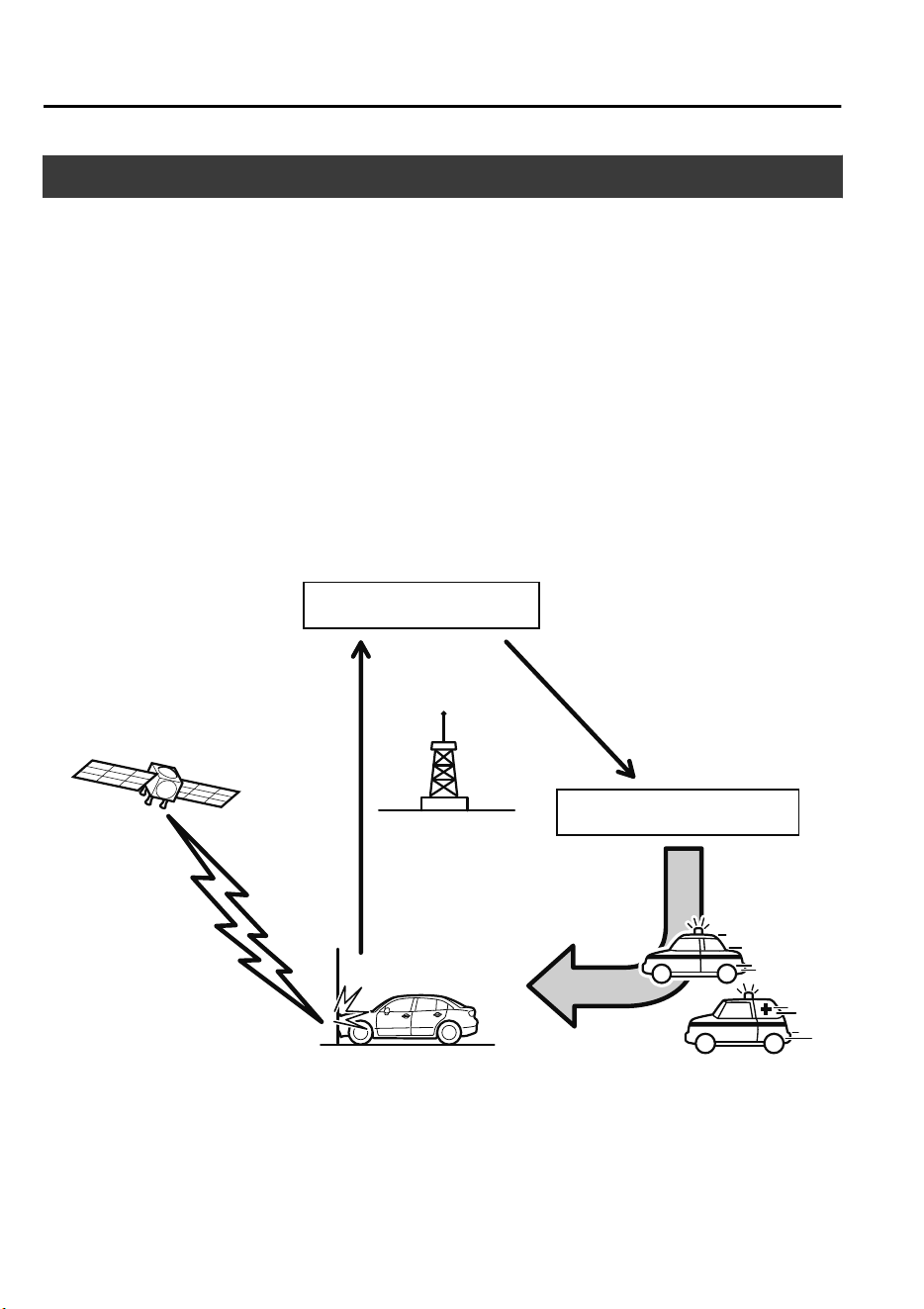
Mazda ERA-GLONASS
*
When an emergency situation such as an accident or sudden illness occurs, the Mazda
ERA-GLONASS dials the call center automatically or the user can make a call to the call
center manually to enable a voice call.
The system operates automatically when the vehicle receives an impact of a certain level or
more in a collision, or it can be operated manually using the Mazda ERA-GLONASS switch
if an emergency situation arises such as sudden illness.
The call center operator confirms the status via the voice call, confirms the vehicle's position
information using the GPS/GLONASS
*1
, and calls the police or emergency services.
*
1 GPS/GLONASS, short for “Global Positioning System/Global Navigation Satellite
System”, is a system that obtains the vehicle's current location by receiving radio waves
emitted from the GPS/GLONASS (operated by the Russian Federation) satellites to the
ground.
Status information
Emergency vehicle
Dial &
Position
information
Position
Satellite
Mobile phone
base station
Emergency situation occurs
Call center
Police and emergency
services
If Trouble Arises
Mazda ERA-GLONASS
7-2
*Some models.
CX-9_8GC7-EE-17G_Edition1 2017-5-16 8:22:04
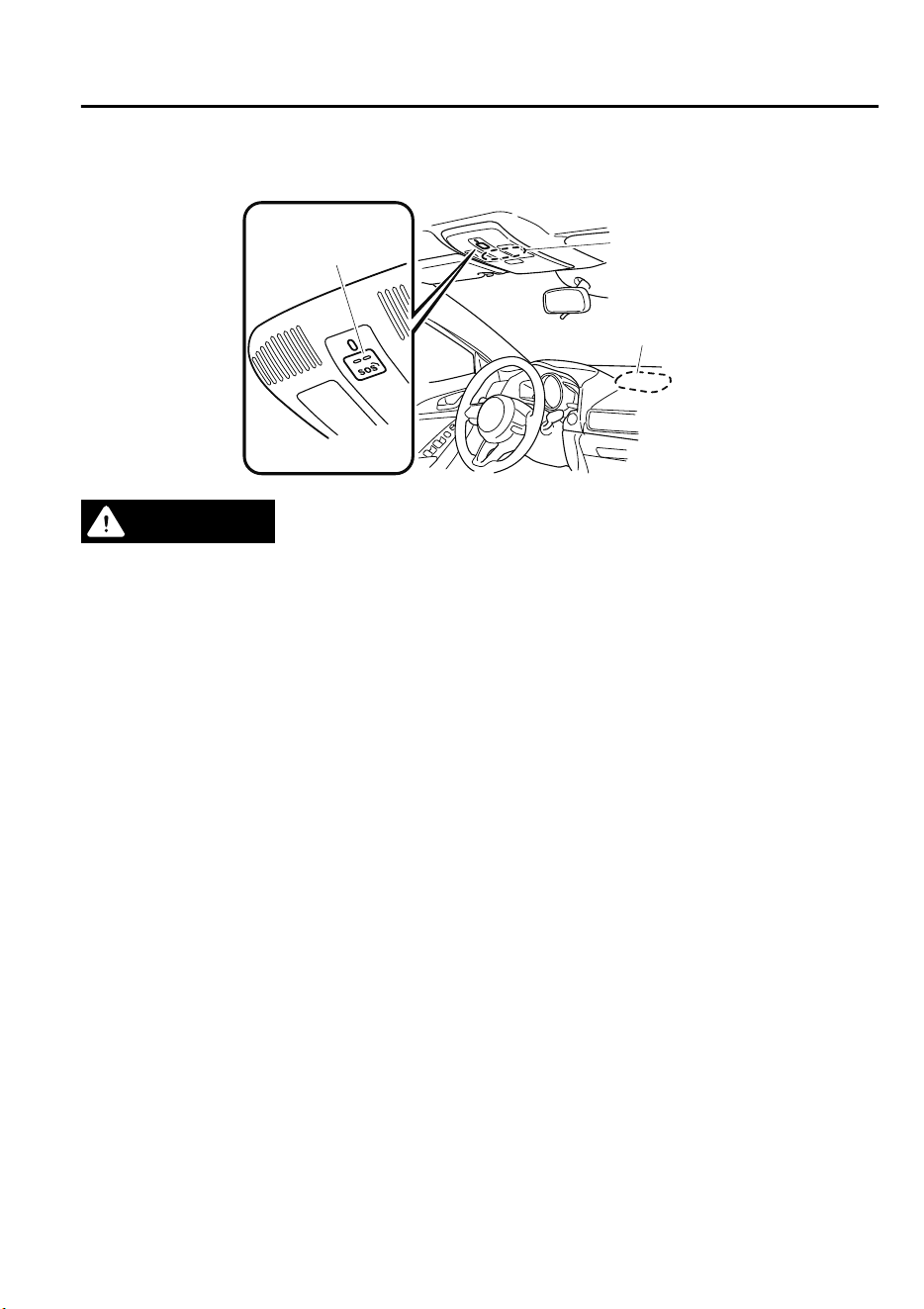
▼
Component Parts of Mazda ERA-GLONASS
Speaker, Antenna
Mazda
ERA-GLONASS
switch
Microphone
WARNING
When using the Mazda ERA-GLONASS, keep medical devices such as an implanted heart
pacemaker or
debrillator
about 22 cm (8.7 in) or more away from the vehicle's antenna:
Otherwise, the operation of the medical device may be aected by radio waves.
If Trouble Arises
Mazda ERA-GLONASS
7-3
CX-9_8GC7-EE-17G_Edition1 2017-5-16 8:22:04
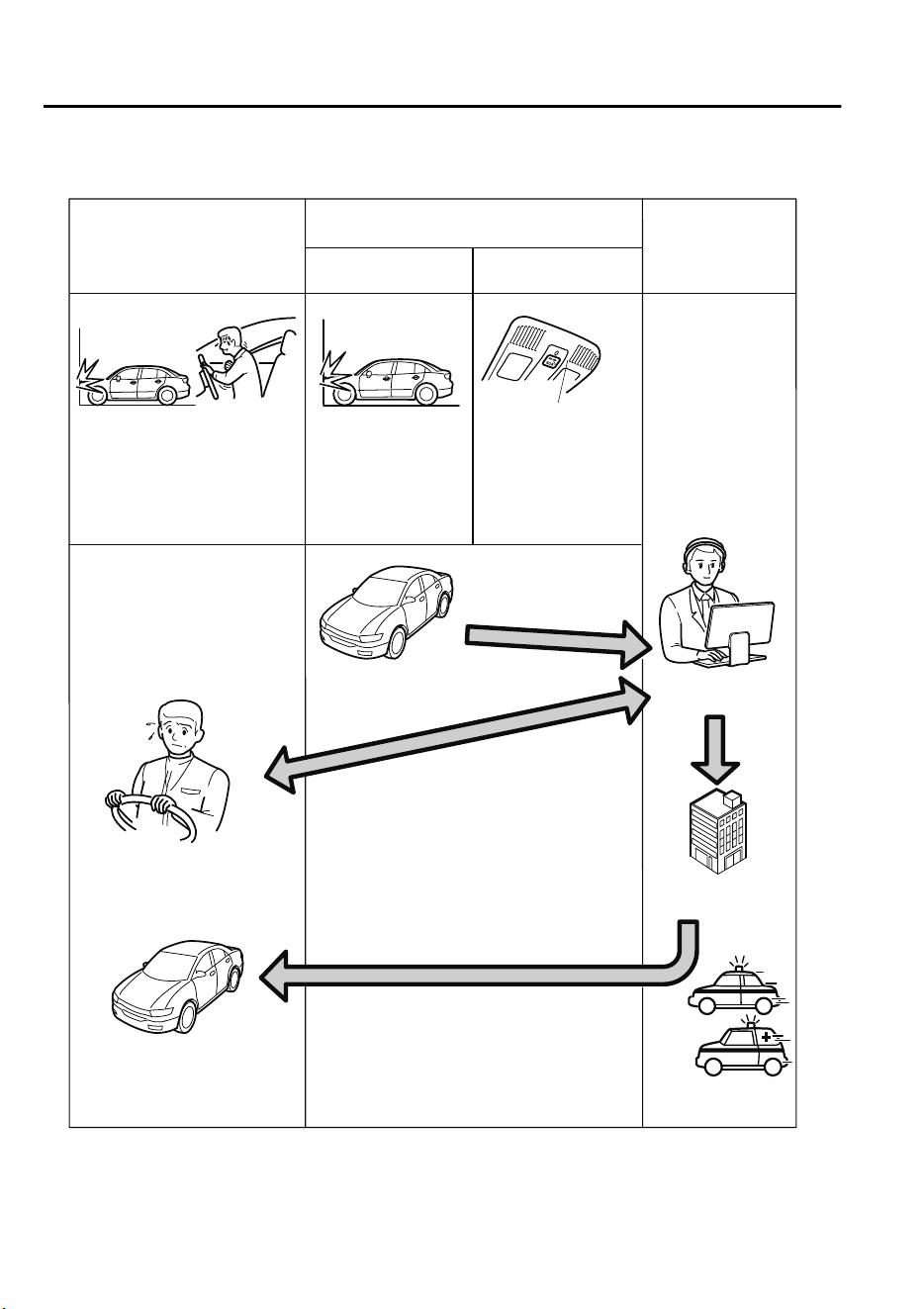
▼
Flow of Mazda ERA-GLONASS
Automatic call
User status
Mazda ERA-GLONASS
Call center/
Police/
Emergency
services
Manual call
Emergency situation arises
such as collision or sudden
illness
Automatic call made
due to vehicle
receiving impact of
certain level or more
Vehicle information,
position information,
other
Status
information
Police and
emergency services
Emergency vehicle
Rescue
Status confirmation/report by voice call
Manual call made
by user
Mazda
ERA-GLONASS
switch
If Trouble Arises
Mazda ERA-GLONASS
7-4
CX-9_8GC7-EE-17G_Edition1 2017-5-16 8:22:04
CAUTION
Do not disassemble the Mazda ERA-GLONASS. Otherwise, it could become damaged and
may not function in an emergency.
The Mazda ERA-GLONASS has a special built-in battery so that it can operate even if the
power supply from the vehicle is cut such as in an accident.
Heed the following cautions. If the Mazda ERA-GLONASS is not used correctly it may not
operate.
The built-in battery is not a rechargeable type battery. Do not attempt to recharge the
battery.
If the built-in battery power is low due to natural discharge and the system determines
that there is a problem, the Mazda ERA-GLONASS cannot be used. If the system
determines that there is a problem, the indicator light (red) in the Mazda ERA-GLONASS
switch turns on to notify the driver. Have the vehicle inspected at an Authorized Mazda
Repairer. Refer to Indicator light/Beep sound on page 7-10.
NOTE
•
The Mazda ERA-GLONASS can be used when the ignition is switched ON.
•
There are two ways the Mazda ERA-GLONASS makes calls; automatically or manually.
•
The Mazda ERA-GLONASS may not make a connection under the following conditions or
depending on the use environment. If the Mazda ERA-GLONASS does not connect, make
a call from another telephone such as the nearest available public telephone.
•
The vehicle is outside of a mobile phone network area
•
The vehicle is in a weak radio wave transmission environment (such as inside tunnels,
underground parking areas, shadow of buildings, and mountain areas)
•
The vehicle does not receive an impact of a certain level or more even if an accident has
occurred.
•
An extremely serious collision occurs resulting in damage to the Mazda
ERA-GLONASS.
•
The position information cannot be obtained when signals cannot be received from the
GPS and GLONASS satellites, however, voice calls are possible.
•
When a voice call is made by the Mazda ERA-GLONASS, the audio system is muted so
that it does not interfere with the call.
•
It may take some time for the call center to respond after the Mazda ERA-GLONASS first
starts operating.
•
If you are unable to respond to an operator's questions after the voice call begins, the
operator may proceed with emergency procedures at their own discretion.
•
Even if it is difficult for you to hear the operator's voice, your voice may be heard by the
call center. Continue explaining your circumstances.
If Trouble Arises
Mazda ERA-GLONASS
7-5
CX-9_8GC7-EE-17G_Edition1 2017-5-16 8:22:04
•
If the Mazda ERA-GLONASS operates while you are making a call with your mobile
phone using Bluetooth
®
Hands-Free, the call may be interrupted.
•
It may not be possible to receive a call using the Bluetooth
®
Hands-Free normally while
the Mazda ERA-GLONASS is operating.
•
A voice call with an operator may not be possible if the speaker or microphone is broken.
If the speaker or microphone is broken, always have the vehicle inspected at an
Authorized Mazda Repairer.
•
The Mazda ERA-GLONASS may not operate normally outside of the following
temperature range: If the Mazda ERA-GLONASS does not operate normally, make a call
from another telephone such as the nearest available public telephone.
Operation temperature range: -40 °C (-40 °F) to 85 °C (185 °F)
•
There may be a difference between the position information sent to the call center and the
actual position of the vehicle where the call was made. Indicate landmarks around the
position of the vehicle where the call is being made to the operator during the voice call.
Automatic emergency calls
If the vehicle receives an impact of a certain level or more in a collision, vehicle information
is automatically sent to the call center.
When the transmission of the vehicle information is completed or about 20 seconds have
elapsed since the transmission began, the voice call with the call center starts.
CAUTION
If an automatic call is made, the built-in battery power may be depleted and emergency calls
may not be possible in the event that an emergency occurs again. After an automatic
emergency call has been made, have the built-in battery replaced by an Authorized Mazda
Repairer.
NOTE
•
Automatic emergency calls cannot be canceled by the user.
•
The call center will end an emergency call. The user cannot end the emergency call.
•
If the vehicle receives an impact of a certain level or more in a collision, an automatic
call is made even if the air bags do not deploy.
•
If a call is disconnected or a call cannot be made to the call center correctly, an
automatic call is made again to the call center. Redialing cannot be canceled.
1. If the vehicle receives an impact of a certain level or more in a collision, the Mazda
ERA-GLONASS begins operating automatically.
If Trouble Arises
Mazda ERA-GLONASS
7-6
CX-9_8GC7-EE-17G_Edition1 2017-5-16 8:22:04
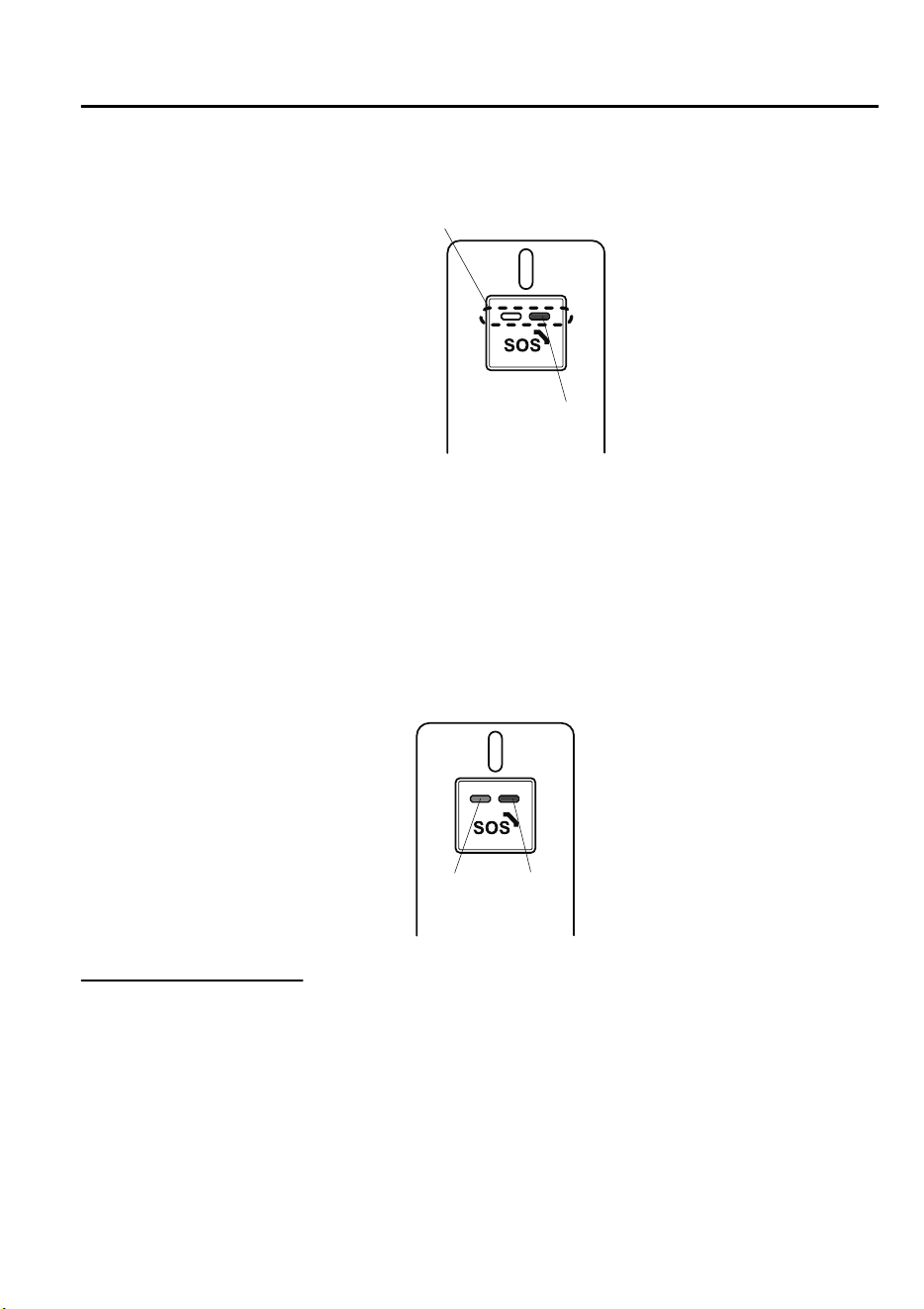
2. The indicator light (green) on the Mazda ERA-GLONASS switch flashes slowly (0.5
second intervals) and the call is made to the call center.
Green
Indicator light
3. When the connection is established with the call center, the indicator light (green)
flashes somewhat quickly (0.3 second intervals) and the beep sounds simultaneously,
and the transmission of the vehicle information begins.
4. When the transmission of the vehicle information is completed or about 20 seconds have
elapsed since the transmission began, the beep sounds and the voice call with the call
center starts.
5. If the connection fails, the indicator light (red) turns on and the indicator light (green)
flashes quickly (0.15 second intervals) and the beep sounds simultaneously.
In this case, make a manual connection using the Mazda ERA-GLONASS switch
because an automatic connection is not possible.
Green
(Flashes)
Red
(Turns
on)
Manual emergency calls
With the ignition switched ON, long-press the Mazda ERA-GLONASS switch and after
releasing your finger from the switch, the vehicle information is automatically transmitted to
the call center.
When the transmission of the vehicle information is completed or about 20 seconds have
elapsed since the transmission began, the voice call with the call center starts.
NOTE
•
Only make calls manually for conditions requiring urgent treatment such as illness or
serious injury.
If Trouble Arises
Mazda ERA-GLONASS
7-7
CX-9_8GC7-EE-17G_Edition1 2017-5-16 8:22:04
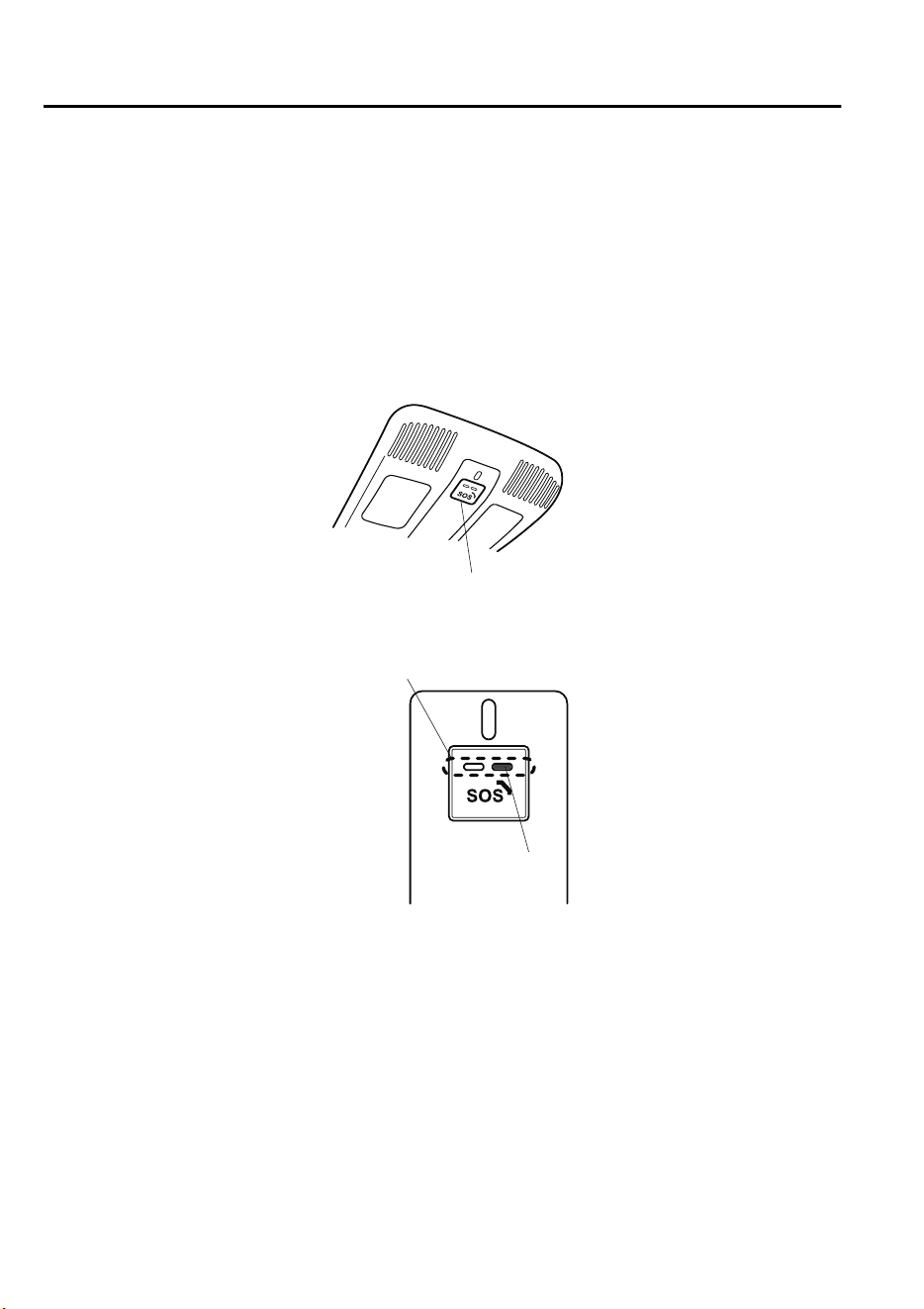
•
When making emergency calls manually, stop the vehicle in a safe location before making
the call.
•
The call center will end an emergency call. The user cannot end the emergency call.
•
If a call is disconnected or a call cannot be made to the call center correctly, an
automatic call is made again to the call center. To cancel the redialing, refer to Manual
emergency call cancellation.
1. Make sure that the ignition is switched ON.
2. Long-press the Mazda ERA-GLONASS switch on the overhead console and then release
your finger from the switch.
Mazda ERA-GLONASS switch
3. The indicator light (green) on the Mazda ERA-GLONASS switch flashes slowly (0.5
second intervals) and the call is made to the call center.
Green
Indicator light
4. When the connection is established with the call center, the indicator light (green)
flashes somewhat quickly (0.3 second intervals) and the beep sounds simultaneously,
and the transmission of the vehicle information begins.
5. When the transmission of the vehicle information is completed or about 20 seconds have
elapsed since the transmission began, the beep sounds and the voice call with the call
center starts.
6. If the connection fails, the indicator light (red) turns on and the indicator light (green)
flashes quickly (0.15 second intervals), and the beep sounds simultaneously.
If Trouble Arises
Mazda ERA-GLONASS
7-8
CX-9_8GC7-EE-17G_Edition1 2017-5-16 8:22:04
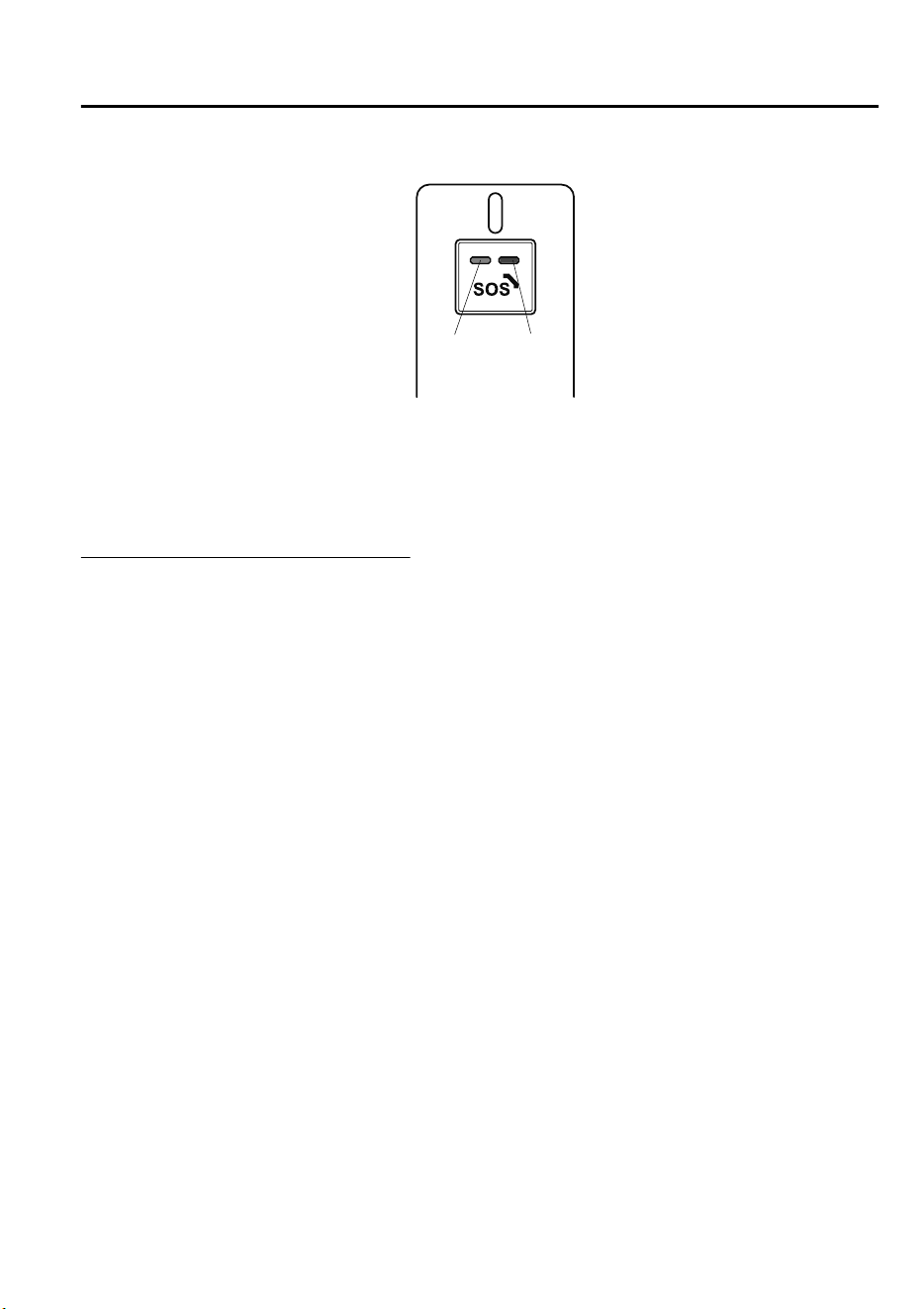
Make a manual emergency call again.
Green
(Flashes)
Red
(Turns
on)
NOTE
If a call to the call center does not connect even though the indicator light shows a call is
possible, make a call to the police or other authority by means other than the Mazda
ERA-GLONASS.
Manual emergency call cancellation
A manual emergency call can be canceled even after the Mazda ERA-GLONASS switch
has been pressed by pressing the switch again, as long as the call with the call center has not
begun. If the call cannot be canceled and the call with the call center has begun, tell the
operator that the call is mistaken.
If Trouble Arises
Mazda ERA-GLONASS
7-9
CX-9_8GC7-EE-17G_Edition1 2017-5-16 8:22:04
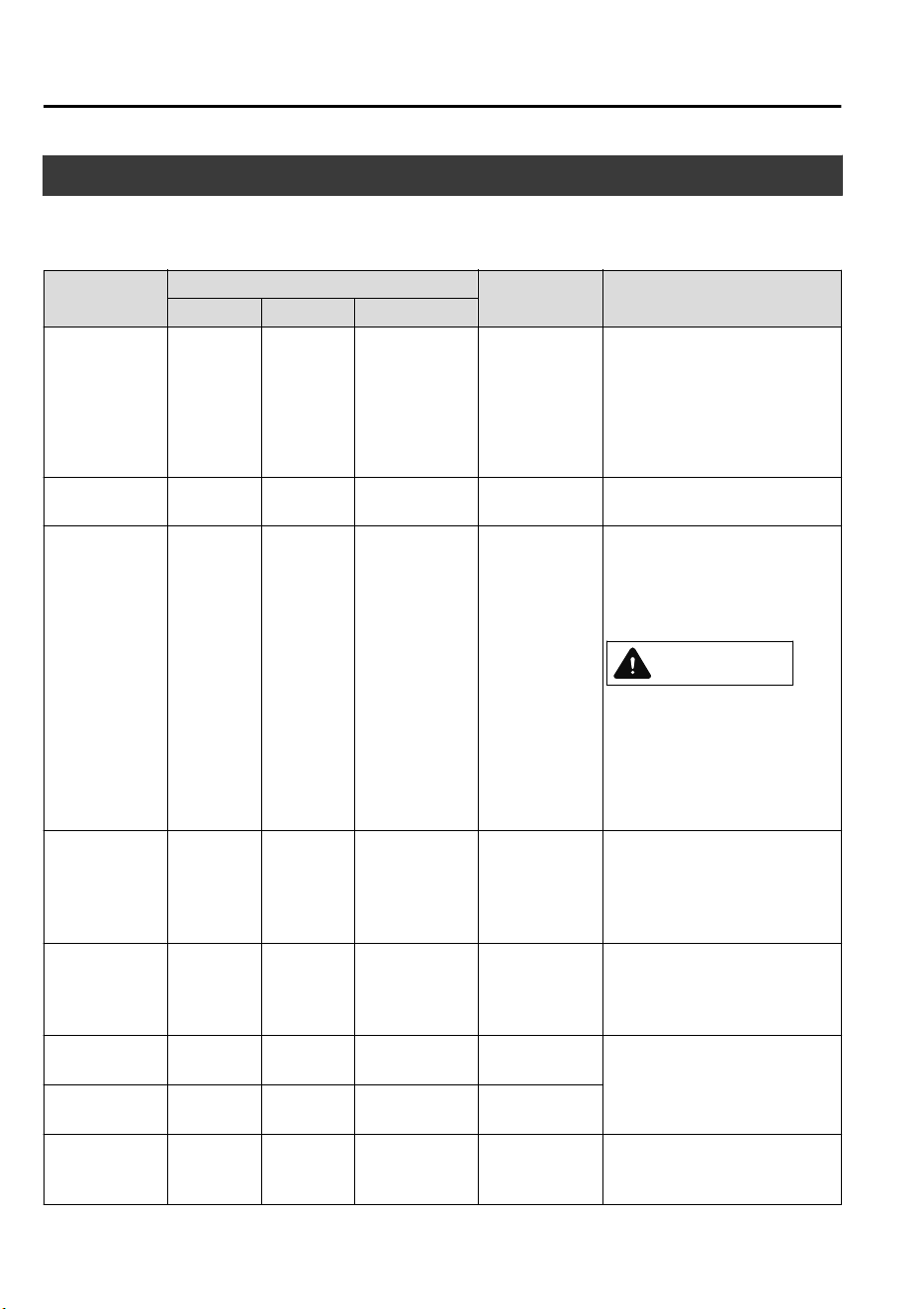
Indicator Light/Beep Sound
The indicator light turns on/flashes and beep sounds are activated to notify the driver of the
system operation status or if there is a problem with the system.
Status
Indicator light
Beep sound
status
On/flashing conditions
Green Red Flash interval
Diagnosis Turns on Turns on ― ―
When the ignition is switched
ON, it turns on and then turns
off after a few seconds.
NOTE
A manual emergency call is not
possible during diagnosis.
Normal Turns off Turns off ― ―
The system is operating normal-
ly.
Malfunction Turns off Turns on ―
3 beeps
(Slow intermit-
tent sound)
•
A system malfunction is de-
tected.
•
The remaining power of the
built-in battery is low.
CAUTION
If the indicator light (red) re‐
mains on constantly, the system
will not operate normally. Have
the vehicle inspected at an Au‐
thorized Mazda Repairer as soon
as possible.
Call being made
with call center
Flashes Turns off
Slow
(0.5 second in-
tervals)
The beep does
not sound, but
the ringback
tone can be
heard.
An emergency call is being
made by the Mazda ERA-GLO-
NASS.
Vehicle infor-
mation is being
transmitted
Flashes Turns off
Somewhat
quick
(0.3 second in-
tervals)
Continuous in-
termittent sound
Vehicle information is being
transmitted to the call center.
Start of voice
call
Turns on Turns off ― 1 beep
During a voice call with the call
center.
During voice
call
Turns on Turns off ― ―
Connection fail-
ure
Flashes Turns on
Quick
(0.15 second in-
tervals)
3 beeps
(Fast intermit-
tent sound)
When an emergency call fails to
connect.
If Trouble Arises
Mazda ERA-GLONASS
7-10
CX-9_8GC7-EE-17G_Edition1 2017-5-16 8:22:04

Test Mode
The test mode function makes sure that the Mazda ERA-GLONASS can operate normally.
Have your vehicle tested at an Authorized Mazda Repairer when performing the test mode.
Method to start test mode
Switch the ignition ON while the parking brake is applied, and wait two minutes with the
vehicle stopped.
If Trouble Arises
Mazda ERA-GLONASS
7-11
CX-9_8GC7-EE-17G_Edition1 2017-5-16 8:22:04
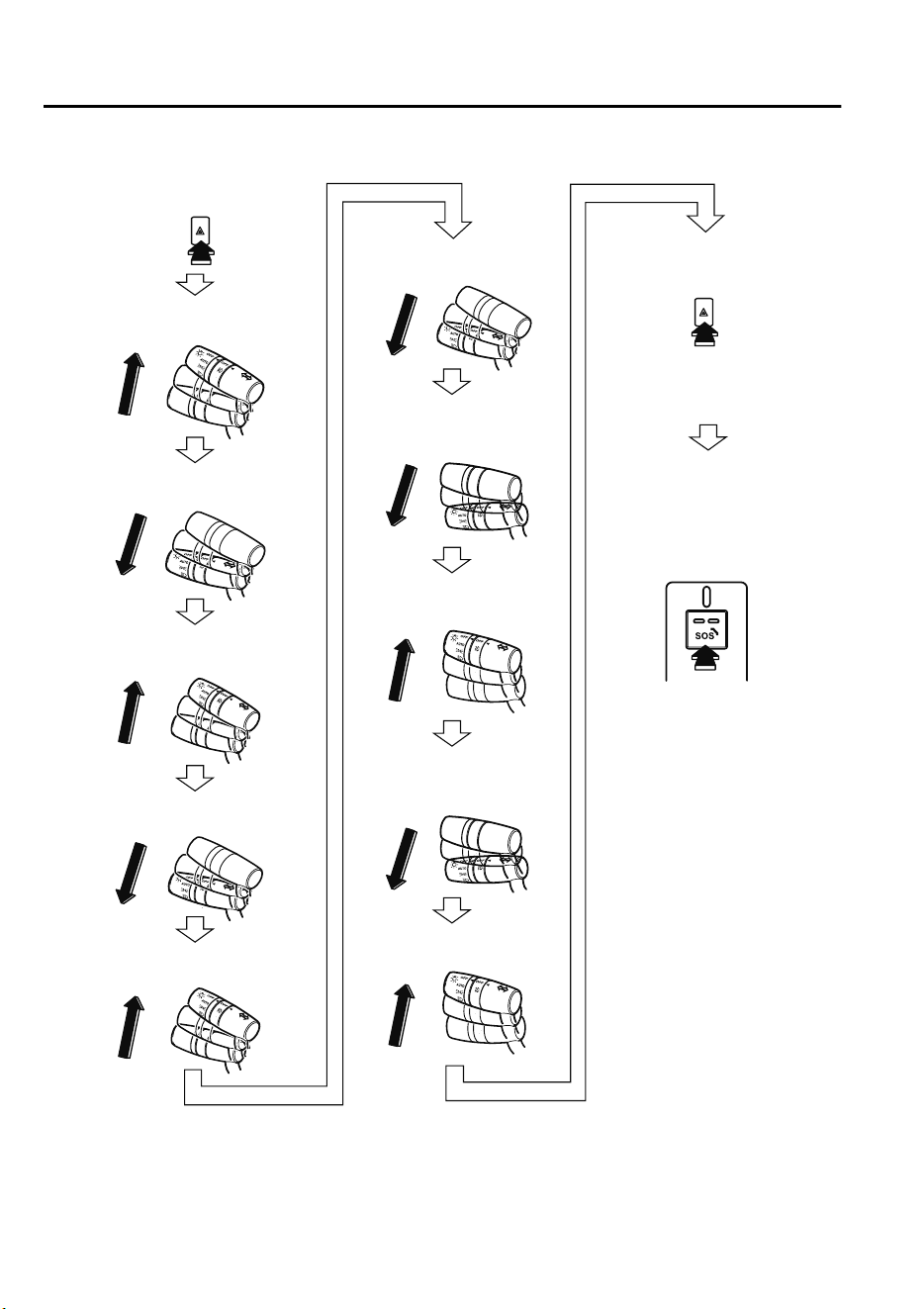
After that, perform the following procedure.
Move the signal lever up to right
turn
Move the signal lever up to right
turn
Move the signal lever down
to left turn
Move the signal lever down
to left turn
Return the signal lever to off
Return the signal lever to off
Return the signal lever to off
Return the signal lever to off
Return the signal lever to off
Move the signal lever up to right
turn
Within five seconds
Within one second
Within one second
Within one second
Within one second
Within one second
Within one second
Within one second
Within one second
Within five seconds
Within five second
Within one second
Turn on the hazard warning
lights.
Turn off the hazard warning
lights.
Both red and green Mazda
ERA-GLONASS switch
indicator lights turn on.
Press the Mazda
ERA-GLONASS switch for
one second or longer and
release it.
If Trouble Arises
Mazda ERA-GLONASS
7-12
CX-9_8GC7-EE-17G_Edition1 2017-5-16 8:22:04

After the procedure is completed, the test mode is performed in the following order
automatically.
Switch to test mode
Procedure is completed
Voice guidance from the call
center is played
Call is placed to call center
Start of voice call
Vehicle information is sent
NOTE
Communication with the call center may fail if the reception is poor. Perform the test mode
in a location with good reception.
The test mode finishes automatically.
If Trouble Arises
Mazda ERA-GLONASS
7-13
CX-9_8GC7-EE-17G_Edition1 2017-5-16 8:22:04
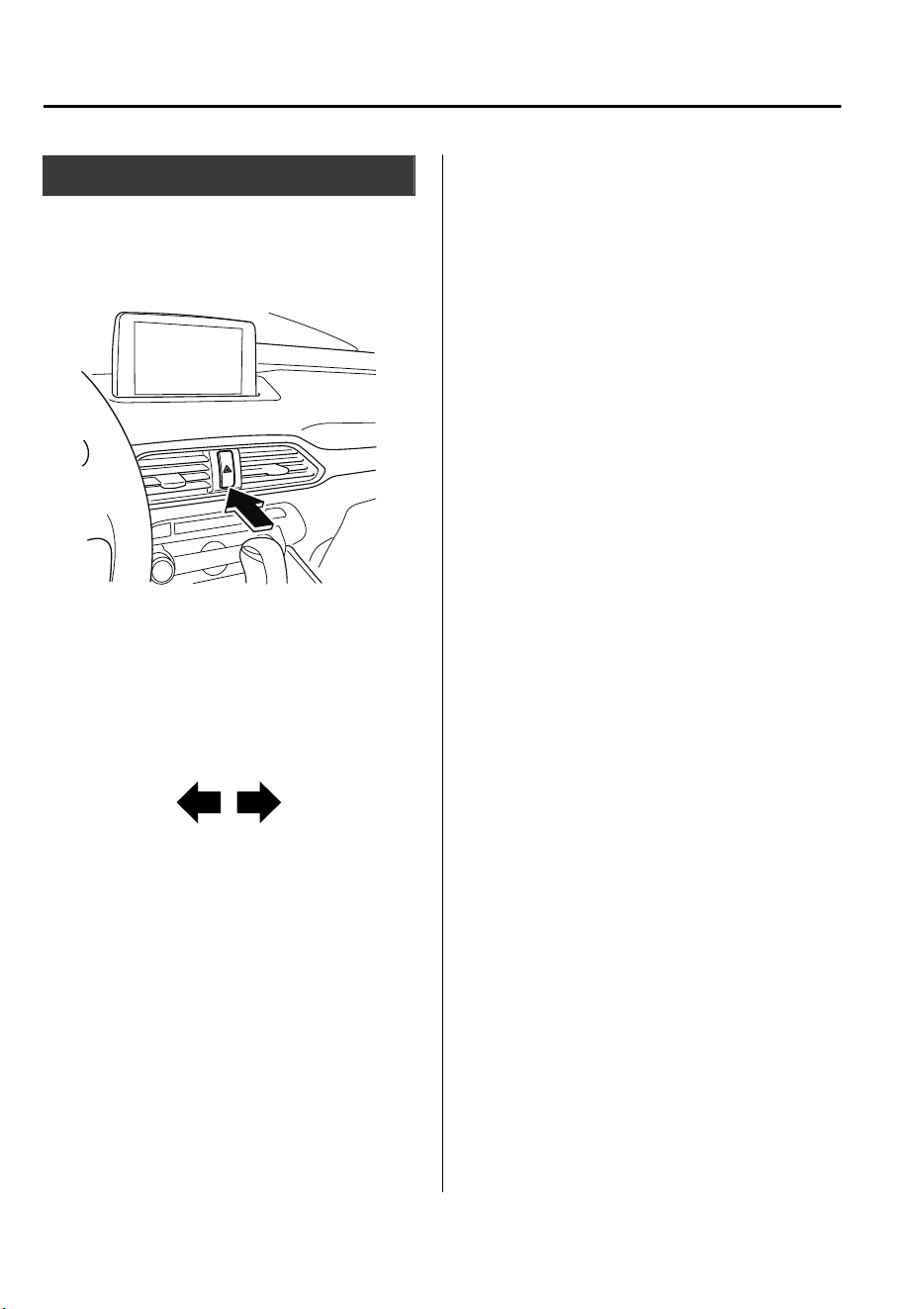
Parking in an Emergency
The hazard warning lights should always
be used when you stop on or near a
roadway in an emergency.
The hazard warning lights warn other
drivers that your vehicle is a traffic hazard
and that they must take extreme caution
when near it.
Depress the hazard warning flasher and all
the turn signals will flash. The hazard
warning indicator lights in the instrument
cluster flash simultaneously.
NOTE
•
The turn signals do not work when the
hazard warning lights are on.
•
Check local regulations about the use of
hazard warning lights while the vehicle
is being towed to verify that it is not in
violation of the law.
If Trouble Arises
Parking in an Emergency
7-14
CX-9_8GC7-EE-17G_Edition1 2017-5-16 8:22:04
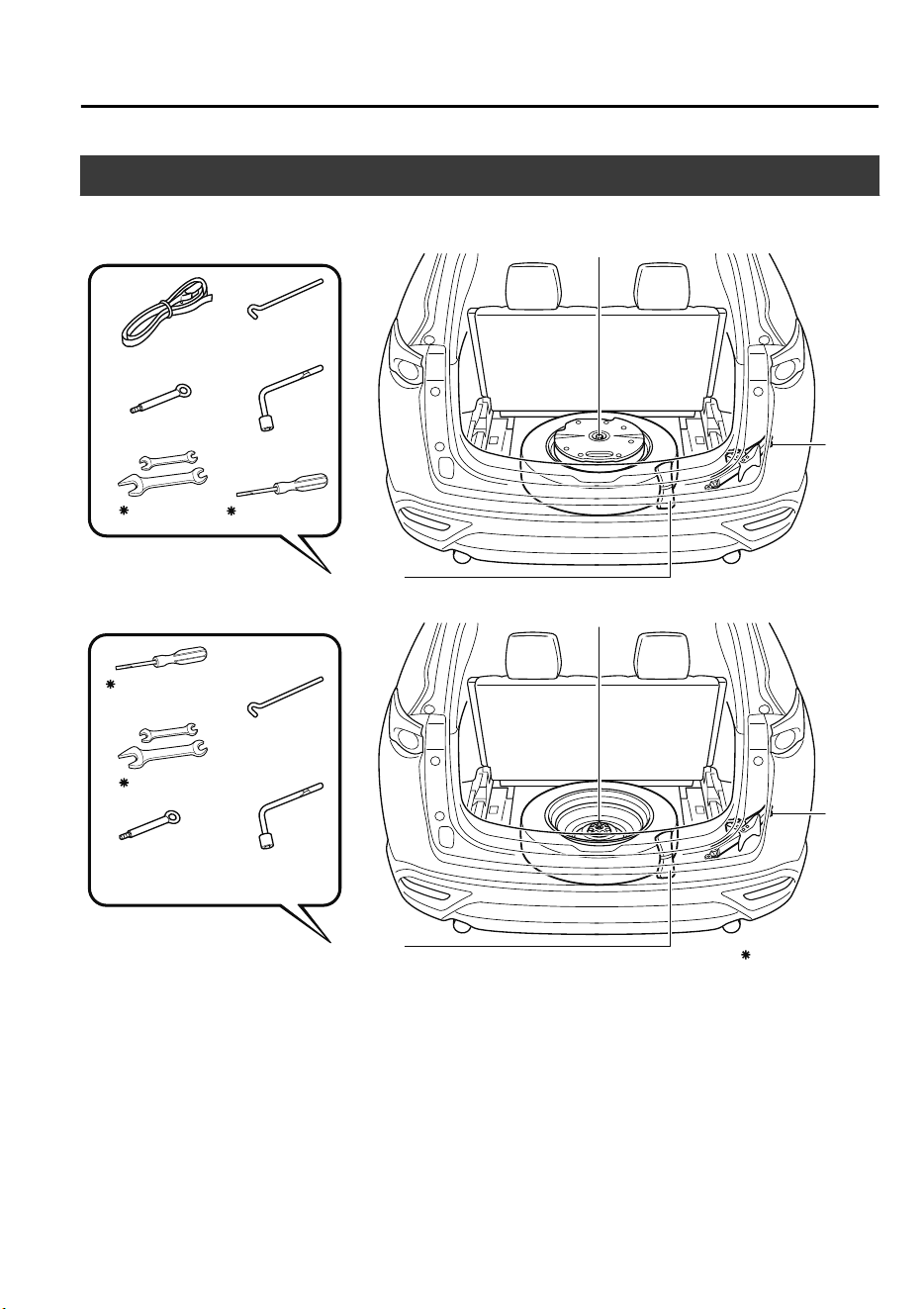
Spare Tire and Tool Storage
Spare tire and tools are stored in the locations illustrated in the diagram.
Lug wrench
Jack lever
Towing eyelet
Flat tire belt
Spare tire hold-down bolt
Jack
Tool bag
With sub-woofer
Lug wrench
Jack lever
Towing eyelet
Spare tire hold-down bolt
Jack
Tool bag
Without sub-woofer
Some models.
Screwdriver
Wrench
Screwdriver
Wrench
If Trouble Arises
Flat Tire
7-15
CX-9_8GC7-EE-17G_Edition1 2017-5-16 8:22:04
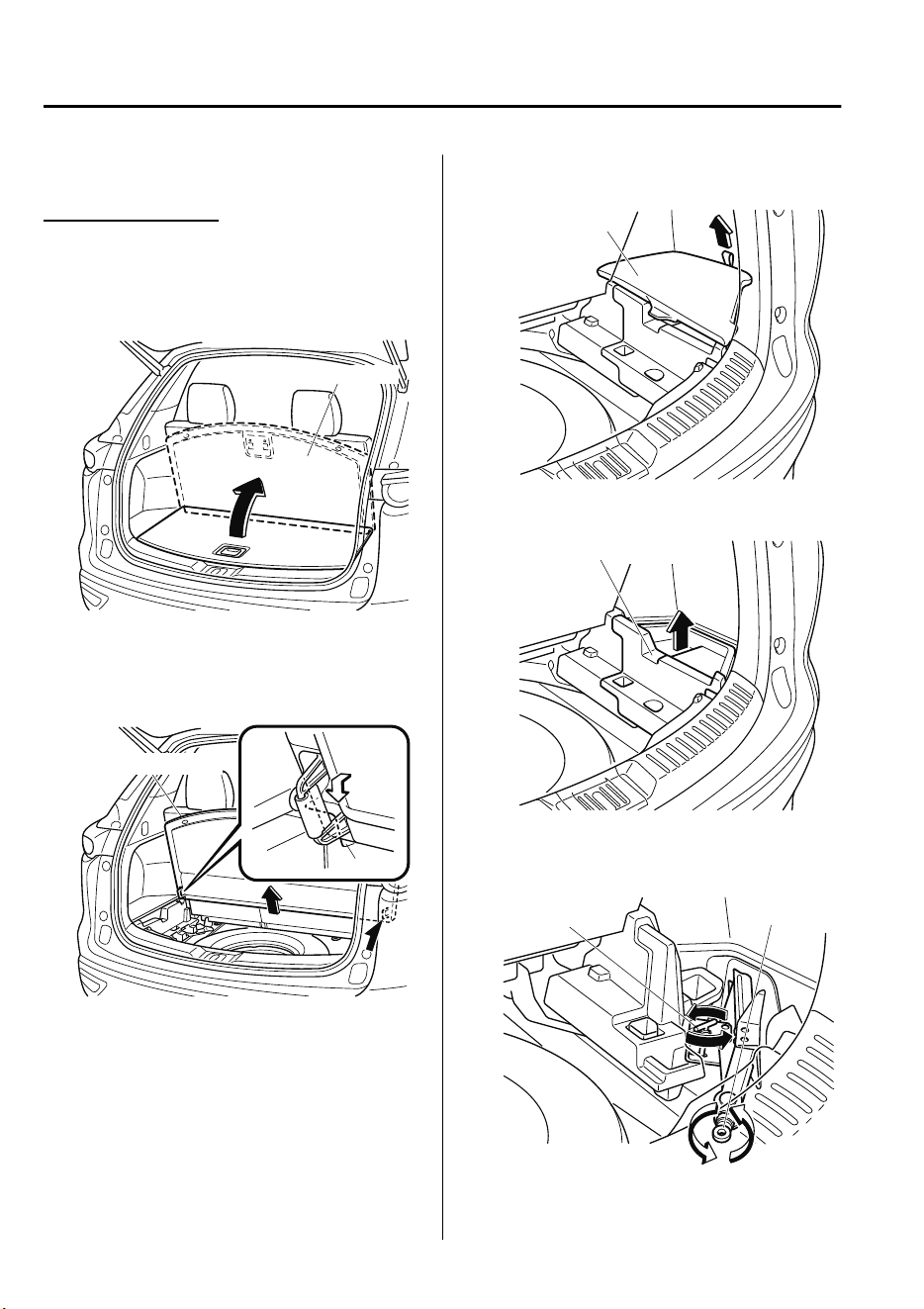
▼
Jack
To remove the jack
1. Set the third-row seatbacks to their
on-road positions.
2. Raise the luggage board.
Luggage Board
3. Raise the luggage board a little while
pulling it towards you, and then insert
the bottom edge into the holders.
Luggage Board
Holder
4. Remove the cover on the right side.
Cover
5. Remove the cargo sub compartment.
Cargo sub compartment
6. Turn the wing bolt and jack screw
counterclockwise.
Wing bolt
Jack screw
If Trouble Arises
Flat Tire
7-16
CX-9_8GC7-EE-17G_Edition1 2017-5-16 8:22:04
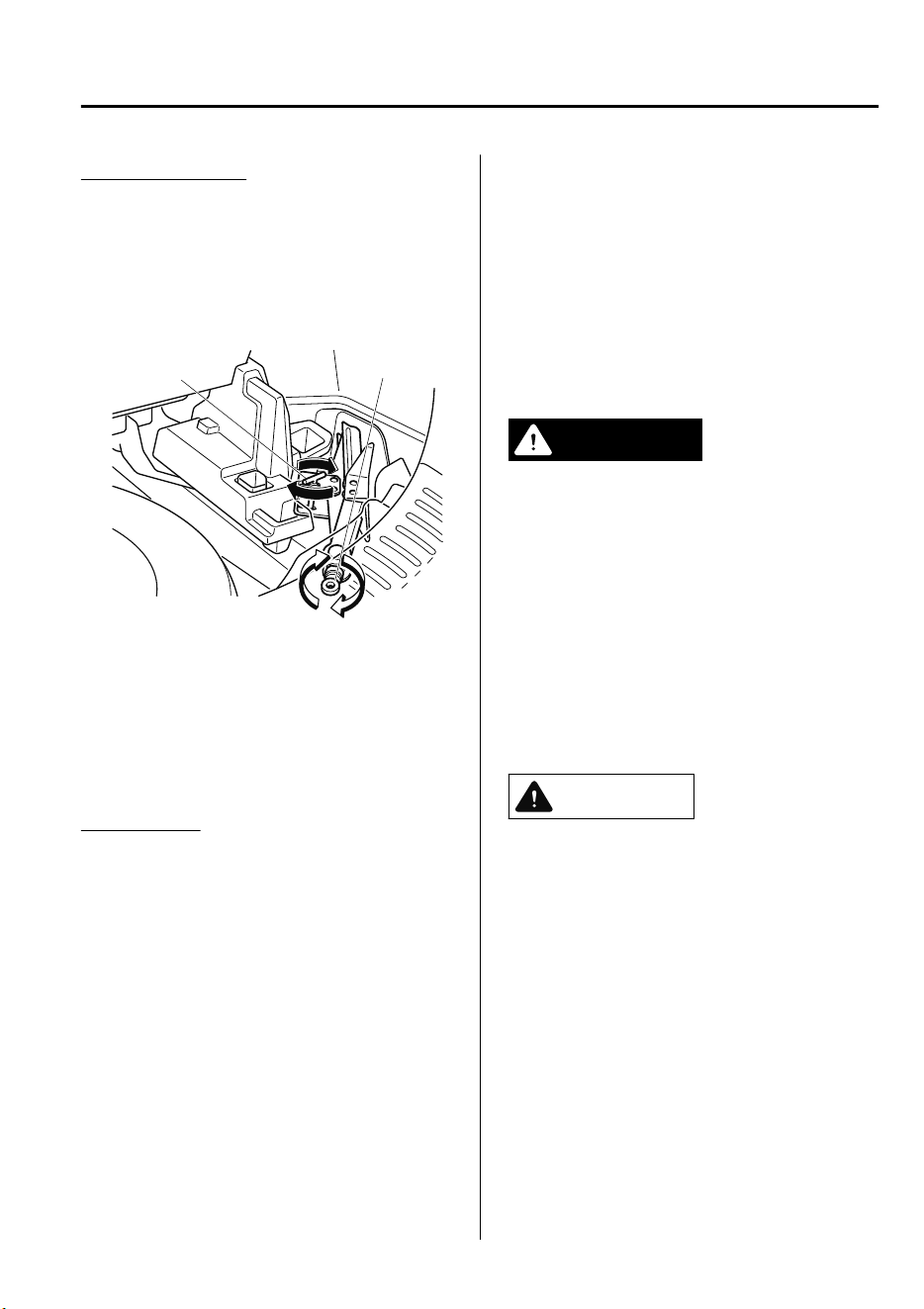
To secure the jack
1. Insert the wing bolt into the jack with
the jack screw pointing back and turn
the wing bolt clockwise to temporarily
tighten it.
2. Tighten the jack screw clockwise.
Wing bolt
Jack screw
3. Turn the wing bolt completely to
secure the jack.
NOTE
If the jack is not completely secured, it
could rattle while driving. Make sure
the jack screw is sufficiently tightened.
Maintenance
•
Always keep the jack clean.
•
Make sure the moving parts are kept
free from dirt or rust.
•
Make sure the screw thread is
adequately lubricated.
▼
Spare Tire
Your Mazda has a temporary spare tire.
The temporary spare tire is lighter and
smaller than a conventional tire, and is
designed only for emergency use and
should be used only for VERY short
periods. Temporary spare tires should
NEVER be used for long drives or
extended periods.
WARNING
Do not install the temporary spare tire on
the front wheels (driving wheels):
Driving with the temporary spare tire on
one of the front driving wheels is
dangerous. Handling will be
aected.
You
could lose control of the vehicle, especially
on ice or snow bound roads, and have an
accident. Move a regular tire to the front
wheel and install the temporary spare tire
to the rear.
CAUTION
When using the temporary spare tire,
driving stability may decrease compared
to when using only the conventional tire.
Drive carefully.
To avoid damage to the temporary spare
tire or to the vehicle, observe the
following precautions:
Do not exceed 80 km/h (50 mph).
Avoid driving over obstacles. Also, do
not drive through an automatic car
wash. This tire's diameter is smaller
than a conventional tire, so the ground
clearance is reduced.
If Trouble Arises
Flat Tire
7-17
CX-9_8GC7-EE-17G_Edition1 2017-5-16 8:22:04
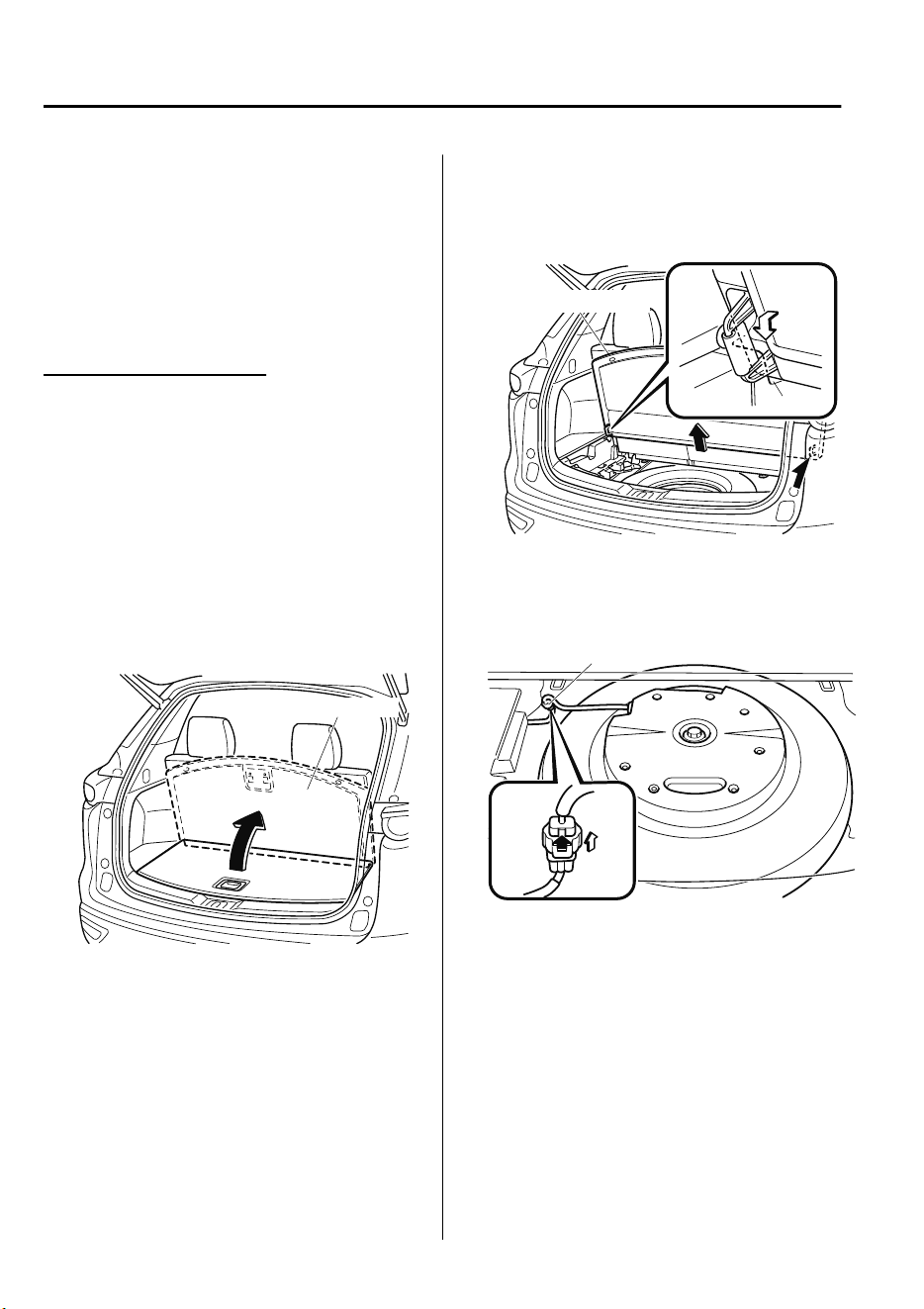
Do not use a tire chain on this tire
because it will not t properly.
Do not use your temporary spare tire
on any other vehicle, it has been
designed only for your Mazda.
Use only one temporary spare tire on
your vehicle at the same time.
To remove the spare tire
NOTE
(Vehicles with sub-woofer)
Because the sub-woofer is not operational
when the sub-woofer connector is
disconnected, no sound is output from the
sub-woofer.
1. Set the third-row seatbacks to their
on-road positions.
2. Raise the luggage board.
Luggage Board
3. Raise the luggage board a little while
pulling it towards you, and then insert
the bottom edge into the holders.
Luggage Board
Holder
4. Remove the tool bag.
5. (Vehicles with sub-woofer)
Disconnect the sub-woofer connector.
Connector
If Trouble Arises
Flat Tire
7-18
CX-9_8GC7-EE-17G_Edition1 2017-5-16 8:22:04
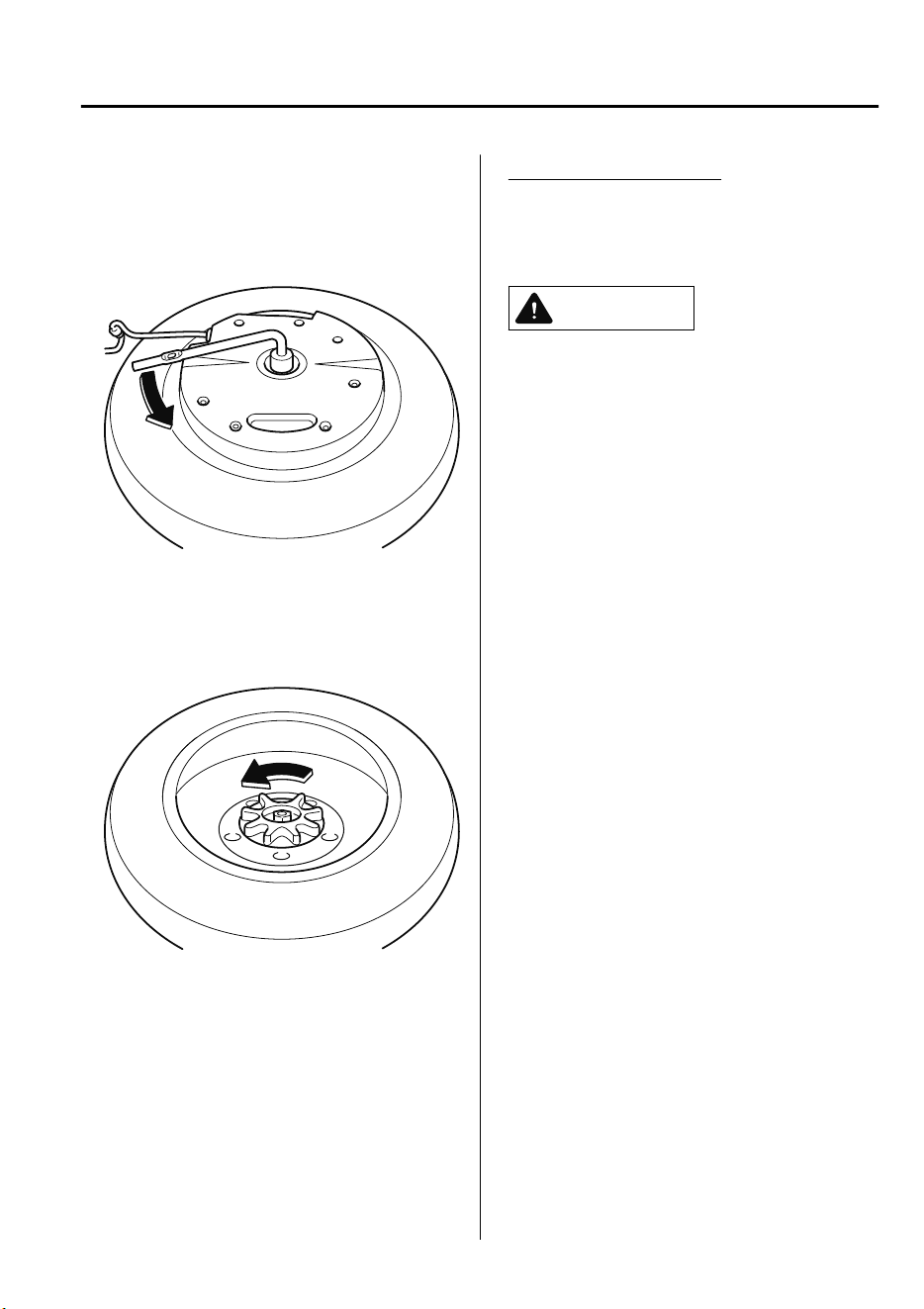
6. (Vehicles with sub-woofer)
Turn the hold-down bolt
counterclockwise and remove the
sub-woofer and the spare tire.
(Vehicles without sub-woofer)
Turn the hold-down bolt
counterclockwise and remove the spare
tire.
To secure the spare tire
Store the spare tire in the reverse order of
removal. After storing, verify that the
spare tire is stored securely.
CAUTION
(Vehicles with sub-woofer)
Secure the sub-woofer in its correct
position. If the sub-woofer is not installed
to the correct position, it may move while
the vehicle is driven which may damage
the sub-woofer or the wiring harness.
Store the tool bag on the right side of the
vehicle. If the tool bag is stored on the left
side of the vehicle, it may move while the
vehicle is driven which may damage the
wiring harness.
Refer to Spare Tire and Tool Storage on
page 7-15.
If Trouble Arises
Flat Tire
7-19
CX-9_8GC7-EE-17G_Edition1 2017-5-16 8:22:04
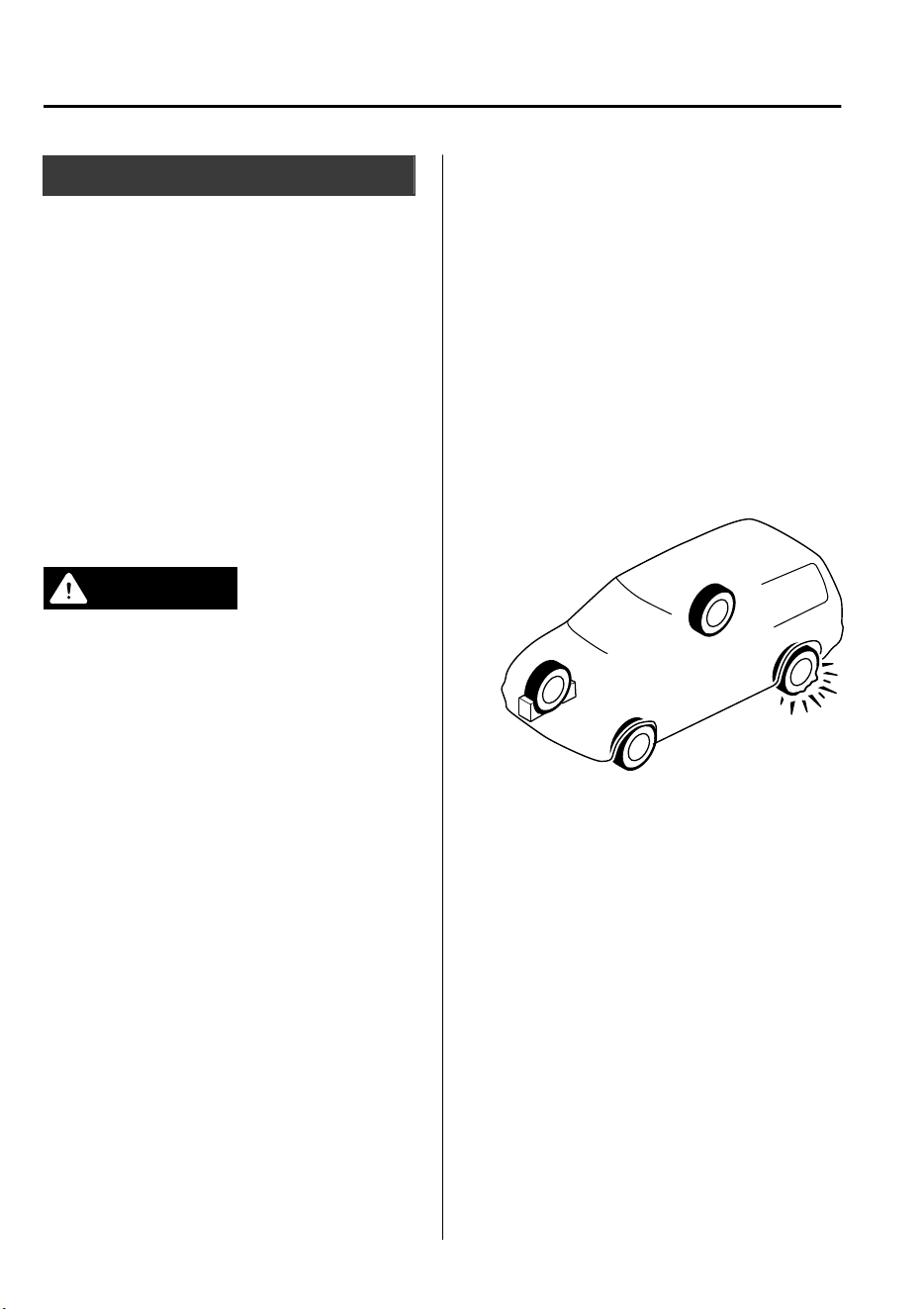
Changing a Flat Tire
NOTE
If the following occurs while driving, it
could indicate a flat tire.
•
Steering becomes difficult.
•
The vehicle begins to vibrate
excessively.
•
The vehicle pulls in one direction.
If you have a flat tire, drive slowly to a
level spot that is well off the road and out
of the way of traffic to change the tire.
Stopping in traffic or on the shoulder of a
busy road is dangerous.
WARNING
Be sure to follow the directions for
changing a tire:
Changing a tire is dangerous if not done
properly. The vehicle can slip
o
the jack
and seriously injure someone.
No person should place any portion of their
body under a vehicle that is supported by a
jack.
Never allow anyone inside a vehicle
supported by a jack:
Allowing someone to remain in a vehicle
supported by a jack is dangerous. The
occupant could cause the vehicle to fall
resulting in serious injury.
NOTE
Make sure the jack is well lubricated
before using it.
1. Park on a hard, level surface off the
right-of-way and firmly set the parking
brake.
2. Shift into Park (P) and turn off the
engine.
3. Turn on the hazard warning flasher.
4. Have everyone get out of the vehicle
and away from the vehicle and traffic.
5. Remove the jack, tool, and spare tire
(page 7-15).
6. Block the wheel diagonally opposite
the flat tire. When blocking a wheel,
place a tire block both in front and
behind the tire.
NOTE
When blocking a tire, use rocks or
wood blocks of sufficient size if
possible to hold the tire in place.
If Trouble Arises
Flat Tire
7-20
CX-9_8GC7-EE-17G_Edition1 2017-5-16 8:22:04
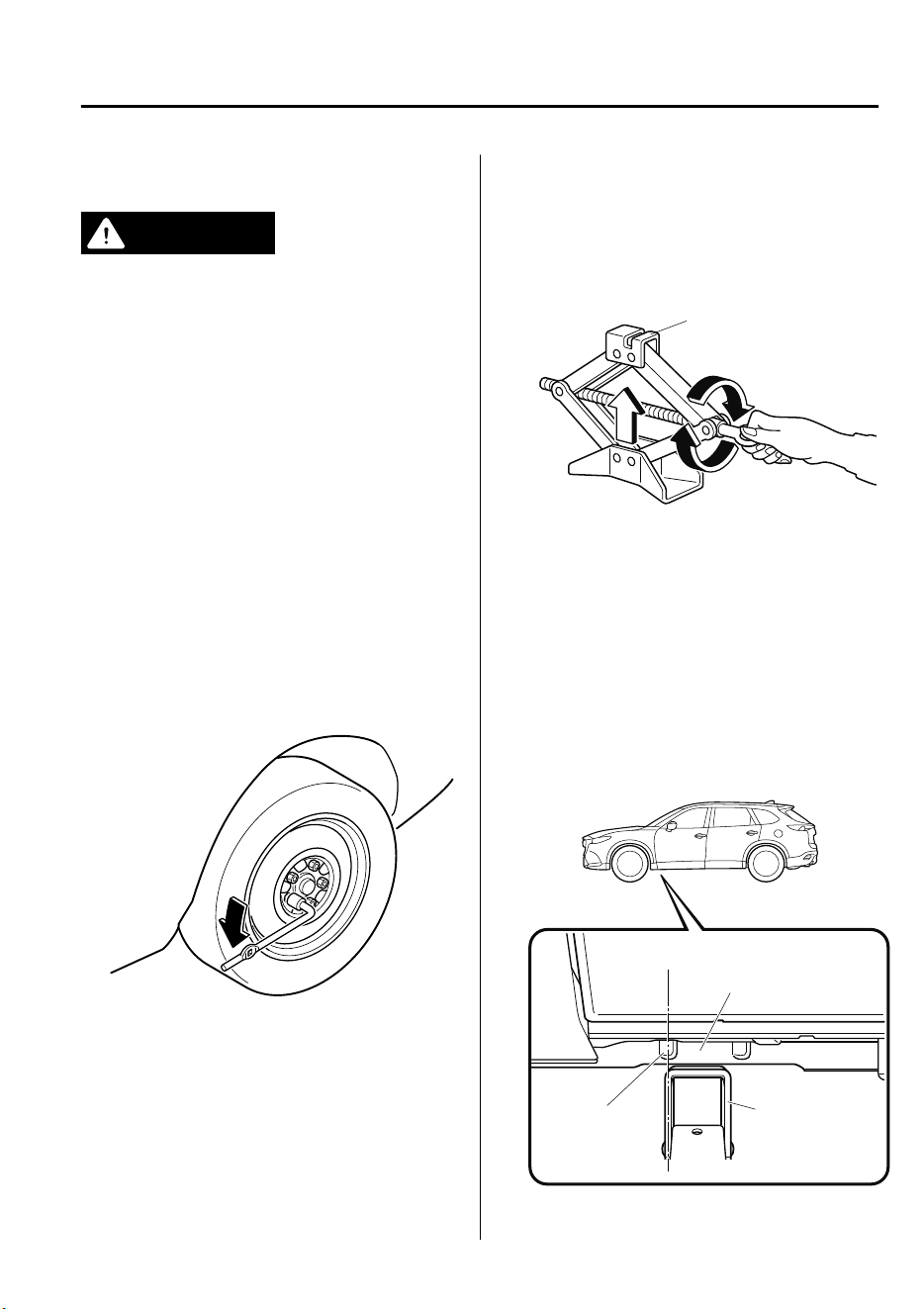
▼
Removing a Flat Tire
WARNING
When jacking-up a vehicle, always shift the
shift lever to 1st or R (manual transaxle
vehicle) or shift the selector lever to P
(automatic transaxle vehicle), apply the
parking brake, and place wheel blocks in
the position diagonally opposed to the
jack:
Changing a
at
tire without using wheel
blocks is dangerous because the vehicle
may move and fall o the jack even with
the shift lever in 1st or R, or the select lever
is in P, which could result in an accident.
1. Loosen the lug nuts by turning them
counterclockwise one turn each, but do
not remove any lug nuts until the tire
has been raised off the ground.
2. Place the jack on the ground.
3. Turn the jack screw in the direction
shown in the figure and adjust the jack
head so that it is close to the jack-up
position.
Jack head
4. Set the jack to the designated jack-up
position closest to the tire being
removed.
(Jacking-up the vehicle front)
Set the groove on the top of the jack
head at a right angle into the center of
the designated jack-up position guide
projection closest to the vehicle front.
Jacking
position
Jacking headGuide
projection
If Trouble Arises
Flat Tire
7-21
CX-9_8GC7-EE-17G_Edition1 2017-5-16 8:22:04
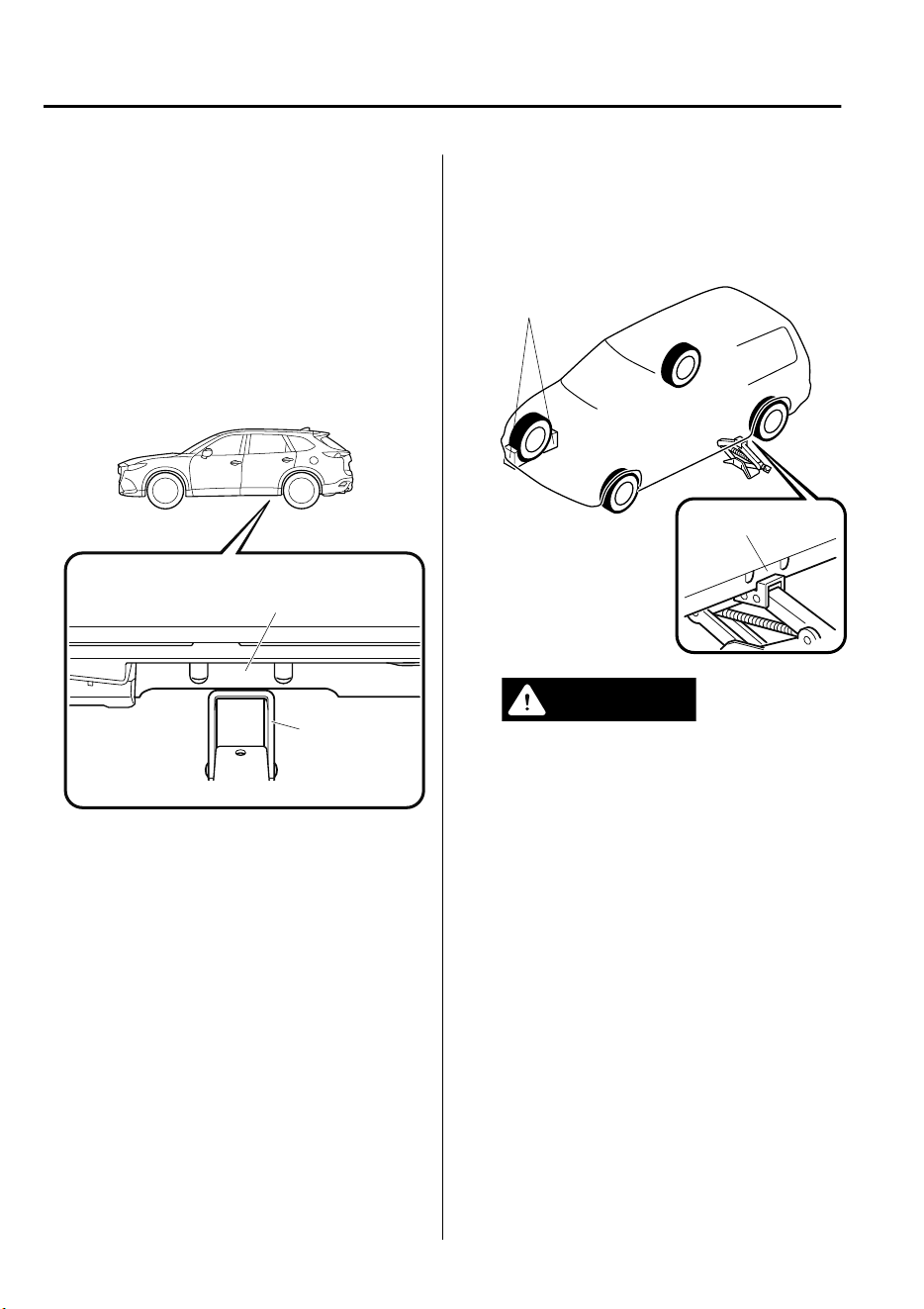
NOTE
Always set the jack into the designated
jack-up position shown in the figure
correctly.
(Jacking-up the vehicle rear)
Set the groove on the top of the jack
head at a right angle between the
designated jack-up position guide
projections.
Jacking
position
Jacking head
5. Continue raising the jack head
gradually by rotating the screw with
your hand until the jack head is
inserted into the jack-up position.
Tire blocks
Jacking position
WARNING
Use only the front and rear jacking
positions recommended in this manual:
Attempting to jack the vehicle in
positions other than those
recommended in this manual is
dangerous. The vehicle could slip o
the jack and seriously injure or even kill
someone. Use only the front and rear
jacking positions recommended in this
manual.
If Trouble Arises
Flat Tire
7-22
CX-9_8GC7-EE-17G_Edition1 2017-5-16 8:22:04
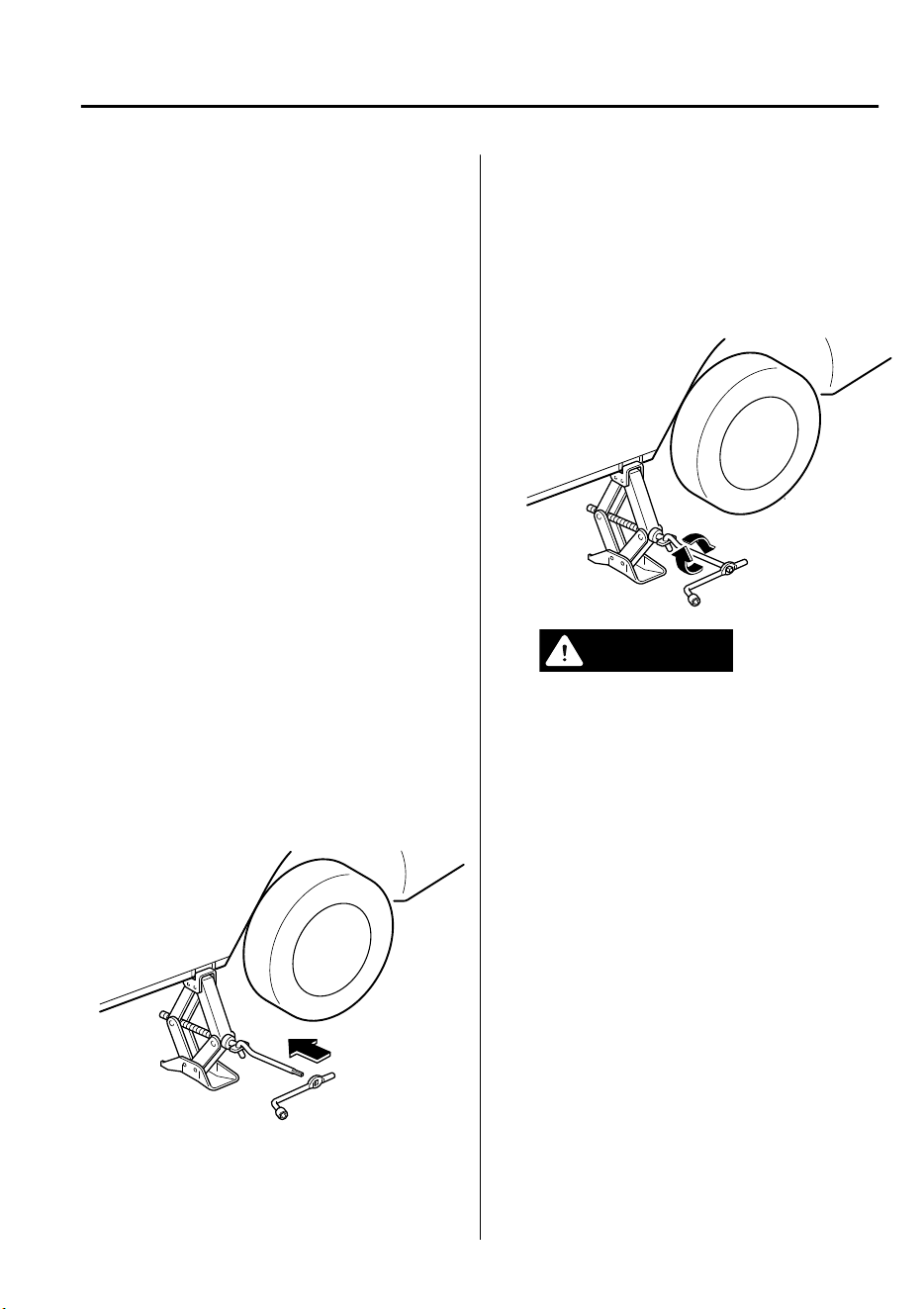
Do not jack up the vehicle in a position
other than the designated jack-up
position or place any objects on or
under the jack:
Jacking up the vehicle in a position
other than the designated jack-up
position or placing objects on or under
the jack is dangerous as it could deform
the vehicle body or the vehicle could fall
o the jack resulting in an accident.
Use only the jack provided with your
Mazda:
Using a jack that is not designed for
your Mazda is dangerous. The vehicle
could slip
o
the jack and seriously
injure someone.
Never place objects under the jack:
Jacking the vehicle with an object
under the jack is dangerous. The jack
could slip and someone could be
seriously injured by the jack or the
falling vehicle.
6. Insert the jack lever and attach the lug
wrench to tire jack.
7. Turn the jack handle clockwise and
raise the vehicle high enough so that
the spare tire can be installed. Before
removing the lug nuts, make sure your
Mazda is firmly in position and that it
cannot slip or move.
WARNING
Do not jack up the vehicle higher than
is necessary:
Jacking up the vehicle higher than is
necessary is dangerous as it could
destabilize the vehicle resulting in an
accident.
Do not start the engine or shake the
vehicle while it is jacked up:
Starting the engine or shaking the
vehicle while it is jacked up is
dangerous as it could cause the vehicle
to fall o the jack resulting in an
accident.
Never go under the vehicle while it is
jacked up:
Going under the vehicle while it is
jacked up is dangerous as it could result
in death or serious injury if the vehicle
were to fall o the jack.
If Trouble Arises
Flat Tire
7-23
CX-9_8GC7-EE-17G_Edition1 2017-5-16 8:22:04
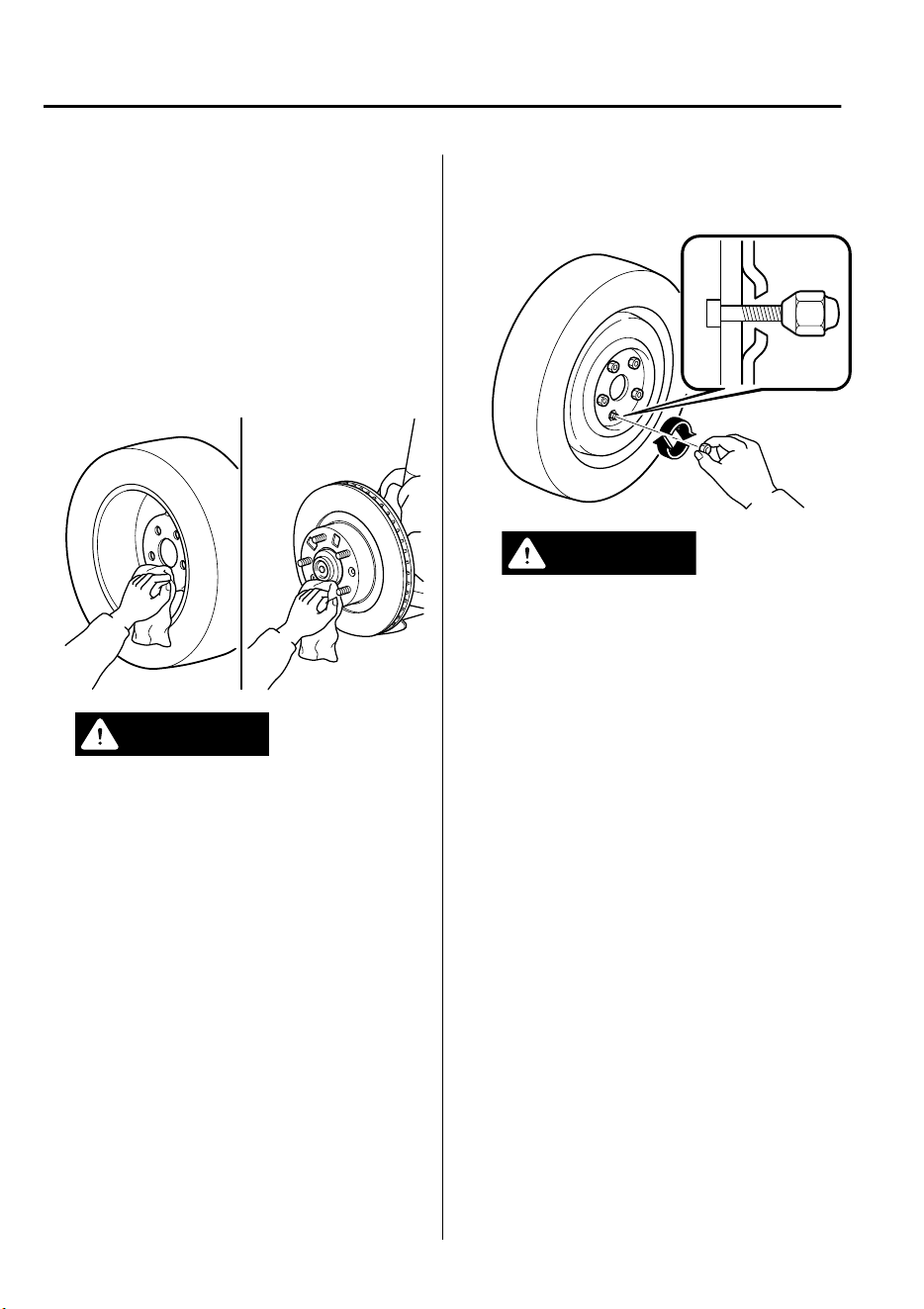
8. Remove the lug nuts by turning them
counterclockwise; then remove the
wheel and center cap.
▼
Mounting the Spare Tire
1. Remove dirt and grime from the
mounting surfaces of the wheel and
hub, including the hub bolts, with a
cloth.
WARNING
Make sure the mounting surfaces of the
wheel, hub and lug nuts are clean
before changing or replacing tires:
When changing or replacing a tire, not
removing dirt and grime from the
mounting surfaces of the wheel, hub
and hub bolts is dangerous. The lug
nuts could loosen while driving and
cause the tire to come o, resulting in
an accident.
2. Mount the spare tire.
3. Install the lug nuts with the beveled
edge inward; tighten them by hand.
WARNING
Do not apply oil or grease to lug nuts
and bolts and do not tighten the lug
nuts beyond the recommended
tightening torque:
Applying oil or grease to lug nuts and
bolts is dangerous. The lug nuts could
loosen while driving and cause the tire
to come o, resulting in an accident. In
addition, lug nuts and bolts could be
damaged if tightened more than
necessary.
4. Turn the lug wrench counterclockwise
and lower the vehicle.
If Trouble Arises
Flat Tire
7-24
CX-9_8GC7-EE-17G_Edition1 2017-5-16 8:22:04
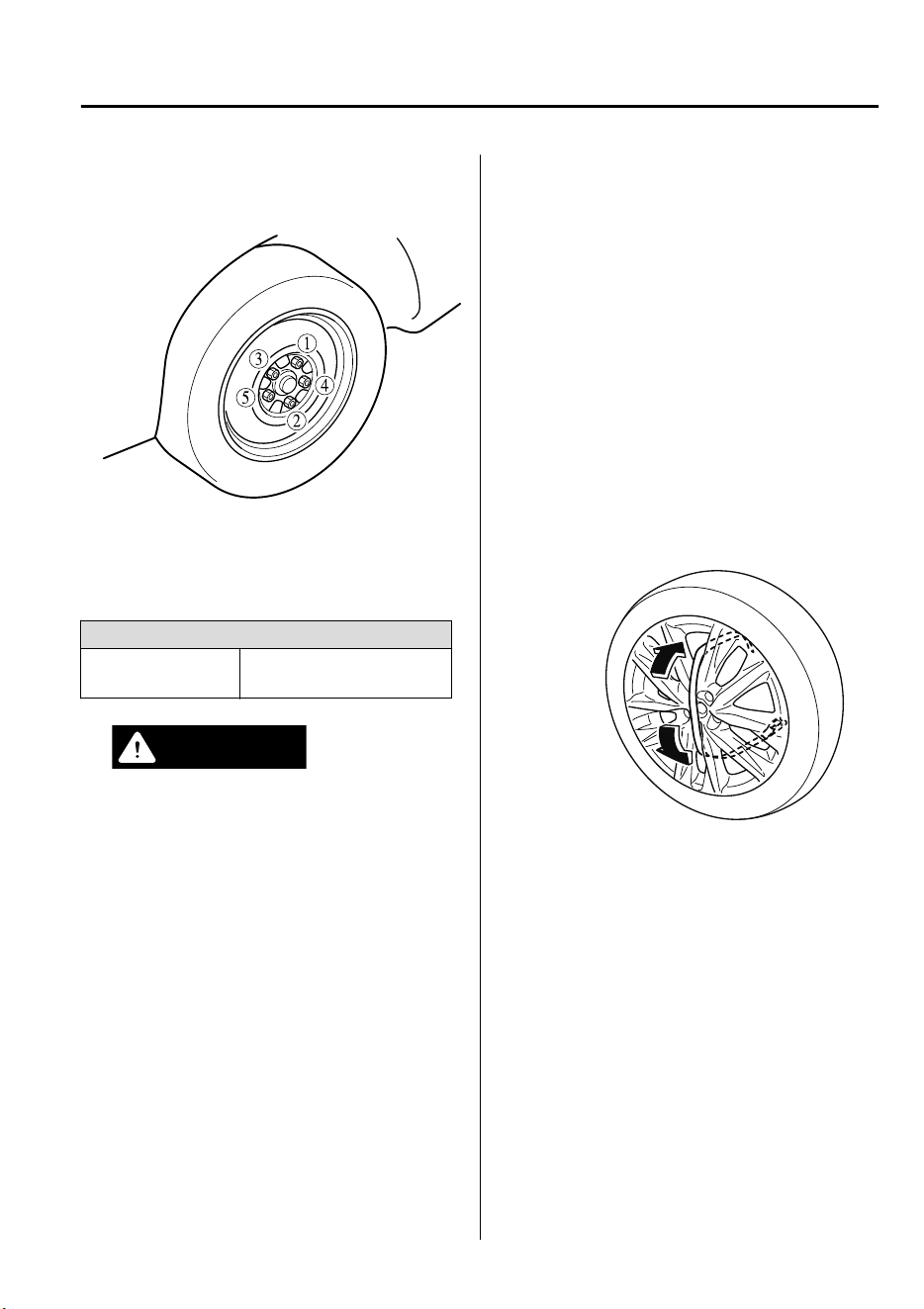
5. Use the lug wrench to tighten the nuts
in the order shown.
If you are unsure of how tight the nuts
should be, have them inspected at an
expert repairer, we recommend an
Authorized Mazda Repairer.
Nut tightening torque
N·m (kgf·m, ft·lbf)
108―147 (12―14,
80―108)
WARNING
Always securely and correctly tighten
the lug nuts:
Improperly or loosely tightened lug
nuts are dangerous. The wheel could
wobble or come o. This could result in
loss of vehicle control and cause a
serious accident.
Be sure to reinstall the same nuts you
removed or replace them with metric
nuts of the same conguration:
Because the wheel studs and lug nuts
on your Mazda have metric threads,
using a non-metric nut is dangerous.
On a metric stud, it would not secure
the wheel and would damage the stud,
which could cause the wheel to slip o
and cause an accident.
6. (Vehicles with sub-woofer)
Secure the sub-woofer to the flat tire
using the flat tire belt.
1. Pass the flat tire belt through the
wheel of the flat tire.
If Trouble Arises
Flat Tire
7-25
CX-9_8GC7-EE-17G_Edition1 2017-5-16 8:22:04
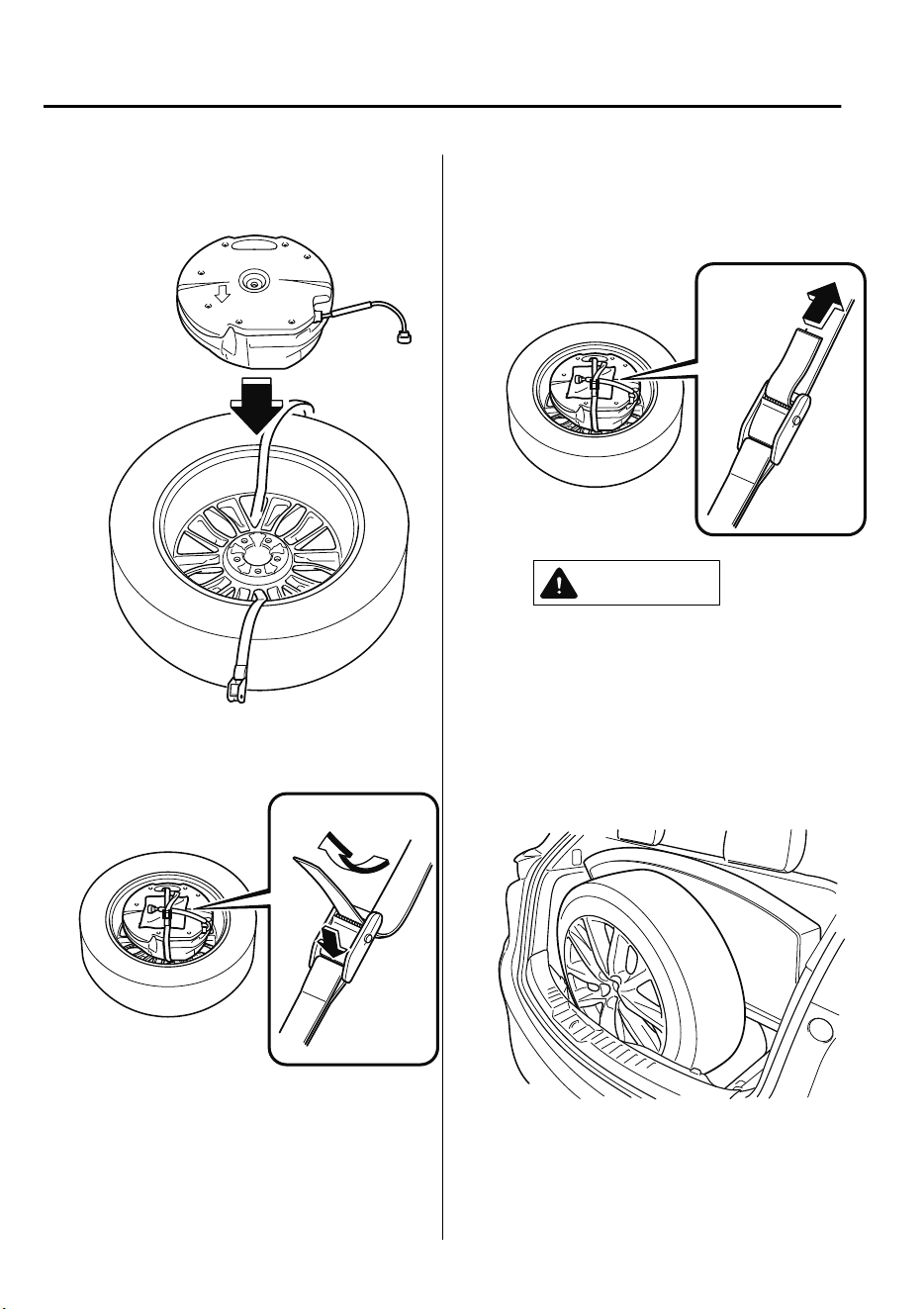
2. Install the sub-woofer to the flat
tire.
3. Pass the flat tire belt through the
buckle.
4. Pull the end of the flat tire belt and
secure the sub-woofer and the
wiring harness to the flat tire.
CAUTION
When pulling the at tire belt, wrap
the buckle with a cloth. If the buckle
directly contacts the sub-woofer,
the sub-woofer may be damaged.
7. Place the flat tire in the luggage
compartment so that it leans against
the luggage board.
If Trouble Arises
Flat Tire
7-26
CX-9_8GC7-EE-17G_Edition1 2017-5-16 8:22:04
CAUTION
Tuck a cloth between the at tire and
the vehicle trim. If the at tire directly
contacts the vehicle trim, the trim may
be damaged.
8. Slowly close the liftgate while making
sure that the liftgate trim does not
contact the flat tire.
NOTE
If the liftgate trim contacts the flat tire,
adjust the position of the flat tire.
9. Make sure that the liftgate closes
securely.
10. Check the tire inflation pressure.
Refer to the specification charts on
page 9-7.
11. Have the flat tire repaired or replaced
as soon as possible.
WARNING
Do not drive with any tires that have
incorrect air pressure:
Driving on tires with incorrect air pressure
is dangerous. Tires with incorrect pressure
could aect handling and result in an
accident. When you check the regular tires'
air pressure, check the spare tire, too.
NOTE
To prevent the jack and tool from rattling,
store them properly.
If Trouble Arises
Flat Tire
7-27
CX-9_8GC7-EE-17G_Edition1 2017-5-16 8:22:04
Jump-Starting
Jump-starting is dangerous if done incorrectly. So follow the procedure carefully. If you feel
unsure about jump-starting, we strongly recommend that you have a competent service
technician do the work.
WARNING
Follow These Precautions Carefully:
To ensure safe and correct handling of the battery, read the following precautions carefully
before using the battery or inspecting it.
Do not allow the positive ( ) terminal to contact any other metal object that could
cause sparks:
Flames and sparks near open battery cells are dangerous. Hydrogen gas, produced during
normal battery operation, could ignite and cause the battery to explode. An exploding battery
can cause serious burns and injuries. When working near a battery, do not allow metal tools
to contact the positive (
) or negative ( ) terminal of the battery.
Keep all ames, including cigarettes, and sparks away from open battery cells:
Flames and sparks near open battery cells are dangerous. Hydrogen gas, produced during
normal battery operation, could ignite and cause the battery to explode. An exploding battery
can cause serious burns and injuries.
Do not jump-start a frozen battery or one with a low uid level:
Jump-starting a frozen battery or one with a low uid level is dangerous. It may rupture or
explode, causing serious injury.
Connect the negative cable to a good ground point away from the battery:
Connecting the end of the second jumper cable to the negative (
) terminal of the discharged
battery is dangerous.
A spark could cause the gas around the battery to explode and injure someone.
Route the jumper cables away from parts that will be moving:
Connecting a jumper cable near or to moving parts (cooling fans, belts) is dangerous. The
cable could get caught when the engine starts and cause serious injury.
If Trouble Arises
Battery Runs Out
7-28
CX-9_8GC7-EE-17G_Edition1 2017-5-16 8:22:04
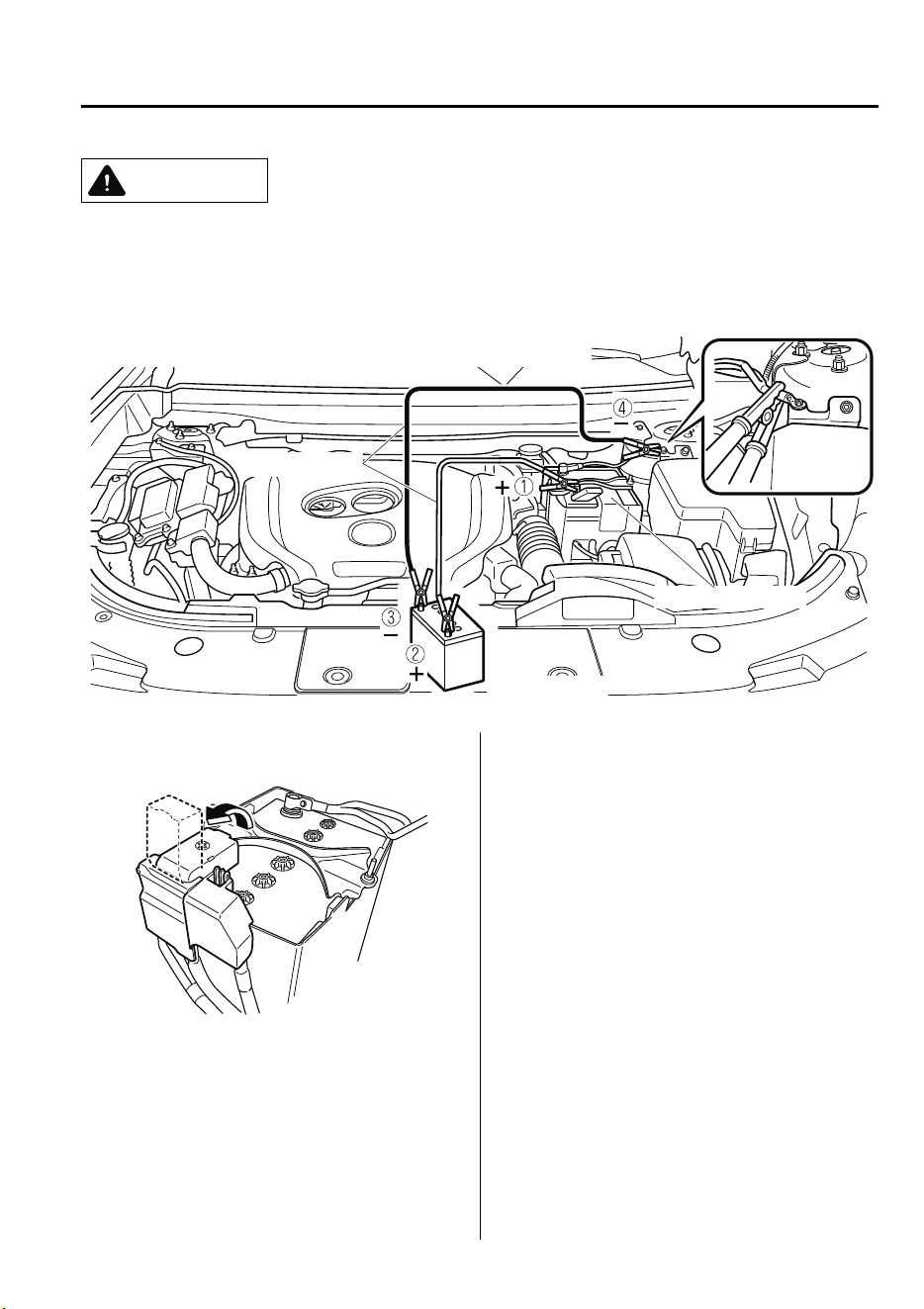
CAUTION
Use only a 12 V booster system. You can damage a 12 V starter, ignition system, and other
electrical parts beyond repair with a 24 V power supply (two 12 V batteries in series or a 24 V
motor generator set).
Connect cables in numerical order and disconnect in reverse order.
Jumper cables
Booster battery
Discharged battery
1. Remove the battery cover.
2. Make sure the booster battery is 12 V
and that its negative terminal is
grounded.
3. If the booster battery is in another
vehicle, do not allow both vehicles to
touch. Turn off the engine of the
vehicle with the booster battery and all
unnecessary electrical loads in both
vehicles.
4. Connect the jumper cables in the exact
sequence as in the illustration.
•
Connect one end of a cable to the
positive terminal on the discharged
battery (1).
•
Attach the other end to the positive
terminal on the booster battery (2).
•
Connect one end of the other cable
to the negative terminal of the
booster battery (3).
If Trouble Arises
Battery Runs Out
7-29
CX-9_8GC7-EE-17G_Edition1 2017-5-16 8:22:04

•
Connect the other end to the ground
point indicated in the illustration
away from the discharged battery
(4).
5. Start the engine of the booster vehicle
and run it a few minutes. Then start the
engine of the other vehicle.
6. When finished, carefully disconnect
the cables in the reverse order
described in the illustration.
7. If the battery cover has been removed,
install it in the reverse order of
removal.
NOTE
Verify that the covers are securely
installed.
If Trouble Arises
Battery Runs Out
7-30
CX-9_8GC7-EE-17G_Edition1 2017-5-16 8:22:04
Starting a Flooded Engine
If the engine fails to start, it may be
flooded (excessive fuel in the engine).
Follow this procedure:
1. If the engine does not start within five
seconds on the first try, wait ten
seconds and try again.
2. Make sure the parking brake is on.
3. Depress the accelerator all the way and
hold it there.
4. Depress the brake pedal, then press the
push button start. If the engine starts,
release the accelerator immediately
because the engine will suddenly rev
up.
5. If the engine fails to start, crank it
without depressing the accelerator.
If the engine still does not start using the
previous procedure, have your vehicle
inspected by an expert repairer, we
recommend an Authorized Mazda
Repairer.
Push-Starting
Do not push-start your Mazda.
WARNING
Never tow a vehicle to start it:
Towing a vehicle to start it is dangerous.
The vehicle being towed could surge
forward when its engine starts, causing the
two vehicles to collide. The occupants
could be injured.
NOTE
You cannot start a vehicle with an
automatic transaxle by pushing it.
If Trouble Arises
Emergency Starting
7-31
CX-9_8GC7-EE-17G_Edition1 2017-5-16 8:22:04
Overheating
If the temperature gauge indicates
overheating or the high engine coolant
temperature warning light turns on, the
vehicle loses power, or you hear a loud
knocking or pinging noise, the engine is
probably too hot.
WARNING
Pull over to a safe location, then switch
the ignition o and make sure the fan is
not running before attempting to work
near the cooling fan:
Working near the cooling fan when it is
running is dangerous. The fan could
continue running indenitely even if the
engine has stopped and the engine
compartment temperature is high. You
could be hit by the fan and seriously
injured.
Do not remove either cooling
system cap when the engine and radiator
are hot:
When the engine and radiator are hot,
scalding coolant and steam may shoot out
under pressure and cause serious injury.
Open the hood ONLY after steam is no
longer escaping from the engine:
Steam from an overheated engine is
dangerous. The escaping steam could
seriously burn you.
If the temperature gauge indicates
overheating or the high engine coolant
temperature warning light turns on:
1. Drive safely to the side of the road and
park off the right-of-way.
2. Shift into park (P).
3. Apply the parking brake.
4. Turn off the air conditioner.
5. Check whether coolant or steam is
escaping from the engine
compartment.
If steam is coming from the engine
compartment:
Do not go near the front of the vehicle.
Stop the engine.
Wait until the steam dissipates, then
open the hood and start the engine.
If neither coolant nor steam is
escaping:
Open the hood and idle the engine
until it cools.
CAUTION
If the cooling fan does not operate
while the engine is running, the engine
temperature will increase. Stop the
engine and call an expert repairer, we
recommend an Authorized Mazda
Repairer.
6. Make sure the cooling fan is operating,
then turn off the engine after the
temperature has decreased.
If Trouble Arises
Overheating
7-32
CX-9_8GC7-EE-17G_Edition1 2017-5-16 8:22:04
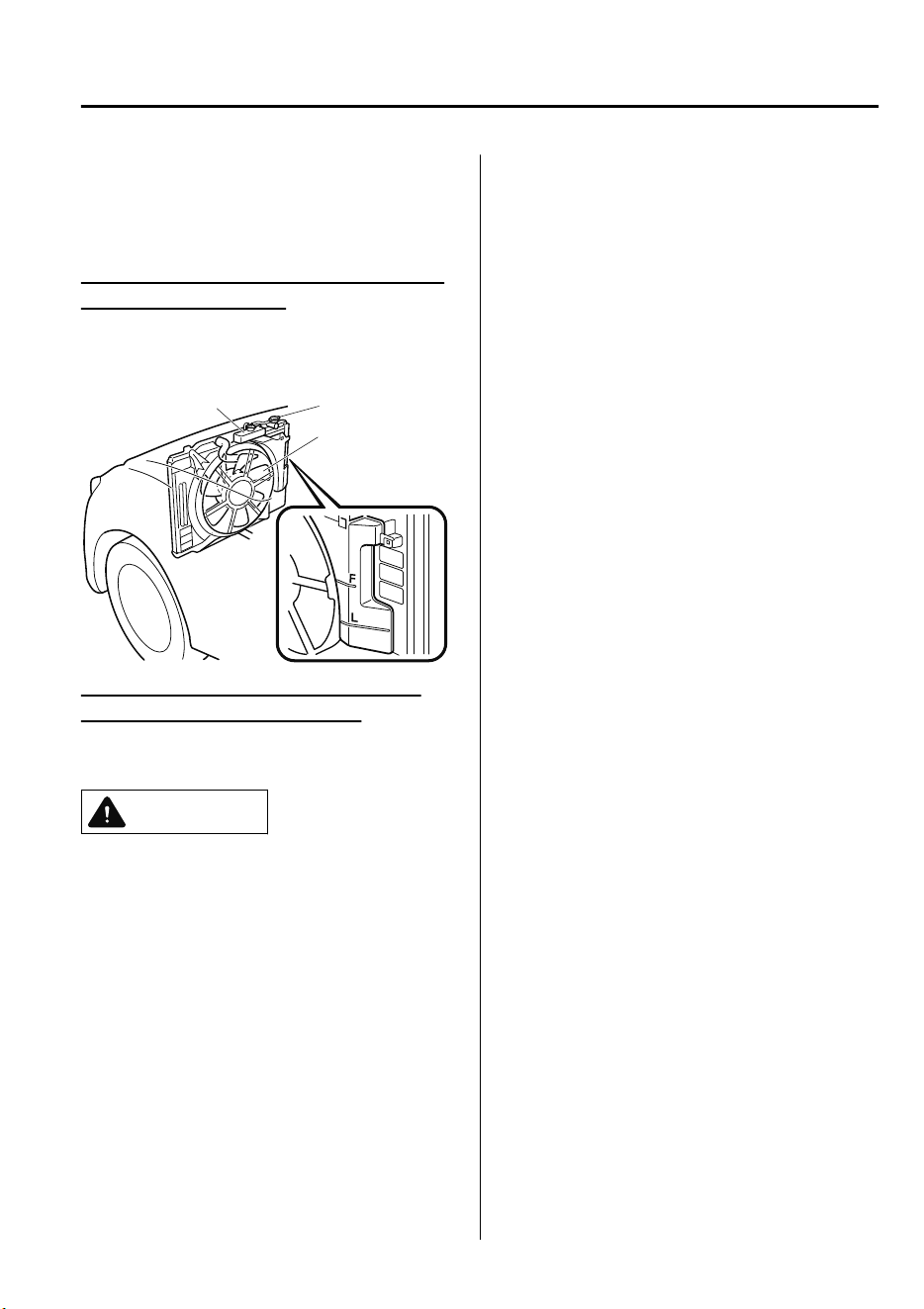
7. When cool, check the coolant level.
If it is low, look for coolant leaks from
the radiator and hoses.
If you find a leak or other damage, or if
coolant is still leaking:
Stop the engine and call an expert repairer,
we recommend an Authorized Mazda
Repairer.
Cooling system cap
Coolant reservoir
Cooling fan
If you find no problems, the engine is
cool, and no leaks are obvious:
Carefully add coolant as required (page
6-22).
CAUTION
If the engine continues to overheat or
frequently overheats, have the cooling
system inspected. The engine could be
seriously damaged unless repairs are
made. Consult an expert repairer, we
recommend an Authorized Mazda
Repairer.
If Trouble Arises
Overheating
7-33
CX-9_8GC7-EE-17G_Edition1 2017-5-16 8:22:04
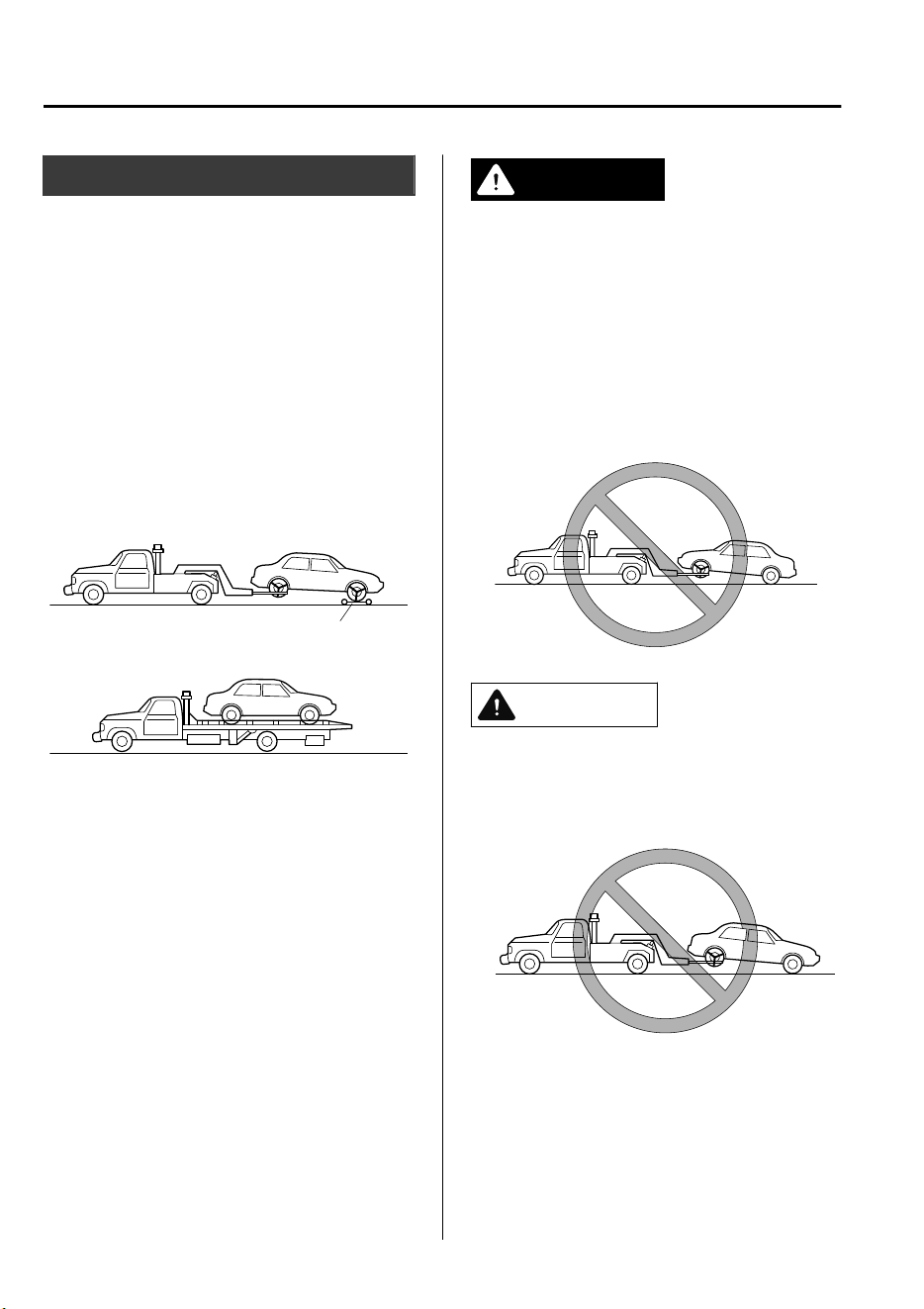
Towing Description
We recommend that towing be done only
by an expert repairer, we recommend an
Authorized Mazda Repairer or a
commercial tow-truck service.
Proper lifting and towing are necessary to
prevent damage to the vehicle. Particularly
when towing a 4WD vehicle, where all the
wheels are connected to the drive train,
proper transporting of the vehicle is
absolutely essential to avoid damaging the
drive system. Government and local laws
must be followed.
Wheel dollies
A towed 2WD vehicle should have its
drive wheels (front wheels) off the ground.
If excessive damage or other conditions
prevent this, use wheel dollies.
When towing a 2WD vehicle with the rear
wheels on the ground, release the parking
brake.
Refer to Electric Parking Brake (EPB) on
page 4-67.
A towed 4WD vehicle must have all its
wheels off the ground.
WARNING
Always tow a 4WD vehicle with all four
wheels o the ground:
Towing a 4WD vehicle with either the front
or rear wheels on the ground is dangerous
as the drive train could be damaged, or the
vehicle could trail away from the tow truck
and cause an accident. If the drive train has
been damaged, transport the vehicle on a
atbed truck.
CAUTION
Do not tow the vehicle pointed backward
with driving wheels on the ground. This
may cause internal damage to the
transaxle.
If Trouble Arises
Emergency Towing
7-34
CX-9_8GC7-EE-17G_Edition1 2017-5-16 8:22:04
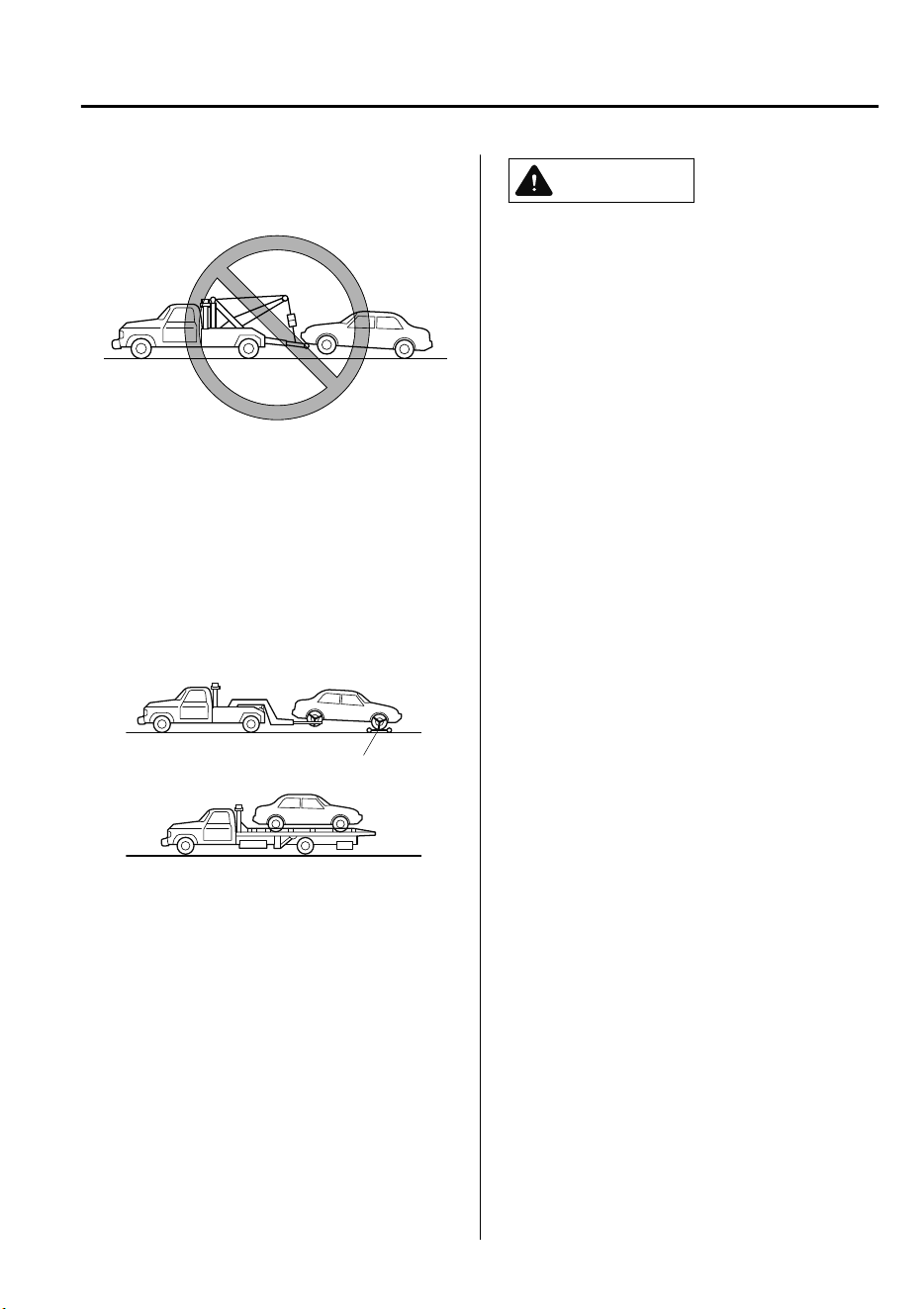
Do not tow with sling-type equipment.
This could damage your vehicle. Use
wheel-lift or
atbed
equipment.
If the electric parking brake (EPB) cannot
be released when towing the vehicle,
transport the vehicle with all front and
rear wheels raised o the ground as
shown in the
gure.
If the vehicle is
towed without raising the wheels o the
ground, the brake system could be
damaged.
Wheel dollies
If towing service is not available in an
emergency, the vehicle may be towed with
all four wheels on the ground using the
towing hook at the front of the vehicle.
Only tow the vehicle on paved surfaces for
short distances at low speeds.
CAUTION
Follow these instructions when towing the
vehicle with all wheels on the ground.
1. Shift to the N position.
2. Switch the ignition to ON.
3. Release the parking brake.
Refer to Electric Parking Brake (EPB) on
page 4-67.
Remember that power assist for the brakes
and steering will not be available when the
engine is not running.
If Trouble Arises
Emergency Towing
7-35
CX-9_8GC7-EE-17G_Edition1 2017-5-16 8:22:04
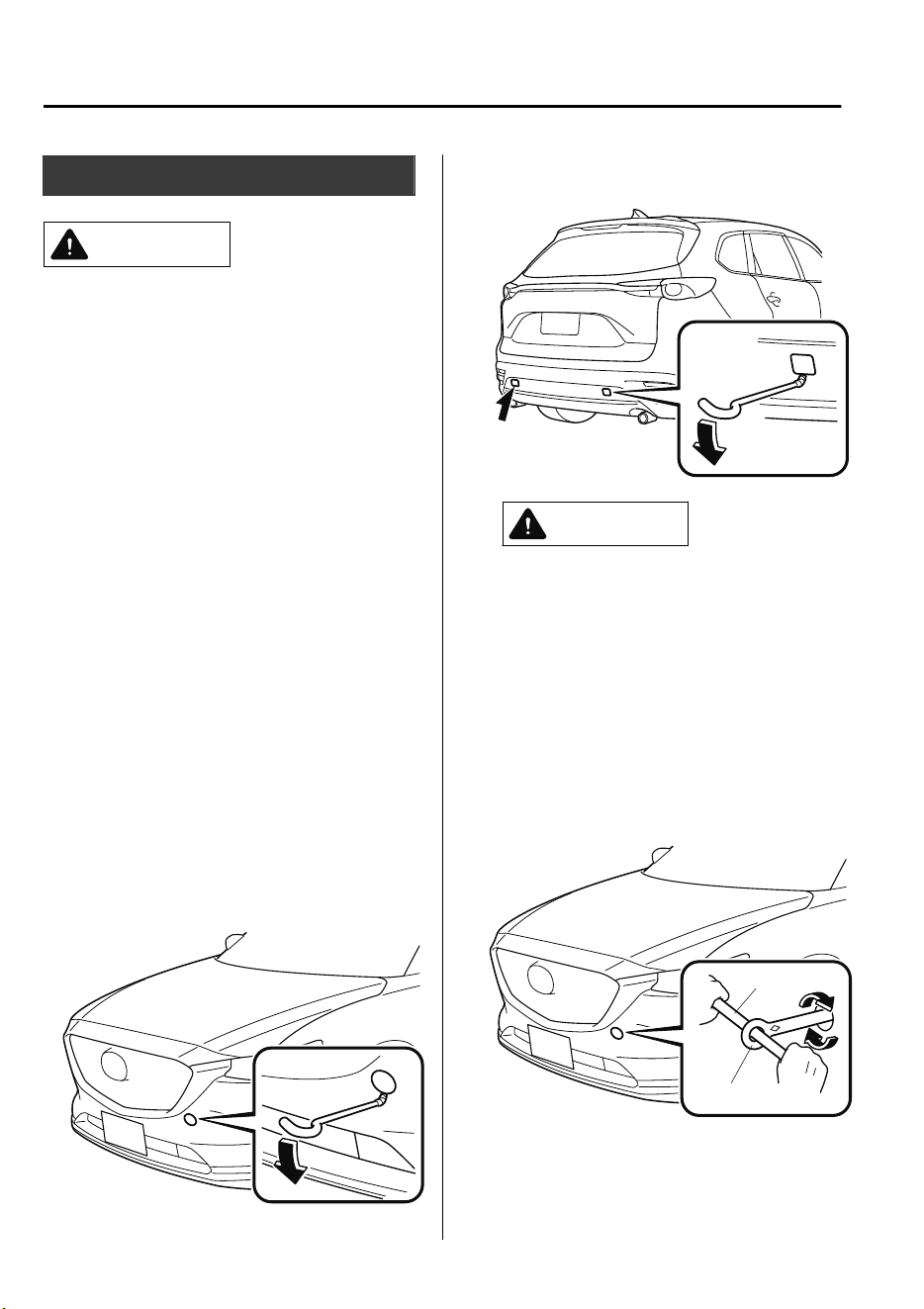
Towing Hooks
CAUTION
The towing eyelet should be used in an
emergency (to get the vehicle out of a
ditch or a snow bank, for example).
When using the towing eyelets, always
pull the cable or chain in a straight
direction with respect to the eyelet. Never
apply a sideways force.
NOTE
When towing with chain or cable, wrap
the chain or cable with a soft cloth near
the bumper to prevent damage to the
bumper.
▼
Towing Hook
1. Remove the towing eyelet and the lug
wrench from the luggage compartment
(page 7-15).
2. Wrap a flathead screwdriver or similar
tool with a soft cloth to prevent
damage to a painted bumper, and open
the cap located on the front or rear
bumper.
Front
Rear
CAUTION
Do not use excessive force as it may
damage the cap or scratch the painted
bumper surface.
NOTE
Remove the cap completely and store it
so as not to lose it.
3. Securely install the towing eyelet using
the lug wrench.
Front
Lug wrench
Towing eyelet
If Trouble Arises
Emergency Towing
7-36
CX-9_8GC7-EE-17G_Edition1 2017-5-16 8:22:04
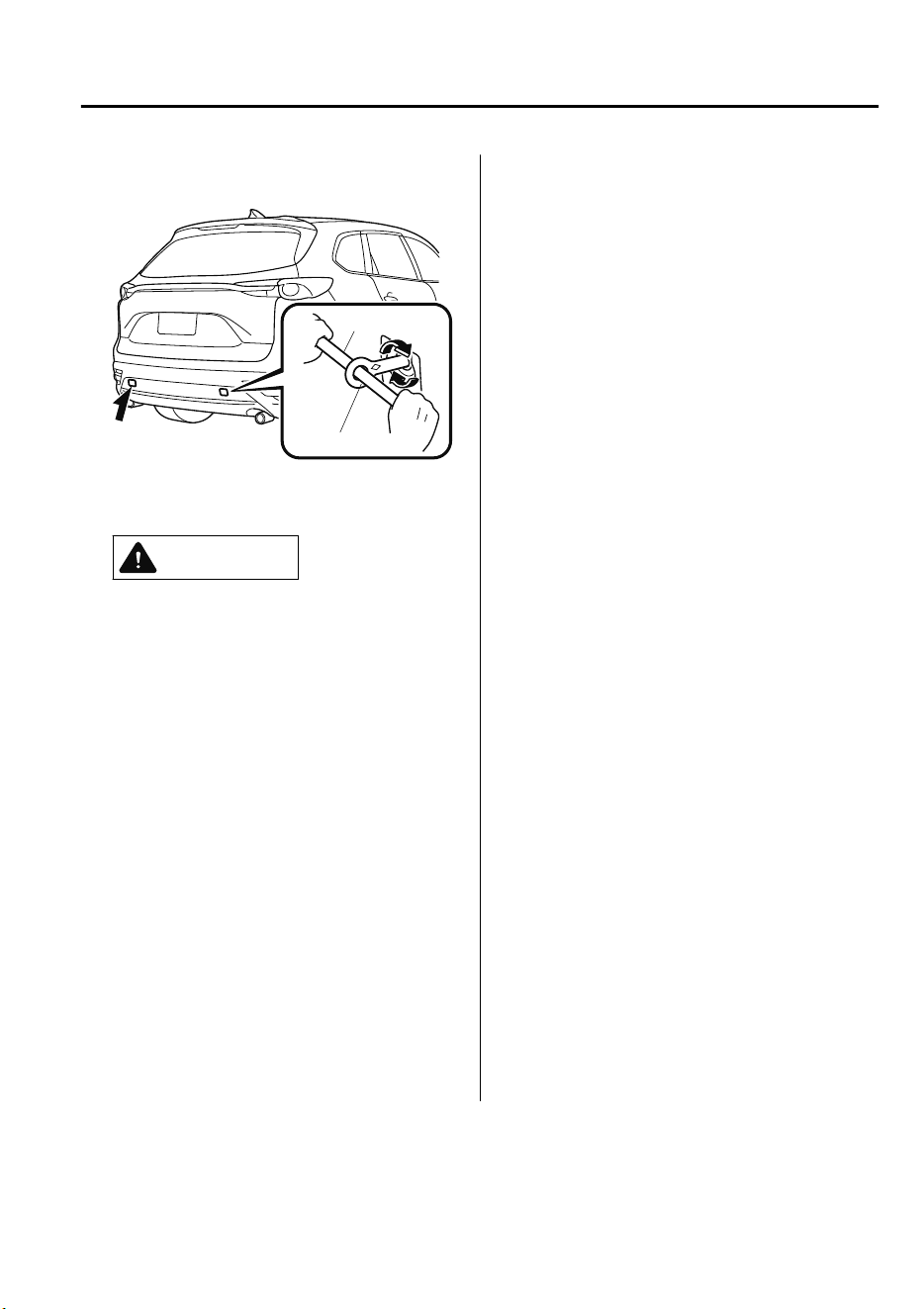
Rear
Lug wrench
Towing eyelet
4. Hook the towing rope to the towing
eyelet.
CAUTION
If the towing eyelet is not securely
tightened, it may loosen or
disengage from the bumper when
towing the vehicle. Make sure that
the towing eyelet is securely
tightened to the bumper.
Be careful not to damage the towing
eyelet and towing hook, vehicle body,
or transaxle system when towing
under the following conditions:
Do not tow a vehicle heavier than
yours.
Do not suddenly accelerate your
vehicle as it will apply a severe
shock to the towing eyelet and
towing hook or rope.
Do not attach any rope other than
to the towing eyelet and towing
hook.
If Trouble Arises
Emergency Towing
7-37
CX-9_8GC7-EE-17G_Edition1 2017-5-16 8:22:04
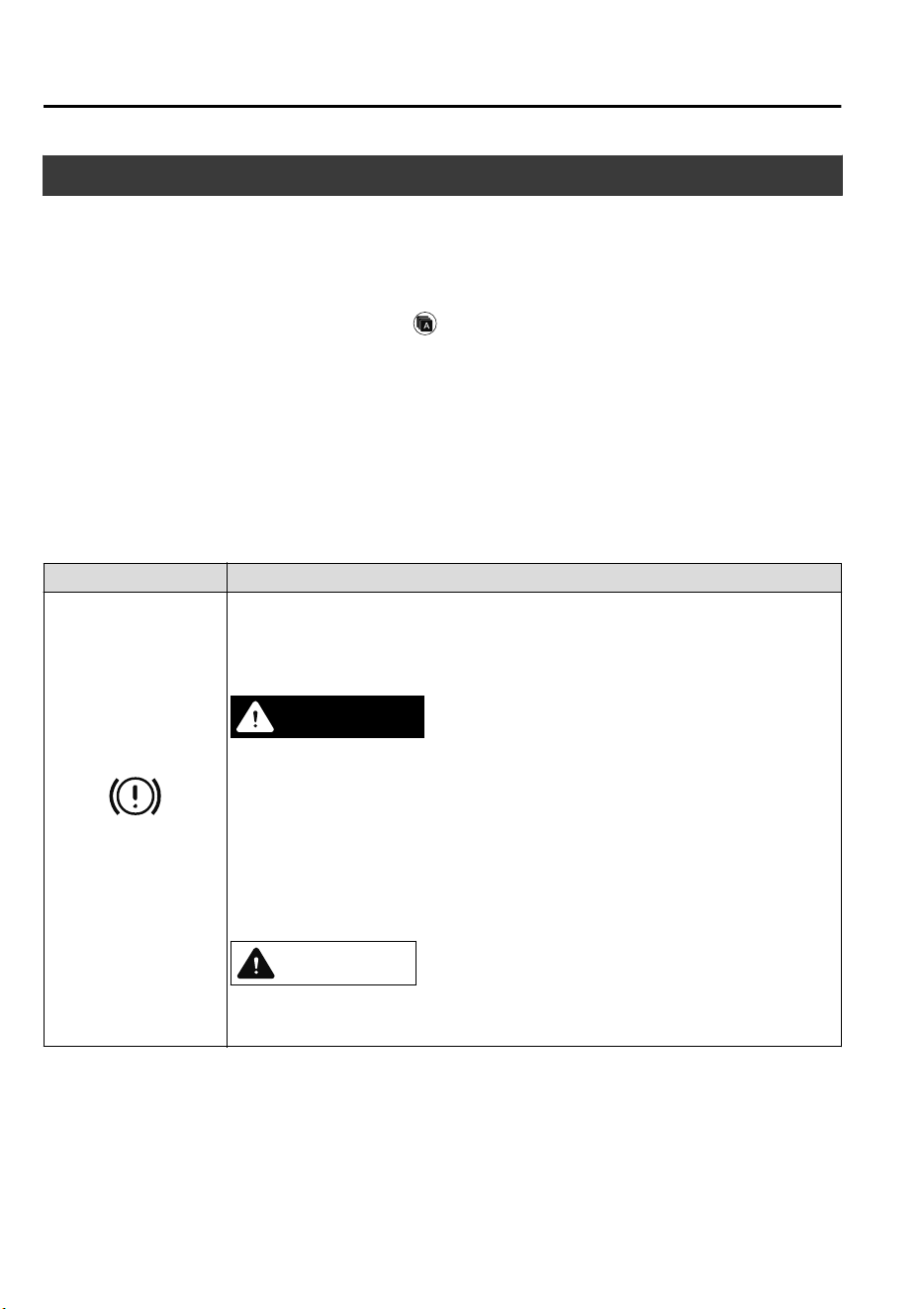
If a Warning Light Turns On or Flashes
If any warning light turns on/flashes, take appropriate action for each light. There is no
problem if the light turns off, however if the light does not turn off or turns on/flashes again,
consult an Authorized Mazda Repairer.
The details for some warnings can be viewed on the center display.
1. If the warning light is turned on, select
icon on the home screen to display the
application screen.
2. Select “Vehicle Status Monitor”.
3. Select “Warning Guidance” to display the current warnings.
4. Select the applicable warning to view the warning details.
▼
Stop Vehicle in Safe Place Immediately
If any of the following warning lights turns on, the system may have a malfunction. Stop the
vehicle in a safe place immediately and contact an Authorized Mazda Repairer.
Signal Warning
Brake System Warning
Light
If the brake system warning light remains illuminated the brake fluid may be low or
there could be a problem with the brake system. Park the vehicle in a safe place im-
mediately and contact an expert repairer, we recommend an Authorized Mazda Re-
pairer.
WARNING
Do not drive with the brake system warning light illuminated. Contact an expert repair‐
er, we recommend an Authorized Mazda Repairer to have the brakes inspected as soon
as possible:
Driving with the brake system warning light illuminated is dangerous. It indicates that
your brakes may not work at all or that they could completely fail at any time. If this
light remains illuminated, after checking that the parking brake is fully released, have
the brakes inspected immediately.
CAUTION
In addition, the
eectiveness
of the braking may diminish so you may need to depress
the brake pedal more strongly than normal to stop the vehicle.
If Trouble Arises
Warning/Indicator Lights and Warning Sounds
7-38
CX-9_8GC7-EE-17G_Edition1 2017-5-16 8:22:04
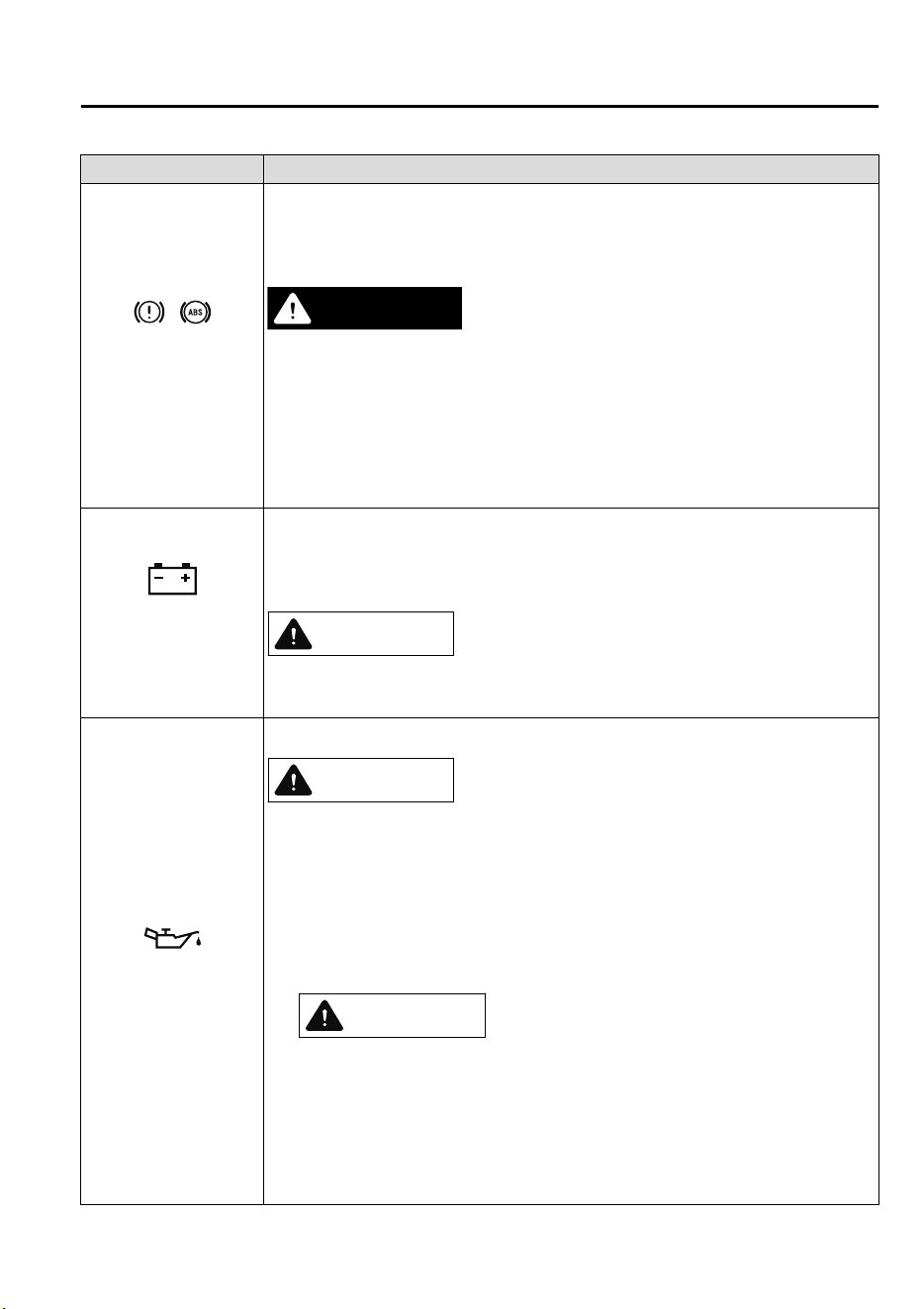
Signal Warning
Electronic Brake Force
Distribution System
Warning
If the electronic brake force distribution control unit determines that some compo-
nents are operating incorrectly, the control unit may illuminate the brake system
warning light and the ABS warning light simultaneously. The problem is likely to be
the electronic brake force distribution system.
WARNING
Do not drive with both the ABS warning light and brake warning light illuminated.
Have the vehicle towed to an expert repairer, we recommend an Authorized Mazda Re‐
pairer to have the brakes inspected as soon as possible:
Driving when the brake system warning light and ABS warning light are illuminated
simultaneously is dangerous.
When both lights are illuminated, the rear wheels could lock more quickly in an emer‐
gency stop than under normal circumstances.
Charging System Warn-
ing Indication/Warning
Light
If the warning light illuminates while driving, it indicates a malfunction of the alter-
nator or of the charging system.
Drive to the side of the road and park off the right-of-way. Consult an expert repairer,
we recommend an Authorized Mazda Repairer.
CAUTION
Do not continue driving when the charging system warning light is illuminated be‐
cause the engine could stop unexpectedly.
Engine Oil Warning
Light
This warning light indicates low engine oil pressure.
CAUTION
Do not run the engine if the oil pressure is low. Otherwise, it could result in extensive
engine damage.
If the light illuminates or the warning indication is displayed while driving:
1. Drive to the side of the road and park off the right-of-way on level ground.
2. Turn off the engine and wait 5 minutes for the oil to drain back into the oil pan.
3. Inspect the engine oil level. (page 6-21) If it's low, add the appropriate amount of
engine oil while being careful not to overfill.
CAUTION
Do not run the engine if the oil level is low. Otherwise, it could result in extensive
engine damage.
4. Start the engine and check the warning light.
If the light remains illuminated even though the oil level is normal or after adding oil,
stop the engine immediately and have your vehicle towed to an expert repairer, we
recommend an Authorized Mazda Repairer.
If Trouble Arises
Warning/Indicator Lights and Warning Sounds
7-39
CX-9_8GC7-EE-17G_Edition1 2017-5-16 8:22:04
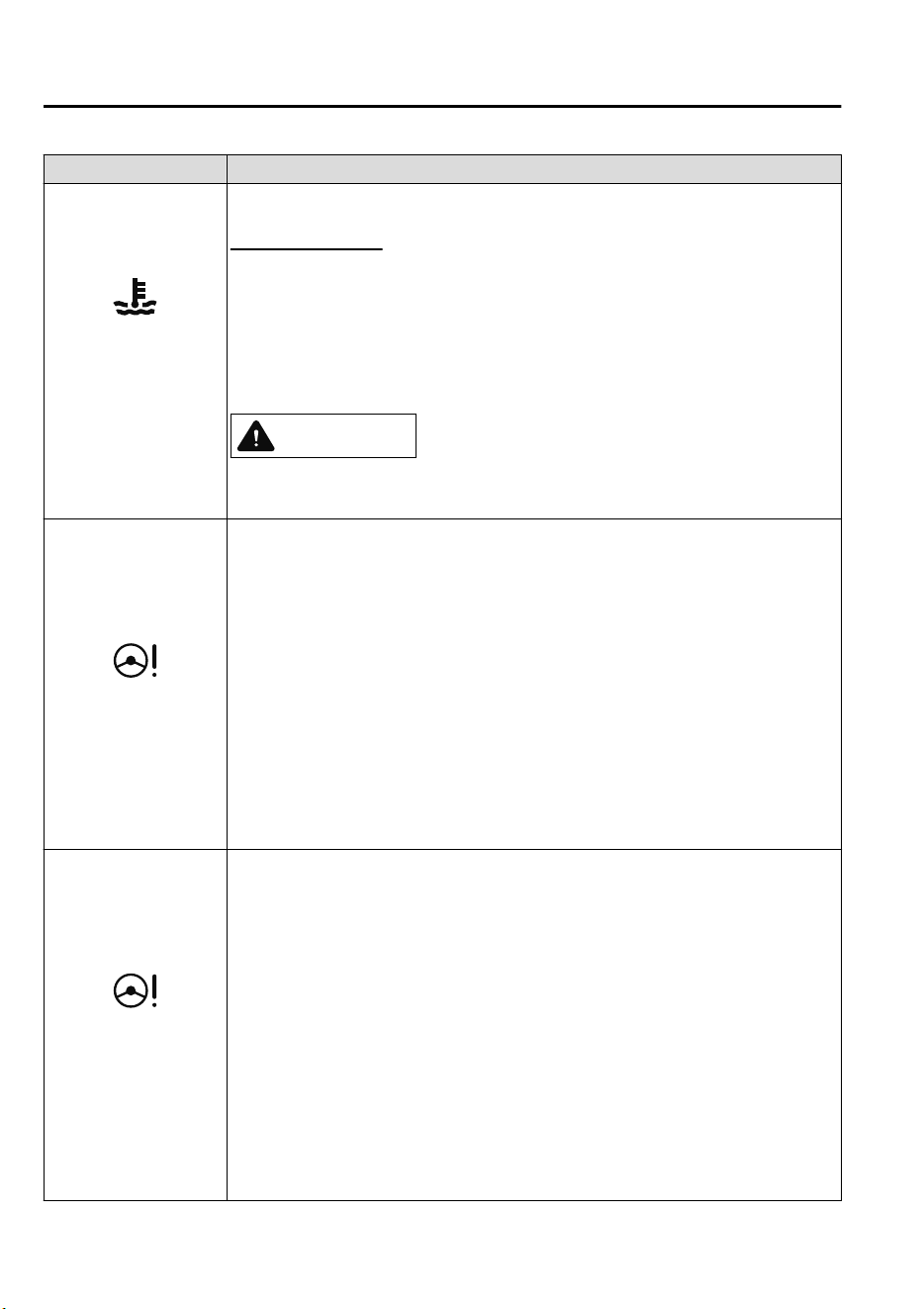
Signal Warning
(Red)
High Engine Coolant
Temperature Warning
Indication/Warning
Light
The light flashes when the engine coolant temperature is extremely high, and illumi-
nates when the engine coolant temperature increases further.
Handling Procedure
Flashing light
Drive slowly to reduce engine load until you can find a safe place to stop the vehicle
and wait for the engine to cool down.
Illuminated light
This indicates the possibility of overheating. Park the vehicle in a safe place immedi-
ately and stop the engine.
Refer to Overheating on page 7-32.
CAUTION
Do not drive the vehicle with the high engine coolant temperature warning light illumi‐
nated. Otherwise, it could result in damage to the engine.
Power Steering Mal-
function Indication
*
The message is displayed if the electric power steering has a malfunction.
If the message is displayed, stop the vehicle in a safe place and do not operate the
steering wheel. There is no problem if the message in the display turns off after a
while. Contact an expert repairer, we recommend an Authorized Mazda Repairer if
the message is displayed continuously.
NOTE
•
If the message is displayed, the power steering will not operate normally. In this
case, the steering wheel can still be operated, however, the operation may feel heavy
compared to normal, or the steering wheel could vibrate when turning.
•
Repeatedly jerking the steering wheel left and right while the vehicle is stopped or
moving extremely slowly will cause the power steering system to go into protective
mode which will make the steering feel heavy, but this does not indicate a problem. If
this occurs, park the vehicle safely and wait several minutes for the system to return
to normal.
Power Steering Mal-
function Indicator
Light
*
The light illuminates/flashes if the electric power steering has a malfunction.
If the light illuminates/flashes, stop the vehicle in a safe place and do not operate the
steering wheel. There is no problem if the light turns off after a while. Contact an ex-
pert repairer, we recommend an Authorized Mazda Repairer if the light illuminates/
flashes continuously.
NOTE
•
If the indicator light illuminates/flashes, the power steering will not operate normal-
ly. In this happens, the steering wheel can still be operated, however, the operation
may feel heavy compared to normal, or the steering wheel could vibrate when turn-
ing.
•
Repeatedly jerking the steering wheel left and right while the vehicle is stopped or
moving extremely slowly will cause the power steering system to go into protective
mode which will make the steering feel heavy, but this does not indicate a problem. If
this occurs, park the vehicle safely and wait several minutes for the system to return
to normal.
If Trouble Arises
Warning/Indicator Lights and Warning Sounds
7-40
*Some models.
CX-9_8GC7-EE-17G_Edition1 2017-5-16 8:22:04
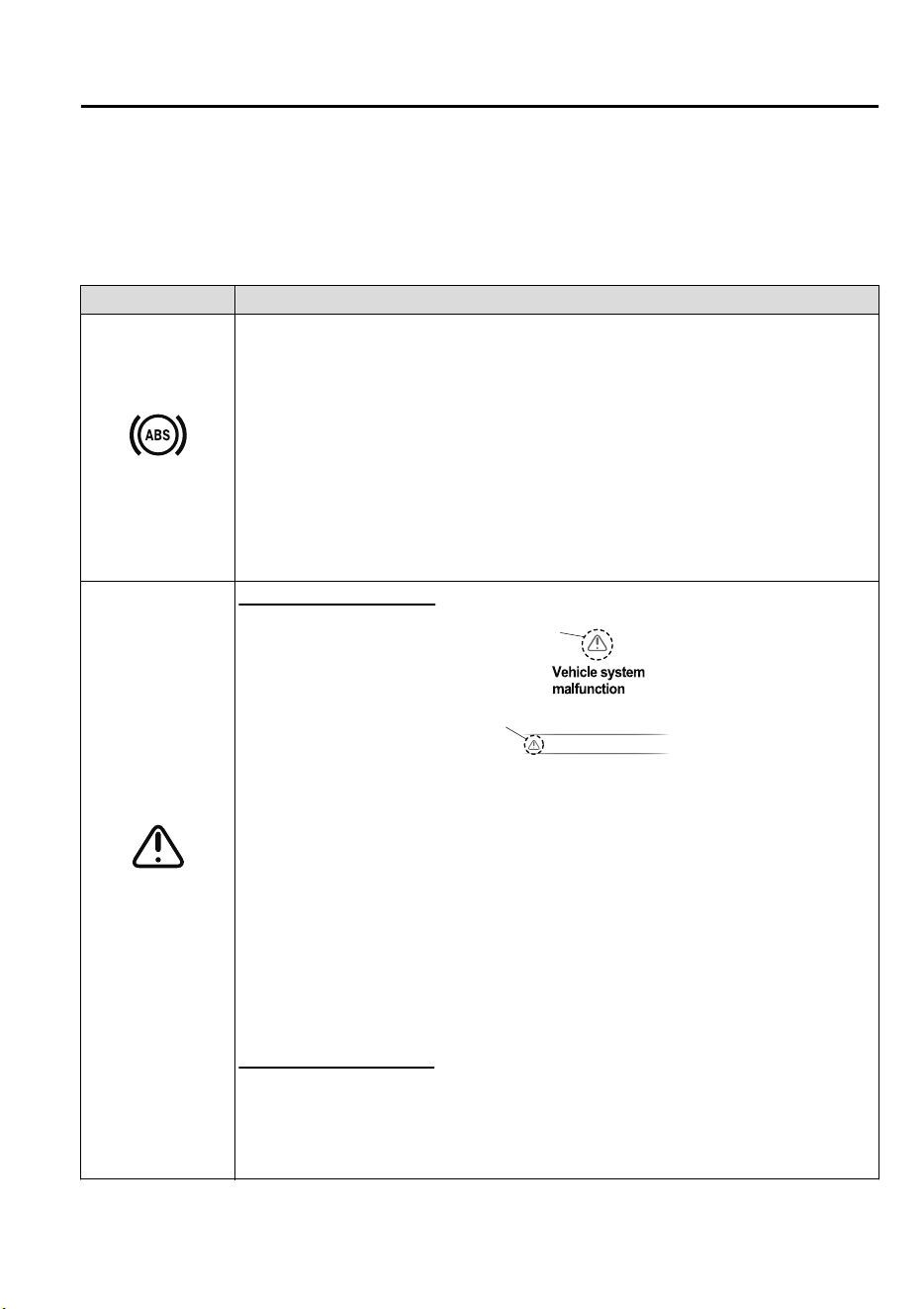
▼
Contact Authorized Mazda Repairer and Have Vehicle Inspected
If any of the following warning lights or the indicator light turns on/flashes, the system may
have a malfunction. Contact an expert repairer, we recommend an Authorized Mazda
Repairer to have your vehicle inspected.
Signal Warning
ABS Warning Light
If the ABS warning light stays on while you're driving, the ABS control unit has detected
a system malfunction. If this occurs, your brakes will function normally as if the vehicle
had no ABS.
Should this happen, consult an expert repairer, we recommend an Authorized Mazda Re-
pairer as soon as possible.
NOTE
•
When the engine is jump-started to charge the battery, uneven rpm occurs and the ABS
warning light may illuminate. If this occurs, it is the result of the weak battery and does
not indicate an ABS malfunction.
Recharge the battery.
•
The brake assist system does not operate while the ABS warning light is illuminated.
Master Warning In-
dication/Warning
Light
Type A instrument cluster
Master
warning
light
Master warning
indication
(Master warning indication)
Displays when notification of the system malfunctions is required.
Check the message indicated in the display and consult an expert repairer, we recommend
an Authorized Mazda Repairer.
(Master warning light)
The master warning light displays when a warning message occurs.
This indicates a malfunction with the vehicle system. Check the message indicated in the
display and consult an expert repairer, we recommend an Authorized Mazda Repairer.
For details, refer to the explanations for the warning/indicator lights, in the warning/indi-
cator lights section, which match the symbol in the upper part of the display.
If a message is not indicated in the display, operate the INFO switch to display the “Warn-
ing” screen.
Refer to Message Indicated in Multi-information Display and INFO switch on page 4-20.
Type B instrument cluster
The light illuminates continuously if any one of the following occurs. Consult an expert
repairer, we recommend an Authorized Mazda Repairer.
•
There is a malfunction in the battery management system.
•
There is a malfunction in the brake switch.
If Trouble Arises
Warning/Indicator Lights and Warning Sounds
7-41
CX-9_8GC7-EE-17G_Edition1 2017-5-16 8:22:04
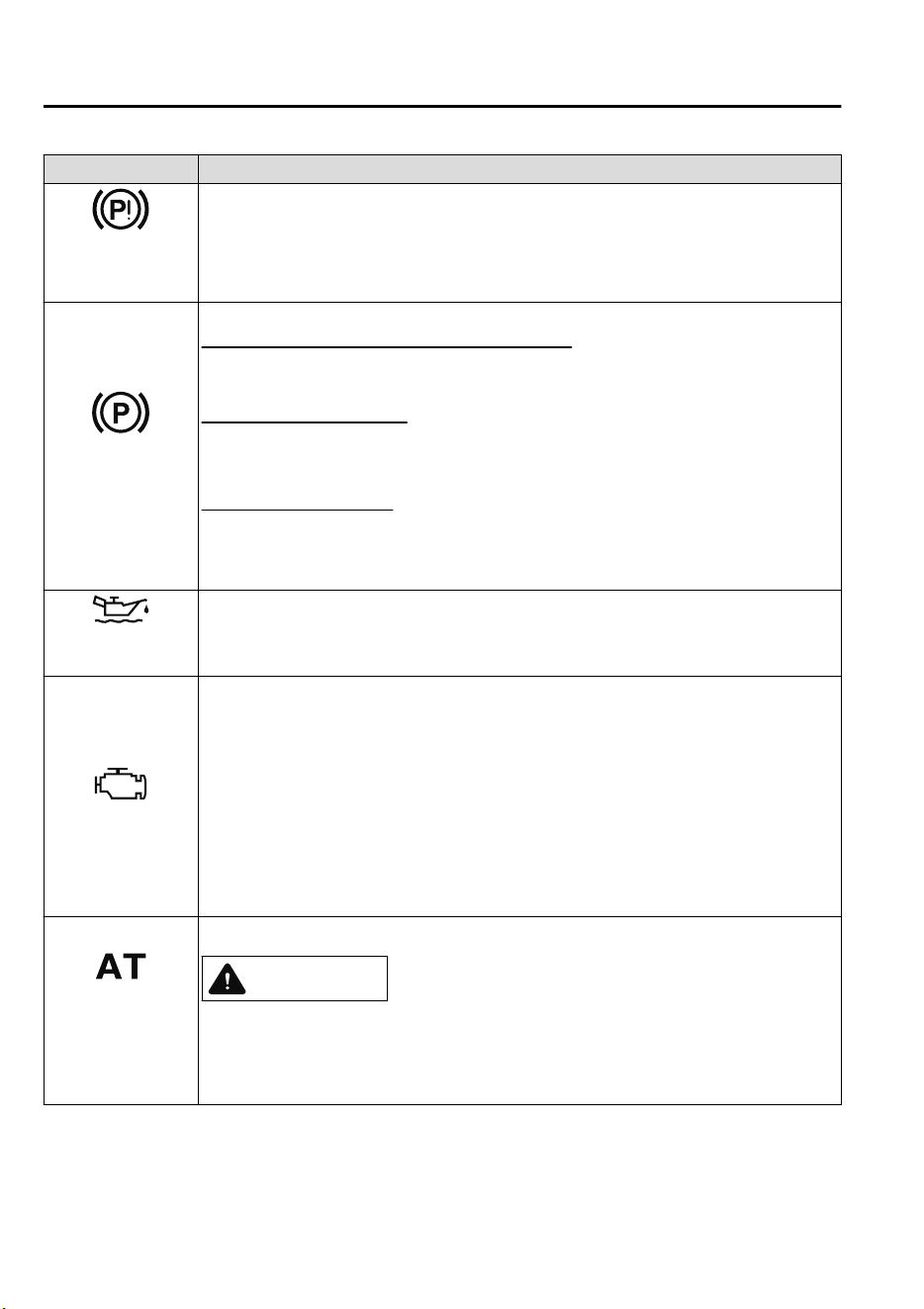
Signal Warning
Electric Parking
Brake (EPB) Warn-
ing Light
The warning light illuminates when the system has a malfunction. Have your vehicle in-
spected at an expert repairer, we recommend an Authorized Mazda Repairer.
Electric Parking
Brake (EPB) Indica-
tion/Indicator Light
This warning has the following functions:
Parking brake warning/Indicator light inspection
The light illuminates when the electric parking brake is applied with the ignition switched
to START or ON. It turns off when the electric parking brake is released.
When the light is turned on
If the light remains turned on even if the electric parking brake switch is released, an ex-
pert repairer, we recommend an Authorized Mazda Repairer.
When the light is flashing
The light flashes if the electric parking brake has a malfunction. If the light remains flash-
ing even if the electric parking brake switch is operated, consult an expert repairer, we
recommend an Authorized Mazda Repairer as soon as possible.
Engine Oil Level
Warning Indication
*
The message is displayed when the system has a malfunction. Have your vehicle inspect-
ed at an expert repairer, we recommend an Authorized Mazda Repairer.
Check Engine Light
If this light illuminates while driving, the vehicle may have a problem. It is important to
note the driving conditions when the light illuminated and consult an expert repairer, we
recommend an Authorized Mazda Repairer.
The check engine light may illuminate in the following cases:
•
The engine's electrical system has a problem.
•
The emission control system has a problem.
•
The fuel tank level being very low or approaching empty.
If the check engine light remains on, or it flashes continuously , do not drive at high
speeds and consult an expert repairer, we recommend an Authorized Mazda Repairer as
soon as possible.
Automatic Trans-
axle Warning Indi-
cation/Warning
Light
The indication/light illuminates when the transaxle has a problem.
CAUTION
If the automatic transaxle warning indication/light illuminates, the transaxle has an electri‐
cal problem. Continuing to drive your Mazda in this condition could cause damage to your
transaxle. Consult an expert repairer, we recommend an Authorized Mazda Repairer as
soon as possible.
If Trouble Arises
Warning/Indicator Lights and Warning Sounds
7-42
*Some models.
CX-9_8GC7-EE-17G_Edition1 2017-5-16 8:22:04
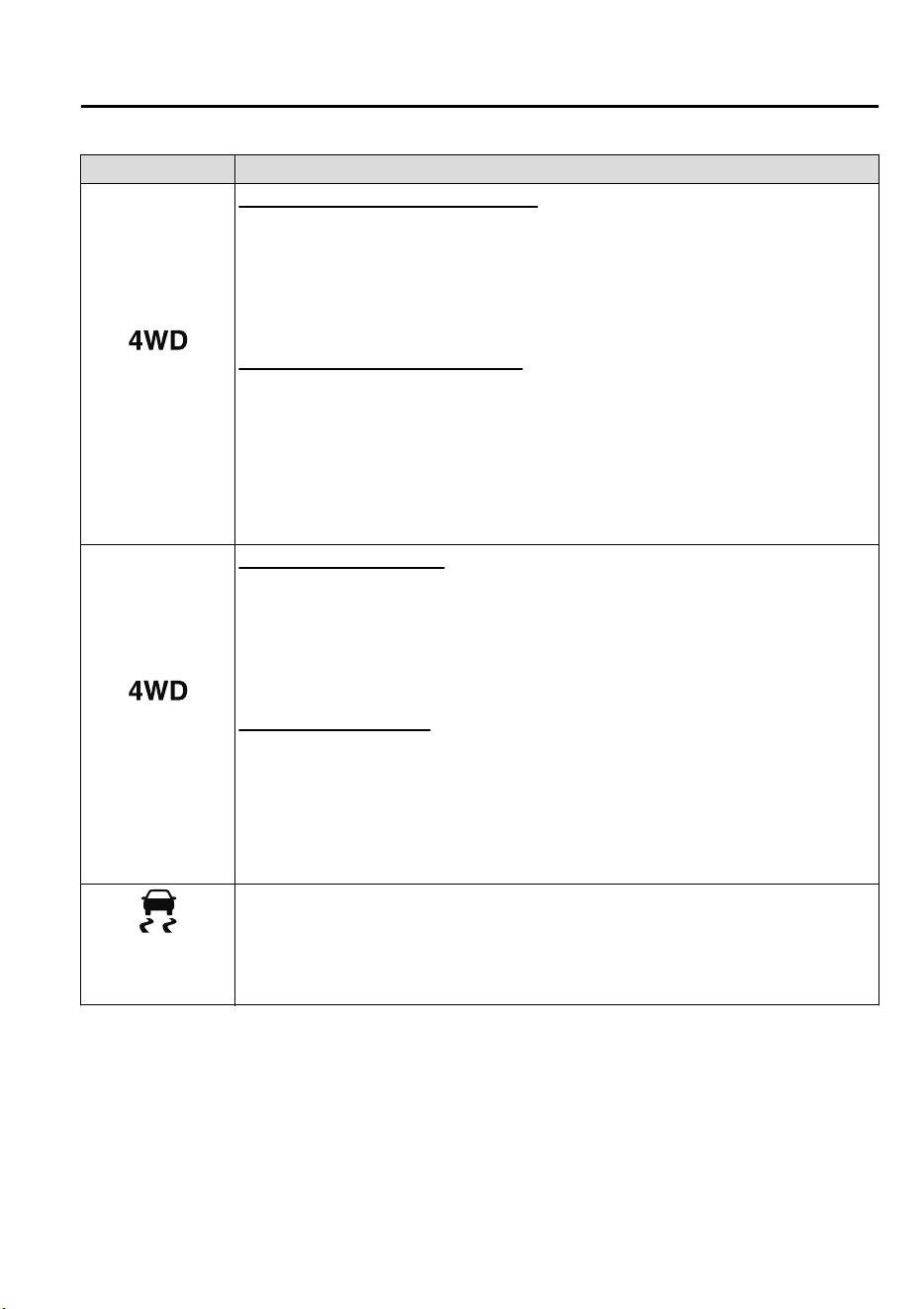
Signal Warning
4WD Warning Indi-
cation
*
“4WD system malfunction” is displayed
The indication is displayed under the following conditions. The system may have a mal-
function. Have the vehicle checked at an expert repairer, we recommend an Authorized
Mazda Repairer.
•
When there is a malfunction in the 4WD system.
•
When there is a large difference between the tire size of the front and rear wheels.
“ 4WD system high-load” is displayed
The indication is displayed under the following conditions. Park the vehicle in a safe
place and check that the warning indication light turns off, and then drive the vehicle.
Contact an expert repairer, we recommend an Authorized Mazda Repairer if the indica-
tion is continuously displayed.
•
When the differential oil temperature is excessively high.
•
When there is a large difference between the front and rear wheel rotation, such as when
trying to remove the vehicle from mud.
4WD Warning
Light
*
When the light is turned on
The light turns on under the following conditions. The system may have a malfunction.
Have the vehicle checked at an expert repairer, we recommend an Authorized Mazda Re-
pairer.
•
When there is a malfunction in the 4WD system.
•
When there is a large difference between the tire size of the front and rear wheels.
When the light is flashing
Park the vehicle in a safe place. After a few moments, if the warning light stops flashing,
you can resume driving. If the light does not stop flashing, contact an expert repairer, we
recommend an Authorized Mazda Repairer.
•
When the differential oil temperature is excessively high.
•
When there is a large difference between the front and rear wheel rotation, such as when
trying to remove the vehicle from mud.
(Turns on)
TCS/DSC Indicator
Light
If the light stays on, the TCS, DSC or the brake assist system may have a malfunction and
they may not operate correctly. Take your vehicle to an expert repairer, we recommend an
Authorized Mazda Repairer.
If Trouble Arises
Warning/Indicator Lights and Warning Sounds
*Some models.
7-43
CX-9_8GC7-EE-17G_Edition1 2017-5-16 8:22:04
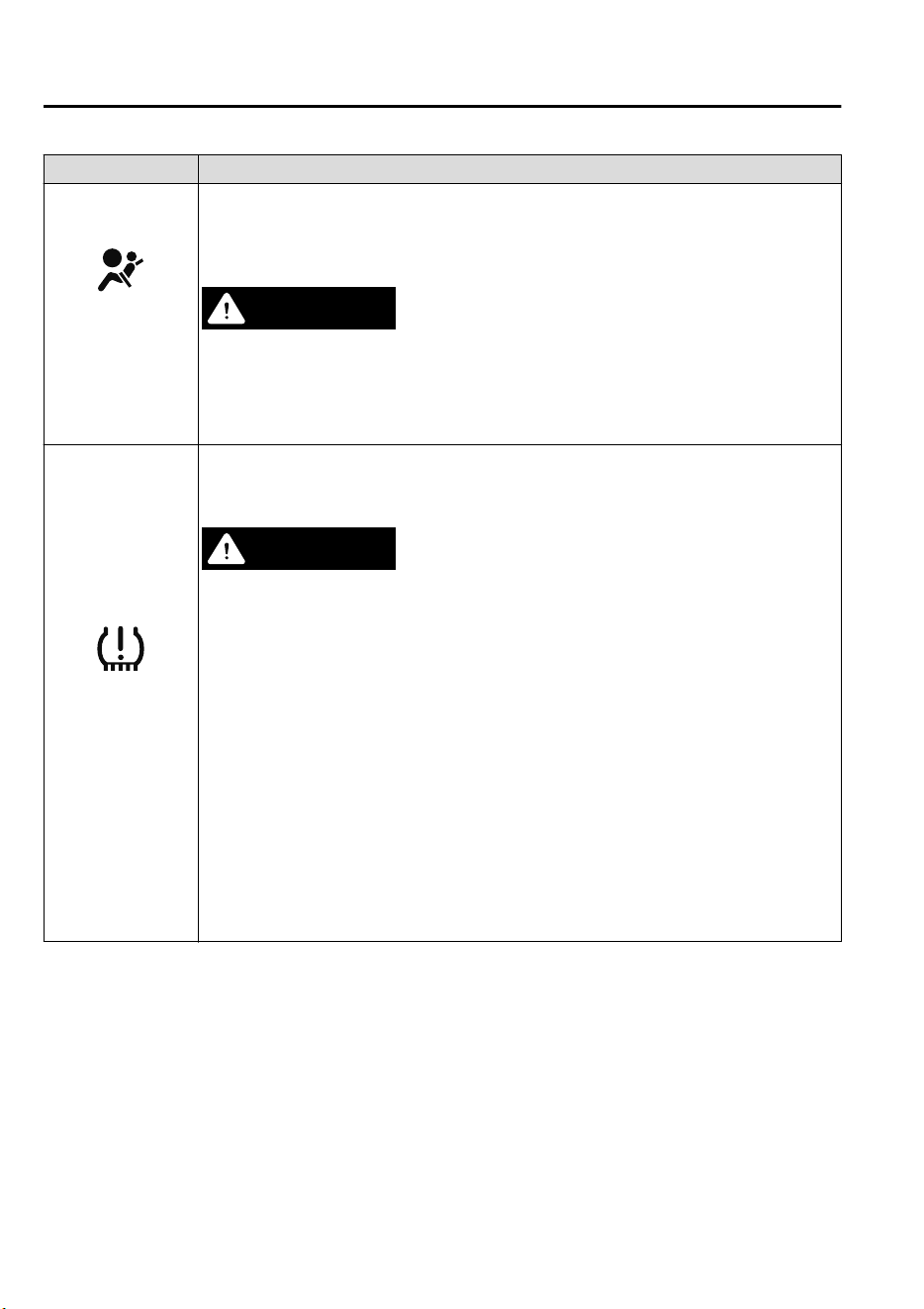
Signal Warning
Air Bag/Front Seat
Belt Pretensioner
System Warning
Light
A system malfunction is indicated if the warning light constantly flashes, constantly illu-
minates or does not illuminate at all when the ignition is switched ON. If any of these
occur, consult an expert repairer, we recommend an Authorized Mazda Repairer as soon
as possible. The system may not operate in an accident.
WARNING
Never tamper with the air bag/pretensioner systems and always have an expert repairer,
we recommend an Authorized Mazda Repairer perform all servicing and repairs:
Self-servicing or tampering with the systems is dangerous. An air bag/pretensioner could
accidentally activate or become disabled causing serious injury or death.
(Flashing)
Tire Pressure Moni-
toring System Warn-
ing Light
*
If the tire pressure monitoring system has a malfunction, the tire pressure warning light
flashes. Have your vehicle checked by an expert repairer, we recommend an Authorized
Mazda Repairer as soon as possible.
WARNING
If the tire pressure monitoring system warning light illuminates or ashes, or the tire pres‐
sure warning beep sound is heard, decrease vehicle speed immediately and avoid sudden
maneuvering and braking:
If the tire pressure monitoring system warning light illuminates or ashes, or the tire pres‐
sure warning beep sound is heard, it is dangerous to drive the vehicle at high speeds, or
perform sudden maneuvering or braking. Vehicle drivability could worsen and result in an
accident.
To determine if you have a slow leak or a at, pull over to a safe position where you can
check the visual condition of the tire and determine if you have enough air to proceed to a
place where air may be added and the system monitored again by an expert repairer, we
recommend an Authorized Mazda Repairer or a tire repair station.
Do not ignore the TPMS Warning Light:
Ignoring the TPMS warning light is dangerous, even if you know why it is illuminated. Have
the problem taken care of as soon as possible before it develops into a more serious situa‐
tion that could lead to tire failure and a dangerous accident.
If Trouble Arises
Warning/Indicator Lights and Warning Sounds
7-44
*Some models.
CX-9_8GC7-EE-17G_Edition1 2017-5-16 8:22:04
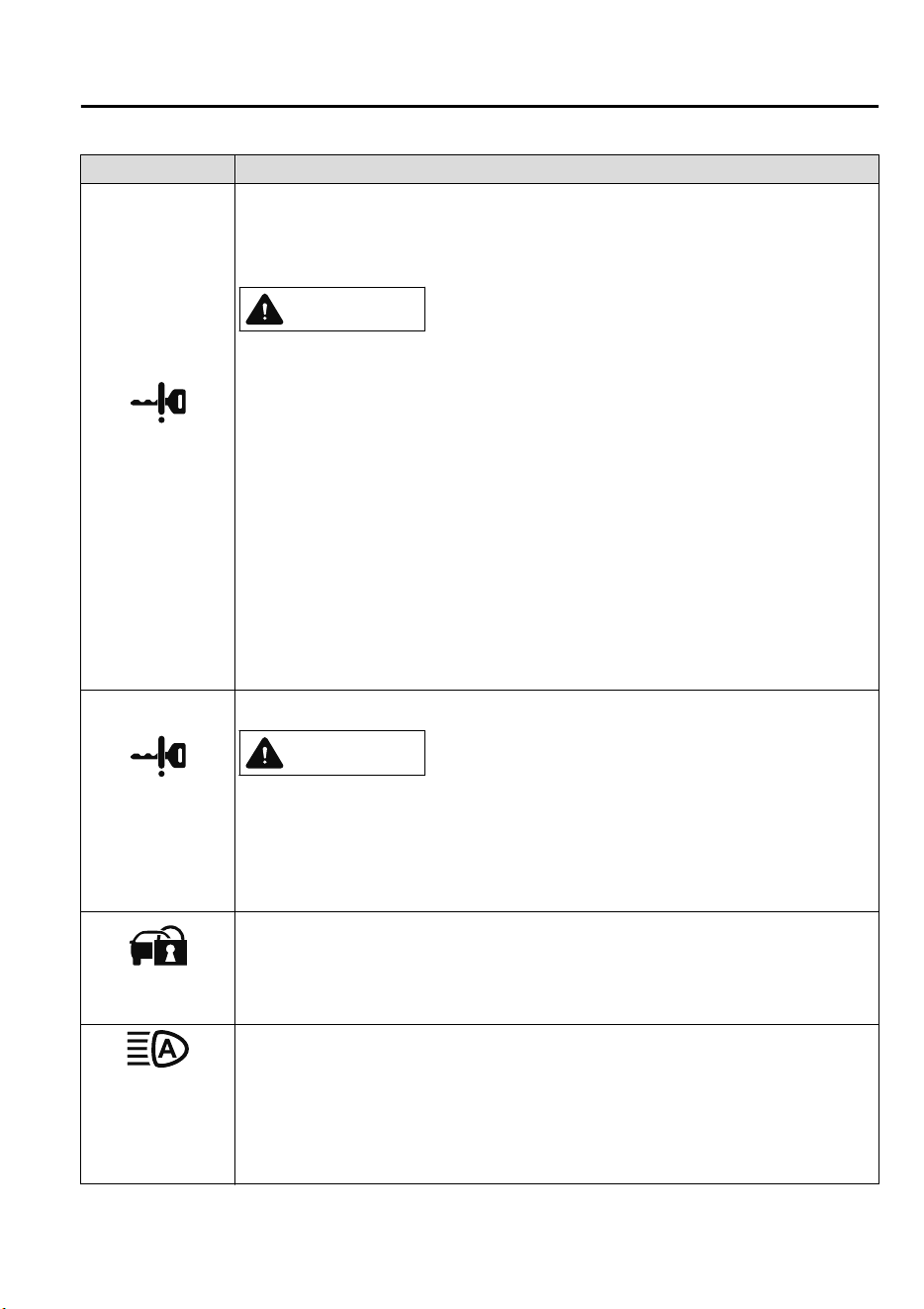
Signal Warning
(Amber)
KEY Warning Indi-
cation
*
“Keyless System malfunction” is displayed
This message is displayed if the advanced keyless entry & push button start system has a
problem.
Contact an expert repairer, we recommend an Authorized Mazda Repairer.
CAUTION
If the message is indicated, or the push button start indicator light (amber) ashes, the en‐
gine may not start. If the engine cannot be started, try starting it using the emergency oper‐
ation for starting the engine, and have the vehicle inspected at an expert repairer, we rec‐
ommend an Authorized Mazda Repairer as soon as possible.
Refer to Emergency Operation for Starting the Engine on page 4-10.
“Set Power to OFF” is displayed
This message is displayed when the driver's door is opened without switching the ignition
off.
“Key not found” is displayed
This message is displayed when any of the following operations is performed with the key
out of the operational range or placed in areas inside the cabin where it is difficult for the
key to be detected.
•
The push button start is pressed with the ignition switched off
•
The ignition is switched on
•
All doors are closed without switching the ignition off
(Red)
(Turns on)
KEY Warning
Light
*
If any malfunction occurs in the keyless entry system, it illuminates continuously.
CAUTION
If the key warning indicator light illuminates or the push button start indicator light (am‐
ber) ashes, the engine may not start. If the engine cannot be started, try starting it using
the emergency operation for starting the engine, and have the vehicle inspected at an ex‐
pert repairer, we recommend an Authorized Mazda Repairer as soon as possible.
Refer to Emergency Operation for Starting the Engine on page 4-10.
Security Indicator
Light
If the engine does not start with the correct key, and the security indicator light remains
illuminated or flashing, try the following:
Make sure the key is within the operational range for signal transmission. Switch the igni-
tion off, and then restart the engine. If the engine does not start after 3 or more tries, con-
tact an expert repairer, we recommend an Authorized Mazda Repairer.
(Amber)
Adaptive LED
Headlights (ALH)
Warning Indication/
Warning Light
*
The light remains turned on if there is a problem with the system. Have your vehicle in-
spected at an expert repairer, we recommend an Authorized Mazda Repairer.
NOTE
If the windshield area in front of the Forward Sensing Camera (FSC) is fogged or ob-
structed, the light turns on temporarily. If the light remains turned on, there may be a
problem with the system.
If Trouble Arises
Warning/Indicator Lights and Warning Sounds
*Some models.
7-45
CX-9_8GC7-EE-17G_Edition1 2017-5-16 8:22:04
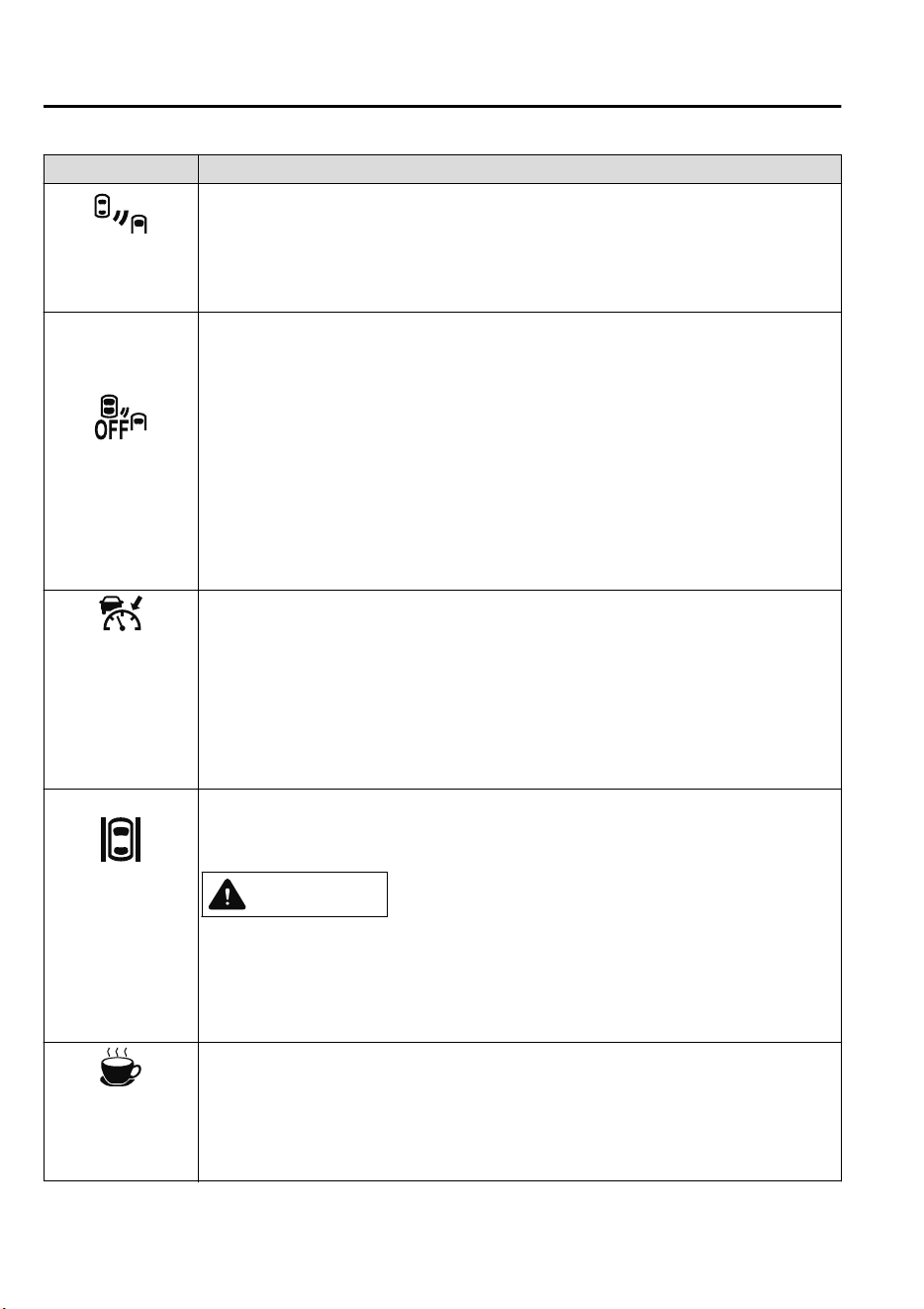
Signal Warning
Blind Spot Monitor-
ing (BSM) Warning
Indication
*
The message is displayed when the system has a malfunction. Have your vehicle inspect-
ed by an expert repairer, we recommend an Authorized Mazda Repairer.
NOTE
If the vehicle is driven on a road with less traffic and few vehicles that the radar sensors
can detect, the system may pause. However, it does not indicate a malfunction.
Blind Spot Monitor-
ing (BSM) OFF In-
dicator Light
*
A problem in the system may be indicated under the following conditions.
Have your vehicle inspected at an expert repairer, we recommend an Authorized Mazda
Repairer.
•
The light does not turn on when the ignition is switched ON.
•
The light remains on even when the Blind Spot Monitoring (BSM) system can be operat-
ed.
•
It turns on while driving the vehicle.
NOTE
If the vehicle is driven on a road with less traffic and few vehicles that the radar sensors
can detect, the system may pause (The Blind Spot Monitoring (BSM) OFF indicator light
in the instrument cluster illuminates). However, it does not indicate a malfunction.
(Amber)
Mazda Radar Cruise
Control with Stop &
Go function (MRCC
with Stop & Go
function) Warning
Indication
*
The message is displayed when the system has a malfunction. Have your vehicle inspect-
ed at an expert repairer, we recommend an Authorized Mazda Repairer.
(Amber)
Lane-keep Assist
System (LAS) &
Lane Departure
Warning System
(LDWS) Warning
Indication
*
The message is displayed when the system has a malfunction. Have your vehicle inspect-
ed at an expert repairer, we recommend an Authorized Mazda Repairer.
The system does not operate when the warning message is displayed.
CAUTION
Always use tires for all wheels that are of the specied size, and the same manufacture,
brand, and tread pattern. In addition, do not use tires with signicantly dierent wear
patterns on the same vehicle. If such improper tires are used, the system may not oper‐
ate normally.
When an emergency spare tire is used, the system may not operate normally.
(Amber)
Driver Attention
Alert (DAA) Warn-
ing Indication
*
The message is displayed when the system has a malfunction. Have your vehicle inspect-
ed at an expert repairer, we recommend an Authorized Mazda Repairer.
If Trouble Arises
Warning/Indicator Lights and Warning Sounds
7-46
*Some models.
CX-9_8GC7-EE-17G_Edition1 2017-5-16 8:22:04
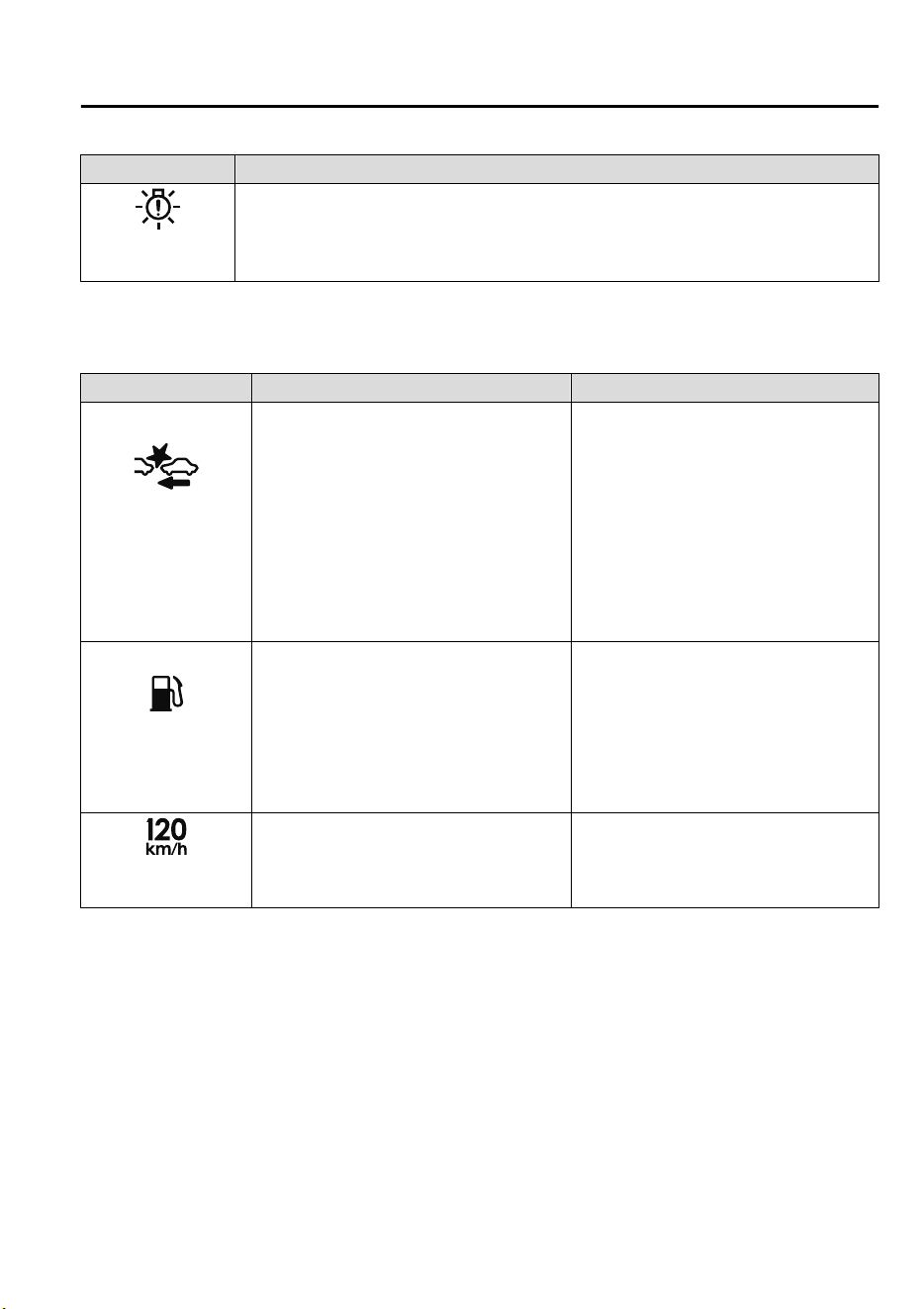
Signal Warning
LED Headlight
Warning Lig ht
This light illuminates if there is a malfunction in the LED headlight. Have your vehicle
inspected by an expert repairer, we recommend an Authorized Mazda Repairer.
▼
Taking Action
Take the appropriate action and verify that the warning light turns off.
Signal Warning Action to be taken
Smart Brake Support/
Smart City Brake Sup-
port (SBS/SCBS)
Warning Indication/
Warning Ligh
*
The light turns on if the windshield or the
radar sensor are dirty, or there is a malfunc-
tion in the system.
Verify the reason why the warning light is
illuminated on the center display.
If the reason why the warning light is illu-
minated is due to a dirty windshield, clean
the windshield.
If the warning light is illuminated because
of a dirty radar sensor, clean the front em-
blem.
For any other reasons, have the vehicle in-
spected at an expert repairer, we recom-
mend an Authorized Mazda Repairer.
Low Fuel Warning In-
dication/Warning
Light
The light turns on when the remaining fuel
is about 9.0 L (2.3 US gal, 1.9 Imp gal).
NOTE
The light illumination timing may vary be-
cause fuel inside the fuel tank moves around
according to the driving conditions and the
vehicle posture.
Add fuel.
120km/h Warning
Light
*
The 120 km/h warning light illuminates
when the vehicle speed exceeds 120 km/h.
Lower the vehicle speed.
If Trouble Arises
Warning/Indicator Lights and Warning Sounds
*Some models.
7-47
CX-9_8GC7-EE-17G_Edition1 2017-5-16 8:22:04
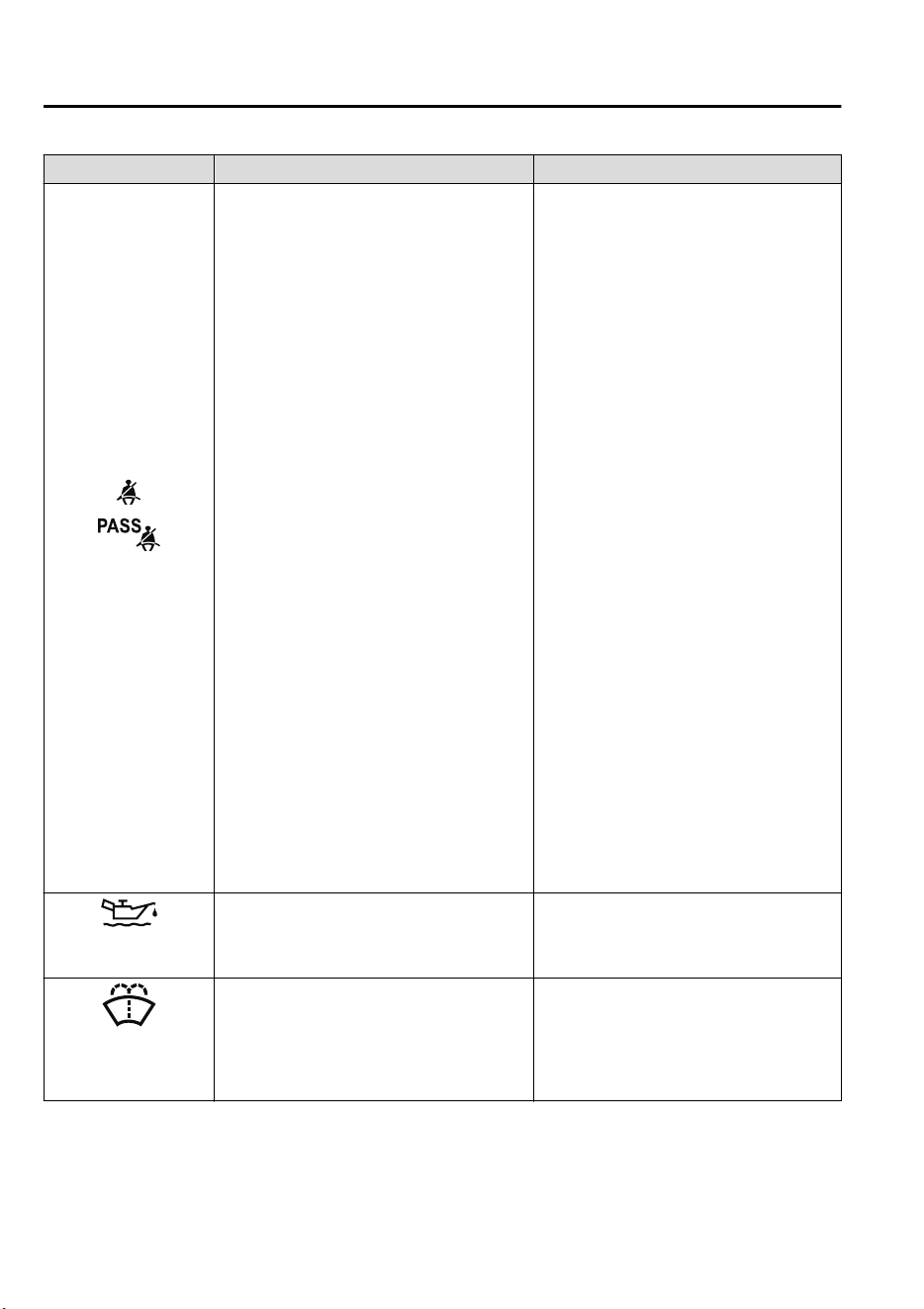
Signal Warning Action to be taken
Seat Belt Warning
Light
The seat belt warning light turns on if the
driver or front passenger's seat is occupied
and the seat belt is not fastened with the ig-
nition switched ON.
If the driver or front passenger's seat belt is
unfastened (only when the front passenger's
seat is occupied) and the vehicle is driven at
a speed faster than about 20 km/h (12 mph),
the warning light flashes. After a short time,
the warning light stops flashing, but re-
mains illuminated. If a seat belt remains un-
fastened, the warning light flashes again for
a given period of time.
NOTE
•
If the driver or front passenger's seat belt
is unfastened after the warning light turns
on, and the vehicle speed exceeds 20 km/h
(12 mph), the warning light flashes again.
•
Placing heavy items on the front passeng-
er's seat may cause the front passenger's
seat belt warning function to operate de-
pending on the weight of the item.
•
To allow the front passenger seat weight
sensor to function properly, do not place
and sit on an additional seat cushion on
the front passenger's seat. The sensor may
not function properly because the addi-
tional seat cushion could cause sensor in-
terference.
•
If a small child is seated on the front pas-
senger's seat, the warning light may not
operate.
Fasten the seat belts.
Engine Oil Level
Warning Lig ht
This warning light indicates that the engine
oil level is around the MIN mark (page 6-
21).
Add 1 L (0.3 US gal, 0.2 Imp gal) of en-
gine oil (page6-19 ).
Low Washer Fluid
Level Warning Indica-
tion/Warning Light
*
This warning light indicates that little wash-
er fluid remains.
Add washer fluid (page 6-24).
If Trouble Arises
Warning/Indicator Lights and Warning Sounds
7-48
*Some models.
CX-9_8GC7-EE-17G_Edition1 2017-5-16 8:22:04
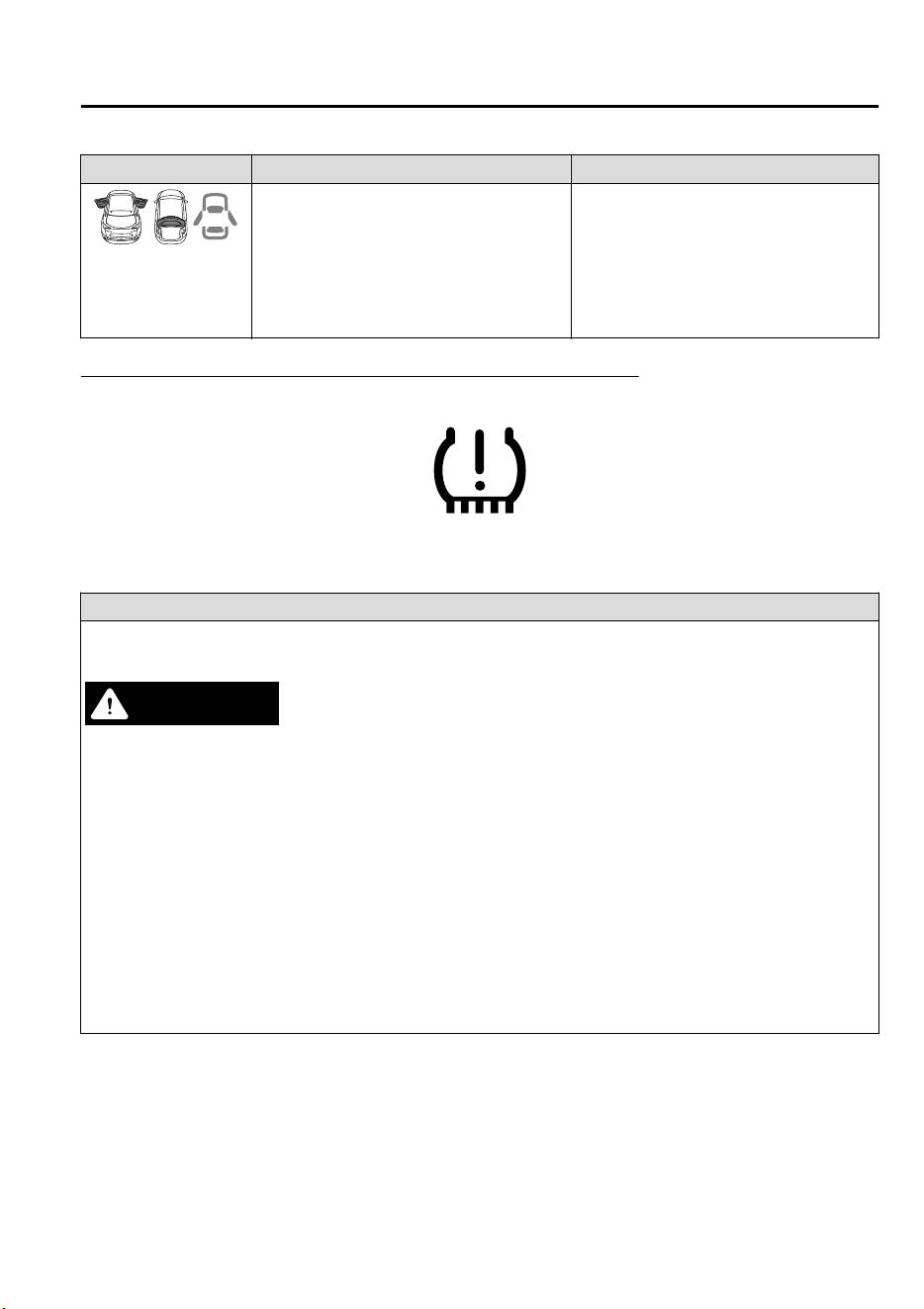
Signal Warning Action to be taken
Door-Ajar/Lift-
gate-Ajar Warning In-
dication/Warning
Light
The light turns on if any door/liftgate is not
closed securely.
Close the door/liftgate securely.
Tire Pressure Monitoring System Warning Light (Turns on)
*
Take the appropriate action and verify that the warning light turns off.
Warning
When the warning light illuminates, and the warning beep sound is heard when tire pressure is too low in one or
more tires.
WARNING
If the tire pressure monitoring system warning light illuminates or ashes, or the tire pressure warning beep sound
is heard, decrease vehicle speed immediately and avoid sudden maneuvering and braking:
If the tire pressure monitoring system warning light illuminates or ashes, or the tire pressure warning beep sound
is heard, it is dangerous to drive the vehicle at high speeds, or perform sudden maneuvering or braking. Vehicle
drivability could worsen and result in an accident.
To determine if you have a slow leak or a at, pull over to a safe position where you can check the visual condition
of the tire and determine if you have enough air to proceed to a place where air may be added and the system
monitored again by an expert repairer, we recommend an Authorized Mazda Repairer or a tire repair station.
Do not ignore the TPMS Warning Light:
Ignoring the TPMS warning light is dangerous, even if you know why it is illuminated. Have the problem taken
care of as soon as possible before it develops into a more serious situation that could lead to tire failure and a
dangerous accident.
If Trouble Arises
Warning/Indicator Lights and Warning Sounds
*Some models.
7-49
CX-9_8GC7-EE-17G_Edition1 2017-5-16 8:22:04
Action to be taken
Inspect the tires and adjust to the specified inflation pressure (page 6-36).
CAUTION
When replacing/repairing the tires or wheels or both, have the work done by an Authorized Mazda Repairer, or
the tire pressure sensors may be damaged.
NOTE
•
Perform tire pressure adjustment when the tires are cold. Tire pressure will vary according to the tire tempera-
ture, therefore let the vehicle stand for 1 hour or only drive it 1.6 km (1 mile) or less before adjusting the tire
pressures. When pressure is adjusted on hot tires to the cold inflation pressure, the TPMS warning light/beep
may turn on after the tires cool and pressure drops below specification.
Also, an illuminated TPMS warning light, resulting from the tire air pressure dropping due to cold ambient
temperature, may turn off if the ambient temperature rises. In this case, it will also be necessary to adjust the
tire air pressures. If the TPMS warning light illuminates due to a drop in tire air pressure, make sure to check
and adjust the tire air pressures.
•
After adjusting the tire air pressures, it may require some time for the TPMS warning light to turn off. If the
TPMS warning light remains illuminated, drive the vehicle at a speed of at least 25 km/h (16 mph) for 10 mi-
nutes, and then verify that it turns off.
•
Tires lose air naturally over time and the TPMS cannot tell if the tires are getting too soft over time or you
have a flat. However, when you find one low tire in a set of four-that is an indication of trouble; you should
have someone drive the vehicle slowly forward so you can inspect any low tire for cuts and any metal objects
sticking through tread or sidewall. Put a few drops of water in the valve stem to see if it bubbles indicating a
bad valve. Leaks need to be addressed by more than simply refilling the trouble tire as leaks are dangerous ―
take it to an expert repairer, we recommend an Authorized Mazda Repairer which has all the equipment to fix
tires, TPMS systems and order the best replacement tire for your vehicle.
If the warning light illuminates again even after the tire pressures are adjusted, there may be a tire puncture.
If Trouble Arises
Warning/Indicator Lights and Warning Sounds
7-50
CX-9_8GC7-EE-17G_Edition1 2017-5-16 8:22:04
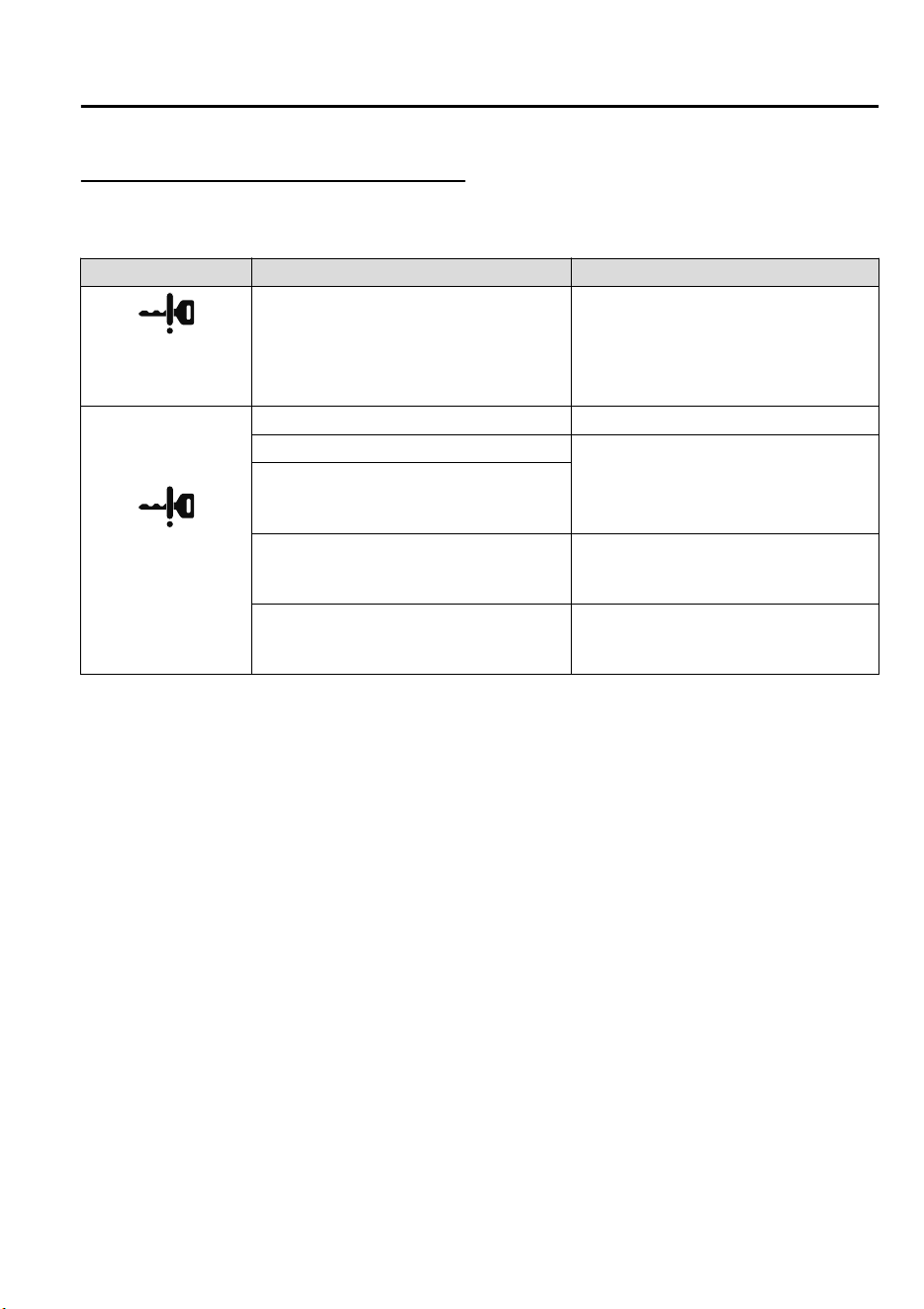
KEY Warning Indication/Warning Light
*
Take the appropriate action and verify that the warning light turns off.
Signal Cause Action to be taken
(White)
KEY Warning Indica-
tion
The key battery is dead. Replace the key battery (page 6-33).
(Red)
(Flashing)
KEY Warning Light
The key battery is dead. Replace the key battery (page 6-33).
The key is not within the operation range.
Bring the key into the operation range
(page 3-6).
The key is placed in areas inside the cabin
where it is difficult for the key to be detect-
ed.
A key from another manufacturer similar to
the key is in the operation range.
Take the key from another manufacturer
similar to the key out of the operation
range.
Without the ignition switched off, the key is
taken out of the cabin, and then all the
doors are closed.
Bring the key back into the cabin.
If Trouble Arises
Warning/Indicator Lights and Warning Sounds
*Some models.
7-51
CX-9_8GC7-EE-17G_Edition1 2017-5-16 8:22:04
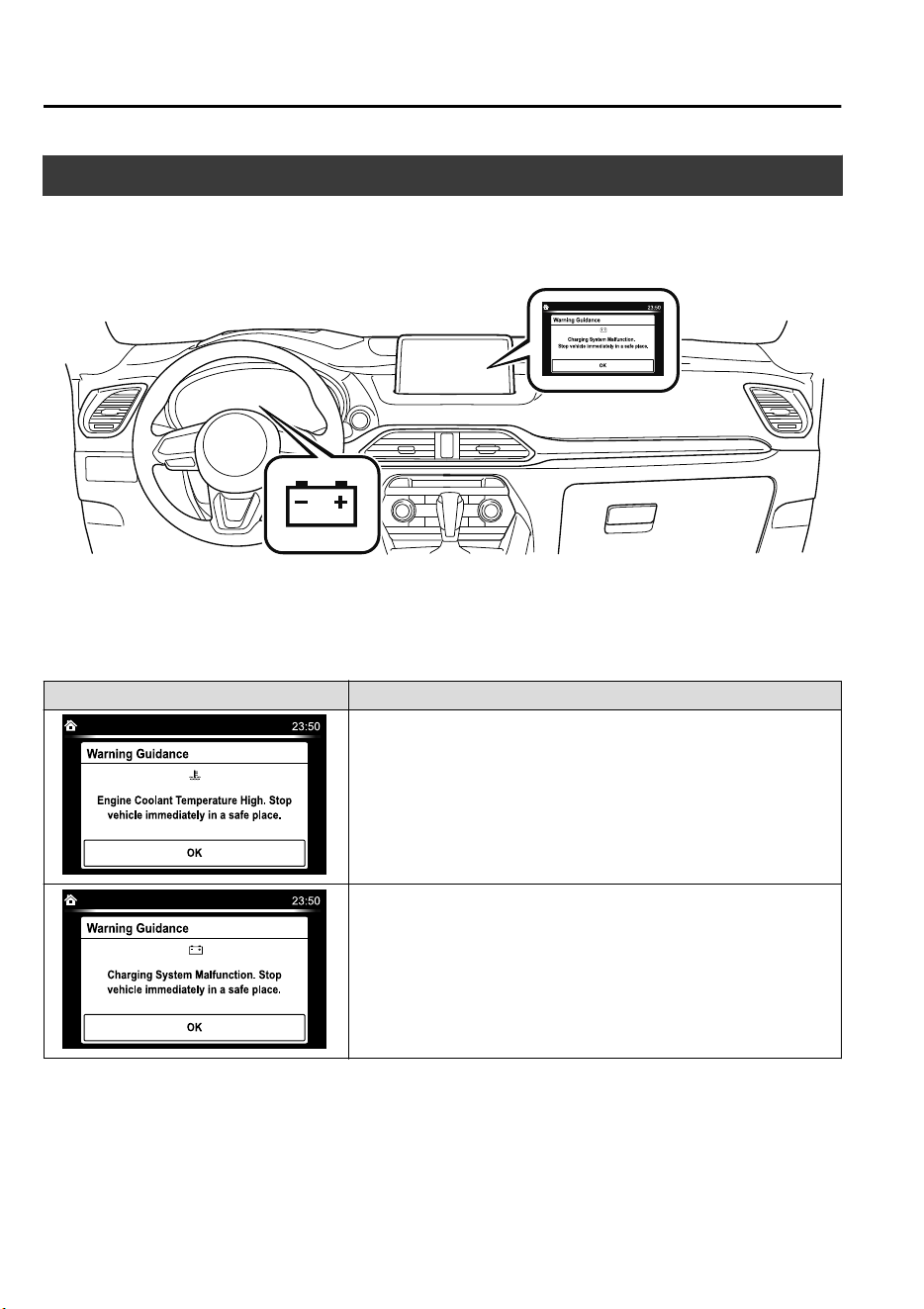
Message Indicated on Display
If a message is displayed in the center display, take appropriate action (in a calm manner)
according to the displayed message.
(Display example)
▼
Stop Vehicle in Safe Place Immediately
If the following messages are displayed in the center display , a vehicle system may be
malfunctioning. Stop the vehicle in a safe place and contact an Authorized Mazda Repairer.
Display Indicated Condition
Displays if the engine coolant temperature has increased excessively.
Displays if the charging system has a malfunction.
If Trouble Arises
Warning/Indicator Lights and Warning Sounds
7-52
CX-9_8GC7-EE-17G_Edition1 2017-5-16 8:22:04
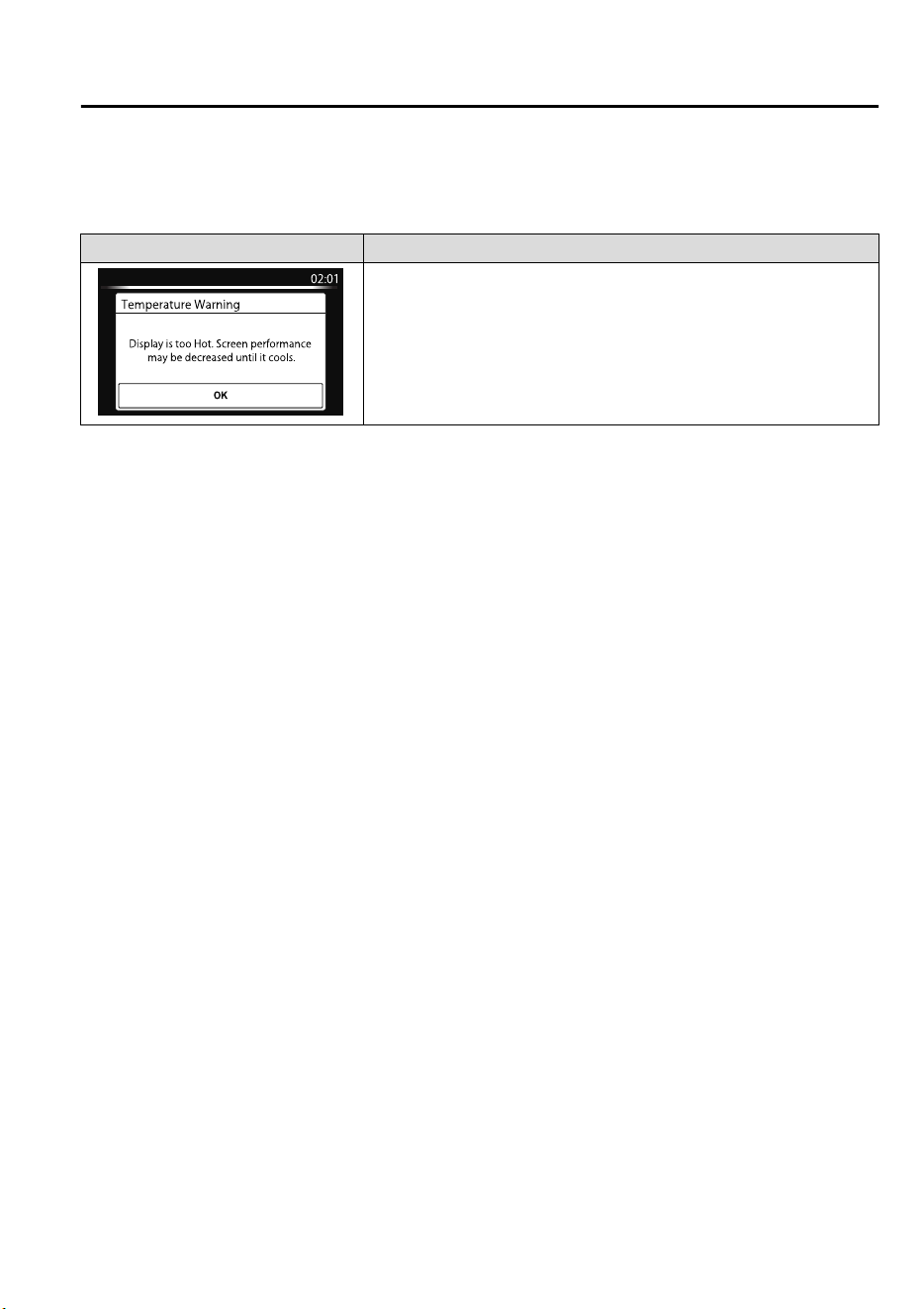
▼
Verify Display Content
Displays in the following cases:
Display Indicated Condition/Action to be taken
The following message is displayed when the temperature around the
center display is high.
Lowering the temperature in the cabin or the temperature around the
center display by avoiding direct sunlight is recommended.
If Trouble Arises
Warning/Indicator Lights and Warning Sounds
7-53
CX-9_8GC7-EE-17G_Edition1 2017-5-16 8:22:04
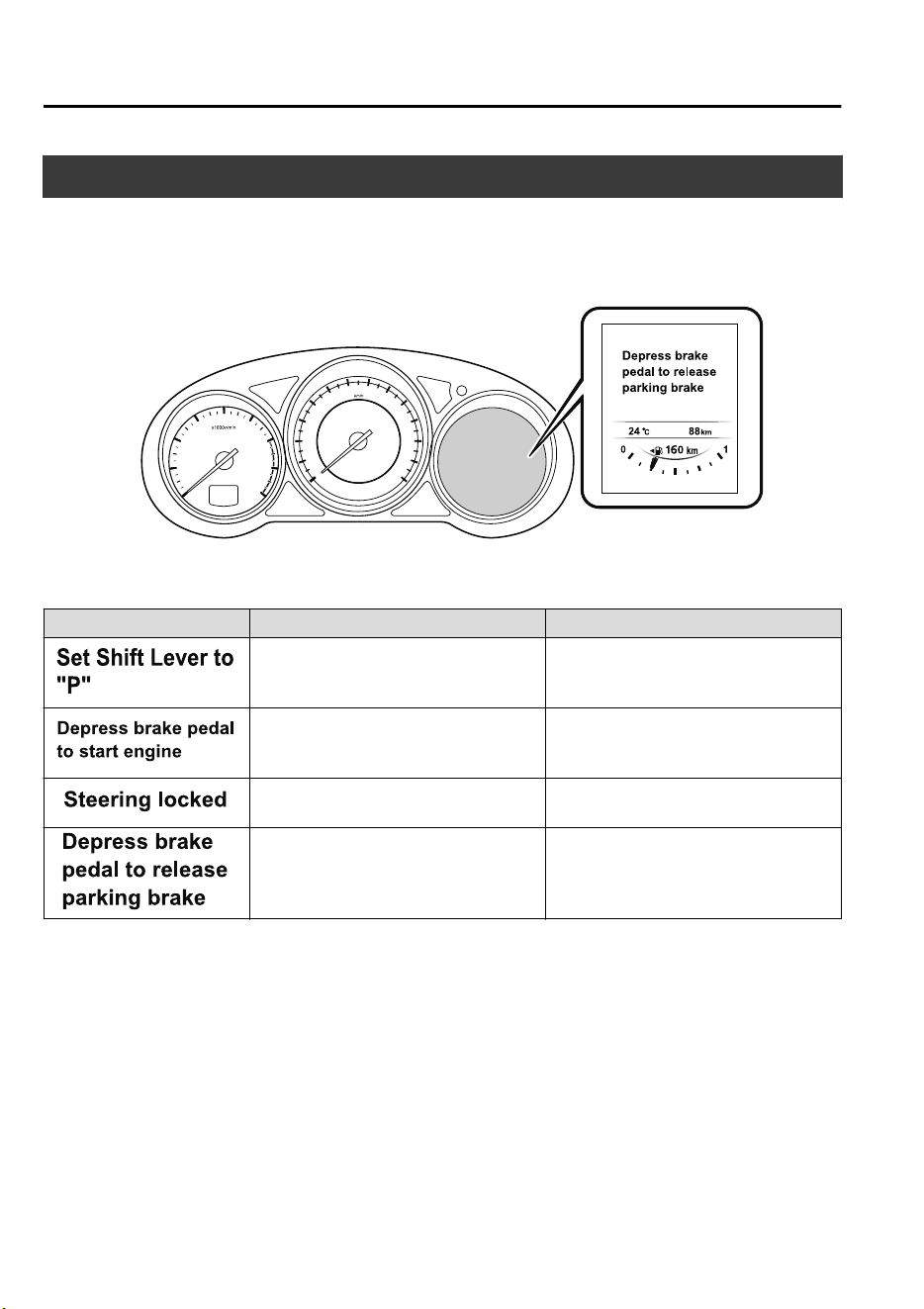
Message Indicated in Multi-information Display
*
If there is a notification from the vehicle, a message is displayed in the multi-information
display. Check the information and take the necessary action.
(Display example)
If the warning light turns on/flashes simultaneously or a symbol is indicated in the display,
check the information regarding the warning light or symbol. (page 4-32)
Display Content Action to be taken
Indicated when the push button start is
pressed while the selector lever is not in
the P position.
Shift the selector lever to the P position.
Indicated when the push button start is
pressed without depressing the brake
pedal.
Depress the brake pedal and press the
push button start.
Indicated while the steering wheel is
locked.
Release the steering lock.
Indicates when the Electric Parking
Brake (EPB) switch is operated without
depressing the brake pedal.
Operate the Electric Parking Brake
(EPB) switch while depressing the brake
pedal.
If Trouble Arises
Warning/Indicator Lights and Warning Sounds
7-54
*Some models.
CX-9_8GC7-EE-17G_Edition1 2017-5-16 8:22:04
Warning Sound is
Activated
▼
Lights-On Reminder
If lights are on and the ignition is switched
to ACC or off, a continuous beep sound
will be heard when the driver's door is
opened.
NOTE
•
When the ignition is switched to ACC,
the “Ignition Not Switched Off (STOP)
Warning Beep” (page 7-56) overrides
the lights-on reminder.
•
A personalized function is available to
change the sound volume for the
lights-on reminder.
Refer to Personalization Features on
page 9-10.
▼
Air Bag/Front Seat Belt
Pretensioner System Warning Beep
If there is a problem with the air bag/seat
belt pretensioner systems and the warning
light illumination, a warning beep sound
will be heard for about 5 seconds every
minute.
The air bag and seat belt pretensioner
system warning beep sound will continue
to be heard for approximately 35 minutes.
Have your vehicle inspected at an expert
repairer, we recommend an Authorized
Mazda Repairer as soon as possible.
WARNING
Do not drive the vehicle with the air bag/
seat belt pretensioner system warning beep
sounding:
Driving the vehicle with the air bag/seat
belt pretensioner system warning beep
sounding is dangerous. In a collision, the
air bags and the seat belt pretensioner
system will not deploy and this could result
in death or serious injury. Contact an
expert repairer, we recommend an
Authorized Mazda Repairer to have the
vehicle inspected as soon as possible.
▼
Seat Belt Warning Beep
If the vehicle speed exceeds about 20
km/h (12 mph) with the driver or front
passenger's seat belt unfastened, a warning
beep sounds continuously. If the seat belt
remains unfastened, the beep sound stops
once and then continues for about 90
seconds. The beep stops after the driver or
front passenger's seat belt is fastened.
NOTE
•
Placing heavy items on the front
passenger seat may cause the front
passenger seat belt warning function to
operate depending on the weight of the
item.
•
To allow the front passenger seat weight
sensor to function properly, do not place
and sit on an additional seat cushion on
the front passenger seat. The sensor may
not function properly because the
additional seat cushion could cause
sensor interference.
•
When a small child sits on the front
passenger seat, it is possible that the
warning beep will not operate.
If Trouble Arises
Warning/Indicator Lights and Warning Sounds
7-55
CX-9_8GC7-EE-17G_Edition1 2017-5-16 8:22:04
▼
Ignition Not Switched Off (STOP)
Warning Beep
European models
If the driver's door is opened with the
ignition switched to ACC, a beep will be
heard 6 times in the cabin to notify the
driver that the ignition has not been
switched OFF (STOP). Under this
condition, the keyless entry system will
not operate, the vehicle cannot be locked,
and the battery voltage will be depleted.
Except European models
If the driver's door is opened with the
ignition switched to ACC, a beep will be
heard continuously in the cabin to notify
the driver that the ignition has not been
switched OFF (STOP). Under this
condition, the keyless entry system will
not operate, the vehicle cannot be locked,
and the battery voltage will be depleted.
▼
Key Removed from Vehicle Warning
Beep
Vehicles with advanced keyless function
If the key is taken out of the vehicle while
the ignition is not switched OFF and all
the doors are closed, the beep which
sounds outside of the vehicle will be heard
6 times, the beep which sounds inside the
vehicle will be heard 6 times, and the
KEY warning light (red) in the instrument
cluster flashes continuously to notify the
driver that the ignition has not been
switched OFF.
Vehicles without advanced keyless
function
If the key is taken out of the vehicle while
the ignition is not switched OFF and all
the doors are closed, a beep will be heard
in the cabin 6 times and the KEY warning
light (red) in the instrument cluster turns
on continuously to notify the driver that
the ignition has not been switched OFF.
NOTE
Because the key utilizes low-intensity
radio waves, the Key Removed From
Vehicle Warning may activate if the key is
carried together with a metal object or it
is placed in a poor signal reception area.
▼
Request Switch Inoperable Warning
Beep (With the advanced keyless
function)
If the request switch is pressed with the
door open or ajar, or the ignition is not
switched OFF with a key being carried, a
beep will be heard outside for about 2
seconds to notify the driver that the door
or liftgate cannot be locked.
If Trouble Arises
Warning/Indicator Lights and Warning Sounds
7-56
CX-9_8GC7-EE-17G_Edition1 2017-5-16 8:22:04
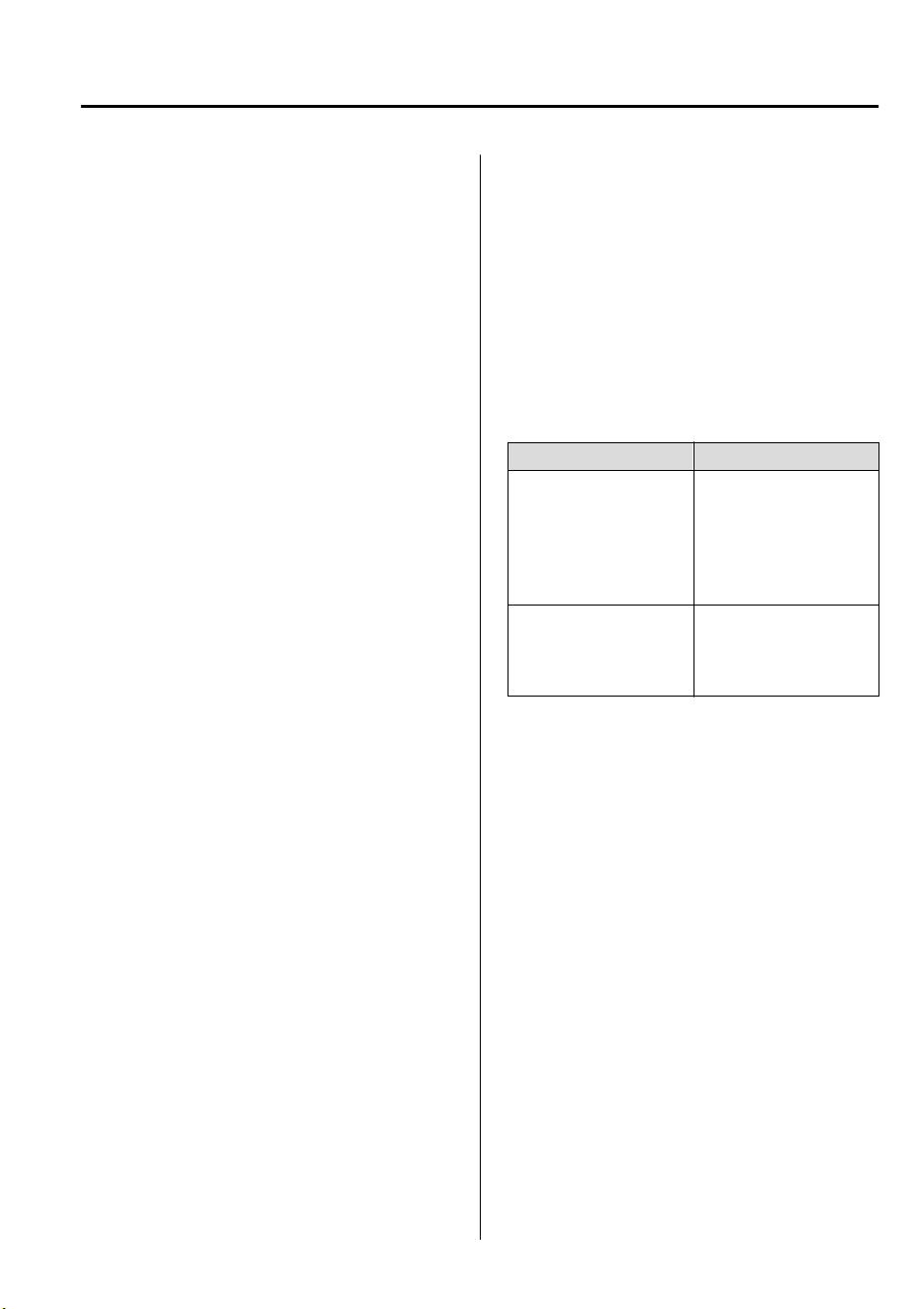
▼
Key Left-in-luggage Compartment
Warning Beep (With the advanced
keyless function)
If the key is left in the luggage
compartment with all the doors locked and
the liftgate closed, a beep will be heard
outside for about 10 seconds to notify the
driver that the key is in the luggage
compartment. In this case, take out the key
by pressing the electric liftgate opener and
opening the liftgate. The key taken out of
the luggage compartment may not operate
because its functions have been
temporarily stopped. To restore the key's
functions, perform the applicable
procedure (page 3-7).
▼
Key Left-in-vehicle Warning Beep
(With the advanced keyless
function)
If all the doors and luggage compartment
are locked using another key while the key
is left in the cabin, the beep which sounds
outside of the vehicle will be heard for
about 10 seconds to notify the driver that
the key is in the cabin. In this case, take
out the key by opening the door. A key
taken out of the vehicle using this method
may not operate because its functions have
been temporarily stopped. To restore the
key's functions, perform the applicable
procedure (page 3-7).
▼
Electronic Steering Lock Warning
Beep
The warning beep operates if the steering
wheel is not unlocked after the push
button start is pressed. (page 4-4)
▼
Power Liftgate Warning Beep
*
If system operation precautions are
necessary, the driver is notified by the
warning sound.
Cautions What to check
The beep sounds 3 times
The conditions required
for the power liftgate to
operate have not been
met, such as an object
being stuck in the lift-
gate.
The beep sound contin-
ues
The vehicle is being
driven with the liftgate
open. Stop the vehicle
and close the liftgate.
▼
Outside Temperature Warning
Beep
*
Warns the driver of the possibility of icy
roads when the outside temperature is low.
If the outside temperature is lower than
about 4 °C (39 °F) , a beep sound is heard
once and the outside temperature display
flashes for about ten seconds.
(Type A instrument cluster)
Refer to Outside Temperature Display on
page 4-24.
(Type B instrument cluster)
Refer to Outside Temperature Display on
page 4-17.
If Trouble Arises
Warning/Indicator Lights and Warning Sounds
*Some models.
7-57
CX-9_8GC7-EE-17G_Edition1 2017-5-16 8:22:04

▼
Vehicle Speed Alarm
*
The vehicle speed alarm function is
designed to alarm the driver via a single
beep sound and a warning indication in the
instrument cluster that the previously set
vehicle speed has been exceeded.
You can change the vehicle speed setting
at which the warning is triggered.
▼
Electric Parking Brake (EPB)
Warning Beep
The warning buzzer is activated under the
following conditions:
•
The vehicle is driven with the electric
parking brake (EPB) applied.
•
The electric parking brake (EPB) switch
is pulled while the vehicle is driven.
▼
Tire Inflation Pressure Warning
Beep
*
The warning beep sound will be heard for
about 3 seconds if the tire pressures
decrease.
Refer to Tire Pressure Monitoring System
on page 4-175.
▼
Power Steering Warning Buzzer
If the power steering system has a
malfunction, the power steering
malfunction light turns on or flashes and
the buzzer operates at the same time.
Refer to Warning Indication/Warning
Lights on page 4-33.
▼
Lane Departure Warning Sound
*
While the system is operating, if the
system determines that the vehicle may
depart from the lane, it sounds a warning
sound.
NOTE
•
The volume of the Lane-keep Assist
System (LAS) & Lane Departure
Warning System (LDWS) warning sound
can be changed.
Refer to Personalization Features on
page 9-10.
•
The type of the Lane-keep Assist System
(LAS) & Lane Departure Warning
System (LDWS) warning sound can be
changed.
Refer to Personalization Features on
page 9-10.
▼
Blind Spot Monitoring (BSM)
System Warning Beep
*
Driving forward
The warning beep operates when the turn
signal lever is operated to the side where
the Blind Spot Monitoring (BSM) warning
light is illuminated.
NOTE
A personalized function is available to
change the Blind Spot Monitoring (BSM)
warning beep sound volume.
Refer to Personalization Features on page
9-10.
If Trouble Arises
Warning/Indicator Lights and Warning Sounds
7-58
*Some models.
CX-9_8GC7-EE-17G_Edition1 2017-5-16 8:22:04
Reversing
The Blind Spot Monitoring (BSM)
warning sound is activated if there is a
possibility of collision with a vehicle
approaching from behind and from the
rear on the left and right sides of the
vehicle.
▼
Mazda Radar Cruise Control with
Stop & Go function (MRCC with
Stop & Go function) System
Warnings
*
The Mazda Radar Cruise Control with
Stop & Go function (MRCC with Stop &
Go function) system warnings notify the
driver of system malfunctions and
cautions on use when required.
Check based on the beep sound.
Cautions What to check
The beep sounds 1 time
while the Mazda Radar
Cruise Control with Stop
& Go function (MRCC
with Stop & Go func-
tion) is operating
The Mazda Radar Cruise
Control with Stop & Go
function (MRCC with
Stop & Go function) sys-
tem has been canceled.
(European models)
The beep sounds 3 times
while driving
(Except European
models)
The beep continues to
sound while the vehicle
is being driven.
The distance between
your vehicle and the ve-
hicle ahead is too close.
Verify the safety of the
surrounding area and re-
duce vehicle speed.
Cautions What to check
When the Mazda Radar
Cruise Control with Stop
& Go function (MRCC
with Stop & Go func-
tion) is operating, the
beep sounds and the
multi-information dis-
play indicates a problem
with the Mazda Radar
Cruise Control with Stop
& Go function (MRCC
with Stop & Go func-
tion) system.
A malfunction in the
system may be indicated.
Have your vehicle in-
spected at an expert re-
pairer, we recommend an
Authorized Mazda Re-
pairer.
▼
Mazda Radar Cruise Control
(MRCC) System Warnings
*
The Mazda Radar Cruise Control (MRCC)
system warnings notify the driver of
system malfunctions and cautions on use
when required.
Check based on the beep sound.
Cautions What to check
The beep sounds 1 time
while the Mazda Radar
Cruise Control (MRCC)
is operating
The vehicle speed is
slower than 25 km/h (16
mph) and the Mazda Ra-
dar Cruise Control
(MRCC) system has
been canceled.
The beep sounds contin-
uously while driving
The distance between
your vehicle and the ve-
hicle ahead is too close.
Verify the safety of the
surrounding area and re-
duce vehicle speed.
While the Mazda Radar
Cruise Control (MRCC)
is operating, the beep
sounds and the multi-in-
formation display indi-
cates a problem with the
Mazda Radar Cruise
Control (MRCC) sys-
tem.
A malfunction in the
system may be indicated.
Have your vehicle in-
spected at an expert re-
pairer, we recommend an
Authorized Mazda Re-
pairer.
If Trouble Arises
Warning/Indicator Lights and Warning Sounds
*Some models.
7-59
CX-9_8GC7-EE-17G_Edition1 2017-5-16 8:22:04

▼
Excessive Speed Warning
*
If the vehicle speed exceeds the speed
limit sign displayed on the active driving
display, the warning sound is activated and
the area around the speed limit sign
displayed on the active driving display
flashes 3 times in amber, and if the vehicle
speed continues to exceed the displayed
speed limit sign, the indication stops
flashing and remains on.
▼
120 km/h Warning Beep
*
If the vehicle speed exceeds 120 km/h, a
chime sounds for 5 seconds.
▼
Collision warning
*
If there is a possibility of a collision with a
vehicle ahead or an obstruction at the rear
of the vehicle, a warning sound is
activated intermittently at the same time as
the warning indications are displayed in
the instrument cluster or active driving
display.
If Trouble Arises
Warning/Indicator Lights and Warning Sounds
7-60
*Some models.
CX-9_8GC7-EE-17G_Edition1 2017-5-16 8:22:04
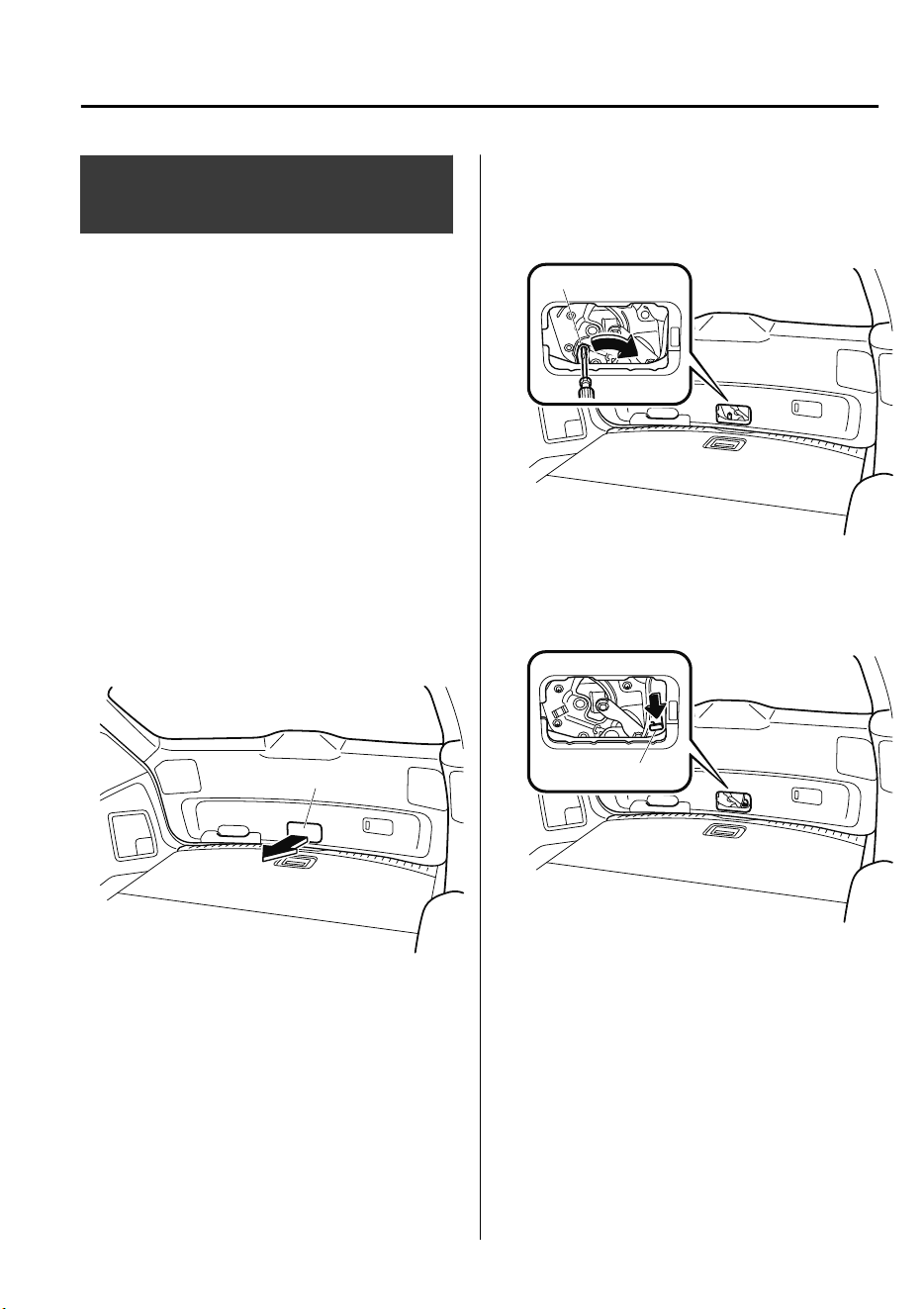
When Liftgate Cannot be
Opened
If the battery is dead, the liftgate cannot be
unlocked and opened.
In this case, the liftgate can be unlocked
by taking care of the dead battery
situation.
Refer to Jump-Starting on page 7-28.
If the liftgate cannot be unlocked even if
the dead battery situation has been
resolved, the electrical system may have a
malfunction.
In this case, the liftgate can be opened
using the following procedure as an
emergency measure.
1. Wrap the end of a flathead screwdriver
in a cloth and remove the cover on the
interior surface of the liftgate using it.
Cover
2. (Without power liftgate)
Turn the lever to the right to unlock the
liftgate.
Lever
(With power liftgate)
Push the liftgate while pressing the
lever down.
Lever
After performing this emergency measure,
have the vehicle inspected at an expert
repairer, we recommend an Authorized
Mazda Repairer as soon as possible.
If Trouble Arises
When Liftgate Cannot be Opened
7-61
CX-9_8GC7-EE-17G_Edition1 2017-5-16 8:22:04
If the Active Driving
Display Does Not Operate
If the active driving display does not
operate, switch the ignition off and then
restart the engine. If the active driving
display does not operate even with the
engine restarted, have the vehicle
inspected at an expert repairer, we
recommend an Authorized Mazda
Repairer.
If Trouble Arises
Active Driving Display Does Not Operate
7-62
CX-9_8GC7-EE-17G_Edition1 2017-5-16 8:22:04
8
Customer Information
Important consumer information including warranties and add-on
equipment.
Warranty............................................ 8-2
Registering Your Vehicle in A
Foreign Country............................8-2
Add-On Non-Genuine Parts and
Accessories...................................8-3
Cell Phones.........................................8-4
Cell Phones Warning.................... 8-4
Recording of Vehicle Data................ 8-5
Recording of Vehicle Data............8-5
Declaration of Conformity................8-6
Declaration of Conformity........... 8-6
Electromagnetic Compatibility...... 8-20
Electromagnetic
Compatibility..............................8-20
Collection/Disposal of Old Equipment/
Used Battery.....................................8-22
Information for Users on Collection
and Disposal of Old Equipment and
Used Batteries.............................8-22
8-1
CX-9_8GC7-EE-17G_Edition1 2017-5-16 8:22:04

Registering Your Vehicle in A Foreign Country
Registering your vehicle in a foreign country may be problematic depending on whether it
meets the specific emission and safety standards of the country in which the vehicle will be
driven. Consequently, your vehicle may require modifications at personal expense in order
to meet the regulations.
In addition, you should be aware of the following issues:
Satisfactory vehicle servicing may be difficult or impossible in another country.
The fuel specified for your vehicle may be unavailable.
Parts, servicing techniques, and tools necessary to maintain and repair your vehicle may be
unavailable.
There might not be an Authorized Mazda Dealer in the country you plan to take your
vehicle.
The Mazda warranty is valid only in certain countries.
Customer Information
Warranty
8-2
CX-9_8GC7-EE-17G_Edition1 2017-5-16 8:22:04
Add-On Non-Genuine Parts and Accessories
Please note that technical alterations to the original state of your Mazda vehicle can affect
the safety of the vehicle. Such technical alterations include not only the use of unsuitable
spare parts, but also accessories, fittings or attachments, including rims and tires.
Genuine Mazda Parts and Genuine Mazda Accessories have been specifically designed for
Mazda vehicles.
Other parts and accessories than those mentioned above have not been examined and
approved by Mazda unless explicitly stated by Mazda. We cannot certify the suitability of
such products. Mazda is not liable for any damage caused by the use of such products.
WARNING
Be very careful in choosing and installing add-on electrical equipment, such as mobile
telephones, two-way radios, stereo systems, and car alarm systems:
Incorrectly choosing or installing improper add-on equipment or choosing an improper
installer is dangerous. Essential systems could be damaged, causing engine stalling, air-bag
(SRS) activation, ABS/TCS/DSC inactivation, or a re in the vehicle.
Mazda assumes no responsibility for death, injury, or expenses that may result from the
installation of add-on non-genuine parts or accessories.
Customer Information
Warranty
8-3
CX-9_8GC7-EE-17G_Edition1 2017-5-16 8:22:04
Cell Phones Warning
WARNING
Please comply with the legal regulations concerning the use of communication equipment in
vehicles in your country:
Use of any electrical devices such as cell phones, computers, portable radios, vehicle
navigation or other devices by the driver while the vehicle is moving is dangerous. Dialing a
number on a cell phone while driving also ties-up the driver's hands. Use of these devices will
cause the driver to be distracted and could lead to a serious accident. If a passenger is unable
to use the device, pull
o
the right-of-way to a safe area before use. If use of a cell phone is
necessary despite this warning, use a hands-free system to at least leave the hands free to
drive the vehicle. Never use a cell phone or other electrical devices while the vehicle is moving
and, instead, concentrate on the full-time job of driving.
Customer Information
Cell Phones
8-4
CX-9_8GC7-EE-17G_Edition1 2017-5-16 8:22:04

Recording of Vehicle Data
This vehicle is equipped with a computer which records the following main vehicle data
related to vehicle controls, operation, and other driving conditions.
Recorded data
•
Vehicle conditions such as engine speed and vehicle speed
•
Driving operation conditions such as accelerator and brake pedals, and information related
to the environmental circumstances while the vehicle is driven
•
Malfunction diagnosis information from each on-vehicle computer
•
Information related to controls of other on-vehicle computers
NOTE
The recorded data may vary depending on the vehicle grade and optional equipment. Voice
and images are not recorded.
Data handling
Mazda and its subcontracting parties may obtain and use the recorded data for vehicle
malfunction diagnosis, research and development, and quality improvement.
Mazda will not disclose or provide any of the obtained data to a third party unless:
•
An agreement from the vehicle owner (agreements from lessor and lessee for leased
vehicle) is obtained
•
Officially requested by the police or other law enforcement authorities
•
For statistical processing by a research institution after processing the data so that
identification of the owner or the vehicle is impossible
Customer Information
Recording of Vehicle Data
8-5
CX-9_8GC7-EE-17G_Edition1 2017-5-16 8:22:04
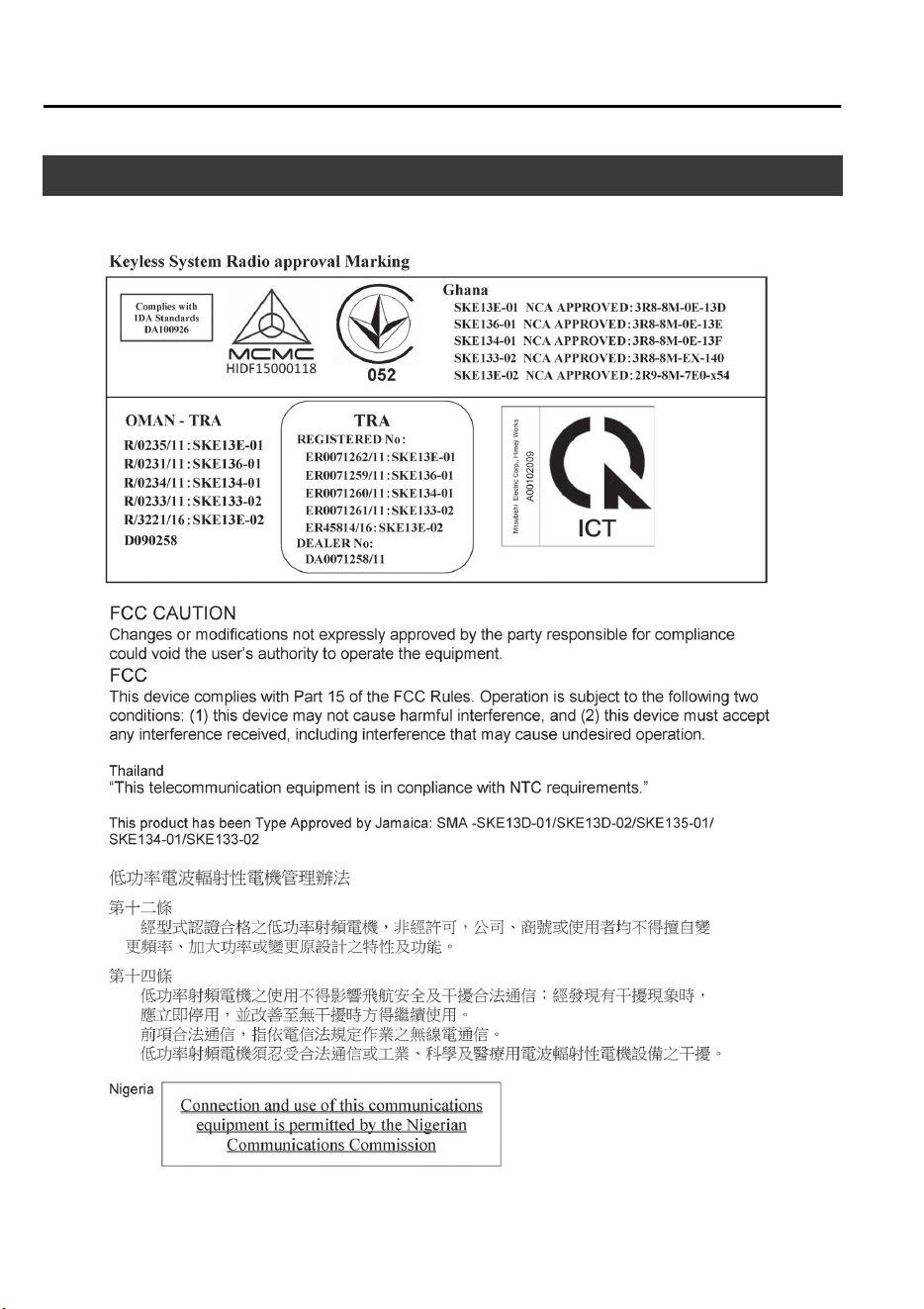
Declaration of Conformity
▼
Keyless Entry System/Immobilizer System
Customer Information
Declaration of Conformity
8-6
CX-9_8GC7-EE-17G_Edition1 2017-5-16 8:22:04
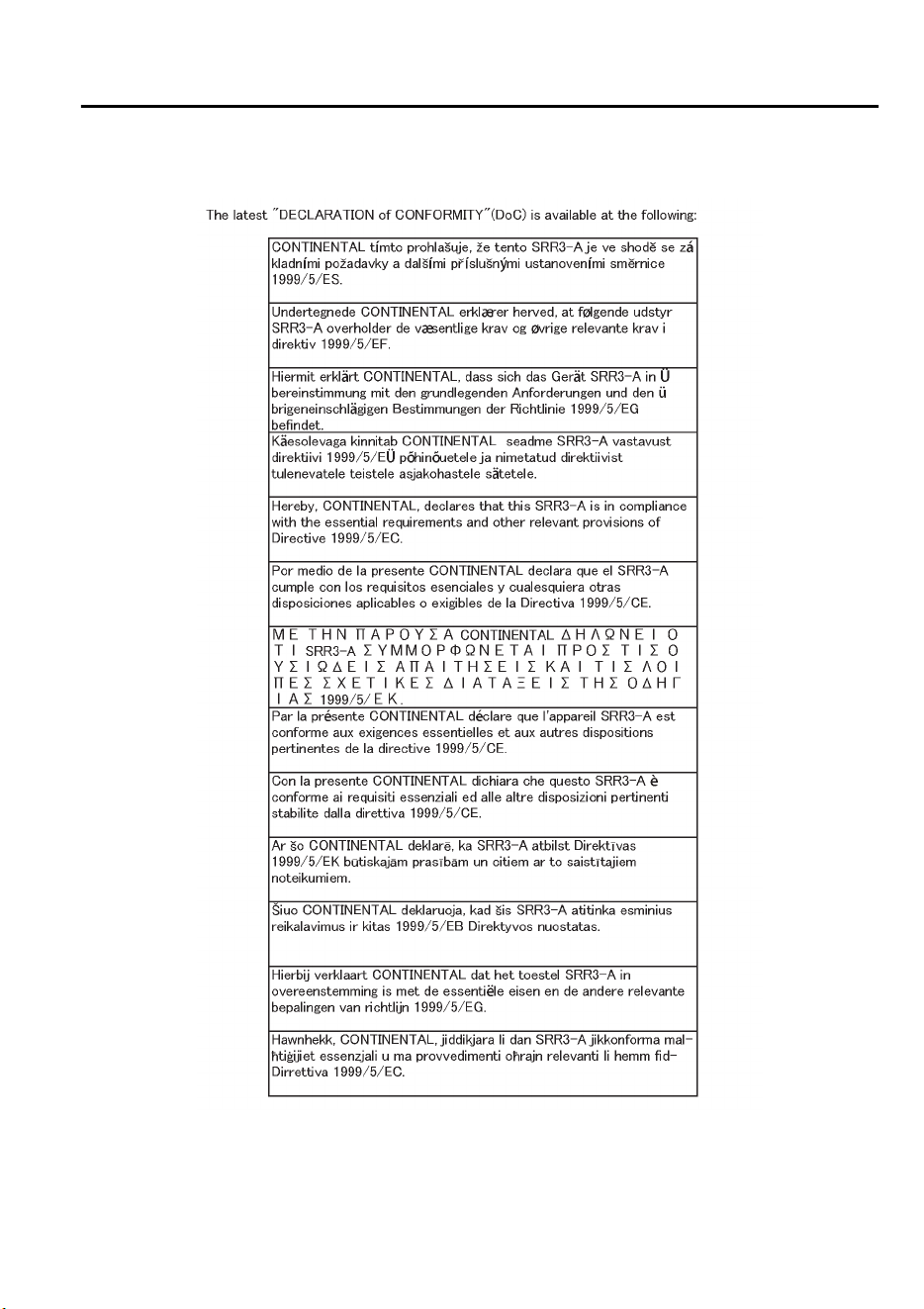
▼
Blind Spot Monitoring (BSM) System
Customer Information
Declaration of Conformity
8-7
CX-9_8GC7-EE-17G_Edition1 2017-5-16 8:22:04
Customer Information
Declaration of Conformity
8-8
CX-9_8GC7-EE-17G_Edition1 2017-5-16 8:22:04
Customer Information
Declaration of Conformity
8-9
CX-9_8GC7-EE-17G_Edition1 2017-5-16 8:22:04
Customer Information
Declaration of Conformity
8-10
CX-9_8GC7-EE-17G_Edition1 2017-5-16 8:22:04
Customer Information
Declaration of Conformity
8-11
CX-9_8GC7-EE-17G_Edition1 2017-5-16 8:22:04
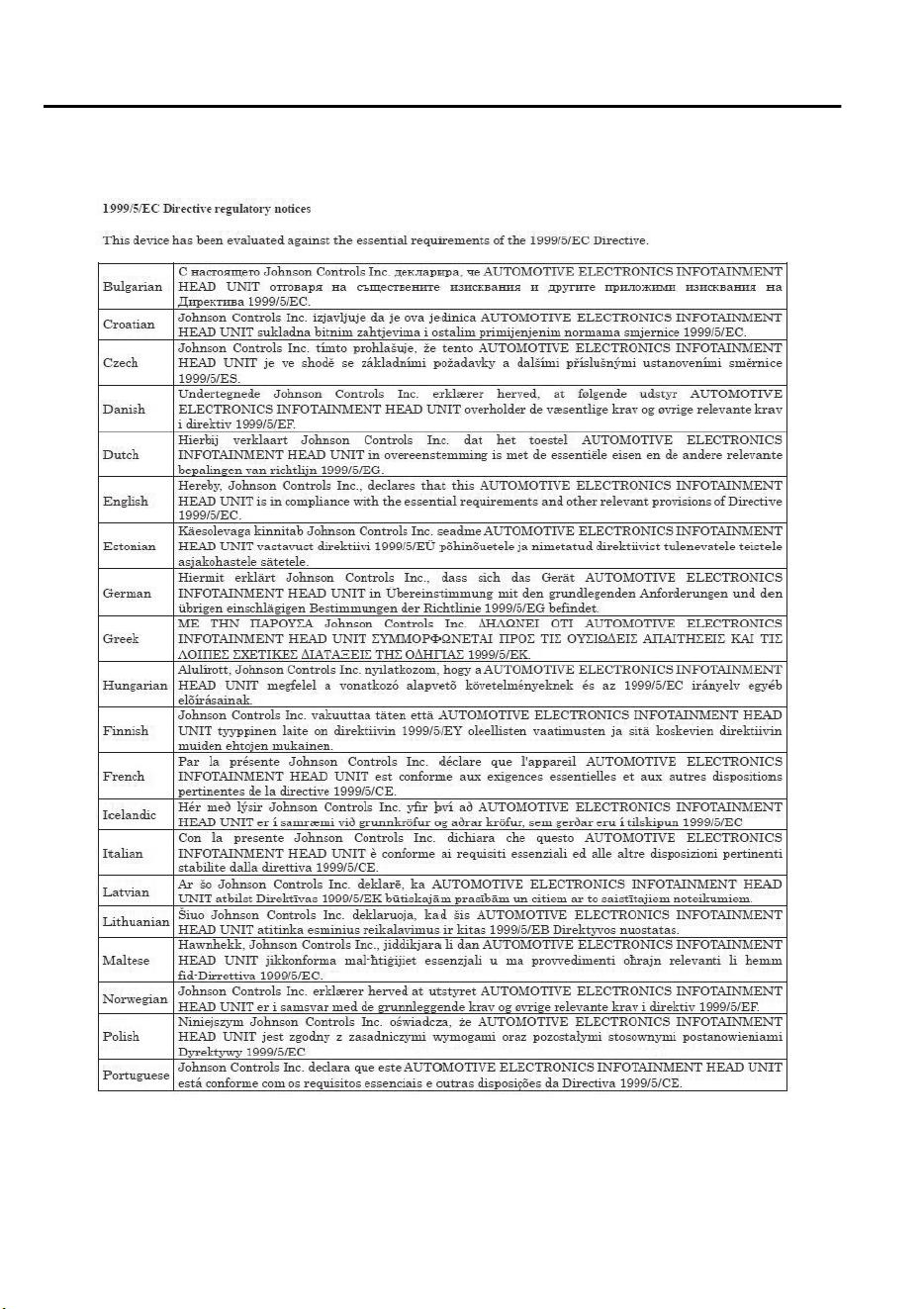
▼
Bluetooth
®
Hands-Free
Customer Information
Declaration of Conformity
8-12
CX-9_8GC7-EE-17G_Edition1 2017-5-16 8:22:04
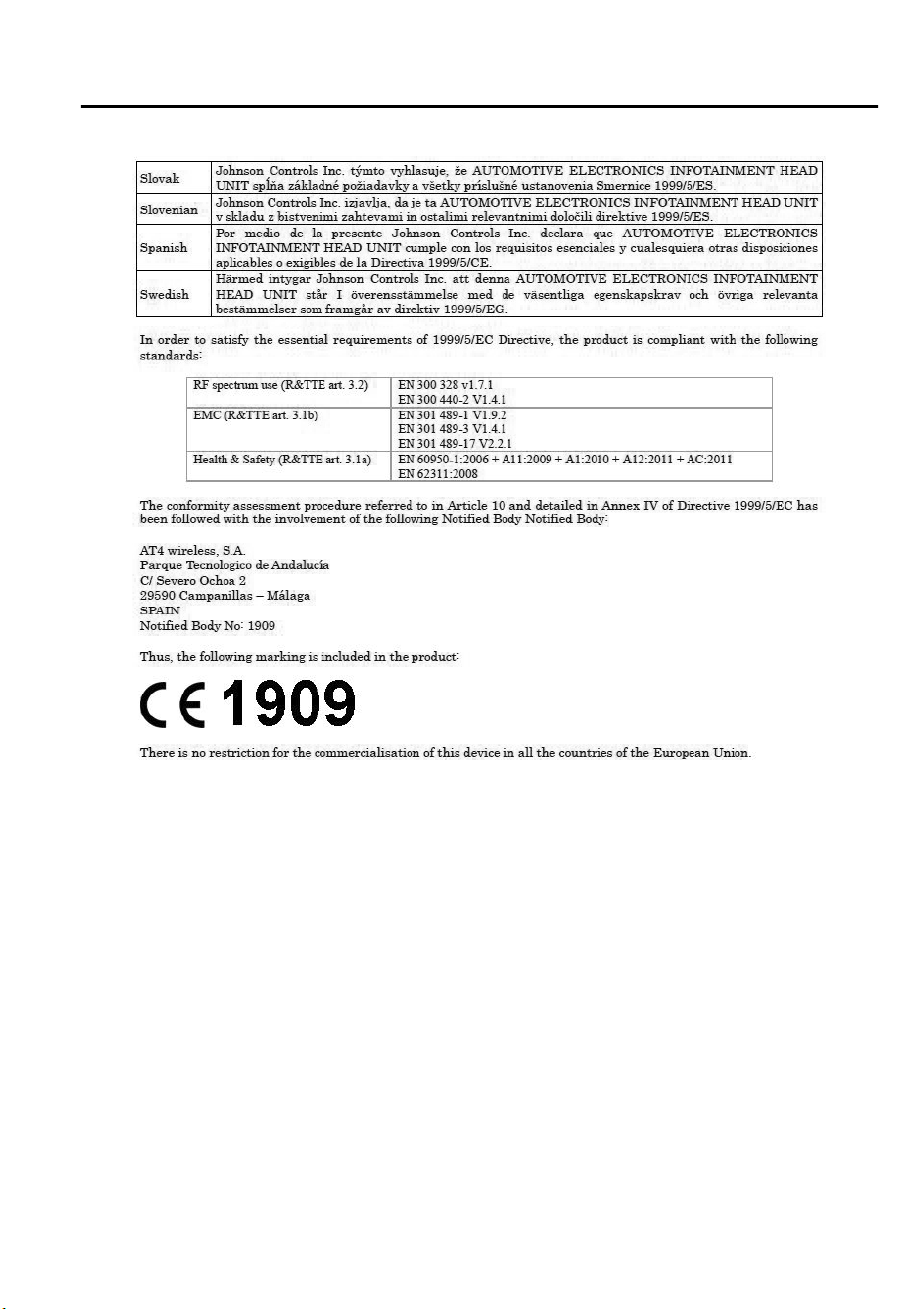
Customer Information
Declaration of Conformity
8-13
CX-9_8GC7-EE-17G_Edition1 2017-5-16 8:22:04
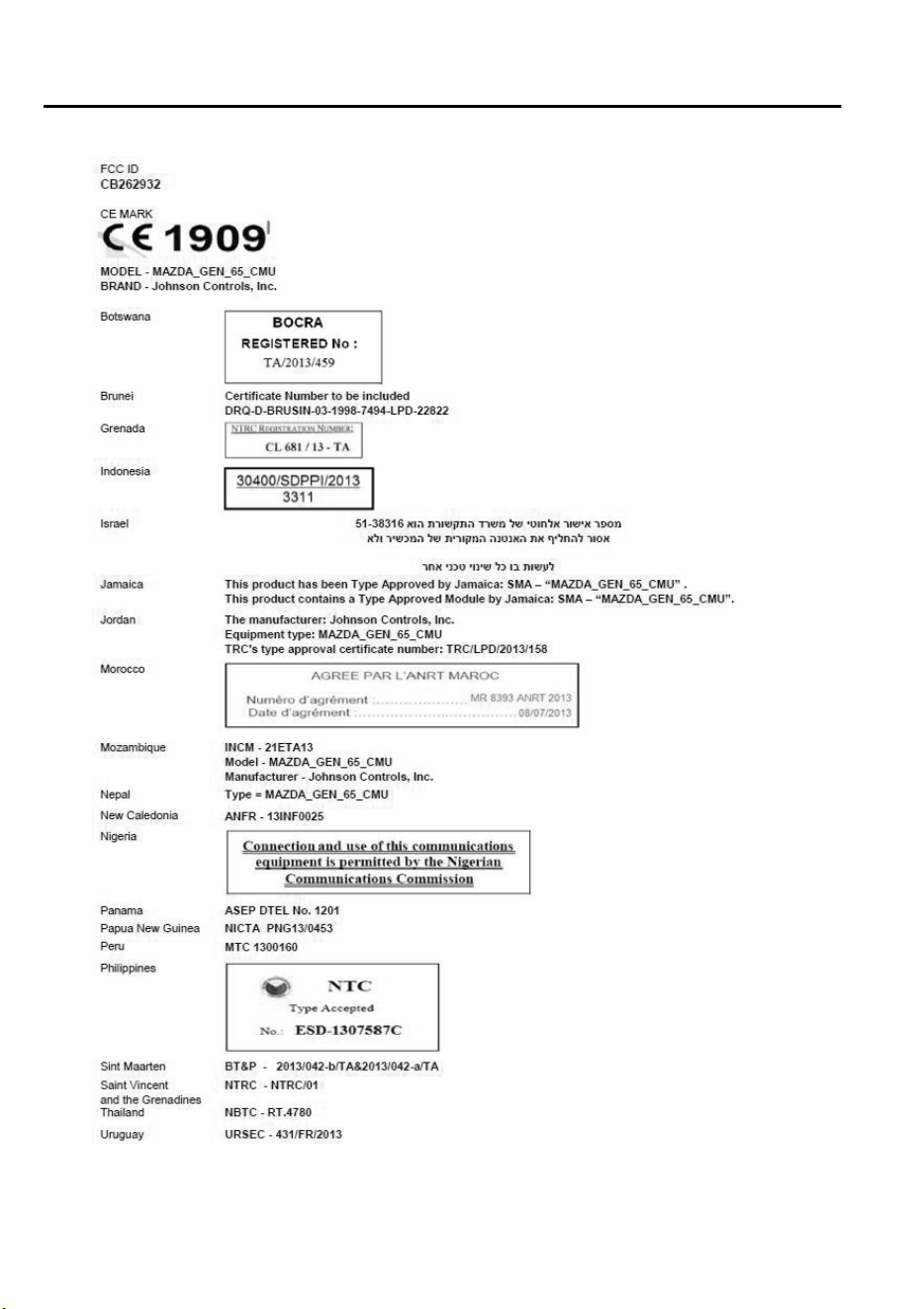
Customer Information
Declaration of Conformity
8-14
CX-9_8GC7-EE-17G_Edition1 2017-5-16 8:22:04
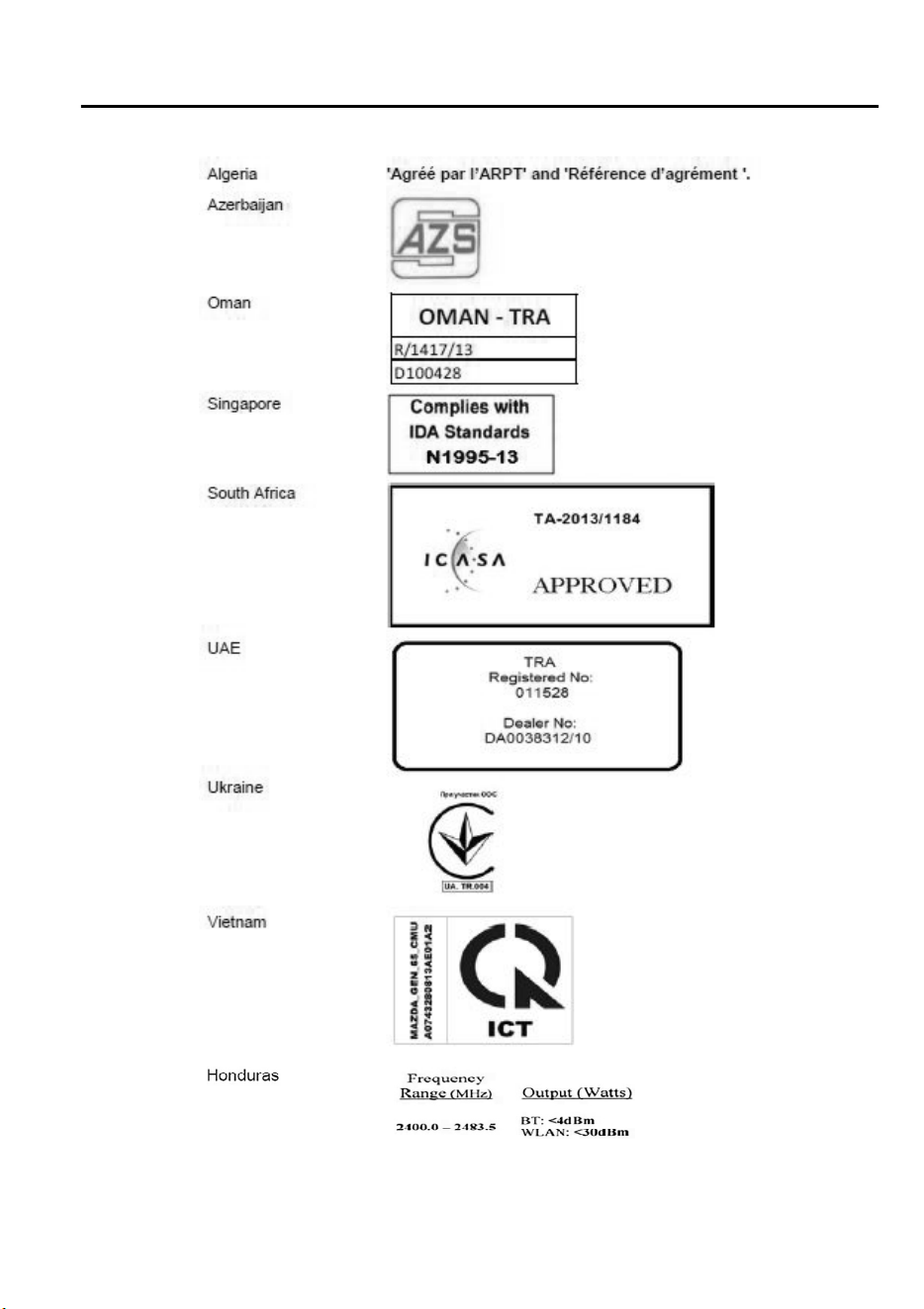
Customer Information
Declaration of Conformity
8-15
CX-9_8GC7-EE-17G_Edition1 2017-5-16 8:22:04
Customer Information
Declaration of Conformity
8-16
CX-9_8GC7-EE-17G_Edition1 2017-5-16 8:22:04
▼
Mazda Radar Cruise Control (MRCC)/Distance Recognition Support System
(DRSS)/Smart Brake Support (SBS)
Customer Information
Declaration of Conformity
8-17
CX-9_8GC7-EE-17G_Edition1 2017-5-16 8:22:04
Customer Information
Declaration of Conformity
8-18
CX-9_8GC7-EE-17G_Edition1 2017-5-16 8:22:04
▼
Mazda ERA-GLONASS
Customer Information
Declaration of Conformity
8-19
CX-9_8GC7-EE-17G_Edition1 2017-5-16 8:22:04
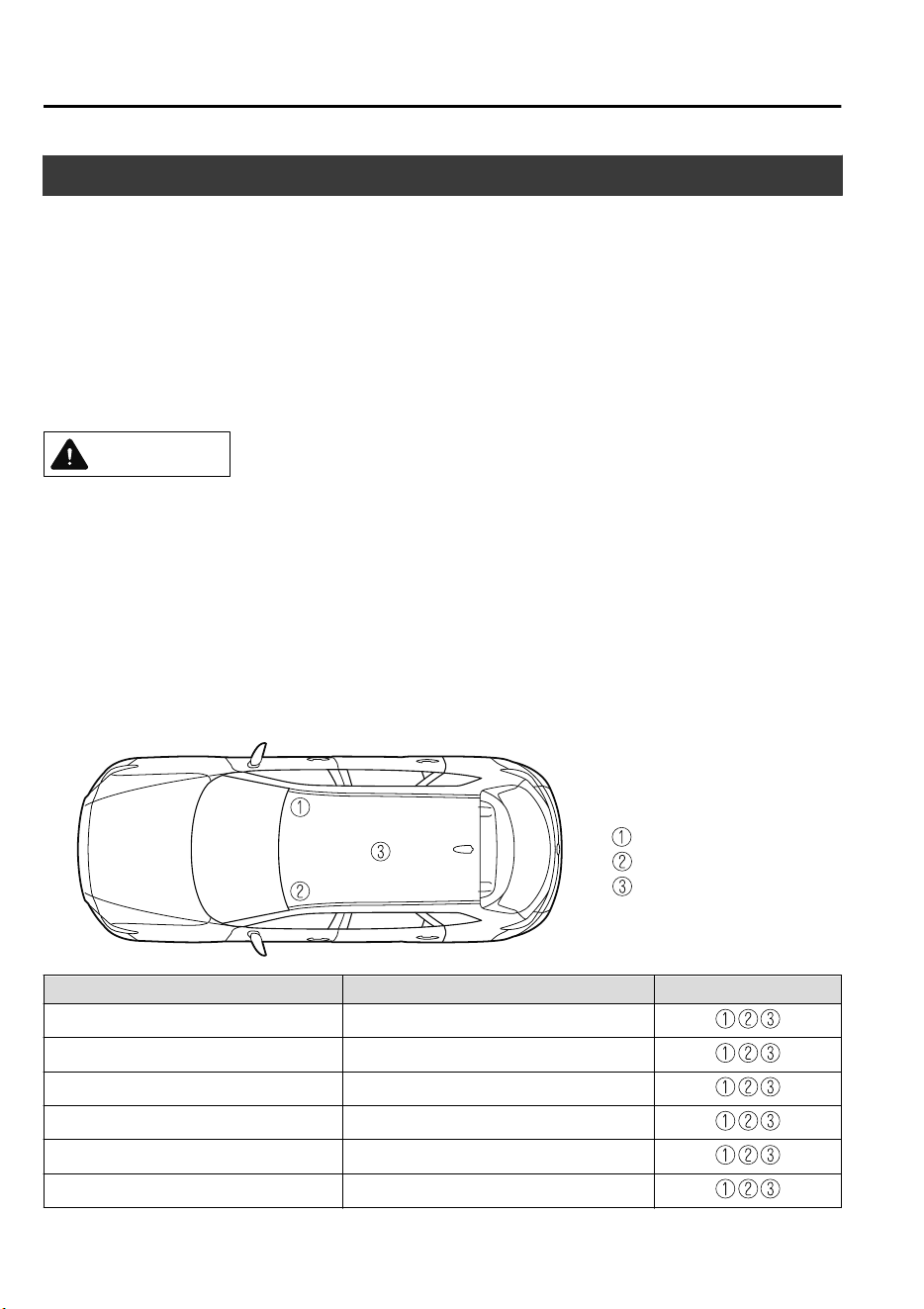
Electromagnetic Compatibility
Your Mazda has been tested and certified to the UNECE
*1
10 regulation as related to
electromagnetic compatibility. Radio Frequency (RF) transmitter equipment (e.g. cellular
telephones, amateur radio transmitters, etc.) may only be fitted to your Mazda if they
comply with the parameters shown in the table below.
*
1 UNECE stands for United Nations Economic Commission for Europe.
It is your responsibility to ensure that any equipment you have fitted complies with
applicable local legislations. Have any equipment fitted by properly trained technicians.
CAUTION
Do not mount any transceiver, microphones, speakers, or any other item in the deployment
path of the air bag system.
Do not fasten antenna cable to original vehicle wiring, fuel pipes or brake pipes. Avoid
running the antenna cable parallel with the wire harness to the best extent possible.
Keep the antenna and power cables at least 100 mm (3.9 in) from any electronic modules
and the air bags.
Avoid using the cigar lighter or accessory socket as a power source for the RF-transmitting
equipment.
Antenna positions:
: front right of roof
: front left of roof
: center of roof
Frequency Band (MHz) Maximum output power (Wattage) Antenna Positions
50 ― 54 50
68 ― 87.5 50
142 ― 176 50
380 ― 470 50
806 ― 940 10
1200 ― 1300 10
Customer Information
Electromagnetic Compatibility
8-20
CX-9_8GC7-EE-17G_Edition1 2017-5-16 8:22:04
Frequency Band (MHz) Maximum output power (Wattage) Antenna Positions
1710 ― 1885 10
1885 ― 2025 10
2400 ― 2500
0.01
*1
In a cabin
*1
*
1 Only for Bluetooth
®
NOTE
After the installation of RF transmitters, check for disturbances from and to all electrical
equipment in the vehicle, both in the standby and transmit modes.
Check all electrical equipment:
•
with the ignition ON
•
with the engine running
•
during a road test at various speeds.
Customer Information
Electromagnetic Compatibility
8-21
CX-9_8GC7-EE-17G_Edition1 2017-5-16 8:22:04
Information for Users on Collection and Disposal of Old
Equipment and Used Batteries
When disposing your old battery, please refer to the information as follows.
▼
Information on Disposal in the European Union
These crossed-out wheeled bin symbols on the products, packaging, and/or accompanying
documents mean that used electronic products and batteries should not be mixed with
general household waste. For proper treatment, recovery and recycling of old products and
used batteries, please take them to applicable collection points, in accordance with your
national legislation and the Directives 2006/66/EC.
By disposing of these products and batteries correctly, you will help to save valuable
resources and prevent any potential negative effects on human health and the environment
which could otherwise arise from inappropriate waste handling.
For more information about collection and recycling of old products and batteries, please
contact your local municipality, your waste disposal service or the point of sales where you
purchased the items.
NOTE
The bottom two letters might be used in combination with the crossed-out wheeled bin
symbol. In this case it complies with the requirement established by the Directive for the
chemical involved.
“Pb” and “Cd” mean lead and cadmium respectively.
Customer Information
Collection/Disposal of Old Equipment/Used Battery
8-22
CX-9_8GC7-EE-17G_Edition1 2017-5-16 8:22:04

▼
Information on Disposal in Other Countries Outside the European Union
The above symbols are only valid in the European Union. If you wish to discard old
products and used batteries, please contact your local authorities, your waste disposal
service or the point of sales where you purchased the items, and ask for the correct method
of disposal.
Customer Information
Collection/Disposal of Old Equipment/Used Battery
8-23
CX-9_8GC7-EE-17G_Edition1 2017-5-16 8:22:04

MEMO
8-24
CX-9_8GC7-EE-17G_Edition1 2017-5-16 8:22:04
9
Specifications
Technical information about your Mazda.
Identification Numbers.....................9-2
Vehicle Information Labels.......... 9-2
Specifications..................................... 9-4
Specifications............................... 9-4
Personalization Features.................9-10
Personalization Features.............9-10
9-1
CX-9_8GC7-EE-17G_Edition1 2017-5-16 8:22:04
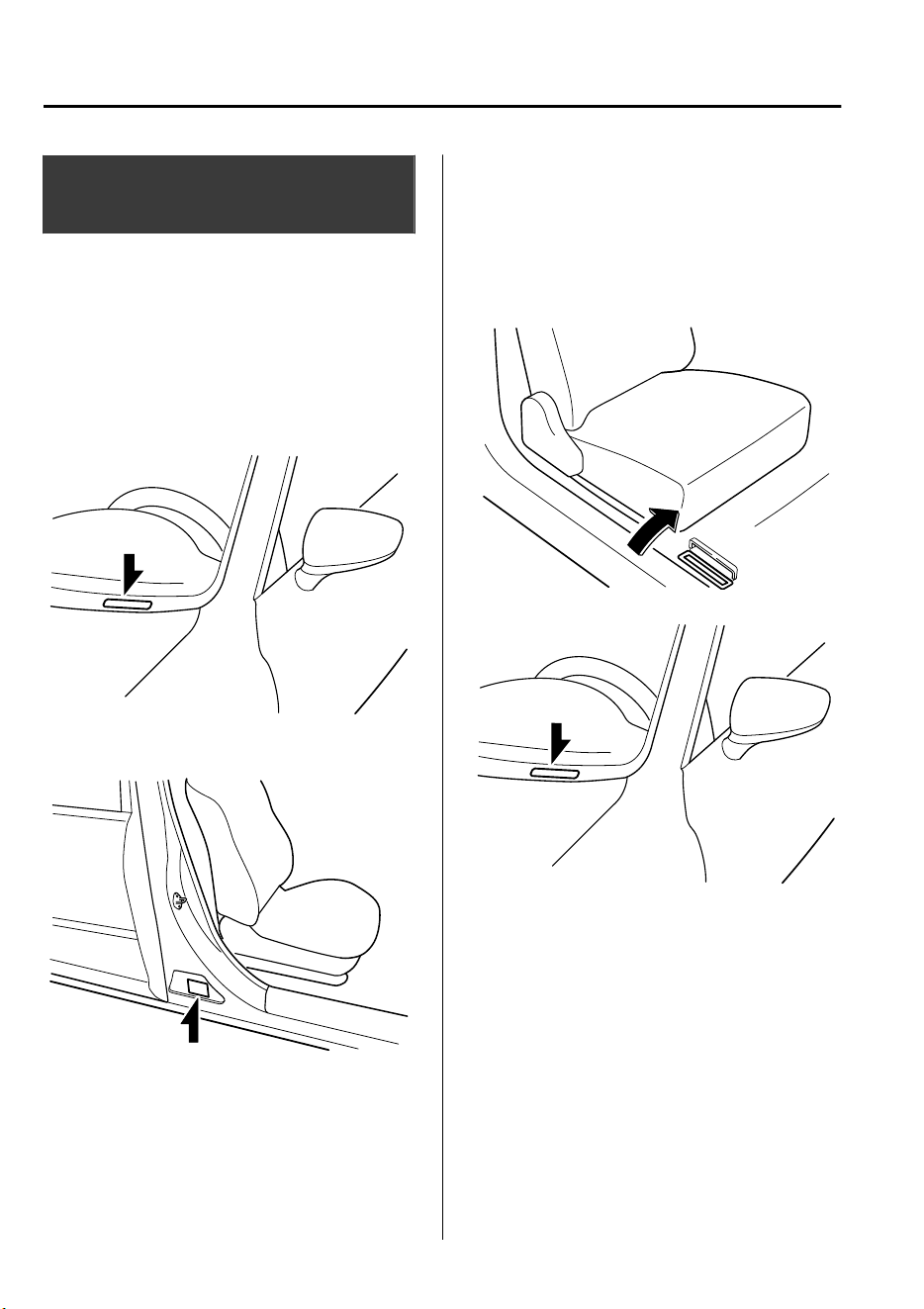
Vehicle Information
Labels
▼
Vehicle Identification Number (Arab
Gulf Cooperation Council, Iraq)
The vehicle identification number legally
identifies your vehicle. The number is on a
plate attached to the cowl panel located on
the left corner of the dashboard. This plate
can easily be seen through the windshield.
▼
Model Plate
▼
Chassis Number/Vehicle
Identification Number (Russia,
Kazakhstan, Belarus, Armenia)
Chassis Number
Open the cover shown in the figure to
check the chassis number.
Vehicle Identification Number
Specifications
Identification Numbers
9-2
CX-9_8GC7-EE-17G_Edition1 2017-5-16 8:22:04
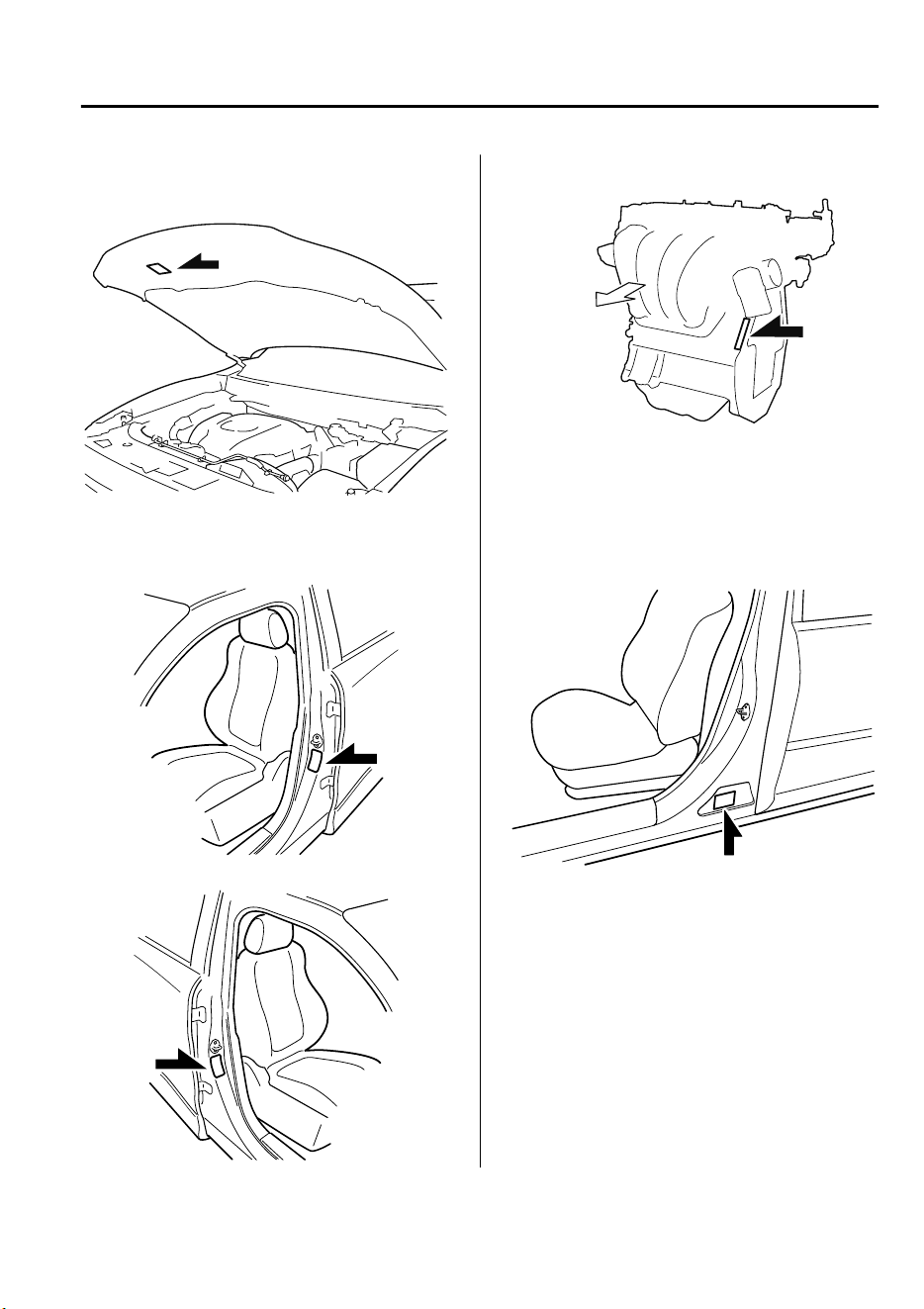
▼
Vehicle Emission Control
Information Label (The Philippines)
▼
Tire Pressure Label
Left-hand drive model
Right-hand drive model
▼
Engine Number
Forward
▼
Conformity Plate (Arab Gulf
Cooperation Council)
Production year and month are shown on
this plate.
Specifications
Identification Numbers
9-3
CX-9_8GC7-EE-17G_Edition1 2017-5-16 8:22:04
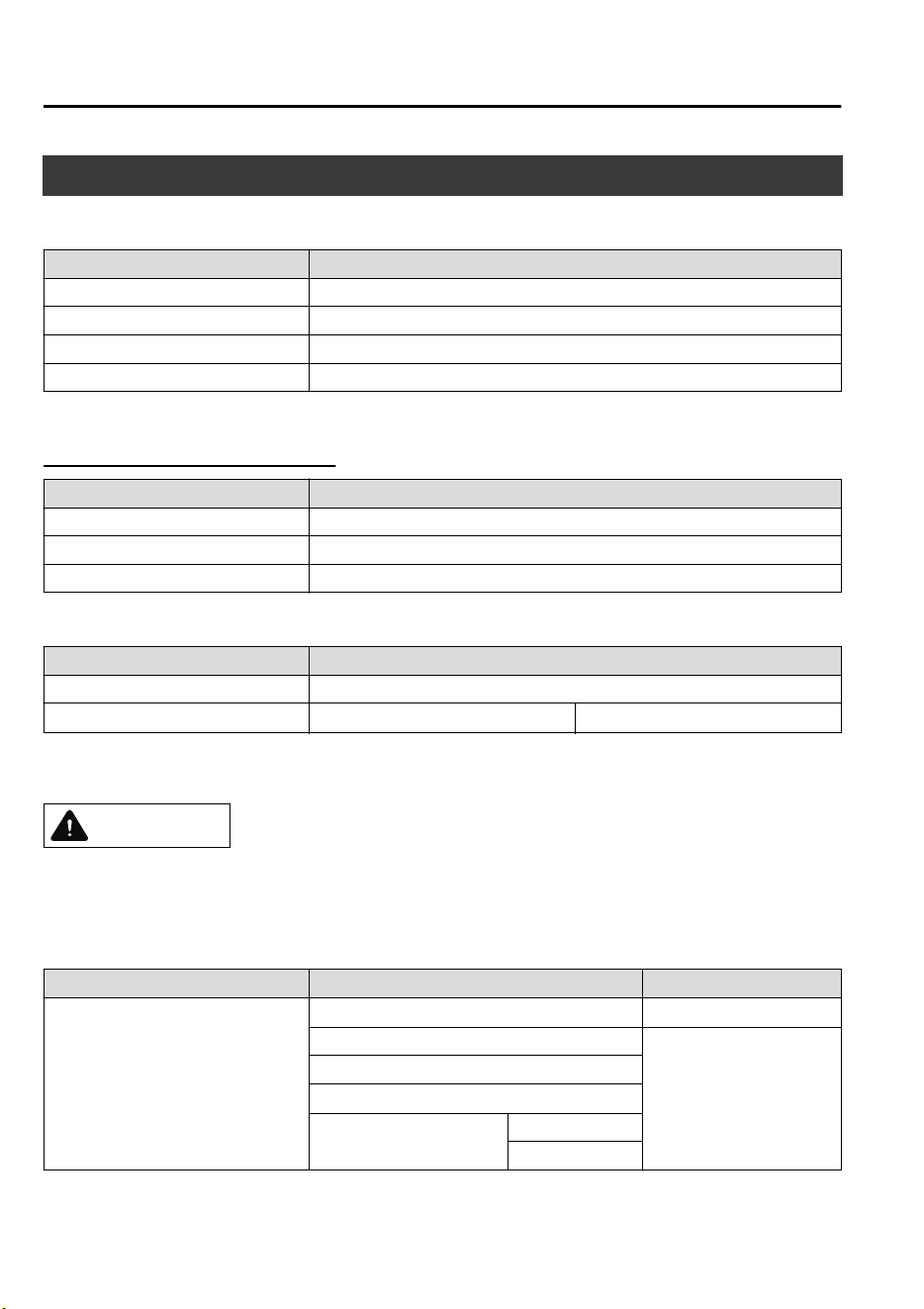
Specifications
▼
Engine
Item Specification
Type DOHC-16V in-line, 4-cylinder
Bore × Stroke 89.0 × 100 mm (3.50 × 3.94 in)
Displacement 2,488 ml (2,488 cc)
Compression ratio 10.5
Arab Gulf Cooperation Council
Item Specification
Maximum engine power/revolution 170 kW/5,000 rpm
Maximum engine torque/revolution 420 N·m/2,000 rpm
Maximum speed 210 km/h (130 mph)
▼
Electrical System
Item Classification
Battery 12V-55Ah/20HR or 12V-65Ah/20HR
Spark-plug number
Mazda Genuine spark plug
*1
PY8V-18-110
*
1 The spark plugs provide the SKYACTIV-G its optimum performance. Consult an expert repairer, we
recommend an Authorized Mazda Repairer for details.
CAUTION
When cleaning the iridium plugs, do not use a wire brush. The ne particulate coating on the
iridium alloy and platinum tips could be damaged.
▼
Lubricant Quality
Lubricant Europe Except Europe
Engine oil
*1
Recommended Oils
*2
Oil Quality
Mazda Original Oil Supra 0W-30
API SM/SN or ILSAC
GF-IV/GF-V
0W-30/5W-30/10W-30
Mazda Original Oil Ultra 5W-30
Alternative Oil Quality
*3
API SN or ACEA A5/B5
0W-30
5W-30
*
1 Refer to Recommended Oil on page 6-19.
Specifications
Specifications
9-4
CX-9_8GC7-EE-17G_Edition1 2017-5-16 8:22:04
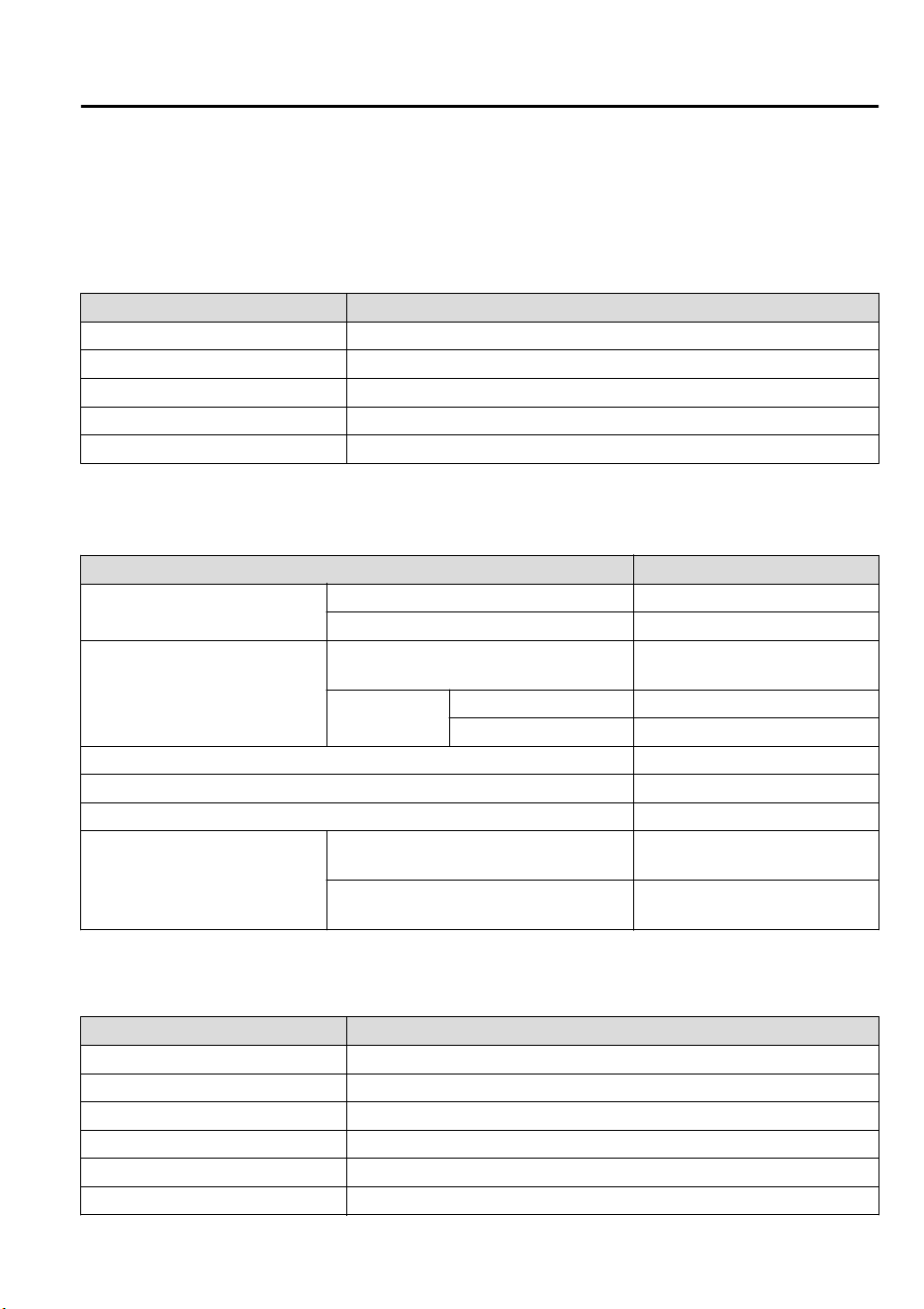
*
2 Mazda Original Oils are specially designed/tested for the respective engine. For optimum performance we
recommend to use Mazda Original Oils at all times.
*
3 If you are unable to find a Mazda Original Oil, alternative oils meeting the listed specification may also be
used.
Do not use oils which do not meet the above specification or requirements. Use of unsuitable oil may lead to engine
damage which is not covered by the Mazda Warranty.
Lubricant Classification
Coolant FL-22 type
Automatic transaxle fluid Mazda Original Oil ATF-FZ
Transfer case oil Mazda Long Life Hypoid Gear Oil SG1
Rear differential oil Mazda Long Life Hypoid Gear Oil SG1
Brake fluid SAE J1703 or FMVSS116 DOT-3 or DOT-4
▼
Capacities
(Approximate Quantities)
Item Capacity
Engine oil
With oil filter replacement 4.8 L (5.1 US qt, 4.2 Imp qt)
Without oil filter replacement 4.6 L (4.9 US qt, 4.0 Imp qt)
Coolant
Azerbaijan, Kazakhstan, Armenia, Geor-
gia, Russia, Belarus, Ukraine
9.9 L (10.5 US qt, 8.7 Imp qt)
Except above
Left-hand drive model 9.8 L (10.4 US qt, 8.6 Imp qt)
Right-hand drive model 9.9 L (10.5 US qt, 8.7 Imp qt)
Automatic transaxle fluid 8.0 L (8.5 US qt, 7.0 Imp qt)
Transfer case oil 0.45 L (0.48 US qt, 0.40 Imp qt)
Rear differential oil 0.35 L (0.37 US qt, 0.31 Imp qt)
Fuel tank
2WD
72.0 L (19.0 US gal, 15.8 Imp
gal)
4WD
74.0 L (19.5 US gal, 16.3 Imp
gal)
Check oil and fluid levels with dipsticks or reservoir gauges.
▼
Dimensions
Item Vehicle specification
Overall length 5,075 mm (199.8 in)
Overall width 1,969 mm (77.5 in)
Overall height 1,747 mm (68.8 in)
Front tread 1,663 mm (65.5 in)
Rear tread 1,663 mm (65.5 in)
Wheelbase 2,930 mm (115.4 in)
Specifications
Specifications
9-5
CX-9_8GC7-EE-17G_Edition1 2017-5-16 8:22:04
▼
Light Bulbs
Exterior light
With Adaptive LED Headlights (ALH)
Light bulb
Category
Wattage
UNECE
*1
(SAE)
Headlights
High beam
LED
*2
― (―)
Low beam
LED
*2
― (―)
Running lights/Parking lights
LED
*2
― (―)
Front turn signal lights
LED
*2
― (―)
Front fog lights
LED
*2
― (―)
Side turn signal lights
LED
*2
― (―)
High-mount brake light
LED
*2
― (―)
Rear turn signal lights 21 WY21W (7443NA)
Brake lights/Taillights
LED
*2
― (―)
Brake lights
LED
*2
― (―)
Taillights
LED
*2
― (―)
Reverse lights 16 W16W (921)
Rear fog light
*
21 W21W (7440)
License plate lights 5 W5W (―)
*
1 UNECE stands for United Nations Economic Commission for Europe.
*
2 LED is the abbreviation for Light Emitting Diode.
Without Adaptive LED Headlights (ALH)
Light bulb
Category
Wattage
UNECE
*1
(SAE)
Headlights
High beam
LED
*2
― (―)
Low beam
LED
*2
― (―)
Running lights 21/5 W21/5W (7443)
Parking lights 5 W5W (―)
Front turn signal lights 21 WY21W (7443NA)
Front fog light
*
LED
*2
― (―)
Side turn signal lights
LED
*2
― (―)
High-mount brake light
LED
*2
― (―)
Rear turn signal lights 21 WY21W (7443NA)
Brake lights/Taillights
LED
*2
― (―)
Specifications
Specifications
9-6
*Some models.
CX-9_8GC7-EE-17G_Edition1 2017-5-16 8:22:04
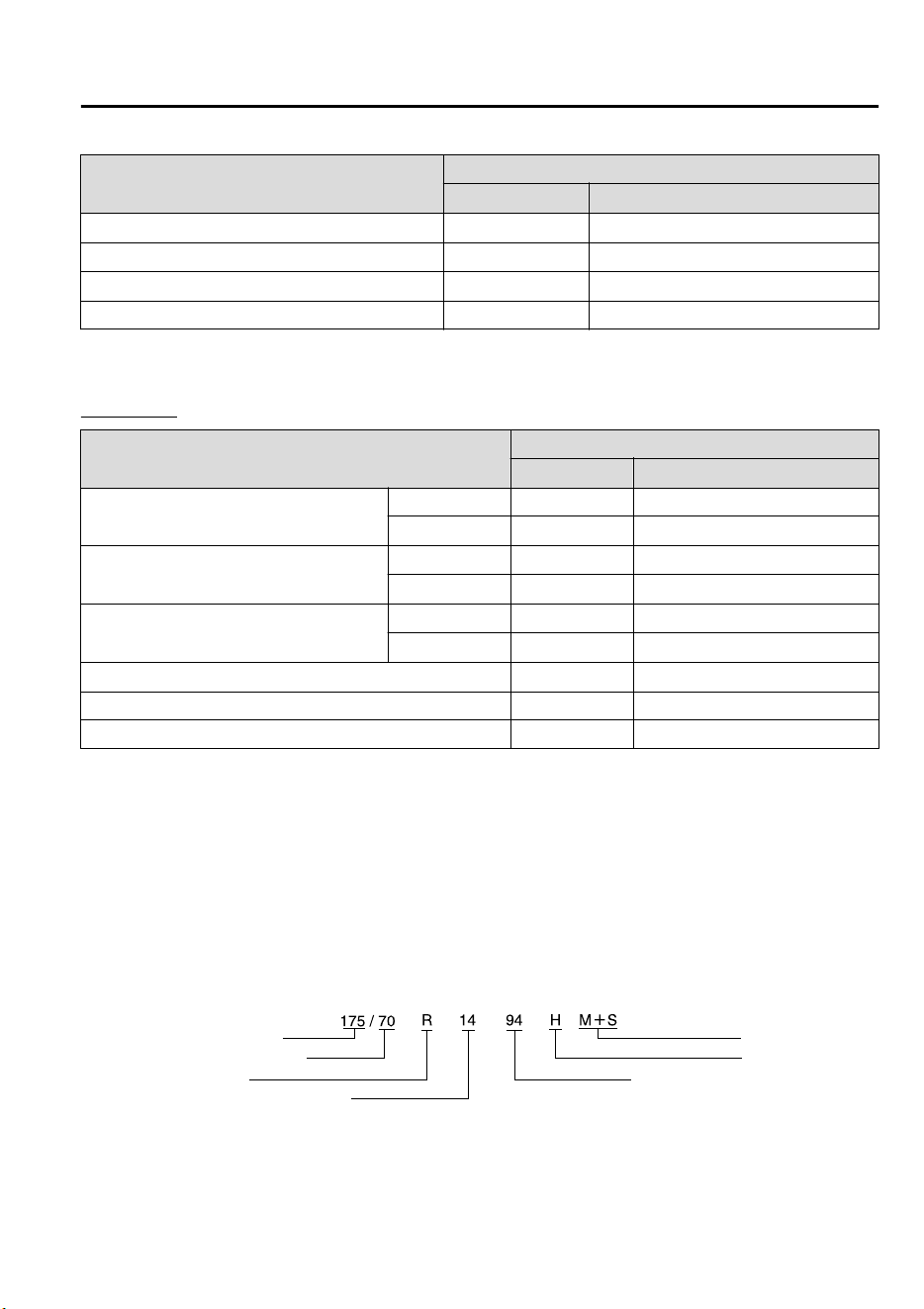
Light bulb
Category
Wattage
UNECE
*1
(SAE)
Brake lights
LED
*2
― (―)
Reverse lights 16 W16W (921)
Rear fog light
*
21 W21W (7440)
License plate lights 5 W5W (―)
*
1 UNECE stands for United Nations Economic Commission for Europe.
*
2 LED is the abbreviation for Light Emitting Diode.
Interior light
Light bulb
Category
Wattage
UNECE
*1
Overhead lights (Front)/Map lights
(Front)
Bulb type 8 ―
LED type
LED
*2
―
Map lights (Center)
Bulb type 8 ―
LED type
LED
*2
―
Overhead light (Rear)
Bulb type 10 ―
LED type
LED
*2
―
Ambient lights
LED
*2
―
Vanity mirror lights 2 ―
Luggage compartment light 8 ―
*
1 UNECE stands for United Nations Economic Commission for Europe.
*
2 LED is the abbreviation for Light Emitting Diode.
▼
Tires
Sample tire mark and its meaning
Nominal section width
Nominal aspect ratio in %
Construction code
Mud and snow
Speed symbol
Load index (not on ZR tires)
Nominal rim diameter in inches
Specifications
Specifications
*Some models.
9-7
CX-9_8GC7-EE-17G_Edition1 2017-5-16 8:22:04
Tire mark information
Choose the proper tires for your vehicle using the following tire mark information.
Speed symbol Maximum permissible speed
Q Up to 160 km/h (99 mph)
R Up to 170 km/h (105 mph)
S Up to 180 km/h (111 mph)
T Up to 190 km/h (118 mph)
U Up to 200 km/h (124 mph)
H Up to 210 km/h (130 mph)
V Up to 240 km/h (149 mph)
W Up to 270 km/h (167 mph)
Y Up to 300 km/h (186 mph)
ZR Over 240 km/h (149 mph)
Tire and inflation pressure
NOTE
The tires have been optimally matched with the chassis of your vehicle.
When replacing tires, Mazda recommends that you replace tires of the same type originally
fitted to your vehicle. For details, contact an expert repairer, we recommend an Authorized
Mazda Repairer.
Check the tire pressure label for tire size and inflation pressure (page 6-36).
Standard tire
(Left-hand drive model)
Tire size
Inflation pressure
Front Rear
P255/60R18 107H 230 kPa (2.3 bar, 33 psi) 230 kPa (2.3 bar, 33 psi)
P255/50R20 104V 230 kPa (2.3 bar, 33 psi) 230 kPa (2.3 bar, 33 psi)
Specifications
Specifications
9-8
CX-9_8GC7-EE-17G_Edition1 2017-5-16 8:22:04
(Right-hand drive model)
Tire size
Inflation pressure
Front Rear
255/60R18 108H 230 kPa (2.3 bar, 33 psi) 230 kPa (2.3 bar, 33 psi)
255/50R20 105V 230 kPa (2.3 bar, 33 psi) 230 kPa (2.3 bar, 33 psi)
Temporary spare tire
Tire size Inflation pressure
185/80R17 99M 320 kPa (3.2 bar, 46 psi)
Lug nut tightening torque
When installing a tire, tighten the lug nut to the following torque.
108―147 N·m (12―14 kgf·m, 80―108 ft·lbf)
▼
Fuses
Refer to Fuses on page 6-48.
▼
Brakes
If you require information regarding the wear limit specification for the brake disc plates
and the measurement method, please contact an expert repairer, we recommend an
Authorized Mazda Repairer. The information is made freely available.
Specifications
Specifications
9-9
CX-9_8GC7-EE-17G_Edition1 2017-5-16 8:22:04
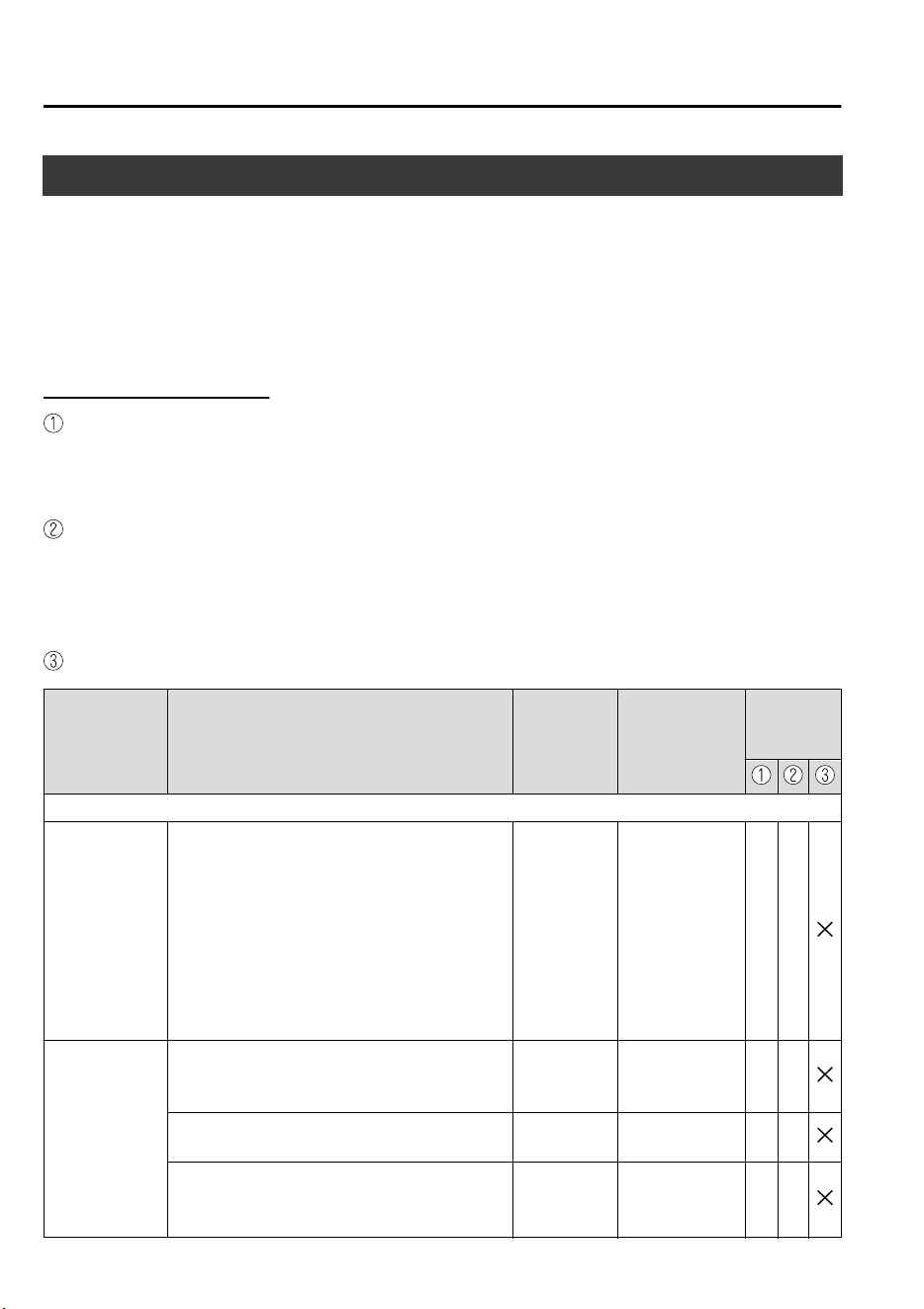
Personalization Features
The following personalization features can be set or changed by the customer or an Author-
ized Mazda Repairer. Consult an Authorized Mazda Repairer for details.
Additionally, some of the personalization features can be changed by the customer depend-
ing on the feature.
Personalization features and settings which can be changed differ depending on the market
and specification.
Settings Change Method
Settings can be changed by operating the center display screen.
A: Refer to Settings on page 5-60.
B: Refer to Fuel Economy Monitor on page 4-77.
C: Refer to Active Driving Display on page 4-29.
Settings can be changed by operating the vehicle switches.
D: Refer to Auto Lock/Unlock Function on page 3-15.
E: Refer to Transmitter on page 3-4.
F: Refer to Locking, Unlocking with Request Switch (With the advanced keyless function)
on page 3-12.
Settings can be changed by an Authorized Mazda Repairer.
Item Feature
Factory Set-
ting
Available Set-
tings
Settings
Change
Method
Safety
Smart City
Brake Support
[Forward]
(SCBS F) (page
4-148)
Smart City
Brake Support
[Reverse]
(SCBS R) (page
4-152)
The system can be changed so that Smart City
Brake Support (SCBS) does not operate.
*1
On On/Off A ―
Advanced
Smart City
Brake Support
(Advanced
SCBS) (page
4-145)
Smart Brake
Support (SBS)
(page 4-156)
The system can be changed so that Smart City
Brake Support (Advanced SCBS)/Smart Brake
Support (SBS) does not operate.
*1
On On/Off A ―
The distance at which the collision warning ac-
tivates can be changed.
Med Near/Med/Far A ―
The volume of the collision warning can be
changed.
High High/Low/Off A ―
Specifications
Personalization Features
9-10
CX-9_8GC7-EE-17G_Edition1 2017-5-16 8:22:04
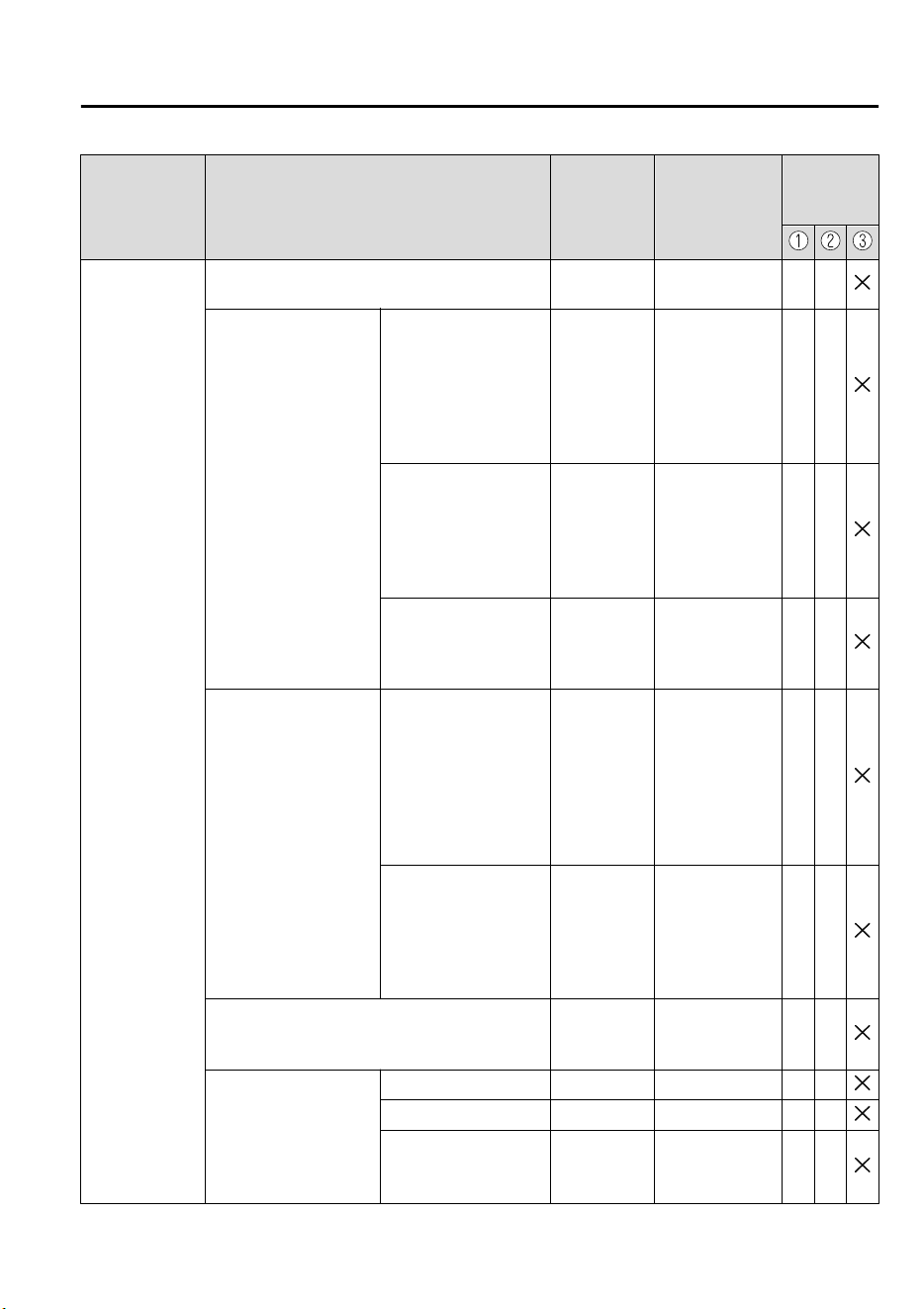
Item Feature
Factory Set-
ting
Available Set-
tings
Settings
Change
Method
Lane-keep As-
sist System
(LAS) & Lane
Departure
Warning System
(LDWS) (page
4-134)
The system can be changed so that the steering
wheel assist does not operate.
On On/Off A ―
When the steering
wheel operation assis-
tance is turned on
The timing at which the
steering wheel operation
assist of the Lane-keep
Assist System (LAS) &
Lane Departure Warning
System (LDWS) operates
can be changed.
Late Early/Late A ―
The cancel sensitivity of
the steering assistance for
the Lane-keep Assist Sys-
tem (LAS) & Lane Depar-
ture Warning System
(LDWS) can be changed.
High
High/
Medium/Low
A―
The system can be
changed so that the lane
departure warning does
not activate.
On On/Off A ―
When the steering
wheel operation assis-
tance is turned off
The warning timing in
which the Lane-keep As-
sist System (LAS) & Lane
Departure Warning System
(LDWS) system deter-
mines that the vehicle may
be deviating from its lane
can be changed.
Med
Early/Med/Late/
Adaptive
A―
The sensitivity of the
warning for the Lane-keep
Assist System (LAS) &
Lane Departure Warning
System (LDWS) can be
changed.
Med Often/Med/Rare A ―
The type of Lane-keep Assist System (LAS) & Lane
Departure Warning System (LDWS) warning can be
changed.
Vibration
Vibration/Beep/
Rumble
A―
The warning intensity/
volume of the Lane-keep
Assist System (LAS) &
Lane Departure Warning
System (LDWS) system
can be changed.
Vibration Low High/Low A ―
Rumble Low High/Mid/Low A ―
Beep Low High/Low A ―
Specifications
Personalization Features
9-11
CX-9_8GC7-EE-17G_Edition1 2017-5-16 8:22:04
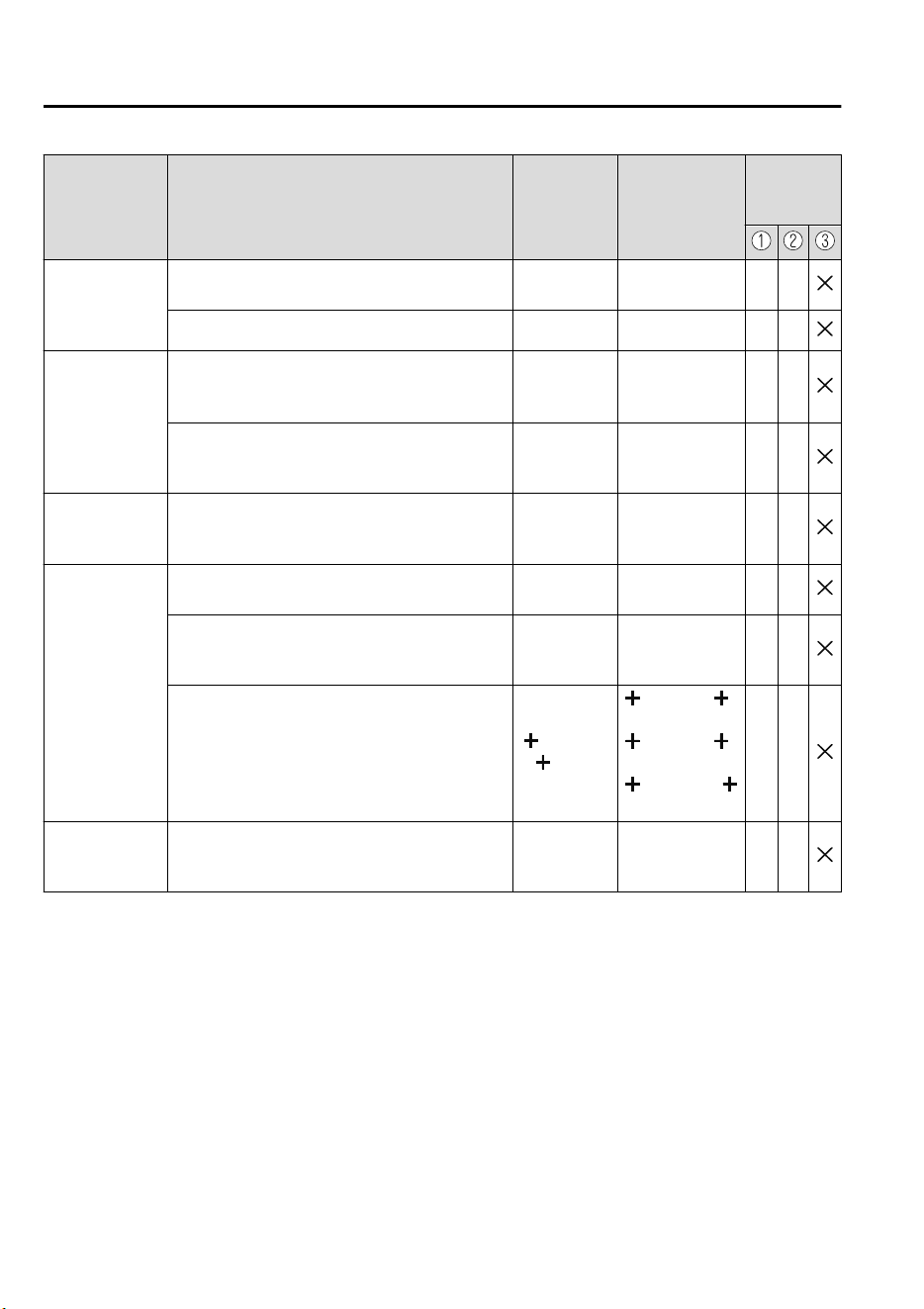
Item Feature
Factory Set-
ting
Available Set-
tings
Settings
Change
Method
Blind Spot
Monitoring
(BSM) (page
4-90)
The system can be changed so that Blind Spot
Monitoring (BSM) does not operate.
*1
On On/Off A ―
Warning beep volume
*2
High High/Low/Off A ―
Distance Recog-
nition Support
System (DRSS)
(page 4-103)
The system can be changed so that Distance
Recognition Support System (DRSS) does not
operate.
*1
On On/Off A ―
The distance at which the vehicle ahead and
your vehicle indicated in the display flashes in
white can be changed.
Near
Far/Medium/
Near
A―
Driver Attention
Alert (DAA)
(page 4-106)
The system can be changed so that driver atten-
tion alert does not operate.
*1
On On/Off A ―
Traffic Sign
Recognition
System (TSR)
*3
(page 4-96)
The Traffic Sign Recognition System (TSR)
can be set to inoperable.
*1
On On/Off A ―
The warning pattern of the excessive speed
warning can be changed.
Off
Off/
Visual/
Audio & Visual
A―
The activation timing for the excessive speed
warning can be changed.
0 km/h or
0 mph
0 km/h or 0
mph/
5 km/h or 5
mph/
10 km/h or
10 mph/
A―
Parking Sensor
System (page
4-195)
Display/non-display On On/Off A ―
Specifications
Personalization Features
9-12
CX-9_8GC7-EE-17G_Edition1 2017-5-16 8:22:04
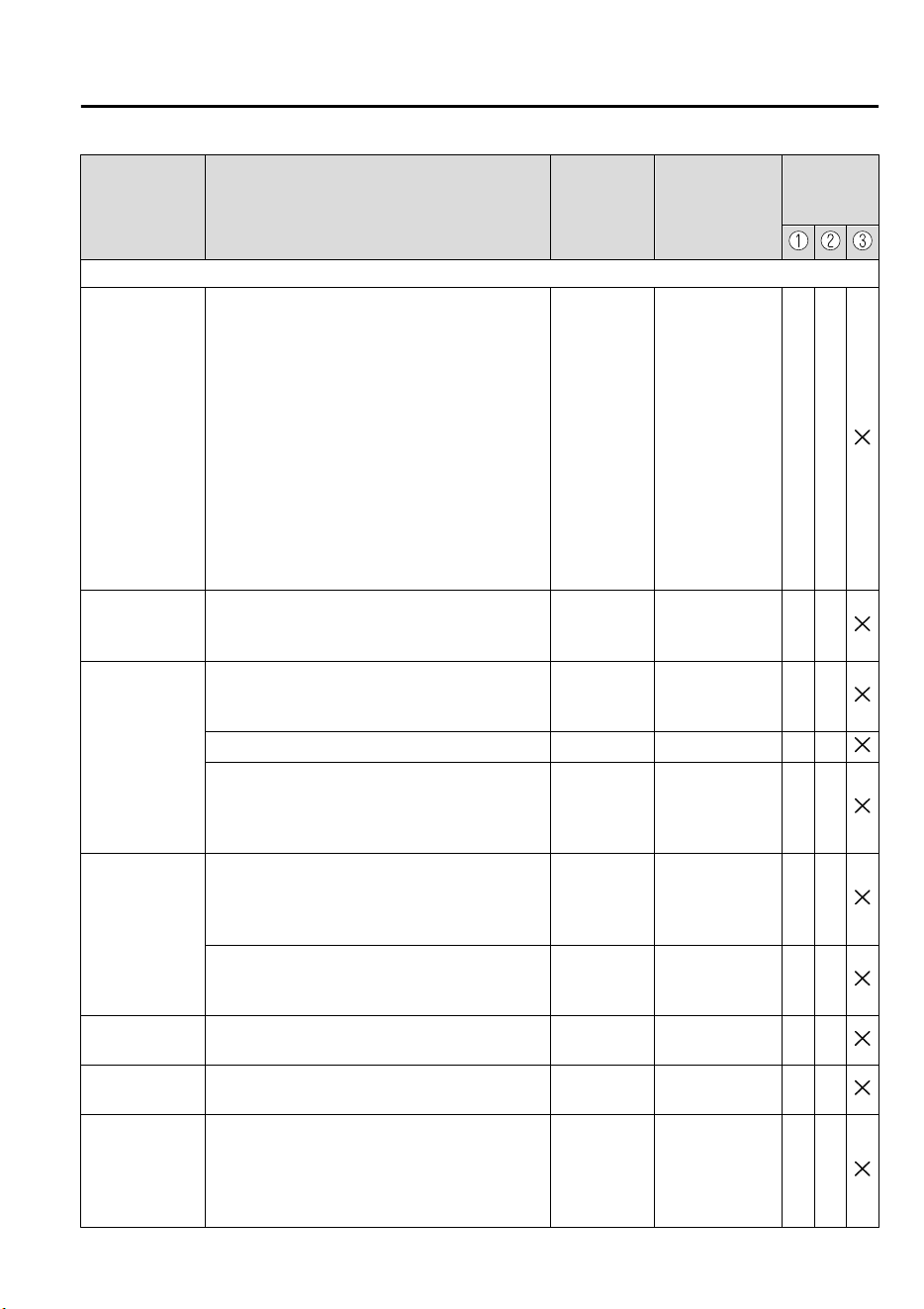
Item Feature
Factory Set-
ting
Available Set-
tings
Settings
Change
Method
Veh ic le
Door locks
(page 3-15)
Operation condition of auto lock/unlock func-
tion
Lock: When
Driving Un-
lock: IGN
Off
Lock: Out of
Park Unlock: In
Park/
Lock: Shifting
Out of Park/
Lock: When
Driving Unlock:
In Park/
Lock: When
Driving Unlock:
IGN Off/
Lock: When
Driving/
Off
AD
Keyless entry
system (page
3-3)
Time for locking door automatically 30 seconds
90 seconds/
60 seconds/
30 seconds
A―
Advanced key-
less entry sys-
tem (page 3-8)
Time for locking door automatically 30 seconds
90 seconds/
60 seconds/
30 seconds
A―
Auto-lock function operation/non-operational Off On/Off A ―
Beep volume when locking/unlocking
Off or Medi-
um
High/
Medium/
Low/
Off
A
E,
F
Illuminated en-
try system (page
5-77)
Time until interior lights turn off after closing
door
15 seconds
60 seconds/
30 seconds/
15 seconds/
7.5 seconds
A―
Time until interior lights turn off automatically
when any door is not closed completely
30 minutes
60 minutes/
30 minutes/
10 minutes
A―
Auto-wiper con-
trol (page 4-58)
Operational/non-operational On
On/Off
*4
A―
Running lights
(page 4-54)
Operational/non-operational On On/Off ― ―
Auto-light con-
trol (page 4-50)
Timing by which lights turn on Medium
Light/
Medium Light/
Medium/
Medium Dark/
Dark
A―
Specifications
Personalization Features
9-13
CX-9_8GC7-EE-17G_Edition1 2017-5-16 8:22:04
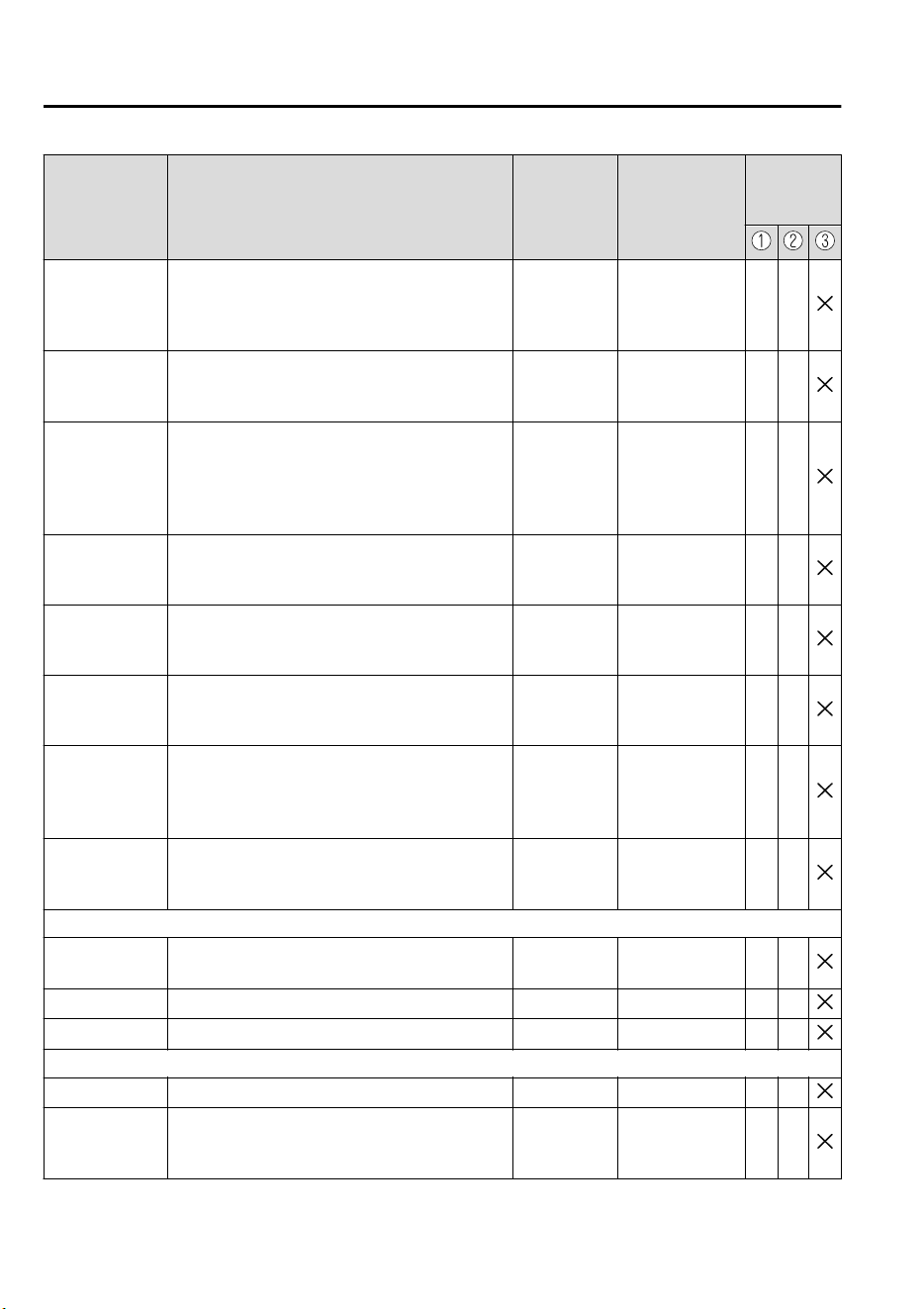
Item Feature
Factory Set-
ting
Available Set-
tings
Settings
Change
Method
Adaptive LED
Headlights
(ALH) (page
4-87)
Operational/non-operational
*1
On On/Off A ―
Lights-on re-
minder (page
7-55)
Warning beep volume
High or Low
or Off
High/Low/Off A ―
Coming home
light (page 4-
53)
Time until headlights turn off 30 seconds
120 seconds/
90 seconds/
60 seconds/
30 seconds/
Off
A―
Leaving home
light (page 4-
53)
Operational/non-operational On or Off On/Off A ―
Turn signal in-
dicator (page
4-57)
Beep volume High High/Low A ―
Three-flash turn
signal (page
4-58)
Operational/non-operational On or Off On/Off A ―
Ambient lights
(page 5-74)
Ambient lights brightness
*5
Medium
Bright/
Medium/
Dark/
Off
*6
A―
Rear window
defogger (page
4-63)
The operation time for the rear window defog-
ger can be changed.
15 minutes
15 minutes/
Continuous
*7
――
System
Language Language indicated in display English-UK
Depends on
market
*8
A―
Temperature Temperature unit indicated in display °C °F/°C A ―
Distance Distance unit indicated in display mi or km mi/km A ―
Fuel Economy Monitor (page 4-77)
Ending display On/off Off On/Off B ―
Fuel economy
resetting proce-
dure
Linkage/non-linkage with fuel economy reset
and trip meter reset
Off On/Off B ―
Specifications
Personalization Features
9-14
CX-9_8GC7-EE-17G_Edition1 2017-5-16 8:22:04
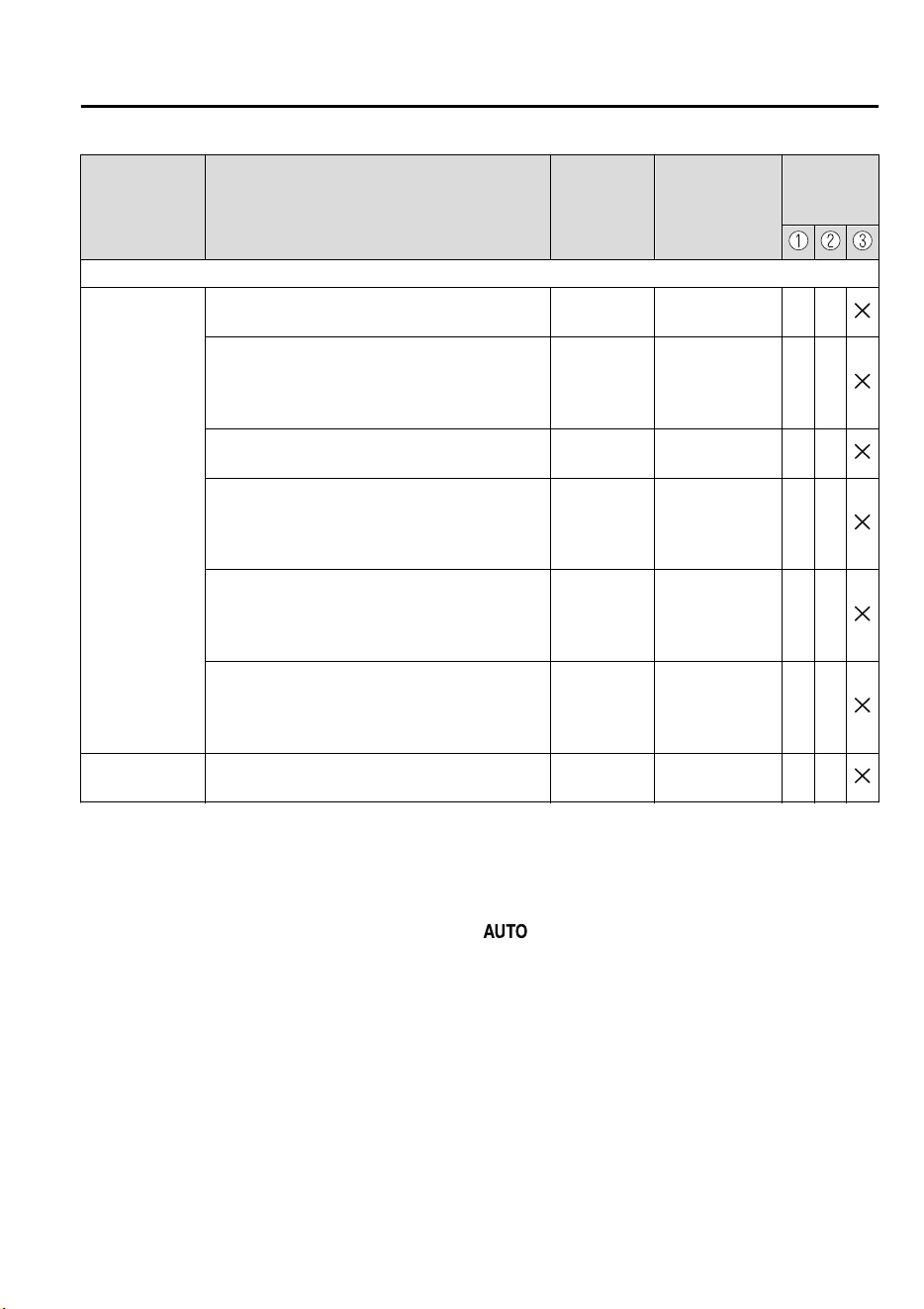
Item Feature
Factory Set-
ting
Available Set-
tings
Settings
Change
Method
Active driving display (page 4-29)
Display
Setting can be changed so that the Active Driv-
ing Display is not displayed.
On On/Off C ―
The display height (up/down position) can be
changed.
0
13 steps up/
down from ini-
tial setting (total:
27 steps)
C―
The method for adjusting the display brightness
(automatically/manually) can be changed.
AUTO
AUTO/
MANUAL
C―
The standard brightness with the automatic
brightness adjustment can be changed.
0
2 steps up/down
from initial set-
ting (total: 5
steps)
C―
The standard brightness with the manual
brightness adjustment can be changed.
0
20 steps up/
down from ini-
tial setting (total:
41 steps)
C―
The display angle can be changed. 0
3steps up/down
from initial set-
ting (total:
7steps)
C―
Navigation
guidance
Display/non-display On On/Off C ―
*
1 Though these systems can be turned Off, doing so will defeat the purpose of the system and Mazda
recommends that these systems remain On.
*
2 Only the volume of the warning beep during Blind Spot Monitoring (BSM) operation can be changed. The
volume of the warning beep during Rear Cross Traffic Alert (RCTA) operation cannot be changed.
*
3 This system functions only when the navigation system is functioning.
*
4 If the auto-wiper control is set to Off, the wiper lever position is set to intermittent operation.
*
5 Change the ambient light illumination level with the parking lights or headlights turned on.
*
6 When set to OFF, the ambient lights remain turned off regardless of whether or not the parking lights or
headlights are on or off. However, they will turn on or off in conjunction with the illuminated entry system.
*
7 The operation may stop in 15 minutes due to the effect of the outside temperature even if the operation time of
the rear window defogger has been changed to Continuous.
*
8 Available only in display from the center display.
Specifications
Personalization Features
9-15
CX-9_8GC7-EE-17G_Edition1 2017-5-16 8:22:04

MEMO
9-16
CX-9_8GC7-EE-17G_Edition1 2017-5-16 8:22:04

10
Index
10-1
CX-9_8GC7-EE-17G_Edition1 2017-5-16 8:22:04

Index
A
Accessory Socket.............................. 5-77
Active Driving Display.....................4-29
Adaptive LED Headlights (ALH)..... 4-87
Add-On Non-Genuine Parts and
Accessories..........................................8-3
Advanced Key
Advanced keyless entry system.....3-8
Operational range.......................... 3-9
Advanced Smart City Brake Support
(Advanced SCBS)...........................4-145
Collision warning...................... 4-147
Smart City Brake Support (SCBS)
Indicator Light (Red).................4-147
Stopping the Advanced Smart City
Brake Support (Advanced SCBS)
system operation........................4-147
Air Bag Systems............................... 2-44
Air Bag/Front Seat Belt Pretensioner
System Warning Beep.......................7-55
Ambient Temperature Display.......... 4-17
Antilock Brake System (ABS)..........4-72
Armrest Box......................................5-82
Audio Control Switch
Adjusting the Volume..................5-14
Seek Switch................................. 5-14
Audio Set
Applications.................................5-62
AUX.............................................5-28
Bluetooth®.................................. 5-34
Radio............................................5-25
Radio (RDS)................................ 5-25
Settings........................................ 5-60
Troubleshooting........................... 5-63
USB............................................. 5-29
Voice Recognition....................... 5-57
Volume/Display/Sound
Controls....................................... 5-23
Audio System
Antenna........................................5-17
Appendix..................................... 5-68
Audio Control Switch................. 5-14
Audio Set.....................................5-18
AUX/USB mode..........................5-15
Before Using the Audio
System......................................... 5-14
Automatic Transaxle......................... 4-41
Active Adaptive Shift (AAS)...... 4-44
Automatic transaxle controls.......4-41
Driving tips..................................4-49
Manual shift mode.......................4-45
Shift-lock system.........................4-42
Transaxle ranges..........................4-43
B
Battery............................................... 6-31
Inspecting electrolyte level..........6-32
Maintenance.................................6-32
Recharging...................................6-33
Replacement................................ 6-33
Specifications.................................9-4
Battery Runs Out.............................. 7-28
Jump-starting............................... 7-28
Blind Spot Monitoring (BSM).......... 4-90
Canceling operation of Blind Spot
Monitoring (BSM).......................4-95
Blind Spot Monitoring (BSM) System
Warning Beep....................................7-58
Bluetooth®
Bluetooth® Audio....................... 5-40
Bluetooth® Hands-Free...............5-48
Bluetooth® Preparation...............5-37
Body Lubrication.............................. 6-25
Bottle Holder.....................................5-81
Brakes
Brake assist..................................4-70
Electric parking brake (EPB)...... 4-67
Foot brake....................................4-66
Pad wear indicator.......................4-69
Warning light...............................4-69
10-2
CX-9_8GC7-EE-17G_Edition1 2017-5-16 8:22:04

Index
Break-In Period.................................3-48
C
Capacities............................................ 9-5
Carbon Monoxide............................. 3-28
Cell Phones......................................... 8-4
Center Console..................................5-82
Child Restraint
Categories of child-restraint
systems.........................................2-31
Child-restraint precautions.......... 2-27
Child-restraint system
installation................................... 2-31
Child-restraint system suitability for
various seat positions table..........2-36
Installing child-restraint
systems.........................................2-40
Child Safety Locks for Rear Doors... 3-18
Climate Control System......................5-2
Dual-zone automatic climate
control............................................5-5
Front Air Conditioner....................5-5
Operating tips................................ 5-2
Rear Air Conditioner...................5-12
Vent Operation (Front).................. 5-3
Vent Operation (Rear)................. 5-10
Collision warning..............................7-60
Coming Home Light......................... 4-53
Console Box......................................5-82
Cruise Control.................................4-170
Cruise control switch.................4-170
Cruise main indication (white)/cruise
set indication (green).................4-171
Cruise Control Set Vehicle Speed
Display.............................................. 4-18
Cup Holder........................................5-79
D
Dashboard Illumination.....................4-16
Defogger
Mirror...........................................4-63
Rear window............................... 4-63
Dimensions..........................................9-5
Distance Recognition Support System
(DRSS)............................................ 4-103
Indication on display................. 4-104
Door Locks........................................3-10
Driver Attention Alert (DAA).........4-106
Drive Selection..................................4-79
Driving In Flooded Area...................3-54
Driving Tips
Automatic transaxle.....................4-49
Break-in period............................3-48
Driving in flooded area............... 3-54
Floor mat..................................... 3-50
Hazardous driving....................... 3-49
Rocking the vehicle.....................3-51
Saving fuel and protection of the
environment.................................3-48
Turbocharged vehicles.................3-55
Winter driving............................. 3-51
Dynamic Stability Control (DSC).....4-75
TCS/DSC indicator light............. 4-75
E
Electric parking brake (EPB)............4-67
Electric Parking Brake (EPB) Warning
Beep...................................................7-58
Electronic steering lock warning
beep................................................... 7-57
Emergency Starting
Push-starting................................ 7-31
Starting a flooded engine............ 7-31
Emergency Stop Signal System........ 4-70
Emergency Towing
Towing description...................... 7-34
Towing hooks.............................. 7-36
Emission Control System..................3-27
Ending Screen Display......................4-78
Engine
10-3
CX-9_8GC7-EE-17G_Edition1 2017-5-16 8:22:04

Index
Coolant.........................................6-22
Engine compartment overview.... 6-18
Exhaust gas..................................3-28
Hood release................................ 6-16
Oil................................................ 6-19
Starting...........................................4-5
Engine Coolant Temperature
Gauge................................................ 4-15
Essential Information.......................... 6-2
Excessive Speed Warning................. 7-60
Exhaust Gas...................................... 3-28
Exterior Care.....................................6-55
Aluminum wheel maintenance.... 6-59
Bright-metal maintenance........... 6-59
Cavity protection......................... 6-59
Maintaining the finish................. 6-56
Paint damage touch-up................6-58
Plastic part maintenance..............6-60
Undercoating............................... 6-59
F
Flasher
Hazard warning........................... 4-65
Headlights....................................4-50
Flat Tire.............................................7-15
Mounting the spare tire............... 7-24
Removing a flat tire.................... 7-21
Floor Mat.......................................... 3-50
Fluid
Brake............................................6-23
Washer......................................... 6-24
Fluids
Classification................................. 9-4
Fog Lights......................................... 4-55
Front.............................................4-55
Rear..............................................4-56
Foot Brake.........................................4-66
Forward Sensing Camera (FSC)..... 4-159
Front Seat............................................ 2-5
Fuel
Filler lid and cap......................... 3-29
Gauge...........................................4-15
Requirements............................... 3-26
Tank capacity.................................9-5
Fuel Consumption Display............... 4-78
Fuel Economy Monitor.....................4-77
Ending screen display................. 4-78
Fuel consumption display............4-78
Fuses..................................................6-48
Panel description......................... 6-51
Replacement................................ 6-48
G
Gauges...............................................4-12
Glove Compartment..........................5-82
H
Hazardous Driving............................ 3-49
Hazard Warning Flasher....................4-65
Headlights
Coming home light......................4-53
Control......................................... 4-50
Headlight flashing....................... 4-53
High-low beam............................4-53
Leaving home light..................... 4-53
Leveling....................................... 4-54
Running lights............................. 4-54
Washer......................................... 4-62
Headlight Washer..............................4-62
Head Restraint...................................2-17
Hill Launch Assist (HLA)................ 4-71
Hood Release.................................... 6-16
Horn...................................................4-64
I
If a Warning Light Turns On or
Flashes...............................................7-38
If the Active Driving Display Does Not
Operate.............................................. 7-62
Ignition
10-4
CX-9_8GC7-EE-17G_Edition1 2017-5-16 8:22:04

Index
Switch............................................ 4-4
Ignition Not Switched Off (STOP)
Warning Beep....................................7-56
Illuminated Entry System................. 5-77
Immobilizer System.......................... 3-42
Indication/Indicator Lights................4-36
Indicator Lights
Low engine coolant
temperature.................................. 4-40
Wrench.........................................4-40
Inspecting Brake Fluid Level............6-23
Inspecting Coolant Level.................. 6-22
Inspecting Engine Oil Level............. 6-21
Inspecting Washer Fluid Level......... 6-24
Instrument Cluster.............................4-12
Interior Care...................................... 6-60
Active driving display
maintenance.................................6-63
Cleaning the window interiors.....6-63
Instrument panel top
maintenance.................................6-63
Leather upholstery
maintenance.................................6-62
Panel maintenance.......................6-63
Plastic part maintenance..............6-62
Seat belt maintenance..................6-61
Upholstery maintenance.............. 6-61
Vinyl upholstery maintenance..... 6-61
Interior Lights................................... 5-74
Luggage compartment light.........5-74
Map lights....................................5-74
Overhead lights............................5-74
i-ACTIVSENSE................................4-84
Active safety technology.............4-84
Adaptive LED Headlights
(ALH).......................................... 4-87
Advanced Smart City Brake Support
(Advanced SCBS)..................... 4-145
Blind Spot Monitoring (BSM).....4-90
Camera and sensors.....................4-85
Distance Recognition Support System
(DRSS).......................................4-103
Driver Attention Alert (DAA)... 4-106
Forward Sensing Camera
(FSC)......................................... 4-159
Lane-keep Assist System (LAS) &
Lane Departure Warning System
(LDWS)..................................... 4-134
Mazda Radar Cruise Control with
Stop & Go function (MRCC with
Stop & Go function)..................4-121
Mazda Radar Cruise Control
(MRCC)..................................... 4-111
Pre-crash safety technology.........4-85
Radar sensors (rear)...................4-167
Radar sensor (front)...................4-164
Rear Cross Traffic Alert
(RCTA)...................................... 4-108
Smart Brake Support (SBS)...... 4-156
Smart City Brake Support [Forward]
(SCBS F)................................... 4-148
Smart City Brake Support [Reverse]
(SCBS R)...................................4-152
Traffic Sign Recognition System
(TSR)........................................... 4-96
Ultrasonic sensor (rear)............. 4-169
i-ACTIV AWD Operation.................4-81
J
Jack....................................................7-16
Jump-Starting.................................... 7-28
K
Keyless Entry System......................... 3-3
Keys.....................................................3-2
Key suspend function....................3-7
Transmitter.....................................3-4
Key Left-in-luggage Compartment
Warning beep (With the advanced
keyless function)............................... 7-57
10-5
CX-9_8GC7-EE-17G_Edition1 2017-5-16 8:22:04

Index
Key Left-in-vehicle Warning Beep (With
the advanced keyless function)......... 7-57
Key Removed from Vehicle Warning
Beep...................................................7-56
Key Suspend Function........................ 3-7
L
Label Information............................... 9-2
Lane Departure Warning sound........ 7-58
Lane-change Signals......................... 4-58
Lane-keep Assist System (LAS) & Lane
Departure Warning System
(LDWS)...........................................4-134
Leaving Home Light.........................4-53
Liftgate.............................................. 3-18
When Liftgate Cannot be
Opened.........................................7-61
Lighting Control................................4-50
Lights-on Reminder.......................... 7-55
Light Bulbs
Replacement................................ 6-39
Specifications.................................9-6
Lubricant Quality................................ 9-4
Luggage Compartment......................5-83
Cargo securing loops...................5-83
Cargo sub-compartment.............. 5-83
Luggage Compartment Light............ 5-74
M
Maintenance
Information.................................... 6-2
Scheduled.......................................6-3
Maintenance Monitor........................ 6-11
Map Lights........................................ 5-74
Mazda ERA-GLONASS..................... 7-2
Mazda Radar Cruise Control with Stop &
Go function (MRCC with Stop & Go
function).......................................... 4-121
Close proximity warning........... 4-124
Cruise control function..............4-131
Display indication......................4-123
Setting the system..................... 4-124
Stop hold control....................... 4-130
Mazda Radar Cruise Control with Stop &
Go function (MRCC with Stop & Go
function) System Warnings...............7-59
Mazda Radar Cruise Control
(MRCC)........................................... 4-111
Close proximity warning........... 4-113
Cruise control function..............4-118
Display indication......................4-113
Setting the system......................4-114
Mazda Radar Cruise Control (MRCC)
System warnings............................... 7-59
Message Indicated in Multi-information
Display.............................................. 7-54
Message Indicated on Display.......... 7-52
Meters and Gauges............................4-12
Mirrors
Outside mirrors............................3-32
Rearview mirror.......................... 3-34
Mirror Defogger................................4-63
Multi-information Display................ 4-20
Average fuel economy.................4-25
Blind Spot Monitoring (BSM)
Display.........................................4-26
Cruise Control Set Vehicle Speed
Display.........................................4-28
Current fuel economy..................4-25
Distance Recognition Support System
(DRSS) Display...........................4-27
Distance-to-empty....................... 4-25
Engine Coolant Temperature
Gauge...........................................4-23
Fuel Gauge.................................. 4-23
Lane-keep Assist System (LAS) &
Lane Departure Warning System
(LDWS) Display..........................4-27
Maintenance Monitor.................. 4-26
Mazda Radar Cruise Control with
Stop & Go function (MRCC with
10-6
CX-9_8GC7-EE-17G_Edition1 2017-5-16 8:22:04

Index
Stop & Go function) System
Display.........................................4-27
Mazda Radar Cruise Control
(MRCC) Display......................... 4-27
Odometer and Trip Meter............4-22
Outside Temperature Display...... 4-24
Vehicle Speed Alarm...................4-28
Warning (Display Indication)...... 4-28
O
Odometer and Trip Meter................. 4-13
Outside Mirrors.................................3-32
Outside Temperature Display............4-17
Outside temperature warning beep....7-57
Overhead Console.............................5-81
Overhead Lights................................5-74
Overheating....................................... 7-32
Owner Maintenance
Closing the hood......................... 6-17
Engine compartment overview....6-18
Key battery replacement..............6-33
Opening the hood........................ 6-16
Owner maintenance
precautions...................................6-14
P
Parking Sensor System................... 4-191
Park assist sensor system
operation.................................... 4-193
Sensor detection range.............. 4-193
Personalization Features................... 9-10
Power Liftgate...................................3-20
Power Liftgate Warning Beep...........7-57
Power Steering.................................. 4-83
Power Steering Warning Buzzer....... 7-58
Power Windows................................ 3-36
R
Radar Sensors (Rear)...................... 4-167
Radar Sensor (Front).......................4-164
Rearview Mirror................................3-34
Rear Coat Hooks...............................5-85
Rear Cross Traffic Alert (RCTA).... 4-108
Rear Door Child Safety Locks..........3-18
Rear Door Sunshade......................... 5-86
Rear Fog Light..................................4-56
Rear View Monitor......................... 4-179
Displayable range on the
screen......................................... 4-181
Picture quality adjustment......... 4-190
Rear view monitor operation..... 4-183
Rear view parking camera
location...................................... 4-180
Switching to the rear view monitor
display........................................4-180
Variance between actual road
conditions and displayed
image......................................... 4-188
Viewing the display...................4-182
Rear Window Defogger.................... 4-63
Rear Window Washer....................... 4-62
Rear Window Wiper......................... 4-62
Recommended Oil.............................6-19
Recording of Vehicle Data..................8-5
Registering Your Vehicle in A Foreign
Country................................................8-2
Replacement
Fuse..............................................6-48
Key battery.................................. 6-33
Light bulbs...................................6-39
Tires............................................. 6-37
Wheel...........................................6-38
Wiper........................................... 6-25
Request Switch Inoperable Warning
Beep (With the advanced keyless
function)............................................ 7-56
Rocking the Vehicle..........................3-51
10-7
CX-9_8GC7-EE-17G_Edition1 2017-5-16 8:22:04

Index
S
Saving Fuel and Protection of the
Environment...................................... 3-48
Scheduled Maintenance...................... 6-3
Seat
Driving position memory.............. 2-7
Seats.................................................... 2-5
Front seat.......................................2-5
Front seat warmer..........................2-6
Head restraint.............................. 2-17
Second-row seat.......................... 2-10
Second-row seat warmer............. 2-11
Third-row seat............................. 2-16
Seat Belt System............................... 2-23
Emergency locking......................2-22
Pregnant women.......................... 2-22
Seat belt precautions................... 2-20
3-point type................................. 2-23
Seat Belt Warning Beep....................7-55
Second-Row Seat.............................. 2-10
Security System
Immobilizer system..................... 3-42
Theft-deterrent system.................3-44
Shopping Bag Hook..........................5-85
Smart Brake Support (SBS)............4-156
Collision warning...................... 4-158
Stopping the Smart Brake Support
(SBS) system operation.............4-158
Smart City Brake Support [Forward]
(SCBS F).........................................4-148
Collision warning...................... 4-150
Smart City Brake Support (SCBS)
Indicator Light (Red).................4-150
Stopping the Smart City Brake
Support [Forward] (SCBS F) system
operation.................................... 4-151
Smart City Brake Support [Reverse]
(SCBS R)........................................ 4-152
Smart City Brake Support (SCBS)
Indicator Light (Red).................4-155
Stopping the Smart City Brake
Support [Reverse] (SCBS R) system
operation.................................... 4-155
Spare Tire..........................................7-17
Specifications...................................... 9-4
Speedometer...................................... 4-13
SRS Air Bags
How the SRS air bags work........ 2-51
Limitations to SRS air bag.......... 2-56
Monitoring................................... 2-58
SRS air bag deployment
criteria..........................................2-55
Supplemental restraint system
components..................................2-50
Starting the Engine..............................4-5
Steering Wheel..................................3-31
Horn............................................. 4-64
Storage Compartments......................5-81
Armrest box.................................5-82
Center console............................. 5-82
Console box.................................5-82
Glove compartment..................... 5-82
Luggage compartment.................5-83
Overhead console........................ 5-81
Rear coat hooks...........................5-85
Shopping bag hook......................5-85
Sunroof.............................................. 3-39
Sunshade............................................3-41
Sunshade (Rear door window)..........5-86
Sunvisors........................................... 5-74
T
Tachometer........................................ 4-14
Theft-Deterrent System.....................3-44
Third-Row Seat.................................2-16
Three-flash Turn Signal.................... 4-58
Tires...................................................6-36
Flat tire........................................ 7-15
Replacing a tire........................... 6-37
Replacing a wheel....................... 6-38
10-8
CX-9_8GC7-EE-17G_Edition1 2017-5-16 8:22:04

Index
Snow tires....................................3-52
Specifications.................................9-7
Temporary spare tire....................6-38
Tire chains................................... 3-52
Tire inflation pressure................. 6-36
Tire rotation.................................6-37
Tire Inflation Pressure Warning
Beep...................................................7-58
Tire Pressure Monitoring System....4-175
Towing
Hook............................................ 7-36
Towing caravans and trailers
(Russia)........................................3-56
Towing Description...........................7-34
Traction Control System (TCS)........ 4-73
TCS OFF Indicator Light............ 4-74
TCS OFF Switch.........................4-74
TCS/DSC indicator light............. 4-73
Traffic Sign Recognition System
(TSR).................................................4-96
Trailer Stability Assist (TSA)........... 4-76
Transmitter.......................................... 3-4
Trip Computer...................................4-18
Trip Meter......................................... 4-13
Trouble
Battery runs out...........................7-28
Emergency starting......................7-31
Emergency towing.......................7-34
Flat tire........................................ 7-15
Overheating................................. 7-32
Parking in an emergency.............7-14
When Liftgate Cannot be
Opened.........................................7-61
Turn Signals...................................... 4-57
U
Ultrasonic Sensor (Rear).................4-169
USB Power Outlet............................ 5-78
V
Vanity Mirrors...................................5-74
Vehicle Information Labels.................9-2
Vehicle Speed Alarm........................ 4-19
W
Warning Indication/Warning
Lights.................................................4-33
Warning Sound is Activated............. 7-55
Air bag/front seat belt pretensioner
system warning beep................... 7-55
Blind Spot Monitoring (BSM)
System warning beep.................. 7-58
Collision warning........................ 7-60
Electric Parking Brake (EPB)
Warning Beep.............................. 7-58
Electronic steering lock warning
beep..............................................7-57
Excessive speed warning.............7-60
Ignition not switched off (STOP)
warning beep............................... 7-56
Key left-in-luggage compartment
warning beep (With the advanced
keyless function)..........................7-57
Key left-in-vehicle warning beep
(With the advanced keyless
function).......................................7-57
Key removed from vehicle warning
beep..............................................7-56
Lane Departure Warning sound...7-58
Lights-on reminder...................... 7-55
Mazda Radar Cruise Control with
Stop & Go function (MRCC with
Stop & Go function) system
warnings.......................................7-59
Mazda Radar Cruise Control
(MRCC) System warnings.......... 7-59
Outside temperature warning
beep..............................................7-57
10-9
CX-9_8GC7-EE-17G_Edition1 2017-5-16 8:22:04

Index
Power Liftgate Warning Beep..... 7-57
Power steering warning buzzer....7-58
Request switch inoperable warning
beep (With the advanced keyless
function).......................................7-56
Seat belt warning beep................ 7-55
Tire inflation pressure warning
beep..............................................7-58
Vehicle speed alarm.....................7-58
120 km/h warning beep...............7-60
Warranty.............................................. 8-2
Windows
Power windows........................... 3-36
Windshield Washer........................... 4-61
Windshield Wipers............................ 4-59
Windshield Wiper De-icer................ 4-64
Winter Driving.................................. 3-51
Wiper
Replacing Rear Window Wiper
Blade............................................6-29
Replacing windshield wiper
blades........................................... 6-26
0-9
120 km/h warning beep.................... 7-60
10-10
CX-9_8GC7-EE-17G_Edition1 2017-5-16 8:22:04

10-11
CX-9_8GC7-EE-17G_Edition1 2017-5-16 8:22:04

10-12
CX-9_8GC7-EE-17G_Edition1 2017-5-16 8:22:04