microSD card
Owner’s Manual
DASHCAM C1
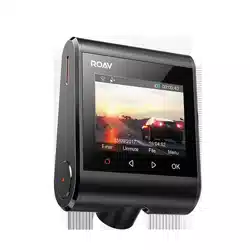
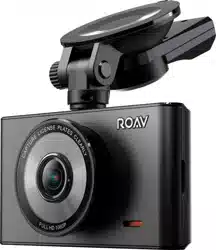
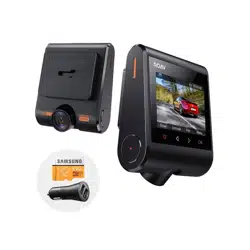
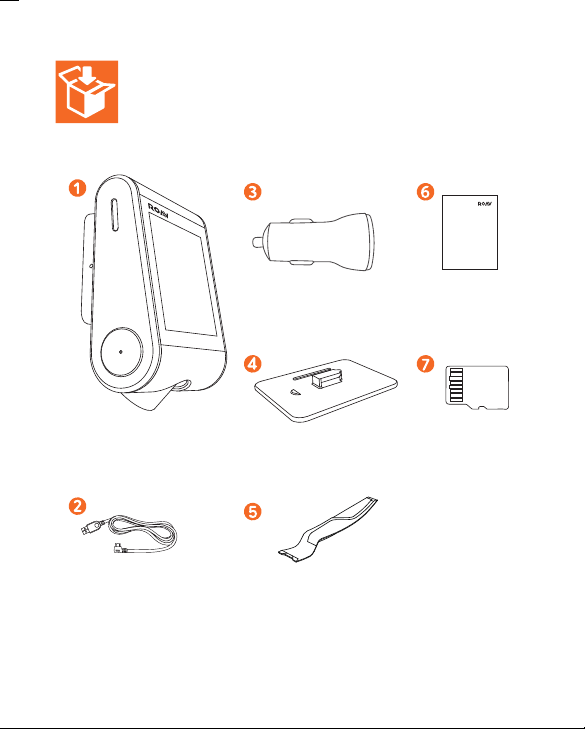
DashCam
Charging cable Crowbar
Car charger Manual
Mount
microSD card
Owner’s Manual
DASHCAM C1
DashCam
Charging cable Crowbar
Car charger Manual
Mount
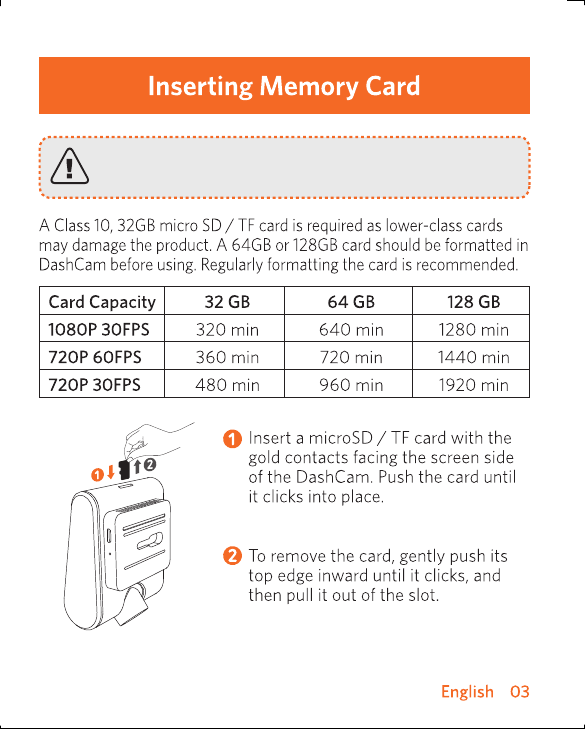
Do not remove or insert microSD / TF card when this
product is powered on, which may damage the card.
Do not remove or insert microSD / TF card when this
product is powered on, which may damage the card.
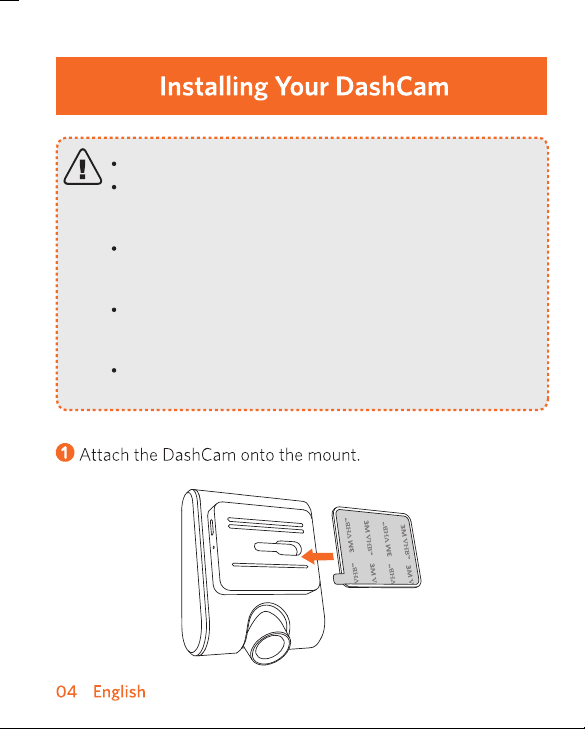
Never install this product while driving.
Install this product near the rear-view mirror to
obtain the best open-field view. Do not install in a
location that will obstruct your required driving view.
Make sure that the lens is within the wiping range of
the windscreen wiper to ensure a clear view even
when it rains.
Do not touch the lens with your fingers. Finger grease
may be left on the lens and will result in unclear
videos.
The mount is adhesive and may be destroyed if it is
removed from the windshield.
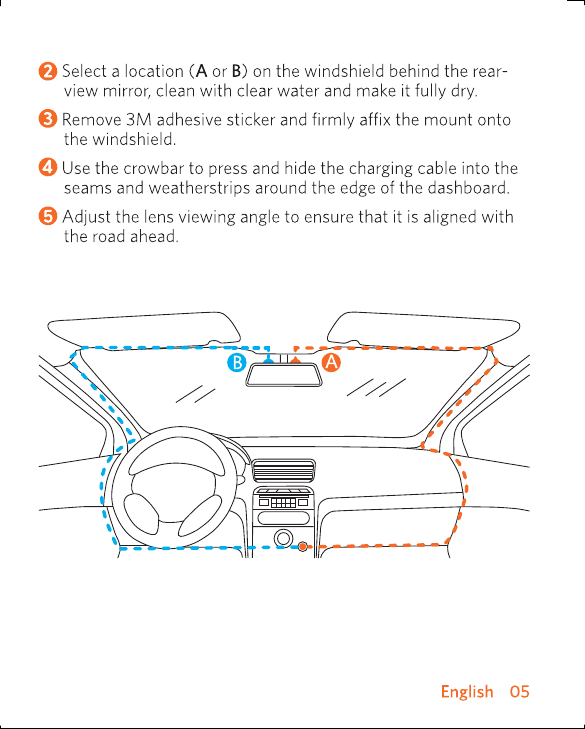
Never install this product while driving.
Install this product near the rear-view mirror to
obtain the best open-field view. Do not install in a
location that will obstruct your required driving view.
Make sure that the lens is within the wiping range of
the windscreen wiper to ensure a clear view even
when it rains.
Do not touch the lens with your fingers. Finger grease
may be left on the lens and will result in unclear
videos.
The mount is adhesive and may be destroyed if it is
removed from the windshield.
When successfully connected, DashCam stops
recording.
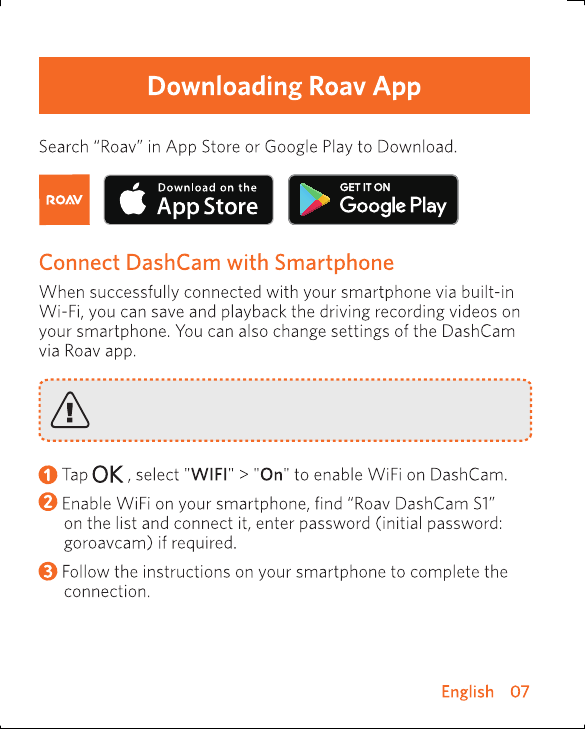
When successfully connected, DashCam stops
recording.
As a driver, you have full responsibility to drive safely
and adhere to all applicable trac regulations.
T
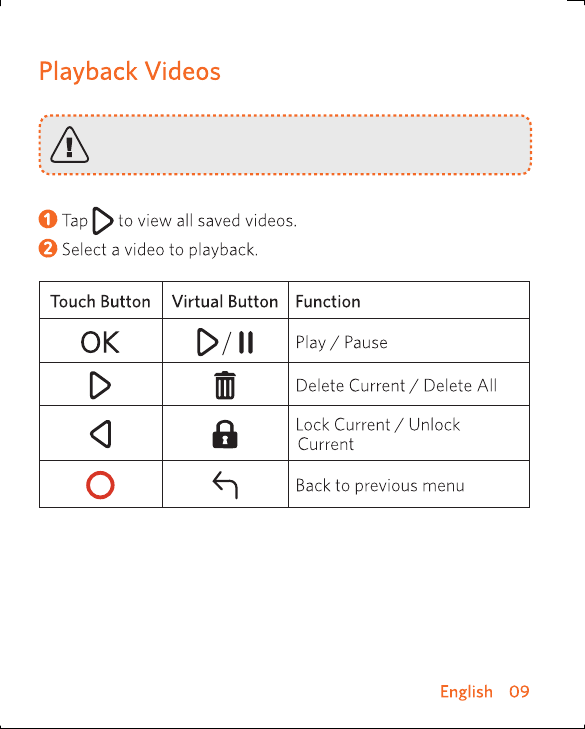
The DashCam stops recording while viewing videos
or settings.
As a driver, you have full responsibility to drive safely
and adhere to all applicable trac regulations.
T
The DashCam stops recording while viewing videos
or settings.
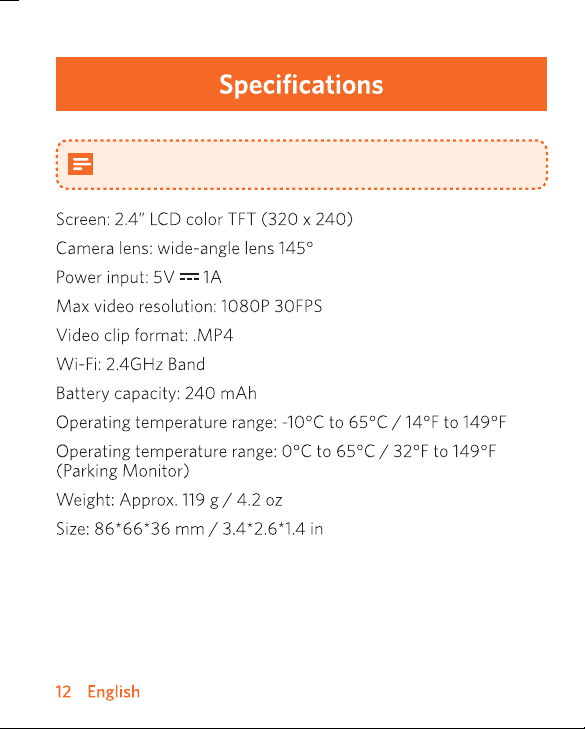
Specifications are subject to change without notice.
Specifications are subject to change without notice.
@GoRoav
@GoRoav