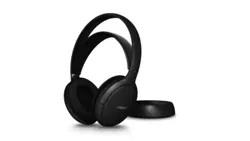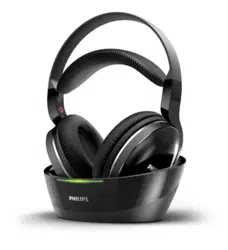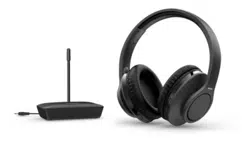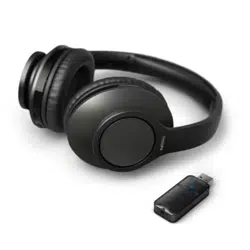
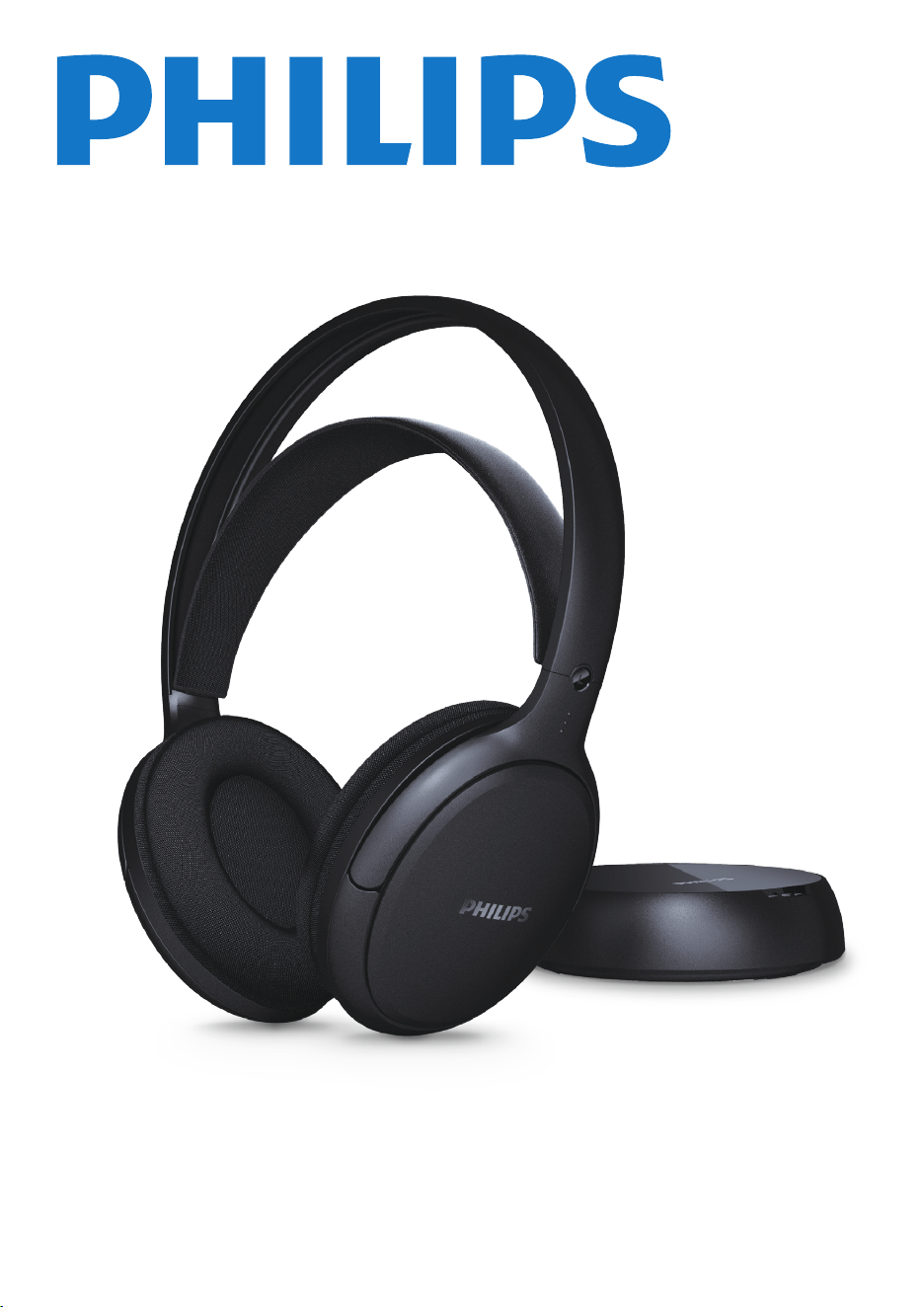
Headphones
SHC3200
User manual
Register your product and get support at
www.philips.com/support

1 Important safety instructions 2
Hearing safety 2
General information 2
2 Your Digital TV headphones 4
What's in the box 4
Overview of your Digital TV
headphones 5
3 Get started 6
Charge the battery 6
Change battery 6
Connect to audio device with
transmitter 7
4 Technical data 8
8 Notice 8
Declaration of conformity 8
Disposal of your old product
and battery 8
Remove the integrated battery 9
Compliance with EMF 9
Environmental information 9
Notice of compliance 9
9 Frequently asked questions 10
Contents
1 Important
safety
instructions
Hearing safety
To avoid hearing damage, limit the time you
use headphones at high volume and set the
volume to a safe level. The louder the volume,
the shorter the safe listening time is.
Be sure to observe the following
guidelines when using your headpones.
• Listen at reasonable volumes for
reasonable periods of time.
• Be careful not to adjust the volume
continuously upwards as your hearing
adapts.
• Do not turn up the volume so high
that you can't hear what's around
you.
• You should use caution or temporarily
discontinue use in potentially
hazardous situations.
• Excessive sound pressure from
earphones and headphones can cause
hearing loss.
• Using headphones with both ears
covered while driving is not
recommended and may be illegal in
some areas while driving.
• For your safety, avoid distractions
from music or phone calls while in
traffic or other potentially dangerous
environments.
General information
To avoid damage or malfunction:
Danger
2 EN
Caution
Do not expose headphones to excessive heat.
Risk of explosion if battery is replaced by an
incorrect type.
Do not drop your headphones.
Headphones shall not be exposed to dripping
or splashing. (Refer to the IP rating of speci�c
product)
Do not allow your headphones to be
submerged in water.
Do not charge your headphones when the
connector or socket is wet.
Do not use any cleaning agents containing
alcohol, ammonia, benzene, or abrasives.
Use a clean, damp cloth to clean your
headphones - especially the sound conduits and
the microphone holes - regularly and avoid
buildup of substances such as sweat or earwax.
If any sweat or water droplets are left in the
sound conduits, air holes or microphone holes,
the sound level will temporarily drop or cut out
entirely. This is not a malfunction. Use a soft,
damp cloth to dry the headphones thoroughly.
Alternatively, remove the earbud tips, turn the
sound conduits downward and gently tap the
headphones about �ve times on a dry cloth or
similar to remove any water collected inside.
Be sure the headphones are completely dry
before charging and using. Avoid using
disposable alcohol pads or other substances for
cleaning.
The integrated battery shall not be exposed to
excessive heat such as sunshine, �re or the like.
Danger of explosion if battery is incorrectly
replaced. Replace only with the same or
equivalent type.
To achieve the speci�c IP rating, the charging
slot cover must be closed.
Disposal of a battery into �re or a hot oven, or
mechanically crushing or cutting a battery, can
result in an explosion.
The marking information is located at the bottom
of apparatus.
The mains plug is used as the disconnect device.
The socket-outlet shall be installed near the
equipment and shall be easily accessible.
Warning
Leaving a battery in an extremely high
temperature surrounding environment can
result in an explosion or the leakage of
�ammable liquid or gas.
A battery subjected to extremely low air
pressure may result in an explosion or the
leakage of �ammable liquid or gas.
Replacement of a battery with an incorrect type
risks severely damaging the headphones and
the battery (for example, in the case of some
lithium battery types).
If the headset is not used for a long time, the
rechargeable battery will begin to lose its
charge. To avoid this loss, please fully charge the
battery at least once every three months.
To avoid risk of �re, the equipment is supplied
only by external power source which output
shall comply with PS1 (with output capacity
does not exceed 15W).
Operating and storage temperatures and
humidity
• Store in a place where the
temperature is between -20°C (-4°F)
and 50°C (122 °F) with up to 90%
relative humidity.
• Operate in a place where the
temperature is between 0°C (32°F)
and 45°C (113 °F) with up to 90%
relative humidity.
• Battery life may be shorter in high or
low temperature conditions.
EN 3
Don't disposal of a battery into �re or a hot
oven, or mechanically crushing or cutting of a
Battery.
Don’t leaving a battery in an extremely high
temperature surrounding environment.
To avoid battery subjected to extremely low
air pressure.
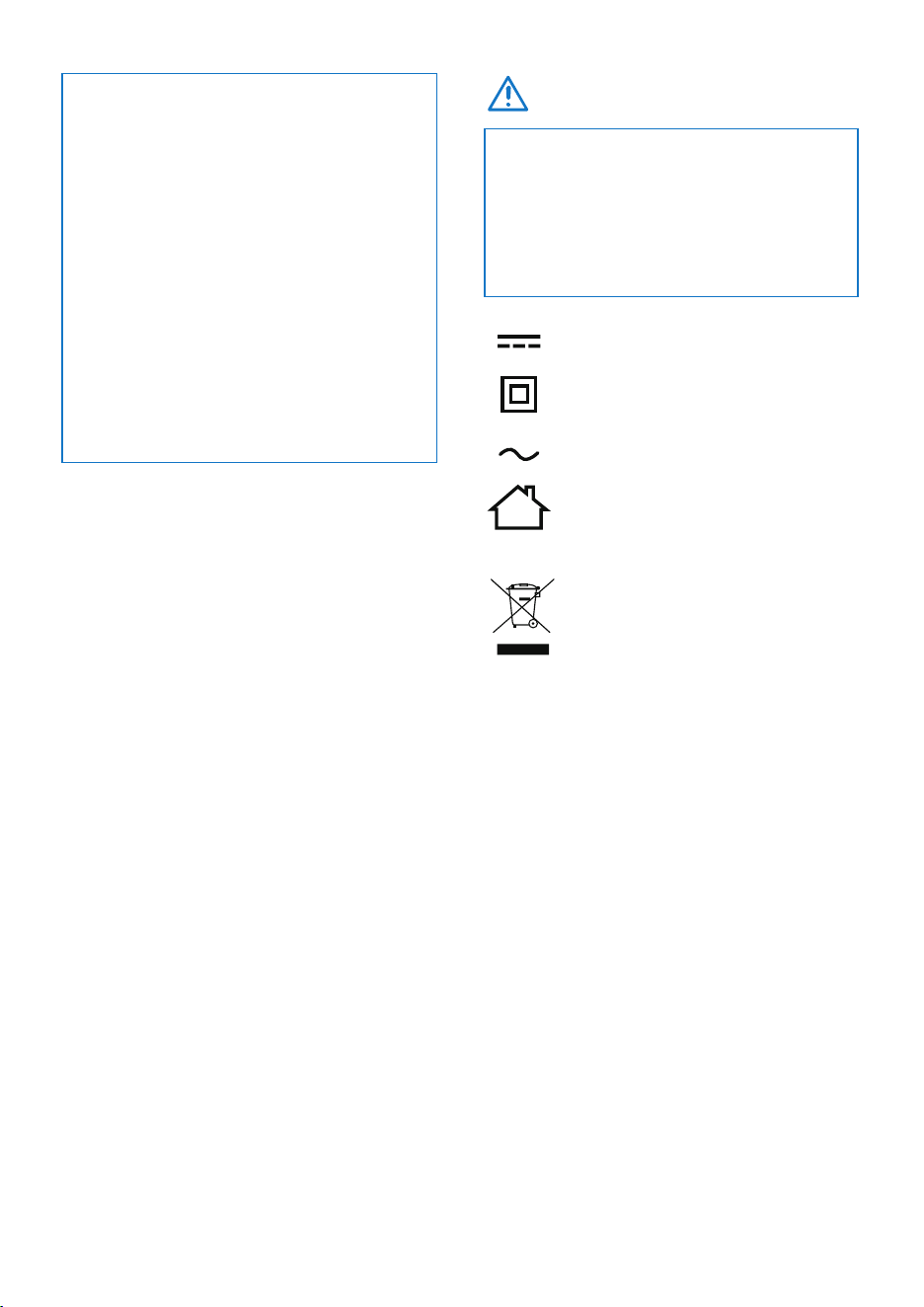
• This product bears the selective
sorting symbol for Waste electrical
and electronic equipment (WEEE).
This means that this product must be
handled pursuant to European directive
2012/19/EU in order to be recycled or
dismantled to minimize its impact on the
environment.
• User has the choice to give his product to a
competent recycling organization or to the
retailer when he buys a new electrical or
electronic equipment.
The symbol indicates
DC voltage
The symbol indicates
AC voltage
The symbol indicates
class II equipment
For indoor use only
RECYCLING
2 Your Digital
TV
headphones
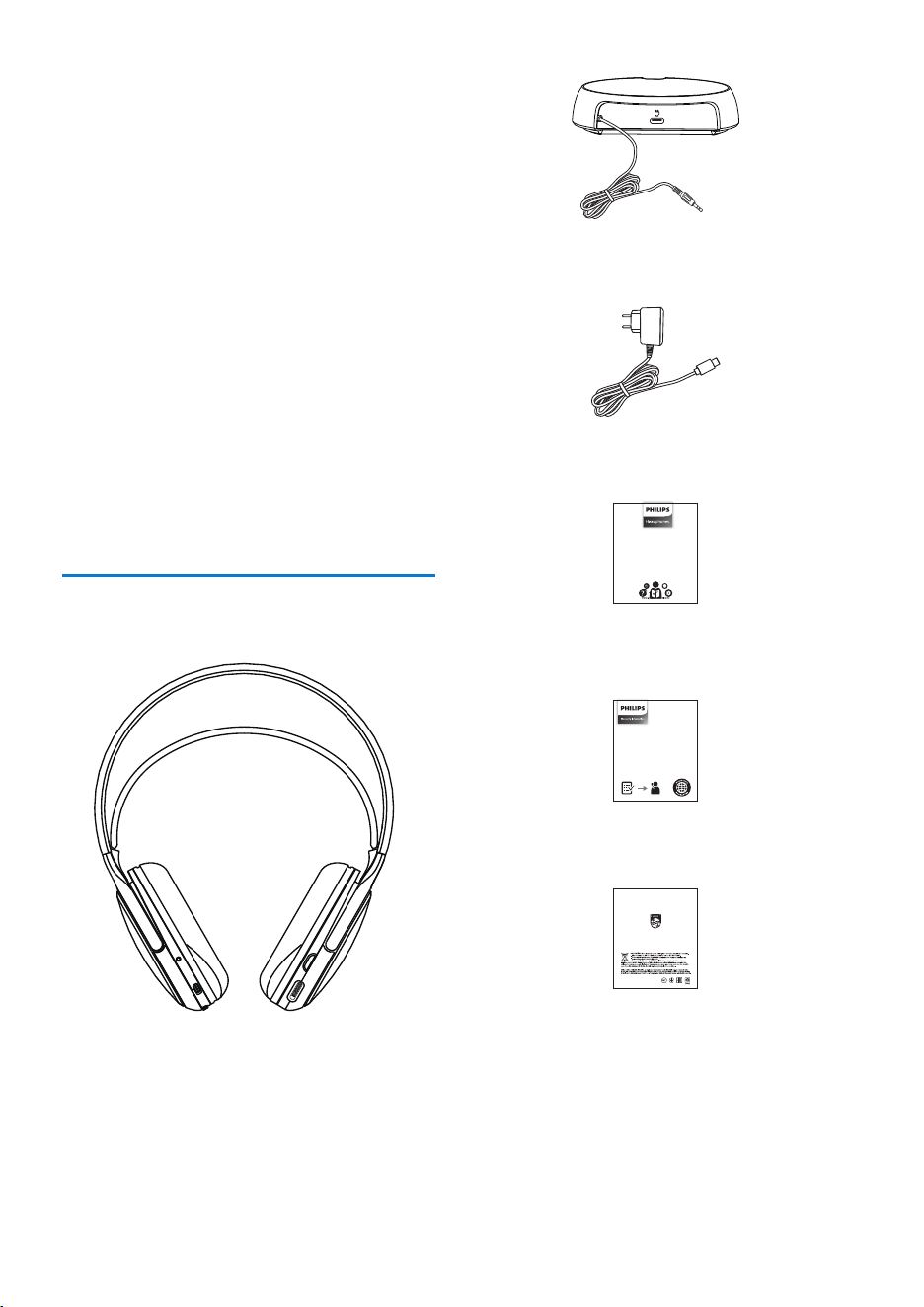
What's in the box
Digital TV headphones Philips SHC3200
Congratulations on your purchase, and
welcome to Philips! To fully bene�t from
the support that Philips offer, register your
product at www.philips.com/support.
With this Philips Digital TV headphone,
you can:
• Enjoy convenient wireless TV show;
• Enjoy and control wireless music.
Global Warranty
Safety lea�et
Quick start guide
4 EN
AUDIO IN
Transmitter
AC/DC adaptor
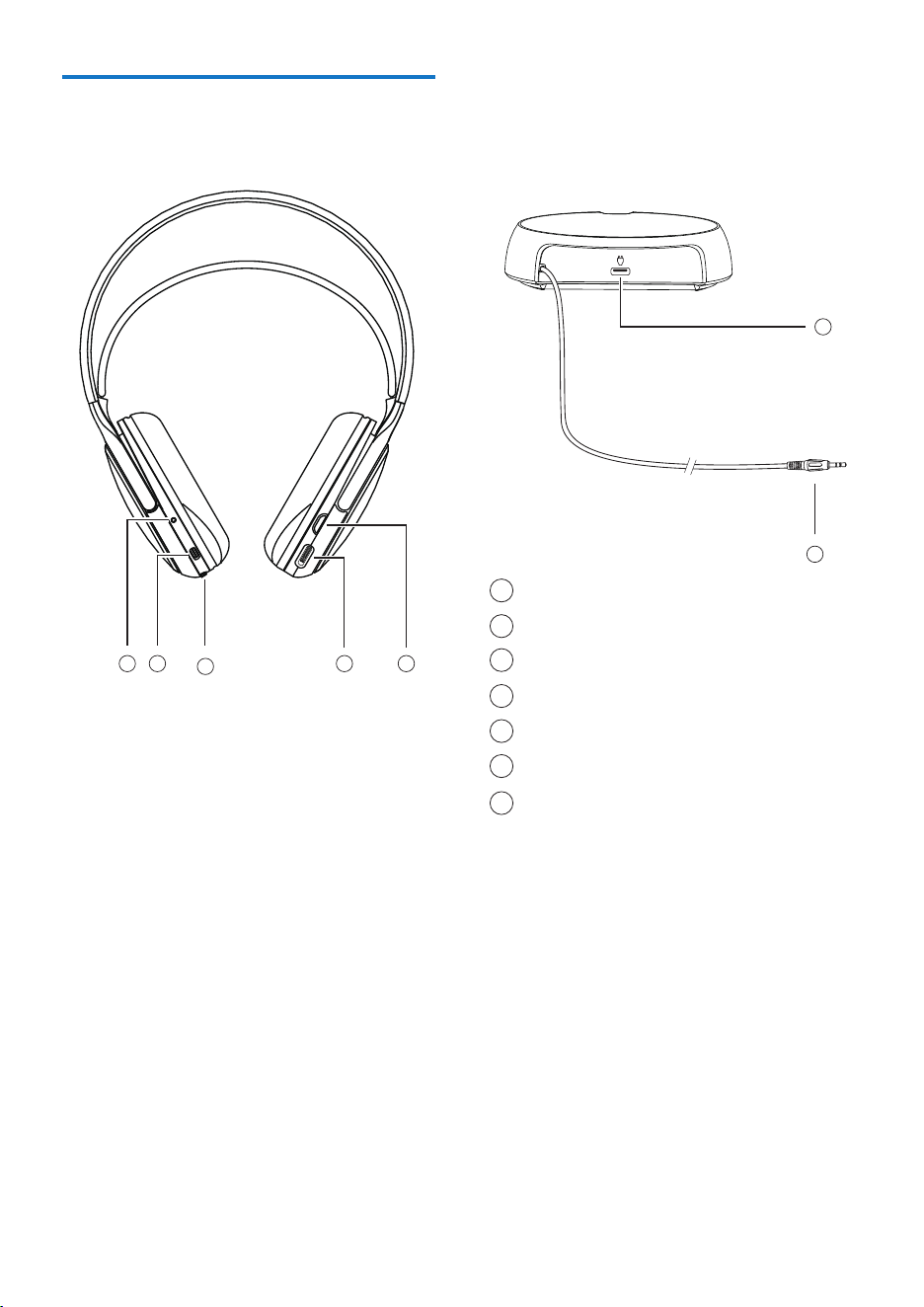
Overview of your Digital TV
headphones
Power ON / OFF
Volume dial
Battery cover slide switch
Type-C charging slot (Headphone)
LED indicator
Type-C charging slot (Transmitter)
3.5mm audio jack
1
2
3
4
5
6
7
EN 5
7
1
6
2
3
45
AUDIO IN
3 Get started
Charge the battery
Change battery
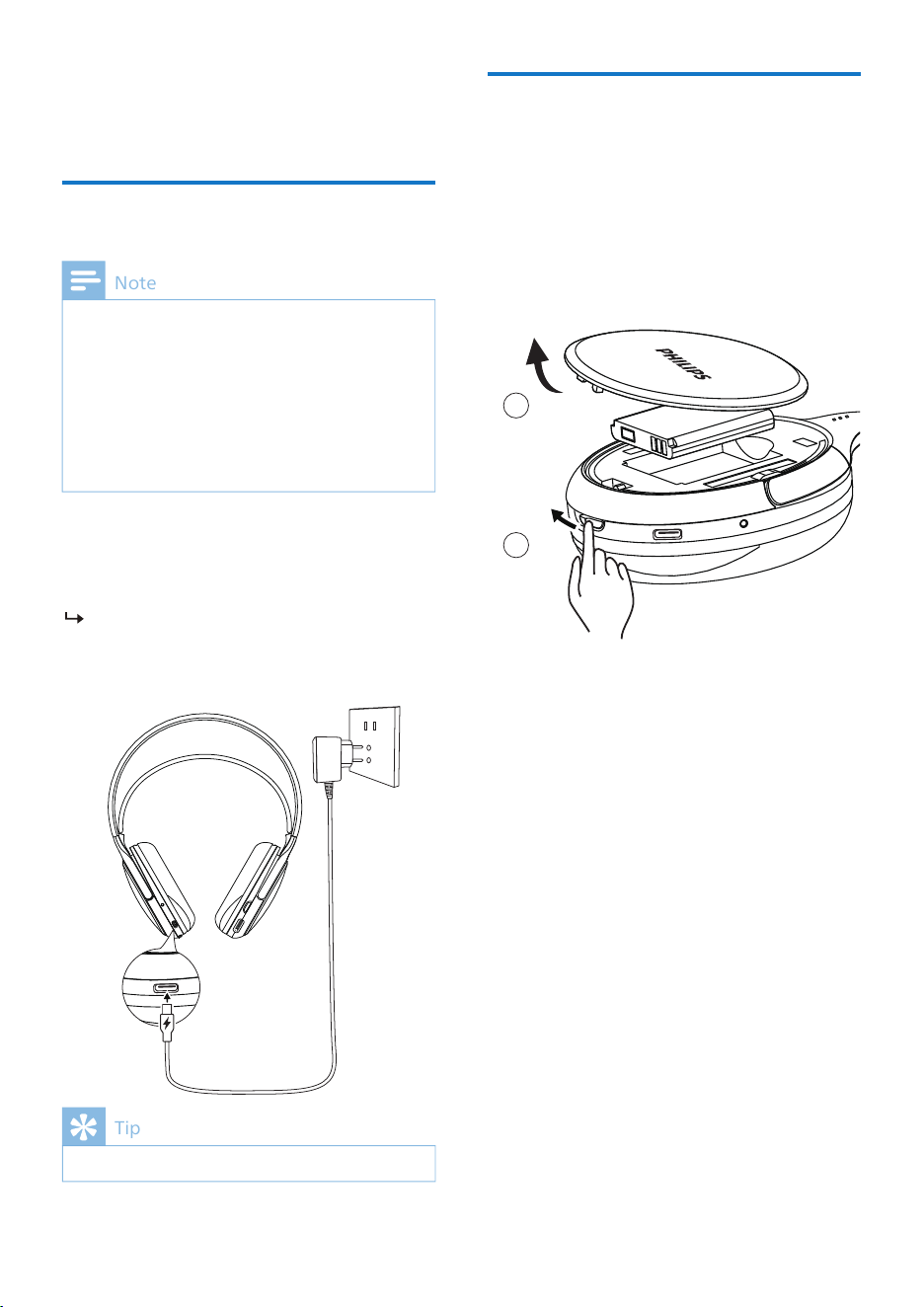
Before you use your headphones, charge the
battery for 3 hours for optimum battery
capacity and lifetime.
Use only the original AC/DC adaptor to avoid
any damage.
If the headset is not used for a long time, the
rechargeable battery will begin to lose its
charge. To avoid this loss, please fully charge
the battery at least once every three months.
Normally, a full charge takes 3 hours.
Tip
Note
LED turns green during charging and
turns off when the headphones are
fully charged.
Plug one end of the
AC/DC adaptor into
the headphone and the other end into
the power source.
1
2
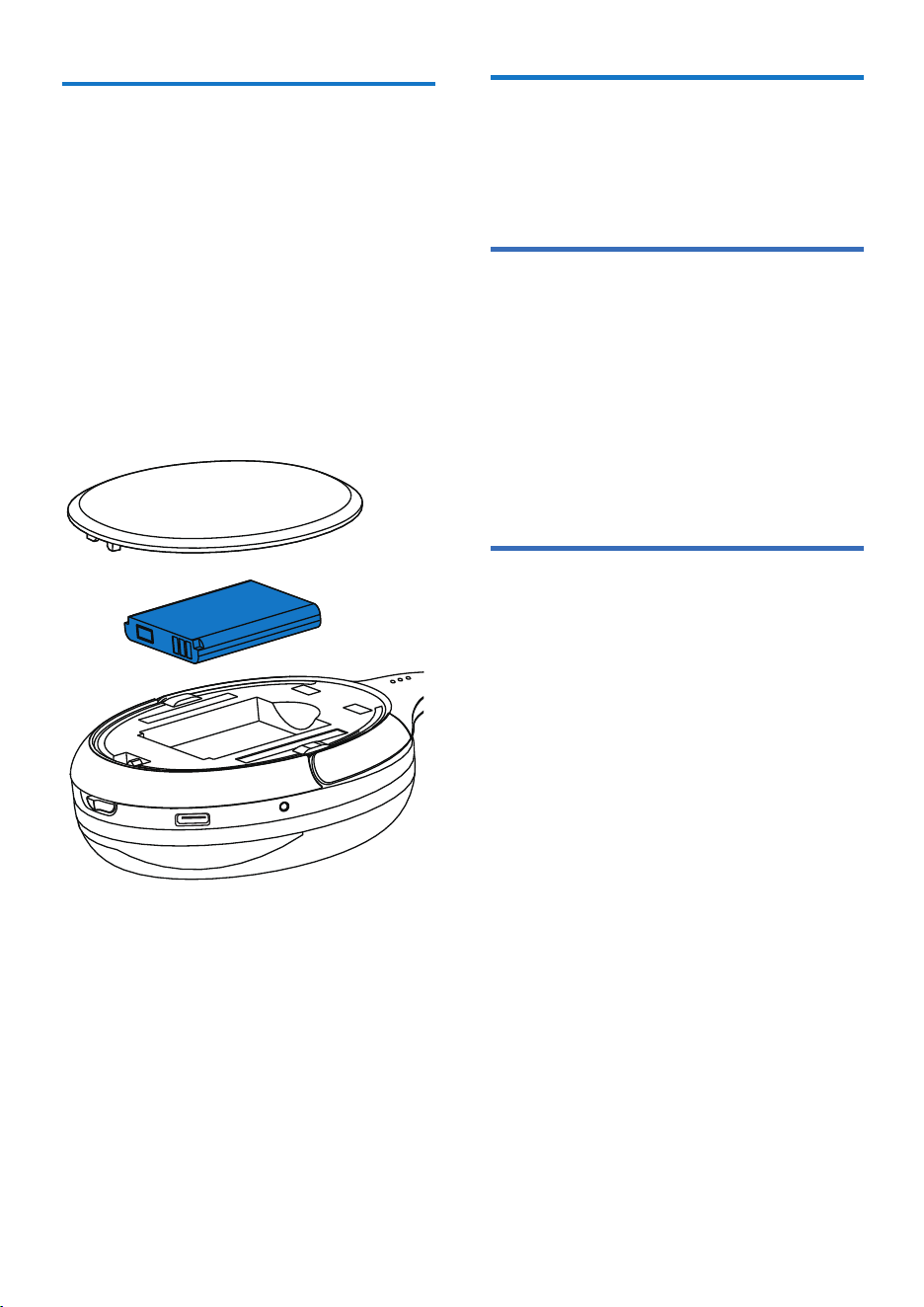
Push the battery cover slide switch
to open the cover.
Remove the battery and replace it
with a new one.
6 EN
2
1
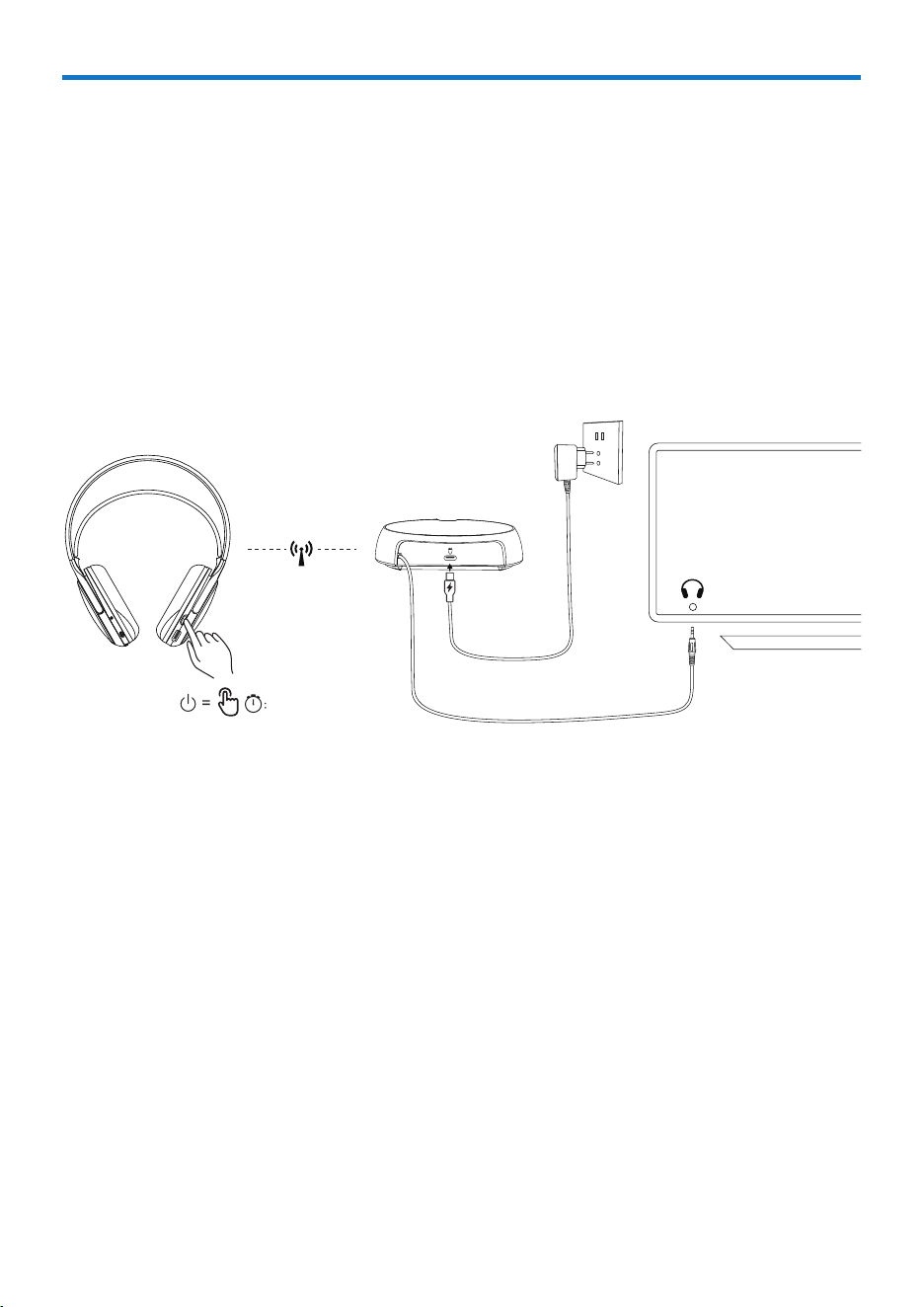
Connect to audio device with transmitter
1
2
3
Press the power ON/OFF button on the headphone for 2 seconds to turn it on;
the red LED light will �ash.
Connect the transmitter to power via the AC/DC adapter; the power LED
indicator will �ash red.
Connect the audio device to the transmitter via the 3.5mm audio jack; the
signal LED indicator will �ash green.
EN 7
AUDIO IN
2.4G
TV
02"
POWER
8 EN
5 Notice
Declaration of conformity
Disposal of your old
product and battery
Your product is designed and
manufactured with high quality materials
and components which can be recycled
and reused.
This symbol on a product means that the
product is covered by European Directive
2012/19/EU.
4 Technical data
• Speci�cations are subject to change without
notice.
• Battery life of playtime is approximate and may
vary depending on application condition.
Note
Hereby, TP Vision Europe B.V. declares that
the product is in compliance with the
essential requirements and other relevant
provisions of RED Directive 2014/53/EU and
UK Radio Equipment Regulations SI 2017
No 1206. You can �nd the Declaration of
Conformity on www.philips.com/support.
This symbol means that the product
contains batteries covered by European
Regulation (EU) 2023/1542 which cannot
be disposed of with normal household
waste. Inform yourself about the local
separate collection system for electrical and
electronic products and batteries. Follow
local rules and never dispose of the product
and batteries with normal household
waste. Correct disposal of old products and
batteries helps prevent negative
consequences for the environment and
human health.
• Playing time: 30 hours
• Charging time: 3 hours
• Battery: Rechargeable lithium-polymer
battery (3.7V 600 mAh)
• Adapter: YLJXB-E050055
input: 100-240Vac, 50/60Hz, 05A Max
output: 5Vdc, 0.55A, 2.75W
• Frequency range: 2.4-2.4835 GHz
• Transmitter power: < 20 dBm
• Operating range: Up to 30 meters
(98 feet)
• USB-C port for charging
• 3.5mm input switch
• 2.4G RF solution
• Fast charging: 15 mins gives 4 hrs
playing
EN 9
Compliance with EMF
This product complies with all applicable
standards and regulations regarding
exposure to electromagnetic �elds.
Remove the integrated
battery
If there is no collection/recycling system
for electronic products in your country,
you can protect the environment by
removing and recycling the battery
before disposing of the headphones.
• Make sure the headphones are
disconnected before removing the
battery.
Notice of compliance
The device complies with the FCC rules,
Part 15. Operation is subject to the
following two conditions:
1. This device may not cause harmful
interference, and
2. This device must accept any
interference received, including
interference that may cause
undesired operation.
Environmental information
All unnecessary packaging has been
omitted. Your system consists of materials
which can be recycled and reused if
disassembled by a specialized company.
Please observe the local regulations
regarding the disposal of packaging
materials, exhausted batteries and old
equipment.

10 EN
Clean your headphones regularly.
• Use a clean, damp cloth to clean your
headphones - especially the sound
conduits and the microphone holes -
regularly and avoid buildup of
substances such as sweat or earwax.
• If any sweat or water droplets are left
in the sound conduits, air holes or
microphone holes, the sound level will
temporarily drop or cut out entirely.
This is not a malfunction. Use a soft,
damp cloth to dry the headphones
thoroughly. Alternatively, for in-ear
remove the earbud tips, turn the
sound conduits downward and gently
tap the headphones about �ve times
on a dry cloth or similar to remove any
water collected inside.
• Be sure the headphones are
completely dry before charging and
using. Avoid using disposable alcohol
pads or other substances for cleaning.
Charge your headphones regularly.
If the headset is not used for a long time,
the rechargeable battery will begin to lose
its charge. To avoid this loss, please fully
charge the battery at least once every
three months.
For further support, visit www.philips.com/support.
The audio quality is poor and crackling
noise can be heard.
• Check cable integrity: Bent or frayed
wires cause interference.
• Clean the audio jack: Dust in the
TV/headphone port disrupts
connection. Use compressed air.
• Adjust the volume dial:
Over-ampli�cation distorts sound.
Keep dial below 80% max.
No sound from one earcup.
• Swap audio channels: Test left/right
balance in TV settings.
• Inspect cable symmetry: Partially
inserted jacks create mono audio.
Reconnect �rmly.
• Check earcup vents: Blocked air�ow
muffles sound. Clean mesh with soft
brush.
6 Frequently
asked
questions
My Digital TV headphones do not turn on.
The battery level is low. Charge via AC/DC
adapter for 3 hours.
Why won't my headphone connect to
the TV?
Headphones use2.4GHz wireless
technologywith amaximum range of 30
meters (98 feet). Connection failures occur
when:
• Distance exceeded- Move closer to the
transmitter (within 30m)
• Obstructions present- Remove
walls/metal objects between
transmitter and headphones
• Interference sources- Turn off nearby
Wi-Fi routers, microwaves, or Bluetooth
devices
UM_SHC3200_12_EN_V1.0
2025©MMD Hong Kong Holding Limited. All rights reserved. Speci�cations are subject to change without notice.
Philips and the Philips Shield Emblem are registered trademarks of Koninklijke Philips N.V. and are used under license. This product
has been manufactured by and is sold under the responsibility of MMD Hong Kong Holding Limited or one of its affiliates, and
MMD Hong Kong Holding Limited is the warrantor in relation to this product. All other company and product names may be
trademarks of their respective companies with which they are associated.