Visit Our Website
SCAN ME
PyleUSA.com
USER GUIDE
Bluetooth PA Speaker & Microphone System
Questions or Comments?
We are here to help!
Phone: 1.718.535.1800
PyleUSA.com/ContactUs
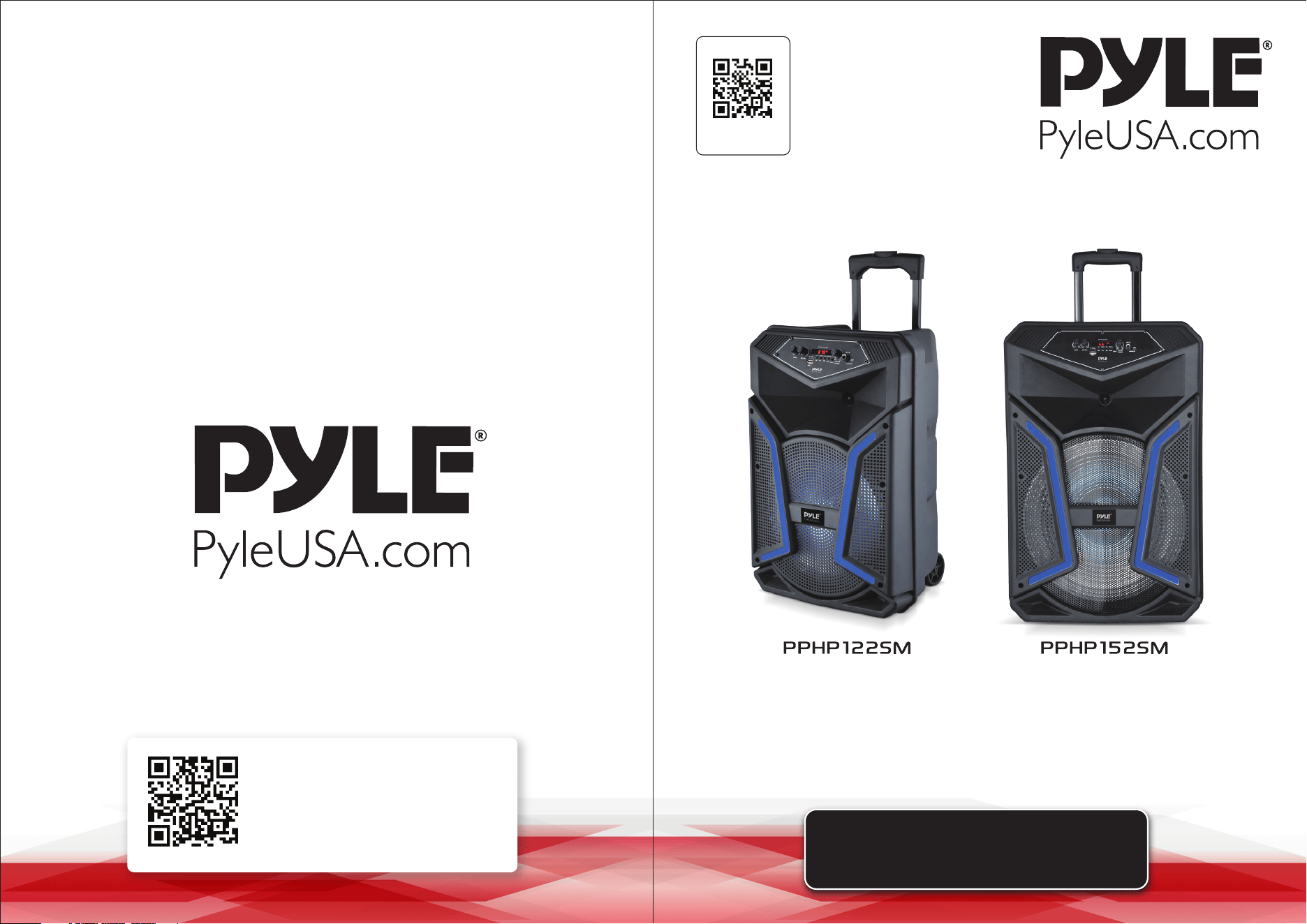
PPHP122SM - PPHP152SM
12’’ Subwoofer, 800 Watt MAX 15’’ Subwoofer, 1200 Watt MAX
www.PyleUSA.com2 www.PyleUSA.com 3
READ ALL INSTRUCTIONS CAREFULLY BEFORE USING THIS PRODUCT.
RETAIN THIS OWNER’S MANUAL FOR FUTURE REFERENCE.
Features:
• Portable PA Speaker System
• High-Powered Loudspeaker Design
• Wired Microphone for Home Karaoke Style Fun
• Wireless BT Music Streaming Ability
• Multi-Color Flashing LED Party Lights
• FM Radio with Digital LCD Display
• Built-in Rechargeable Battery
• Ported Enclosure for Extended Bass
• Full Range Stereo Sound Reproduction
• Sleek & Stylish Speaker Cabinet Housing
• Connect & Stream Audio from External Devices
• MP3 Audio File Playback
• USB Flash Memory Reader
• Micro SD Memory Card Reader
• Aux (3.5mm) Input Jack
• 1/4’’ (6.5mm) Microphone Input
• Low Battery Level LED Indicator Light
• Rugged & Durable Molded Cabinet Design
• Convenient Rolling Wheels & Extending Carry Handle
• Used for Public Gatherings, Crowd Control, Karaoke Vocals, Stage Performances
• For Indoor/Outdoor Use
What's in the Box:
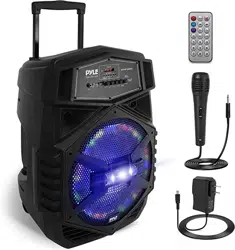
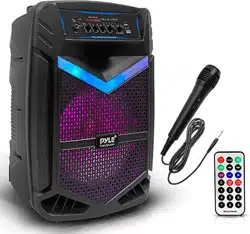
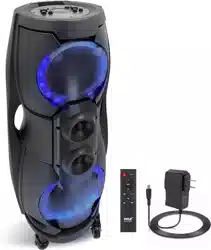
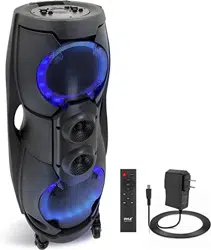
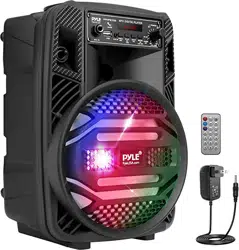
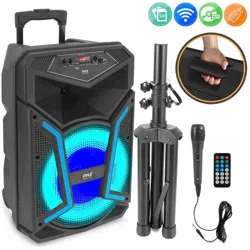
• PA Speaker System
• Speaker Stand
• Wired Microphone
• Remote Control
• Power Adapter
Bluetooth Wireless Streaming:
• Built-in Bluetooth Receiver for Wireless Music Streaming
• Works with All of Today's Latest Devices
(Smartphones, Tablets, Laptops, Computers, etc.)
• Bluetooth Wireless Network Name: PYLEUSA
• Bluetooth Version: 5.0
• Wireless Range: Up to 32’ ft.
Technical Specs:
• Wired Mic Cable Length: 9.8’ ft.
• Speaker Stand Height: 3.2’ ft.
• Impedance: 4 Ohm
• Frequency Response: 55-20kHz
• S/N Ratio: 60dB +/-3dB
• SPL: 94dB (1W/M)
• T.H.D.: <1%
• USB Interface Type: 2.0
• Digital Audio File Support: MP3
• Maximum USB Flash Support: 32GB
• Mic Nominal Current Drain: < 100mAh
• Construction Material: Polypropylene (PP)
• Battery Life: Up to 2+ Hours
• Battery Operated Remote: (1) x CR-2025 Button Cell, Included
• PA Speaker Battery Type: 7.4V Li-ion - 1800mAh
• Speaker Power Supply: 120/240V, Adapter (9V)
California Prop 65 Warning
WARNING:
This product contains Lead and lead compounds which
is known to the state of California to cause cancer birth
defects and other reproductive harm. Do not ingest.
For more info go to: www.P65warnings.ca.gov
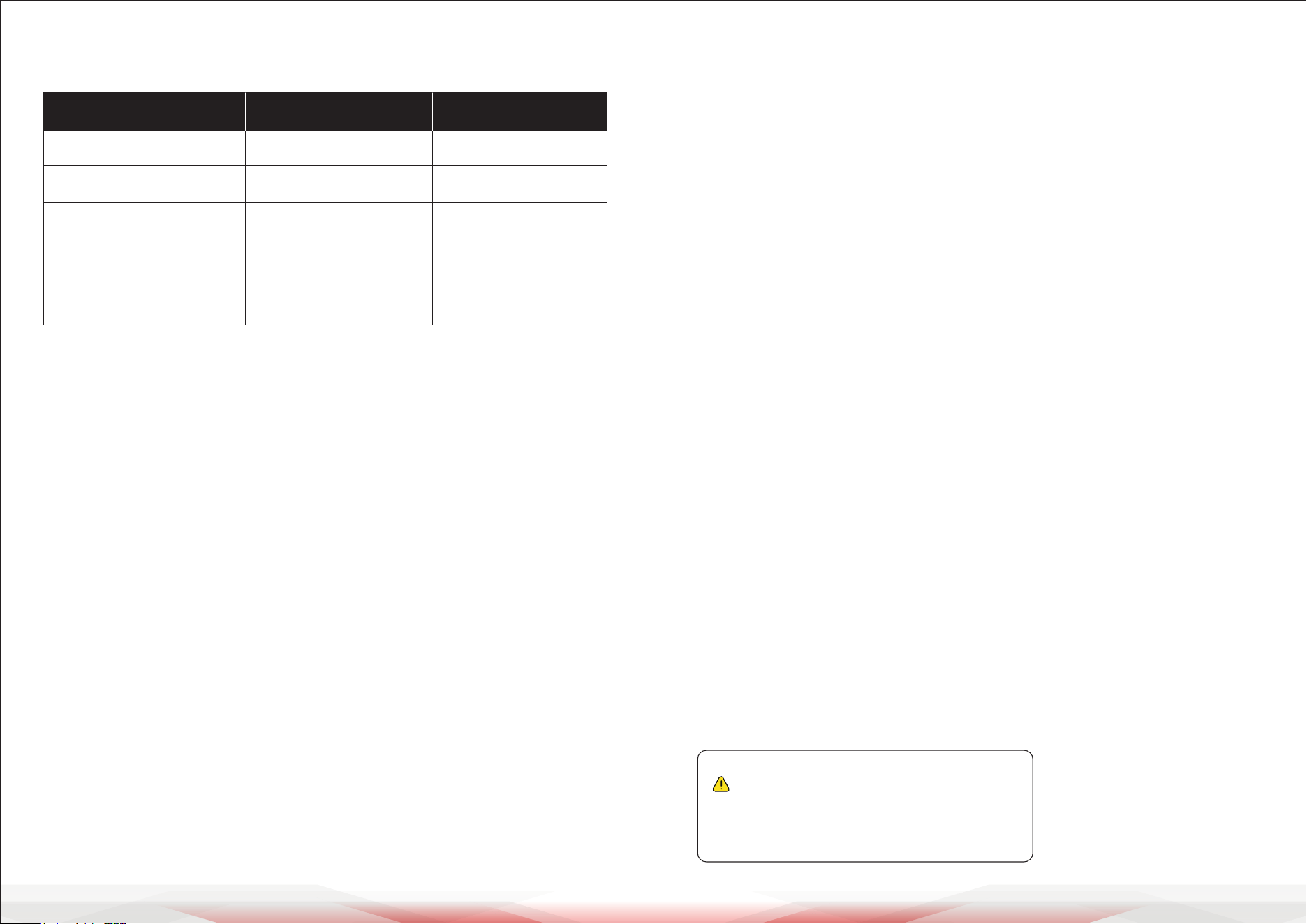
MODEL PPHP122SM PPHP152SM
Power Output 800 Watt MAX 1200 Watt MAX
Sound System
12’’ Subwoofer,
1’’ Tweeter
15’’ Subwoofer,
1’’ Tweeter
Total Speaker Size
(L x W x H)
13.5’’ x 11.6’’ x 21.3’’
-inches
16.9’’ x 14.2’’ x 26.3’’
-inches
Speaker Stand Height 3.2’ ft. 3.7’ ft.
www.PyleUSA.com4 www.PyleUSA.com 5
WARNING
Warning: Improper operation may cause personal injury, which could be fatal,
and may also result in property damage.
Precautions Before Use
• Remove all packaging materials before using the device.
• Place the speaker on a stable surface or securely mount it on the stand.
• Check that all cables and connections are secure and undamaged.
• Fully charge the device before rst use for best performance.
• Keep the device away from water, moisture, and heat.
• Avoid pointing the microphone at the speaker to prevent noise feedback.
• Start with a low volume and adjust gradually.
• Review the control panel and remote functions before use.
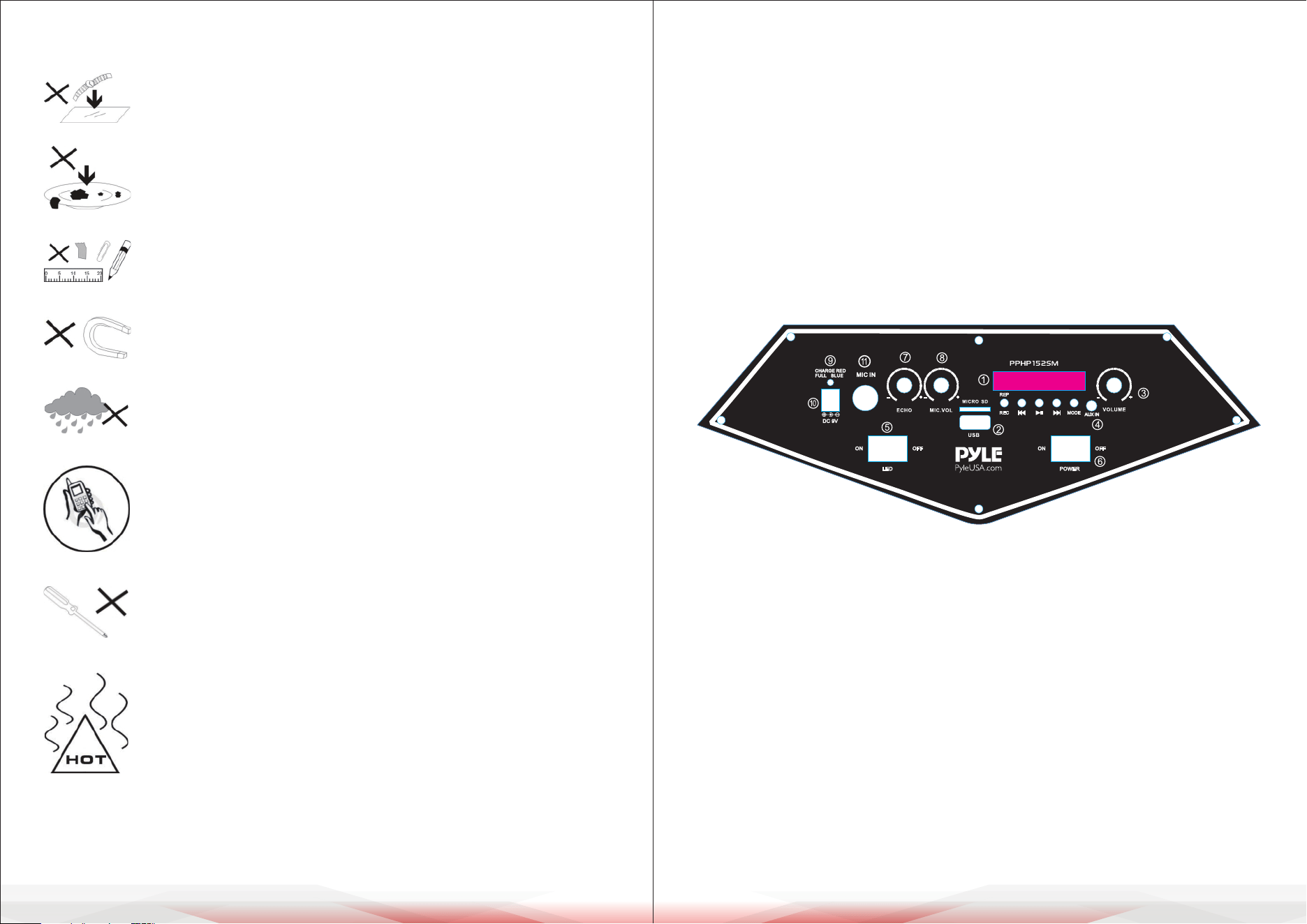
CONTROL BOARD FUNCTIONS
1. USB Control board
2. USB and MICRO SD Memory Card input jack
3. Master volume control knob
4. 3.5MM AUX input jack
5. Power switch for LED light
6. Power ON/OFF switch
7. Echo volume control knob
8. Microphone volume control knob
9. Charge LED indicator:
• Red light indicates charging mode
• Blue light indicates fully charged
10. DC 9V input jack
11. 6.5MM microphone input jack
1. DO NOT place objects on top of the device, as they may
scratch the surface.
2. DO NOT expose the device to dirty or dusty environments.
3. DO NOT insert any foreign objects into the device.
4. DO NOT expose the device to strong magnetic or electrical
elds.
5. DO NOT use the device in the rain
6. Check with your local authority or retailer for proper disposal
of electronic products.
7. DO NOT disassemble the device. Only a certied service
technician should perform repairs.
8. The device has apertures to disperse heat.
DO NOT block the ventilation openings; doing so may cause
the device to overheat and malfunction.
LED POWER
DC 9V
ON ONOFF OFF
REC
MODE
REP
www.PyleUSA.com6 www.PyleUSA.com 7
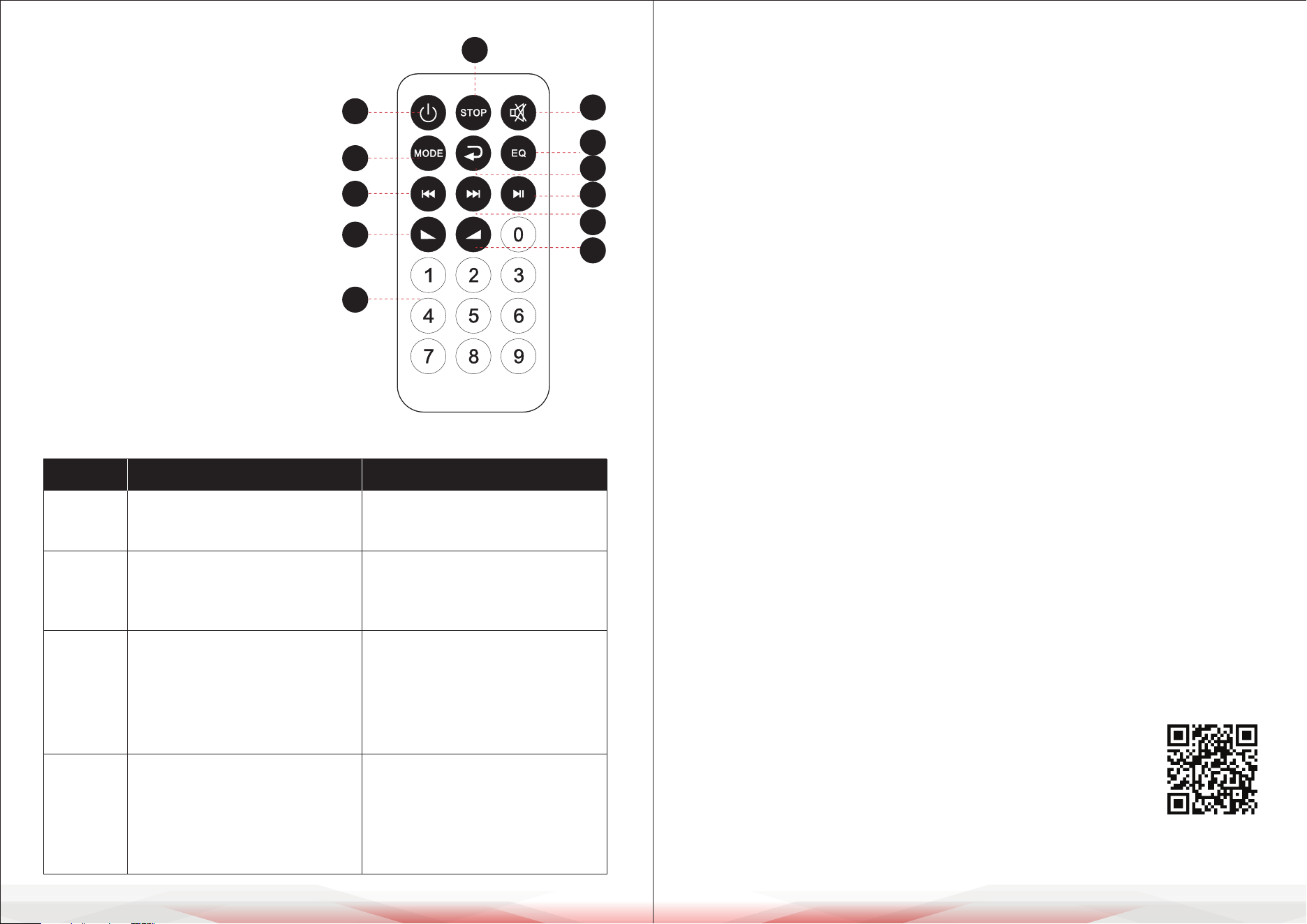
REMOTE CONTROL FUNCTIONS
1. Standby button
2. Input selector (AUX/FM/BT/USB)
3. Mute button
4. Play/Stop button (MP3 mode)/
Scan function (FM mode)
5. Next song (USB/Micro SD mode)/
Next channel (FM mode)
6. Previous song (USB/Micro SD mode)/
Previous channel (FM mode)
7. EQ eect (MP3 mode)
8. Increase speaker volume
9. Direct song selection (MP3 mode)
10. Stop button
11. Decrease music volume
12. Repeat song (USB/Micro SD mode)
TROUBLESHOOTING
Cleaning, Maintenance, and Storage Guide
Cleaning:
1. Ensure the device is powered o and unplugged from any power source
before cleaning.
2. Use a soft, dry cloth to wipe the exterior surfaces of the device. For stubborn
dirt, slightly dampen the cloth with water or a mild cleaning solution.
3. Avoid using abrasive cleaners, solvents, or sprays, as they may damage the
device's nish or components.
4. Clean the input jacks and ventilation openings gently with a soft brush or
compressed air to remove dust or debris.
Maintenance:
1. Check all cables and connectors regularly for signs of wear or damage.
Replace any damaged parts immediately.
2. Keep the device in a well-ventilated area during use to prevent overheating.
3. Charge the battery fully before storing the device for an extended period.
Recharge it periodically (every 2-3 months) to maintain battery health.
4. Inspect the speaker stand for stability and tighten screws or bolts as needed
to ensure safety during use.
Storage:
1. Store the device in a cool, dry place away from direct sunlight, moisture, and
extreme temperatures.
2. Detach the microphone, speaker stand, and any cables, and store them
neatly to avoid tangling or damage.
3. Cover the device with a protective cloth or store it in its original packaging to
prevent dust accumulation.
4. Avoid placing heavy objects on top of the device during storage.
10
1
1
4
7
9
6
11
2
3
5
8
12
MP3
does not
play
Issue
Possible Cause
Solution
No sound
Distorted
Sound
Karaoke
does not
work
1. No input sound source.
2. Volume is too low.
1. Volume is too high.
2. Speaker may be damaged
1. Microphone plug is not fully
inserted.
2. Microphone switch is o.
3. Microphone volume knob is
turned down.
1. Connect a sound source.
2. Adjust the volume.
1. Lower the volume.
2. Repair or replace the speaker if
damaged.
1. Plug the microphone securely
into the socket.
2. Turn on the microphone switch.
3. Adjust the microphone volume.
1. Audio format on the USB drive
is incorrect.
2. Improper operation has caused
a process error.
3. USB drive is disconnected.
1. Convert the audio les to MP3
format.
2. Restart the device.
3. Reinsert the USB drive properly.
Register Product
Thank you for choosing PyleUSA. By registering your product,
you ensure that you receive the full benets of our exclusive
warranty and personalized customer support. Complete the
form to access expert support and to keep your PyleUSA
purchase in perfect condition.
Start Here
Model Number:
PPHP122SM
PyleUSA.com/pages/register