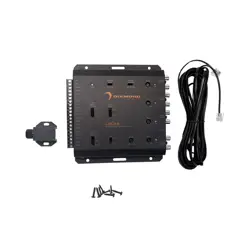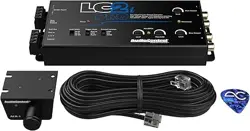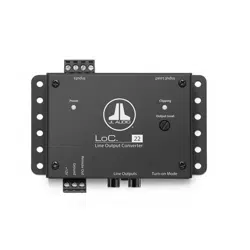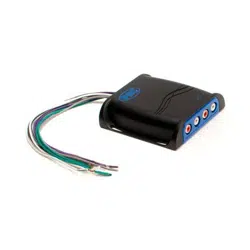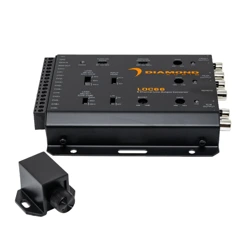
LOC66
6 Channel Active
Line-Output Converter
Installation Guide
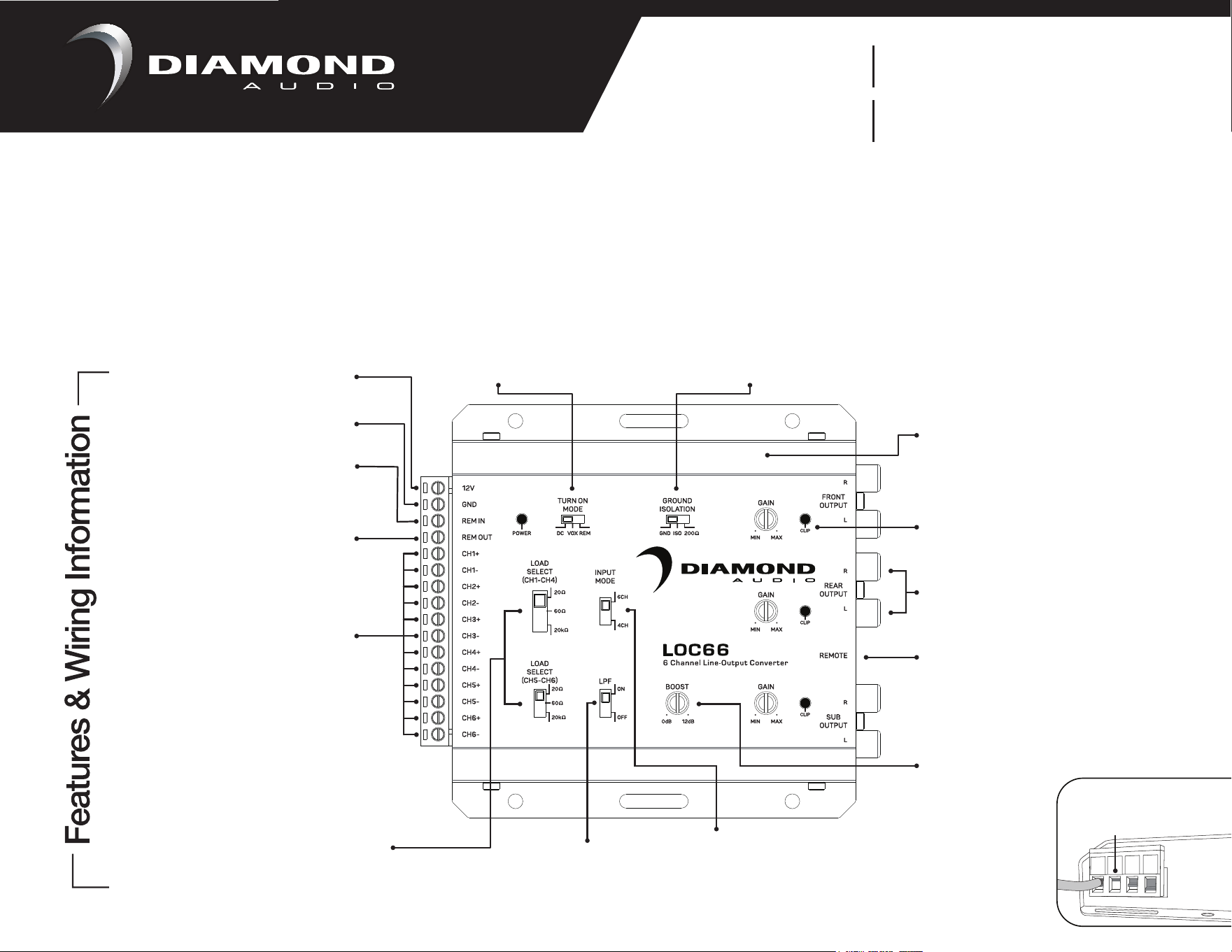
TURN-ON MODE
Selectable: DC / REM, Default: DC
Select DC if using speaker inputs
for turn-on, or REM if using REM IN
REM IN
Remote turn-on input (+)
GND
Connect to solid
chassis ground
12V
Connect to a fused
+12V constant source
GROUND ISOLATION
Selectable: GND / ISO / 200Ω, Default: ISO
If ground / engine noise is present, switch
between other settings
Use CH1-CH4 for 4CH Mode
SPEAKER SIGNAL INPUTS
Connect to head unit or
amplifier speaker outputs
REM OUTREM OUT
GAIN
Variable: -27.3dB - +3.2dB
Gain adjustment of output signal
REMOTE
Remote Level Control for
Sub Output
INPUT MODE
Selectable:
4CH or 6CH (LOC66)
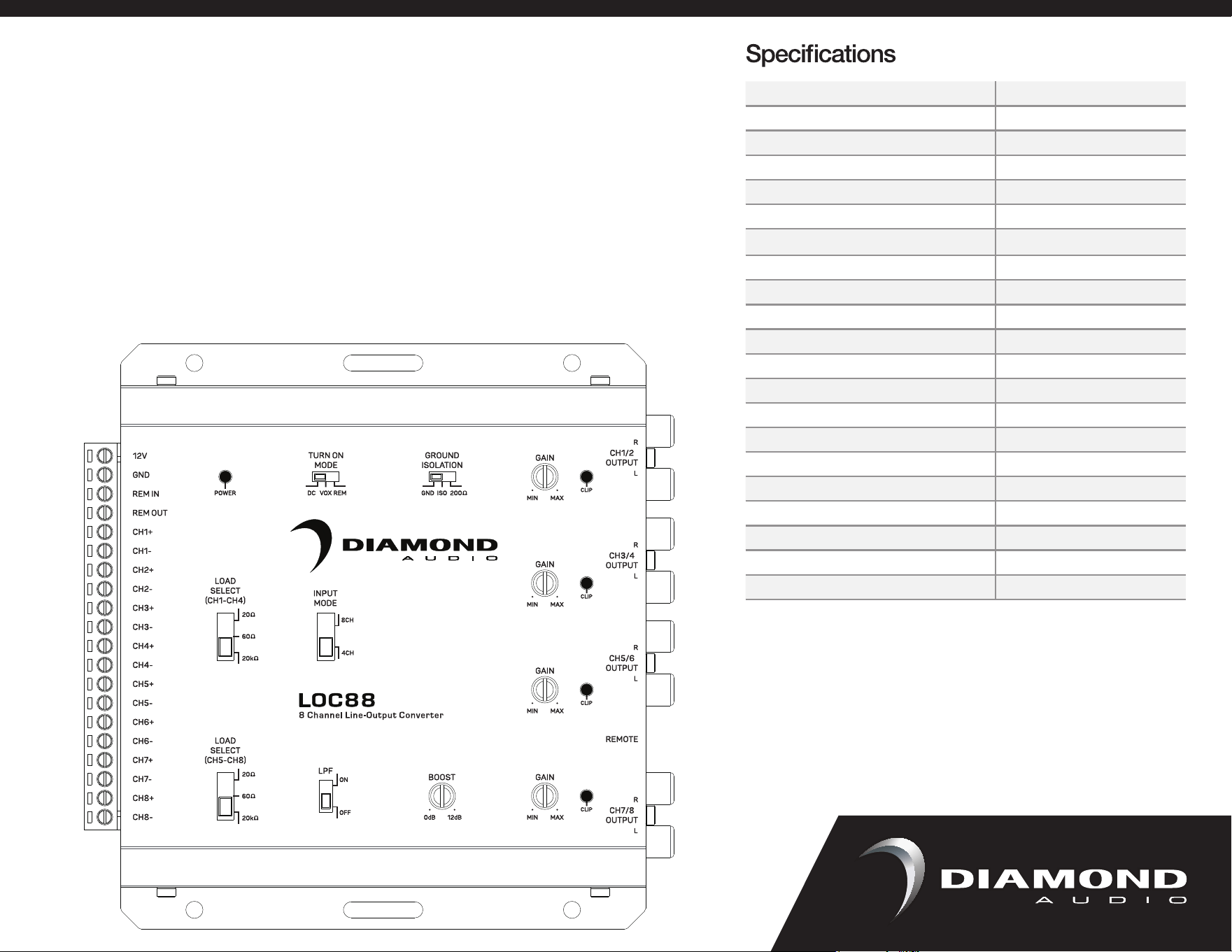
4CH or 8CH (LOC88)
Set to 4CH mode if only
using CH1-CH4 inputs
BOOST
Variable: 0dB - 12dB
Must have LPF On to
activate Bass Boost
@45Hz to Sub Channels
LOAD SELECT
Selectable: 20Ω / 60Ω / 20KΩ
Default: 20KΩ
For factory audio systems
requiring a resistance load to
output audio, select 60Ω first,
then 20Ω. All others use 20KΩ.
The Diamond Audio Active Line Output converters are high-quality 6-channel (LOC66) or 8-channel (LOC88) input/output devices that can
retain the signal integrity of your OEM system and allow it to integrate seamlessly with aftermarket amplifiers. Gain Controls equipped with
Clipping LEDs, Selectable Ground Modes, and OEM Load features, the LOC66 guarantees a clear and noise less signal for your audio
system. Built-in OEM Load Resistors allow for use in vehicles that require these to keep the sound system active while not requiring them to
be added separately.
LPF
Low Pass Filter
Low pass crossover @
250Hz for SUB channels
CLIP
Indicates signal clipping.
Slight LED flickering is acceptable.
Solid LED is undesirable, gain is too high
RCA SIGNAL OUTPUTS
Connect to amplifier inputs
FOR EASIER INSTALLATION
OPEN TERMINALS COMPLETELY
BEFORE INSERTING WIRE
OPEN
LOC88
8 Channel Active
Line-Output Converter
*LOC66 shown for illustration purposes
Remote turn-on output (+)
LOC66/LOC88 will provide a
+12V Remote Output using
DC Signal Sense from CH1
and CH3 channel inputs
Model Number
Channels
6 IN / 6 OUT 8 IN / 8 OUT
Operating Voltage
9V—16V
Max Input Level (20kHΩ Load Setting)
40V / 400W @ 4 ohms
Auto Turn On
DC Offset / Remote
Output Voltage MAX @ 13.8V
9.5V RMS
Turn On Trigger (DC-Offset)
3V—7V
Load Input Impedance
20Ω, 60Ω, 20KΩ (Default 20KΩ)
Output Impedance
<120Ω
Variable Gain Adjustment
-28dB—+1dB
Signal To Noise
>110dBA @ 6.4V Output
THD+N
< 0.01%
Input Sensitivity
0.5V—40V
Frequency Response
10Hz—20kHz
Current Draw (Max)
110mA 200mA
Low Pass Filter
<250Hz (SUB Channels)
Bass Boost
0dB to +12dB (SUB Channels)
Clip Indicator
1 PER CHANNEL PAIR
Remote Level Control
0dB—30dB
Chassis Type
Stamped Steel
Terminal Gauge
18AWG / Quick Connect
LOC66 LOC88
Installation
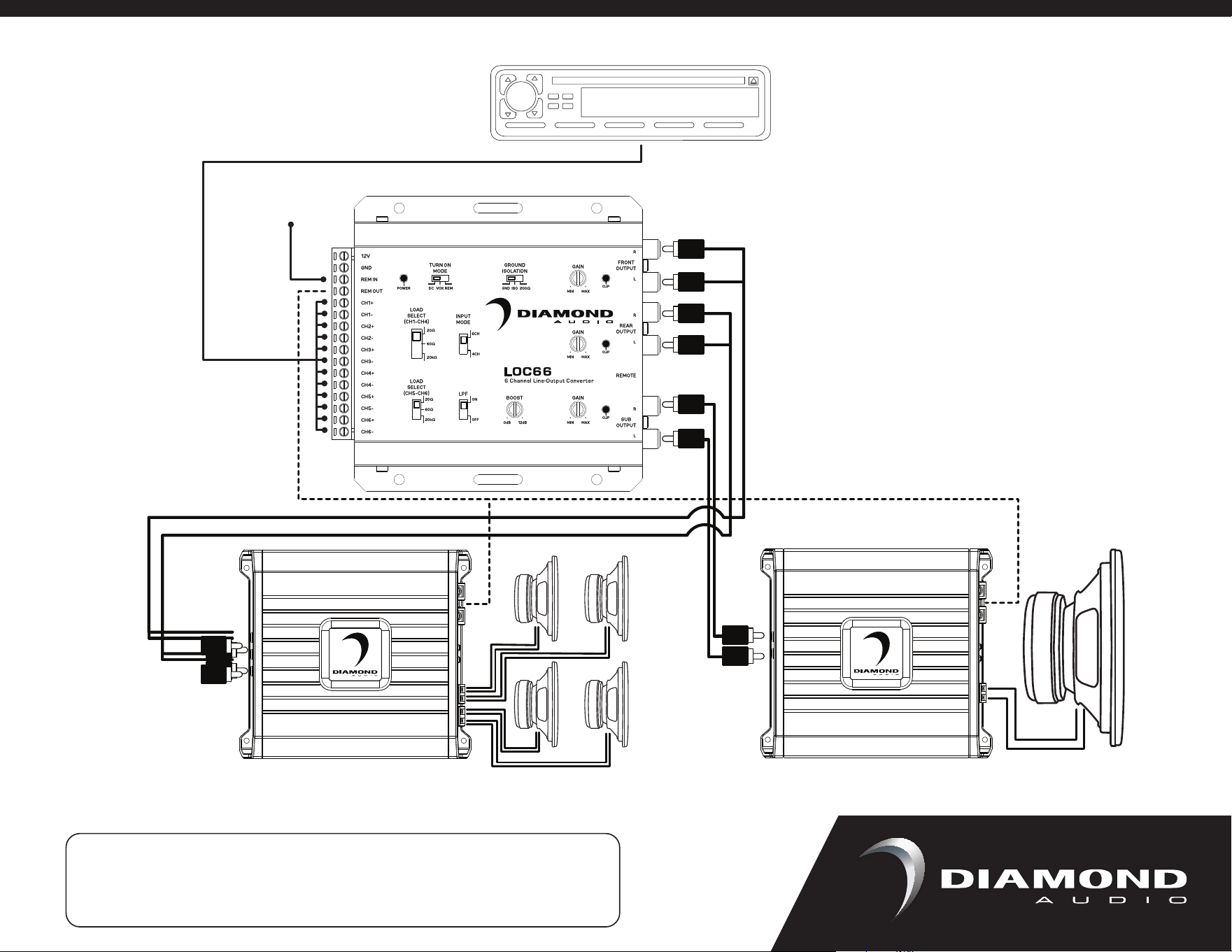
Speaker level input from an OEM radio/amplifier to RCA level output for an aftermarket amplifier(s) is
the most commonly used configuration for the LOC66/LOC88. This will create RCA level outputs from
a radio that only has speaker level outputs.
Below, the 6 speaker outputs from the factory radio are disconnected from the speakers
and connected to the Speaker Signal Inputs of the LOC66/LOC88. The REM OUT is connected
to the amplifiers turn-on. When the radio is turned on the LOC66/LOC88 will sense the input signal
and automatically turn on the amplifier. The RCA Signal Outputs from the LOC66/LOC88 are
connected to the amplifiers inputs. The speaker outputs from the aftermarket amplifier are then
connected to the speakers.
NOTE: Connections on a LOC88 would be similar, except for up to 8 input and 8 output channels.
Attention: Failure to read this manual and then contact tech support for help with an answer included
within this manual could cause public shaming on your favorite social media platform; you have been
warned! Warmest regards, JC.
Phone: 213-261-4161
Email: [email protected]
Technical Support
OEM RADIO
OPTIONAL
Do not use if
using auto turn-on
Use CH1-CH4 for 4CH Mode
SPEAKER SIGNAL INPUTS
Connect to head unit or
amplifier speaker outputs
For more installation examples, tech tips and updates,
visit the DIAMOND AUDIO product pages on
DiamondAudio.com
Phone: 213-261-4161
Email: [email protected]
Technical Support