1
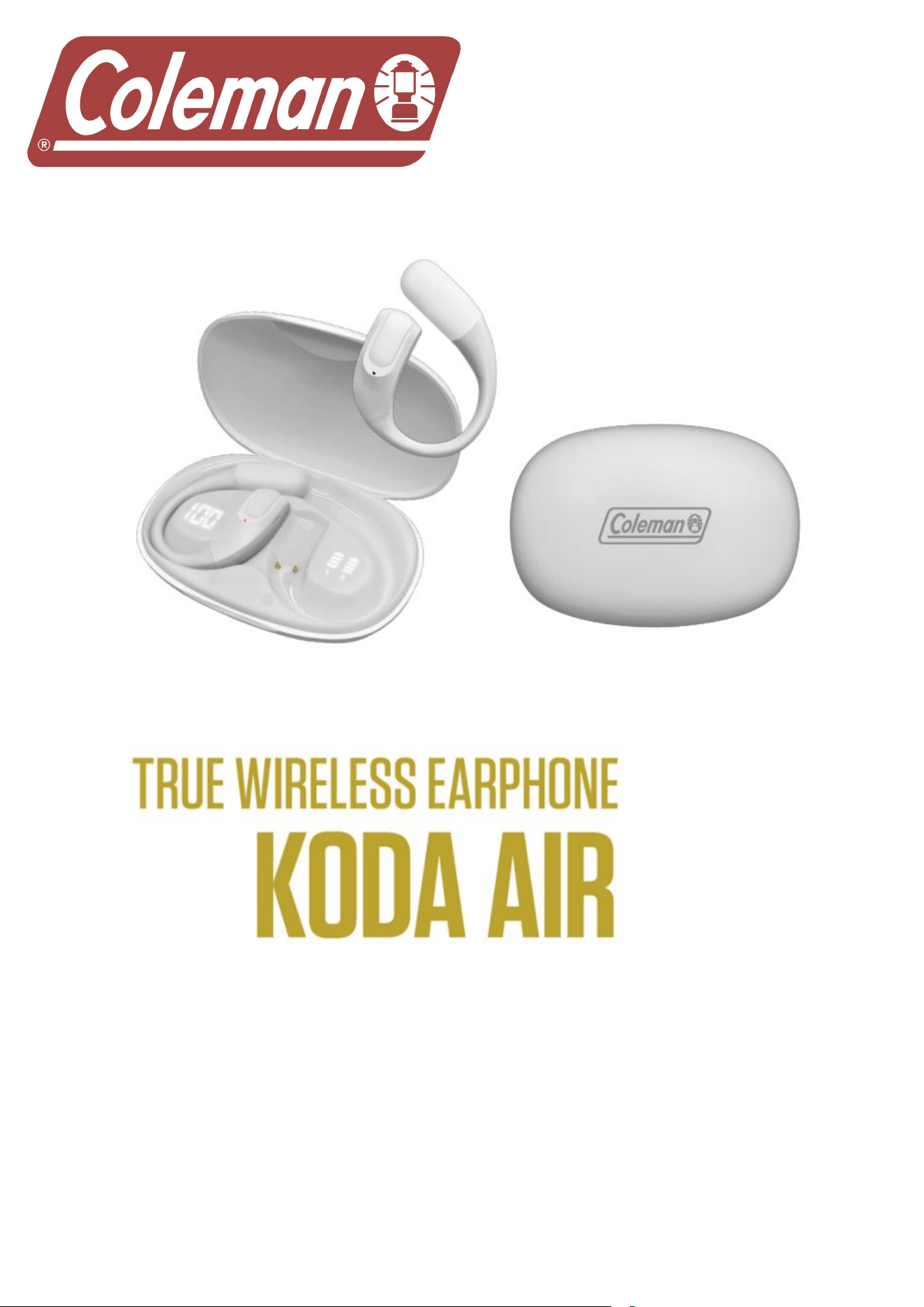
MODEL: CLTW419
INSTRUCTION MANUAL
PLEASE READ ALL INSTRUCTIONS CAREFULLY & RETAIN FOR FUTURE USE

2
Safety Rules
1. To ensure safety, please follow the rules mentioned in this manual. Before using
the Bluetooth earphone, we strongly recommend that you read this manual carefully.
2. Please pay attention to the sharp edge, uneven surface, metal parts, and
accessories.
3. Please do not open, dismantle or repair this product, this may lead to fire,
electronic breakdown or even completely damage the product; these are not
included in the warranty.
4. Do not wipe the product with oil and other volatile liquids.
5. Please do not use this product in the places where there is a potential personal
safety risk and danger.
Getting started
Remove the product from the box.
Remove any packaging from the product.
Please retain all packaging after you have checked and counted all the parts and
the contents against the list.
Please fully charge the earphone and charging case before first using.
Package Contents
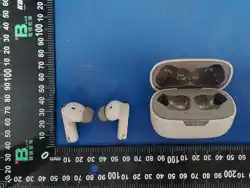
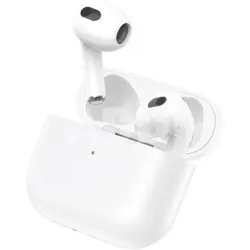
TWS unit
Type-C charging cable
Instruction Manual
Warranty Card

3
Connect to your phone quickly
1. The first time to manually connect the phone.
If it’s the first time to use the earbuds, you can connect your phone by two easy
steps.
a. Take out the earbuds from charging case, the two earbuds will
automatically pair after 5 seconds.
b. Open the Bluetooth mode on your phone, then search the device name
“COLEMAN-CLTW419” to connect.
The Bluetooth® word mark and logos are registered trademark owned by Bluetooth SIG, Inc. and any
use of such mark by MiGear International Group LLC is under license. Other trademarks and trade
names are those of their respective owners.
2. Automatically connect with mobile phone
You only need to manually connect to your phone when first use. next times, when
you take out the earbuds from the charging case, they will automatically pair with
each other and connect to your phone.
Battery Case and Earphone charging
1. Earphone: Put the earbuds into the case, the earbuds will be charged directly.
2. Charging case: Connect the case with your power by Type C cable to charge,
The battery screen shows a 1 to 100. When it shows 100, it indicates that the
battery is fully charged.
4
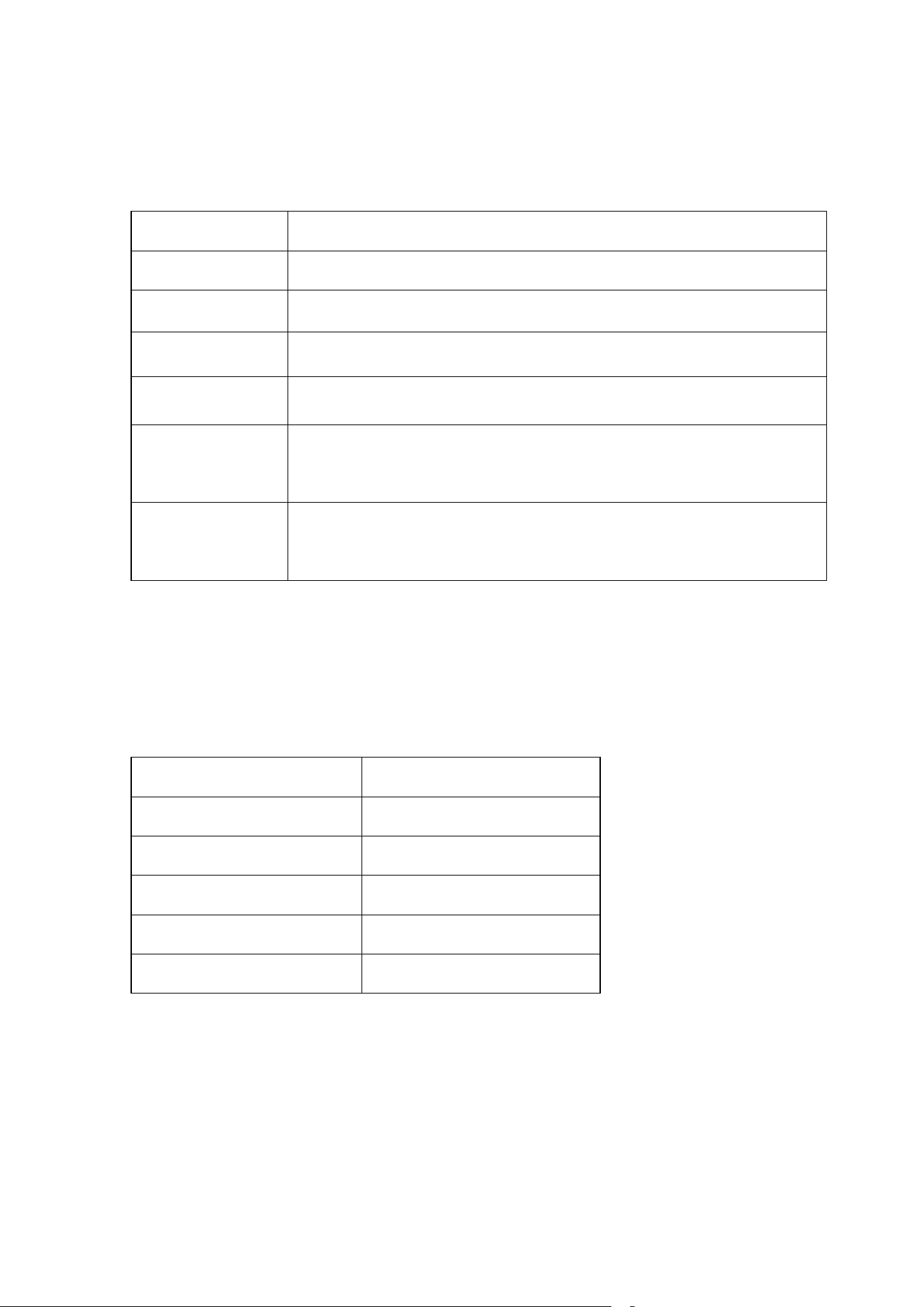
Button Function definition
Answer call
One touch during the call ringing.
Hung up
One touch during the call.
Reject calling
Long touch during the call ringing.
Play/pause music
One touch to play and pause.
Siri & Google
Long touch 1.5s when heard “DI” sound, one touch to cancel.
Music
Twice touch :Left ear/previous music;
Right ear/ next music
Volume
Third touch :Left ear/ reduce the volume,
Right ear/ Increase the volume.
Product specification
1. Earphone specification:
Bluetooth version:
5.3
Earphone battery capacity
25mAh
Charging case battery
250mah
Transmission distance
32.8ft
Playing time:
About 3-4hours
Charging time
About 1-1.5hour
(Note: Battery life & charging time may vary based on usage & types of devices used.)

5
FCC ID: 2AIDL-CLTW419
FCC STATEMENT
This device complies with Part 15 of the FCC Rules. Operation is subject to the
following two conditions:
(1) This device may not cause harmful interference, and
(2) This device must accept any interference received, including interference that
may cause undesired operation.
Warning: Changes or modifications not expressly approved by the party responsible
for compliance could void the user's authority to operate the equipment.
Notes: This equipment has been tested and found to comply with the limits for a Class B digital
device, pursuant to part 15 of the FCC Rules. These limits are designed to provide reasonable
protection against harmful interference in a residential installation. This equipment
generates, uses, and can radiate radio frequency energy and, if not installed and used in
accordance with the instructions, may cause harmful interference to radio
communications. However, there is no guarantee that interference will not occur in a particular
installation. If this equipment does cause harmful interference to radio or television
reception, which can be determined by turning the equipment off and on, the user is encouraged
To try to correct the interference by one or more of the following measures:
--Reorient or relocate the receiving antenna.
--Increase the separation between the equipment and receiver.
--Connect the equipment into an outlet on a circuit different from that to which the receiver is
connected.
--Consult the dealer or an experienced radio/TV technician for help.
FCC Radiation Exposure Statement:
This equipment complies with FCC radiation exposure limits set forth for an uncontrolled
environment. In order to avoid the possibility of exceeding the FCC radio frequency exposure
limits, the device has been evaluated to meet general RF exposure requirements.