Programming Instructions for
Garage Door Opener
1
2
3
Check the Working Mode on
Remote
Garage Door Opener Learning
4
Purple
Yellow
Learn LEDLearn LED
Green
or
Red/Orange
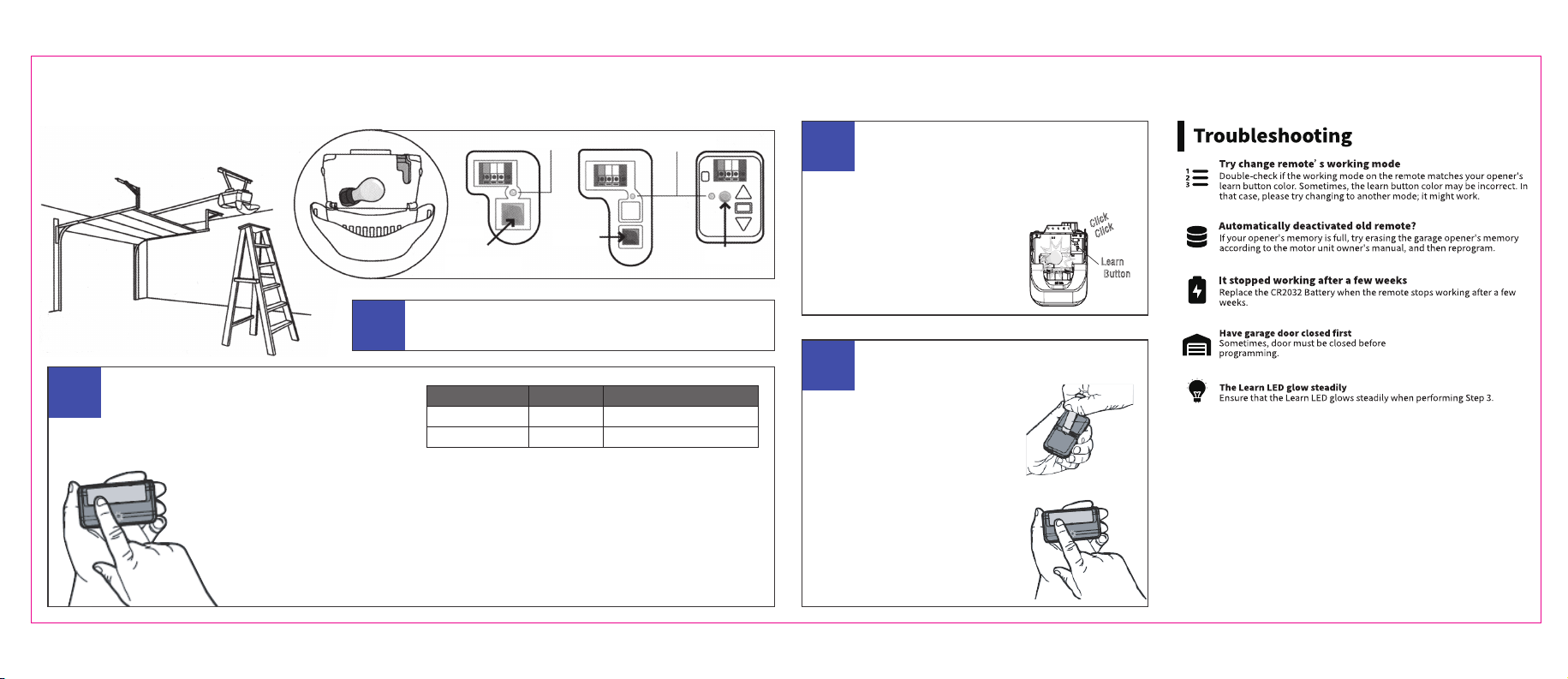
Locate the Smart / Learn button on your garage door
opener (you will need a ladder).
If yes, proceed to Step 3
Check above table,
Does remote button's working mode match your
opener's learn button color (as seen in Step 1)?
If no, you will need to change working mode first,
proceed to Step 4
SOLID
Yellow/ Green
Mode 2
FLASHING
Purple/ Red/OrangeMode 1
For Opener TypeLED Status Mode #
To check the
working mode.
Just press and hold the
button.
Then observe LED
status.
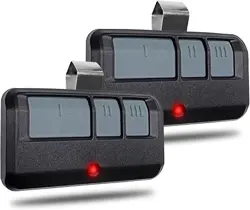
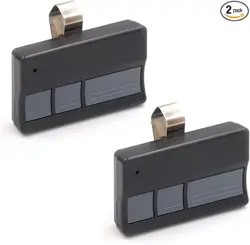
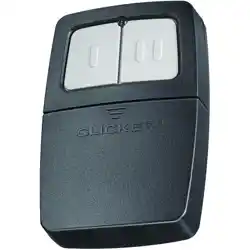
The remote has two working modes for different
garage door opener types.
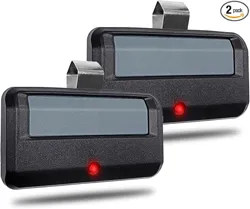
Replacement Remote for Security+ Family / Billion Code
Installation Manual
Press the learn button on the back of the
opener. After the learn LED glows steadily,
press and hold the button
on the remote until the
opener lights flash or you
hear two clicks.
At that point, the remote
is successfully programmed.
Change the Working Mode on
Remote
1. Using the Visor Clip to press
and hold the "PROG" button
on the back of the remote
for 3 seconds until the LED
flashes, then release.
2. Press and release the button of
the remote, LED will change to
either SOLID(Mode 1) or FLASHING
(Mode 2). Then try program it again
with opener (step 3).
Learn
Button
Click
Click