LET’S GET STARTED
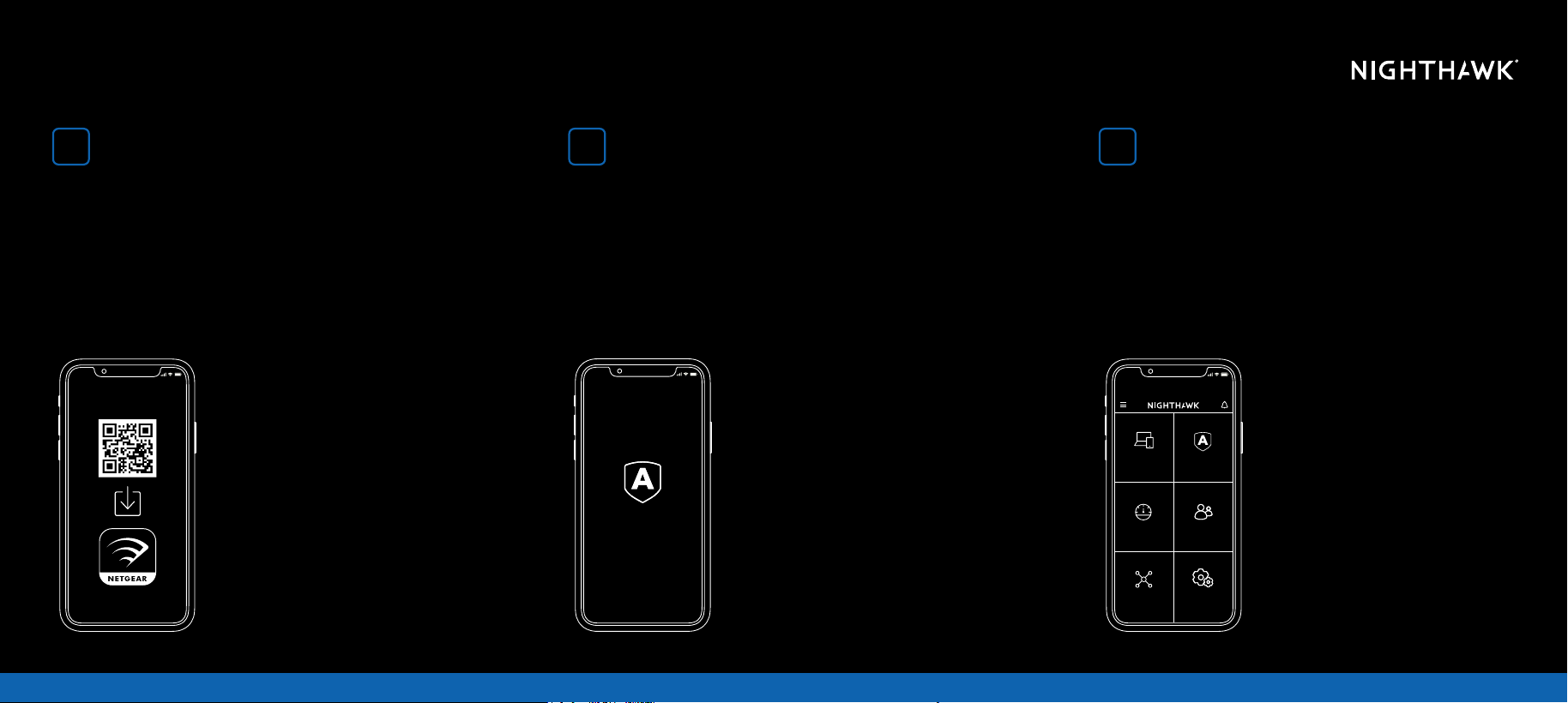
On your mobile phone, scan the QR
code to download the Nighthawk
app and follow the setup instructions
Check out everything you can do on the Nighthawk app!
Pause the Internet, run a speed test, set smart parental
controls, and more.
If you used the Nighthawk app before, go to the dashboard
and tap the top left menu, then SET UP A NEW NIGHTHAWK
SYSTEM.
Check your network security
with NETGEAR Armor
TM
Do more with the app
NETGEAR Armor protects your family’s WiFi with an automatic
shield of security across your connected devices.
Tap the SECURITY tile in your Nighthawk app to explore your
Armor subscription and protection score.
Security
Device Manager
Network
Map
Security
Devices (23)
Activated
Internet Speed
WiFi Settings
Parental Controls
On
“NHWIFI”
1
2 3
CONTENTS OVERVIEW
SUPPORT AND COMMUNITY
REGULATORY AND LEGAL
NEED HELP?
We want you to have the best experience with your new Nighthawk router. If you need help with setup,
or have any questions or concerns, call us at 1-866-396-4428.
If you prefer to troubleshoot before calling us, you can try these tips:
- Turn off your modem and router and disconnect them. Reboot your modem. Reconnect your
router to your modem and try installing with the Nighthawk app again.
- If you’re still unable to install your router using the Nighthawk app, install it using the router web
interface. Visit routerlogin.net to access the router web interface.
You can also nd more setup help online at netgear.com/routerhelp.
July 2023
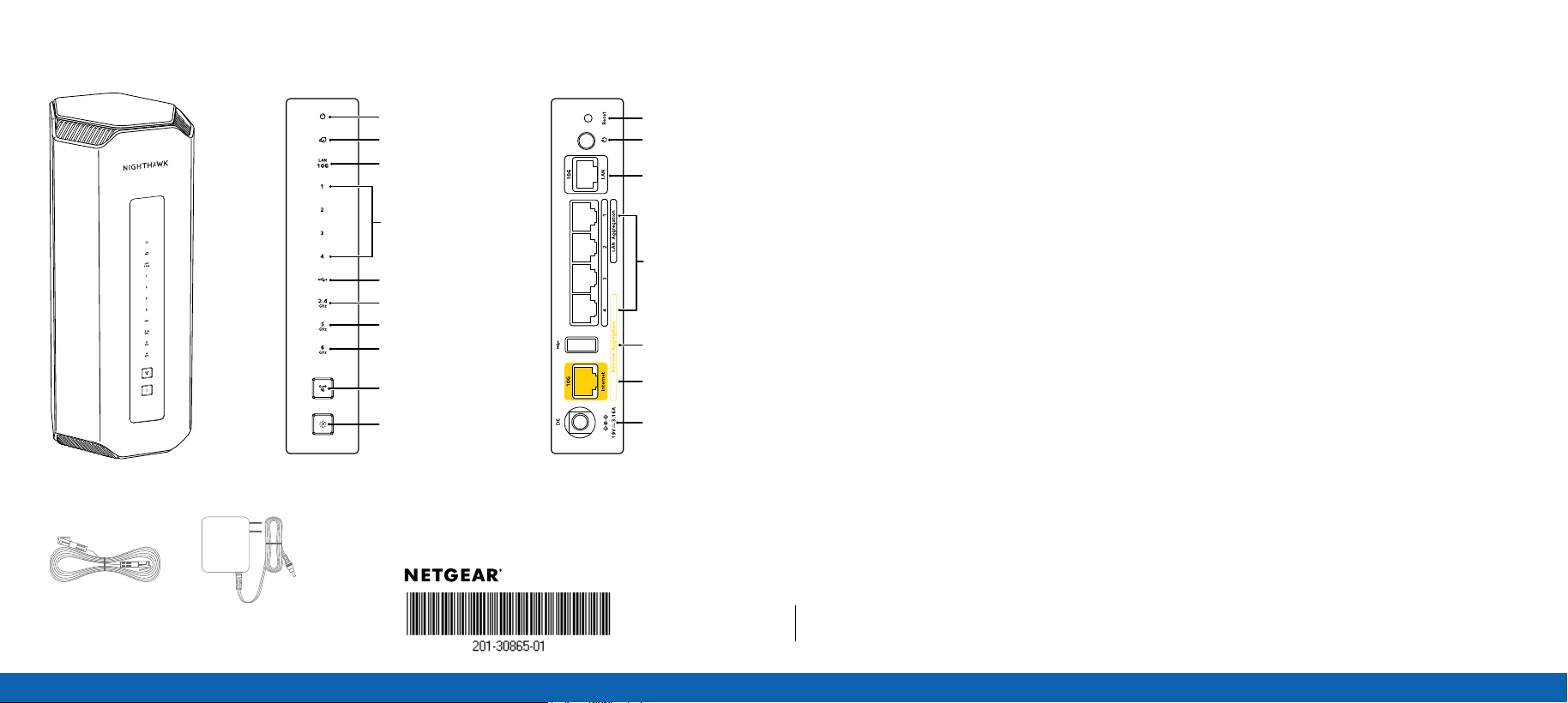
Ethernet cable
Power adapter
Get your questions answered and access the latest downloads at netgear.com/support, and check
out our NETGEAR Community at community.netgear.com.
© NETGEAR, Inc., NETGEAR, the NETGEAR Logo and the Nighthawk logo are trademarks
of NETGEAR, Inc. Any non-NETGEAR trademarks are used for reference purposes only.
NETGEAR, Inc.
350 East Plumeria Drive
San Jose, CA 95134, USA
NETGEAR INTERNATIONAL LTD
Floor 6, Penrose Two, Penrose Dock,
Cork, T23 YY09, Ireland
Si ce produit est vendu au Canada, vous pouvez accéder à ce document en français canadien à netgear.com/
support/download/. (If this product is sold in Canada, you can access this document in Canadian French at
netgear.com/support/download/.) For regulatory compliance information including the EU Declaration of
Conformity, visit netgear.com/about/regulatory/. See the regulatory compliance document before connecting the
power supply. For NETGEAR’s Privacy Policy, visit netgear.com/about/privacy-policy. By using this device, you are
agreeing to NETGEAR’s Terms and Conditions at netgear.com/about/terms-and-conditions. If you do not agree,
return the device to your place of purchase within your return period.
Applicable to 6 GHz devices only: Only use the device indoors. The operation of 6 GHz devices is prohibited on
oil platforms, cars, trains, boats, and aircraft, except that operation of this device is permitted in large aircraft while
ying above 10,000 feet. Operation of transmitters in the 5.925-7.125 GHz band is prohibited for control of or
communications with unmanned aircraft systems.
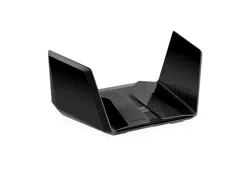
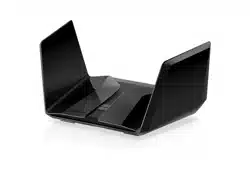
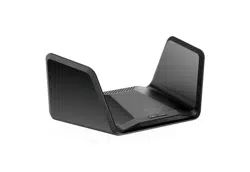
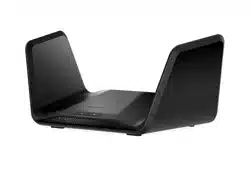
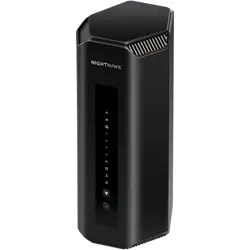
Router
Power LED
Internet LED
10G LAN LED
LAN 1-4 LEDs
USB LED
2.4 GHz band LED
5 GHz band LED
6 GHz band LED
Sync/WPS button
LED on/off button
Reset button
Power on/off button
10G Ethernet LAN port
Gigabit LAN ports
USB port
10G Internet port
Power connection