ET12 Series Product User Manual
1
ET12 Series Product User Manual
Specifications
Heating System Brand Turbo Heat
ET12
Carbon Nanotube (CNT) Film
Type-C Output Power Bank,
Supports QC / PD Fast-Charging Protocols
12V (backward compatible with 5V/9V)
10W/18W/30W
Product Series
Heating Material
Temperature Levels
Input Voltage
Rated Power
Type-C
Power Connector
30+Wash Cycles
Run Time(10,000 mAh)
High: 2H
Medium: 4H
High: 8H
Compatible Power Source
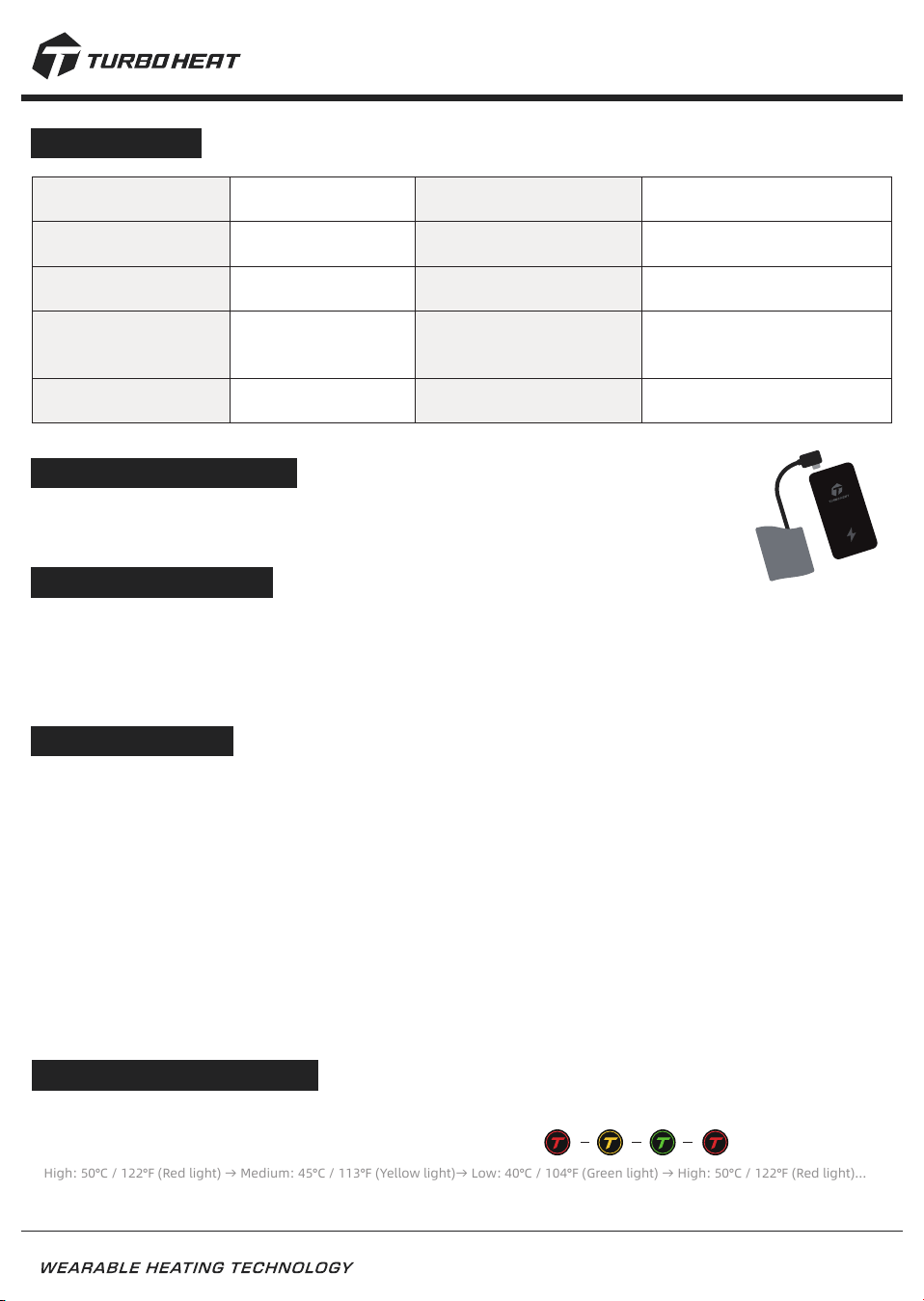
High: 50°C / 122°F (Red)
Medium: 45°C / 113°F (Yellow)
Low: 40°C / 104°F (Green)
ConnectionInstructions
· Take the Type-C power connector out of the garment pocket. Plug it into a compatible Type-C
power bank to establish the connection.
Power Requirements
· Use a power bank with Type-C output. The product is compatible with most Type-C power banks supporting QC/PD
fast-charging protocols.
· The product supports a maximum heating power of 30W. For optimal Turbo Heat performance, use a power bank
providing either: 9V/2A (18W) or 12V/2.5A (30W) output.
Power Operation
Power On (Heating Active)
· Connect the Type-C plug to a compatible power bank. The device powers on automatically and starts heating.
Default setting: High mode 50°C/122°F(Red light).
Standby (Powered, Heating Off)
·
Long press the button for 2 seconds to stop heating and enter standby mode. The light turns off, but the device
remains powered.
· Short press the button to resume heating. The device returns to High mode 50°C/122°F(Red light).
Power Off (Fully Powered Down)
·
Disconnect the Type-C plug from the power bank. The device powers off immediately and stops heating. The light
turns off.
Temperature Adjustment
· After powering on, the device defaults to High mode 50°C/122°F(Red light).
· Short press the controller button to switch the temperature modes:
High: 50°C / 122°F (Red light) → Medium: 45°C / 113°F (Yellow light)→ Low: 40°C / 104°F (Green light) → High: 50°C / 122°F (Red light)…
· Long press the button for 2 seconds to turn off heating. The light turns off, and the device enters standby mode.
2
Take full control of your Turbo Heat device with the official app, unlocking personalized settings and
smart features.
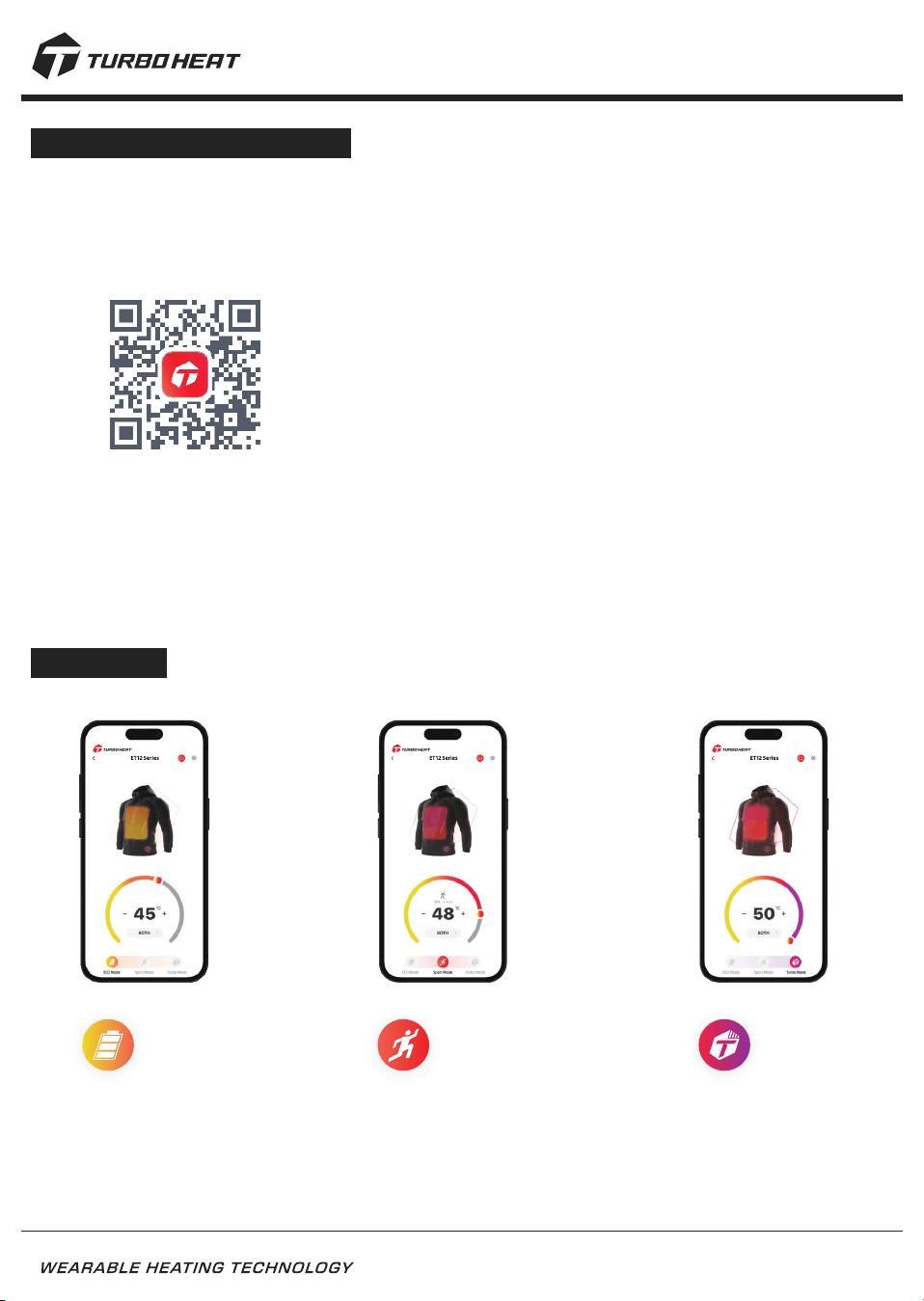
Download the App: Scan the QR code below or search“Turbo Heat”on App Store(iOS) or Google Play
(Android) to download and install.
App Mode
Turbo Mode:
Maximizes heating
performance for an
enhanced experience,
with reduced runtime.
Sport Mode:
Monitors activity levels and calorie
expenditure in real time, adjusting
temperature intelligently.
Eco Moede:
Balances power consumption
and heating performance to
extend runtime.。
ET12 Series Product User Manual
Turbo Heat App Instructions
Sign Up/Log In: When opening the app for the first time, select the preferred language and follow the on-screen
prompts to register or log in.
Pair the Device: Power on the Turbo Heat product, open the app, and follow the guided steps in the device search
section to complete pairing.
Access Instructions: The app includes detailed operating guidance. If any steps are skipped, reinstall the app or
revisit the instructions within the app at any time.
3
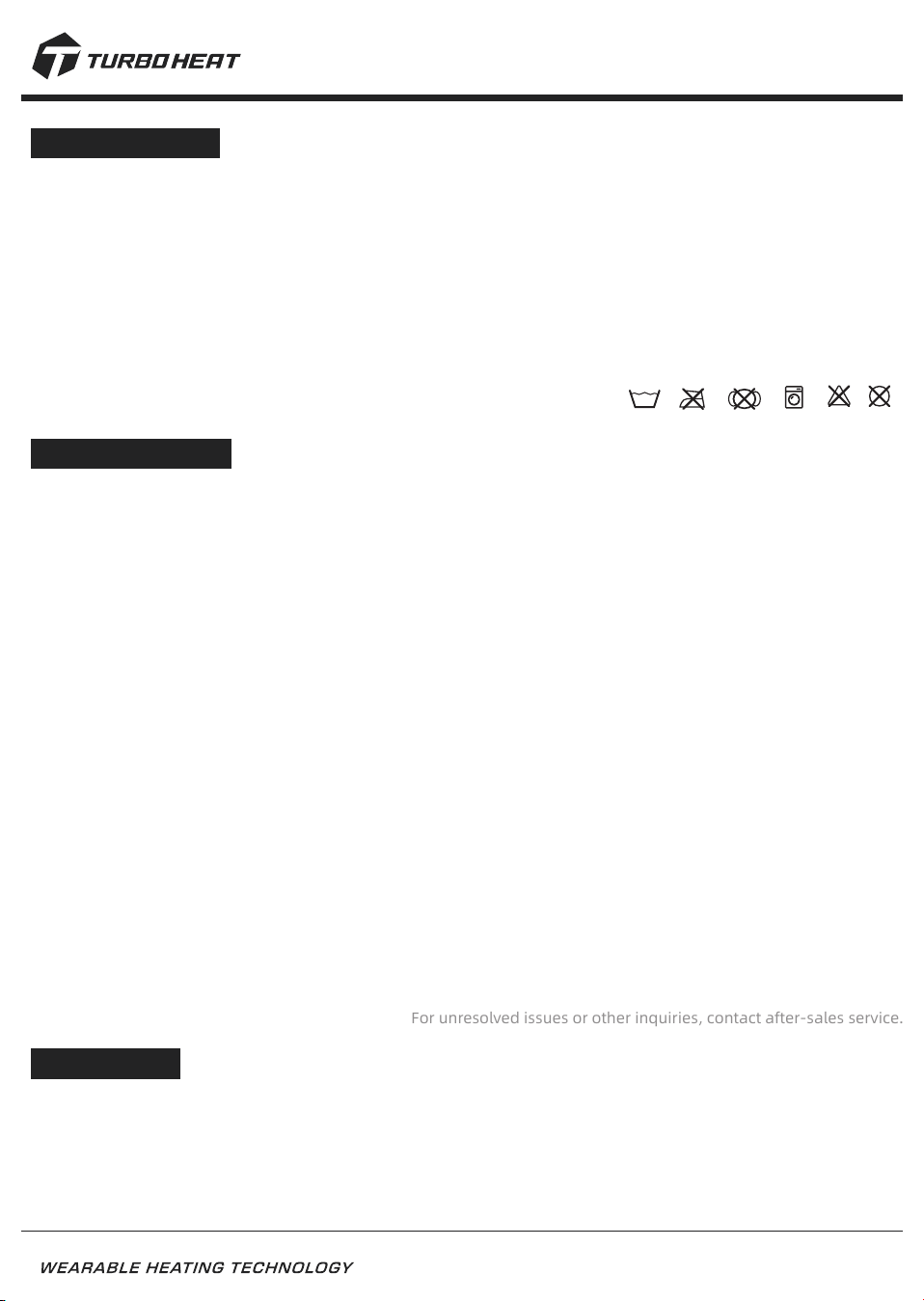
Washing & Care
Preparation
· Disconnect the power supply and remove the power bank before washing. (Do not immerse or wash the power bank.)
· Return the Type-C connector to the garment pocket to prevent abrasion or wire entanglement during washing.
Washing
· The product is machine washable.
· Use household mild detergent.
· Do not wash with hot water;
maximum water temperature: 40°C/104°F.
· Do not bleach or dry clean.
Drying
· Air dry naturally or tumble dry at low temperature (<65°C/149°F).
· Do not iron or dry at high temperatures.
· Ensure the product is completely dry before use.
40
Troubleshooting
Controller light flashes purple, turns off unexpectedly, or does not light
· This may indicate a device error or circuit protection has been triggered. Try the following steps: Disconnect the
power and wait approximately 5 minutes, then reconnect the power bank.
· If the issue persists, the power bank may be incompatible. Use a compatible Type-C power bank and reconnect.
· If other heating devices are being used simultaneously, over-temperature protection may have been triggered.
· Turn off all other devices, wait 5 minutes, and reconnect the power bank.
· Ensure the product is completely dry. If moisture is present, allow the device to dry fully before powering on.
Unable to Power On
· This may be caused by a loose or improper connection between the power bank and the Type-C connector.
· Check that the power bank is securely connected to the Type-C connector.
· If the issue persists, use a compatible power bank and wait approximately 5 minutes before reconnecting.
Insufficient Heating
· This may occur if the power bank does not provide sufficient output or if fast-charging mode has not been activated.
Check that the power bank’s fast-charging mode is enabled. (Most power banks indicate fast charging with a green
or blue light.)
· If the issue persists, ensure the power bank supports 18W or 30W output to achieve optimal Turbo Heat performance.
App Unable to Find or Connect to Device
· Reconnect the device by unplugging and reinserting the power, then restart the app.
· If the device cannot be found, confirm in the phone’s system settings that Bluetooth and location permissions are
enabled for the Turbo Heat app.
ET12 Series Product User Manual
Precautions
· Not intended for users with reduced temperature sensitivity, children, or persons requiring assistance.
· Stop use immediately if discomfort occurs. Seek medical advice if necessary.
· This product is covered by a 2-year warranty. Do not disassemble, modify, or repair, as this will void the warranty.
· Avoid exposing the product to high temperatures or open flames to prevent damage or safety hazards.
· Use only as intended. Do not use for purposes other than the original design.
For unresolved issues or other inquiries, contact after-sales service.
4
ET12 Series Product User Manual
FCC ID: 2AVEIJD-TURBOHEAT
This device complies with Part 15 of the FCC Rules.
Operation is subject to the following two conditions:
(1)This device may not cause harmful interference, and
(2)This device must accept any interference received,
including interference that may cause undesired operation.
Please take attention that changes or modification not expressly approved by the party responsible for compliance
could void the user's authority to operate the equipment.
This device complies with Part 15 of the FCC Rules. Operation is subject to the following two conditions:
(1) This device may not cause harmful interference, and
(2) This device must accept any interference received, including interference that may cause undesired operation.