WIRELESS PARING
1. Turn on your "A10" , you will hear a
star�ng music,Red light off when fully
charged, it means the speaker is ready to
pair. Next, open your device to look for the
speaker name " A10" and connect to
your device.
2. Once paired successfully, the LED
indicator turns blue and make beeping.
Long press: Turn on/off
Short press:
Wireless stereo
connec�on
Short press:
Volume +
Long press:
Next Track
Short press:Volume -
Long press: Last Track
Short press:
Switch Playing Mode
Long press : Indoor/
outdoor audio switching
Short press: Play / Pause/ Answer calls
Long press : Wireless Pairing/ Refuse call
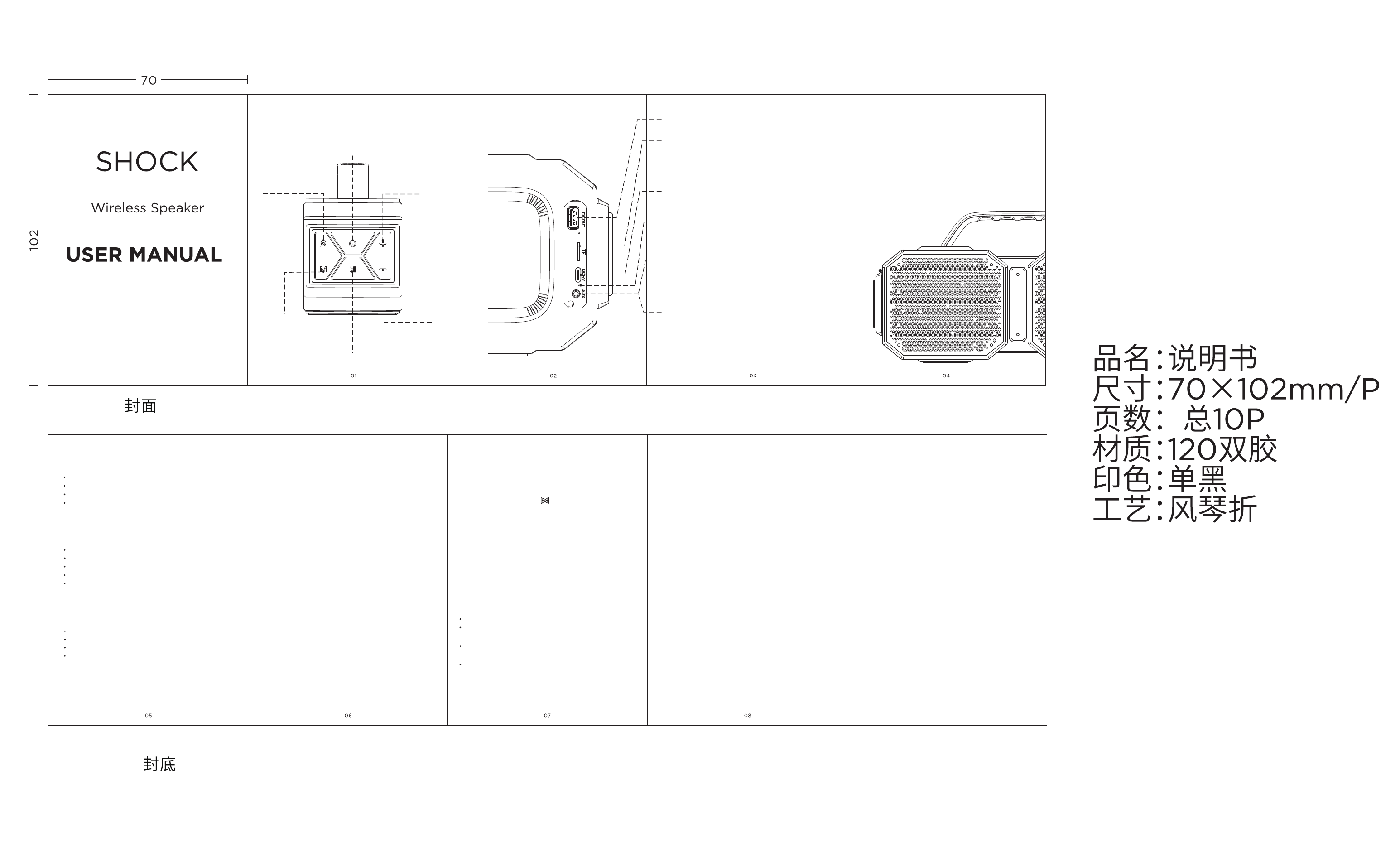
DIAGRAM OF CONTROLS
JACK
INDICATOR LIGHT
PRODUCT FEATURES
Wireless stereo connec�on
Build-in 4 pieces High& low speaker driver
Aux-in/TF card func�on
Surprisingly loud volume with deep bass.
TECHNOLOGY SPECIFICATION
Model No.: A10
Speaker driver impedance: 4Ω
Sensi�vity: 82+3dB
Speaker driver size: 3.5 "X2+1"X2
Product size: 323X170X111mm
WHAT'S INCLUDED
Wireless speaker --- 1pc
User manual -- 1pc
USB cable --- 1pc
Aux-in cable -- 1pc
Note:
1. If the Wireless speaker is in low power
or weak state, some�mes it may not be
connected to the phone, PC, IPAD or other
devices.please charging immediately
before using.
2. If your computer does not have a
Wireless receiver, you will need an
addi�onal Wireless receiver to pair with
"A10" speaker.
3. When the mobile phone device is
connected, if it is exceed the connec�on
distance over 10 meters, the signal will be
disconnected.But it will automa�cally
connect when the phone is close to the
speaker.
GUIDANCE
Please read the usual manual before using.
Please give the speaker fully charged
before using.
If the unit is leave unused over 2 weeks,
please charge it again.
Please choose the cer�ficated power
adapter for input charging .
NOTE: This equipment has been tested
and found to comply with the limits for a
Class B digital device,pursuant to part 15
of the FCC Rules. These limits are designed
to provide reasonable protec�on against
harmful interference in a residen�al
installa�on. This equipment generates
uses and can radiate radio frequency
energy and, if not installed and used in
accordance with the instruc�ons, may
cause harmful interference to radio
communica�ons. However, there is no
guarantee that interference will not occur
in a par�cular installa�on. If this
equipment does cause harmful
interference to radio or television recep�on,
which can be determined by turning the
equipment off and on, the user is
encouraged to try to correct the
LED light
Can not read audio files from
USB flash drive
TF card slot
If TF card exist in the device, it's played by TF
preferen�al. You can remove the TF card switch to
other mode, or short press "M" choose any mode
what you want.
USB Input charging
Please keep the speaker was fully
charged when first using the speaker.
Charging indicator
The red light is always on during the charging
process,and when it's fully charged, the red light
is go out.
Aux-in
If 3.5mm Aux-in cable connected with the device,
it's played by Aux-in preferen�al. You can remove
the TF card switch to other mode, or short press
"M" choose any mode what you want.
Reset
If the device freezes, has Bluetooth connec�on
failures or malfunc�ons, reset it via the reset
bu�on inside the AUX port:
Use a thin rigid object such as a paper clip or SIM
eject tool, insert it ver�cally deep into the AUX
audio jack, and press the internal reset microswitch.
Red indicator:
Aux-in mode: red indicator is always on.
Blue indicator:
Wireless mode:
fast flashing -- ready to paring.
always on -- paired successful and ready to play.
slowly flashing -- playing music.
Violet indicator:
TF card mode: Violet light flashing.
- Reorient or relocate the receiving
antenna.
- Increase the separa�on between the
equipment and receiver.
-Connect the equipment into an outlet on
a circuit different from that to which the
receiver is connected.
-Consult the dealer or an experienced
radio/TV technician for help Changes or
modifica�ons not expressly
approved by the party responsible for
compliance could void the user's authority
to operate the equipment.
This device complies with Part 15 of the
FCC Rules. Opera�on is subject to the
following two condi�ons:
(1) this device may not cause harmful
interference, and
(2) this device must accept any
interference received,
including interference that may cause
undesired opera�on.
interference by one or more of the
following measures:
True wireless mode (same model only)
1. Turn on two speakers of the same model
(make sure they are not connected to other
wireless devices).
2. Short press the" ( ) "bu�on on the first
speaker, you will hear the"di"sound and the
two speakers will be connected to each
other automa�cally.
3. A�er the two speakers are successfully
connected,the blue LED indicator of one of
the speakers will flash. At this moment, the
two speakers have entered a state of
wai�ng for connec�on, turn on the wireless
device and connect to the"A10” speakers.
to make sure that it is properly protected;
Avoid high temperatures (above 40
degrees Celsius), for example, in hot cars
or direct sunlight.(High temperature will
be damage the surface and reduce ba�ery
life.)
CARE AND MAINTENANCE
Long press 2 seconds to turn off the device,
FCC RF Exposure Statement:
This equipment complies with FCC
radia�on exposure limits set forth for an
uncontrolled environment. This
equipment can be used in portable
exposure condi�ons.

