Get to know
You have to do the pairing in the Polar Flow app and NOT in your
phone’s Bluetooth settings.
1. Make sure your phone is connected to the internet and turn
on Bluetooth®.
2. Download the Polar Flow app from the App Store or Google
Play.
3. Open the Flow app on your phone. The Flow app recognizes
your watch and prompts you to start pairing it. Tap the Start
button.
1. Go to flow.polar.com/start and download and then
install the Polar FlowSync data transfer software to your
computer.
2. Sign in with your Polar account or create a new one. We’ll
walk you through the sign-up and setup within the Polar Flow
web service.
A
B
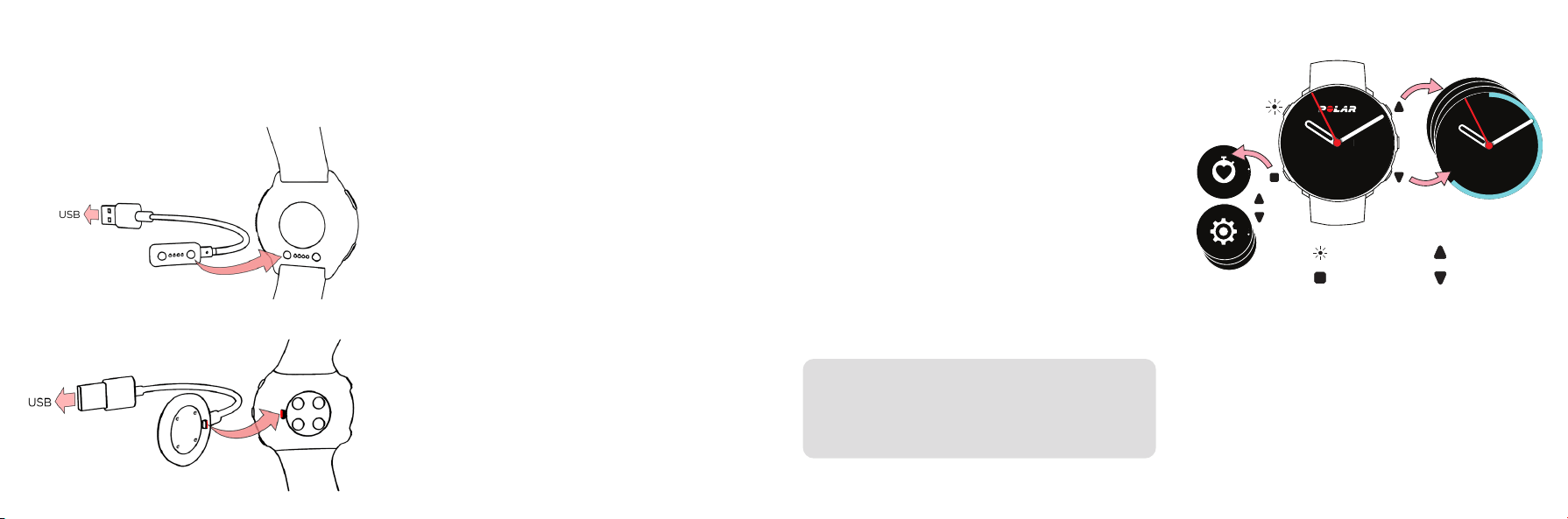
Key button functions
• Press OK to confirm selections.
• Browse the watch faces, training views and menu with UP/
DOWN, move through selection lists, and adjust a chosen
value.
• Return, pause and stop with BACK. In time view press
BACK to enter the menu, press and hold to start pairing
and syncing.
• Press and hold LIGHT to lock buttons.
S
e
t
t
i
n
g
s
S
t
a
r
t
t
r
a
i
n
i
n
g
Daily activity
63%
MON 20MON 20
MON 20MON 20
OK
LIGHT
BACK/MENU/
SYNC
UP
DOWN
To get the most accurate and personal training and activity
data, it’s important that you’re precise with the settings in the
setup.
Charge Setup
After waking up the watch, choose your language and setup
method. The watch gives you three options for setup:
(A) set up on your phone,
(B) on your computer or
(C) on your watch.
Browse to the option most convenient for you with UP/DOWN
and confirm your selection with OK. We recommend option A
or B. You’ll get the latest updates for your watch by setting it
up on your phone or on your computer.
4. Accept the Bluetooth pairing request on your phone.
Confirm the pin code on your watch and the pairing is done.
5. Sign in with your Polar account or create a new one. We’ll
walk you through the sign-up and setup within the app.
When you’re done with the settings, tap Save and sync and
your settings are synced to your watch.
To wake up and charge your watch, plug it into a powered
USB port or a USB charger with the custom cable that came
in the box.
Set up on your phone
Set up on your computer
To keep your watch up to date, always update the firmware
whenever a new version is available. You’ll be notified via Flow
when a new version is available.
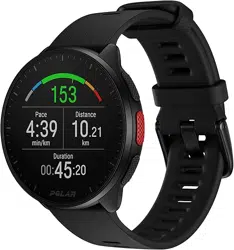
Pacer
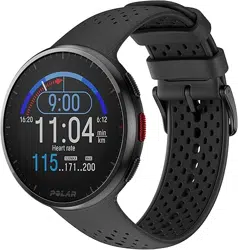
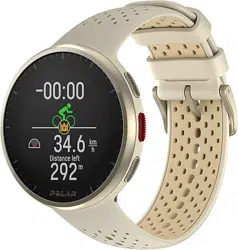
Pacer Pro
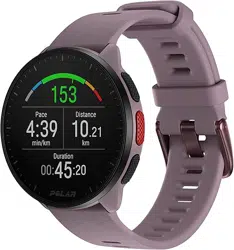
Vantage M
Vantage M2
App Store is a service mark of Apple Inc.
Android and Google Play are trademarks of Google Inc.
Manufactured by
Polar Electro Oy
Professorintie 5
90440 Kempele, Finland
customercare@polar.com
www.polar.com
Getting Started Guide
English
/polarglobal
Compatible with
Train
1. Wear your watch and tighten the wristband.
2. Press BACK to enter the main menu, choose Start training,
and then browse to a sport profile.
3. Go outdoors and away from tall buildings and trees. Keep your
watch still with the display upwards to catch GPS satellite
signals. The circle around the GPS icon will turn green when
the GPS is ready.
4. The watch has found your heart rate when your heart rate is
shown.
5. When all signals are found, press OK to start training
recording.
Pause and stop training
Press BACK to pause your training session. To continue
training, press OK. To stop the session, press and hold BACK
when paused until Recording ended is displayed.
Take care of your watch
Keep your watch clean by rinsing it under running water after
each training session. Before charging, please make sure
there’s no moisture, dust or dirt on the charging contacts of
your watch and cable. Gently wipe off any dirt or moisture.
Do not charge the watch when it’s wet.
Polar Flow
The radio equipment operates 2.402 - 2.480 GHz ISM frequency band(s)
and 5 mW maximum power.
The Polar Precision Prime optical heart rate sensor fusion technology uses
a very small, safe amount of electric current on the skin to measure the
contact of the device to your wrist to enhance accuracy.
Information about materials and technical specifications are available in
the user manual at support.polar.com/en.
For instructions on changing the wristband see this video:
bit.ly/polar-wristband.
Analyze your training results, activity and sleep on the go with
the Flow app and in-depth in the Flow web service. Remember to
sync your watch regularly with Polar Flow to keep your data up to
date between your watch, the mobile app and the web service.
Wear
Wrist bone
Your watch is also compatible with Polar heart rate
sensors that you can buy as accessories. Find a full list
of compatible sensors and accessories at
support.polar.com/en.
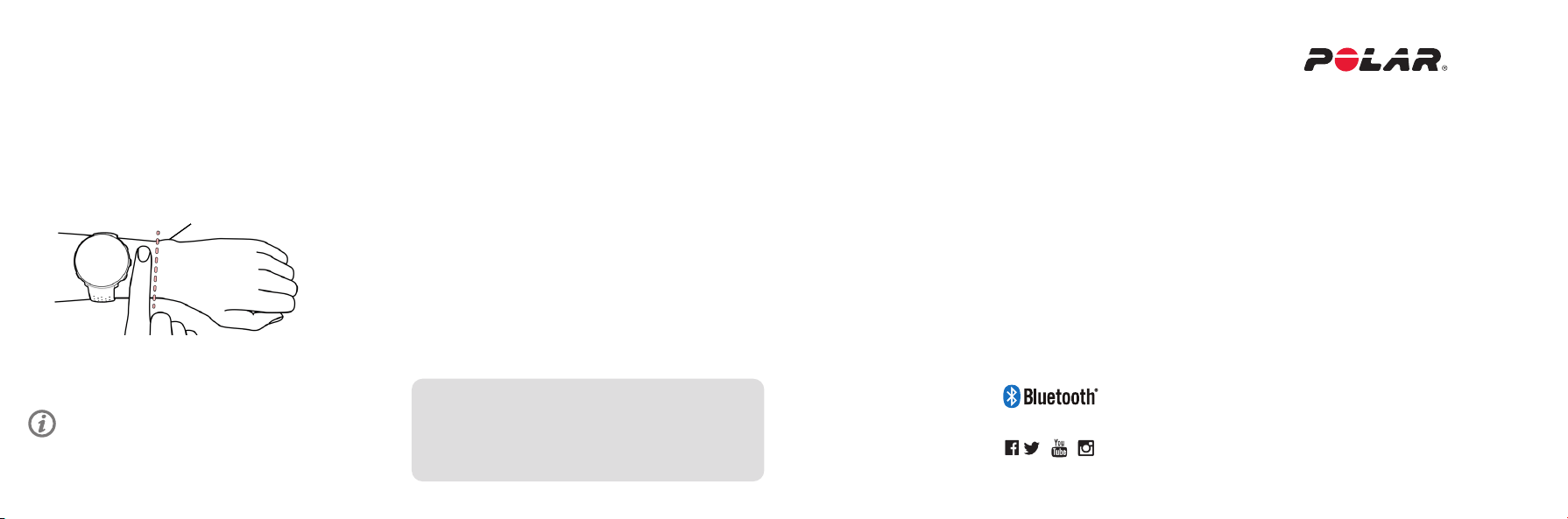
To get accurate heart rate readings during training, make sure
that you wear the watch correctly:
Every now and then loosen the wristband a bit for a more
comfortable fit and to let your skin breathe.
• Wear the watch on top of your wrist, at least a finger’s width
up from the wrist bone.
• Tighten the wristband firmly around your wrist. The sensor
on the back must be in constant touch with your skin and
the watch should not be able to move on your arm.
Model: Pacer: 5A, Pacer Pro: 5B, Vantage M/M2: 3A
Pacer
GPS Running Watch
Pacer Pro
Advanced GPS Running Watch
Vantage M & Vantage M2
GPS Multisport Watch
Learn more at support.polar.com/en
17984867.01 ENG 02/2022