1. 2.4G Fan With Light App Instructions
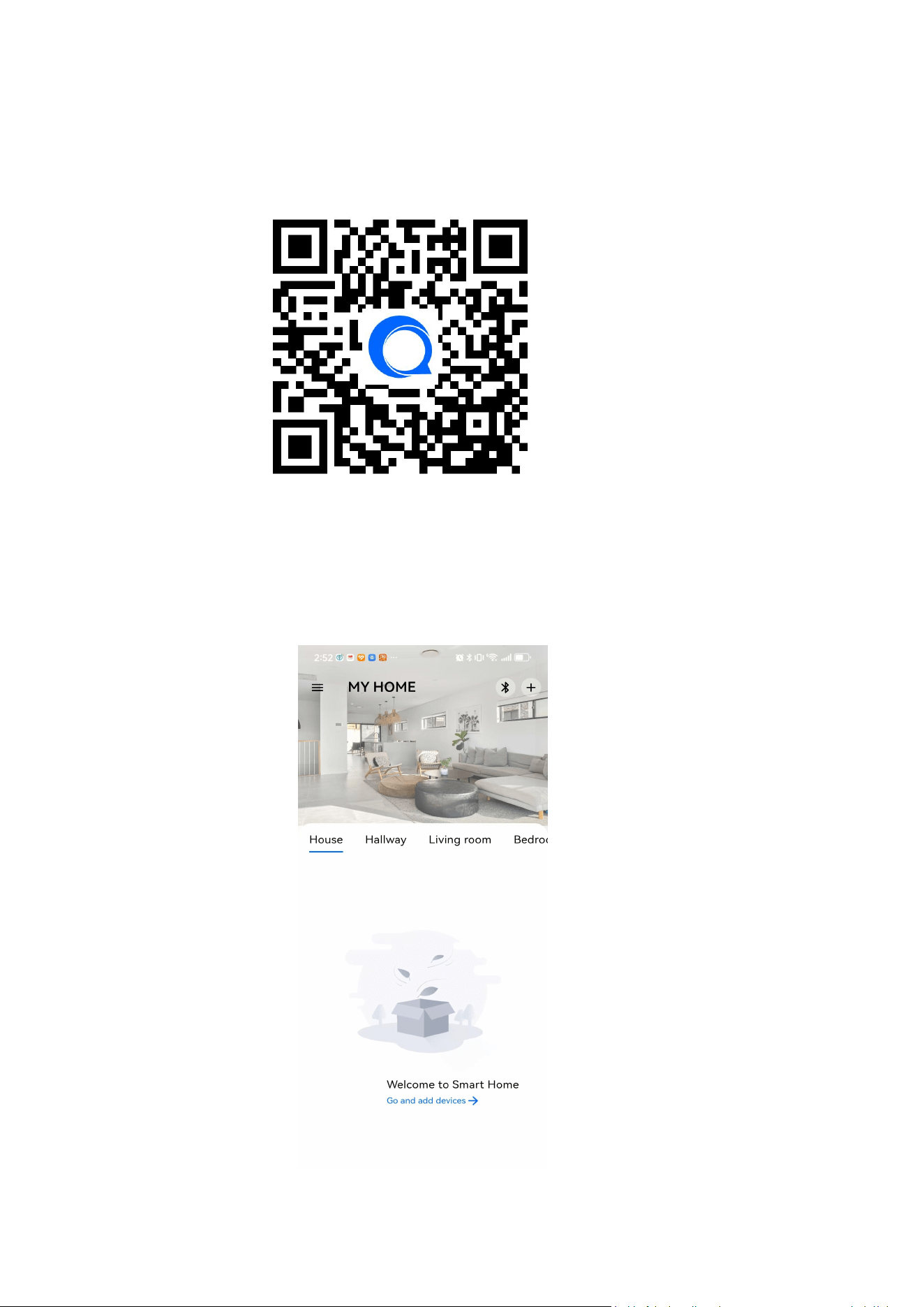
1.1. Download and install App
1.2. Device configuration and control
1. Connect the device to the power supply and confirm that the device can work normally;
2. Open the QuickControl App, click ”+ “ Add Device in the upper right corner, and wait for the
App to automatically search for peripheral devices;
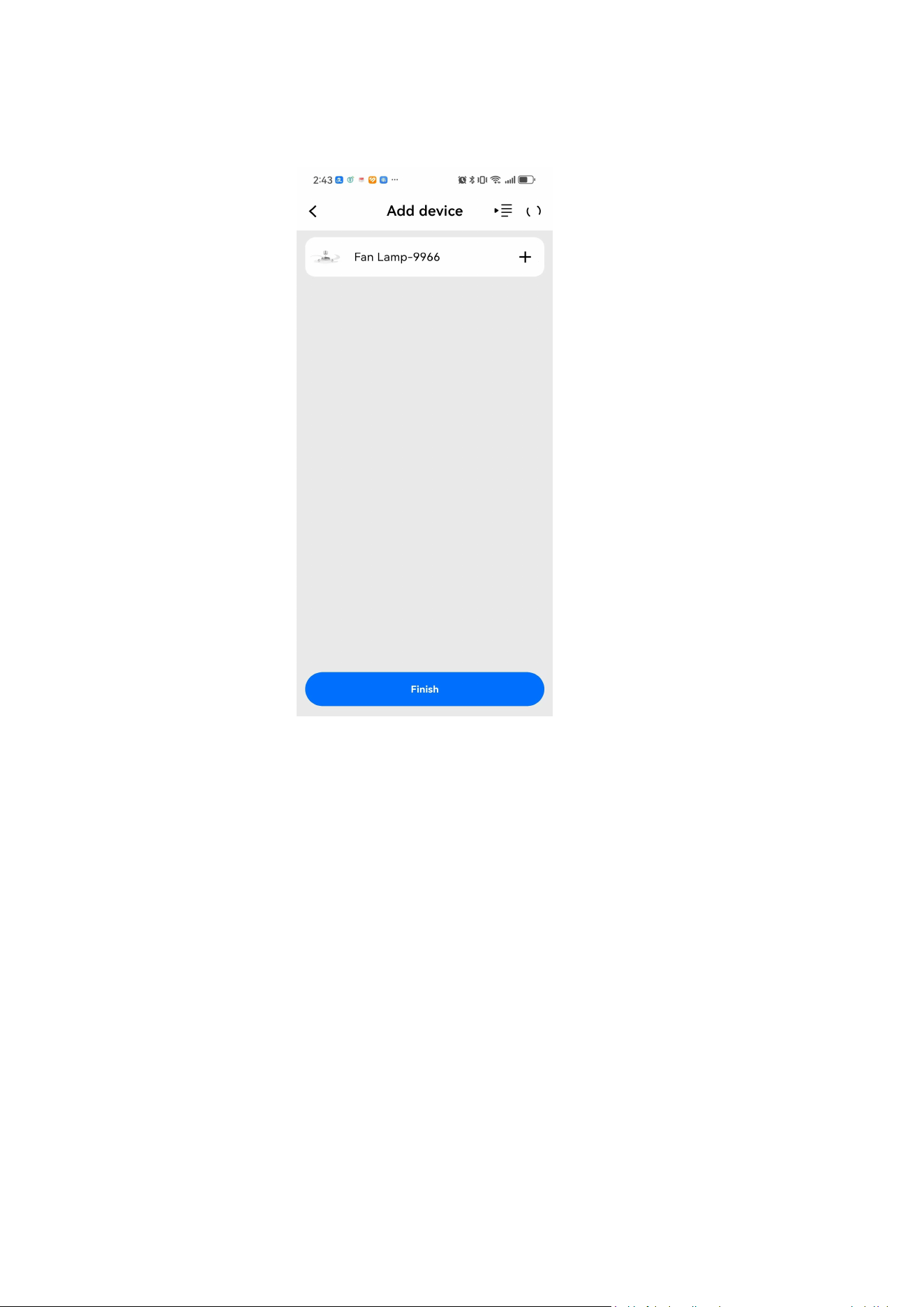
3. After the App scans the device, click Add to finish the device;
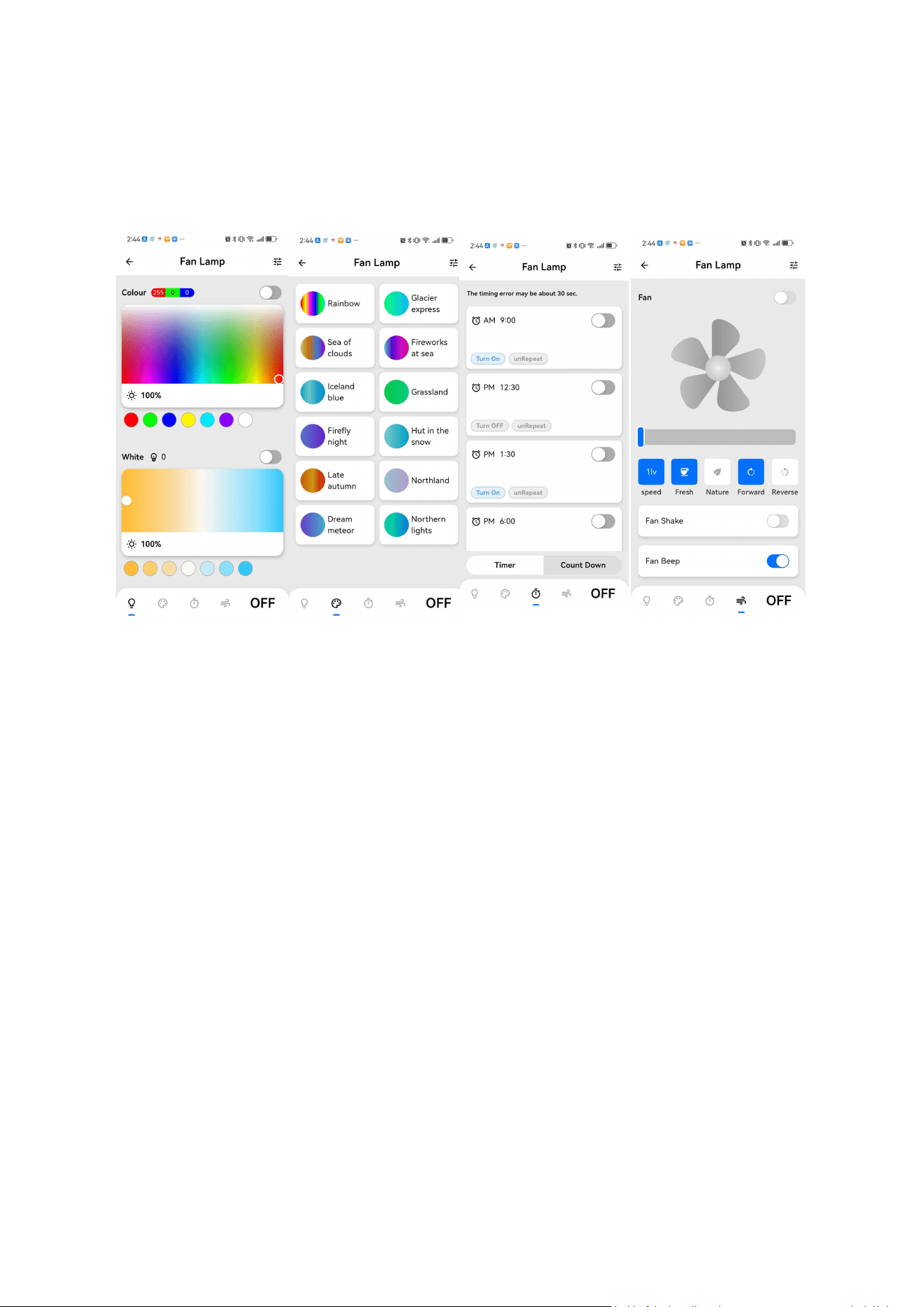
4 Click Done to enter the device control page
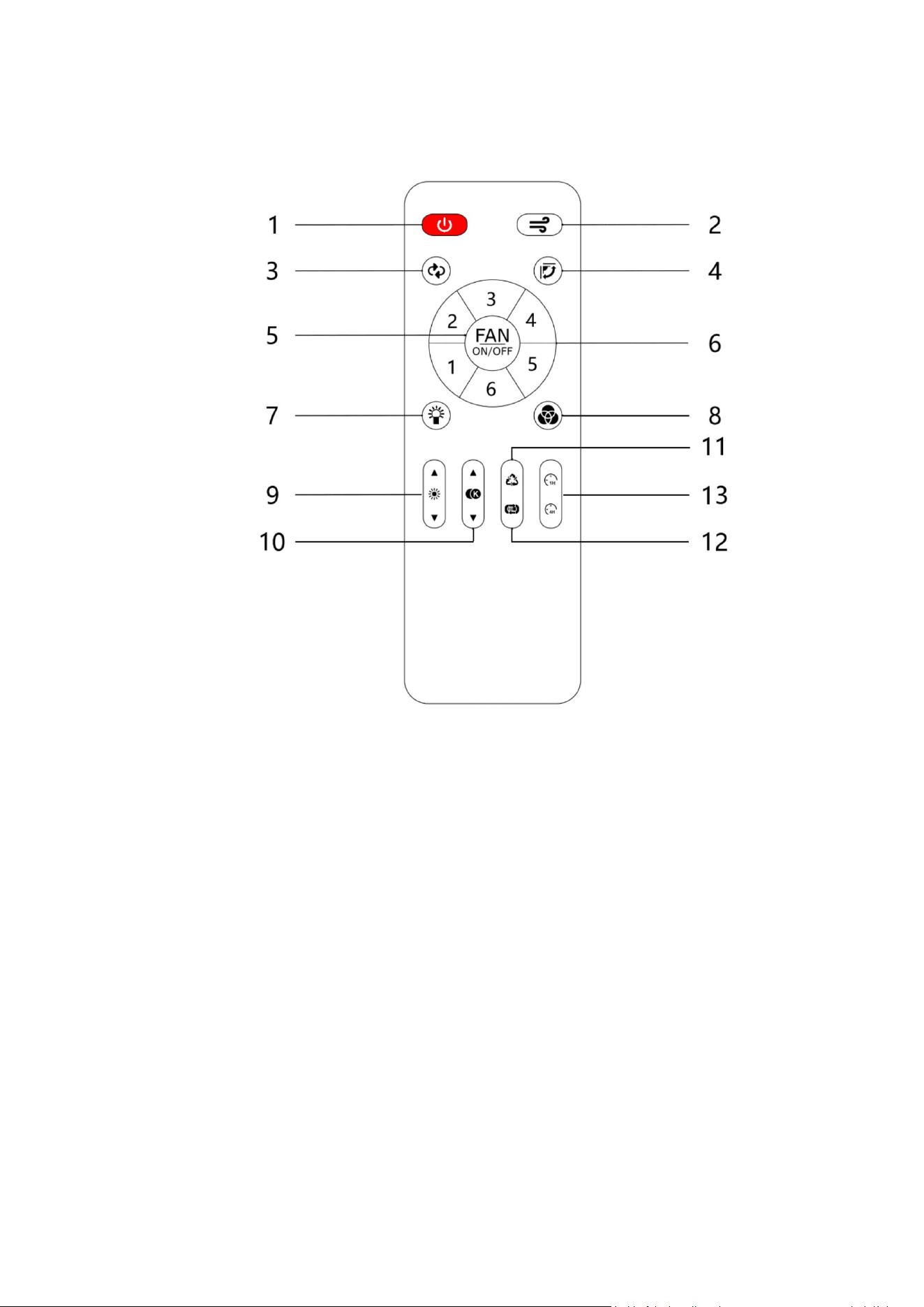
2. Remote Control Instructions
2.1. Pair code
Connect the device to the power supply and confirm that the device can work normally (the light
turns on slowly);
Turn off the power of the device for 5~10 seconds and then turn on the power again;
Short press Button 1 and the device flashes 3 times quickly, then let go;
The code pairing of the remote control is successful. At this time, you can press the button to
control the device.
2.2. Clear code
Connect the device to the power supply and confirm that the device can work normally (the light
turns on slowly);
Turn off the power of the device for 5~10 seconds and then turn on the power again;
Long press Button 2 until the device flashes 3 times quickly, then let go;
The remote control is successfully cleared. At this time, the remote control can no longer control
the device and needs to be re-paired before it can be used.
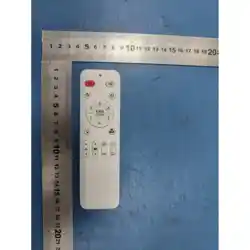
2.3. control#

Button 1: All off, short press to turn off the main light & color light & fan;
Button 2: Fan mode, short press to switch between natural and comfortable wind;
Button 3: Fan direction, short press to switch between forward and reverse;
Button 4: fan rocker switch, only some models support this function;
Button 5: Fan switch, short press to turn on/off the fan;
Button 6: Fan speed, short press to adjust the speed of 6 levels,long press to add app;
Button 7: White light switch, short press to turn on/off the white light;
Button 8: Color light switch, short press to turn on/off color light;
Button 9: Brightness addition and subtraction, short press to adjust the brightness of 10 levels,
and long press to adjust the brightness steplessly;
Button 10: Addition and subtraction of temperature, short press to adjust the 10-level
temperature, long press to adjust the temperature steplessly;
Button 11: Color static cycle switching (red, yellow, green, blue, purple, white);
Button 12: Color dynamic cycle switching;
Button 13: 1 hour/4 hours countdown timer off, fan & white light & color light all off at the same
time;