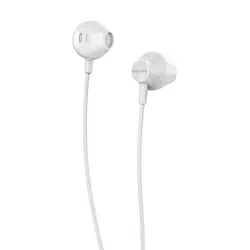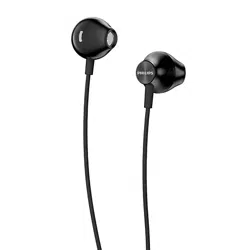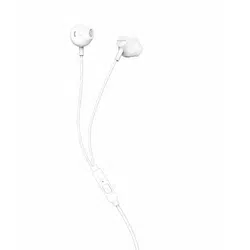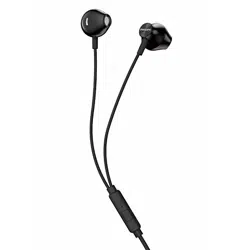
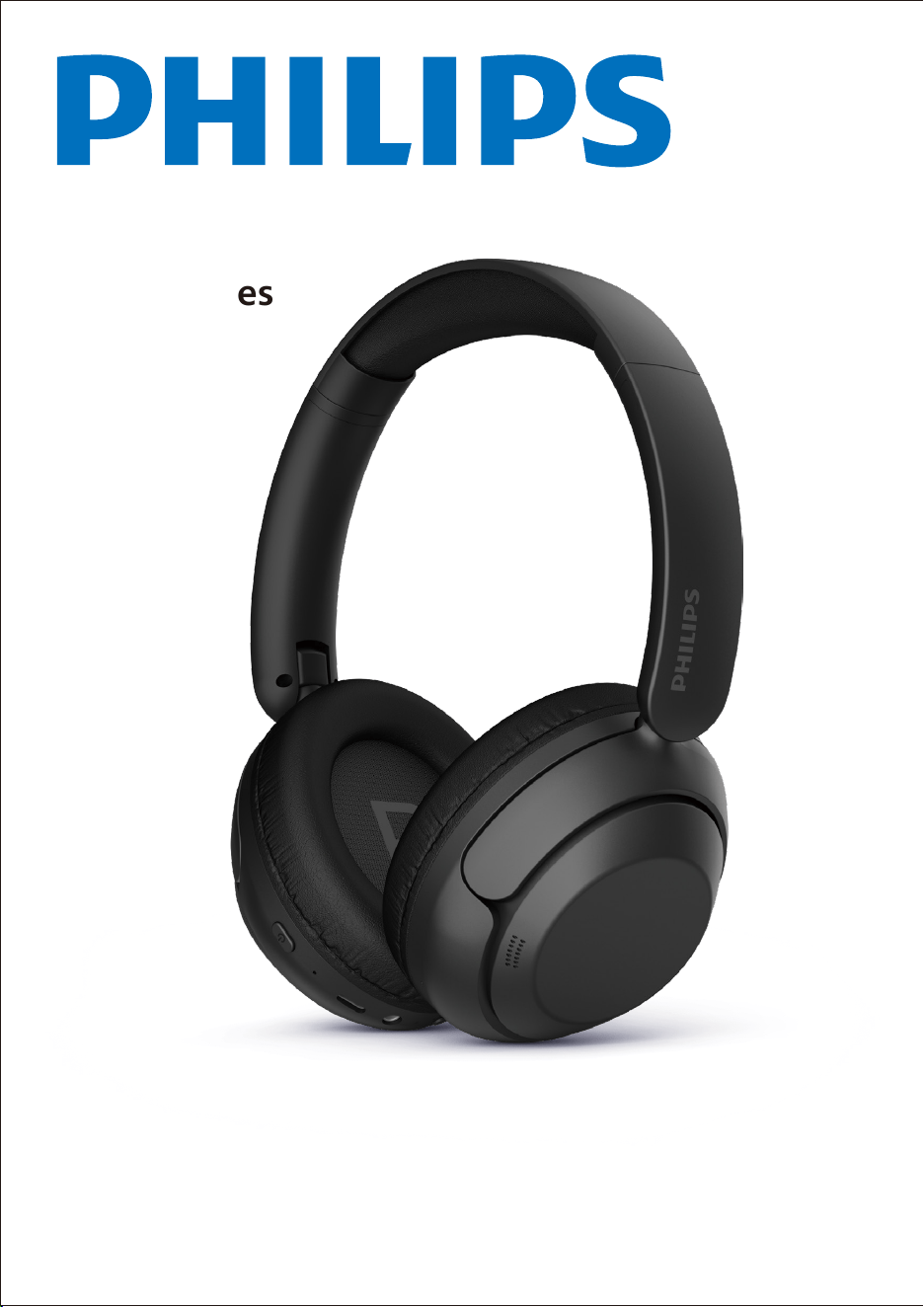
Headphones
TAH1120
User manual
Register your product and get support at
www.philips.com/support

1 2
2
2
2
3
3
3
4
3 5
5
5
6
6
4 7
7
7
7
8
8
5 9
6 Technical data 9
7 Notice 10
Declaration of conformity 10
Dispose of your old product and
battery 10
Remove the integrated battery 10
Compliance with EMF 11
Environmental information 11
Notice of compliance 11
8 Trademarks 13
9 Frequently asked questions 14
Contents
Important safety instructions
Hearing safety
General information
Your owireless over-ear
headphones
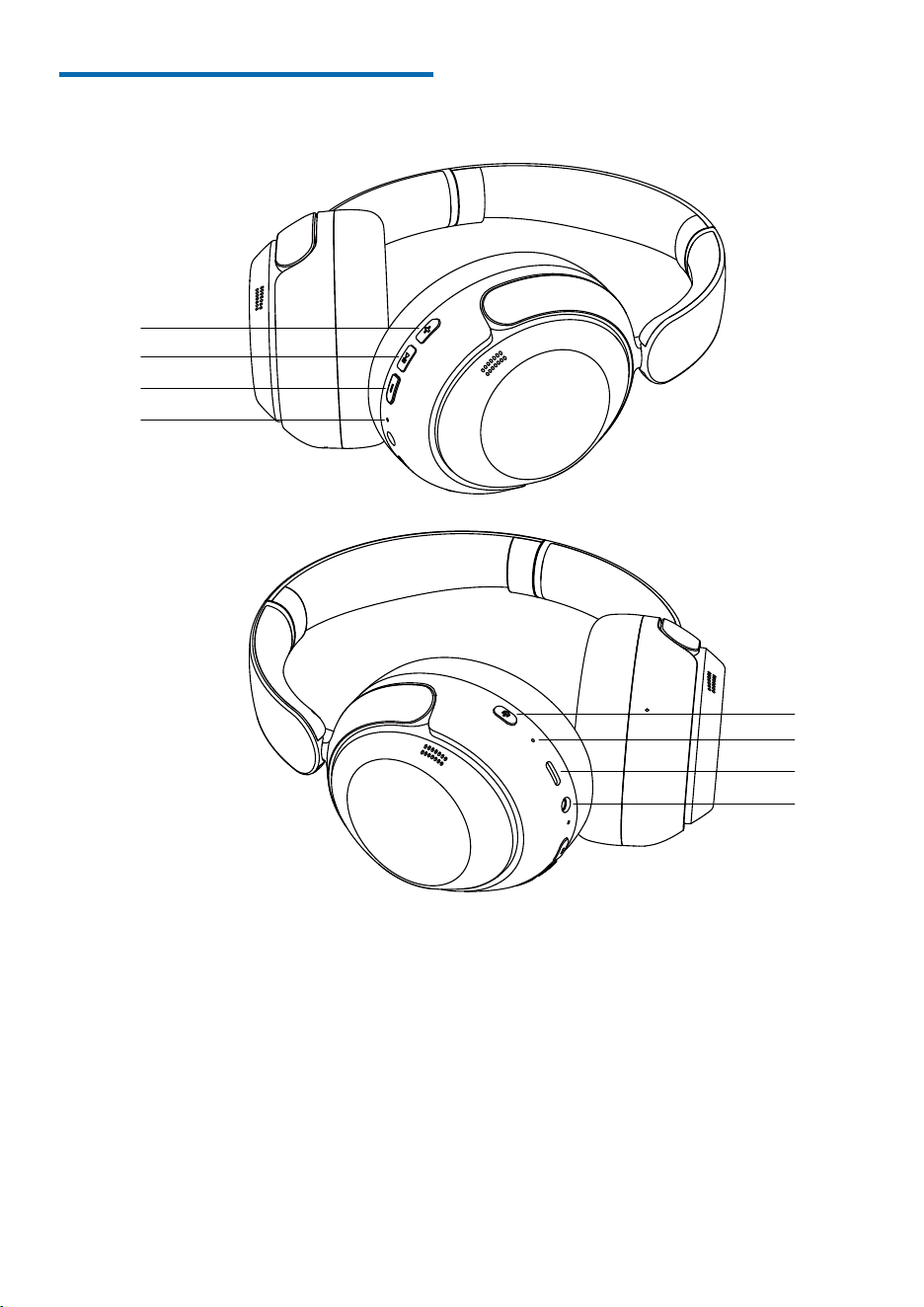
What is in the box
Other devices
Overview of your wireless
over-ear headphones
Get started
Charge the battery
Pair the headphones with your
Bluetooth device for the �rst time
Pair the headphones with another
Bluetooth device
Use your headphones
Connect the headphones to your
Bluetooth device
Power on/off
Manage your calls and music
Voice assistant
Headphones LED indicator status
Reset the headphones
EN2
1 Important
Safety
Instructions
Hearing Safety
Danger
•
•
•
•
•
•
•
r
•
f
General information
To avoid damage or malfunction:
CAUTION
•
•
•
•
•
•
•
•
•
•
•
•
•
•
Operating and storage temperatures and
humidity
•
Store in a place where the temperature
is between -20°C (-4°F) and 50°C (122
°F) with up to 90% relative humidity.
•
Operate in a place where the
temperature is between 0°C (32°F) and
45°C (113 °F) with up to 90% relative
humidity.
•
Battery life may be shorter in high or
low temperature conditions.
•
Replacement of a battery with an
incorrect type risks severely damaging
the earpieces and the battery (for
example, in the case of some lithium
battery types).
To avoid hearing damage, limit the time you use
headphones at high volume and set the volume
to a safe level. The louder the volume, the
shorter the safe listening time is.
Be sure to observe the following
guidelines when using your headphones.
Listen at reasonable volumes for
reasonable periods of time.
Be careful not to adjust the volume
continuously upwards as your
hearing adapts.
Do not turn up the volume so high
that you can't hear what's around
you.
You should use caution or temporarily
discontinue use in potentially
hazardous situations.
Excessive sound pressure from
earpieces and headphones can cause
hearing loss.
Using headphones with both ears
covered while driving is not
recommended and may be illegal in
some areas.
For your safety, avoid distractions
from music or phone calls while in
traffic or other potentially dangerous
environments.
Do not expose headphones to excessive heat.
Do not drop your headphones.
Headphones shall not be exposed to dripping or
splashing. (Refer to the IP rating of speci�c
product.)
Do not allow your headphones to be submerged
in water.
Do not charge your headphones when the
connector or socket is wet.
Do not use any cleaning agents containing
alcohol, ammonia, benzene or abrasives.
If cleaning is required, use a soft cloth, if
necessary dampened with a minimum amount
of water or diluted mild soap, to clean the
product.
The integrated battery shall not be exposed to
excessive heat such as sunshine, �re or the like.
Danger of explosion if batteries are incorrectly
replaced. Replace only with the same or
equivalent type.
To achieve the speci�c IP rating, the charging
slot cover must be closed.
Disposal of a battery into �re or a hot oven, or
mechanically crushing or cutting a battery, can
result in an explosion.
Leaving a battery in an extremely high
temperature surrounding environment that
can result in an explosion or the leakage of
�ammable liquid or gas.
A battery subjected to extremely low air
pressure that may result in an explosion or the
leakage of �ammable liquid or gas.
To avoid risk of �re, the equipment is supplied
only by external power source which output
shall comply with PS1 (with output capacity
less than 15W).
3EN
2 Your wireless
over-ear
headphones
Congratulations on your purchase, and
your product at
www.philips.com/support. With these
Philips Wireless over-ear headphones
you can:
• Enjoy convenient wireless handsfree
calls
• Enjoy and control music wirelessly
• Switch between calls and music
What is in the box
Philips Wireless over-ear headphones
Philips TAH1120
Type-C charging cable
Other devices
A mobile phone or device (e.g. notebook,
tablet, Bluetooth adapters, MP3 players
etc) which supports Bluetooth and is
compatible with the earpieces.
Quick Start Guide
Warranty
Safety Lea�et
www.philips.com/welcome
Headphones
TAH1120
EN4
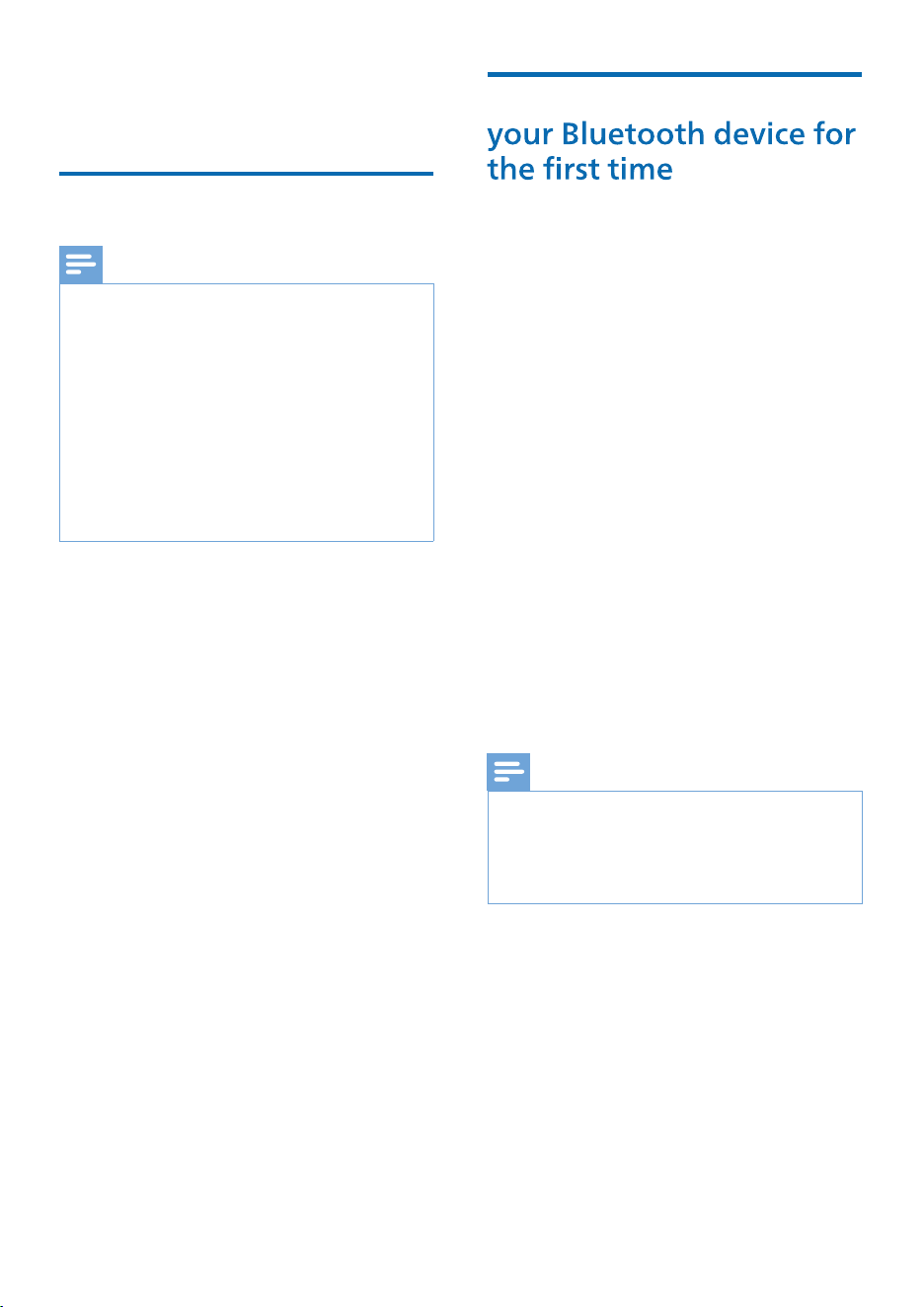
Overview of your wireless
over-ear headphones
① Volume +
② Multifunction Button
③ Volume -
④ Microphone Hole
⑤ Power
⑥ LED Indicator
⑦ USB Charging Port
⑧ 3.5mm AUX Jack
①
②
③
④
⑤
⑥
⑦
⑧
5EN
3 Get started
Charge the battery
Note
•
•
•
•
Pair the headphones with
1
2
Press and hold the power button for 2
seconds to turn on the device
»
»
3
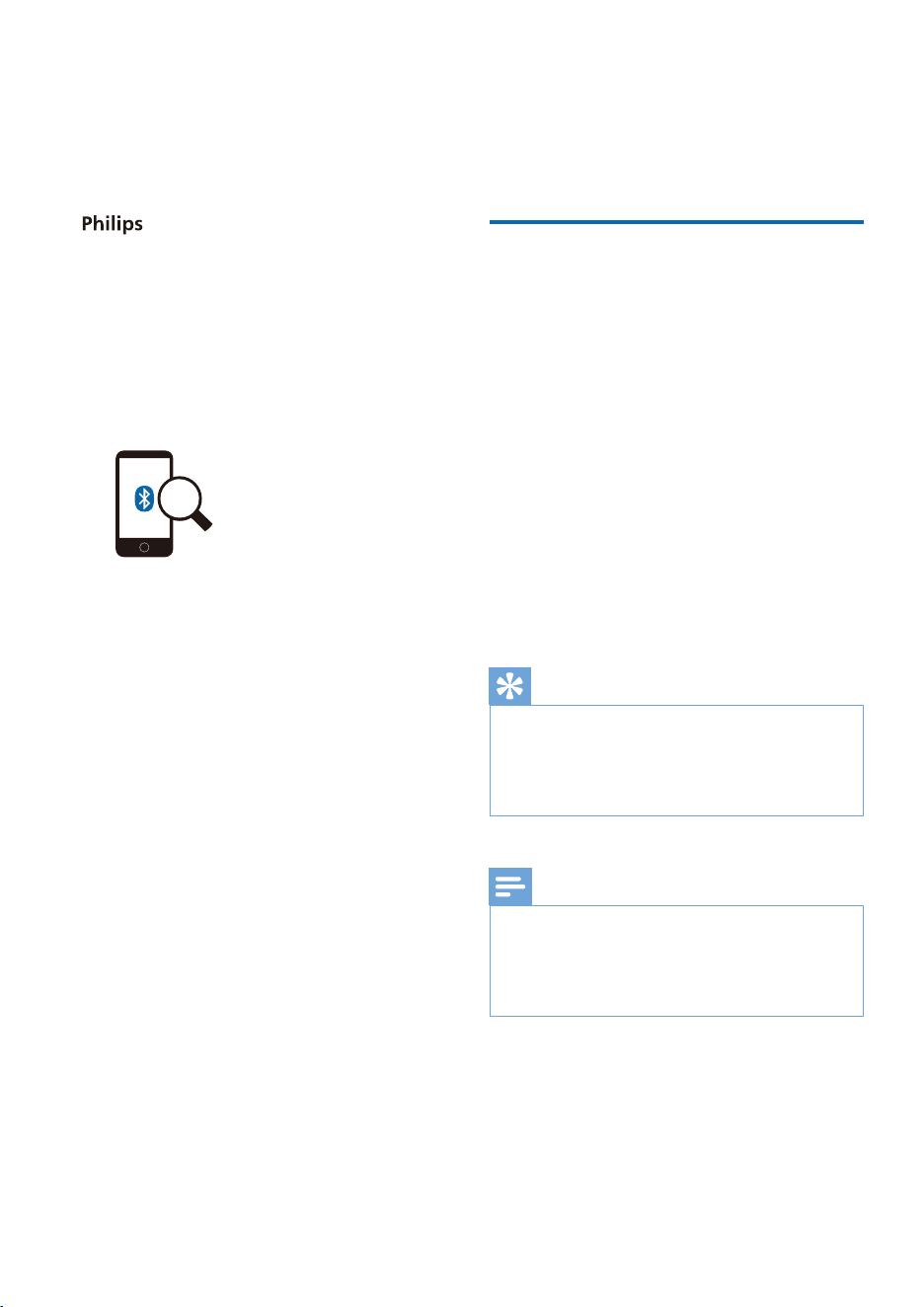
Turn on the Bluetooth function of
your Bluetooth device.
4
Note
•
The LED indicator light on the
headphones �ashes alternately in
white and blue after the white
indicator light stays on for 2
seconds
» USB-C charging slot on headphones
» USB interface for charger/computer
Please connect the provided USB-C
charging cable to:
When charging the headphones, the
LED will light up as a white light, and
once the headphones are fully charged,
the white light will turn off
Before you use your headphones, place them
in the charging case and charge the battery
for 2 hours for optimum battery capacity and
lifetime.
Use only the original USB-C charging cable to
avoid any damage.
Finish your call before charging. Connect the
headphones to the charger, the headphones
will turn off automatically.
If the headphones are not used for a long time,
the rechargeable battery will begin to lose its
charge. To avoid this loss, please fully charge
the battery at least once every three months.
Make sure that the headphones are
fully charged and turned off.
The headphones are now in pairing
mode and are ready to pair with
a Bluetooth device (e.g. a mobile
phone)
Pair the headphones with your
Bluetooth device, refer to the user
manual of your Bluetooth device.
After powering on, if the headphones can't �nd
any previously connected Bluetooth device, put
them into pairing mode (if the last connected
device is unavailable, the headphones will enter
pairing mode one minute later).
6EN
4
1
Turn on the Bluetooth function of
your Bluetooth device.
2
Press and hold the on/off button to
turn on the headphones
»
The headphones automatically
reconnect to the previous phone/
Bluetooth device
»
The white LED will turn on within
2 seconds
Tips
•
Note
• If you �rst turn on the headphones and then
turn on the Bluetooth function of the Bluetooth
device, you must go to the Bluetooth menu of
the device and manually connect the
headphones to the Bluetooth device.
1
Turn on the Bluetooth function
of your Bluetooth device, select
2
TAH1120.
Philips TAH1120
If you �rst turn on the headphones and then
turn on the Bluetooth function of the Bluetooth
device, you must go to the Bluetooth menu of
the device and manually connect the earphones
to the Bluetooth device.
The following example shows you how
to pair the headphones with your Bluetooth
device.
Enter the headphones' password"0000"
(4 zeros) if prompted. For those
devices featuring Bluetooth 3.0 or
higher, there is no need to enter a
password.
Use your
headphones
Connect the headphones
to your Bluetooth device
7EN
P
Task Button
Button
Button
Action
T MFB
MFB
urn on the
headphones
Press and hold for
2 seconds
Long press for
4 seconds
Manage your calls and
music
Music control
Task Action
Play or pause
music
MFB Double tap
Next track
Previous track
Adjust volume
+
Adjust volume -
Call control
Task Action
Pick up a call Single click
Press and hold
for 1 second
Press and hold
for 1 second
Single click
Single click
Long press
Long press
Hang up call
Reject a call
Wired connection
You can also use the headphones together
with the provided audio cable, and
connect the provided audio cable to the
headphones and external audio equipment.
Note
• When the 3.5mm audio cable is inserted into
the headset port, the headset will power off
automatically.
•
When the 3.5mm audio cable is connected
between your phone and the TAH1120 headset,
the headset cannot be used for phone call
audio input.
• It is not recommended to use the headset via
the 3.5mm audio cable while charging.
Volume +
Volume +
Volume -
Volume -
MFB
MFB
MFB
Turn the
headphones
off

Voice assistant
EN8
Task Button Action
Trigger voice
assistant
(Siri/Google)
Stop Voice
Assistant
Single click
MFB
MFB
Headphones LED indicator
status
Headphones status Indicator
The indicator light
is off
The blue and white
LED indicator lights
�ash alternately
The blue and white
LED indicator lights
�ash alternately
(automatically turn
off after 5 minutes)
The white LED indicator
light �ashes 1 times
every 5 seconds
Battery is fully
charged
Refer to case LED
The headphones
are connected to
Bluetooth
The headphones
areready for
pairing
The headphones are
on but not connected
to a Bluetooth device
Low battery level
Press and
hold for 2
seconds
9EN
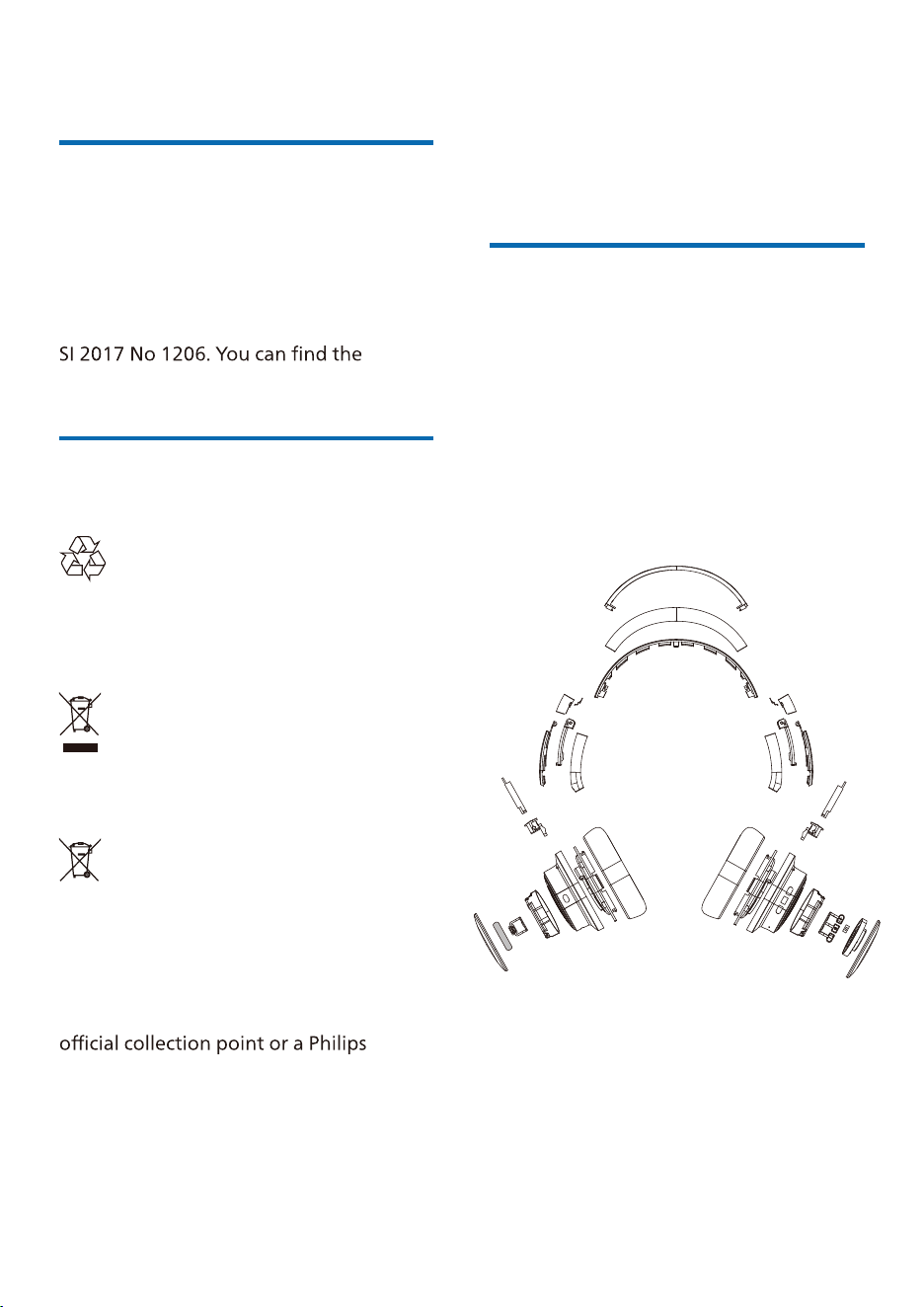
5 Reset the
headphones
1 On your Bluetooth device, go to
the Bluetooth menu and remove
from the device list.
2
your Bluetooth device.
3
4
Press and hold the volume up and
volume down buttons on the
headphones simultaneously for 4
seconds to clear all information
5
6
6 Technical data
• Music time: 48hours
• Charging time: 2 hours
•
• Bluetooth version: 6.0
•
•
• A2DP (Advanced audio
• AVRCP (Audio Video Remote
• Supported audio codec: SBC
• Frequency range: 2.402-2.480GHz
• Transmitter power: < 10 dBm
• Operating range: up to 10 meters
(33 feet)
•
• USB-C port for charging
• Low battery warning:Voice broadcast
prompt
Note
•
notice.
Philips TAH1120
Rechargeable lithium-ion battery
300mAh
If you encounter any pairing or
connection issue, you can follow the
following procedure to reset your
headphones to factory default settings.
Ensure that the headphones are not
connected to a Bluetooth device
Follow steps in "Use your headphones
- connect the headphones to your
Bluetooth device."
Pair the headphones with your
Bluetooth device, select
Philips TAH8040.
EN10
7 Notice
Declaration of conformity
Hereby, MMD Hong Kong Holding
Limited declares that the product
is in compliance with the essential
requirements and other relevant
provisions of RED Directive 2014/53/EU
and UK Radio Equipment Regulations
Declaration of Conformity on
www.philips.com/support.
Dispose of your old
product and battery
Your product is designed and
manufactured with high quality
materials and components, which can be
recycled and reused.
This symbol on a product means that the
product is covered by European Directive
2012/19/EU.
This symbol means that the product
contains a built-in rechargeable battery
covered by European Directive 2013/56/
EU which cannot be disposed of with
normal household waste. We strongly
advise you to take your product to an
service centre to have a professional
remove the rechargeable battery.
Inform yourself about the local separate
collection system for electrical and
electronic products and rechargeable
batteries. Follow local rules and never
dispose of the product and rechargeable
batteries with normal household
waste. Correct disposal of old products
and rechargeable batteries helps
prevent negative consequences for the
environment and human health.
Remove the integrated
battery
If there is no collection/recycling system
for electronic products in your country,
you can protect the environment by
removing and recycling the battery
before disposing of the earpieces.
• Before removing the battery, make
sure the earphones are turned off
and disconnected from charging.
11EN
Compliance with EMF
This product complies with all applicable
standards and regulations regarding
Environmental
information
All unnecessary packaging has been
omitted. We have tried to make the
packaging easy to separate into three
materials: cardboard (box), polystyrene
and protective foam sheet).
Your system consists of materials
which can be recycled and reused if
disassembled by a specialized company.
Please observe the local regulations
regarding disposal of packaging
materials, exhausted batteries and old
equipment.
Notice of compliance
The device complies with the FCC rules,
Part 15. Operation is subject to the
following two conditions:
1.
2.
This equipment has been tested and
found to comply with the limits for
a Class B digital device, pursuant to
Part 15 of the FCC Rules. These limits
are designed to provide reasonable
protection against harmful interference
in a residential installation. This
equipment generates, uses and can
radiate radio frequency energy and, if
not installed and used in accordance
with the instruction manual, may
cause harmful interference to radio
communications.
However, there is no guarantee that
interference will not occur in a particular
installation. If this equipment does
cause harmful interference to radio
or television reception, which can be
determined by turning the equipment
try to correct the interference by one or
more of the following measures:
• Reorient or relocate the receiving
antenna
• Increase the separation between
equipment and receiver
• Connect the equipment into an outlet
which the receiver is connected.
• Consult the dealer or an experienced
radio/TV technician for help.
This equipment complies with FCC
radiation exposure limits set forth for an
uncontrolled environment.
This transmitter must not be co-located
or operated in conjunction with any
other antenna or transmitter.
this unit not expressly approved by the
party responsible for compliance could
void the user’s authority to operate the
equipment.
This device contains license-exempt
transmitter(s) / receiver(s) that comply
with Innovation, Science and Economic
Development Canada’s license-exempt
RSS(s). Operation is subject to the
following two conditions: (1) This device
may not cause harmful interference. (2)
This device must accept any interference
received, including interference that may
cause undesired operation of the device.
EN12
This equipment complies with Canada
radiation exposure limits set forth for
uncontrolled environments.
This transmitter must not be co-located
or operated in conjunction with any
other antenna or transmitter.
CAN ICES-003(B)/NMB-003(B)

13EN
8 Trademarks
Bluetooth®
The Bluetooth® word mark and logos
are registered trademarks owned
by Bluetooth SIG, Inc. and any use
of such marks by MMD Hong Kong
Holding Limited is under license. Other
trademarks and trade names are those
of their respective owners.
Siri
Siri is a trademark of Apple Inc.,
registered in the U.S. and other
countries.
Google
Google and Google Play are trademarks
of Google LLC.
EN14
9 Frequently
asked
questions
The battery level is low. Charge the
earpieces.
Bluetooth is disabled. Enable the
Bluetooth feature on your Bluetooth
device and turn on the Bluetooth device
before you turn on the earpieces.
• Put both earpieces into charging
case.
• Make sure you have disabled the
Bluetooth function of any previously
connected Bluetooth devices.
• On your Bluetooth device, delete
“Philips TAH1120” from the Bluetooth
list.
• Pair your earpieces (see ‘
Pair the
’ on page 6).
• The earpieces may be connected to a
connected device or move it out of
range.
• Pairing may have been reset or the
earpieces have been previously
paired with another device. Pair
the earpieces with the Bluetooth
device again as described in the user
manual. (see ‘
Pair the earpieces with
time
’ on page 6).
Refer to the user manual of your mobile
phone. Select to listen to music through
the earpieces.
• The Bluetooth device is out of range.
Reduce the distance between your
headset and Bluetooth device, or
remove obstacles between them.
• Charge your headset.
Make sure your mobile phone not
only supports (mono) HFP but also
supports A2DP and is BT4.0x (or higher)
compatible (see ‘
Technical data
’ on
page 9).

2025 © MMD Hong Kong Holding Limited. All rights reserved.
and the Philips Shield Emblem are registered trademarks of
Koninklijke Philips N.V. and are used under license. This product
has been manufactured by and is sold under the responsibility
MMD Hong Kong Holding Limited is the warrantor in relation
to this product. All other company and product names may be
trademarks of its respective companies with which they are
associated.
UM_TAH1120_70_EN_V1.0