FIIO
F
4001E
instruction
manual
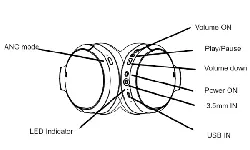
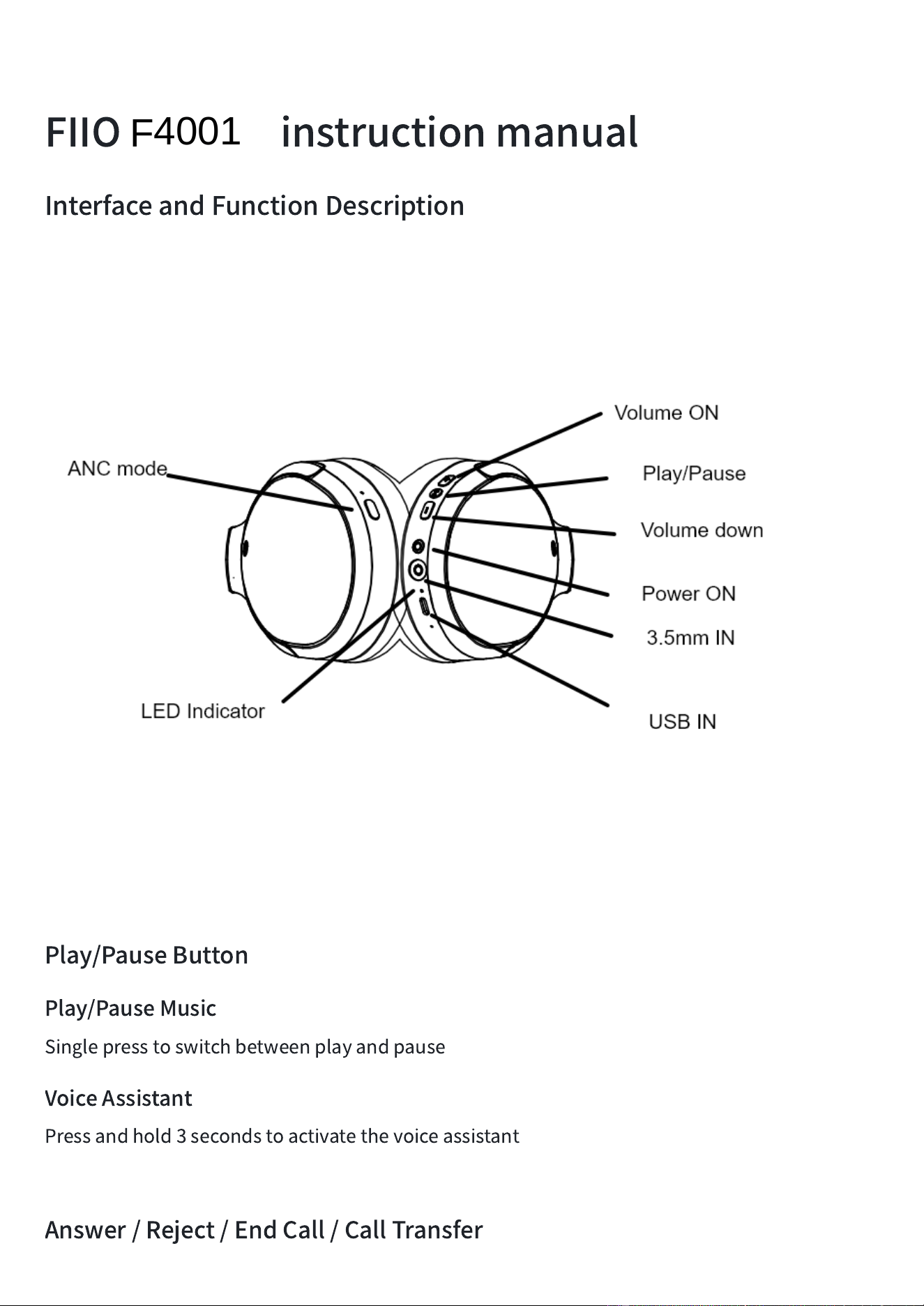
InterfaceandFunctionDescription
Play/PauseButton
Play/PauseMusic
Singlepresstoswitchbetweenplayandpause
VoiceAssistant
Pressandhold3secondstoactivatethevoiceassistant
Answer/Reject/EndCall/CallTransfer
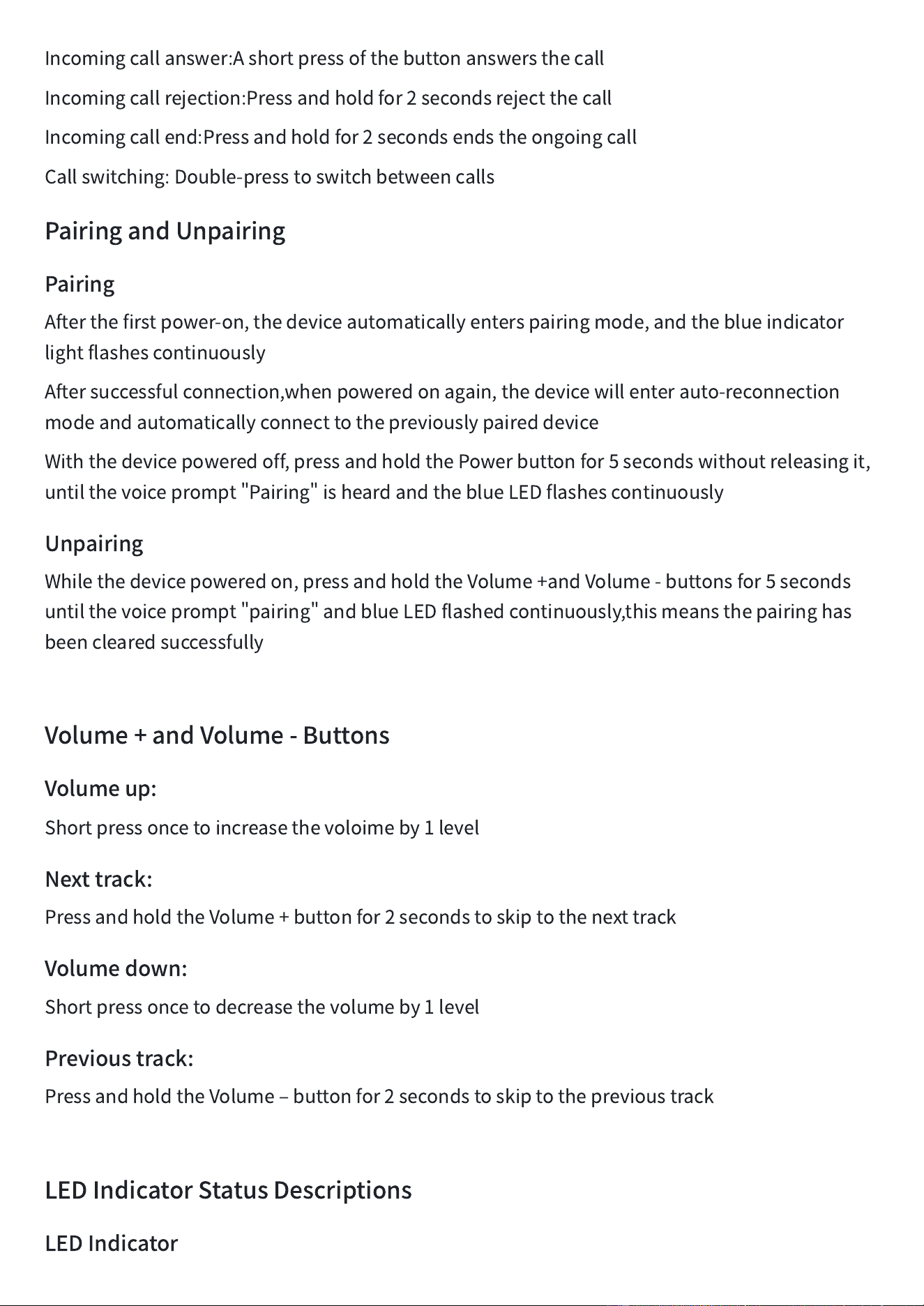
Incomingcallanswer:Ashortpressofthebuttonanswersthecall
Incomingcallrejection:Pressandholdfor2secondsrejectthecall
Incomingcallend:Pressandholdfor2secondsendstheongoingcall
Callswitching:Double-presstoswitchbetweencalls
PairingandUnpairing
Pairing
Afterthefirstpower-on,thedeviceautomaticallyenterspairingmode,andtheblueindicator
lightflashescontinuously
Aftersuccessfulconnection,whenpoweredonagain,thedevicewillenterauto-reconnection
modeandautomaticallyconnecttothepreviouslypaireddevice
Withthedevicepoweredoff,pressandholdthePowerbuttonfor5secondswithoutreleasingit,
untilthevoiceprompt
"
Pairing
"
isheardandtheblueLEDflashescontinuously
Unpairing
Whilethedevicepoweredon,pressandholdtheVolume+andVolume-buttonsfor5seconds
untilthevoiceprompt
"
pairing
"
andblueLEDflashedcontinuously,thismeansthepairinghas
beenclearedsuccessfully
Volume+andVolume-Buttons
Volumeup:
Shortpressoncetoincreasethevoloimeby1level
Nexttrack:
PressandholdtheVolume+buttonfor2secondstoskiptothenexttrack
Volumedown:
Shortpressoncetodecreasethevolumeby1level
Previoustrack:
PressandholdtheVolume
‒
buttonfor2secondstoskiptotheprevioustrack
LEDIndicatorStatusDescriptions
LEDIndicator
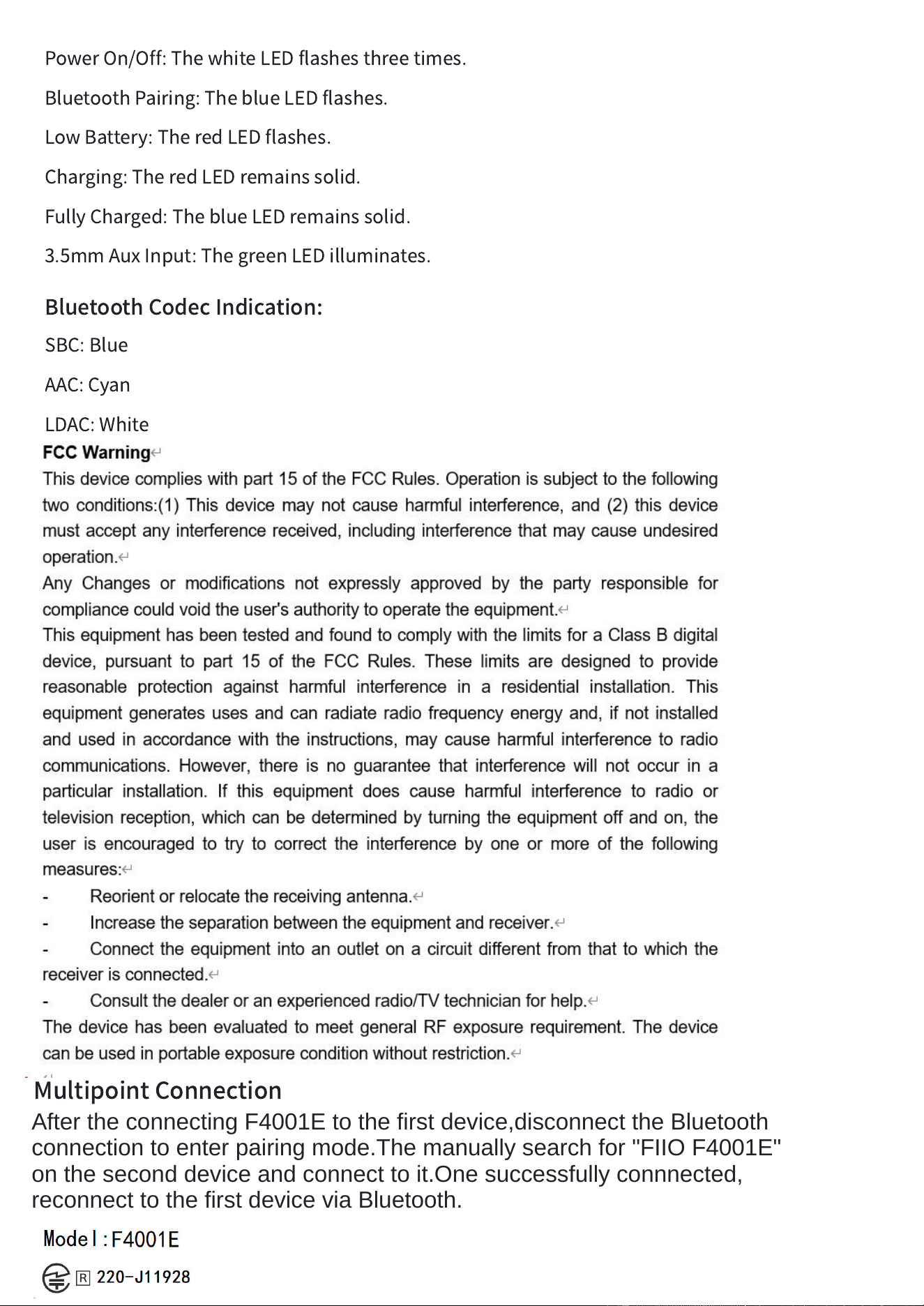
PowerOn/Off:ThewhiteLEDflashesthreetimes.
BluetoothPairing:TheblueLEDflashes.
LowBattery:TheredLEDflashes.
Charging:TheredLEDremainssolid.
FullyCharged:TheblueLEDremainssolid.
3.5mmAuxInput:ThegreenLEDilluminates.
BluetoothCodecIndication:
SBC:Blue
AAC:Cyan
LDAC:White
Multipoint
Connection
After the connecting F4001E to the first device,disconnect the Bluetooth
connection to enter pairing mode.The manually search for "FIIO F4001E"
on the second device and connect to it.One successfully connnected,
reconnect to the first device via Bluetooth.