STEP 1
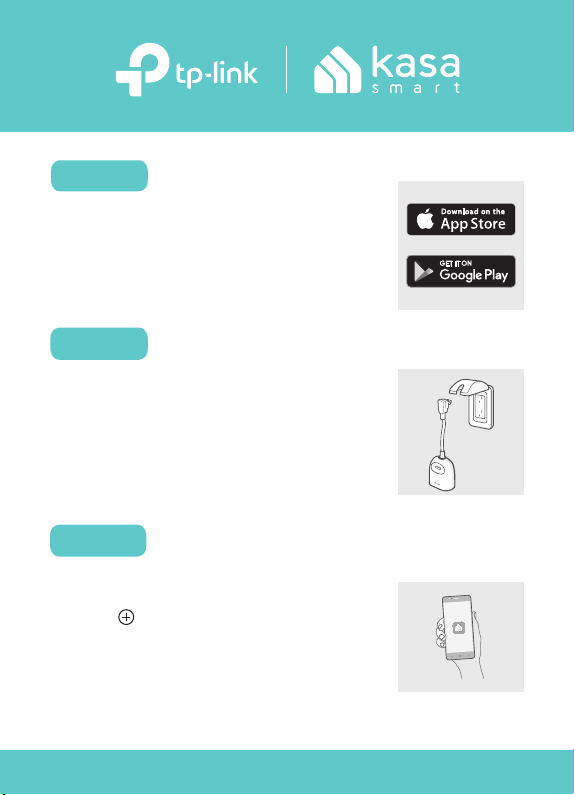
DOWNLOAD KASA
Get the Kasa Smart app from the
App Store or Google Play.
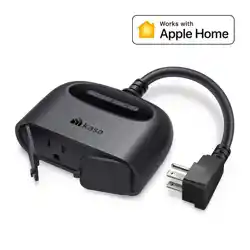
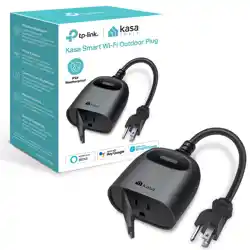
Let’s get started with your new Smart Outdoor Plug.
POWER UP
Plug in your smart outdoor plug.
Note: Keep the plug at least 12 inches (1 ft)
from the ground and keep its socket covered
with the weatherproof cover when not in use.
ADD TO KASA
Tap the button in the Kasa
Smart app. Select Smart Plugs
and then your model. Follow the
app instructions to complete the
setup.
STEP 2
STEP 3
7106510884 REV1.1.0 © 2024 TP-Link
*Image may dier from
actual product.
Press and hold the Power button for 5 seconds.
Press and hold the Power button for 10 seconds.
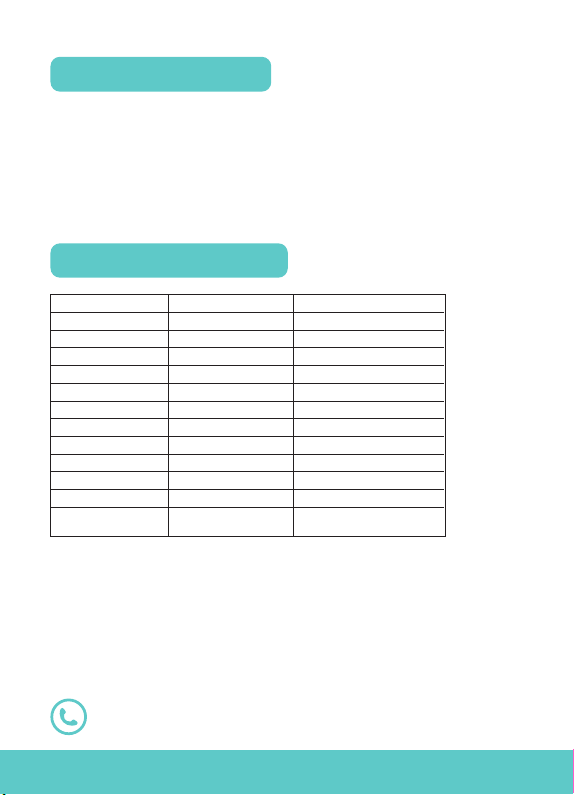
Load Type
Iron
Kettle
Desk Lamp
Heater
Toaster
Coee Maker
TV
PC
Fan
Water Pump
Power Adapter/
USB Charger *
Motor
Max Current
15A
15A
15A
1.2A
15A
15A
4A
7A
4.4A
4.4A
2.4A
4.4A
Max Power (at 120V~)
1800W
1800W
80W
1800W
1500W
1200W
350W
600W
367W(1/2HP)
367W(1/2HP)
200W
367W(1/2HP)
Note:
1. *Power Adapters/USB Chargers rated under 75W do not support PFC (Power
Factor Correction). PFC can reduce the inrush current generated when the
relay is turned on. Therefore, using a 60-75W Power Adapter/USB Charger may
damage the device due to inrush currents.
2. Avoid plugging your appliances with a motor/compressor higher than 1/2HP.
Frequent on/o switching may damage the compressor. You can check the
motor/compressor value listed on your appliances or consult their Support.
3. EV charging is not supported as it demands higher power and a charging
current that surpasses the plug's rated capacity.
Factory Reset
Reset Wi-Fi Settings Only
Visit www.tp-link.com/support
for technical support, user guide, and more
Supported Load Types
Supported Load Types
How to Rest the Plug