Please read this manual before switching the unit on.
Important safety information inside.
Dew Point/Wet Bulb/
Psychrometer User Manual


3
Dew Point/Wet Bulb/Psychrometer User Manual
Contents
...........................................................................
1-Production Brief Introduction
..........................................................................................................
2-Features
.................................................................................................
4-Specifications
.............................................................................................
5-Overload Display
.............................................................
6-Front plate Description: (See Figure A)
...........................................................
7-LCD Introcudction(LCD diagram below)
..................................................................................
8-Operations Introductions
.......................................................................................
9-Open the BT function
.......................................................................................
10-Turn off BT function
............................................................................
11-BT and PC communication
......................................................................................
12-Automatic power off
Page
4
4
5
6
7
8
9
11
12
13
13

Dew Point/Wet Bulb/Psychrometer User Manual
4
1-Production Brief Introduction
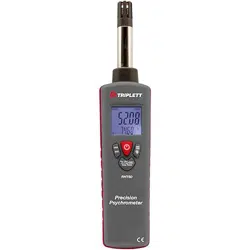
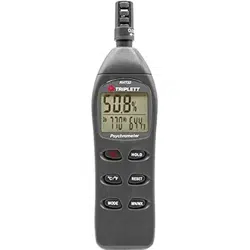
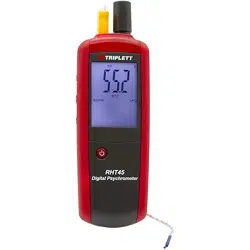
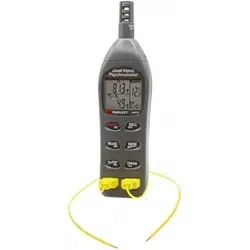
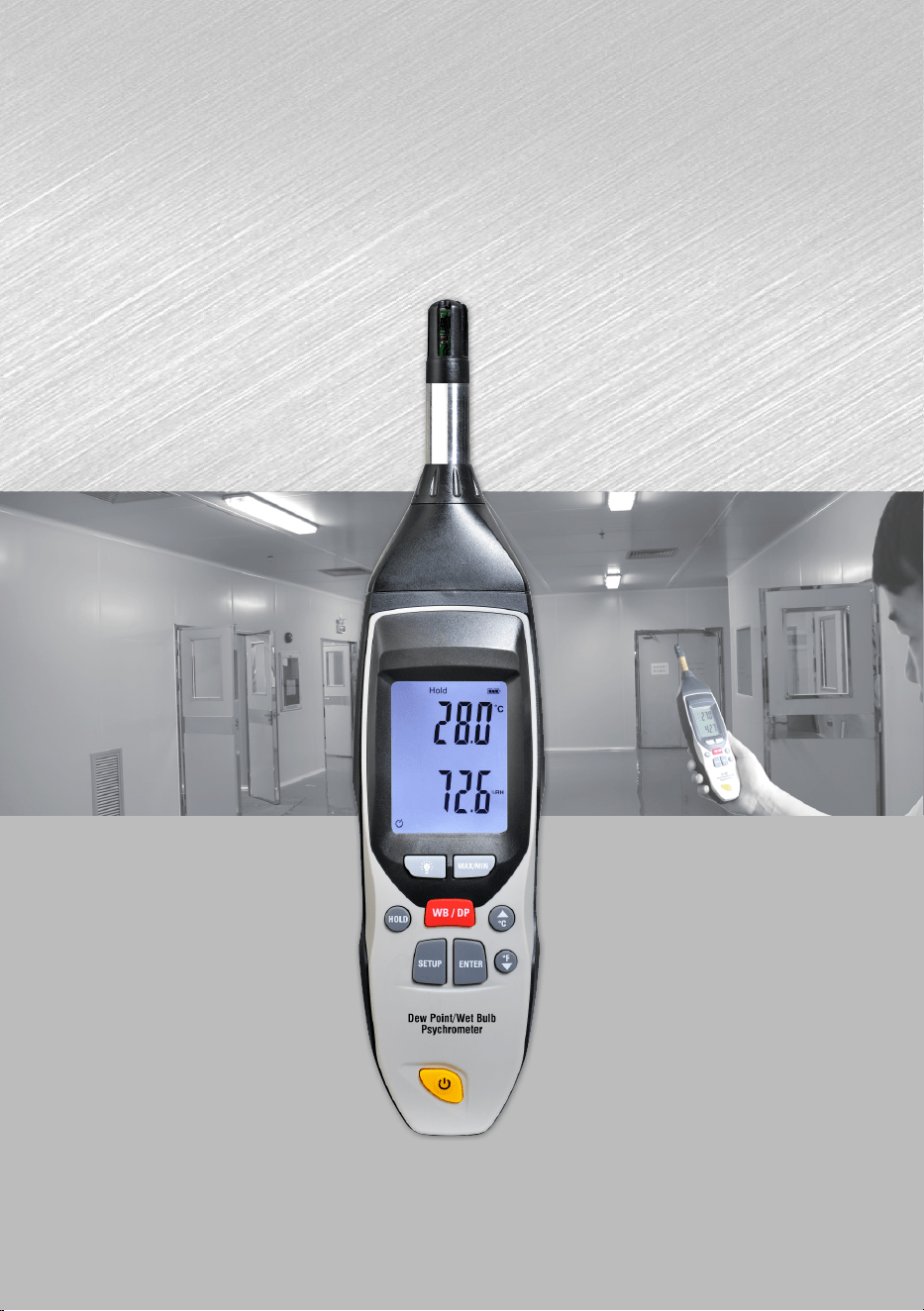
This is a portable temperature and humidity meter, high definition, high quality of the sensor(14 bits 1-
resolution of temperature, 12-bit resolution humidity), with fast response measured ambient temperature
and humidity. With dew point temperature, wet bulb temperature, maximum, minimum, and can be switched
via the front panel buttons to any appropriate mode, with automatic power off and cancel the automatic power
off. Backlight function, can easily view the environment temperature and humidity at night. Equip with
BT4.0 Bluetooth, can transfer the measured data in real-time to the phone.
2-Features
1-With a clear and easy to read LCD screen
o o
2-The temperature reading unit is C and F which can be switched off.
3-It is possible to display the maximum and minimum temperatures, dew point temperature, wet bulb
temperature.3-
4-With power display in real time function, capable of displaying 1/3, 2/3, full power and low power.
5-It is able to free the temperature and humidity measuring data .(HOLD function).
6-The user can calibrate the offset data.
7-With backlight function display, the user can turn off or turn on the backlight display.
8-With low-power Bluetooth 4.0, you can upload the data to your phone in real time, at the same time you
can send a command and control instruments by phone APP with appropriate actions.8-
9-With automatic shutdown function while there is no any operation in 15 minutes, but can also cancel the
automatic shutdown function. 9-
10-Maximum value, minimum value, dew point temperature, wet bulb temperature, C/F six models can be
switched randomly.10-
11-The measuring instrument is simple and easy to operate.
5
Dew Point/Wet Bulb/Psychrometer User Manual
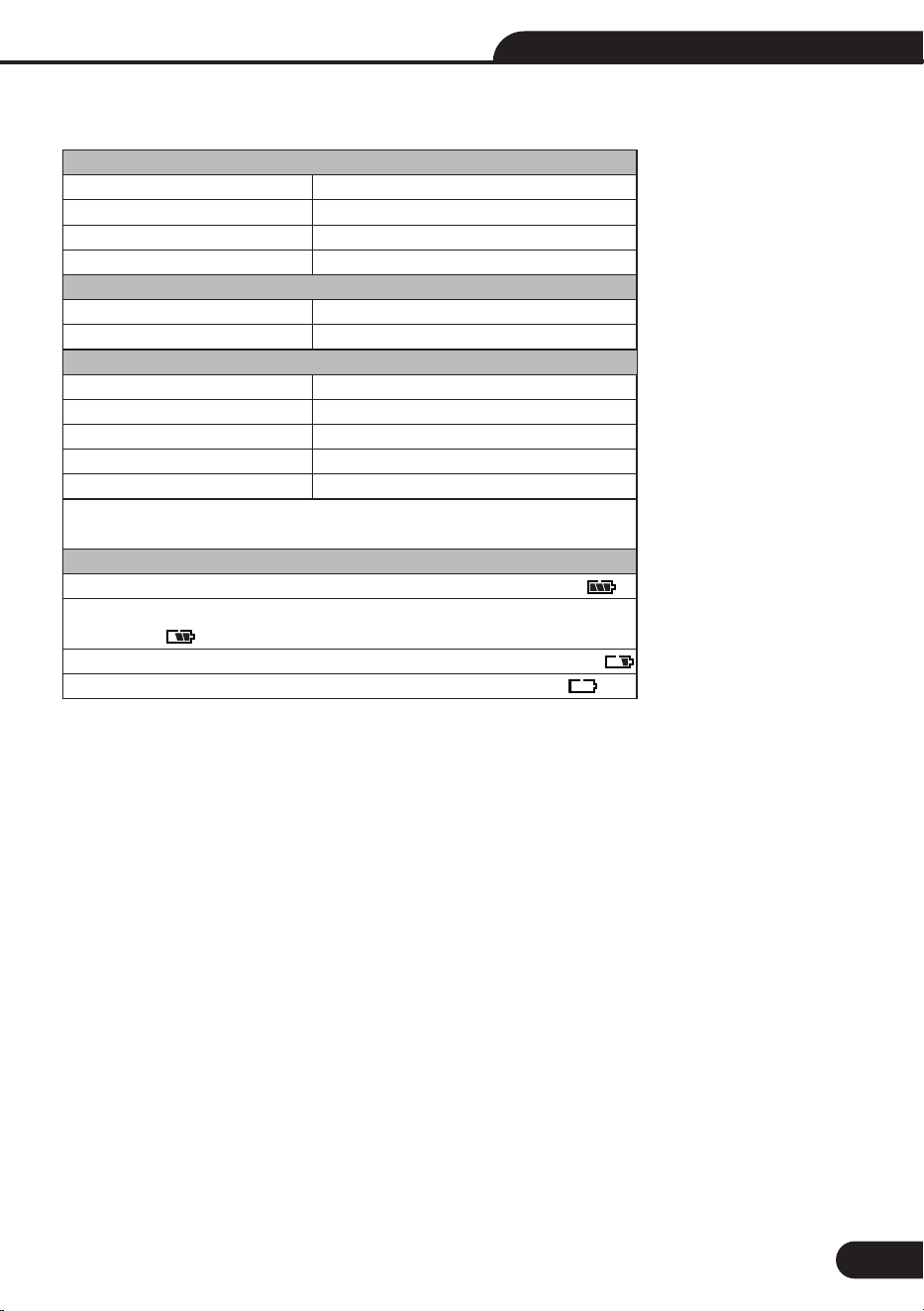
4-Specifications
Temperature Range
Temperature Range
Dew Point Range
Wet Bulb Temperature Range
Humidity Range
Resolutions
Temperature Resolutions
Humidity Resolutions
Accuracy
Temperature Accuracy
Dew point accuracy
Wet Bulb accuracy
Humidity Accuracy
No operation in fifteen minutes will automatically be power off and shut down,
and can cancel the automatic power off.
Real-time power display
1-Show full power when the battery is greater than 9.5V, as shown in:
2-9V battery power and the display is larger than 2/3 less than 9.5V, as
shown in:2-
3-Battery power is greater than 8V and less than 9V display 1/3, as shown:
4-When the battery is less than 7V low battery display, as shown:
o o o o
-20 C to 60 C(-4 F to 140 F)
o o o o
-26 C to 50 C(-14.8 F to 122 F)
o o o o
-20 C to 50 C(-4 F to 122 F)
0 to 100%RH
o o
0.1 C/ F
0.1%RH
o o
±1 C/(1.8 F)
o o
±0.5 C(0.9 F).
o o
±1 C(1.8 F).
o o
±1 C(1.8 F)
3%RH
Dew Point/Wet Bulb/Psychrometer User Manual
6
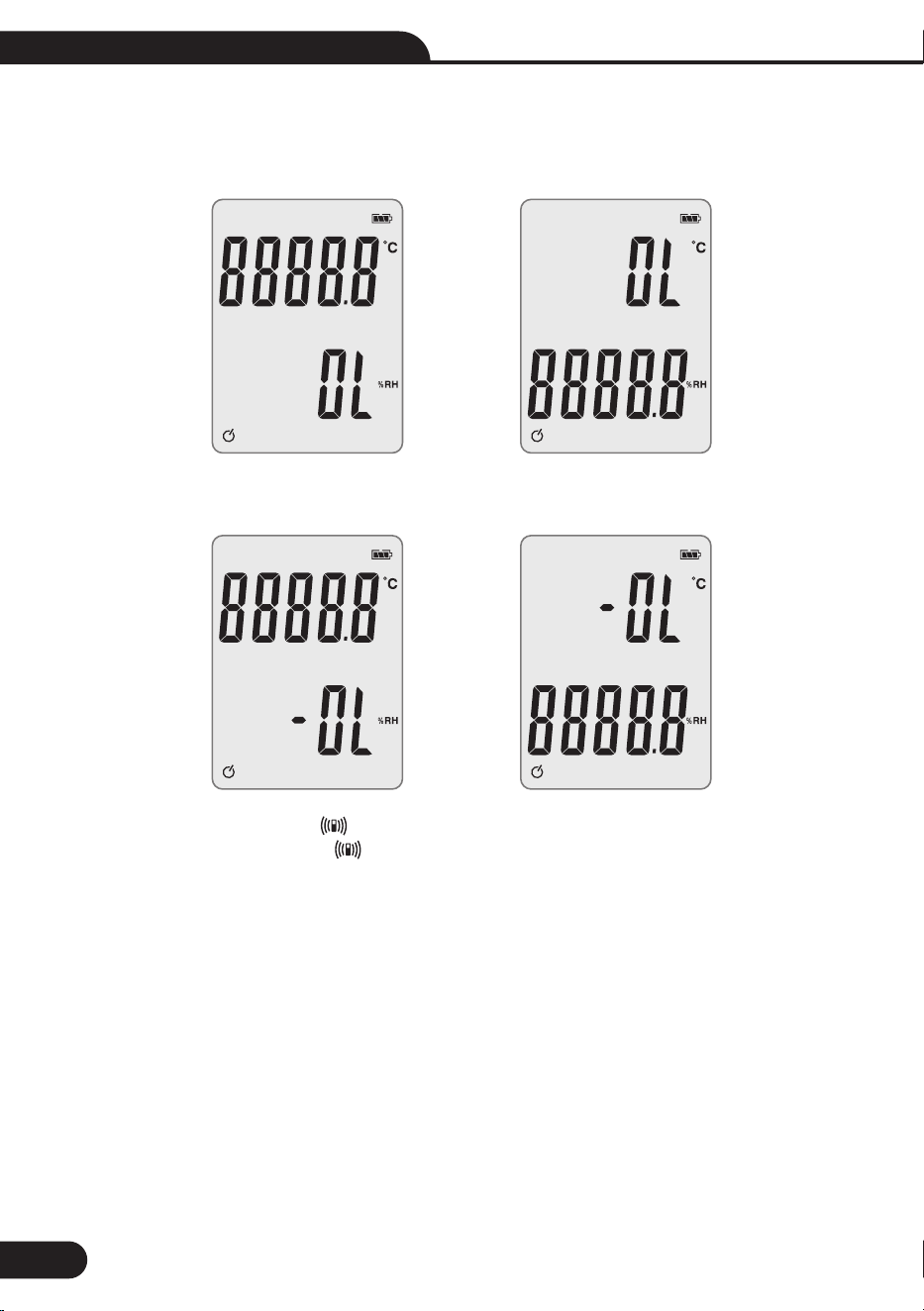
5-Overload Display
Exceed the maximum range display “OL”, as shown below:1-
Less than the minimum range of display “-OL”, as shown below:1-
• Turn on Bluetooth 4.0: Display .
• Bluetooth transmission of data: Icon flashes.
• Battery: Standard 6F22,9V.
7
Dew Point/Wet Bulb/Psychrometer User Manual
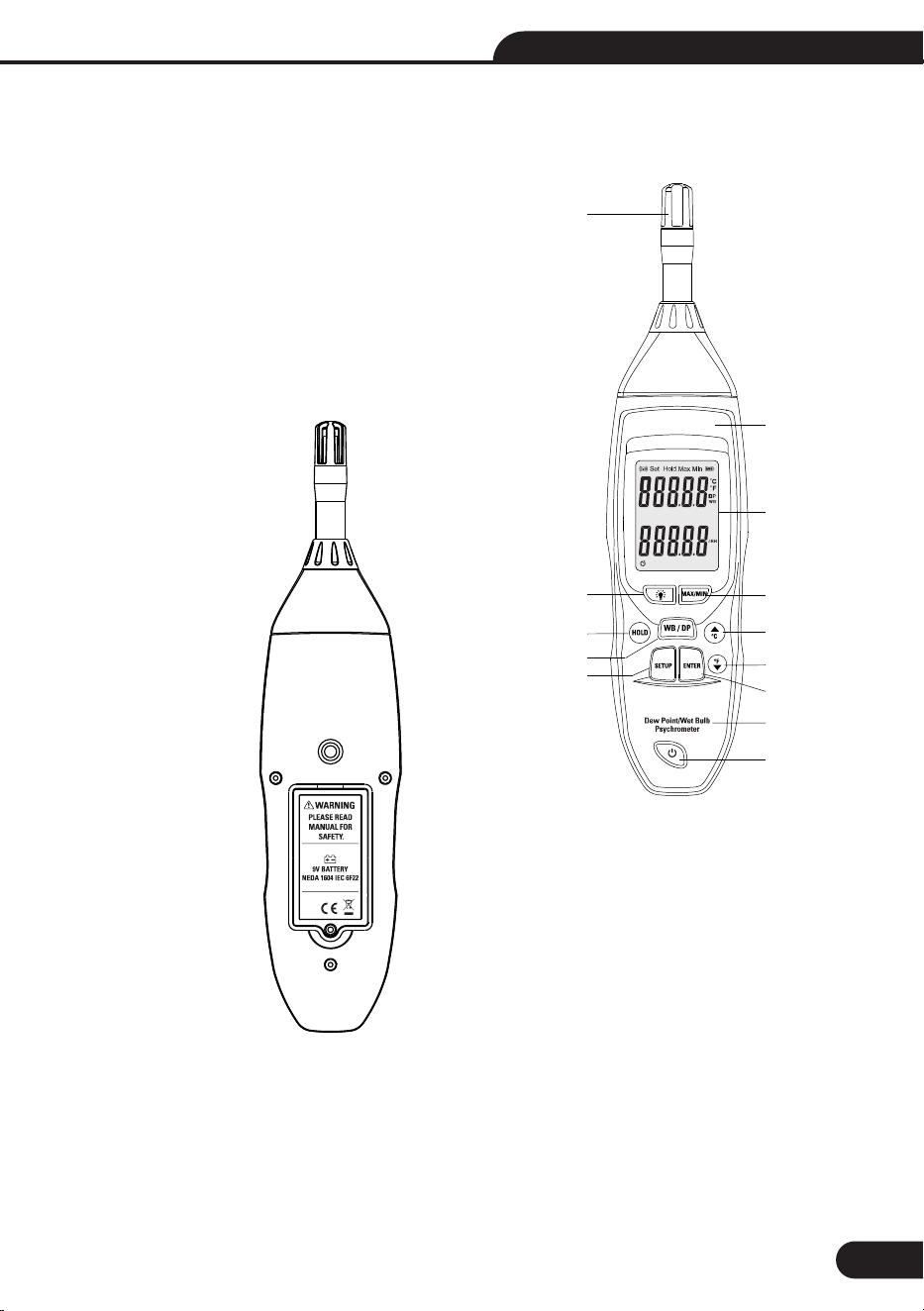
6-Front plate Description: (See Figure A)
1. Sensor
2. Backlight keys
3. Freeze measurement data key
4. WB / DP button
5. SETUP button
6. Logo
7. LCD
8. MAX/MIN
9. °C button \ up button.
10. °F button \ down button
11. ENTER key
12.Model
13.Power Off/On
6
7
8
9
10
11
12
13
5
4
3
2
1
Dew Point/Wet Bulb/Psychrometer User Manual
8
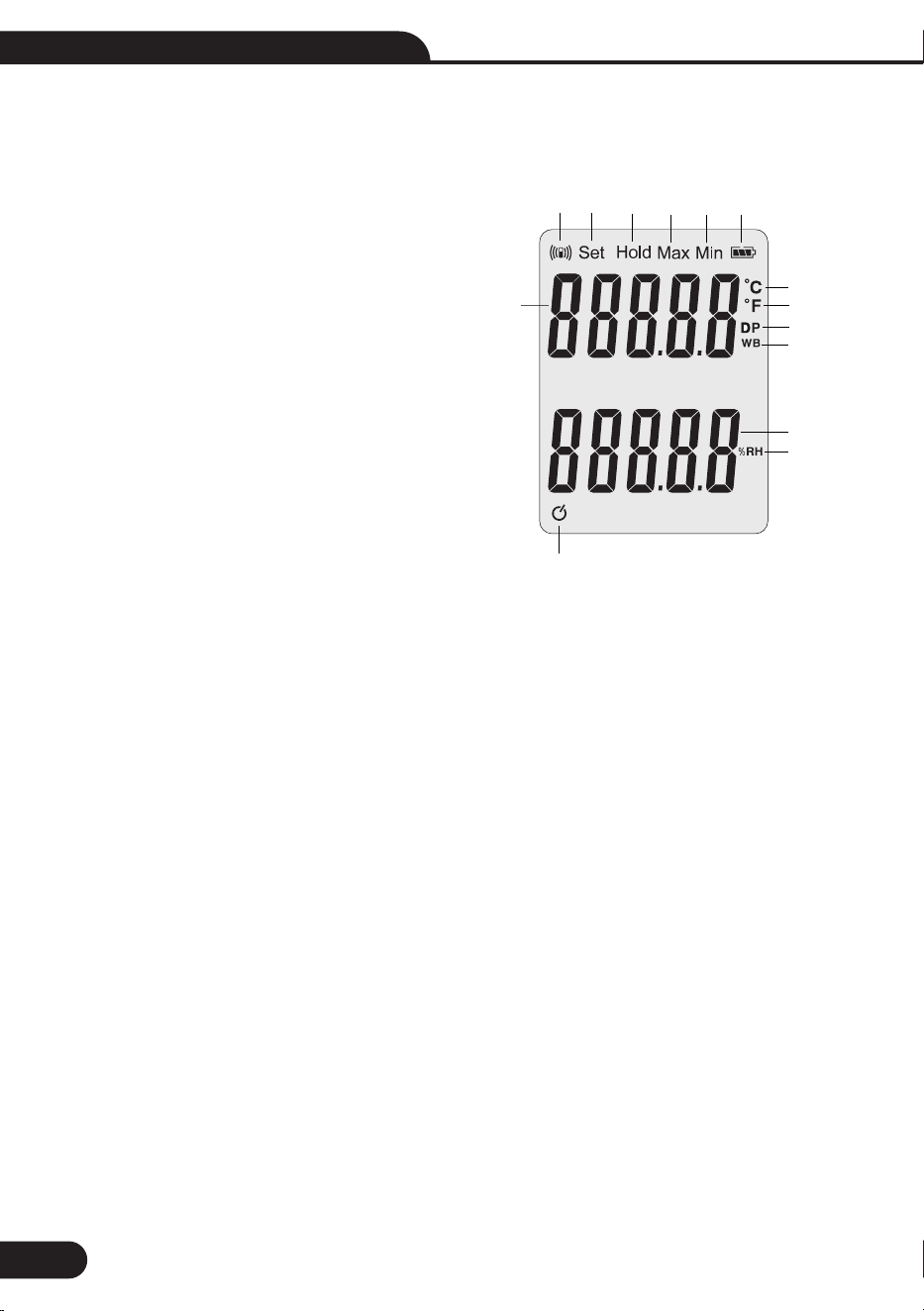
7-LCD Introcudction(LCD diagram below)
1. BT icon
2. SET Settings icon
3. HOLD icon for freezes the measurement of
temperature and humidity data .
4. Maximum temperature value icon
5. Minimum temperature value icon
6. Battery charge icon
7. °C units icon
8. °F units icon
9. Dew point temperature units icon
10.Wet bulb temperature units icon
11.Current value humidity
12.Humidity units
13. Auto Power OFF (APO) symbol
14. Temperature value display.
1
2
3
4
5
6
7
8
9
10
11
12
13
14
9
Dew Point/Wet Bulb/Psychrometer User Manual
8-Operations Introductions
Buttons Operations8-
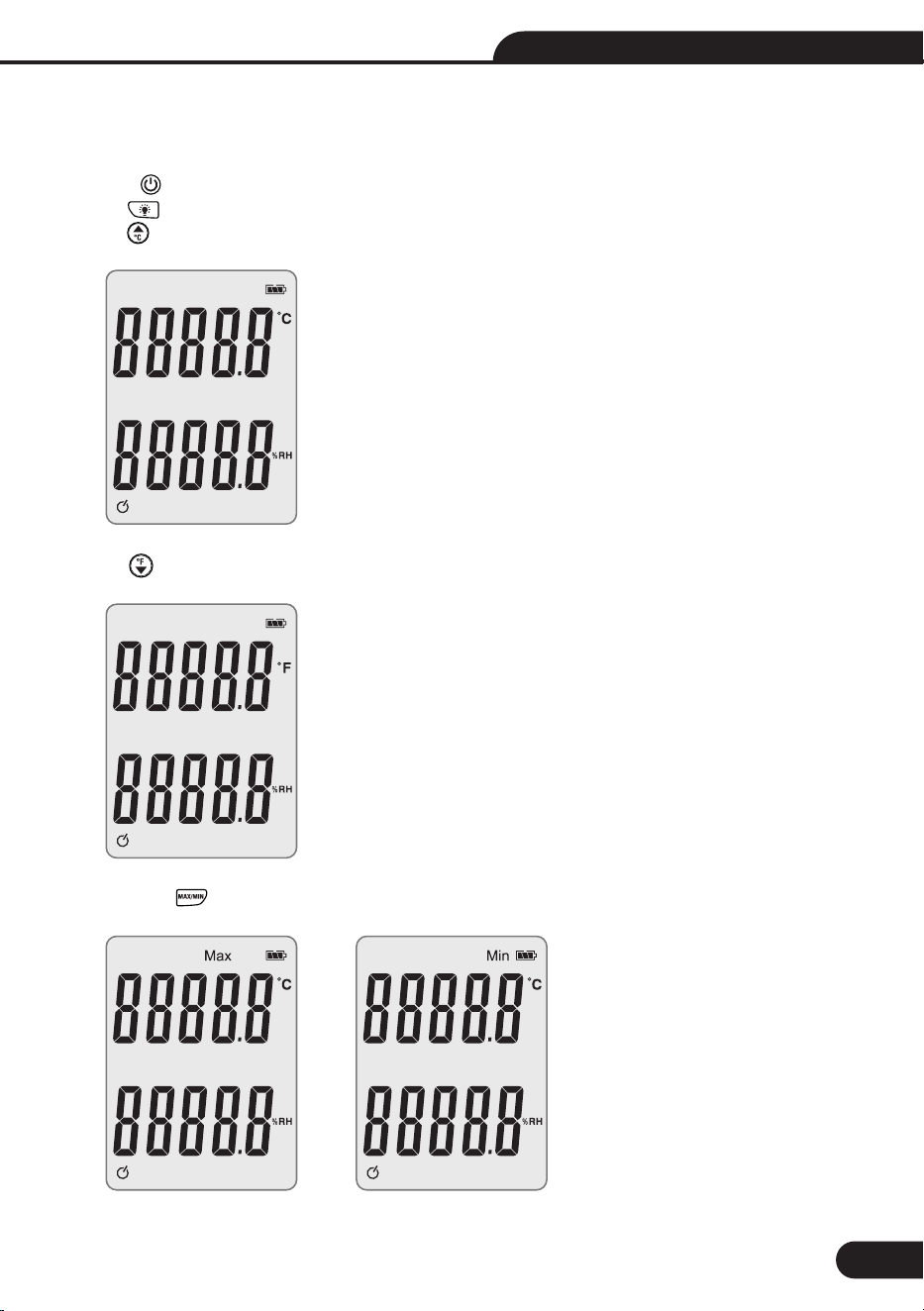
• 0press to turn on or turn off.
• Press to trun ON/OFF the backlight.
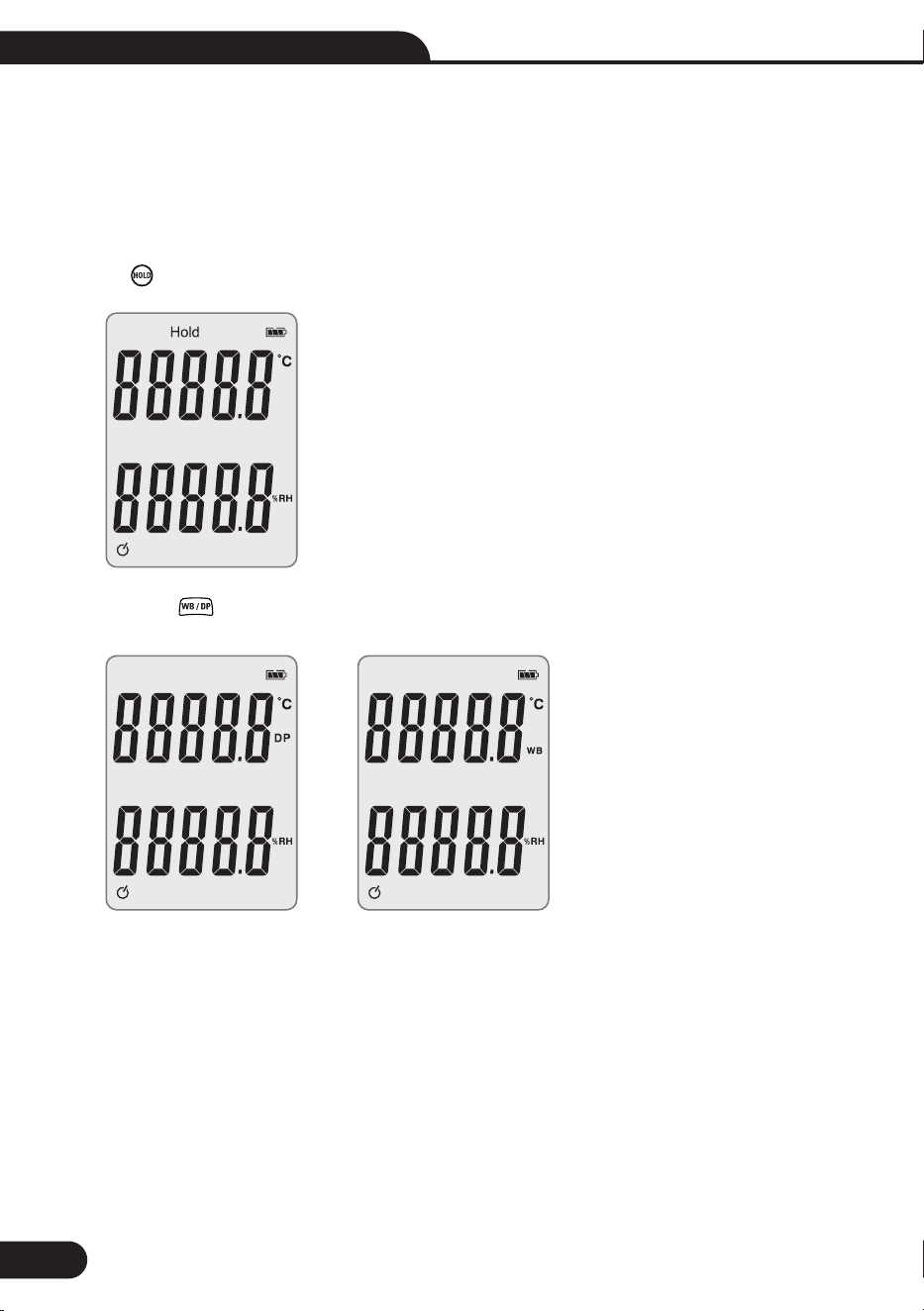
• Press to switch the temperature to, as shown below:
o
• Press to switch temperature to F. as shown below:
• Short press LCD show “MIN” or “MAX”, as shown below:
Dew Point/Wet Bulb/Psychrometer User Manual
10
When Max icon is displayed on the LCD, it displays the current maximum temperature and humidity, the 1-
display will show the minimum current temperature and humidity for Min icon. Keep cycling short press this
button, on the LCD, the data show is circulating current maximum or minimum value , long press this button
will exit. When pressed again, it can also be found to the maximum, and only when shut down again, max,
min value will be restored to the current test values.
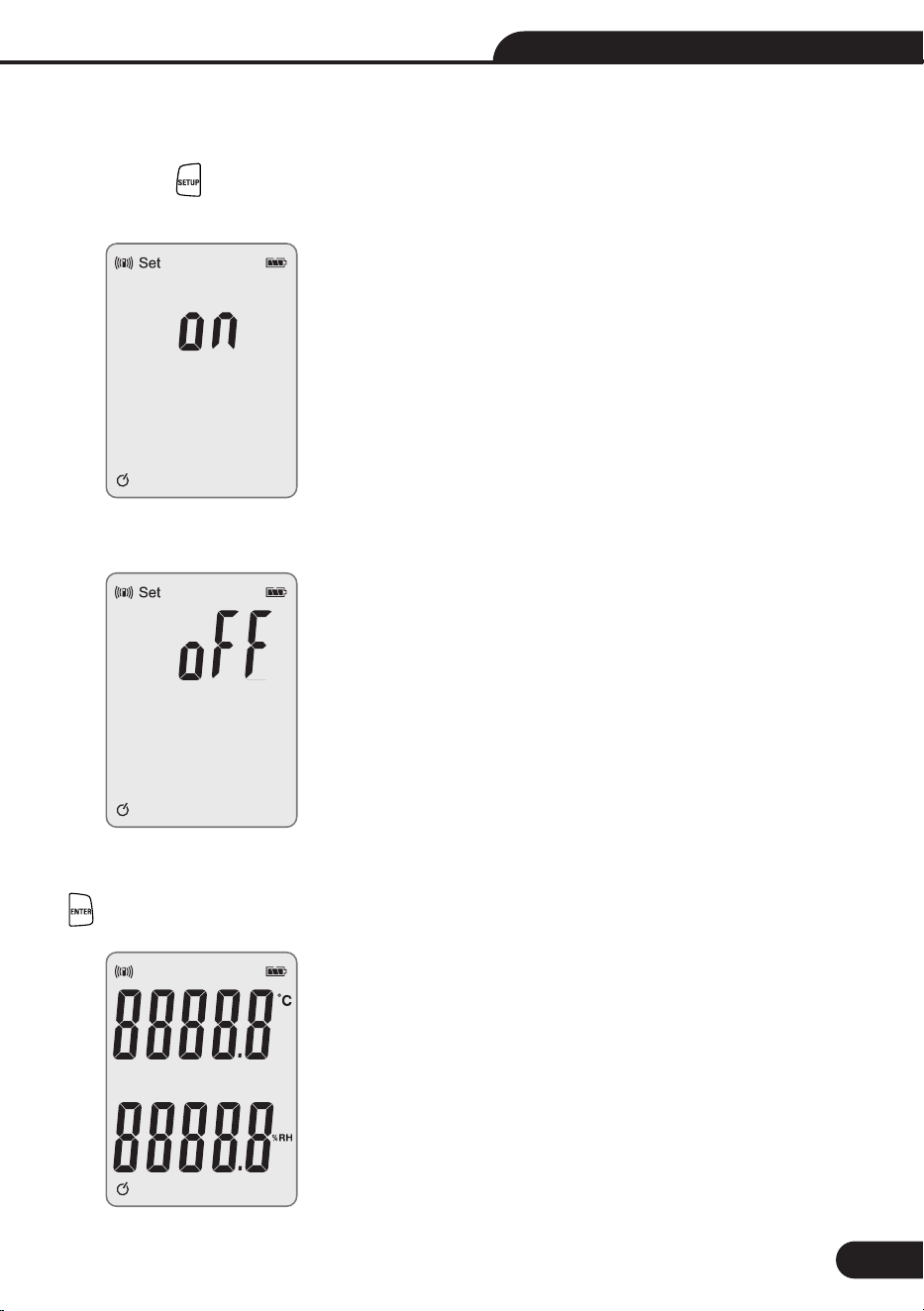
• Press to free the current measuring temperature, press again to back to the normal measuring condition.
• Short press LCD show “WB” or “DP” icon, as shown below:
When WB icon is displayed on the LCD, it displays the current wet-bulb temperature. When DP icon shows 1-
up, it displays the current dew point temperature, short circularly press this button, the data circularly show
is current wet-bulb temperature or dewpoint temperature, long press this button to exit.
11
Dew Point/Wet Bulb/Psychrometer User Manual
9-Open the BT function
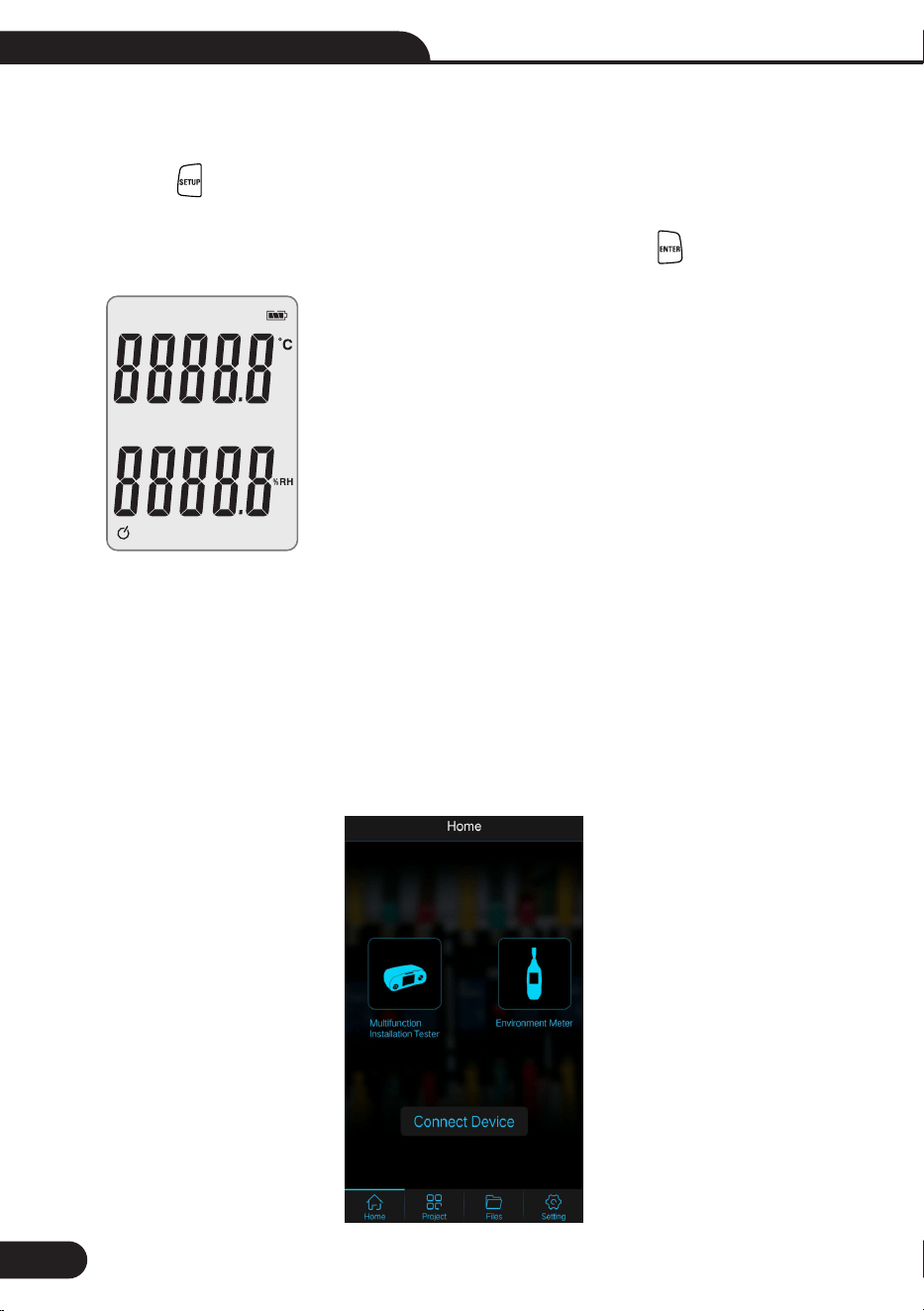
Short press , LCD displays “SET” and “BT” symbol on the LCD (long press this button will exit SETUP 1-
mode), while the display will show “ON”, as shown below:
Short again press display will show “OFF”, as shown below:1-
Short press again will circularly show ON or OFF. when the display area is “ON” mode, short press the button 1-
will confirm BT function, while the interface will enter into BT mode, as shown below:
Dew Point/Wet Bulb/Psychrometer User Manual
12
10-Turn off BT function:
Short press to display “SET” and “BT” symbol(long press this button will exit SETUP mode), while 1-
the display will show “ON”, short press again display will show “OFF”, short press again, the LCD will circularly
show ON, or OFF. When the display area is “OFF” mode, short press the button will turn off BT function,
while the interface will enter into the normal display mode, as shown below:
11.BT communication:
1. Turn on the Bluetooth of the meter , enter the BT mode (step 8 above)
2. Open the "Meterbox Pro" software on the mobile phone, then find the "Environmet Meter"
as below:
Click on "Environmet Meter" and select "Measure"
The Bluetooth name of the mter will be retrieved at this time
3.After clicking "Bluetooth name", the pairing is successful. The meter starts uploading
the current data to the mobile app interface.
13
Dew Point/Wet Bulb/Psychrometer User Manual
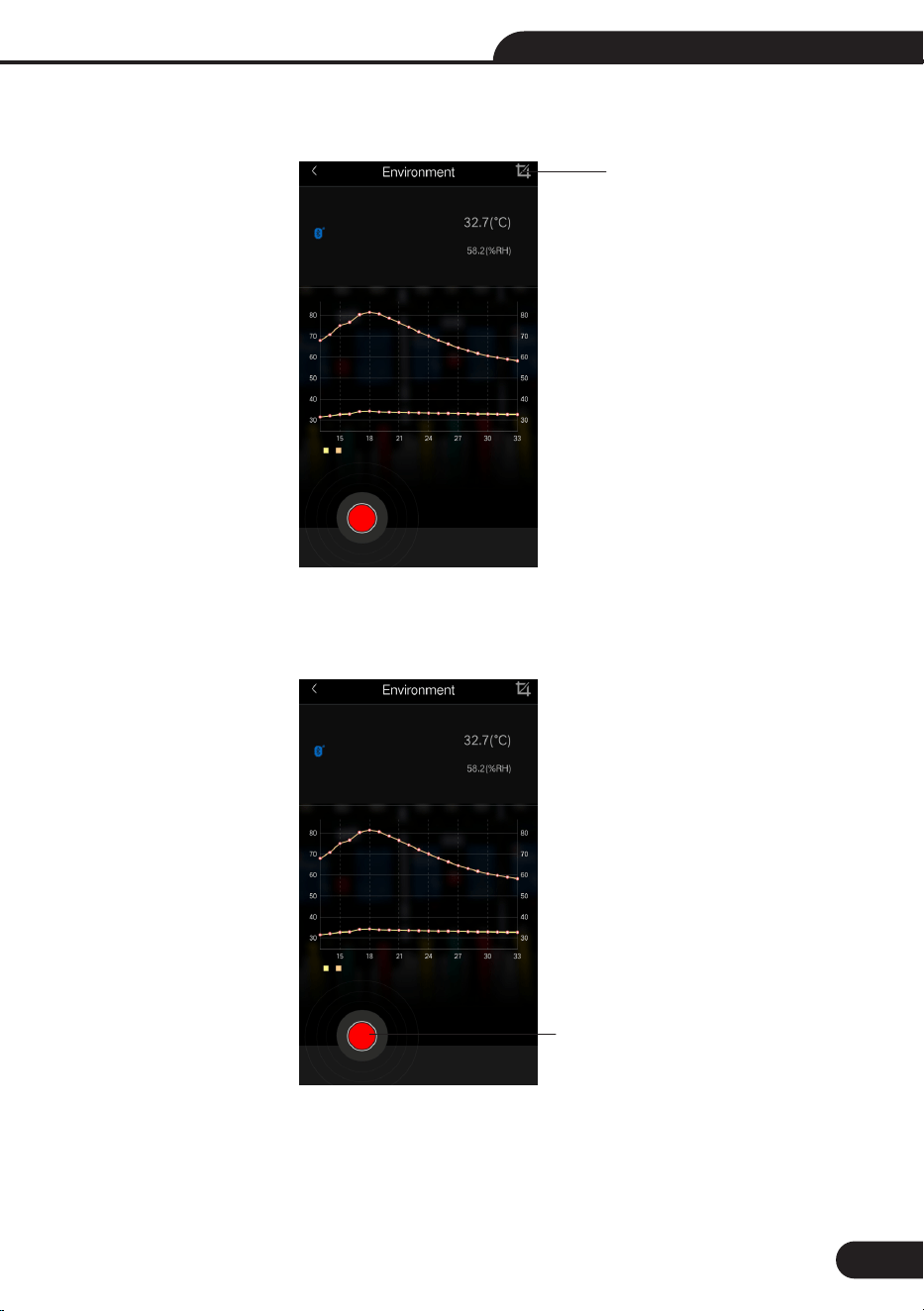
4. APP can get print screen of data logging.
5. Operating of data logging.
Print screen icon
Data logging icon

Dew Point/Wet Bulb/Psychrometer User Manual
14
12-Automatic power off
Press and hold to press at the same time can cancel the Automatic power off function, meanwhile 1-
the Automatic power off Icon will disappear on the LCD. (It is default function each time you turn on the
instrument, and will be power off if no any operations in 15 minutes)
Tips:
After measuring high temperatures, do not touch the sensor probe immediately, to avoid burns. 1-
Maintenance
Replacement battery:
If “ ” icon appears on the LCD display, the battery should be promptly replaced.1-
Open the battery box and remove the old battery, put the new battery in. (9 volt battery NEDA 1604 or 6F22 1-
or other similar batteries)


Rev. 180802