Guimeet GO5 User Manual
I. Product Overview
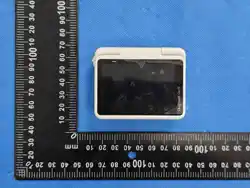
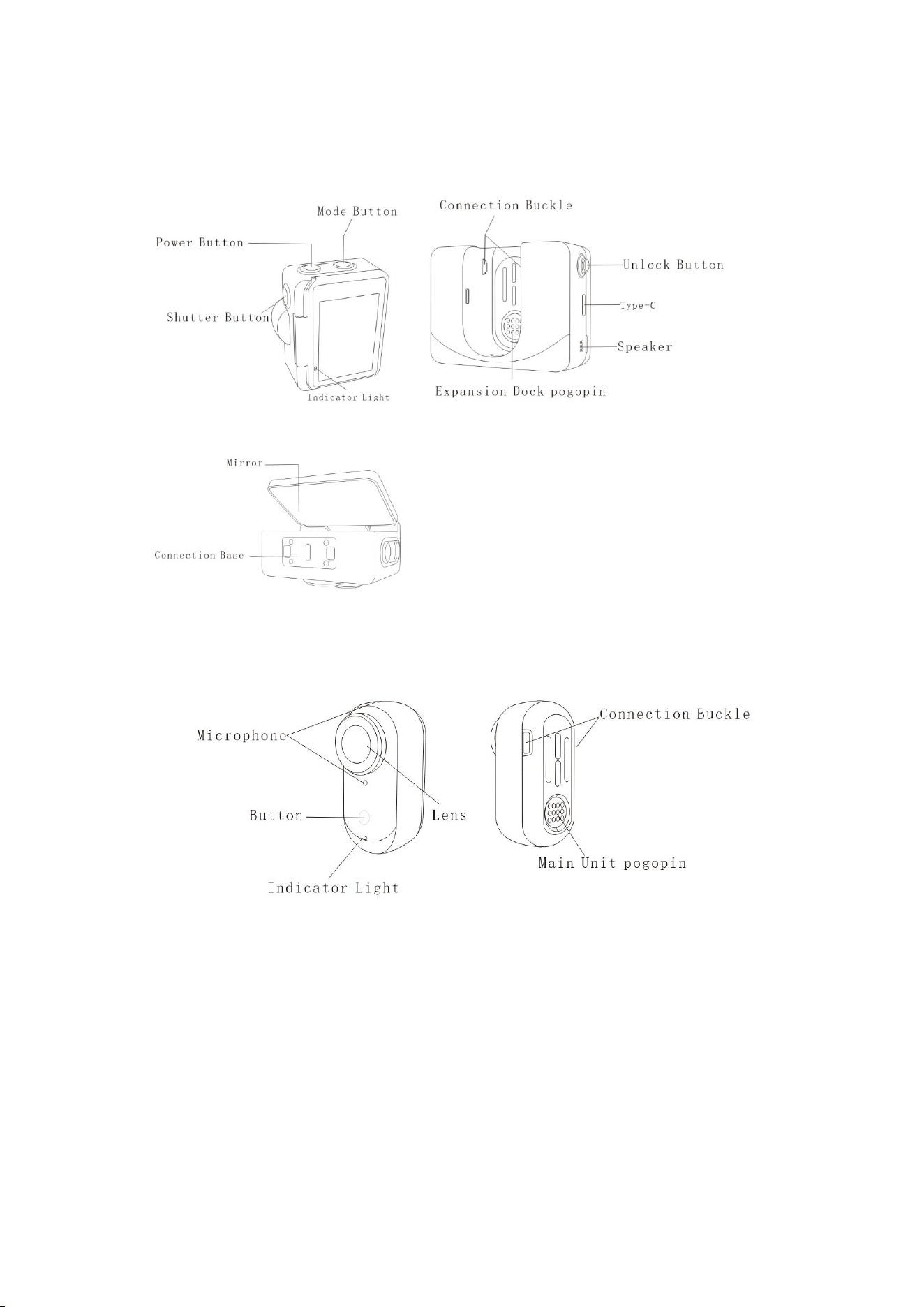
1.1 Expansion Dock
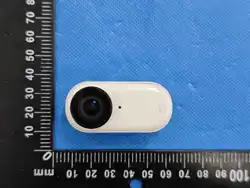
1.2 Main Unit

II. User Instructions
2.1 First Use
Charging and Power On
Connect the included fast charging cable to the USB-C port of the GO5 Expansion
Dock and a USB-C charger. When charging in the off state, the status indicator
of the expansion dock glows red during charging and turns green when fully
charged.
It takes 47 minutes to charge to 80% battery and approximately 65 minutes for
a full charge.
Charging Reminder: Peel off the sticker on the back of the GO5 main unit to ensure
the charging contacts are clean before placing it into the expansion dock for
charging.
GO5 Main Unit Charging Time: 23 minutes to 80%, 35 minutes to 100%
Expansion Dock Charging Time: 47 minutes to 80%, 65 minutes to 100%
Place the GO5 main unit into the expansion dock and connect the charging cable
to the dock. The indicator lights of both the GO5 main unit and the expansion
dock stay solid red during charging and turn off when the corresponding module
is fully charged. The device is generally fully charged when all lights are off.
Note: It is recommended to use a dedicated charger to charge the GO5. Connecting
to a computer's USB port or other power banks may result in insufficient power
supply, making it impossible to charge the GO5 main unit and expansion dock
simultaneously.
2.2 Button Functions of the Expansion Dock
Power Button
Short press: - Turn off and lock the touch screen when it is on.
Turn on and unlock the touch screen when it is off.
Long press for 1 second: Power on (the expansion dock and main unit power on
synchronously)
Long press for 3 seconds: Power off
Long press for 8 seconds: Forced power off
Shutter Button
Short press:
In the powered-on state: Take a photo or start/stop video recording when in the
preview interface; return to the preview interface when in other interfaces.
In the powered-off state: Press the shutter button to quickly turn on the camera
and start video recording.
Mode Button
Short press: Call up the preset or mode switching page; click again to cycle
through the selected options.
*No function when short pressed during shooting.

2.3 Button Functions of the Main Unit
Buttons are inactive when the main unit is in the dock.
Short press:ake a photo/start video recording when in the preview interface;
stop video recording with a second short press in video mode. (No function when
in other interfaces. )
Long press for 1 second: Power on
Long press for 3 seconds: Power off
Long press for 8 seconds: Forced power off
Long press for 10 seconds, release, then click once: Exit low-power mode
Tap: Take a photo or start/stop video recording
(When the App connects to the GO5 for the first time, confirm the connection
by tapping the shutter button or camera button.)
Note: Usage of the GO5 main unit in and out of the dock
In-dock operation logic: Integrated action camera, all buttons of the GO5 main
unit are disabled.
Out-of-dock operation logic: Image transmission Bluetooth remote control +
thumb action camera.
Note: When recording with the GO5 out of the dock and using the expansion dock
for remote preview, data is transmitted via Bluetooth, resulting in reduced video
quality for preview. The actual clarity of the recorded video is subject to the
recording parameters and is not affected by the shooting method.
2.4 Touch Screen Operation
After the camera is powered on, the touch screen displays the camera shooting
interface by default, and the menu bar shows shooting mode, battery level,
storage capacity and other information. Perform functional operations by tapping
or sliding the touch screen.
Tap the screen: Hide/show information
Swipe down from the top edge: Enter the camera settings page
Swipe right from the left edge: Enter the album page
Swipe left from the right edge: Enter the shooting parameter settings page
Swipe up from the bottom edge: Enter the shooting mode switching page; slide
left/right to switch modes, and the page will automatically return to the preview
interface if there is no operation within 3 seconds.
III. Specifications
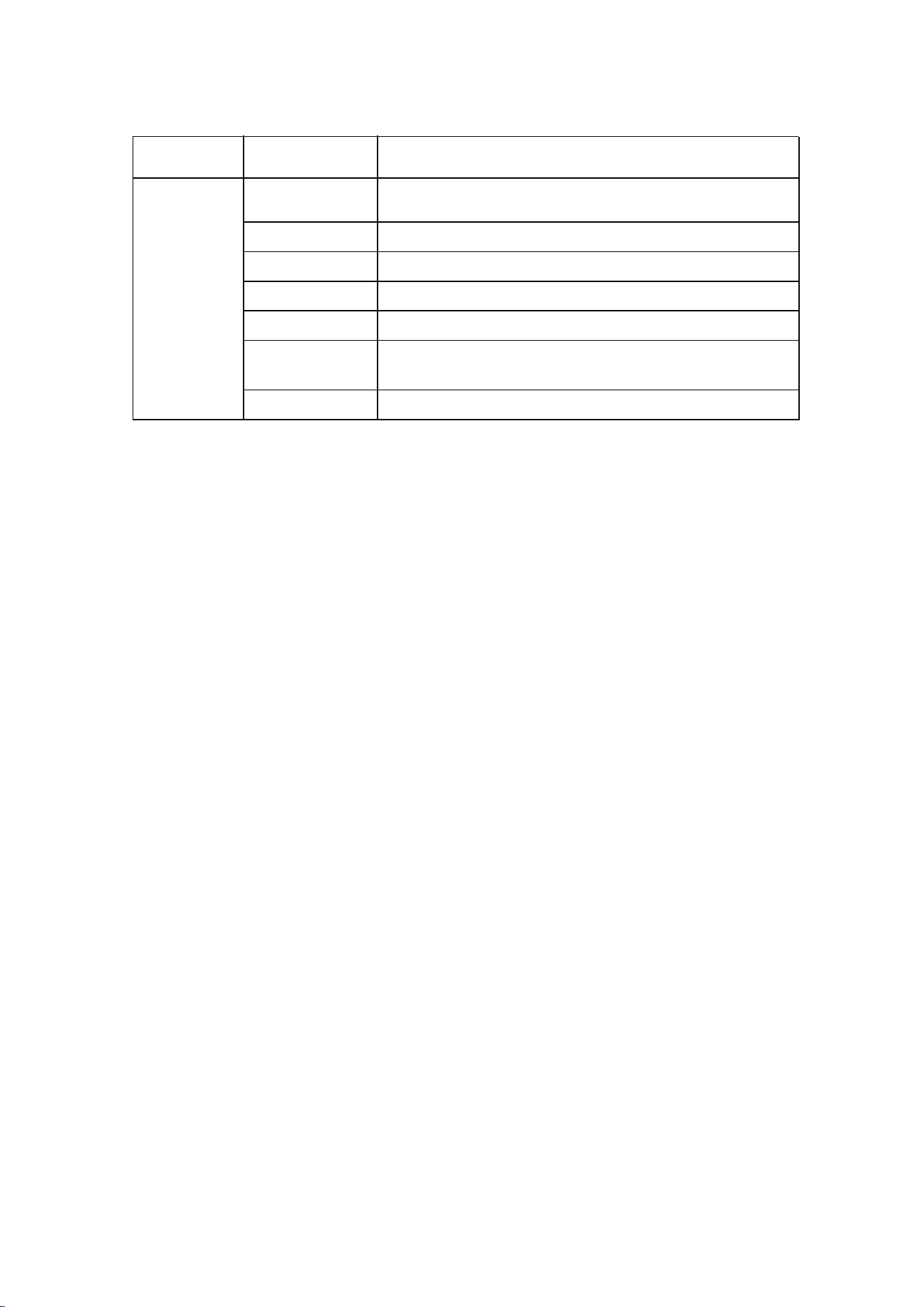
Category Item Specification Details
Specificati
on
Product Name
Product Mode
Thumb Camera
l Guimeet GO 5
Input 5V⎓ 3A
Operating Temp -10℃~40℃
Charging Temp 0℃~60℃
Bluetooth
version
Bluetooth V5.3
Wi-Fiversion Wi-Fi5

FCC Caution:
This device complies with part 15 of the FCC Rules. Operation is subject to the
following two conditions: (1) This device may not cause harmful interference, and (2)
this device must accept any interference received, including interference that may
cause undesired operation.
Any Changes or modifications not expressly approved by the party responsible for
compliance could void the user's authority to operate the equipment.
Note: This equipment has been tested and found to comply with the limits for a Class
B digital device, pursuant to part 15 of the FCC Rules. These limits are designed to
provide reasonable protection against harmful interference in a residential installation.
This equipment generates uses and can radiate radio frequency energy and, if not
installed and used in accordance with the instructions, may cause harmful interference
to radio communications. However, there is no guarantee that interference will not
occur in a particular installation. If this equipment does cause harmful interference to
radio or television reception, which can be determined by turning the equipment off
and on, the user is encouraged to try to correct the interference by one or more of the
following measures:
-Reorient or relocate the receiving antenna.
-Increase the separation between the equipment and receiver.
-Connect the equipment into an outlet on a circuit different from that to which the
receiver is connected.
-Consult the dealer or an experienced radio/TV technician for help.
FCC RF Radiation Exposure and SAR Statements
The Thumb Camera has been tested for limbs worn Specific Absorption Rate(SAR)
compliance. The FCC has established detailed SAR requirements and has
established that these requirements. RF Exposure Information The radio module has
been evaluated under FCC Bulletin C95.1 and IEEE 1528 and found to be compliant
to RF Exposure from radio frequency devices. This model meets the applicable
government requirements for exposure to radio frequency waves. The highest
reported SAR level for usage near the limbs worn.
(FCC ID:2BVFR-GO5B) SAR level for usage near the body worn (0mm Gap) is
0.123W/kg and simultaneous transmission is 0.198W/kg.
(FCC ID:2BVFR-GO5C) SAR level for usage near the body worn (0mm Gap) is
0.146W/kg and simultaneous transmission is 0.212W/kg.