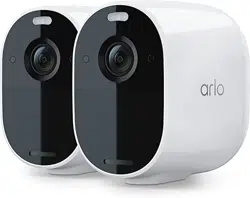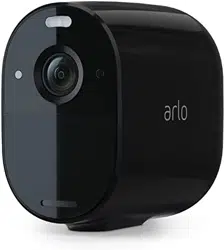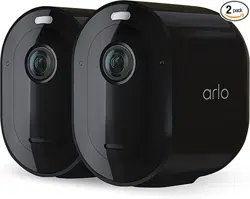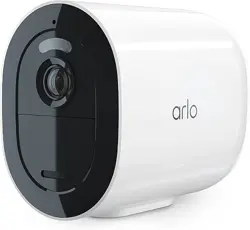
Go 2 LTE/WiFi Security Camera
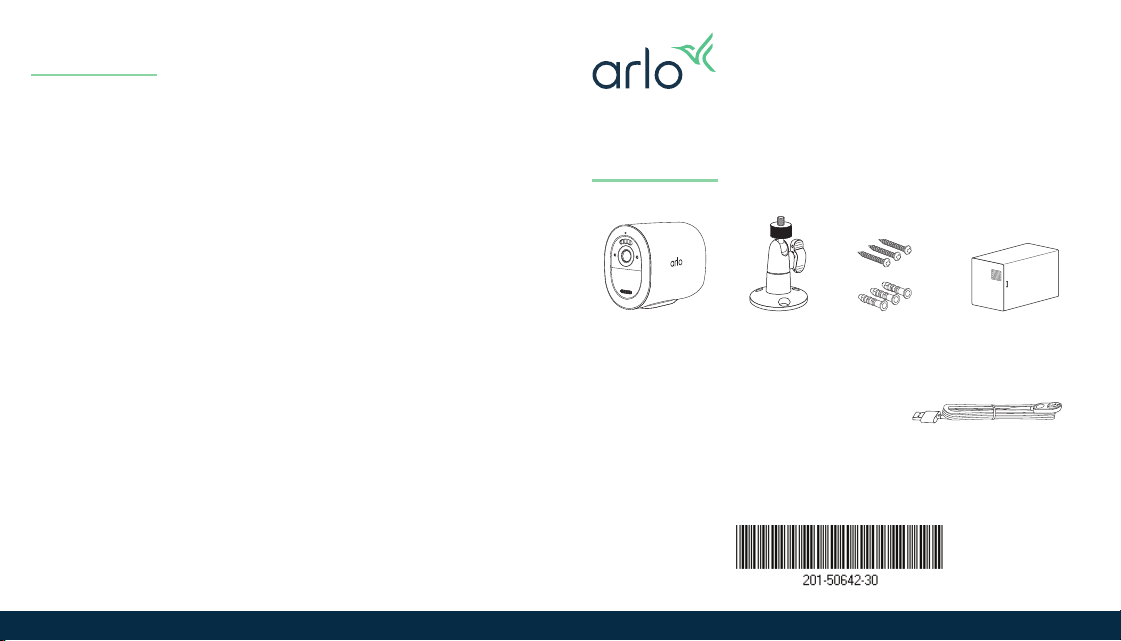
Indoor charging cable
Screw
Mount
Go 2 LTE/WiFi
Security Camera
Screw
Kit
Note: To access the wireless
carrier’s network, your Go 2
Camera requires an activated
SIM card.
Rechargeable
Battery
Mobile service
For help with your Go 2 mobile service plan, contact
the wireless carrier who provided the SIM card. If no
SIM card was included, visit your wireless carrier to
activate a service plan and receive a SIM card.
Need help from Arlo?
We are here for you.
Visit www.arlo.com/support for quick answers and
resources:
• How-to videos
• Troubleshooting tips
• Additional support resources
August 2022
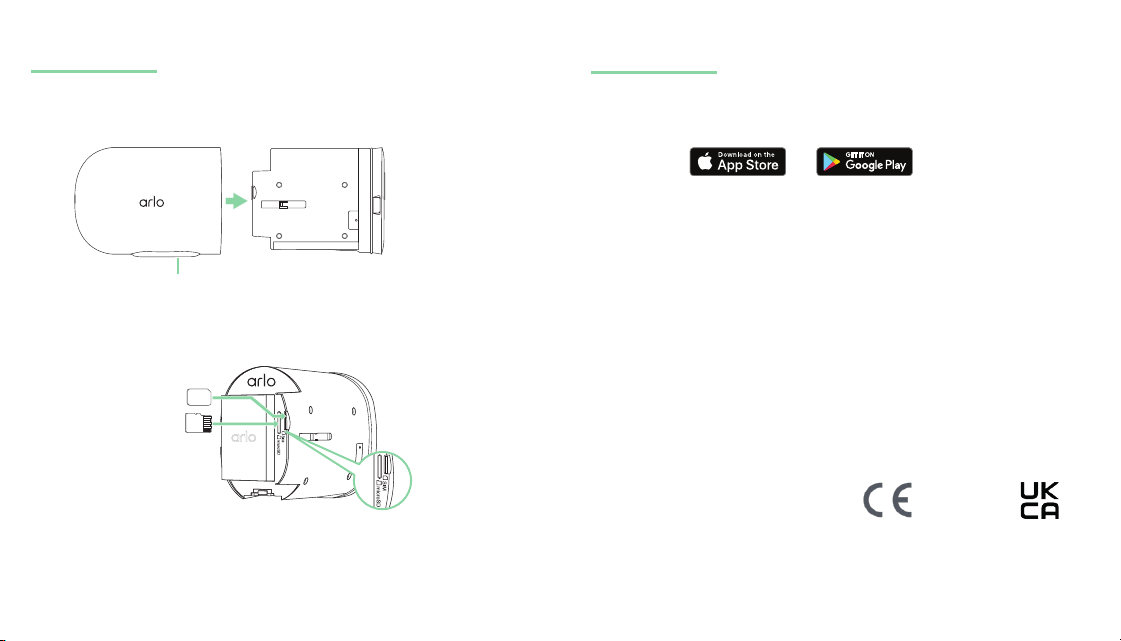
Set up your Go 2 Camera
1. Download the Arlo Secure App and follow the
setup instructions for your camera.
2. We recommend charging the battery indoors
before mounting your camera.
Installation
1. Press the release button and separate the camera
from the camera housing.
2. Insert the battery.
3. For LTE access, verify that the SIM card is installed
and activated.
4. Insert the camera back into the housing.
SIM card
Micro SD card
(optional)
Release button
© Arlo Technologies, Inc. Arlo, Arlo logo, and Every Angle Covered are
trademarks of Arlo Technologies, Inc. App Store is a service mark of Apple Inc.
Google Play and the Google Play logo are trademarks of Google LLC. Any other
trademarks are for reference purposes.
Si ce produit est vendu au Canada, vous pouvez accéder à ce document en
français canadien à arlo.com/docs.
(If this product is sold in Canada, you can access this document in Canadian
French at arlo.com/docs.)
For regulatory compliance information including the EU Declaration of
Conformity, visit www.arlo.com/about/regulatory/.
Arlo Technologies Intl. Ltd
Ground Floor, Building 3
University Technology Centre
Curraheen Road, Cork T12 EF21 Ireland
Arlo Technologies, Inc.
2200 Faraday Avenue, Suite 150
Carlsbad, CA 92008 USA
Arlo Technologies UK Limited
100 New Bridge Street
London, EC4V 6JA