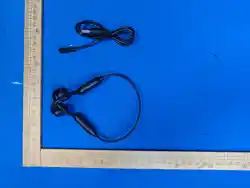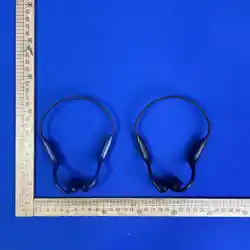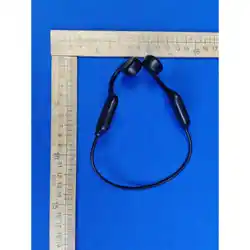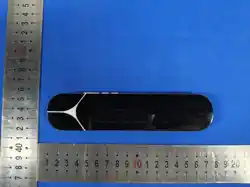
*产品名称:枕下骨传导音乐盒6代
*产品型号:CY-017
*蓝牙名称:Sleep Box 6
*蓝牙版本:5.4
*产品重量:54g
*产品电池:500mAh
*产品充电:约1小时
*产品播放:10-16小时
*传输距离:蓝牙10米*输入:5V/200mA
*产品协议:A2DP,AVRCP,HSP,HFP
*产品尺寸:16cm*3.6cm*1.3cm
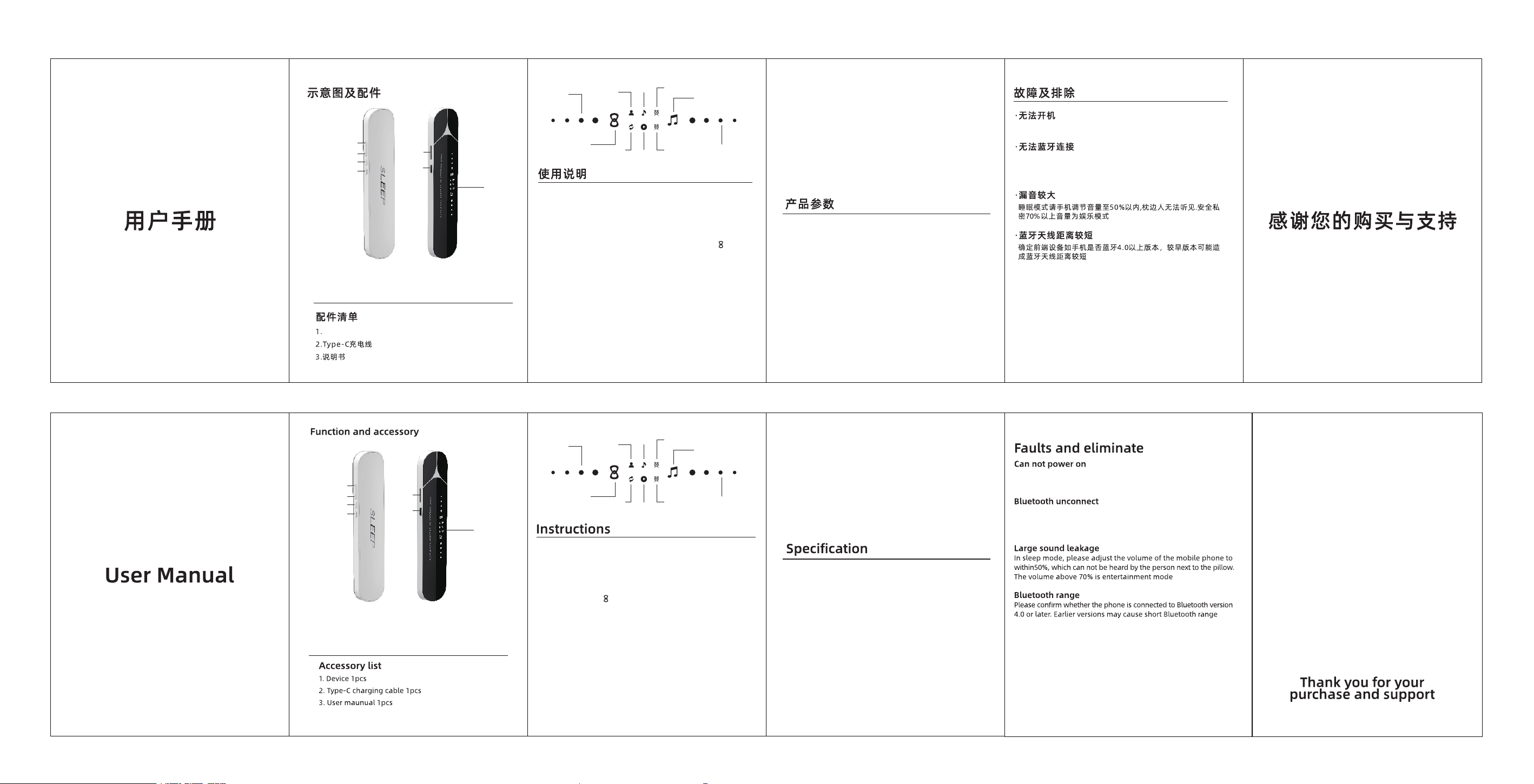
① TF卡卡槽 ② 音量减号键 ③ 模式切换键
④ 音量加号键 ⑤ 开关键 ⑥
Type-C充电口
⑦ LED显示屏
⑥
①
②
④
③
⑤
⑦
⑥
①
②
④
③
⑤
⑦
① TF Card Slot ② Volume Down Key
③ Mode Switch Key ④ Volume Up Key
⑤ Power Button ⑥ Type-C Charging Port
⑦ LED Display Screen
* Product Name: Under-pillow Bone Conduction Music Box Gen 6
* Model No.: CY-017
* Bluetooth Name: Sleep Box 6
* Bluetooth Version: 5.4
* Net Weight: 54g
* Built-in Battery: 500mAh
* Charging Time: Approx. 1 hours
* Playback Duration: 10–16 hours
* Transmission Range: 10 meters (Bluetooth)
* Input : 5V/200mA
* Agreemant: A2DP, AVRCP, HSP, HFP
* Unit size: 16cm × 3.6cm × 1.3cm
1.长按2秒“开/关机”
2.单击“插放/暂停”
1.单击:切换蓝牙模式/TF卡模式/白噪音模式
2.双击:切换定时模式,30分钟指示灯亮表示定时30分钟,60分
钟指示灯亮表示定时60分钟,30和60分钟指示灯同时亮表示90
分钟定时
·开关机键
·M模式键
·蓝牙连接
首 次 使 用 , CY-017 正 常 开 机 后 , 会 进 入 蓝 牙 配 对 状 态 指示灯
闪烁 , 此 时 手 机 蓝 牙 设 置 里 可 搜 索 到 SLEEP BOX 6 , 连 接 成 功 及
播 放 状 态 指 示 灯 长亮 . 开 机 键单击 仅 支 持 暂 停 / 播 放 .
1.单击“音量减"
2.长按2秒"上一曲
3.双击"EQ切换”(音质:人声/动感)
·- 减号键
1.单击“音量加"
2.长按2秒"下一曲
3.双击"单曲循环”(TF卡模式下)
·+ 加号键
插 入 随 机 配 送 的 Type-c 充 电 线 及 任 意 5 V 充 电 头 即 可 充 电 , 充 电 过
程电量显示上涨, 充满电量显示常量。
·充电
1. Press and hold for 2 seconds to power on / power off
2. Single tap to play / pause
·Power On /Off
·Bluetooth Connection
First-time use of CY-017: After normal power-on, the unit enters Bluetooth
pairing mode with the indicator light flashing. You may search for SLEEP
BOX 6 in your phone’s Bluetooth settings. Once connected and in playback
mode, the indicator light stays solid on. Short press the power key to pause
or resume playback.
·M Mode Key
1. Single tap: Switch among Bluetooth Mode, TF Card Mode & White Noise
Mode
2. Double tap: Switch to timer mode. When the 30-minute indicator light is
on, the timer is set for 30 minutes; when the 60-minute indicator light is
on, the timer is set for 60 minutes; when both the 30-minute and 60-minute
indicator lights light up simultaneously, the timer is set for 90 minutes.
·- Minus Key
1. Single tap: Volume down
2.Press and hold for 2 seconds: Previous track
3.Double tap: Switch EQ modes (Vocal / Dynamic sound)
·+ Plus Key
1. Single tap: Volume up
2.Press and hold for 2 seconds: Next track
3.Double tap: Single loop (Only available under TF Card Mode)
·Charging
Plug in the supplied Type-C charging cable and any 5V charger to start
charging. The power indicator will rise during charging and stay solid
when fully charged.
确定设备是否充满电量,同时开关键是否长按3秒以上
设备指示灯是否闪烁,如设备处于常亮阶段,表示设备与其他设备
已经连接,需要断开当前连接设备
Check if the device is fully charged, and confirm that the power
button has been long pressed for more than 3 seconds.
Check if the device indicator light is flashing. If the light stays solid,
the device is already connected to another device; you need to
disconnect the existing connected device first.
枕下骨传导音乐盒6代
人声
动感
30分钟定时指示
播放TF卡音乐指示
电量显示
音量显示
60分钟定时指示
蓝牙连接指示
循环播放指示
白噪音
指示
Voice
Dynamic
Mode
30min Timer Indicator
TF Card Play
Indicator
Battery
Display
Volume Display
60min Timer
Indicator
Bluetooth
Indicator
Loop
Indicator
White Noise
Indicator
FCC Warming:
This device complies with part 15 of the FCC Rules. Operation is
subject to the following two conditions:
(1)This device may not cause harmful interference, and
(2)this device must accept any interference received, including interference that may
cause undesired operation.
Any Changes or modifications not expressly approved by the party responsible for
compliance could void the user's authority to operate the equipment.
Note: This equipment has been tested and found to comply with
the limits for a Class B digital device, pursuant to part 15 of the FCC
Rules. These limits are designed to provide reasonable protection against harmful
interference in a residential installation. This equipment generates uses and can
radiate radio frequency energy and, if not installed and used in accordance with the
instructions, may cause harmful interference to radio communications. However, there
is no guarantee that interference will not occur in a particular installation. lf this
equipment does cause harmful interference to radio or television reception, which can
be determined by turning the equipment off and on, the user is encouraged to try to
correct the interference by one or more of the following measures:
-Reorient or relocate the receiving antenna.
-Increase the separation between the equipment and receiver.
-Connect the equipment into an outlet on a circuit different from that to which the
receiver is connected.
-Consult the dealer or an experienced radio/TV technician for help.
RF warning for Portable device:
The device has been evaluated to meet general RF exposure requirement.
The device can be used in portable exposure condition without restriction.