QUICK REFERENCE GUIDE
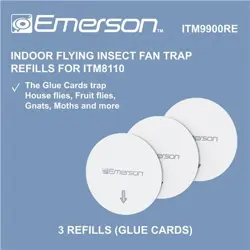
The Glue Cards are designed for use with Emerson Indoor Flying Insect Trap model ITM8110
(sold separately). It is highly recommended to fully read the main owner’s manual of ITM8110
to receive the full safety instructions and operation procedures.
DIRECTIONS FOR USE
The insect trap works by using a continuous, attractive light to draw insects. Once they are
enticed, they are caught by a highly effective sticky paper, preventing their escape.
ITM9900RE
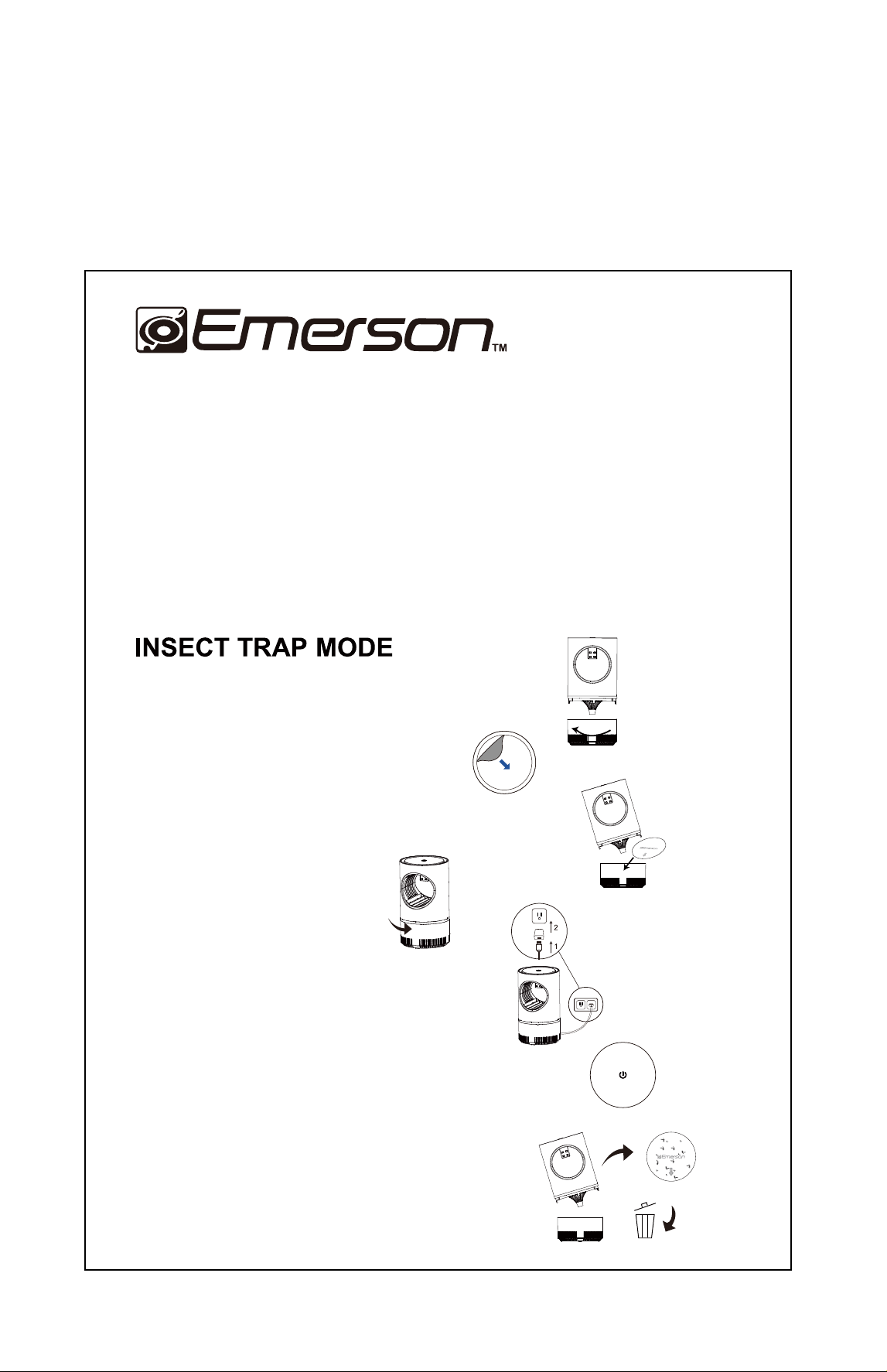
1. To open the device, turn the lower section clockwise.
2. Remove the adhesive liner from the Glue Card.
3. Insert the Glue Card into the mesh basket
(glue side up).
4. Close the device.
5. Connect the device to the adapter provided. Plug in
the device to an indoor outlet.
6. Press the ON/OFF button. T
o optimize the performance,
leave the unit power on continuously.
7. Replace the Glue Card when it is full of bugs, dust or
debris. It is advisible to check every 2 weeks.
Keep the device plugged in continuousl
y
. Once full, unplug
it and replace it with a fresh glue trap.