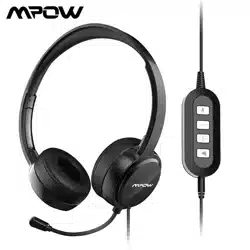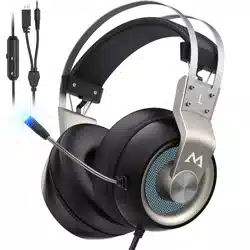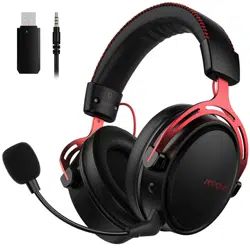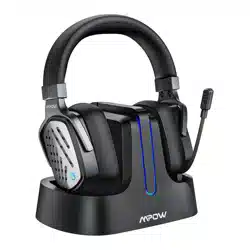
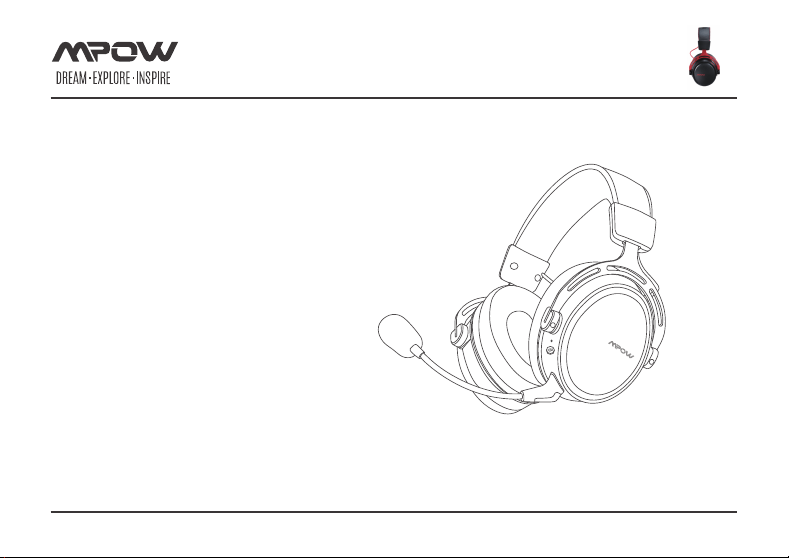
MPOW EG10
GAMING HEADSET
SURROUND SOUND
MODEL : BH414A
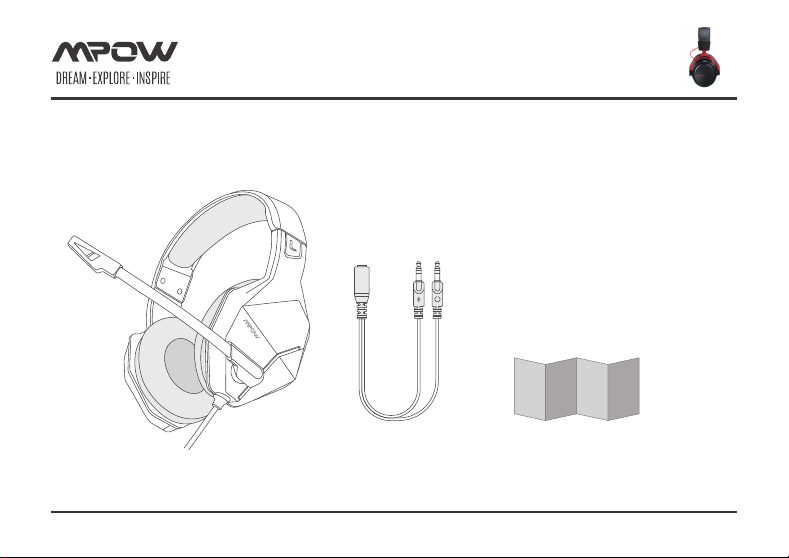
×1×1 ×1
Page 1 of 8
PACKING LIST
1
2
3
4
5
6
8
7
Page 2 of 8
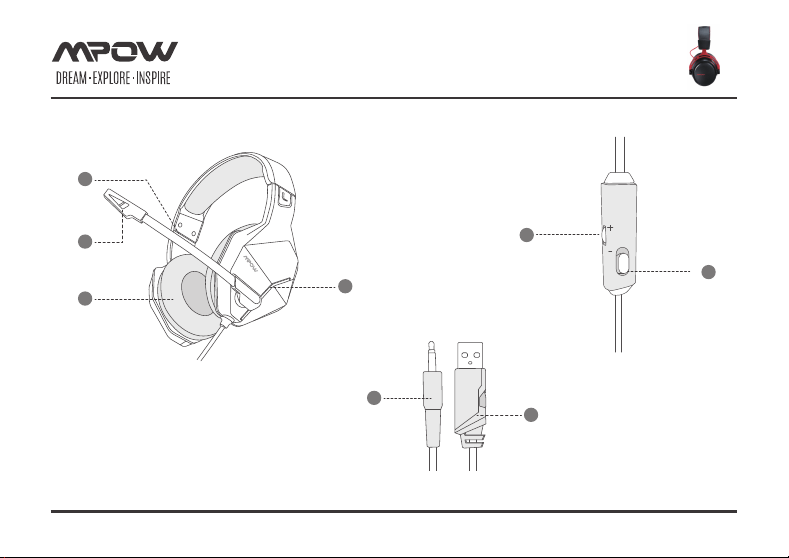
DIAGRAM
Adjustable headband
Flip-Up MIC
Earcup
LED light
3.5 mm audio
connector
USB connector
(only forpower supply)
Microphone
switch
Volume control
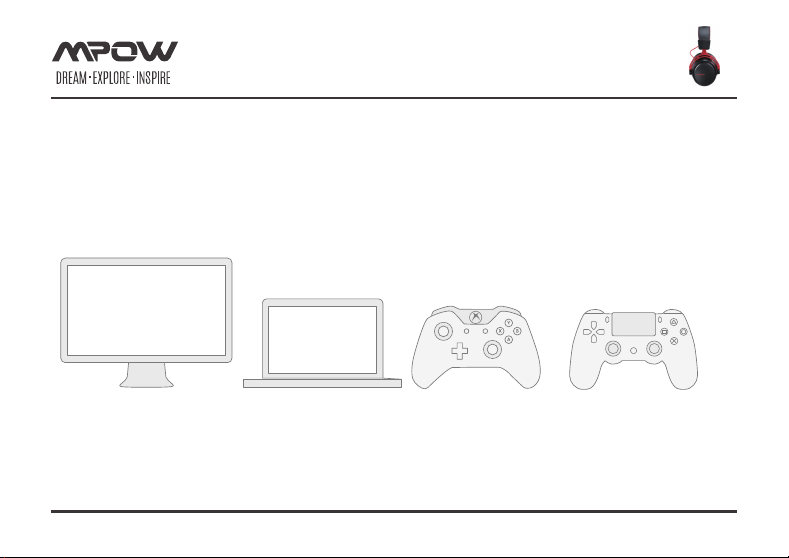
COMPATIBLE DEVICES
PC/PS4/PS4 PRO/PS4 SLIM/MAC OS/Xbox one/Xbox One X
Page 3 of 8
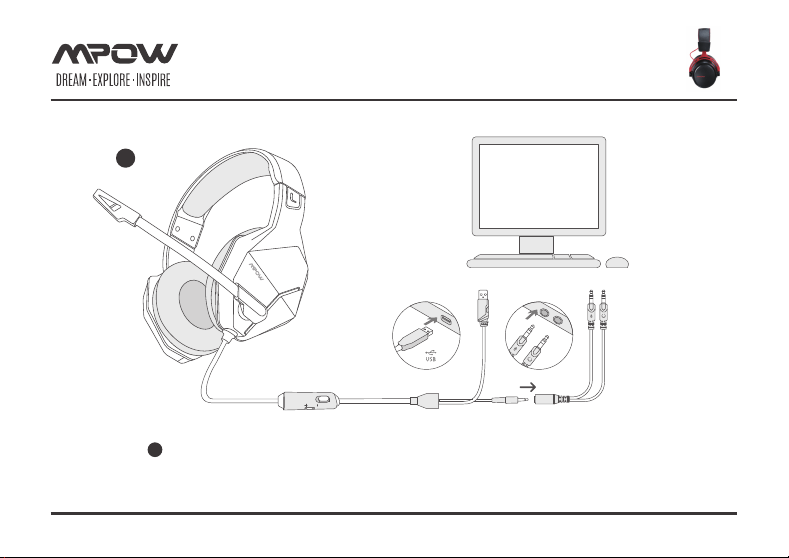
OPERATION GUIDES
1
PC Setting (Connect the headset to your computer via a 3.5 mm stereo
female to 2 male Aux cable)
Page 4 of 8
1
2
3.5mm
Audio
OPERATION GUIDES
Page 5 of 8
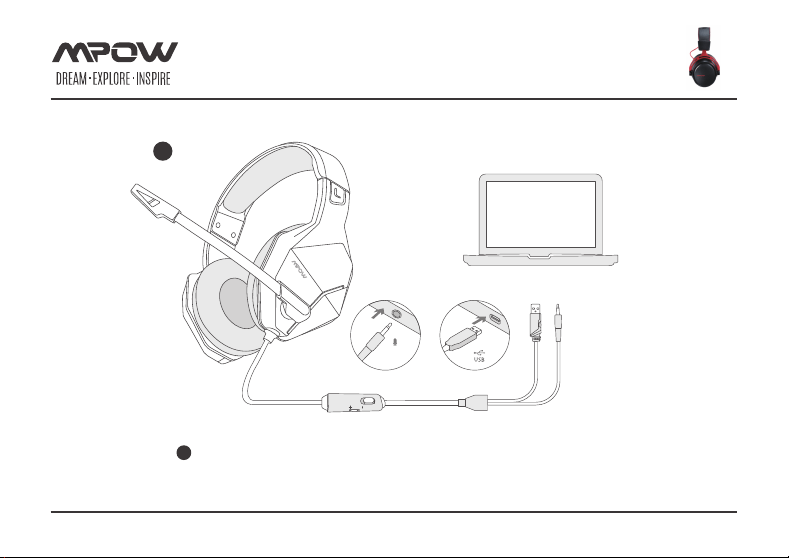
IMac / Macbook Pro Setting (Connect the headset to the audio port of
MAC computer)
2
3
3.5mm
Audio
OPERATION GUIDES
Page 6 of 8
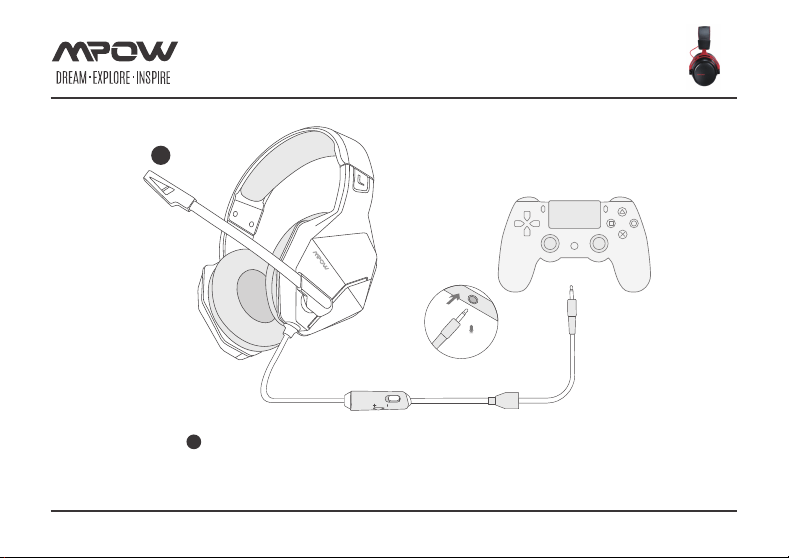
PS4 Setting (Connect the headset to the audio port of PS4. PS4 setting
procedure: 1.Enter setting – 2.Nearby devices – 3.Audio device – 4.Set
output and input device to “headphone connected to the controller”-
5.Output to headphone – 6.All audio
3
4
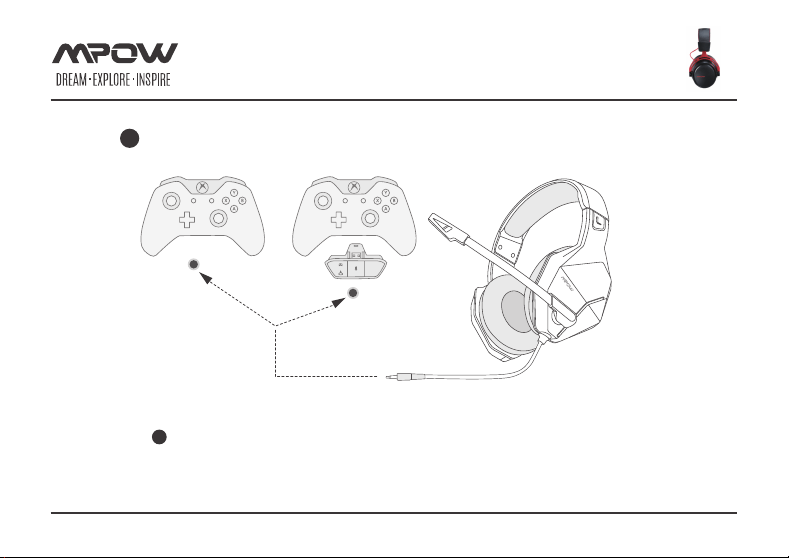
Xbox Setting (Connect the headset to the audio port of the Xbox. The
audio adapter needs an extra purchase).
4
OPERATION GUIDES
Page 7 of 8
Any Changes or modifications not expressly approved by the party responsible for compliance
could void the user’s authority to operate the equipment.
This device complies with part 15 of the FCC Rules. Operation is subject to the following two
conditions: (1) This device may not cause harmful interference, and (2) this device must accept
any interference received, including interference that may cause undesired operation.
Note: This equipment has been tested and found to comply with the limits for a Class B
digital device, pursuant to part 15 of the FCC Rules. These limits are designed to provide
reasonable protection against harmful interference in a residential installation. This
equipment generates uses and can radiate radio frequency energy and, if not installed and
used in accordance with the instructions, may cause harmful interference to radio
communications. However, there is no guarantee that interference will not occur in a
particular installation. If this equipment does cause harmful interference to radio or television
reception, which can be determined by turning the equipment off and on, the user is
encouraged to try to correct the interference by one or more of the following measures:
— Reorient or relocate the receiving antenna.
— Increase the separation between the equipment and receiver.
— Connect the equipment into an outlet on a circuit different from that to
which the receiver is connected.
— Consult the dealer or an experienced radio/TV technician for help.
FCC STATEMENT
Page 8 of 8