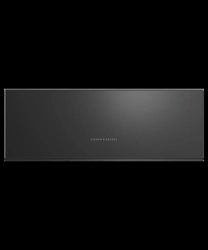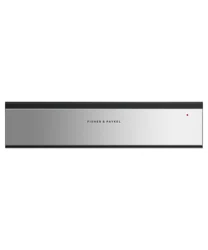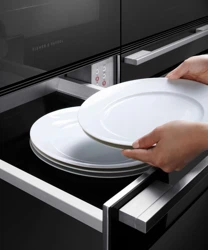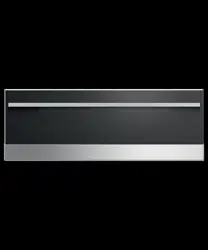

WARMING DRAWER
WB24SMG3, WB24SMB3, WB24SCX3, WB30SDEI3, WB30SMG3,
WB30SMB3, WB30SCX3, WB30SPEX3
3
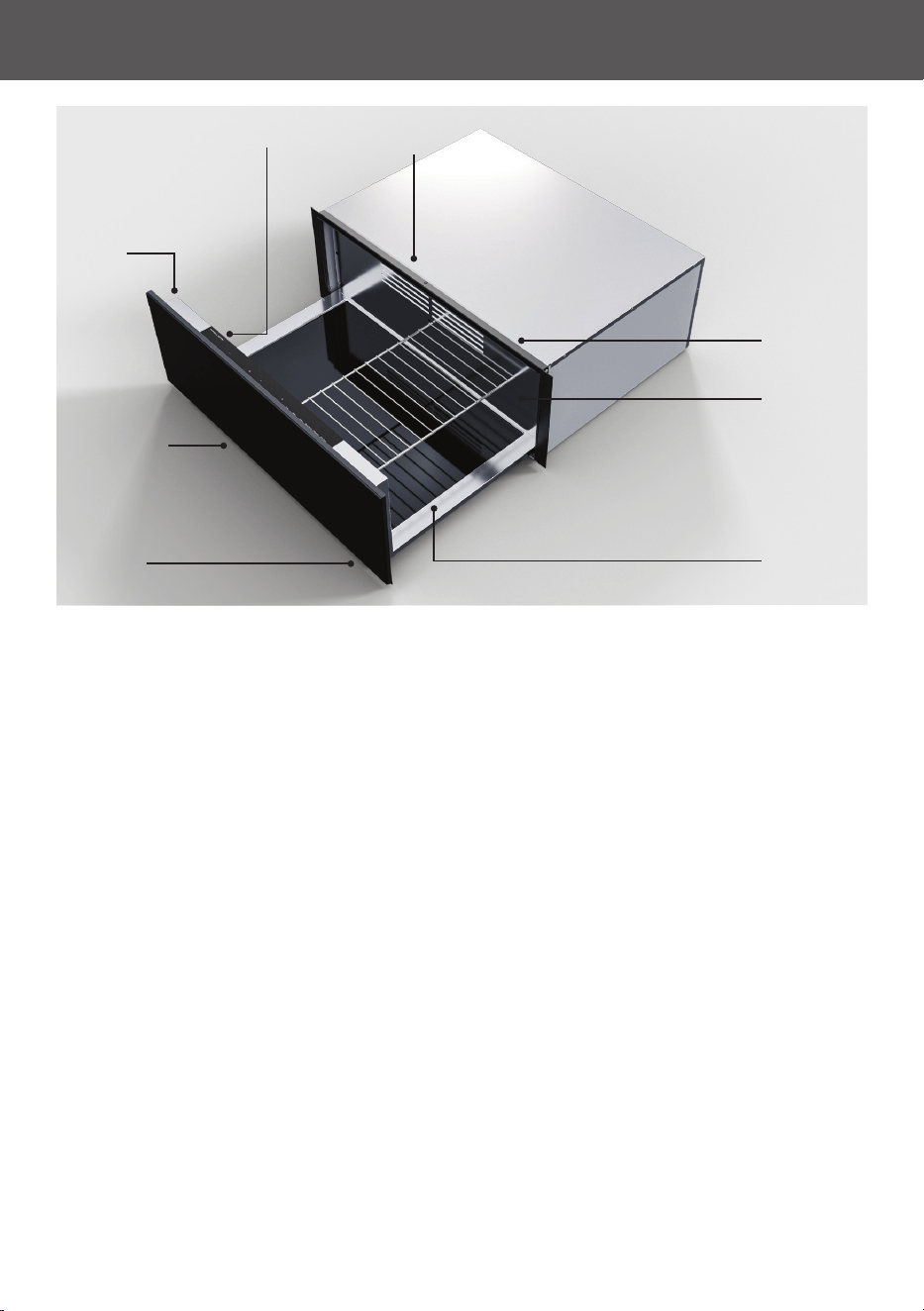
GET TO KNOW YOUR APPLIANCE
Control
panel
Push-to-open
door*
Removable
wire shelf**
Rear fan
Ventilation
area
Indicator
light
Heated
glass base
Lighting
*Not available on professional models.
**30" (76cm) models only.

4
CLEANING THE DRAWER
Key steps to maintain your warming drawer
z
Clean surfaces with a damp cloth, and dry them with a lint-free cloth.
z
Clean after every use.
z
Wipe up spills immediately.
We do not recommend:
z
Scouring pads.
z
Stainless steel cleaners or polishes.
z
Abrasive, acidic, alkaline or solvent cleaning products.
Clean the drawer after every use
Use a soft, damp cloth and mild detergent to clean inside and outside the drawer. Do not
use steam or high pressure cleaners. For stainless steel models, rub in the direction of the
polish lines when cleaning the front of the drawer and dry immediately with a soft cloth.
Wipe up any spills immediately
Do not allow spills to sit in the drawer or to spill over the sides.
Ensure the drawer is turned off and allow to cool before cleaning

5
TROUBLESHOOTING
General use
Why won't the drawer turn on?
z
No power. Make sure the product is connected to the power supply and switched on
at the wall.
z
Check the circuit breaker, or check if there is a power cut in your home or area. If the
product still won’t turn on, call Customer Care or your Authorised Service Centre.
Why isn't the drawer heating?
z
The drawer is not closed properly. Check that the drawer is fully closed. The indicator
light will flash if the drawer is open.
Why aren't the items in the drawer warm enough?
z
The heating time was too short. Set a longer duration.
z
The temperature was set too low. Set a higher temperature.
Why isn't the drawer heating evenly?
z
The rear ventilation may be blocked. Check there are no items directly blocking the
vent and rearrange if needed.
z
The drawer may be overloaded. Remove some items if needed.
Why aren't the lights inside the drawer working?
z
The drawer may be in limited feedback mode. Press and hold the power button for 10
seconds to disable.
z
There may be an issue with the internal lighting. Call Customer Care or your
Authorised Service Centre.
Why is the indicator light on?
z
The indicator light will turn on while the drawer is in operation.
Why is the indicator light flashing?
z
Delayed start is set. After closing the drawer, the indicator light will flash regularly
until the drawer starts heating.
z
The drawer is open. If the drawer is still open after selecting a function, the indicator
light will flash rapidly. The drawer will not start heating until it is closed.
z
The drawer is paused. If the drawer is opened partway through the set time, heating
will be paused. The indicator light will flash until heating is cancelled or the drawer
is turned off. Press the power button to cancel heating or press and hold to turn the
drawer off.

6
TROUBLESHOOTING
Why isn't the indicator light working?
z
No power. Make sure the product is connected to the power supply and switched on
at the wall.
z
There may be an issue with the indicator light. Call Customer Care or your Authorised
Service Centre.
Why won't the drawer open and/or close?
z
There may be something stopping the drawer from closing properly. Check there is
nothing in the way inside the drawer and try closing it again.
z
There may be an issue with the push-to-open door. Call Customer Care or your
Authorised Service Centre.

433166A 11.25
© Fisher & Paykel Appliances 2025. All rights reserved.
The models shown in this guide may not be available in all markets
and are subject to change at any time.
The product specifications in this guide apply to the specific products and models
described at the date of issue. Under our policy of continuous product improvement,
these specifications may change at any time.
For current details about model and specification availability in your country,
please go to our website or contact your local Fisher&Paykel dealer.
FISHERPAYKEL.COM