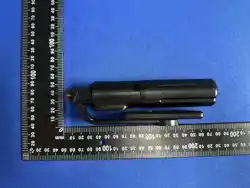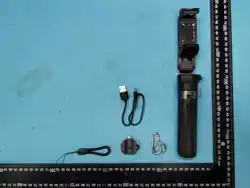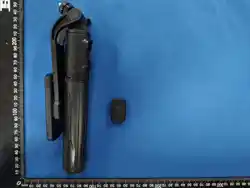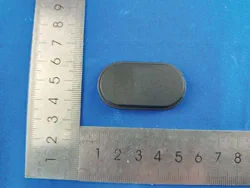
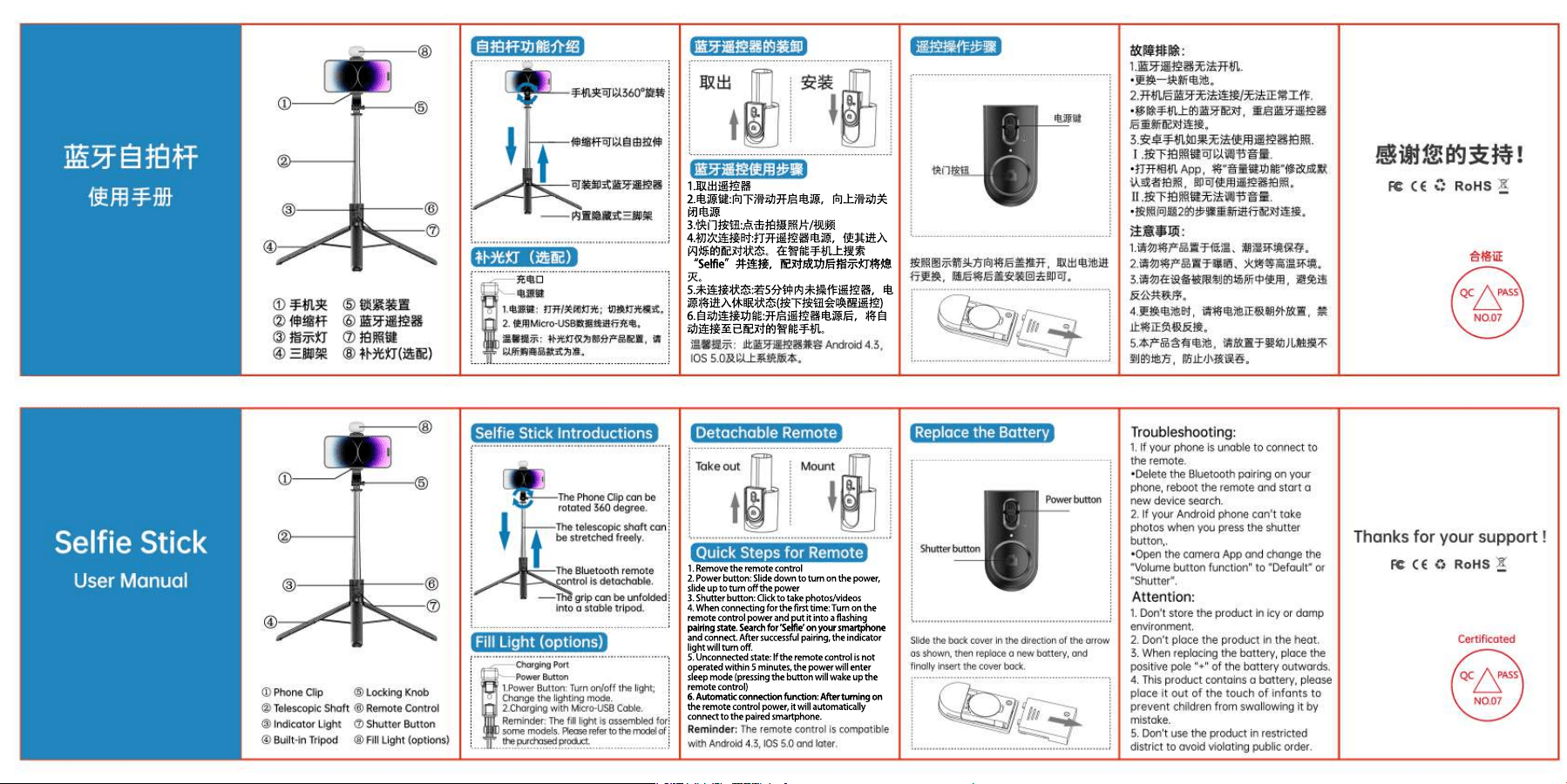
1.取出遥控器
2.电源键:向下滑动开启电源,向上滑动关
闭电源
3.快门按钮:点击拍摄照片/视频
4.初次连接时:打开遥控器电源,使其进入
闪烁的配对状态。在智能手机上搜索
“Selfie”并连接,配对成功后指示灯将熄“Selfie”并连接,配对成功后指示灯将熄
灭。
5.未连接状态:若5分钟内未操作遥控器,电
源将进入休眠状态(按下按钮会唤醒遥控)
6.自动连接功能:开启遥控器电源后,将自
动连接至已配对的智能手机。
1. Remove the remote control
2. Power button: Slide down to turn on the power,
slide up to turn off the power
3. Shutter button: Click to take photos/videos
4. When connecting for the first time: Turn on the
remote control power and put it into a flashing
pairing state. Search for 'Selfie' on your smartphone
pairing state. Search for 'Selfie' on your smartphone
and connect. After successful pairing, the indicator
light will turn off.
5. Unconnected state: If the remote control is not
operated within 5 minutes, the power will enter
sleep mode (pressing the button will wake up the
remote control)
6. Automatic connection function: After turning on
6. Automatic connection function: After turning on
the remote control power, it will automatically
connect to the paired smartphone.

FCC Warning
This device complies with Part 15 of the FCC Rules. Operation is subject to the following two conditions:
(1) This device may not cause harmful interference, and (2) this device must accept any interference received, including
interference that may cause undesired operation.
NOTE 1: This equipment has been tested and found to comply with the limits for a Class B digital device, pursuant to part 15 of
the FCC Rules. These limits are designed to provide reasonable protection against harmful interference in a residential
installation. This equipment generates, uses and can radiate radio frequency energy and, if not installed and used in accordance
with the instructions, may cause harmful interference to radio communications. However, there is no guarantee that
interference will not occur in a particular installation. If this equipment does cause harmful interference to radio or television
reception, which can be determined by turning the equipment off and on, the user is encouraged to try to correct the
interference by one or more of the following measures:
- Reorient or relocate the receiving antenna.
- Increase the separation between the equipment and receiver.
-Connect the equipment into an outlet on a circuit different from that to which the receiver is connected.
-Consult the dealer or an experienced radio/TV technician for help.
NOTE 2: Any changes or modifications to this unit not expressly approved by the party responsible for compliance could void the
user's authority to operate the equipment.
The device has been evaluated to meet general RF exposure requirement. The device can be used in portable exposure
condition without restriction.