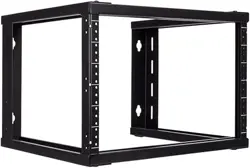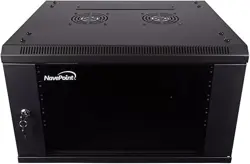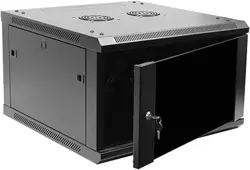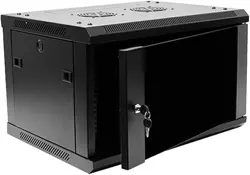
Wall Mount Bracket
www.NavePoint.com
© 2017 NavePoint, LLC
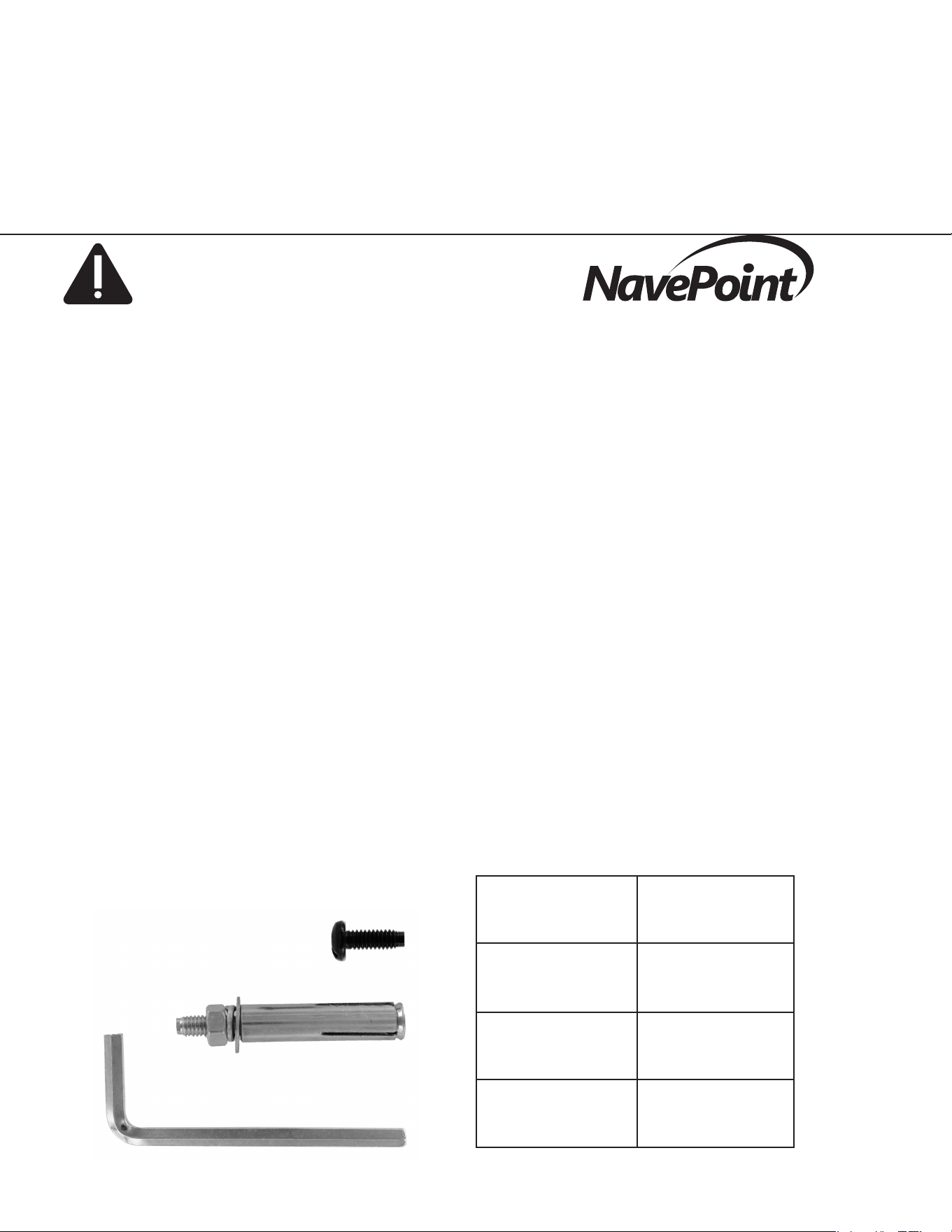
Part Quantity
M10
6U=12
9U=18
12U=24
Wall Anchor 4
Allen Key 1
Rev. 20170517
Important information-
Keep this information for further reference.
WARNING
Different wall materials require different type
of anchoring devices. Use anchoring devices
suitable for the walls which you are using in your
application. For advice on suitable anchoring
systems, contact your local specialist.
Limitations of Liability: In no event will NavePoint, LLC. (or its
ofcers, directors, employees or agents) be liable for any dam-
ages, whether direct or indirect, special, punitive, incidental or
consequential damages (including, but not limited to, lost prots
or revenue, loss of use, lost business opportunities or loss of
goodwill) or for the costs of procuring substitute products, arising
out of or in connection with the use of the product, whether such
liability arises from any claim based upon contract, warranty, tort
(including negligence), product liability or otherwise, whether
or not seller has been advised of the possibility of such loss or
damage. In no event will seller’s total cumulative liability, from
all causes of action and all theories of liability, exceed the total
amounts actually paid to seller by customer under the order that
gives rise to any liability hereunder.
The information contained in this document is subject to change
without notice.
NavePoint makes no warranty of any kind with regard to this
material, including, but not limited to the implied warranties of
merchantability and tness for a particular purpose.
NavePoint shall not be liable for errors contained herein or for
incidental or consequential damages in connection with the
furnishing, performance, or use of this material.
NavePoint assumes no responsibility for the use, application, or
reliability of the software or hardware that you install into the
product. Always install the heaviest equipment in the bottom.
It is highly recommended that installation of this product be
performed by a qualied and experienced installer. Improper
installation of this product could result in damage to the
product, other equipment, or personal injury. NavePoint cannot
be held responsible for damage to equipment or personal
injury resulting from improper use, installation or the misuse of
information presented in this document.
Examine the package for any damaged or loose parts. If
anything is damaged or missing, contact NavePoint for
assistance. Do not attempt to install or use cabinet if it has
been damaged.
Thank you for purchasing a NavePoint product. NavePoint intends this manual to guide you through
a smooth installation of the product. NavePoint assumes that you are qualied in the servicing of
computer equipment and trained in recognizing any hazards that may occur in the installation of this
product. If you have any questions regarding the installation or use of your product, please call us at
888.505.1363.
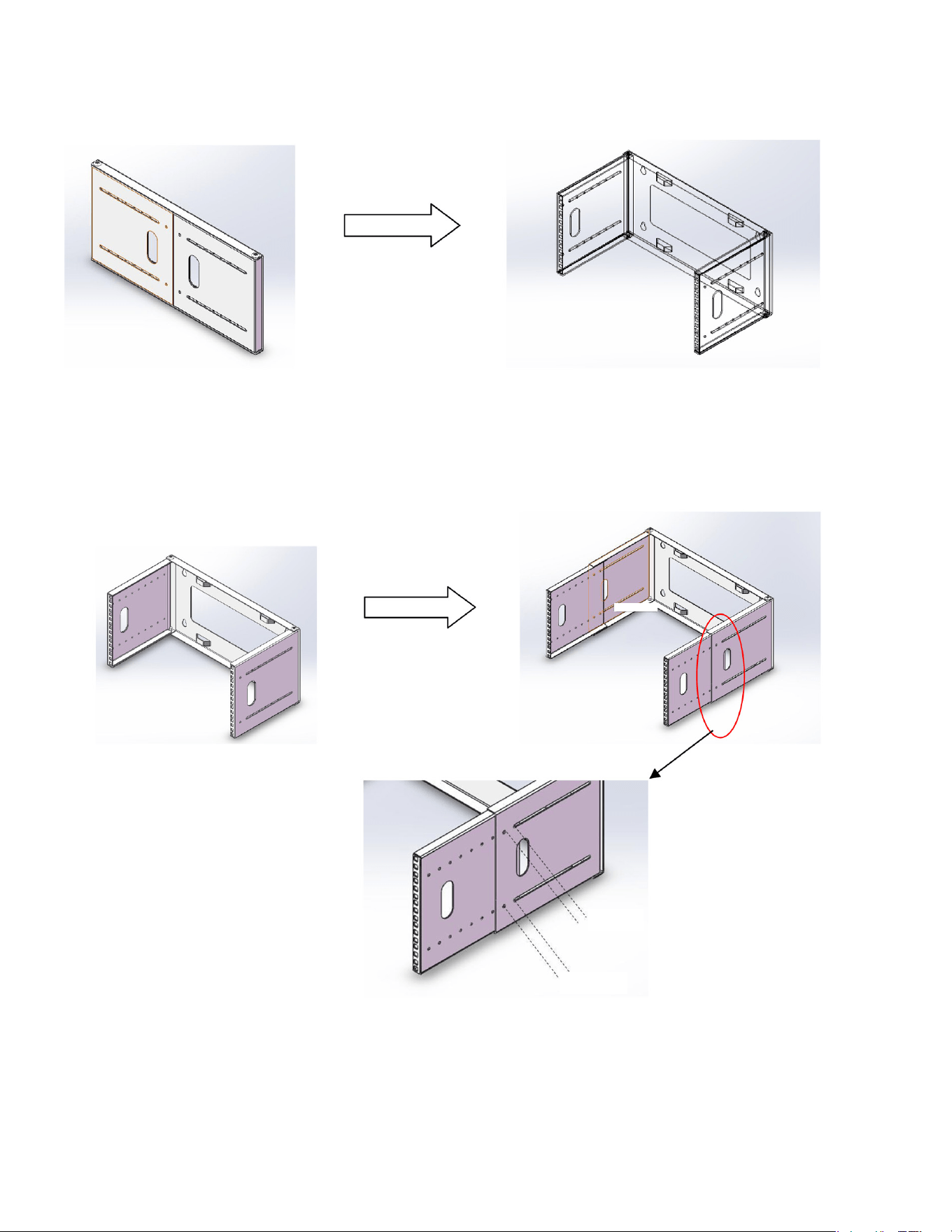
1
2
3
Open side panels as shown in image.
Slide side panels to desired depth. Secure
each side panel with four M10 screws.
Mount Wall Bracket using appropriate
anchors or into wall studs.
M10
M10