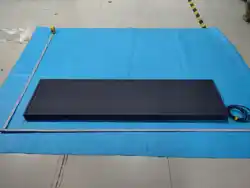

Widescreen User Manual Rev. 2.0
Welcome
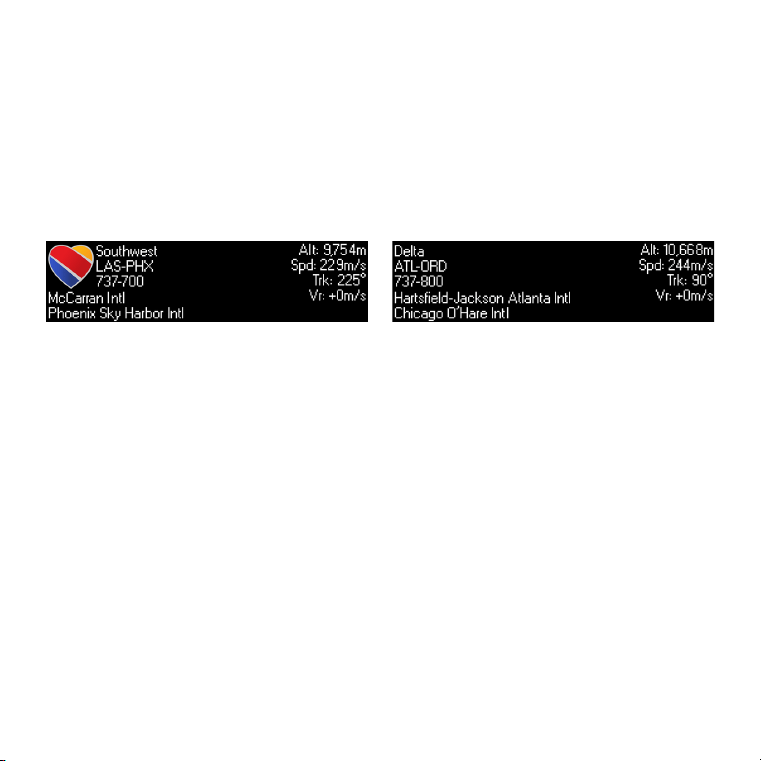
TheFlightWall is an LED display that shows live information of
aircraft flying near you, right as they pass by your window.
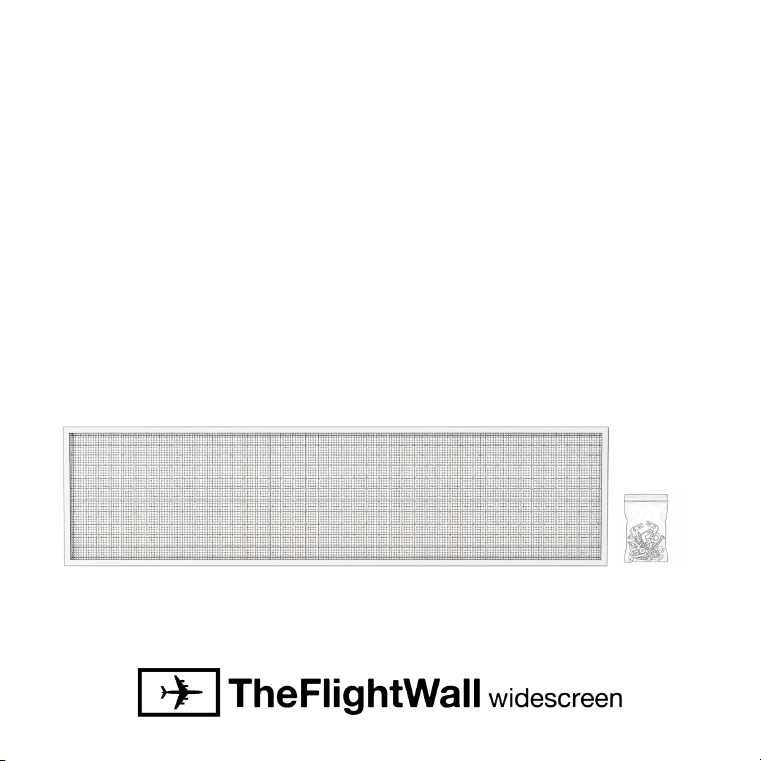
What’s in the box:
TheFlightWall has been made possible by aviation enthusiasts
like yourself, we appreciate all the support on this project!
TheFlightWall Widescreen
+ Mounting Hardware
Getting Setup
Powering Up
WiFi Setup
Download the app
TheFlightWall is easy to setup and
configure with our mobile app.
On first power-up, the display will show connection information.
Ensure you have TheFlightWall app installed.
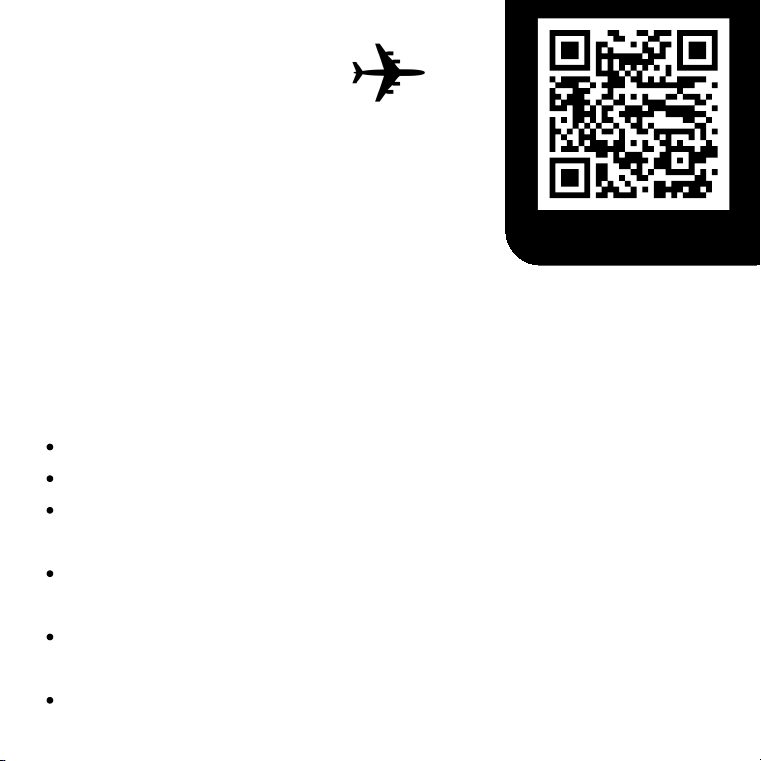
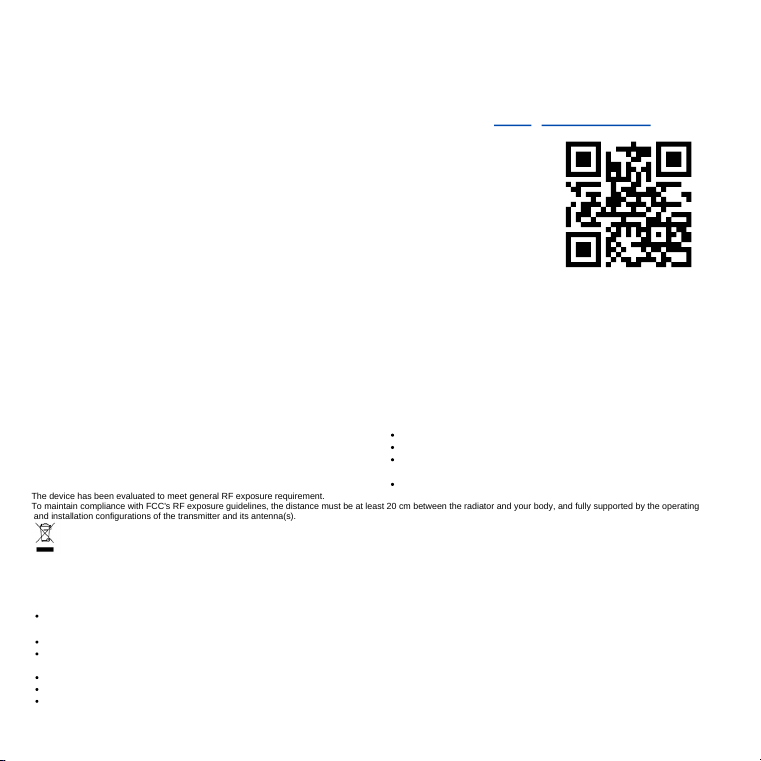
Follow the steps in the app, scanning the QR code on screen or
connecting manually.
Select your WiFi network, enter your password, and wait for the
display to connect.
Once connected, the display will restart and may perform software
updates.
Next, configure your settings!
Plug the power cable into any
standard US outlet.
Get your FlightWall connected to your internet.
Data Configuration
Data Filters
Location and Flights
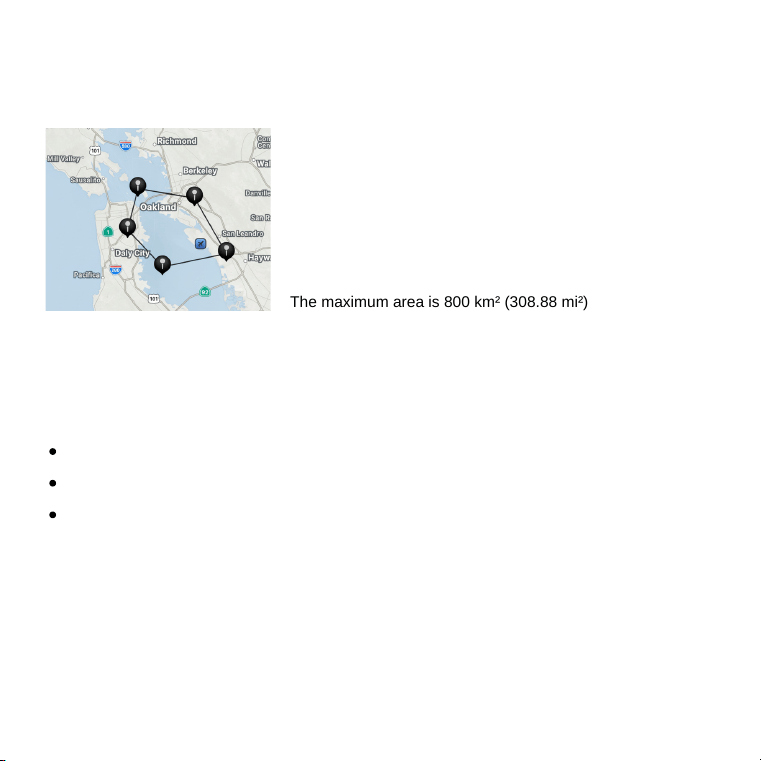
Set the area you want to scan for flights,
either a radius around a point or a custom
shape matching your view.
Apply filters for busy airspaces
Specific altitude range
Hide municipal aircraft
Hide helicopters
Set your “home” airport
Optionally set your local
airport(s) to contextualize the
display so flights say “arriving”
or “departing”
The maximum area is 800 km² (308.88 mi²)
Track individual flights
Switch to flight tracking mode (more info on page 6) and enter
any flight number to track an individual flight.
Display Configuration
Brightness and Border
Layouts
Change the display brightness and toggle an
optional border around the display.
Choose how the information is displayed on screen from
one of the preset layouts.
The device will check for software updates to enhance features and
performance. Updates will automatically install when the device is
powered on.
New display settings and data added in the future, keep an eye out!
Software Updates
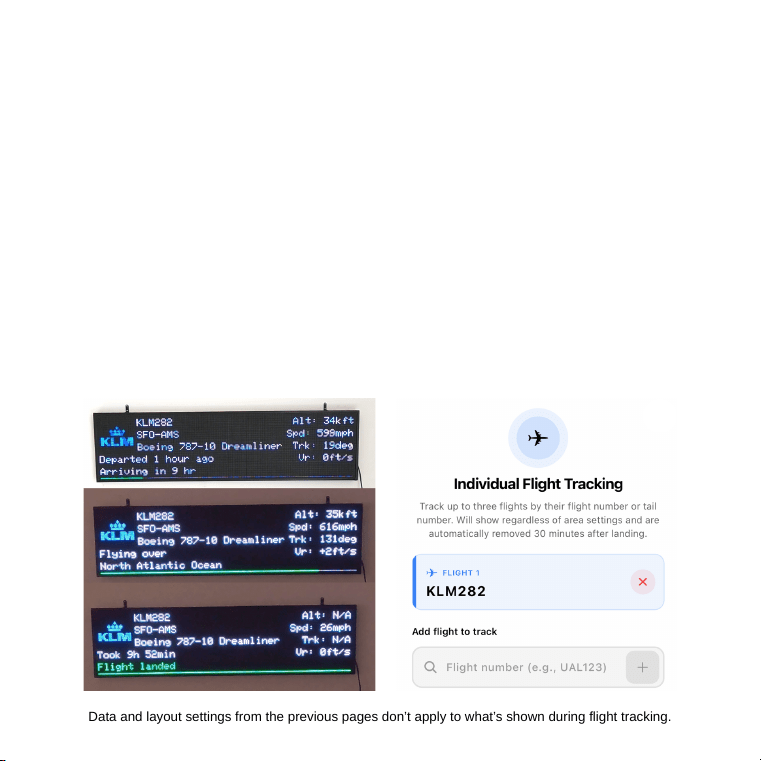
Data and layout settings from the previous pages don’t apply to what’s shown during flight tracking.
Flight Tracking
Track the progress of any flight
In the app, you can enter up to three flight numbers or callsigns,
allowing you to track the progress of individual flights.
See the core information
Flight tracking will show progress percentage, departed / arrival times,
and the closest city or ocean the aircraft is flying over. 30 minutes after
landing, the flight will be automatically removed.
Mounting Options
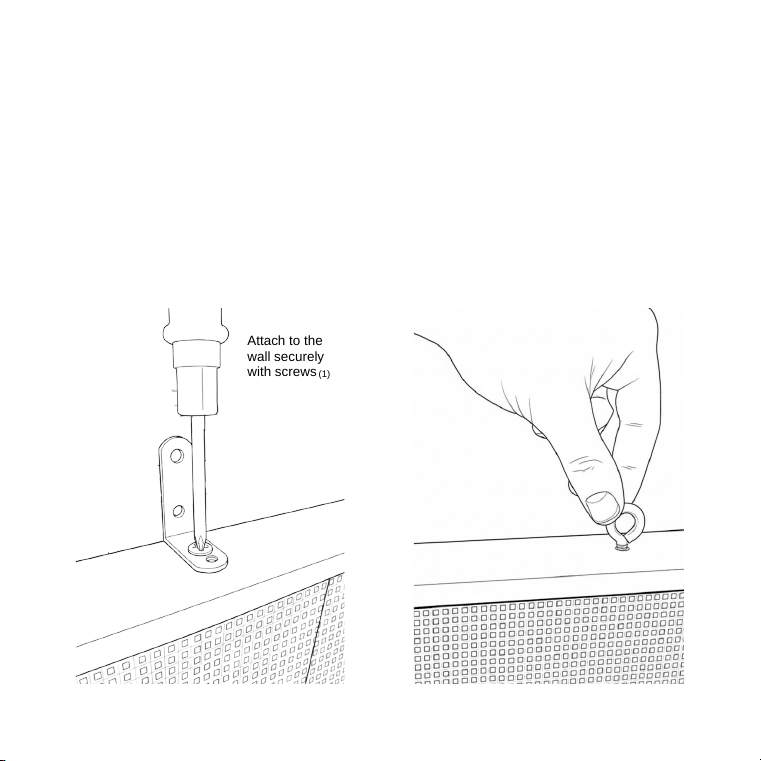
Wall Hangers
Screw the provided eyelet
screw into the bolt holes on
the top of the display. Hang
securely with wire or rope.
Wall Brackets
Screw the provided L-brackets
into the bolt holes on the top of
the display.
Attach to the
wall securely
with screws
(1)
.tnempiuqe eht etarepo ot ytirohtua s’resu
eht diov dluoc snoitacifidom hcuS .tnempiuqe siht ot snoitacifidom dezirohtuanu
yb desuac ecnerefretni yna rof elbisnopser ton si rerutcafunam ehT :etoN
.ecived siht etarepo ot noitazirohtua CCF eht diov yam .cnI elbmiNsixA
yb devorppa ylsserpxe ton ecived siht ot edam snoitacifidom ro segnahC :gninraW
.noitarepo derisednu esuac
yam taht ecnerefretni gnidulcni ,deviecer ecnerefretni yna tpecca tsum ecived siht )2(
dna ,ecnerefretni lufmrah esuac ton yam ecived sihT )1(
:snoitidnoc owt gniwollof
eht ot tcejbus si noitarepO .seluR CCF eht fo 51 trap htiw seilpmoc ecived sihT
tnemetatS )CCF( noissimmoC snoitacinummoC laredeF
:stnemeriuqer yrotaluger .S.U elbacilppa htiw seilpmoc )derewop-llaW
,tespihc 2FW udiuH ,5P ,mm 023 × 0821 — neercsediW llaWthgilFehT( tcudorp sihT
ecnailpmoc yrotalugeR
Questions? Found an issue?
(1) Professional mounting required. TheFlightWall Widescreen must be mounted by a qualified installer or technician using appropriate fixings and building-safe
practices. Manufacturer is not responsible for damage, injury, or loss resulting from improper mounting or installation.
Indoor use only. Do not expose to water or damp locations.
Electric shock / service. Do not open the enclosure. No user-serviceable parts inside. Repairs and internal servicing must be performed only by authorized
service personnel.
Keep away from children. Not a toy. Contains small parts and bright LEDs. Avoid prolonged direct eye exposure to the display.
Disconnect before cleaning. Unplug the USB power before cleaning or moving the device.
No modifications. Changes or modifications not expressly approved void the authority to operate the device.
Safety warnings & installation
Power supply
The power supply supplied with this product is ETL-certified. Use only the supplied ETL-listed power supply. Use of non-listed or unapproved power supplies may
impair safety and compliance. (ETL 5012555).
Environmental & disposal
Dispose of this electronic product in accordance with local e-waste and electronic recycling regulations.
[email protected]or email
theflightwall.com/faqAQ at For further questions or assistance please visit our F
90069 United States
AxisNimble Inc.
8605 SANTA MONICA BLVD #977568 WEST HOLLYWOOD CA
interference by one or more of the following measures:
f and on, the user is encouraged to try to correct theturning the equipment of
Reorient or relocate the receiving antenna.
Increase the separation between the equipment and receiver.
Connect the equipment into an outlet on a circuit different from that to
which the receiver is connected.
Consult the dealer or an experienced radio/TV technician for help.
interference to radio or television reception, which can be determined by
occur in a particular installation. If this equipment does cause harmful
, there is no guarantee that interference will notcommunications. However
accordance with the instructions, may cause harmful interference to radio
can radiate radio frequency energy and, if not installed and used in
This equipment generates, uses andinterference in a residential installation.
limits are designed to provide reasonable protection against harmful
Thesefor a Class B digital device, pursuant to part 15 of the FCC Rules.
This equipment has been tested and found to comply with the limitsNOTE:
Found a data issue?
.reach out and let us know
inconsistencies or issues. If something is wrong or missing, please
e’ve worked hard to source accurate flight data, but there could beW
The device has been evaluated to meet general RF exposure requirement.
To maintain compliance with FCC's RF exposure guidelines, the distance must be at least 20 cm between the radiator and your body, and fully supported by the operating
and installation configurations of the transmitter and its antenna(s).
