EN
THE OBJECTS IN THEBOX
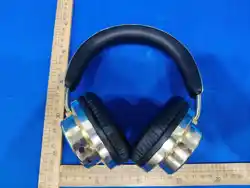
1.Wireless Headphones
2.USB Type C Charging Cable
BUTTON ICON:
3. Wireless music mode:
Short press "+" button to volume up. Long press "+" button to play the next song.
Short press "-" button to volume down. Long press "-" button to play the previous song.
4.Mobile Phone/ Device Connection:
Step 1: Open the Bluetooth setting on your phone/ device and click“Search Device”. Some devices will search for available
device automatically.
Step 2: Search for Bluetooth devices to pair until you see “AZZARO HEADPHONES”.
Step 3: The indicator light on the headphone will flicker blue and red while pairing. Your device will indicate when the pairing
is successful and the indicator light will stop flickering.
4.Charging:
Please make sure the product is fully charged before the first use. Charge the product with the provided USB cable which is
compatible with any computer or other 5V output charger. The charge Indicator will be in red while charging, and will turn off
when the battery is fully charged.
5.Product specifications:
Bluetooth solution: V6.0
Support A2DP, AVRCP, HSP, and HFP profile
1.Driver unit: 40mm
2.Impedance:16 ohms
3.Sensitivity:97dB±3dB
4.Max. input power: 20mW
5.Frequency response: 20Hz-20kHz
6.Frequency: 2402-2480MHz
7.EIRP Power: ≤10 dBm
Features:
1.Working distance: 10M
2.Built-in rechargeable battery: 3.7V, 200mAh
3.Playing time: up to 8 hours
4.Phone talk: up to 8 hours
5.Charging time: 1.5~2.0 hours
6.Stand-by time: up to 15 days
TIPS:
1.When using for the first time, charging for more than 1-2 hours is good for battery.
2.Please charge the product if the product hasn't been used for a long time (more than one month).
3.Please keep away from fire and water.
4.To prevent possible hearing damage, do not listen at high volume levels for long periods. Do not use the headset while
driving or cycling or in any situation where you should be able to hear other sounds.As a guide to set the volume level, check
that you can stil hear your own voice, when speaking normally while listening with the headset.
Importer:
Manufactured by: ADM group
www.adm-indicia.com
Made in China
Warning
To assure continued compliance, any changes or modifications not expressly approved by the party. Responsible for compliance
could void the user’s authority to operate this equipment.
FCC Statement
This equipment complies with Part 15 of the FCC Rules. Operation is subject to the following two conditions:
(1) This device may not cause harmful interference, and
(2) This device must accept any interference received, including interference that may cause undesired operation.
NOTE: This equipment has been tested and found to comply with the limits for a Class B digital device, pursuant to part 15 of the
FCC rules. These limits are designed to provide reasonable protection against harmful interference in a residential installation. This
equipment generates, uses and can radiate radio frequency energy and, if not installed and used in accordance with the instructions,
may cause harmful interference to radio communications. However, there is no guarantee that interference will not occur in a particular
installation. If this equipment does cause harmful interference to radio or television reception, which can be determined by turning the
equipment off and on, the user is encouraged to try to correct the interference by one or more of the following measures:
-Reorient or relocate the receiving antenna.
-Increase the separation between the equipment and receiver.
-Connect the equipment into an outlet on a circuit different from that to which the receiver is connected.
-Consult the dealer or an experienced radio/TV technician for help.
FCC Radiation Exposure Statement:
The device has been evaluated to meet general RF exposure requirement.
The device can be used in the portable exposure condition without restriction.
Model No. : LH0724
Operating ambient temperature: 0 - 40°C,
Storage and transportation ambient temperature: -10 - 50°C,
altitude not higher than 2000m (air pressure not less than 80kPa),
WARNING:
-Danger of explosion if battery is incorrectly replaced.
-Replace only with the same or equivalent type.
-Battery cannot be subjected to high or low extreme temperatures, low air pressure at high altitude during use, storage or transportation.
-Replacement of a battery with an incorrect type may defeat a safeguard;
-Disposal of a battery into fire or a hot oven, or mechanically crushing or cutting of a battery,may result in an explosion;
-Leaving a battery in an extremely high temperature surrounding environment, such as sunshine, fire, or hot surface may result in an
explosion or the leakage of flammable liquid or gas;
CAUTION
Risk of fire or explosion if the battery is replaced by an incorrect type!
Recommended power adapter
To ensure optimal and safe performance, use a CE-certified adapter with these specifications:
Minimum charging power: 0.1 Watts
Maximum charging power: 1.0 Watts (for full speed)
Only use adapters rated for these specifications to avoid performance
issues or safety risks.
Batch Code : 2026-09-20
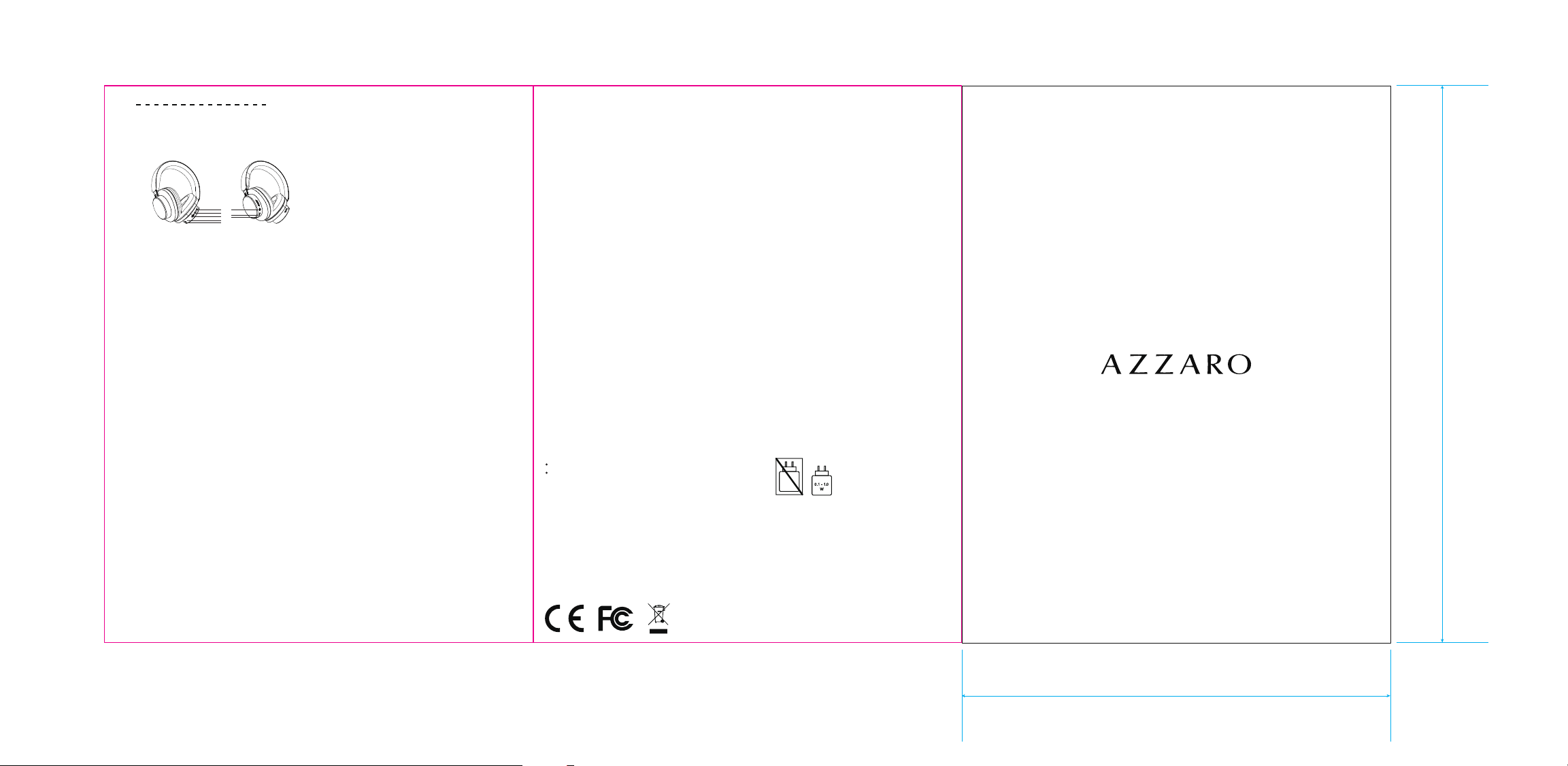
AZZARO HEADPHONES USER MANUAL
AZZARO HEADPHONES
Please read the instructions before using the headset.
130mm
100mm
1.Next/Volume up
2.Previous/Volume down
3.Play/Pause
4.Mic
5.Aux in
6.Indicator Light
7.Charging
8.Power
1
2
3
4
5
7
6
8
1. Power button (8):
Long press to turn on / turn off.
2. Play/Pause button(3):
Short press to play/pause when music playing or answer /end the phone call.
Press twice to redial the last phone call.
Press thrice to activate the voice assistant.
Long press to reject the incoming phone call.
Please note: Not all mobile phones support all the functions listed above. Please refer to your cell phone's user manual for
further information.