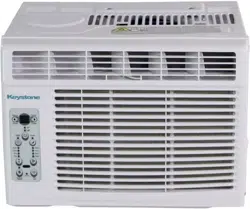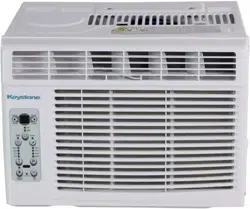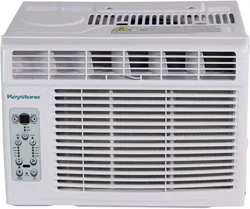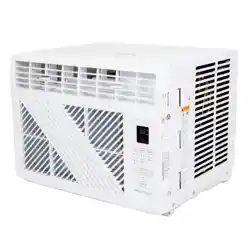
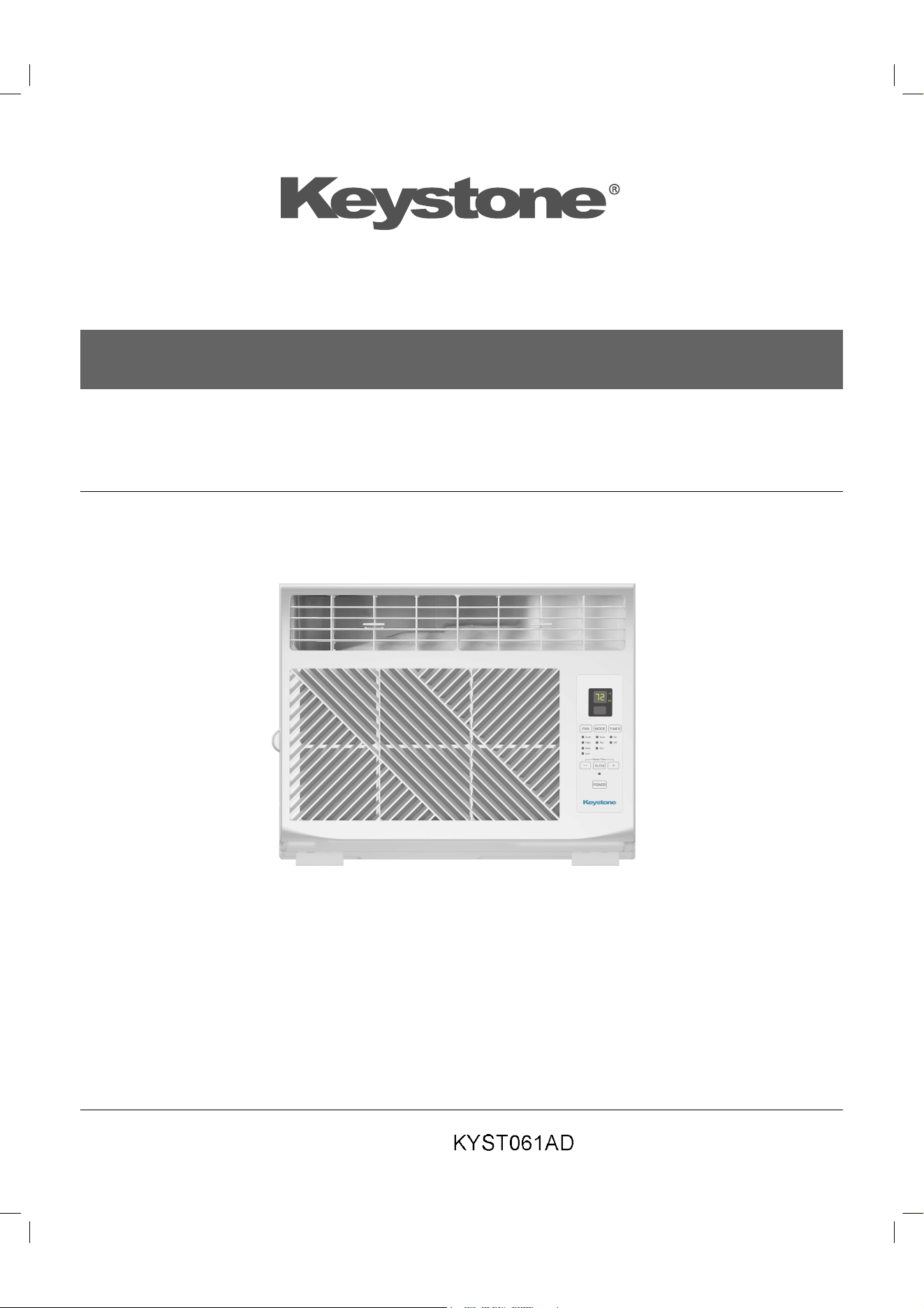

Keystone KYST061AD 6,000 BTU Window Air Conditioner with Remote Control

Product's Documents

Below are documents related to this product, you can read online or download:
User Manual Specification
  • Product Specifications - (English) Download
KYST061AD photo

Product Manual

This is the main product document for model KYST061AD. Additionally, the document applies to other Keystone models: 840148730458

The file format is pdf, 20 pages, you can download this manual here .

background



0011538685
background
background
























background
background
background











background





 


 






background
6
USING THE AIR CONDITIONER
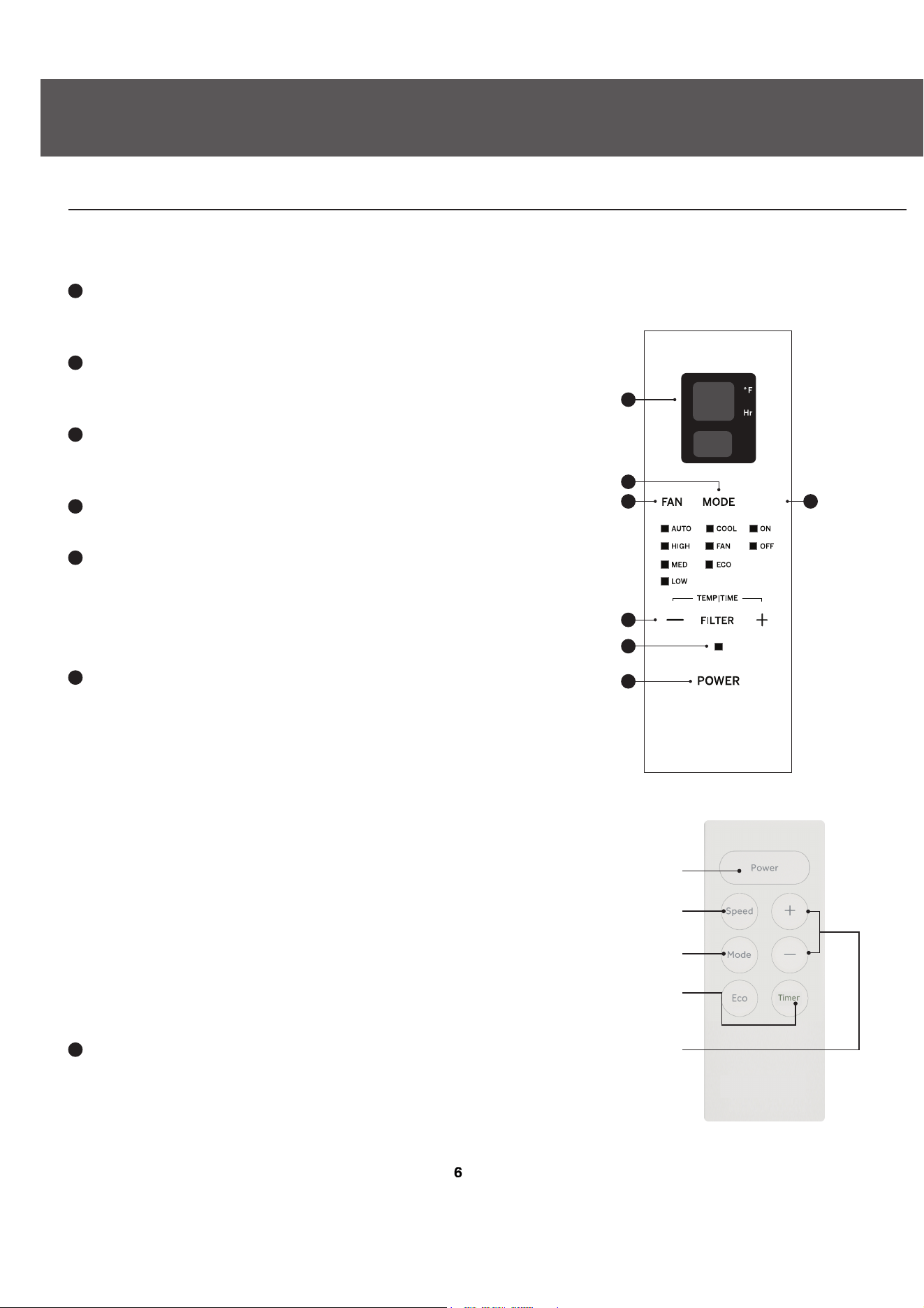
AIR CONDITIONER CONTROLS
Features and appearance may vary.
Lights below the touch pads on the air conditioner control panel indicate the selected settings.
1
Power Pad
Turns air conditioner on and o. When turned on,
the display will show the set temperature.
2
Display
Shows the set temperature at all times in Cool or
ECO modes or time remaining on the Delay timer.
3
Temp and Delay Increase + /Decrease – Pads
Use to set temperature or delay time. Temperature
4
can be set in Cool and ECO mode.
Mode Pad
Use to set the air conditioner to Fan Only, Cool, or ECO mode.
5
Fan Speed Pad
In Cool, ECO mode:
Use to set the fan speed to Auto, High, Med or Low on the unit.
In Fan Only mode:
Use to set the fan speed to High, Med, or Low on the unit.
6
Timer Pad
Timer (set by remote control only)
Timer ON-When the air conditioner is off, it can be set to
automatically come on between 1 - 24 hours at its previous
mode and fan setting.
Timer OFF-When the air conditioner is on, it can be set to
automatically turn off between 1 - 24 hours. How to Set:
Press Timer on the remote control. Each press will Increase
A (+) / Decrease V (-) by 1-hour increments. To review the
remaining time on the timer, press the Timer pad on the
remote control. Use the Increase A (+) / Decrease V (-)
pads on the remote control to set a new time if desired. To
Cancel the Timer, p-ess Decrease V (-) pad on the remote
control until the set time is zero.
7
Filter Reset Pad
1
2
3
4
5
7
6
Unit power
on/o
AIR CONDITIONER
CONTROLS
REMOTE
CONTROL
Mode select
Fan speed
Timer
Temperature
Set/Delay Timer
Increase and
Decrease
Timer
This feature automatically noties you that the air lter must
be cleaned. The indicator light will come on after 250 hours of
operation. Clean the air lter (refer to page 8), place it back in the
front panel, and press the Filter Reset pad. The light will go o.
background







 













background










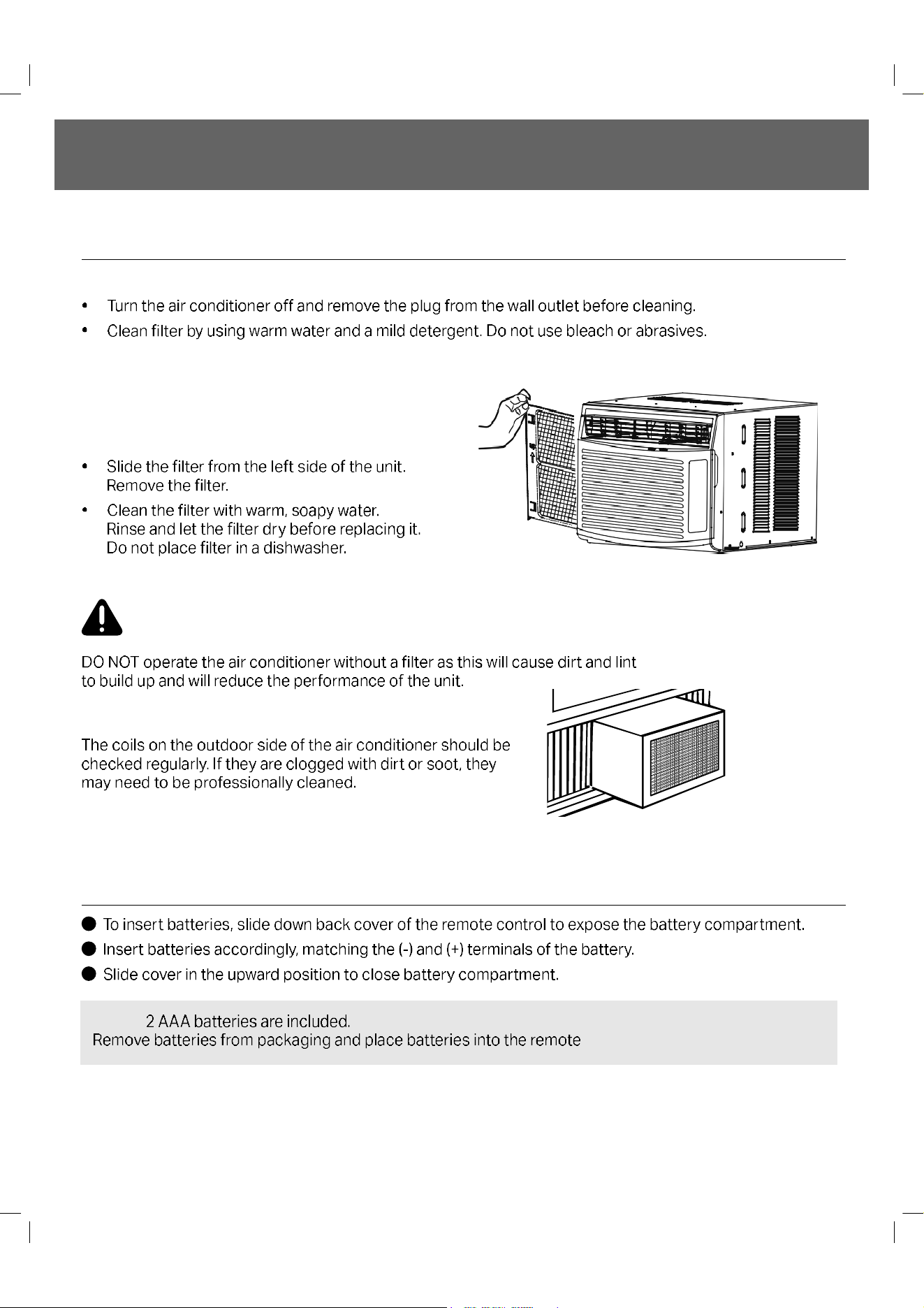
The air filter should be checked and cleaned at least every
30 days or more often if necessary.
To Remove
background









 
 

background





  

 



  

 
background





background























background






























background




  














background





background
NOTES
background
NOTES
background


Specifications

Keystone KYST061AD Questions and Answers

Questions and Answers

Related Products