ITEM NO.: KL-11001
X4
Battery required:
included
not included Tools Required:
not included
#0 Phillips screwdriver
Pairing Instructions
1. Slide the remote controller switch to ON. The indicator light flashes—pairing
mode is active. Then slide the vehicle switch to ON. The vehicle will automatically
pair. When the indicator light stops flashing and turns off, pairing is successful.
2. One remote controller pairs with only one vehicle. Paired vehicles do not interfere
with each other.
3. If pairing fails, turn both off and repeat Step 1.
Note:
1. Remote controllers are not universal. Please distinguish between them carefully
and do not mix them for use.
2. Do not pair the remote controllers of the excavator and the tower crane at the
same time.
Sleep Mode
If no input is made via the remote control within 3 minutes, the model automatically
switches to sleep mode. To restart, press the power switch again.
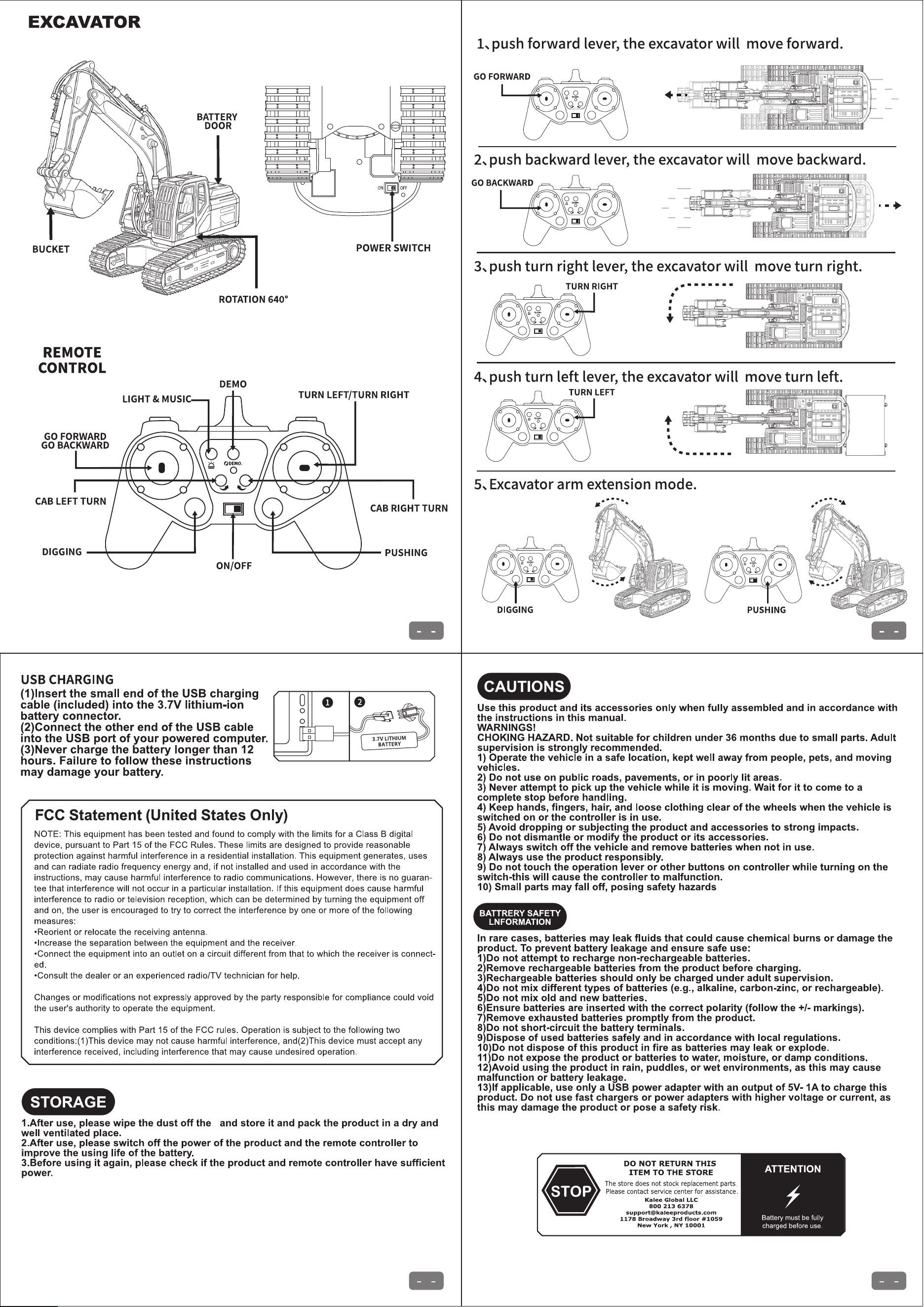
OPERATION GUIDE
Before each use, the remote controllers must be paired with the vehicles. Once pairing
is successful, place on a flat surface before use. After use, slide both switches to OFF.
Auto sleep mode activates after 3 minutes of inactivity. Press power switch to restart.
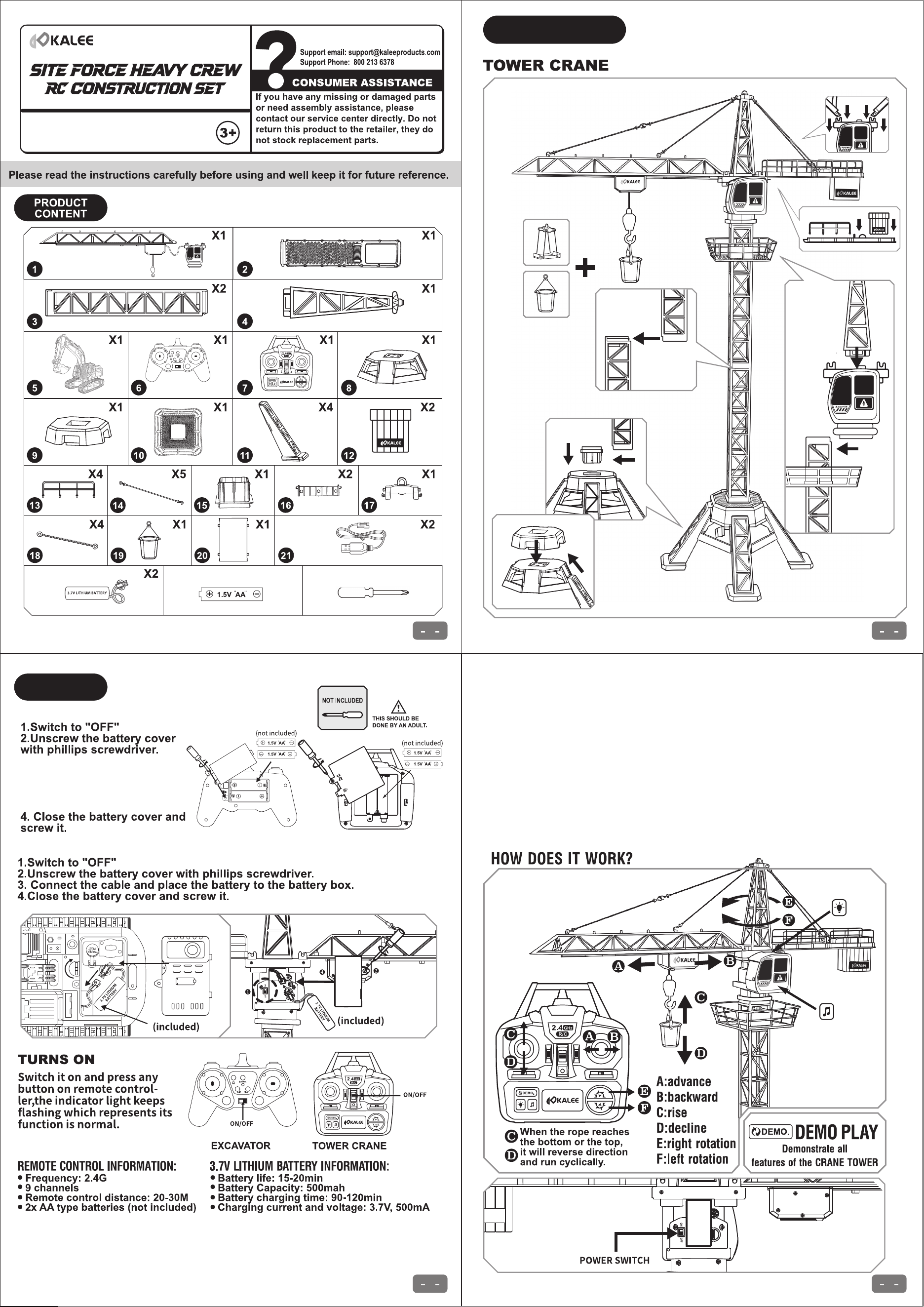
TOWER CRANE
BATTERY
INSTALLATION
TOWER CRANE & EXCAVATOR
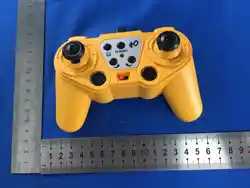
REMOTE CONTROLLER
3. Insert 2x1.5V “AA”
(called LR6 in some
countries) batteries with
polarities shown in battery
compartment.
��
� �
COMPONENTS DETAIL
ASSEMBLY
� �
� �
HOW DOES IT WORK?