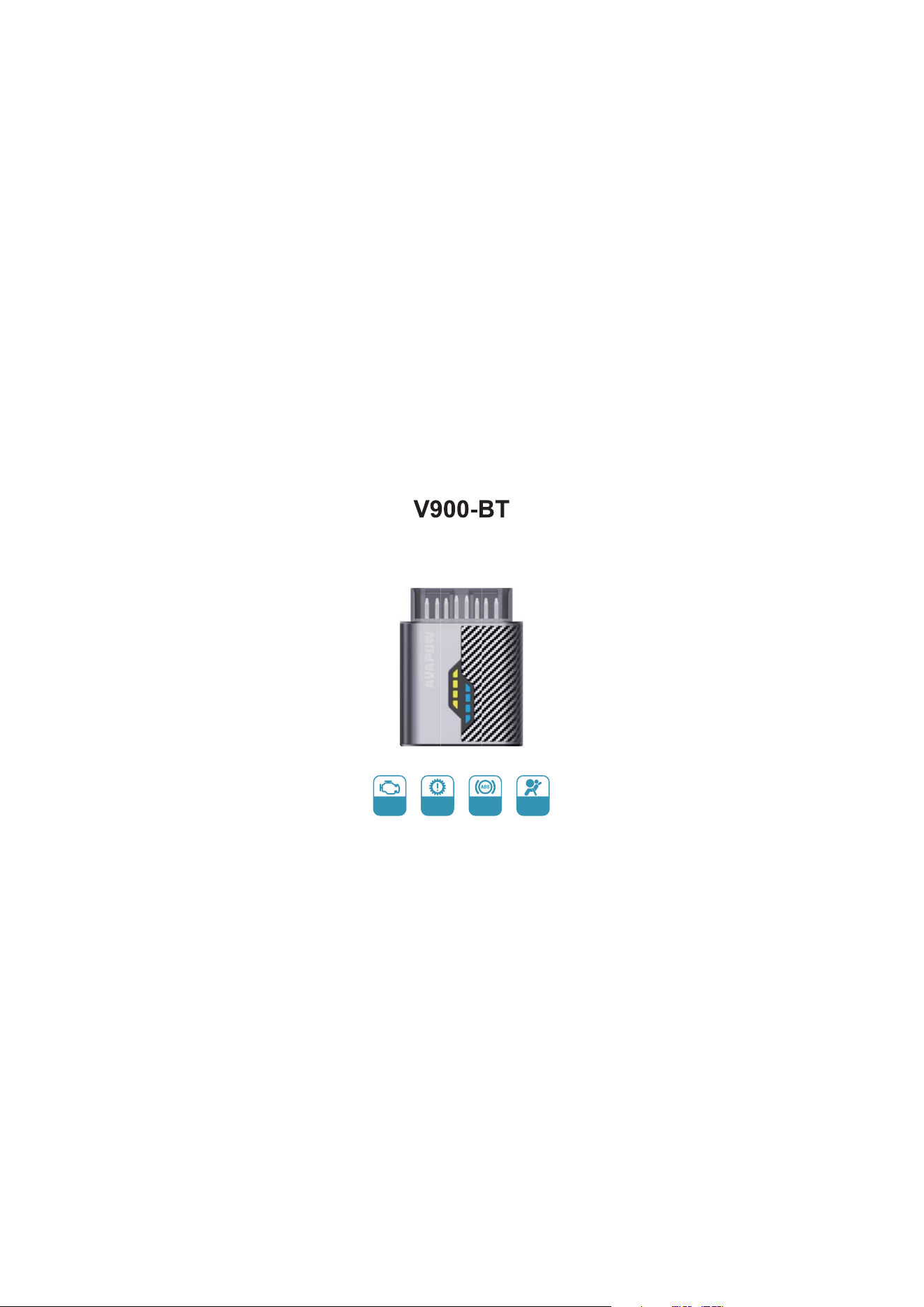
User Manual
ENG
Diagnosis
AT
Diagnosis
ABS
Diagnosis
SRS
Diagnosis

Product Description
Main Functions
This product is mainly used for
reading automotive engines/
transmissionsABSAirbag
system malfunction, clear the
fault code and read the OBD
system data stream.
This product can monitor and
diagnose the health status of
vehicles, display detailed
reasons for vehicle malfunction
lights, read and clear fault codes,
record vehicle travel data, AI
intelligent diagnosis, and deeply
detect car faults.
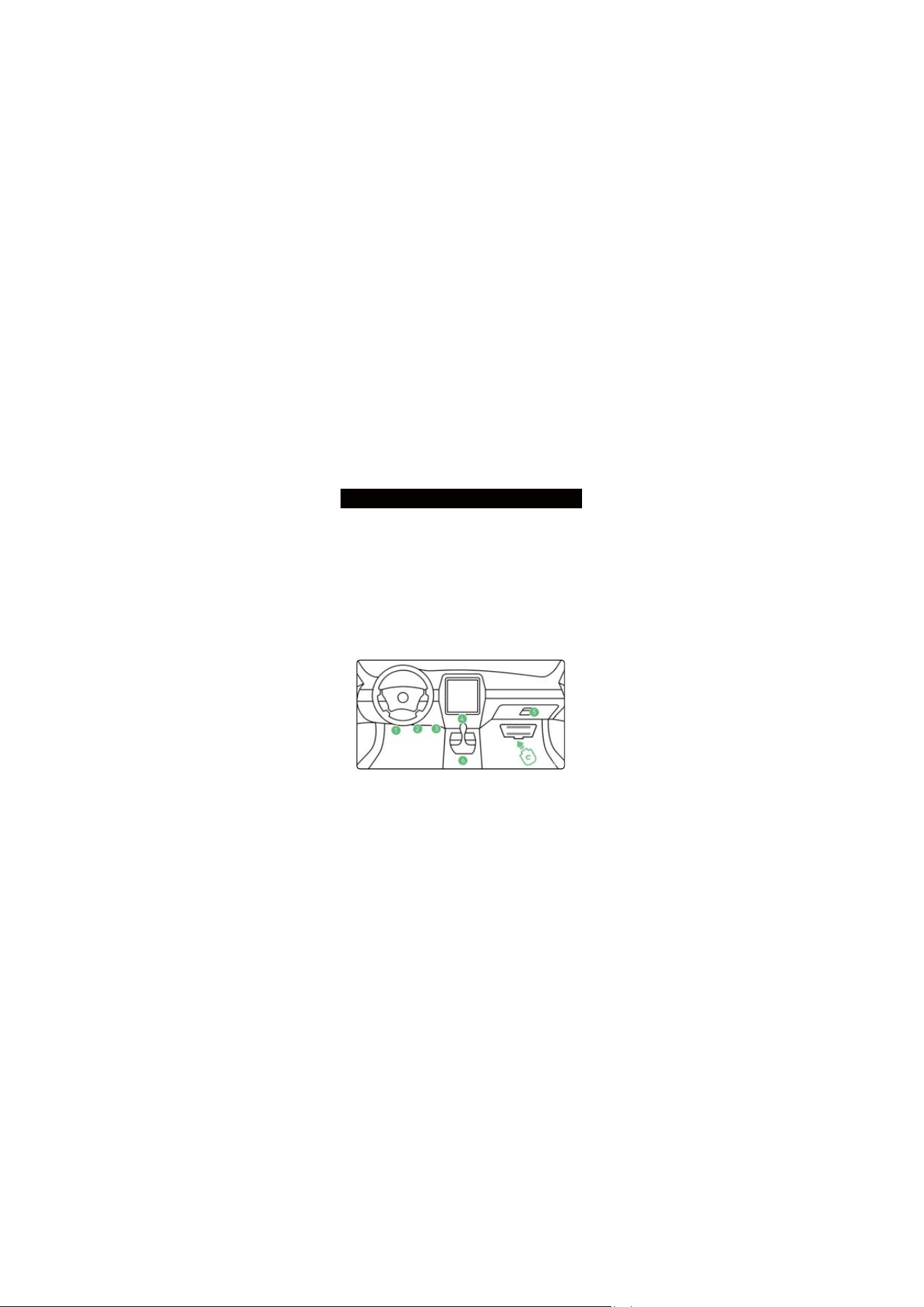
Search for OBD Interface
The OBD interface may be
located in different positions on
different vehicle models. (Usually
located on the lower side of the
dashboard on the driver's side of
the car, above the accelerator
pedal)
Insert the product into the OBD
interface and start the car.
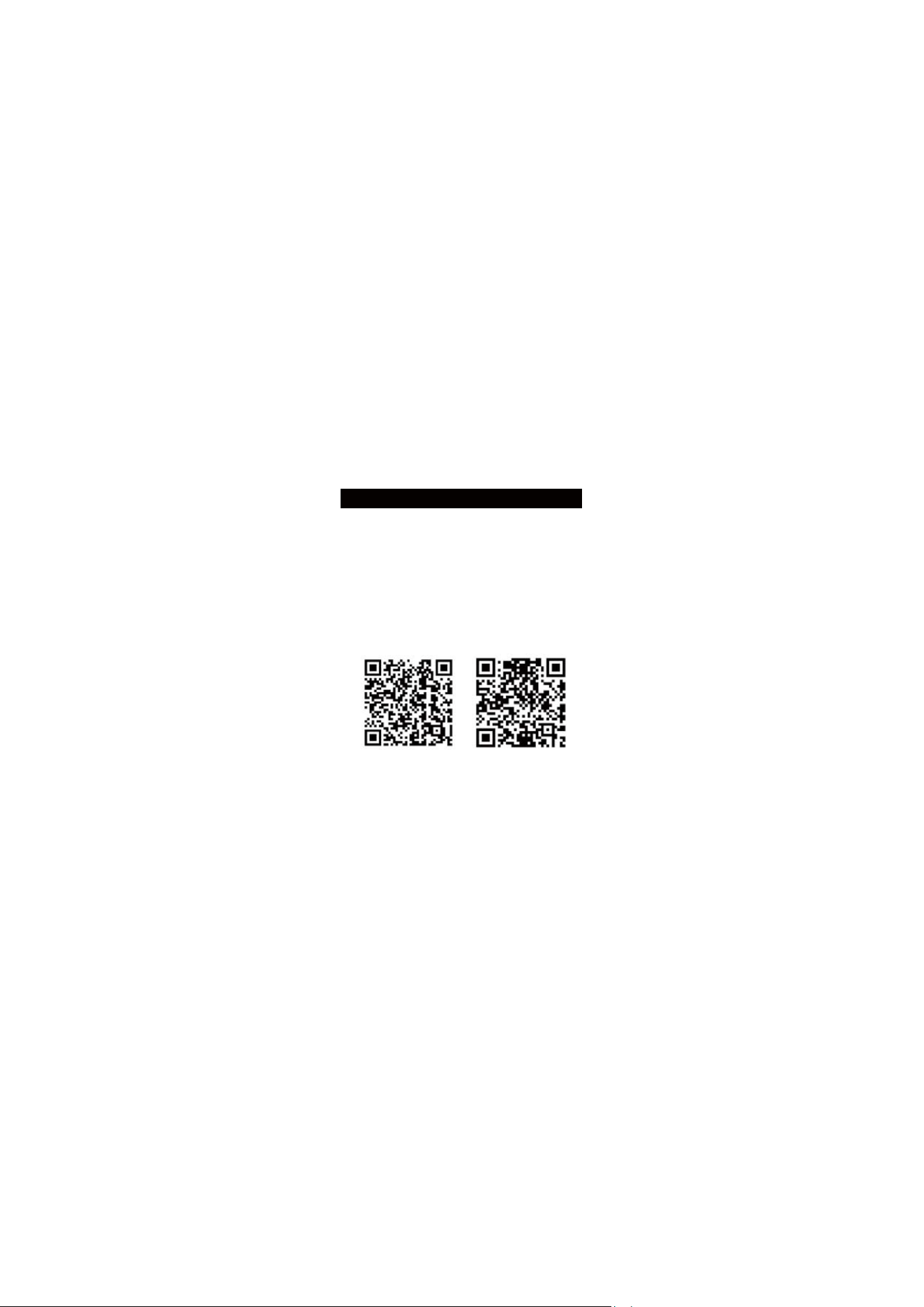
Software Download
Android system iOS system
1. Use a mobile browser to scan
the QR code below.
2. You can also search for the
software name "INNOOBD
" on
Google Play or Apple Store to
download it.
+
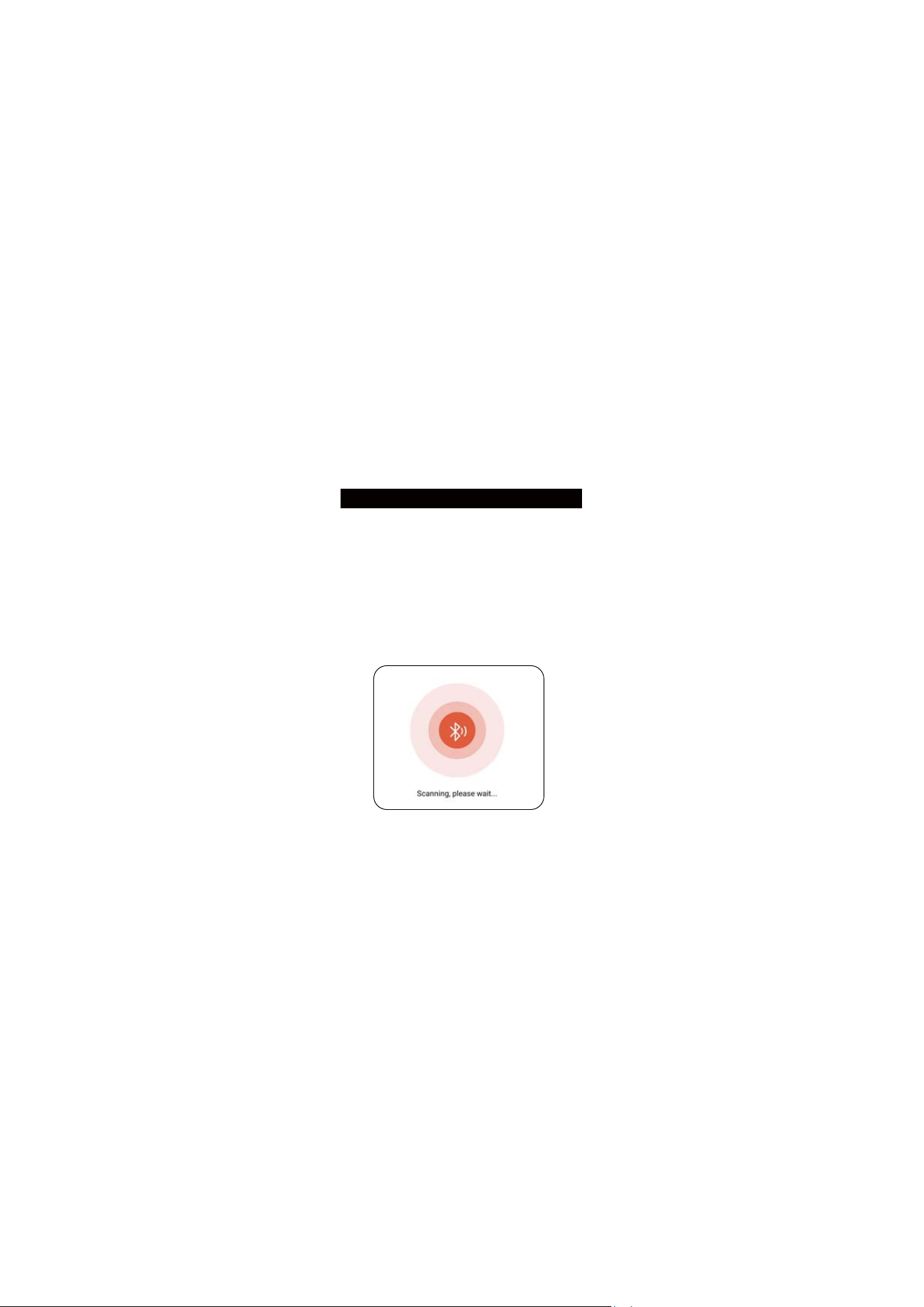
Connect products
1. Insert the product into the
car OBD interface and start the
car, ensuring that the product
indicator light is on.
2. Turn on Bluetooth on your
phone
3. Open the software to
automatically connect.
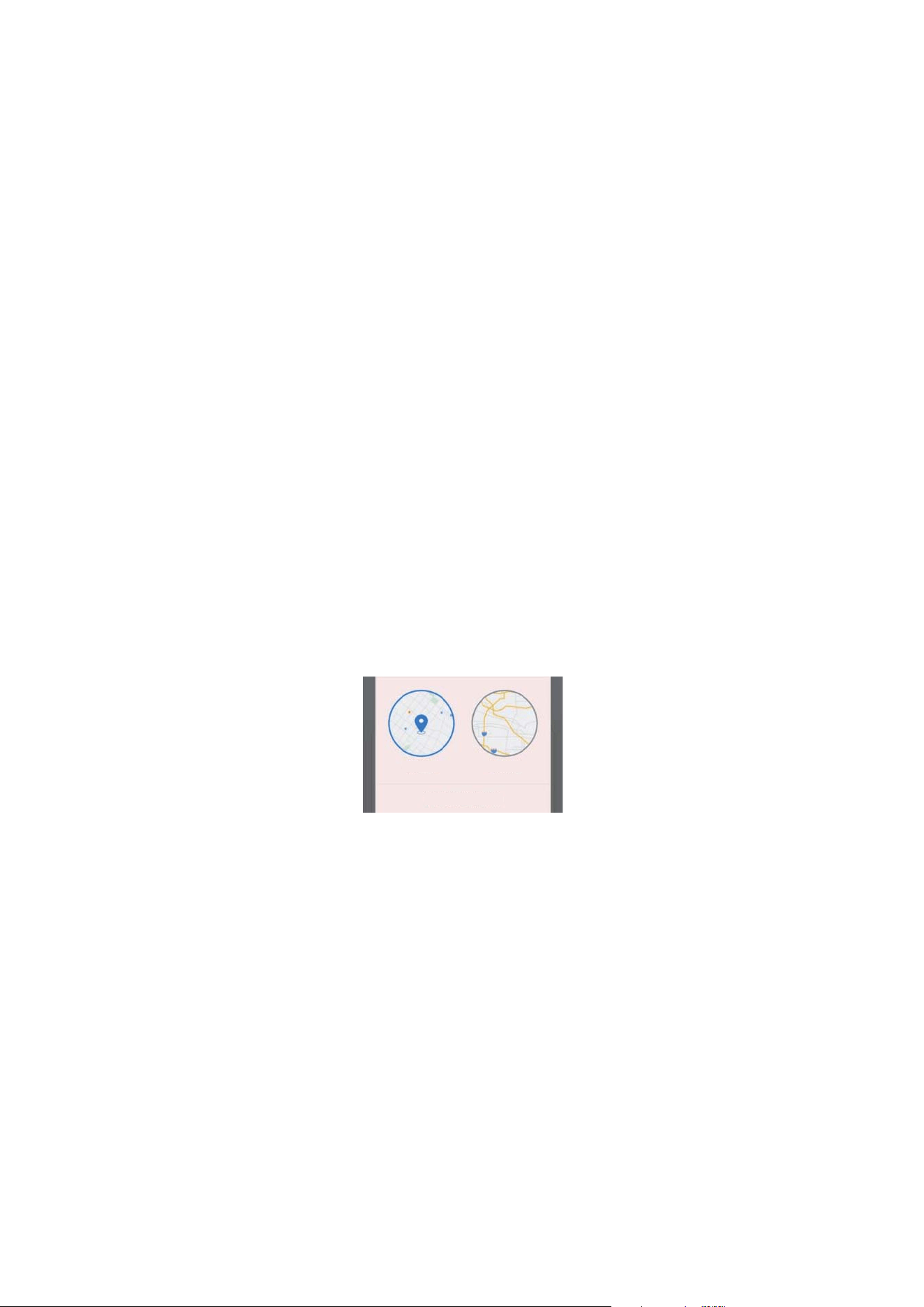
Note: Starting from Android
6.0, you need to enable
location permission to search
for Bluetooth devices!
1. Please turn on Bluetooth
and GPS in the mobile control
center
2. Enable location permissions
and select (only allowed when
using this application).
Approximate locationAccurate position
Only allowed when using this application
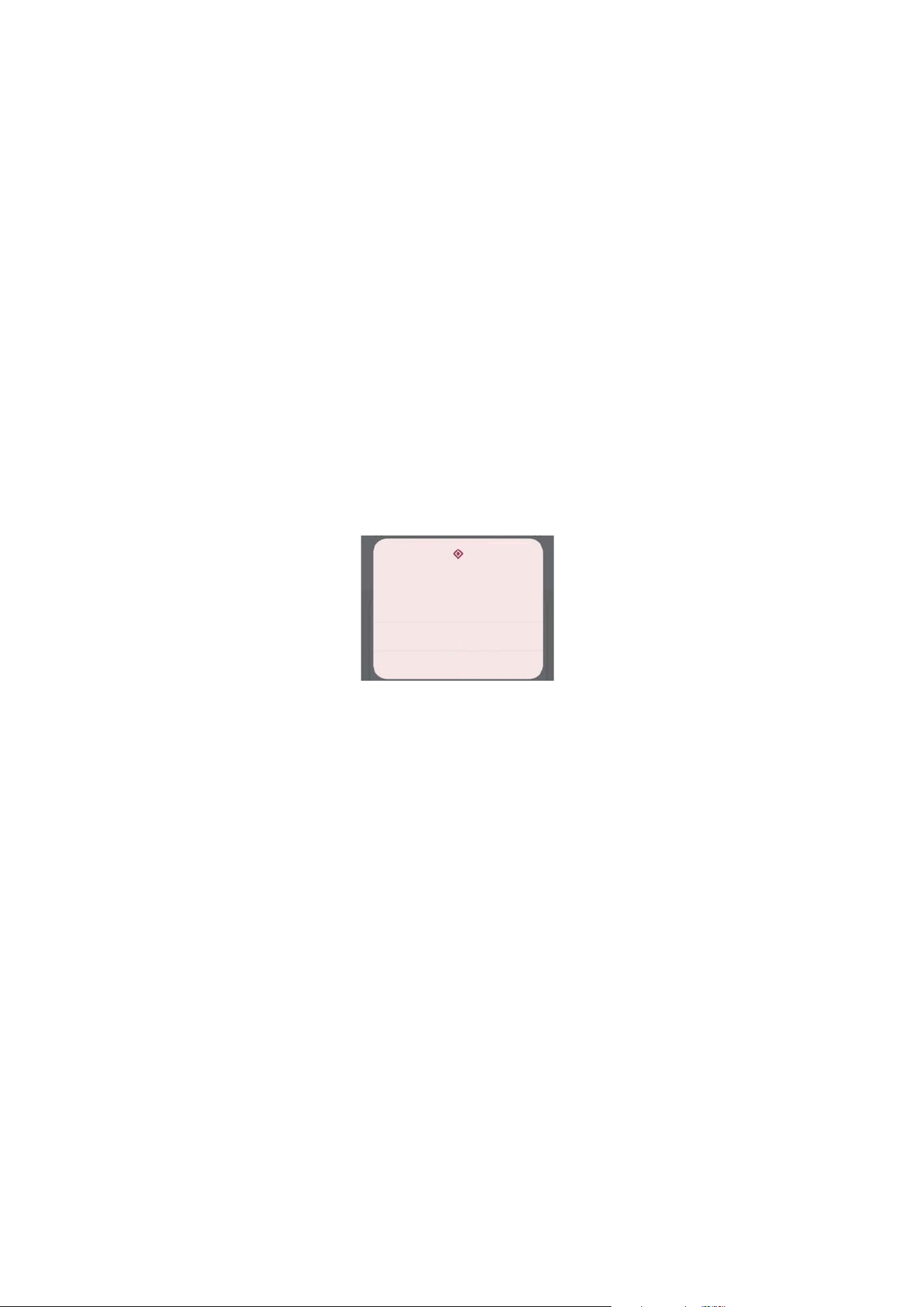
3. Enable nearby device
permissions and select (Yes).
After the above preparations are
ready, open the software and
automatically connect to the
OBD device.
Do you want to allow INNOOBD+
to search for, connect to nearby
devices, and determine the
relative location of nearby devices?
Yes
No
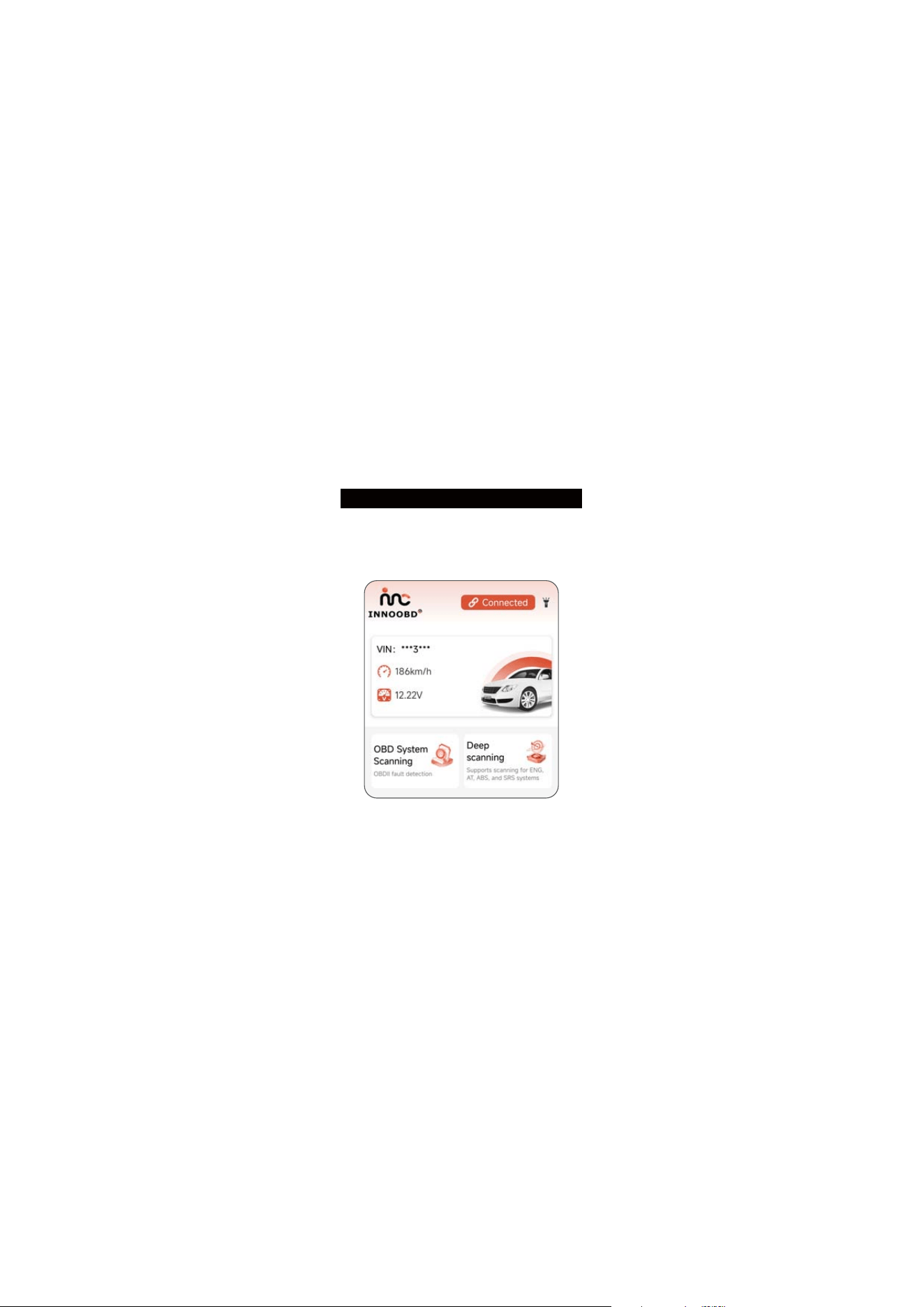
Connection completed
The following interface will be
displayed when the connection
is successful.
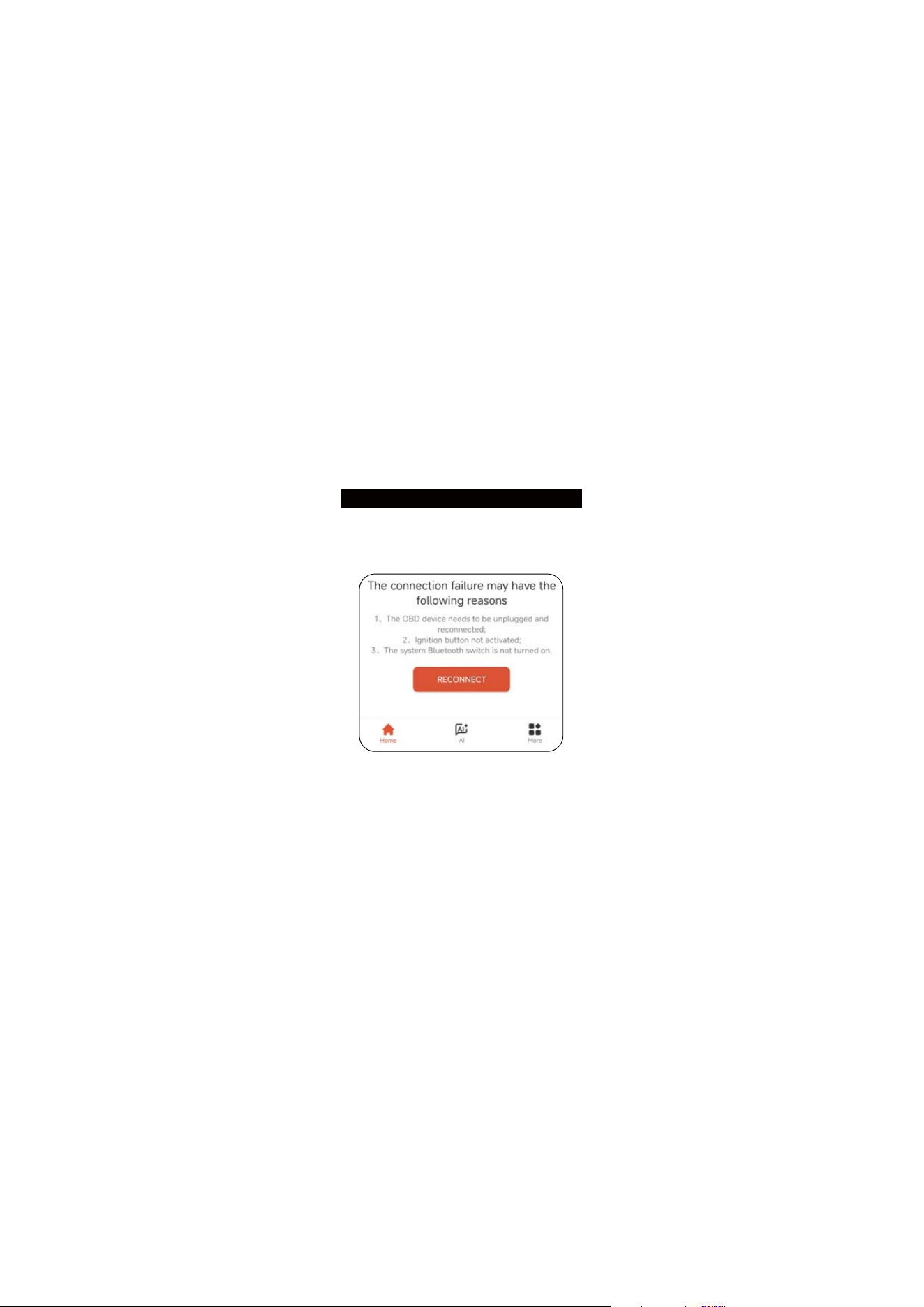
You can click the 'Reconnect'
button to connect.
Connection failed
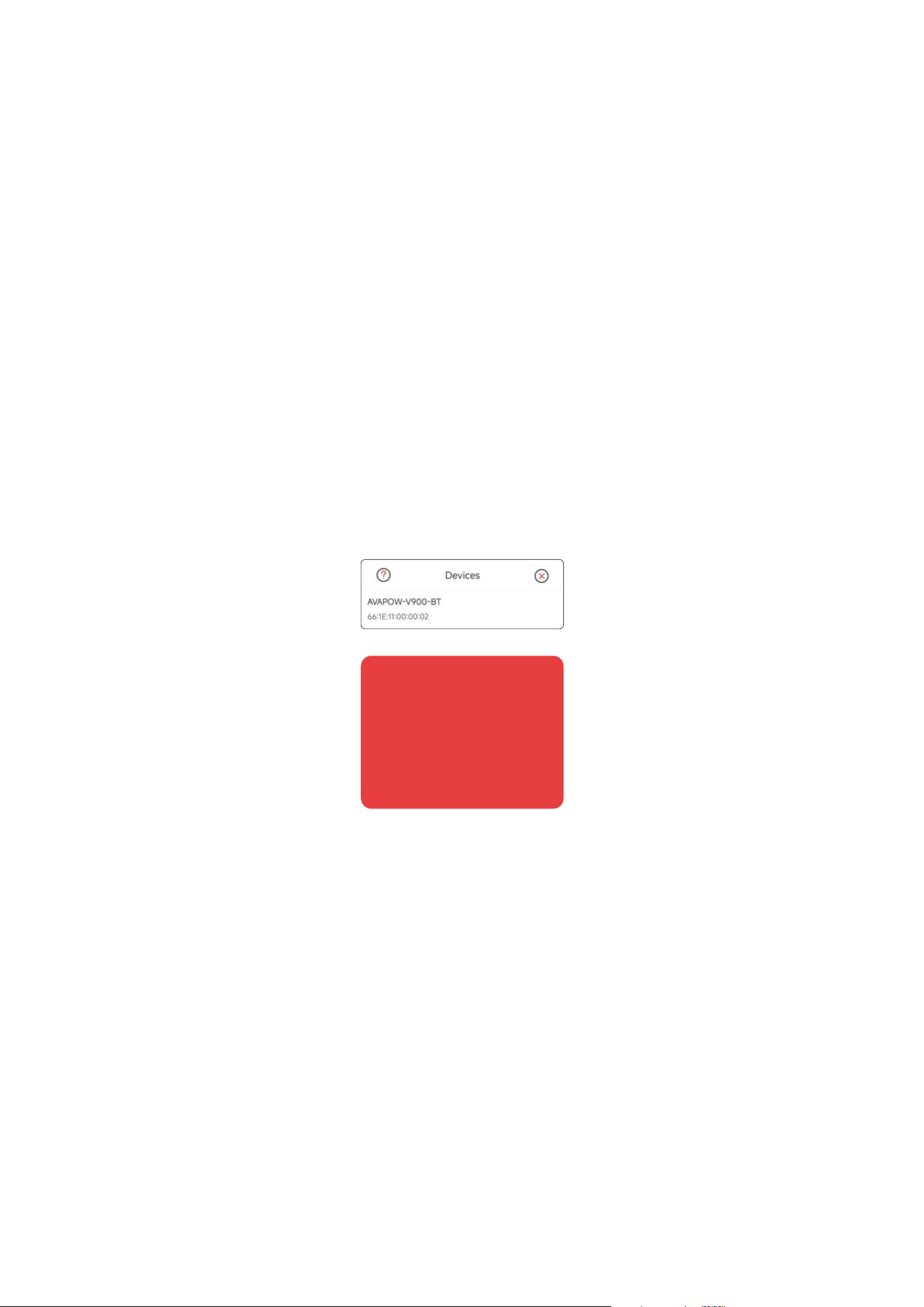
Select the device name
'AVAPOW-V900-BT' to complete
the manual connection.
If the connection cannot be
established, please confirm that
the vehicle is running, reinsert
the product, and re-enter the
app to connect. If the connec-
tion still fails after all the above
operations, then the vehicle
does not support detection.

Warning Statement
This device complies with part 15 of the FCC Rules. Operation is subject to the
following two conditions: (1) This device may not cause harmful interference, and (2)
this device must accept any interference received, including interference that may caus
e
undesired operation.
Any Changes or modifications not expressly approved by the party responsible for
compliance could void the user's authority to operate the equipment.
Note: This equipment has been tested and found to comply with the limits for a Class B
digital device, pursuant to part 15 of the FCC Rules. These limits are designed to
provide reasonable protection against harmful interference in a residential installation.
This equipment generates uses and can radiate radio frequency energy and, if not
installed and used in accordance with the instructions, may cause harmful interference
to radio communications. However, there is no guarantee that interference will not
occur in a particular installation. If this equipment does cause harmful interference to
radio or television reception, which can be determined by turning the equipment off and
on, the user is encouraged to try to correct the interference by one or more of the
following measures:
-Reorient or relocate the receiving antenna.
-Increase the separation between the equipment and receiver.
-Connect the equipment into an outlet on a circuit different from that to which the
receiver is connected.
-Consult the dealer or an experienced radio/TV technician for help.
This equipment complies with FCC radiation exposure limits set forth for an
uncontrolled environment.