
GUTANEX
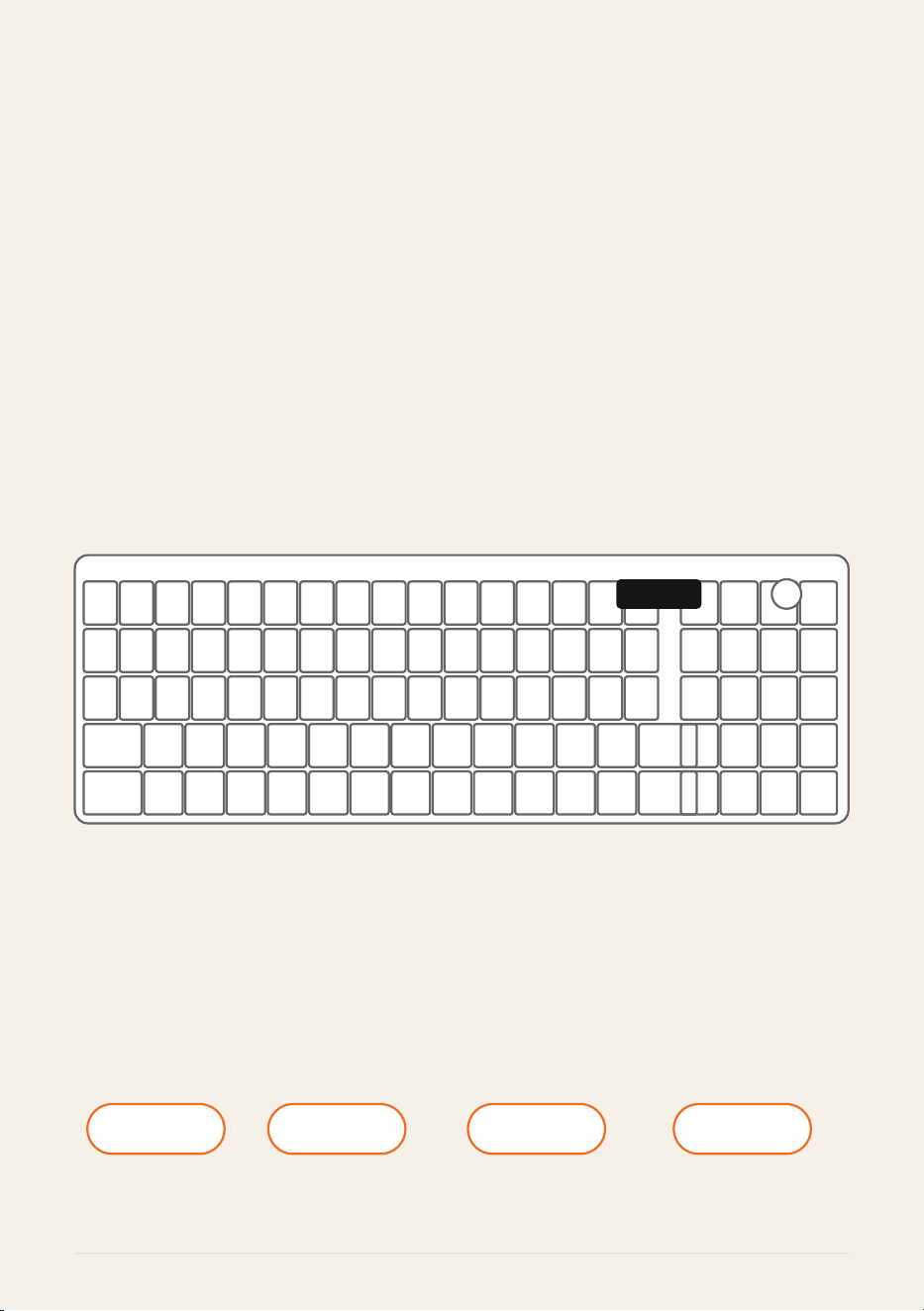
L98
Wireless Keyboard
98-Key Compact Layout
BT / 2.4G Wireless / USB-C Wired
GUTANEX
Designed for Better Experiences.
BT 2.4G USB-C 98-Key
Connection Wireless Wired Compact
GUTANEX L98 Page 1 of 10
GUTANEX
PRODUCT OVERVIEW
GUTANEX
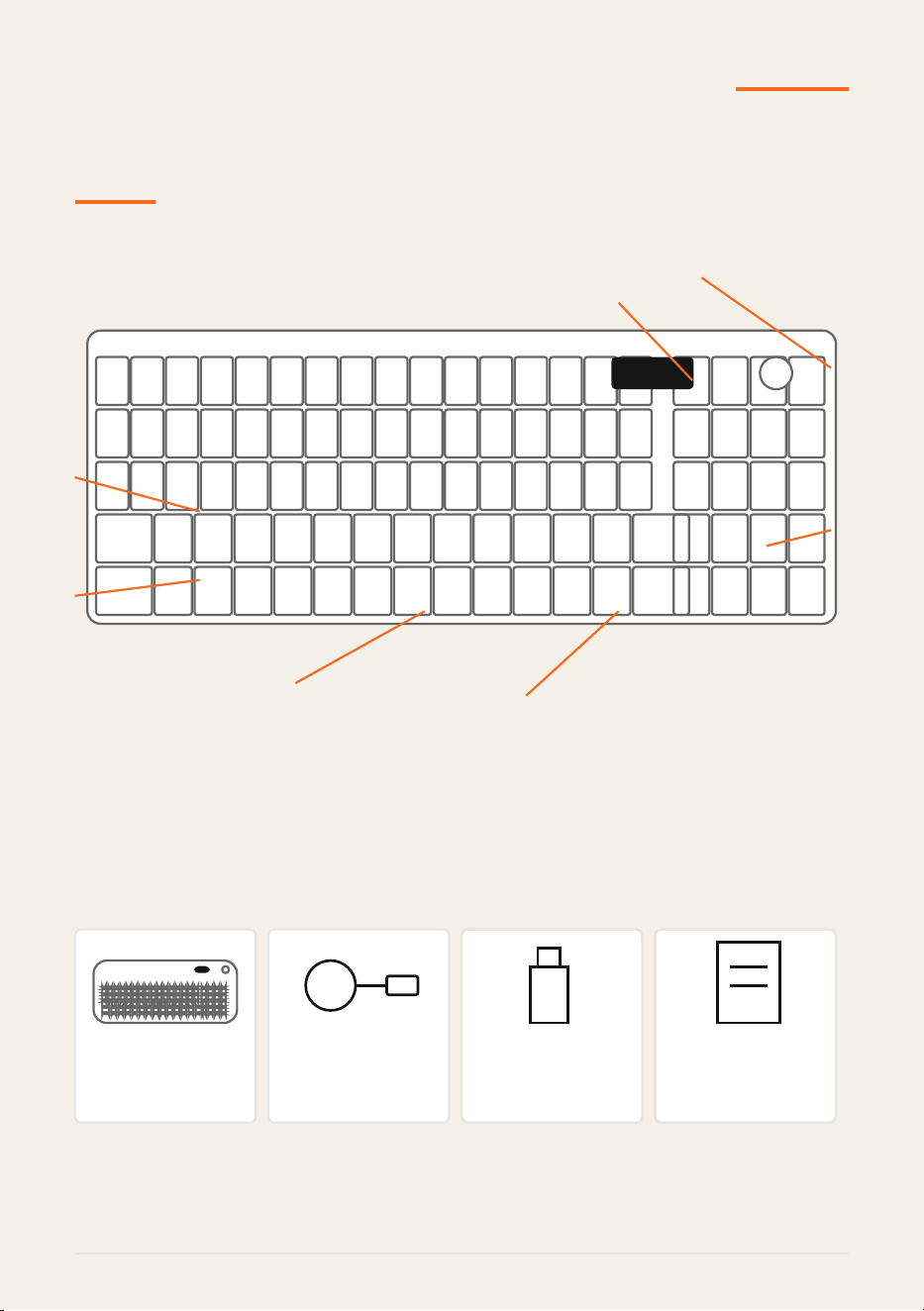
Status Display
Control Knob
USB-C Port
Power / Connection
98-Key Layout
Number Pad
Arrow Keys
IN THE BOX
GUTANEX
L98 Keyboard
x1
USB-C Cable
x1
2.4G Receiver
x1
User Manual
x1
GUTANEX L98 Page 2 of 10
GUTANEX
GETTING STARTED
1
CHARGE THE KEYBOARD
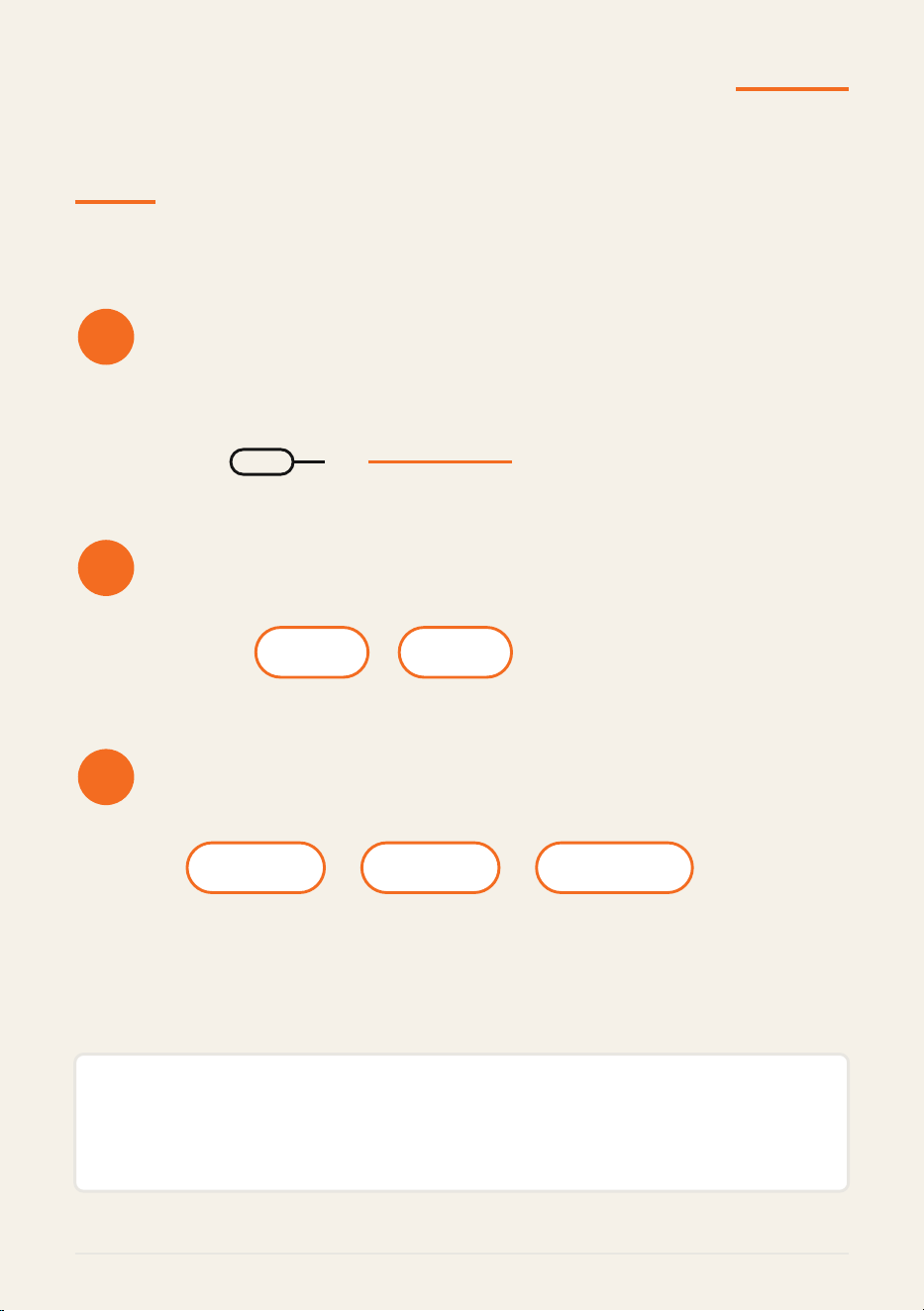
Connect the supplied USB-C cable to the keyboard and a compatible 5V USB power
source.
5V USB power
2
TURN ON THE KEYBOARD
Use the side power / connection selector to turn on the keyboard.
OFF ON
3
CHOOSE A CONNECTION
Select BT, 2.4G wireless, or USB-C wired mode before connecting to your device.
BT 2.4G USB-C
QUICK TIP
Complete one connection method before switching to another. This makes first-time setup easier
and avoids pairing confusion.
GUTANEX L98 Page 3 of 10
GUTANEX
CONNECTION GUIDE
BT CONNECTION - CHANNELS 1 / 2 / 3
1. Switch the keyboard to BT mode.
2. Press and hold Fn + 1, Fn + 2, or Fn + 3 for about 3 seconds to enter pairing mode.
3. Open the wireless settings on your device and select the GUTANEX L98 entry.
4. After pairing, briefly press the corresponding channel shortcut to reconnect or switch channels.
Fn + 1 Fn + 2 Fn + 3
2.4G WIRELESS
1. Insert the 2.4G receiver into a compatible USB port.
2. Switch to 2.4G mode.
3. If re-pairing is required, press and hold Fn + 4 for about 3 seconds.
USB-C WIRED
1. Connect the keyboard to your device with the USB-C cable.
2. Press and hold Fn + 5 for about 3 seconds to switch to wired mode.
3. Use the keyboard once the device recognizes it.
GUTANEX L98 Page 4 of 10

GUTANEX
SYSTEM & SHORTCUT KEYS
SYSTEM SWITCHING
Fn + W PC mode Fn + A Mac mode
FUNCTION ROW
KEY PC MODE MAC MODE
F1 Music Screen brightness -
F2 Calculator Screen brightness +
F3 Task View Mission Control
F4 File Explorer Siri
F5 Backlight - Keyboard backlight -
F6 Backlight + Keyboard backlight +
F7 Previous track Previous track
F8 Play / Pause Play / Pause
F9 Next track Next track
F10 Mute Mute
F11 Volume - Volume -
F12 Volume + Volume +
GUTANEX L98 Page 5 of 10
GUTANEX
BACKLIGHT & CONTROL KNOB
BACKLIGHT CONTROLS
Fn + Ins Switch lighting effect
Fn + Up / Down Adjust brightness - 5 levels
Fn + Left / Right Adjust effect speed - 5 levels
Fn + Esc - hold 3 sec Restore factory settings
MULTI-FUNCTION CONTROL KNOB
Backlight mode
Rotate to adjust lighting behavior. Long press for about 5 seconds
to switch to sound-control mode.
Sound-control mode
Rotate to adjust volume. Short press to mute or unmute.
GUTANEX L98 Page 6 of 10
GUTANEX
POWER SAVING & SLEEP MODE
The keyboard automatically reduces power use when inactive.
ACTIVE
Backlight on
2 MIN
Backlight off
10 MIN
Deep sleep
WAKE UP
Press any key to wake the keyboard. It will reconnect using the last active connection
mode.
NOTE
Sleep behavior may vary slightly with firmware and operating conditions.
GUTANEX L98 Page 7 of 10
GUTANEX
SPECIFICATIONS
Brand GUTANEX
Model L98
Product Type Wireless keyboard
Key Layout 98 keys
Connection BT / 2.4G wireless / USB-C wired
System Modes PC mode / Mac mode
Charging Voltage 4.5 V - 5 V
Charging Current 300 mA - 500 mA
Operating Current Approx. 60 mA
GUTANEX L98 Page 8 of 10

GUTANEX
TROUBLESHOOTING
Keyboard does not turn on
Check the power switch, then connect the USB-C cable to a compatible power source.
Cannot connect in BT mode
Confirm the correct BT channel. Hold Fn + 1 / 2 / 3 for about 3 seconds, then pair again from the device
settings.
2.4G connection is not working
Confirm that the receiver is inserted correctly. If needed, hold Fn + 4 for about 3 seconds to re-pair.
Wired mode is not responding
Reconnect the USB-C cable and hold Fn + 5 for about 3 seconds to enter wired mode.
Shortcut keys work differently
Confirm whether the keyboard is in PC mode (Fn + W) or Mac mode (Fn + A).
Keyboard appears inactive after idle time
Press any key to wake it from power-saving mode.
GUTANEX L98 Page 9 of 10

GUTANEX
FCC & CUSTOMER SUPPORT
FCC COMPLIANCE
This device complies with Part 15 of the FCC Rules. Operation is subject to the following two conditions:
(1) This device may not cause harmful interference.
(2) This device must accept any interference received, including interference that may cause undesired
operation.
Changes or modifications not expressly approved by the party responsible for compliance could void the user's
authority to operate the equipment.
CUSTOMER SUPPORT
Need help with your L98? Contact GUTANEX through your Amazon order page or the
official GUTANEX support channel.
When contacting support, include:
- Product model: L98
- Amazon order number
- Brief description of the issue
GUTANEX
Modern Keyboards Designed for Better Experiences.
GUTANEX L98 Page 10 of 10