Shenzhen Glory Star Technology
Industrial Co., Ltd
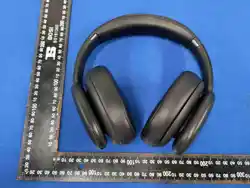
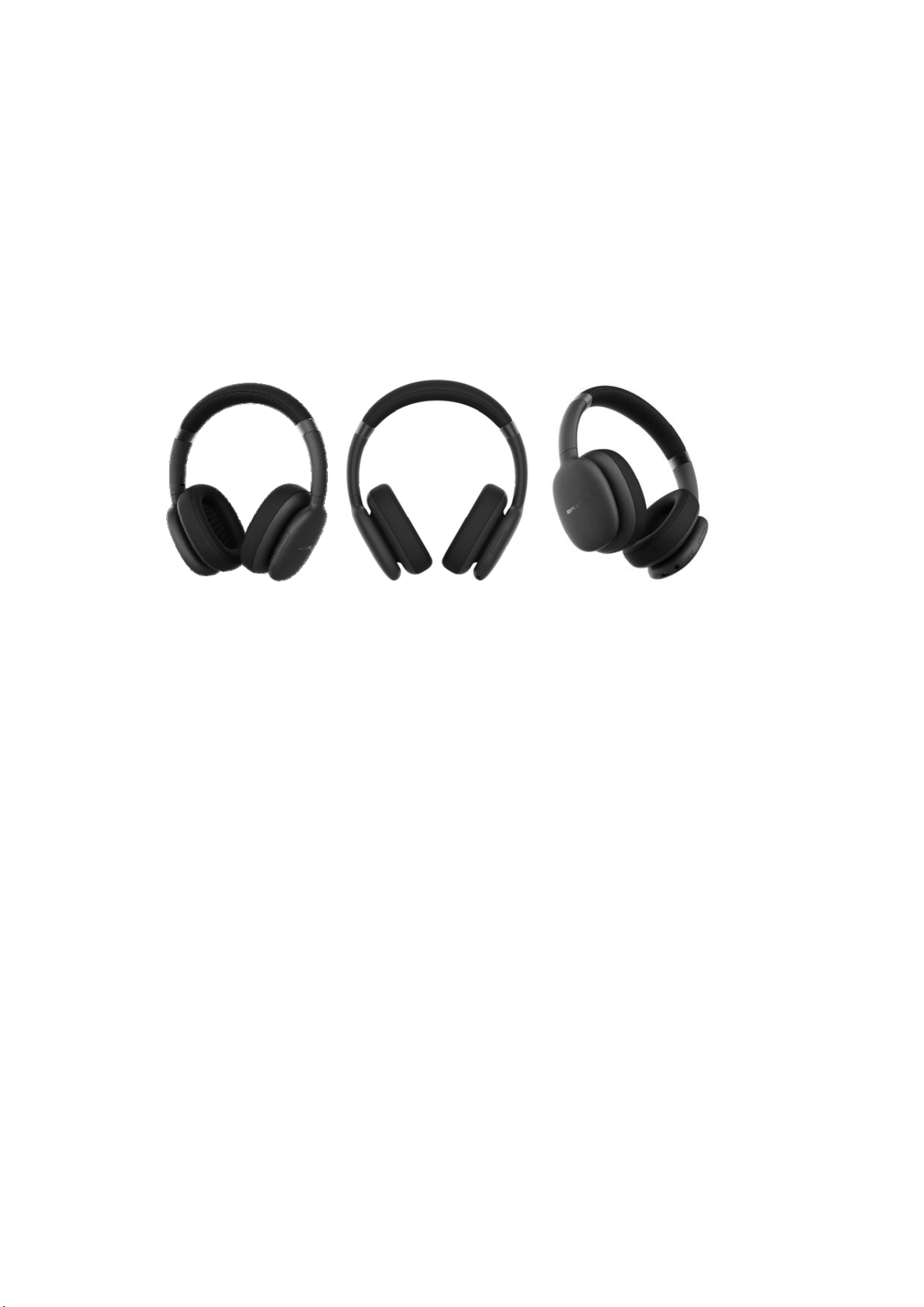
A69 Bluetooth headphone manual
Usage Precautions
1. Use the product for its intended purpose only.
2. Do not disassemble product. This product does not contain user-serviceable parts.
3. Keep away from children under the age of 3, as it contains small parts.
4. Avoid user in humid conditions or extreme temperatures. High heat will shorten lifespan
or electronic components, damage battery and deform some plastic parts. Avoid extreme
cold temperature as damage to the PCB board may occur.
5. Keep away from vibrations and mechanical stress, which can cause mechanical
damage to the product. In case of mechanical damage, warranty is void.
6. Do not use product while driving any vehicle as it may distract your attention. Check
your local laws and regulations.
7. High volume may lead to permanent hearing damage and hearing loss. Set the volume
at a reasonable setting and avoid loud volume at all times.
8. Danger of fire, explosion and burns if the operating temperature is substantially
exceeded, if the electronics housing is opened, and in case of battery short-circuit, when
touching a leaking battery.
9. Do not charge continuously for more than 10 Hours as this will shorten the lifespan of
the product.

please read this user manual completely before operating this unit, and retain this
booklet for future reference
Key Operating Instructions:
(1) . Power Button
Long press the button for 3 seconds to power on;
Long press the button for 3 seconds again to power off.
Find the Bluetooth name ‘SLAUGHTERHOUSE’ in the search list to connect it to your
mobile or other Bluetooth devices.
During the music playing, click power button once to play/pause music.
In wireless mode when receiving a call: Short press to answer/end the call, long press to
refuse incoming call.
Quick double press to Redial last number.
Tap 3 times quickly to activate the voice assistant.
.
(2). + key:
Long press volume +
Short press: next song
(3). - key:
Long press volume -
Short press: previous song
(4)You can also insert in 3.5mm cable and connect your mobile with the headphone and
listen to the music from your mobile or computer.
AUX Cable
1.Slot one end of the 3.5 mm audio cable into the 3.5 mm audio cable socket on the
bottom of the headphone.

2.Slot the other end of the audio cable into the audio out socket on the device you want to
connect to the headphones.
NOTES:
When a device is connected to the headphones using the audio cable, the controls on the
headphones will not work with the connected device.
You will have to use the devices controls to play/pause, skip tracks and adjust the music
volume.
When using a 3.5 mm audio cable, you cannot use the microphone built into the
headphones.
When using the audio cable, the headphones are not require to have power.
Maintenance and Care
Before using your headphones, examine the headphones to make sure that they are
clean.
Similarity, inspect the ports and jacks of your headphones to make sure that they are clear
of dust and debris before charging.
Use a soft cloth or paper towel to clean your headphone.Do not allow moisture to get
inside the headphones.
Never use any harsh chemicals or detergents for cleaning. Make sure your headphones
are dry before using. When your headphones are not in use, they should be stored in a
cool, dry place.
Never tug or yank on the USB cable while it is connected to your headphones. Connect
and disconnect cables as carefuly as possible.
Never expose your headphones to high temperatures,extreme cold,high humidity or
excessive moisture or water.
Troubleshooting
1. Headphones do not power on:
Headphones have run out of power; recharge for approximately 2 hours to fuly charge
using the USB cable.
2. Cannot find headphones in Bluetooth° pairing list .
Delete pairing list in Bluetooth device and reconnect.
If it stil cannot be found, please restart both the Bluetooth@device and headphones.
3. Interrupted connection
Power too low; recharge the headphones.
Device beyond 32(10 m) range, or the signal has been blocked by an obstacle.
4. No sound when calling

Check the Bluetooth settings in your device to ensure the headphones are conncted or
turn the volume up on the device or headphones.
5. No sound when playing music
Check the Bluetooth@settings in your device to ensure the headphones are connected or
turn the volume up on the device or headphones.
6. No sound when using the 3.5 mm audio cable
Turn the device volume up. Check the jack plugs are correctly inserted.
Check the 3.5mm audio cable has not become damaged.
7. Unable to charge
Check the charging cable is connected property and that it has not been damaged. If
using a charging adaptor, ensure it is inserted correctly and not damaged.
Charging Function
Fully charge the headset before using for the first time.
List of Components
1*Headphone
1*User manual
1*Charging cable
1*3.5mm Aux cable
Note: This device complies with part15 of the FCC Rules. Operation is subject to the
following two conditions: This device may not cause harmful interference, and This device
must accept any interference received, including interference that may. Cause undesired
operation
Company name: Glory Star Technology Industrial Co., LTD
Company address: Room 2202, 1st Block of Yi Luan, Xixiang Road 230, BaoAn District,
Shenzhen, China
Company Phone: 86-15627864740
Company E-mail: [email protected]

This device complies with Part 15 of the FCC Rules. Operation is subject to the following two
conditions:
(1) this device may not cause harmful interference, and
(2) this device must accept any interference received, including interference that may cause
undesired operation
This device has been tested and found to comply with the limits for a Class B digital device,
pursuant to Part 15 of the FCC Rules. These limits are designed to provide reasonable protection
against harmful interference in a residential installation. This device generates, uses and can
radiate radio frequency energy and, if not installed and used in accordance with the instructions,
may cause harmful interference to radio communications.
However, there is no guarantee that interference will not occur in a particular installation. If this
device does cause harmful interference to radio or television reception, which can be determined
by turning the device off and on, the user is encouraged to try to correct the interference by one
or more of the following measures:
--Reorient or relocate the receiving antenna.
--Increase the separation between the device and receiver.
--Connect the device into an outlet on a circuit different from that to which the receiver is
connected.
--Consult the dealer or an experienced radio/TV technician for help
This device contains licence-exempt transmitter(s)/receiver(s) that comply with Innovation,
Science and Economic Development Canada’s licence-exempt RSS(s). Operation is subject to the
following two conditions: (1) This device may not cause interference. (2) This device must accept
any interference, including interference that may cause undesired operation of the device
Cet appareil contient des émetteurs / récepteurs exemptés de licence conformes aux RSS (RSS)
d'Innovation, Sciences et Développement économique Canada. Le fonctionnement est soumis
aux deux conditions suivantes : (1) Cet appareil ne doit pas causer d'interférences. (2) Cet
appareil doit accepter toutes les interférences, y compris celles susceptibles de provoquer un
fonctionnement indésirable de l'appareil
Changes or modifications not expressly approved by the party responsible for compliance could
void the user's authority to operate the equipment
RF warning for portable device:
The device has been evaluated to meet general RF exposure requirement. The device can be used
in portable exposure condition without restriction.