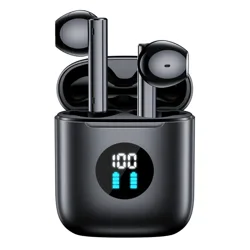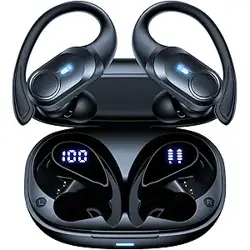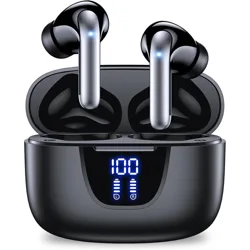
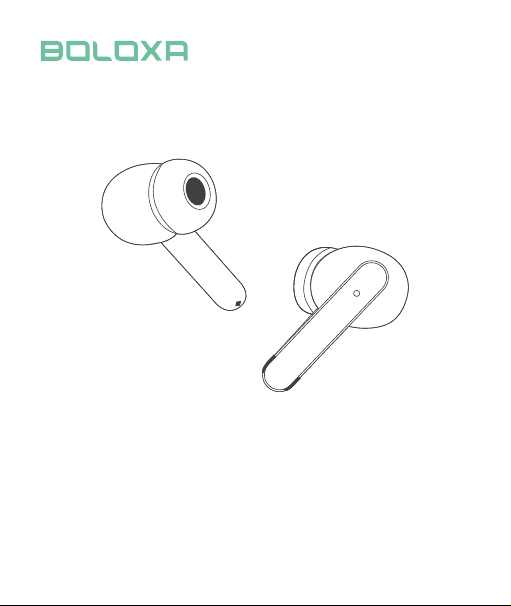
A6 True Wireless Earbuds
User Manual
Model Name: A6
FCC ID: 2AMBA-S43
Bluetooth Version: V5.3
Support: AVRCP/HFP/HSP/A2DP
Music Time: 5H
Charging Time: about 2H
Headphones Battery Capacity: 40mAh
Charging Case Battery Capacity: 400mAh
Transmission Range: 33feet (without obstacle)
Customer Seice
Specications
Packing List
Charging Case *1
Earbuds *1 Pair
USB-C Charging Cable *1
User Manual *1
Ear Tips*2 Pairs
Email: [email protected]
WhatsApp: (+86) 1392 3490 475
Web: www.boloxa.ltd
01
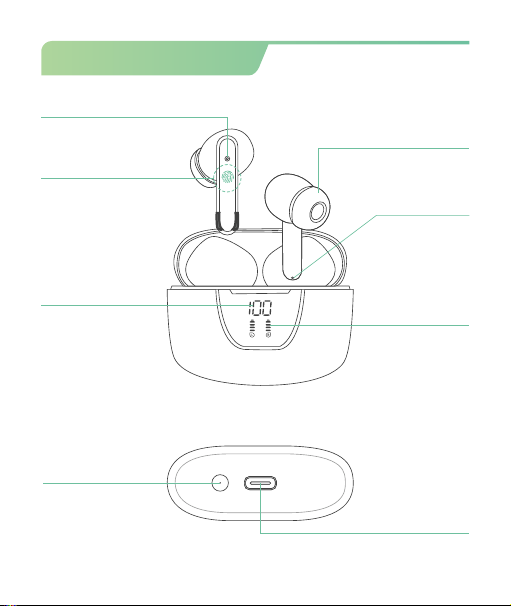
Product Oveiew
USB-C
Charging Port
Earphone LED Light
Touch Control Area
Charging Case
Power Display
Earbuds
Power Display
Built-in Mic
Ear Tips
02
Reset Button
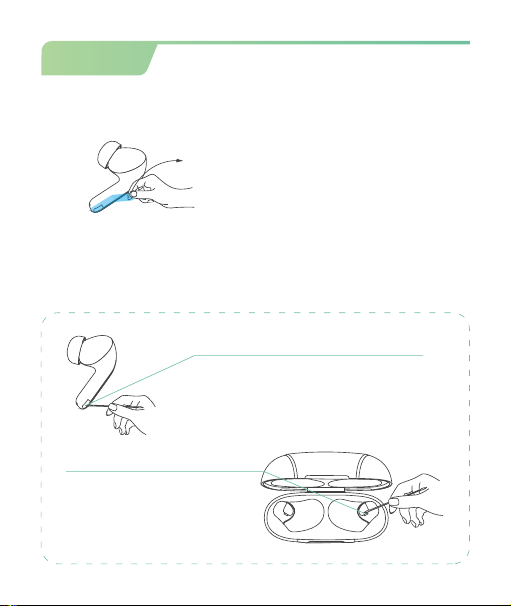
Caution
03
② Please clean the magnet charging contact on earbud and charging
pin on the charging case with alcohol wipes if the headphones can't be
charged.
① Please remove the protective film before use, otherwise the
headphones will not be able to charge.
Tear off the protective film
Charging Contact
Charging Pin
* To fix charging issue
Remove me
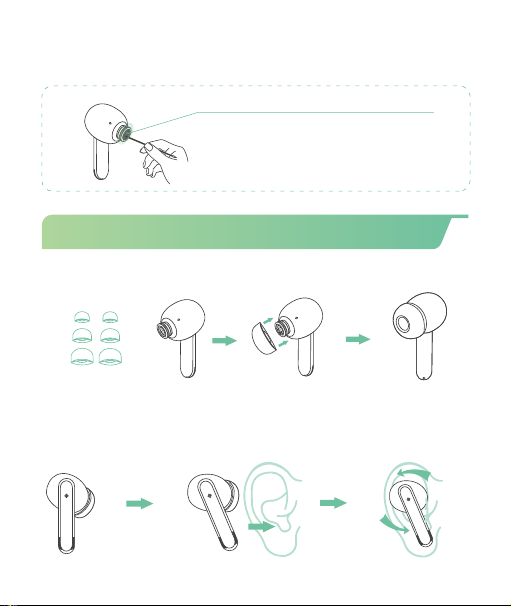
① Choose the comfortable eartips.
S
M
L
② Insert the earbud into the ear canal and gently rotate it back
and forth, choosing a position where the eartip points forward
and secure in place.
③ Please clean the protective grille of both earbuds if the
sound becomes low.
* To make sound louder
Protective Grille
+
04
How to wear the earbuds correctly?
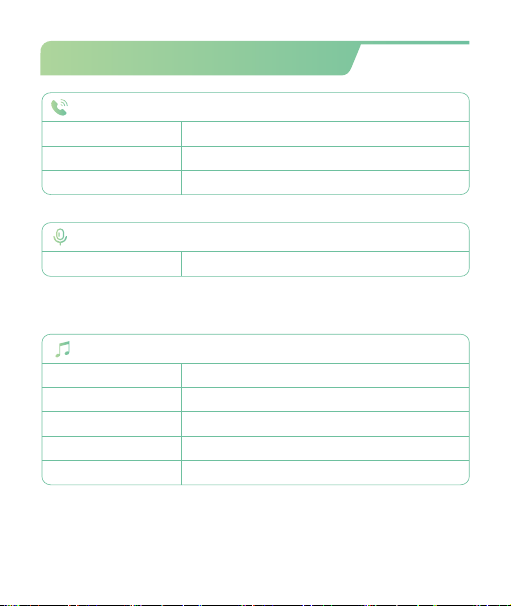
Multi-Function Operations
05
(* ln single mode, R Earbud only support next song and Volume+,
and L Earbud only support previous song and Volume-)
Tap(L/R)Earbud Twice
Tap R Earbud Thrice
Tap L Earbud Thrice
Press & hold R Earbud
Press & hold L Earbud
Tap(L/R)Earbud Twice
Long Press (L/R)2S
Voice Assistance
Tap(L/R)Earbud Thrice
(* Must in non-music mode or standby mode)
For Call
Answer Call
End Call
Reject Call
Siri
Tap(L/R)Earbud Twice
Music Mode
Play/Pause
Next Track
Last Song
Volume+
Volume -
06
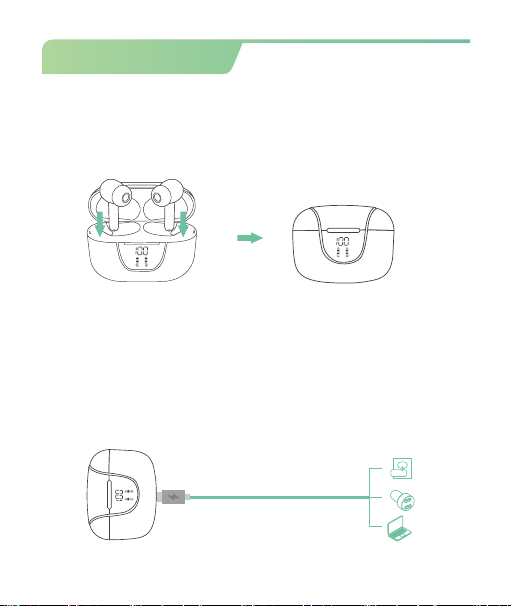
How to Charge?
There is a USB-C charging cable in the small black paper box inside
the packing box.
Please Use the provided Type-C cable with a 5V/1A adapter (not
included) to charge the charging case.
Charge by USB-C cable
Insert the Earbuds into charging case properly, they will power off
& get charged.
To Charge the Earbuds
(in black paper box)
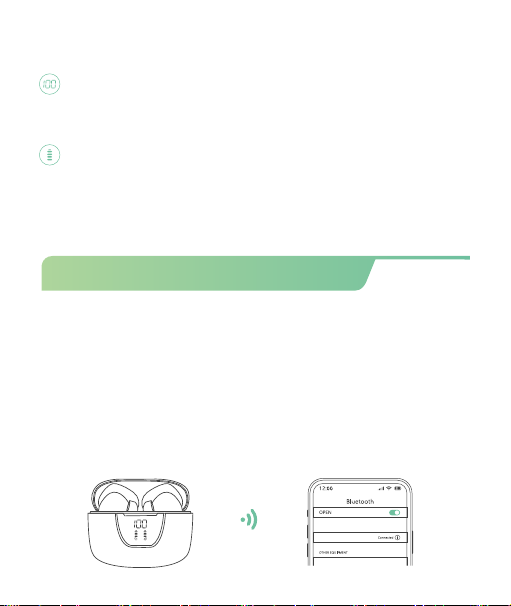
LED Power Display
Show the remaining battery percentage of charging case from
0-100. "0" means charging case need charging while "100" means
the charging case is fully charged.
Flash down and up when earbud is charging; Stop flashing when
earbud is fully charged.
Earbud’s LED light: Red light up means "being charged", Red light go
off means “fully charged".
07
How to power on/o & pair?
Prior to first use (or not in use for long time), please charge both
earbuds and charging case fully.
Step 1-The twin earbuds will automatically power on and enter
pairing mode when you open the charging case.
A6
Automatically Power On/O & Pairing
Step 2-For first time pairing: Activate Bluetooth setting on your
phone search and connect" A6".
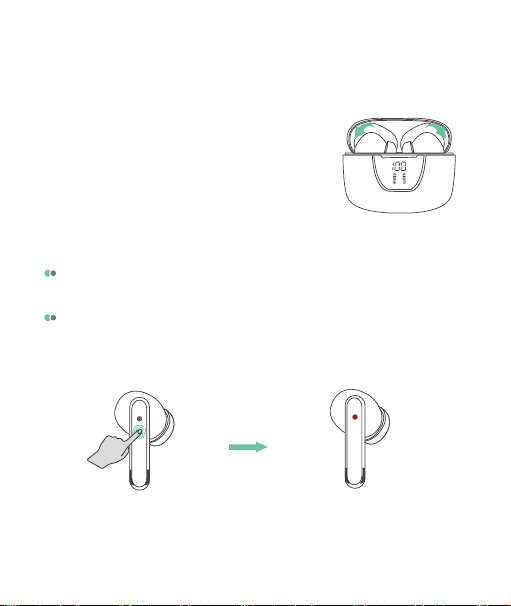
If the earbuds are out of the charging case and power off, just
click & hold then ( both earbuds ) for 2s, they will power on.
Disconnect the bluetooth on your device, press & hold either
earbud for 5s,they will flash Red light and both earbuds will
power off at the same time.
Manually Power on/o
lf the headphones have already connected with your device, and
the Bluetooth setting of this device is on, in the second time using,
when you open the charging case, they will automatically connect
to your device.
Step 3-Put the earbuds back into the
charging case, the earbuds will disconnect &
power off automatically.
08
press & hold 5s
Note: If the earbuds are not connected to your device over 5
minutes, the earbuds will power off automatically.
09
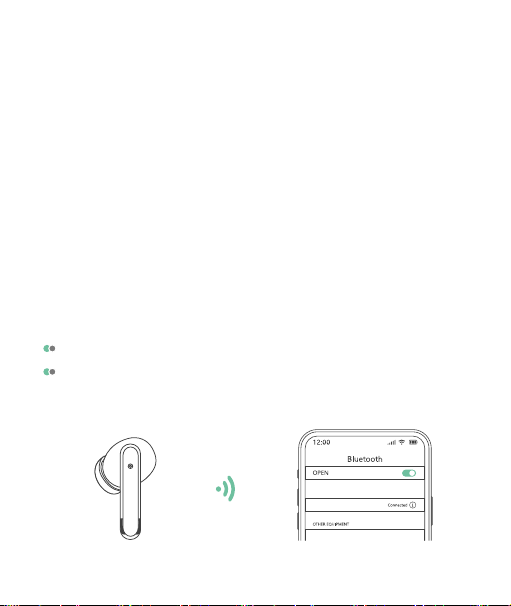
Pair with Other Device
A6 True Wireless Earbuds have memory connect function, it
usually auto connects with the last paired device.
Thus, if you want to pair them with other device, you should
disconnect "A6" from the last paired device, AND forget the
pairing record on the last device.
Then try to connect it to a new device, it should work properly.
Mono Mode (Only Left/Right Earbud is being Used)
You can use one earbud alone, leave another earbud in the charging
case.
A6
When in Dual mode, put one earbud into the charging case.
Or only take one earbud out of the charging case, then search
& connect "A6" on your device.
Facto Restore Setting
When should I reset?
* When only one side play music.
* When you can't find "A6" on the device.
* When both earbuds fail to pair with each other or occur connection
related issues.
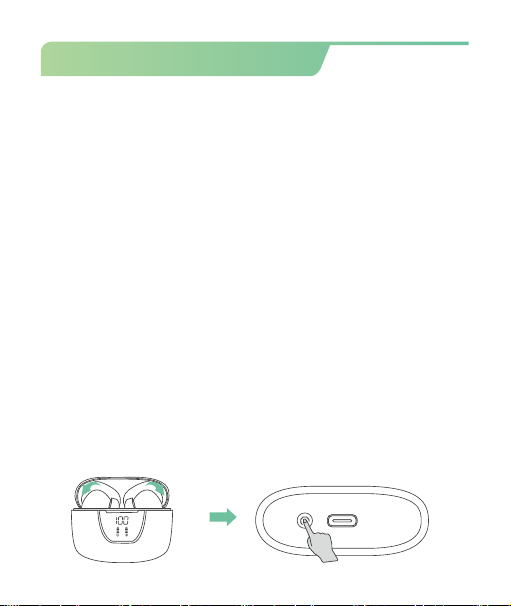
How to reset?
1. Delete "A6" from the menu for Bluetooth settings on your phone
and forget about it.
2 .Insert both earbuds into the charging case and close the lid.
3. Press & hold the "Reset" button for 5 seconds simultaneously to
clear the pairing record with the last paired device.
(* During this period, the LED Power Display will flash 3 times, then
get charge again.)
4. Now search and connect "A6", they should work properly.
(* If it still doesn't work, please repeat the steps to try again.)
10
11
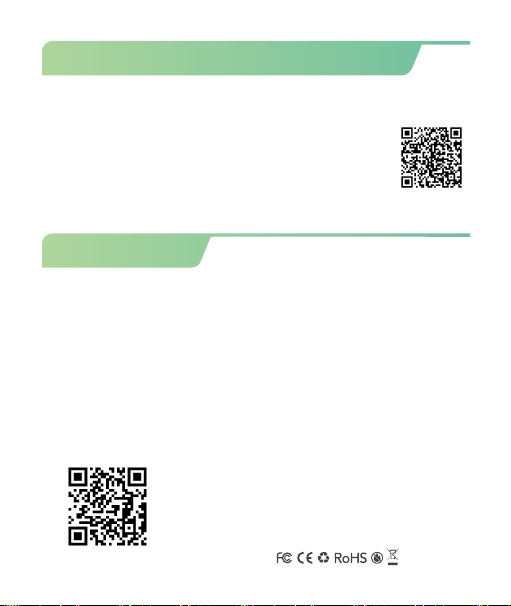
How to sync volume on Android?
To protect users from potential hearing damage, Android's limit
on max volume is quite low for Bluetooth audio devices.
If you feel the volume is too low, please access
developer options and enable absolute volume, so
you'll be able to max the volume at your own volition
and to the full capabilities of your Bluetooth earphones.
FCC Caution
Any changes or modifications not expressly approved by the
party responsible for compliance could void the user’s authority
to operate the equipment.
This device complies with part 15 of the FCC Rules.Operation is
subject to the following two conditions.
(1)This device may not cause harmful interference,and (2) this
device must accept any interference received,including
interference that may cause undesired operation.
Thank you for your purchasing the
authentic product.For more newer
product,parts and accessories,
please visit: www.boloxa.ltd
For any assistance please contact
Email: [email protected]
www.boloxa.ltd