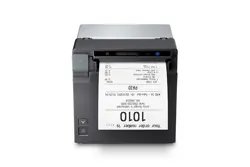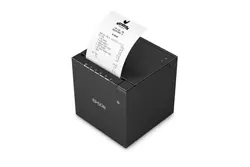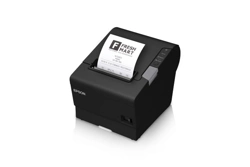

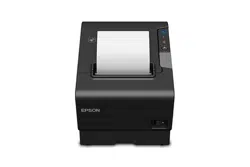
Epson C31CA85A5881 OmniLink TM-T88V-i VGA Intelligent Printer - Direct Connect

Product's Documents

Below are documents related to this product, you can read online or download:
User Manual
  • Approved KDS Peripherals and Operations - (English) Read Online | Download pdf
  • KDS Quick User Manual - Time on KDS - (English) Download
  • KDS Quick User Manual - Order Timers - (English) Download
  • KDS Quick User Manual - POS Menu Routing- - (English) Download
  • KDS Quick User Manual - Sound Devices - (English) Download
  • KDS Quick User Manual - Station Print Only - (English) Download
  • KDS Quick User Manual - Summary Tile - (English) Download
  • KDS Quick User Manual - Tile Arrangement - (English) Download
  • KDS Quick User Manual - Updating Firmware - (English) Download
  • KDS Quick User Manual - Order Popup Window - (English) Download
  • KDS User Manual - Epson KDS Utility (Windows) - (English) Download
  • KDS User Manual - KDS API - (English) Download
  • KDS User Manual - Network Requirements - (English) Download
  • KDS User Manual - Touchscreen - (English) Download
  • KDS User Manual - Troubleshooting - (English) Download
  • KDS User Manual - USB FW Update - (English) Download
  • KDS Quick User Manual - Order Recall - (English) Download
  • KDS Quick User Manual - Network Settings - (English) Download
  • KDS Quick User Manual - Mirrored Display - (English) Download
  • KDS Quick User Manual - Consider Orders Unique - (English) Download
  • KDS Parsers User Manual - Waxwing VII-O - (English) Download
  • KDS Quick User Manual - Adding a Display - (English) Download
  • KDS Quick User Manual - Bump Bar - KB1700 - (English) Download
  • KDS Quick User Manual - Bump Bar - KB9000 - (English) Download
  • KDS Quick User Manual - Bump and Print - (English) Download
  • KDS Quick User Manual - Chit and Receipt Printing - (English) Download
  • KDS Quick User Manual - Customer Facing Display - (English) Download
  • KDS Quick User Manual - Display Tiles - (English) Download
  • KDS Quick User Manual - Expeditor - (English) Download
  • KDS Quick User Manual - Independent Displays - (English) Download
  • KDS Quick User Manual - KDS Menu Routing - (English) Download
  • KDS Quick User Manual - Master Printer - (English) Download
  • KDS Quick User Manual - Menu and Recipe - (English) Download
Specification
  • KDS Functional Specification - Epson KDS v2.50 - (English) Download
User Service
  • KDS Troubleshooting Guide - KDS Utility (Windows) - (English) Download
Installation Instruction
  • KDS Quick Start Guide - Single Station - (English) Download
  • KDS Quick Start Guide - Multi Station - (English) Download
Other Documents
  • KDS XML Configuration - Epson KDS - (English) Download
  • ePOS peripheral list - (English) Download
C31CA85A5881 photo

Approved KDS Peripherals and Operations

This is the main product document for model C31CA85A5881. Additionally, the document applies to other Epson models: C31CA85A5871

The file format is pdf, 6 pages, you can download this manual here .

background
Approved KDS Peripherals &
Operation and Parser Library
background
Epson Confidential
• Aldelo
• Breadcrumb (Upserve)
• Cake
• Casio QY6000ver.D
• Digital Dining
• Dinerware
• Duet (Action Systems)
• Epson
• Galaxy
• Lavu
• Lineskip
• Linga
• Mediamix
• MICROS 3700
• MICROS e7
• MICROS Symphony 2.7 MRG
• NCC Reflection
• NCC USA
• NCR Aloha
• Nirvana
• Positouch
• Shift4
• Shopkeep
• Skywire
• Squirrel
• Talech
• Tavlo
• TouchBistro
• Ongoing additions
2
Peripherals
• Controllers are fully compatible with any wide screen HD display (1680 x1050)
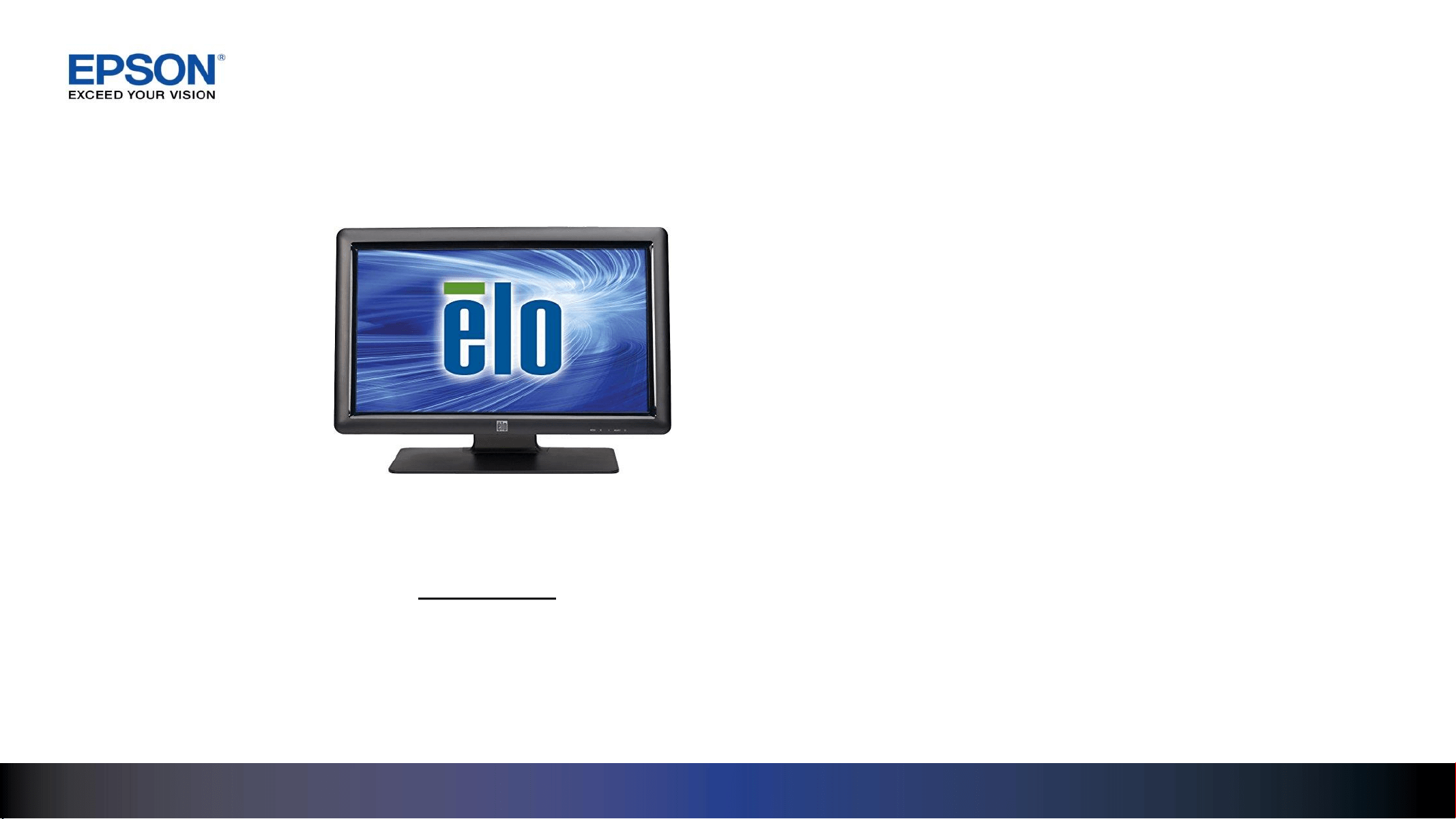
• Single point touchscreen: ELO 2201L 22in LCD ACCUTOUCH VGA / USB
• USB bump bar: Logic Controls KB1700U-D-BK, USB
The KDS Configuration Utility updates new parser additions to the library
POS SW and growing
Library of Parsers
Information/Links can be found on:
• KDS product pages – www.epson.com/kds click on “more information”
• Epson Support site – www.epson.com/support/u220-ikds or www.epson.com/support/t88v-ikds
• Product in-box product flyer
Epson Supported POS SW & Peripherals
background
3
VGA
USB
USB / Ethernet
USB / Serial /
Ethernet*
Ethernet
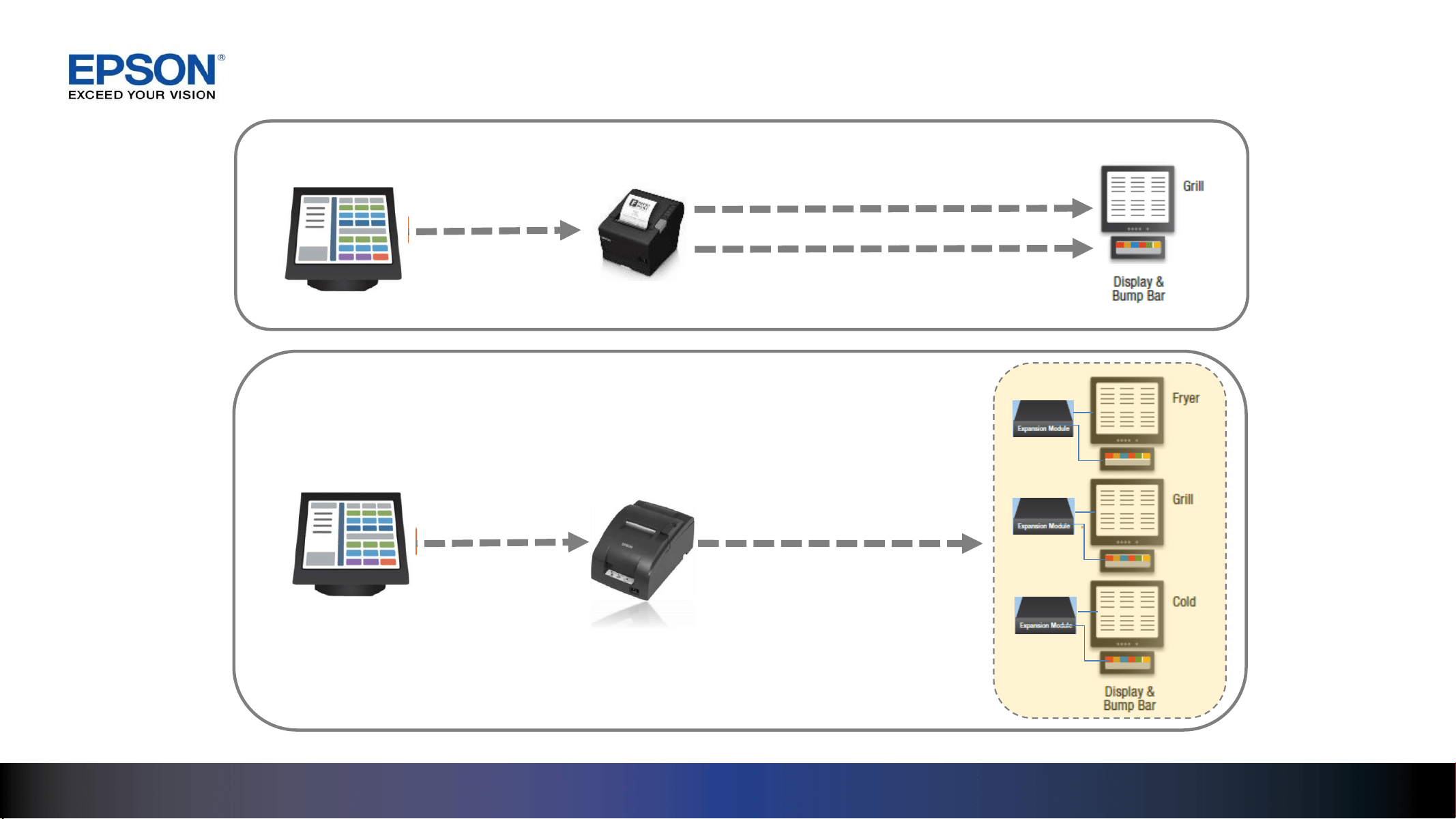
Direct-Connect
Multi-Station
KDS Expansion
modules
T88V-i / U220-i VGA
T88V-i / U220-i COM
Controller Connectivity
POS Server
POS Server
*Ethernet Hub
background
4
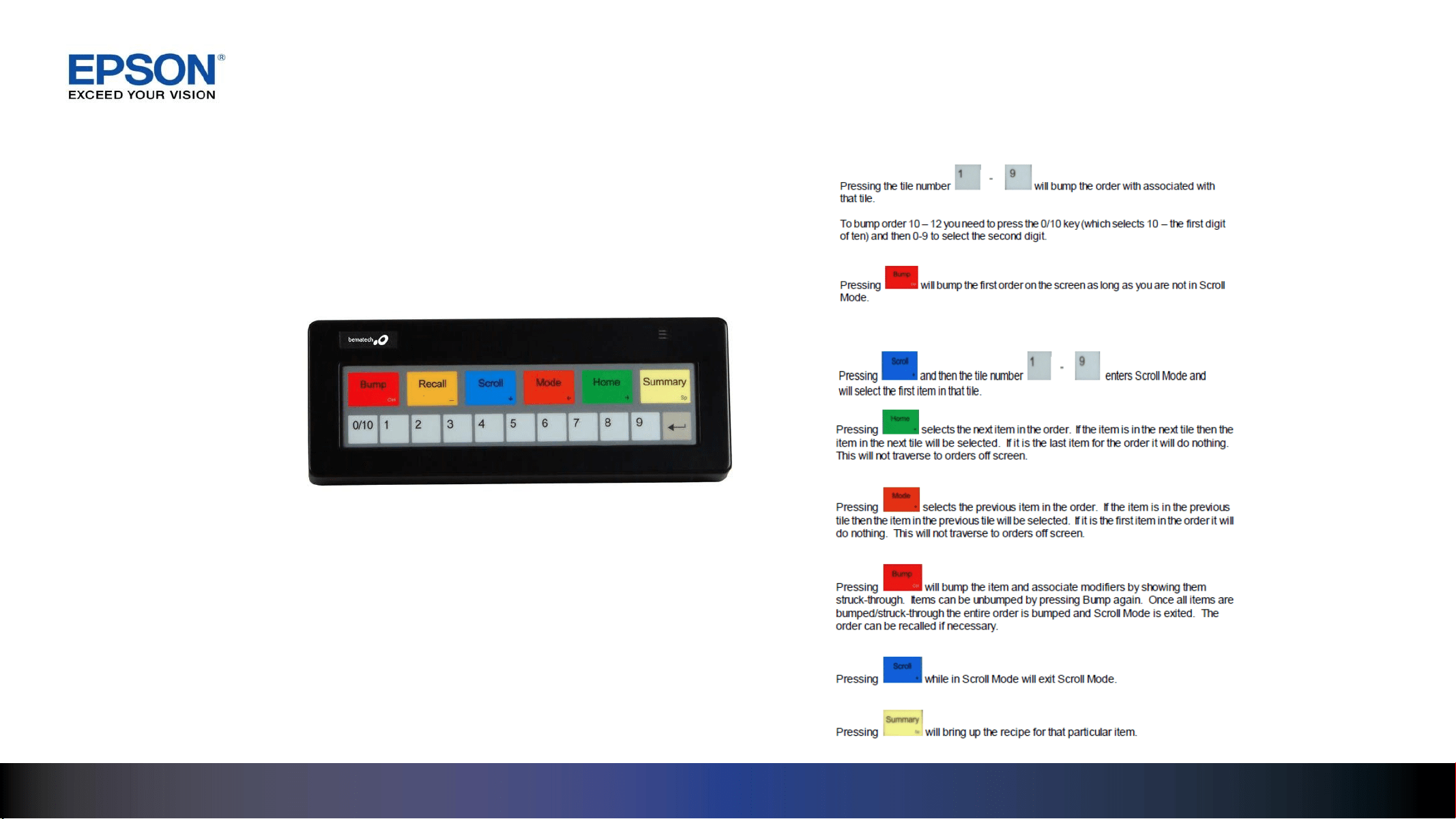
Bump Bar Functionality
Bump Bar Features
Bumping an Entire Order
Bumping Individual Items (Scroll Mode):
Logic Controls
KB1700U-D-BK, USB
background
5
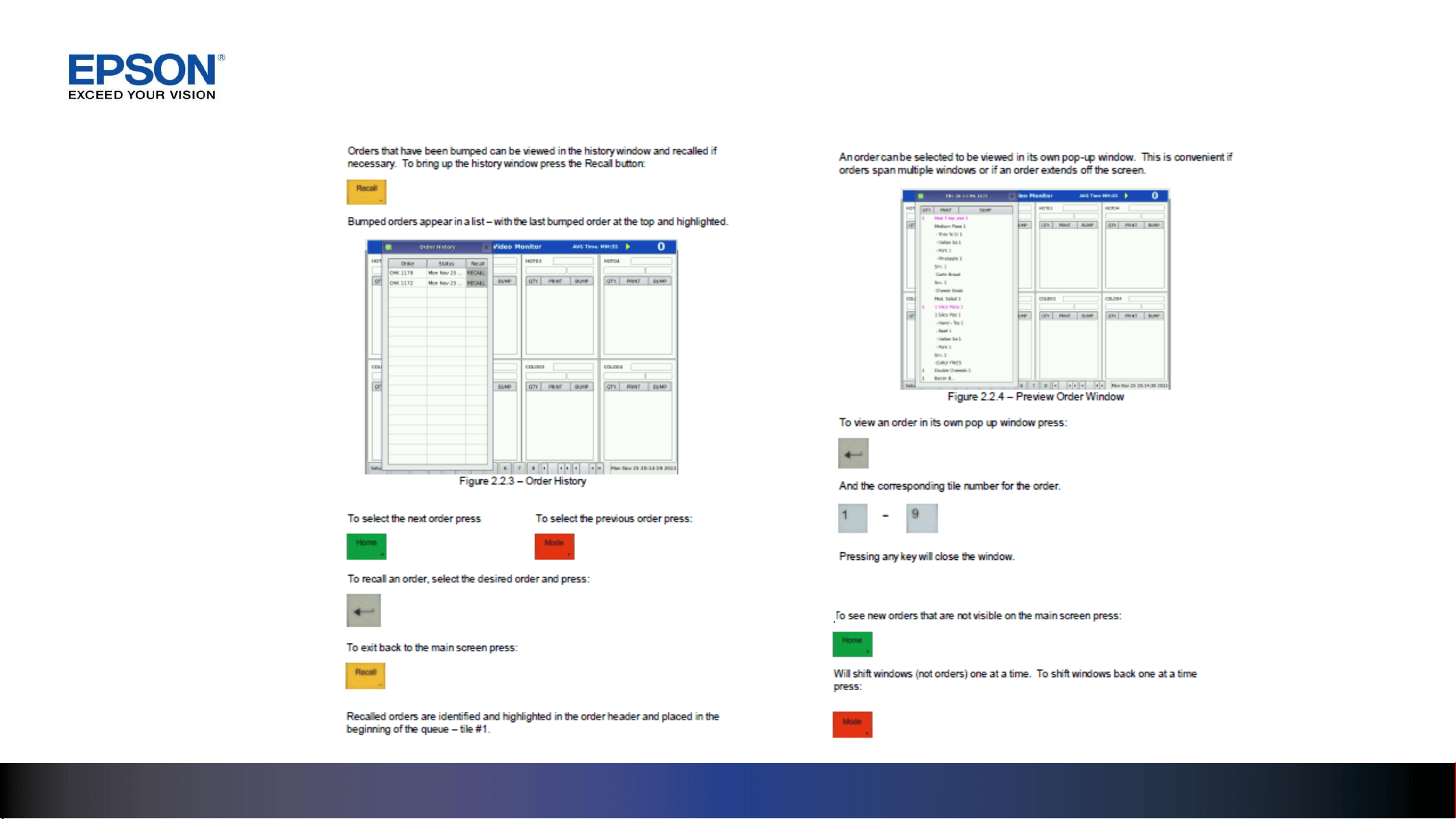
Bump Bar Functionality
Recalling Orders Expanded Order View
Viewing Off Screen Orders
background
6
Touchscreen Functionality
Touchscreen Type
A single point touchscreen can be used in
place of a bump bar with the same
capabilities
Bumping an Entire Order
Entire order can be bumped by pushing the
bump icon on the tile of the screen
Bumping an Individual Item
Pressing the item to be bumped will bump it
(strike-through) along with all associated
modifiers
Recall Orders
Recall icon at the bottom of the screen
Order Preview
Can be done by selecting the tile number
from an icon at the bottom of the screen
Recipe Information
Pressing and holding on a particular item will
bring up the recipe information
Orders off Screen
Use Scroll left and scroll Right icons at the
bottom of the screen
ELO 2201L LCD
ACCUTOUCH VGA /
USB

Specifications

Epson C31CA85A5881 Questions and Answers

Questions and Answers

Related Products