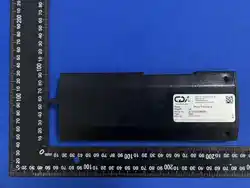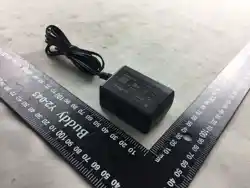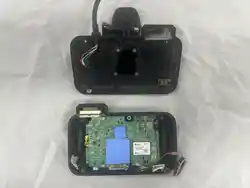

MSD-A3 User Manual
(Include Operation Description)
Date of Writing : 2026.01.06
Document Info
Edit Date Writer Version Note
2025-12-09 IT-Telecom 1.0
Document No
1.0
State
Document Owner
IT
-Telecom

1. MSD-A3 Product Description
# Index
2. MSD-A3 Product Operation Description
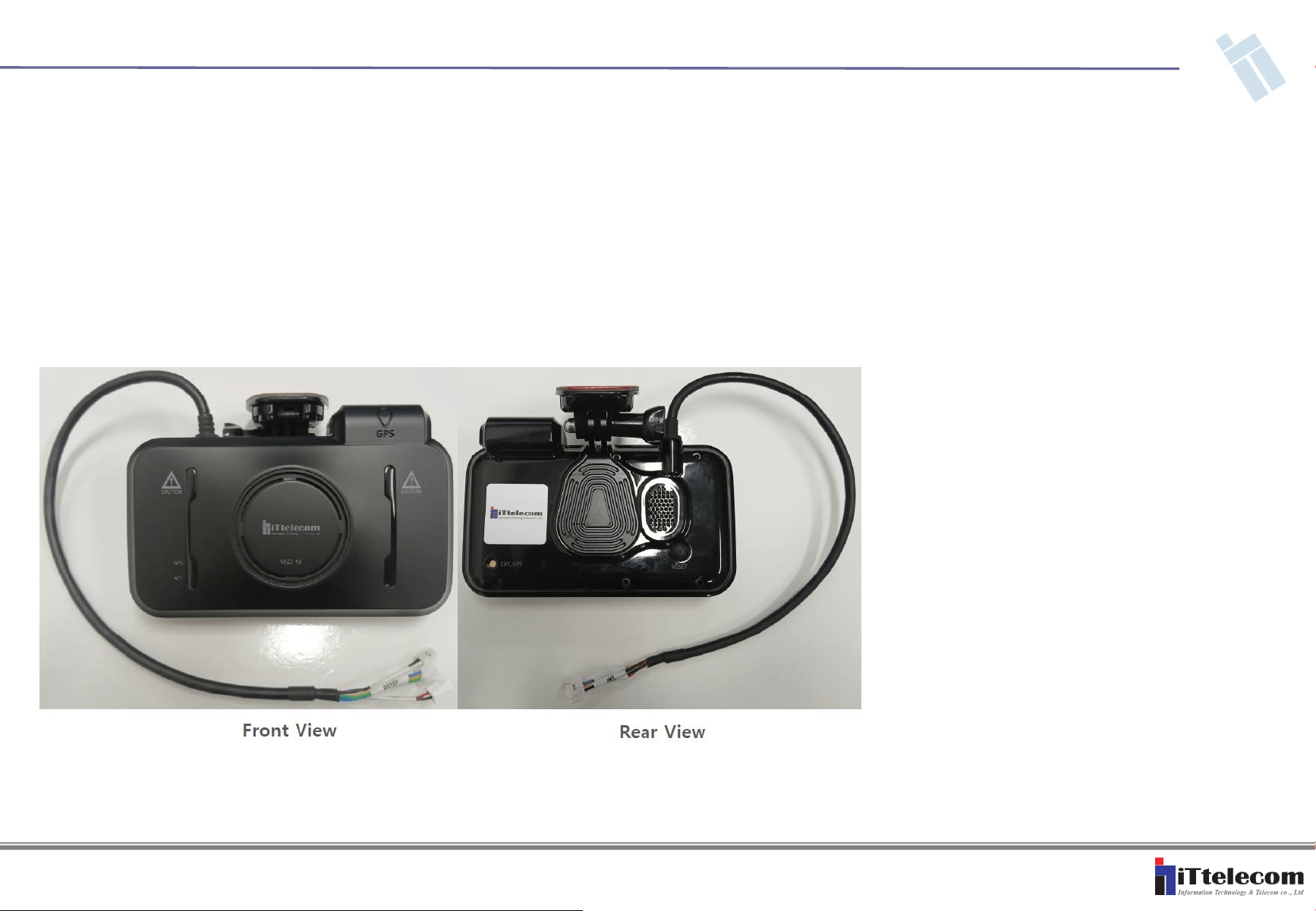
1. MSD-A3 Product Description
# Product Type : V2X OBU (Vehicle to Everything On Board Unit)
# Model Name : MSD-A3
# Model Name : MSD-A3
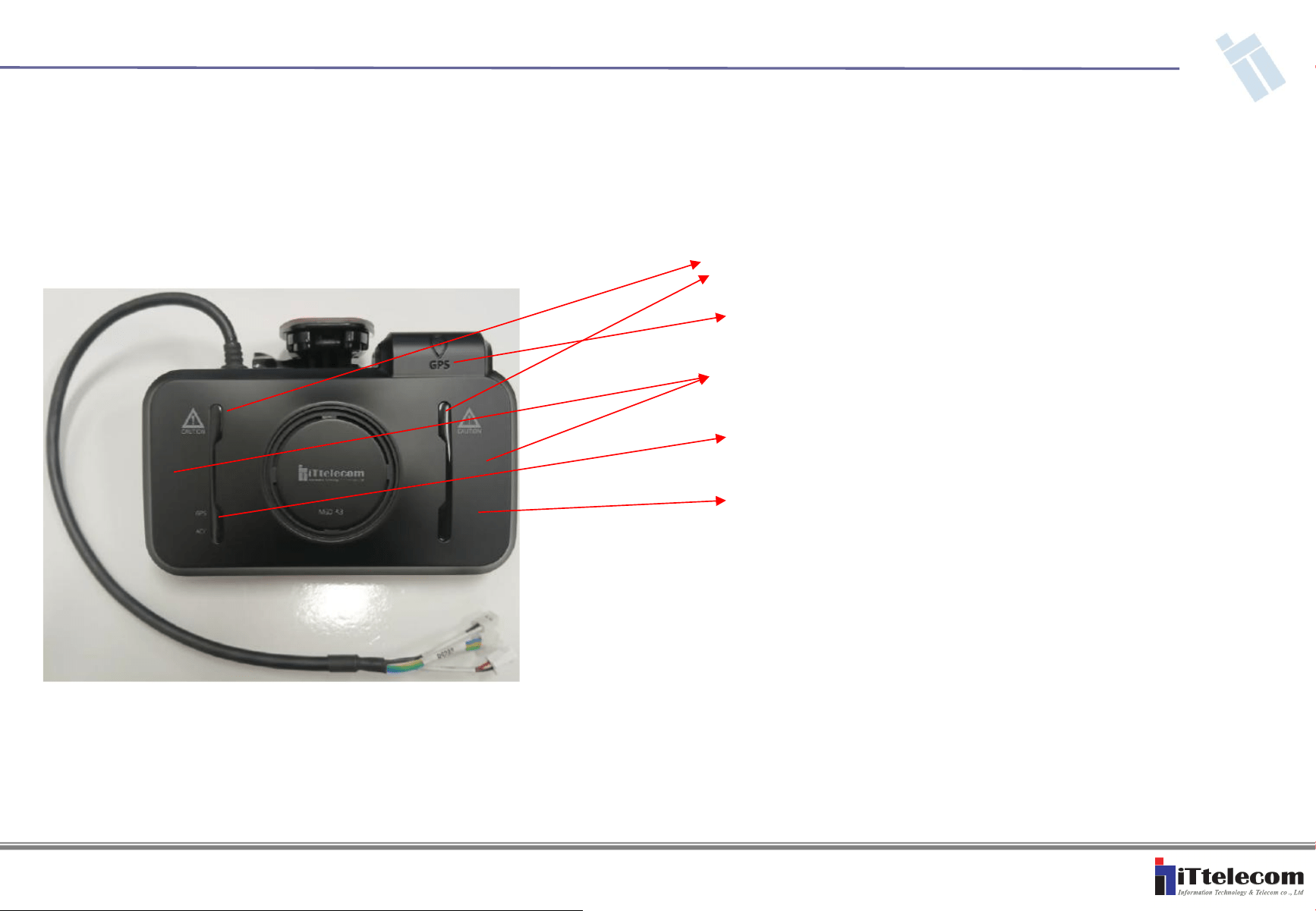
# Product Front Configuration
- LED : Power & Warning
- ANT : GPS Antenna
- ANT : V2X Antenna 1 & V2X Antenna 2
- LED : GPS LED and Status LED
- ANT : Internal BT Antenna (Optional, It
is not use at this time)
1. MSD-A3 Product Description
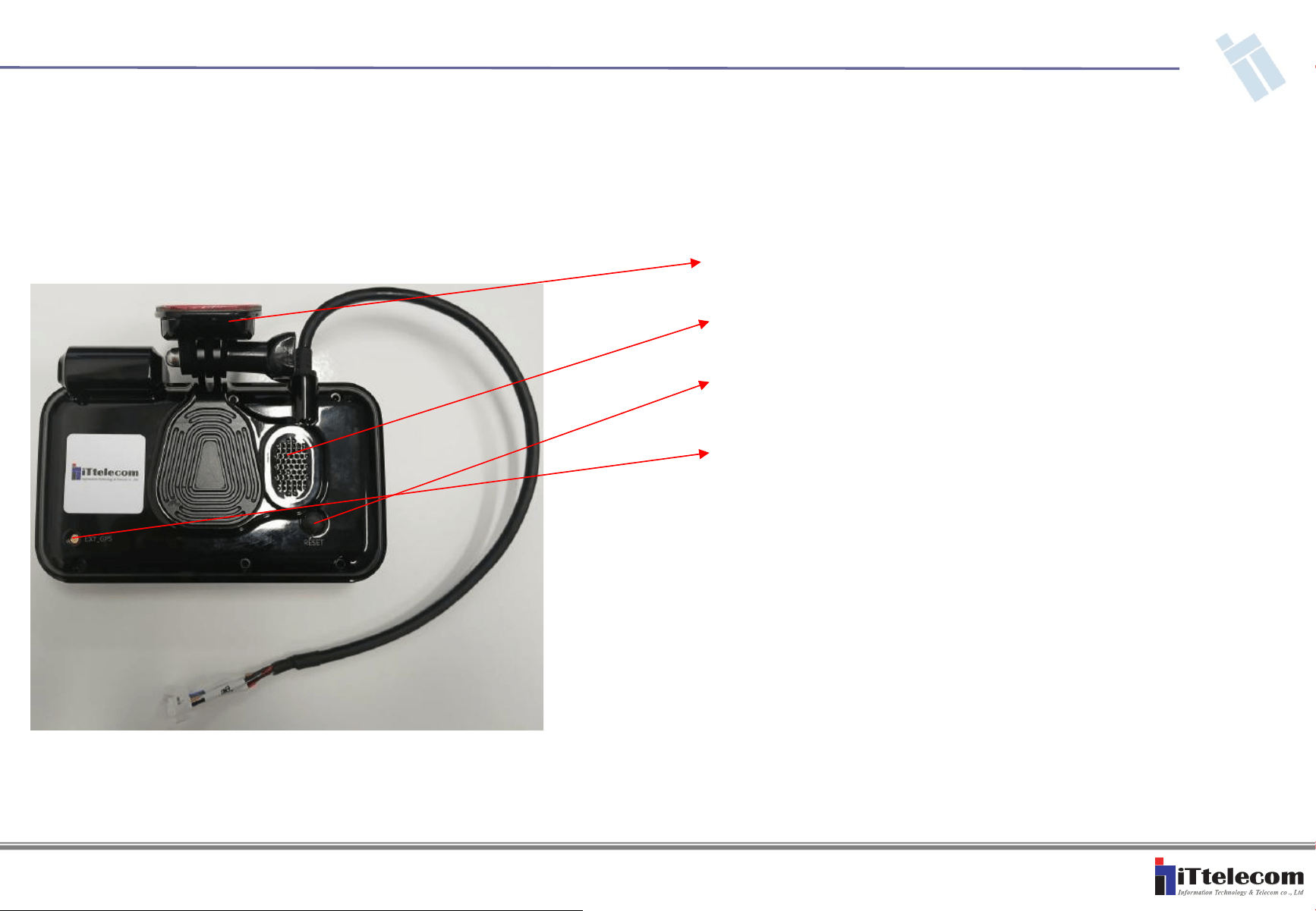
# Product Rear Configuration
- Bracket : Installation Bracket
- Speaker
- Button : Factory Reset Button
- Ant Port : External GPS Ant Port
(Optional, It is not use at this time)
1. MSD-A3 Product Description
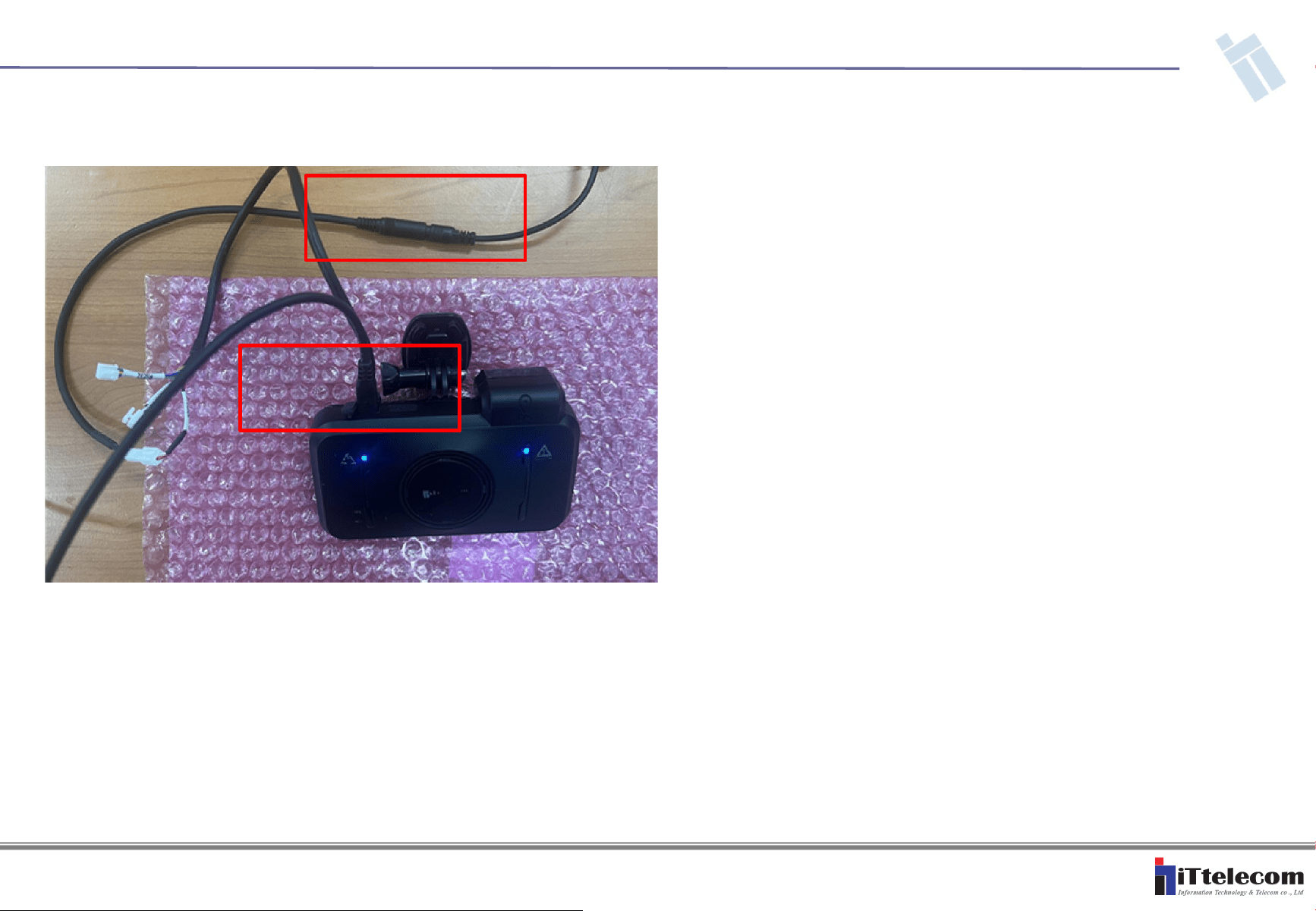
2. MSD-A3 Product Operation Description
1. Connect Debug Cable and power to MSD-A3 product as shown. (For debug
ports, it is used for debugging by developers and is not used for real users of the
product.)
1.2. MSD-A3 Modulation Signal Transmission
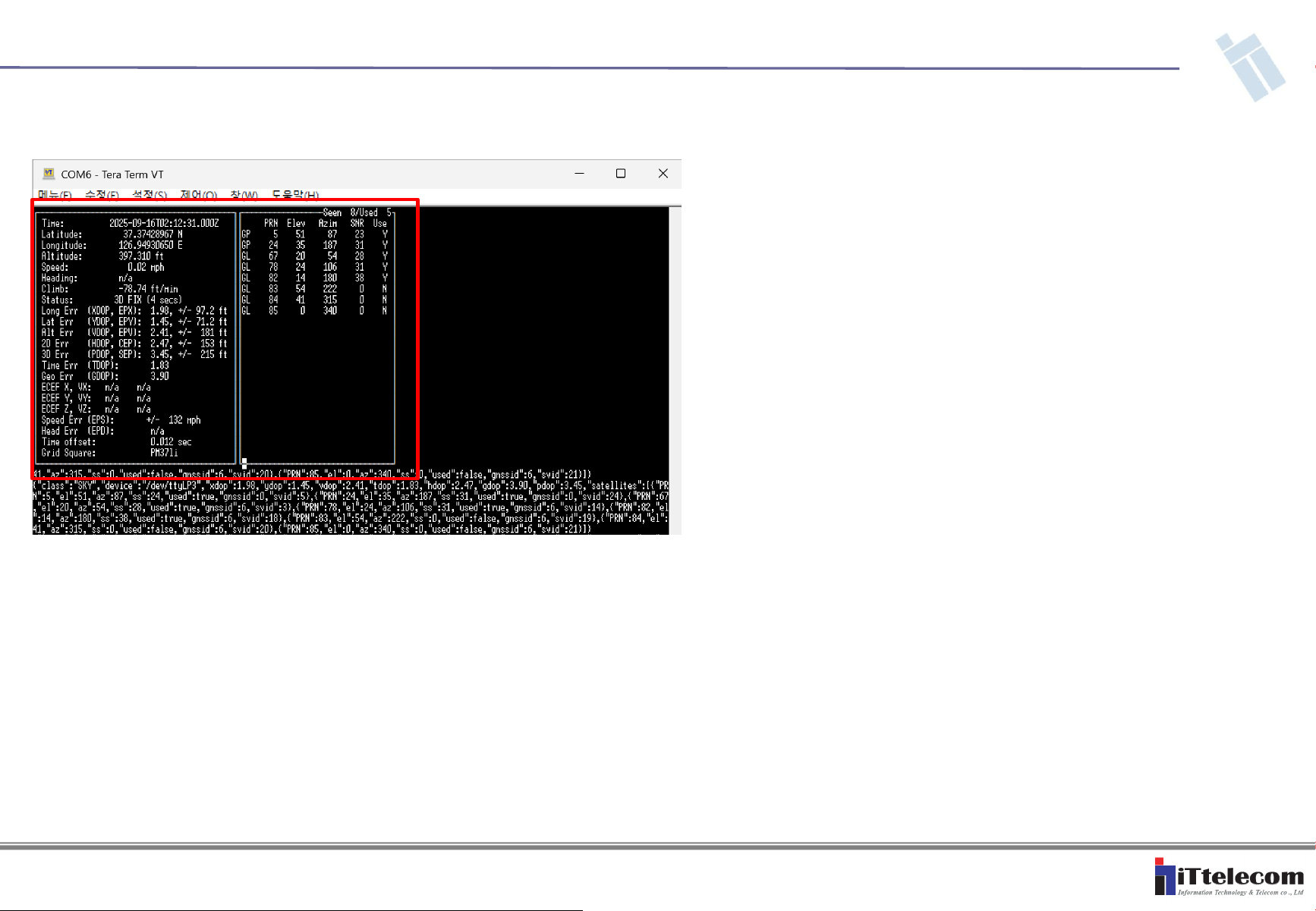
2. If the equipment has been booted, enter the command "cgps" in the command
window to check if the GPS signal is coming in normally.
1.2. MSD-A3 Modulation Signal Transmission
2. MSD-A3 Product Operation Description
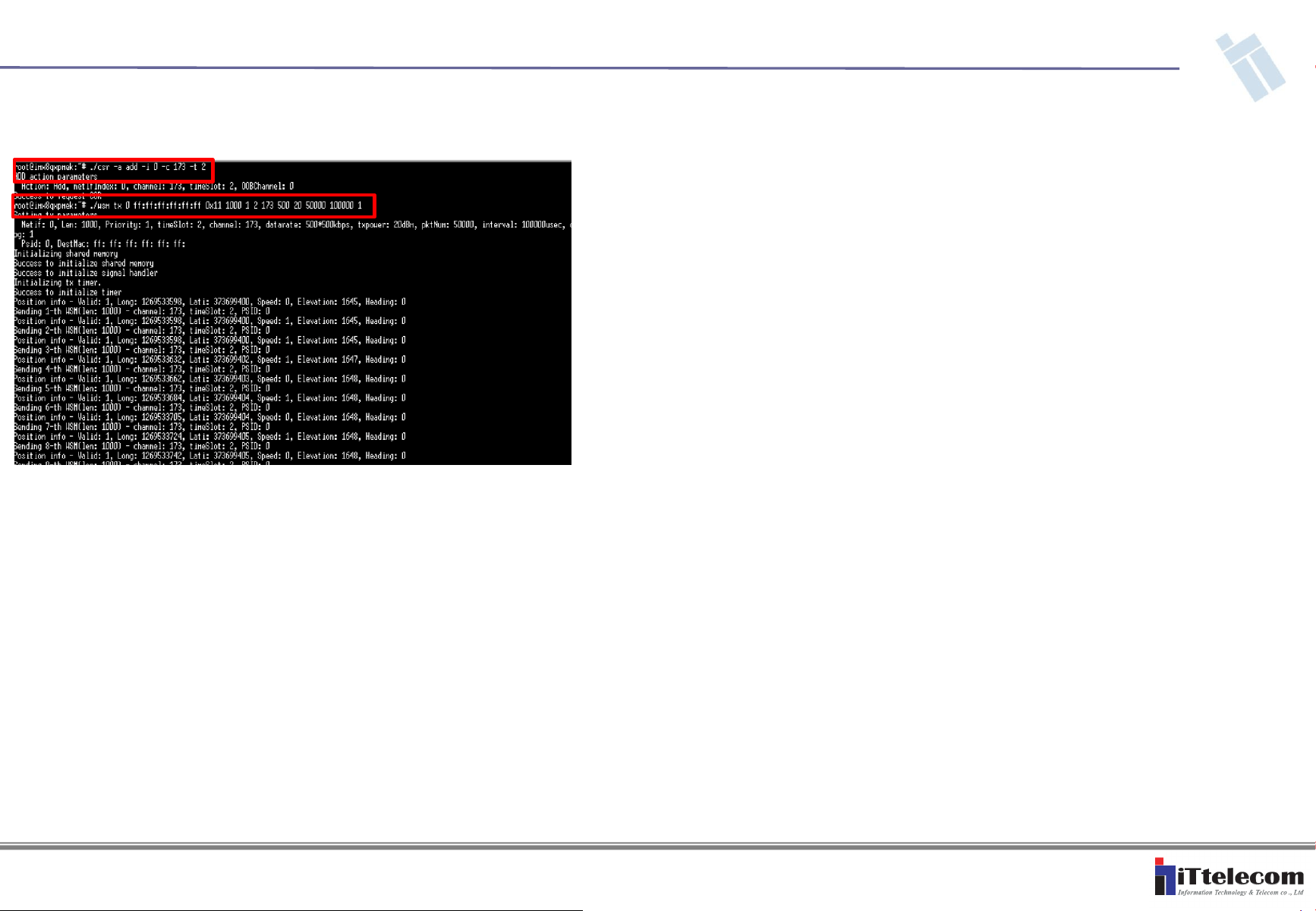
3. After that, you can set up a channel by entering the command "./csr -a add -i 0
-c 173 -t 2" as shown in the photo, and then transmit packets using the command
"./wsm tx 0 ff:ff:ff:ff:ff 0x11 1000 1 2 173 500 20 500 10000 100000 1".
2. MSD-A3 Product Operation Description
1.2. MSD-A3 Modulation Signal Transmission
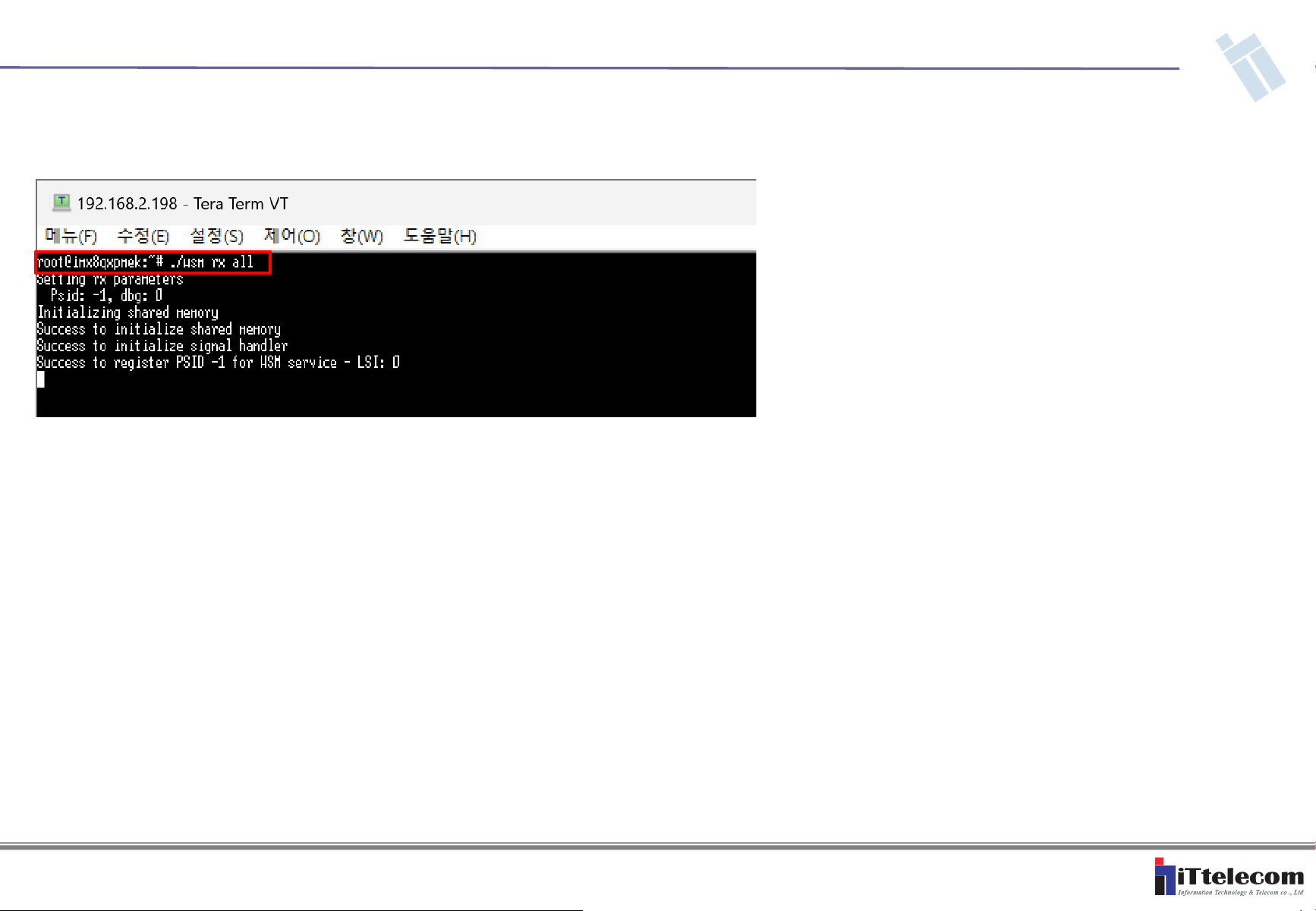
4. If you want to proceed with signal reception, you can enter the reception mode
using the command "./wsm rx all 1".
2. MSD-A3 Product Operation Description
1.2. MSD-A3 Modulation Signal Transmission

FCC Statement
Regulatory Compliance
C-V2X OBU
IMPORTANT NOTE:
FCC RF exposure statement
This equipment complies with FCC radiation exposure limits set forth for an uncontrolled environment.
End users must follow the specific operating instructions for satisfying RF exposure compliance. This
transmitter must be at least 20 cm from the user and must not be co-located or operating in conjunction
with any other antenna or transmitter.
The FCC ID of the product is: ZO9-MSD-A3
OBU firmware prevents the end user from adjusting power or channel settings that could result in a
violation of FCC rules.
The end user is warned that any un-authorized adjustment to OBU firmware could result in a violation
of FCC rules.
Firmware update may only be performed by or under the immediate supervision and responsibility of a
person
certified as technically qualified to perform transmitter maintenance by IT TELECOM Co., Ltd.
Any modifications made to this product, including the use of unauthorized antennas could result in
violation of the FCC regulations and is strictly prohibited.
This product is operated under FCC license, please contact IT TELECOM Co., Ltd. regarding all
licensing requirements to ensure ongoing regulatory compliance during use.
Caution
Any changes or modifications (including the antenna) made to this device that are not expressly
approved by the manufacturer may void the user’s authority to operate the equipment.
Antenna Information
Antenna Type: External dipole antenna (MHF-1 Plug)
Antenna Max Gain: 2.0 dBi
FCC Compliance Statement
This device complies with Part 15 of the FCC Rules. Operation is subject to the following two
conditions : (1) This device may not cause harmful interference, and (2) this device must accept any
interference received, including interference that may cause undesired operation.
FCC Interference Statement
This equipment has been tested and found to comply with the limits for a Class B digital device,
pursuant to Part 15 of the FCC Rules. These limits are designed to provide reasonable protection
against harmful interference in a residential installation. This equipment generates, uses and can
radiate radio frequency energy and, if not installed and used in accordance with the instructions, may
cause harmful interference to radio communications. However, there is no guarantee that interference
will not occur in a particular installation. If this equipment does cause harmful interference to radio or
television reception, which can be determined by turning the equipment off and on, the user is
encouraged to try to correct the interference by one of the following measures:
Reorient or relocate the receiving antenna.
Increase the separation between the equipment and receiver.
Connect the equipment into an outlet on a circuit different from that to which the receiver is
connected.
Consult the dealer or an experienced radio/TV technician for help