Quick start guide
Powering on
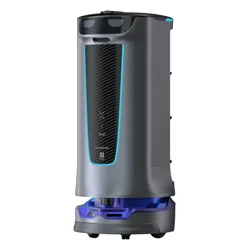
Push to a position beneath any maker → Turn on the key switch → Press and hold the key switch for
0.5 seconds, and wait until the bottom appears in blue.
Powering off
Press and hold the power switch for 10 seconds, at which point the light tube and screen are off.
Charging
Connect the charging cable to the charging port on the robot and ensure they are connected
correctly. Once the connection is successful, you will receive a prompt telling you that your robot is
charging.
Instructions on power usage:
1. To maximize the efficiency and battery life of the robot, always keep the battery level above 10%.
2. A battery level lower than 10% means that the robot will soon run out of power and needs to be
charged as quickly as possible.
Operations
Pause
Tap on the screen to pause a working robot.
PUDU ACADEMY
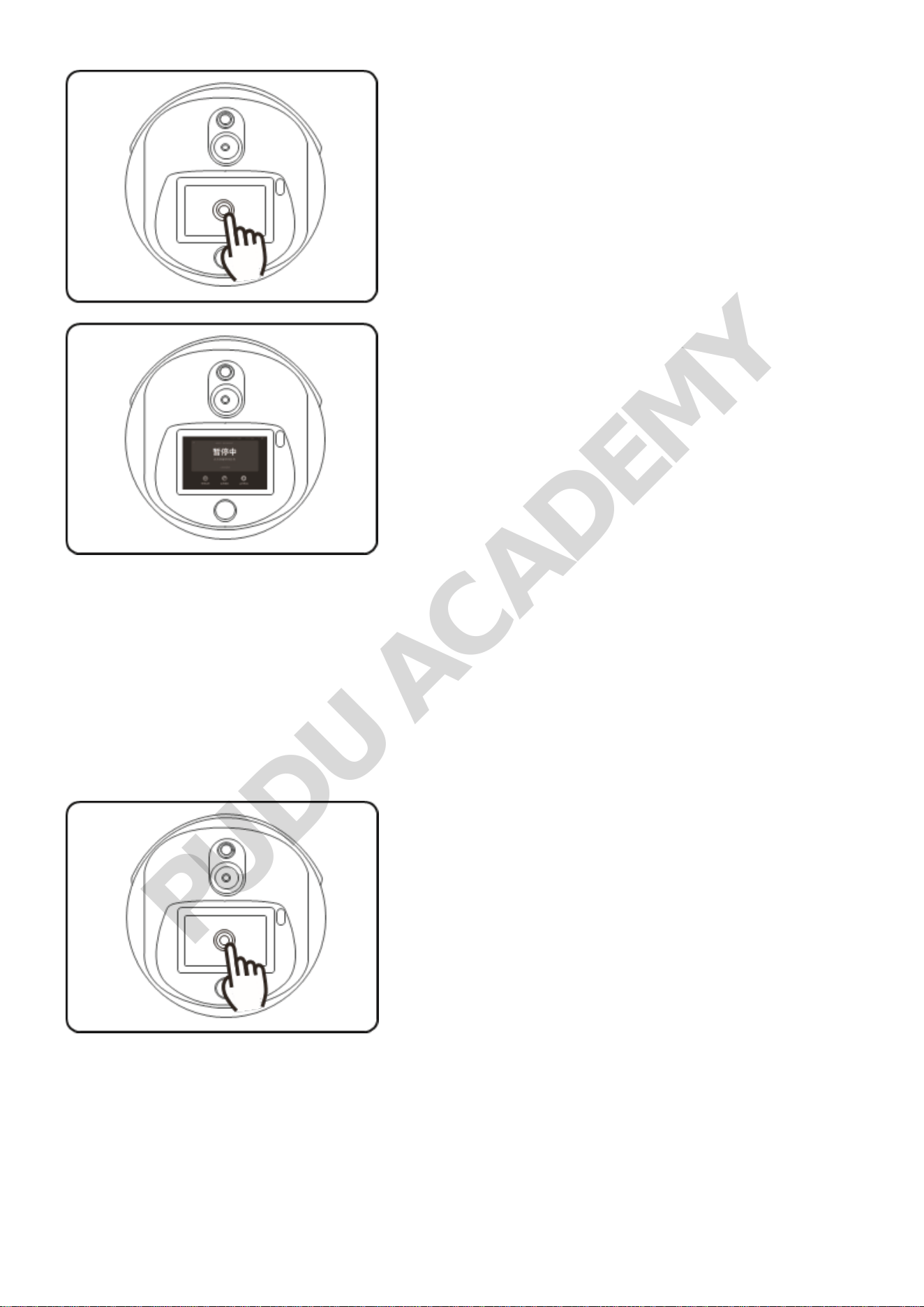
Start
Tap on the screen again to get the robot back
up and running. If no other operations are
performed on the Pause screen, the robot will
automatically resume moving in 20 seconds
in the Cruise Mode and in 10 seconds in other
modes.
Modes
Passive Call Mode:
The robot heads to the calling point to perform
the task issued by the Console, one task at a
PUDU ACADEMY
time. After the robot arrives at the calling point,
you can determine if you want the robot to head
to the next calling point based on its remaining
loading capacity. After the loading is completed,
the robot will automatically return to the dishwashing
room.
Cruise Mode
The robot circulates along a predetermined
path. You can specify the duration of the cruise.
Once that time expires, the robot will return to
the dish-washing room automatically.
Manual Dish-Return Mode:
PUDU ACADEMY
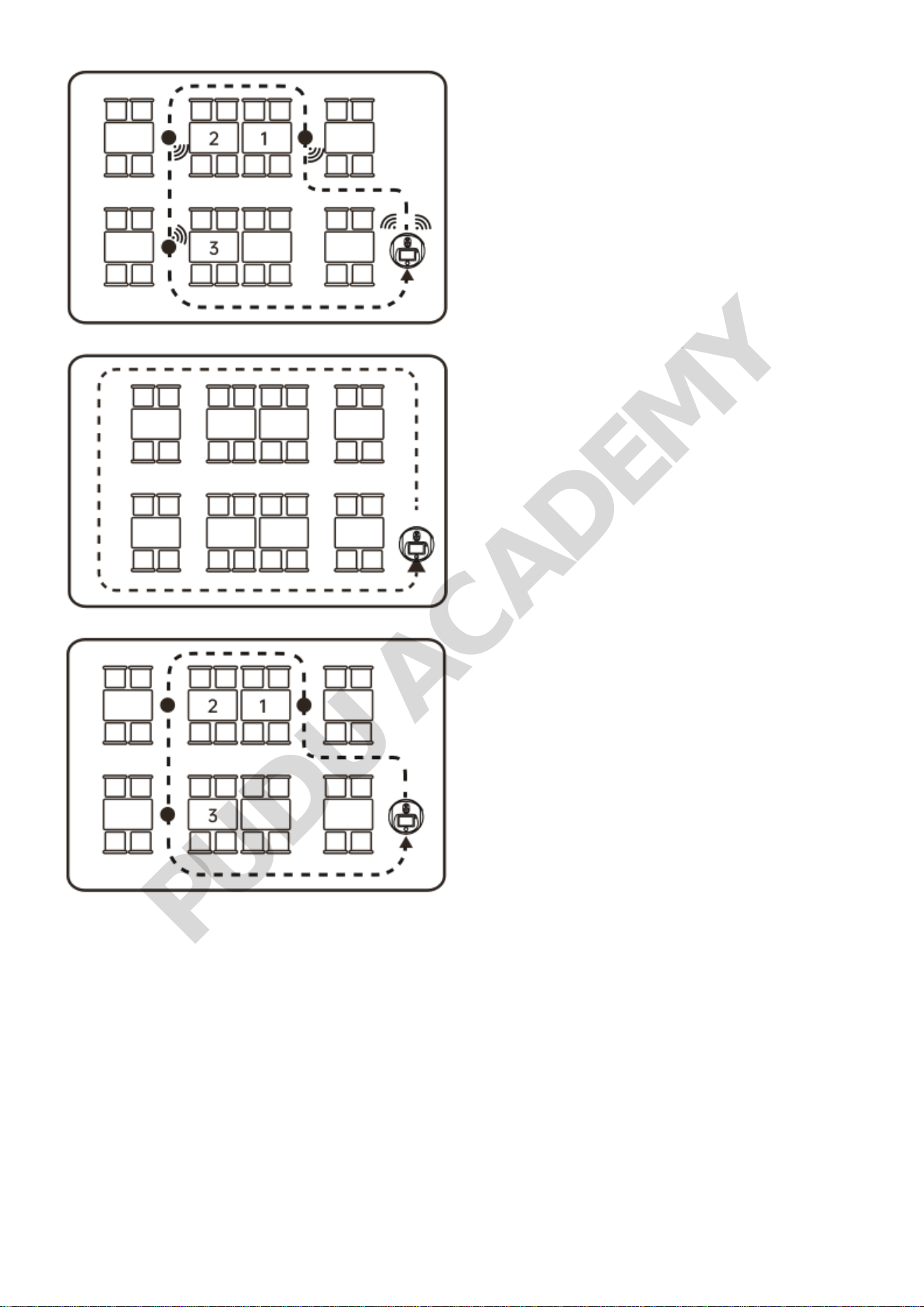
Return to Dish-washing Room
When the robot is back in the dish-washing room, unload the robot and tap "Return", and the robot
will
return to the docking location automatically. If any dish-return request is initiated from a calling
point,
the robot will go straight to the calling point instead of returning to the docking location.
Passive Call Mode
As a basic dish return mode for Pudu Holabot, this mode works in conjunction with the Wristband/
pager (see below for how a Wristband/pager works). After receiving a call from the pager, the robot
PUDU ACADEMY
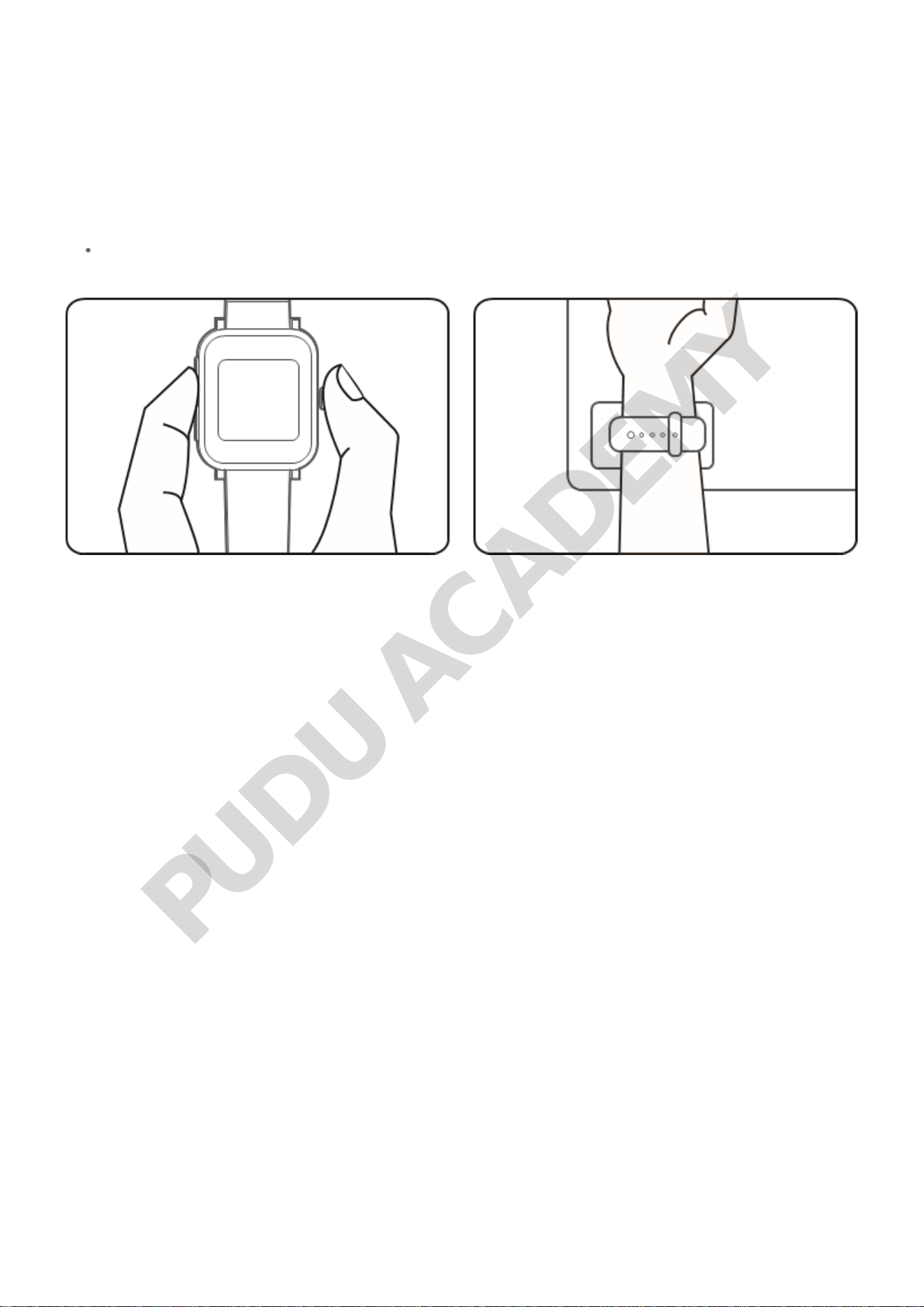
heads to the calling point to perform the task. The robot is then loaded and instructed to return to
the
dish-washing room, where it is unloaded and then returns to the docking location. This can be done
by
following the steps below.
The requester initiates a call by pressing the pager button or by touching the calling card on the
table with a Wristband.
PUDU ACADEMY