Nimo MME2S series
90mm
157g铜版纸 正反面印刷 风琴折 90x145mm
145mm
CAUTION
Getting Started Enter the Bios Setup FCC Conformity Statement Warranty Information
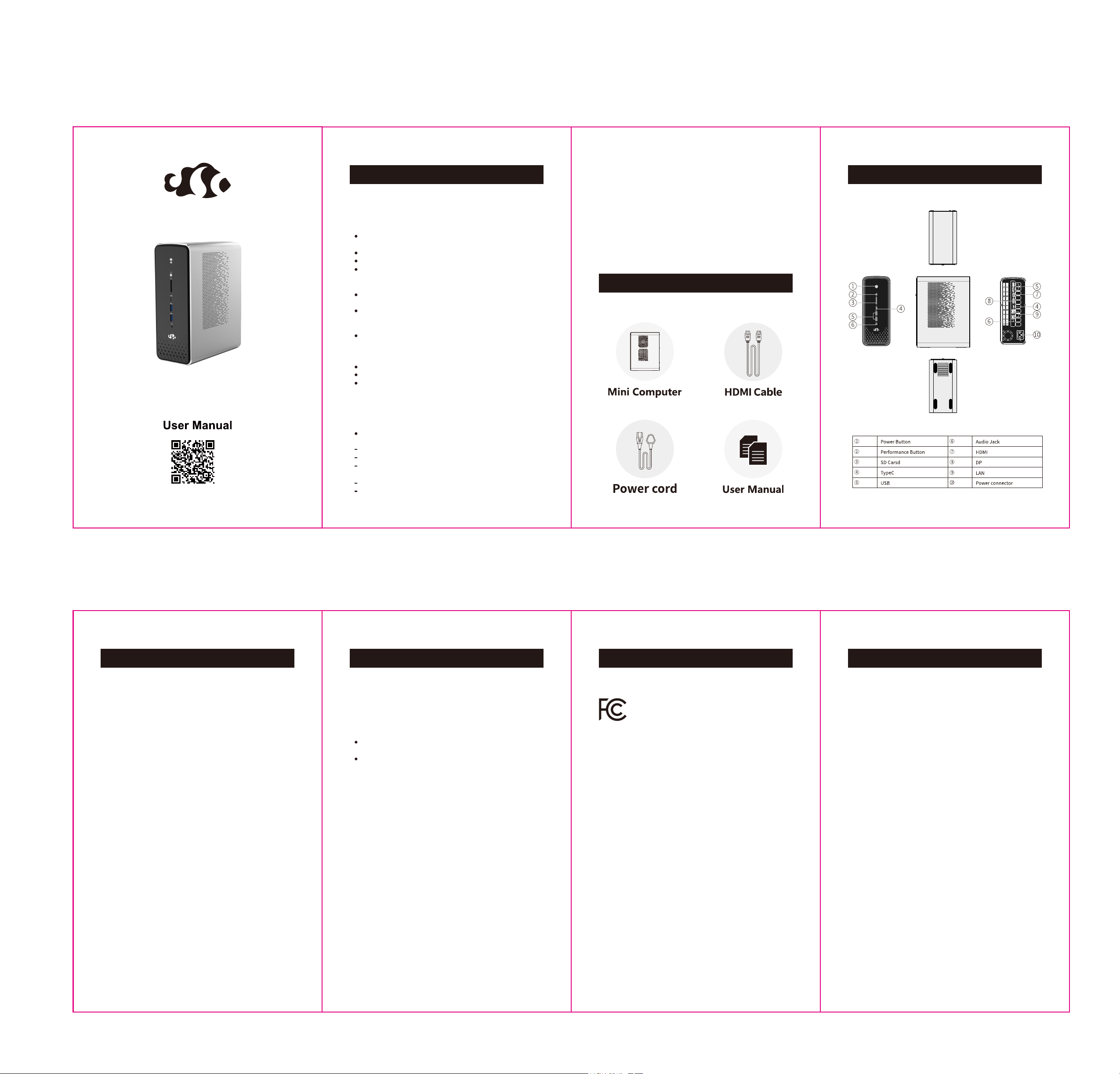
Know Your Mini PC
Package Contents
NIMO Support
Your Mini PC is designed and tested to meet the latest standards of safety
for information technology equipment. However, to ensure your safety, it is
important for you to read the following safety instructions.
The MME2S series are covered for two years from the initial retail purchase
date, as confirmed by the provided proof of purchase from the first retailer
Nimo or a Nimo-authorized service center will repair. Repairs or replacements
will be conducted in a commercially reasonable time, at the discretion of
Nimo. If Nimo replaces the product, the replacement will be subject to the
terms outlined in this warranty for the remaining duration of the original
product's warranty period. The replacement product may be refurbished.
The Warranty becomes invalid if the product has been disassembled, modified
or repaired without Nimo’s authorization. Additionally, damage resulting
from neglect, whether intentional or accidental, is not covered under warranty.
Examples not covered by warranty include but are not limited to use outside
operating specifications, a cracked or broken screen, damaged housing or
cover, missing or damaged buttons, impaired ports or connectors, damage
from power surge or incorrect power supply usage and water damage ( as
Indicated by inspection of the internal liquid contact indicator).
For warranty support or repair, please contact Customer Care:
Phone Number:(302) 501-7208
Email: [email protected]
Website: www.nimopc.com
RTC Battery Warning
CAUTION: Danger of explosion if the battery is incorrectly replaced. Replace
only with the same or equivalent type recommended by the manufacturer.
Dispose of used batteries according to the manufacturer’s instructions.
Read and follow all instructions in the documentation before you operate
your machine.
Do not use this product near water or heat sources.
Set up the machine on a stable surface.
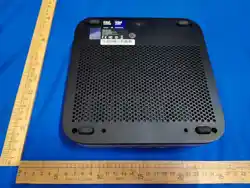
Openings on the chassis are for ventilation. Do not block or cover these
openings. Make sure to leave plenty of space around the machine for
ventilation. Never insert objects of any kind into the ventilation openings.
Use this product in environments with ambient temperatures between
0℃ and 40℃.
If you use an extension cord, make sure that the total ampere rating
of the devices plugged into the extension cord does not exceed its
ampere rating.
This equipment should be installed and operated with a minimum distance
of 20cm between the radiator and your body.
An error message appears on the screen during the system boot-up and
requests you to run the BIOS Setup.
You have installed a new system component that requires further BIOS
settings or updates.
Do not walk on the power cord or allow anything to rest on it.
Do not spill water or any other liquids on your machine.
When the machine is turned off, a small amount of electrical current
still flows.
or A small amount of electrical current continues to flow when the machine
is turned off.
Always unplug the power cord from the power outlets before cleaning
the machine.
If you encounter the following technical problems with the product, unplug
the power cord and contact a qualified service technician or your retailer.
The power cord or plug is damaged.
Liquid has been spilled into the machine.
The machine does not function properly even if you follow the operating
instructions.
The machine was dropped or the chassis was damaged.
The machine performance changes.
FCC Caution:
This device complies with Part 15 of the FCC Rules. Operation
is subject to the following two conditions:
(1)This device may not cause harmful interference
(2)This device must accept any interference received,
including interference that may cause undesired operation.
Any Changes or modifications not expressly approved by the
party responsible for compliance could void the user's
authority to operate the equipment.
Note: This equipment has been tested and found to comply
with the limits for a Class B digital device, pursuant to part 15
of the FCC Rules. These limits are designed to provide
reasonable protection against harmful interference in a
residential installation. This equipment generates uses and
can radiate radio frequency energy and, if not installed and
used in accordance with the instructions, may cause harmful
interference to radio communications. However, there is no
guarantee that interference will not occur in a particular
installation. If this equipment does cause harmful interference
to radio or television reception, which can be determined by
turning the equipment off and on, the user is encouraged to try
to correct the interference by one or more of the following
measures:
-Reorient or relocate the receiving antenna.
-Increase the separation between the equipment and receiver.
-Connect the equipment into an outlet on a circuit different
from that to which the receiver is connected.
-Consult the dealer or an experienced radio/TV technician for
help.
Care during use
Setting up your machine
Connect a display monitor to your Mini PC:
Connect one end of an HDMI cable to an external display, and the other end
of the cable to your Mini PC’S HDMI port.
Connect a keyboard and mouse to your Mini PC:
You can connect most of the USB keyboard and mouse to your Mini PC.
Turn on your Mini PC
Press the power button to turn on your Mini PC.
Turning off your Mini PC
If your Mini PC is unresponsive, press and hold the power button for at least
four seconds until your Mini PC turns off.
WARNING!
Bios (Basic input and output system) stores system hardware settings that
are needed for system startup in the Mini PC.
In normal circumstances, the default BIOS settings apply to most conditions
to ensure optimal performance.
Do not change the default BIOS setting except in the following circumstances:
WARNING!
This equipment is not suitable for use in locations where children are likely
to be present.
The warranty does not apply to the products that have been disassembled
by users.
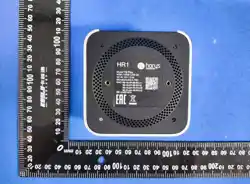
Each Mini PC has its unique SN code on its bottom.
Please provide us the SN code for quick and accurate service when contacting
our customer service.
Improper BIOS settings may result in instability or boot failure. We strongly
recommend that you change the BIOS settings only with the help of
trained service technician.
Load default BIOS settings
Enter the BIOS by long pressing <F2> on the POST screen
Enter Fast Boot by long pressing <F12> on the POST screen