English
1.Product Scope of Application:
The wireless mouse adopts 2.4G working.modes to connect and control related devices.The 2.4G mode of
theproduct can run on computer systems such as Windows2000,Windows XP,Vista,Win7,Win8,Win10,etc.The
Bluetooth mode of the product can run
on mobile Android 5.0 and computer Win10 or above systems.
2.Hardware requirements:
A mobile phone or computer with 2.4G standard and a USB port available for connecting devices.
3、installation steps and usage instructions:
1.When using the channel of the mouse,turn the power switch ofthe mouse to the position,and then press
thepairing button at the bottom of the mouse,Atthis time,the indicator light at the bottom of the mouse
will flash blue quickly.Then turn on the phone,click the "Settings"icon on the phone,and the switch will
turn green.clickto connectdirectly,so that the connection between the phone and themouse can be
completed
2.Installation steps and usage of mouse connection on computer:When using the channel of the
mouse,please turn the power switch of the mouse to the position,and first click (Start)on the
computer,select "Control Panel",and thenclick"Add Device".The computer will display the "Add Device"
interface.At this time,press the "Add Code"button at the bottom of the mouse to broadcast the code,and
the mouse indicator light will flash blue quickly.When the mouse icon appears on the computer
interface,click "Mouse "again,and then select "Add Device"to follow the prompts.The
computer will be connected to the mouse .The installation methods of different systems may vary For
example,on a WIN-10computer,the installation steps are as follows:click"Start"on thecomputer,select
"Devices",and then select the "Mouse"icon in the list to pair and complete the connection according to the
interface dialogue operation.
4.Installation steps and instructions for mouse 2.4G:
Steps and usage for installing 2.4G mouse:When using the 2.4G channel of the mouse,turn the
power switch ofthe mouse to the 2.4G position,plug the receiver into the idle USB port of the computer.
and the computer will automatically install configuration software.When the computer prompts thatthe
installation is completed and can be used,the mouse can be connected to the computer.If the receiver
computer does not respond when plugged in,it needs to be replaced with another USB port.When there
is still no response,you can press the pairing button.At this time,the 2.4G light at the bottom of the
mouse will flash green quickly.Then,you need to plug the receiver into the idle USB port of the computer
At this time,the computer will automatically pair the code and install thecorresponding adapter software
Generally,the computer will prompt;The installation is completed and can be used,which indicates that
the mouse and computer 2.4G have successfully matched.
—1—
5.Notes:
1. witha 2.4G wireless receiver,which is configured inside the mouse. Please carefully check.This product
does not support the Bluetooth system of WIN7-3.0 version.
2.When the receiver is plugged in and the computer cannot recognize its use,it should be considered that it is
caused by poor port contact and needs to be replaced with anothercomputer USB port for use.When the product
malfunctionsafter being used normally for a period of time.You should first suspect that the built-in battery of
the product is insufficient,and charge it in a timely manner.The charging time may vary depending on the power
of the charger.Ifthe product is not used for a long time,please turn the power switch to the OFF position.
3.When theproduct lagsor suddenly stops moving during use,in addition to ruling out the possibility of low
battery voltage,it should be considered that there is interference from the same frequency signal in the
environment.
4.You can alsouse 2.4G to solve the problem of re coding,and the coding method is as shown above (if the code
cannot be matched at once,the operation can be repeated)
5.Wireless products are designed with built-in lithium batteries,so for user safety,the product can only be used
indoors at room temperature.Please do not use it in high temperatures or near fire sources.
6.Product damage disposal:If the product is damaged and cannot be repaired,please do not disassemble or
throw it into the fire to avoid accidental danger.It should be sent to a professional waste disposal station or a
dedicated recycling bin for processing
6、List of items:
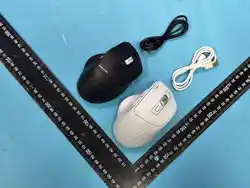
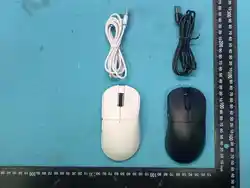
1 connecting line
2 manuals -copy
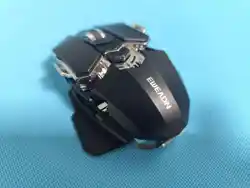
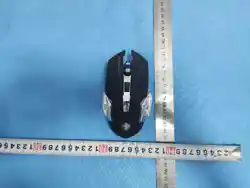
3 mice,one
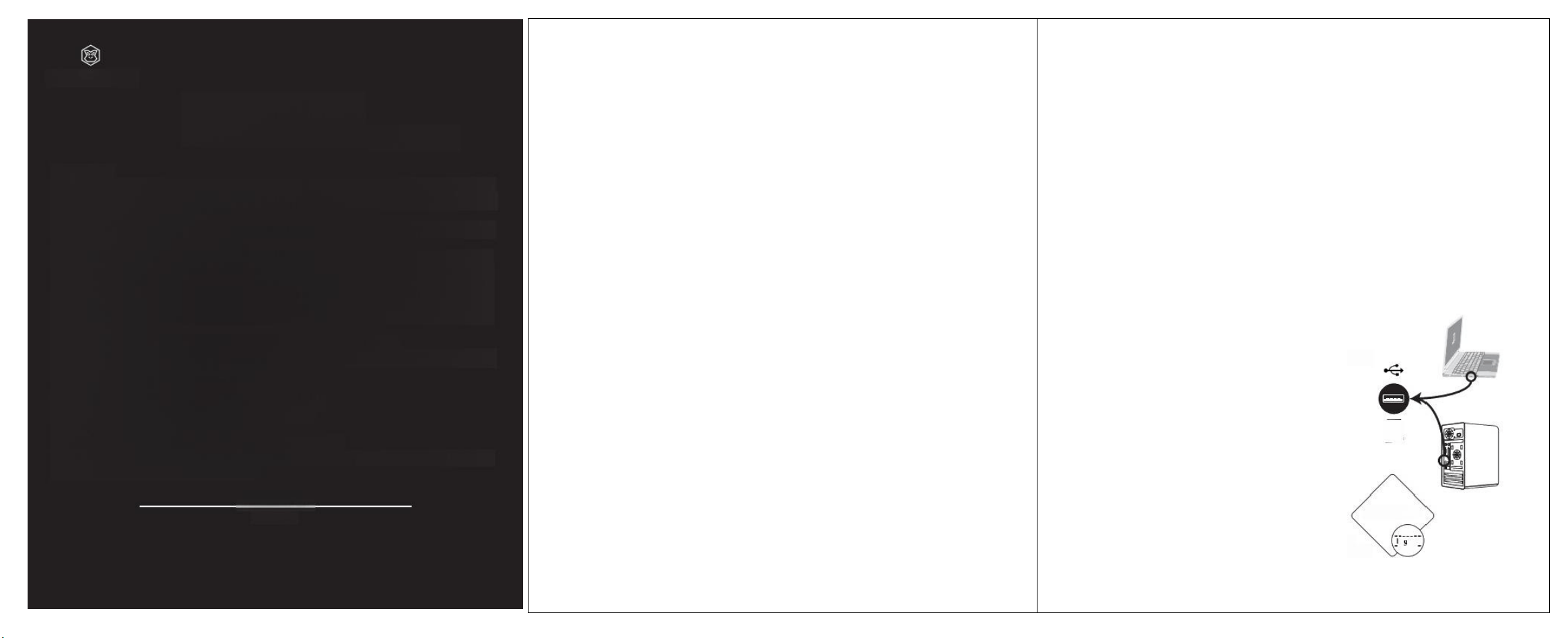
Connection diagram
4 One 2.4G receiver
四
Manufacturer.Jiangxi Jichi TechnologyCo,Ltd
Building 3,Godfrey Industrial Park,Lvbao Avenue,Qingyuan District,Ji'anCity
llangxi Prowinoe
Contact number 0755-23089616
certificate
Website:wwweweadn,cn
Product execution standard number:MouseGB/T26245-2010
Q0
Attention:The product images are for reference only and may differ from the aPcAt Sal
6
product.Please refer to the actual product.We apologize for anyincormenience caused!
—2—
EWEADN
G306
mouse
FCC Caution:
This devicecomplies with part 15of the FCC Rules.Operation is subject to the following two conditions:(1)
This device maynot cause harmful interference,and (2)this device must acceptany interference received,
including interference that may cause undesired operation.
Any changes or modifications not expressly approvedby the party responsible for compliance could void
the user's authorityto operate the equipment.
NOTE:This equipment has been tested and found to comply with the limits for a Class B digitaldevice,
pursuant to Part 15 of the FCC Rules.These limits are designed to provide reasonable protection against
harmful interference in a residential installation.This equipment generates,uses and can radiate radio
frequency energy and,if not installed and used in accordance with the instructions,may cause harmful
interferenceto radio communications.However,there is no guarantee that interference will not occur in a
particular installation
If this equipment doescause harmful interference to radio or television reception,
whichcan bedetermined by turming the equipment offand on,the user isencouraged to try to correct the
interference by one or more of the following measures:
--Reorient or relocate thereceiving antenna.
--Increase the separation between the equipment and receiver.
--Connect the equipment into an outlet ona circuit different
from that to which the receiver is connected.
--Consultthe dealeror an experienced radio/TV technician for help.
The device has been evaluated to meet general RF exposurerequirement.The device can be used in
portable exposure condition without restriction.
GUID
OPERATION
E