Instruction Manual
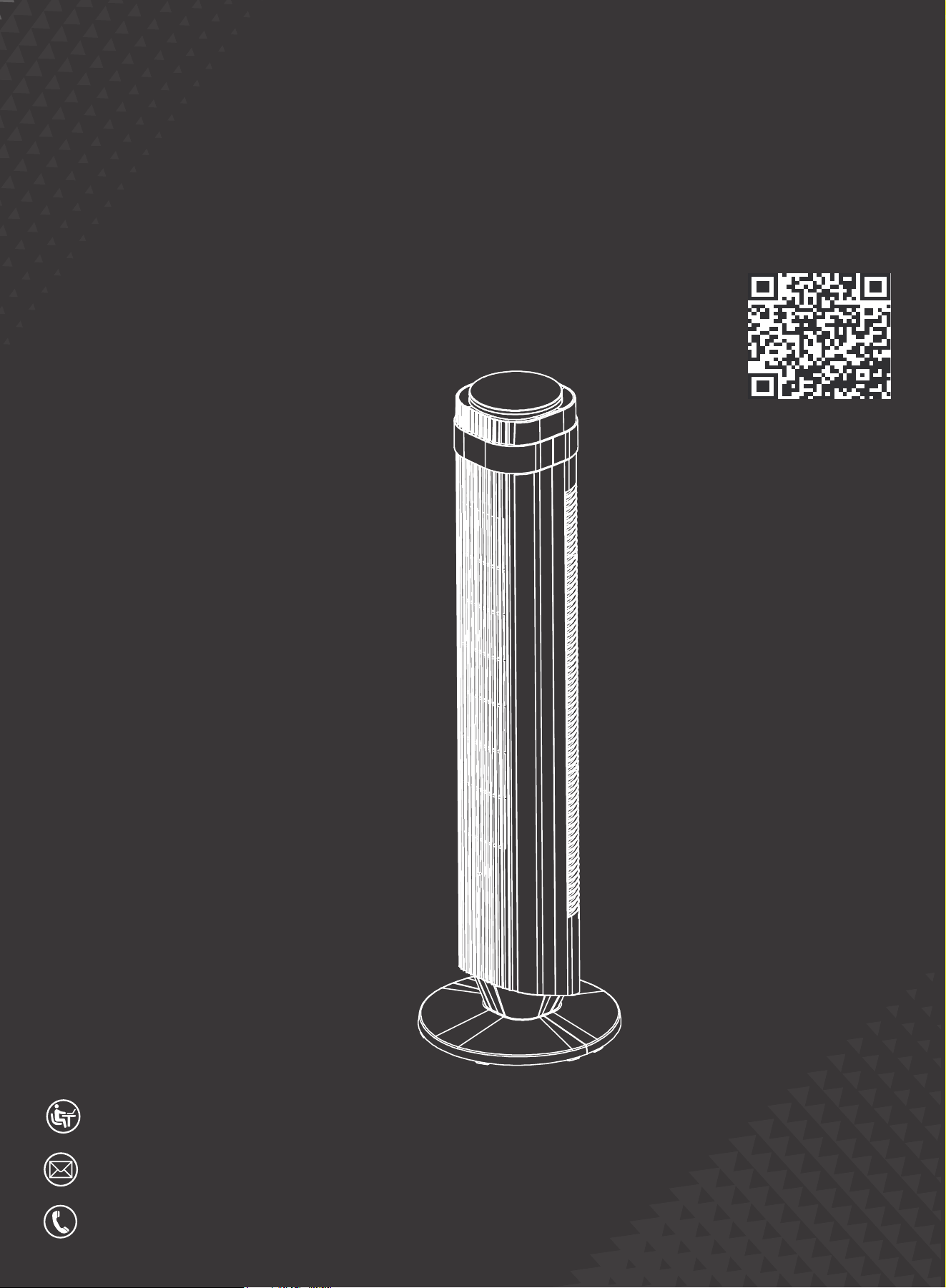
AC-DSV25TS-35D5
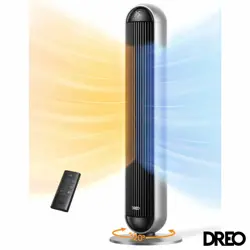
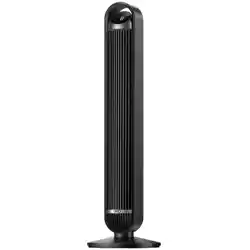
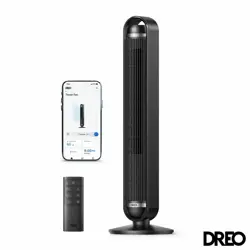
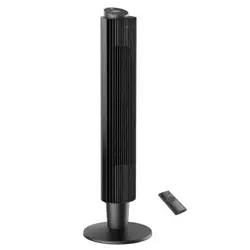
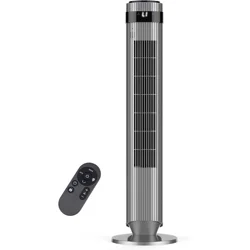
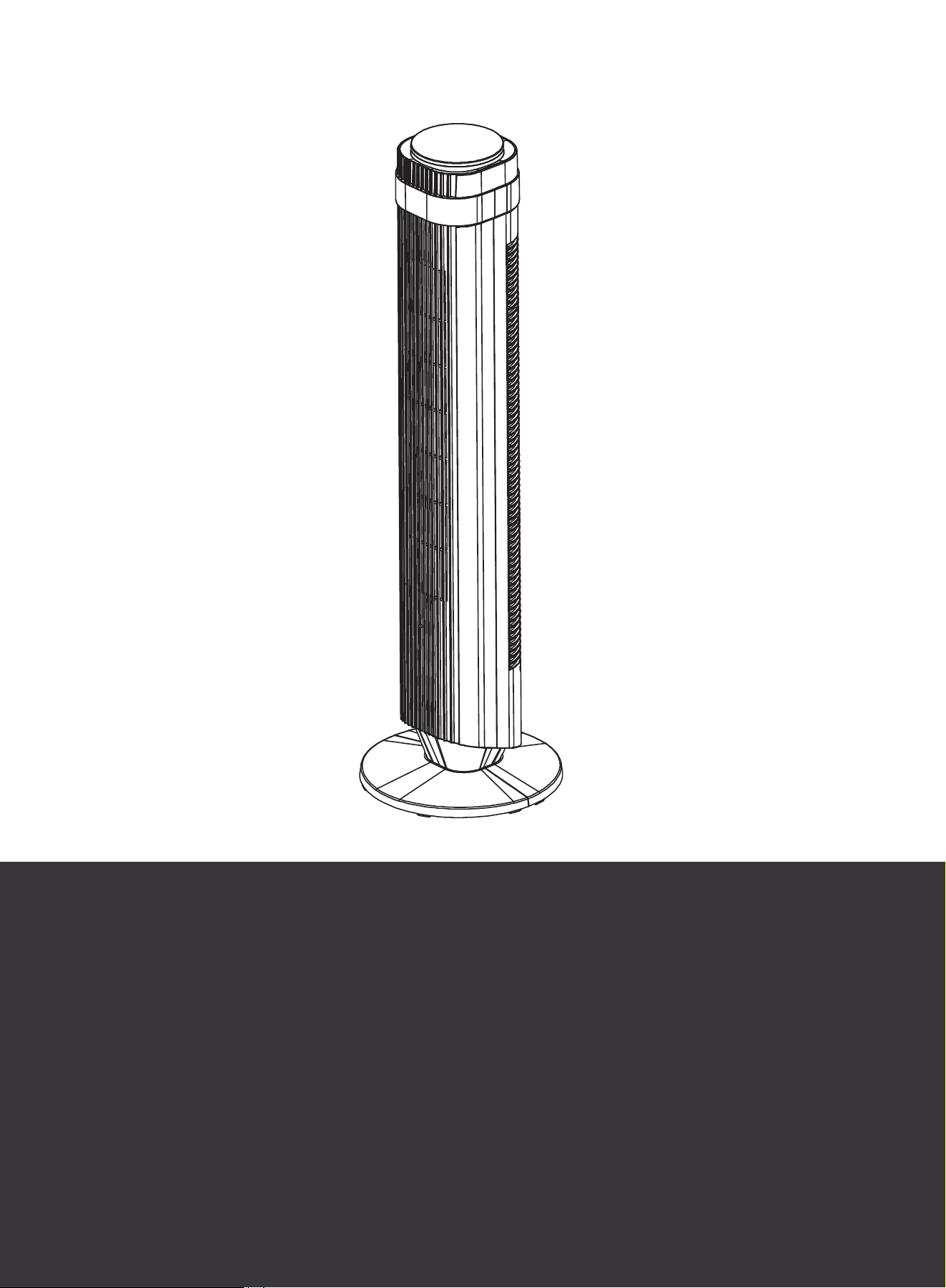
Tower Fan
HJ-Customer-Service@outlook.com
EST 9:00AM--17:00PM
6269443420 | 6267435564
GeneraI Safety
1. ChiIdren shall not play with the appliance. CIeaning and maintenance shall not be performed by
children.
2. Use the appliance as described in the user manual only. Any other use not recommended in the
user manual may cause fire, electrical shock, or personal injury.
3.
Operation Safety
1. PIace the appliance on a flat, dry surface before use.
2. Do not immerse in water or any other liquids.
3. Do not use the appliance until the base is installed.
4. Do not insert your fingers, pencils, or any other objects into the grilles while in operation.
5. Do not dismantle, repair, or modify. AII servicing should be performed by qualified personnel.
Electricity Safety
1. Make sure that the voltage of your electricity supply is the same as that indicated on the appliance.
2. Always unplug before cleaning or leaving the appliance unused for a long period of time. Keep your
hands dry when plugging/unplugging.
3. Do not operate the fan with a damaged cord or plug.
4. Do not run the cord under carpeting. Do not cover the cord with throw rugs, runners, or similar coverings.
Do not route the cord under furniture or appliances. Arrange the cord away from the walking area to
avoid tripping.
5. To reduce the risk of fire or electric shock, do not use this tower fan with any solid-state-speed control
device.
6. This appliance has a polarized plug (one blade is wider than the other). To reduce the risk of electric
shock, this plug is intended to fit in a polarized outlet only one way. If the plug does not fit fully in the
outlet, reverse the plug. If it still does not fit, contact a qualified electrician. Do not attempt to repair it
by yourself.
WARNING: To reduce the risk of fire, electric shock, or injury to persons, do not use replacement parts
that have not been recommended by the manufacturer.
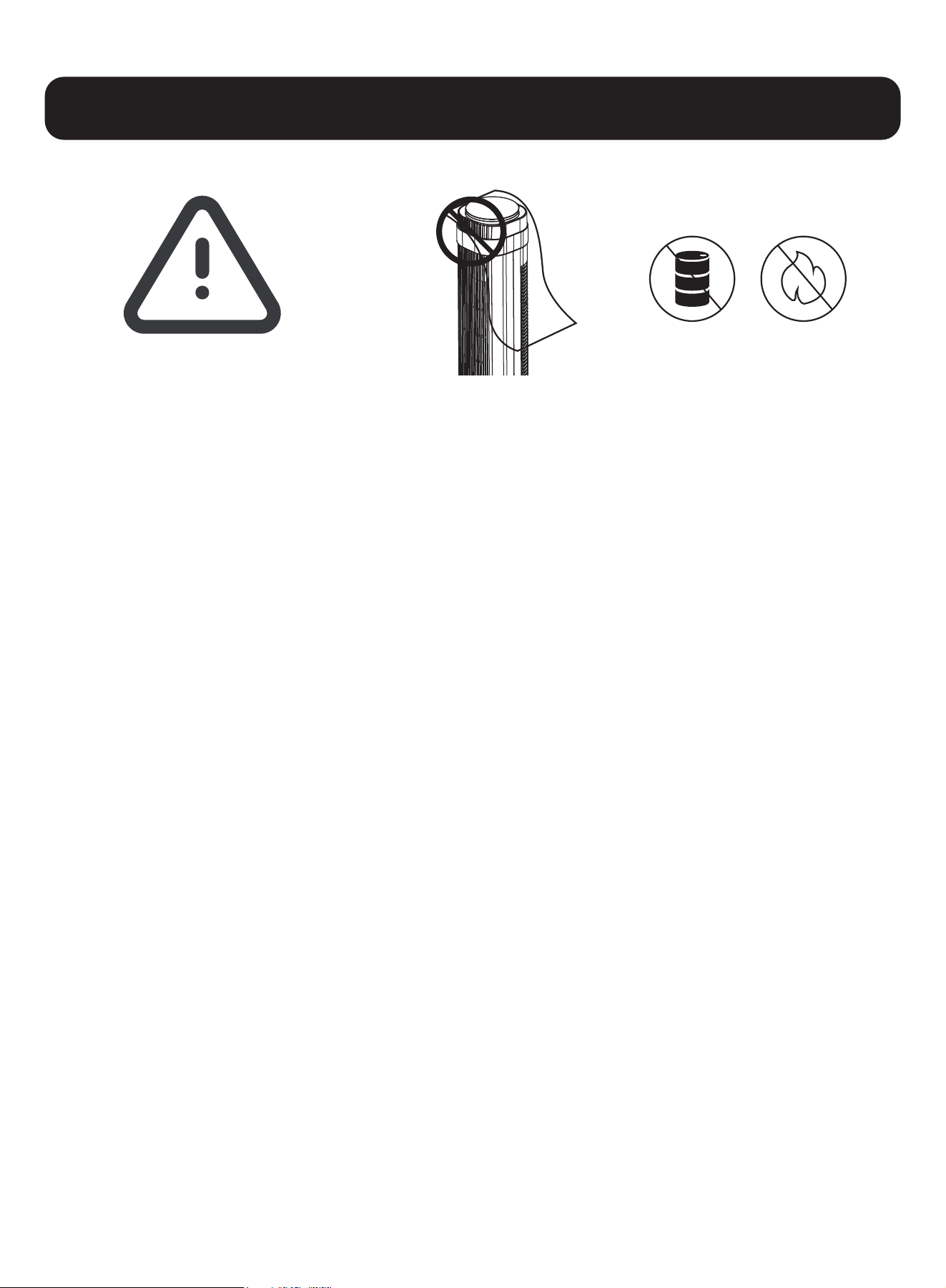
Do not use the fan
near flammables
and combustibles.
Safety Precautions
Please read this user manual
carefully before using the product
and keep it for future reference.
This appliance is not intended for use by persons (including children) with reduced physical, sensory, or
mental capabilities, or who lack experience or knowledge, unless they are supervised or instructed on
the proper use of the appliance by a person responsible for their safety.
Do not cover the
air inlet and outlet
while in operation.
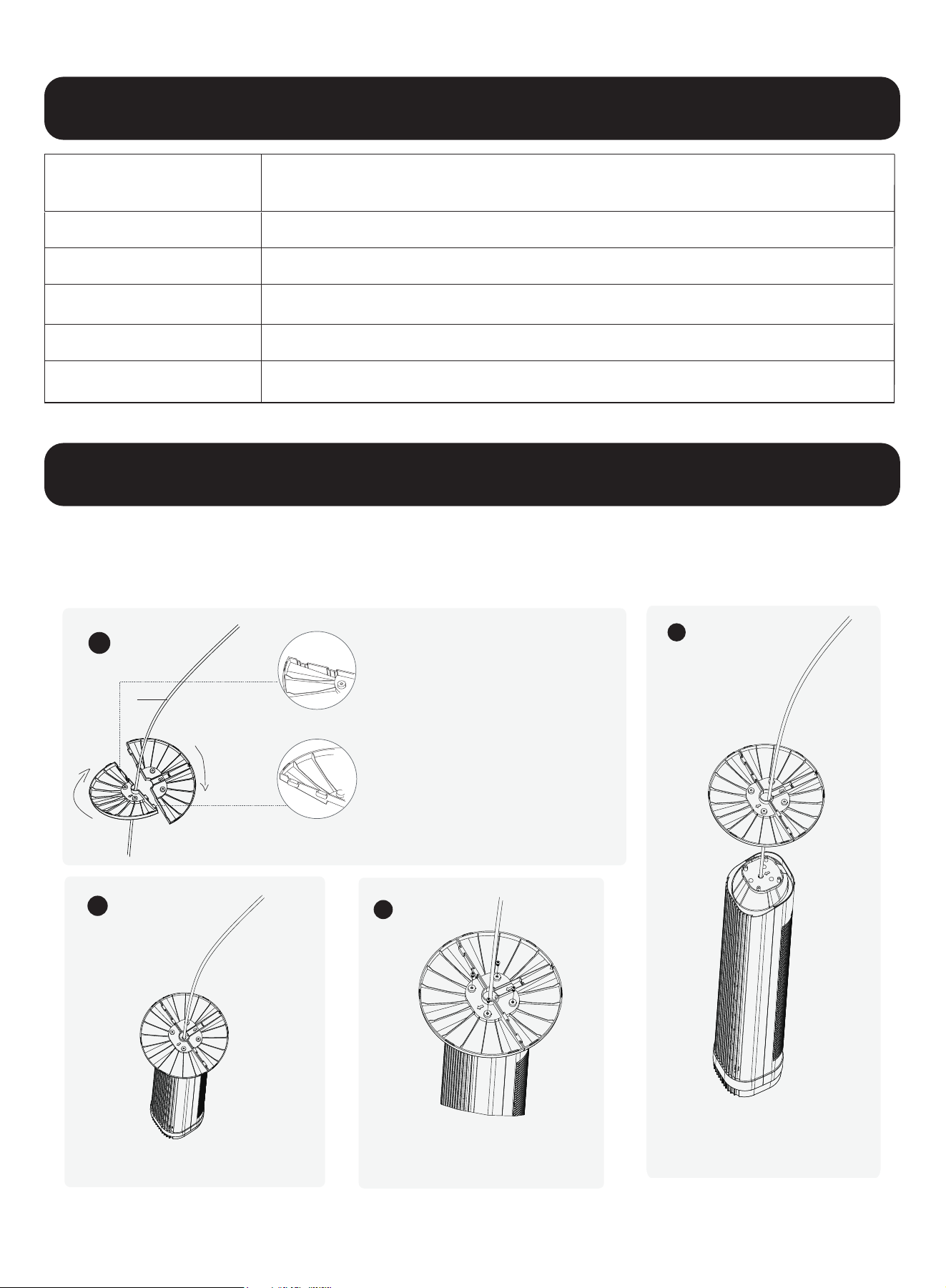
When using the appliance for the first time, remove the wraps and attach the parts by following the
steps below.
1
2
3
Keep two base halves in a
crossed position, then insert
pegs on one half into the
slots on the other half.
Press down on edges to click two base
halves together.
Put the base to the main part.
Up
Down
Slots
Pegs
4
Fasten the base by 4 screws.
Power Cord
Model
Voltage
Power
Oscillation
Product Weight
Package Dimension
Horizontal Oscillation 70
o
120V~ / 60Hz
50W
7.68 x 7.68 x 36.61 in
7.28 lb
AC-DSV25TS-35
Technical Specifications
Assembly Instructions
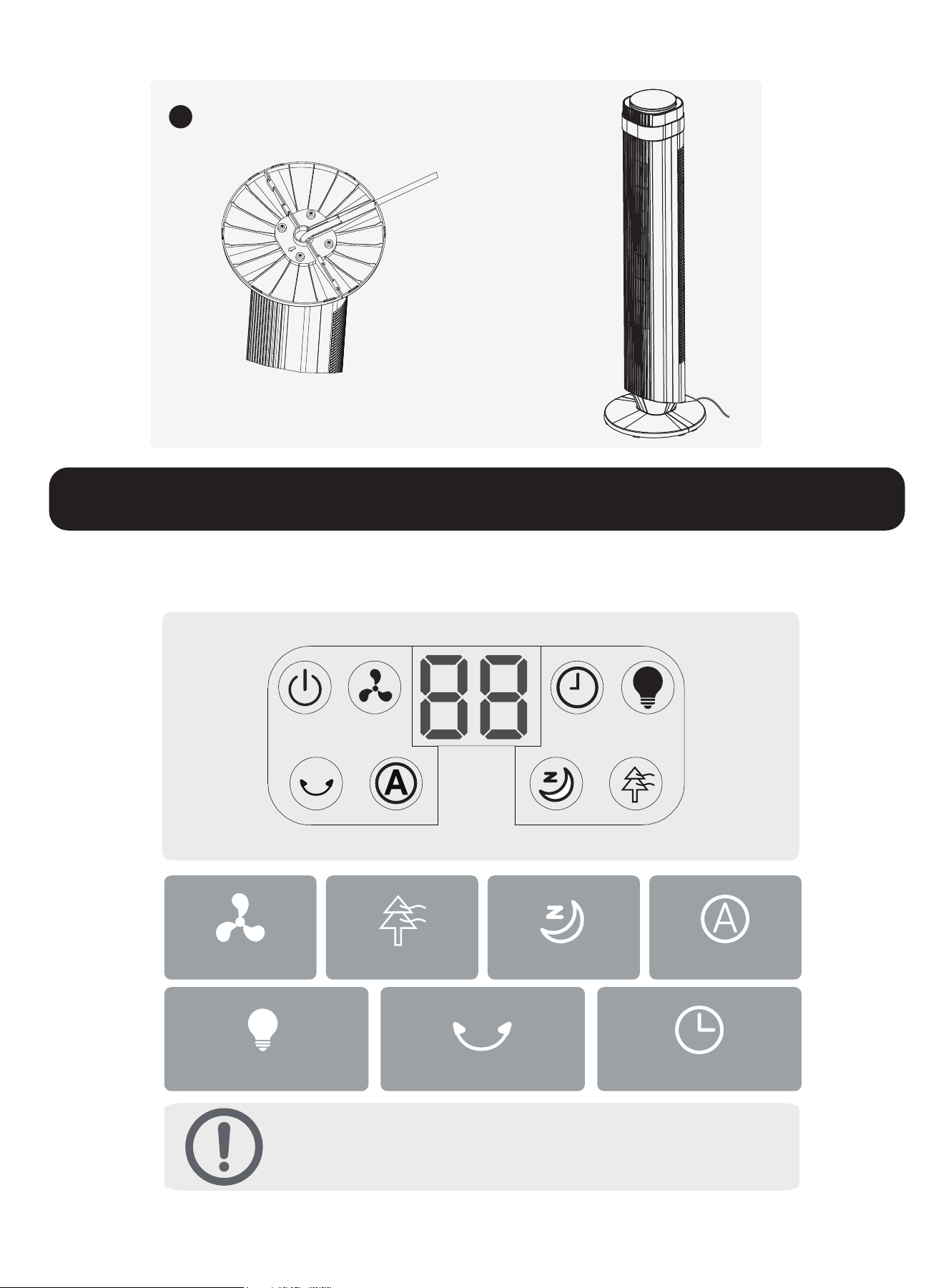
LED Display
Normal Mode
Timer
Natural Mode
LED Light
Sleep Mode Auto Mode
Oscillation
NOTE:
1. The display will turn off after 3 minutes of no operation.
2. Wake up the display with any button.
5
Thread the cord through all cord keepers before putting the fan upright.
Operation Instructions
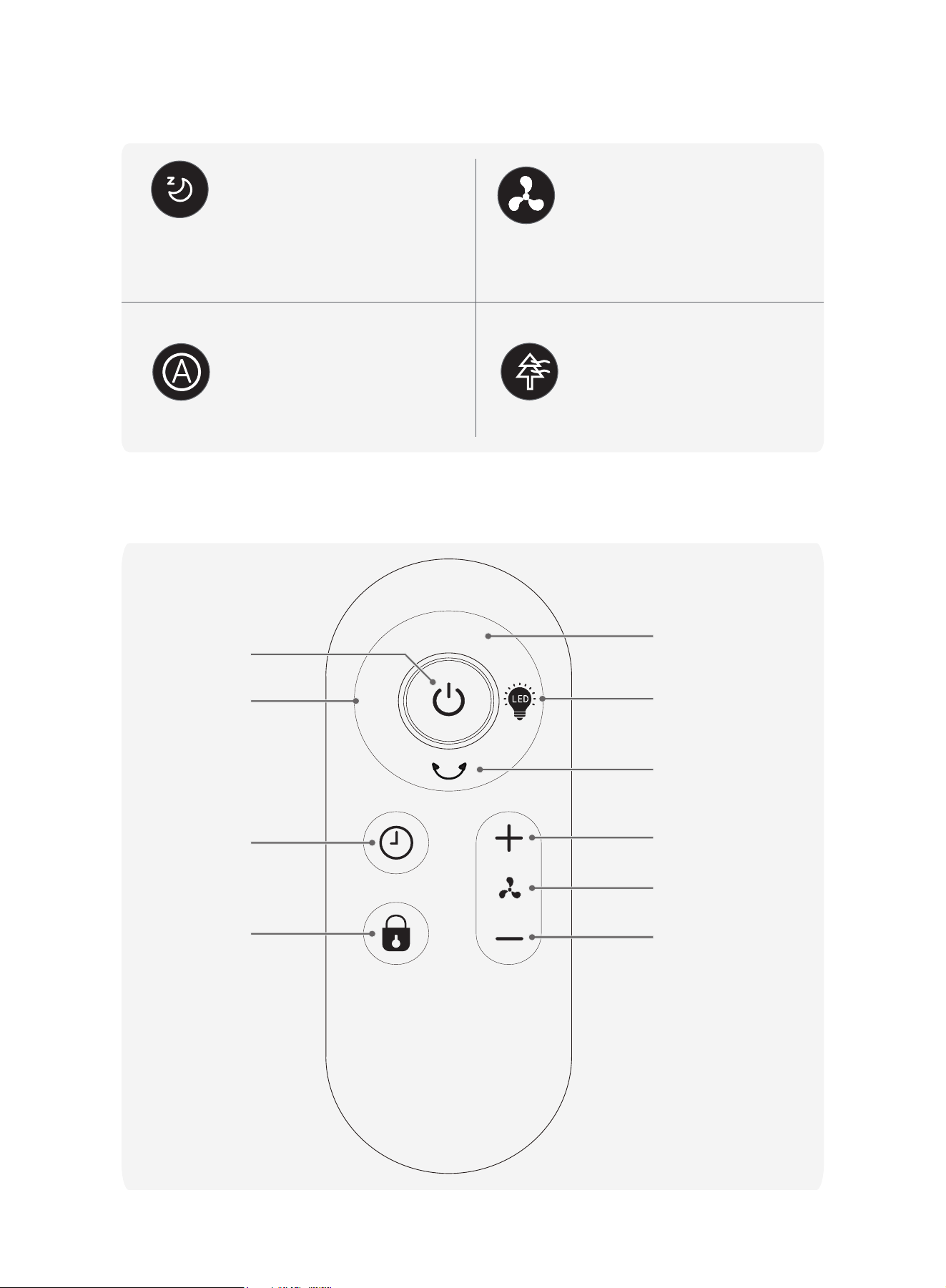
Remote Control
MODE
AUTO
MODE
LED LIGHT
OSCILLATION
SPEED INCREASE
SPEED DECREASE
SPEED
TIMER
CHILD LOCK
AUTO MODE
ON/OFF
Working Modes
Normal Mode
Natural Mode
Auto Mode
Sleep Mode
(Mute Auto On)
Fan runs at the constant speed.
Fan runs at alternating speeds.
Fan speed adapts to the
ambient temperature.
Fan speed decreases every 30 minutes
until speed 1, and keeps speed 1 constant
when it decreases to speed 1.
Before first use, remove the battery pull tab to activate the remote control.
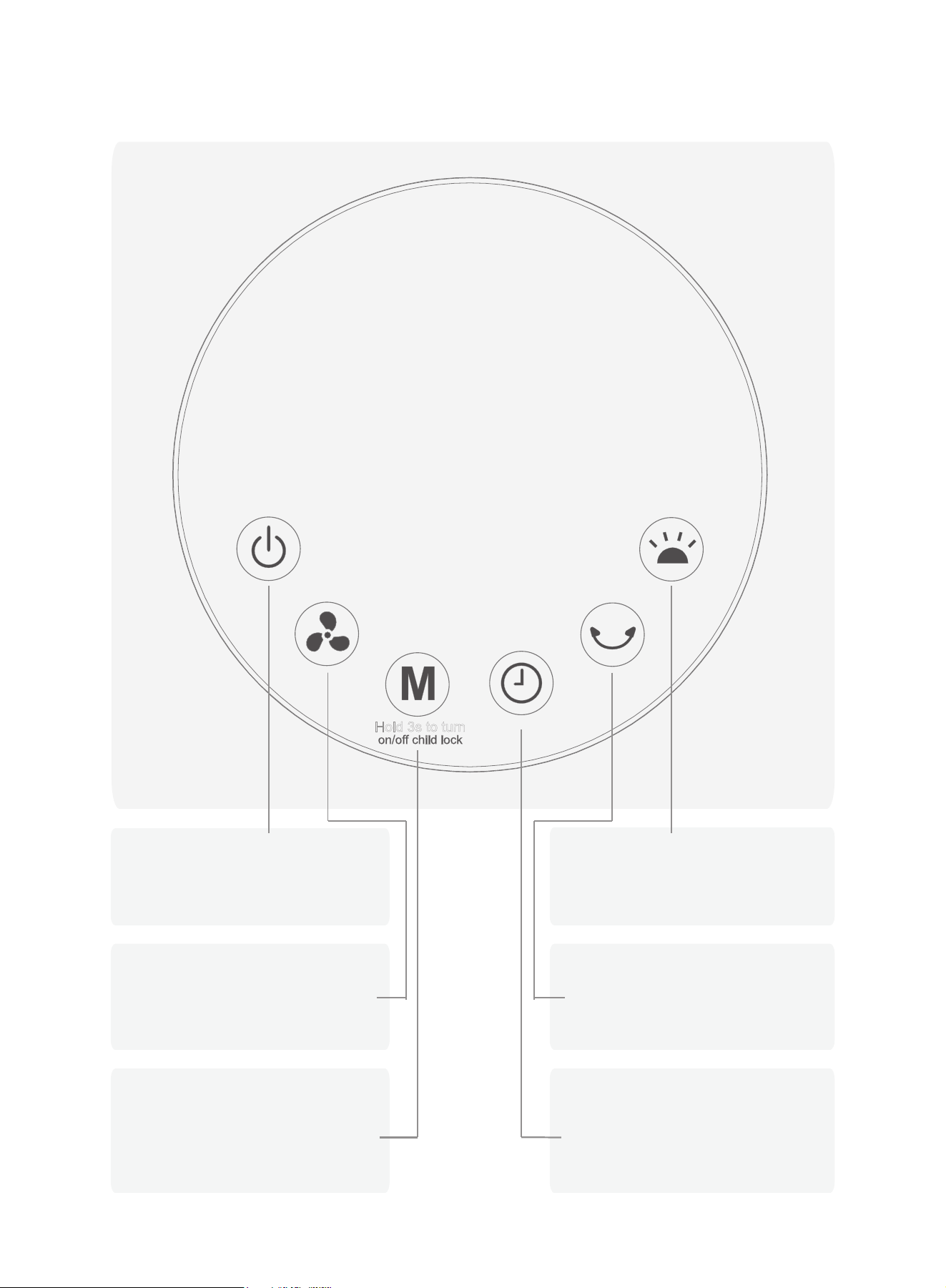
Control Panel
Hold 3s to turn
Power Button
Turn power on/off
Timer Button
Select to set a timer (0-12h)
Fan Speed Button
Adjust airflow volume
(1-5 levels)
LED Light Button
Adjust airflow direction
Oscillation Button
Mode Button
Switch between Normal/
Natural/Sleep/Auto Mode
(Hold 3 seconds to turn on/
off child lock)
Turn on/off the LED light
Additional Features
4
3
2
5
1
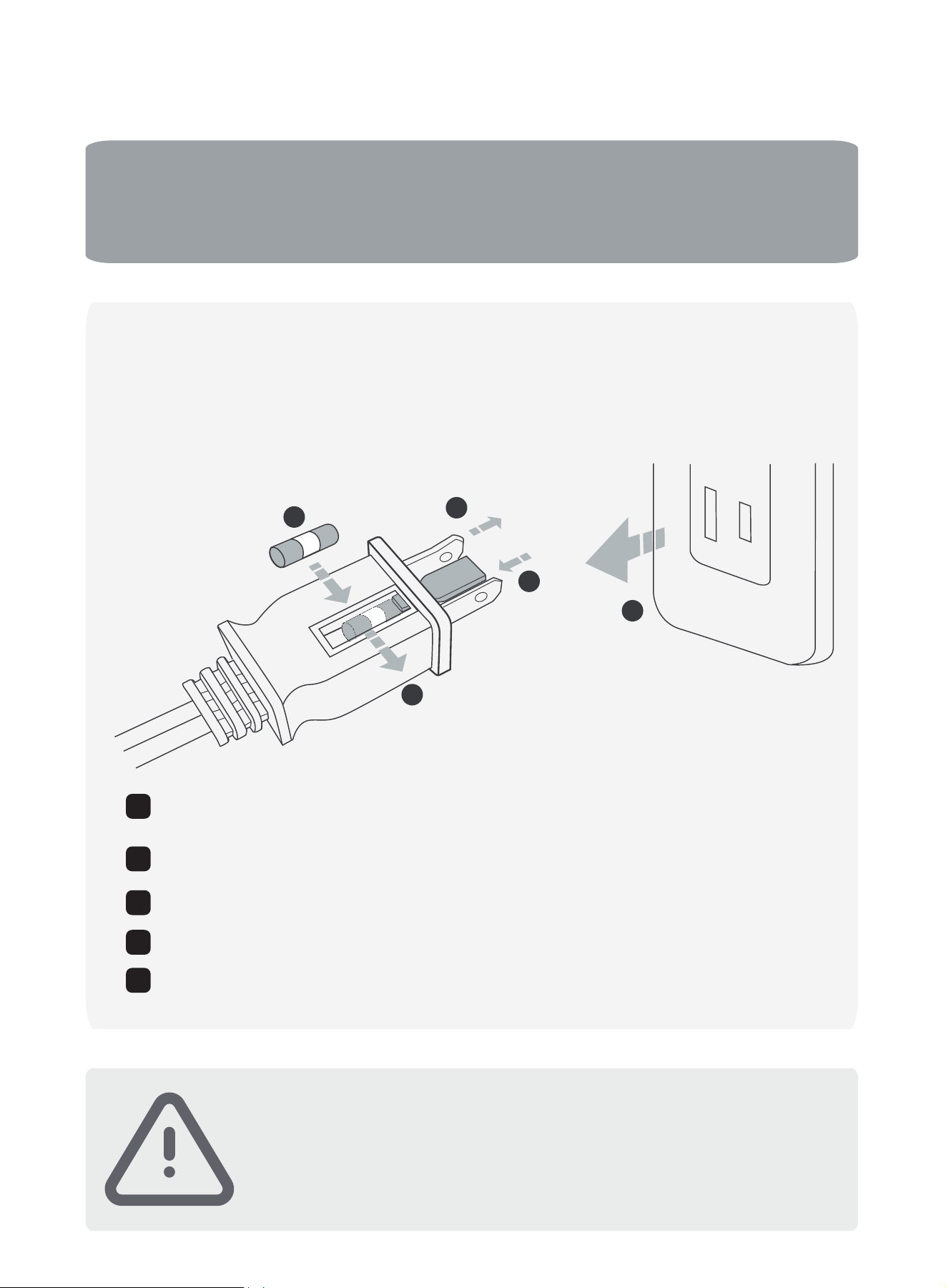
This appliance features a fused safety plug that protects against overload or short-circuit situations.
If the fuse blows, please cut off power and follow the below instructions or consult a qualified electrician.
Grasp the plug and remove it from the electrical receptacle. Do not
unplug by pulling on the cord.
Open the fuse cover. Slide the fuse access cover on top of the plug
towards blades as shown in the diagram.
Remove the fuse carefully. Push the fuse from the opposite side to remove it.
Close the fuse cover by sliding the fuse access cover on top of the plug away
from the blades.
1
2
3
4
5
• Screen Off
:
The screen will automatically turn off after 3 minutes of no operation.
•
Factory Initial State: Level 1 (fan speed)
.
• Memory Function: The product has a standby memory function.
• Smart Wind (Auto mode):The fan speed adapts to the ambient temperature.
Risk of fire. Replace the fuse only with 125 V, 5A fuse.
Risk of fire. Do not replace the plug, as it contains a safety device
(fuse) that should not be removed. Discard the product if the plug
is damaged.
WARNING
Fuse Replacement
-
1. Do not charge this battery.
2. Please keep the remote control out of reach of children. If children swallow the battery, please
seek medical attention immediately.
3. When using the remote control, you need to point it at the fan display screen.
4. The remote control frequency will overlap. To avoid misoperation, please stay away from other
electrical appliances when using it; The power button on the fan and remote control cannot
completely turn off the fan power.
5. If not used for a long time, please unplug and remove the battery on the remote control.
Attention
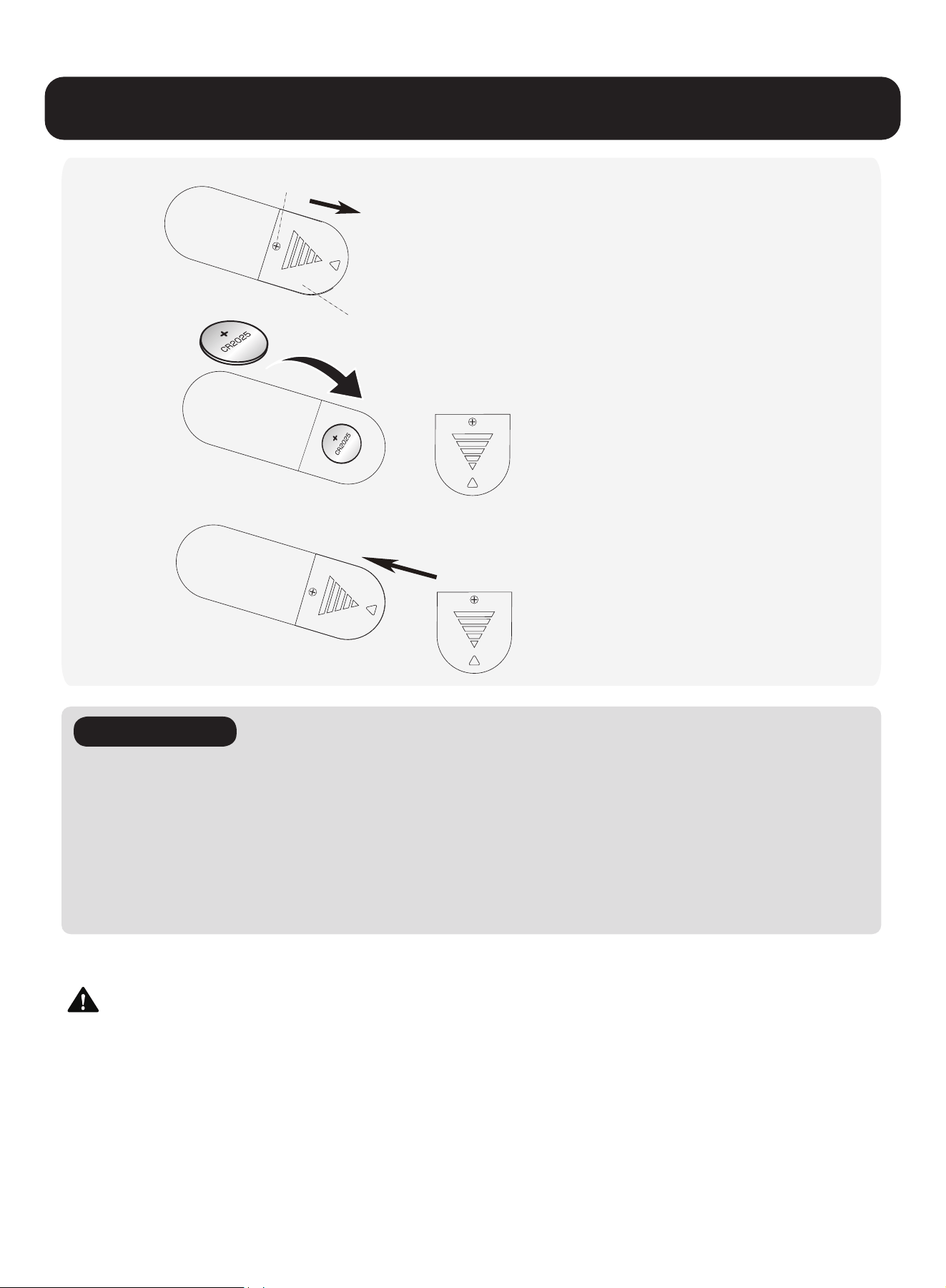
Load the battery (DR2025 coin cell) as indicated.
Install the cap back.
!
!
!
Battery Cap
Screw
3
2
1
1. INGESTION HAZARD: This product contains a button cell.
2. DEATH or serious injury can occur if ingested.
3. A swallowed button cell can cause internal chemical burns in as little as 2 hours.
4. KEEP new and used batteries OUT OF REACH of CHILDREN.
5. Seek immediate medical attention if a battery is suspected to be swallowed or inserted inside any part
of the body.
6. Battery type: DR2025, DC 3V (included).
Unscrew to remove the battery cap.
Battery Replacement in the Remote Control
WARNING:
CAUTION
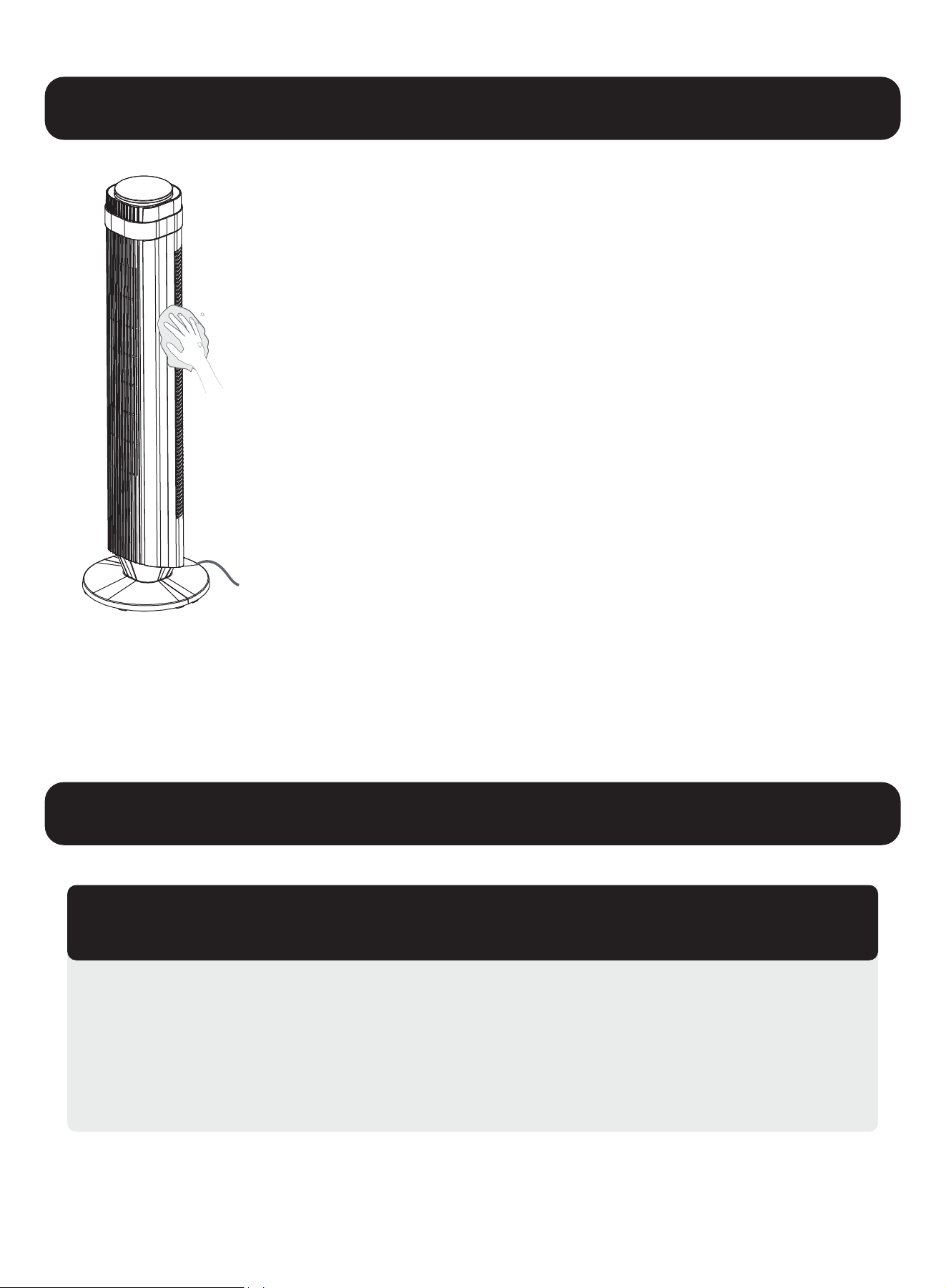
1. Please do not get the fan wet or splash it with water, as this may damage the machine.
2. Please do not use banana oil, gasoline, alcohol, or bleach to wipe the fan surface, as this
may cause discoloration or deterioration.
3. Please use a dry, soft cloth to gently wipe the fan surface.
4. lf the fan surface is dirty, you can use a neutral detergent diluted with a soft cloth to wipe it.
5. After wiping the fan surface clean, wipe it with a dry, soft cloth.
Remote Control
1. Please use a soft cloth to gently wipe the surface of the remote control.
2. If you do not use it for a long time, please remove the battery.
Power Plug
1. Please use a dry, soft cloth to clean it.
1. Always unplug the fan before any cleaning or maintenance to avoid the risk of fire, electric
shock, or injury.
2. Do not immerse in water or get water inside the motor housing.
3. Do not use any chemical agents when cleaning the fan.
4. Store in a cool, dry place and cover it to protect from dust.
1. After maintenance, the fan can be stored in a carton.
2. Please avoid places with vibrations and appliances with cooling/heating functions.
3. Please avoid placing it in places with direct sunlight, high temperature, and humidity.
4. Please remove the batteries in the remote control.
5. Please place it out of the reach of young children.
Storage
Cleaning the Fan Surface
1. Make sure that the cord is connected to a powered outlet and the mains voltage corresponds with the
voltage indicated on the fan.
2. Check if the fan is broken or the cable is intact. If so, stop using it and contact our after-sales service.
My fan won’t turn on!
Cleaning and Maintenance
Troubleshooting
2. Incorrect installation might also cause shakiness. Please refer to the assembly instructions.
Note that the power cord must be secured by all keepers.
1. Place the fan on a flat, level surface.
1. Place the fan on a flat, level surface.
2. Be sure not to insert anything into the air inlet and outlet.
My fan is shaky and wobbling!
My fan is making vibration and noise!
1. This product is covered by a one (1) -year limited warranty against defects in materials and workmanship, valid only for
the original purchaser. The warranty period begins on the date of retail purchase and is non-transferable.
2. This warranty does not cover normal wear and tear, or any damage resulting from misuse, negligent use, use with improper
voltage or current, failure to follow the operating instructions, or any disassembly, repair, or modification not authorized by
our after-sales service.
3. Additionally, this warranty does not cover damages caused by Acts of God (such as fire, flood, hurricanes, or tornadoes) or
force majeure events (such as arson, power outages, riots, or vandalism).
4. This warranty gives you specific legal rights, and you may also have other rights which vary from state to state (or province
to province). Some states (or provinces) do not allow limitations on how long an implied warranty lasts, or the exclusion or
limitation of incidental or consequential damages, so the above limitations or exclusions may not apply to you.
Warranty Information
Technical Support
Other Info
Thank you for choosing this product. We strive to provide you with the
best quality products and service in the industry. Should you have
any issues, please don't hesitate to contact us.
6269443420 | 6267435564