USBDreamcolorNeonLightStripUser
Manual(PrintVersion)
1.ProductOverview
1.1ProductIntroduction
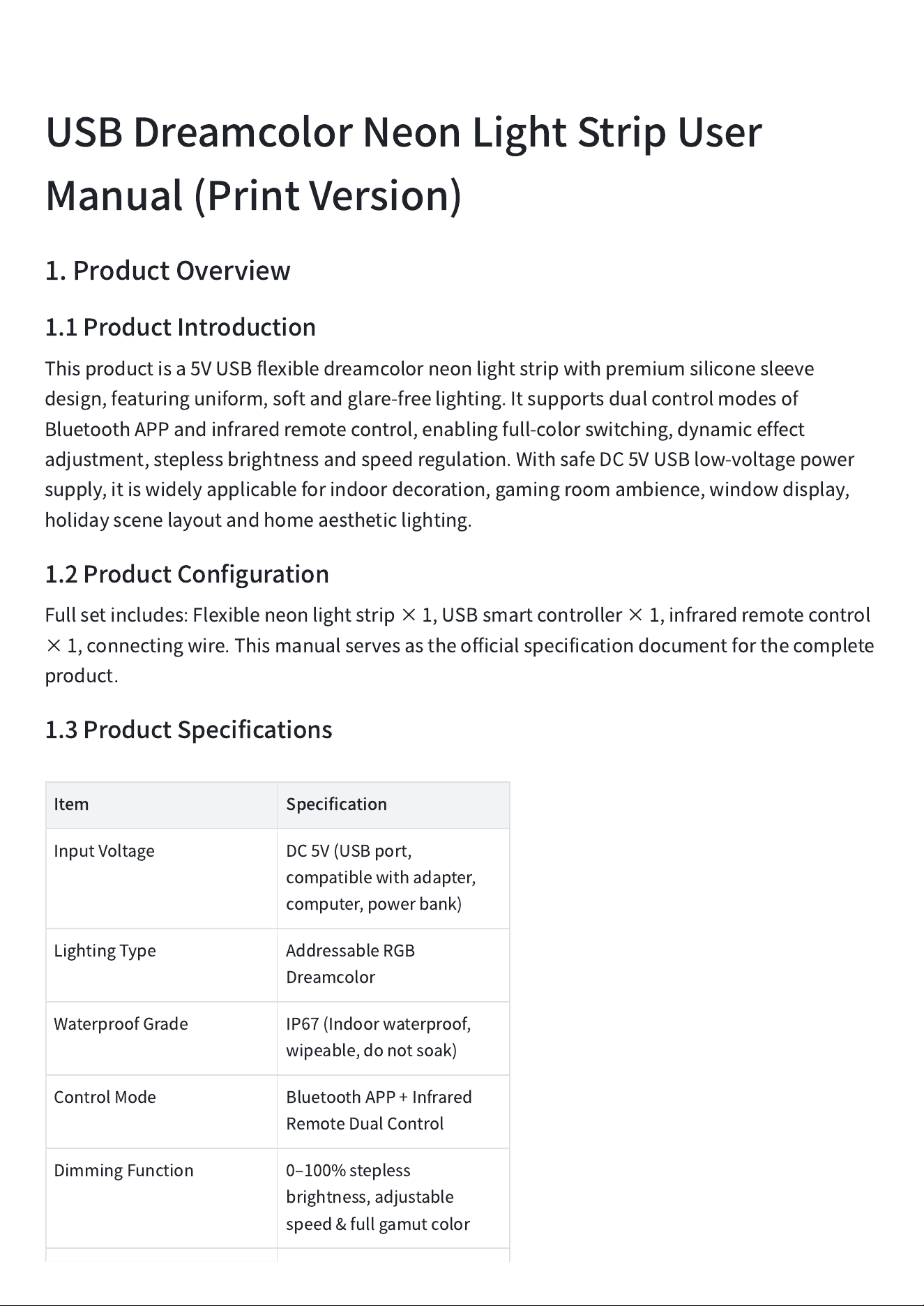
Thisproductisa5VUSBflexibledreamcolorneonlightstripwithpremiumsiliconesleeve
design,featuringuniform,softandglare-freelighting.Itsupportsdualcontrolmodesof
BluetoothAPPandinfraredremotecontrol,enablingfull-colorswitching,dynamiceffect
adjustment,steplessbrightnessandspeedregulation.WithsafeDC5VUSBlow-voltagepower
supply,itiswidelyapplicableforindoordecoration,gamingroomambience,windowdisplay,
holidayscenelayoutandhomeaestheticlighting.
1.2ProductConfiguration
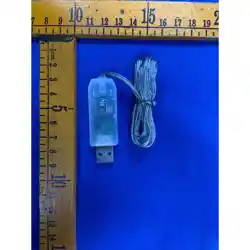
Fullsetincludes:Flexibleneonlightstrip×1,USBsmartcontroller×1,infraredremotecontrol
×1,connectingwire.Thismanualservesastheofficialspecificationdocumentforthecomplete
product.
1.3ProductSpecifications
Item
Specification
InputVoltage
DC5V(USBport,
compatiblewithadapter,
computer,powerbank)
LightingType
AddressableRGB
Dreamcolor
WaterproofGrade
IP67(Indoorwaterproof,
wipeable,donotsoak)
ControlMode
BluetoothAPP+Infrared
RemoteDualControl
DimmingFunction
0
‒
100%stepless
brightness,adjustable
speed&fullgamutcolor
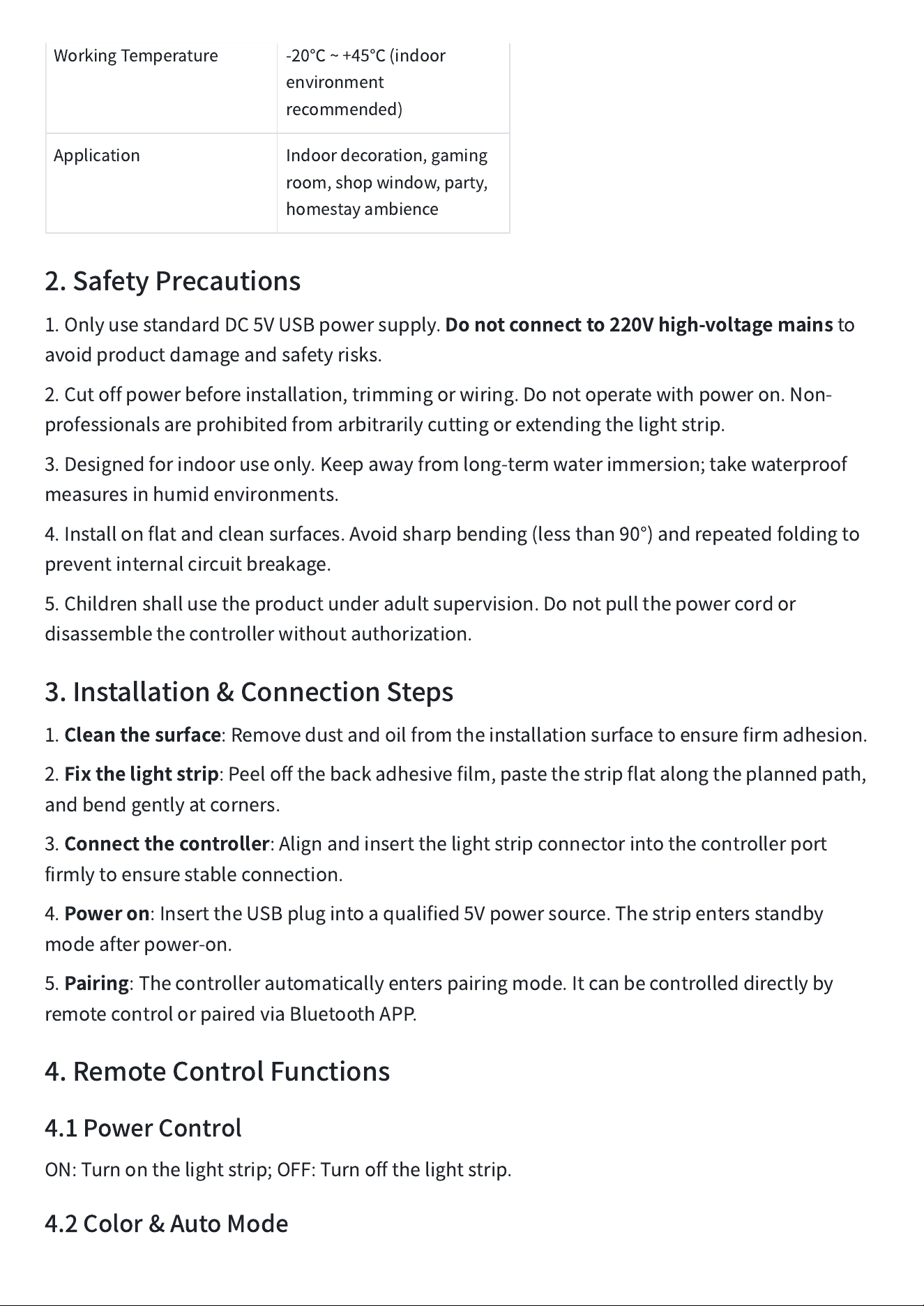
WorkingTemperature
-20
℃
~+45
℃
(indoor
environment
recommended)
Application
Indoordecoration,gaming
room,shopwindow,party,
homestayambience
2.SafetyPrecautions
1.OnlyusestandardDC5VUSBpowersupply.
Donotconnectto220Vhigh-voltagemains
to
avoidproductdamageandsafetyrisks.
2.Cutoffpowerbeforeinstallation,trimmingorwiring.Donotoperatewithpoweron.Non-
professionalsareprohibitedfromarbitrarilycuttingorextendingthelightstrip.
3.Designedforindooruseonly.Keepawayfromlong-termwaterimmersion;takewaterproof
measuresinhumidenvironments.
4.Installonflatandcleansurfaces.Avoidsharpbending(lessthan90°)andrepeatedfoldingto
preventinternalcircuitbreakage.
5.Childrenshallusetheproductunderadultsupervision.Donotpullthepowercordor
disassemblethecontrollerwithoutauthorization.
3.Installation&ConnectionSteps
1.
Cleanthesurface
:Removedustandoilfromtheinstallationsurfacetoensurefirmadhesion.
2.
Fixthelightstrip
:Peeloffthebackadhesivefilm,pastethestripflatalongtheplannedpath,
andbendgentlyatcorners.
3.
Connectthecontroller
:Alignandinsertthelightstripconnectorintothecontrollerport
firmlytoensurestableconnection.
4.
Poweron
:InserttheUSBplugintoaqualified5Vpowersource.Thestripentersstandby
modeafterpower-on.
5.
Pairing
:Thecontrollerautomaticallyenterspairingmode.Itcanbecontrolleddirectlyby
remotecontrolorpairedviaBluetoothAPP.
4.RemoteControlFunctions
4.1PowerControl
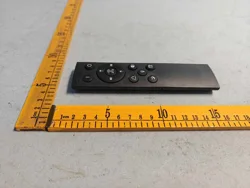
ON:Turnonthelightstrip;OFF:Turnoffthelightstrip.
4.2Color&AutoMode
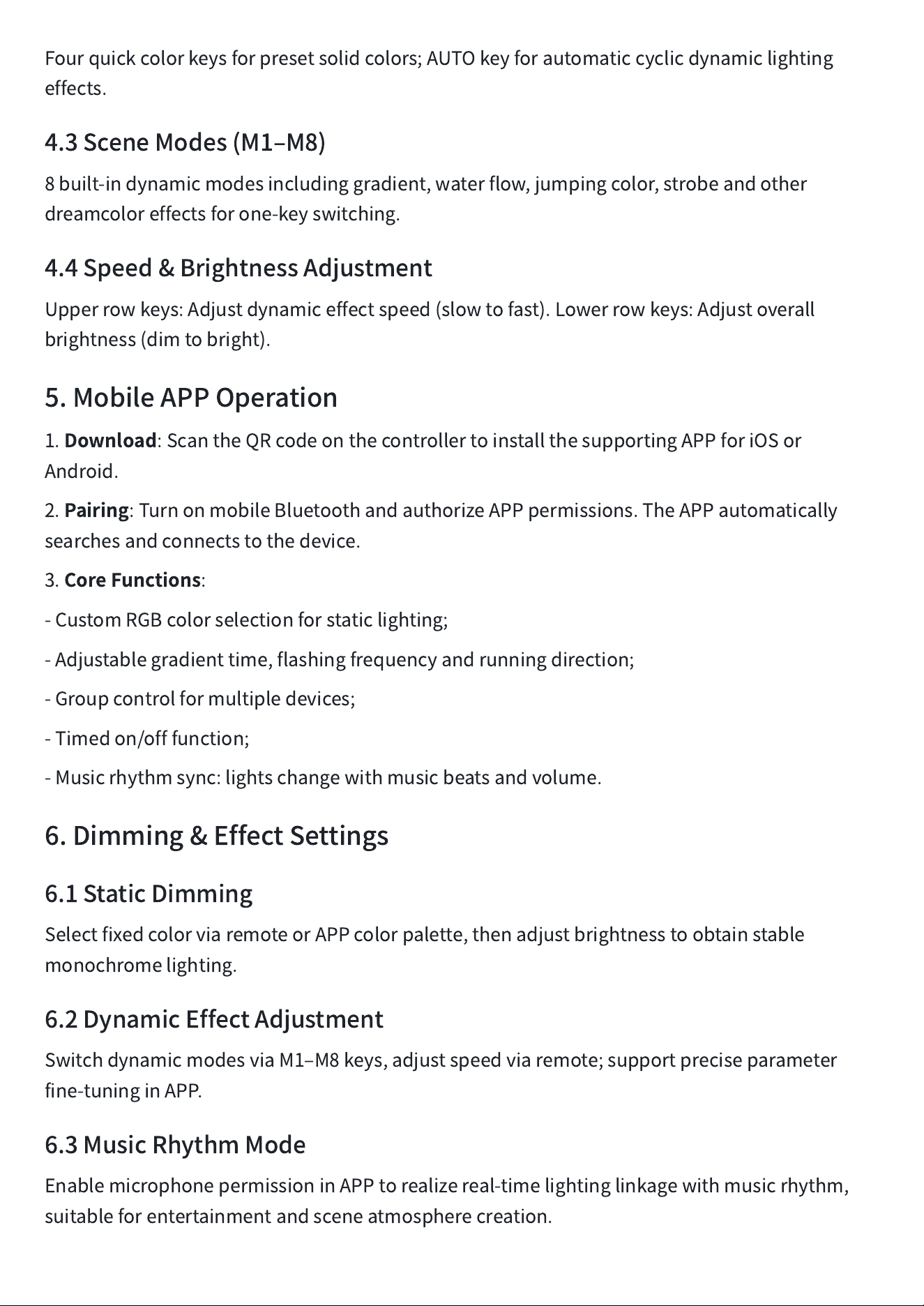
Fourquickcolorkeysforpresetsolidcolors;AUTOkeyforautomaticcyclicdynamiclighting
effects.
4.3SceneModes(M1
‒
M8)
8built-indynamicmodesincludinggradient,waterflow,jumpingcolor,strobeandother
dreamcoloreffectsforone-keyswitching.
4.4Speed&BrightnessAdjustment
Upperrowkeys:Adjustdynamiceffectspeed(slowtofast).Lowerrowkeys:Adjustoverall
brightness(dimtobright).
5.MobileAPPOperation
1.
Download
:ScantheQRcodeonthecontrollertoinstallthesupportingAPPforiOSor
Android.
2.
Pairing
:TurnonmobileBluetoothandauthorizeAPPpermissions.TheAPPautomatically
searchesandconnectstothedevice.
3.
CoreFunctions
:
-CustomRGBcolorselectionforstaticlighting;
-Adjustablegradienttime,flashingfrequencyandrunningdirection;
-Groupcontrolformultipledevices;
-Timedon/offfunction;
-Musicrhythmsync:lightschangewithmusicbeatsandvolume.
6.Dimming&EffectSettings
6.1StaticDimming
SelectfixedcolorviaremoteorAPPcolorpalette,thenadjustbrightnesstoobtainstable
monochromelighting.
6.2DynamicEffectAdjustment
SwitchdynamicmodesviaM1
‒
M8keys,adjustspeedviaremote;supportpreciseparameter
fine-tuninginAPP.
6.3MusicRhythmMode
EnablemicrophonepermissioninAPPtorealizereal-timelightinglinkagewithmusicrhythm,
suitableforentertainmentandsceneatmospherecreation.
7.Troubleshooting
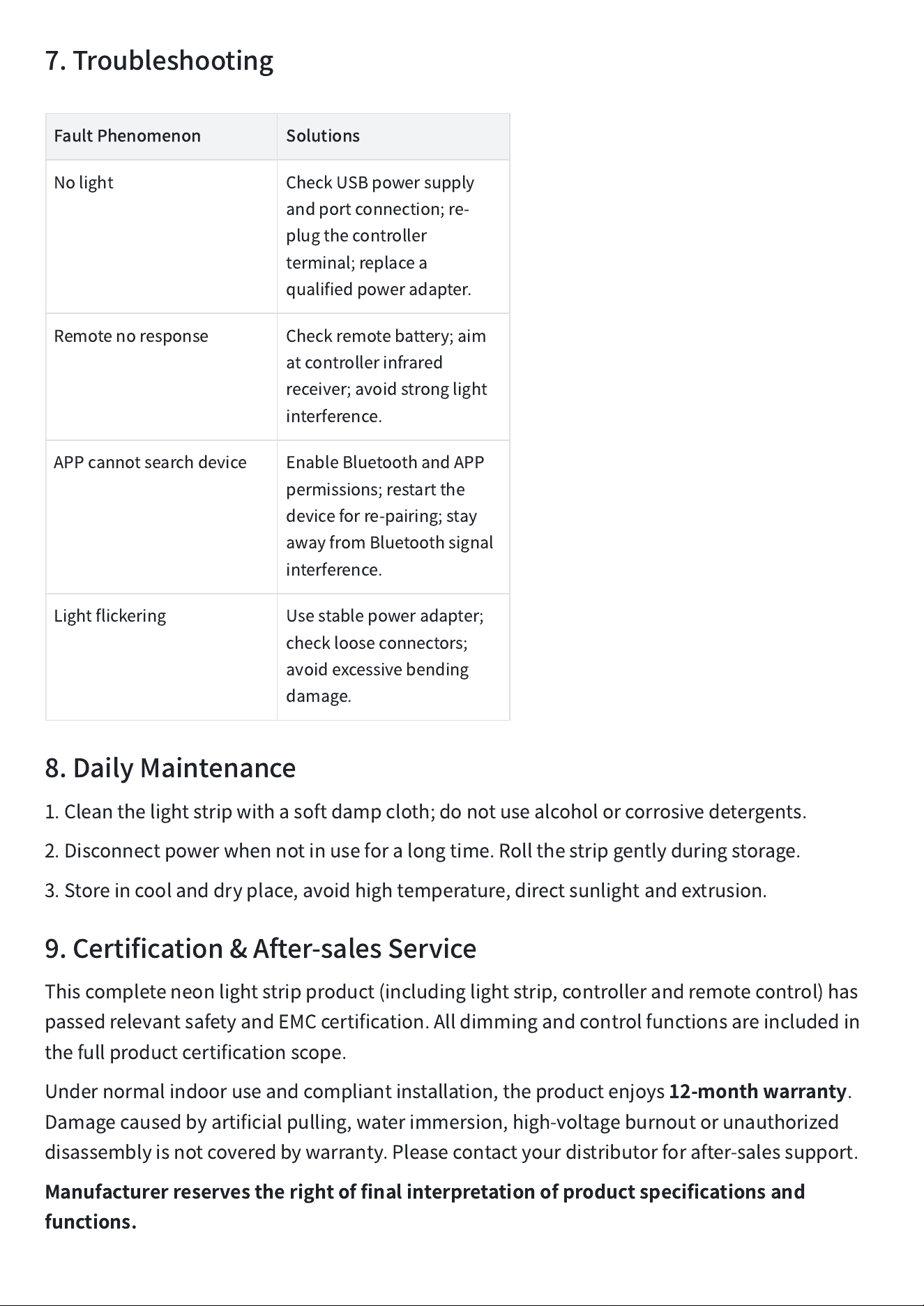
FaultPhenomenon
Solutions
Nolight
CheckUSBpowersupply
andportconnection;re-
plugthecontroller
terminal;replacea
qualifiedpoweradapter.
Remotenoresponse
Checkremotebattery;aim
atcontrollerinfrared
receiver;avoidstronglight
interference.
APPcannotsearchdevice
EnableBluetoothandAPP
permissions;restartthe
deviceforre-pairing;stay
awayfromBluetoothsignal
interference.
Lightflickering
Usestablepoweradapter;
checklooseconnectors;
avoidexcessivebending
damage.
8.DailyMaintenance
1.Cleanthelightstripwithasoftdampcloth;donotusealcoholorcorrosivedetergents.
2.Disconnectpowerwhennotinuseforalongtime.Rollthestripgentlyduringstorage.
3.Storeincoolanddryplace,avoidhightemperature,directsunlightandextrusion.
9.Certification&After-salesService
Thiscompleteneonlightstripproduct(includinglightstrip,controllerandremotecontrol)has
passedrelevantsafetyandEMCcertification.Alldimmingandcontrolfunctionsareincludedin
thefullproductcertificationscope.
Undernormalindooruseandcompliantinstallation,theproductenjoys
12-monthwarranty
.
Damagecausedbyartificialpulling,waterimmersion,high-voltageburnoutorunauthorized
disassemblyisnotcoveredbywarranty.Pleasecontactyourdistributorforafter-salessupport.
Manufacturerreservestherightoffinalinterpretationofproductspecificationsand
functions.
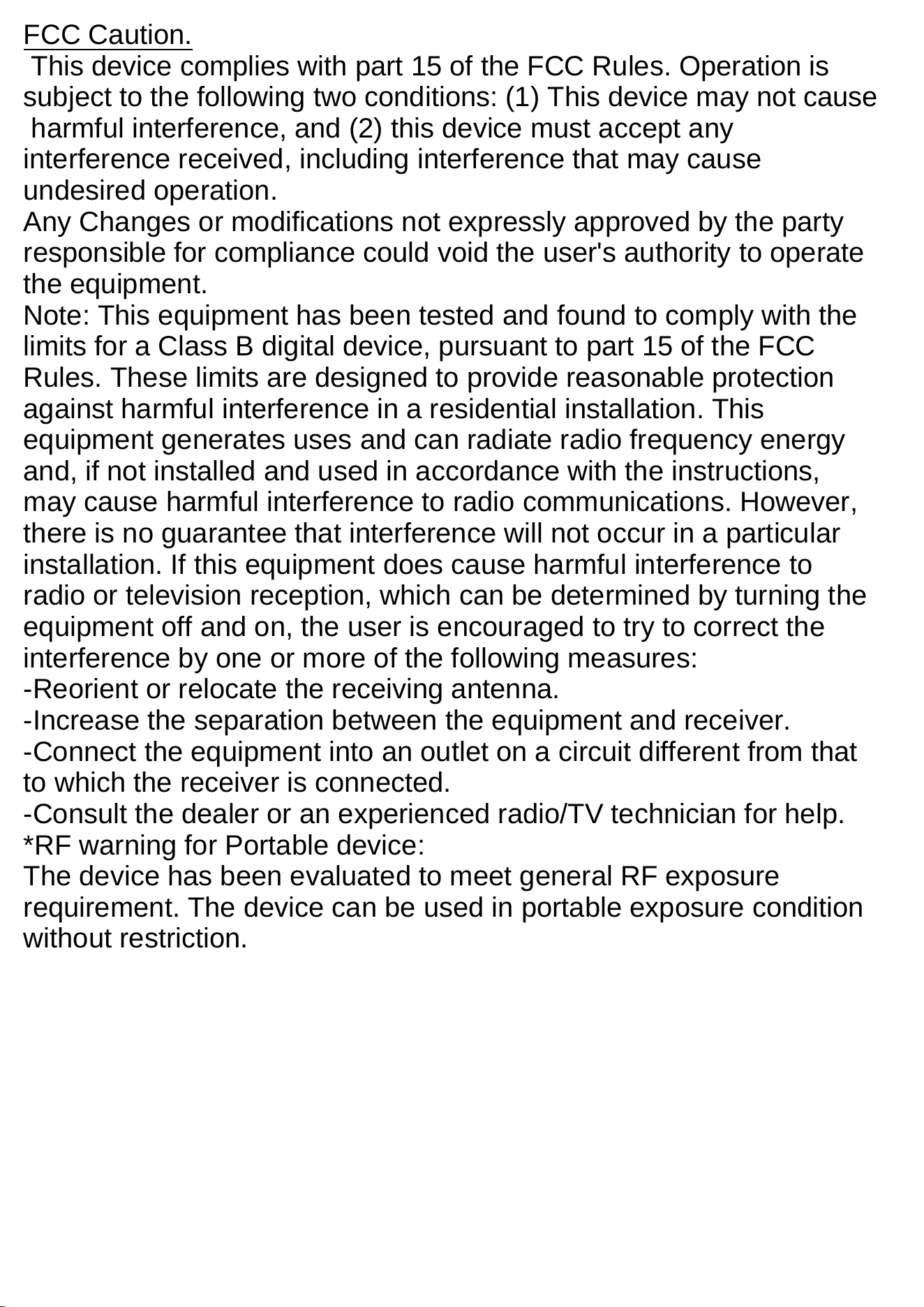
FCC Caution.
This device complies with part 15 of the FCC Rules. Operation is
subject to the following two conditions: (1) This device may not cause
harmful interference, and (2) this device must accept any
interference received, including interference that may cause
undesired operation.
Any Changes or modifications not expressly approved by the party
responsible for compliance could void the user's authority to operate
the equipment.
Note: This equipment has been tested and found to comply with the
limits for a Class B digital device, pursuant to part 15 of the FCC
Rules. These limits are designed to provide reasonable protection
against harmful interference in a residential installation. This
equipment generates uses and can radiate radio frequency energy
and, if not installed and used in accordance with the instructions,
may cause harmful interference to radio communications. However,
there is no guarantee that interference will not occur in a particular
installation. If this equipment does cause harmful interference to
radio or television reception, which can be determined by turning the
equipment off and on, the user is encouraged to try to correct the
interference by one or more of the following measures:
-Reorient or relocate the receiving antenna.
-Increase the separation between the equipment and receiver.
-Connect the equipment into an outlet on a circuit different from that
to which the receiver is connected.
-Consult the dealer or an experienced radio/TV technician for help.
*RF warning for Portable device:
The device has been evaluated to meet general RF exposure
requirement. The device can be used in portable exposure condition
without restriction.