HBQ6PRO
1. The device automatically shuts down after extended
use. Please recharge the battery and try again
2. If there is stuttering in Bluetooth mode, move speaker
closer to the source
3. Unsuccessful Bluetooth pairing
a. Ensure the speaker displays on the Bluetooth menu,
reboot Bluetooth if it’s not listed
b. There may be too many devices on your Bluetooth
menu. Delete inactive devices and try again
Common Problems and Their solutions
Connecting to Bluetooth
1. Select Bluetooth on the device
2. Go to settings in the device you want to pair
3. Select Bluetooth
4. Make sure Bluetooth is turned on
5. Tap the device name when it appears on screen
6. Device should be paired
7. Note: the next time the devices are used via Bluetooth
there may be a delay of up to 10 seconds as the devices
automatically pair. If it does not pair automatically, try
reconnecting via settings by clicking on the devices in
the Bluetooth menu.
Basic Parameters
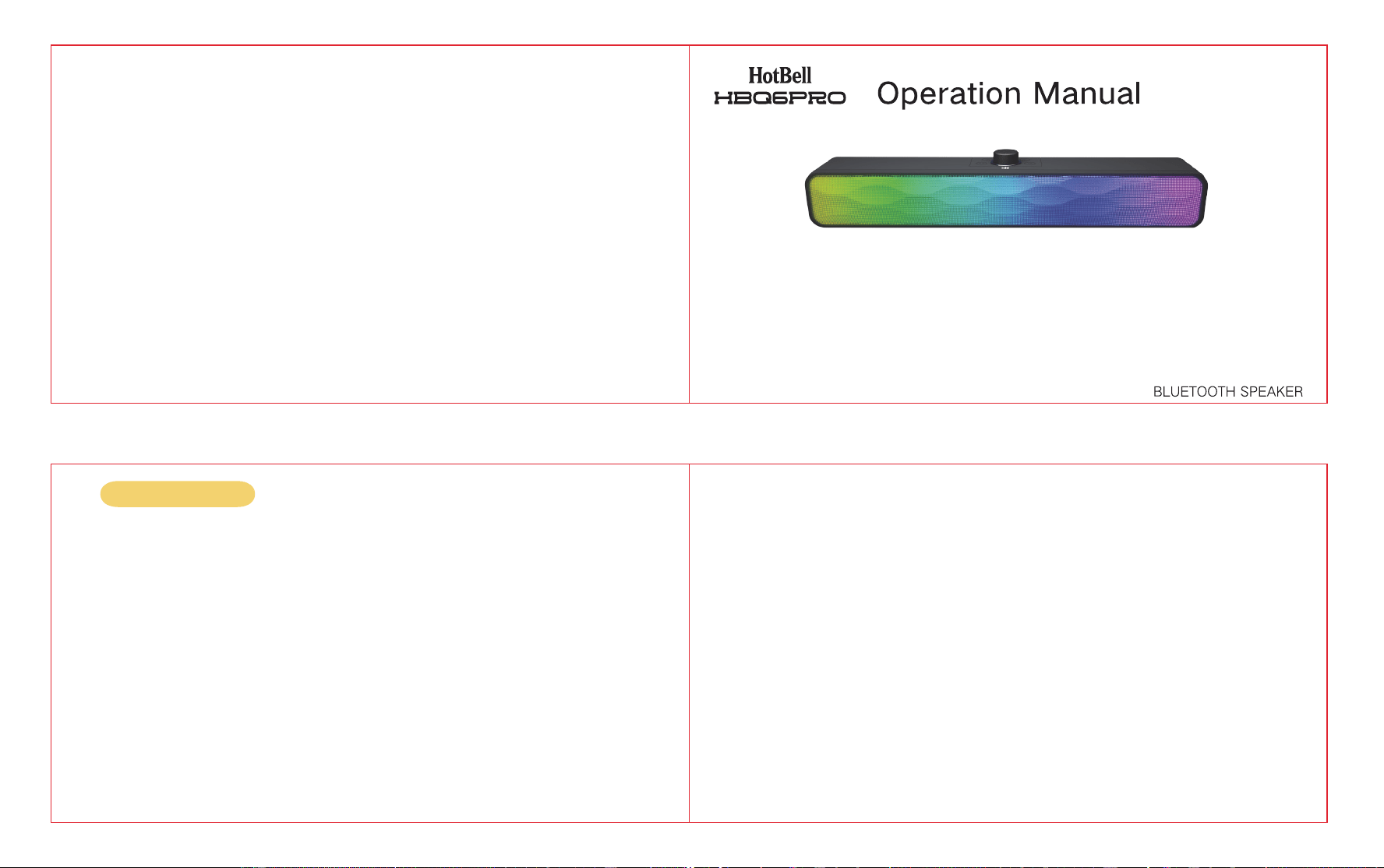
Model: HBQ6PRO
Effective Distance: ~10 Meters
Power: 5Wx2
Charging Voltage: DC 5V
Frequency Range: 35Hz-16KHz
SNR: ≥80dB
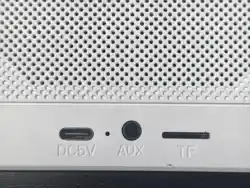
Audio Input: Bluetooth, AUX, U Disk, TF Card
Speaker Unit: 4
Ω
Packing List
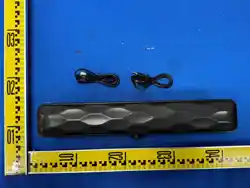
Bluetooth Speaker
Charging Cable
Instructions
Audio Line
Warnings and Cautions
1. For best results store and use device in normal room
temperature range (68-72* F or 20-22* C)
2. Store device in a cool, dry place when not in use. Keep
away from windows, heat sources, and rain. Do NOT
leave in direct sunlight for an extended period.
3. To reduce the risk of fire, shock or damage to your
device, do not expose your device to rain, snow or
other types of moisture. Do not use your device near
water or in a damp or excessively humid location (e.g.,
near a shower, bathtub, sink, or swimming pool, or in a
damp basement).
4. Never insert metal objects or other foreign materials
into any openings of the unit. Doing so may result in
malfunction or risk of injury.
5. Avoid dropping your device, especially on a hard
surface, as this can damage the device and/or its
battery. If you suspect your device has been
damaged, discontinue use.
6. Do not disassemble, open, crush, puncture, repair, and/or
modify this device by yourself. Seek professionals for repair.
Opening and/or repairing this device can present electric shock,
device damage, fire, and/or personal injury risk up to and
including death, and other hazards.
7. This device includes a built-in lithium battery. Do NOT
dispose of this device in household garbage or recycling bins.
This device SHOULD be taken to a separate e-waste recycling
or electronics collection point. Inappropriate disposal is a fire
hazard. To prevent fire, place device in a separate plastic bag
for disposal or follow the directions of your e-waste recycling
center.
8. Do NOT use near open flame, (e.g., lit candles, cigarettes,
etc.). This device should NOT be used within 3 feet (914mm) of
combustible gases, liquids or other flammable substances.
9. Do NOT use a higher voltage than specified. Only charge with
the included charging cable to avoid fire and damage to the
device.
Instructions
Power On and Volume Control
The knob turns on the device and controls the volume. Turn clockwise to turn on device and increase volume. Turn
counter clockwise to turn off device and decrease volume.
Charging
Connect the USB end of the charging cable to a USB power source rated at 5V DC. Insert the micro-USB connector
into the device’s micro-USB charging port. The red indicator light will turn on to indicate that charging has begun.
Bluetooth Call
To use call feature, short press (symbol) to answer, long press to reject, short press to hang up.
TF Cards/Flash cards
Insert a TF card into the designated slot to enable automatic card-reading mode. Likewise, inserting a flash card into
its corresponding slot will prompt the system to switch to card-reading mode automatically.
Warning Statement
This device complies with part 15 of the FCC Rules. Operation is subject to the
following two conditions: (1) This device may not cause harmful interference, and (2)
this device must accept any interference received, including interference that may cause
undesired operation.
Any Changes or modifications not expressly approved by the party responsible for
compliance could void the user's authority to operate the equipment.
Note: This equipment has been tested and found to comply with the limits for a Class B
digital device, pursuant to part 15 of the FCC Rules. These limits are designed to
provide reasonable protection against harmful interference in a residential installation.
This equipment generates uses and can radiate radio frequency energy and, if not
installed and used in accordance with the instructions, may cause harmful interference
to radio communications. However, there is no guarantee that interference will not
occur in a particular installation. If this equipment does cause harmful interference to
radio or television reception, which can be determined by turning the equipment off and
on, the user is encouraged to try to correct the interference by one or more of the
following measures:
-Reorient or relocate the receiving antenna.
-Increase the separation between the equipment and receiver.
-Connect the equipment into an outlet on a circuit different from that to which the
receiver is connected.
-Consult the dealer or an experienced radio/TV technician for help.