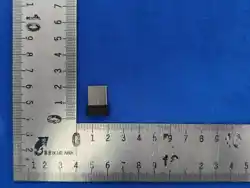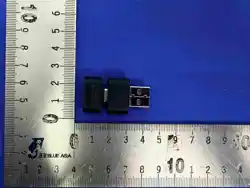
DONGLE
We love that you are rocking JLab!
We take pride in our products and fully stand behind them.
YOUR WARRANTY
All warranty claims are subject to JLab authorization
and at our sole discretion. Retain your proof of
purchase to ensure warranty coverage.
CONTACT US
Reach out to us at [email protected]
or visit jlab.com/contact
REGISTER TODAY
jlab.com/ register
Product updates | How-to tips
FAQs & more
L
I
M
I
T
E
D
T
W
O
Y
E
A
R
W
A
R
R
A
N
T
Y
S
U
P
P
O
R
T
T
E
A
M
#
T
E
A
M
J
L
A
B
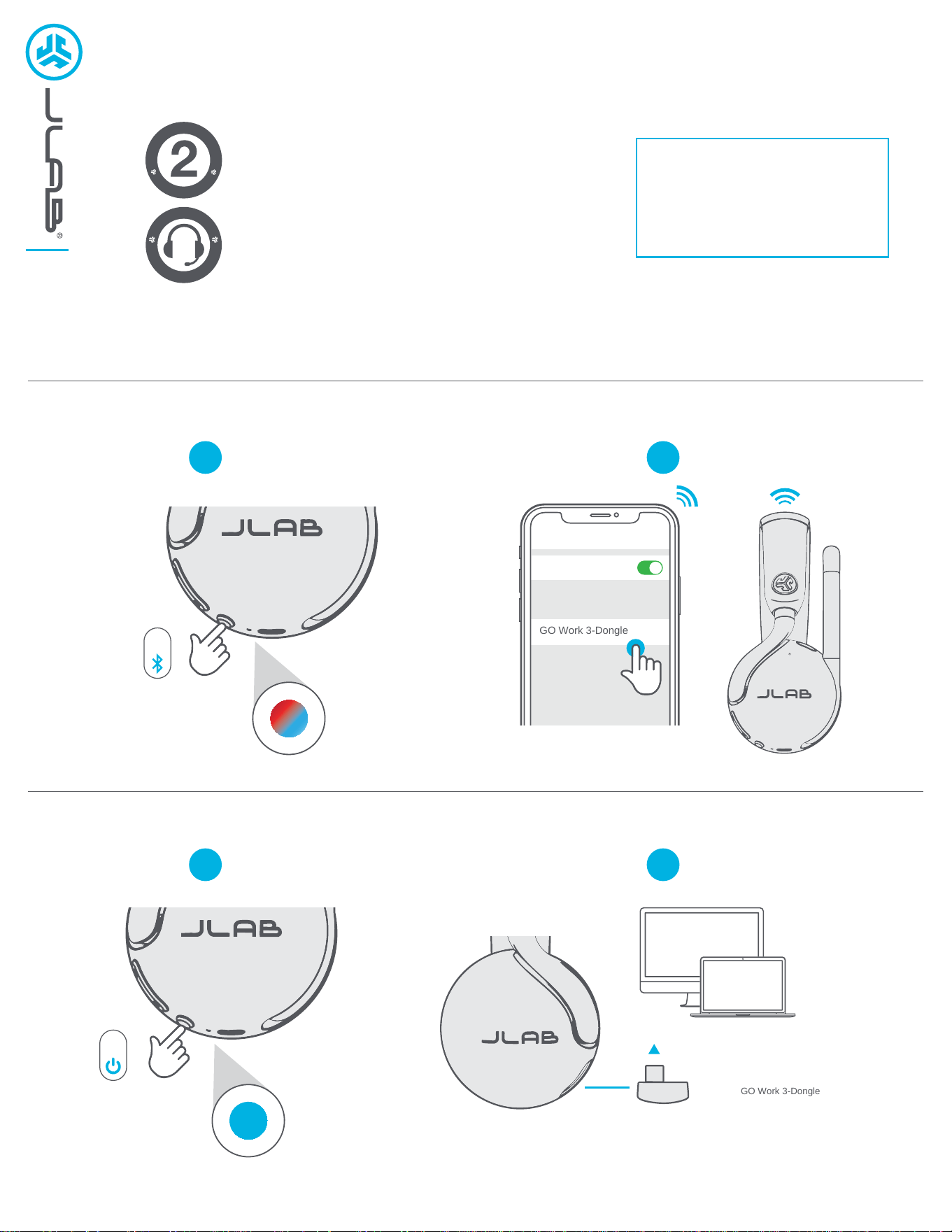
PAIR UP (BLUETOOTH)
PAIR UP (DONGLE)
1
2
1
2
Bluetooth
Settings
GO Work 3-Dongle
8s
SETUP DONGLE WITH PC / MAC
System Settings > Sound > Input / Output
select GO Work 3-Dongle
3s
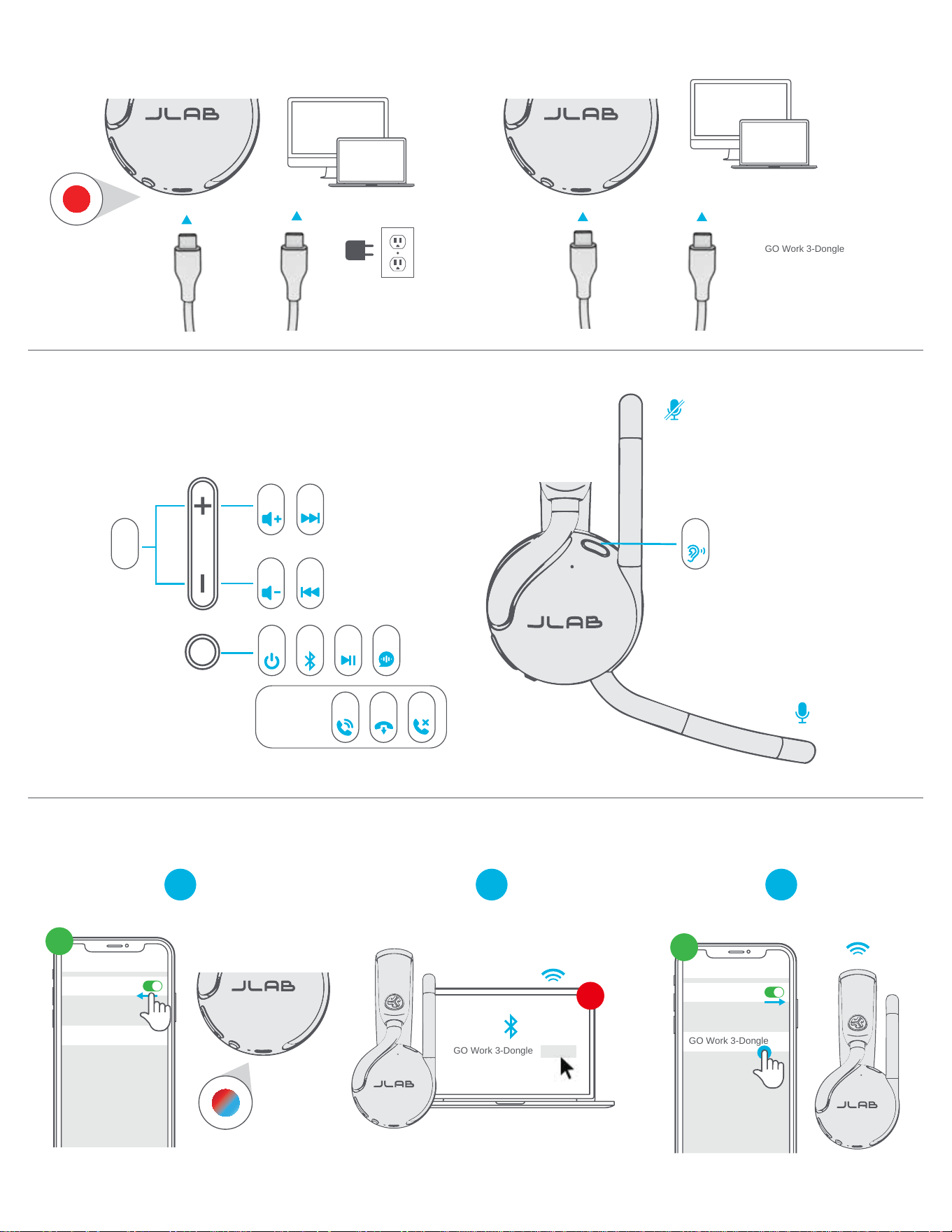
GET CHARGED (WIRED)
GO AHEAD, PRESS THE BUTTON
WIRED MODE
2 3
MULTIPOINT
1
CHARGING
OR
GO Work 3-Dongle Connect
Bluetooth
Settings
Connected
1
ST
2
ND
Bluetooth
Settings
GO Work 3-Dongle
1
ST
2x1x
8s
3s
DURING
CALLS
1x
1x 1x 1s
1s
EQ
SETUP WIRED WITH PC / MAC
System Settings > Sound > Input / Output
select GO Work 3-Dongle
1x
2s
1x
2s
JLAB.COM
DOWNLOAD THE DESTOP APP
Customize sound, features, and controls.
SCAN ME
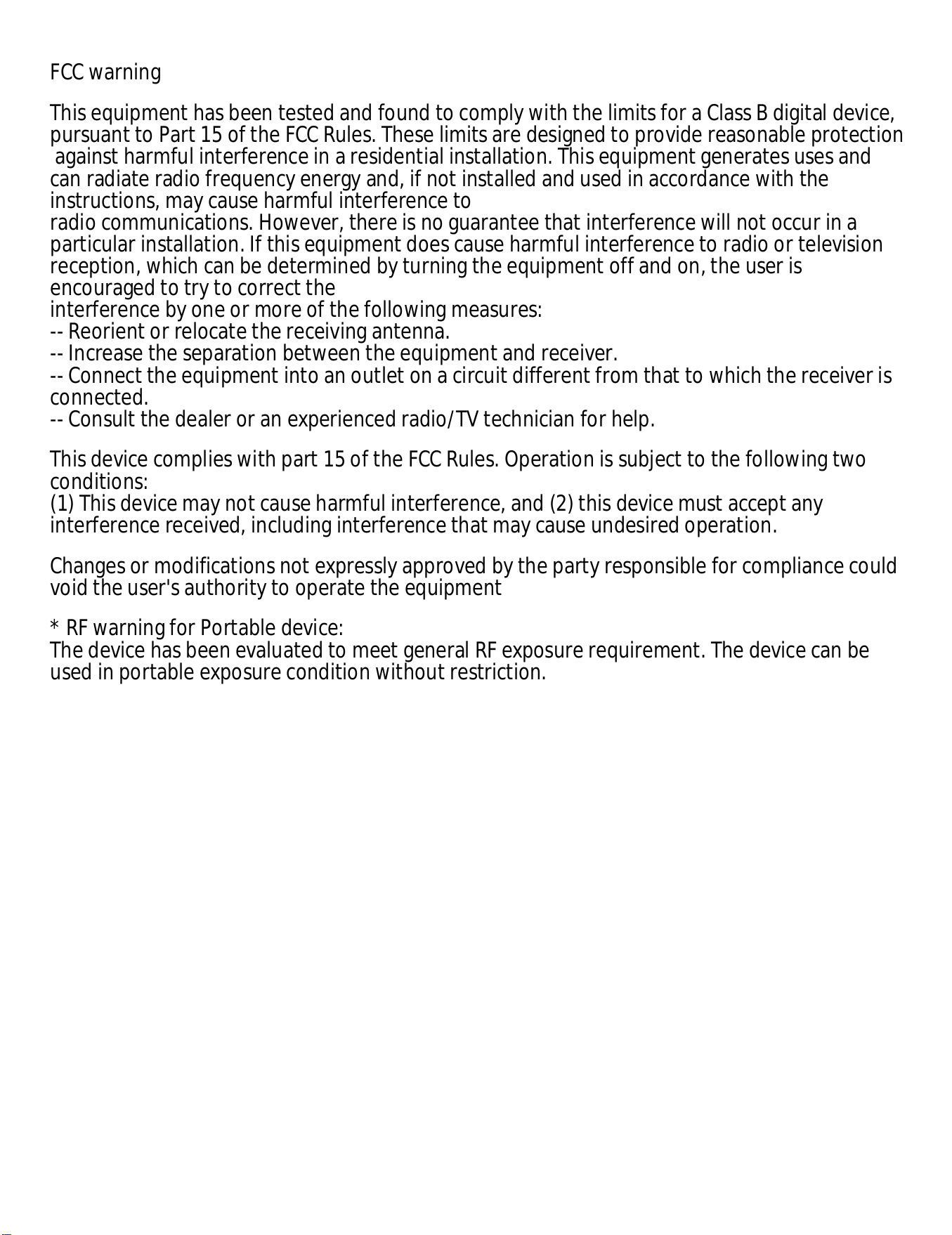
FCC warning
This equipment has been tested and found to comply with the limits for a Class B digital device,
pursuant to Part 15 of the FCC Rules. These limits are designed to provide reasonable protection
against harmful interference in a residential installation. This equipment generates uses and
can radiate radio frequency energy and, if not installed and used in accordance with the
instructions, may cause harmful interference to
radio communications. However, there is no guarantee that interference will not occur in a
particular installation. If this equipment does cause harmful interference to radio or television
reception, which can be determined by turning the equipment off and on, the user is
encouraged to try to correct the
interference by one or more of the following measures:
-- Reorient or relocate the receiving antenna.
-- Increase the separation between the equipment and receiver.
-- Connect the equipment into an outlet on a circuit different from that to which the receiver is
connected.
-- Consult the dealer or an experienced radio/TV technician for help.
This device complies with part 15 of the FCC Rules. Operation is subject to the following two
conditions:
(1) This device may not cause harmful interference, and (2) this device must accept any
interference received, including interference that may cause undesired operation.
Changes or modifications not expressly approved by the party responsible for compliance could
void the user's authority to operate the equipment
* RF warning for Portable device:
The device has been evaluated to meet general RF exposure requirement. The device can be
used in portable exposure condition without restriction.
IC STATEMENT
This device contains licence-exempt transmitter(s)/receiver(s) that
comply with Innovation, Science and Economic Development
Canada
’
s licence-exempt RSS(s). Operation is subject to the
following two conditions:
(1) This device may not cause interference.
(2) This device must accept any interference, including interference
that may cause undesired operation of the device
Cet appareil contient des émetteurs / récepteurs exemptés de
licence conformes aux RSS (RSS)d'Innovation, Sciences et
Développement économique Canada. Le fonctionnement est soumis
aux deux conditions suivantes :
(1) Cet appareil ne doit pas causer d'interférences.
(2) Cet appareil doit accepter toutes les interférences, y compris
celles susceptibles de provoquer un fonctionnement indésirable de
l'appareil.
avertissements radio pour les appareils mobiles :
L' équipement est conforme aux limites d'exposition aux rayonnements définies par la IC pour
les environnements non contrôlés. La distance minimale entre le dissipateur de chaleur et votre
installation et de l ’ utilisation du matériel.