•
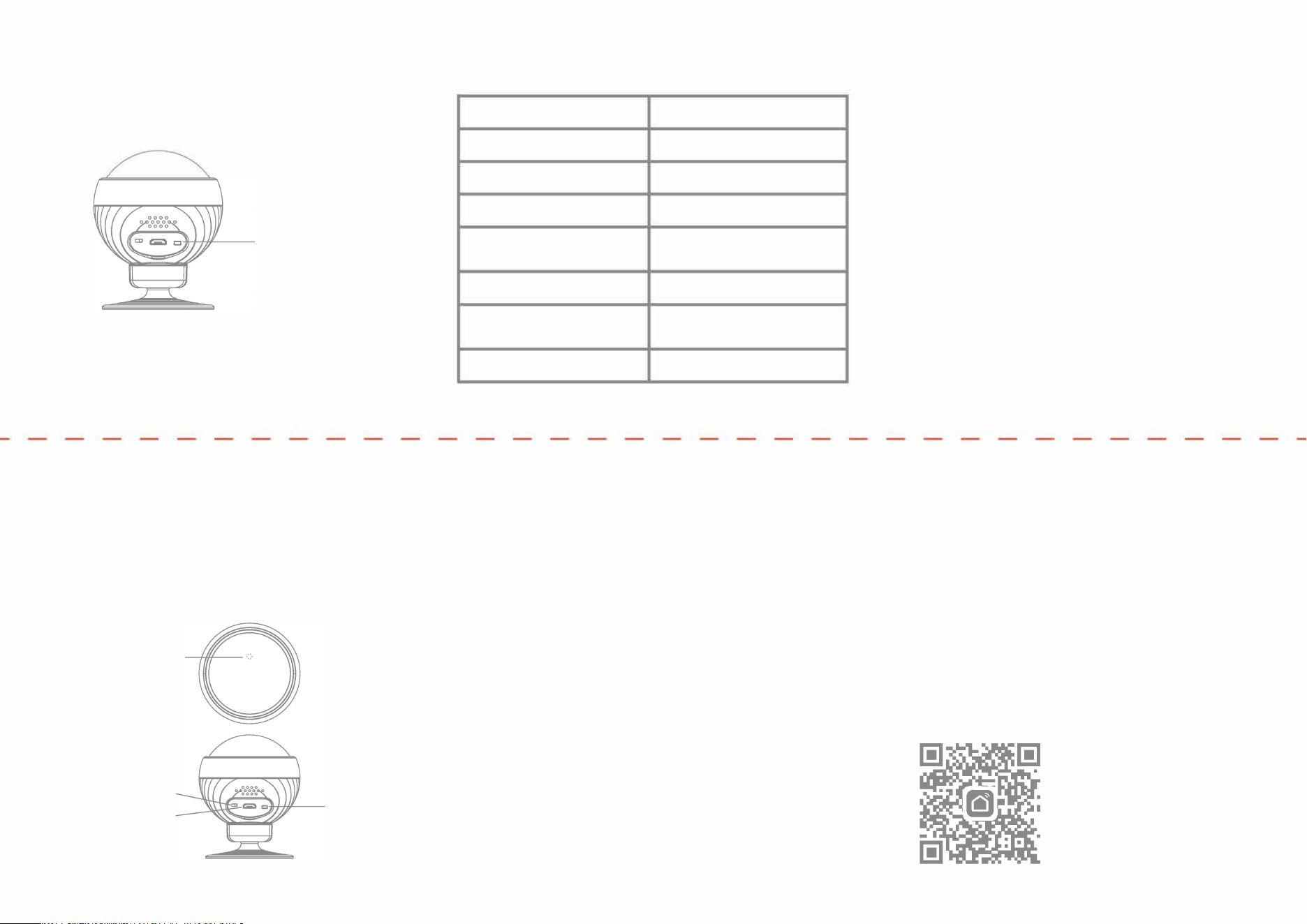
Press and hold the reset button for 5 seconds, until the
network indicator light begins flashing. Follow the
A
pp
instructions to add the device.
Reset network
button
•
Once the device has been successfully added, you will
be able to find the device in the "My home" list.
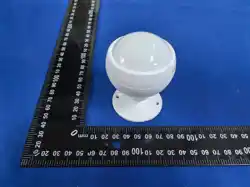
Product description
The human motion sensor uses infrared sensing to detect
the movement of people or animals in the environment, and
works in conjunction with other devices to design and
implement sma application scenarios.
Network-pairing indicator
switch
Charging mouth
Reset button
Product specifications
Product name
PIR
Product model
Detection distance
Detection angle
Batte
specifications
Operating temperature
CLZ-3370-C
6-8 meters
110 degrees
3.7v 500mah 9x20x30mm
-10
°
C - 45
°
C
Operating humidity
10%-90% RH
(no condensation)
Wireless connection
ZigBee
Preparation for use
Ensure that the pduct is within the eective
coverage of the sma host (gateway) ZigBee neork
to ensure an eective connection beeen the
product and the sma host (gateway) ZigBee
neork.
*Make sure the sma host has been added.
Items not under warranty
1.
Unauthorized repairs, misuse, collisions, negligence,
abuse, exposure of the product to moisture or water,
accidents, alterations, improper use of accessories,
tearing or alteration of stickers or anti-counteeiting
marks;
2.
The validity period of the warranty has passed;
3.
Damage caused by rce majeure;
4.
Damage or malnion caused by pblems other than the
design, technology, manuuring, quali of the pdu.
Preparation for use
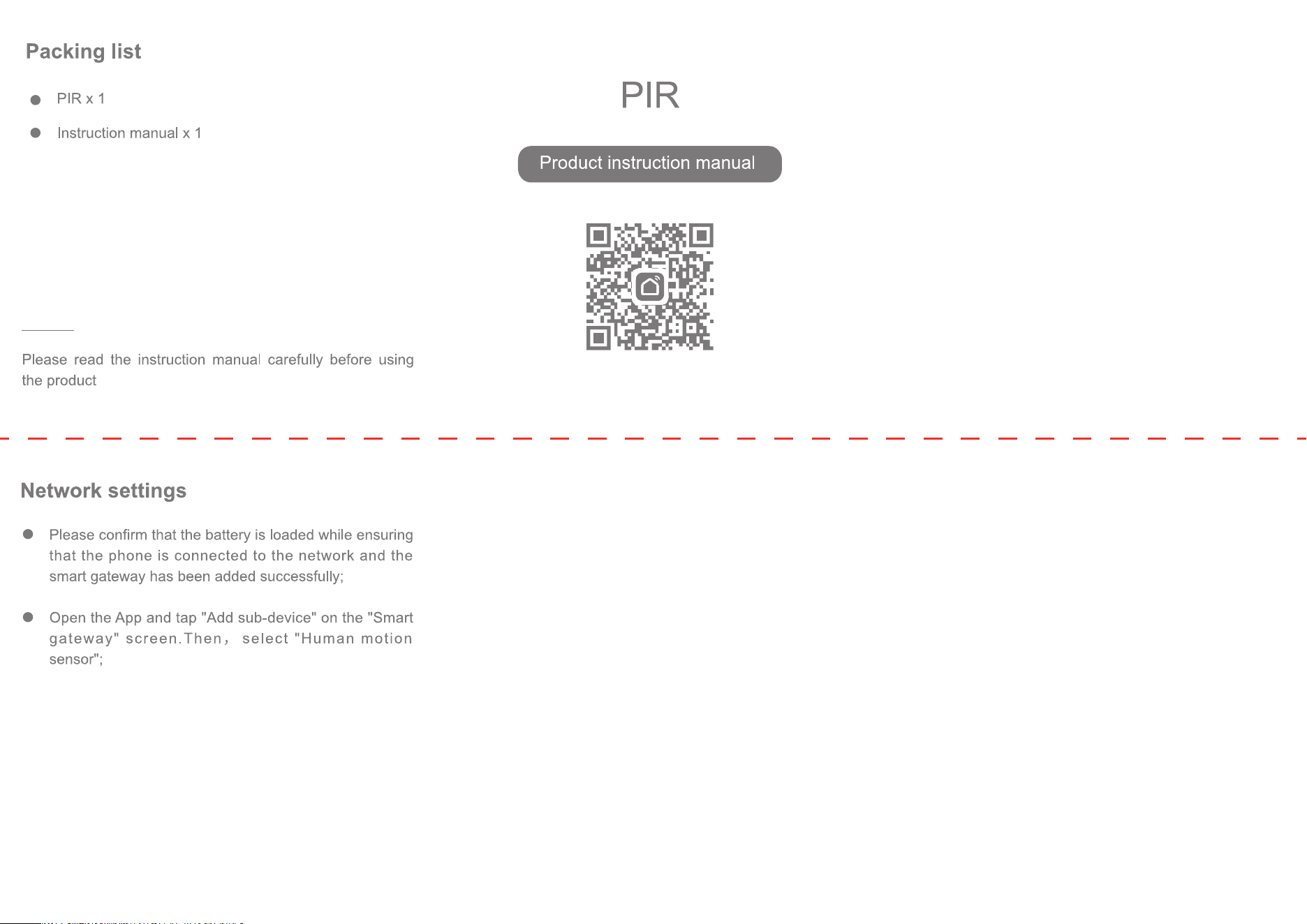
Download and open the App
In the App Store, search for "Smart Li" or scan the QR
code on the package/manual to download and install
the smart App.
If you are downloading this App for the first time,
please tap the "Register" button to register your
account; If you already have an account, click the
"Login" buon.

This device complies with part 15 of the FCC Rules. Operation is subject to the
following two conditions: (1) This device may not cause harmful interference, and (2)
this device must accept any interference received, including interference that may cause
undesired operation.
Any Changes or modifications not expressly approved by the party responsible for
compliance could void the user's authority to operate the equipment.
Note: This equipment has been tested and found to comply with the limits for a Class B
digital device, pursuant to part 15 of the FCC Rules. These limits are designed to
provide reasonable protection against harmful interference in a residential installation.
This equipment generates uses and can radiate radio frequency energy and, if not
installed and used in accordance with the instructions, may cause harmful interference
to radio communications. However, there is no guarantee that interference will not
occur in a particular installation. If this equipment does cause harmful interference to
radio or television reception, which can be determined by turning the equipment off and
on, the user is encouraged to try to correct the interference by one or more of the
following measures:
-Reorient or relocate the receiving antenna.
-Increase the separation between the equipment and receiver.
-Connect the equipment into an outlet on a circuit different from that to which the
receiver is connected.
-Consult the dealer or an experienced radio/TV technician for help.
-This equipment complies with FCC radiation exposure limits set forth for an
uncontrolled environment. This equipment should be installed and operated with
minimum distance 20cm between the radiator & your body.