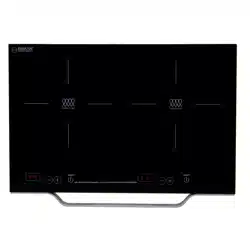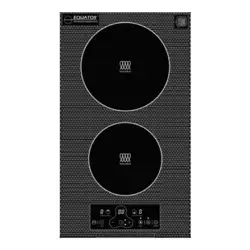
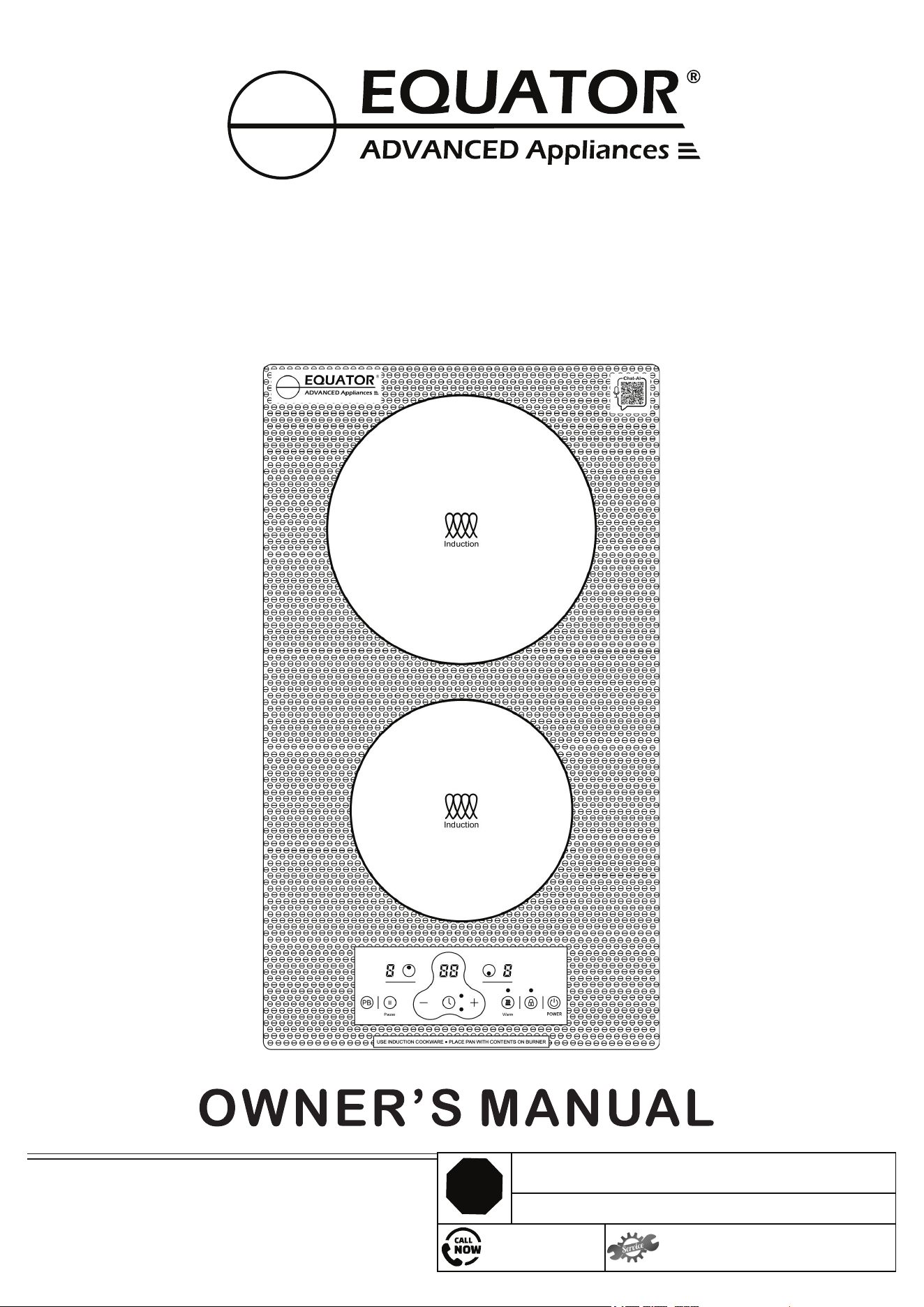
INDUCTION COOKTOP
Model: BIC 122 CC ED
Built-in / Freestanding
STOP
DO NOT RETURN TO STORE!
HAVE QUESTIONS OR NEED SERVICE?
1-800-776-3538
Read the instructions carefully and keep for
future reference. Information maybe updated
from time to time so please refer to the
website for the latest version of the manual.
Insufficient spacing around appliance
Website: EquatorAppliances.com
Open Smart Phone
Open Camera
Click the Link
2. Register online at ApplianceDesk.com/Warranty
1. Scan QR Code
3. QR Code is also used to obtain Product Information, Manuals and Updates

Congratulations on your new Induction Cooktop!
In addition to its contemporary design, this is a highly sophisticated engineered
product that will give you many years of satisfaction.
Here are some of the best reasons for buying your appliance for the ultimate
cooking experience:
9 Power Levels for precision cooking
Power Boost function for quick high heat
Keep Warm function
Pause function for interrupted cooking
Lock function for safety
Easy to clean glass surface
Specifications Table
Model
Number of Burners
Total Power / Levels
Front / Rear Burner
Net Weight
Type of Burners
BIC 122 CC
2
1800W / 9
1400W Booster 1800W
10 lbs
2 Induction
Product Dimensions HxWxD
2.2 x 12 x 20 inch
Electrical
120V / 60Hz
Safety
1
This appliance is not intended for use by persons (including children) with reduced
physical, sensory or mental capabilities, or lack of experience and knowledge,
unless they have been given supervision or instruction.
SAVE THESE INSTRUCTIONS
Installation
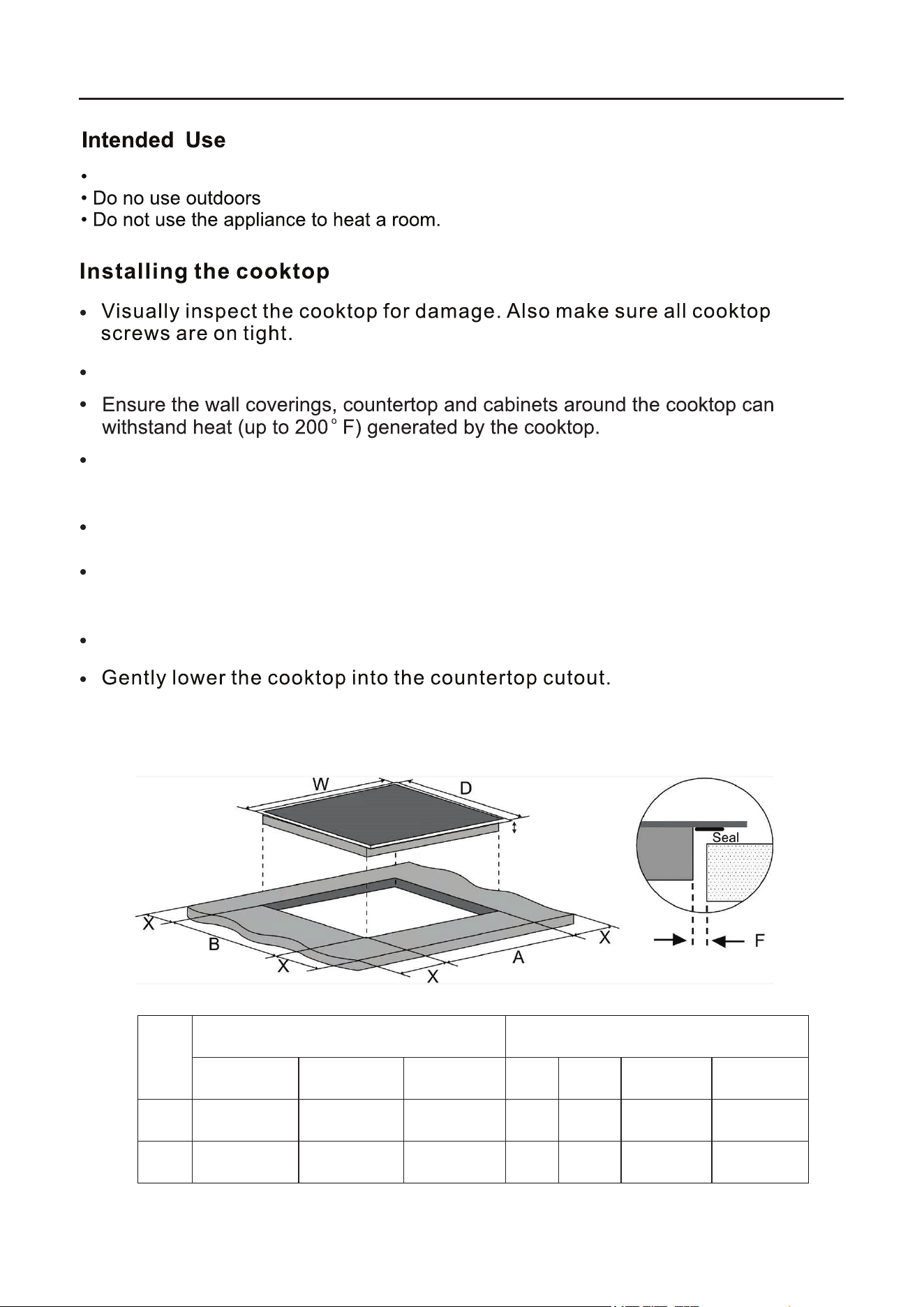
Before cutting out the countertop, check that the dimensions in the diagram
correspond to the dimensions of the product.
Ensure the work surface is heat-resistant and is at least 1.2 inch (3 cm) thick.
Ensure the safety distance between the sides of the cooktop and the inner
surfaces of the countertop is at least 0.12 inch (0.3 cm).
Keep a space of at least 0.2 inch (0.5 cm) around the cut-out.
Follow cutout dimensions of the countertop as indicated on the diagram.
2
H
Cooktop Dimensions
Cutout and Spacing
H (Height)
W (Width)
D (Depth)
A
B
X
F
inch
2.2
12
20
11.4
18.5
Min 0.2
Min 0.12
cm
5.6
30.5
50.8
29
47
Min 0.5
Min 0.3
This appliance is designed for freestanding and built-in household use only.
NOTE: If Sealing the cooktop to the countertop, the cooktop must be removable if
service is necessary.
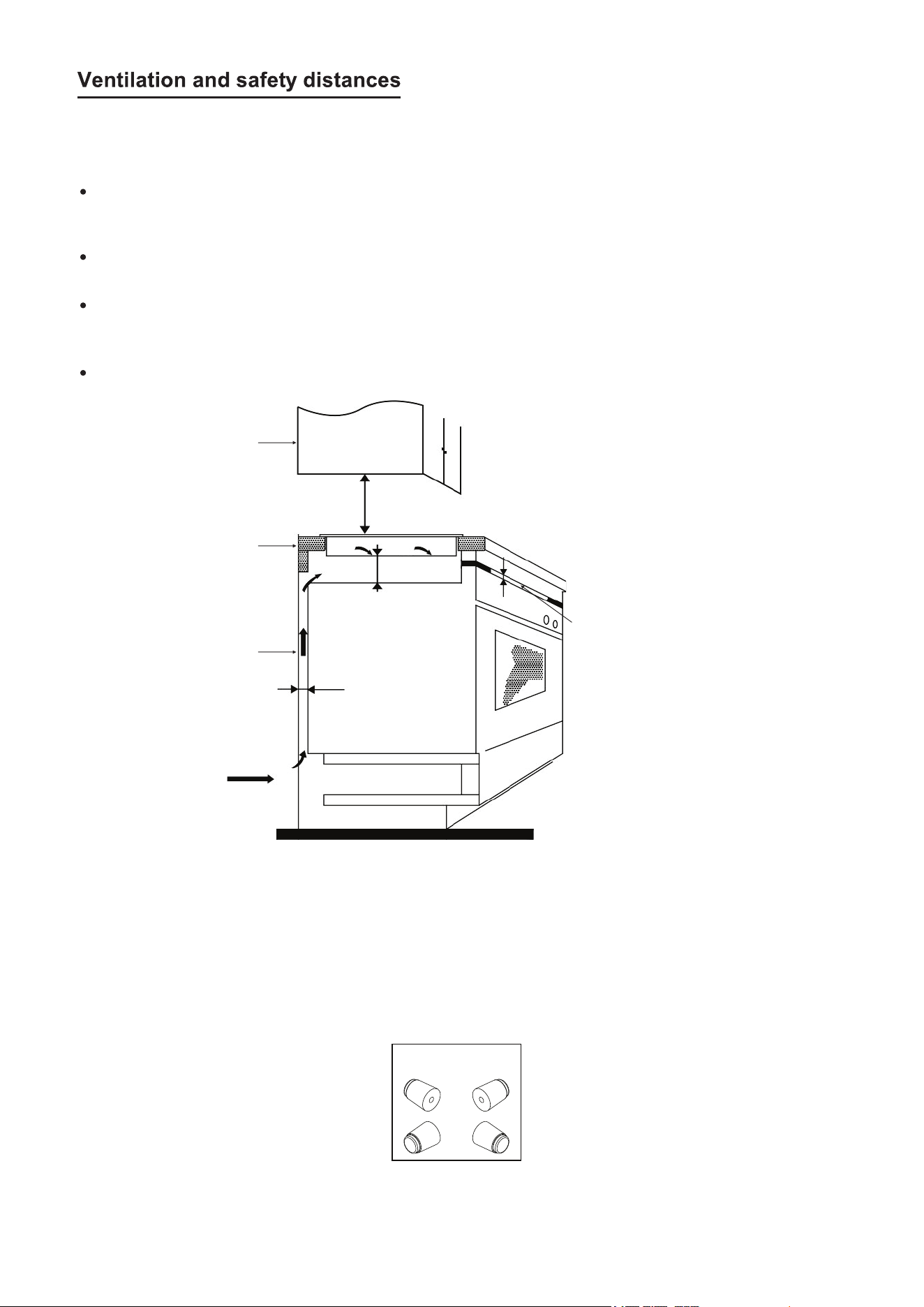
Ensure that the following conditions are met for adequate ventilation of the cooktop
and that the supply and exhaust air is not blocked:
The safety distance between the cooktop and the cabinet or the vent hood should
be at least 30 inches.
If the cooktop is installed above an oven, the oven must have its own fan.
The safety distance between the bottom of cooktop and the oven must be at least
2 inches.
The installation must comply with all space requirements and regulations.
30 inch
2 inch
1 inch
Exhaust air min 1/2 inch
Air gap / Intake
IMPORTANT: To avoid overheating, it is recommended that there is a space
of at least half an inch on all four sides between the cooktop and the cabinet
where it is installed.
3
Vent Hood
Oven
Cooktop
Feet
For freestanding cooktop, 4 feet have been provided. Screw the feet into the bottom
of the cooktop and then it can be placed on the countertop.
Electrical Connections
4
Compatible Cookware
Use only induction cookware or induction compatible cookware.
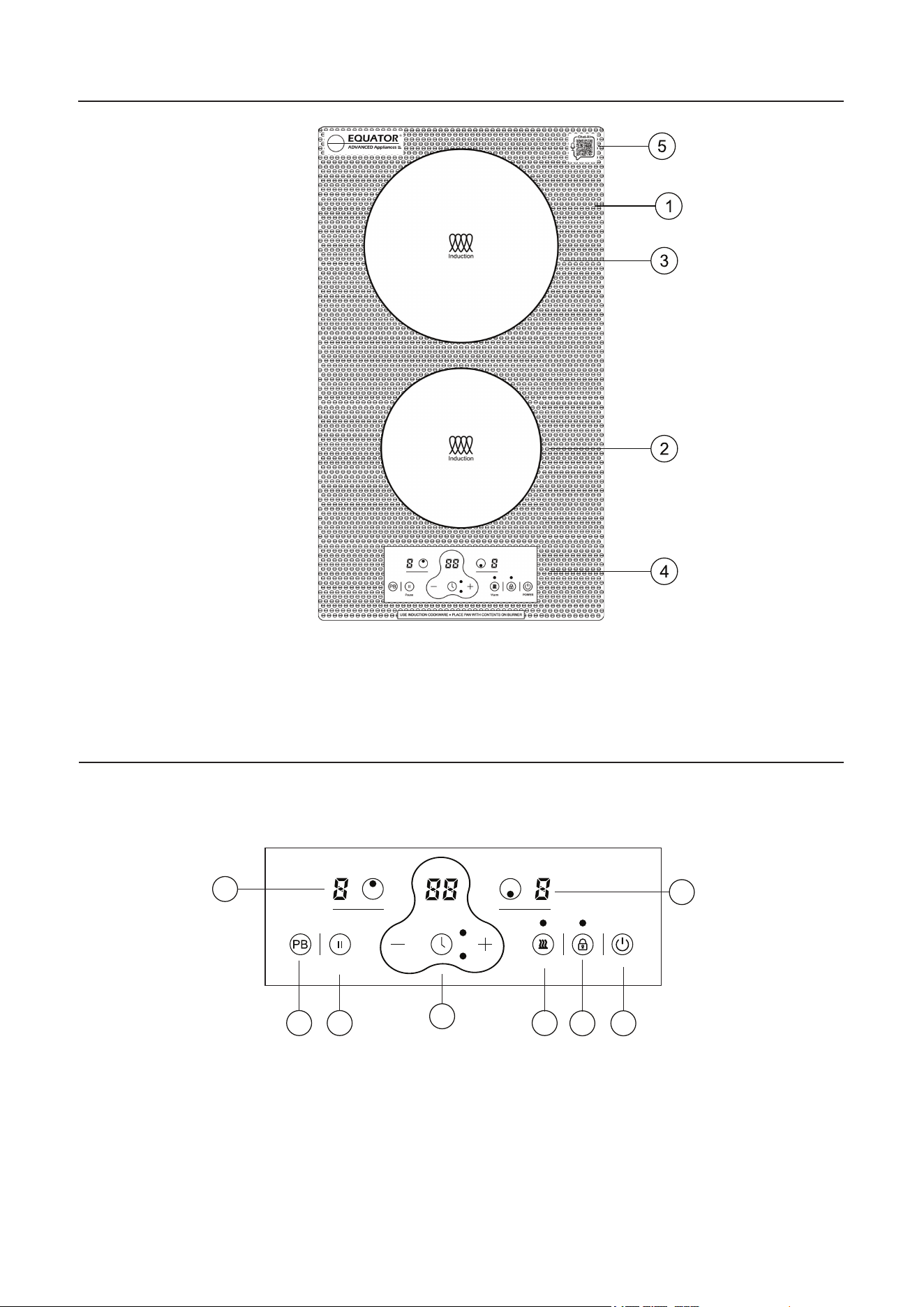
1. Glass Surface
2. Front Burner
3. Rear Burner
4. Control Panel
5. Chat AI Code
Cooktop Features
1. Power
2. Child Lock
3. Keep Warm
4. Power Boost
5. Timer
6. Front Burner On and Display
7. Rear Burner On and Display
7
1
4
5
8
3
2
POWER
WarmPause
5
8. Pause
6
Main Control Panel
6
Operating the Cooktop
Ensure the cooktop is plugged into an electrical outlet. Place suitable cookware onto
the cooktop.
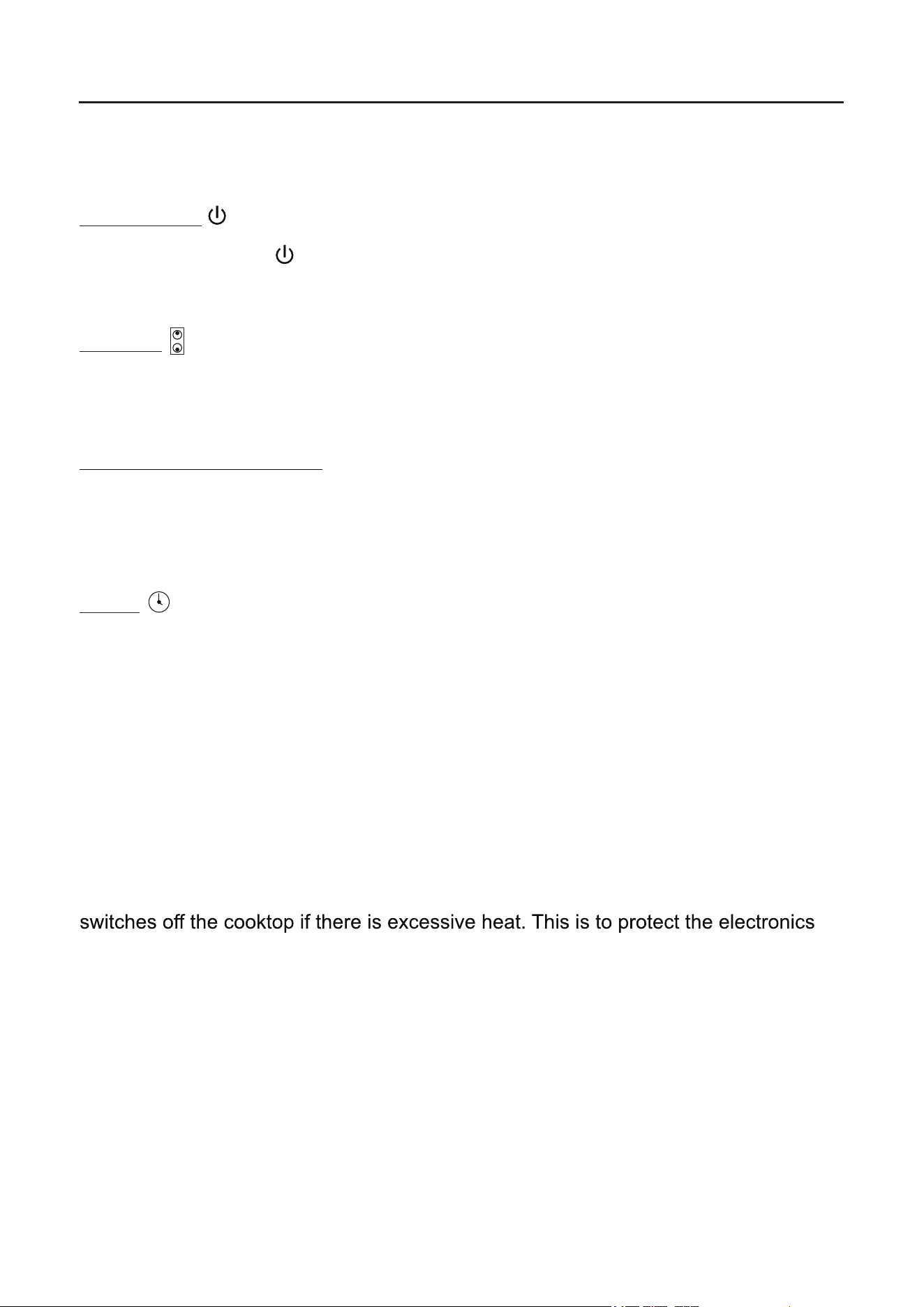
Main Power
Press the Power icon . This powers on the whole cooktop.
You will hear a beep and see flashing lines - on the display next to both the burners.
Burners
To select the burner to use and the power level, press the burner icon for the desired
burner. You can select the power or heat level by pressing the + or - icons.
Residual Heat Indicator
When the cooktop has been operating for some time, there will be some residual heat
which is indicated on the display as “H”. It will turn off once cooktop is cooled down.
It can take approximately 30 minutes to cool down completely.
Timer
Press the Timer icon to activate the timer for either of the two burners. Each time the
timer icon is pressed the indicator light for either the front or rear burner will illuminate.
Once the burner is selected, press the + or - icons on the control panel to set the
number of minutes to set the cooking time. The time will show on the digital display
and the numbers will count down on it as the time progresses. If both burners are
selected, the time on the display will be that of the least number of minutes.
To cancel the timer, press the timer icon to select the burner to cancel. Then press the
number “0” two times on the control panel. Or press the timer icon for 3 seconds and
all times for all the burners will be cancelled.
Note: Each burner on the cooktop is equipped with a safety temperature sensor which
from overheating. Wait for the cooktop to cool down before using it again. If any cracks
appear on the surface of the cooktop, immediately disconnect it from the power.
If a cooktop is left on accidentally, it will automatically be switched off after a period of
time has elapsed.
7
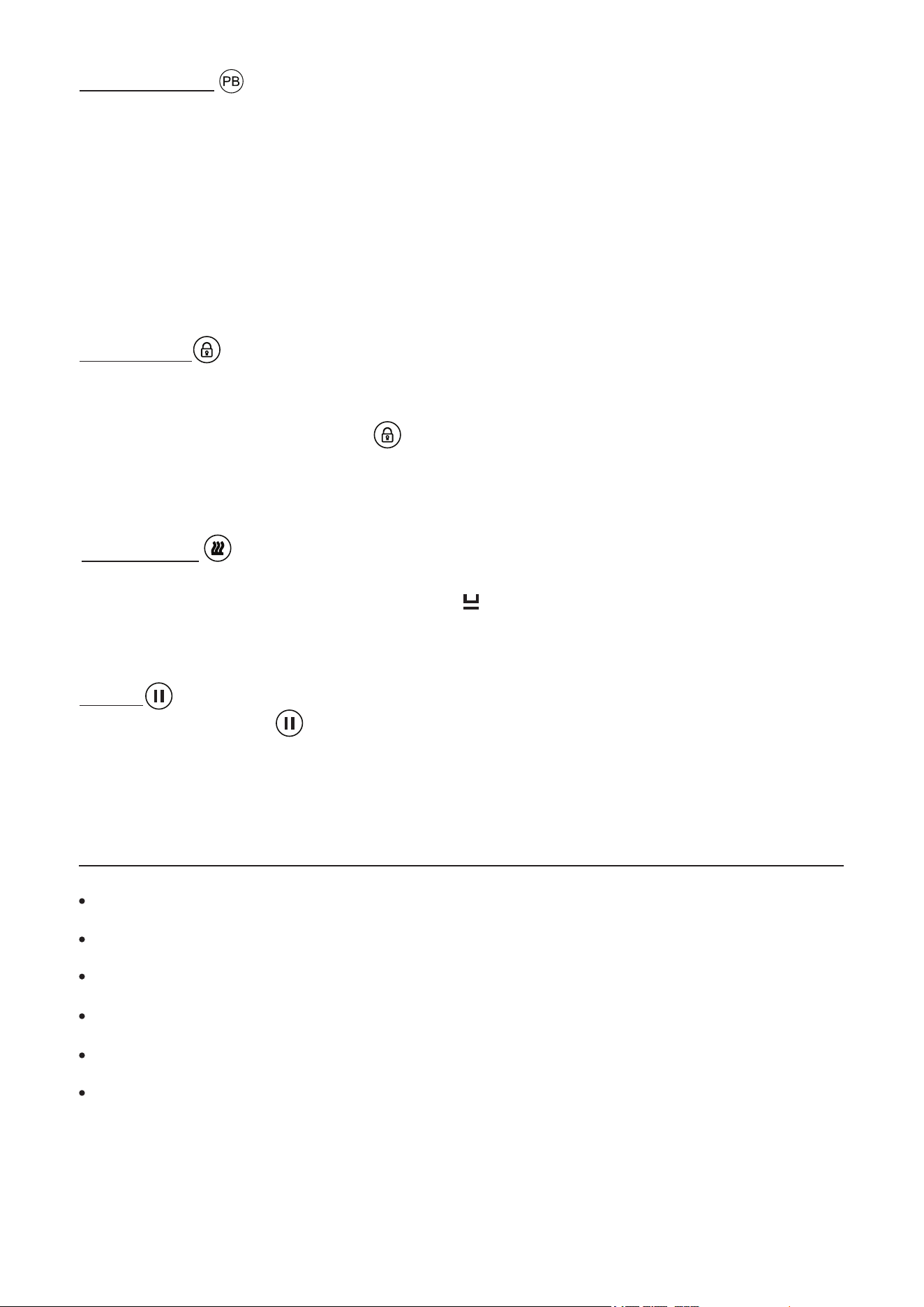
Child Lock
To ensure the safety of children, the cooktop controls can be locked so children
cannot change the settings.
To lock: hold the Child Lock icon for 3 seconds until “L0” displays and the rest
of the icons are disabled except the On/Off Power icon. To unlock: hold down the
Child Lock icon for 3 seconds and the cooktop will return to normal.
Pause
Press the Pause icon to stop heat to the burner. Then press the icon again to
resume cooking. The Pause feature remains active for 2 hours and then the burner
automatically turns off.
Keep Warm
Press the Keep Warm icon to allow the burner to be on at a low temperature and to
keep the food warm. The display will show .
Press the icon again to cancel the Keep Warm feature.
Power Boost
To heat a burner to a high temperature quickly, use the Power Boost feature.
Press the PB icon and the display panel will show “P” while the Power Boost is on.
The Power Boost is 1800 W and it will remain on for 5 minutes. Then the heat level
will reduce to 9 (1400 W). Power Boost can be cancelled by pressing the burner
icon and then the + or – icons to adjust the heat level.
Note: Only one burner can use the Power Boost feature at a time. Both burners
cannot use Power Boost at the same time.
Maintenance
Wait for the cooktop to cool down completely before cleaning it.
Do not use chemicals and abrasive materials to clean the cooktop.
Never wash the cooktop with water.
Use mild detergent and a damp cloth to wipe down the cooktop.
Periodically, use a vacuum cleaner to remove dust from intake and exhaust vents.
If plastics or sugars melt onto the cooktop, gently and carefully scrape the debris off
while the burner is still hot.
8
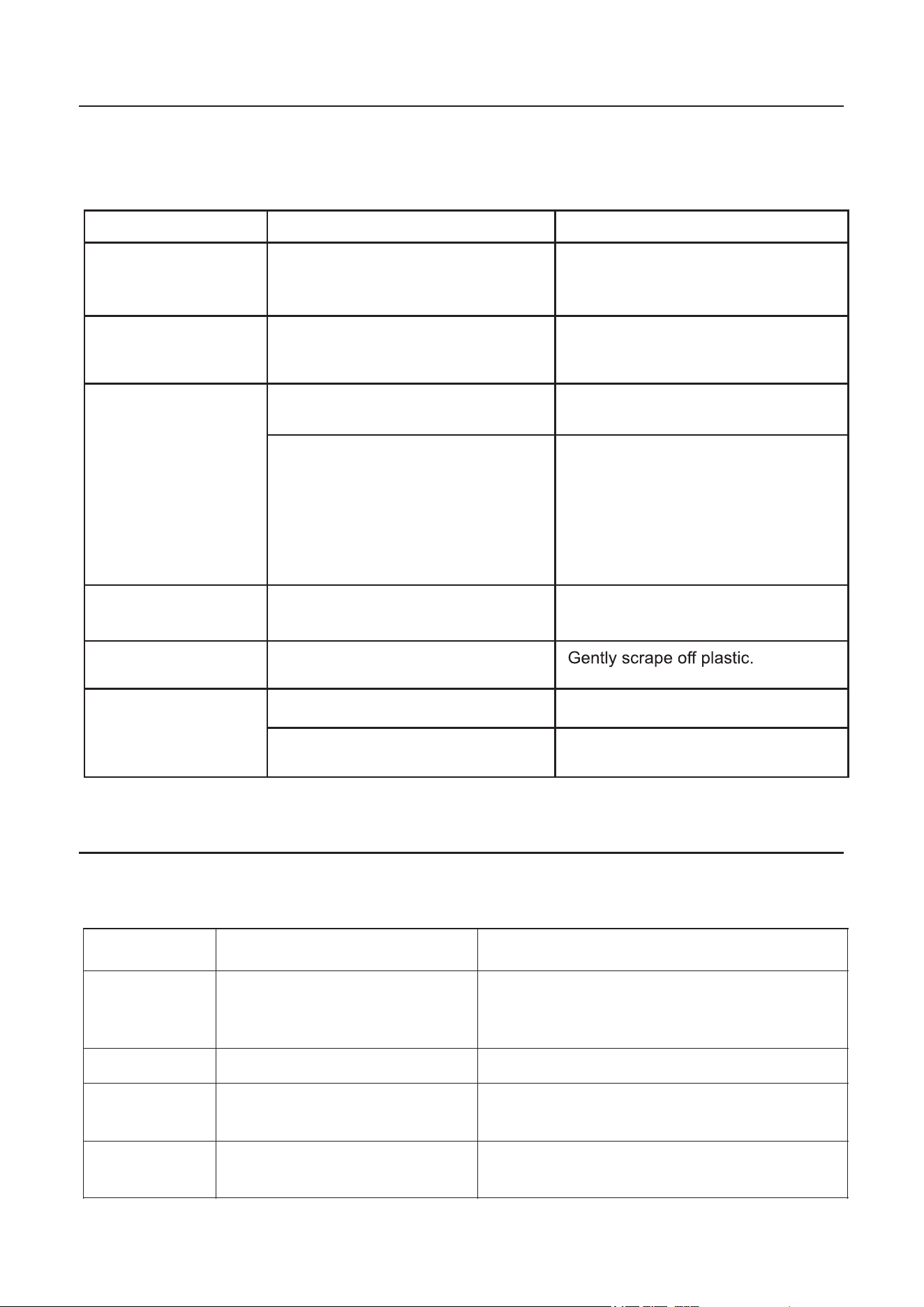
Troubleshooting
Solution
Possible Cause
In most cases, when your Cooktop fails to work, the problems arising can be easily
solved without having to call for a technician. Before calling for assistance, always
check these points. Repairs should only be done by an authorized service agent.
Problem
Control panel not
operating
Burner does not
maintain a rolling boil
or cooking is slow
Burners do not
work properly
Scratches on cooktop
glass surface
Areas of discoloration
on the cooktop
Plastic melted to
the surface
Improper cookware being used.
Use pans that are flat and match
the diameter of the burner.
Cooktop controls improperly set. Check to be sure the correct
control is set for the burner
you are using.
Incorrect cleaning materials
being used.
Cookware with rough bottoms being
used or coarse particles (salt or
spices) are on the surface of the
cooktop. Cookware has been
dragged across the cooktop surface.
Use mild cleaning solution and
soft damp cloth.
To avoid scratches, use the
recommended cleaning procedures.
Make sure bottoms of cookware are
clean before use, and use
cookware with smooth bottoms.
Don't drag cookware over
the cooktop.
Food spillovers not cleaned before
next use.
Cleaning the cooktop after
each use.
Plastic placed on the hot cooktop.
Control panel is dirty. Clean the control panel.
A fuse may be blown or the circuit
breaker tripped.
Replace the fuse or reset the
circuit breaker.
Error Codes
Error Codes Possible Cause Solution
E0 No pan or incorrect pan on
burner.
Place correct pan on burner and ensure
that if it is an induction burner there is
liquid or some substance in the pan.
E2 NTC short or not connected. Call for Customer Service.
E3
145-165V.
High voltage: Higher than
Ensure voltage is below this range.
E4 Low voltage: Lower than
85-95V.
Ensure voltage is above this range.
Information codes may be displayed to help you understand better what is wrong
with the appliance.
Equator Advanced Appliances USA,
founded in 1991, offers Efcient, High-Quality,
and Innovative household appliances.
Our Vision is to enhance our Customer’s
Quality of Life!
Our Mission is to simplify domestic chores
and save Time, Space, and Energy.