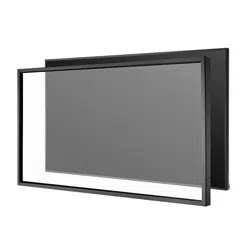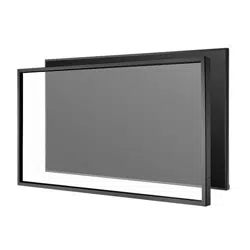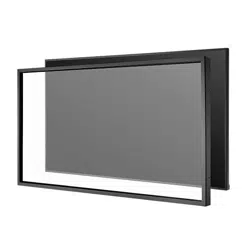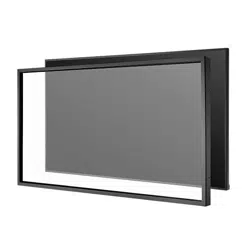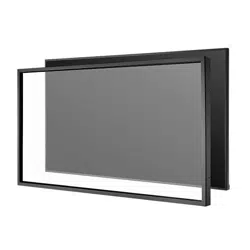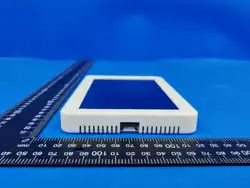
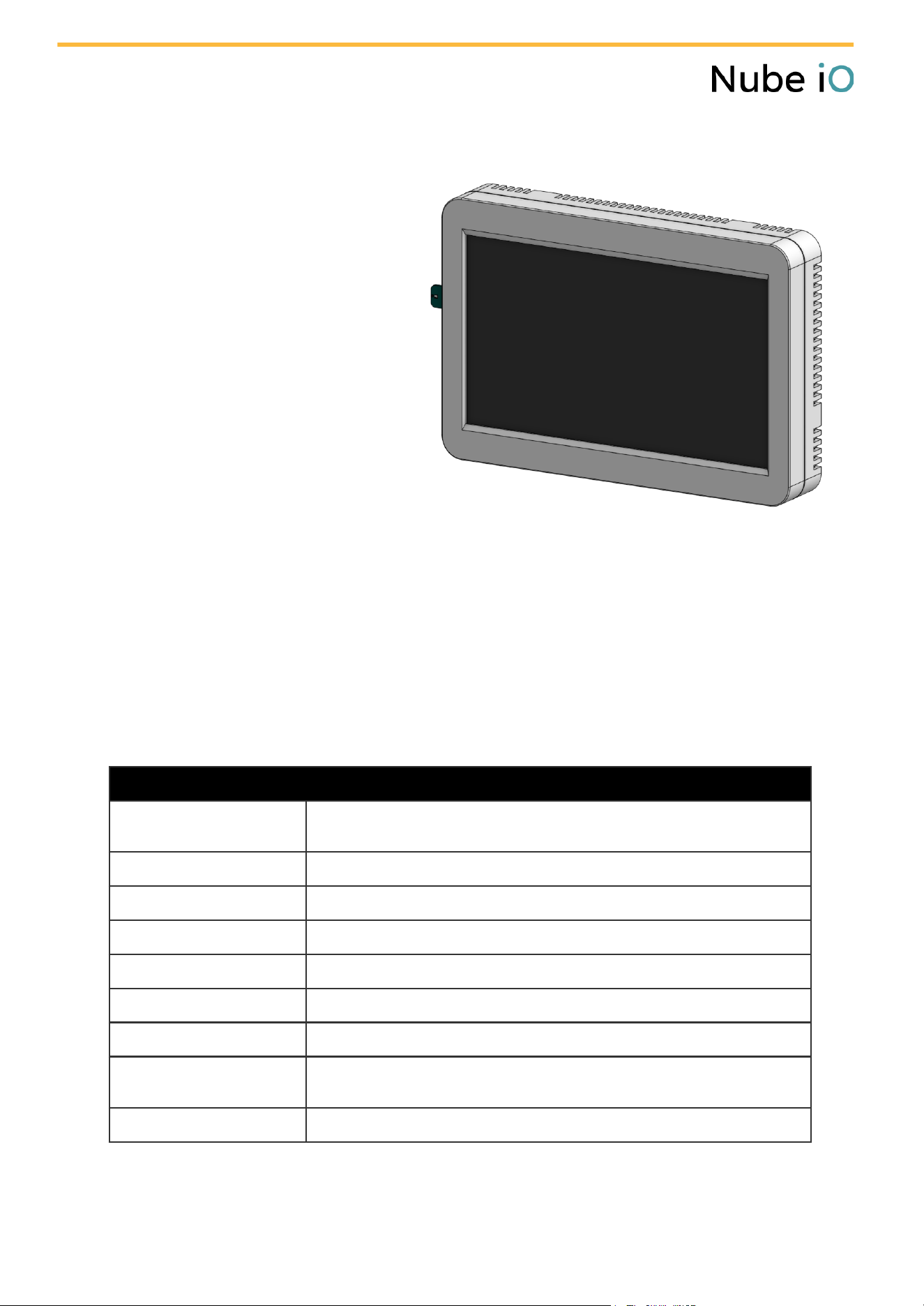
Touch Point LCD
Offers precise real-time control and monitoring across multiple temperature zones.
Connects easily to centralized BMS platforms via RS485 with support for Modbus RTU and custom
integrations.
Features an intuitive user interface for quick adjustments to setpoints, fan modes, and schedules.
Leverages integrated temperature and humidity sensors to enable intelligent environmental
feedback and energy-efficient automation.
Technical Data
General
Model Number
TP-01-N1-******
****** Reserved for product finishes (i.e colour or stickers)
Dimensions
180.97mm x 112.55mm x 17.5mm or 7.13 in × 4.43 in × 0.69 in
Power Supply
24V DC/AC power supply
MCU Interface
ESP32-S3
Mounting
Wall mounted application
Operating Temperature
-10 to 60 degrees celsius
Operating Humidity
Maximum: 90% RH
Material type
LCD Housing: White ABS Plastic
LCD Panel: Glass, Liquid Crystal, Polarizer, LED
Compliance & Certification
RCM, CE and FCC Certified
Zone Controller Touch Screen - Datasheet - Nube iO | 1
This wall-mounted touchscreen is designed
for use in IoT-enabled HVAC and Building
Management Systems (BMS). It provides a
local control interface and environmental
sensing node for managing split ducted air
conditioning units that are UART compatible,
within residential or light commercial
settings.
Optimised for smart home and HVAC retrofit
environments, enabling smooth interaction
between users and connected systems.
Screen Specifications
Screen Size
7 inches
Screen Resolution
1024x600
Screen Type
Capacitive touch IPS
Brightness (nits)
Maximum brightness 1200 nits
Connectivity
Wi-Fi
Wi-Fi 802.11 b/g/n connectivity
RS485
1x RS485 ports available for Modbus RTU.
Speeds: 9.6K, 19.2k, 38.4K, 57.6K, 115.2K bit/s
Data Bits: 8 bits
Parity: None, Even, Odd
Serial Ports
1x USB-C Port
Peripheral Sensors
Temperature
Operating Range: –40°C to 85°C
Accuracy: ±0.2°C
Humidity
Operating Range: 0% to 100%
Accuracy: ±2% RH
Zone Controller Touch Screen - Datasheet - Nube iO | 2
About Nube iO
At Nube iO, we make buildings smarter. From enterprise and industrial portfolios to light
commercial and smart homes, our scalable, data-driven technology bridges BMS and IoT to
connect devices, systems, and spaces - giving users simpler control, clearer visibility, and more
sustainable operations.
Built to scale from single sites to entire portfolios, our ecosystem — including traditional
controls, wireless sensors, protocol-ready gateways and licence-free programming software —
delivers seamless integration and real-time optimisation. Backed by global expertise and a
focus on innovation, we make building automation smarter, simpler, and future-ready.
Smarter Buildings. Forward Thinking.
Unlock smarter, more sustainable building operations — book a demo at nube-io.com
Document Code
TP-LCD-2512
Person Responsible
BTJ
Date Last Updated
05/12/2025
Status
Revision V1.0
Location
Certification Gen 2/Documents_for_Certification
Zone Controller Touch Screen - Datasheet - Nube iO | 3

FCC Caution.
This device complies with part 15 of the FCC Rules. Operation is subject to the following two
conditions:
(1) This device may not cause harmful interference, and
(2) this device must accept any interference received, including interference that may cause
undesired operation.
Any Changes or modifications not expressly approved by the party responsible for compliance
could void the user's authority to operate the equipment.
Note: This equipment has been tested and found to comply with the limits for a Class B digital
device, pursuant to part 15 of the FCC Rules. These limits are designed to provide reasonable
protection against harmful interference in a residential installation. This equipment generates
uses and can radiate radio frequency energy and, if not installed and used in accordance with the
instructions, may cause harmful interference to radio communications. However, there is no
guarantee that interference will not occur in a particular installation. If this equipment does
cause harmful interference to radio or television reception, which can be determined by turning
the equipment off and on, the user is encouraged to try to correct the interference by one or
more of the following measures:
-Reorient or relocate the receiving antenna.
-Increase the separation between the equipment and receiver.
-Connect the equipment into an outlet on a circuit different from that to which the receiver is
connected.
-Consult the dealer or an experienced radio/TV technician for help.
FCC Radiation Exposure Statement:
This equipment complies with FCC radiation exposure limits set forth for an uncontrolled
environment. This equipment should be installed and operated with minimum distance 20 cm
between the radiator & your body.