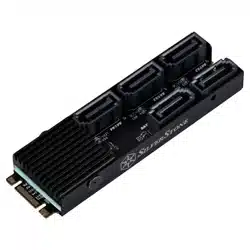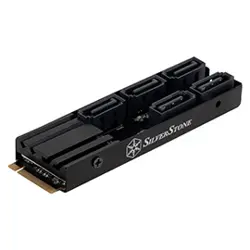
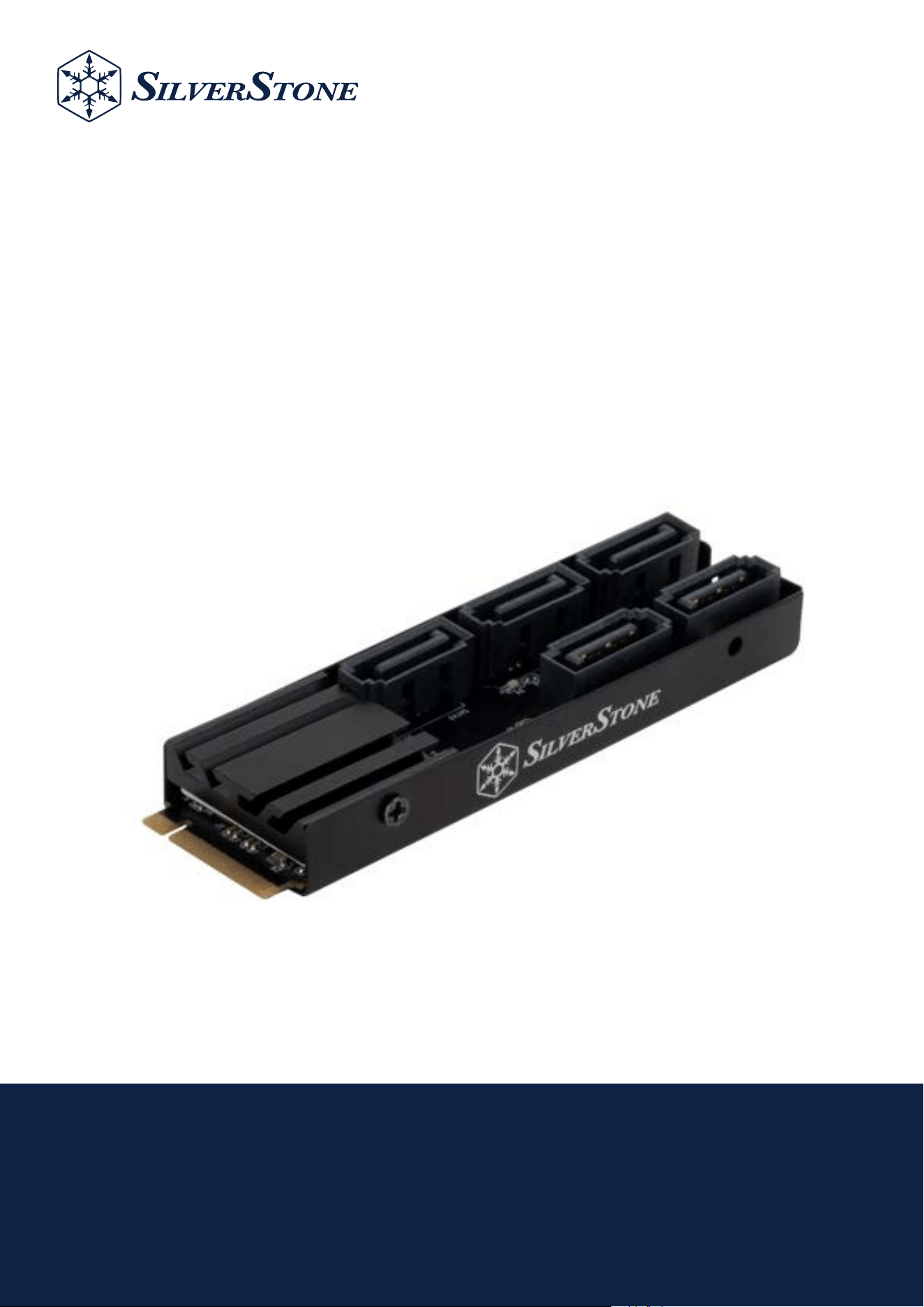
M.2 PCIe to 5 ports SATA non-RAID adapter card
ECS07
www.silverstonetek.com

Installation Guide / Installationsanleitung / Guide d'installation
Guía de instalación / Guida all'installazione / Руководство по установке
インストールガイド / 설치 가이드 / คู่มือการติดตั้ง / 安裝說明 / 安装说明
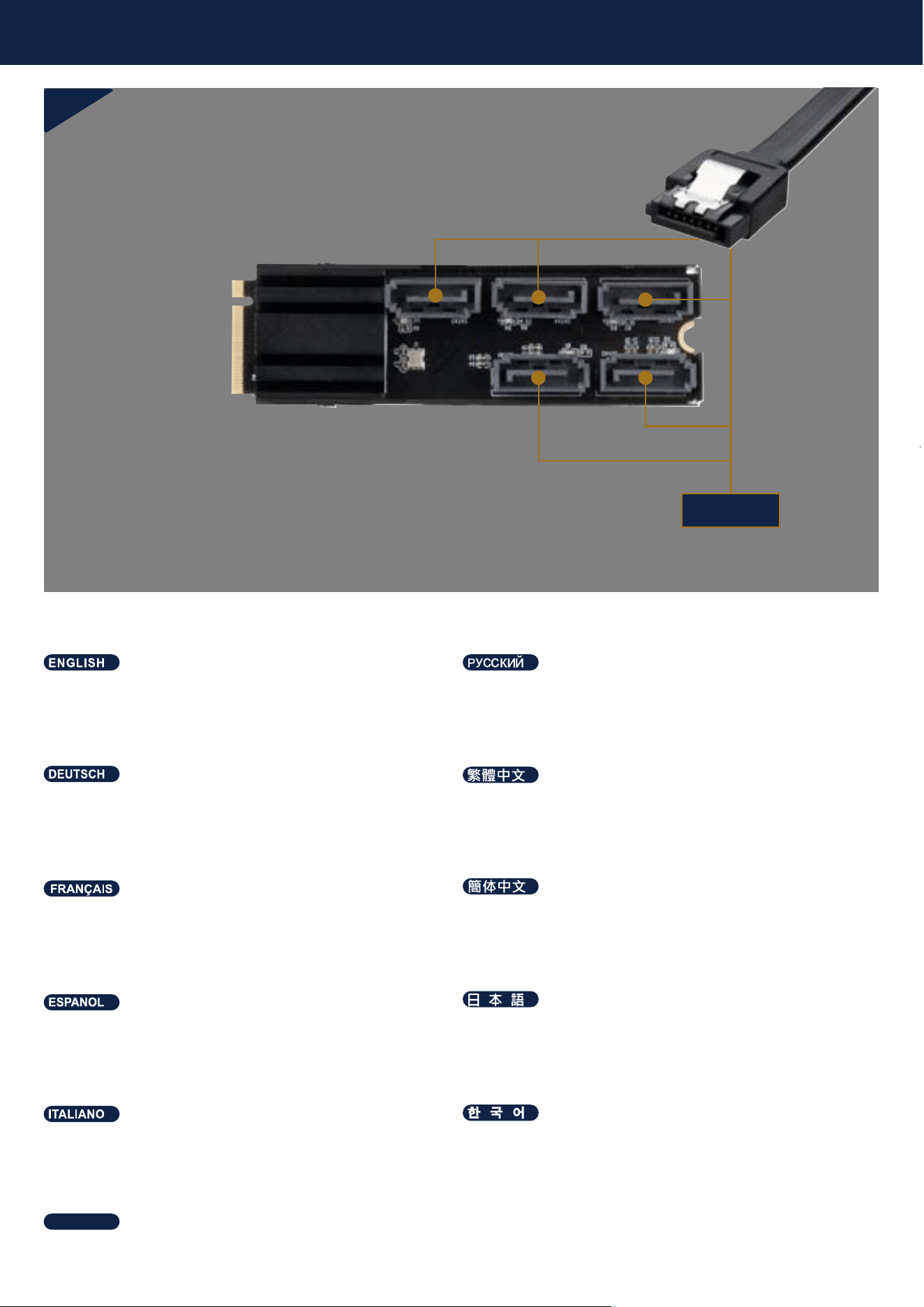
SATA
Installation Guide
1
Connect SATA cable to ECS07
Подключите кабель SATA к ECS07
SATA-Kabel an ECS07 anschließen
連接SATA線至ECS07
Conecte el cable SATA al ECS07
SATAケーブルをECS07に接続します。
Connectez le câble SATA à l’ECS07
连接SATA线至ECS07
Collegare il cavo SATA a ECS07
ECS07에 SATA 케이블 연결하기
เชื่อมต่อสาย SATA เข้ากับบอร์ด ECS07
ไทย
Installation Guide
2
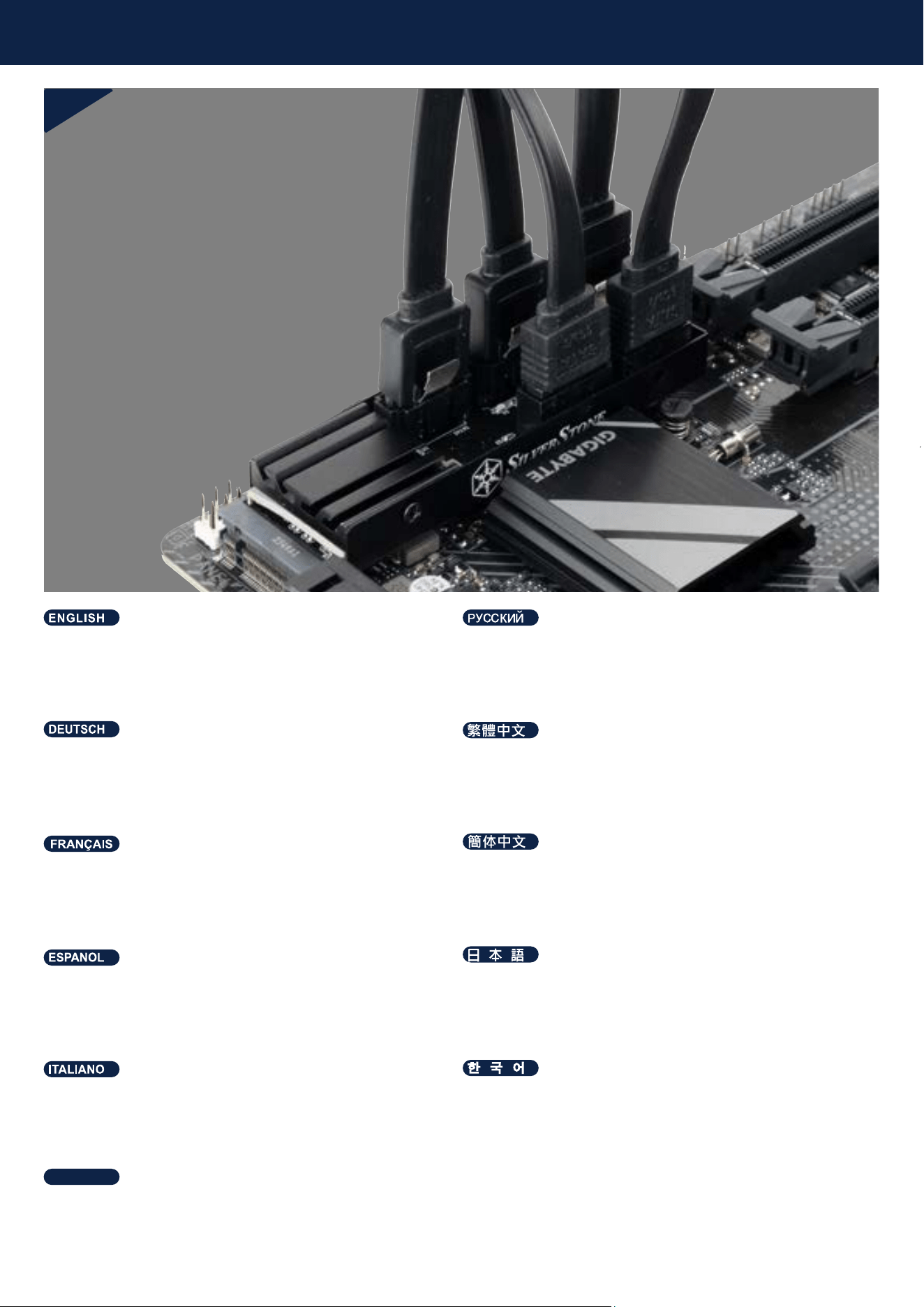
Install ECS07 on to the motherboard’s PCIe M.2 slot
Remark
* If the M.2 slot of the motherboard is next to the PCIe slot,
the base or the heatsink could be removed as needed if an
interference occurs.
Установите ECS07 в слот M.2 PCIe на материнской плате
Remark
* Если слот M.2 материнской платы находится рядом со
слотом PCIe, основание или радиатор можно снять при
необходимости, если возникнут помехи.
ECS07 im M.2-PCIe-Steckplatz des Motherboards installieren
Remark
* Wenn sich der M.2-Steckplatz des Motherboards neben dem
PCIe-Steckplatz befindet, können Basis oder Kühlkörper bei
Platzproblemen wie erforderlich entfernt werden.
安裝ECS07至主機板的M.2 PCIe 插槽
Remark
*主機板的M.2插槽若緊鄰PCIe插槽,ECS07的底座或散熱片有可能會產生
干涉,可視情況移除散熱片或底座
Instalar el ECS07 en la ranura M.2 PCIe de la placa base
Recordatorio
*Si el zócalo M.2 de la placa base está junto al zócalo PCIe, la base
del disipador se puede quitar si es necesario porque se produzcan
interferencias.
ECS07をマザーボードのM.2 PCIeスロットに取り付ける
Remark
* マザーボードのM.2スロットがPCIeスロットに隣接する場合、干渉が生じ
るのであれば、必要に応じてベースまたはヒートシンクを取り外すことも
できます。
Installer l’ECS07 dans le slot M.2 PCIe de la carte mère
Remark
* Si l'emplacement M.2 de la carte mère se trouve à côté de
l'emplacement PCIe, la base ou le dissipateur thermique peut être
retiré si besoin en cas d'interférence.
安装ECS07至主机板的M.2 PCIe 插槽
Remark
*主板的M.2插槽若紧邻PCIe插槽,ECS07的底座或散热片有可能会产生干涉,
可视情况移除散热片或底座
Installare ECS07 nello slot M.2 PCIe della scheda madre
Remark
*Se lo slot M.2 della scheda madre si trova accanto allo slot PCIe, la
base o il dissipatore di calore potrebbero essere rimossi,
ove necessario, se si verifica un'interferenza.
ECS07을 메인보드의 M.2 PCIe 슬롯에 설치
Remark
* 마더보드의 M.2 슬롯이 PCIe 슬롯 옆에 있는 경우, 방해가
된다면 필요에 따라 베이스 또는 히트 싱크를 제거할 수 있습니다.
ติดตั้ง ECS07 ลงในสล็อต M.2 PCIe บนเมนบอร์ด
Remark
* หากช่อง M.2 ของเมนบอร์ดอยู่ถัดจากช่อง PCIe
ส่วนฐานหรือฮีตซิงก์จะสามารถถอดออกได้ตามต้องการหากมีข้อขัดข้องเกิดขึ้น
ไทย
Installation Guide
3
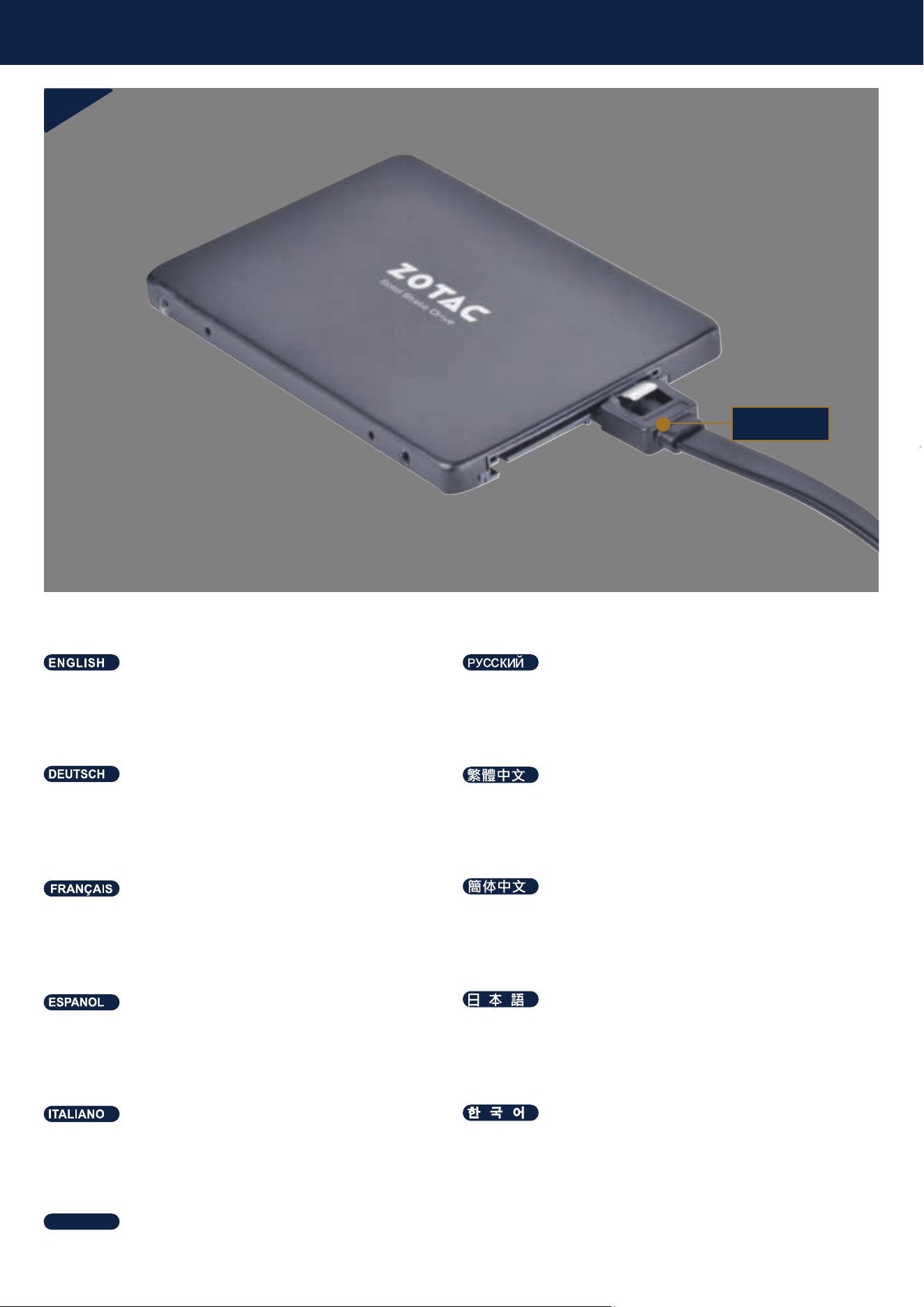
Connect the SATA cable to either the base of ECS07 or
the hard drive.
Подключите кабель SATA либо к базе ECS07, либо к жёсткому
диску.
SATA-Kabel an Basis von ECS07 oder Festplatte anschließen.
連接SATA線至硬碟背板或硬碟
Conecte el cable SATA a la base del ECS07 o al disco duro.
SATAケーブルをECS07のベースまたはハードドライブに接続します。
Raccordez le câble SATA soit à la base de l'ECS07, soit au disque dur.
连接SATA线至硬碟背板或硬碟
Collegare il cavo SATA alla base di ECS07 o al disco rigido.
SATA 케이블을 ECS07 베이스 또는 하드 드라이브에 연결합니다.
เชื่อมต่อสาย SATA เข้ากับฐานของบอร์ด ECS07 หรือฮาร์ดไดรฟ์
ไทย
SATA
Warranty Information
This product has a limited 1 year warranty in North America and Australia.
For information on warranty periods in other regions, please contact your reseller or SilverStone authorized distributor.
本产品自购买之日起,于中国地区(不包含澳门,香港特别行政区)享有一年有限责任保固(部分产品为二年,三年或五年)。
详细保固年限请参照官方网站 https://silverstonetek.com.cn/ 公布之产品型号为依据。
1. Product component defects or damages resulted from defective production is covered under warranty.
Defects or damages with the following conditions will be fixed or replaced under SilverStone Technology’s jurisdiction.
a) Usage in accordance with instructions provided in this manual, with no misuse, overuse, or other inappropriate actions.
b) Damage not caused by natural disaster (thunder, fire, earthquake, flood, salt, wind, insect, animals, etc…)
c) Product is not disassembled, modified, or fixed. Components not disassembled or replaced.
d) Warranty mark/stickers are not removed or broken.
Loss or damages resulted from conditions other than ones listed above are not covered under warranty.
2. Under warranty, SilverStone Technology’s maximum liability is limited to the current market value for the product (depreciated value, excluding
shipping, handling, and other fees). SilverStone Technology is not responsible for other damages or loss associated with the use of product.
3. Under warranty, SilverStone Technology is obligated to repair or replace its defective products. Under no circumstances will SilverStone
Technology be liable for damages in connection with the sale, purchase, or use including but not limited to loss of data, loss of business, loss of
profits, loss of use of the product or incidental or consequential damage whether or not foreseeable and whether or not based on breach of warranty,
contract or negligence, even if SilverStone Technology has been advised of the possibility of such damages.
4. Warranty covers only the original purchaser through authorized SilverStone distributors and resellers and is not transferable to a second hand
purchaser.
5. You must provide sales receipt or invoice with clear indication of purchase date to determine warranty eligibility.
6. If a problem develops during the warranty period, please contact your retailer/reseller/SilverStone authorized distributors or SilverStone
http://www.silverstonetek.com.
Please note that: (i) You must provide proof of original purchase of the product by a dated itemized receipt; (ii) You shall bear the cost of shipping
(or otherwise transporting) the product to SilverStone authorized distributors. SilverStone authorized distributors will bear the cost of shipping
(or otherwise transporting) the product back to you after completing the warranty service; (iii) Before you send the product, you must be issued a
Return Merchandise Authorization (“RMA”) number from SilverStone. Updated warranty information will be posted on SilverStone’s official website.
Please visit http://www.silverstonetek.com for the latest updates.
Warranty terms & conditions
Additional info & contacts
For North America ([email protected])
SilverStone Technology in North America may repair or replace defective product with refurbished product that is not new but has been functionally tested.
Replacement product will be warranted for remainder of the warranty period or thirty days, whichever is longer. All products should be sent
back to the place of purchase if it is within 30 days of purchase, after 30 days, customers need to initiate RMA procedure with SilverStone Technology
in USA by first downloading the “USA RMA form for end-users” form from the below link and follow its instructions.
http://silverstonetek.com/contactus.php
For Australia only ([email protected])
Our goods come with guarantees that cannot be excluded under the Australian Consumer Law.
You are entitled to a replacement or refund for a major failure and for compensation for any other reasonably
foreseeable loss or damage.
You are also entitled to have the goods repaired or replaced if the goods fail to be of acceptable quality and the failure
does not amount to a major failure. Please refer to above “Warranty terms & conditions” for further warranty details.
SilverStone Technology Co., Ltd. 12F No. 168 Jiankang Rd., Zhonghe Dist., New Taipei City 235 Taiwan R.O.C.
+ 886-2-8228-1238
(standard international call charges apply)
For Europe ([email protected])
For China ([email protected])
For all other regions ([email protected])
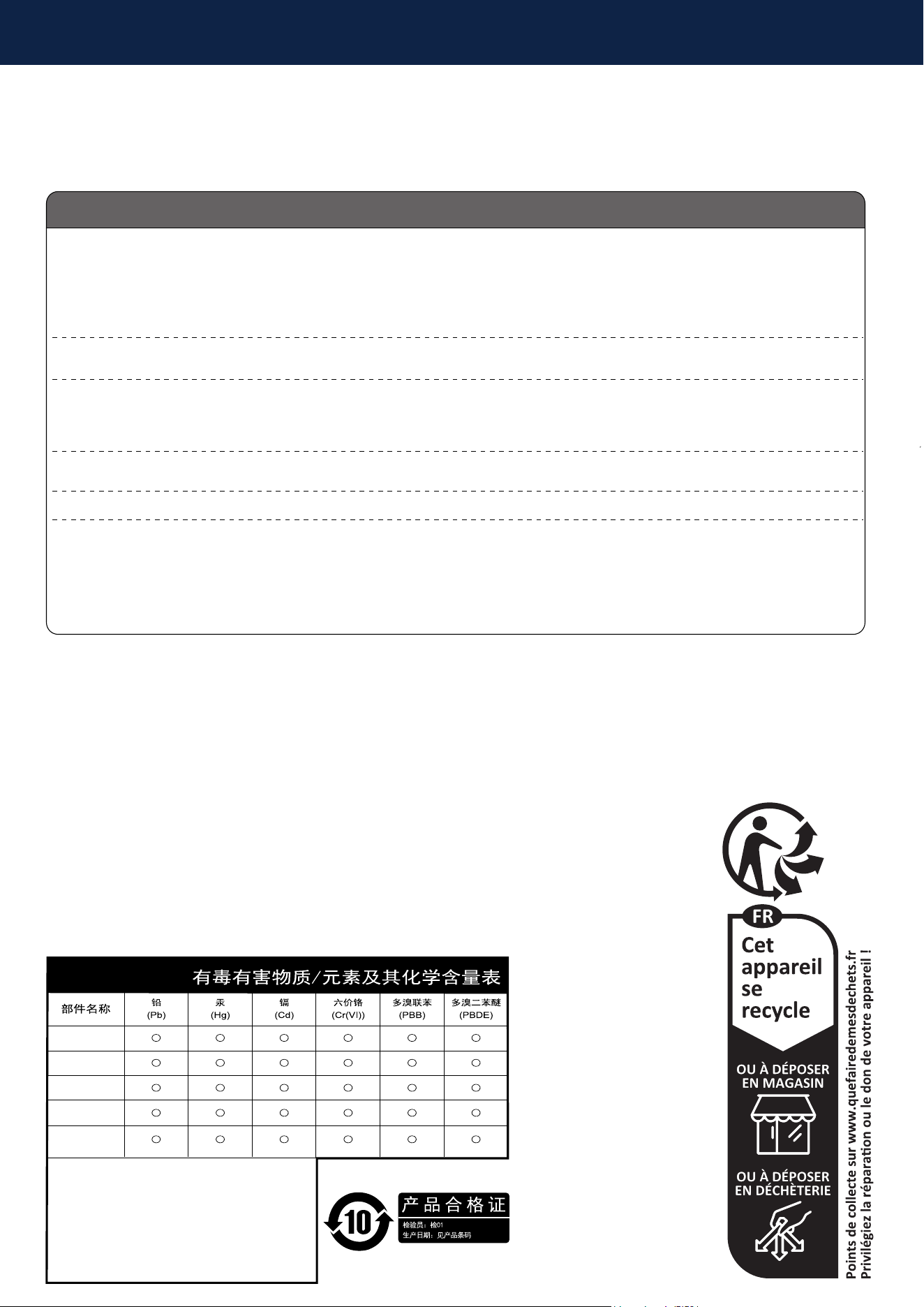
鋁散熱片
PCBA
包材
螺丝
導熱貼片
○:表示该有毒有害物质在该部件所有均质材料中
的含量均在GB/T 26572 规定的限量要求以下。
本表格依据SJ/T 11364的规定编制
×:表示该有毒有害物质至少在该部件的某一均质材
料中的含量超出GB/T 26572 规定的限量要求。